

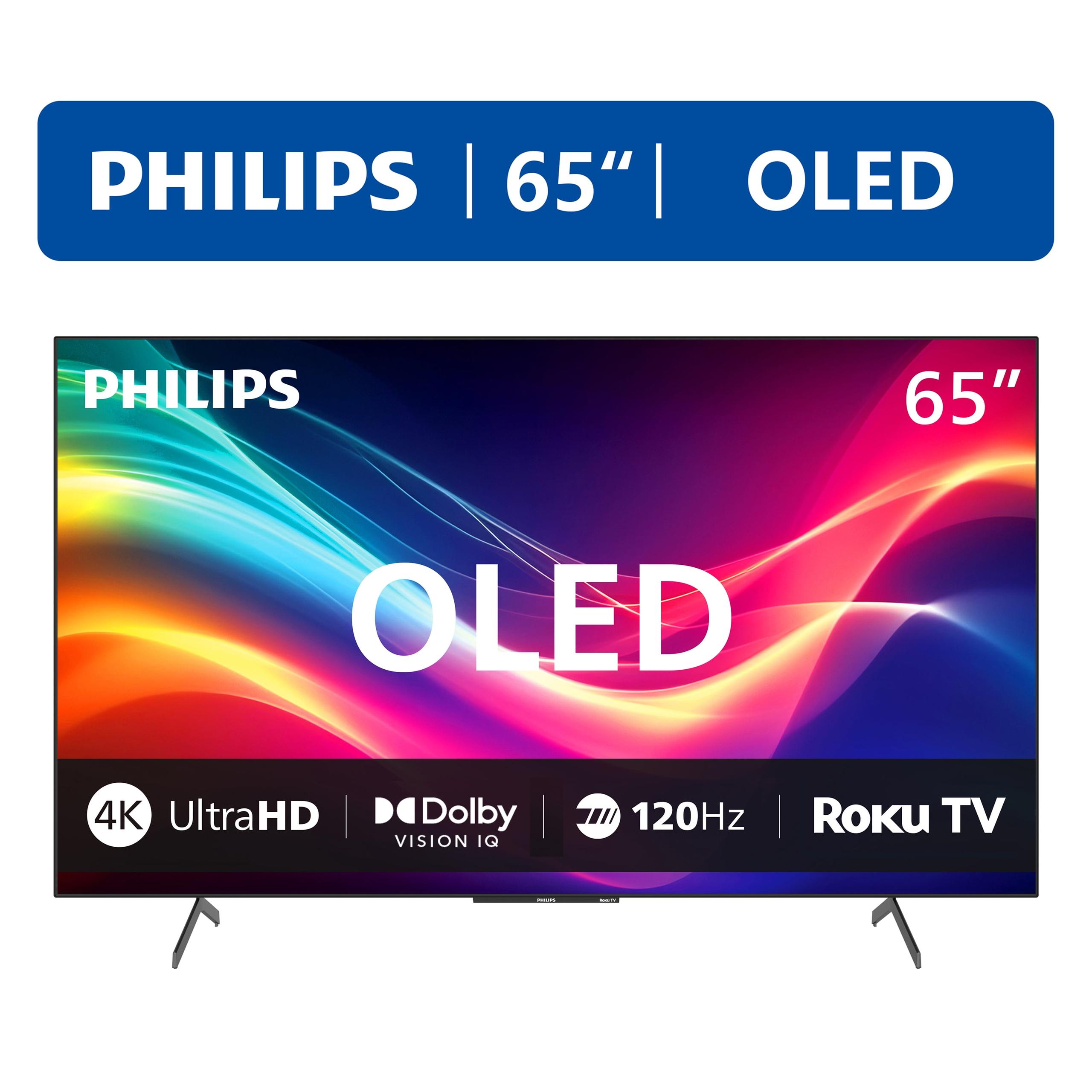
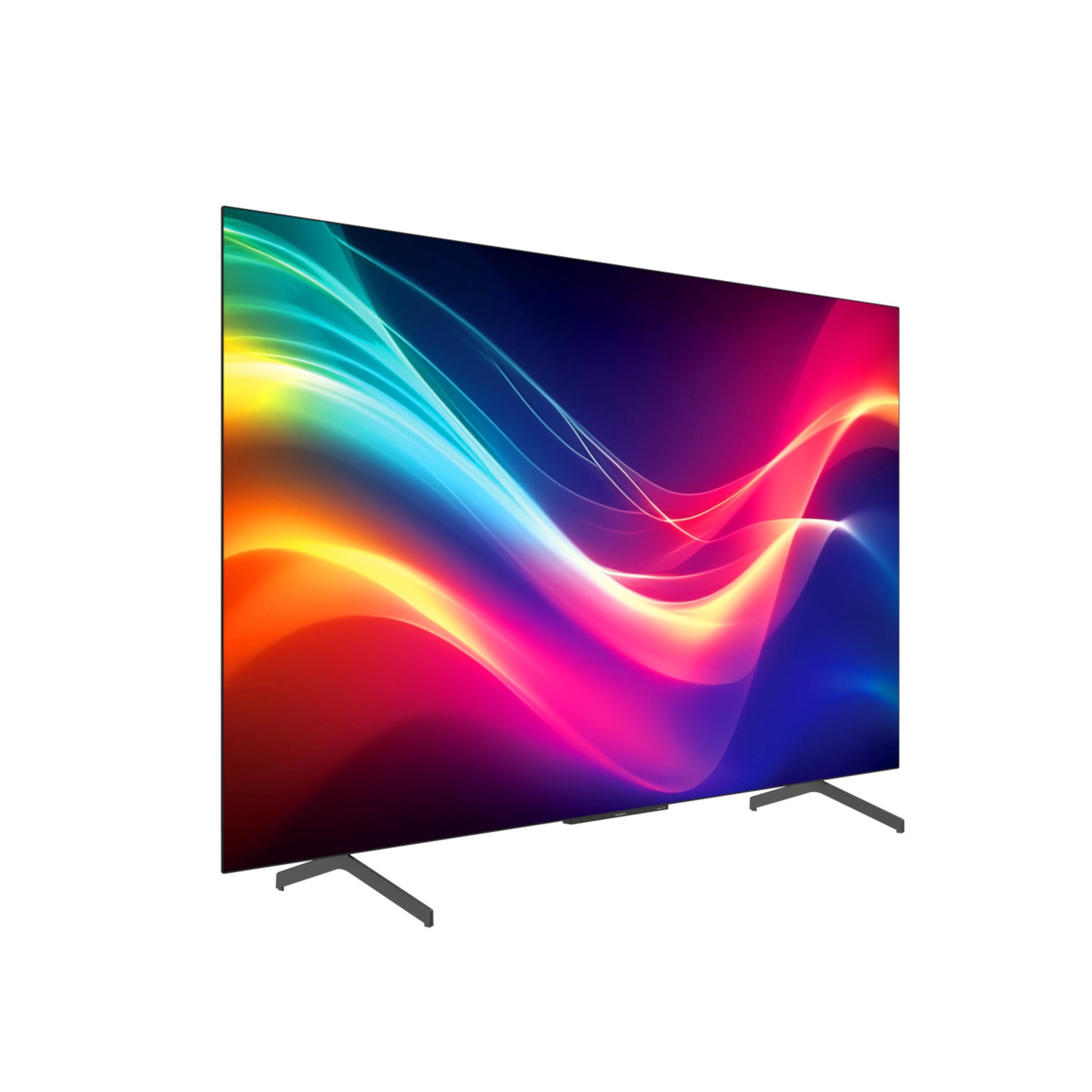

When you're shopping for a premium 65-inch TV, you'll quickly discover that the choice often comes down to two fundamentally different display technologies: OLED and Neo QLED. These aren't just marketing buzzwords—they represent completely different approaches to creating the picture on your screen, and understanding the difference can save you from buyer's remorse.
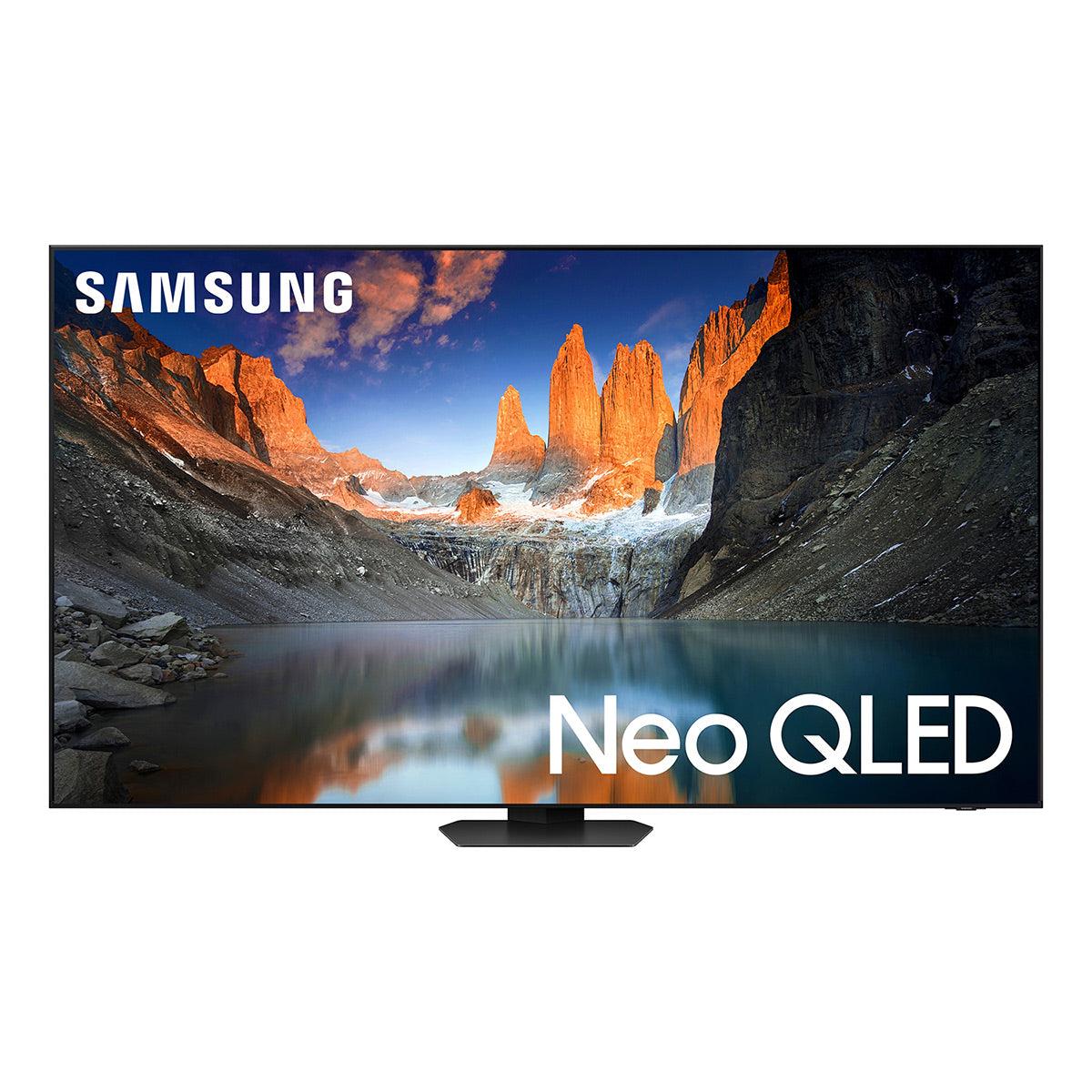
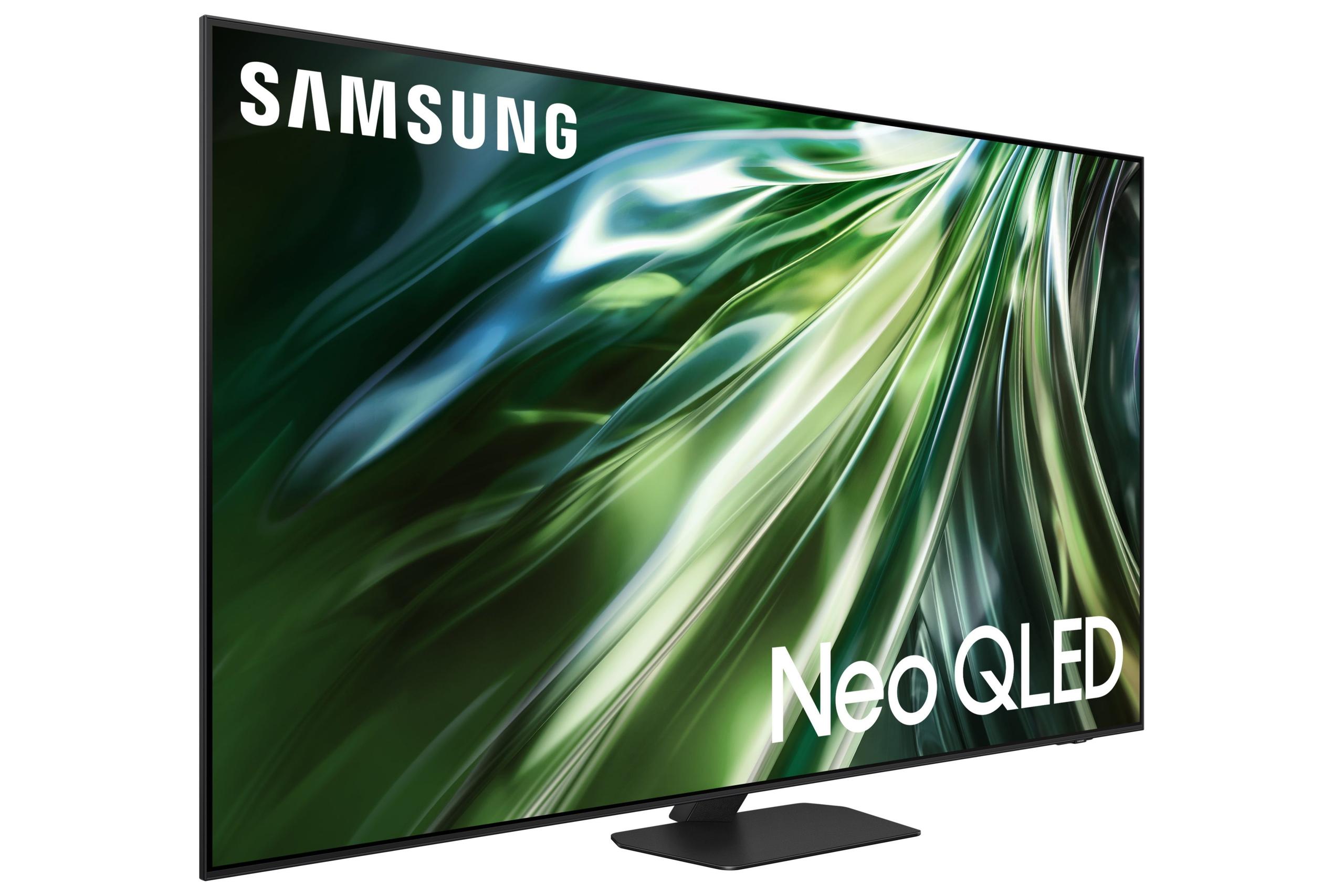
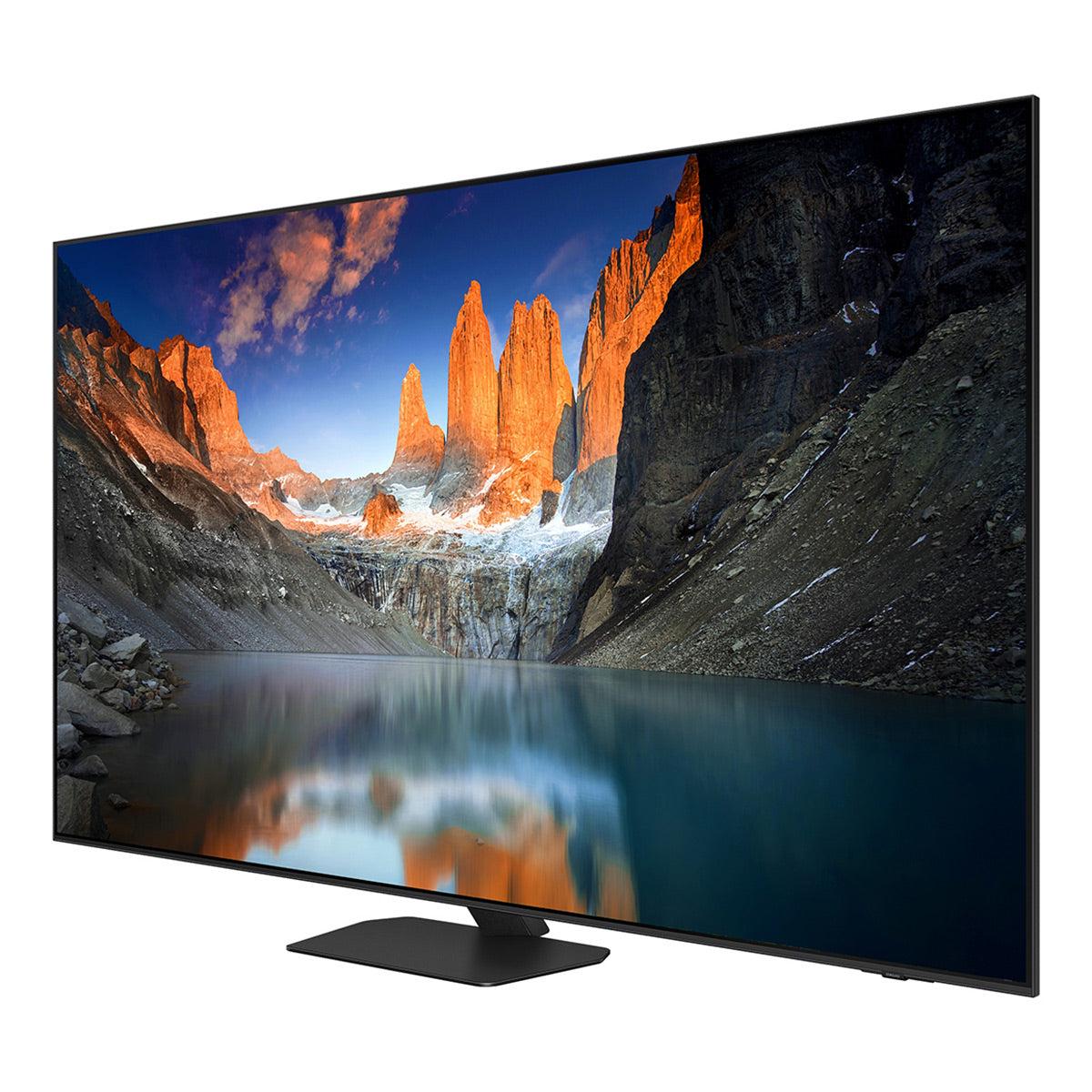
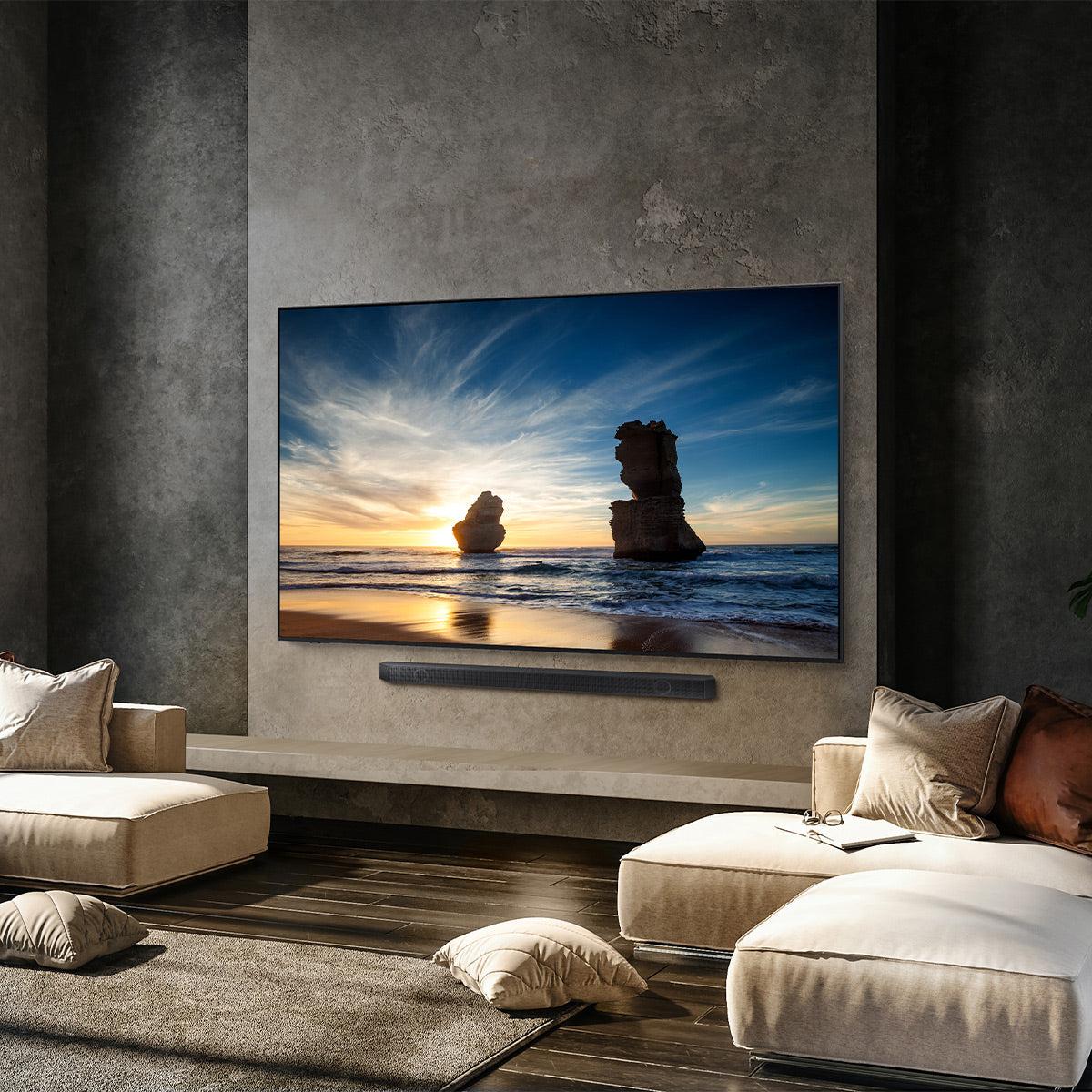
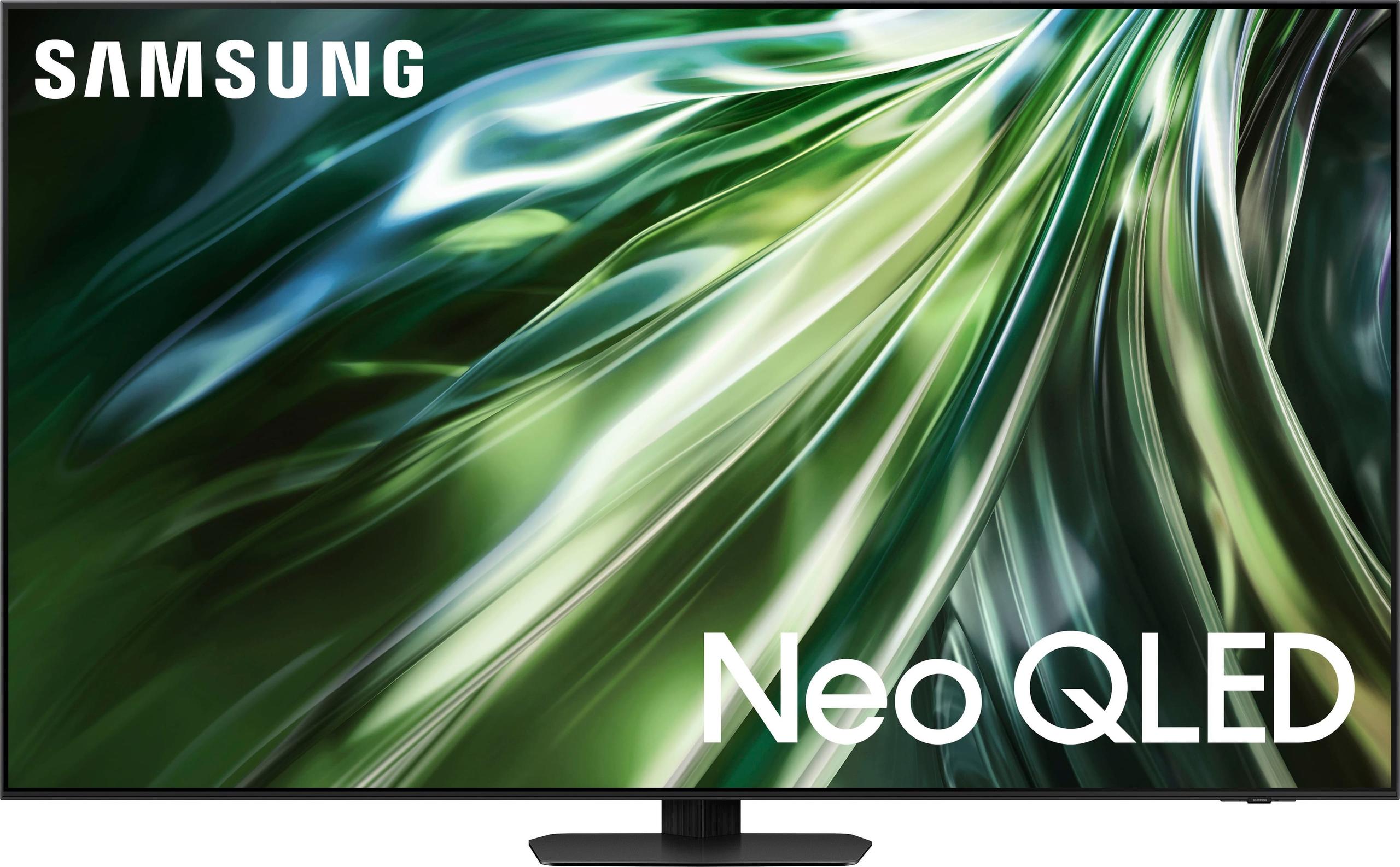
The Philips 65OLED974/F7 represents the OLED camp, while the Samsung QN90D showcases Neo QLED technology. Both were released in 2024 and represent significant improvements over their predecessors, but they excel in different scenarios. Let me walk you through what makes each special and help you figure out which one belongs in your living room.
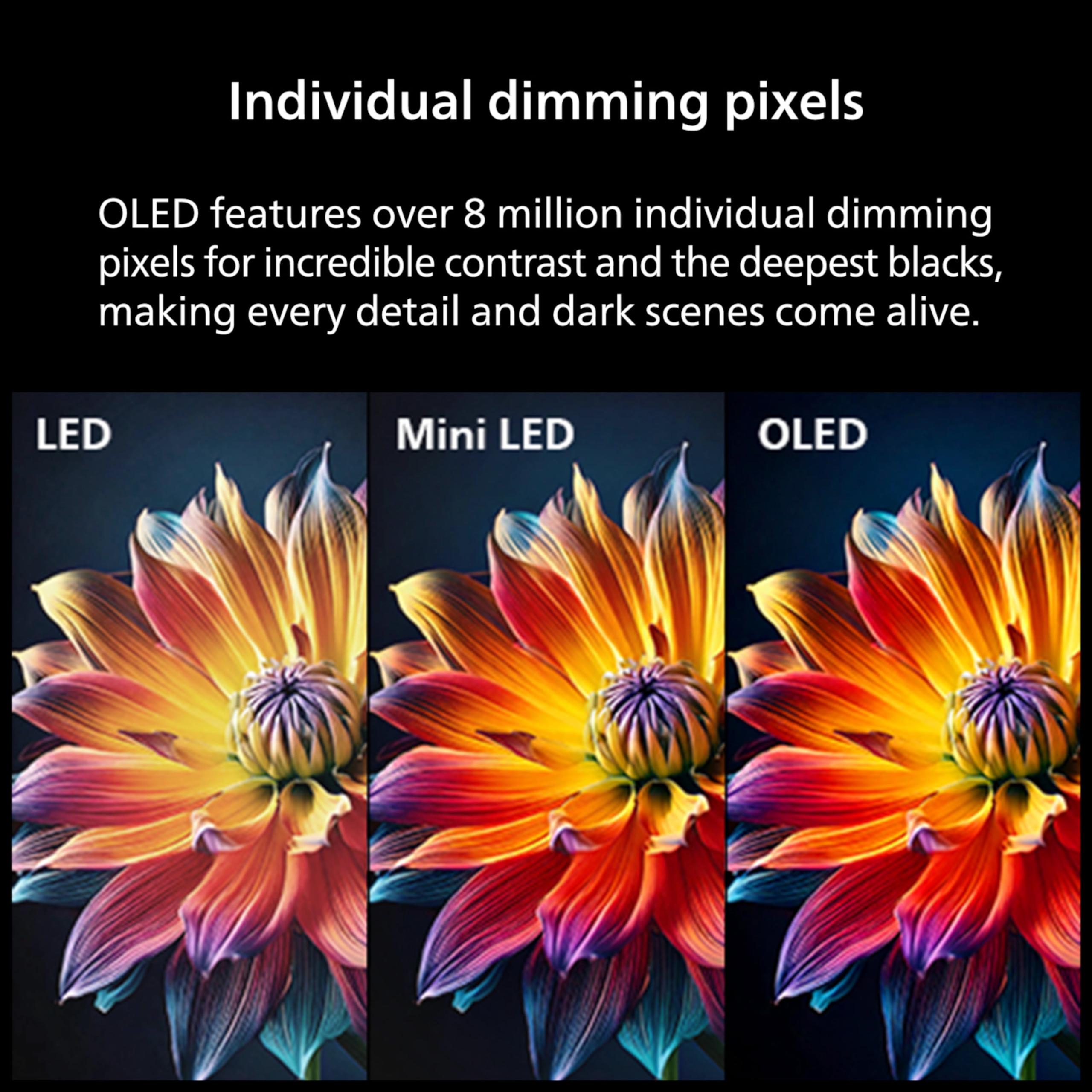
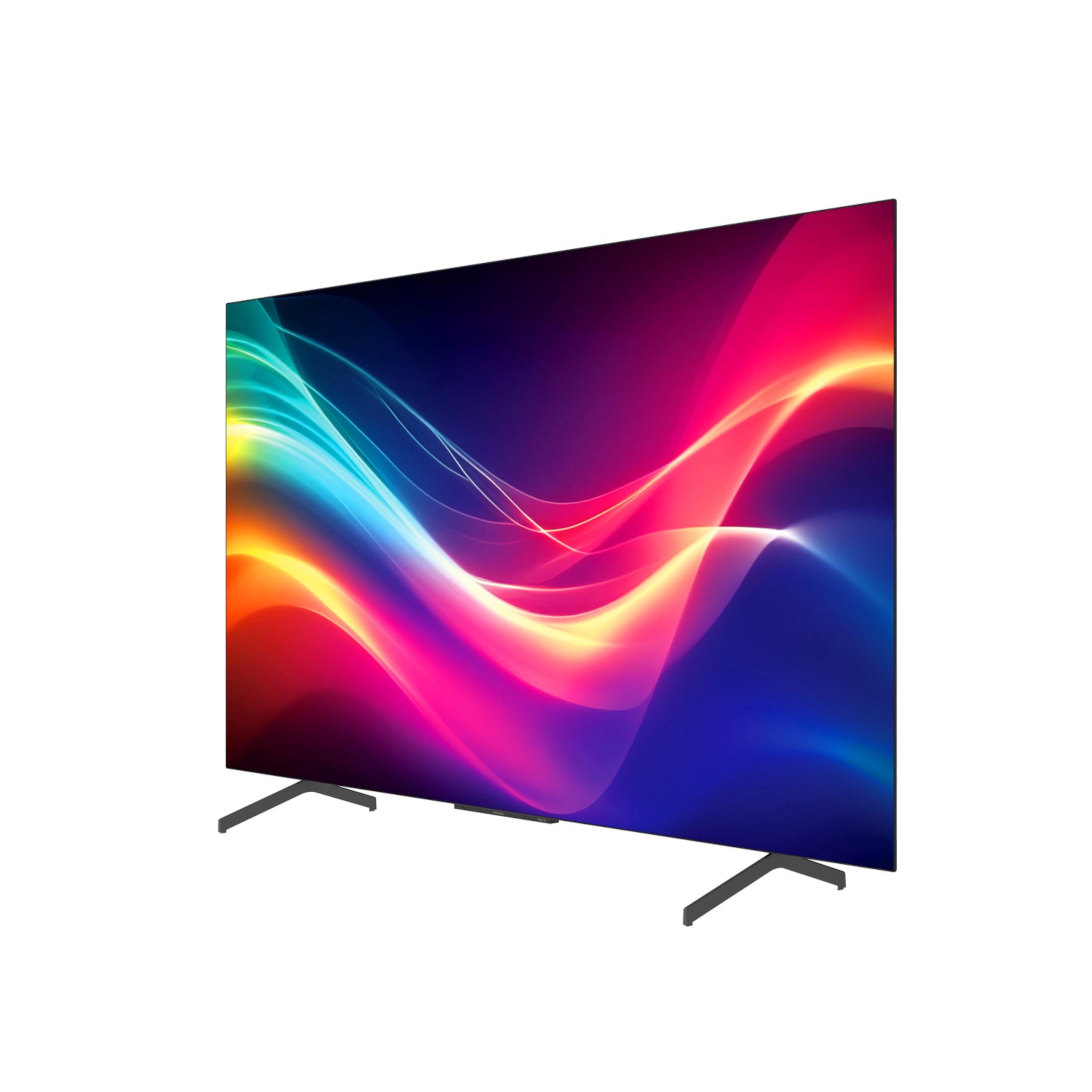
OLED (Organic Light Emitting Diode) technology works like having 8.3 million tiny light bulbs in your TV screen. Each pixel generates its own light and can turn completely off when displaying black. Think of it like a city at night—some buildings have their lights on, others are completely dark. This creates what we call "perfect blacks" because when a pixel is off, it produces absolutely no light.
Neo QLED combines two technologies: quantum dots (which enhance color) and mini-LED backlighting. Instead of millions of individual lights, imagine thousands of tiny LED flashlights behind the screen, organized in zones. These zones can dim or brighten independently, but they can't turn completely off like OLED pixels can. The quantum dots act like colored filters that make the colors more vibrant and accurate.
The practical difference? OLED gives you perfect contrast (the difference between the darkest and brightest parts of an image) but struggles to get really bright. Neo QLED can get incredibly bright but can't achieve true blacks because those mini-LED zones always emit some light, even when they're supposed to be "off."
If you're someone who loves watching movies in a darkened room—think home theater setup—the Philips OLED is in a league of its own. Those perfect blacks create an almost three-dimensional depth to the image that's genuinely impressive. When you're watching a space movie and see stars against the void, that void is actually black, not the dark gray you get with most TVs.
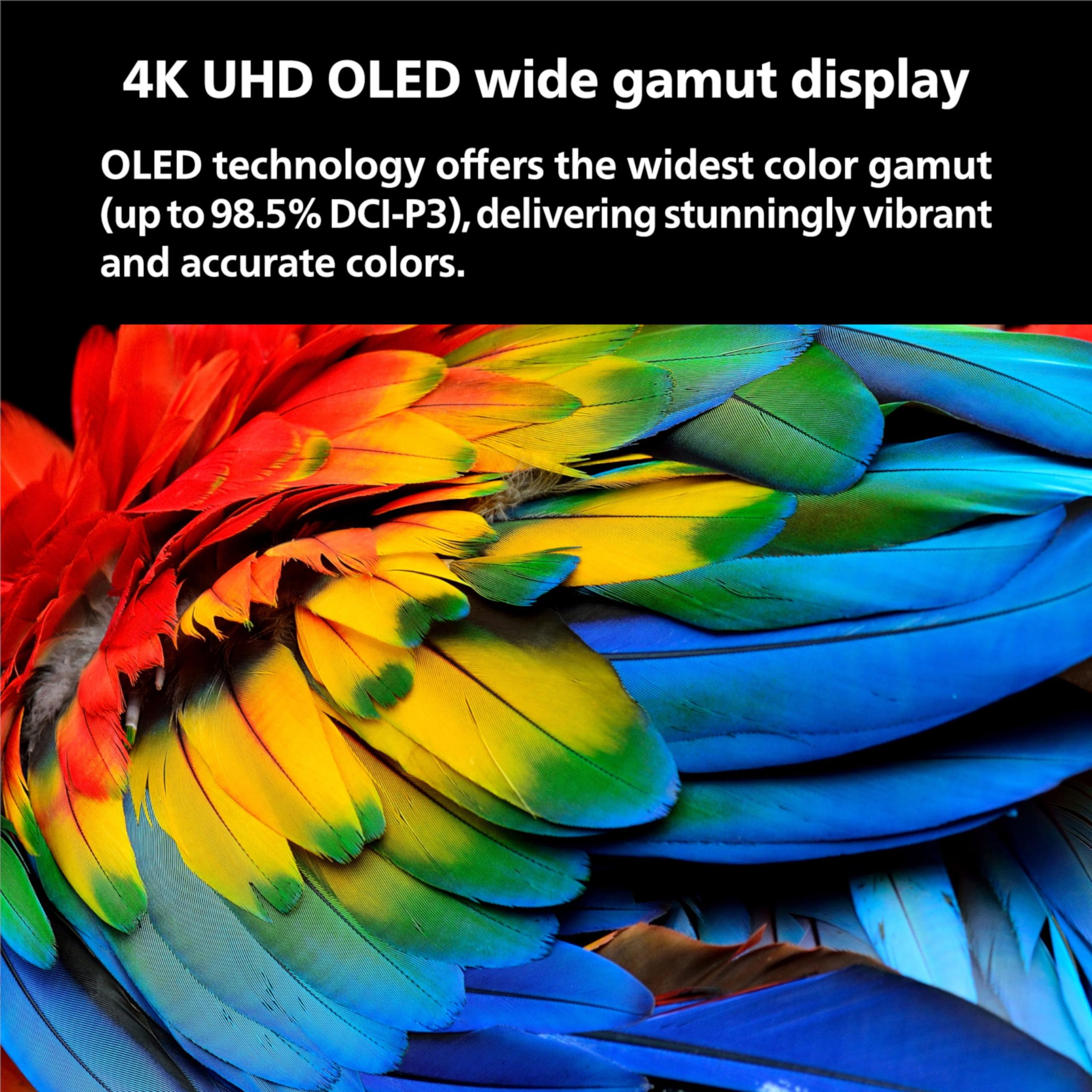
Colors on the Philips look natural and accurate right out of the box, which means skin tones appear realistic without that artificial, over-saturated look some TVs produce. The infinite contrast ratio (because you can divide any number by zero) means details in both bright and dark areas of the same scene remain visible.
The Samsung QN90D, while excellent, can't quite match this. In very dark scenes, you might notice slight "blooming"—a faint glow around bright objects on dark backgrounds. It's like having a flashlight in a dark room; the light doesn't stay perfectly contained to where you're pointing it.
Here's where the tables turn completely. The Samsung QN90D can reach peak brightness levels over 2,000 nits (a measurement of luminance), which is roughly twice what the Philips OLED can achieve. To put this in perspective, a typical sunny day outside measures around 100,000 nits, while indoor lighting ranges from 100-1,000 nits.
This brightness advantage isn't just about numbers—it's about usability. If your TV room has large windows, receives a lot of natural light, or you frequently watch during the day, the Samsung will maintain picture quality where the Philips struggles. The OLED's poor peak brightness means it simply can't compete with ambient light, leading to washed-out images and reduced contrast during daytime viewing.
The Samsung also handles reflections better. While both TVs will show reflections from light sources, the Samsung's superior brightness helps the image compete with those reflections, making them less distracting.
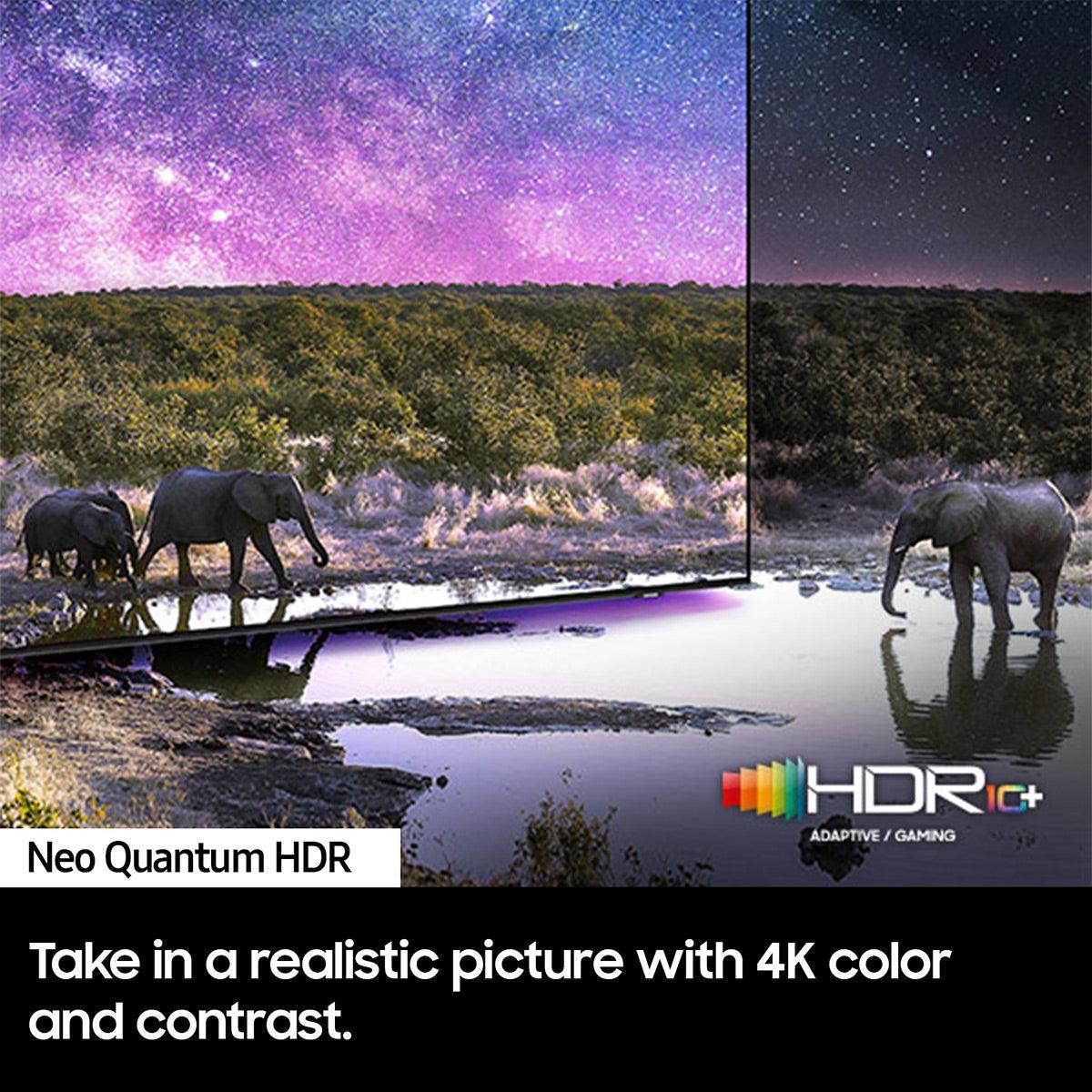
HDR (High Dynamic Range) content is designed to show a wider range of brightness levels, from deeper blacks to brighter whites, mimicking what your eyes see in real life. Both TVs support multiple HDR formats, but they handle them differently.
The Samsung QN90D supports HDR10 and HDR10+, delivering impactful HDR with bright highlights that truly pop off the screen. When you're watching a sunset scene or an explosion in an action movie, those bright elements look genuinely bright and attention-grabbing.
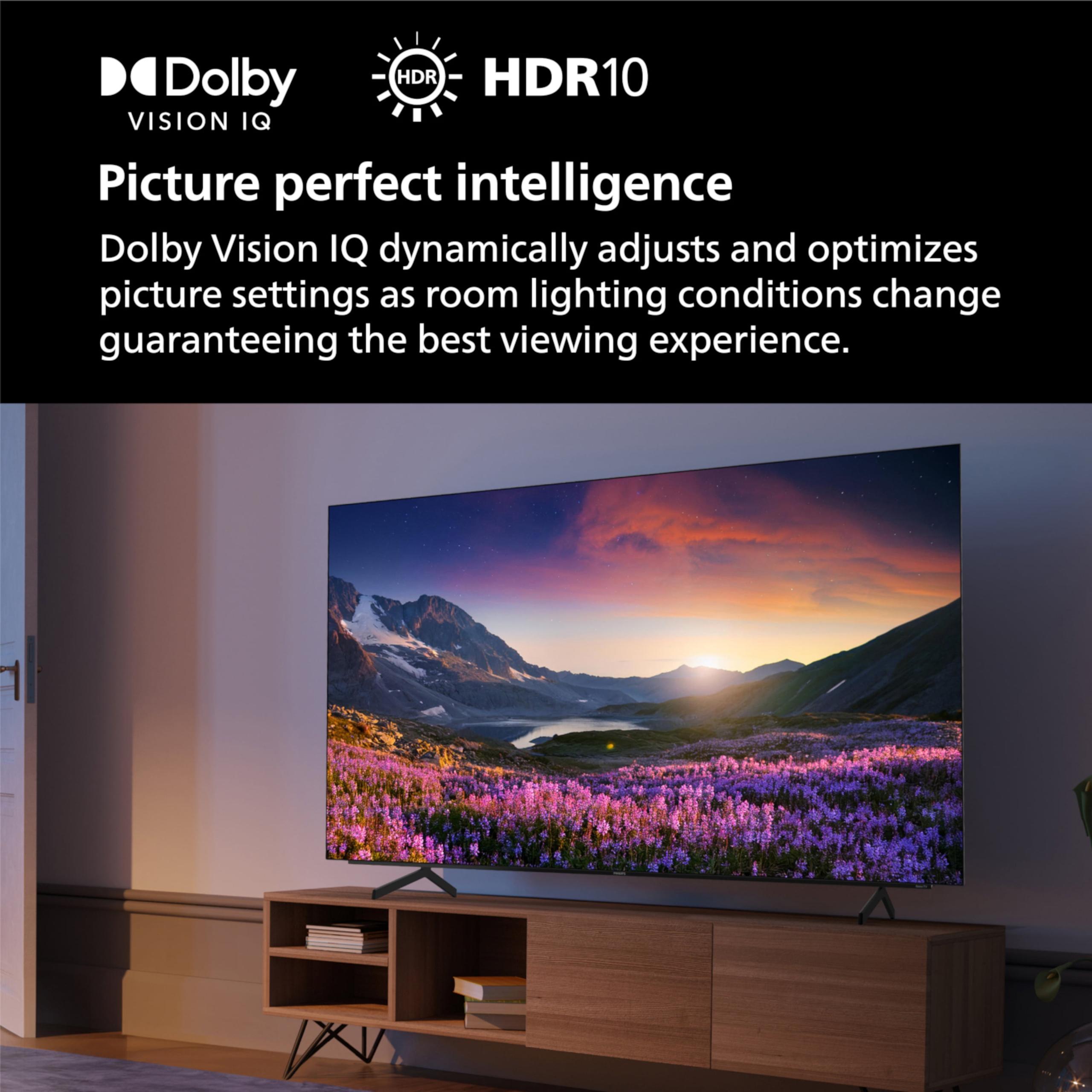
The Philips OLED supports Dolby Vision IQ (which adjusts the picture based on your room's lighting) along with HDR10 and HLG, but its limited brightness means HDR highlights don't have the same impact. It's like comparing a candle to a flashlight—both produce light, but one is clearly more intense.
However, the Philips excels in the shadow details within HDR content. Those perfect blacks mean you can see subtle details in dark areas that might get crushed or lost on other displays.
Modern gaming has become increasingly demanding, especially with the PlayStation 5, Xbox Series X, and high-end PC graphics cards pushing 4K resolution at high frame rates. Both TVs are well-equipped for this challenge.
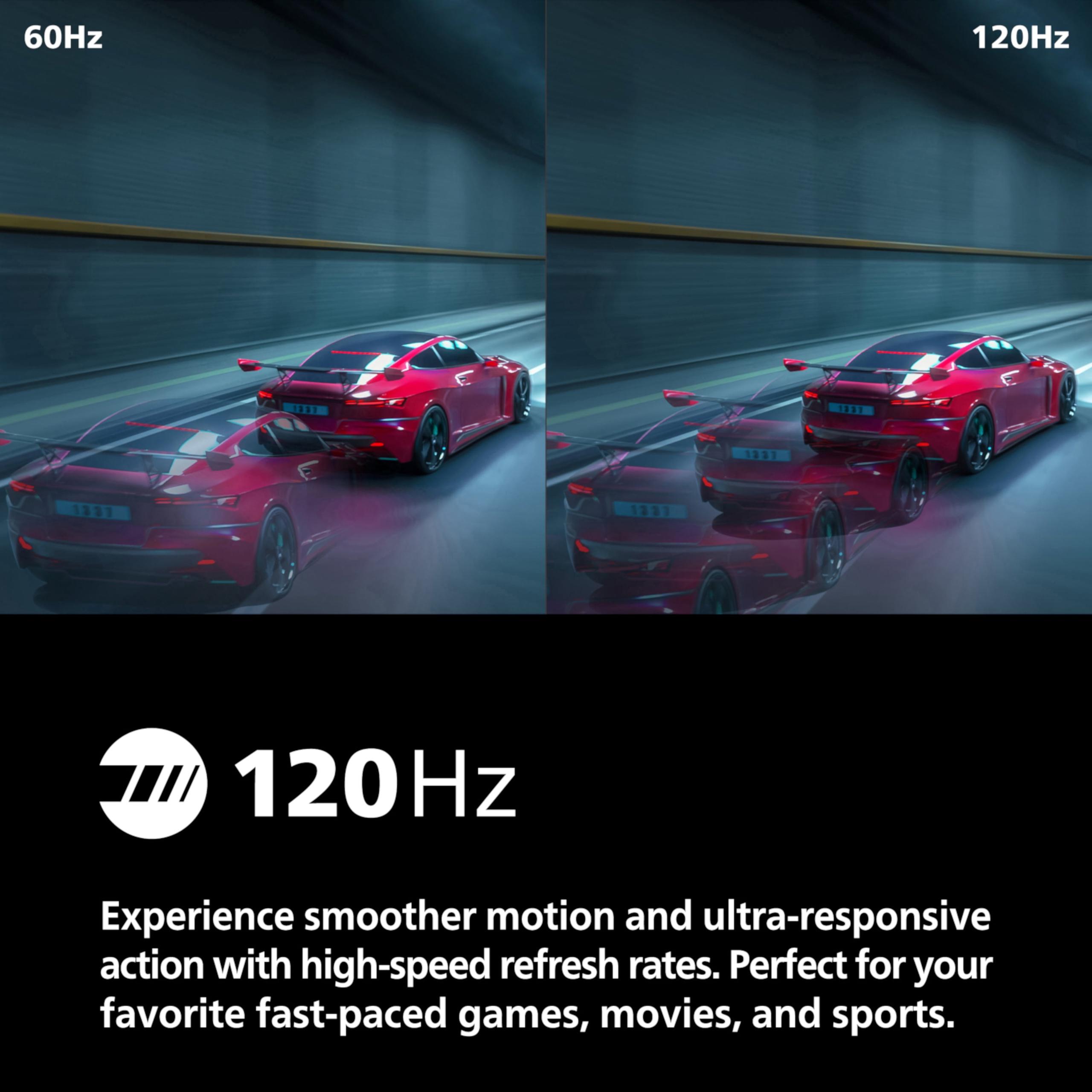
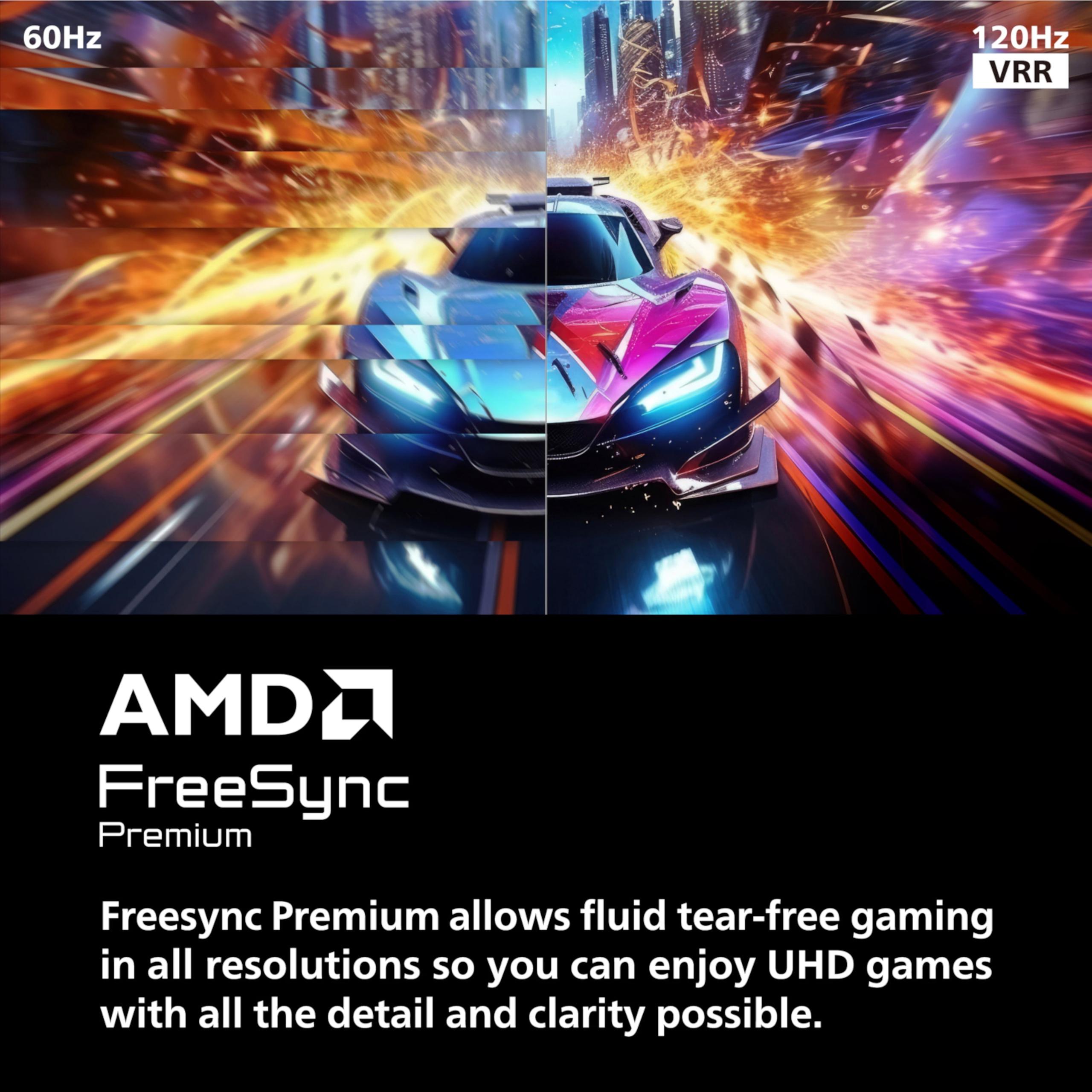
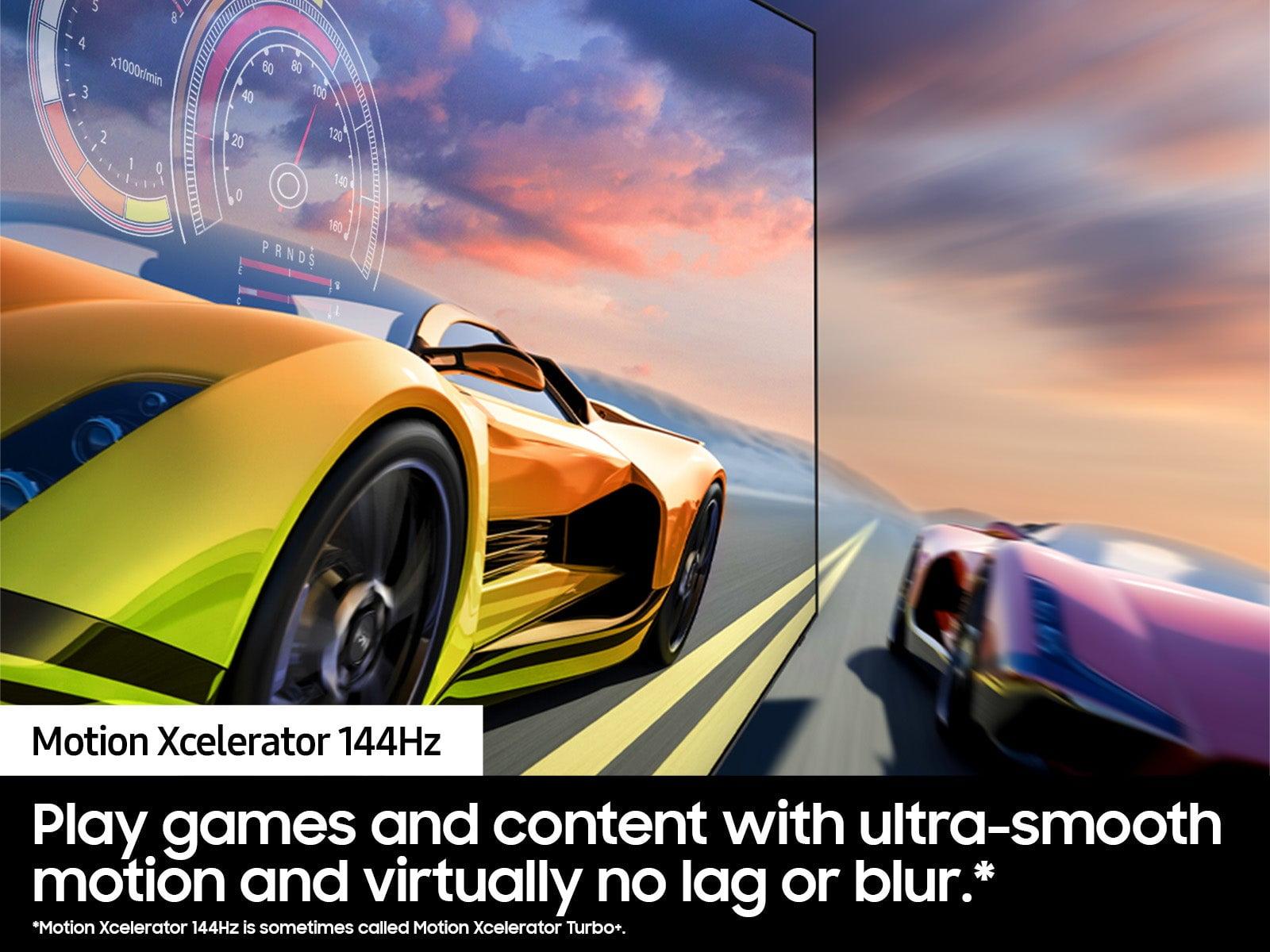
The Samsung QN90D supports refresh rates up to 144Hz for PC gaming, while the Philips OLED maxes out at 120Hz. Both support Variable Refresh Rate (VRR)—technology that syncs your TV's refresh rate with your game's frame rate to eliminate screen tearing and stuttering. They also feature Auto Low Latency Mode (ALLM), which automatically switches to game mode when you turn on your console.
Input lag (the delay between pressing a button and seeing the action on screen) is excellent on both, measuring under 10 milliseconds in game mode. For reference, competitive gamers typically want input lag under 20ms, so both TVs are more than responsive enough for serious gaming.
The Philips OLED has a significant advantage in pixel response time—how quickly individual pixels can change color. At less than 0.1 milliseconds, it's nearly instantaneous, which means fast-moving objects in games appear sharp and clear without motion blur. The Samsung, while good at around 1 millisecond, can't quite match this level of clarity during rapid movement.
For HDR gaming, the Samsung's superior brightness makes explosions, fire effects, and bright environments more impactful, while the Philips provides better visibility in dark game areas like caves or night scenes.
Both TVs include built-in speakers that are significantly better than what you'd find on budget models, but the Samsung QN90D clearly wins this comparison. Its 60-watt, 4.2.2 channel system with Object Tracking Sound+ creates a more immersive audio experience. This technology moves sound around the screen to match what's happening visually—so when a car drives across the screen, you hear the engine sound move with it.
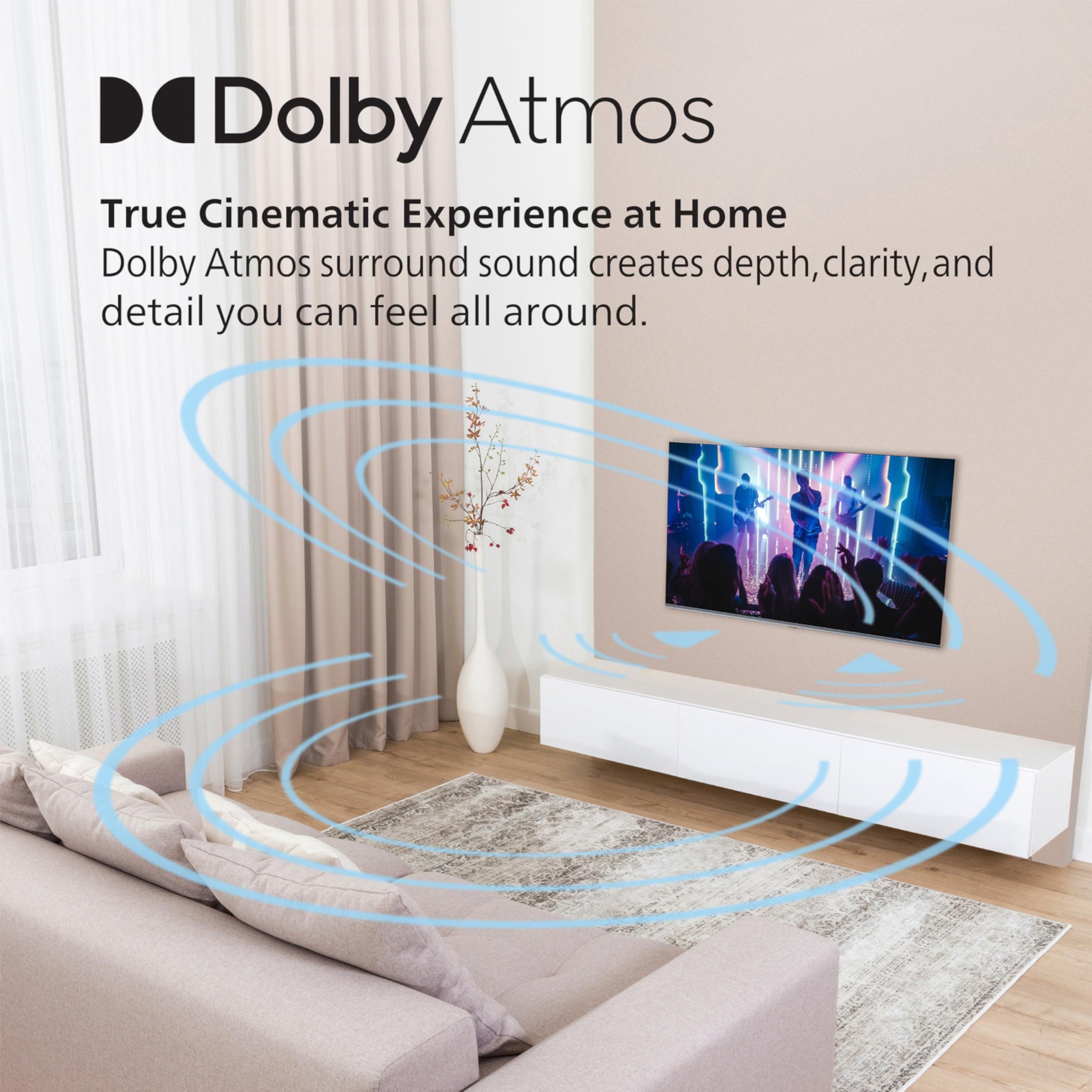
The Philips OLED features a more basic 2.1 setup (two main speakers plus a subwoofer) with Dolby Atmos support. While it's competent, it doesn't have the power or sophistication of the Samsung's system.
That said, if you're serious about audio quality, you'll likely want to pair either TV with a dedicated soundbar or surround sound system. The built-in speakers, while improved, still can't match external audio equipment for true home theater experiences.
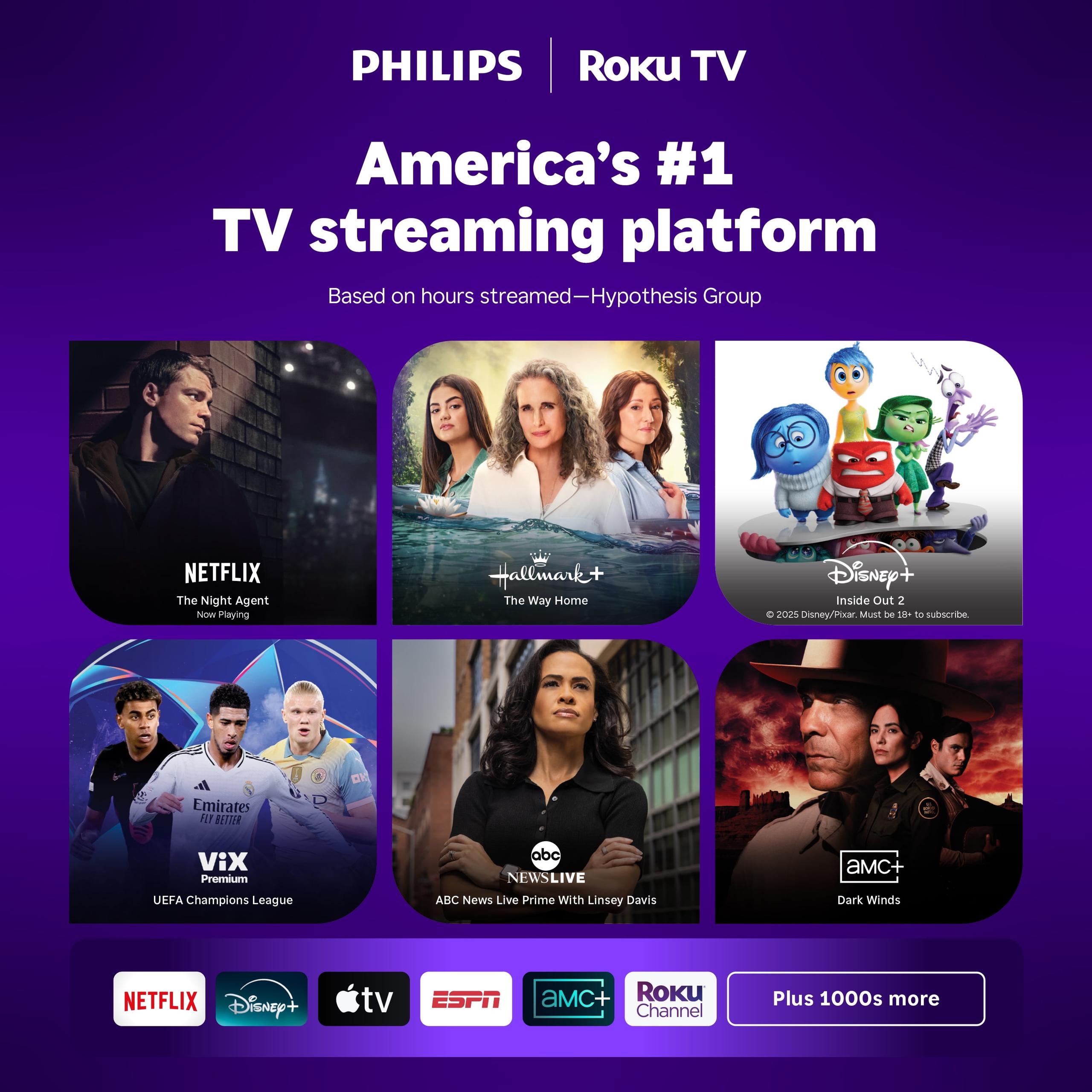
The software experience differs significantly between these models. The Philips OLED runs Roku TV, which prioritizes simplicity and content discovery. The interface is clean, fast, and puts your streaming apps front and center. Roku's universal search function works across multiple streaming services, making it easy to find content regardless of which app it's on.
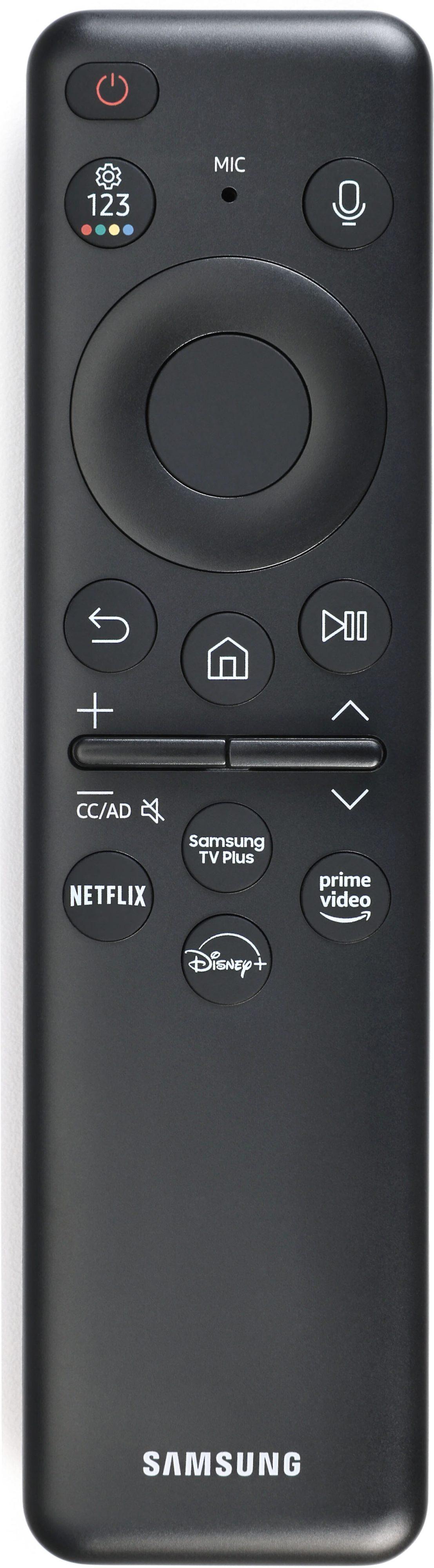
The Samsung QN90D uses Tizen OS, Samsung's proprietary platform. It's more feature-rich, offering gaming hubs, productivity apps, and deeper integration with Samsung devices. If you use Samsung phones or other Samsung smart home products, the ecosystem integration is convenient. However, some users find it more complex than Roku's straightforward approach.
Both platforms support major streaming services and voice control, so your choice here often comes down to personal preference and existing device ecosystems.
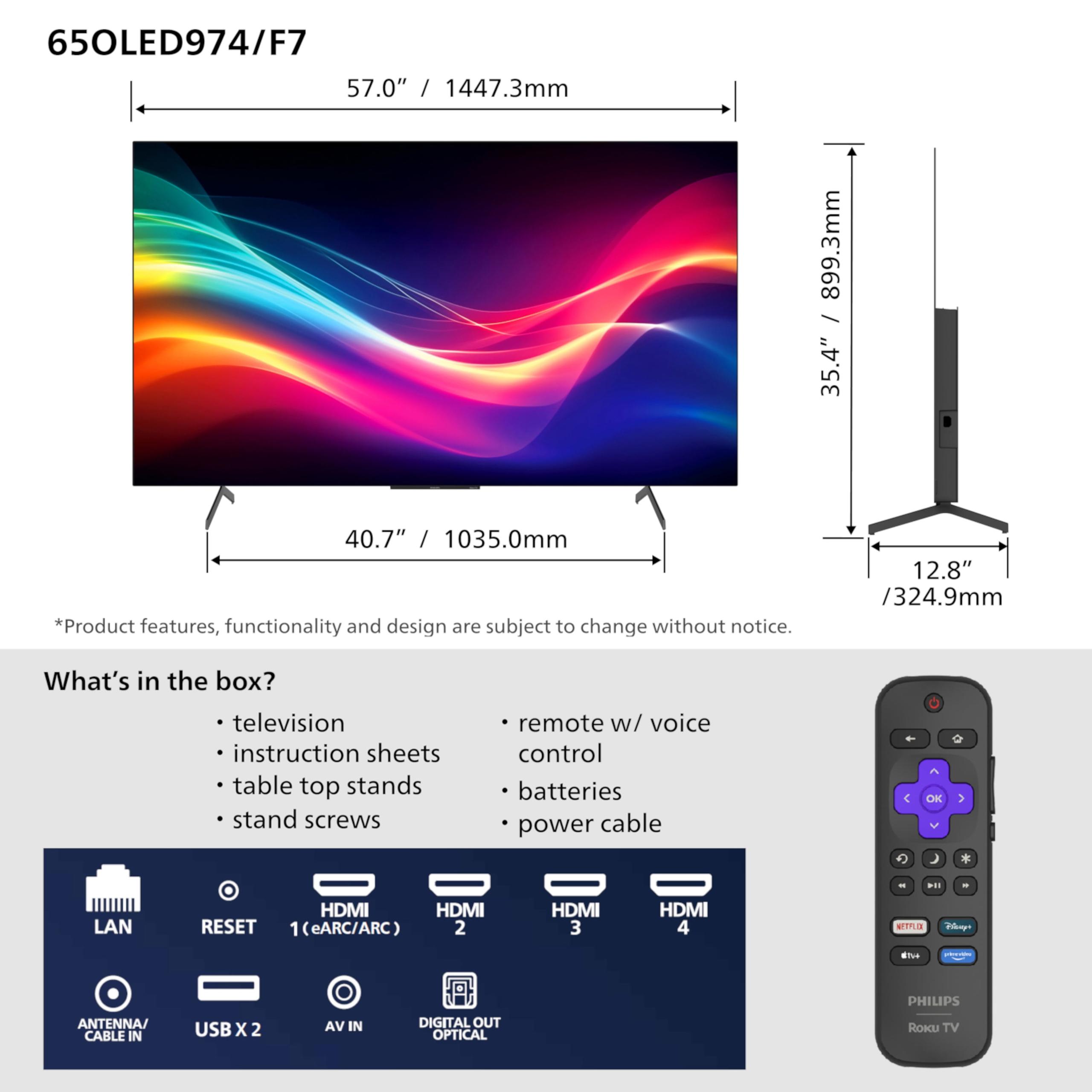
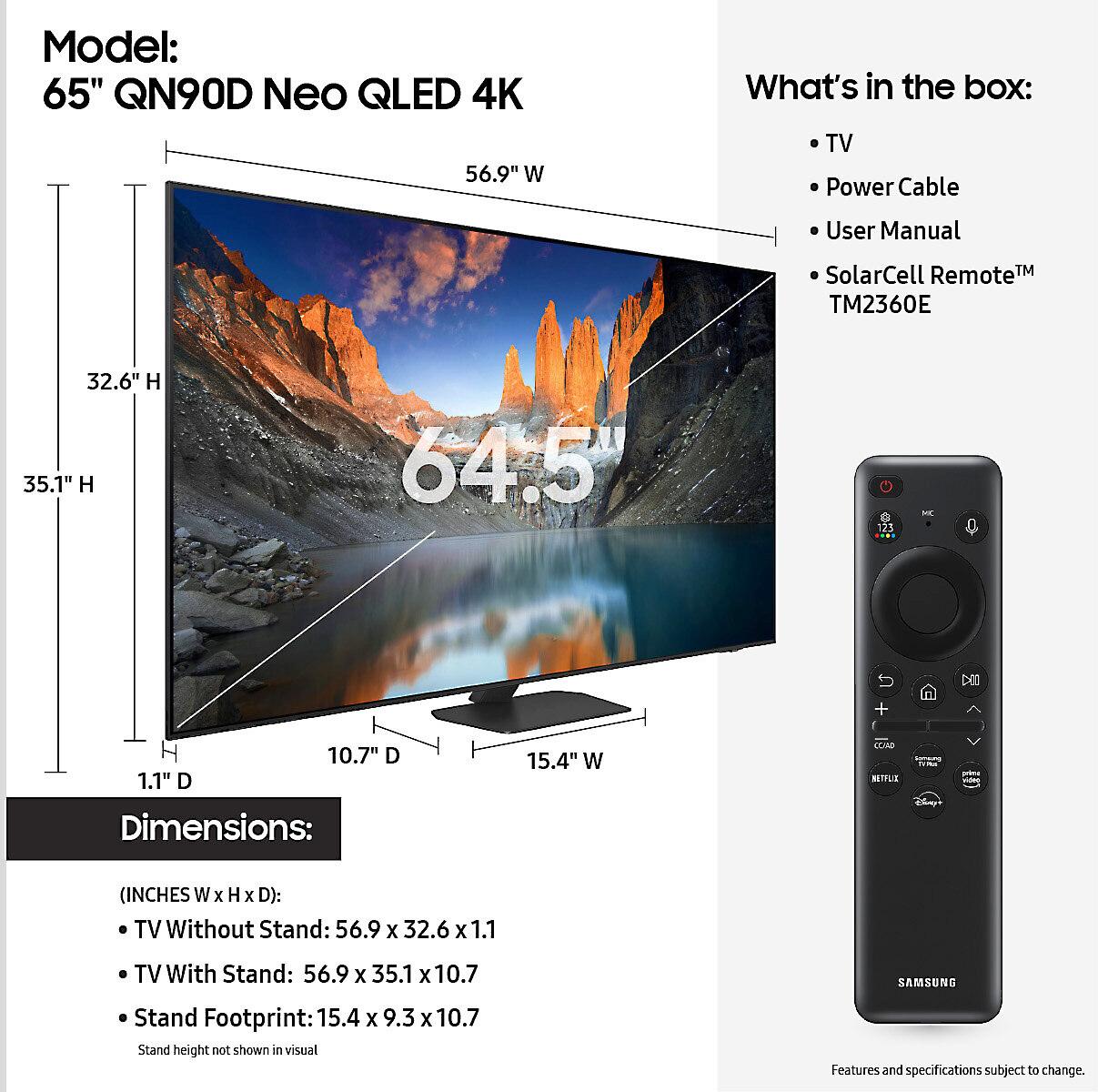
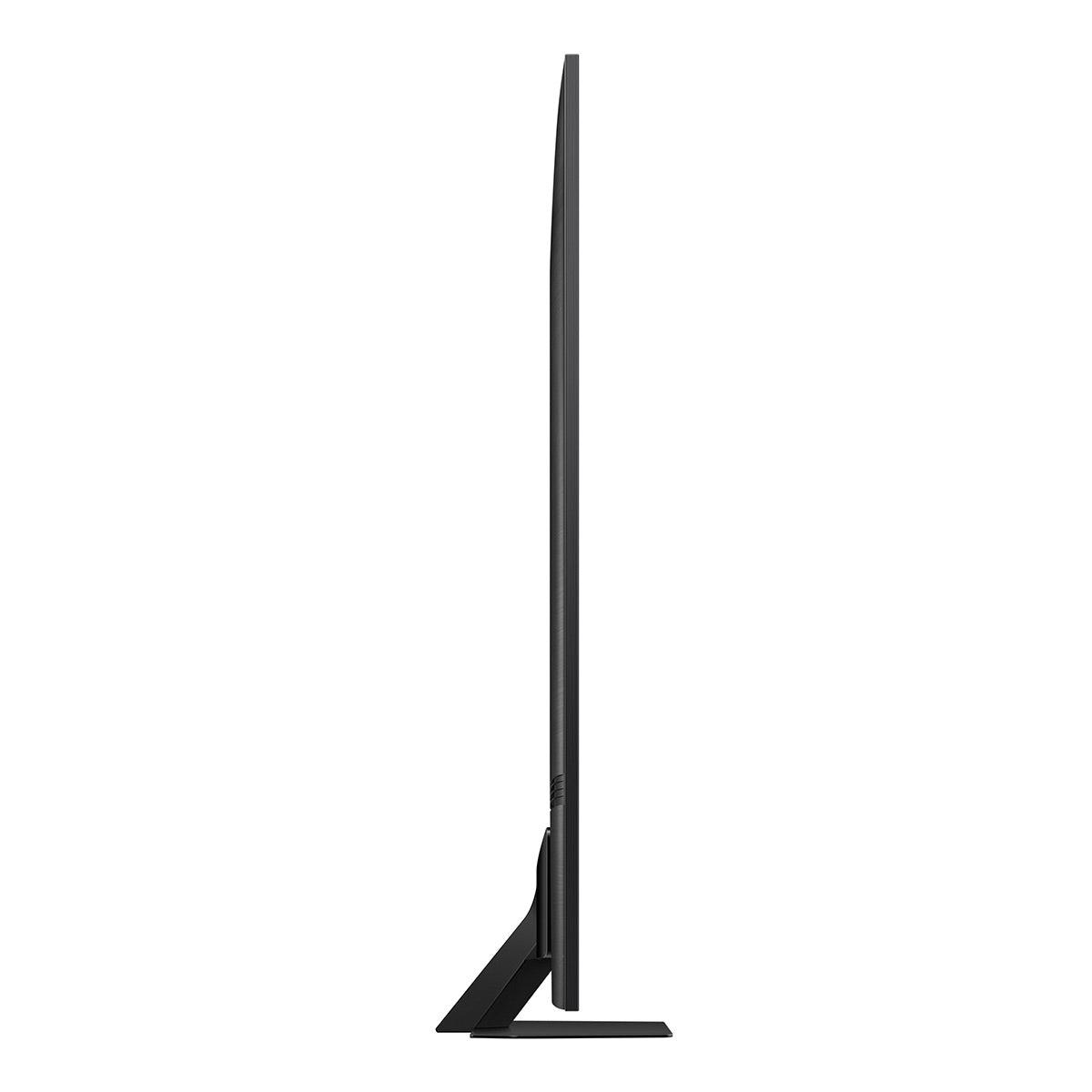
The Philips OLED is notably lighter at around 47 pounds, making it easier to mount on walls or move around if needed. Its thin profile (just 2.2 inches deep) creates an elegant, modern look that seems to disappear into your wall when mounted.
The Samsung QN90D is heavier at about 60 pounds due to its more complex backlighting system, but it still maintains a premium build quality. The extra weight isn't necessarily a drawback—it often indicates more robust internal components.
Both TVs support standard VESA wall mounting and include table stands, so installation flexibility isn't a concern with either option.
This is where a significant philosophical difference emerges. The Samsung QN90D is completely immune to burn-in because its LED technology doesn't degrade with static images. You could leave a news channel on for days without any permanent damage to the screen.
The Philips OLED has theoretical burn-in risk, though modern OLED panels include numerous protection features like pixel shifting, logo detection, and periodic refresh cycles that make burn-in rare in typical use. However, if you frequently watch content with static elements (news channels with persistent logos, certain video games with fixed UI elements), this could be a consideration.
In practice, burn-in concerns are often overstated for normal viewing habits, but it's worth understanding the difference in underlying technology durability.
At the time of writing, the Philips OLED typically costs several hundred dollars less than the Samsung QN90D, making it an excellent value proposition for OLED technology. You're getting premium picture quality with perfect blacks at a price point that makes OLED accessible to more buyers.
The Samsung QN90D commands a premium but justifies it with superior brightness, better built-in audio, and broader use-case versatility. If you need a TV that performs well in various lighting conditions throughout the day, the extra cost provides real practical benefits.
Choose the Philips OLED if you:
Choose the Samsung QN90D if you:
Both TVs represent excellent options in the premium 65-inch category, but they serve different needs. The Philips OLED delivers exceptional picture quality for dark room viewing at an attractive price point, while the Samsung QN90D provides superior versatility and bright room performance at a premium cost.
Your room's lighting conditions should be the primary deciding factor. If you can control your viewing environment and primarily watch in darker conditions, the Philips offers better picture quality for less money. If you need a TV that performs well regardless of lighting conditions, the Samsung's brightness advantage makes it worth the extra investment.
Consider your long-term viewing habits, room setup, and budget constraints. Both TVs will provide years of excellent performance, but choosing the right technology for your specific situation will ensure you're completely satisfied with your purchase.
| Philips 65OLED974/F7 65" OLED Roku TV | Samsung 65" QN90D Series 4K Neo QLED Smart TV |
|---|---|
| Display Technology - Fundamental difference in how the picture is created | |
| OLED with self-illuminating pixels | Neo QLED with Mini-LED backlighting and quantum dots |
| Peak Brightness - Critical for daytime viewing and HDR impact | |
| ~400-500 nits (poor for bright rooms) | 2,000+ nits (excellent for any lighting condition) |
| Black Levels - Determines contrast and dark scene detail | |
| Perfect blacks (infinite contrast ratio) | Near-black with minimal blooming |
| Refresh Rate - Important for gaming and smooth motion | |
| 120Hz native panel | 120Hz (144Hz for PC gaming) |
| Gaming Features - Essential for console and PC gaming | |
| 4K@120Hz, VRR, ALLM, FreeSync Premium, <0.1ms response | 4K@120Hz/144Hz, VRR, ALLM, FreeSync Premium Pro, ~1ms response |
| HDR Support - Affects picture quality with modern content | |
| Dolby Vision IQ, HDR10, HLG | HDR10+, HDR10, HLG (no Dolby Vision) |
| Audio System - Built-in sound quality without external speakers | |
| 2.1 channel Dolby Atmos system | 4.2.2 channel 60W with Object Tracking Sound+ |
| Smart TV Platform - Daily interface and app experience | |
| Roku TV (simple, content-focused) | Tizen OS (feature-rich, Samsung ecosystem) |
| Weight - Impacts installation and mounting options | |
| 47.6 lbs with stand (lightweight for OLED) | 60.6 lbs with stand (typical for Mini-LED) |
| Burn-in Risk - Long-term durability consideration | |
| Minimal risk with modern protections | Zero risk (LED technology) |
| Best Use Case - Where each TV excels | |
| Dark room movie watching and gaming | Bright rooms and all-day versatility |
| Value Proposition - What you get for the money | |
| Premium OLED quality at accessible pricing | Maximum versatility with premium features |
The Samsung QN90D is significantly better for bright rooms due to its peak brightness exceeding 2,000 nits, which can overcome glare and maintain picture quality during daytime viewing. The Philips 65OLED974/F7 struggles in bright environments with its limited brightness of around 400-500 nits, making it unsuitable for rooms with lots of natural light.
OLED technology in the Philips 65OLED974/F7 uses self-illuminating pixels that can turn completely off to create perfect blacks, while Neo QLED in the Samsung QN90D uses thousands of mini-LED backlights behind quantum dots for enhanced brightness and color. OLED excels at contrast and dark scenes, while Neo QLED provides superior brightness and no burn-in risk.
Both TVs excel for gaming with 4K@120Hz support, VRR, and low input lag under 10ms. The Samsung QN90D has a slight edge with 144Hz PC gaming support and brighter HDR gaming, while the Philips OLED offers faster pixel response times (under 0.1ms) for clearer motion in competitive gaming.
The Samsung QN90D has zero burn-in risk due to its LED technology. The Philips 65OLED974/F7 has minimal burn-in risk with modern OLED protections like pixel shifting and logo detection, but static content like news channels could theoretically cause issues over extended periods.
The Philips 65OLED974/F7 delivers superior dark room picture quality with perfect blacks, infinite contrast ratio, and exceptional shadow detail. The Samsung QN90D performs well but cannot match OLED's ability to completely turn off pixels for true blacks.
The Samsung QN90D has significantly better built-in audio with a 60W 4.2.2 channel system and Object Tracking Sound+ technology. The Philips OLED features a basic 2.1 speaker setup with Dolby Atmos support that's adequate but less powerful than Samsung's system.
The Philips OLED uses Roku TV, which offers a simple, content-focused interface with excellent universal search across streaming services. The Samsung QN90D runs Tizen OS, providing more features and Samsung ecosystem integration but with added complexity. Choice depends on whether you prefer simplicity or advanced features.
The Philips 65OLED974/F7 is exceptional for home theater setups in dark rooms, delivering cinema-quality contrast and color accuracy. The Samsung QN90D works better for versatile home theater use where lighting conditions vary, offering superior brightness for HDR content impact.
The Philips OLED typically costs several hundred dollars less while delivering premium OLED picture quality, making it excellent value for dark room viewing. The Samsung QN90D costs more but provides broader versatility across all lighting conditions and use cases.
The Samsung QN90D supports HDR10+ and HDR10 with impressive peak brightness for impactful highlights. The Philips 65OLED974/F7 supports Dolby Vision IQ, HDR10, and HLG with superior shadow detail but limited brightness that reduces HDR impact in bright scenes.
The Philips OLED weighs about 47.6 pounds with stand, making it significantly lighter and easier to mount than the Samsung QN90D at 60.6 pounds. Both support standard VESA wall mounting, but the Philips is more manageable for DIY installation.
Choose the Philips 65OLED974/F7 if you primarily watch in controlled lighting and prioritize contrast and movie quality. Select the Samsung QN90D if your room receives natural light, you watch throughout the day, or need maximum versatility across different viewing conditions.
We've done our best to create useful and informative comparisons to help you decide what product to buy. Our research uses advanced automated methods to create this comparison and perfection is not possible - please contact us for corrections or questions. These are the sites we've researched in the creation of this article: rtings.com - versus.com - versus.com - rtings.com - samsclub.com - versus.com - youtube.com - usa.philips.com - bestbuy.com - usa.philips.com - consumerreports.org - usa.philips.com - documents.philips.com - tvoutlet.ca - displayspecifications.com - business.walmart.com - displayspecifications.com - ecoustics.com - walmart.com - tomsguide.com - abt.com - youtube.com - youtube.com - rtings.com - samsung.com - samsung.com - standardtvandappliance.com - gerhardsappliance.com - bestbuy.com - image-us.samsung.com - youtube.com - images.samsung.com

Privacy Policy
Terms and Conditions - Affiliate Policy
Home Security
© Copyright 2008-2026.
11816 Inwood Rd #1211, Dallas, TX 75244