

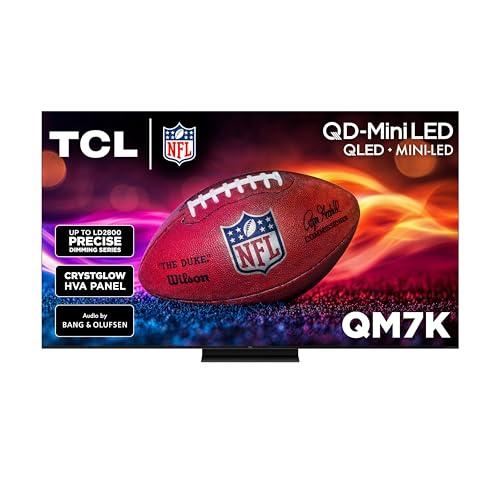
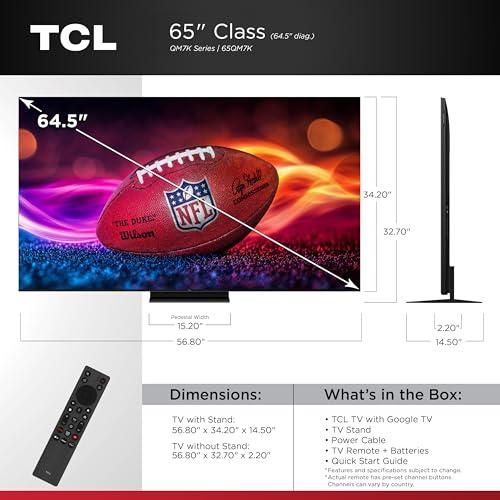
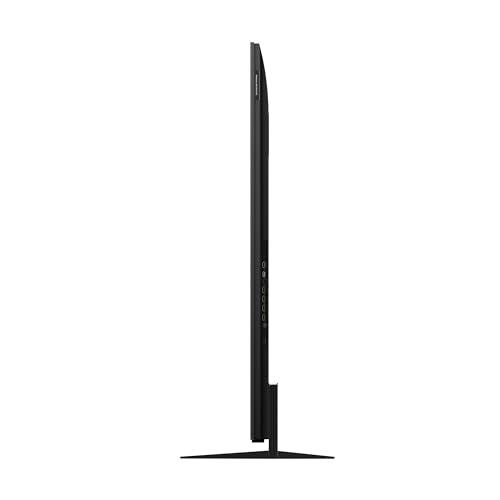

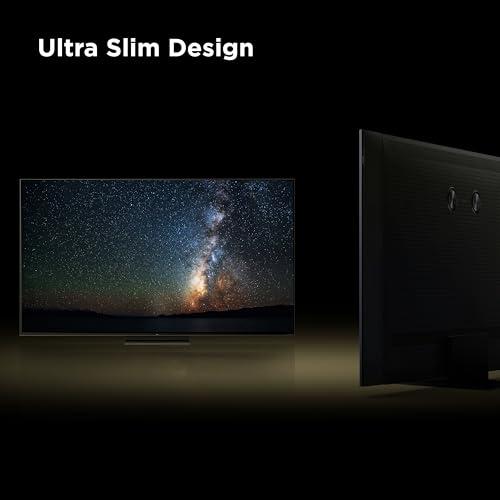
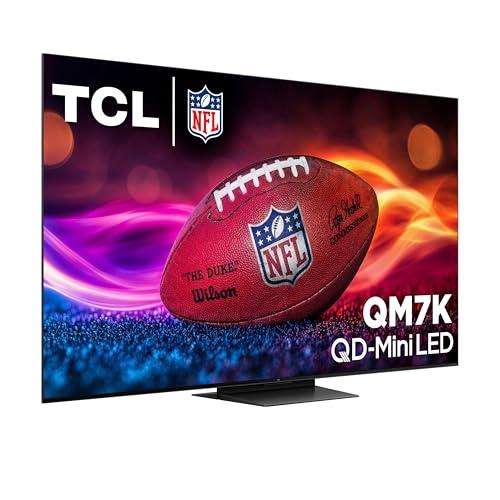
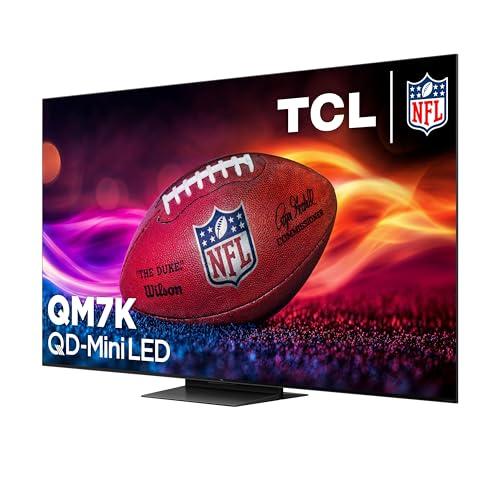
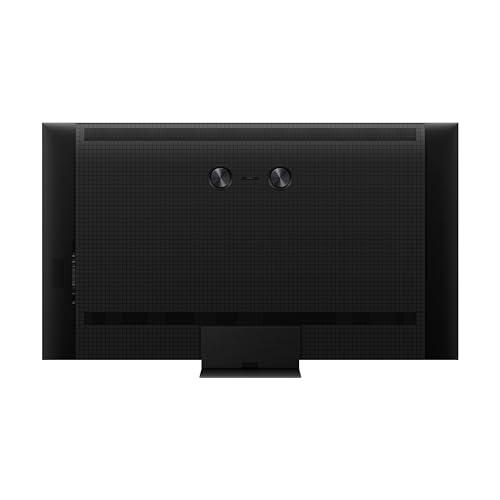
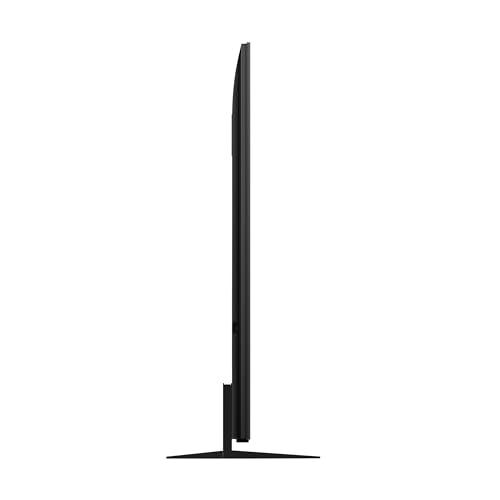
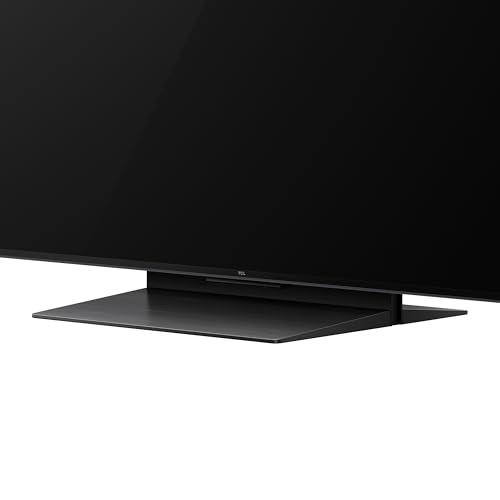
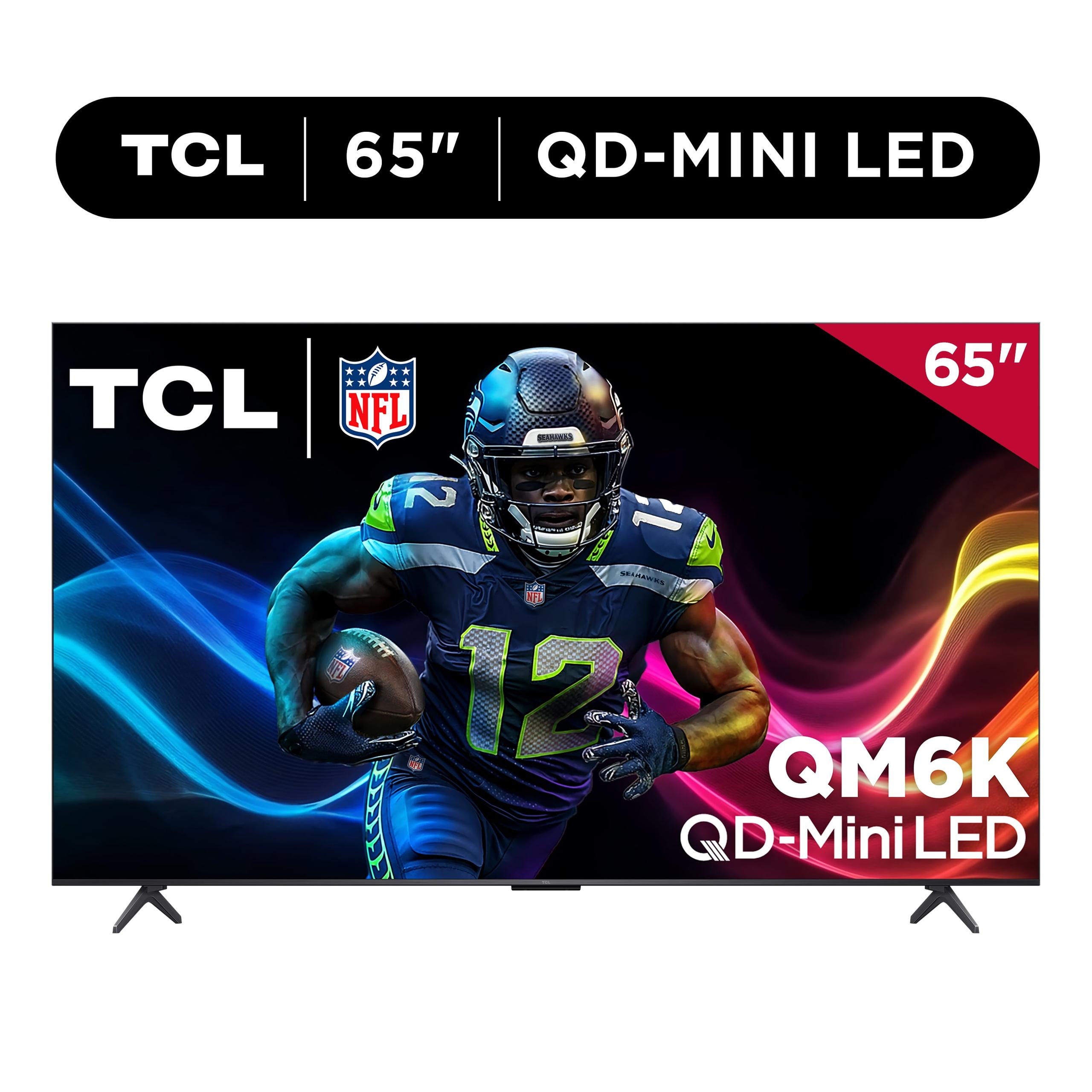
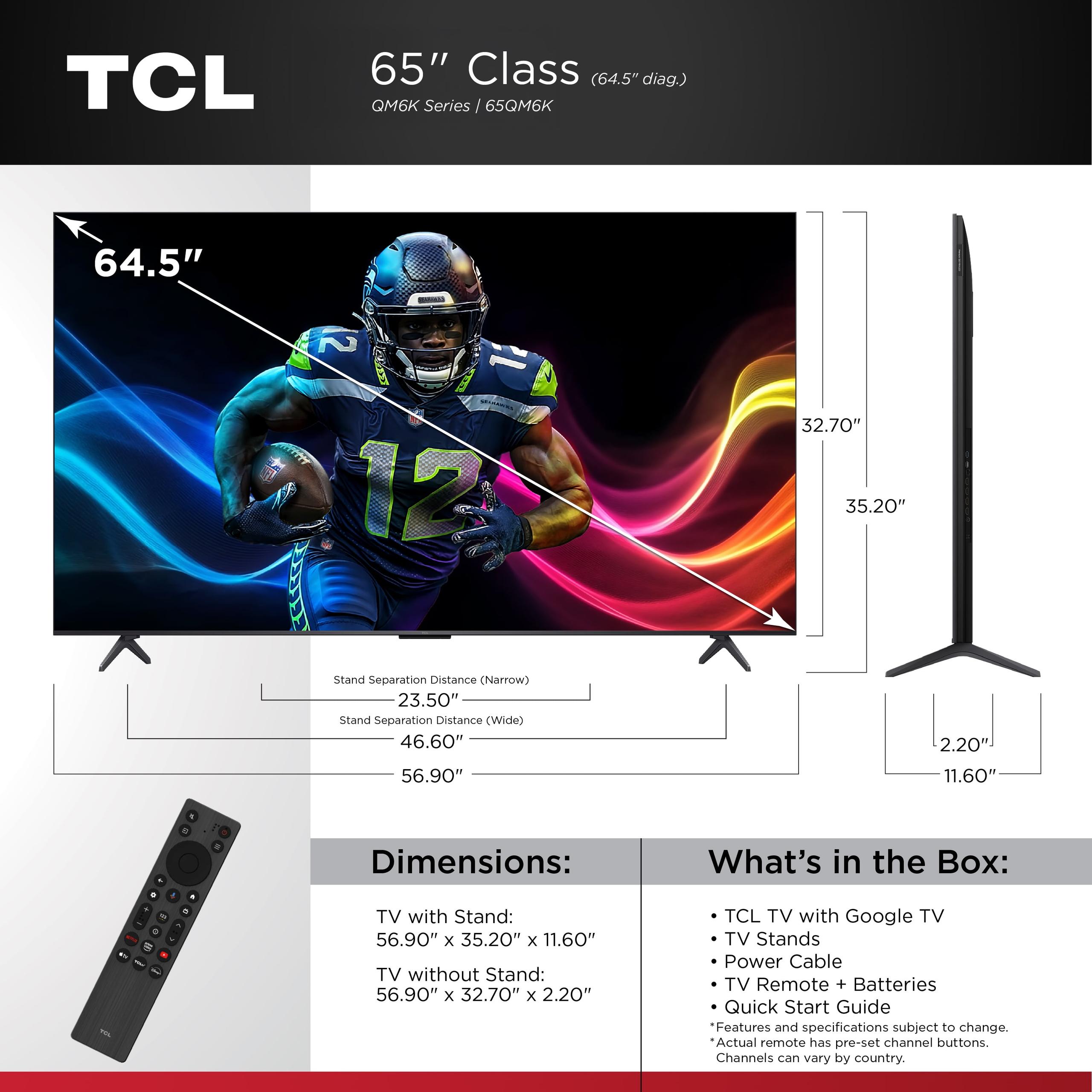
Shopping for a new TV in 2025 has gotten complicated. Between OLED, QLED, and now QD-Mini LED displays, there's a lot to unpack. Today I'm breaking down two of TCL's most popular models: the TCL 65QM7K and the TCL 65" QM6K. Both use the same cutting-edge QD-Mini LED technology, but they're aimed at very different buyers—and the performance differences are bigger than you might expect.
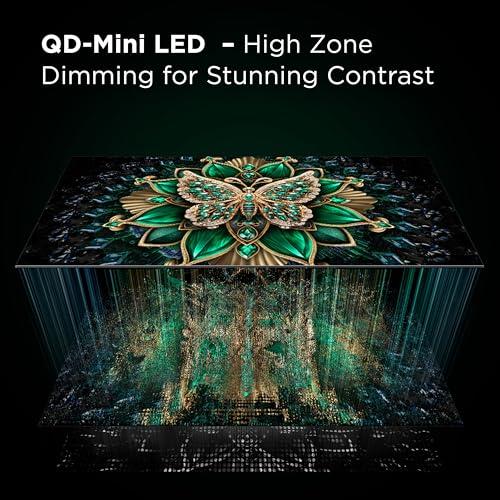
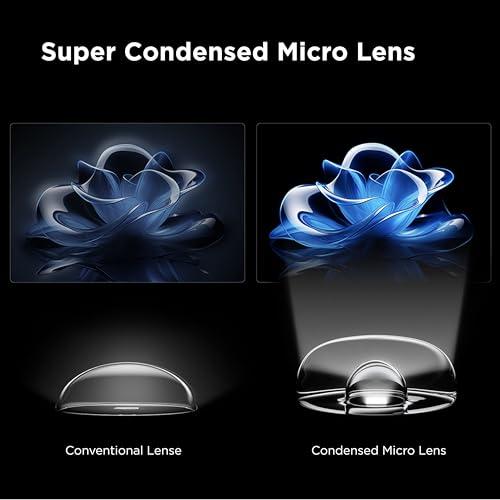
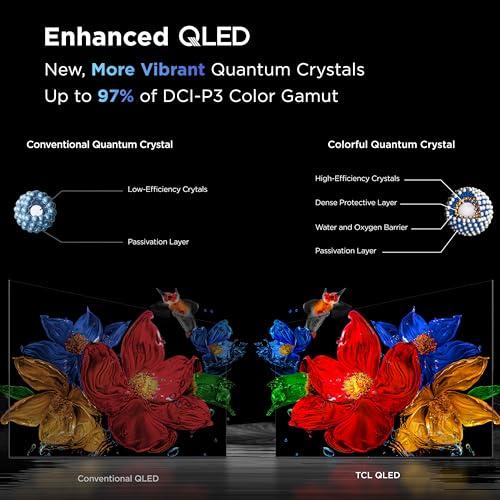
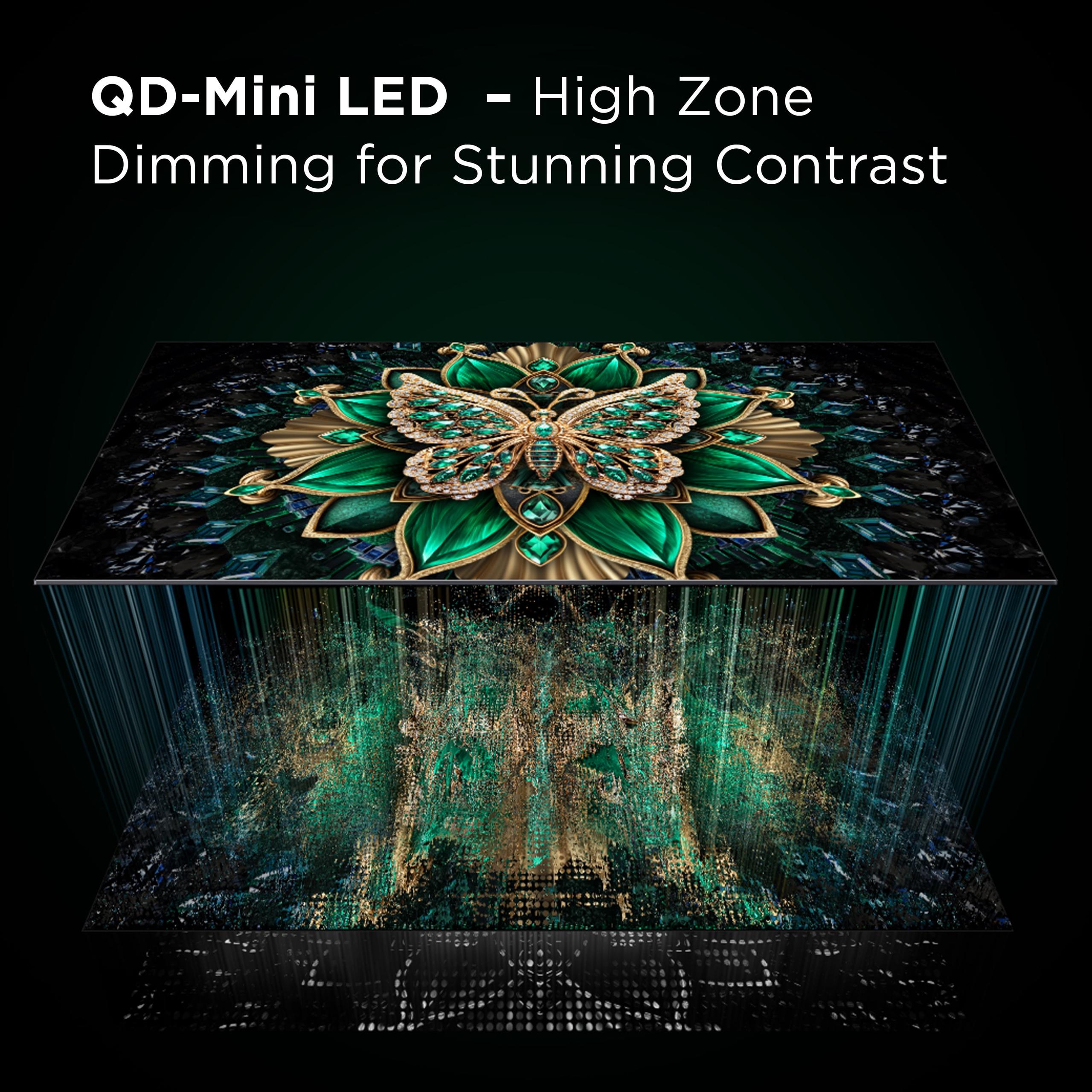
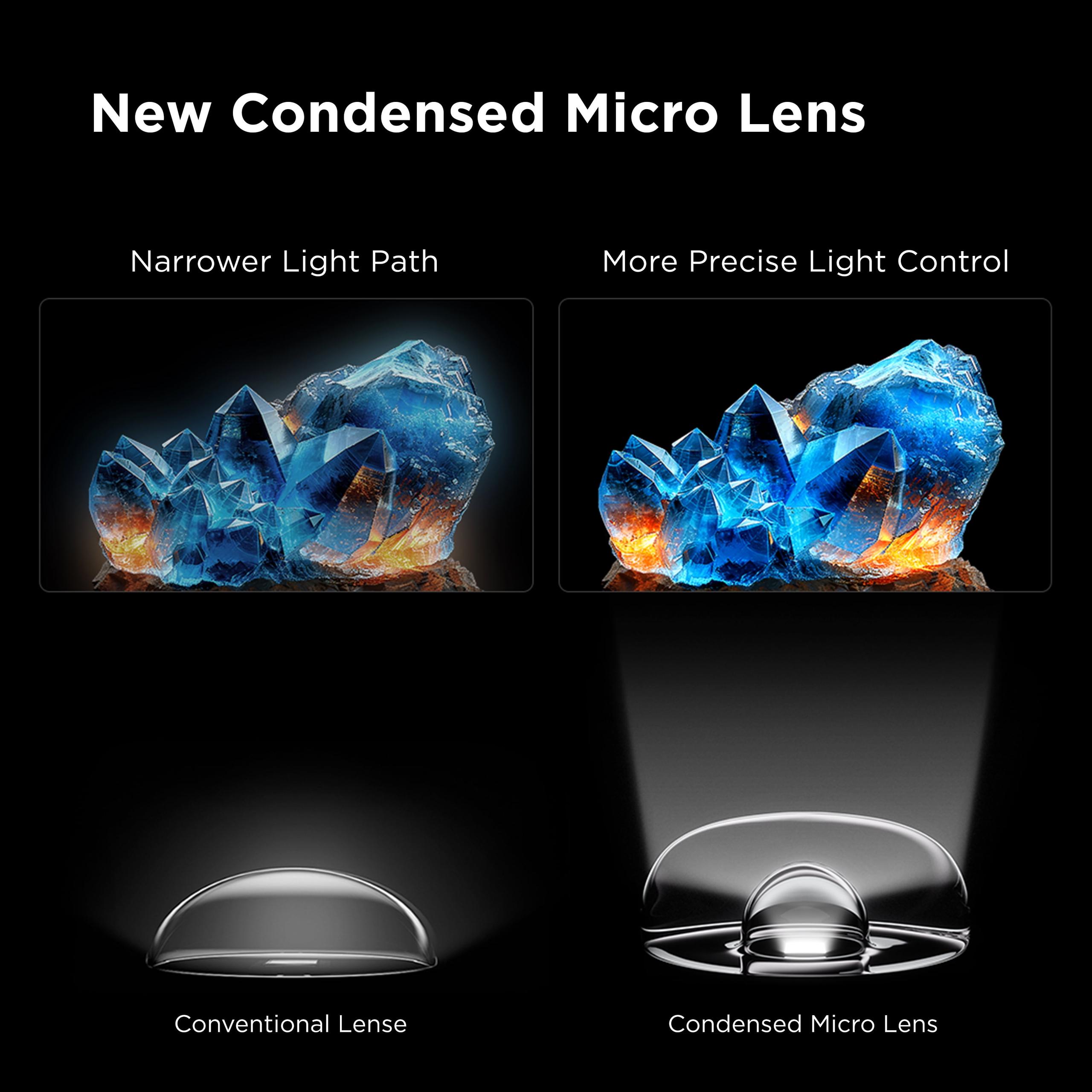
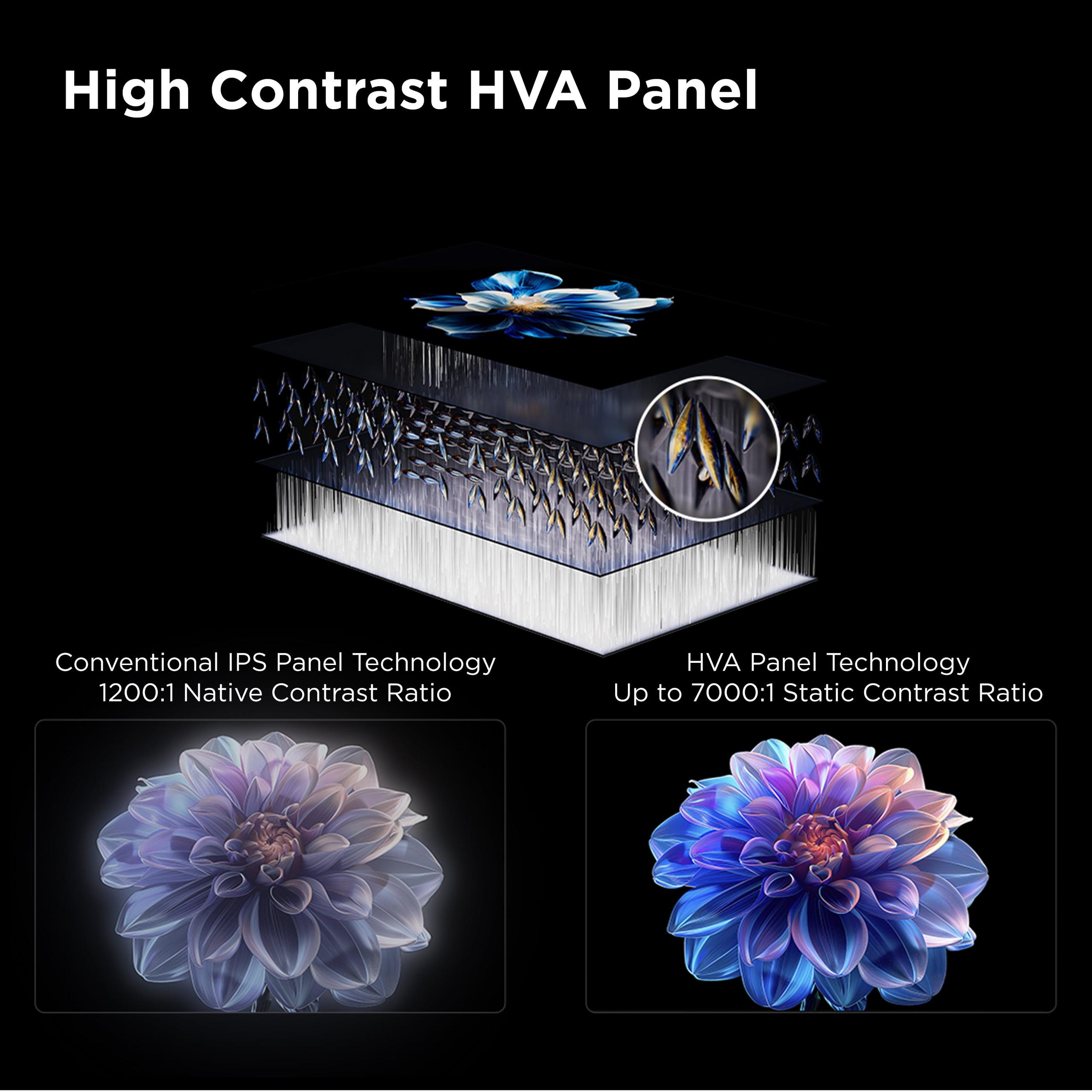
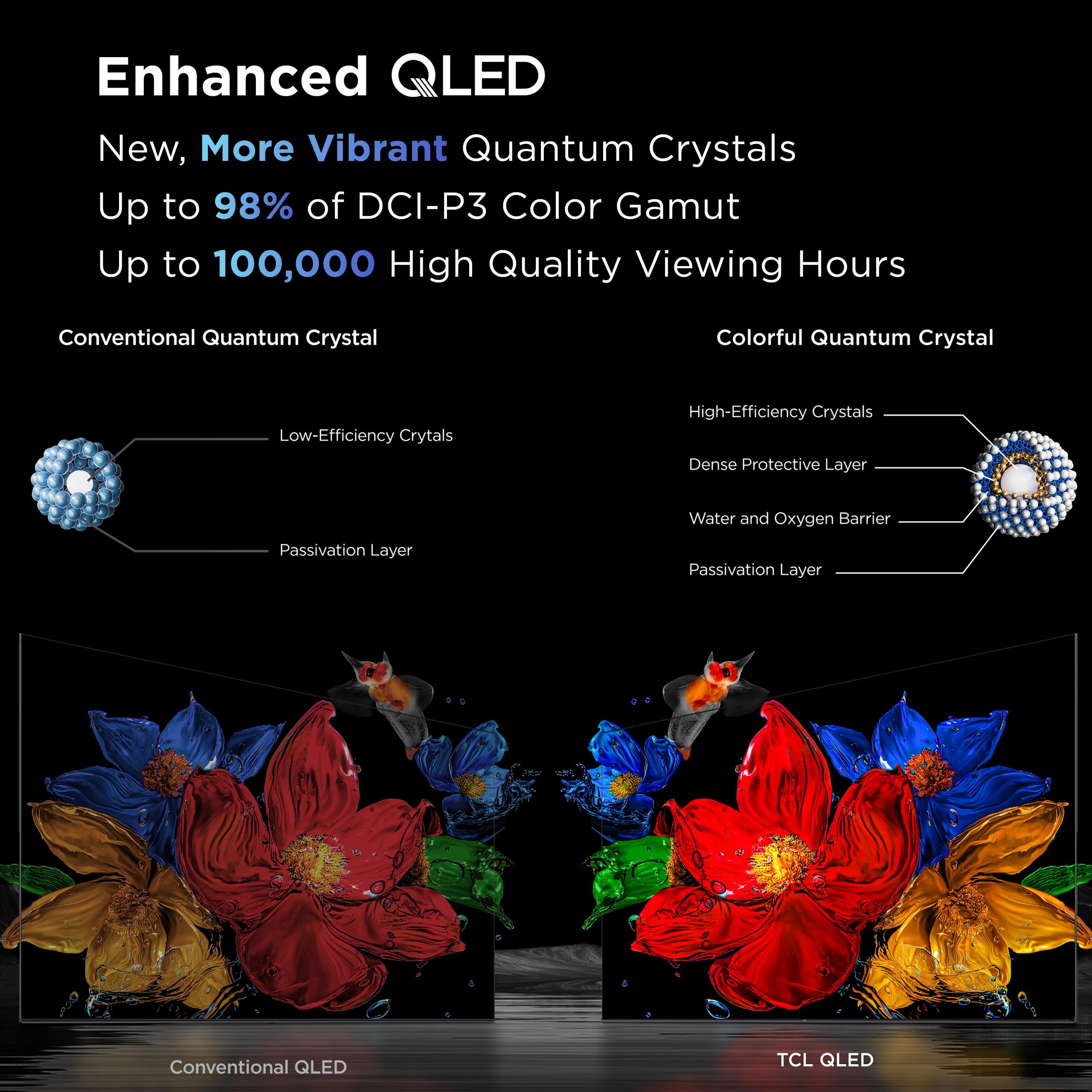
Before diving into the comparison, let's talk about what makes these TVs tick. QD-Mini LED combines two advanced technologies: quantum dots (the "QD" part) and mini-LED backlighting. Quantum dots are tiny particles that produce incredibly pure colors when hit by light—think of them as nature's color filters that make reds redder and blues more vivid. Mini-LEDs are exactly what they sound like: much smaller LED lights that can be packed more densely behind the screen.
The magic happens when you combine these technologies. Traditional LED TVs might have 50-100 dimming zones (areas that can brighten or dim independently), but mini-LED TVs can have thousands. More dimming zones mean better control over light and dark areas in the same scene—crucial for watching movies with dark shadows and bright highlights.
This technology sits between traditional QLED and premium OLED displays. You get the brightness punch of LED with much better contrast than older models, though not quite the perfect blacks of OLED. For most people, it's the sweet spot of performance and value.
TCL released the QM6K in early 2025 as their "affordable premium" option—the company's way of bringing mini-LED technology to budget-conscious buyers. The QM7K followed as their mid-range flagship, packing significantly more advanced features while still undercutting competitors' premium models.
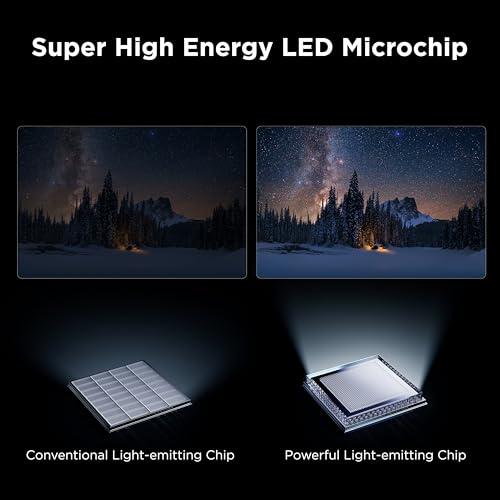
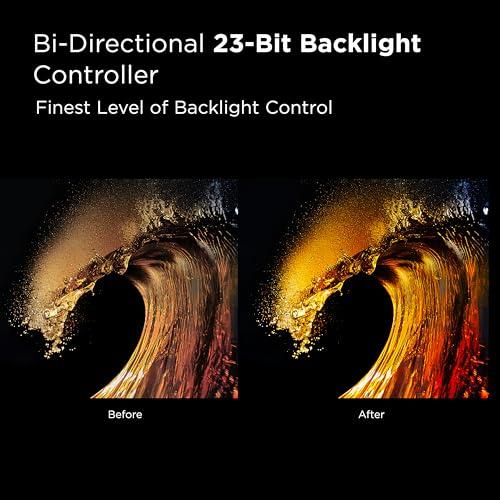
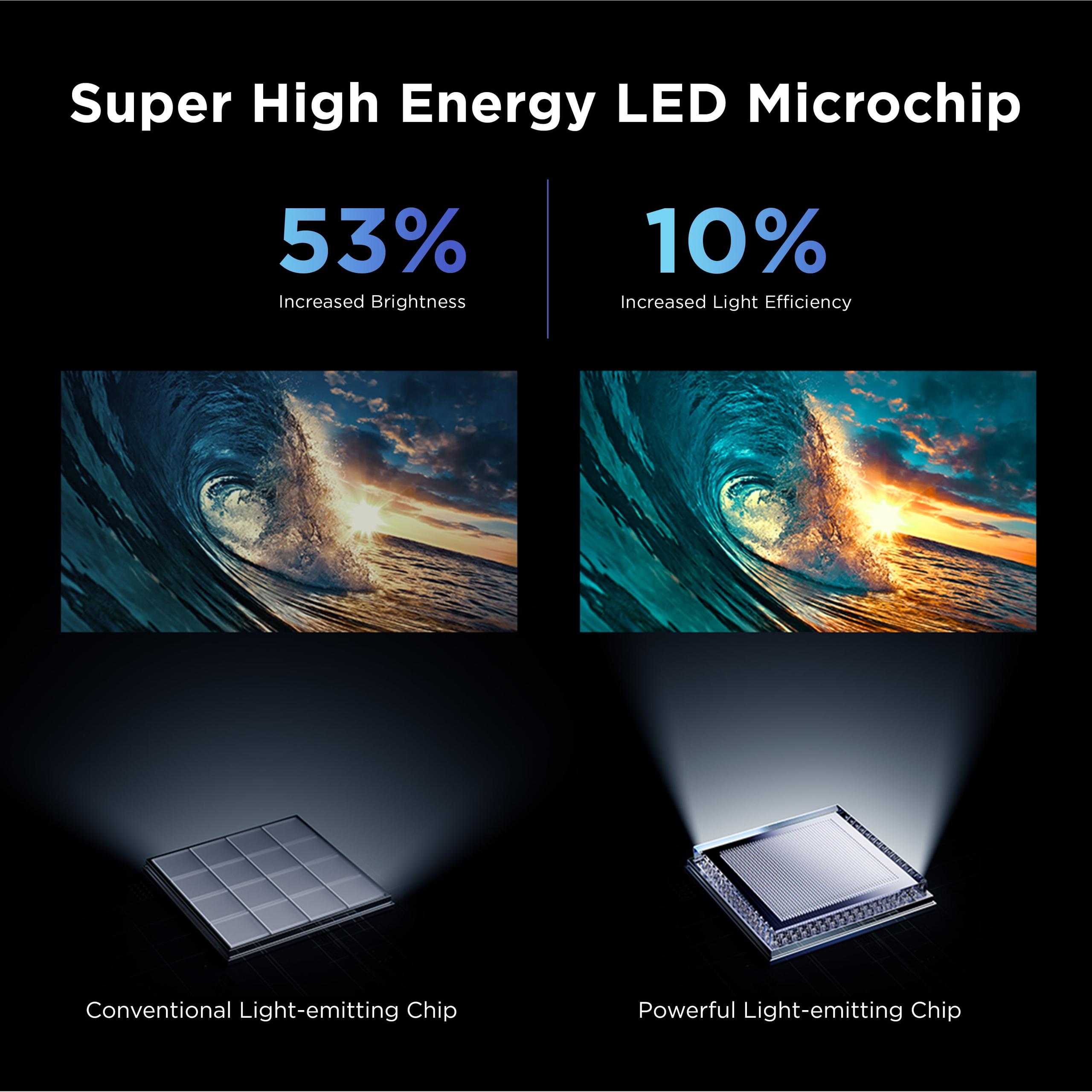
At the time of writing, the QM6K typically sells for around $1,000-1,200, while the QM7K commands roughly $400-500 more. That price gap represents some serious performance differences that we'll explore, but both TVs benefit from TCL's 2025 technological improvements, including their new Super High Energy LED Chip that's 53% brighter than previous generations while using 10% less power.
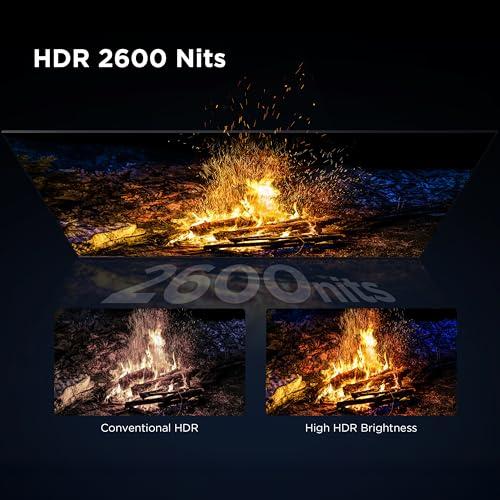
The most significant difference between these TVs is brightness, and it's not even close. The QM7K delivers up to 3,000 nits of peak brightness—that's enough to make HDR content genuinely pop even in bright living rooms. The QM6K, while still impressive, reaches considerably lower peak brightness levels.
Why does this matter? HDR (High Dynamic Range) content is designed to use much brighter highlights and deeper shadows than regular TV shows. When watching movies like "Dune" or "Blade Runner 2049," those dramatic desert suns and neon cityscapes need serious brightness to look the way the director intended. If your TV can't get bright enough, HDR content ends up looking flat and disappointing.
I've noticed this difference is especially obvious during daytime viewing. The QM7K maintains its visual impact even with sunlight streaming through windows, while the QM6K requires more careful room lighting to look its best. If your TV is in a bright family room rather than a dedicated theater space, this brightness advantage becomes crucial.
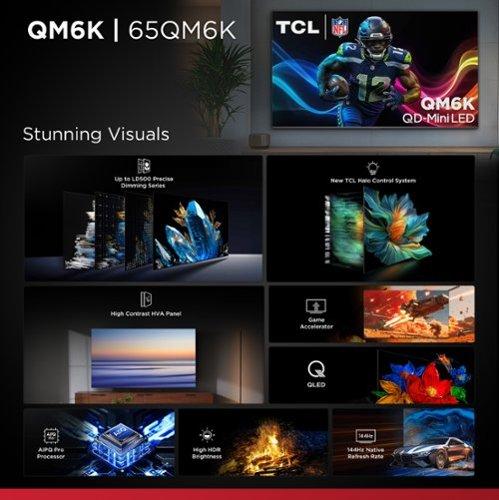
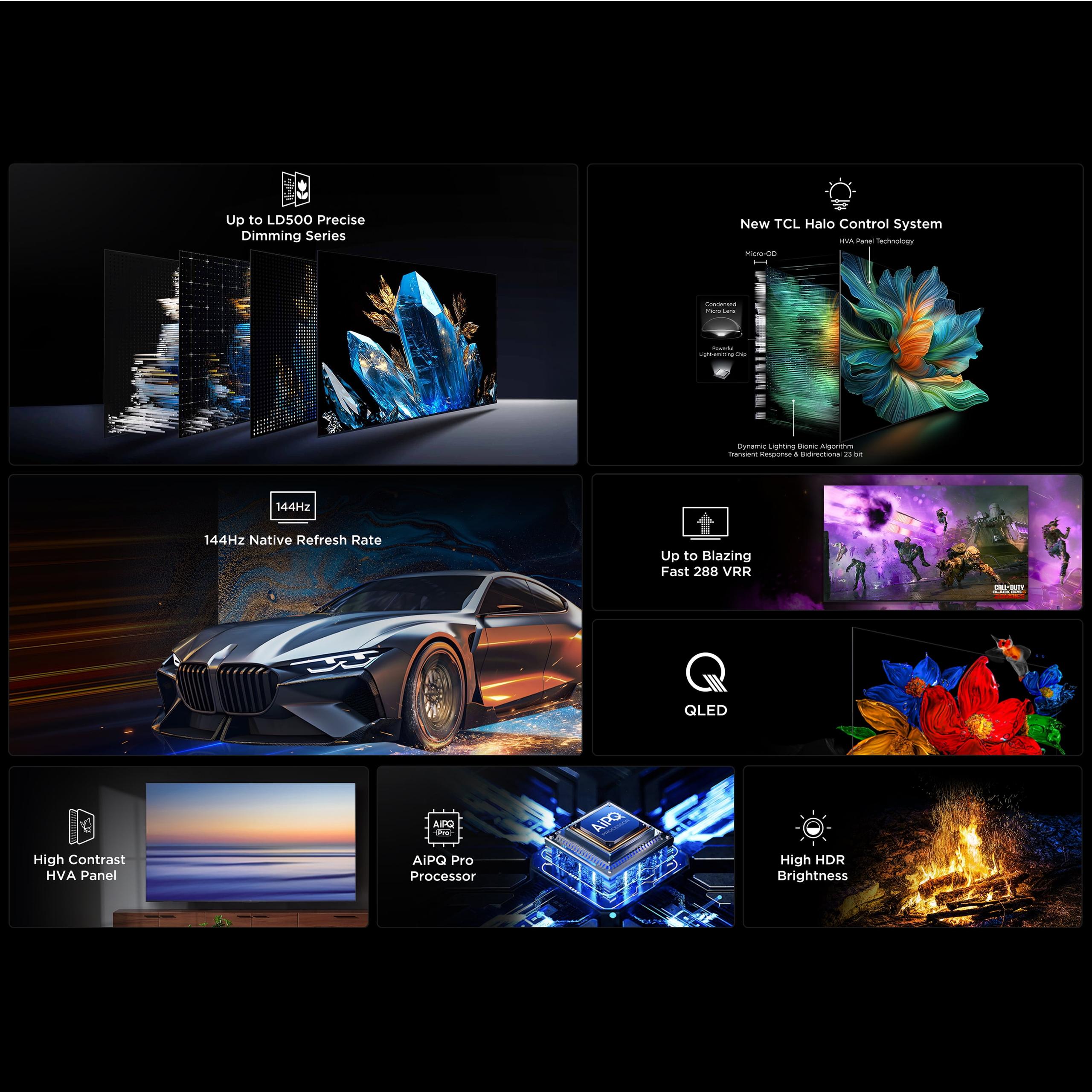
Here's where the QM7K really flexes its muscles. It packs up to 2,500 local dimming zones compared to the QM6K's 500 zones. Local dimming zones are like having thousands of tiny dimmers behind your screen—each one can brighten or darken independently to create better contrast.
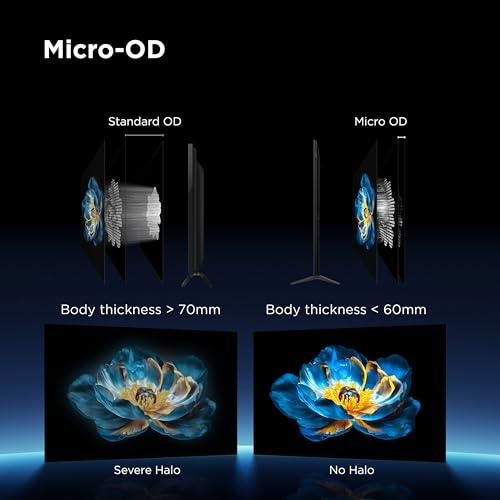
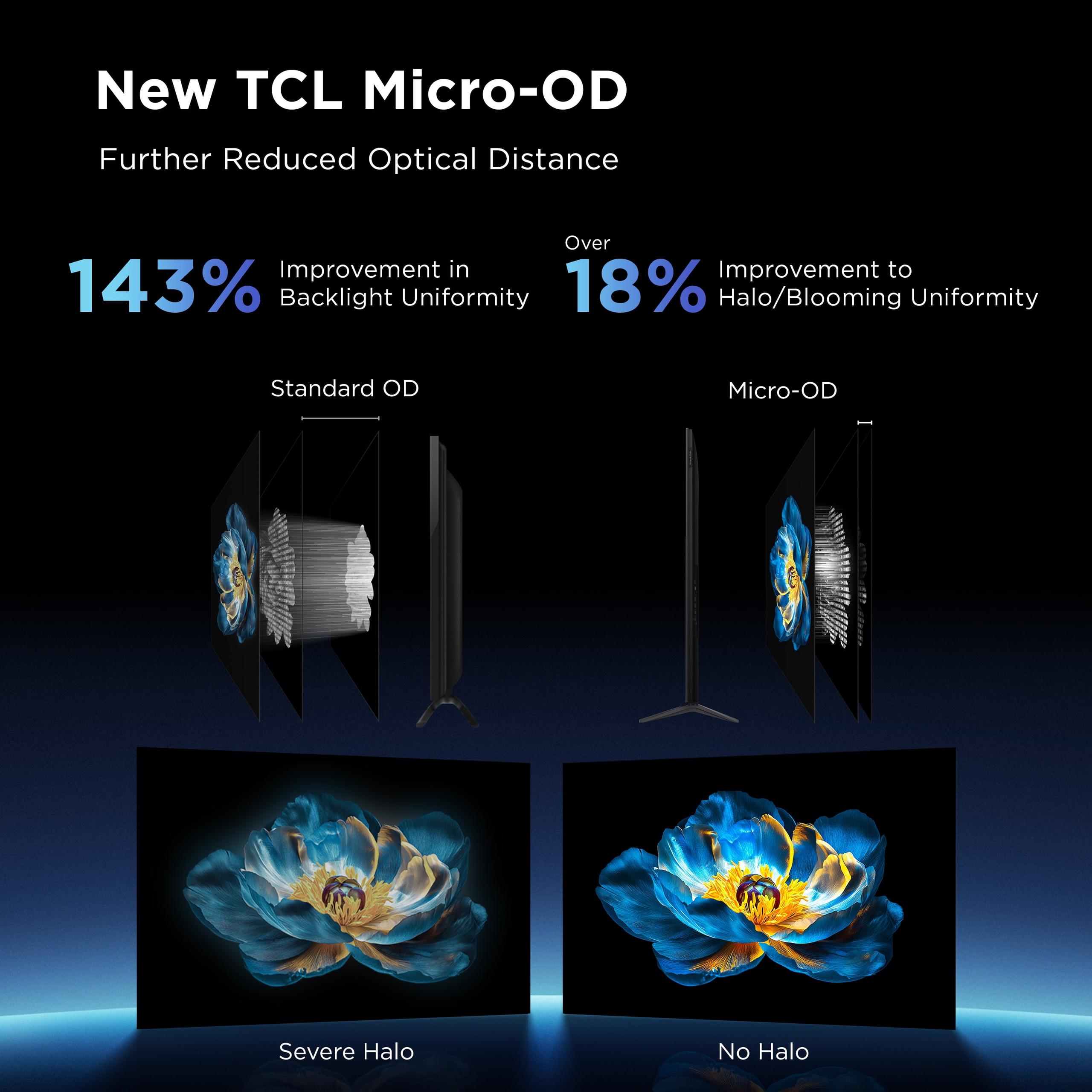
Think of watching a movie scene with bright stars against a dark sky. With fewer dimming zones, the glow from bright stars tends to bleed into the surrounding darkness (called "blooming" or "haloing"). More zones mean tighter control and cleaner separation between light and dark elements.
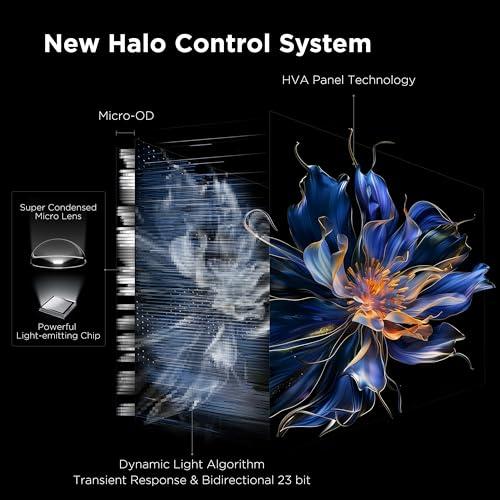
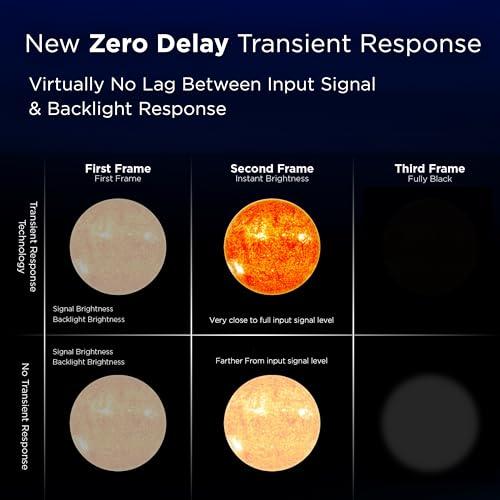
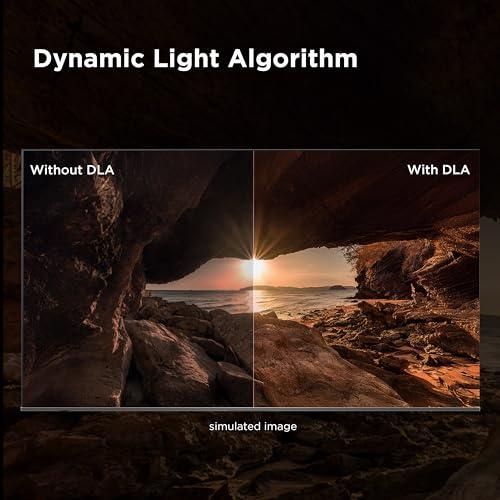
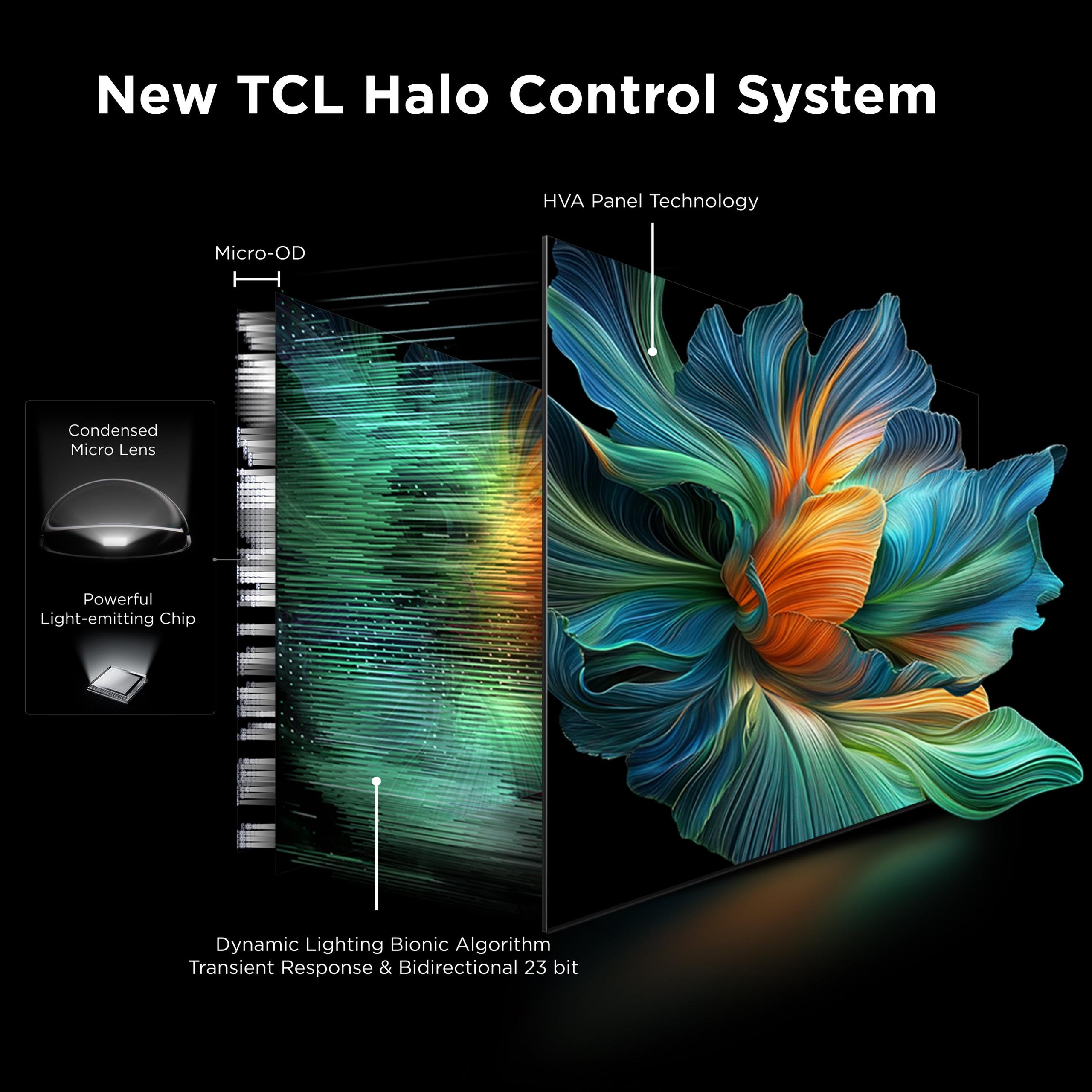
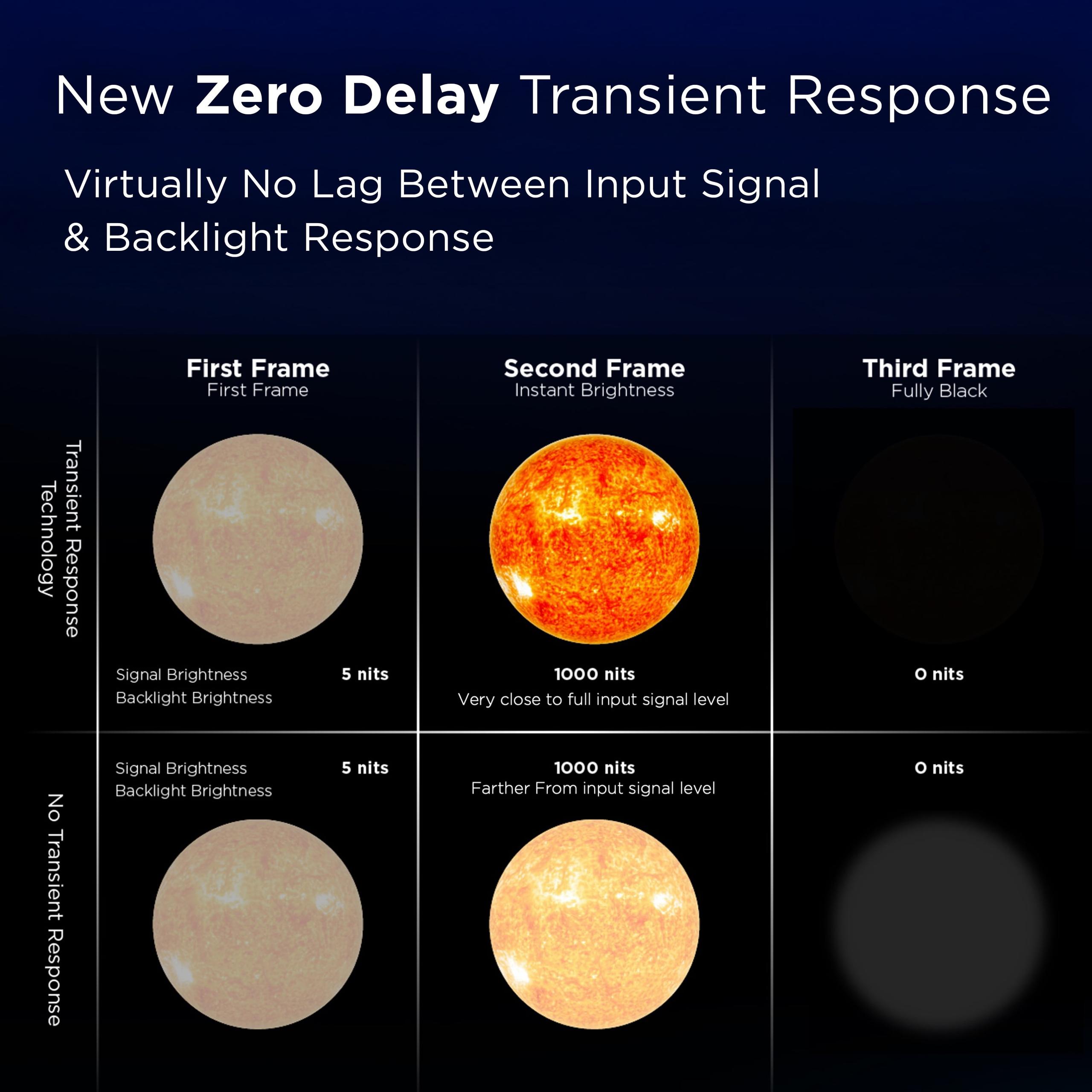
The QM7K's advanced Halo Control System combines multiple technologies—including Micro-OD (which reduces the distance between the backlight and screen) and a sophisticated Dynamic Light Algorithm—to minimize these issues. In practice, this means movie scenes with mixed lighting look dramatically more realistic, with deeper blacks and more precise highlights.
Here's where things get interesting. Despite the QM7K's overall superiority, the QM6K actually delivers better color accuracy straight out of the box. The QM7K tends to run cool with slightly overemphasized blues, while the QM6K hits more neutral color targets without adjustment.
However, this advantage matters less than you might think. The QM7K's superior brightness and color volume (the range of colors it can display at different brightness levels) usually creates more impactful viewing despite the less accurate defaults. Most viewers will prefer the QM7K's more vibrant, punchy presentation over the QM6K's technically accurate but less dramatic look.
For home theater enthusiasts who plan to calibrate their TV, this color accuracy difference becomes largely irrelevant—both TVs can be dialed in for excellent performance with proper adjustment.
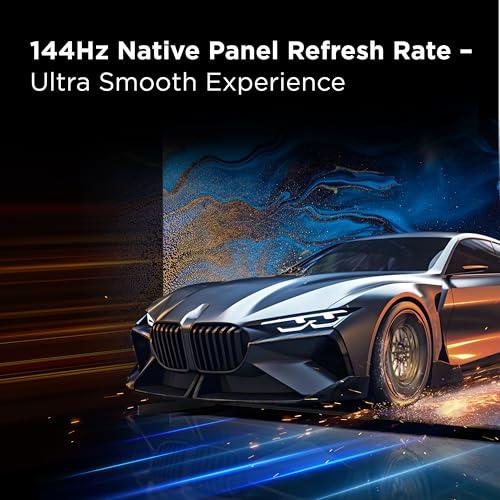
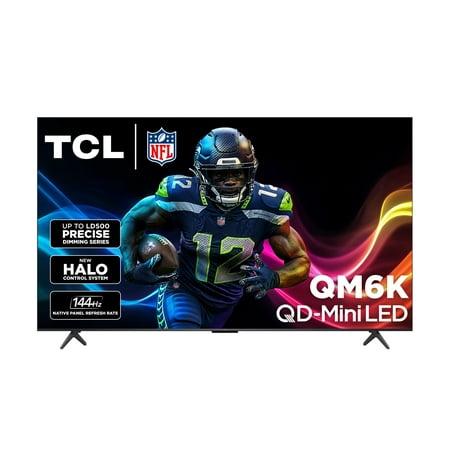
Both TVs excel for gaming, sharing many of the same core features. They both offer native 144Hz refresh rates—significantly higher than the standard 60Hz or 120Hz found on most TVs. This means smoother motion in fast-paced games, especially noticeable in racing games or first-person shooters.
The Game Accelerator 288 feature is particularly impressive, supporting variable refresh rates up to 288Hz at 1080p resolution. Variable refresh rate (VRR) synchronizes your TV's refresh rate with your gaming console or PC's frame rate, eliminating screen tearing and stuttering for buttery-smooth gameplay.
Where the QM7K edges ahead is in pixel response times and input lag. We're talking about differences measured in milliseconds—not noticeable for casual gaming, but potentially meaningful for competitive players where every advantage matters. Both TVs support Auto Low Latency Mode (ALLM), which automatically switches to game mode when it detects gaming devices.
For most gamers, either TV will deliver an excellent experience with modern consoles like the PlayStation 5 or Xbox Series X. The QM7K's slight edge in responsiveness is more about bragging rights than practical advantage for most users.
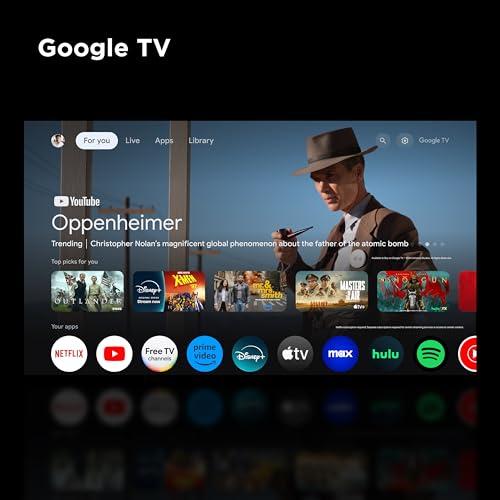
Both TVs run Google TV, which has become one of the most polished smart TV platforms. It integrates seamlessly with Google services while supporting Alexa, Apple HomeKit, and Chromecast. The interface is intuitive, with good content recommendations and easy access to all major streaming apps.
The hands-free voice control is genuinely useful—you can adjust volume, change inputs, or search for content without finding the remote. Both TVs support Google Assistant and Alexa, giving you flexibility in smart home integration.
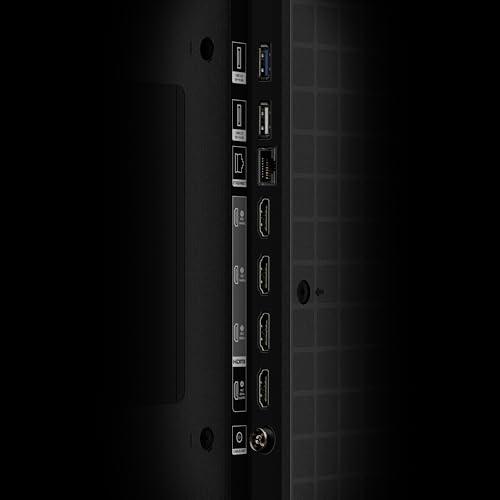
Connectivity is solid on both models, with four HDMI ports including support for eARC (enhanced Audio Return Channel) for high-quality soundbar connections. The QM7K includes two full HDMI 2.1 ports for maximum gaming bandwidth, while the QM6K focuses more on essential connectivity needs.
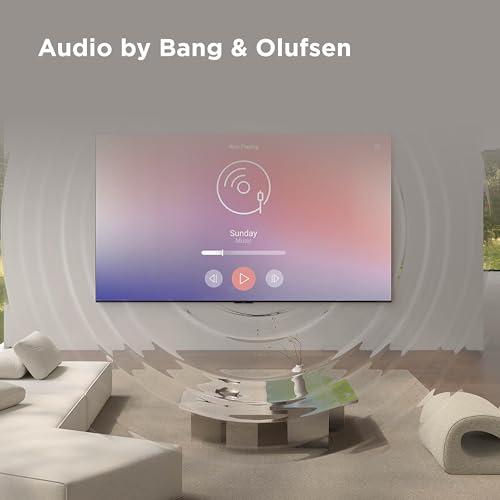
TV audio is always a compromise due to physical limitations—thin panels don't have room for large speakers. The QM7K features a 60W Bang & Olufsen audio system with Dolby Atmos support, while the QM6K uses a 2.1 channel Onkyo system with a built-in subwoofer.
Both sound decent for everyday watching, but neither replaces a proper sound system for serious movie viewing. The QM7K's audio has slightly more power and refinement, but the difference isn't dramatic enough to influence your buying decision. If audio quality matters to you, plan on adding a soundbar or surround sound system regardless of which TV you choose.
The QM7K is significantly more versatile in different room setups. Its anti-reflective coating and higher brightness make it suitable for bright living rooms with lots of windows. The TV maintains excellent image quality even with ambient light that would wash out many competitors.
The QM6K performs best in more controlled lighting environments. It shows noticeable reflections in dark scenes and benefits from dimmer rooms with minimal direct light on the screen. This isn't necessarily a dealbreaker—many people prefer watching TV with reduced lighting anyway—but it limits where you can place the TV in your home.
For dedicated home theater setups with controlled lighting, both TVs excel. The QM6K can deliver impressive movie experiences in dark rooms, while the QM7K adds the flexibility to work well even if you haven't perfected your room's lighting control.
The QM6K represents exceptional value at its price point. For buyers wanting to experience mini-LED technology without paying premium prices, it delivers solid performance across all key areas. The picture quality is genuinely impressive for the money, gaming features match more expensive models, and the Google TV platform provides everything most users need.
The QM7K justifies its higher price through meaningful performance improvements. The brightness advantage alone makes HDR content significantly more impactful, while the superior local dimming creates noticeably better contrast and reduced blooming. For buyers who prioritize picture quality and room versatility, the additional cost delivers real benefits.
The QM6K makes sense for budget-conscious buyers who can optimize their viewing environment. If you're willing to control room lighting and primarily watch content in dimmer conditions, you'll get excellent performance at an attractive price. It's also great for secondary bedrooms or smaller spaces where maximum brightness isn't essential.
The QM7K targets buyers who want premium performance without flagship pricing. If your TV sits in a bright family room, you watch lots of HDR content, or you simply want the best picture quality in this price range, the additional cost is well spent. It's also the better choice for buyers who don't want to think about room optimization—it just works well everywhere.
For home theater enthusiasts, the QM7K is the clear winner. Its superior contrast and brightness create more dramatic movie experiences, while its room flexibility means it performs well even in less-than-perfect theater setups.
Both TVs represent solid values in their respective price ranges, but they target different buyers with different priorities. The QM6K delivers impressive performance at a budget-friendly price, making mini-LED technology accessible to more buyers. The QM7K provides substantially better picture quality and versatility, justifying its higher cost for buyers who prioritize performance.
At the time of writing, the performance gap between these models is significant enough that most buyers should either save money with the QM6K or invest in the QM7K's superior capabilities. The middle ground doesn't offer compelling value compared to these two options.
If your budget allows, the QM7K is the better long-term choice—its superior brightness and contrast will remain impressive as content quality continues to improve, and its room versatility means it'll work well even if you move or rearrange your space.
| TCL 65QM7K QD-Mini LED 4K Google TV | TCL 65" QM6K QD-Mini LED 4K TV |
|---|---|
| Peak Brightness - Critical for HDR content and bright rooms | |
| Up to 3,000 nits (excellent for any lighting condition) | Lower peak brightness (requires dimmer rooms for best results) |
| Local Dimming Zones - Controls contrast and reduces blooming | |
| Up to 2,500 zones (dramatic contrast improvement) | Up to 500 zones (good but noticeable blooming in dark scenes) |
| Refresh Rate - Smoothness for gaming and sports | |
| 144Hz native (identical gaming performance) | 144Hz native (identical gaming performance) |
| Game Accelerator VRR - Variable refresh rate gaming | |
| Up to 288Hz at 1080p (same as QM6K) | Up to 288Hz at 1080p (same as QM7K) |
| HDR Formats - Compatibility with premium content | |
| Dolby Vision IQ, HDR10+, HDR10, HLG | Dolby Vision IQ, HDR10+, HDR10, HLG |
| Color Accuracy - Out-of-box performance | |
| Runs cool with blue emphasis (needs calibration) | Better default accuracy (more neutral colors) |
| Reflection Handling - Performance in bright environments | |
| Anti-reflective coating (works well anywhere) | Shows reflections (best in controlled lighting) |
| Audio System - Built-in sound quality | |
| 60W Bang & Olufsen with Dolby Atmos | 2.1 channel Onkyo with subwoofer |
| Smart Platform - Operating system and features | |
| Google TV with voice control (identical features) | Google TV with voice control (identical features) |
| HDMI 2.1 Ports - Next-gen gaming bandwidth | |
| 2 HDMI 2.1 ports (full gaming features) | 1 eARC port (basic gaming needs covered) |
| Value Positioning - Who this TV targets | |
| Mid-range flagship (premium performance) | Affordable premium (budget mini-LED entry) |
The TCL 65QM7K is significantly better for bright rooms due to its higher peak brightness (up to 3,000 nits) and anti-reflective coating. The TCL 65" QM6K shows noticeable reflections and performs best in dimmer, controlled lighting environments.
The biggest difference is local dimming performance. The TCL 65QM7K has up to 2,500 dimming zones compared to the QM6K's 500 zones, resulting in much better contrast, deeper blacks, and less blooming around bright objects in dark scenes.
Yes, both the TCL 65QM7K and TCL 65" QM6K excel for gaming with identical 144Hz refresh rates and Game Accelerator 288 supporting up to 288Hz VRR. The QM7K has slightly lower input lag, but both deliver excellent gaming performance.
The TCL 65" QM6K offers better value at its lower price point, delivering solid mini-LED performance for budget-conscious buyers. The TCL 65QM7K provides better overall performance but costs significantly more, making it better value for those prioritizing picture quality.
The TCL 65QM7K is substantially better for HDR content due to its higher peak brightness and superior local dimming. HDR movies and shows will have more impactful highlights and better contrast on the QM7K, while the QM6K may appear flatter in HDR scenes.
Yes, both the TCL 65QM7K and TCL 65" QM6K run Google TV with identical smart features including Google Assistant, Alexa support, Chromecast built-in, and hands-free voice control. The smart platform experience is the same on both models.
The TCL 65QM7K is better for home theater use due to its superior contrast (2,500 vs 500 dimming zones), higher brightness for HDR content, and better overall picture quality. However, the QM6K can still deliver impressive movie experiences in properly darkened rooms.
Surprisingly, the TCL 65" QM6K has better out-of-box color accuracy with more neutral colors, while the TCL 65QM7K runs cooler with overemphasized blues. However, the QM7K's superior brightness and color volume often create more impressive visuals despite less accurate defaults.
The TCL 65QM7K includes 2 HDMI 2.1 ports for full next-gen gaming bandwidth, while the TCL 65" QM6K focuses on essential connectivity needs with fewer high-bandwidth ports. Both have 4 HDMI ports total and support eARC for soundbar connections.
The TCL 65QM7K handles reflections much better with its anti-reflective screen coating and higher brightness, making it suitable for any room lighting. The TCL 65" QM6K shows noticeable reflections in dark scenes and requires more controlled lighting environments.
The TCL 65QM7K features a 60W Bang & Olufsen audio system with Dolby Atmos, while the TCL 65" QM6K uses a 2.1 channel Onkyo system with built-in subwoofer. Both sound decent for everyday viewing, but neither replaces a dedicated sound system for serious home theater use.
Choose the TCL 65QM7K if you want the best picture quality, have a bright room, or watch lots of HDR content. Choose the TCL 65" QM6K if you're budget-conscious, can control room lighting, and want solid mini-LED performance at a lower cost.
We've done our best to create useful and informative comparisons to help you decide what product to buy. Our research uses advanced automated methods to create this comparison and perfection is not possible - please contact us for corrections or questions. These are the sites we've researched in the creation of this article: bestbuy.com - businessinsider.com - tomsguide.com - tomsguide.com - rtings.com - tomsguide.com - youtube.com - rtings.com - consumerreports.org - youtube.com - youtube.com - displayspecifications.com - youtube.com - tcl.com - tcl.com - tcl.com - youtube.com - rcwilley.com - bestbuy.com - tclcentral.com - displayspecifications.com - tomsguide.com - tcl.com - brandsmartusa.com - tcl.com - tcl.com - gizmochina.com - nfm.com - dolby.com - alexraytv.com - youtube.com - tomsguide.com - youtube.com - tcl.com - tomsguide.com - youtube.com - youtube.com - hometechnologyreview.com - rtings.com - bestbuy.com - tcl.com - youtube.com - youtube.com - bestbuy.com - youtube.com - youtube.com - youtube.com - tcl.com - youtube.com - walmart.com - tcl.com - displayspecifications.com - kitele.com - displayspecifications.com - flatpanelshd.com - woodruffappliance.com - displayspecifications.com - prnewswire.com - youtube.com - abt.com - youtube.com - tclkenya.co.ke - budgethomefurn.com

Privacy Policy
Terms and Conditions - Affiliate Policy
Home Security
© Copyright 2008-2026.
11816 Inwood Rd #1211, Dallas, TX 75244