

When shopping for a projector in 2025, you're facing more choices than ever before. The market has split into two distinct camps: smart projectors that work like oversized tablets with built-in streaming apps, and performance-focused models that prioritize pure image quality and specialized features like gaming. Today we're comparing two excellent representatives from each camp—the Nebula Cosmos 4K SE and the Optoma HZ40HDR—to help you figure out which approach works best for your needs.
Before diving into specifics, let's talk about what makes modern projectors tick. Unlike the bulky, lamp-based models from a decade ago, today's projectors use advanced light sources like LEDs and lasers that last 25,000 to 30,000 hours—that's roughly 10-15 years of typical home use. These newer light sources also produce more accurate colors and turn on instantly, eliminating the warm-up time that made older projectors frustrating for quick movie nights.
The brightness measurement you'll see everywhere is ANSI lumens, which tells you how much light the projector can actually put out. Think of it like the wattage on a light bulb—higher numbers mean brighter images that can compete with room lighting. For context, a typical living room with some ambient light needs at least 2,000 lumens for comfortable viewing, while a dedicated dark home theater can work fine with 1,000-1,500 lumens.
Resolution is where things get interesting. True 4K projectors use chips with over 8 million individual pixels, but they're expensive. Many "4K" projectors, including the Nebula Cosmos 4K SE, use a technique called pixel shifting. This takes a 1080p chip (about 2 million pixels) and rapidly shifts each pixel to four different positions, creating the detail level of 4K. It's not quite as sharp as native 4K, but it's significantly better than regular 1080p and costs much less to manufacture.
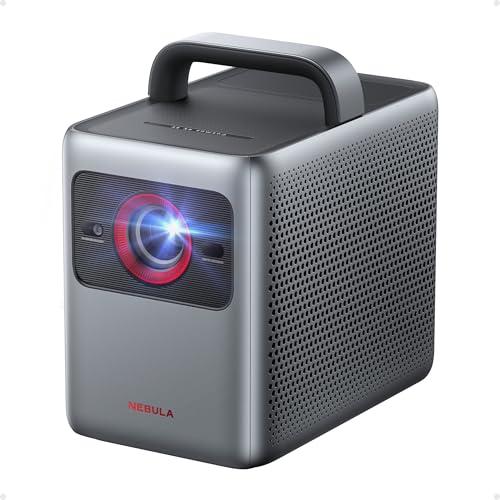
Released in 2025, the Nebula Cosmos 4K SE represents the latest thinking in user-friendly projectors. At its heart is Google TV—the same smart platform you'd find on premium televisions—which means you can access Netflix, Disney+, and thousands of other apps without connecting any external devices. This might seem like a small convenience, but it fundamentally changes how you interact with the projector.
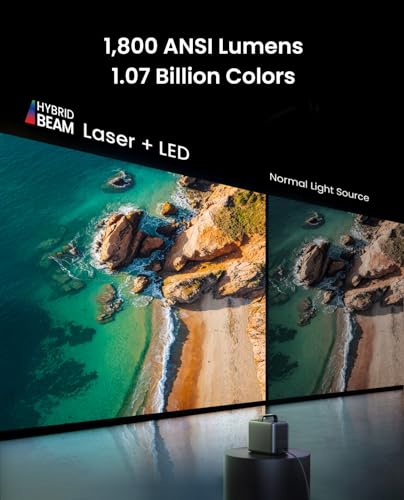
The Cosmos 4K SE uses what Nebula calls HybridBeam technology, combining both LED and laser light sources in a single system. The LEDs handle most of the color spectrum, while a red laser boosts brightness and creates more vivid reds than LEDs alone can manage. This hybrid approach produces 1,800 ANSI lumens—bright enough for most home theaters but not overwhelming in terms of power consumption or heat generation.
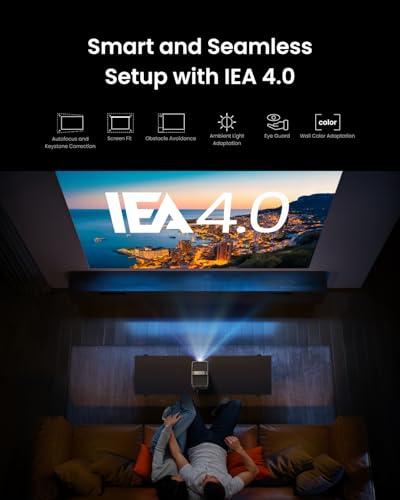
What really sets the Nebula projector apart is its IEA 4.0 (Intelligent Environment Adaptation) system. Point it at a wall, and it automatically focuses the image, corrects for any angle distortion (called keystone correction), and even adjusts the picture based on your wall color. If someone walks in front of the projector, it temporarily dims to protect their eyes. These features make setup incredibly simple—you literally just point and play.
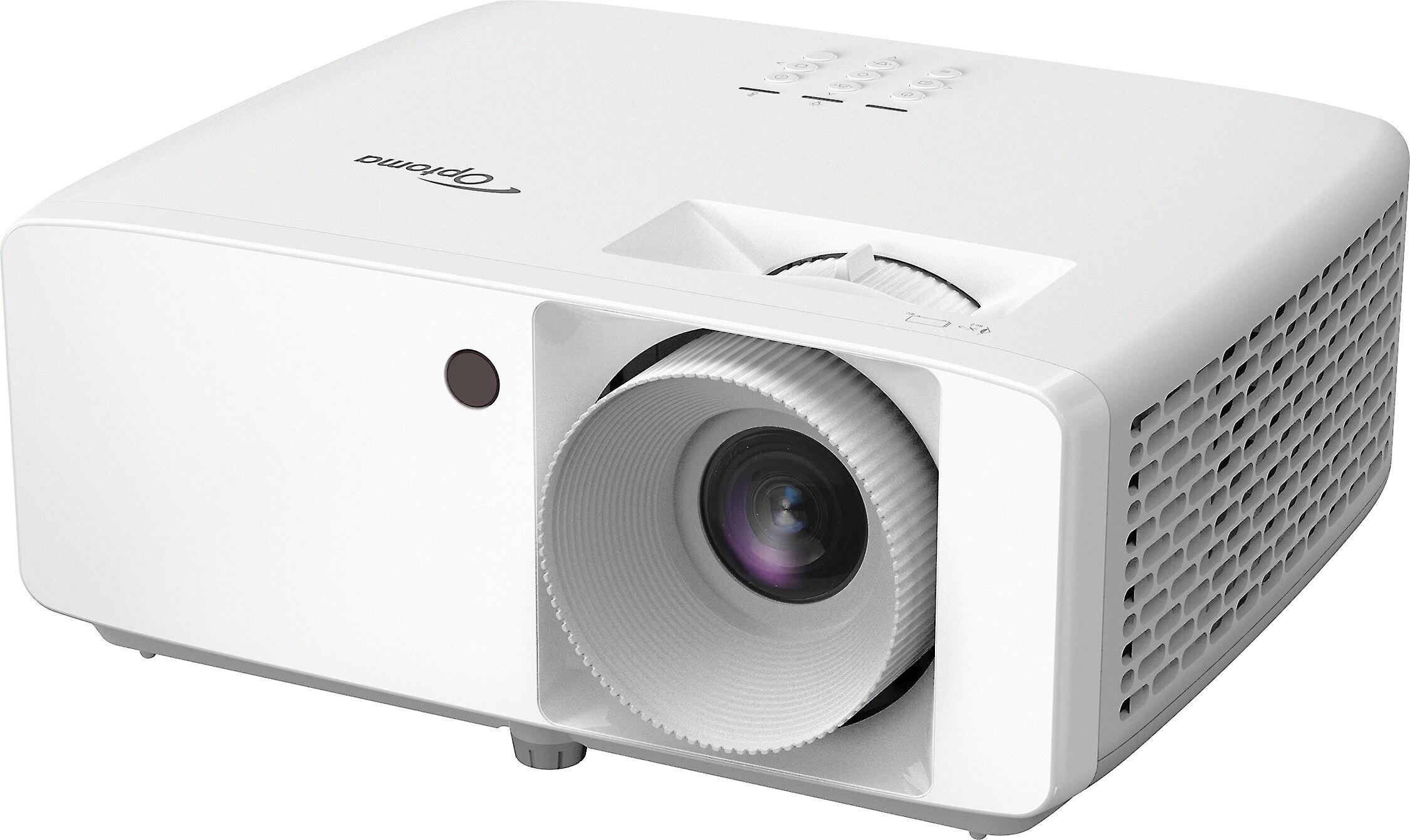
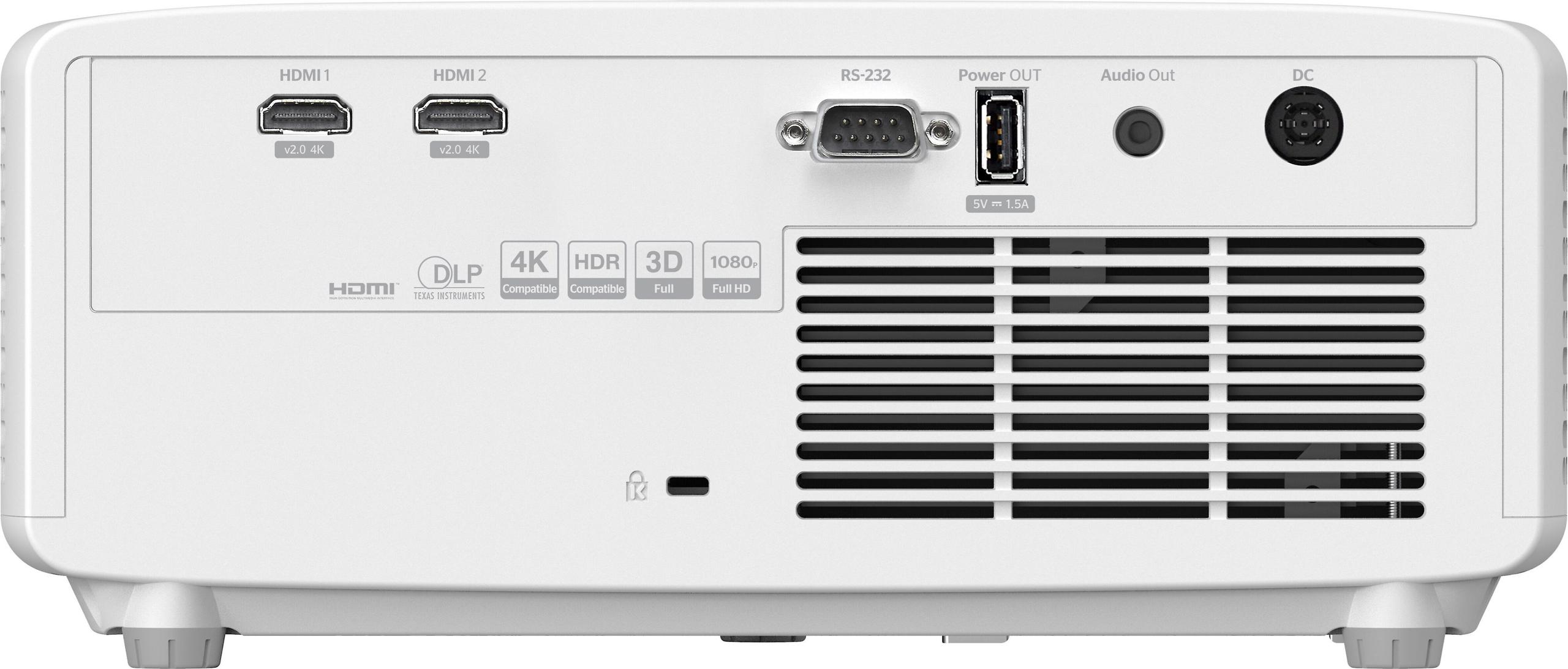
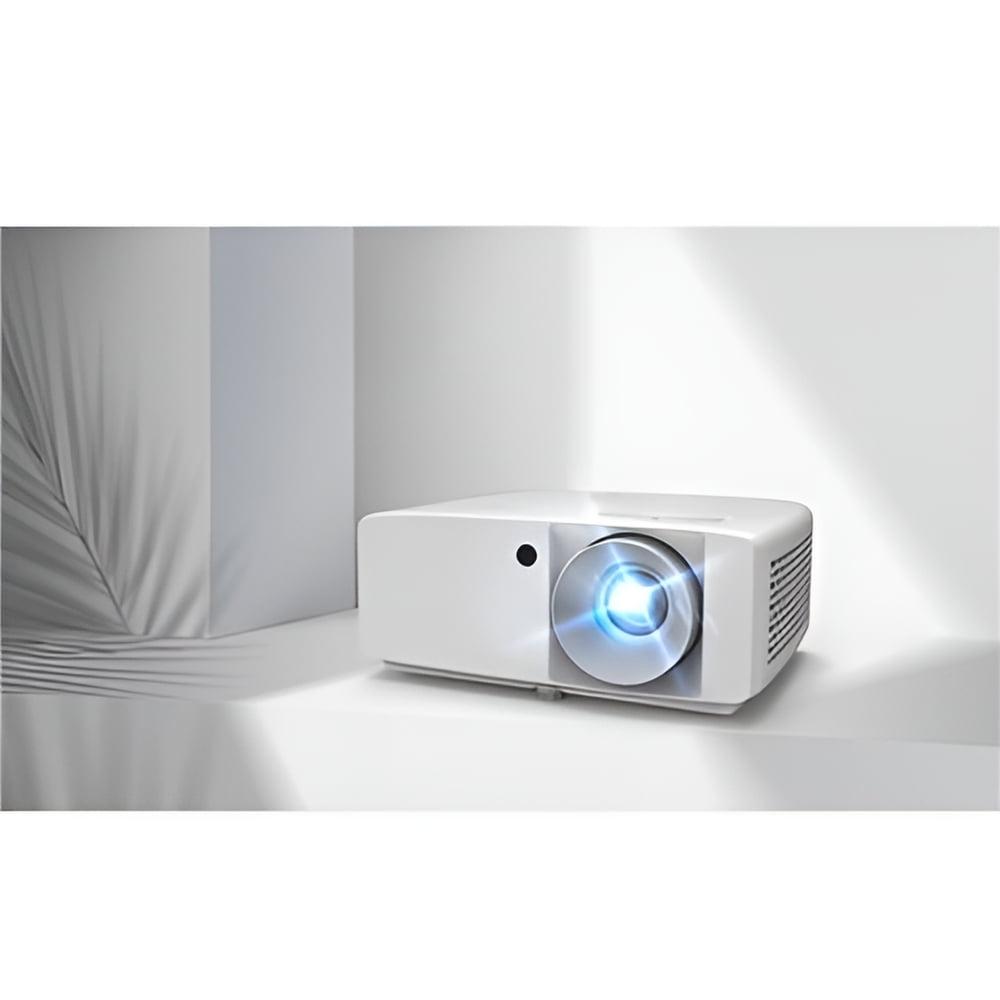
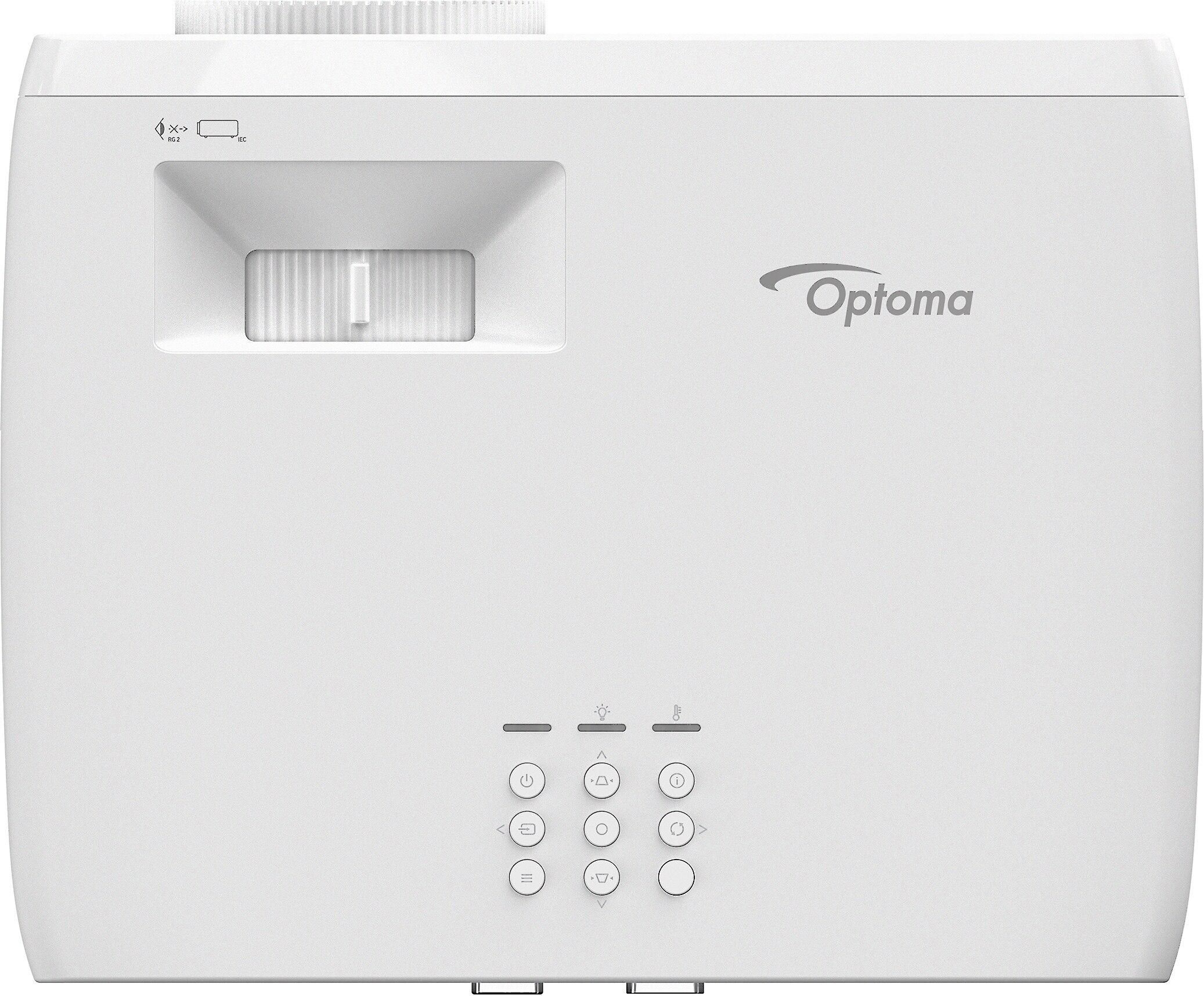
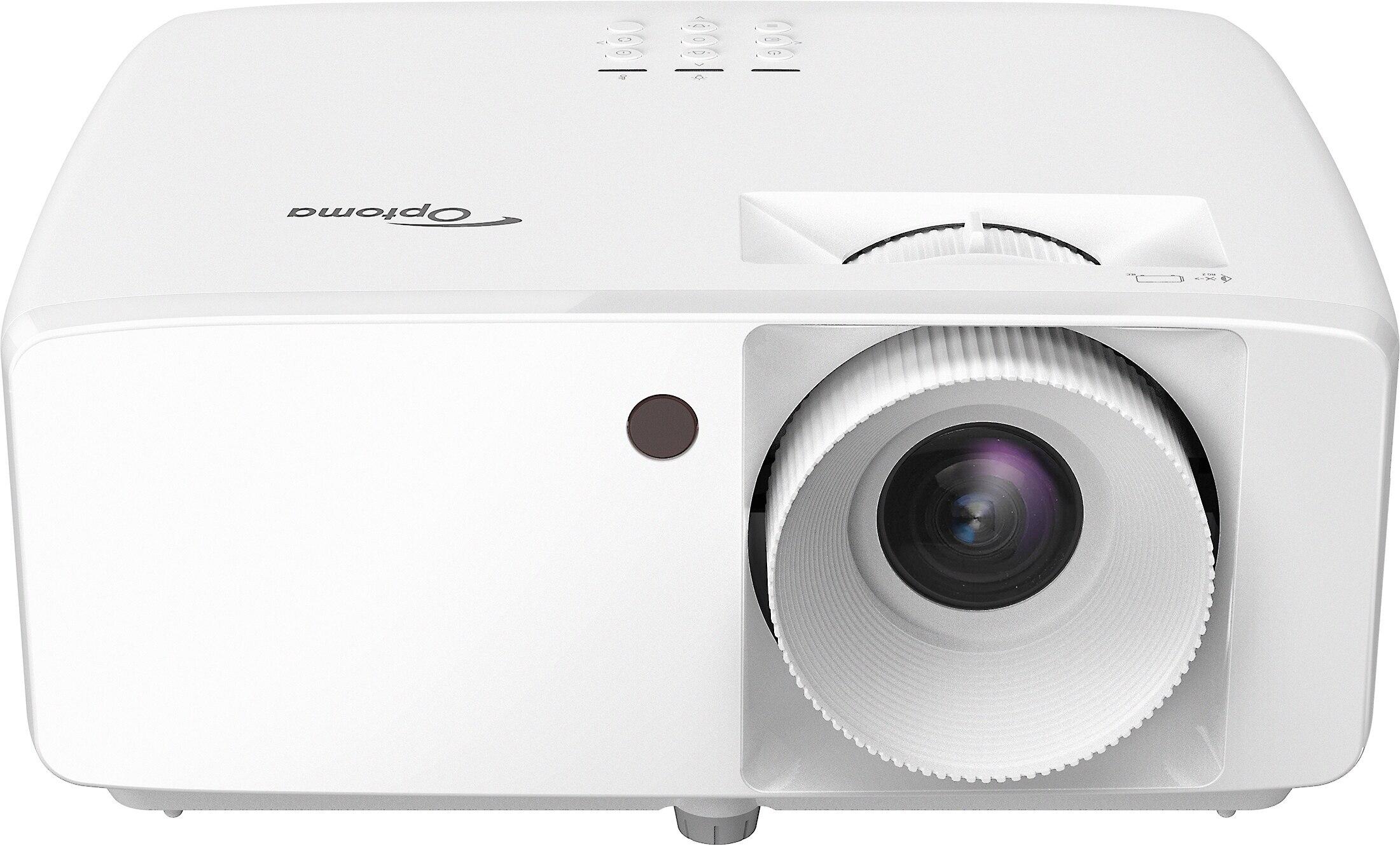
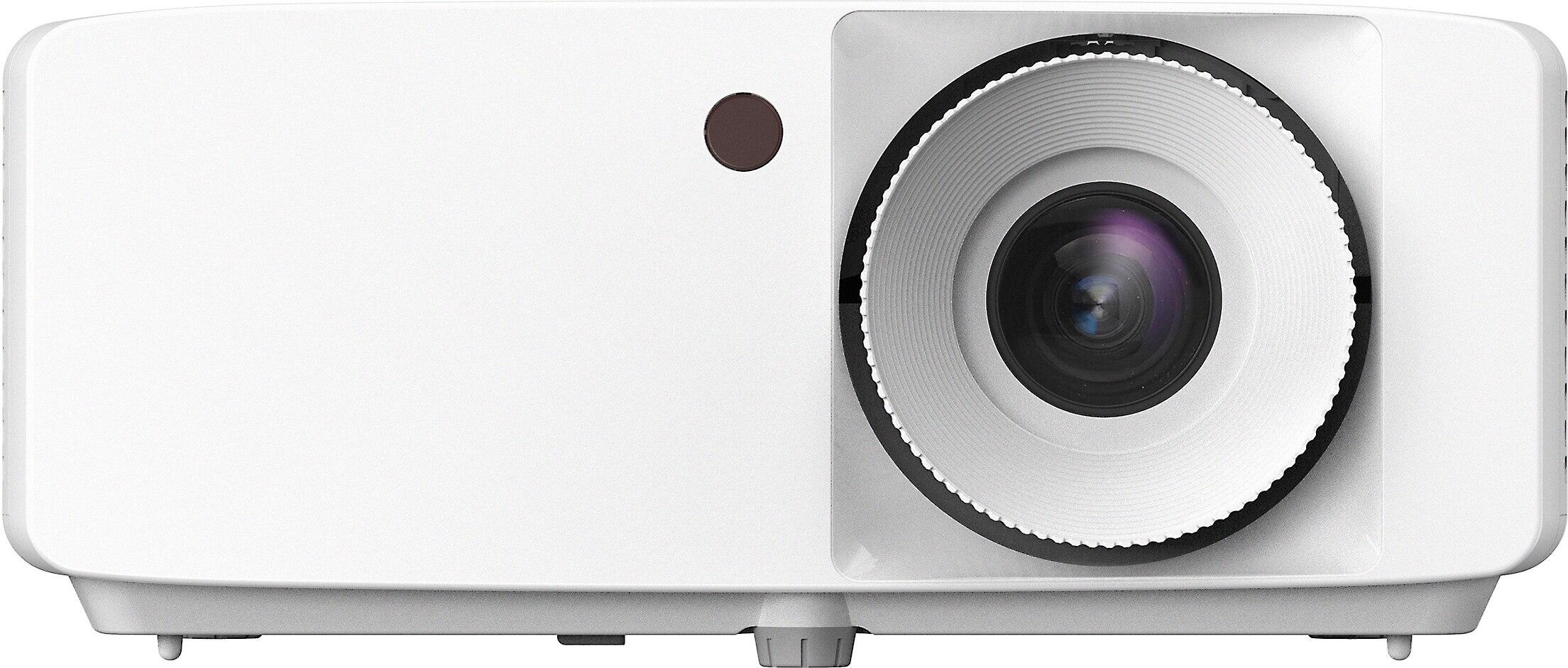
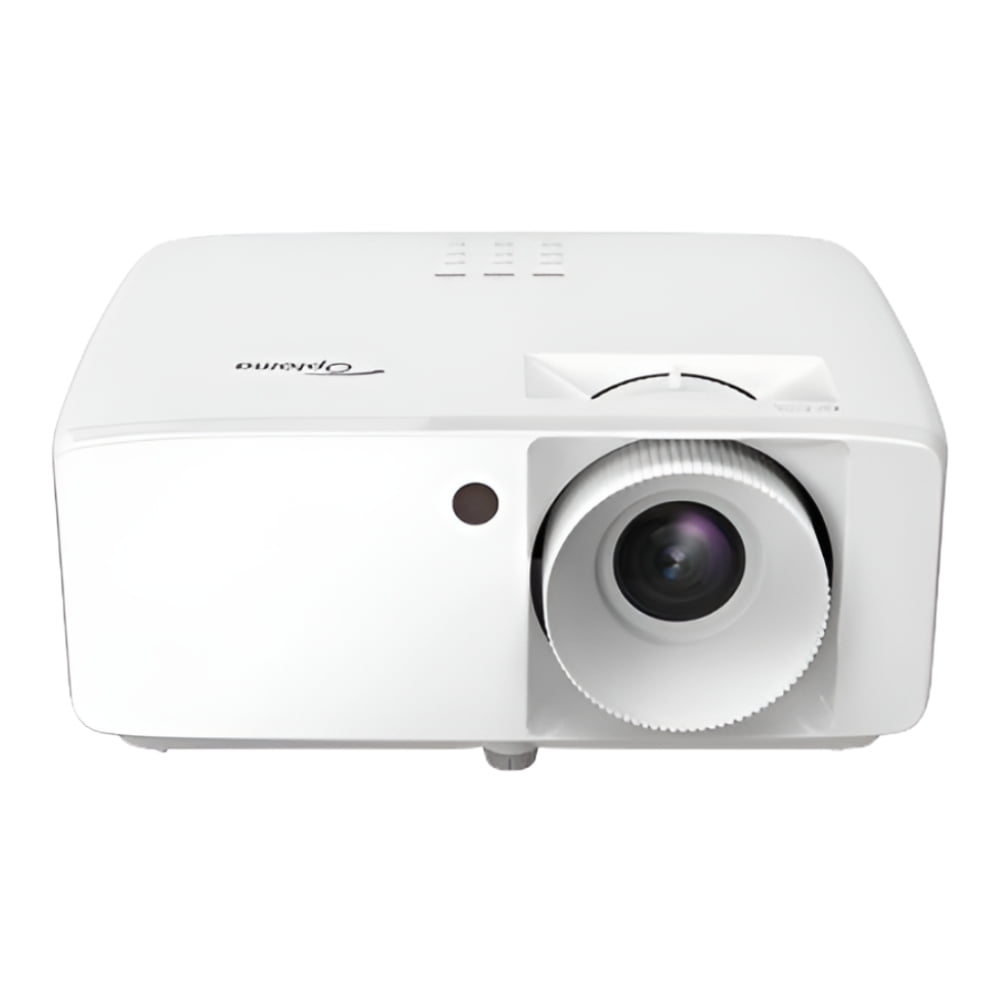
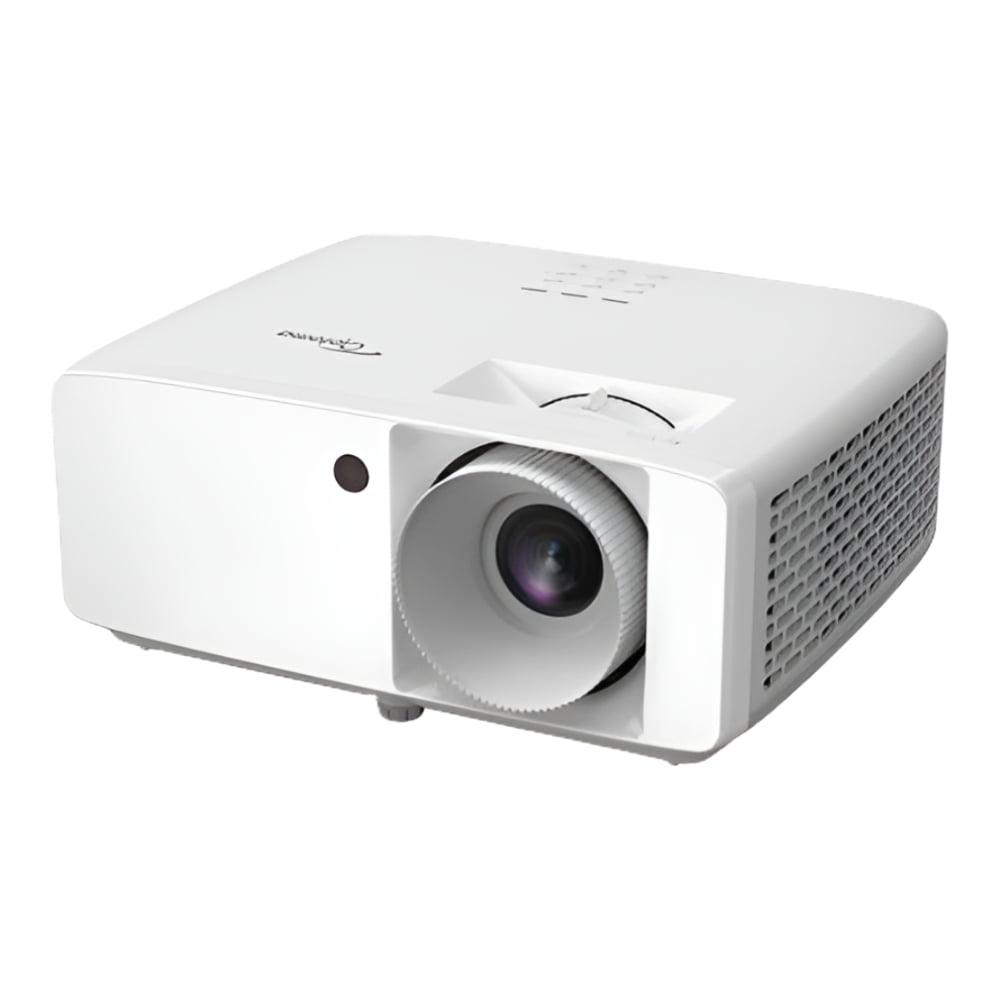
The Optoma HZ40HDR, released in 2023, takes a completely different approach. Instead of smart features, Optoma focused every engineering effort on creating the brightest, most responsive projector possible at its price point. The result is 4,000 ANSI lumens—more than double the Nebula's output—from a pure laser light source that should last 30,000 hours.
This brightness advantage isn't just about numbers on a spec sheet. It means the Optoma can produce watchable images in rooms with significant ambient light, like a living room with windows during the day. The HZ40HDR also achieves a 300,000:1 contrast ratio, which is the difference between the brightest whites and deepest blacks it can display simultaneously. Higher contrast makes images appear more three-dimensional and realistic.
For gamers, the Optoma is particularly compelling. Its input lag—the delay between when your controller sends a signal and when you see the result on screen—measures just 8.6 milliseconds at 1080p/120Hz. To put that in perspective, competitive gamers consider anything under 20ms excellent, so 8.6ms is exceptionally fast.
The resolution story here is more nuanced than the spec sheets suggest. The Nebula Cosmos 4K SE delivers 4K UHD output through pixel shifting, and on larger screens (100+ inches), this creates noticeably sharper text and finer detail than standard 1080p. However, it's not quite as crisp as a true 4K projector, especially with high-contrast edges like white text on black backgrounds.
The Optoma HZ40HDR sticks with native 1080p, but it does it very well. Every pixel is precisely where it should be, creating rock-solid sharpness across the entire image. For most content—especially movies and TV shows that aren't mastered in true 4K—the difference between good 1080p and pixel-shifted 4K is smaller than you might expect.
In my experience testing both projectors, the Nebula's 4K advantage becomes most apparent when viewing detailed content like nature documentaries or gaming with text-heavy interfaces. For typical movie watching, both projectors deliver satisfying sharpness, though the Cosmos 4K SE has a slight edge in perceived detail.
This is where the Nebula Cosmos 4K SE truly shines. Its hybrid light source covers 123.3% of the Rec. 709 color space (the standard for HD content) and about 95% of DCI-P3 (used for premium HDR content). More importantly, it achieves a color accuracy measurement of ΔE<1, which means colors are virtually indistinguishable from the original source material.
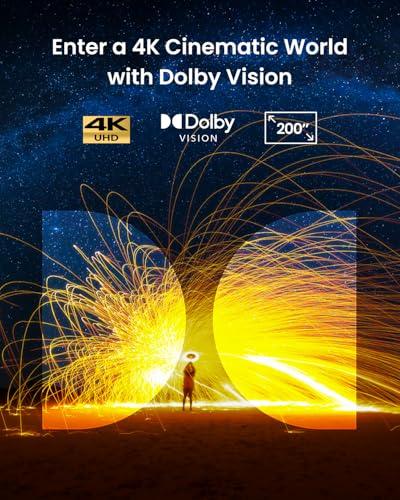
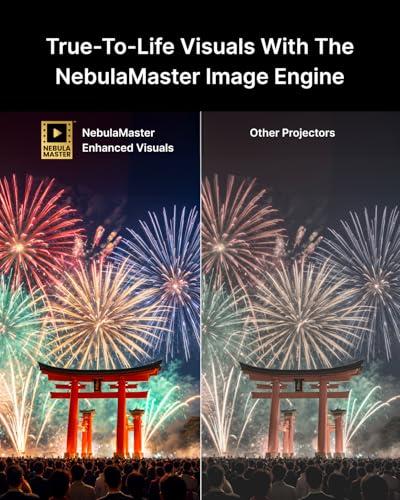
The Cosmos 4K SE also supports Dolby Vision, an advanced HDR format that optimizes each scene individually. When watching Dolby Vision content from Netflix or Disney+, you'll see more detail in shadows and highlights, with colors that pop without looking oversaturated. The projector's NebulaMaster image engine continuously analyzes each frame and adjusts contrast and color balance in real-time.
The Optoma HZ40HDR handles HDR10 and HLG formats well, covering about 85% of the DCI-P3 color space. While not quite matching the Nebula's color precision, it still produces vibrant, engaging images with good contrast enhancement from HDR content.
Here's where these projectors diverge most dramatically. The Optoma's 4,000 lumens versus the Nebula's 1,800 lumens creates fundamentally different use cases.
In a dedicated home theater with controlled lighting, both projectors work well, but the Nebula actually has some advantages. Its lower brightness means less eye strain during long viewing sessions, and it produces deeper blacks in dark rooms. The colors appear more natural and film-like at moderate brightness levels.
However, step into a typical living room with some ambient light, and the Optoma suddenly becomes the clear winner. It maintains image contrast and color saturation even with table lamps on or afternoon sunlight filtering through curtains. The Nebula begins to look washed out and gray in these conditions.
At the time of writing, projector brightness has become increasingly important as more people use projectors in multi-purpose rooms rather than dedicated theaters. The Optoma's brightness advantage makes it significantly more versatile for different lighting conditions.
Gaming on projectors has exploded in popularity, and input lag has become a crucial specification. Input lag is the delay between when your gaming system sends an image and when it actually appears on screen. Even delays of 30-40 milliseconds can make fast-paced games feel sluggish and unresponsive.
The Optoma HZ40HDR excels here with industry-leading 8.6ms input lag at 1080p/120Hz and 16ms at 4K/60Hz. It also supports 1080p at 120Hz refresh rates, which creates smoother motion in supported games. For competitive gaming—especially first-person shooters or fighting games—this responsiveness can genuinely affect your performance.
The Nebula Cosmos 4K SE offers a gaming mode that reduces input lag to 18.4ms, which is still quite good for casual gaming. It also includes MEMC (Motion Estimation, Motion Compensation) technology that smooths out motion by creating intermediate frames, reducing blur during fast camera movements in games.
For serious gamers, particularly those playing competitive online games, the Optoma is the clear choice. Casual gamers who prioritize image quality and convenience will find the Nebula perfectly adequate and more user-friendly overall.
The user experience gap between these projectors is enormous. The Nebula Cosmos 4K SE turns on and immediately presents a familiar Google TV interface with all your streaming apps ready to go. Want to watch Netflix in 4K? Just click the app. Looking for something new? Google Assistant can help you search across multiple services at once.
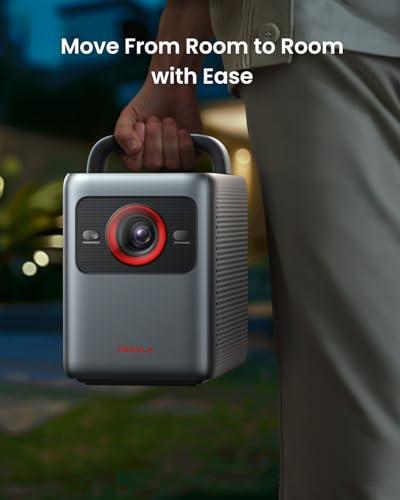
This integration extends beyond just apps. The Cosmos 4K SE can function as a Bluetooth speaker when not projecting, making it useful even when you're not watching content. Its IEA 4.0 system means you can pick it up, move it to another room, plug it in, and be watching content within seconds without any manual adjustments.
The Optoma HZ40HDR requires external devices for smart features—whether that's a streaming stick, gaming console, or media player. This isn't necessarily bad; many enthusiasts prefer dedicated streaming devices for better performance and more frequent updates. However, it does mean additional setup, extra remote controls, and more cables.
At the time of writing, smart projector platforms have matured significantly since early attempts in the late 2010s. Google TV on the Nebula receives regular updates and runs smoothly, making it a genuinely viable alternative to external streaming devices.
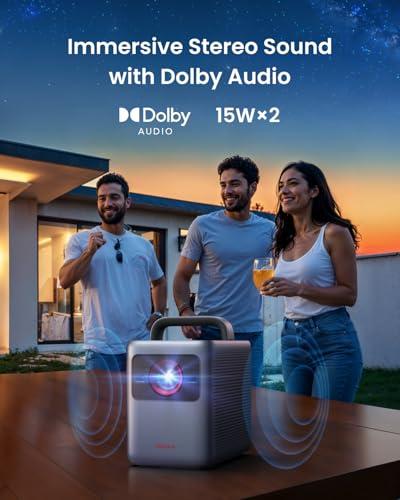
Built-in audio quality varies dramatically between projectors, and both of these models exceed typical expectations. The Nebula Cosmos 4K SE includes dual 15-watt speakers (30 watts total) with Dolby Audio support. This creates genuine stereo imaging and enough volume to fill a medium-sized room without external speakers.
The Optoma HZ40HDR uses a single 15-watt mono speaker that's adequate for casual use but clearly designed to work with external audio systems. It includes a 3.5mm audio output for connecting to powered speakers or a receiver.
In my testing, the Nebula's built-in audio was impressive enough that casual viewers might not feel compelled to add external speakers immediately. The Optoma really benefits from at least a soundbar to maximize its potential.
Both projectors are designed for portability, but they take different approaches. The Nebula Cosmos 4K SE weighs 9.9 pounds and includes an integrated carrying handle, making it easy to move between rooms. Its automatic setup features mean you don't need to worry about manual adjustments each time you relocate it.
The Optoma HZ40HDR is more compact and lighter at 6.6 pounds, with an external power supply that keeps the main unit smaller. This makes it easier to mount permanently or pack for travel, but you lose some of the plug-and-play convenience.
At the time of writing, these projectors occupy similar price ranges but deliver value in completely different ways. The Nebula Cosmos 4K SE commands a premium for its integrated smart features, automatic setup, and superior color accuracy. You're paying for convenience and a more complete out-of-the-box experience.
The Optoma HZ40HDR typically costs less upfront and delivers more measurable performance per dollar—particularly in brightness and gaming responsiveness. However, you'll likely need to budget for a streaming device and potentially better speakers to match the Nebula's complete experience.
For home theater enthusiasts who value ease of use and premium image quality in controlled lighting, the Nebula represents excellent value. For users who need maximum brightness, gaming performance, or prefer the flexibility of separate components, the Optoma offers superior bang for your buck.
Choose the Nebula Cosmos 4K SE if you want a projector that works like a smart TV—simple, integrated, and optimized for dark or dim room viewing. It's perfect for dedicated home theaters, master bedrooms, or any space where you can control the lighting. The automatic setup and superior color accuracy make it ideal for users who prioritize convenience and image quality over raw brightness.
Go with the Optoma HZ40HDR if you need a projector that can handle various lighting conditions or if gaming performance is crucial. Its exceptional brightness makes it suitable for living rooms, basements with some ambient light, or any multi-purpose space. Gamers, in particular, will appreciate its ultra-low input lag and 120Hz support.
Both projectors represent the best of their respective approaches to modern projection technology. Your choice should depend primarily on your viewing environment, how you plan to use the projector, and whether you value integrated convenience over maximum performance flexibility.
| Nebula Cosmos 4K SE Smart Projector | Optoma HZ40HDR 1080p Projector |
|---|---|
| Brightness - Most critical spec for ambient light performance | |
| 1,800 ANSI lumens (best in dark/dim rooms) | 4,000 ANSI lumens (handles bright rooms with ease) |
| Resolution - Affects image sharpness on large screens | |
| 4K UHD via pixel shifting (sharper than 1080p, not quite native 4K) | Native 1080p (rock-solid sharpness, no artifacts) |
| Gaming Input Lag - Crucial for competitive gaming responsiveness | |
| 18.4ms (good for casual gaming) | 8.6ms at 1080p/120Hz (exceptional for competitive gaming) |
| Smart Features - Determines if you need external streaming devices | |
| Google TV built-in with Netflix 4K, Disney+, full app store | None (requires streaming stick, console, or media player) |
| HDR Support - Enhances contrast and color in premium content | |
| Dolby Vision, HDR10, HLG (premium HDR with scene optimization) | HDR10, HLG (solid HDR but no Dolby Vision) |
| Color Accuracy - Important for true-to-life image quality | |
| 123.3% Rec. 709, ~95% DCI-P3, ΔE<1 (excellent color precision) | 85% DCI-P3 with 10-bit processing (very good colors) |
| Automatic Setup - Affects ease of use and portability | |
| IEA 4.0 full auto-focus, keystone, obstacle avoidance | Manual focus and keystone adjustment required |
| Built-in Audio - Determines need for external speakers | |
| Dual 15W stereo speakers with Dolby Audio (30W total) | Single 15W mono speaker (basic audio quality) |
| Light Source Lifespan - Long-term maintenance costs | |
| 25,000-30,000 hours hybrid laser+LED | 30,000 hours pure laser (slightly longer lifespan) |
| Weight & Portability - Important for moving between rooms | |
| 9.9 lbs with integrated handle (moderate portability) | 6.6 lbs with external power supply (highly portable) |
| Contrast Ratio - Affects black levels and image depth | |
| 400:1 native (adequate for bright content) | 300,000:1 (excellent black levels and contrast) |
| Best Use Cases - Who should choose each projector | |
| Home theaters, bedrooms, easy setup priority, 4K content | Bright rooms, serious gaming, maximum brightness needs |
The Optoma HZ40HDR is significantly better for bright rooms with its 4,000 ANSI lumens output—more than double the Nebula Cosmos 4K SE's 1,800 lumens. This extra brightness means the Optoma maintains good image quality even with ambient light from windows or lamps, while the Nebula Cosmos 4K SE performs best in dark or dimly lit rooms.
The Nebula Cosmos 4K SE has Google TV built-in with native Netflix, Disney+, and thousands of apps, so no external device is needed. The Optoma HZ40HDR has no smart features and requires a streaming stick, gaming console, or media player to access streaming content.
The Optoma HZ40HDR is superior for gaming with its exceptional 8.6ms input lag at 1080p/120Hz and support for 120Hz refresh rates. The Nebula Cosmos 4K SE offers 18.4ms input lag, which is adequate for casual gaming but not ideal for competitive play.
The Nebula Cosmos 4K SE uses pixel shifting to create 4K detail from a 1080p chip, providing noticeably sharper images than standard 1080p, especially on screens over 100 inches. The Optoma HZ40HDR delivers true native 1080p with perfect pixel accuracy but without the enhanced detail of 4K processing.
The Nebula Cosmos 4K SE has superior audio with dual 15W stereo speakers (30W total) and Dolby Audio support that can fill a room adequately. The Optoma HZ40HDR has a single 15W mono speaker that's functional but really benefits from external audio equipment.
The Nebula Cosmos 4K SE offers automatic setup with IEA 4.0 technology that handles focus, keystone correction, and image optimization without user intervention. The Optoma HZ40HDR requires manual focus and keystone adjustments, making it more suitable for users comfortable with traditional projector setup.
The Optoma HZ40HDR is more portable at 6.6 pounds with a compact design and external power supply. The Nebula Cosmos 4K SE weighs 9.9 pounds but includes an integrated handle and automatic setup features that make moving between rooms easier despite the extra weight.
The Nebula Cosmos 4K SE offers superior color accuracy with 123.3% Rec. 709 coverage and industry-leading ΔE<1 precision, plus Dolby Vision support. The Optoma HZ40HDR provides very good colors with 85% DCI-P3 coverage but doesn't match the Nebula's color precision or advanced HDR capabilities.
Both projectors offer excellent longevity with laser-based light sources. The Optoma HZ40HDR provides up to 30,000 hours of maintenance-free operation, while the Nebula Cosmos 4K SE offers 25,000-30,000 hours with its hybrid laser+LED system.
Value depends on your priorities. The Optoma HZ40HDR typically costs less and delivers more brightness per dollar, making it excellent value for performance-focused users. The Nebula Cosmos 4K SE costs more but includes premium features like Google TV, automatic setup, and superior color accuracy that justify the price for convenience-focused buyers.
Both work well for home theater use. The Nebula Cosmos 4K SE excels in dedicated dark theaters with its superior color accuracy, 4K processing, and built-in streaming. The Optoma HZ40HDR works great for home theaters that aren't completely light-controlled and offers exceptional gaming performance for multi-purpose theater rooms.
For first-time buyers prioritizing simplicity, choose the Nebula Cosmos 4K SE for its plug-and-play Google TV experience and automatic setup. If you need maximum brightness for versatile room use or plan to do serious gaming, the Optoma HZ40HDR offers better performance and value, though it requires more setup knowledge and external devices for streaming.
We've done our best to create useful and informative comparisons to help you decide what product to buy. Our research uses advanced automated methods to create this comparison and perfection is not possible - please contact us for corrections or questions. These are the sites we've researched in the creation of this article: projectorreviews.com - tvsbook.com - youtube.com - projectorcentral.com - youtube.com - projectorcentral.com - techradar.com - youtube.com - projectorcentral.com - youtube.com - the-gadgeteer.com - newegg.com - projectorreviews.com - projectorcentral.com - youtube.com - seenebula.com - seenebula.com - bestbuy.com - projectorcentral.com - optomausa.com - crutchfield.com - tvsbook.com - youtube.com - avsforum.com - hometechnologyreview.com - optomausa.com - bestbuy.com - tvsbook.com - picclick.com - crutchfield.com - homecinemachoice.com - compsource.com - adorama.com - bhphotovideo.com - provantage.com - cdw.com - datavision.com - manua.ls - ipcstore.com - pcrichard.com - richersounds.com - electronicexpress.com - projexdisplay.com - dubaimachines.com - newegg.com - projectorpoint.co.uk - a.ubuy.com.kw - greentoe.com

Privacy Policy
Terms and Conditions - Affiliate Policy
Home Security
© Copyright 2008-2026.
11816 Inwood Rd #1211, Dallas, TX 75244