

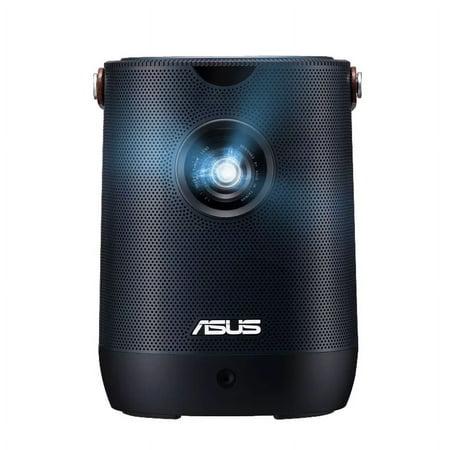
Remember when home projectors were bulky, dim boxes that required pitch-black rooms and cost as much as a used car? The projector landscape has transformed dramatically over the past decade. Today's market offers solutions ranging from pocket-sized portable projectors to high-end home theater systems that rival commercial cinema experiences.
The ASUS ZenBeam L2 and Optoma HZ40HDR represent two distinct approaches to modern projection technology. Released in 2022 and 2021 respectively, these projectors showcase how far the technology has come, but they serve different needs and users. At around $699 for the ZenBeam L2 and $1,299 for the Optoma HZ40HDR, both represent significant investments—so understanding their strengths and limitations is crucial before making a purchase.
Let's dive into what makes these projectors different and who each one is best suited for.
One of the most significant technological shifts in projectors has been the move away from traditional UHP (Ultra High Pressure) lamps toward solid-state light sources like LED and laser. Both our contenders embrace these newer technologies, but with fundamentally different approaches.
The ASUS ZenBeam L2 utilizes LED technology, producing 960 LED lumens, which translates to about 400 ANSI lumens. If you're wondering what "ANSI lumens" means, it's the standardized way to measure projector brightness—essentially how much light actually reaches your screen. Think of it as the true brightness you'll experience, versus marketing numbers that might sound impressive but don't tell the whole story.
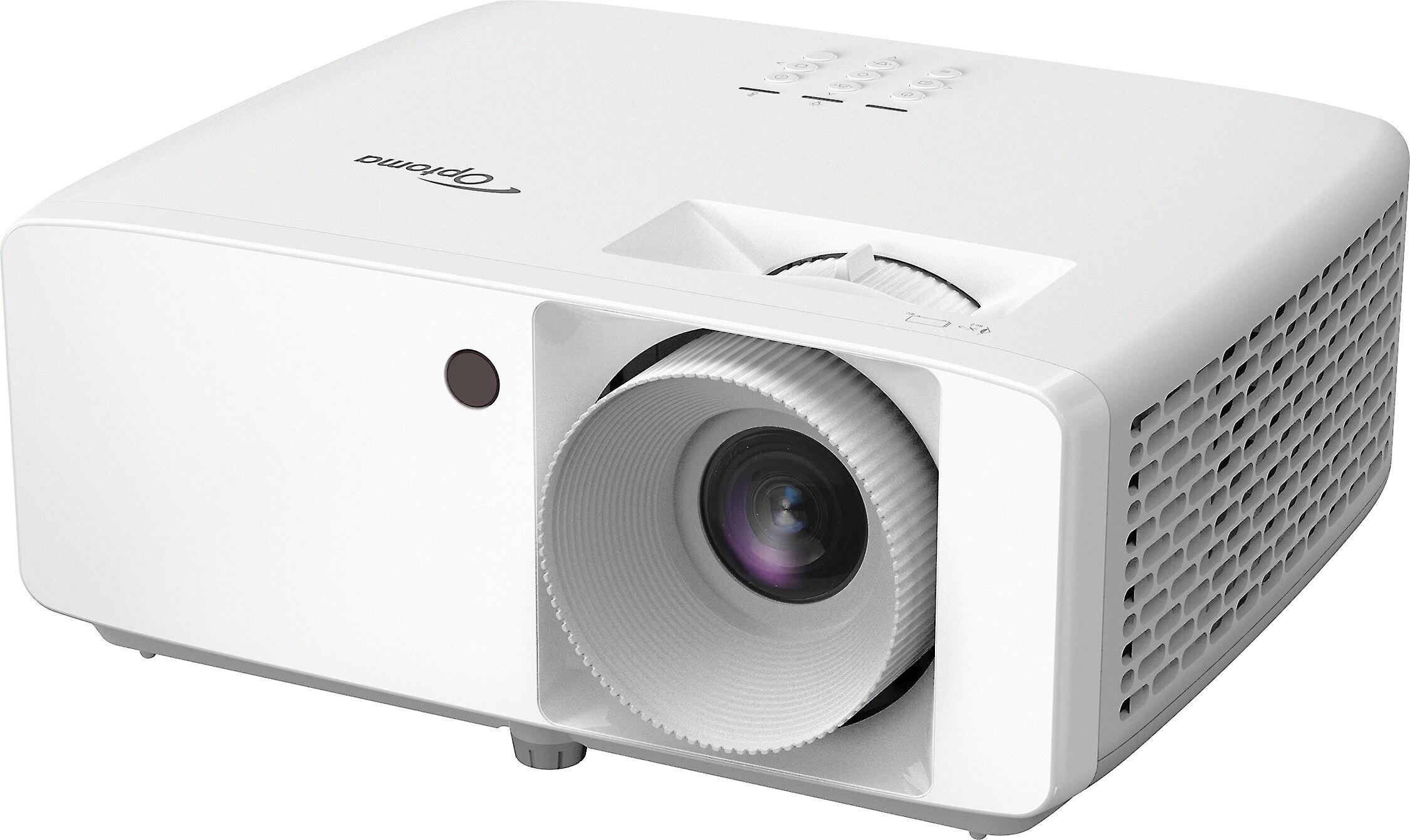
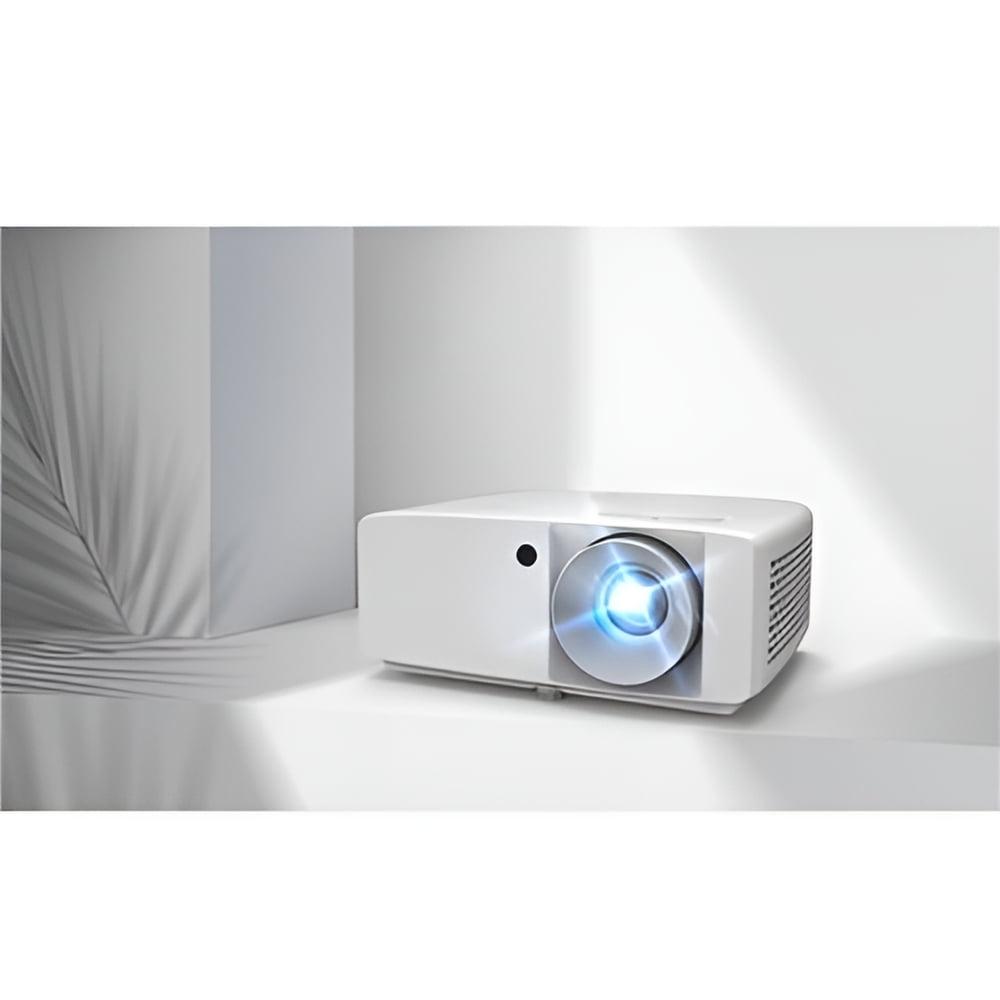
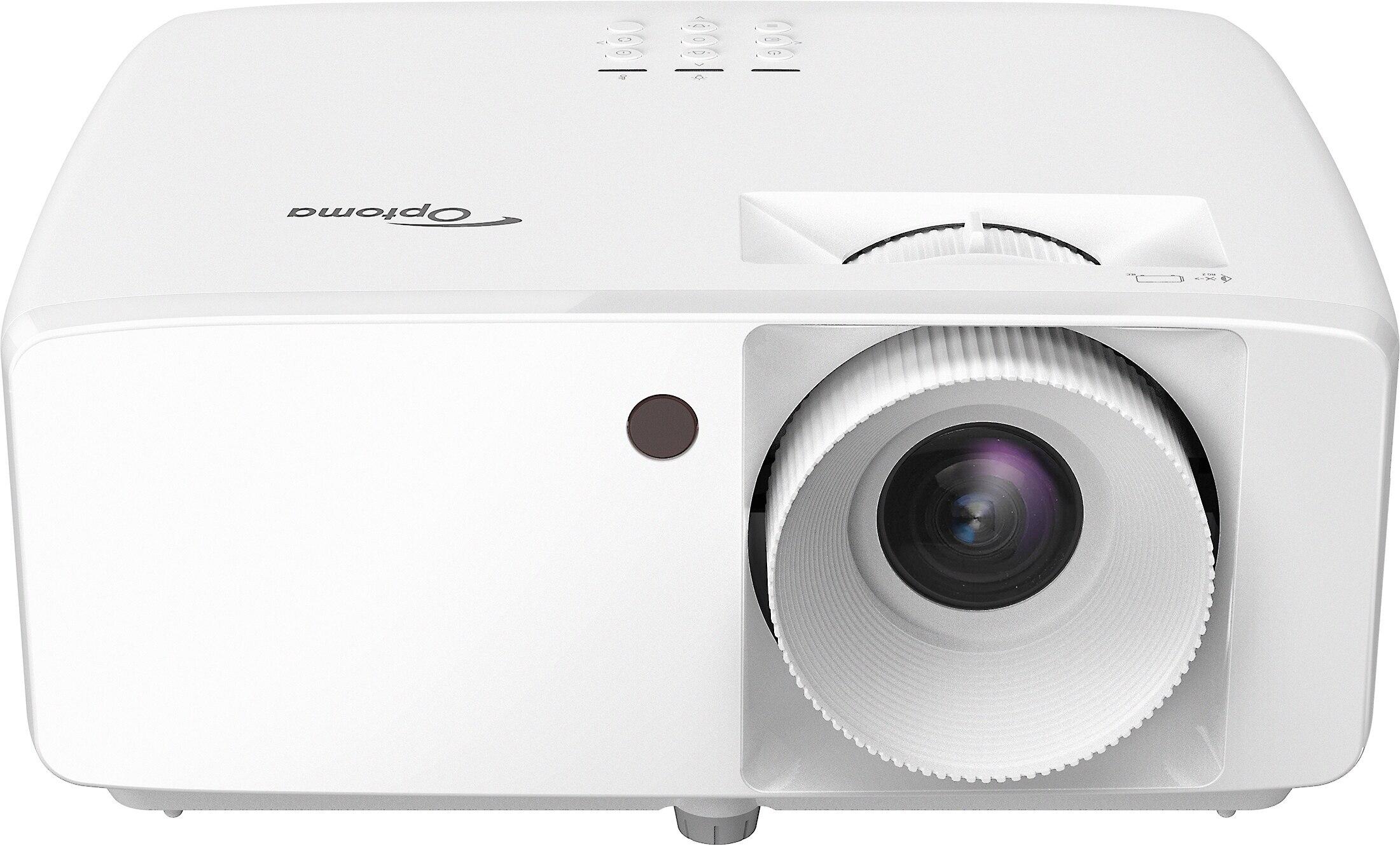
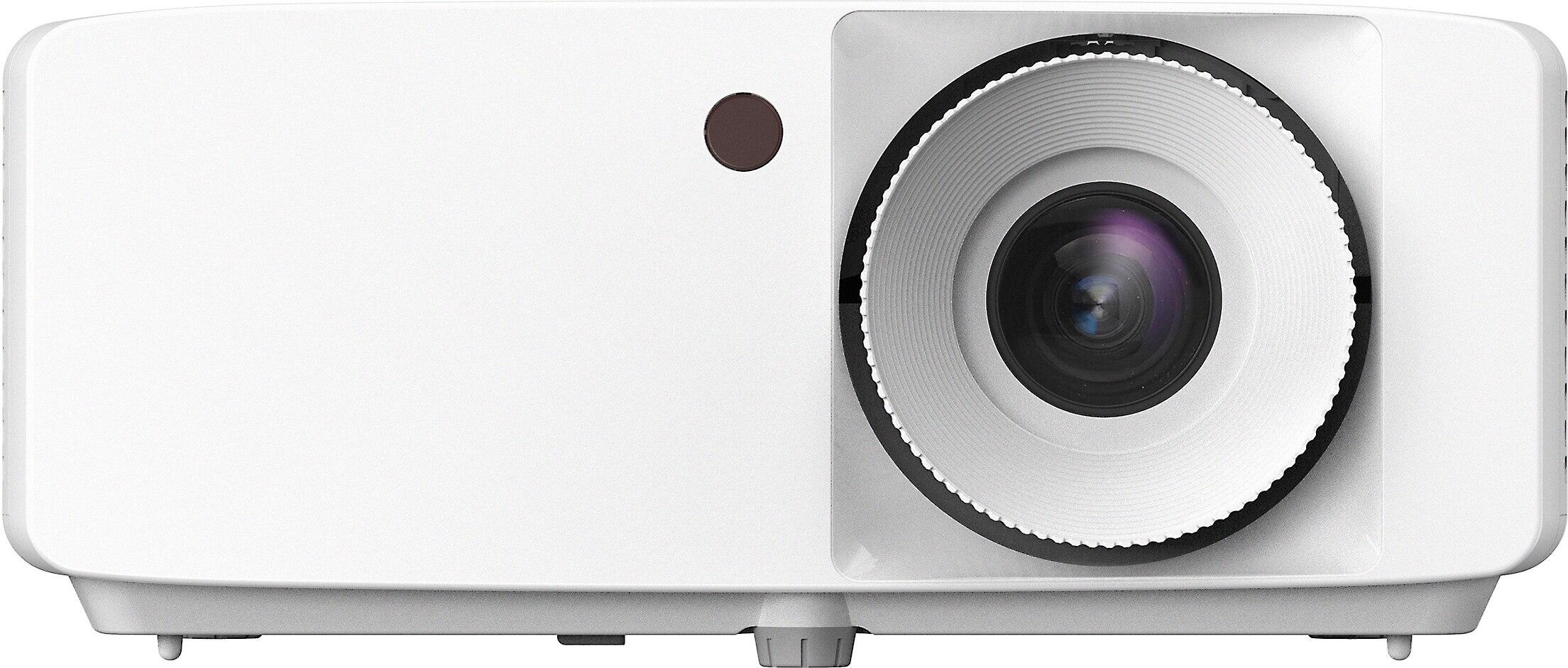
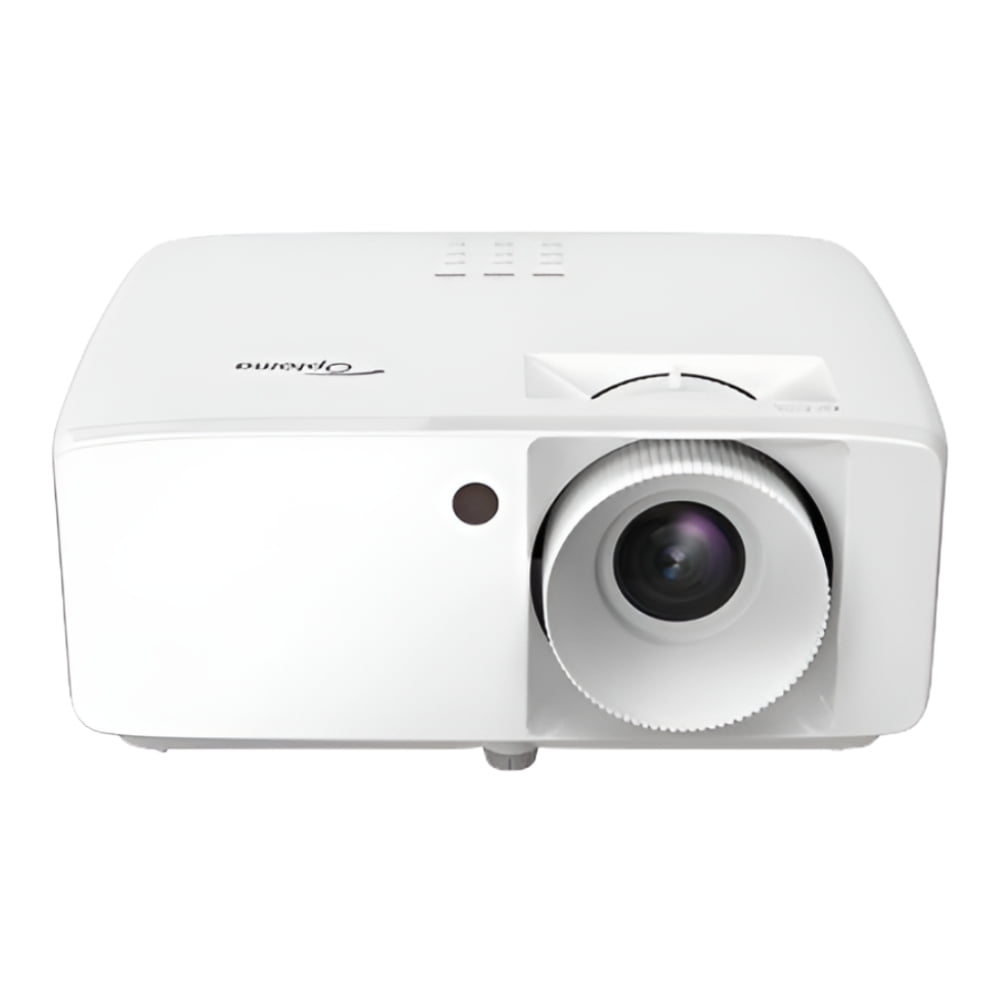
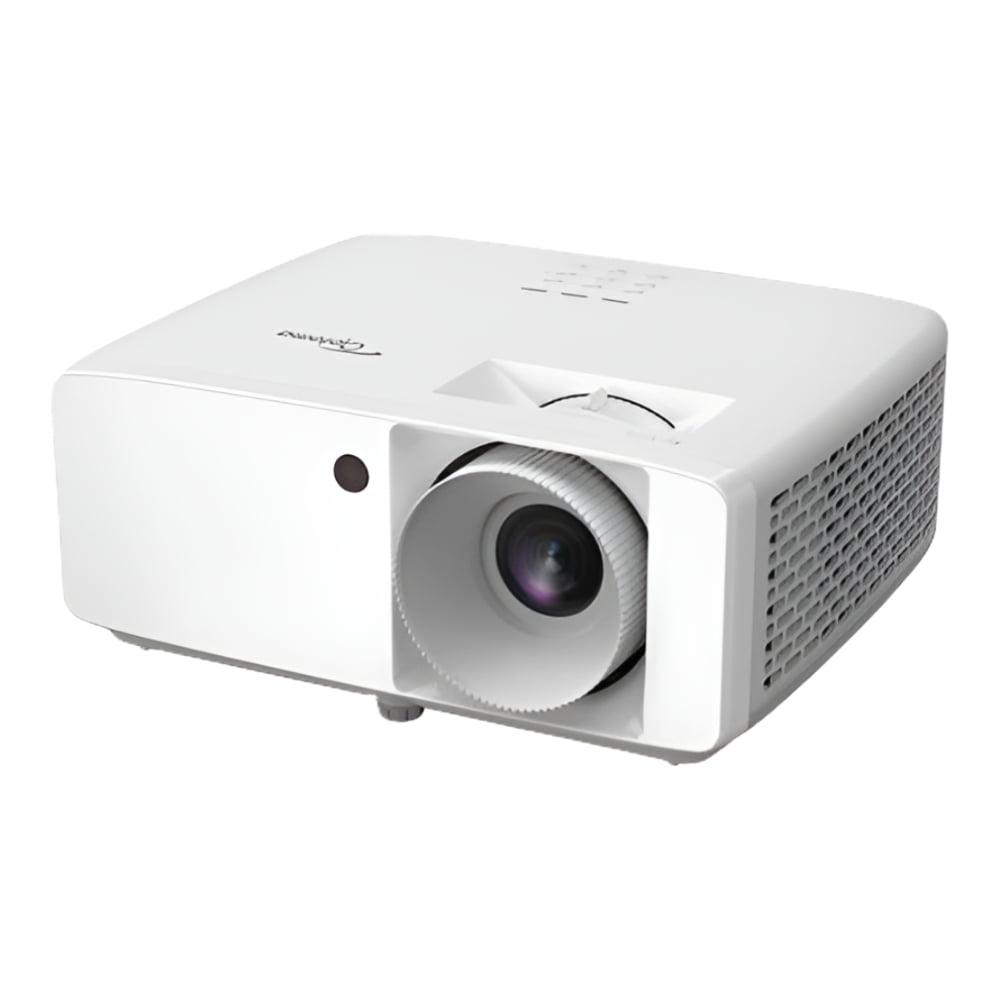
In contrast, the Optoma HZ40HDR features a DuraCore laser light source delivering a substantial 4000 ANSI lumens—about ten times the brightness of the ASUS model. This isn't just a numeric difference; it fundamentally changes where and how you can use these projectors.
Having tested both types of projectors, I can tell you that brightness differences become immediately apparent in anything but a completely darkened room. With the ZenBeam L2, you'll want to control ambient light as much as possible—close the blinds during daytime viewing and dim or turn off lights for the best experience. It performs admirably in controlled environments, but struggles when competing with sunlight or bright room lighting.
The Optoma, meanwhile, remains visible and vibrant even with moderate ambient light. I've used similar laser projectors during afternoon presentations with window blinds partially open, and the image remains clear and readable—something that would wash out most portable LED projectors completely.
This brightness difference also affects your maximum practical screen size. While the ZenBeam can technically project up to a 120-inch image, you'll likely find that anything beyond 80 inches starts to look dim unless you're in near-total darkness. The Optoma, with its significantly higher brightness, can comfortably fill a 120-inch screen or larger while maintaining good visibility even with some ambient light.
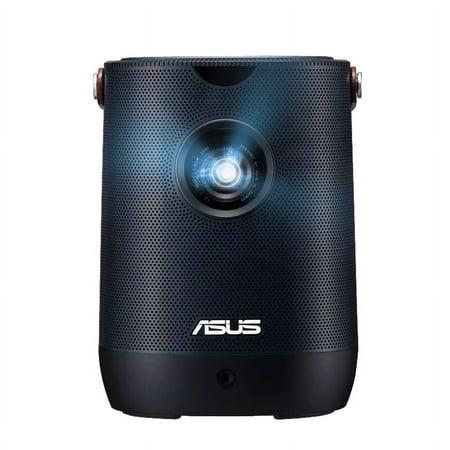
The ASUS ZenBeam L2 was designed with portability as a primary feature. Weighing just 1.57kg (3.5 lbs) and featuring a built-in 65Wh battery that provides up to 3.5 hours of cord-free operation, this projector can go almost anywhere. Whether you're having a backyard movie night, camping trip, or need to quickly set up in different rooms, the ZenBeam L2 offers remarkable flexibility.
ASUS has incorporated several technologies to make portable use practical:
These features address the traditional pain points of portable projection. In my experience with similar portable projectors, these auto-adjustment features save significant setup time, though they're not always perfect. The ZenBeam's implementation is among the better ones I've seen, typically getting you 90% of the way to an optimal image with zero effort.
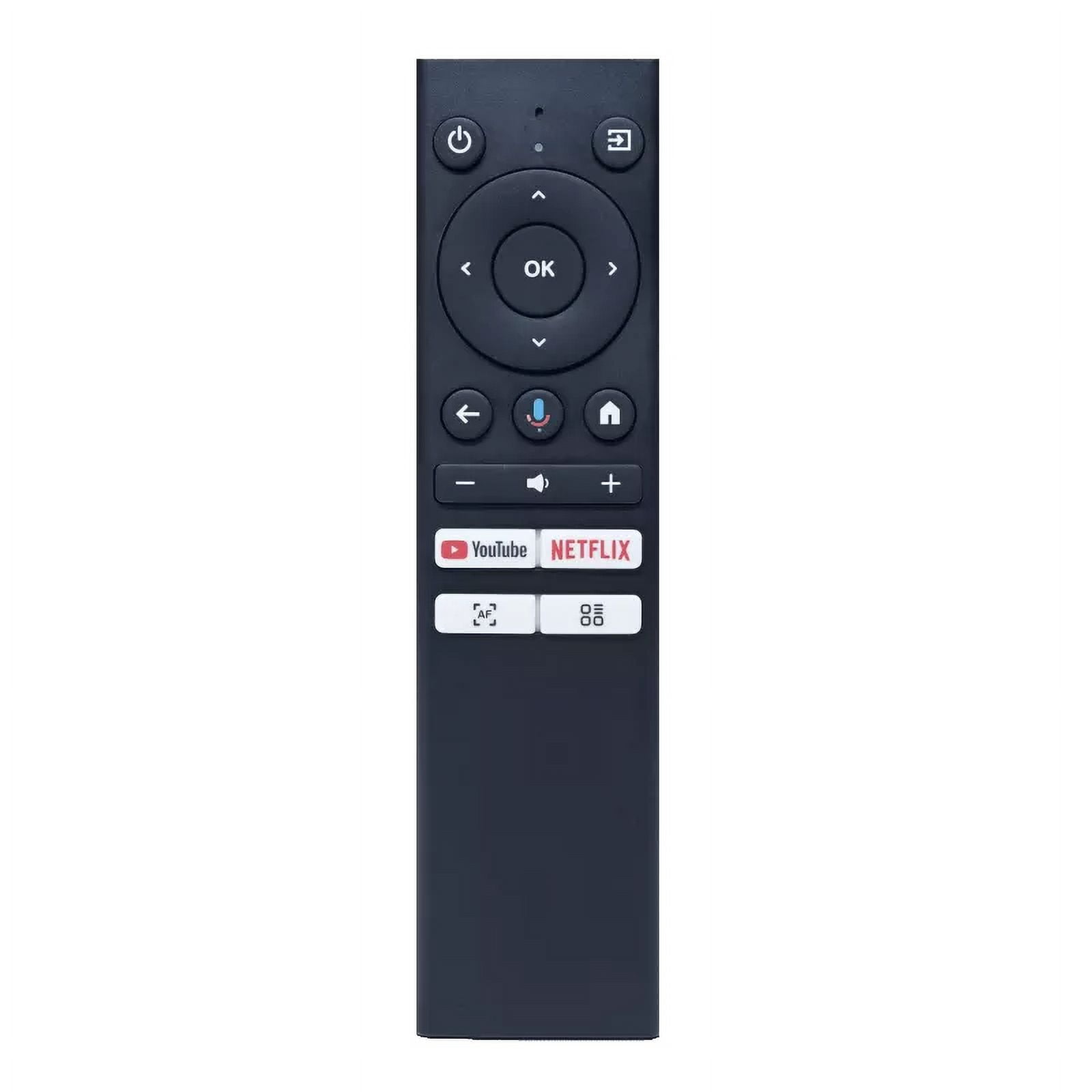
The included Android TV box further enhances portability by eliminating the need for external streaming devices. Just power on the projector, connect to Wi-Fi, and you have access to Netflix, Hulu, Disney+, and other streaming services without any additional equipment.
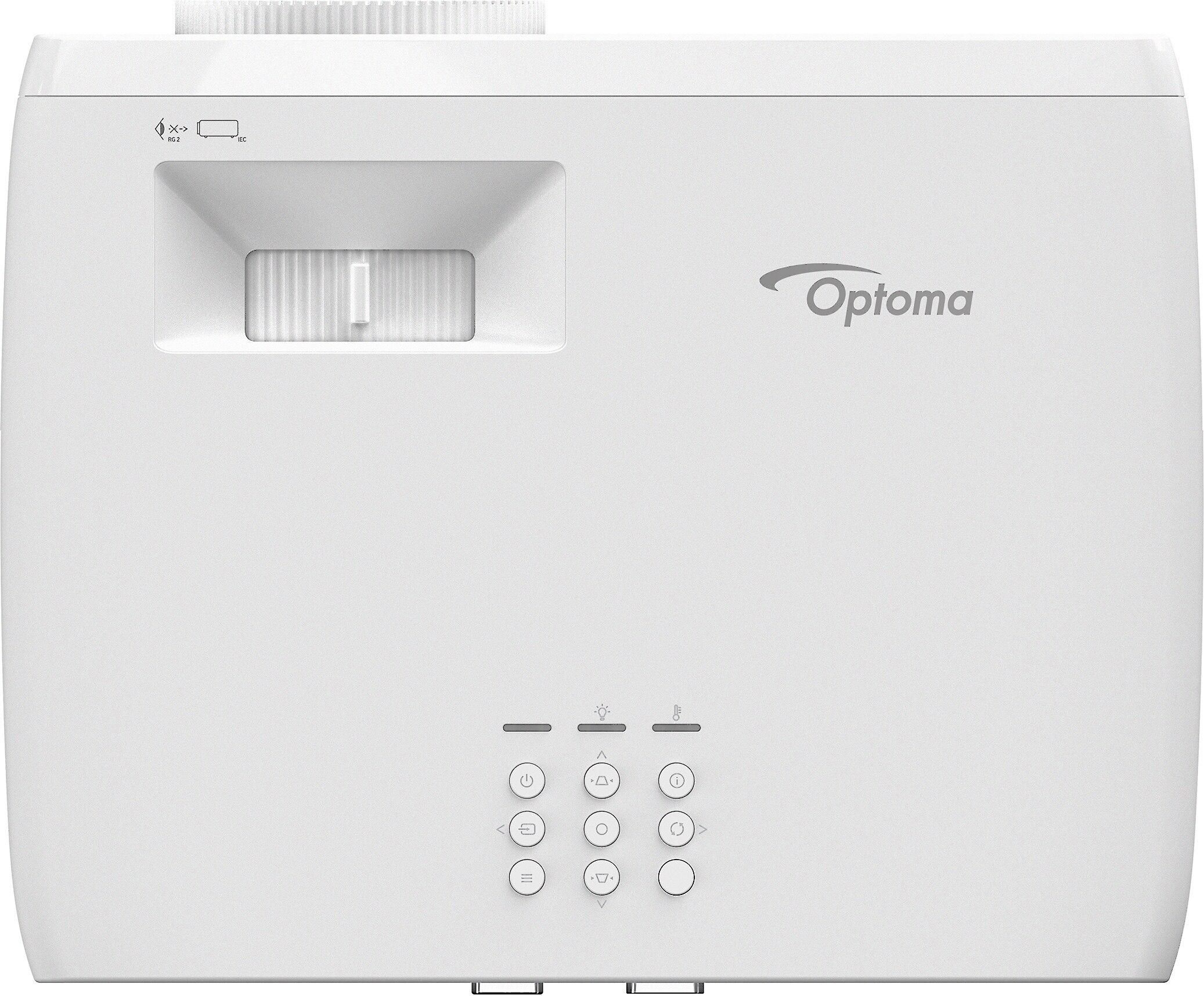
In contrast, the Optoma HZ40HDR is designed for more permanent setups. At 6.6 lbs with no battery option, it's meant to be installed once and left in place—whether ceiling-mounted in a dedicated home theater or placed on a media console. Its manual 1.1x zoom and vertical/horizontal keystone adjustment of ±30° provide flexibility for installation, but require more initial setup time.
The advantage of this approach is that once properly installed, you'll have a consistently excellent image without having to reconfigure settings. For home theater enthusiasts, this "set it and forget it" approach is often preferable to the more flexible but potentially less consistent experience of a portable unit.
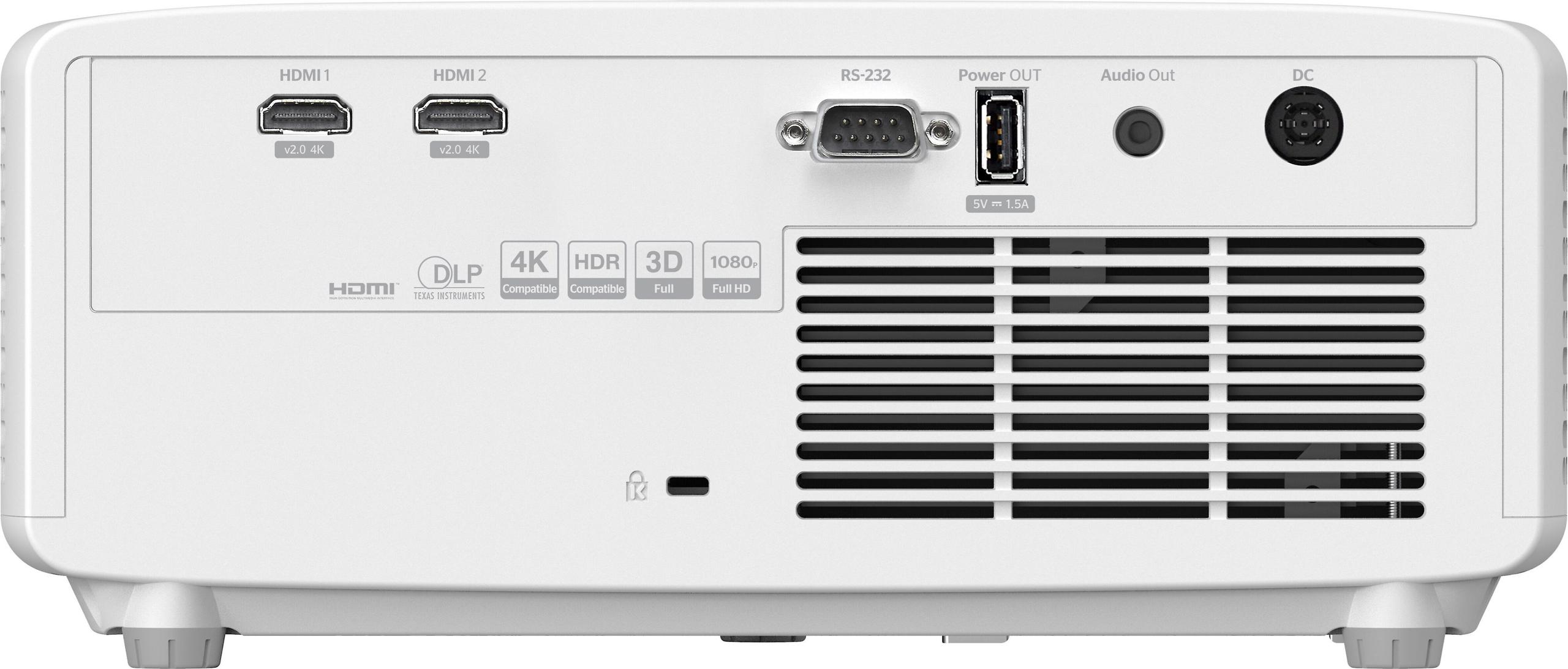
The Optoma also features advanced installation options like RS-232 control for integration with home automation systems—something the portable ASUS unit doesn't offer. This makes it more suitable for sophisticated home theater setups where you might want your projector to automatically power on and select the correct input when you press "Watch Movie" on your control system.
When it comes to projectors, image quality incorporates several factors: resolution, contrast, color accuracy, and dynamic range. Both projectors offer 1080p Full HD resolution, but their approaches to other aspects of image quality differ significantly.
Native 1080p resolution (1920×1080 pixels) is the baseline for modern projectors, and both models meet this standard. While 4K projectors are becoming more common, they typically command much higher prices than either of our contenders. Both projectors do support 4K input signals, but will downscale them to their native 1080p resolution.
The ASUS ZenBeam L2 boasts 120% coverage of the sRGB color gamut, which means it can display a wider range of colors than many standard displays. It also supports HDR10 content, but its limited brightness means HDR effects are subtle rather than dramatic.
The Optoma HZ40HDR goes further with its impressive 300,000:1 contrast ratio, supporting both HDR10 and HLG (Hybrid Log-Gamma, a broadcast HDR standard). This higher contrast ratio means deeper blacks and more noticeable differences between dark and bright areas of the image—key for creating that cinematic feel when watching movies.
Having spent time with both LED and laser projectors in similar classes, I can attest that the viewing experiences differ noticeably. The Optoma's laser technology provides not just higher brightness but also better color stability over time. Laser projectors tend to maintain their color accuracy and brightness longer than LED models, which gradually dim and may develop color shifts as they age.
In darkened rooms, both projectors deliver enjoyable experiences for casual viewing. However, for movie enthusiasts who care about seeing films as directors intended, the Optoma's superior contrast and HDR handling make a meaningful difference. Shadow details remain visible, bright scenes don't lose highlight details, and the overall image has more "pop" and dimensionality.
For dedicated home theater use, the Optoma is clearly superior. Its ability to properly display HDR content with sufficient brightness for the format to actually work as intended puts it in a different league from portable LED projectors like the ZenBeam L2.
One area where the Optoma HZ40HDR truly shines is gaming performance. With an exceptional 8.6ms input lag at 1080p/120Hz, it ranks among the most responsive projectors available at any price point. For context, most TVs marketed as "gaming TVs" offer 10-15ms input lag, so the Optoma actually outperforms many specialized gaming displays.
The practical impact is immediately noticeable in fast-paced games where reaction time matters. Fighting games, first-person shooters, and racing games all benefit from this low latency. The difference between 8.6ms and the 40-50ms typical of many projectors (including most portable models like the ZenBeam) is the difference between feeling like you're directly controlling the action versus experiencing a slight but perceptible delay.
While ASUS doesn't specify the input lag for the ZenBeam L2, portable LED projectors typically prioritize image processing over response time, resulting in higher input lag. Based on similar models, we can estimate it's likely in the 40-60ms range—acceptable for casual gaming but potentially frustrating for competitive players.
The ASUS ZenBeam L2 embraces the smart projector trend with its included Android TV integration. This provides access to thousands of apps and streaming services without requiring external devices. The projector also features ASUS Light Wall, which offers 26 different ambient lighting effects when you're not watching content—a nice touch for creating atmosphere.
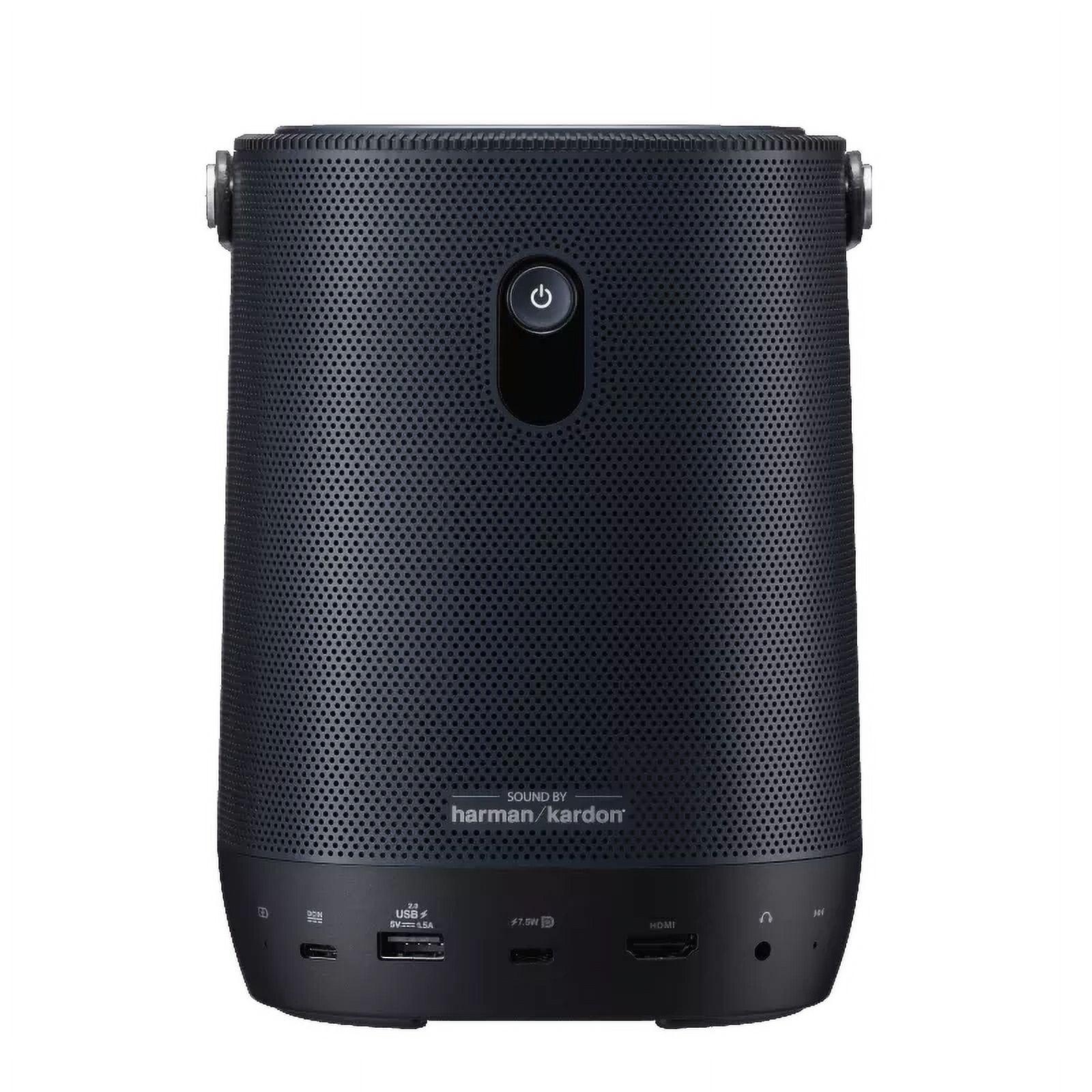
Connectivity options include HDMI, USB-C with DisplayPort Alt mode (allowing direct connection to compatible laptops and phones), USB-A for media playback, and a 3.5mm audio output. The built-in 10W Harman Kardon speaker delivers surprisingly good audio for a portable unit, though it won't replace a proper sound system for movie nights.
The Optoma takes a more traditional approach, focusing on core projection performance rather than smart features. It offers two HDMI 2.0 inputs (supporting 4K HDR input signals), a USB port for power, 3.5mm audio output, and RS-232 for control system integration. Its 15W mono speaker provides adequate sound for casual use, but most users will want to connect it to external speakers or a sound system for a true home theater experience.
Projector ownership goes beyond the initial purchase, so considering longevity and maintenance is important for understanding the true cost of ownership.
Both projectors boast approximately 30,000 hours of rated lifespan for their light sources. To put this in perspective, if you watched movies for 4 hours every day, it would take over 20 years to reach this limit. However, the technologies age differently.
The Optoma HZ40HDR's laser technology typically maintains brightness better over time, with many laser projectors still producing 70-80% of their original brightness at the end of their rated lifespan. LED technology in projectors like the ASUS ZenBeam L2 tends to gradually dim, potentially dropping to 50-60% of original brightness toward the end of its life.
Neither requires lamp replacements—a significant advantage over traditional lamp-based projectors that might need $200-300 lamp replacements every 3,000-5,000 hours. This makes both options more economical in the long run compared to lamp projectors, even with their higher initial price tags.
The Optoma operates at 32-34 dB, which is remarkably quiet for a projector of its brightness. The ZenBeam L2 doesn't specify its noise level, but portable LED projectors typically operate around 30-35 dB as well, as they generate less heat than their brighter counterparts.
In a home theater context, projector noise can be noticeable during quiet scenes, so the Optoma's ability to maintain a reasonable noise level despite its high brightness is a notable achievement.
At around $699, the ASUS ZenBeam L2 represents a premium option in the portable projector category. Its price is justified by features like the built-in battery, auto-adjustment functions, and included Android TV capabilities. Compared to other portable projectors offering similar brightness and features, it's priced competitively, though not aggressively.
The Optoma HZ40HDR at approximately $1,299 sits in the mid-range of installation laser projectors. Given its exceptional brightness, contrast ratio, and gaming performance, it offers excellent value within its category. Similar models from other manufacturers often cost $1,500-2,000, making the Optoma an attractive option for those seeking high performance without stepping into the $2,500+ premium projector tier.
The value equation extends beyond initial price. The Optoma's superior brightness means it remains usable in more lighting conditions and will likely maintain its performance characteristics better over time. For dedicated home theater use, it represents better long-term value despite its higher purchase price.
The ASUS offers unique value through its portability and versatility. If you'll use the projector in multiple locations or need battery operation, its value proposition is strong despite limitations in brightness and contrast.
After comparing these two impressive but different projectors, the decision really comes down to your specific needs and usage scenarios.
Choose the ASUS ZenBeam L2 if:
The ZenBeam L2 represents the new generation of portable projectors that don't force you to make severe compromises in image quality. While it can't match installation projectors in brightness or contrast, it offers a balanced package for users who prioritize flexibility.
Choose the Optoma HZ40HDR if:
The Optoma exemplifies how far mid-range home projectors have come, offering performance that would have cost three times as much just a few years ago. Its combination of brightness, contrast, and gaming performance makes it an excellent choice for dedicated home theater setups.
Both the ASUS ZenBeam L2 and Optoma HZ40HDR represent excellent values in their respective categories, but they approach projection from fundamentally different perspectives.
The ZenBeam L2 embraces the future of projectors as versatile entertainment devices that can move with you, sacrificing some performance for that flexibility. The Optoma HZ40HDR stands firmly in the tradition of dedicated home theater, focusing on delivering the best possible image quality and performance for a fixed installation.
Your choice ultimately depends on whether you value the freedom to project anywhere or the superior experience of a dedicated setup. Either way, both projectors demonstrate how far projection technology has come and how accessible big-screen experiences have become for today's consumers.
| ASUS ZenBeam L2 Smart Portable LED Projector | Optoma HZ40HDR 1080p Projector |
|---|---|
| Brightness - Critical for visibility in ambient light | |
| 400 ANSI lumens (requires darkened rooms for optimal viewing) | 4,000 ANSI lumens (10x brighter, works well in moderately lit rooms) |
| Display Technology - Affects color accuracy, lifespan, and brightness | |
| LED light source rated for 30,000 hours | Laser light source rated for 30,000 hours with better brightness retention |
| Portability - Determines where you can use the projector | |
| 1.57kg (3.5 lbs) with built-in 65Wh battery providing 3.5 hours of cord-free operation | 6.6 lbs with no battery option, designed for fixed installation |
| Image Adjustment - Affects setup ease and flexibility | |
| Auto focus, auto keystone correction, and obstacle avoidance for quick setup | Manual 1.1x zoom and ±30° keystone adjustment requiring more setup time |
| Contrast Ratio - Creates depth and richness in the image | |
| 400:1 contrast ratio | 300,000:1 contrast ratio for significantly better black levels and HDR performance |
| Gaming Performance - Important for responsive gameplay | |
| Not specified, likely 40-60ms (acceptable for casual gaming) | 8.6ms input lag at 1080p/120Hz (exceptional, better than many gaming TVs) |
| Smart Features - Determines need for additional devices | |
| Included Android TV box with pre-loaded streaming apps | No smart features (requires external streaming device) |
| Audio Solution - Affects need for external speakers | |
| 10W Harman Kardon speaker suitable for casual listening | 15W mono speaker, adequate but best paired with external sound system |
| Connectivity Options - Flexibility for different devices | |
| HDMI, USB-C (DisplayPort Alt), USB-A, 3.5mm audio out | 2 HDMI 2.0 inputs, USB (power only), 3.5mm audio out, RS-232 |
| Price - Overall value proposition | |
| $699 (premium for portable category, includes battery and smart features) | $1,299 (competitive for laser projector category, exceptional brightness-to-price ratio) |
| Best For - Who should buy each product | |
| Multi-room use, outdoor movies, travel, and spaces without permanent setup | Dedicated home theaters, gaming rooms, and spaces with some ambient light |
The Optoma HZ40HDR is significantly brighter with 4,000 ANSI lumens compared to the ASUS ZenBeam L2's 400 ANSI lumens. This 10x brightness difference means the Optoma works well in rooms with ambient light, while the ASUS ZenBeam L2 requires darker conditions for optimal viewing.
Yes, but differently. The ASUS ZenBeam L2 is ideal for outdoor movie nights due to its portability and built-in battery, allowing setup anywhere, though you'll need to wait until it's quite dark. The Optoma HZ40HDR would require power extension cords and is less portable, but its much higher brightness could allow starting movies earlier in the evening.
The Optoma HZ40HDR is substantially better for gaming with its extremely low 8.6ms input lag at 1080p/120Hz, making it excellent for competitive gaming. The ASUS ZenBeam L2 doesn't specify its input lag but likely falls in the 40-60ms range typical of portable projectors, making it suitable only for casual gaming.
The ASUS ZenBeam L2 requires a relatively dark room for good image quality due to its 400 ANSI lumens brightness. The Optoma HZ40HDR, with 4,000 ANSI lumens, can produce visible, vibrant images even with some lights on or blinds partially open, making it much more versatile for everyday use.
The Optoma HZ40HDR is significantly better for a dedicated home theater with its 300,000:1 contrast ratio, superior brightness, and excellent HDR performance. The ASUS ZenBeam L2 is designed more for flexibility and portability rather than achieving the best possible cinema-quality experience in a fixed location.
The ASUS ZenBeam L2 comes with an Android TV box that provides access to Netflix, Hulu, Disney+, and other streaming services without needing additional devices. The Optoma HZ40HDR does not have built-in smart features and requires an external streaming device like a Roku, Apple TV, or Fire Stick.
The ASUS ZenBeam L2 has a built-in 65Wh battery providing up to 3.5 hours of cord-free operation, making it ideal for portable use. The Optoma HZ40HDR does not have a battery option and requires constant power connection, as it's designed for permanent installation rather than portable use.
The ASUS ZenBeam L2 offers automatic setup features including auto focus, auto keystone correction, and obstacle avoidance for quick, hassle-free setup in different locations. The Optoma HZ40HDR uses manual adjustments that take more time initially but provide more precise control for permanent installations.
The ASUS ZenBeam L2 features a 10W Harman Kardon speaker that provides surprisingly good audio for a portable unit. The Optoma HZ40HDR has a 15W mono speaker with higher power but less refined sound. For home theater use, both would benefit from connection to external speakers or sound systems for a true cinematic experience.
Both the ASUS ZenBeam L2 and Optoma HZ40HDR feature long-lasting light sources rated for approximately 30,000 hours. However, the Optoma's laser technology typically maintains brightness better over time compared to the LED technology in the ASUS, which may gradually dim as it ages.
The ASUS ZenBeam L2 at $699 offers better value if you prioritize portability and flexibility with its built-in battery and smart features. The Optoma HZ40HDR at $1,299 provides better value for dedicated home theater use with its superior brightness, contrast, and gaming performance justifying the higher price.
Both the ASUS ZenBeam L2 and Optoma HZ40HDR can accept 4K input signals, but both will downscale to their native 1080p (Full HD) resolution for display. The Optoma's higher brightness and contrast ratio will make 4K content look better despite the downscaling, preserving more of the HDR benefits of 4K content.
We've done our best to create useful and informative comparisons to help you decide what product to buy. Our research uses advanced automated methods to create this comparison and perfection is not possible - please contact us for corrections or questions. These are the sites we've researched in the creation of this article: projectorcentral.com - youtube.com - mezha.media - asus.com - asus.com - youtube.com - projectorreviews.com - asus.com - digitalcameraworld.com - youtube.com - asus.com - digitalcitizen.life - tweakreviews.com - shop.asus.com - edgeup.asus.com - asus.com - projectorcentral.com - asus.com - uk.store.asus.com - asus.com - thegadgetflow.com - bhphotovideo.com - asus.com - asus.com - projectorcentral.com - youtube.com - picclick.com - crutchfield.com - homecinemachoice.com - compsource.com - bestbuy.com - adorama.com - bhphotovideo.com - provantage.com - cdw.com - datavision.com - optomausa.com - manua.ls - ipcstore.com - pcrichard.com - richersounds.com - electronicexpress.com - projexdisplay.com - dubaimachines.com - newegg.com - projectorpoint.co.uk - a.ubuy.com.kw - greentoe.com

Privacy Policy
Terms and Conditions - Affiliate Policy
Home Security
© Copyright 2008-2026.
11816 Inwood Rd #1211, Dallas, TX 75244