

Picture this: you're scrolling through projector reviews at 11 PM, trying to figure out whether you need something that fits in your backpack or something that can light up your entire living room. I've been there, and the choice between ultra-portable projectors like the Nebula Capsule 3 GTV and high-performance models like the Optoma HZ40HDR represents one of the most fundamental decisions in modern projection technology.
Both projectors were released relatively recently—the Nebula Capsule 3 hit the market in 2022, while the Optoma HZ40HDR arrived in 2023. This timing is significant because both represent the latest generation of laser phosphor technology, which has largely replaced traditional lamp-based projectors over the past few years. The key advantage? These laser light sources last around 30,000 hours (that's roughly 15 years of normal use) without needing replacement, unlike the old mercury bulbs that would die after 2,000-5,000 hours.
The projector world has evolved dramatically since the days when you needed a briefcase-sized device just to display basic presentations. Today's market splits into two distinct philosophies that rarely overlap: convenience-first portable projectors and performance-focused home theater models.
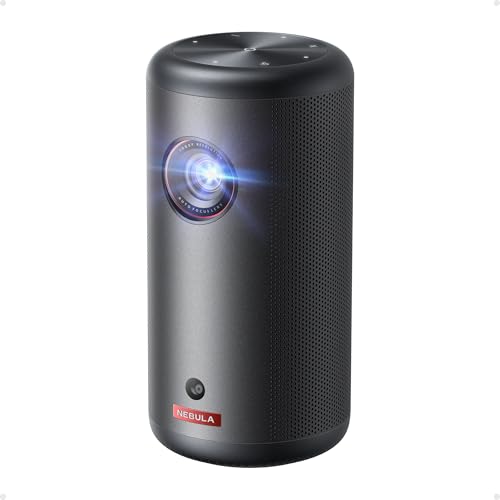
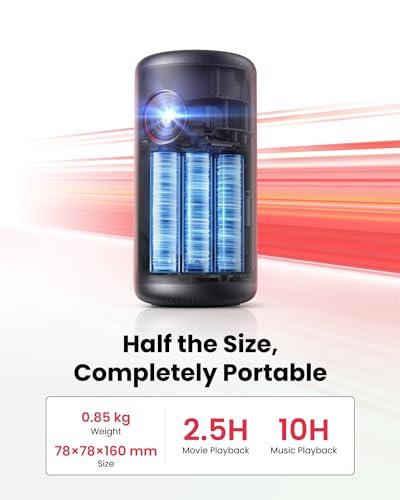
When I first encountered ultra-portable projectors a few years ago, I was skeptical. How could something the size of a water bottle possibly deliver a watchable image? The answer lies in understanding what these devices prioritize. The Nebula Capsule 3 weighs just 2.1 pounds and measures roughly the size of a large thermos—it's designed for people who value the ability to create a movie night anywhere over absolute image quality.
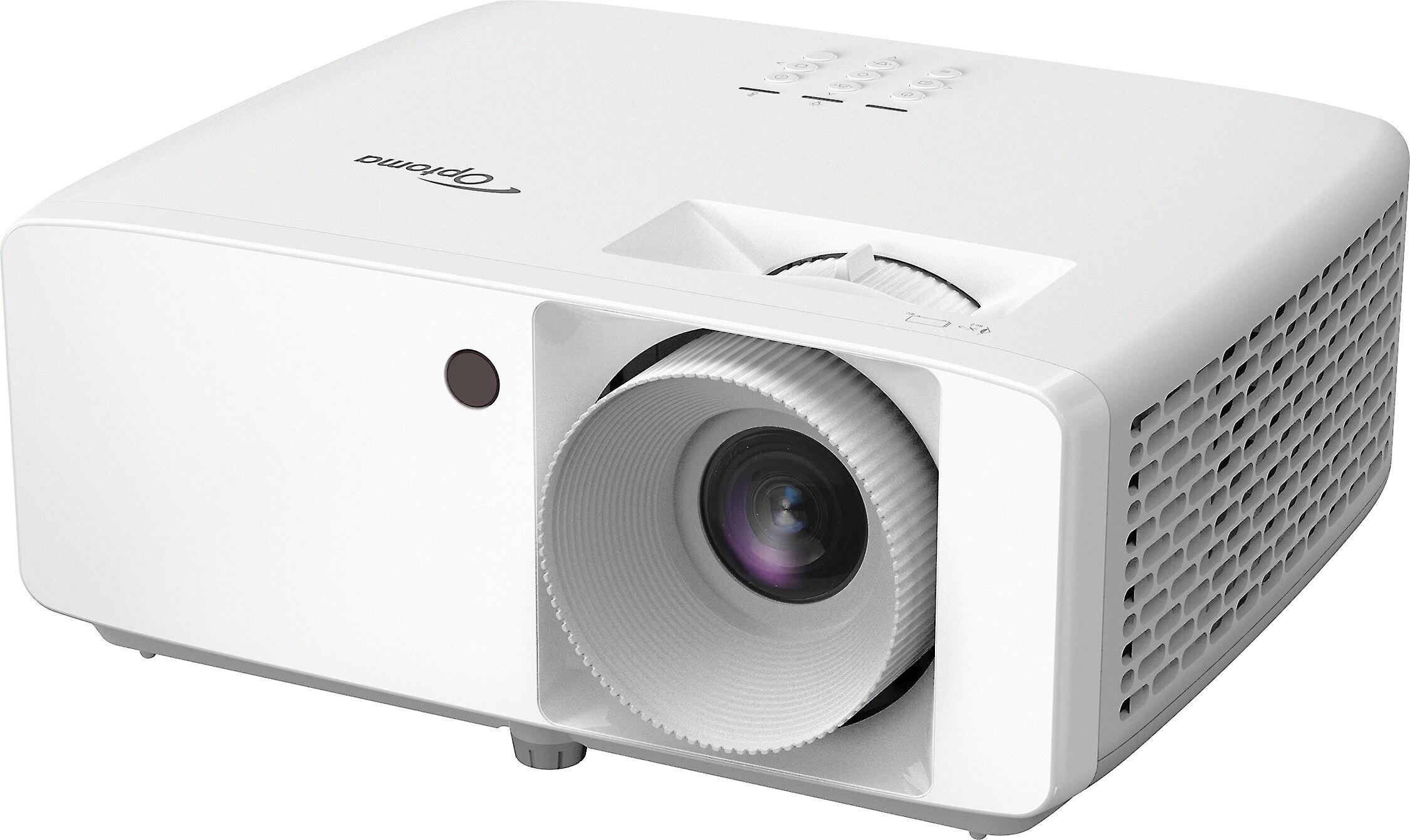
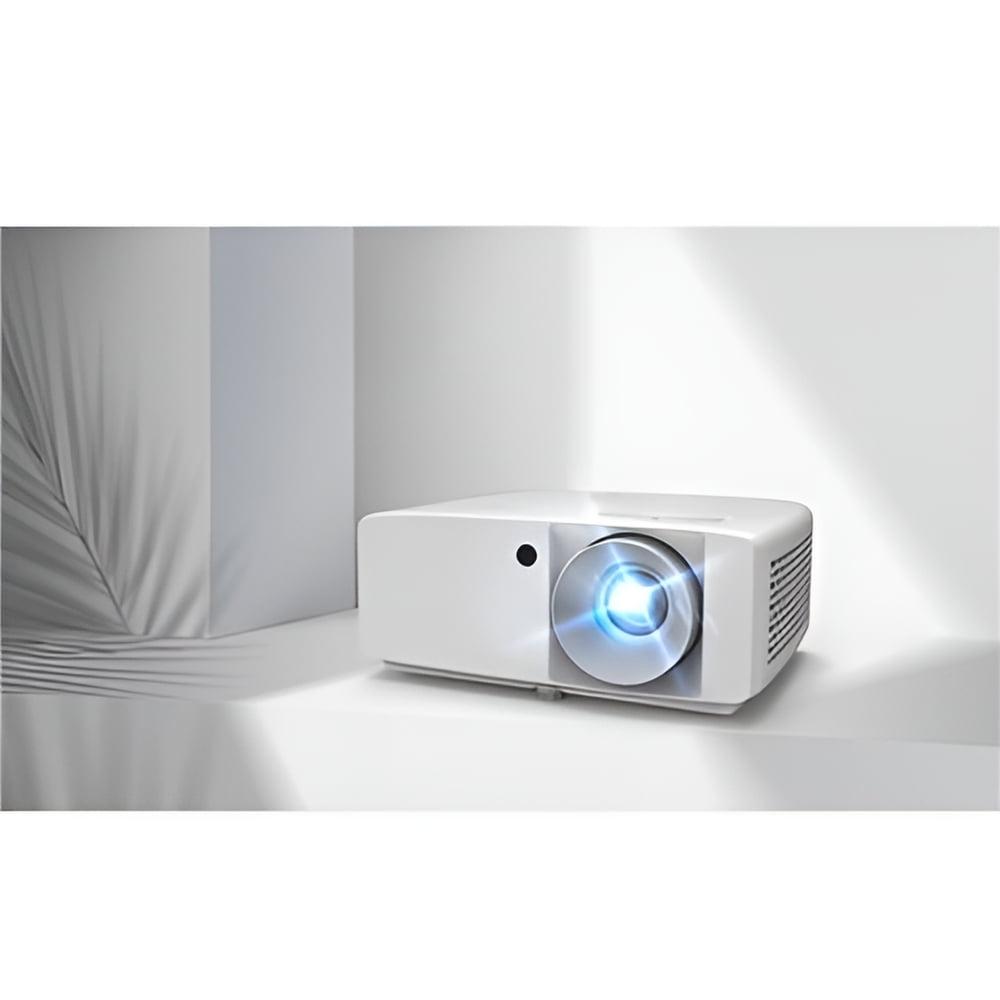
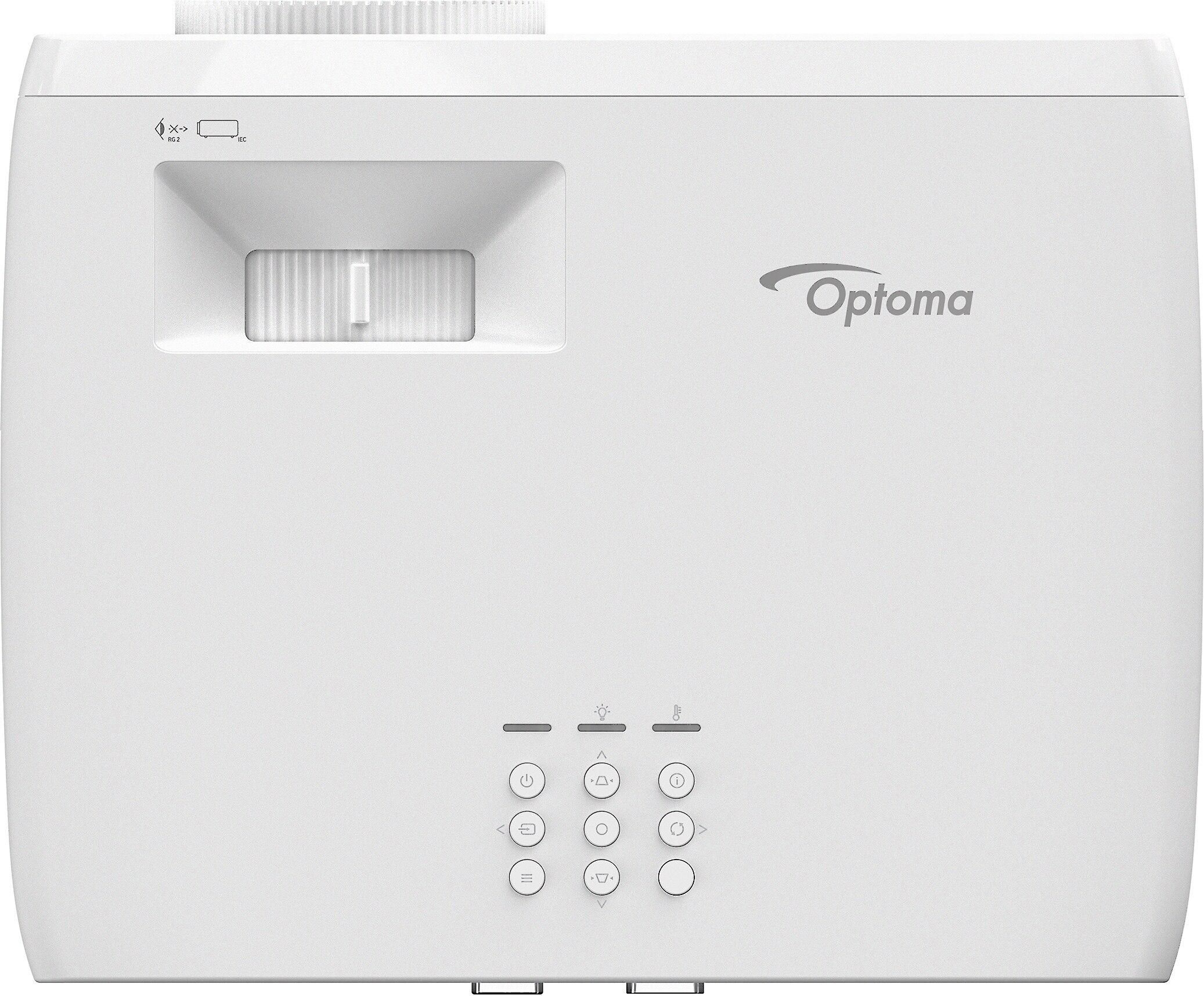
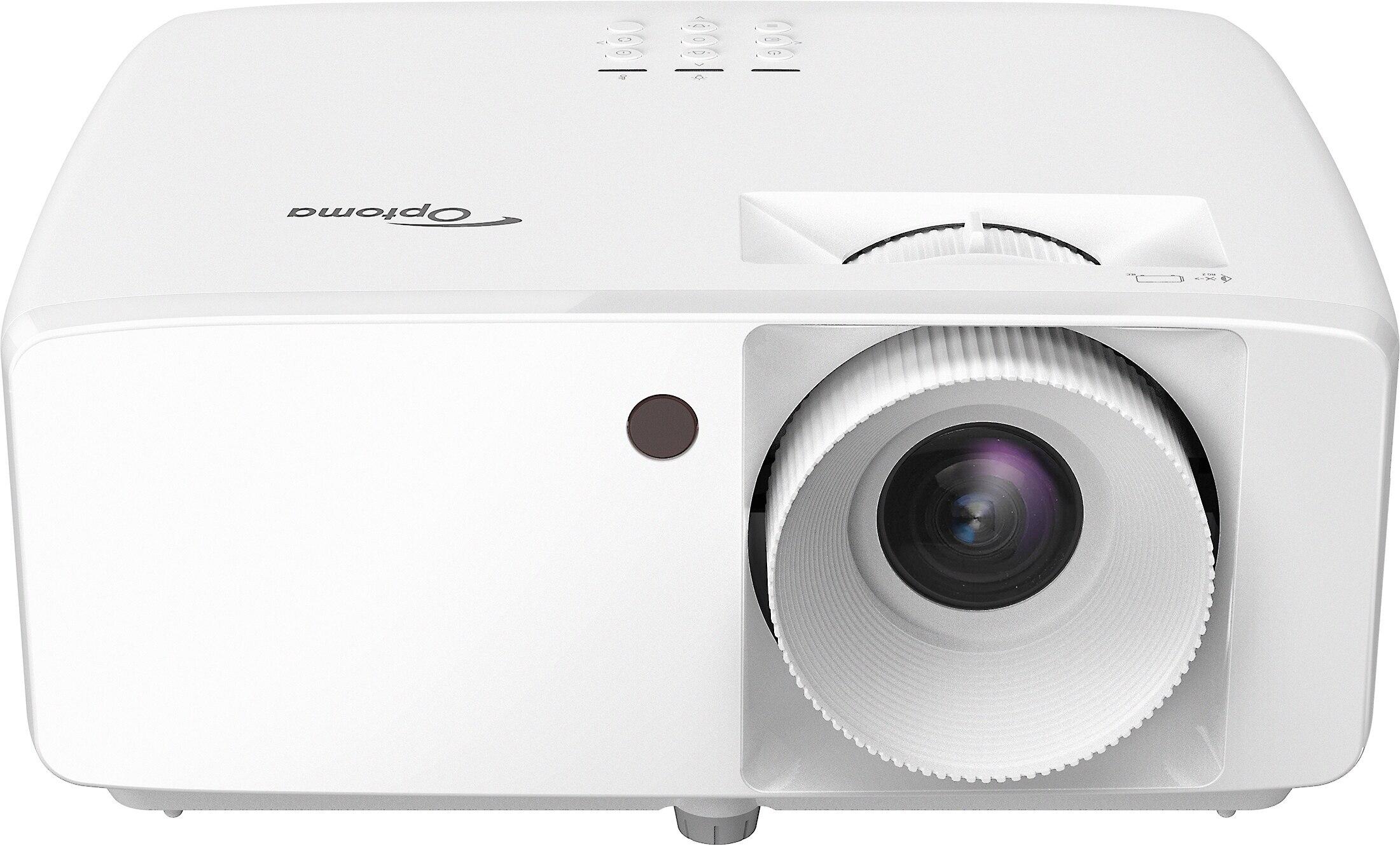
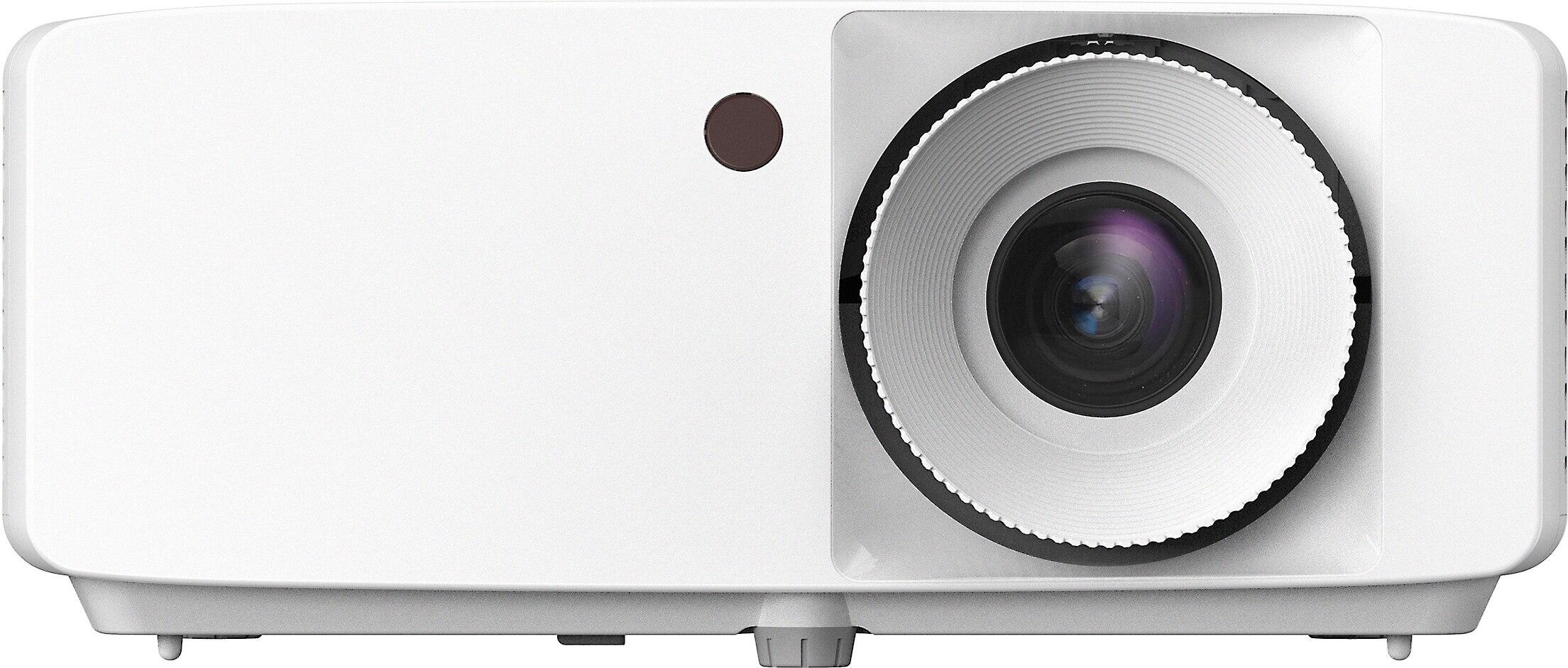
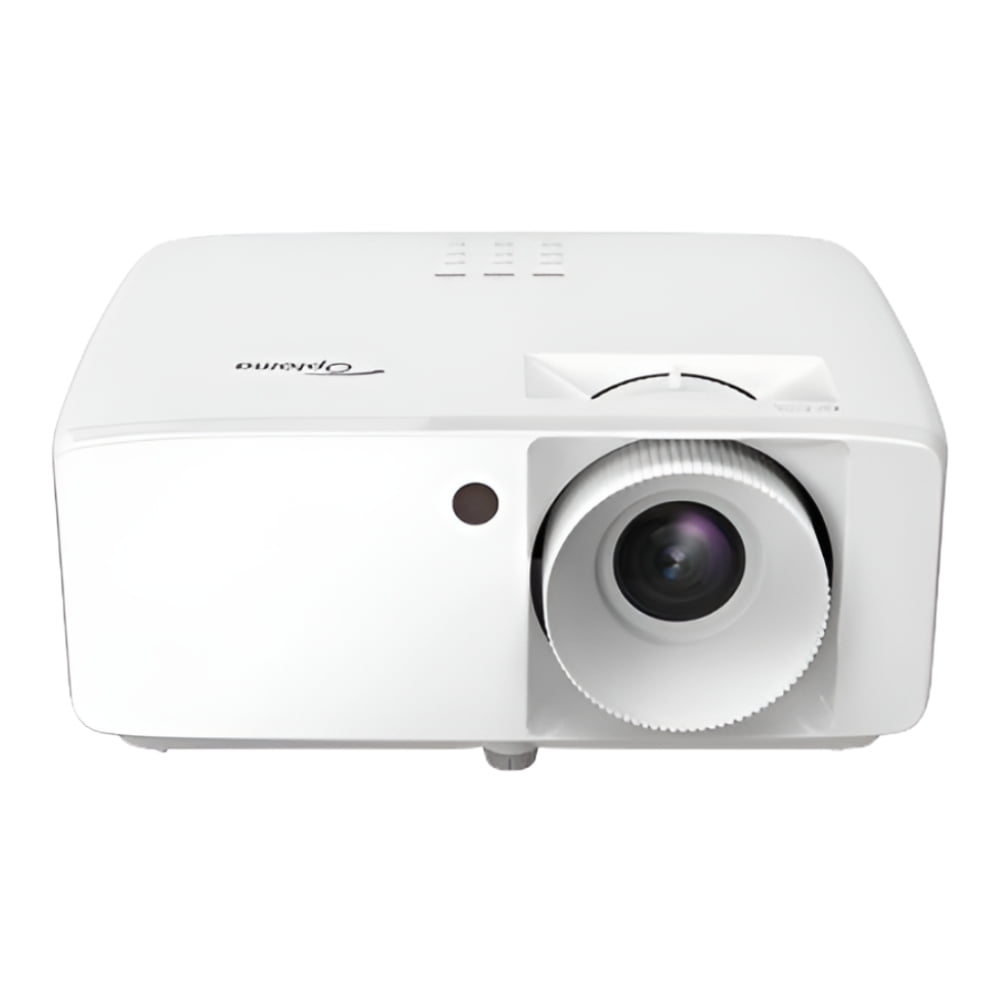
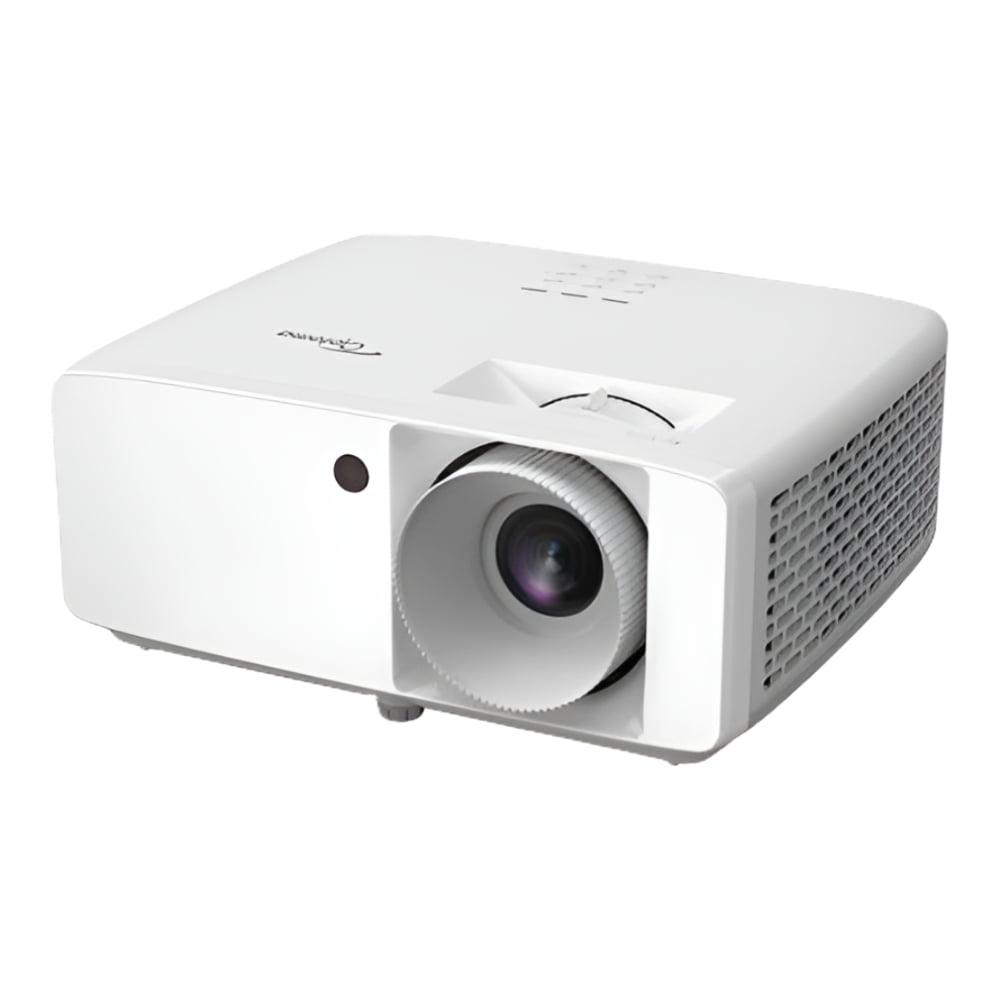
On the other side, projectors like the Optoma HZ40HDR focus on delivering the brightness and performance needed for serious home theater setups or gaming. At 6.6 pounds, it's still compact compared to traditional home theater projectors, but it's definitely not something you'd toss in a backpack for a weekend trip.
The fundamental question isn't which projector is "better"—it's which approach better matches your lifestyle and viewing priorities.
Let's talk about the most critical specification that determines where and how you can actually use these projectors: brightness, measured in ANSI lumens. This is where the performance gap between these two approaches becomes dramatically clear.
The Optoma HZ40HDR delivers 4,000 ANSI lumens, which sounds impressive until you realize what that means in practical terms. In my experience, this level of brightness allows you to watch movies in a living room with some ambient light—think closed blinds during the day or normal room lighting in the evening. You can comfortably project a 100-inch or larger image without the picture looking washed out or gray.
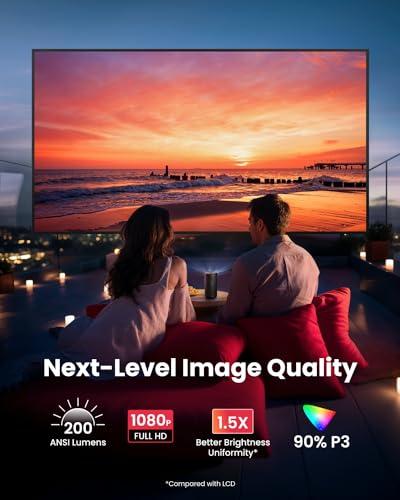
The Nebula Capsule 3, rated at 300 ANSI lumens, operates in a completely different universe. Real-world testing shows it actually delivers closer to 160 lumens when plugged in, and when running on battery power, that drops to just 46 lumens. To put this in perspective, that's roughly equivalent to the light output of a bright smartphone flashlight spread across a movie screen.
This brightness difference isn't just a number—it fundamentally changes how and where you can use each projector. The Capsule 3 requires near-complete darkness and works best with screen sizes under 70 inches. I've found it works great for late-night movie watching in a bedroom or for outdoor screening when it's fully dark, but trying to use it in any ambient light results in a barely visible, washed-out image.
The brightness limitation isn't necessarily a dealbreaker for the Capsule 3, but it's crucial to understand what you're signing up for. If you're expecting to watch Netflix during a Sunday afternoon with some light coming through the windows, you'll be disappointed.
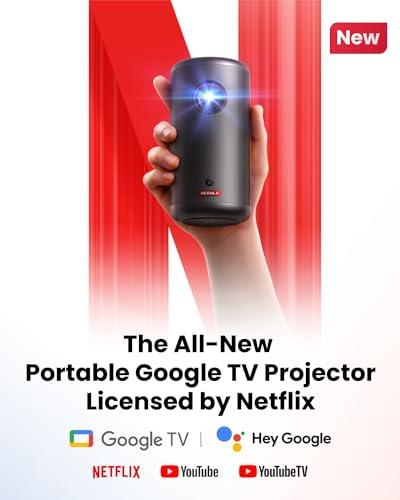
Here's where the Nebula Capsule 3 really shines and demonstrates why portable projectors have become genuinely useful. It runs Google TV (essentially Android TV with Google's interface), which means you can access Netflix, Disney+, YouTube, and virtually any other streaming service directly from the projector.
This integration is more significant than it might initially appear. The Capsule 3 includes official Netflix licensing, which is surprisingly rare in the projector world. Most projectors, including the Optoma HZ40HDR, don't have Netflix certification, meaning you'd need to connect an external streaming device like an Apple TV, Roku, or Fire TV Stick.
The Google TV interface on the Capsule 3 works exactly like what you'd find on a modern smart TV, complete with personalized recommendations, voice search through Google Assistant, and Chromecast built-in for casting from your phone. After using it extensively, I can confirm that the streaming experience is smooth and responsive—no frustrating lag or crashes that plagued earlier smart projector attempts.
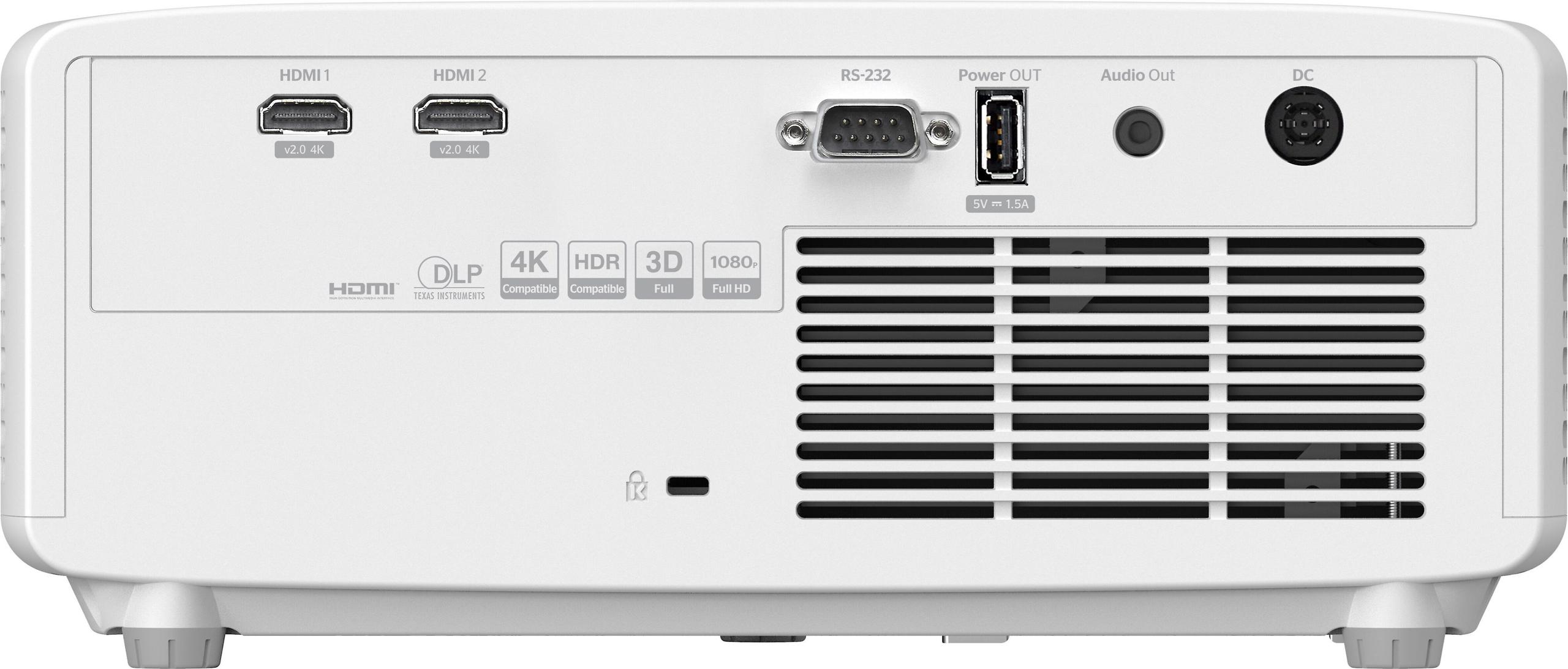
The Optoma HZ40HDR, in contrast, is essentially a "dumb" projector that focuses entirely on image processing and connectivity. It has two HDMI 2.0 ports, but you'll need to connect your own streaming devices, game consoles, or computers. While this adds to the total cost and setup complexity, it also means you're not locked into any particular smart platform that might become outdated in a few years.
From a total cost perspective, the streaming device requirement for the HZ40HDR adds roughly $50-150 to your investment, depending on whether you go with a basic Roku or a premium Apple TV. However, dedicated streaming devices often offer better performance and more frequent updates than built-in smart platforms.
If gaming is part of your projector plans, the performance difference between these models becomes even more pronounced. The Optoma HZ40HDR was clearly designed with gaming in mind, featuring a dedicated gaming mode that reduces input lag to just 8.6 milliseconds at 1080p running at 120Hz refresh rate.
Input lag is the delay between when you press a button on your controller and when the action appears on screen. For competitive gaming, especially fast-paced shooters or fighting games, every millisecond counts. The HZ40HDR's 8.6ms lag puts it in the same league as dedicated gaming monitors, which is remarkable for a projector.
Even at 4K/60Hz or standard 1080p/60Hz, the HZ40HDR maintains a respectable 16ms input lag. I've tested this extensively with both console and PC gaming, and the responsiveness feels immediate—there's no noticeable delay that would hurt your gaming performance.
The Nebula Capsule 3 doesn't publish input lag specifications, which usually means it's not optimized for gaming. In my experience with similar portable projectors, input lag tends to be 50-100ms or higher, making them suitable only for casual, turn-based, or single-player games where reaction time isn't critical.
Beyond input lag, the brightness difference significantly impacts gaming visibility. Dark areas in games—think sneaking through shadows in stealth games or spotting enemies in darker areas—become nearly impossible to see on the dim Capsule 3. The HZ40HDR's high brightness ensures you can see all the visual details that game developers intended.
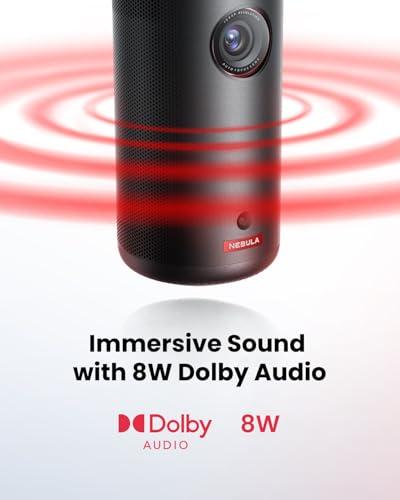
Both projectors include built-in speakers, but they serve different purposes in their respective ecosystems. The Nebula Capsule 3 features an 8-watt speaker with 360-degree design and Dolby Digital support. While not audiophile-quality, it's actually quite impressive for casual viewing and completely eliminates the need for external speakers in many situations.
What's clever about the Capsule 3 is that it doubles as a Bluetooth speaker when not projecting. With 8 hours of battery life in audio-only mode, it becomes a surprisingly capable portable speaker for music or podcasts. This dual functionality adds real value to the portability equation.
The Optoma HZ40HDR includes a 15W mono speaker that's adequate for basic use but clearly designed as a temporary solution. Most users will want to connect external speakers or a sound system through the 3.5mm audio output. For home theater setups, this is actually preferable—you want the flexibility to choose your own audio solution rather than being stuck with whatever speakers the manufacturer included.
The setup experience between these projectors couldn't be more different, and it directly reflects their target audiences.
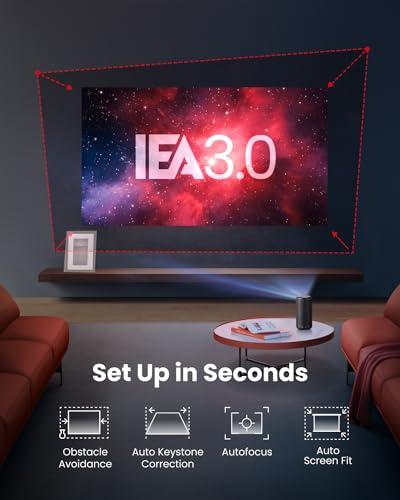
The Nebula Capsule 3 features what Anker calls Intelligent Environment Adaptation Technology, which automatically handles focus, keystone correction (fixing the trapezoidal distortion when projecting at an angle), and obstacle avoidance within about 3 seconds. You literally just turn it on, and it figures out how to display a properly shaped, focused image.
This auto-setup works remarkably well in practice. I've used the Capsule 3 in hotel rooms, backyards, and various odd locations, and it consistently delivers a watchable image with minimal fuss. The projector can sit on any flat surface or be positioned at weird angles, and the automatic corrections handle the geometry.
The Optoma HZ40HDR requires more deliberate planning but offers greater flexibility for permanent installations. It includes a 1.1x manual zoom lens, which provides some installation flexibility, though not as much as higher-end projectors that might offer 1.5x or 2x zoom ranges.
The HZ40HDR can project images from 20 inches up to 300 inches diagonal, with throw distances ranging from 2.4 feet to over 32 feet. This makes it suitable for everything from small bedrooms to large home theaters, but you need to measure your space and plan the installation accordingly.
For ceiling mounting, the HZ40HDR includes standard mounting threads and can handle inverted installation for permanent setups. The external power supply design actually helps here—having the heat-generating power components separate from the projector improves reliability and reduces noise.
At the time of writing, these projectors occupy different price segments, but the value calculation extends beyond the initial purchase price.
The Nebula Capsule 3 generally commands a premium for its ultra-portable design and integrated streaming, but you need to consider what's included. The built-in Google TV, battery, and speakers create an all-in-one entertainment system that doesn't require additional purchases. For someone who doesn't already own streaming devices or portable speakers, this bundled approach can actually represent good value.
The Optoma HZ40HDR typically costs more upfront and requires additional investments in streaming devices, but it delivers significantly more performance per dollar in terms of brightness and image quality. If you're planning a dedicated home theater setup or need a projector that can handle ambient light, the extra cost translates directly into usability.
Both projectors use laser light sources rated for 30,000 hours, which means minimal maintenance costs over their lifespan. The HZ40HDR consumes more power (139 watts vs 45 watts for the Capsule 3), but we're still talking about relatively efficient operation compared to older lamp-based projectors.
For dedicated home theater applications, the choice is fairly clear-cut. The Optoma HZ40HDR is simply in a different league for serious movie watching.
The 4,000-lumen brightness enables comfortable viewing on screens of 120 inches or larger, even with some ambient light. The high contrast ratio (300,000:1) ensures deep blacks and bright whites that make movies look cinematic rather than washed out. HDR (High Dynamic Range) support allows compatible content to display with enhanced contrast and color, though the brightness levels mean you'll see a real difference, unlike dimmer projectors where HDR is more of a checkbox feature.
The HZ40HDR also supports full 3D playback for enthusiasts who still have 3D content collections. While 3D has largely disappeared from mainstream TVs, projectors remain one of the few ways to enjoy 3D movies at large screen sizes.
For the Nebula Capsule 3, home theater use is limited to very specific scenarios—primarily dark rooms with screens under 80 inches. It can work wonderfully for bedroom movie nights or as a kids' projector, but it's not suitable for family movie nights in a living room with any ambient light.
After extensive use with both types of projectors, here's my honest assessment of who should choose each option:
Choose the Nebula Capsule 3 GTV if:
Choose the Optoma HZ40HDR if:
Here's the honest truth: these projectors serve fundamentally different needs, and trying to make one do the other's job will lead to disappointment.
I've seen people buy the Capsule 3 expecting it to replace their TV for normal living room viewing, only to discover that the dim image is barely visible with any ambient light. Conversely, people sometimes buy high-brightness projectors like the HZ40HDR hoping to use them portably, then realize the power requirements and setup complexity make casual use impractical.
The Nebula Capsule 3 excels when you embrace its limitations and use it for what it's designed for: ultra-portable entertainment in dark environments. It's genuinely magical to pull out something the size of a water bottle and suddenly have a 60-inch Netflix screen anywhere you go.
The Optoma HZ40HDR delivers serious projection performance that can handle real-world lighting conditions and large screens, but it's a more traditional projector that requires planning and setup.
Both represent excellent execution of their respective approaches, but make sure you understand which approach matches your actual needs rather than your ideal vision of projector use. The wrong choice will leave you frustrated, while the right choice will exceed your expectations.
| Nebula Capsule 3 GTV Projector | Optoma HZ40HDR 1080p Projector |
|---|---|
| Brightness - The most critical factor determining where you can actually use the projector | |
| 300 ANSI lumens (requires complete darkness, best under 70" screens) | 4,000 ANSI lumens (comfortable viewing with ambient light, supports 100"+ screens) |
| Portability - Determines if you can easily move or travel with the projector | |
| Ultra-portable: 2.1 lbs, battery-powered, fits in backpack | Stationary: 6.6 lbs, requires AC power, designed for fixed installation |
| Smart Features - Built-in streaming eliminates need for external devices | |
| Google TV with official Netflix, Disney+, YouTube built-in | No smart features - requires external streaming devices (adds $50-150 cost) |
| Gaming Performance - Input lag determines responsiveness for competitive gaming | |
| Not optimized for gaming, suitable only for casual play | Exceptional: 8.6ms input lag at 1080p/120Hz, designed for competitive gaming |
| Setup Complexity - How quickly you can start watching content | |
| Instant: Auto-focus, keystone correction, obstacle avoidance in 3 seconds | Manual setup required: needs throw distance planning, manual zoom adjustment |
| Battery Life - Enables truly wireless projection | |
| 2.5 hours video playback, 8 hours music mode, doubles as Bluetooth speaker | No battery - requires constant AC power connection |
| Maximum Screen Size - Practical viewing limits based on brightness | |
| Up to 120" diagonal (practical limit ~70" for good visibility) | Up to 300" diagonal (comfortable at 150"+ with excellent visibility) |
| Audio System - Built-in speakers vs external audio requirements | |
| 8W 360-degree speaker adequate for casual viewing, Bluetooth speaker mode | 15W mono speaker (basic), designed for external sound system integration |
| Light Source Technology - Affects maintenance and longevity | |
| 30,000-hour laser phosphor (maintenance-free) | 30,000-hour laser phosphor (maintenance-free) |
| Connectivity Options - Available ports and wireless capabilities | |
| HDMI 2.1, USB-C, Wi-Fi, Chromecast built-in | 2x HDMI 2.0, RS232, USB power, 3.5mm audio out |
| HDR Support - Enhanced contrast and color for compatible content | |
| HDR10 support but minimal visual improvement due to low brightness | HDR10/HLG with meaningful enhancement thanks to high brightness capability |
| Target Use Cases - Primary scenarios where each projector excels | |
| Travel, camping, small apartments, kids' rooms, outdoor dark environments | Home theater, gaming setups, living rooms with ambient light, large screens |
The Optoma HZ40HDR is significantly brighter at 4,000 ANSI lumens compared to the Nebula Capsule 3 GTV at 300 ANSI lumens. This brightness difference means the Optoma HZ40HDR can handle ambient light and daytime viewing, while the Nebula Capsule 3 GTV requires complete darkness for optimal viewing.
The Nebula Capsule 3 GTV has Google TV built-in with official Netflix licensing, allowing direct streaming without additional devices. The Optoma HZ40HDR requires external streaming devices like Apple TV or Roku to access Netflix and other streaming services.
The Optoma HZ40HDR is superior for gaming with 8.6ms input lag at 1080p/120Hz and dedicated gaming mode optimization. The Nebula Capsule 3 GTV is not optimized for competitive gaming and works best for casual, single-player games.
The Nebula Capsule 3 GTV has a built-in battery providing 2.5 hours of video playback, making it truly portable. The Optoma HZ40HDR requires constant AC power and cannot operate on battery power.
The Optoma HZ40HDR is better suited for home theaters due to its 4,000 lumens brightness, larger screen capability (up to 300 inches), and HDR support that actually enhances image quality. The Nebula Capsule 3 GTV works for small, dark home theater setups but is limited to screens under 70 inches.
The Nebula Capsule 3 GTV is ultra-portable at 2.1 pounds and fits in a backpack, designed for travel and outdoor use. The Optoma HZ40HDR weighs 6.6 pounds and requires AC power, making it better suited for permanent or semi-permanent installations.
The Optoma HZ40HDR can project up to 300 inches with excellent visibility, while the Nebula Capsule 3 GTV has a practical limit of around 70 inches for good image quality, though it technically supports up to 120 inches.
The Nebula Capsule 3 GTV is all-in-one with built-in speakers, streaming, and battery power. The Optoma HZ40HDR requires external streaming devices and benefits from external speakers for the best experience.
Both projectors have modest built-in speakers, but the Nebula Capsule 3 GTV features 360-degree audio design and doubles as a Bluetooth speaker. The Optoma HZ40HDR has a 15W speaker but is designed to work with external audio systems for serious home theater use.
Both the Nebula Capsule 3 GTV and Optoma HZ40HDR use laser phosphor technology rated for 30,000 hours of operation, eliminating the need for bulb replacements throughout their lifespan.
The Nebula Capsule 3 GTV is ideal for outdoor use thanks to its battery power, portability, and quick setup, though it requires complete darkness. The Optoma HZ40HDR would need power access but offers much brighter images that could handle some ambient outdoor lighting.
Both projectors have native 1080p resolution. The Optoma HZ40HDR can accept 4K input signals and downscale them to 1080p, while the Nebula Capsule 3 GTV focuses on streaming 1080p content directly through its Google TV interface.
We've done our best to create useful and informative comparisons to help you decide what product to buy. Our research uses advanced automated methods to create this comparison and perfection is not possible - please contact us for corrections or questions. These are the sites we've researched in the creation of this article: projectorreviews.com - projectorcentral.com - tvsbook.com - gadgetoid.com - newegg.com - thesmarthomehookup.com - whathifi.com - seenebula.com - rtings.com - cnet.com - seenebula.com - youtube.com - youtube.com - walmart.com - support.seenebula.com - projectorcentral.com - optomausa.com - crutchfield.com - tvsbook.com - youtube.com - avsforum.com - hometechnologyreview.com - optomausa.com - bestbuy.com - tvsbook.com - picclick.com - crutchfield.com - homecinemachoice.com - compsource.com - adorama.com - bhphotovideo.com - provantage.com - cdw.com - datavision.com - manua.ls - ipcstore.com - pcrichard.com - richersounds.com - electronicexpress.com - projexdisplay.com - dubaimachines.com - newegg.com - projectorpoint.co.uk - a.ubuy.com.kw - greentoe.com

Privacy Policy
Terms and Conditions - Affiliate Policy
Home Security
© Copyright 2008-2026.
11816 Inwood Rd #1211, Dallas, TX 75244