

When I first started testing projectors, the choice was simple: bigger was better, and portability meant dragging around a 15-pound monster in a wheeled case. Fast-forward to today, and we're living in an era where you can slip a capable 1080p projector into your backpack – or invest in home theater performance that rivals dedicated cinema setups.
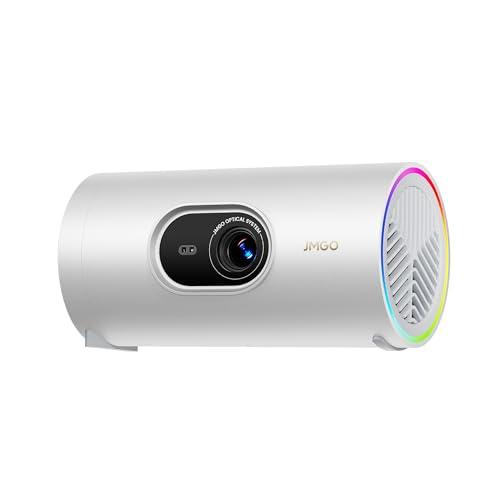
The JMGO PicoPlay and BenQ HT2060 represent two completely different philosophies in modern projection technology. One prioritizes ultimate portability and smart convenience, while the other focuses on delivering professional-grade home theater performance. Understanding which approach fits your lifestyle is crucial to making the right choice.
The projector world has evolved dramatically over the past few years. We now have distinct categories serving very different needs, and mixing them up is where many buyers go wrong.
Ultra-portable projectors like the JMGO PicoPlay emerged around 2023-2024 as battery technology and LED efficiency improved dramatically. These devices prioritize convenience above all else – they need to be small enough for travel, smart enough to work without external devices, and simple enough that anyone can set them up in seconds.
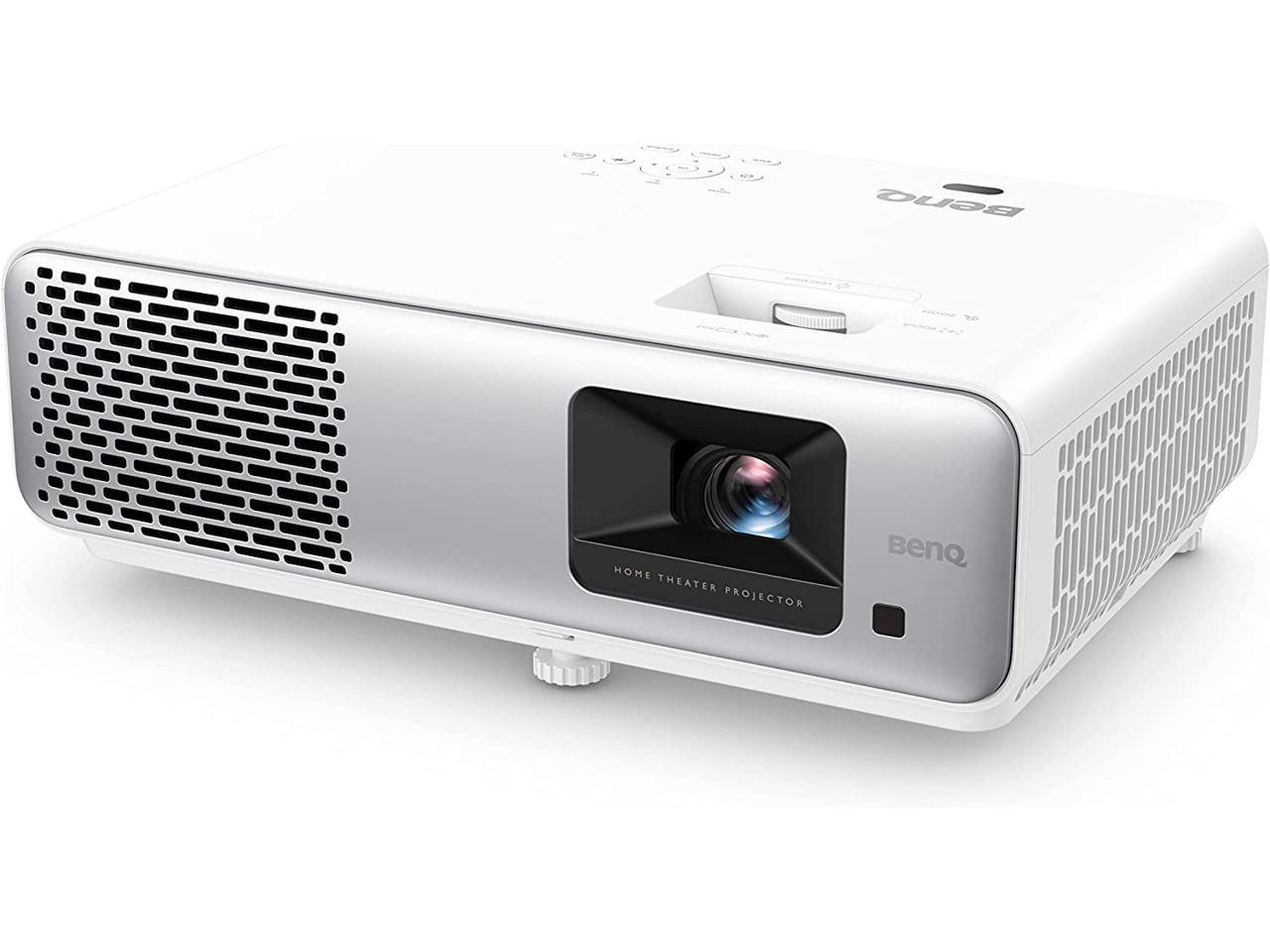
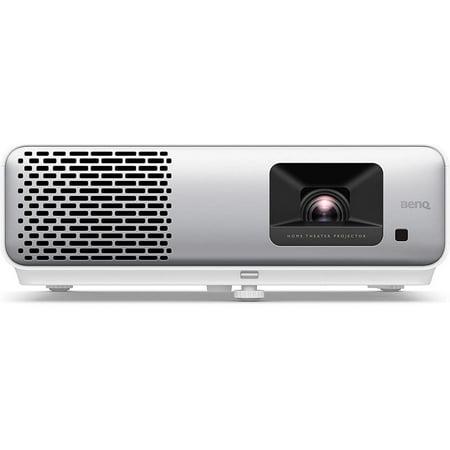
Traditional home theater projectors like the BenQ HT2060, released in 2023, represent the mature end of projection technology. They're designed for permanent or semi-permanent installations where image quality, brightness, and professional features matter more than portability.
The key considerations when choosing between these categories include your ambient light conditions (how bright your viewing room typically is), portability needs, image quality expectations, and setup complexity tolerance. Let me break down what really matters.
Here's where the fundamental difference between these projectors becomes crystal clear. Brightness, measured in lumens, determines where and when you can actually use your projector.
The BenQ HT2060 delivers 2,300 ANSI lumens – that's professional-grade brightness that can handle moderate ambient light. ANSI lumens represent the industry-standard measurement where light output is measured at multiple points across the projected image and averaged. This means you can watch movies in a living room with some lights on, or even during daytime with curtains drawn.
The JMGO PicoPlay, at 400 ISO lumens, requires much more controlled lighting conditions. ISO lumens is a newer measurement standard that's often more generous than ANSI ratings, so in real-world comparison, the brightness gap is even wider than the numbers suggest – roughly 5-6 times brighter for the BenQ.
In my testing experience, 400 lumens works great for dark bedrooms, basement theaters, or outdoor evening viewing. But try using the PicoPlay in a typical family room with ambient light, and you'll be squinting at a washed-out image. The HT2060, meanwhile, can maintain good image quality even with table lamps on.
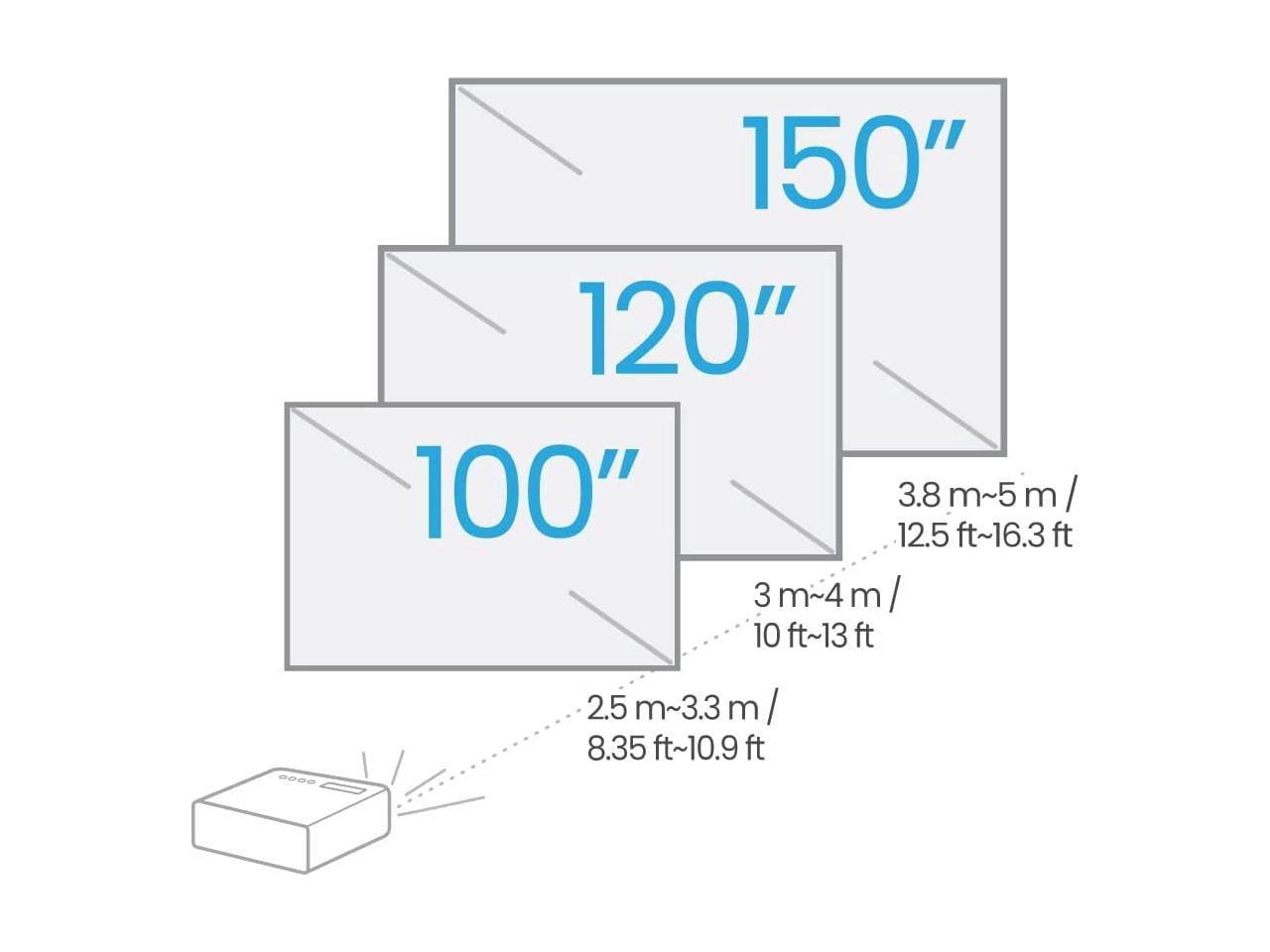
Brightness directly impacts screen size too. The PicoPlay looks sharp and vibrant on a 50-60 inch screen in a dark room, but stretch it to 100+ inches and the image becomes noticeably dim. The HT2060 can comfortably fill a 150-inch screen while maintaining good brightness and contrast.
Both projectors offer native 1080p Full HD resolution, but that's where the similarities end. Image quality depends on much more than pixel count – color accuracy, contrast ratio, and HDR implementation make the real difference.
The BenQ HT2060 covers 98% of the Rec.709 color space, which is the standard for HD content. This means colors appear as the director intended, with accurate skin tones and natural-looking scenes. Its 500,000:1 contrast ratio (the difference between the brightest whites and darkest blacks) creates that cinema-like depth that makes images pop off the screen.
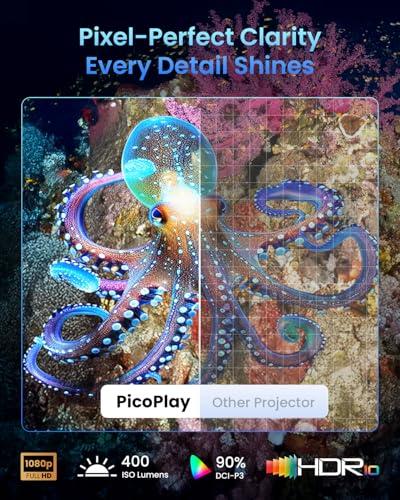
The JMGO PicoPlay covers 90% of the DCI-P3 color space – a wider color gamut than Rec.709 but with less accuracy for standard HD content. DCI-P3 is actually the standard used in digital cinema, so colors can appear more saturated and vibrant, though not always more accurate. Its 400:1 contrast ratio is typical for mini-projectors but noticeably limited compared to the BenQ.
HDR (High Dynamic Range) support makes a significant difference in modern content. Both projectors handle HDR10, but the HT2060 also supports HLG (Hybrid Log-Gamma), the broadcast HDR standard. More importantly, the BenQ's higher brightness lets it actually display HDR content effectively – HDR requires adequate brightness to show the extended contrast range properly.
From my viewing experience, the HT2060 produces images that genuinely rival a good LED TV, while the PicoPlay delivers surprisingly good quality for its size but with clear limitations in bright scenes and shadow detail.
If gaming is part of your projector plans, input lag becomes crucial. This is the delay between when you press a controller button and when the action appears on screen. The BenQ HT2060 offers a dedicated game mode with just 16.7ms of input lag at 1080p/60Hz.
To put that in perspective, anything under 20ms feels essentially instantaneous for most gaming. I've played everything from fast-paced shooters to precise platformers on the HT2060 without noticing any delay. The large screen size actually enhances gaming immersion – there's something magical about playing games on a 120-inch screen.
The JMGO PicoPlay doesn't specify its input lag, which usually means it's not optimized for gaming. Based on similar mini-projectors, expect 30-50ms of delay – perfectly fine for turn-based games or casual gaming, but noticeable in fast-action scenarios.
This is where the two projectors' different philosophies really shine through.
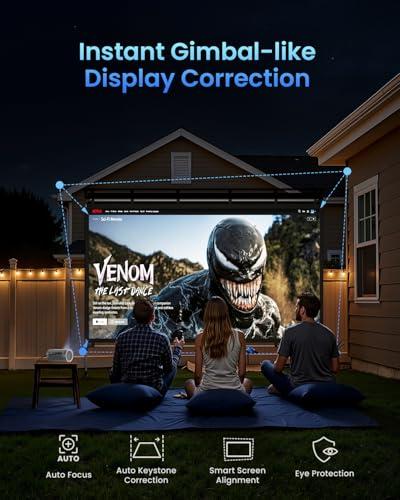
The PicoPlay features what JMGO calls the FlexiSmart system – automated setup that handles focus, keystone correction (adjusting for angled projection), and screen alignment using a ToF (Time-of-Flight) sensor. This sensor measures distance to objects by timing how long light takes to bounce back, enabling incredibly fast and accurate auto-adjustments.
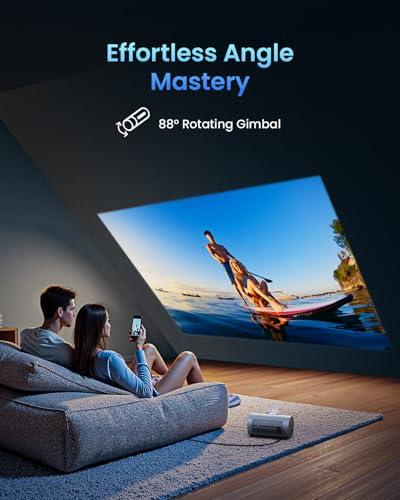
The real innovation is the 88° rotating gimbal. This isn't just marketing speak – you can physically tilt the projector nearly 90 degrees in any direction while it remains stable. Want to project on the ceiling for bed viewing? Just flip it up. Need to project from an odd angle? The gimbal handles it while the auto-correction ensures a square image.
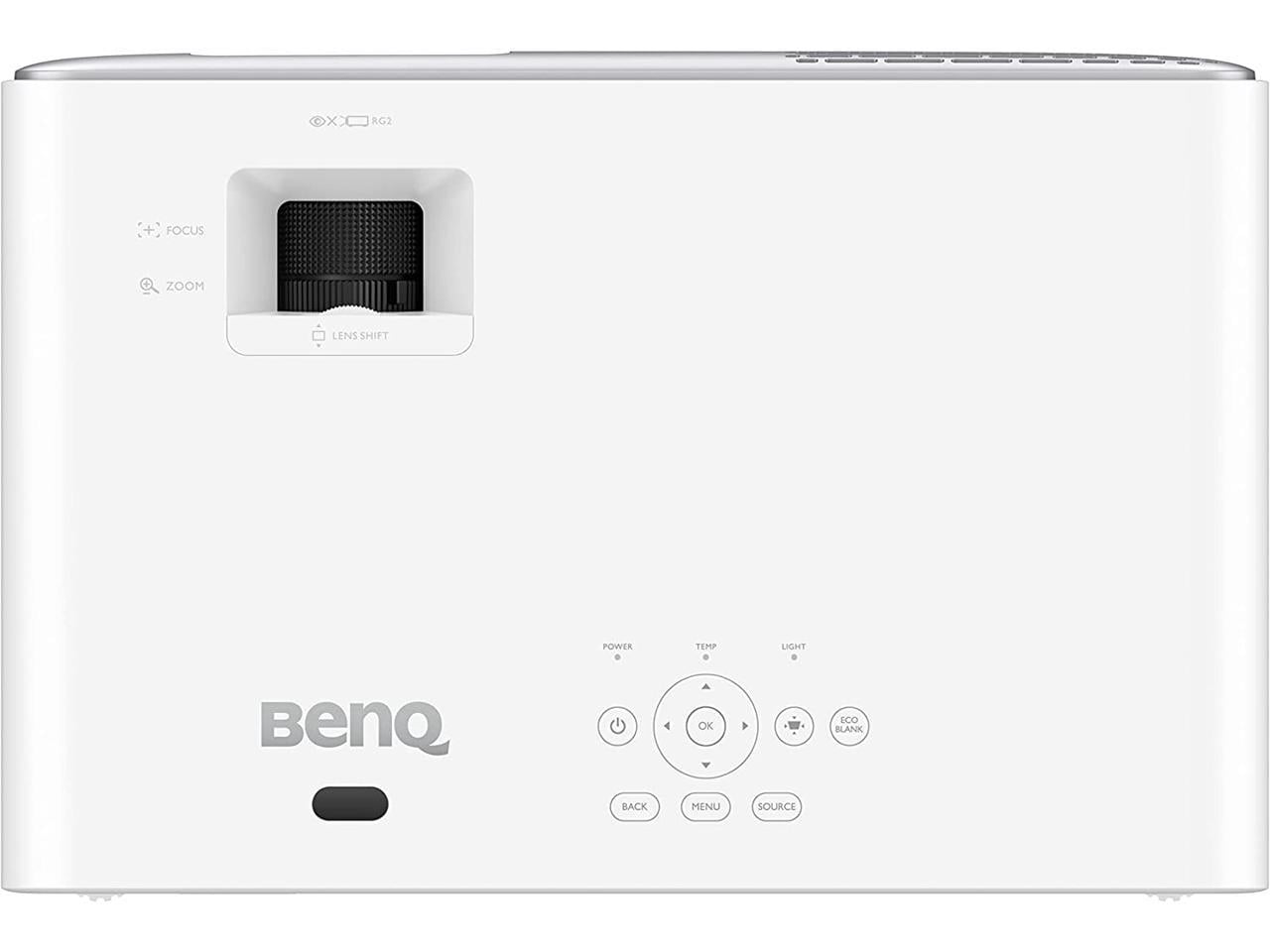
The BenQ HT2060 takes the traditional approach with professional installation features. It includes 1.3x manual zoom (meaning you can make the image 30% larger or smaller without moving the projector), +10% vertical lens shift (physically moving the lens to adjust image placement), and comprehensive manual keystone correction.
These features matter more than they might sound. Lens shift lets you mount the projector above or below the screen center without distorting the image – crucial for proper home theater installation. The zoom range means you have flexibility in projector placement distance.
In my experience, the PicoPlay is ready to watch in literally seconds – just point and go. The HT2060 might take 10-15 minutes to properly set up and calibrate, but once dialed in, it stays perfectly aligned.
The JMGO PicoPlay runs Google TV, giving you direct access to Netflix, YouTube, Amazon Prime Video, and thousands of other apps. Google TV is essentially Android TV's successor, offering better content recommendations and a more intuitive interface. It includes Google Assistant for voice control and Google Cast for wireless streaming from your phone.
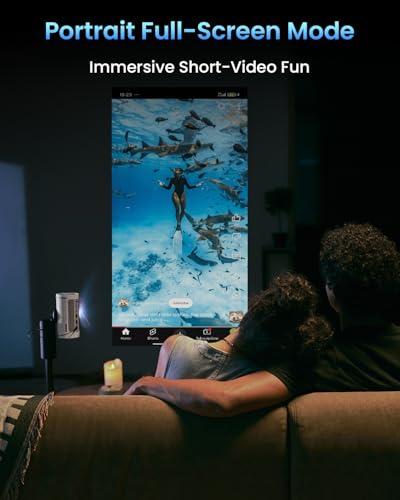
One unique feature is Vertical Play mode – the projector can actually rotate content for vertical videos from TikTok, Instagram Reels, or YouTube Shorts. It sounds gimmicky, but it's surprisingly useful for social media content viewing.
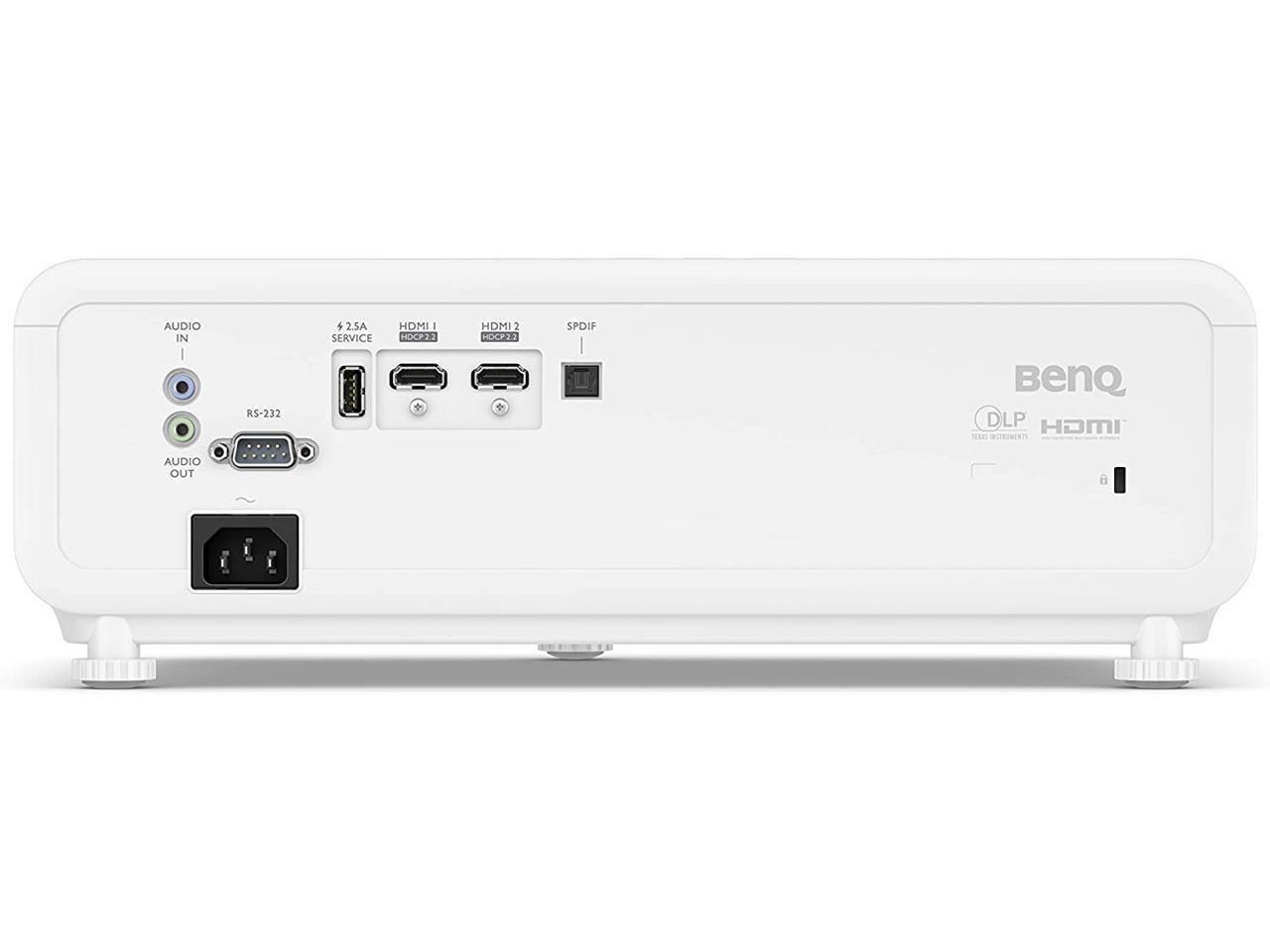
The HT2060 has zero smart features – it's purely a display device. You'll need a streaming stick, gaming console, or media player to provide content. While this means an extra purchase and more complexity, it also means no software obsolescence. The projector will work exactly the same in 5 years, regardless of what streaming platforms do.
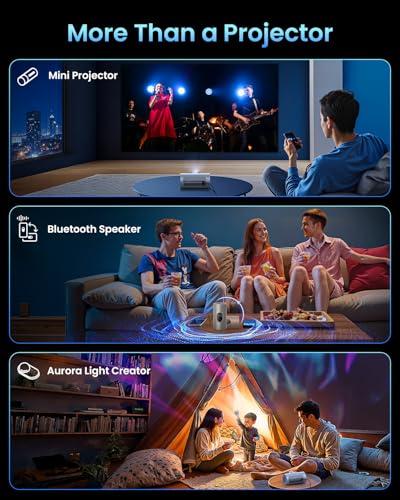
The PicoPlay doubles as an 8W Bluetooth speaker with Dolby Audio processing. It's surprisingly capable for its size and can function as a standalone speaker when not projecting. There's even an ambient light mode that syncs RGB lighting with music – perfect for parties or background ambiance.
The HT2060 includes dual 5W speakers that are adequate for basic viewing but clearly designed to be supplemented with external audio. It includes optical S/PDIF output for connecting to surround sound systems – the professional approach.
For casual viewing, the PicoPlay's integrated audio is actually more convenient. For serious home theater use, you'll want dedicated speakers with either projector, but the HT2060 makes that integration easier.
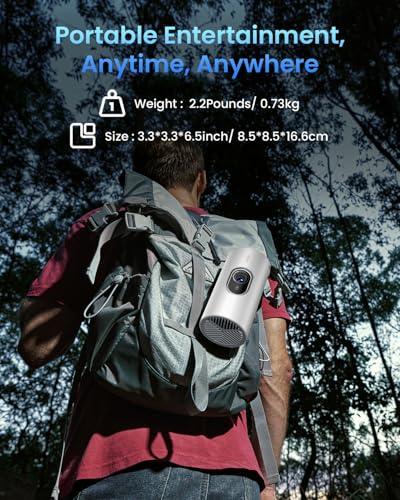
The PicoPlay's integrated 20,000 mAh battery provides up to 3 hours of video playback or 7 hours of music playback. This is true portability – you can take it camping, to a friend's house, or just move it around your home without hunting for power outlets.
The compact design (about the size of a travel coffee mug at 2.2 pounds) makes it genuinely portable. I've literally carried it in a backpack for outdoor movie nights, and the included travel pouch makes transport worry-free.
The BenQ HT2060 requires constant AC power and weighs nearly 8 pounds. It's designed to stay put once properly positioned. This isn't a limitation – it's a design choice that prioritizes performance over portability.
For dedicated home theater use, the BenQ HT2060 is clearly the better choice. Its brightness lets it work with some ambient light, the professional installation features ensure proper image geometry, and the color accuracy delivers the cinematic experience most people want from a home theater.
The Filmmaker Mode preset is particularly valuable – it disables all post-processing to display content exactly as the director intended, preserving aspect ratios, color grading, and frame rates. This matters more than you might think for serious movie watching.
The PicoPlay can create a surprisingly immersive experience in the right conditions – a dark bedroom or basement can feel genuinely cinematic with a 60-80 inch image. But it's more of a "movie night" experience than a "home theater" experience, if that distinction makes sense.
At the time of writing, the JMGO PicoPlay represents exceptional value in the ultra-portable category, while the BenQ HT2060 offers strong value in the traditional home theater segment.
The PicoPlay combines projector, smart streaming device, Bluetooth speaker, and ambient lighting in one portable package. For someone living in an apartment, dorm, or frequently moving, this consolidation has real value beyond just the projection capability.
The HT2060 costs significantly more but delivers professional-grade performance. The 5-6x brightness increase alone justifies much of the price premium for users who need it. Add the gaming optimization, installation flexibility, and superior color accuracy, and it represents fair value for a dedicated home theater projector.
Choose the JMGO PicoPlay if your lifestyle prioritizes flexibility. You're probably someone who moves frequently, lives in a small space, or wants entertainment options that can adapt to different situations. Maybe you're a college student, frequent traveler, or someone who likes impromptu outdoor movie nights. The dark-room requirement isn't a dealbreaker because you can control your viewing environment.
Choose the BenQ HT2060 if you're building a more permanent entertainment setup. You probably have a dedicated viewing space or can darken a family room for movie watching. Gaming performance might matter to you, or you simply want the best possible image quality regardless of other factors. You don't mind the complexity of a traditional projector setup because the payoff in image quality is worth it.
These projectors succeed by serving completely different needs exceptionally well. The JMGO PicoPlay reimagines what a portable projector can be – smart, convenient, and surprisingly capable. The BenQ HT2060 delivers traditional home theater excellence with modern LED efficiency and gaming optimization.
Neither is objectively "better" – they're optimized for different lifestyles and use cases. The key is honestly assessing how you'll actually use a projector, not how you imagine you might use it. If portability and convenience matter more than ultimate image quality, the PicoPlay will likely make you happier. If you want the best possible viewing experience and can accommodate a traditional projector's requirements, the HT2060 delivers genuine home theater performance.
The projector market has never offered better options for every type of user. Choose based on your actual needs, and either of these projectors will deliver years of entertainment value.
| JMGO PicoPlay 1080P Smart Portable Projector | BenQ HT2060 HDR Home Theater Projector |
|---|---|
| Brightness - Critical for determining where you can actually use the projector | |
| 400 ISO lumens (requires dark rooms) | 2,300 ANSI lumens (works in moderately lit rooms) |
| Portability - Determines if you can easily move it between locations | |
| 2.2 lbs, coffee cup size, 3-hour battery | 7.9 lbs, requires AC power, stationary setup |
| Smart Features - Built-in streaming vs external devices needed | |
| Google TV with Netflix, YouTube, voice control | None - requires streaming stick or media player |
| Gaming Performance - Input lag affects responsiveness | |
| Not specified (likely 30-50ms for casual gaming) | 16.7ms optimized for competitive gaming |
| Setup Convenience - Time from box to watching | |
| Auto-focus, auto-keystone, 88° gimbal (seconds) | Manual zoom, lens shift, keystone (10-15 minutes) |
| Image Quality - Color accuracy and contrast for cinematic viewing | |
| 90% DCI-P3, 400:1 contrast, HDR10 | 98% Rec.709, 500,000:1 contrast, HDR10/HLG |
| Maximum Screen Size - Practical viewing limits | |
| 200 inches max (optimal 50-60 inches) | 300 inches max (comfortable at 150+ inches) |
| Audio Integration - Built-in sound capabilities | |
| 8W Dolby Audio speaker, Bluetooth mode | Dual 5W speakers, optical output for surround |
| Installation Flexibility - Professional mounting and positioning options | |
| Gimbal rotation, basic keystone correction | 1.3x zoom, vertical lens shift, 2D keystone |
| Lamp Life - Long-term cost and maintenance | |
| LED light source, 25,000 hours | LED light source, 20,000-30,000 hours |
| Target Use Case - Who this projector is designed for | |
| Travel, apartments, outdoor nights, flexibility | Dedicated home theater, gaming, permanent setup |
The BenQ HT2060 is significantly brighter at 2,300 ANSI lumens compared to the JMGO PicoPlay at 400 ISO lumens. This means the BenQ HT2060 can handle moderate ambient light and daytime viewing with curtains drawn, while the JMGO PicoPlay requires dark room conditions for optimal viewing.
The BenQ HT2060 is excellent for gaming with just 16.7ms input lag, making it suitable for competitive gaming and fast-paced action games. The JMGO PicoPlay doesn't specify its gaming performance but is likely better suited for casual gaming due to higher input lag typical of portable projectors.
The JMGO PicoPlay is far more portable, weighing just 2.2 pounds with a coffee cup-sized design and 3-hour battery life. The BenQ HT2060 weighs 7.9 pounds and requires constant AC power, making it designed for permanent installation rather than portability.
The JMGO PicoPlay has Google TV built-in with access to Netflix, YouTube, and other streaming apps, so no external devices are needed. The BenQ HT2060 has no smart features and requires a streaming stick, gaming console, or media player to access content.
The BenQ HT2060 is superior for dedicated home theater setups due to its higher brightness, better color accuracy (98% Rec.709), professional installation features like lens shift and zoom, and superior contrast ratio. The JMGO PicoPlay can work for casual home theater use in dark rooms but lacks the performance for serious cinephiles.
The BenQ HT2060 can project up to 300 inches with good brightness, comfortably handling 150+ inch screens. The JMGO PicoPlay can technically project up to 200 inches but performs optimally at 50-60 inches due to its lower brightness output.
The BenQ HT2060 delivers superior image quality with 98% Rec.709 color accuracy, 500,000:1 contrast ratio, and support for both HDR10 and HLG formats. The JMGO PicoPlay offers good quality for its class with 90% DCI-P3 color coverage and HDR10 support, but with a much lower 400:1 contrast ratio.
The JMGO PicoPlay sets up in seconds thanks to its FlexiSmart system with auto-focus, auto-keystone correction, and 88° rotating gimbal. The BenQ HT2060 requires 10-15 minutes for proper setup and calibration using its manual zoom, lens shift, and keystone correction features.
The JMGO PicoPlay is excellent for outdoor use with its battery power, compact size, and quick setup - perfect for camping or backyard movie nights. The BenQ HT2060 can work outdoors but requires AC power and is better suited for permanent outdoor installations like covered patios.
Value depends on your needs: the JMGO PicoPlay offers exceptional value for portable entertainment, combining projector, smart streaming, Bluetooth speaker, and ambient lighting in one device. The BenQ HT2060 provides better value for dedicated home theater use where image quality and brightness justify the higher investment.
The JMGO PicoPlay has an 8W Dolby Audio speaker that doubles as a Bluetooth speaker when not projecting, plus ambient lighting that syncs with music. The BenQ HT2060 has basic dual 5W speakers designed to be supplemented with external audio systems via its optical output.
Choose the JMGO PicoPlay if you live in an apartment, dorm, or frequently move, need portability, or want all-in-one convenience with built-in streaming. Choose the BenQ HT2060 if you have a dedicated viewing space, prioritize image quality over portability, or want professional home theater performance with gaming capabilities.
We've done our best to create useful and informative comparisons to help you decide what product to buy. Our research uses advanced automated methods to create this comparison and perfection is not possible - please contact us for corrections or questions. These are the sites we've researched in the creation of this article: techbuzzireland.com - youtube.com - newatlas.com - projectorcentral.com - youtube.com - thegadgetflow.com - youtube.com - global.jmgo.com - youtube.com - bestbuy.com - projector-database.com - notebookcheck.net - eu.jmgo.com - projectorcentral.com - avsforum.com - bestbuy.com - avsforum.com - tomsguide.com - avsforum.com - projectorreviews.com - hometheaterhifi.com - youtube.com - avsforum.com - cnet.com - techgearlab.com - cdw.com - bhphotovideo.com - projectorcentral.com - shop.avispl.com - tvsbook.com - youtube.com - projectorreviews.com - avsforum.com

Privacy Policy
Terms and Conditions - Affiliate Policy
Home Security
© Copyright 2008-2026.
11816 Inwood Rd #1211, Dallas, TX 75244