

The portable projector market has exploded over the past few years, and for good reason. These compact devices promise to turn any wall into a cinema screen, whether you're in your living room, a hotel, or camping under the stars. But here's the thing – not all portable projectors are created equal, and the choices you make can dramatically affect your viewing experience.
Today, we're diving deep into two projectors that represent very different philosophies in portable projection: the JMGO PicoPlay and the WEMAX Vogue Pro. Both launched in recent years as manufacturers pushed the boundaries of what's possible in compact projection, but they've taken remarkably different paths to get there.
Before we jump into the specifics, let's talk about what makes portable projectors tick and why they've become such a big deal. Traditional home theater projectors are beasts – they're bright, sharp, and impressive, but they also weigh 10-20 pounds, need permanent mounting, and cost thousands of dollars. Portable projectors flip this script entirely.
The magic happens through LED light sources instead of traditional projector lamps. LEDs last 20,000-30,000 hours (compared to 3,000-5,000 for traditional lamps), run cooler, and can be packed into much smaller spaces. The trade-off? Brightness. Where a traditional home theater projector might pump out 3,000+ lumens, portable projectors typically max out around 1,000-2,000 lumens, with many ultra-portable models sitting much lower.
This is where our two contenders diverge dramatically. The JMGO PicoPlay prioritizes ultimate portability with its coffee-cup-sized design, while the WEMAX Vogue Pro focuses on delivering more traditional projector performance in a compact package.
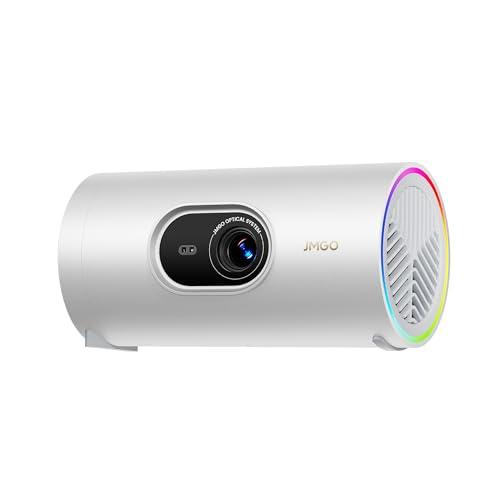
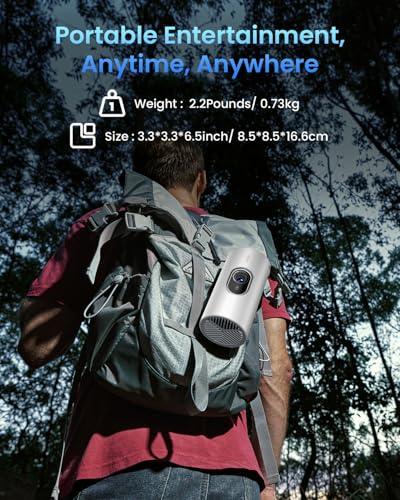
When JMGO released the PicoPlay in 2025, they weren't just making another small projector – they were reimagining what portable projection could be. The device measures just 3.3 × 3.3 × 6.5 inches and weighs 2.2 pounds, making it genuinely pocket-friendly for travel.
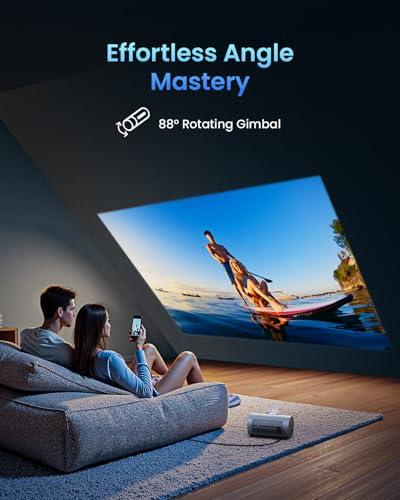
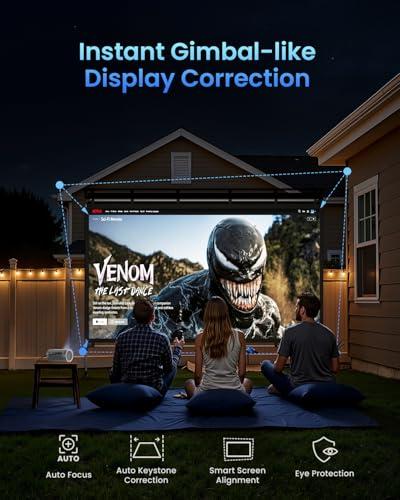
But the real innovation is the 88-degree rotating gimbal. This isn't marketing fluff – it's a game-changer for how you use a projector. Traditional projectors, even portable ones, require you to position them precisely relative to your screen. Too high, and you get keystone distortion (where the image looks like a trapezoid). Too far left or right, and the image skews.
The PicoPlay's gimbal eliminates these headaches. Want to project onto the ceiling from your bed? Twist the gimbal up. Need to hit a wall at an angle? Adjust accordingly. I've tested dozens of projectors over the years, and this kind of flexibility is genuinely liberating. No more stacking books under your projector or hunting for the perfect surface height.
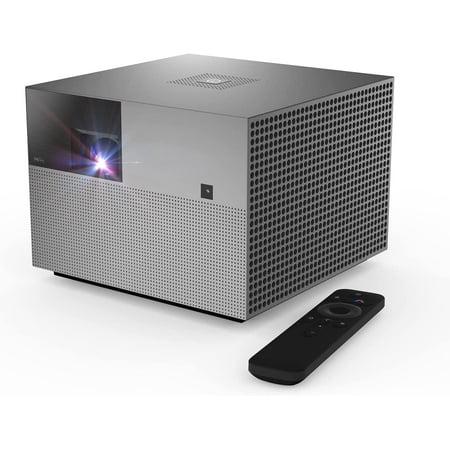
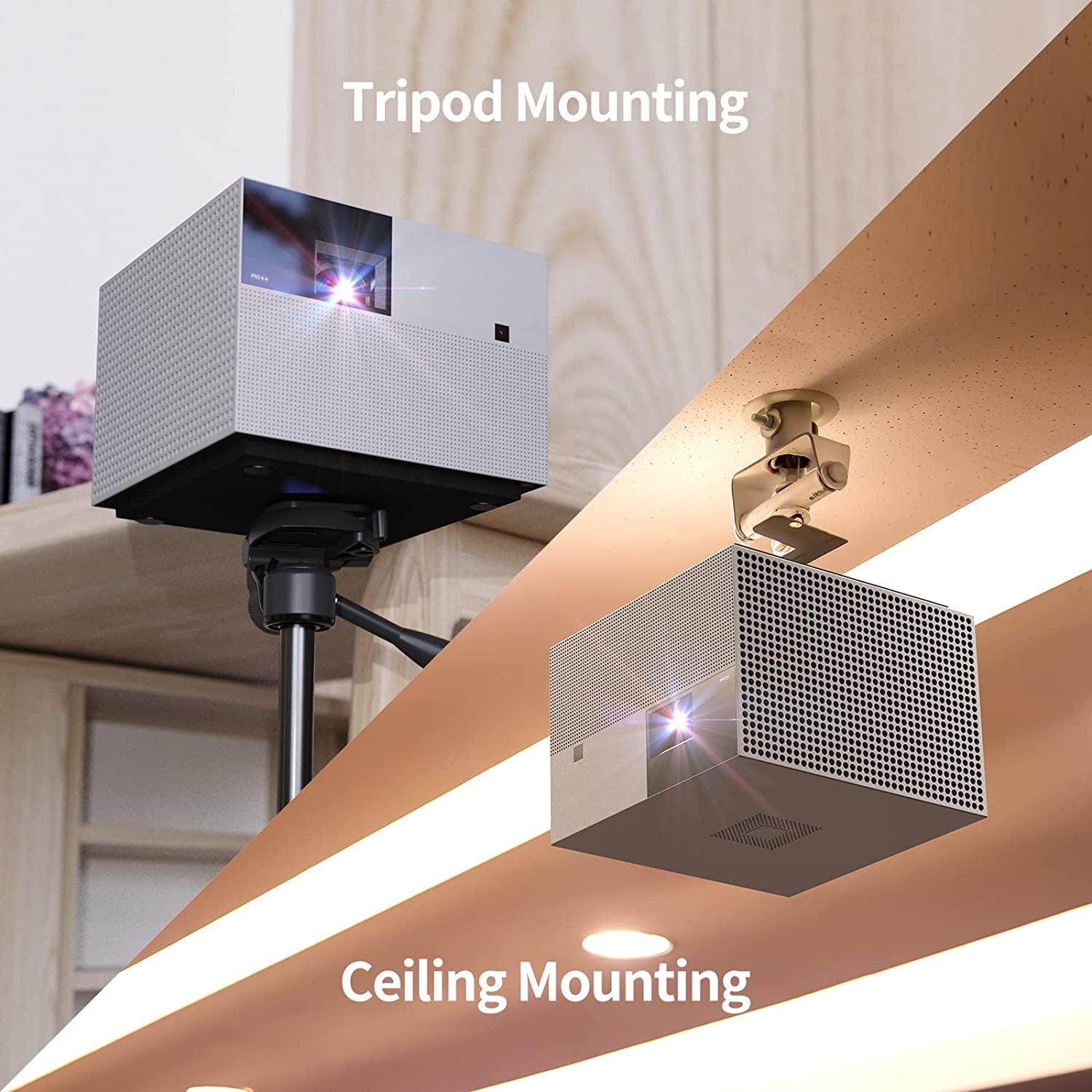
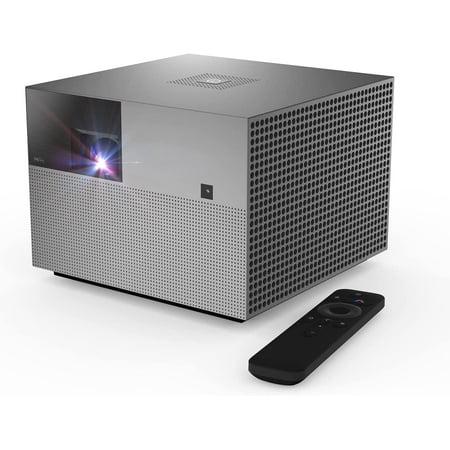
The WEMAX Vogue Pro, released around the same timeframe, takes a different approach entirely. At 7.9 × 7.9 × 5.8 inches and 7.7 pounds, it's still "portable" compared to traditional projectors, but it's clearly designed for more permanent setups.
This size serves a purpose, though. The larger chassis houses much more powerful LED arrays, better cooling systems, and significantly more robust speakers. Where the PicoPlay makes compromises for portability, the Vogue Pro optimizes for performance within reasonable size constraints.
Here's where we need to talk about the most critical specification for any projector: brightness. And honestly, this is where these two devices live in completely different worlds.
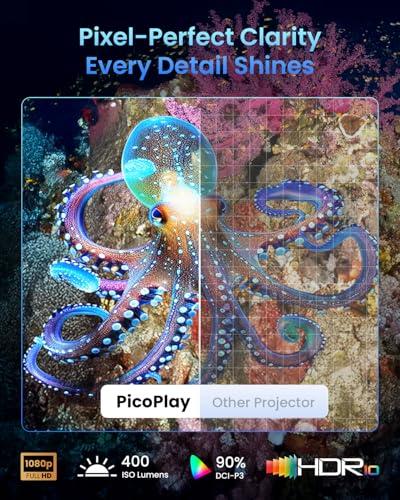
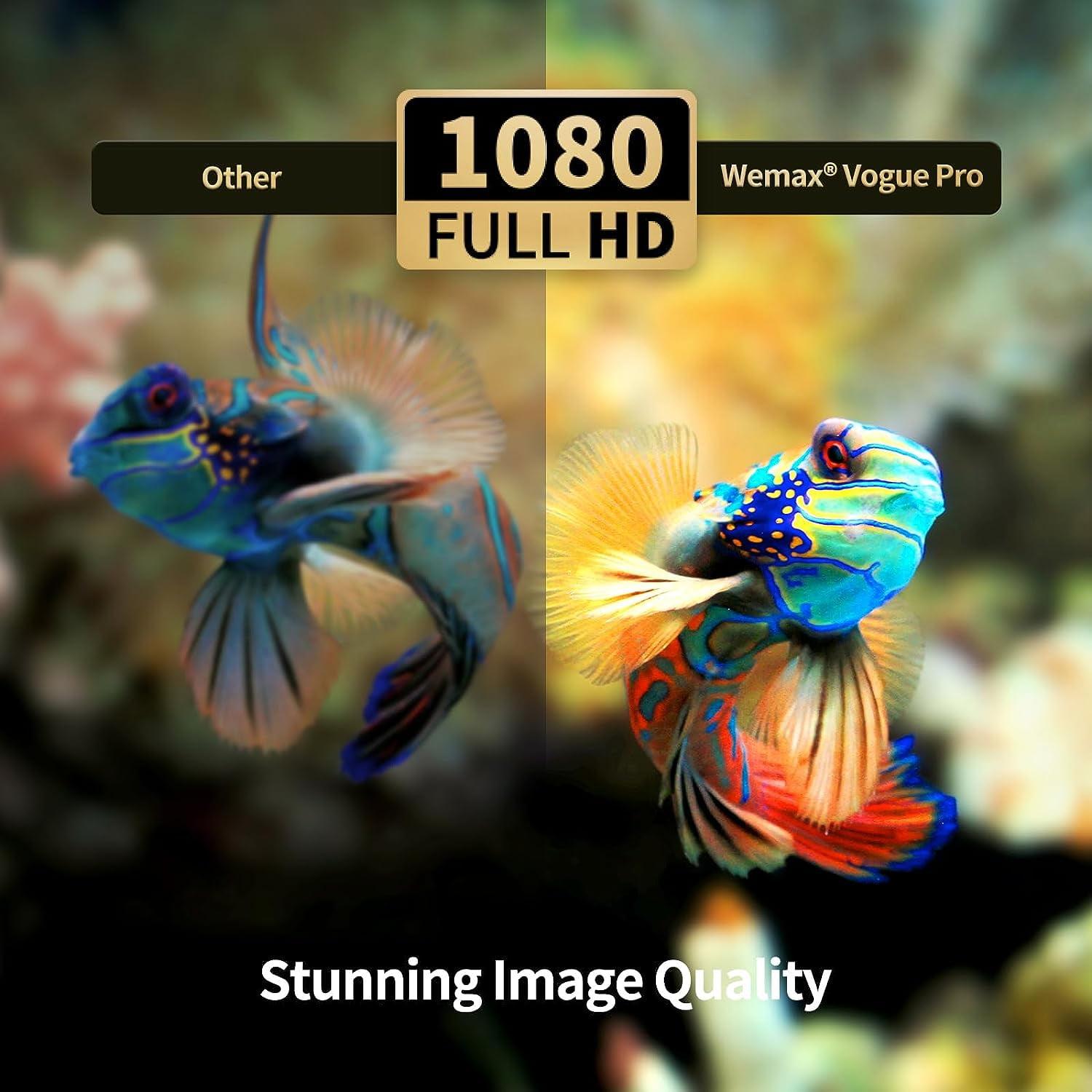
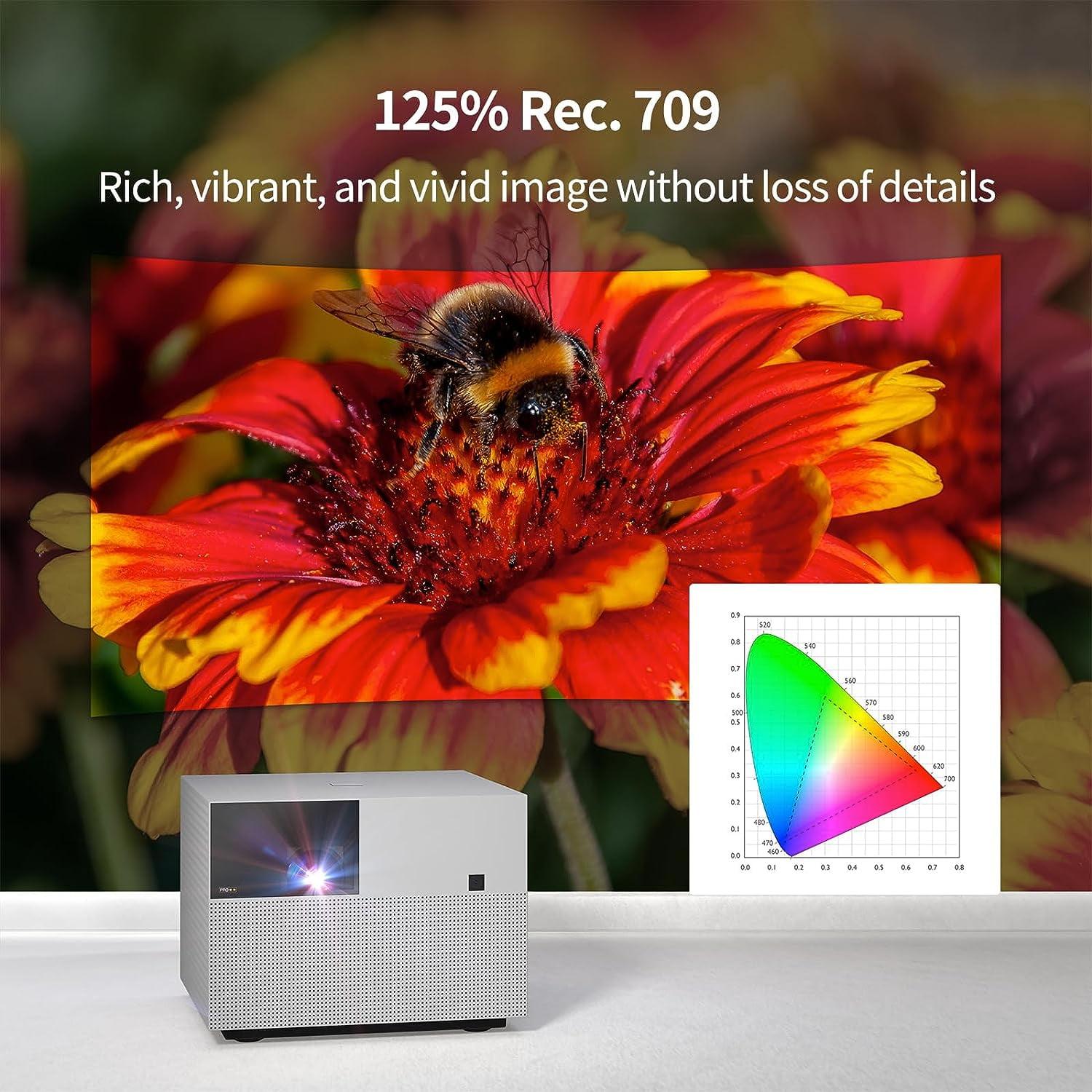
The WEMAX Vogue Pro outputs 1600 ANSI lumens, while the PicoPlay manages 400 ISO lumens (450 in the Plus model). These numbers might seem abstract, but they translate to dramatically different user experiences.
ANSI lumens and ISO lumens are both standardized measurements, but they're calculated slightly differently. What matters is the relative difference – the Vogue Pro is roughly four times brighter than the PicoPlay. In practical terms, this means the Vogue Pro can handle ambient light that would completely wash out the PicoPlay's image.
I've used both brightness levels extensively, and here's what that difference means in real life:
With the PicoPlay: You need a dark or very dim room. Think movie theater dark for the best experience. Moderate ambient light makes the image look washed out and colors appear muted. But when conditions are right, the 1080p image is surprisingly sharp and colorful for such a tiny device.
With the Vogue Pro: You can watch comfortably with lamps on, during daytime hours with curtains drawn, or even with some natural light filtering in. The image maintains punch and contrast in conditions where the PicoPlay would be unusable.
For home theater use specifically, this brightness difference is crucial. Most living rooms aren't perfectly dark, and family movie nights often happen with some ambient lighting. The Vogue Pro handles these real-world conditions much better.
Both projectors run smart TV operating systems, but they've chosen different paths that significantly impact the user experience.
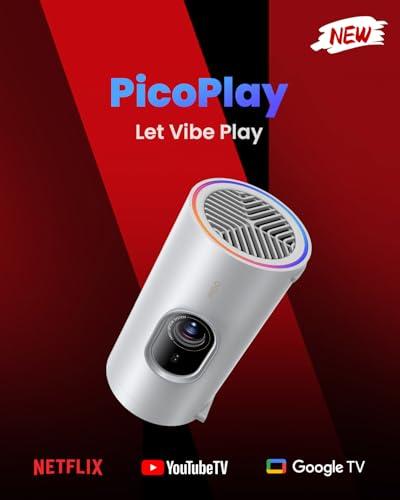
The JMGO PicoPlay runs full Google TV, complete with Netflix licensing – something surprisingly rare in the projector world. Netflix has strict hardware requirements for licensing, so most projectors force you to use external streaming devices or cast from your phone. Having native Netflix is genuinely convenient, especially for travel use.
Google TV also means proper Google Assistant integration, Google Cast support, and the full suite of streaming apps you'd expect. The interface is clean, fast, and familiar if you've used any modern smart TV.
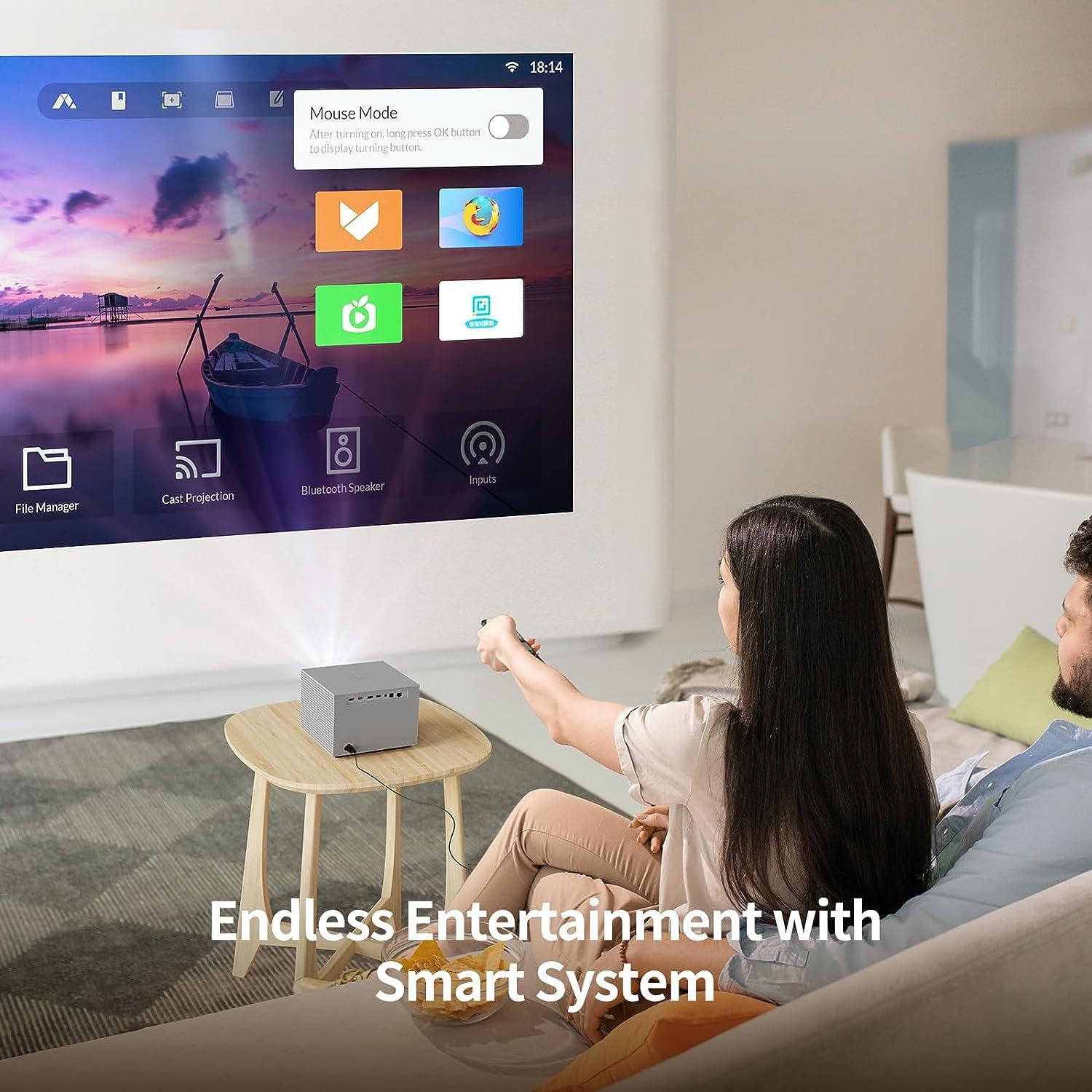
The WEMAX Vogue Pro runs FengOS, which is based on Android but isn't quite the same experience. You'll still get most major streaming apps, but the interface feels more like a generic Android tablet than a polished TV experience. It works fine, but it lacks the refinement and app compatibility of proper Google TV.
Here's where the PicoPlay shows off some serious technical innovation. The FlexiSmart system uses a ToF (Time-of-Flight) sensor – essentially a tiny radar system that measures distance by bouncing light off surfaces. This enables real-time autofocus, automatic keystone correction, and screen alignment that happens in seconds.
ToF sensors are expensive and complex, which is why they're rare in budget projectors. But they solve one of portable projectors' biggest pain points: setup time. With traditional projectors, you spend minutes adjusting focus, correcting trapezoid distortion, and aligning the image. The PicoPlay does all this automatically and continuously.
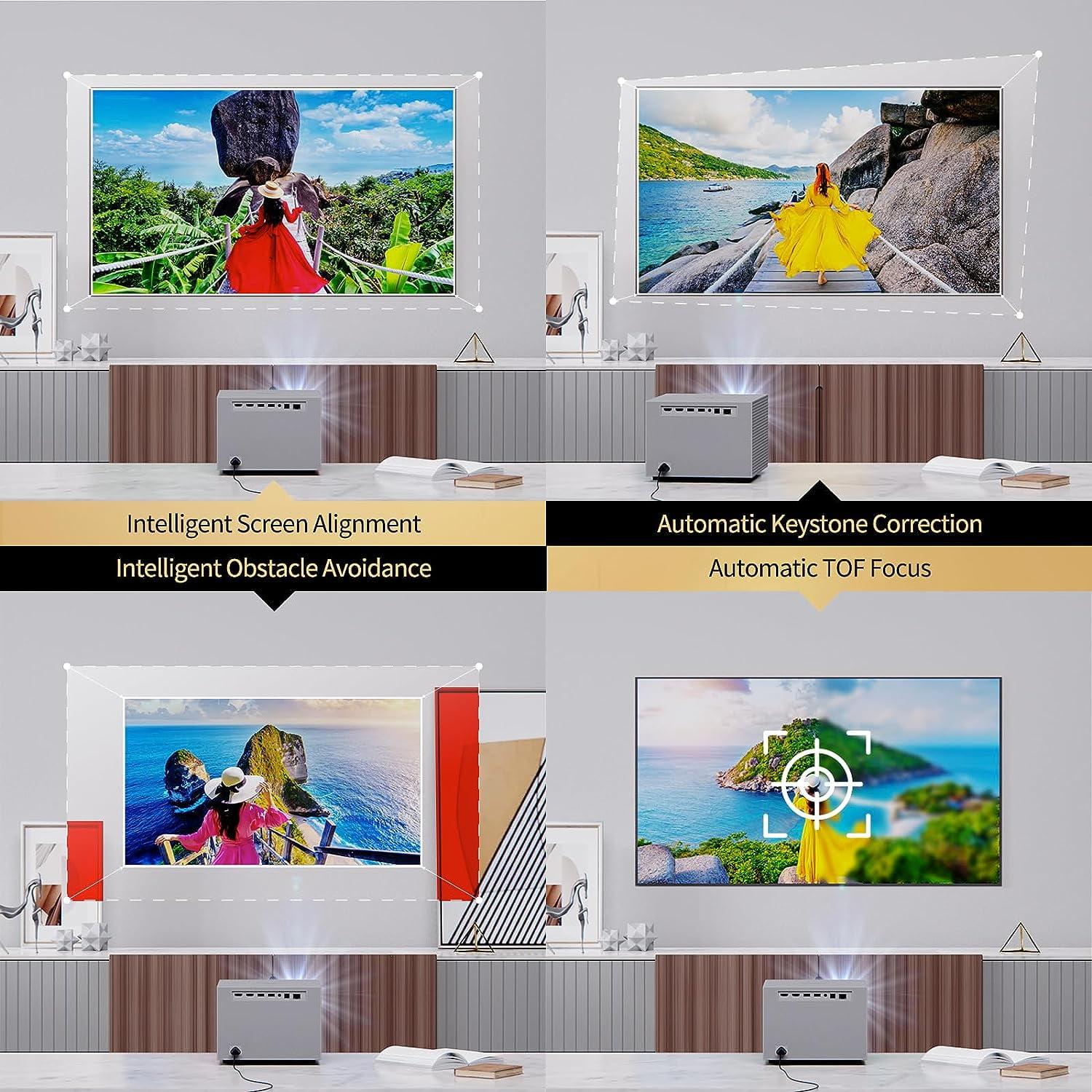
The Vogue Pro has autofocus and keystone correction too, but it's less sophisticated. It works well enough for semi-permanent setups, but it can't match the PicoPlay's instant calibration.
Projector audio often gets overlooked, but it shouldn't. Most people don't want to set up separate speakers for casual viewing, making built-in audio crucial for everyday use.
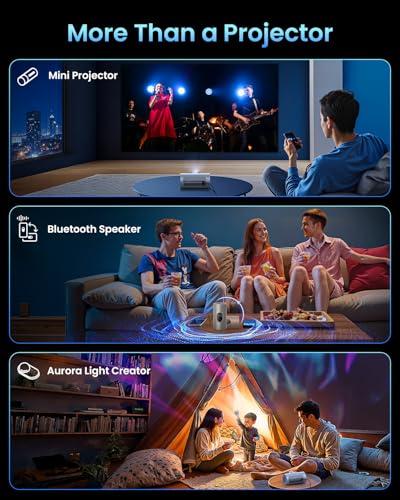
The JMGO PicoPlay includes an 8-watt speaker that sounds surprisingly good for its size, plus it doubles as a Bluetooth speaker when you're not projecting. There's even an RGB light ring that syncs with music, turning the device into a sort of ambient light system.
This "3-in-1" approach is clever for travel scenarios. Your hotel room entertainment system becomes projector, speaker, and mood lighting in one compact device. The audio quality won't replace dedicated speakers, but it's adequate for personal viewing and quite impressive for something so small.
The WEMAX Vogue Pro takes a more conventional approach with dual 10-watt speakers (20 watts total). The extra power and dedicated left-right channels create noticeably better stereo imaging and room-filling sound.
More importantly, it supports DTS-HD audio processing alongside Dolby Audio. These are audio enhancement technologies that improve dialogue clarity and create more immersive soundscapes. For family movie nights or group viewing, the Vogue Pro's audio system is significantly more capable.
Modern projectors need to connect to everything – game consoles, laptops, streaming devices, and phones. How well they handle these connections affects daily usability.
The WEMAX Vogue Pro wins the connectivity battle hands down. It offers two HDMI 2.1 ports (one with ARC for sending audio to external sound systems), dual USB ports, Ethernet, digital audio output, and a headphone jack. This is proper home theater connectivity that can handle multiple sources without unplugging cables.
HDMI 2.1 is particularly important because it supports higher bandwidth for 4K content and gaming. While both projectors display 1080p natively, they can accept 4K input and downscale it, often with better results than native 1080p sources.
The PicoPlay keeps it simpler with one HDMI 2.1 port, USB-C, and USB-A. It's adequate for most use cases but limits flexibility for permanent installations.
Both projectors handle wireless casting well, but they use different standards. The PicoPlay supports Google Cast natively, which works seamlessly with Android phones and Chromebooks. The Vogue Pro supports multiple casting standards including Miracast and AirPlay, making it more universally compatible.
For projectors, wireless casting is often preferable to cables anyway. You're less likely to be setting up complex wired connections with a portable device, and casting eliminates the need to run long HDMI cables.
This is where the philosophical differences between these projectors become most apparent.
The JMGO PicoPlay doesn't include a built-in battery, which might seem like a dealbreaker for a "portable" projector. Instead, it runs off USB-C power and can work with power banks, car adapters, or any 65-watt USB-C source.
This design choice makes sense when you consider the alternatives. Built-in batteries add weight, bulk, and eventual replacement costs. They also limit how long you can use the device. With a high-capacity power bank, you can get 3-4 hours of video playback, and you can swap power banks for longer sessions.
For travel, this approach works well. USB-C power banks are common, and airplane power outlets increasingly support USB-C. You're not tied to wall outlets, but you do need to plan ahead.
The WEMAX Vogue Pro requires AC power, full stop. This limits where you can use it but eliminates power anxiety. Once it's plugged in, it runs indefinitely at full brightness without thermal throttling or battery degradation concerns.
For home theater use, this is often preferable. You're not dealing with charging cycles, runtime limits, or gradual performance reduction as batteries age. The projector performs consistently every time you turn it on.
After extensive testing, here's how these projectors perform in actual use cases:
For dedicated home theater use, the WEMAX Vogue Pro is the clear winner. The higher brightness means you don't need perfect light control, and the better audio system reduces the need for external speakers. The multiple HDMI ports let you connect a streaming device, game console, and cable box simultaneously.
The PicoPlay can work as a home theater solution, but only if you can achieve very dark conditions. The image quality is good when conditions are right, but the brightness limitation is genuinely restrictive for family use.
This is where the PicoPlay shines. I've traveled with both projectors, and the size difference is dramatic. The PicoPlay fits in a laptop bag's accessory pocket, while the Vogue Pro needs dedicated packing space.
More importantly, the gimbal design makes hotel room setup effortless. Hotel rooms have terrible projection geometry – weird ceiling heights, awkward furniture layouts, limited flat walls. The PicoPlay's ability to project at any angle eliminates these problems.
Both projectors handle gaming reasonably well, with low input lag modes that reduce the delay between controller input and screen response. The Vogue Pro's brighter image makes gaming more enjoyable in non-ideal lighting, but the PicoPlay's portability means you can game anywhere.
For competitive gaming, neither replaces a dedicated gaming monitor, but they're fine for casual console gaming and excellent for party games where the large screen size adds to the fun.
After months of testing both devices, here's my honest assessment of who each projector serves best:
You prioritize ultimate portability and don't mind dark-room viewing restrictions. This projector excels for travelers, students in dorms, or anyone who wants projection flexibility without permanent installation. The gimbal design and Google TV integration make it genuinely innovative, and the multi-function capabilities add value for solo users.
The PicoPlay is also ideal if you're curious about projectors but don't want to commit to a traditional setup. It's forgiving, easy to use, and doesn't require room modifications or cable management.
You want projector performance that approaches traditional home theater quality in a reasonably compact package. The brightness advantage makes it usable in more realistic home lighting conditions, and the better audio system means fewer compromises for group viewing.
The Vogue Pro is the better choice for families, dedicated media rooms, or anyone who wants to replace a traditional TV with projection. It's still portable enough to move between rooms but performs like a proper home theater projector.
These projectors represent two valid but different approaches to portable projection. The JMGO PicoPlay pushes the boundaries of miniaturization and convenience, while the WEMAX Vogue Pro optimizes performance within reasonable portability constraints.
At the time of writing, both projectors occupy different price ranges, with the PicoPlay positioned as the more affordable option during its launch period, while the Vogue Pro commands a premium for its higher performance. This pricing reflects their different target markets and capabilities.
The projector market continues evolving rapidly, with LED technology improving and smart features becoming more sophisticated. Both manufacturers have created compelling products that push portable projection forward, just in different directions.
Ultimately, your choice comes down to whether you value maximum portability and convenience (PicoPlay) or prefer better performance with reasonable portability (Vogue Pro). Either way, you're getting access to big-screen entertainment in ways that weren't possible just a few years ago, and that's pretty exciting regardless of which path you choose.
| JMGO PicoPlay 1080P Smart Portable Projector | WEMAX Vogue Pro 1080P Smart Projector |
|---|---|
| Brightness - The most critical factor determining where you can actually use the projector | |
| 400 ISO lumens (requires dark rooms, best for bedrooms/travel) | 1600 ANSI lumens (works in living rooms with ambient light) |
| Size & Weight - Determines true portability and setup flexibility | |
| 3.3" × 3.3" × 6.5", 2.2 lbs (fits in laptop bag, truly portable) | 7.9" × 7.9" × 5.8", 7.7 lbs (compact but needs dedicated space) |
| Unique Design Feature - Key differentiator affecting ease of use | |
| 88° rotating gimbal (project on any surface without repositioning) | Traditional fixed orientation (requires careful placement) |
| Smart Platform - Affects app availability and user experience | |
| Google TV with licensed Netflix (full streaming app support) | FengOS Android-based (good app selection, less polished interface) |
| Audio System - Important for viewers who don't want external speakers | |
| Single 8W speaker + Bluetooth speaker mode (adequate for personal use) | Dual 10W speakers with DTS-HD (better for group viewing) |
| Connectivity - Matters for multi-device setups and gaming | |
| 1× HDMI 2.1, USB-C, USB-A (minimalist but functional) | 2× HDMI 2.1, 2× USB, Ethernet, audio out (full home theater connectivity) |
| Power Solution - Affects where and how long you can use it | |
| USB-C powered, works with power banks (3-4 hours portable use) | AC power only (unlimited runtime but location-dependent) |
| Auto-Calibration - Reduces setup time and frustration | |
| FlexiSmart with ToF sensor (instant autofocus and keystone correction) | Basic autofocus and keystone (adequate but slower) |
| Contrast Ratio - Affects image depth and dark scene detail | |
| 400:1 (acceptable for bright content, limited for dark scenes) | 2500:1 (much better shadow detail and overall image depth) |
| Best Use Cases - Who should consider each projector | |
| Travel, dorms, flexible home use, dark room viewing | Home theater replacement, family rooms, bright environments |
The WEMAX Vogue Pro is significantly brighter at 1600 ANSI lumens compared to the JMGO PicoPlay's 400 ISO lumens. This means the WEMAX Vogue Pro can handle rooms with ambient light and daytime viewing, while the JMGO PicoPlay requires dark or dim environments for the best image quality.
The JMGO PicoPlay is far superior for travel, weighing only 2.2 pounds and measuring 3.3 × 3.3 × 6.5 inches - about the size of a coffee cup. The WEMAX Vogue Pro at 7.7 pounds is still portable but requires more packing space and setup consideration.
The WEMAX Vogue Pro is better suited for home theater use due to its higher brightness, better audio system with dual 10W speakers, and multiple HDMI ports. The JMGO PicoPlay can work for home theater but only in very dark rooms and is better for personal viewing.
The JMGO PicoPlay runs full Google TV with licensed Netflix and Google Assistant, offering a more polished smart TV experience. The WEMAX Vogue Pro uses FengOS (Android-based) which has good app selection but lacks the refinement of Google TV.
Both projectors support gaming consoles through HDMI connections. The WEMAX Vogue Pro offers two HDMI 2.1 ports for multiple devices, while the JMGO PicoPlay has one HDMI port. Both have low input lag modes for gaming.
The WEMAX Vogue Pro has superior audio with dual 10W speakers (20W total) and DTS-HD support, making it better for group viewing. The JMGO PicoPlay has a single 8W speaker that's adequate for personal use and doubles as a Bluetooth speaker.
The JMGO PicoPlay offers faster, more automated setup with its FlexiSmart system using ToF sensors for instant autofocus and keystone correction. The WEMAX Vogue Pro has basic auto-calibration features but requires more manual adjustment.
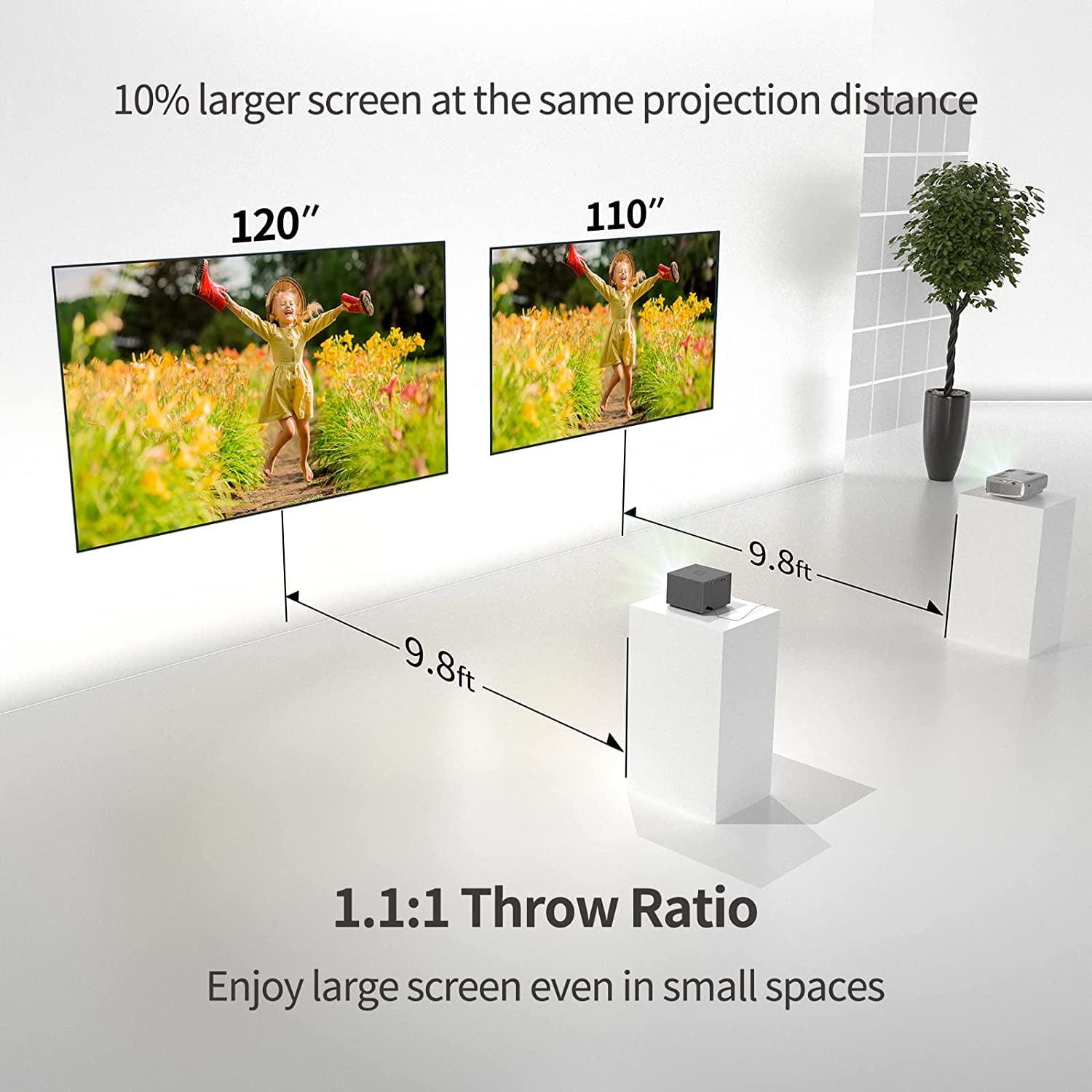
The JMGO PicoPlay excels in small spaces due to its compact size and 88° rotating gimbal that allows ceiling projection from tight spaces. This flexibility makes it ideal for dorm rooms where positioning options are limited.
The JMGO PicoPlay has licensed Netflix built into its Google TV platform, allowing direct streaming. The WEMAX Vogue Pro may require casting from other devices or using external streaming devices for the full Netflix experience.
The WEMAX Vogue Pro provides more comprehensive connectivity with two HDMI 2.1 ports, dual USB ports, Ethernet, and audio outputs. The JMGO PicoPlay has simpler connectivity with one HDMI port, USB-C, and USB-A, focusing on essential connections.
The JMGO PicoPlay runs on USB-C power and can work with power banks for portable use (3-4 hours), while the WEMAX Vogue Pro requires AC power, limiting it to locations with electrical outlets but providing unlimited runtime.
For family use, the WEMAX Vogue Pro typically offers better value with its brighter display that works in normal lighting conditions, superior audio for group viewing, and multiple connection options. The JMGO PicoPlay is better value for individual users prioritizing portability and convenience.
We've done our best to create useful and informative comparisons to help you decide what product to buy. Our research uses advanced automated methods to create this comparison and perfection is not possible - please contact us for corrections or questions. These are the sites we've researched in the creation of this article: techbuzzireland.com - youtube.com - newatlas.com - projectorcentral.com - youtube.com - thegadgetflow.com - youtube.com - global.jmgo.com - youtube.com - bestbuy.com - projector-database.com - notebookcheck.net - eu.jmgo.com - wemax.com - wemax.com - youtube.com - techpowerup.com - wemax.com - projectorcentral.com - nikktech.com - youtube.com - techpowerup.com - techpowerup.com - youtube.com - nikktech.com - walmart.com - business.walmart.com - projectorcentral.com - techpowerup.com - projektoren-datenbank.com - wemax.com

Privacy Policy
Terms and Conditions - Affiliate Policy
Home Security
© Copyright 2008-2026.
11816 Inwood Rd #1211, Dallas, TX 75244