
















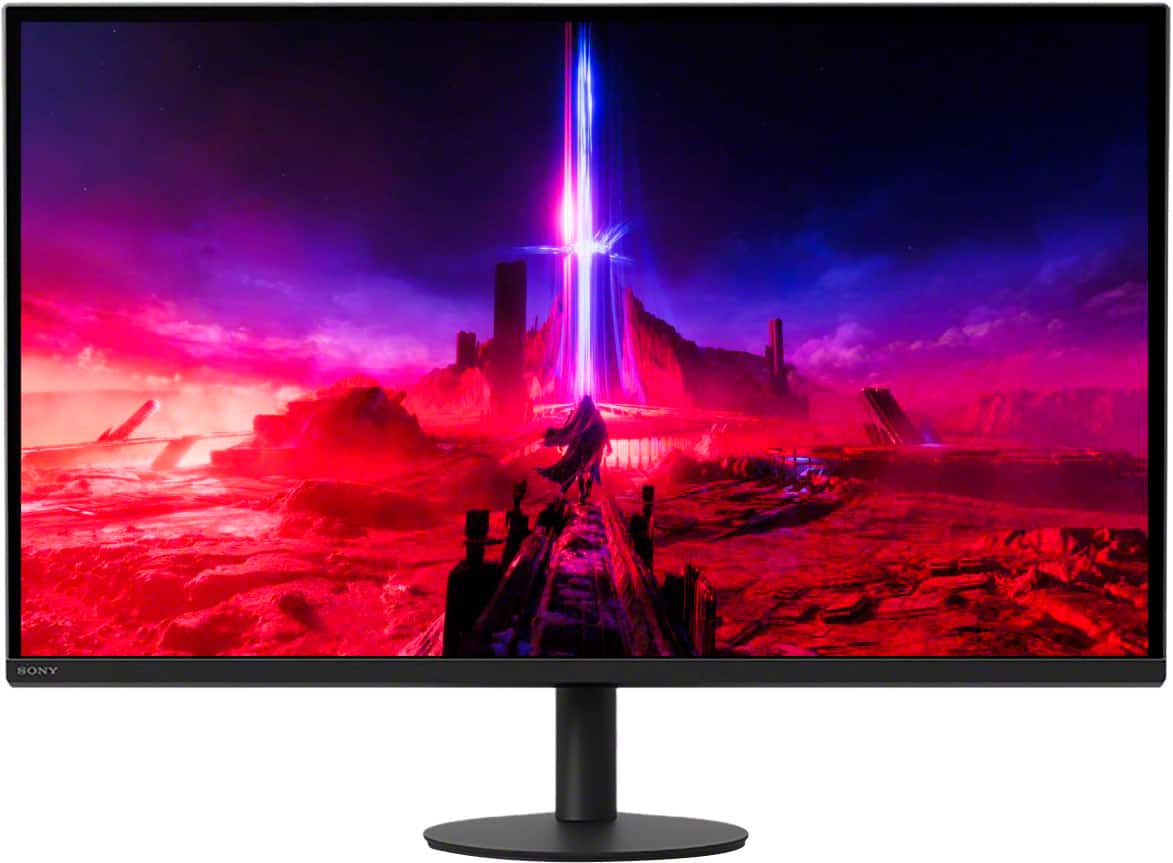
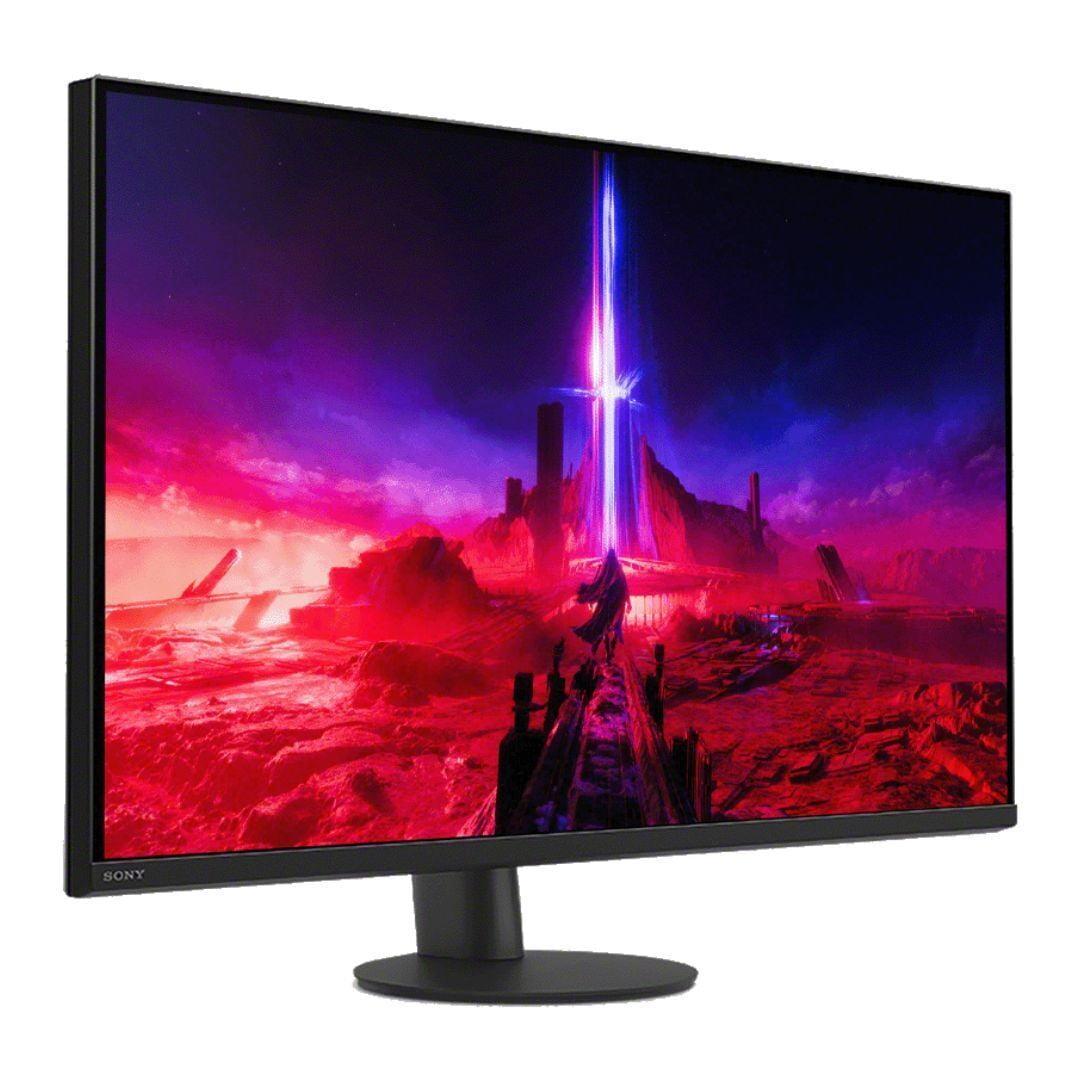
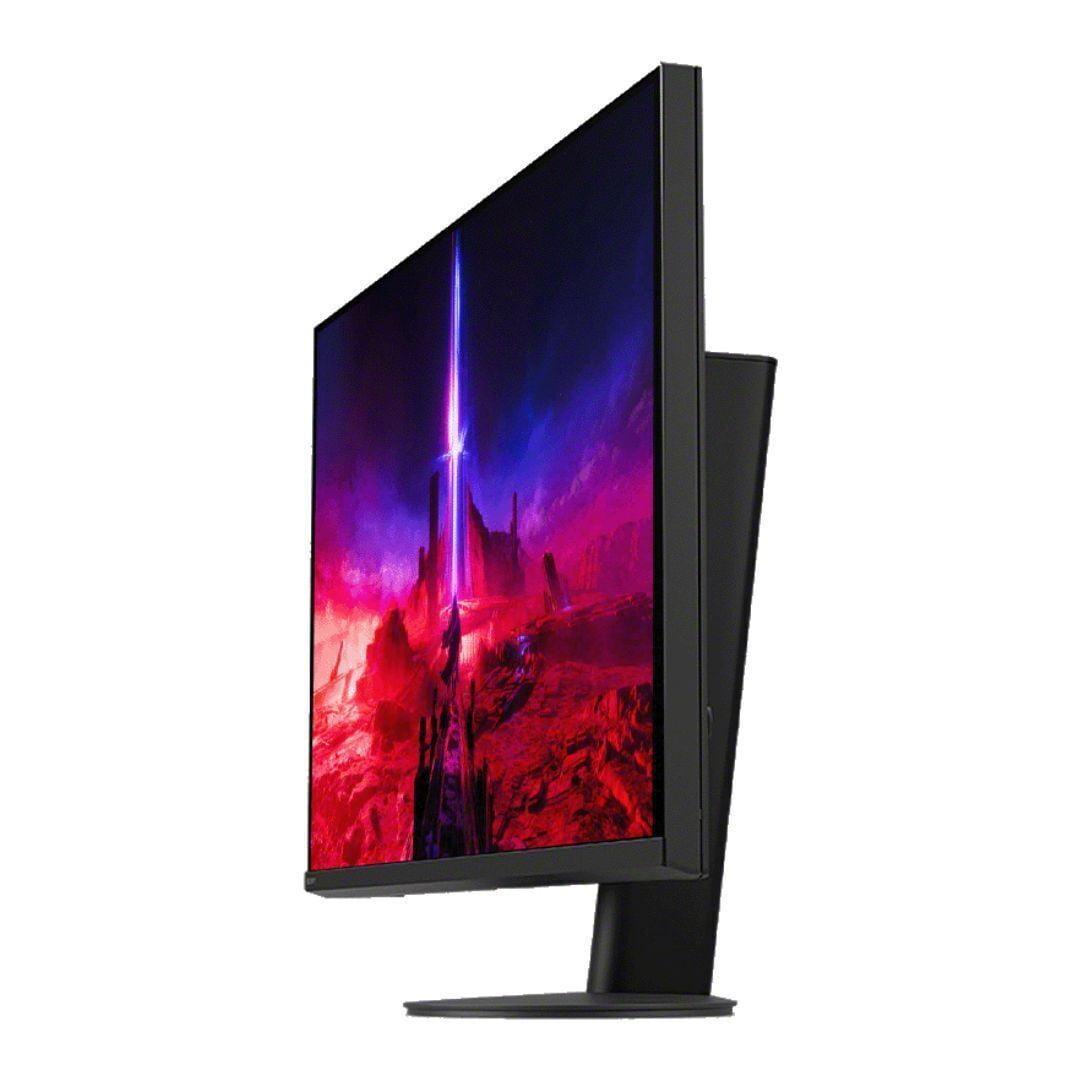
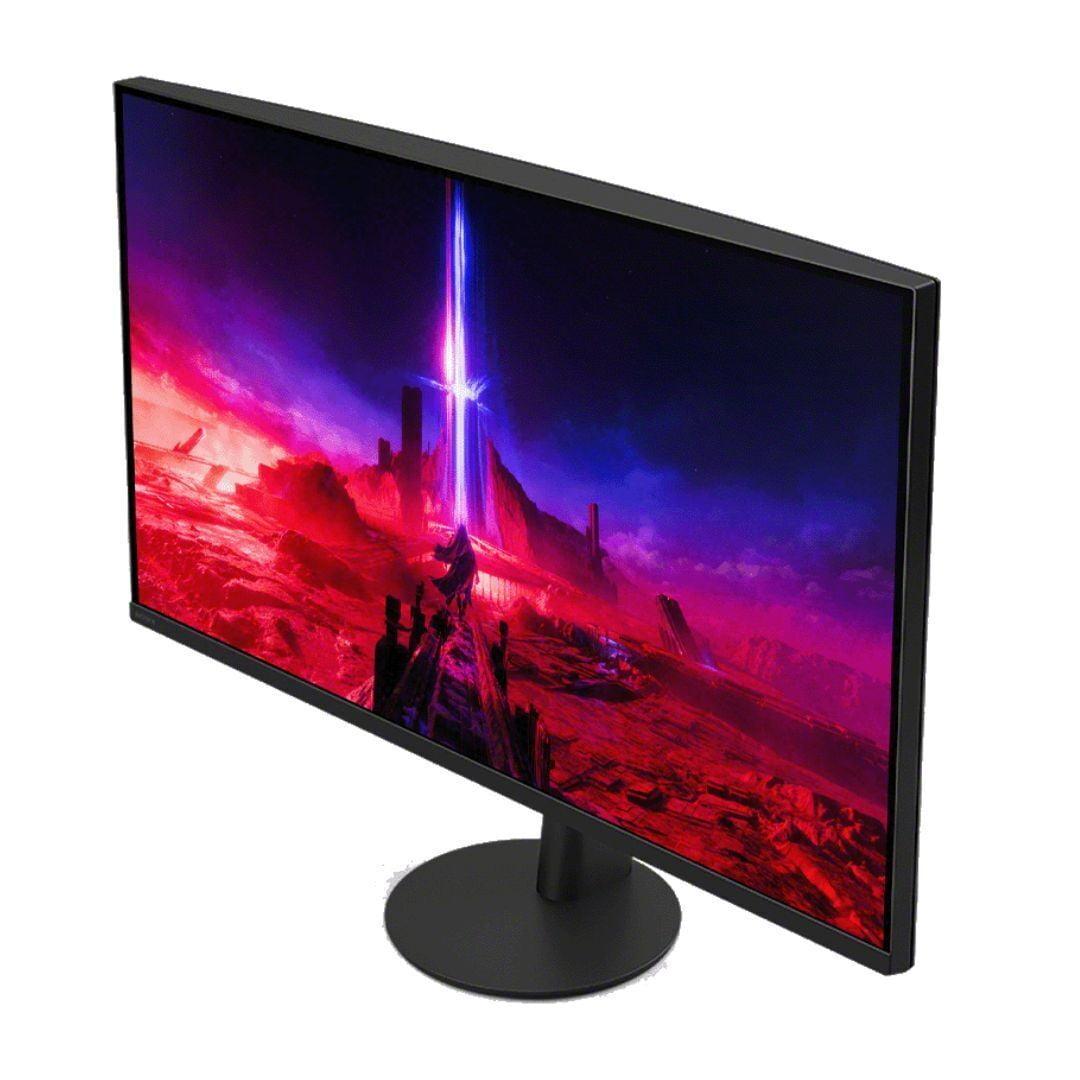
The gaming monitor market has exploded in recent years, and choosing the right display can make or break your gaming experience. Today we're comparing two monitors that represent fundamentally different philosophies: the budget-focused Acer Nitro XV1 27" WQHD 180Hz IPS Gaming Monitor and the premium Sony INZONE M9 II 27" 4K 160Hz Gaming Monitor. These aren't direct competitors in price, but they both target serious gamers who want excellent performance from a 27-inch display.
At the time of writing, the Acer Nitro XV1 sits in the budget gaming monitor category, while the Sony INZONE M9 II commands a premium price point—roughly three times more expensive. The question isn't just which monitor is better, but which approach to gaming performance makes more sense for your setup and gaming style.
Gaming monitors aren't just regular computer screens with flashy marketing. They're engineered around specific performance characteristics that directly impact your gaming experience. The most critical factors are refresh rate (how many times per second the screen updates), response time (how quickly pixels change color), input lag (delay between your actions and what appears on screen), and resolution (the number of pixels that determine image sharpness).
Variable refresh rate technology has become essential for smooth gaming. This feature synchronizes your graphics card's frame output with the monitor's refresh rate, eliminating screen tearing (those horizontal lines that appear during fast motion) and stuttering (jerky motion when frame rates fluctuate). Both AMD FreeSync and NVIDIA G-SYNC accomplish this, though through slightly different methods.
Panel technology matters enormously. IPS (In-Plane Switching) panels, which both monitors use, offer excellent color accuracy and wide viewing angles, meaning the image looks consistent even when viewed from the side. This comes at the cost of contrast ratio compared to VA (Vertical Alignment) panels, but IPS technology has improved dramatically in recent years.
Released in 2023, the Acer Nitro XV1 represents Acer's attempt to deliver high refresh rate gaming performance without the premium price tag. This monitor focuses on the fundamentals that matter most for competitive gaming: speed, responsiveness, and value.
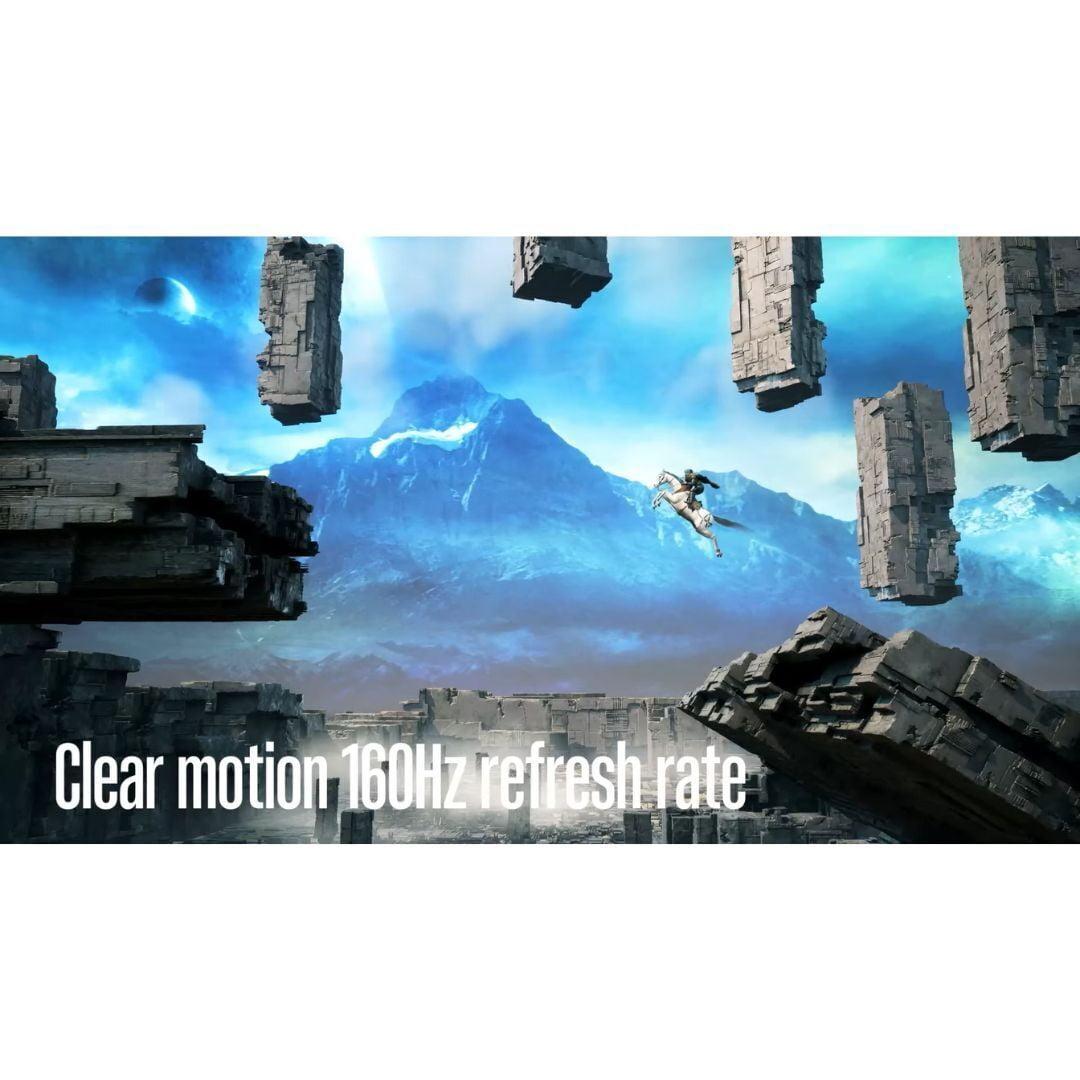
The standout feature is its 180Hz refresh rate when connected via DisplayPort, dropping to 144Hz over HDMI. For context, most standard monitors run at 60Hz, meaning this display updates three times more frequently. The difference between 144Hz and 180Hz is subtle but noticeable during fast-paced gaming—motion appears slightly smoother, and there's marginally less input lag.
The Acer Nitro XV1 uses a 27-inch IPS panel with WQHD resolution (2560 x 1440 pixels). This resolution hits a sweet spot for gaming performance. It's significantly sharper than 1080p displays while requiring much less graphics processing power than 4K. For most gamers using mid-range graphics cards like an RTX 4060 or RX 7600, 1440p allows you to maintain high frame rates without sacrificing visual quality.
Response time specs claim 1ms grey-to-grey, and in practice, motion clarity is excellent. The monitor includes AMD FreeSync Premium support with a variable refresh rate range from 40Hz to 180Hz. This wide range ensures smooth gameplay even when frame rates dip below the monitor's maximum refresh rate—the low framerate compensation (LFC) feature automatically doubles lower refresh rates to maintain sync.
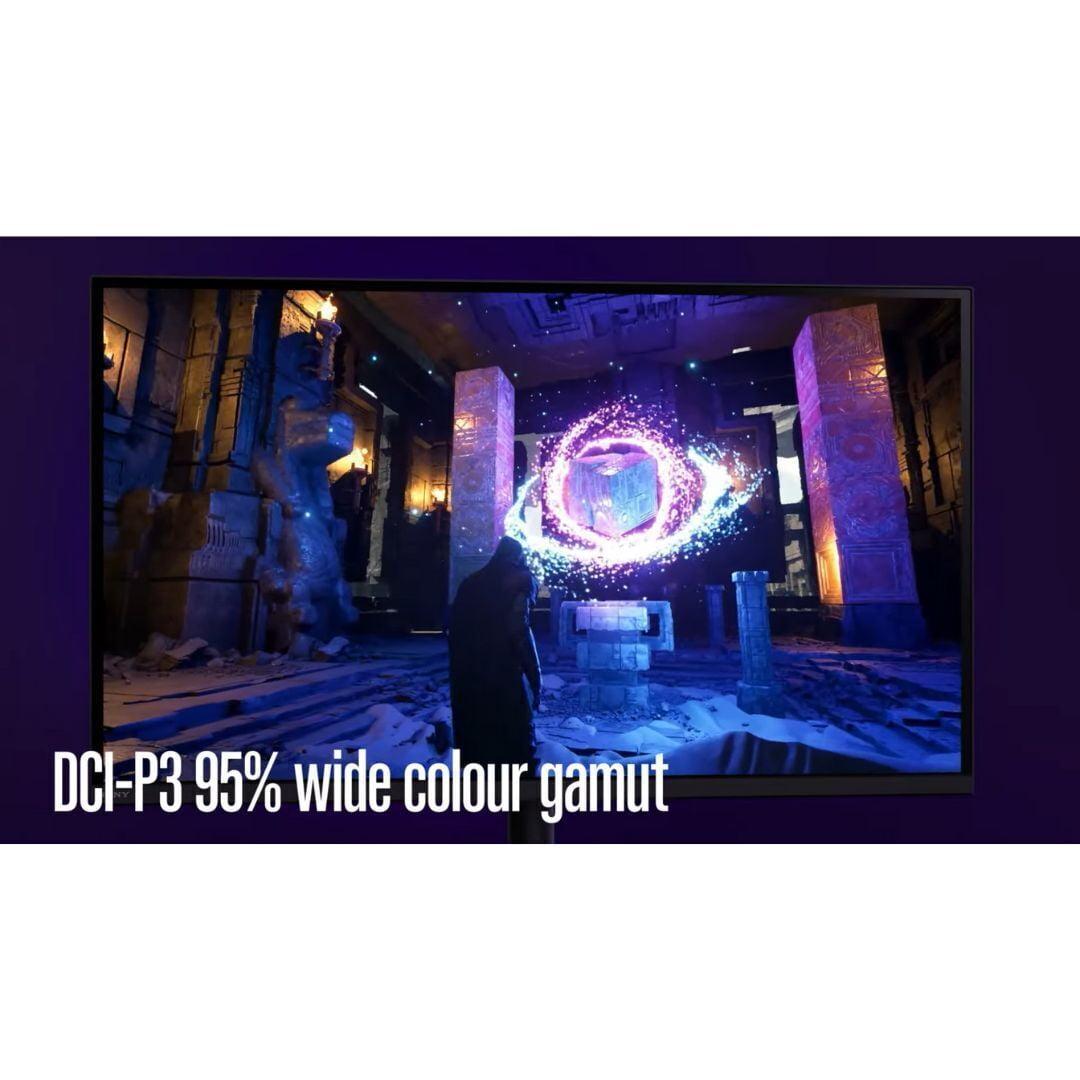
Color performance exceeds expectations for this price category. The display covers 95% of the DCI-P3 color space, which is wider than the standard sRGB gamut most monitors target. This translates to more vibrant colors in games and media, though the monitor's modest 250 nits brightness limits its HDR capabilities. The HDR10 support is more of a checkbox feature than a meaningful visual upgrade.
Build quality is adequate but not exceptional. The stand provides full height, tilt, swivel, and pivot adjustments, which is impressive for this price range. However, the plastic construction feels basic, and the stand mechanism can be wobbly during adjustment. The monitor supports VESA mounting, which many users prefer for better ergonomics.
Sony entered the gaming monitor space in 2022 with their INZONE brand, and the M9 II represents their refined approach to premium gaming displays. Released in 2024, this monitor incorporates lessons learned from the original M9 and targets enthusiast gamers willing to pay for advanced features.
The headline specification is 4K resolution (3840 x 2160 pixels) paired with 160Hz refresh rate. Until recently, 4K gaming monitors were limited to 144Hz or lower refresh rates due to bandwidth constraints. The Sony INZONE M9 II achieves 160Hz through DisplayPort 2.1, though it ships with a DisplayPort 1.4 cable that limits you to 144Hz unless you upgrade the cable.
What sets the Sony INZONE M9 II apart is its full-array local dimming (FALD) backlight system with 96 dimming zones. Traditional monitors use edge lighting or basic LED backlights that illuminate the entire screen uniformly. FALD allows different areas of the screen to be dimmed independently, creating deeper blacks and brighter highlights simultaneously. This dramatically improves contrast in HDR content and makes dark game scenes more immersive.
The monitor achieves 750 nits peak brightness and holds DisplayHDR 600 certification, meaning it can display true HDR content as intended by game developers. When you're exploring a dark cave in a game and step into sunlight, the brightness transition feels natural rather than washed out. This is a fundamental difference from budget monitors that simply accept HDR signals without meaningful processing.
Sony has optimized the INZONE M9 II specifically for PlayStation 5 gaming. The Auto HDR Tone Mapping feature automatically configures HDR settings when connected to a PS5 or PS5 Pro, eliminating the guesswork of manual calibration. HDMI 2.1 support enables 4K gaming at 120Hz on modern consoles, though the monitor's 160Hz capability is only accessible via PC.
Response time matches the Acer Nitro XV1 at 1ms, but Sony includes backlight scanning technology that further reduces motion blur through controlled strobing. This feature can't be used simultaneously with HDR or variable refresh rate, but it's valuable for competitive gaming scenarios.
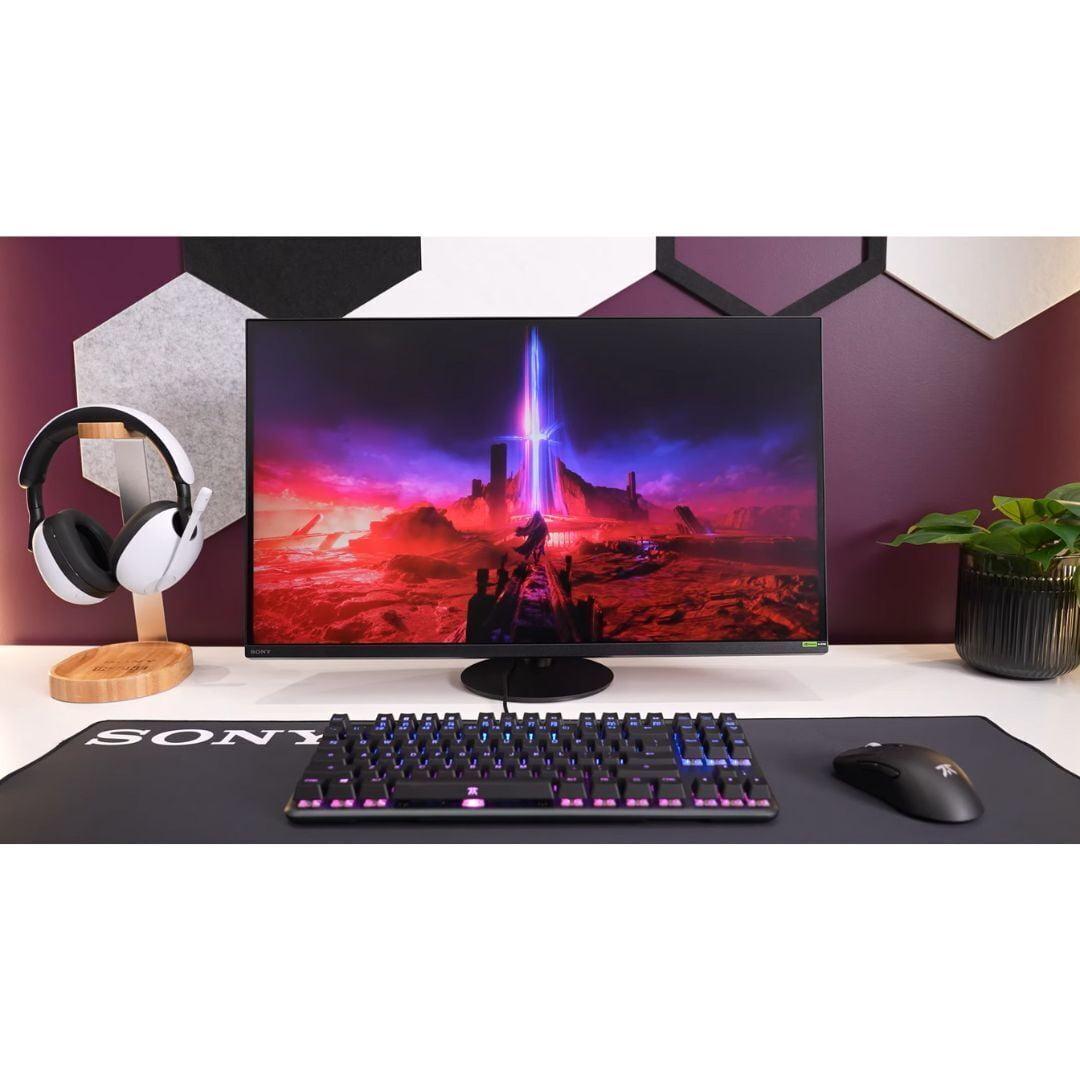
The build quality reflects the premium positioning. The circular stand offers 360-degree rotation and feels substantially more robust than typical gaming monitor stands. The all-black aesthetic is understated compared to the RGB-laden designs common in gaming peripherals.
Both monitors excel at responsive gaming, but they achieve this through different approaches. The Acer Nitro XV1 prioritizes raw refresh rate performance, delivering 180Hz that benefits competitive esports titles where every millisecond matters. Games like Counter-Strike 2, Valorant, and Rocket League feel noticeably smoother, and the higher refresh rate can provide a competitive advantage by displaying enemy movements sooner.
The Sony INZONE M9 II counters with superior visual quality that enhances immersive gaming experiences. The 4K resolution reveals fine details in game environments that simply aren't visible at 1440p. Character textures, environmental details, and UI elements appear significantly sharper. The 20Hz refresh rate difference (180Hz vs 160Hz) is minimal in practice—most users cannot distinguish between them during actual gameplay.
Variable refresh rate performance is excellent on both monitors, but the Sony's HDMI 2.1 implementation provides better console compatibility. The Acer Nitro XV1 works with PlayStation 5 and Xbox Series X, but you're limited to 1440p resolution and may encounter compatibility issues with some games.
This is where the monitors diverge most dramatically. The Acer Nitro XV1 supports HDR10 format but lacks the brightness and contrast capability to deliver meaningful HDR visuals. At 250 nits, the display can't produce the bright highlights that make HDR content pop. Colors are accurate and vibrant for SDR (Standard Dynamic Range) content, but the HDR experience feels flat.
The Sony INZONE M9 II transforms HDR gaming into something genuinely special. The full-array local dimming creates contrast ratios that approach OLED displays in the best scenarios. When you're playing games like Horizon Forbidden West or Cyberpunk 2077, the difference is immediately apparent. Neon signs glow against dark city streets, and bright explosions have real impact against shadowy backgrounds.
However, the local dimming isn't perfect. With only 96 zones controlling the backlight, you'll notice some blooming (halos around bright objects) and the black levels aren't as deep as OLED or high-end Mini LED displays. Still, it's a substantial improvement over traditional LED monitors.
The resolution difference has massive implications for graphics card requirements. The Acer Nitro XV1 at 1440p requires about 78% fewer pixels to render compared to 4K. In practical terms, this means a graphics card that achieves 100 fps at 1440p might only reach 60 fps at 4K in the same game with identical settings.
For competitive esports titles that aren't graphically demanding, both monitors can achieve their maximum refresh rates with mid-range graphics cards. However, for AAA games with demanding visuals, the Sony INZONE M9 II requires a high-end GPU like an RTX 4080 or RX 7900 XTX to take full advantage of its capabilities.
This creates an interesting value proposition. The Acer Nitro XV1 allows you to spend less on both the monitor and graphics card while still achieving high refresh rate gaming. The Sony INZONE M9 II demands premium components throughout your system but delivers a more future-proof experience.
For gaming setups that double as entertainment centers, the Sony INZONE M9 II is clearly superior. The 4K resolution matches streaming content from Netflix, Disney+, and other services, while the HDR capability properly displays HDR movies and shows. The larger color gamut and accurate calibration make it suitable for content creation tasks like photo editing or video production.
The Acer Nitro XV1 works adequately for casual media consumption, but the 1440p resolution means upscaling lower resolution content, which can introduce slight softness. The limited brightness also makes it less suitable for bright room viewing during daytime use.
Both monitors include basic speakers, but neither delivers audio quality that eliminates the need for dedicated speakers or headphones. The Sony's speakers are slightly better, but you'll want proper audio equipment for any serious gaming or media consumption.
The gaming monitor market has evolved rapidly since 2020. High refresh rate displays have become mainstream, HDR implementation has improved dramatically, and console gaming at high refresh rates is now standard rather than exceptional. Both monitors reflect these trends but take different approaches to longevity.
The Acer Nitro XV1 focuses on delivering today's gaming performance at an accessible price. It excels at current competitive games and will continue performing well for several years. However, as games become more visually demanding and 4K gaming becomes more accessible, the 1440p resolution may feel limiting.
The Sony INZONE M9 II takes a longer-term approach. The 4K resolution will remain relevant for many years, and the HDR capabilities align with the direction game developers are taking. The DisplayPort 2.1 connection (though limited by the included cable) provides bandwidth for future display technologies.
The Acer Nitro XV1 makes sense if you're primarily focused on competitive gaming performance and want excellent value. If you spend most of your time in esports titles like Valorant, Counter-Strike 2, or Overwatch 2, the higher refresh rate provides a tangible advantage, and the 1440p resolution allows your graphics card to maintain consistently high frame rates.
This monitor also suits gamers building or upgrading systems on a budget. The lower GPU requirements mean you can achieve excellent gaming performance without investing in the most expensive graphics cards. For someone using an RTX 4060, RTX 4060 Ti, or RX 7600, the Acer Nitro XV1 provides better price-to-performance than higher resolution alternatives.
The value proposition is compelling for students or gamers who prioritize function over premium features. You get professional-grade gaming performance at a fraction of the cost of premium alternatives.
The Sony INZONE M9 II justifies its premium price for users who want the best possible visual experience and plan to keep their monitor for many years. If you primarily play single-player games like Elden Ring, Horizon Zero Dawn, or Microsoft Flight Simulator, the 4K resolution and HDR capability create genuinely immersive experiences that justify the additional cost.
PlayStation 5 owners should strongly consider the Sony INZONE M9 II due to its console-specific optimizations. The Auto HDR Tone Mapping and HDMI 2.1 support provide a plug-and-play experience that extracts maximum performance from Sony's console. The monitor essentially becomes a premium TV alternative for console gaming.
The monitor also makes sense for users who need a high-quality display for work or content creation alongside gaming. The accurate colors, high resolution, and professional build quality serve double duty in home offices or creative workflows.
Both monitors excel in their respective categories, but they serve fundamentally different users and use cases. The Acer Nitro XV1 delivers exceptional gaming performance per dollar spent, making it ideal for competitive gamers and budget-conscious buyers who refuse to compromise on responsiveness.
The Sony INZONE M9 II provides a premium experience that justifies its higher price through superior visual quality, better build materials, and future-proof specifications. It's the choice for enthusiasts who want the best possible gaming visuals and are willing to pay for that privilege.
The decision ultimately comes down to your priorities: maximum performance per dollar, or maximum visual quality regardless of cost. Both approaches are valid, and both monitors succeed in their respective goals. Consider your budget, gaming preferences, and system capabilities carefully—the right choice depends entirely on what matters most to your gaming experience.
| Acer Nitro XV1 27" WQHD 180Hz IPS Gaming Monitor | Sony INZONE M9 II 27" 4K 160Hz Gaming Monitor |
|---|---|
| Resolution - Determines image sharpness and GPU requirements | |
| 2560 x 1440 (WQHD) - Sweet spot for performance/quality balance | 3840 x 2160 (4K) - Premium clarity requiring high-end GPU |
| Refresh Rate - How smooth motion appears, critical for competitive gaming | |
| 180Hz (DisplayPort), 144Hz (HDMI) - Slight edge for esports | 160Hz - Excellent for all gaming, minimal difference from 180Hz |
| Response Time - Affects motion blur and ghosting | |
| 1ms GtG - Excellent for fast-paced gaming | 1ms GtG - Equally responsive for competitive play |
| HDR Performance - Makes games more visually immersive | |
| HDR10 support, 250 nits - Basic HDR that's not very impactful | DisplayHDR 600, 750 nits peak, 96-zone FALD - True HDR experience |
| Variable Refresh Rate - Eliminates screen tearing and stuttering | |
| AMD FreeSync Premium (40-180Hz), G-SYNC compatible | G-SYNC Compatible, HDMI 2.1 VRR, optimized for consoles |
| Color Gamut - How vibrant and accurate colors appear | |
| 95% DCI-P3 coverage - Good color reproduction for gaming | 95% DCI-P3 coverage with superior processing - Better overall accuracy |
| Panel Type - Affects viewing angles and color consistency | |
| IPS with anti-glare coating - Wide viewing angles, matte finish | IPS with anti-glare coating - Premium color processing |
| Backlight Technology - Major factor in contrast and HDR quality | |
| Standard LED backlight - Basic contrast performance | Full Array Local Dimming (96 zones) - Significantly better contrast |
| Console Gaming Features - Important for PlayStation and Xbox users | |
| Standard gaming features, limited console optimization | PS5 Auto HDR Tone Mapping, 4K@120Hz HDMI 2.1 support |
| Connectivity Options - Determines what devices you can connect | |
| 2x HDMI 2.0, 1x DisplayPort 1.2 - Good basic connectivity | 2x HDMI 2.1, 1x DisplayPort 2.1 - Future-proof high bandwidth |
| Build Quality and Ergonomics - Affects long-term satisfaction | |
| Height/tilt/swivel/pivot adjustments, basic plastic construction | Premium build, 360° swivel, robust circular stand |
| Target Market - Who each monitor is designed for | |
| Budget-conscious competitive gamers seeking high refresh rates | Premium users wanting best visuals and console integration |
| GPU Requirements - What graphics card power you need | |
| Mid-range GPUs (RTX 4060, RX 7600) can hit high frame rates | High-end GPUs (RTX 4080+, RX 7900 XTX+) needed for full potential |
The Acer Nitro XV1 is better for competitive gaming due to its higher 180Hz refresh rate compared to the Sony INZONE M9 II's 160Hz. The 20Hz difference provides slightly smoother motion in fast-paced esports titles like Counter-Strike 2 and Valorant. Additionally, the Acer Nitro XV1's 1440p resolution allows mid-range graphics cards to maintain consistently high frame rates, while the Sony's 4K resolution requires more powerful hardware to achieve competitive frame rates.
The Sony INZONE M9 II offers 4K resolution (3840x2160) which provides significantly sharper image quality and more detailed visuals compared to the Acer Nitro XV1's 1440p resolution (2560x1440). However, 4K gaming requires about 78% more graphics processing power, meaning you need a high-end GPU like an RTX 4080 to take full advantage of the Sony INZONE M9 II, while the Acer Nitro XV1 works excellently with mid-range graphics cards.
The Sony INZONE M9 II has significantly better HDR performance with DisplayHDR 600 certification, 750 nits peak brightness, and 96-zone full-array local dimming. This creates genuine HDR visuals with deeper blacks and brighter highlights. The Acer Nitro XV1 only offers basic HDR10 support with 250 nits brightness, making its HDR more of a checkbox feature than a meaningful visual improvement.
The Sony INZONE M9 II is specifically optimized for PlayStation 5 with Auto HDR Tone Mapping and HDMI 2.1 support for 4K gaming at 120Hz. It's clearly the better choice for PS5 owners. The Acer Nitro XV1 works with PS5 but is limited to 1440p resolution and may have compatibility issues with some games, making it less ideal for console gaming.
The Acer Nitro XV1 offers superior value for money, delivering excellent gaming performance at a much lower price point than the Sony INZONE M9 II. For competitive gamers and budget-conscious buyers, the Acer Nitro XV1 provides 180Hz refresh rates and solid color accuracy without the premium price tag of the Sony model.
The Acer Nitro XV1 works excellently with mid-range graphics cards like RTX 4060, RTX 4060 Ti, or RX 7600, allowing you to achieve high frame rates at 1440p resolution. The Sony INZONE M9 II requires high-end graphics cards like RTX 4080, RTX 4090, or RX 7900 XTX to fully utilize its 4K resolution and 160Hz refresh rate in demanding games.
The Sony INZONE M9 II excels for single-player gaming with its 4K resolution providing exceptional detail in games like Elden Ring or Horizon Zero Dawn. The superior HDR performance and local dimming create more immersive visuals. While the Acer Nitro XV1 still delivers excellent gaming performance, the Sony INZONE M9 II offers a more cinematic experience for story-driven games.
Yes, both monitors support variable refresh rate to eliminate screen tearing. The Acer Nitro XV1 features AMD FreeSync Premium with a 40-180Hz range and unofficial G-SYNC compatibility. The Sony INZONE M9 II offers G-SYNC Compatible certification and HDMI 2.1 VRR, providing better console compatibility and more refined implementation.
The Sony INZONE M9 II has superior build quality with a premium circular stand offering 360-degree rotation and robust construction. The Acer Nitro XV1 offers good ergonomic adjustments including height, tilt, swivel, and pivot, but uses more basic plastic construction. Both support VESA mounting, but the Sony INZONE M9 II feels more premium overall.
The Sony INZONE M9 II is better suited for content creation due to its 4K resolution, superior color processing, and higher brightness levels. The accurate color reproduction and sharp detail make it suitable for photo editing and video work. The Acer Nitro XV1 offers good color accuracy with 95% DCI-P3 coverage but is more focused on gaming performance than professional work.
The Sony INZONE M9 II is more future-proof with its 4K resolution, DisplayPort 2.1 connectivity, and advanced HDR capabilities that align with gaming industry trends. The Acer Nitro XV1 offers excellent current performance but may feel limited as 4K gaming becomes more accessible and games become more visually demanding over the next few years.
Choose the Acer Nitro XV1 if you prioritize competitive gaming performance, have a mid-range graphics card, or want excellent value for money. Choose the Sony INZONE M9 II if you want the best visual quality, own a PlayStation 5, have a high-end graphics card, or plan to use the monitor for content creation alongside gaming. The Acer Nitro XV1 excels at performance per dollar, while the Sony INZONE M9 II provides premium features and future-proof specifications.
We've done our best to create useful and informative comparisons to help you decide what product to buy. Our research uses advanced automated methods to create this comparison and perfection is not possible - please contact us for corrections or questions. These are the sites we've researched in the creation of this article: bestbuy.com - tomshardware.com - displayninja.com - youtube.com - youtube.com - youtube.com - store.acer.com - manuals.plus - displayspecifications.com - pangoly.com - pcpartpicker.com - casariolab.art - store.acer.com - versus.com - youtube.com - bestbuy.com - bestbuy.com - rtings.com - rtings.com - tomshardware.com - youtube.com - bhphotovideo.com - bestbuy.com - sony.com - techpowerup.com - electronics.sony.com - sony.com - displayspecifications.com - direct.playstation.com - youtube.com - sony.com - sony.com - displayspecifications.com - bhphotovideo.com - displayspecifications.com

Privacy Policy
Terms and Conditions - Affiliate Policy
Home Security
© Copyright 2008-2026.
11816 Inwood Rd #1211, Dallas, TX 75244