

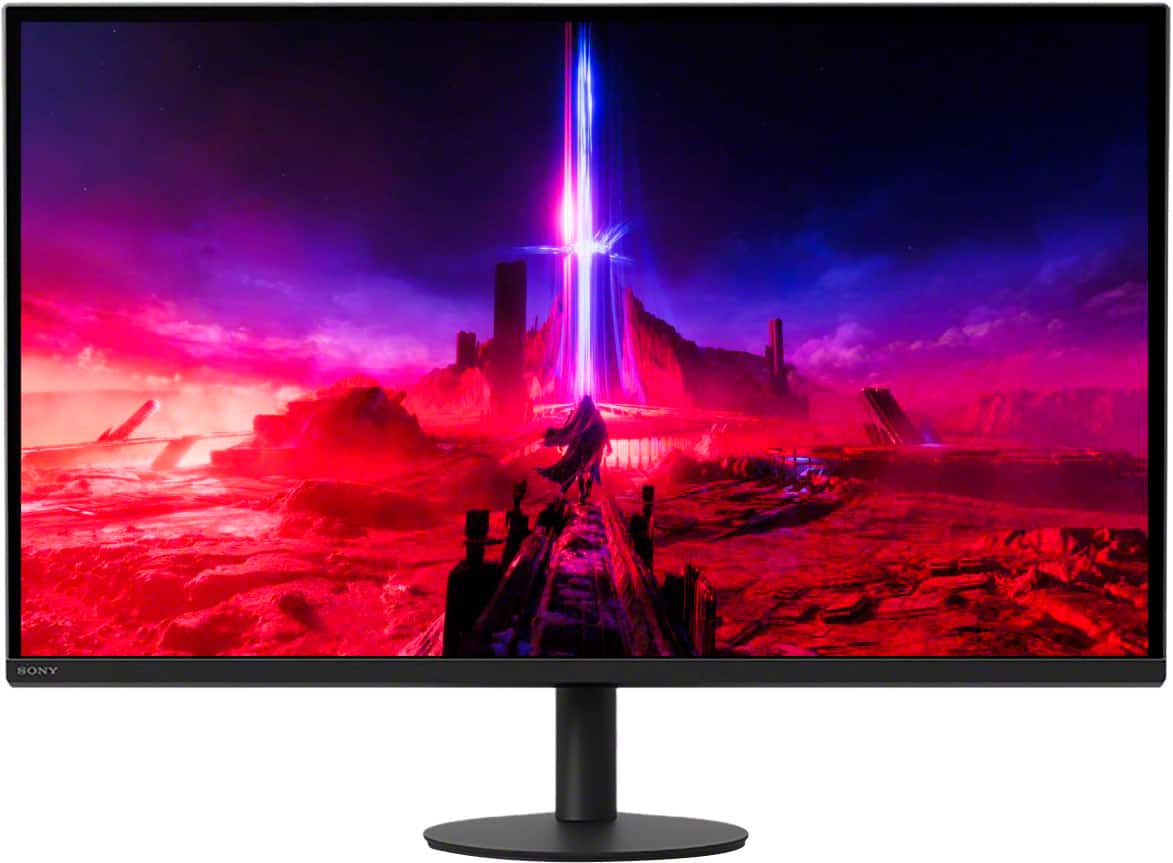
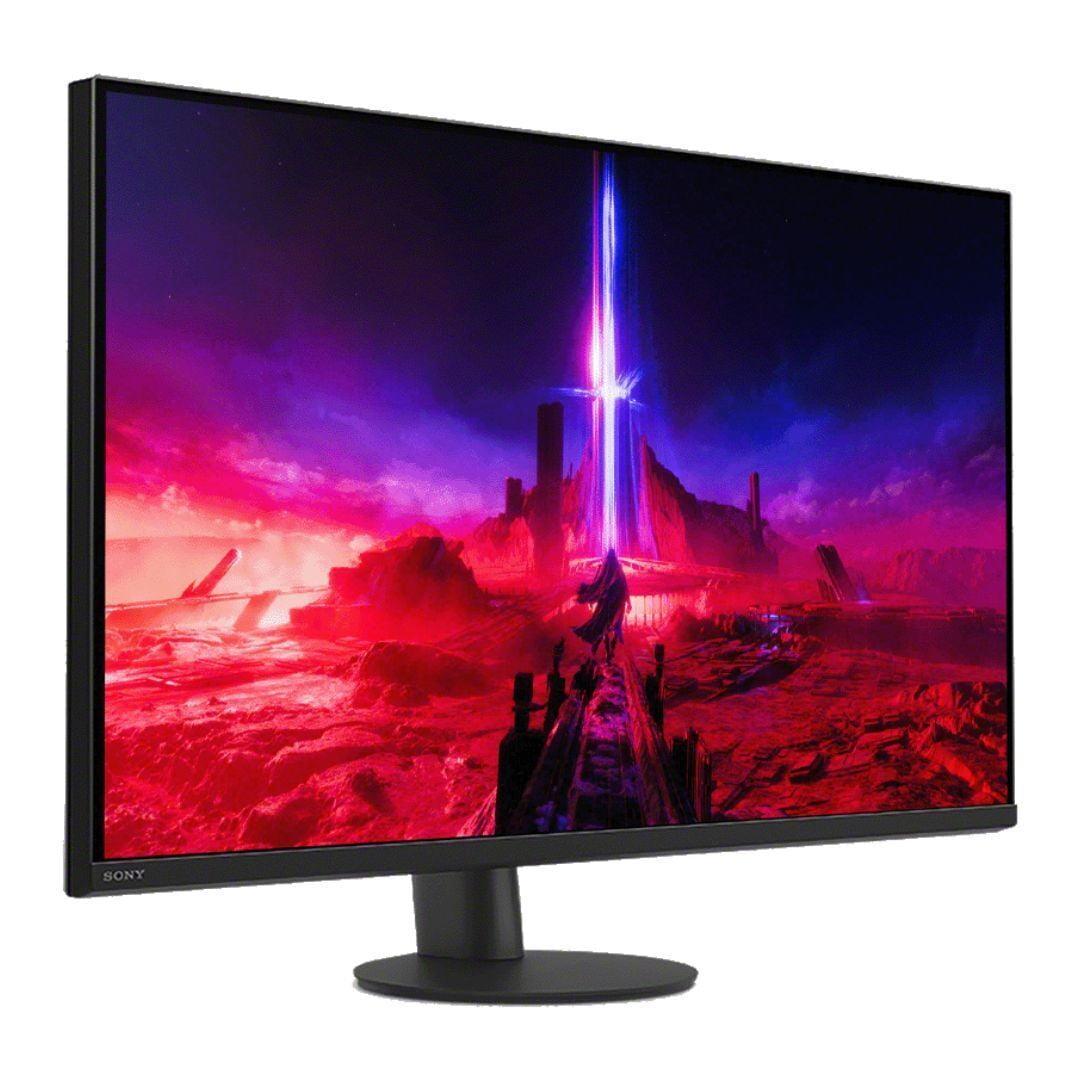
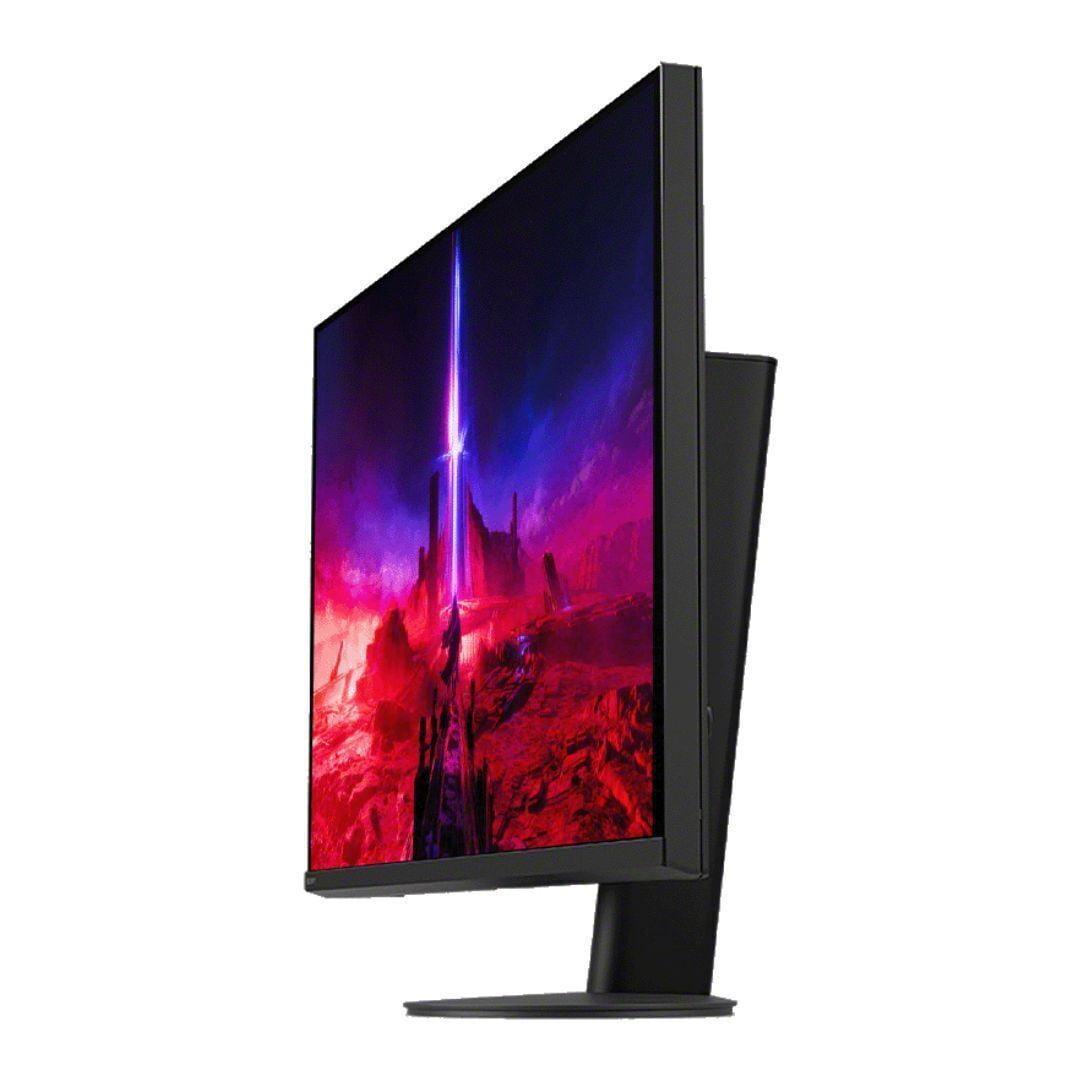
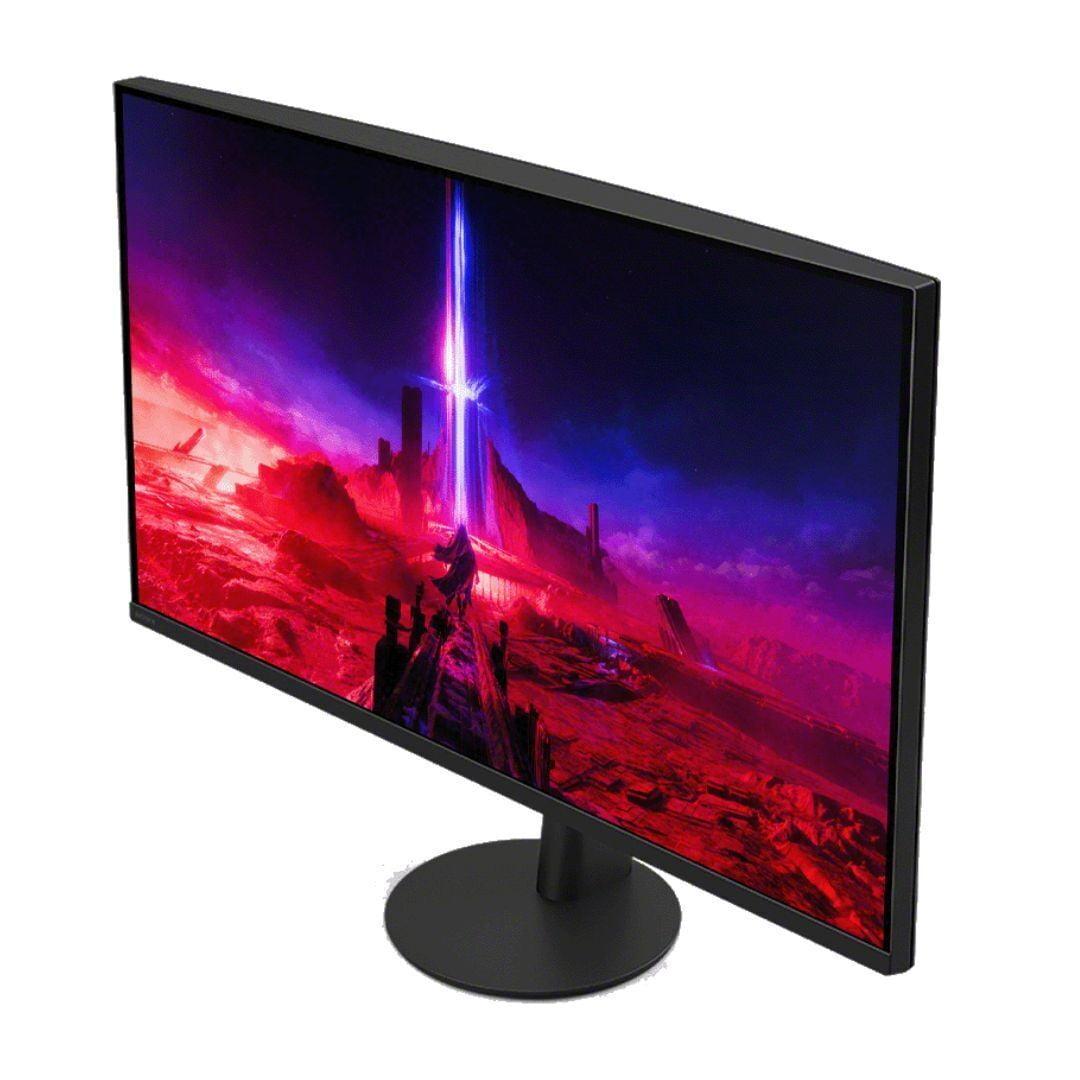
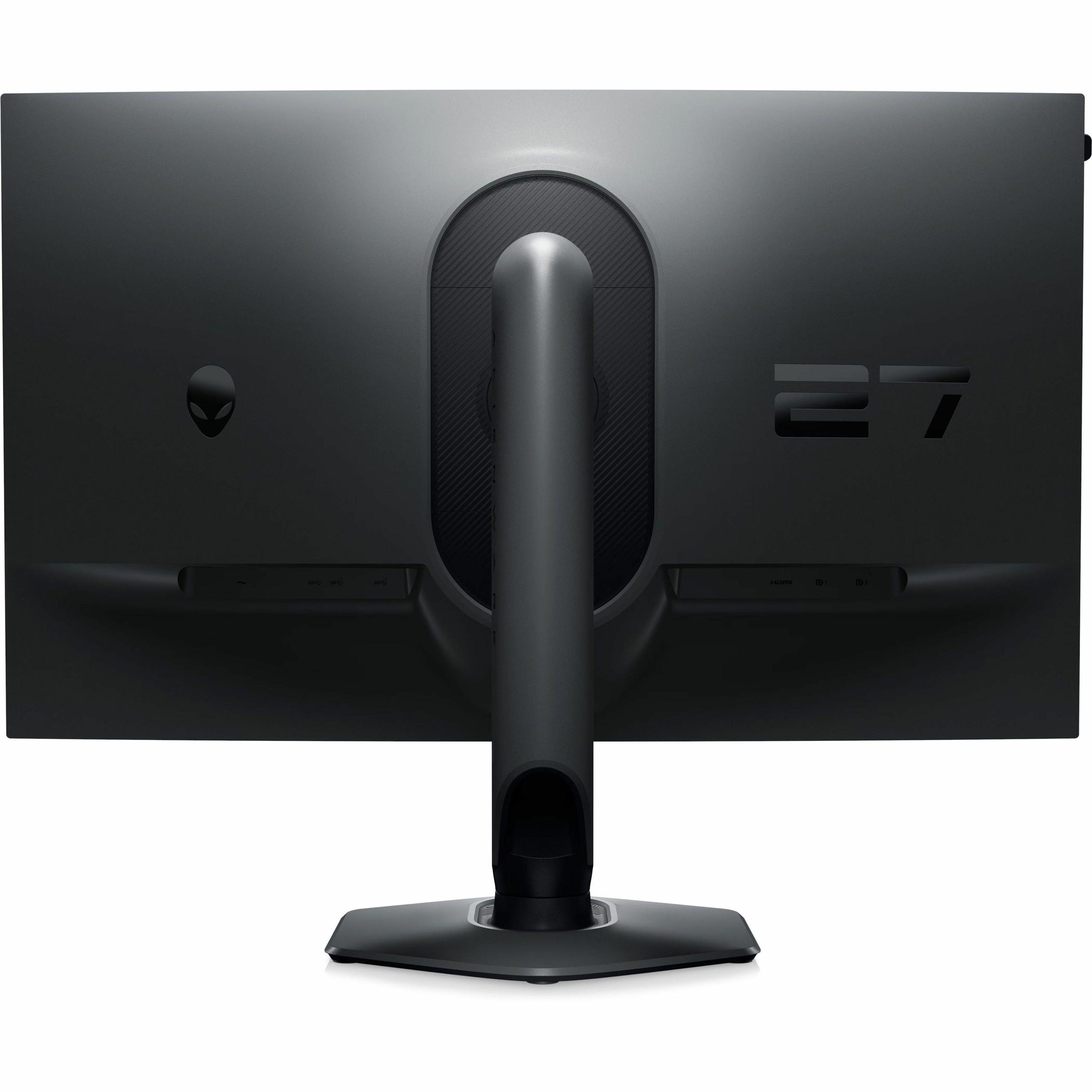
Gaming monitors have become increasingly specialized over the past few years, with manufacturers targeting distinct user needs rather than trying to be everything to everyone. This evolution has created fascinating choices for gamers, particularly when comparing monitors like the Sony INZONE M9 II and Alienware AW2724HF — two 27-inch displays that take completely different approaches to gaming excellence.
The gaming monitor market has essentially split into two main philosophies. On one side, you have visual fidelity champions that prioritize stunning image quality, high resolution, and immersive experiences. On the other, competitive gaming displays focus on lightning-fast response times and ultra-high refresh rates that can give esports players every possible advantage.
This divide isn't just about marketing — it reflects real technical limitations. Higher resolutions like 4K require significantly more processing power from your graphics card, which typically means lower frame rates. Meanwhile, achieving extremely high refresh rates like 360Hz is much easier at lower resolutions like 1080p, where your GPU doesn't have to push nearly as many pixels.
When choosing between these approaches, you're essentially deciding what matters more: the stunning visual clarity of modern games or the competitive edge that comes from seeing enemies a few milliseconds sooner.
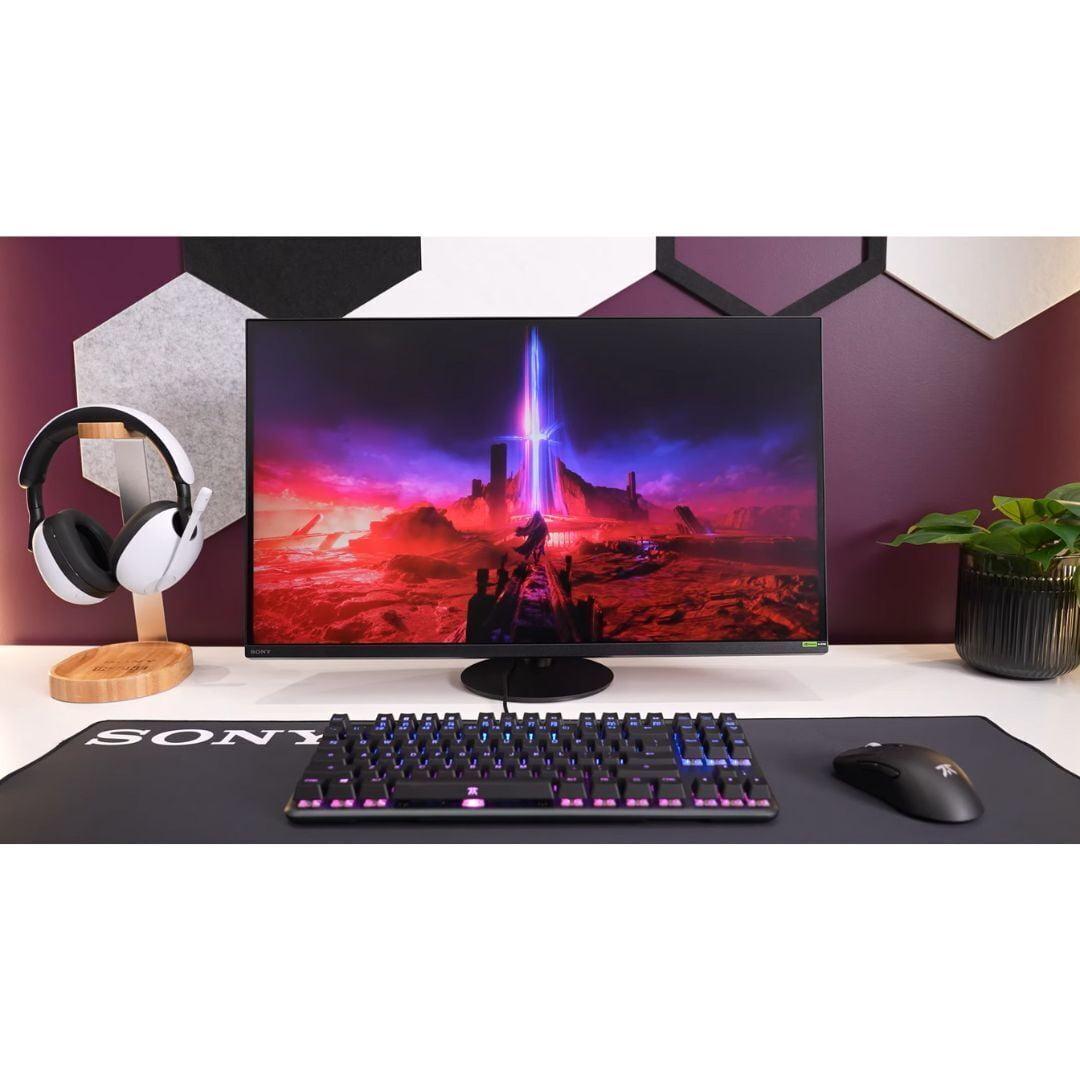
The Sony INZONE M9 II, released in 2024, represents Sony's refined take on premium 4K gaming. This monitor builds on lessons learned from the original INZONE M9, addressing many user complaints while maintaining the core focus on visual excellence and PlayStation 5 integration.
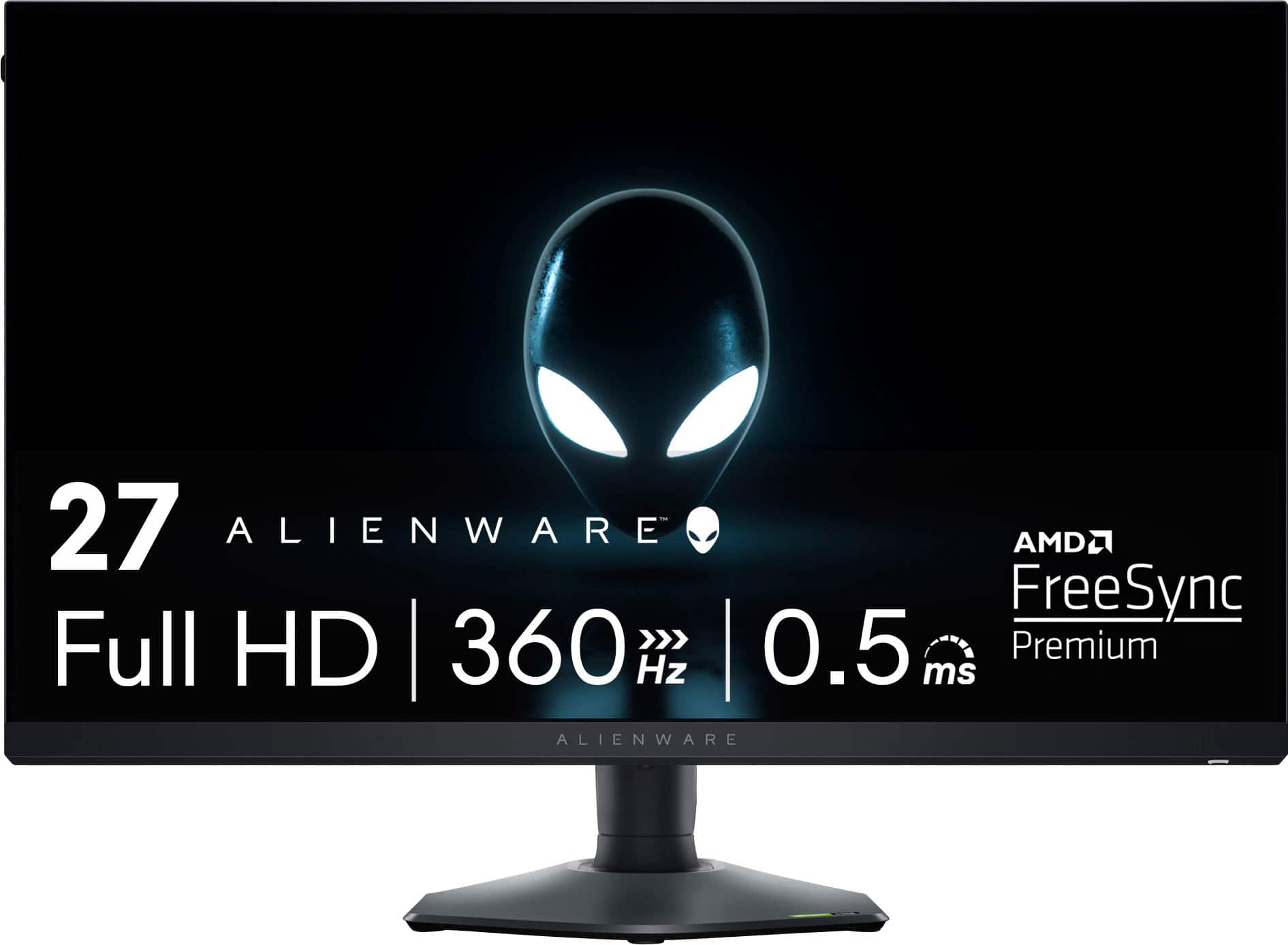
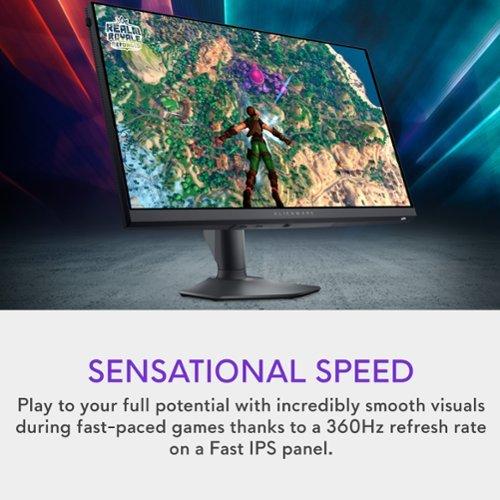
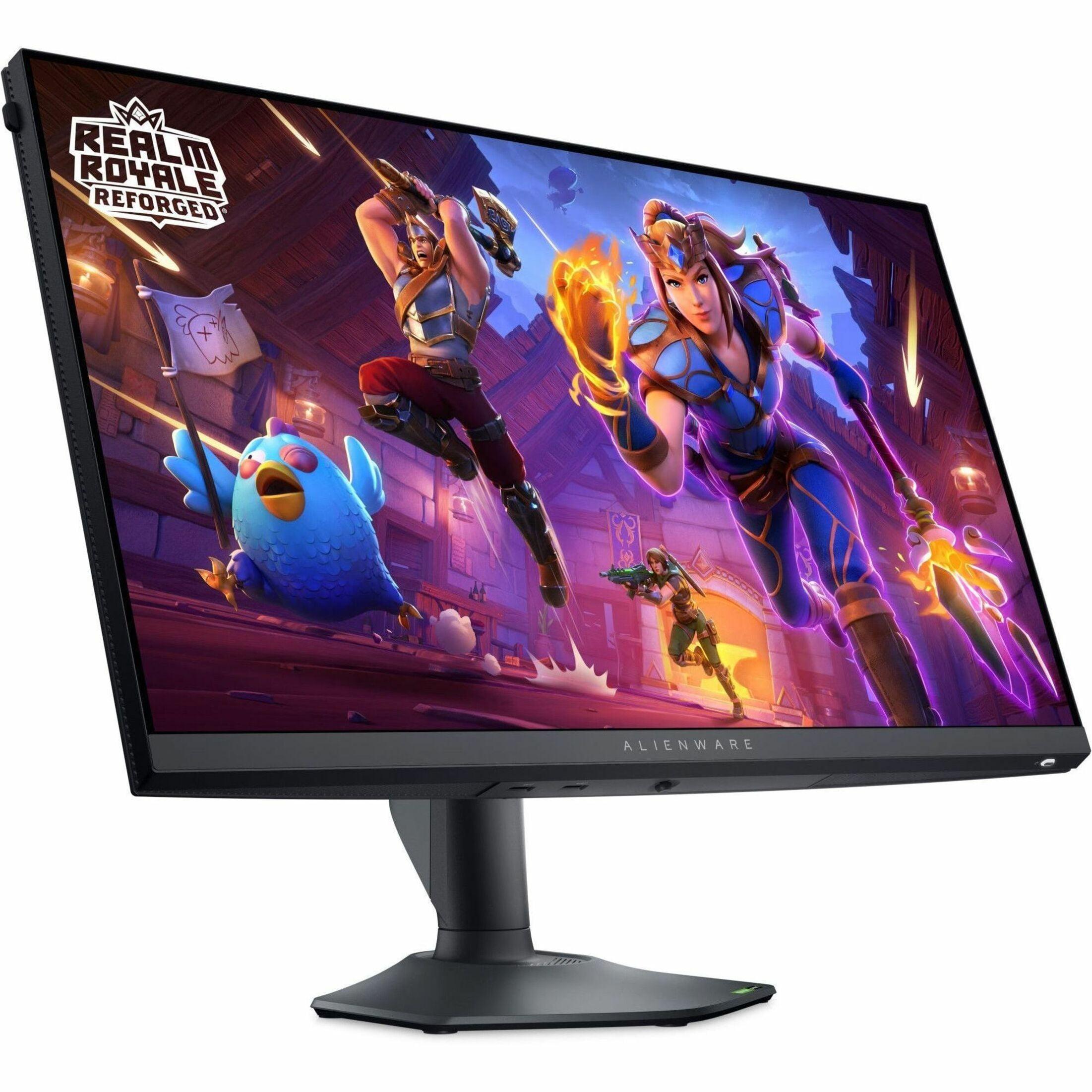
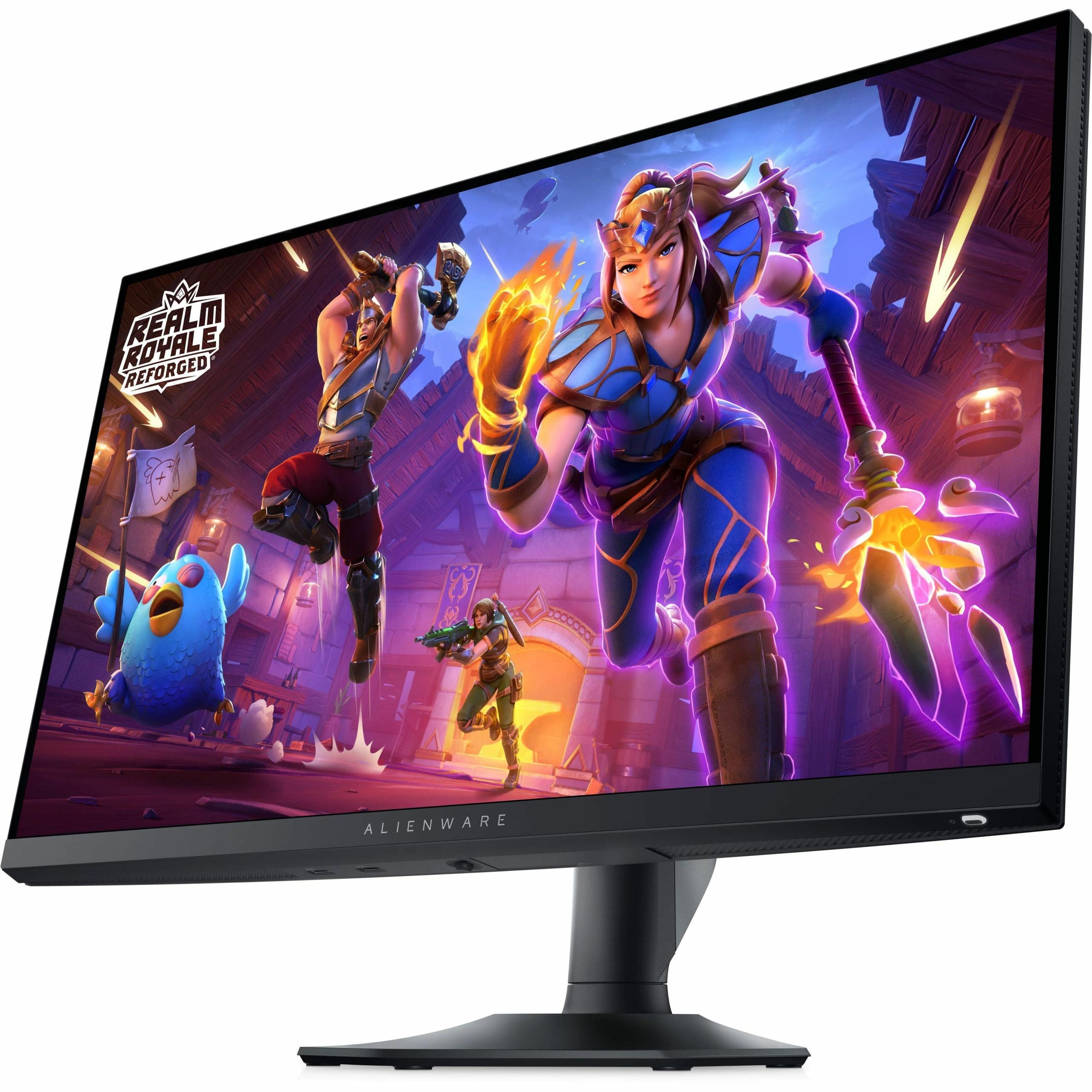
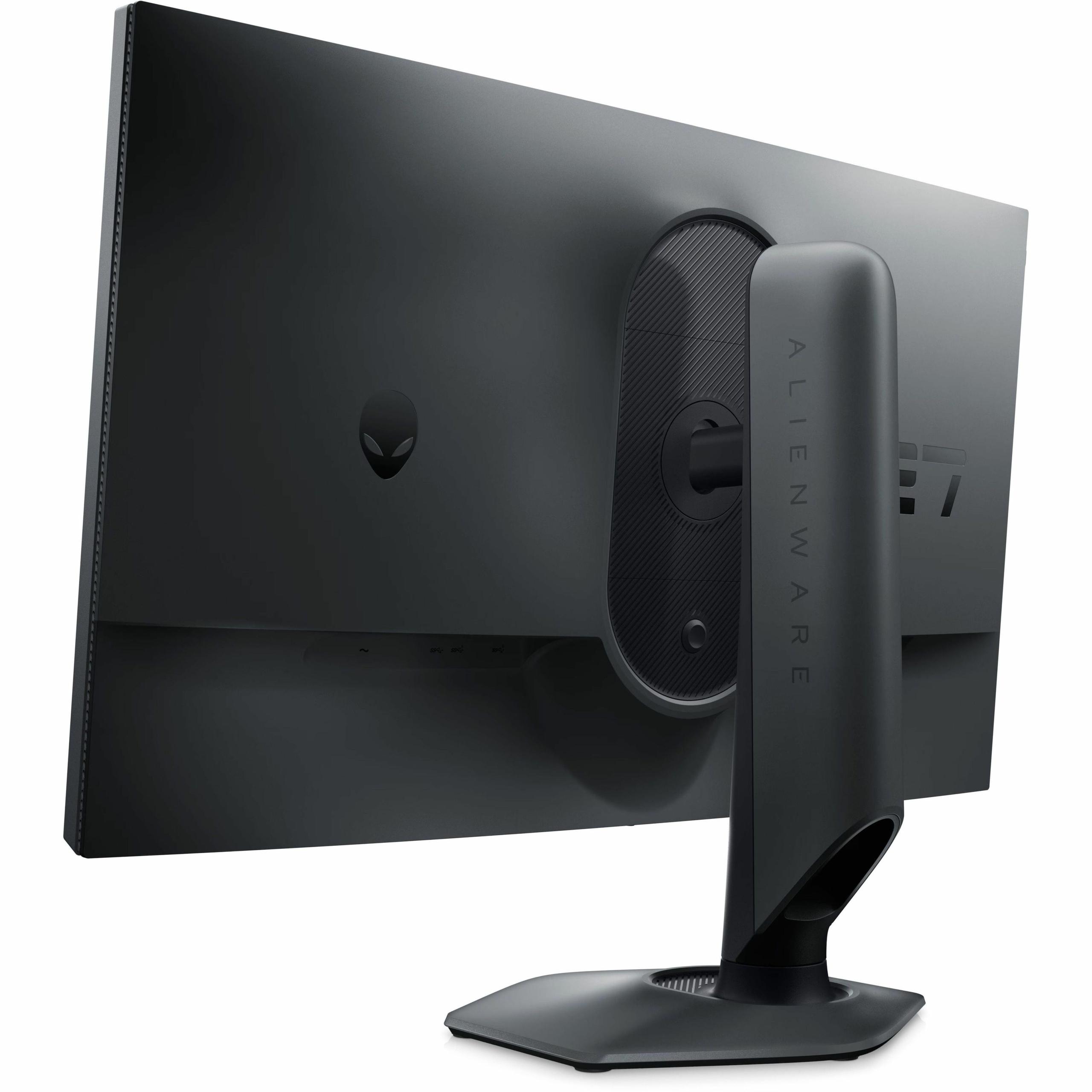
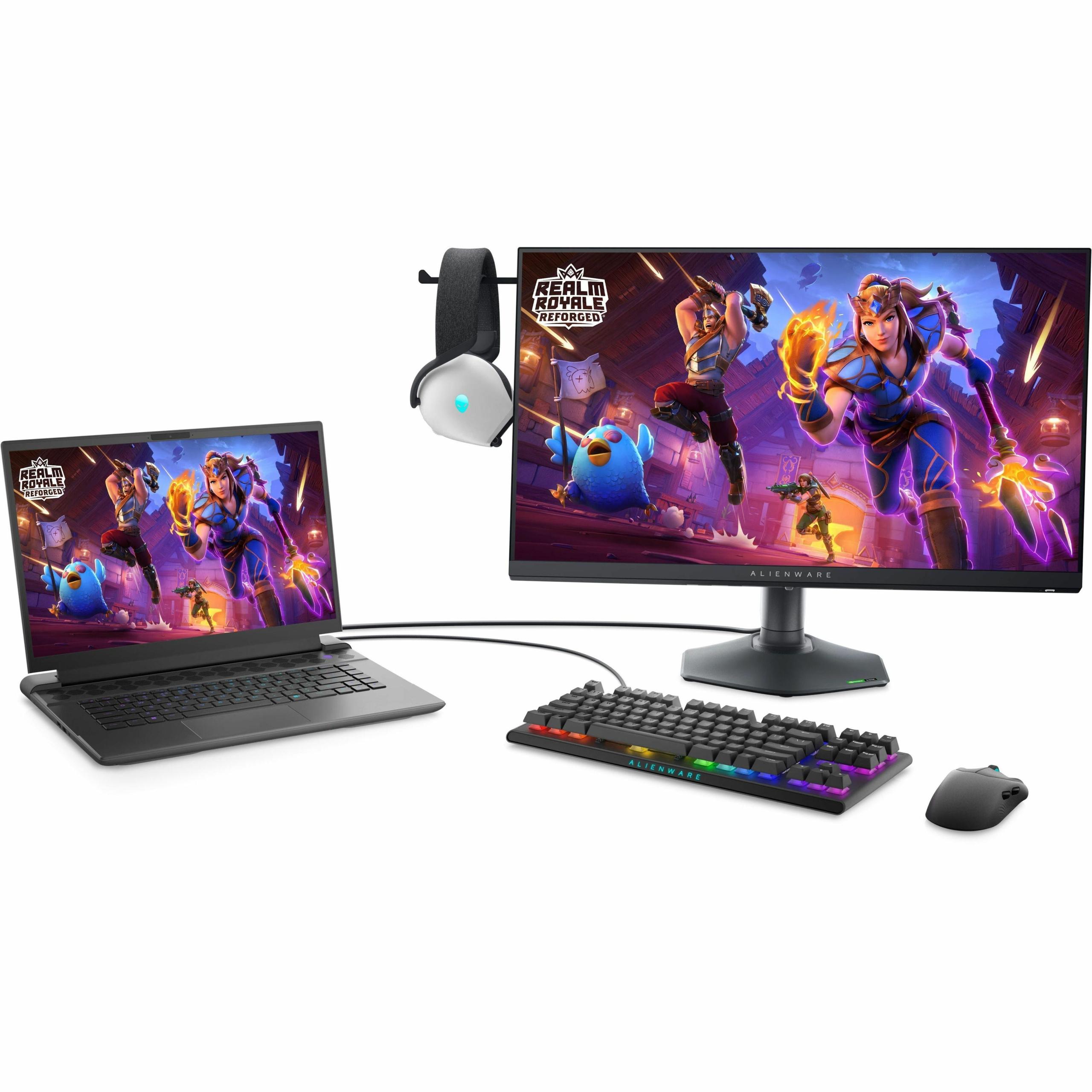
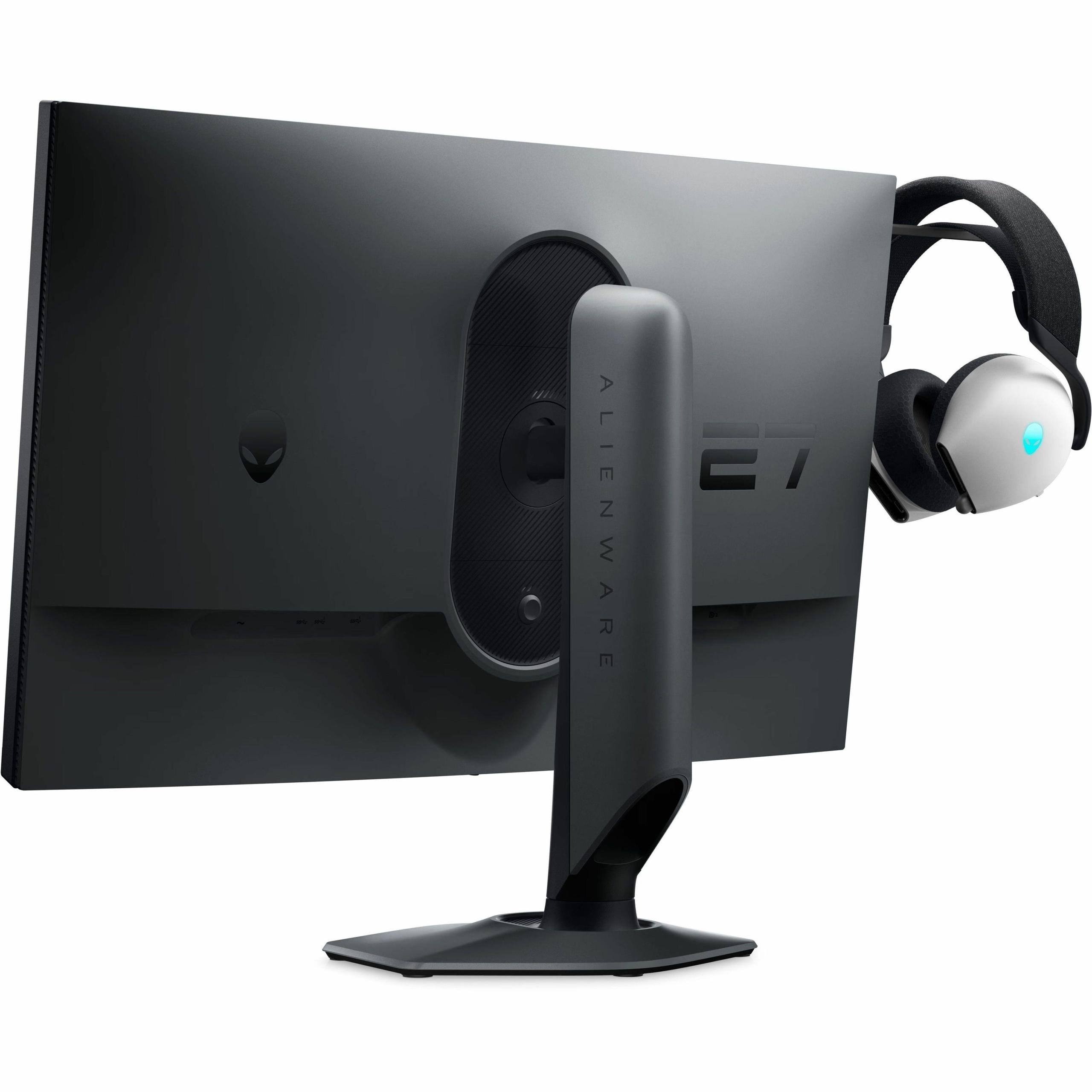
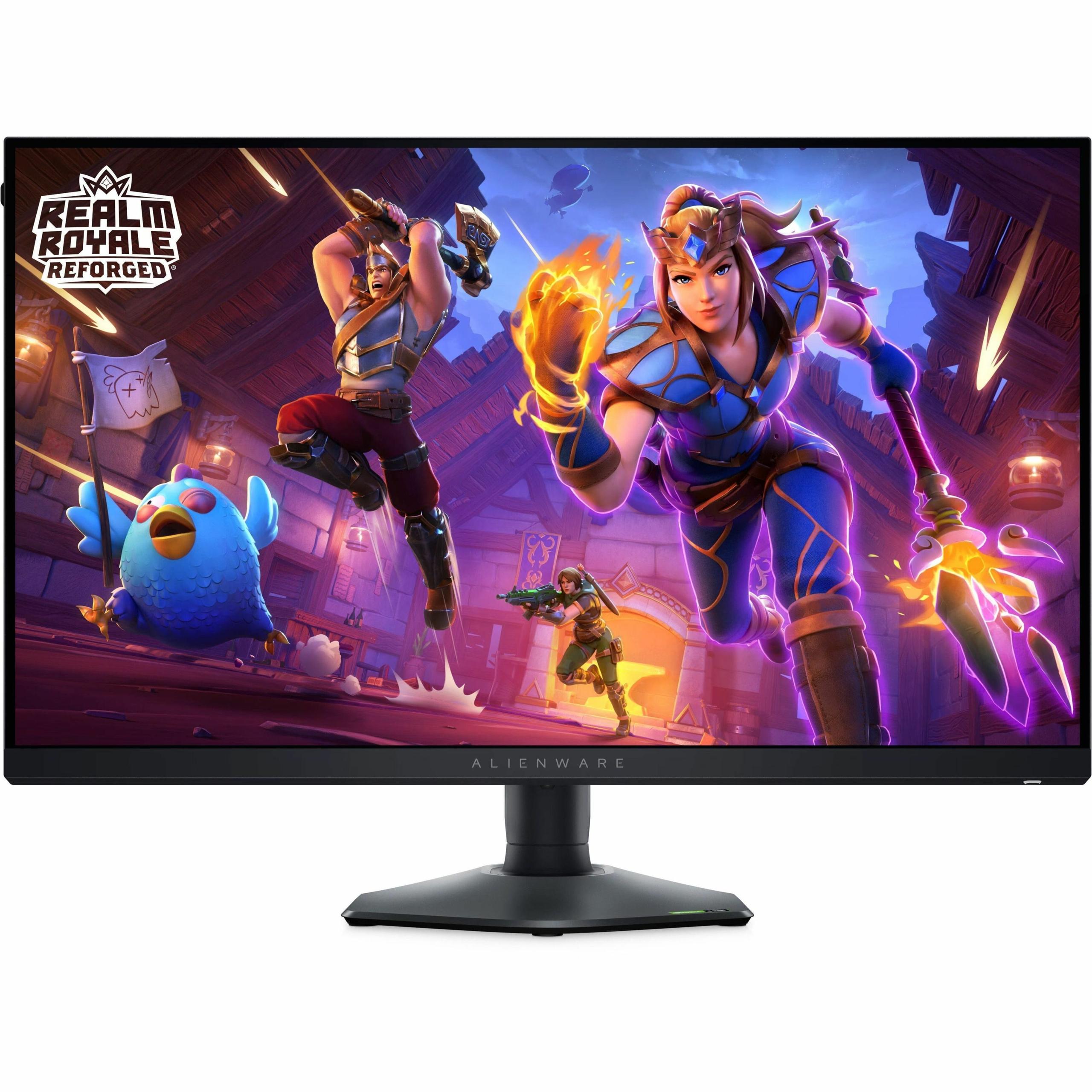
The Alienware AW2724HF, also from 2024, exemplifies Dell's commitment to competitive gaming. This display pushes refresh rates to their current practical limits while maintaining the color accuracy and viewing angles that IPS panels are known for.
The most immediately obvious difference between these monitors is resolution. The Sony INZONE M9 II delivers 4K resolution (3840 x 2160 pixels), which means it packs four times as many pixels as the Alienware AW2724HF's Full HD (1920 x 1080) display.
On a 27-inch screen, this difference is substantial. Text appears razor-sharp on the Sony, game textures reveal intricate details that simply aren't visible at 1080p, and the overall visual experience feels notably more premium. The pixel density — measured in pixels per inch (PPI) — tells the story: the Sony delivers about 163 PPI compared to the Alienware's 82 PPI.
However, there's a trade-off that many users don't initially consider. Some people actually find 1080p on a 27-inch screen more comfortable for long gaming sessions because UI elements and text appear larger and easier to read. This can reduce eye strain during marathon gaming sessions, though the trade-off in overall sharpness is significant.
Here's where the Sony INZONE M9 II really flexes its technical muscles. The monitor features Full Array Local Dimming (FALD) with 96 zones arranged in a 12×8 grid across the back of the display. This technology allows different areas of the backlight to dim independently, creating much better contrast between bright and dark areas of the screen.
Local dimming is particularly important for HDR (High Dynamic Range) content, which attempts to reproduce the wide range of brightness levels our eyes see in real life. When implemented well, local dimming can make bright areas pop while keeping dark scenes truly dark, rather than the grayish black you typically see on standard monitors.
The Sony achieves DisplayHDR 600 certification, meaning it can hit at least 600 nits of peak brightness while maintaining proper contrast ratios. In practice, the monitor can reach up to 750 nits in HDR mode, which creates genuinely impressive highlights in supported games and movies.
The Alienware AW2724HF, by contrast, offers basic HDR10 support but lacks the local dimming zones needed for true HDR performance. While it will accept HDR signals, the visual improvement is minimal compared to what you'll experience on the Sony.
Both monitors use IPS (In-Plane Switching) panels, which are known for accurate colors and wide viewing angles. However, they target different color spaces — essentially different "vocabularies" of colors they can display.
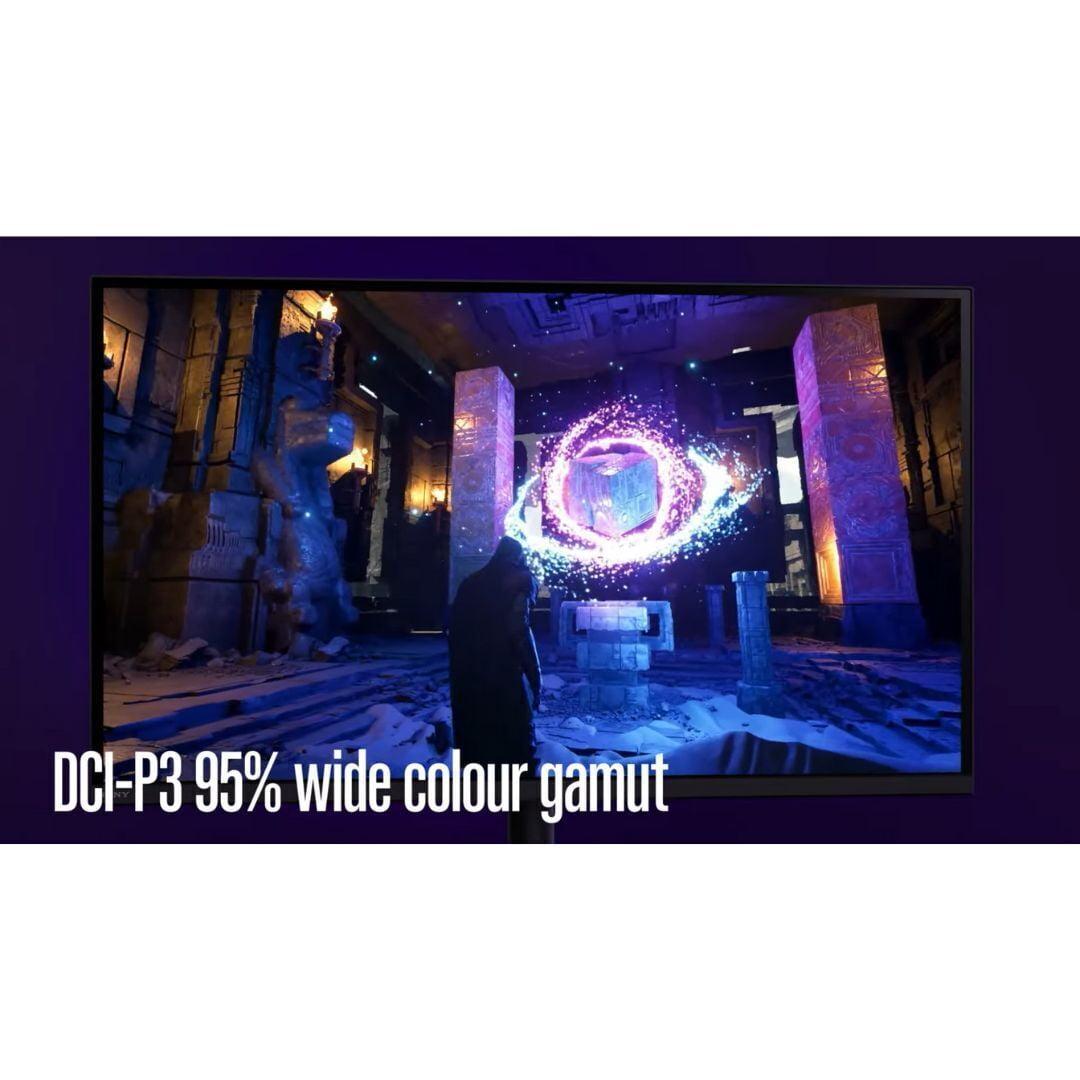
The Sony INZONE M9 II covers 95% of the DCI-P3 color gamut, which is the standard used for digital cinema and modern HDR content. This wider color gamut means more vivid, saturated colors that better match what game developers and movie creators intended.
The Alienware AW2724HF focuses on 99% sRGB coverage, which is the standard for web content and most PC applications. While this is perfectly adequate for competitive gaming, it means you'll miss out on the expanded color range that modern games and media can provide.
For content creation work — photo editing, video production, or graphic design — the Sony's wider color gamut makes it significantly more versatile.
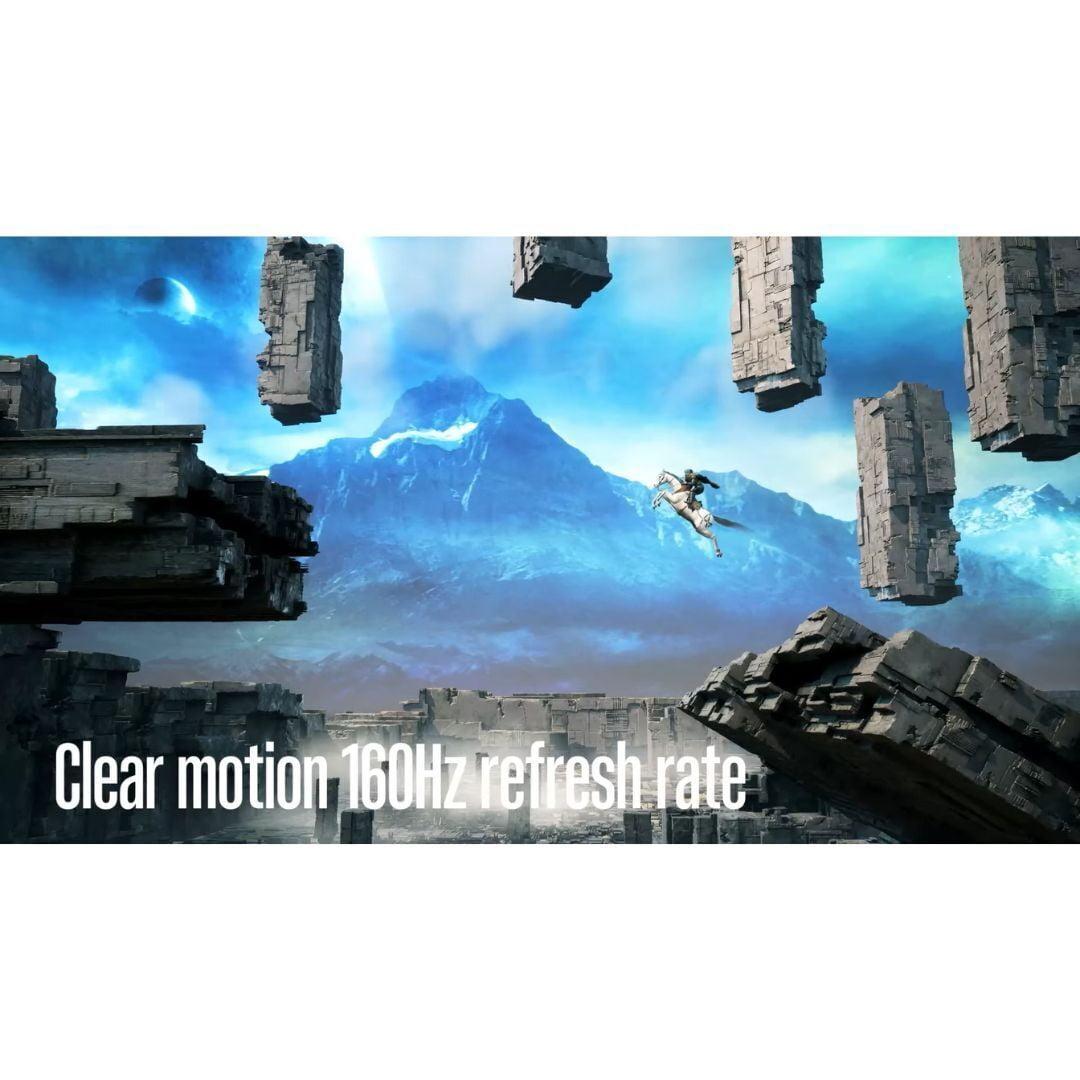
This is where the fundamental philosophical difference between these monitors becomes crystal clear. The Alienware AW2724HF runs at a blistering 360Hz refresh rate, meaning it can display up to 360 unique frames per second. The Sony INZONE M9 II tops out at 160Hz.
To understand why this matters, think of refresh rate like the frame rate of an old film projector. Higher refresh rates create smoother motion, reduce screen tearing (when parts of different frames appear simultaneously), and can provide a competitive advantage in fast-paced games.
However, there are diminishing returns. While the jump from 60Hz to 144Hz feels dramatic, and 144Hz to 240Hz is still noticeable, the difference between 240Hz and 360Hz is much more subtle. Most gamers won't perceive a significant advantage beyond 240Hz unless they're playing at a highly competitive level.
Response time measures how quickly a pixel can change from one color to another, typically measured in milliseconds from gray to gray (GtG). The Alienware AW2724HF achieves an impressive 0.5ms response time in extreme mode, while the Sony INZONE M9 II manages 1ms.
Both of these figures are excellent, but the Alienware's advantage here compounds with its higher refresh rate to create exceptionally clean motion with minimal ghosting (trailing artifacts behind moving objects).
The Sony compensates with backlight scanning technology, which briefly turns off the backlight between frame updates to reduce motion blur. This technique, sometimes called black frame insertion, can make motion appear cleaner even at lower refresh rates.
Input lag — the delay between your mouse click or controller input and the corresponding action on screen — is crucial for competitive gaming. Both monitors excel here, with input lag measured in single-digit milliseconds at their native refresh rates.
The Alienware AW2724HF has a slight edge due to its higher refresh rate, but both monitors are well within the range that even professional esports players would find acceptable.
The Sony INZONE M9 II includes cutting-edge DisplayPort 2.1 connectivity, which provides enough bandwidth to handle 4K at high refresh rates with room for future improvements. It also features dual HDMI 2.1 ports, making it particularly well-suited for console gaming where HDMI is the standard connection.
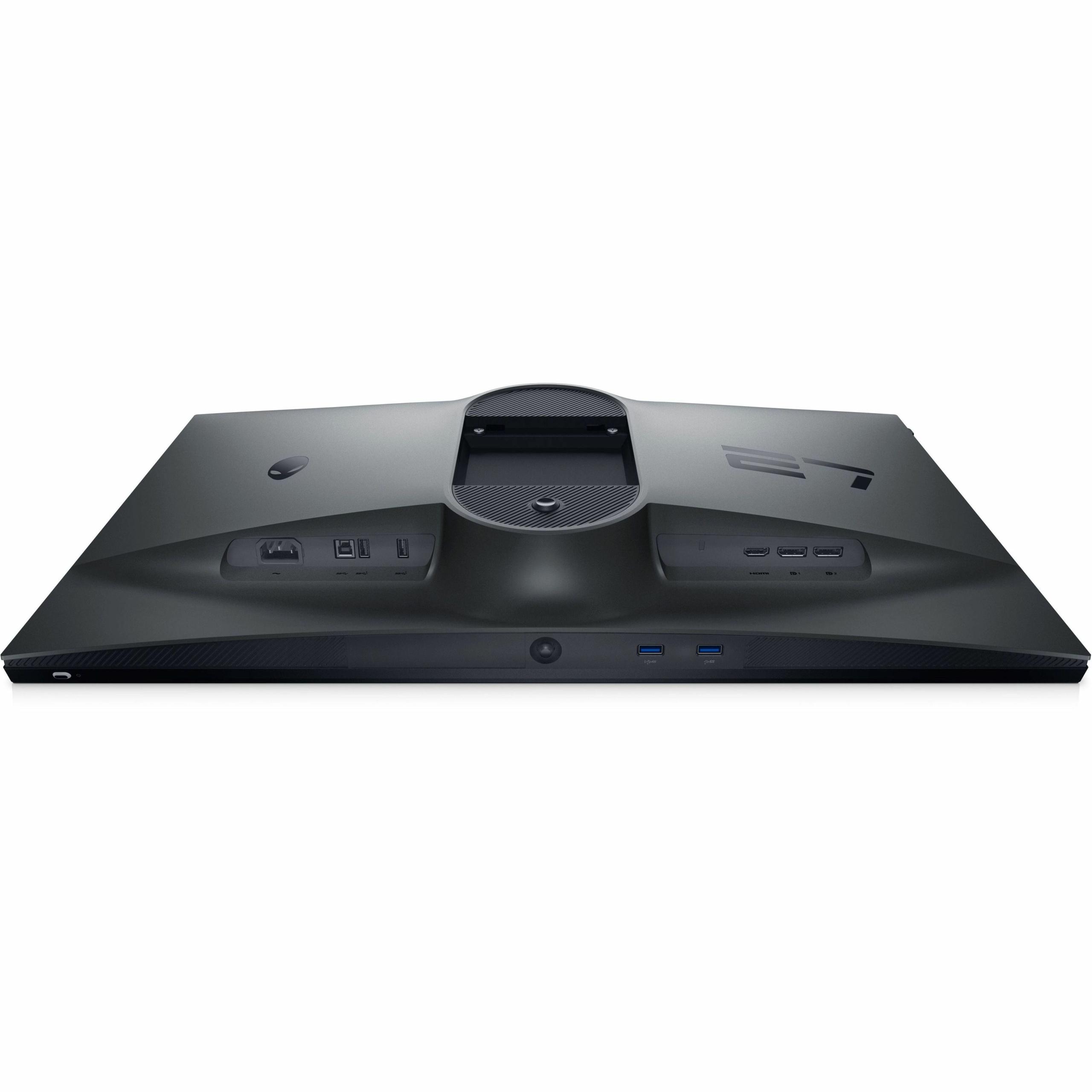
The Alienware AW2724HF sticks with DisplayPort 1.4 and HDMI connections, which is perfectly adequate for its 1080p resolution and high refresh rate requirements. It also includes a USB hub with four downstream ports, making it easy to connect peripherals without reaching around to your PC.
Both monitors include variable refresh rate technology — G-SYNC compatibility on the Sony and FreeSync Premium on the Alienware — which synchronizes the monitor's refresh rate with your graphics card to eliminate screen tearing and stuttering.
The Sony INZONE M9 II includes several PlayStation 5-specific features that automatically optimize settings when you connect a PS5. The Auto HDR Tone Mapping feature, in particular, ensures games look their best without manual tweaking. There's also a clever 24.5-inch mode that creates a smaller display area for competitive gaming, giving you the option to simulate a smaller monitor when needed.
The Alienware AW2724HF focuses on PC gaming features, including customizable crosshairs, frame rate displays, and timer overlays that can give competitive players additional information during matches.
If you're considering either monitor for a home theater setup, the Sony INZONE M9 II is clearly the better choice. Its 4K resolution matches modern TVs and streaming content, while the local dimming and HDR support provide a genuinely cinematic experience when watching movies or shows.
The wide DCI-P3 color gamut ensures that HDR content from Netflix, Disney+, or 4K Blu-rays displays with the vibrant colors intended by the creators. The 27-inch size might be smaller than a typical living room TV, but it's perfect for desktop or bedroom setups where you're sitting closer to the screen.
The Alienware AW2724HF, while excellent for gaming, doesn't make much sense in a home theater context. The 1080p resolution looks dated compared to modern 4K content, and the lack of meaningful HDR support means you won't get the full experience from modern movies and shows.
At the time of writing, the Sony INZONE M9 II commands a premium price that reflects its 4K resolution and advanced features. While expensive, it's competitively priced within the 4K gaming monitor segment, particularly considering the local dimming and PlayStation 5 optimizations.
The Alienware AW2724HF offers excellent value in the high-refresh gaming monitor category. For competitive gamers who prioritize performance over resolution, it delivers professional-grade gaming capabilities at a more accessible price point than many competitors.
Technology moves quickly, but these monitors take different approaches to longevity. The Sony INZONE M9 II's 4K resolution will remain relevant for years to come, and the DisplayPort 2.1 connectivity provides headroom for future graphics cards that can better utilize the available bandwidth.
The Alienware AW2724HF's 360Hz refresh rate represents the current peak for gaming monitors, though even faster displays are beginning to emerge. However, the 1080p resolution may feel increasingly limiting as games become more detailed and graphics cards become more powerful.
Choose the Sony INZONE M9 II if:
Choose the Alienware AW2724HF if:
The fundamental question comes down to your priorities and hardware. If you have a powerful gaming PC or PlayStation 5 and value visual excellence, the Sony INZONE M9 II provides an experience that's hard to match. If competitive gaming drives your purchasing decision and you want every possible advantage, the Alienware AW2724HF delivers the speed that can make the difference between victory and defeat.
Both monitors excel in their respective domains, representing the current state of the art for their intended use cases. Your choice should align with how you actually use your monitor and what aspects of the gaming experience matter most to you.
| Sony INZONE M9 II 27" 4K 160Hz Gaming Monitor | Alienware AW2724HF 27" FHD 360Hz IPS Gaming Monitor |
|---|---|
| Resolution - Determines image sharpness and detail level | |
| 4K (3840 x 2160) - Crystal clear text and game details | 1080p (1920 x 1080) - Standard HD, may appear soft on 27-inch |
| Refresh Rate - Higher rates provide smoother motion and competitive advantage | |
| 160Hz - Smooth for most gaming, adequate for casual competitive play | 360Hz - Elite esports performance, minimal motion blur |
| Response Time - Lower values reduce ghosting in fast-paced games | |
| 1ms GtG - Excellent for immersive gaming | 0.5ms GtG - Professional esports level responsiveness |
| HDR Performance - Enhances contrast and color vibrancy | |
| DisplayHDR 600 with Full Array Local Dimming (96 zones) - True cinematic HDR | Basic HDR10 support - Limited HDR enhancement |
| Peak Brightness - Brighter displays handle reflections and HDR better | |
| 750 nits - Excellent for HDR content and bright rooms | 400 nits - Adequate for controlled lighting conditions |
| Color Gamut - Wider coverage shows more vibrant, accurate colors | |
| 95% DCI-P3 - Professional color range for content creation | 99% sRGB - Standard web/gaming colors, limited creative work |
| Panel Technology - Affects color accuracy and viewing angles | |
| IPS with local dimming - Superior contrast and wide viewing angles | Fast IPS - Excellent colors and viewing angles, faster response |
| Console Integration - Special features for PlayStation/Xbox gaming | |
| PlayStation 5 Auto HDR Tone Mapping and VRR optimization | Console Mode with 120Hz support and VRR |
| Connectivity - Determines what devices you can connect at full performance | |
| DisplayPort 2.1, 2x HDMI 2.1 - Future-proof for high-end graphics cards | 2x DisplayPort 1.4, 1x HDMI - Adequate for current gaming needs |
| Ergonomics - Affects comfort during long gaming sessions | |
| Height, tilt, swivel adjustments with 360° rotation | Height, tilt, swivel, pivot with retractable headset hanger |
| Primary Use Case - Best suited for these gaming scenarios | |
| Immersive gaming, content creation, PlayStation 5 optimization | Competitive esports, high frame rate PC gaming |
| Graphics Card Requirements - Minimum GPU needed for optimal performance | |
| RTX 4070/RX 7700 XT or better for 4K gaming | RTX 3060/RX 6600 or better for 360fps at 1080p |
The Alienware AW2724HF is significantly better for competitive gaming due to its 360Hz refresh rate and 0.5ms response time. This ultra-high refresh rate provides smoother motion tracking and faster visual updates, giving competitive players a measurable advantage in fast-paced games like Counter-Strike, Valorant, and Overwatch. The Sony INZONE M9 II at 160Hz is smooth but can't match the competitive edge of the Alienware AW2724HF.
The Sony INZONE M9 II offers dramatically better picture quality with its 4K resolution providing four times more pixels than the Alienware AW2724HF's 1080p display. The Sony also features Full Array Local Dimming, DisplayHDR 600 certification, and 95% DCI-P3 color coverage for vibrant, cinema-quality visuals. The Alienware AW2724HF has good color accuracy within the standard sRGB range but lacks the resolution and HDR capabilities of the Sony INZONE M9 II.
The Sony INZONE M9 II is specifically designed for PlayStation 5 integration with Auto HDR Tone Mapping that automatically optimizes game settings. It supports 4K gaming at up to 120Hz via HDMI 2.1, matching the PS5's maximum output capabilities. While the Alienware AW2724HF supports console gaming at 120Hz, it lacks the PlayStation-specific optimizations and 4K resolution that make the Sony INZONE M9 II ideal for PS5 users.
For the Sony INZONE M9 II, you'll need at least an RTX 4070 or RX 7700 XT to effectively drive 4K games at reasonable frame rates. The Alienware AW2724HF is much less demanding, working well with mid-range cards like an RTX 3060 or RX 6600 to achieve high frame rates at 1080p. The Alienware AW2724HF is more accessible for users with existing gaming PCs.
The Sony INZONE M9 II is far superior for entertainment content with its 4K resolution matching modern streaming services and its DisplayHDR 600 certification providing genuine HDR enhancement. The local dimming technology creates better contrast for movie viewing. The Alienware AW2724HF with its 1080p resolution and basic HDR support is adequate but doesn't deliver the cinematic experience of the Sony INZONE M9 II.
The Sony INZONE M9 II excels for content creation with its wide DCI-P3 color gamut, 4K resolution for detailed editing work, and accurate color reproduction. It's suitable for photo editing, video production, and graphic design. The Alienware AW2724HF is limited by its 1080p resolution and standard sRGB color coverage, making it less ideal for professional creative work but adequate for basic productivity tasks.
The Alienware AW2724HF has a faster 0.5ms response time compared to the Sony INZONE M9 II's 1ms response time. While both are excellent and well within professional gaming standards, the Alienware AW2724HF provides slightly cleaner motion with minimal ghosting. However, the Sony INZONE M9 II compensates with backlight scanning technology to reduce motion blur.
Value depends on your priorities. The Alienware AW2724HF offers excellent value for competitive gamers who prioritize speed over resolution, delivering professional-level gaming performance at a reasonable price point. The Sony INZONE M9 II provides premium value for users wanting 4K gaming, HDR support, and versatility for multiple use cases, though at a higher investment level.
The Sony INZONE M9 II is excellent for mixed use, providing sharp 4K resolution for productivity work and immersive gaming experiences. Its wide color gamut supports professional applications. The Alienware AW2724HF works for basic productivity but the 1080p resolution may feel limiting for detailed work, spreadsheets, or multitasking compared to the Sony INZONE M9 II.
The Sony INZONE M9 II offers true HDR performance with DisplayHDR 600 certification, 750 nits peak brightness, and Full Array Local Dimming for genuine contrast enhancement. The Alienware AW2724HF provides basic HDR10 support but lacks the local dimming and peak brightness needed for meaningful HDR improvement. For HDR gaming and movies, the Sony INZONE M9 II is significantly superior.
The Sony INZONE M9 II is more future-proof with its 4K resolution that will remain relevant longer and DisplayPort 2.1 connectivity for next-generation graphics cards. The Alienware AW2724HF offers cutting-edge refresh rates that may become more common, but its 1080p resolution could feel limiting as games become more detailed and graphics cards more powerful.
The Sony INZONE M9 II features DisplayPort 2.1 and dual HDMI 2.1 ports, providing maximum bandwidth for 4K high-refresh gaming and future graphics cards. The Alienware AW2724HF includes DisplayPort 1.4 and HDMI connections adequate for its specifications, plus a USB hub with four downstream ports for peripherals. Both Sony INZONE M9 II and Alienware AW2724HF offer comprehensive connectivity for their respective target users.
We've done our best to create useful and informative comparisons to help you decide what product to buy. Our research uses advanced automated methods to create this comparison and perfection is not possible - please contact us for corrections or questions. These are the sites we've researched in the creation of this article: bestbuy.com - bestbuy.com - rtings.com - rtings.com - tomshardware.com - youtube.com - bhphotovideo.com - bestbuy.com - sony.com - techpowerup.com - electronics.sony.com - sony.com - displayspecifications.com - direct.playstation.com - youtube.com - sony.com - sony.com - displayspecifications.com - bhphotovideo.com - displayspecifications.com - bestbuy.com - gamesradar.com - bestbuy.com - rtings.com - windowscentral.com - youtube.com - techpowerup.com - dell.com - dellonline.ae - dellonline.co.za - files.bbystatic.com - mysoft.hu - pcgamermexico.com - displayspecifications.com - gzhls.at - bestbuy.com - device.report - newegg.com - multitronic.fi - youtube.com

Privacy Policy
Terms and Conditions - Affiliate Policy
Home Security
© Copyright 2008-2026.
11816 Inwood Rd #1211, Dallas, TX 75244