

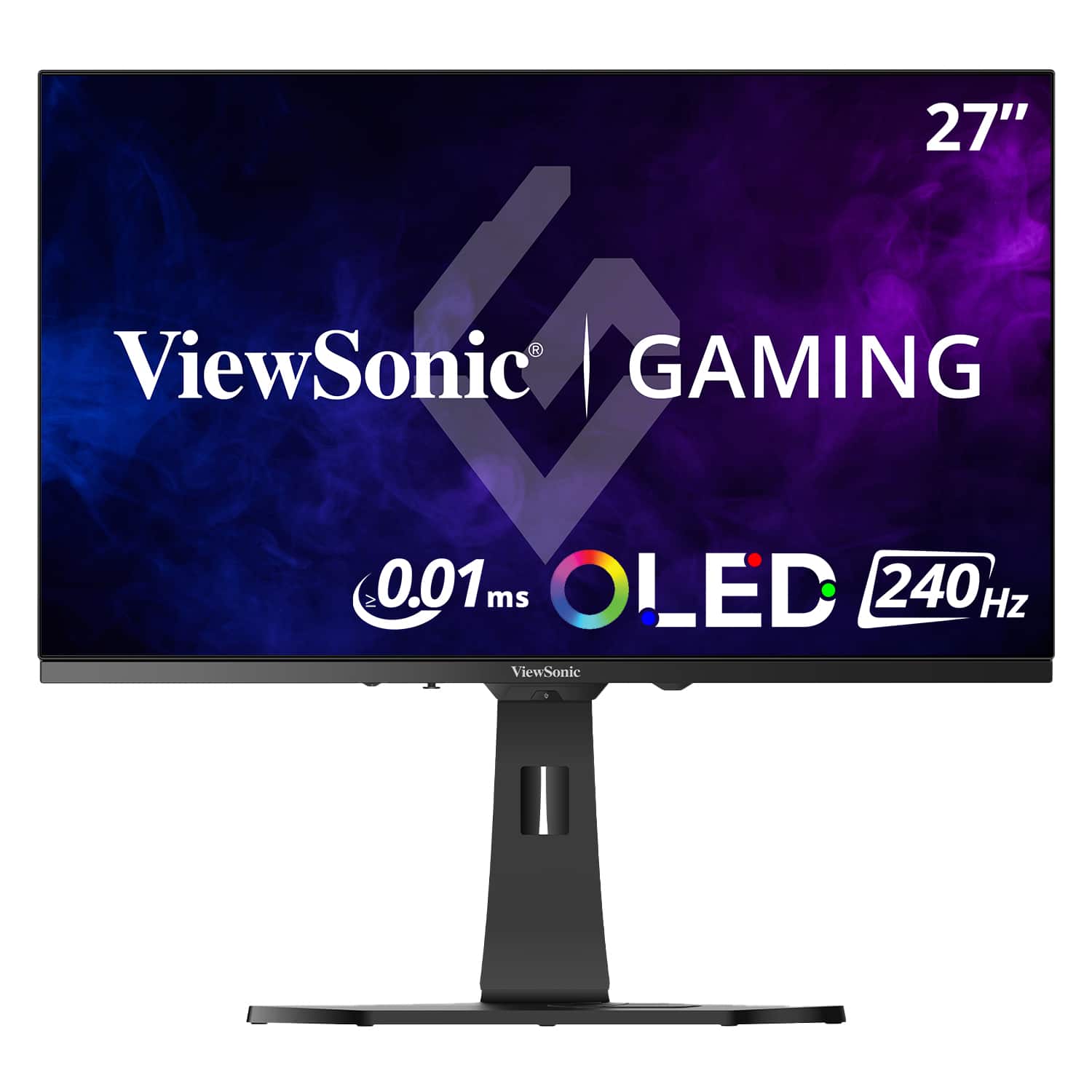
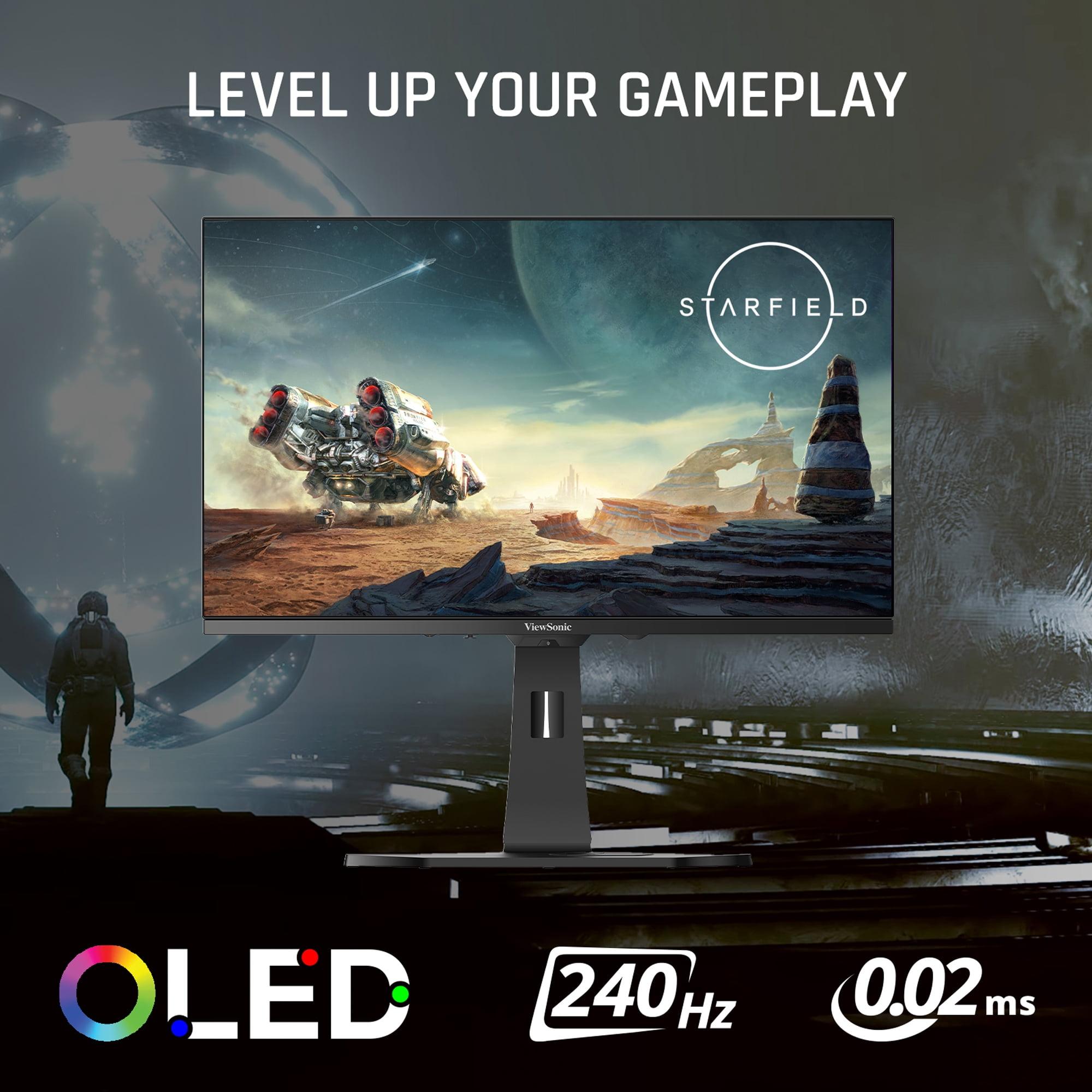
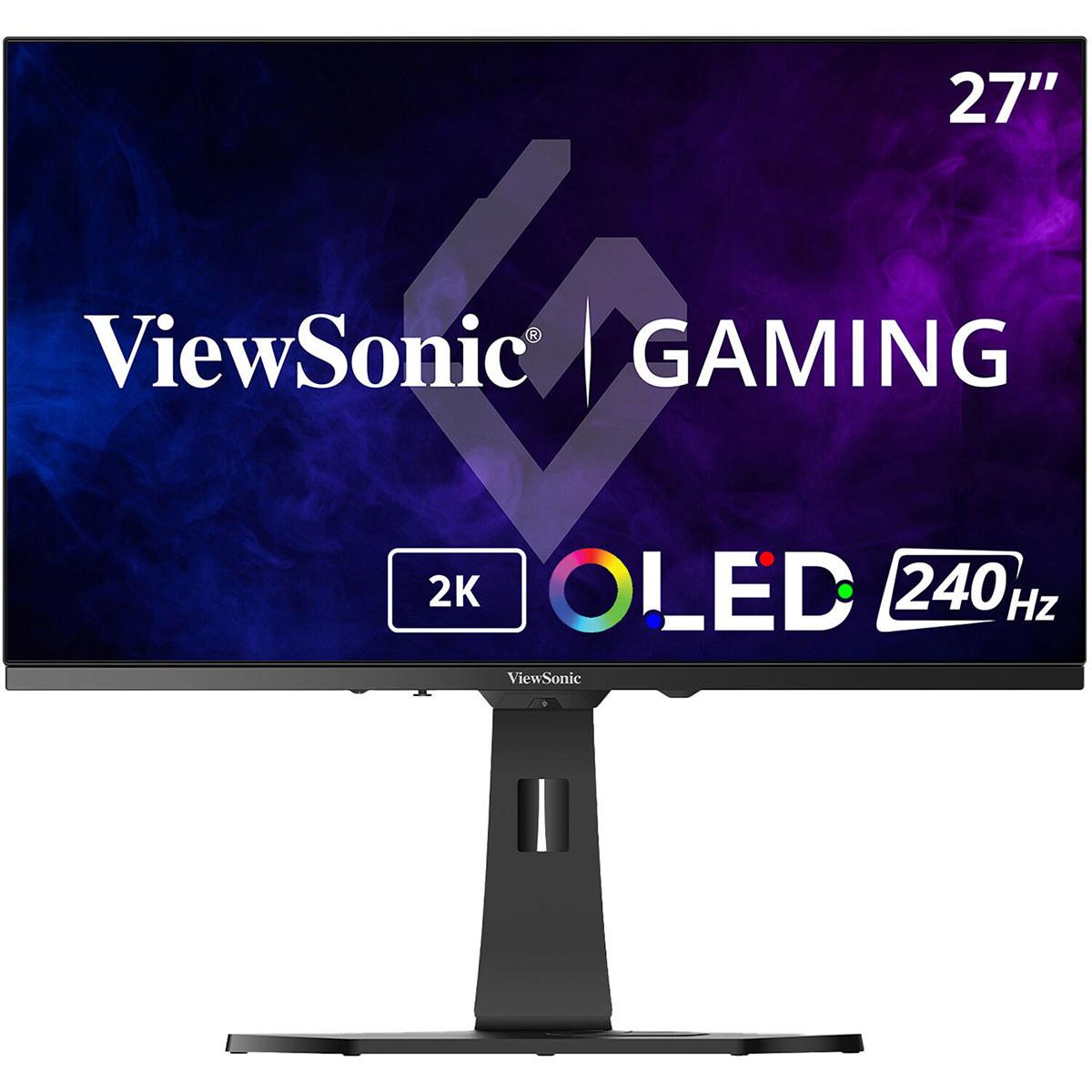
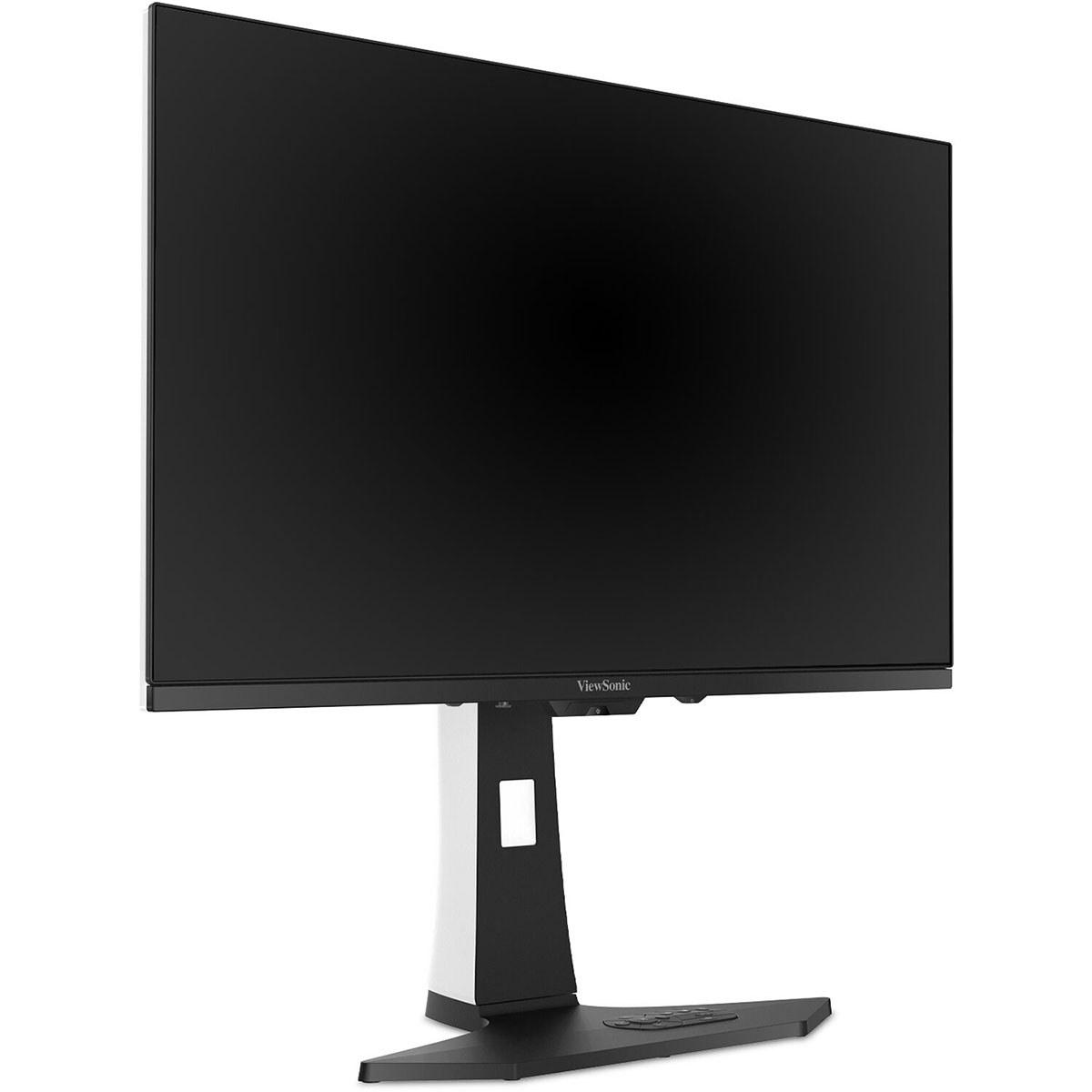
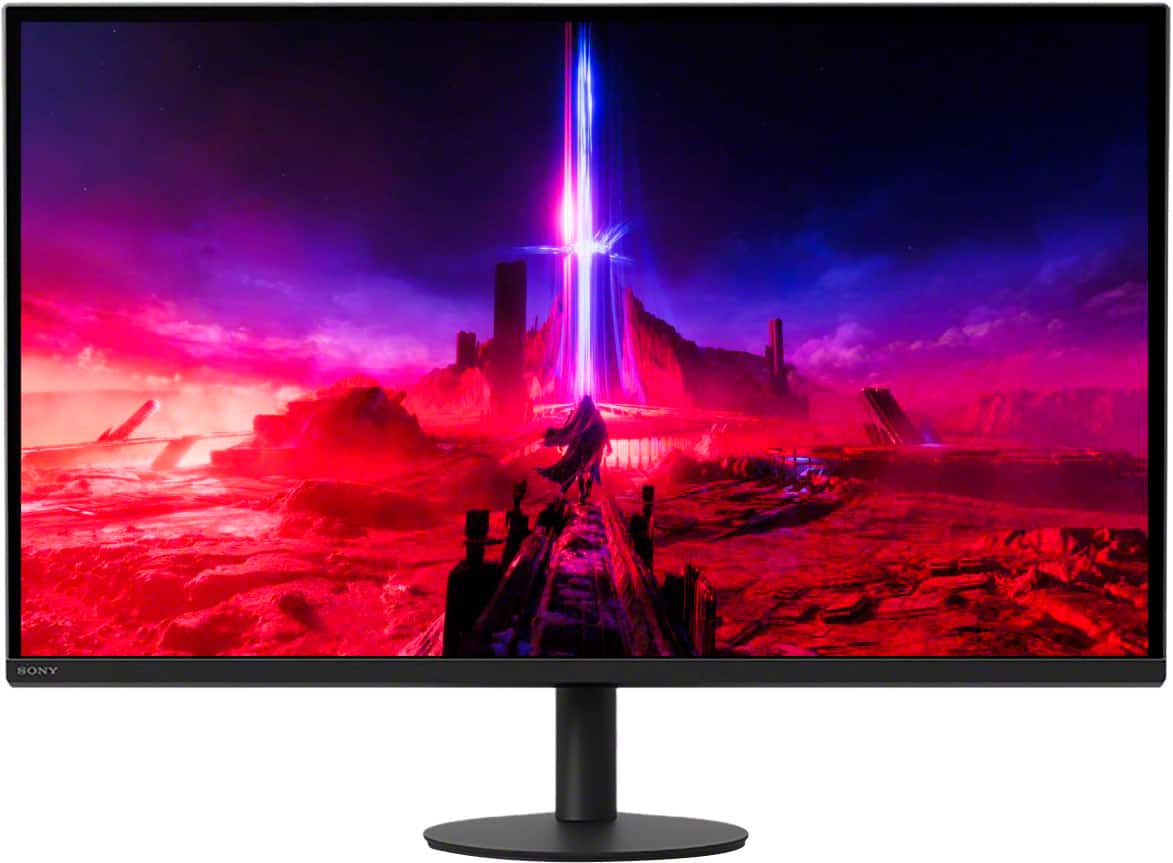
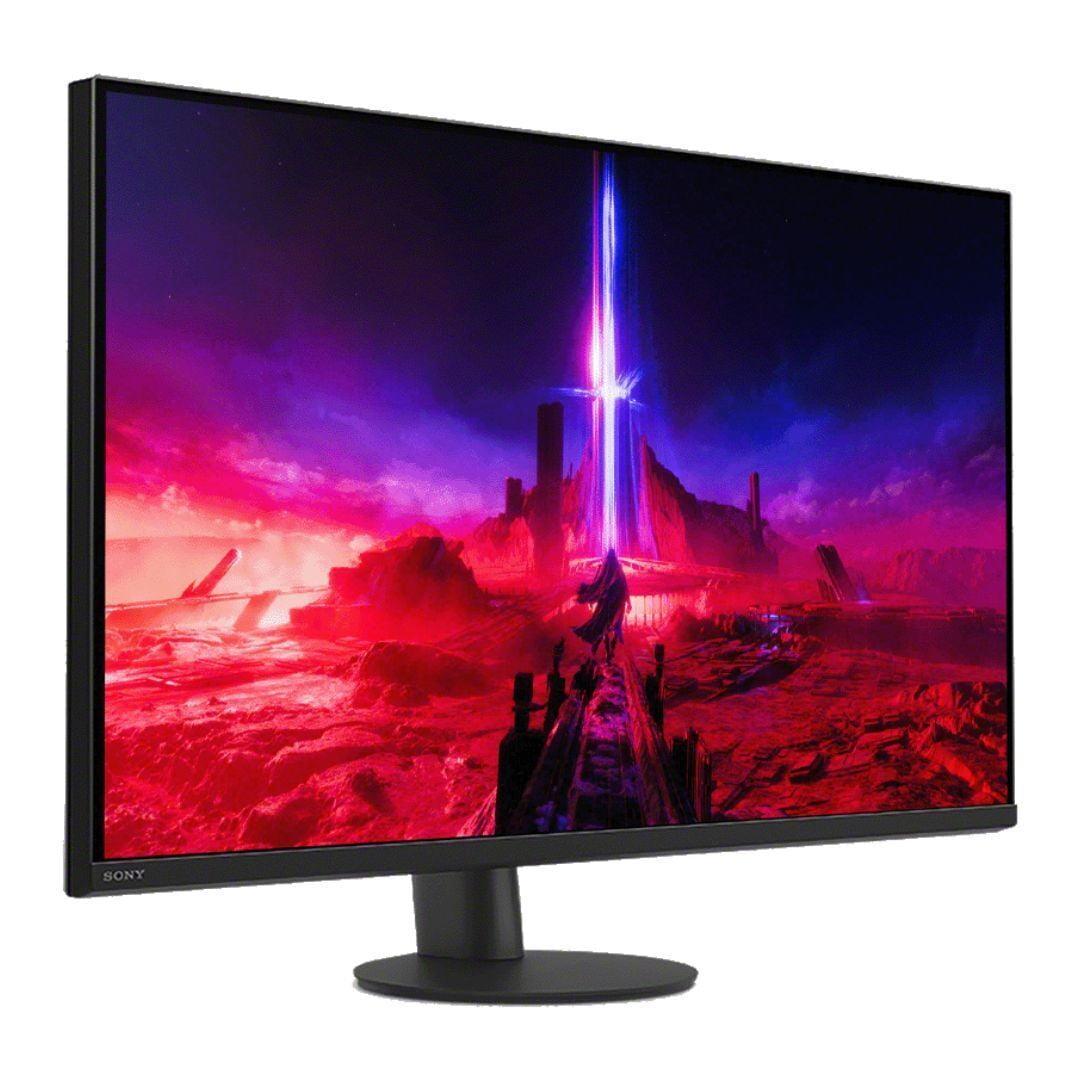

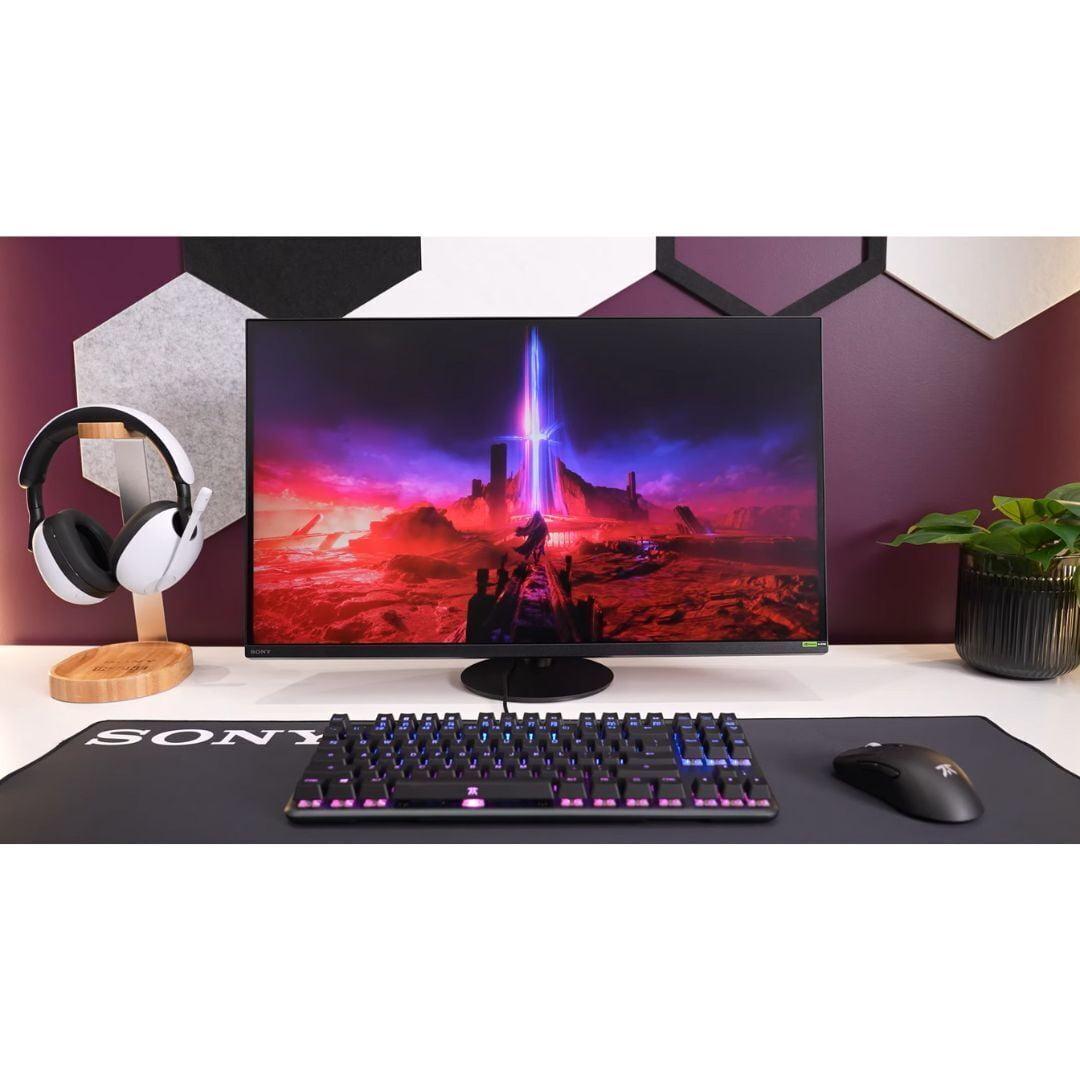
Gaming monitors have evolved dramatically over the past few years, and the choice between different display technologies can feel overwhelming. Today, we're diving deep into two compelling options that represent fundamentally different approaches to high-performance gaming: the ViewSonic XG272-2K-OLED with its cutting-edge OLED panel, and the Sony INZONE M9 II with its 4K resolution and PlayStation integration.
Both monitors launched in 2024, arriving during a period of rapid innovation in gaming display technology. The gaming monitor market has seen OLED panels finally become affordable for desktop use, while traditional LED monitors have pushed brightness and local dimming capabilities to new heights. This timing makes both monitors particularly interesting—they represent the current state of the art in their respective approaches.
Before we dive into specifics, let's establish what makes a gaming monitor truly great in 2024. The core considerations haven't changed much: you want smooth motion, vibrant colors, and minimal input delay. However, the technology delivering these features has advanced significantly.
OLED technology uses individual pixels that emit their own light, creating perfect blacks and infinite contrast ratios. Think of it like having millions of tiny light bulbs that can turn completely off, rather than trying to block light from a backlight. The ViewSonic XG272-2K-OLED leverages this technology for what many consider the ultimate gaming visual experience.
Full Array Local Dimming (FALD), found in the Sony INZONE M9 II, divides a traditional LED backlight into zones that can dim independently. While not as precise as OLED, it dramatically improves contrast over standard LED monitors. Sony's implementation uses 96 zones—imagine your screen divided into a grid where each section can adjust its brightness separately.
The refresh rate wars have also intensified. Higher refresh rates mean smoother motion, with competitive gamers often preferring 240Hz or higher. However, driving higher refresh rates at 4K resolution requires significant graphics processing power, creating interesting trade-offs between resolution and smoothness.
Having spent considerable time with OLED displays, I can confidently say the ViewSonic XG272-2K-OLED delivers a visual experience that's hard to describe until you see it firsthand. When you turn off a pixel on an OLED panel, it produces absolutely no light—creating true black rather than the dark gray you get from even the best LED monitors.
This infinite contrast ratio transforms gaming in ways you might not expect. Dark scenes in games like Resident Evil 4 or Alan Wake 2 reveal details that simply disappear on traditional monitors. The difference isn't subtle—shadows have depth, and bright highlights pop against perfect black backgrounds without any blooming or light bleeding.
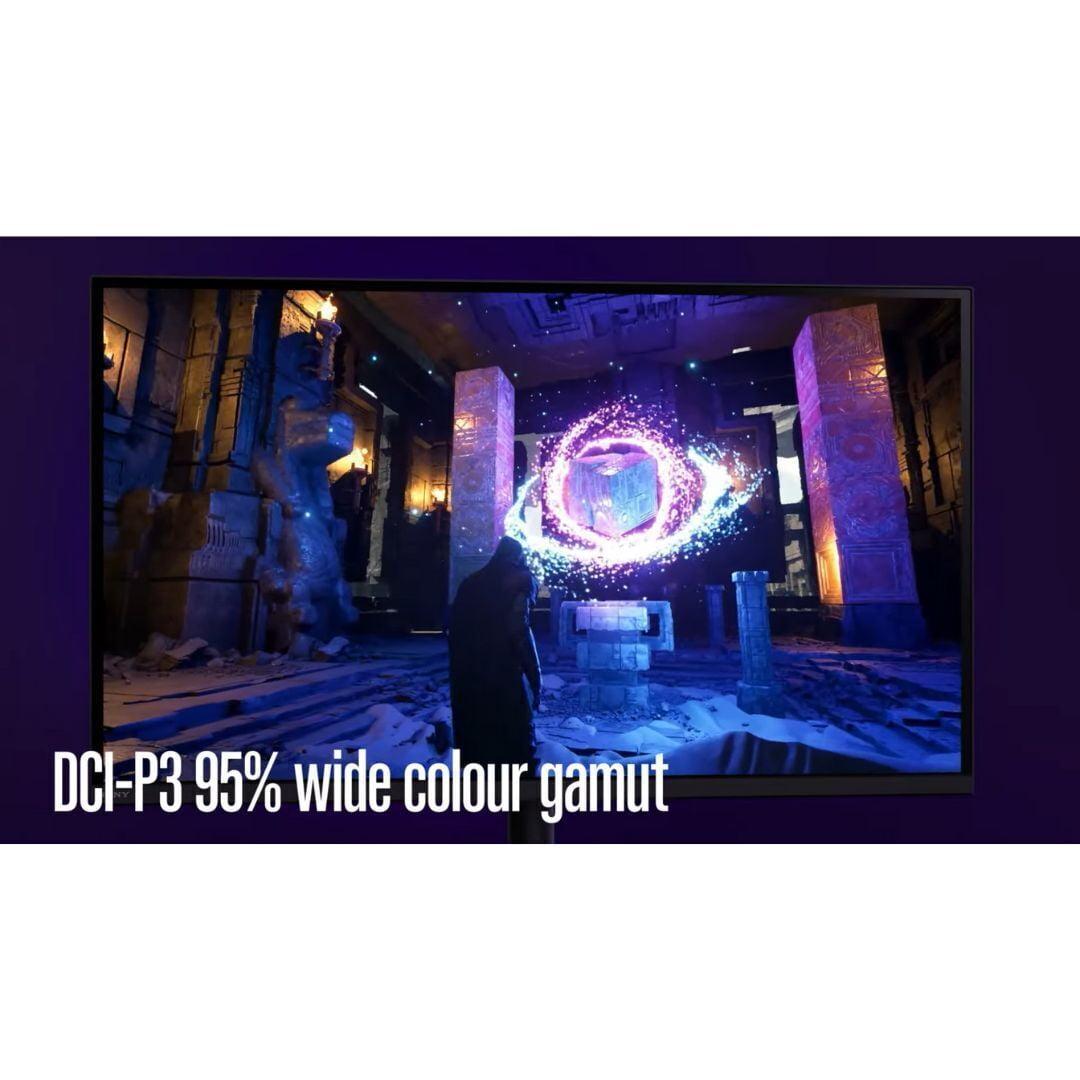
The ViewSonic XG272-2K-OLED covers 97% of the DCI-P3 color space, which encompasses most colors visible in movies and modern games. Colors appear more saturated and accurate out of the box compared to most monitors, requiring little to no calibration for excellent results.
However, OLED technology comes with brightness limitations. At 450 nits typical brightness, the ViewSonic monitor works best in dark to medium-lit rooms. If your gaming setup sits near a bright window, you might find the screen harder to see during daytime gaming sessions.
The Sony INZONE M9 II takes a different approach, prioritizing pixel density and brightness. With 3840×2160 resolution packed into 27 inches, you get incredibly sharp text and detailed game environments. The difference is immediately apparent in strategy games like Civilization VI or detailed open-world titles like Red Dead Redemption 2.
Sony's 96-zone local dimming provides a middle ground between standard LED and OLED contrast performance. While it can't match OLED's perfect blacks, it significantly improves dark scene detail compared to monitors without local dimming. The 975-nit peak brightness makes this monitor excellent for bright rooms and HDR content that demands high brightness levels.
I've found the Sony monitor particularly impressive for HDR gaming. Games like Cyberpunk 2077 with its neon-soaked Night City or Horizon Forbidden West with its bright outdoor environments truly shine on the high-brightness display. The local dimming does create some blooming around bright objects against dark backgrounds, but it's generally well-controlled and less distracting than older implementations.
For competitive gaming, the ViewSonic XG272-2K-OLED delivers performance that's frankly difficult to match. The 240Hz refresh rate combined with a 0.02ms response time creates motion clarity that competitive players dream about. In fast-paced shooters like Counter-Strike 2 or Valorant, enemy movements appear clearer, and tracking targets feels more precise.
The OLED panel's instant pixel response eliminates ghosting entirely. When you flick your mouse to check corners or track moving targets, there's no trailing or smearing of the image. This clarity advantage becomes more pronounced at higher skill levels, where split-second reactions determine match outcomes.
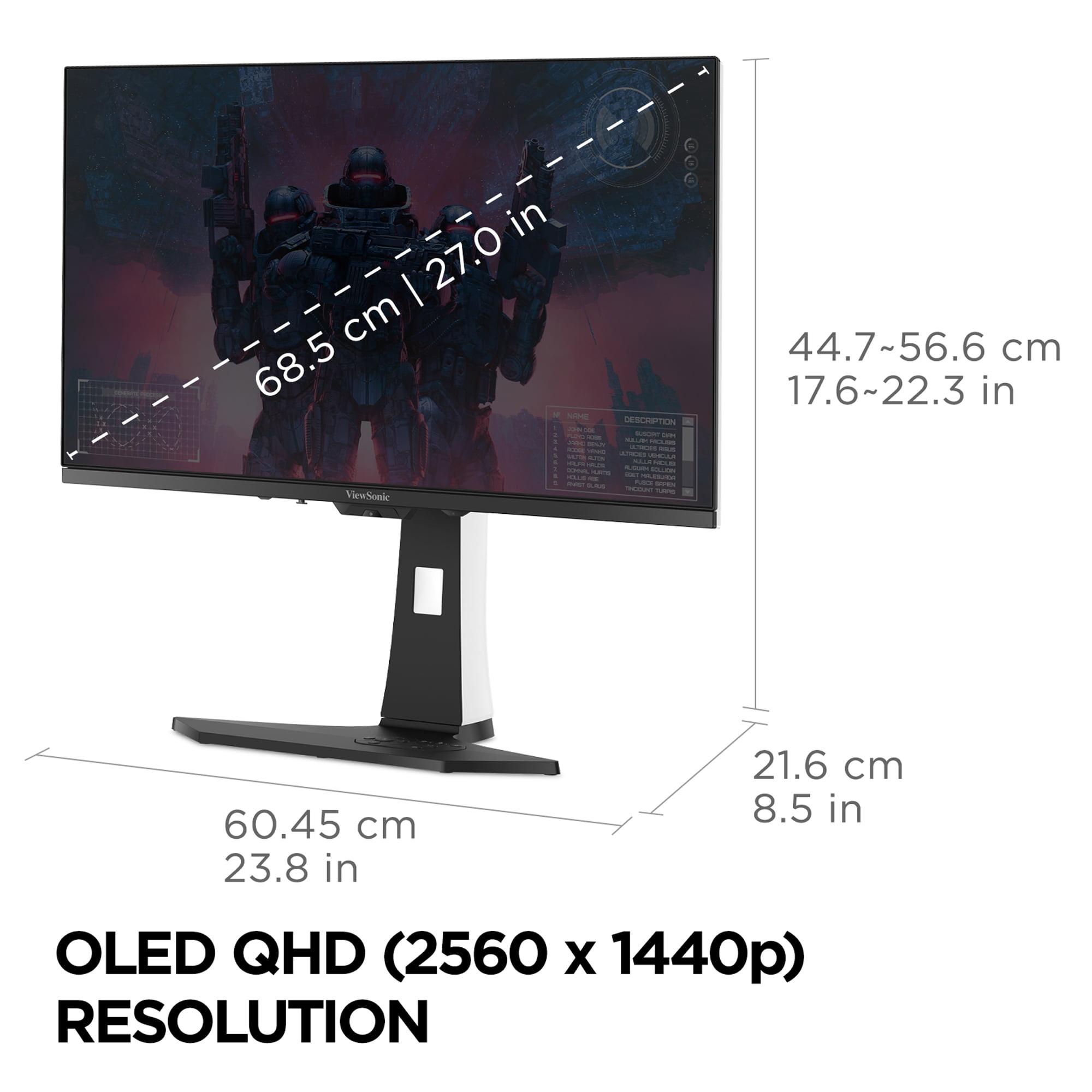
However, the 2560×1440 resolution might feel limiting if you're used to 4K gaming. Text and UI elements are still crisp, but you won't see the fine detail that 4K provides. For competitive gaming, this trade-off often favors performance over pixel density—many professional players actually prefer lower resolutions for higher frame rates and visibility.
The Sony INZONE M9 II excels in single-player, story-driven games where visual fidelity enhances the experience. The 4K resolution reveals texture details, distant objects, and UI elements with exceptional clarity. Games like The Witcher 3 or God of War showcase intricate environmental details that you simply can't see at 1440p resolution.
While the 160Hz refresh rate isn't as high as the ViewSonic's 240Hz, it's still significantly smoother than traditional 60Hz displays. For most gaming outside of competitive esports, 160Hz provides plenty of smoothness while leaving graphics processing power available for higher resolutions and visual effects.
The PlayStation 5 integration deserves special mention. The Sony monitor includes Auto HDR Tone Mapping specifically for PS5 and PS5 Pro, automatically optimizing HDR settings for the best possible image quality. When you launch a game, the monitor detects it and switches to appropriate gaming modes without manual intervention.
Sony designed the INZONE M9 II with PlayStation gaming in mind, and it shows. Beyond the automatic HDR optimization, the monitor includes features like a 24.5-inch mode for competitive console gaming. This mode maintains 1:1 pixel mapping while adding black borders, simulating a smaller screen that some competitive players prefer.
The HDMI 2.1 and DisplayPort 2.1 connectivity ensures compatibility with current and future gaming hardware. While DisplayPort 2.1 support is somewhat future-proofed (most current graphics cards use DisplayPort 1.4), it demonstrates Sony's commitment to long-term compatibility.
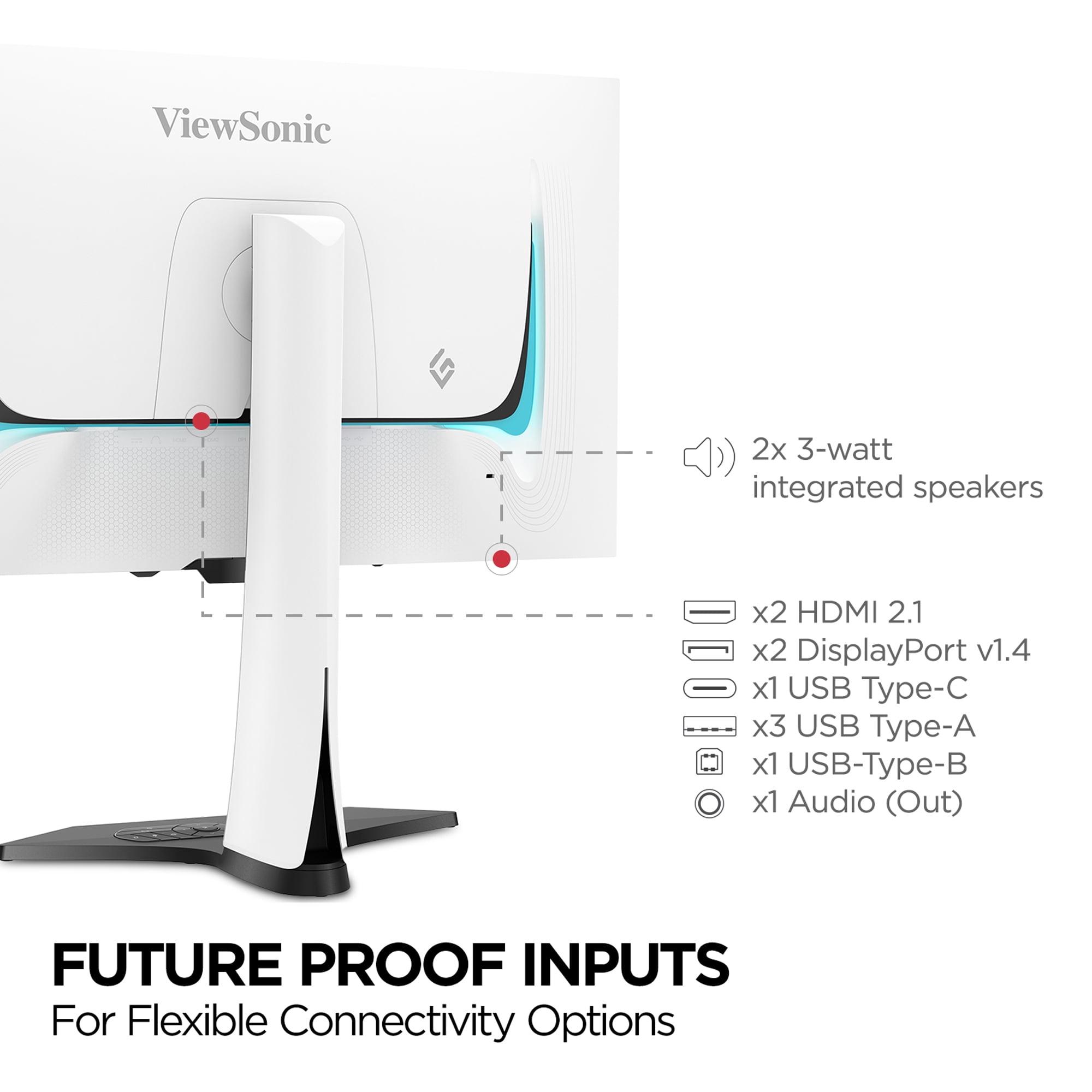
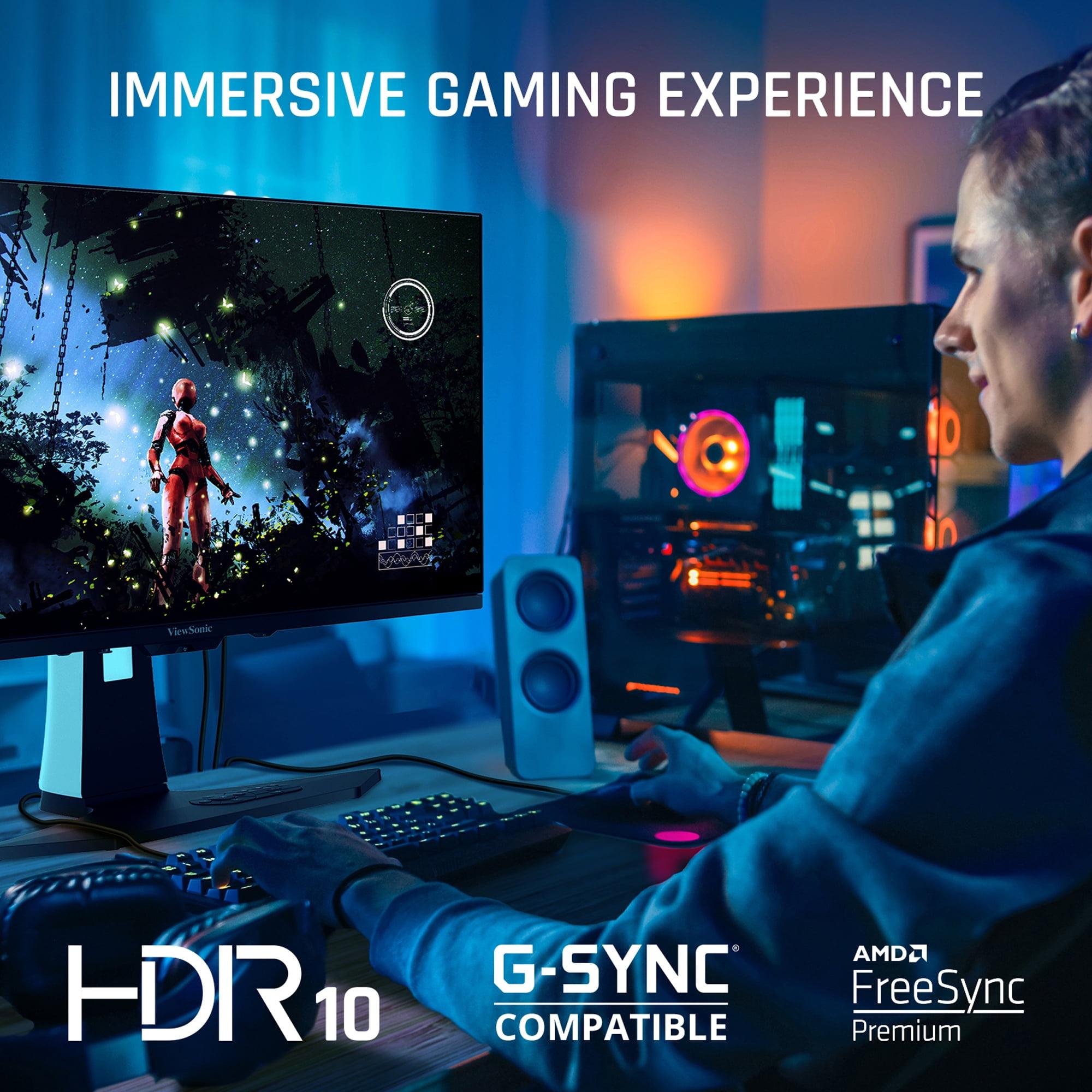
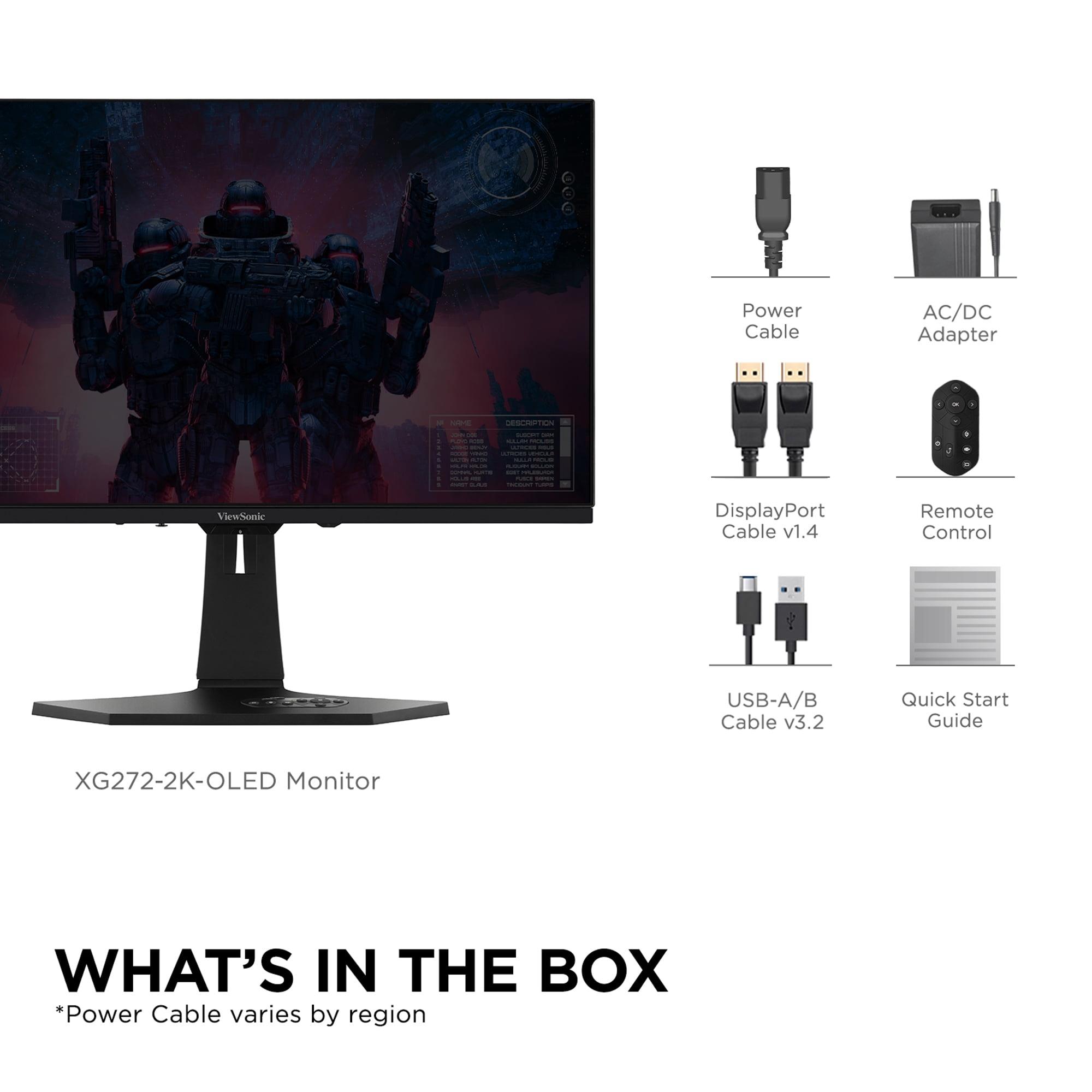
The ViewSonic XG272-2K-OLED takes a more platform-agnostic approach. It supports both NVIDIA G-SYNC Compatible and AMD FreeSync Premium, ensuring smooth gameplay regardless of your graphics card choice. The dual HDMI 2.1 ports allow connecting multiple consoles simultaneously—perfect for households with both PlayStation and Xbox systems.
The USB-C port with 15W power delivery adds laptop connectivity, though 15W isn't enough to power larger laptops during intensive gaming. The built-in USB hub provides convenient peripheral connectivity directly to the monitor.
HDR (High Dynamic Range) performance depends heavily on both peak brightness and contrast capability. The Sony INZONE M9 II achieves VESA DisplayHDR 600 certification with its 975-nit peak brightness, making HDR highlights genuinely impactful. Explosions, sunlight, and bright magical effects in games appear more realistic and immersive.
For home theater use, this brightness advantage becomes crucial. If you're planning to use your monitor for movie watching or streaming, the Sony's higher brightness ensures HDR content looks as intended, even in rooms with ambient lighting.
The ViewSonic XG272-2K-OLED, while limited to 450 nits, leverages its perfect black levels for impressive HDR contrast. Dark movie scenes reveal details invisible on LED displays, and the infinite contrast creates a more cinematic experience overall. However, bright HDR highlights won't be as impactful as on higher-brightness displays.
Modern games increasingly support HDR, but implementation varies widely. The Sony monitor's automatic HDR tone mapping for PlayStation takes the guesswork out of HDR gaming, ensuring optimal settings without manual tweaking. For PC gaming, both monitors require some HDR adjustment depending on the specific game and your preferences.
I've found OLED displays like the ViewSonic particularly impressive in atmospheric games where contrast matters more than peak brightness. Horror games, space simulators, and games with dramatic lighting benefit enormously from OLED's perfect blacks.
At the time of writing, these monitors occupy different price segments, with the Sony INZONE M9 II positioned as a more value-oriented option despite its premium features. The 4K resolution provides significantly more pixels per dollar, making it attractive for users who prioritize resolution and general-purpose computing alongside gaming.
The ViewSonic XG272-2K-OLED commands a premium for its OLED technology and ultra-high refresh rate. However, this premium buys you display technology that's genuinely difficult to replicate with LED-based monitors, regardless of price.
OLED technology has historically raised concerns about burn-in—permanent image retention from static elements. The ViewSonic monitor includes comprehensive burn-in prevention features, including pixel orbit technology that subtly shifts the image to prevent static elements from damaging individual pixels.
Modern OLED panels have significantly improved burn-in resistance compared to earlier generations, but it remains a consideration for users who display static content for extended periods. For gaming use, where content constantly changes, burn-in risk is minimal with proper precautions.
LED-based monitors like the Sony INZONE M9 II don't face burn-in concerns, potentially lasting longer with consistent performance. The local dimming backlight may eventually show some zone failures, but this typically occurs after many years of use.
Your room's lighting significantly impacts which monitor will work best. The ViewSonic XG272-2K-OLED performs optimally in dark to medium-lit environments where its perfect blacks and vibrant colors can shine. In bright rooms, the limited brightness can make the screen appear washed out.
The Sony INZONE M9 II handles various lighting conditions better, thanks to its higher peak brightness and anti-glare coating. If your gaming setup faces windows or operates in a bright living room, the Sony provides more flexibility.
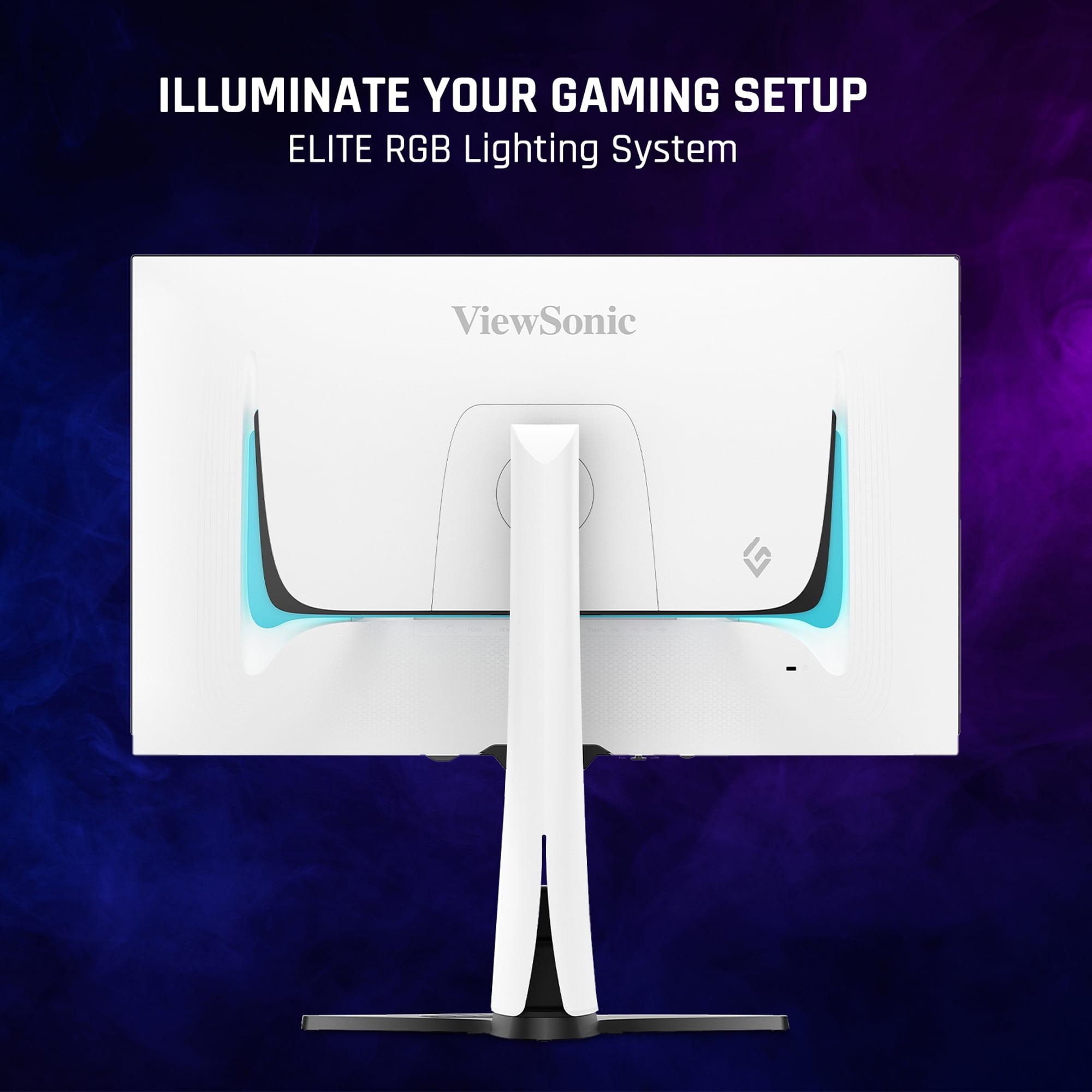
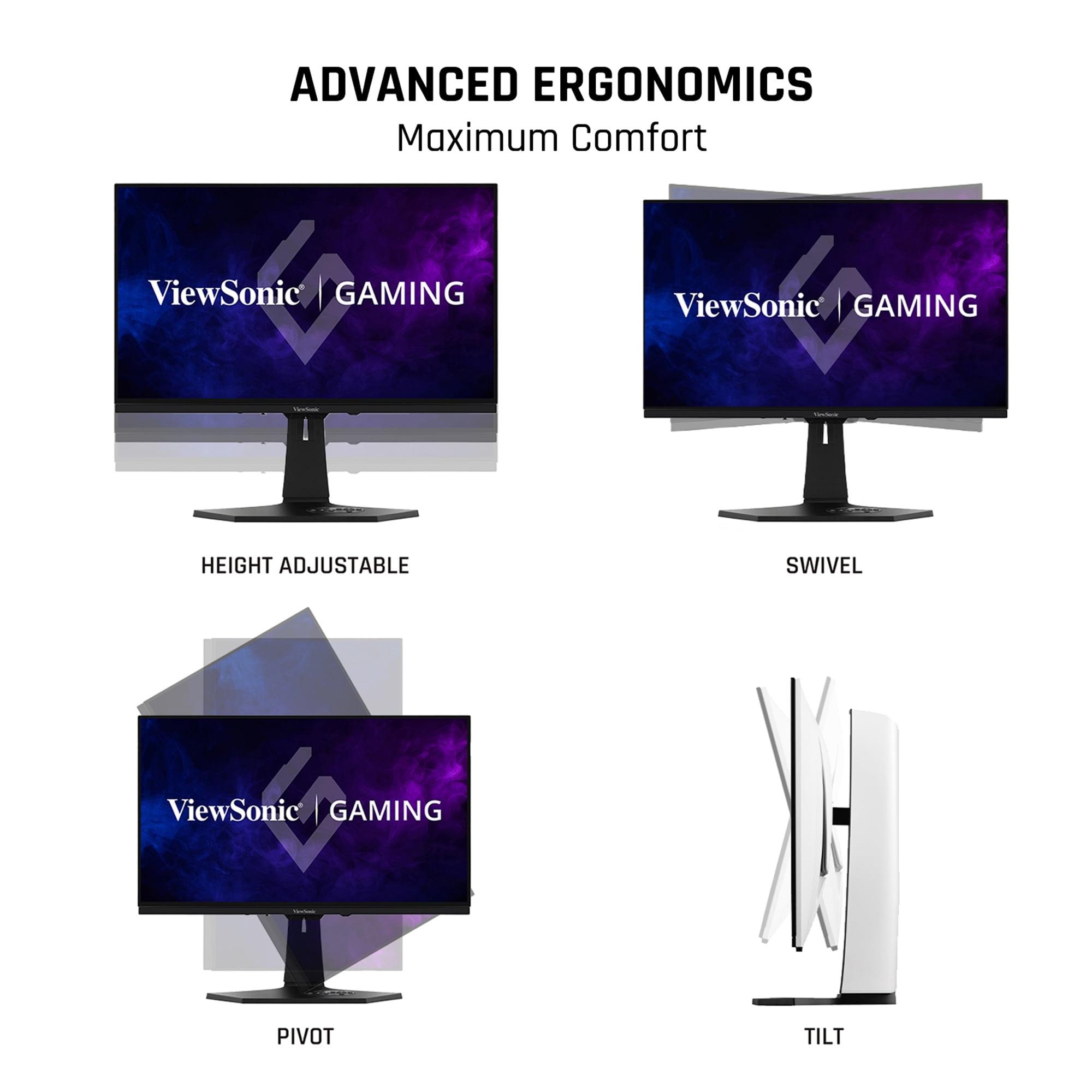
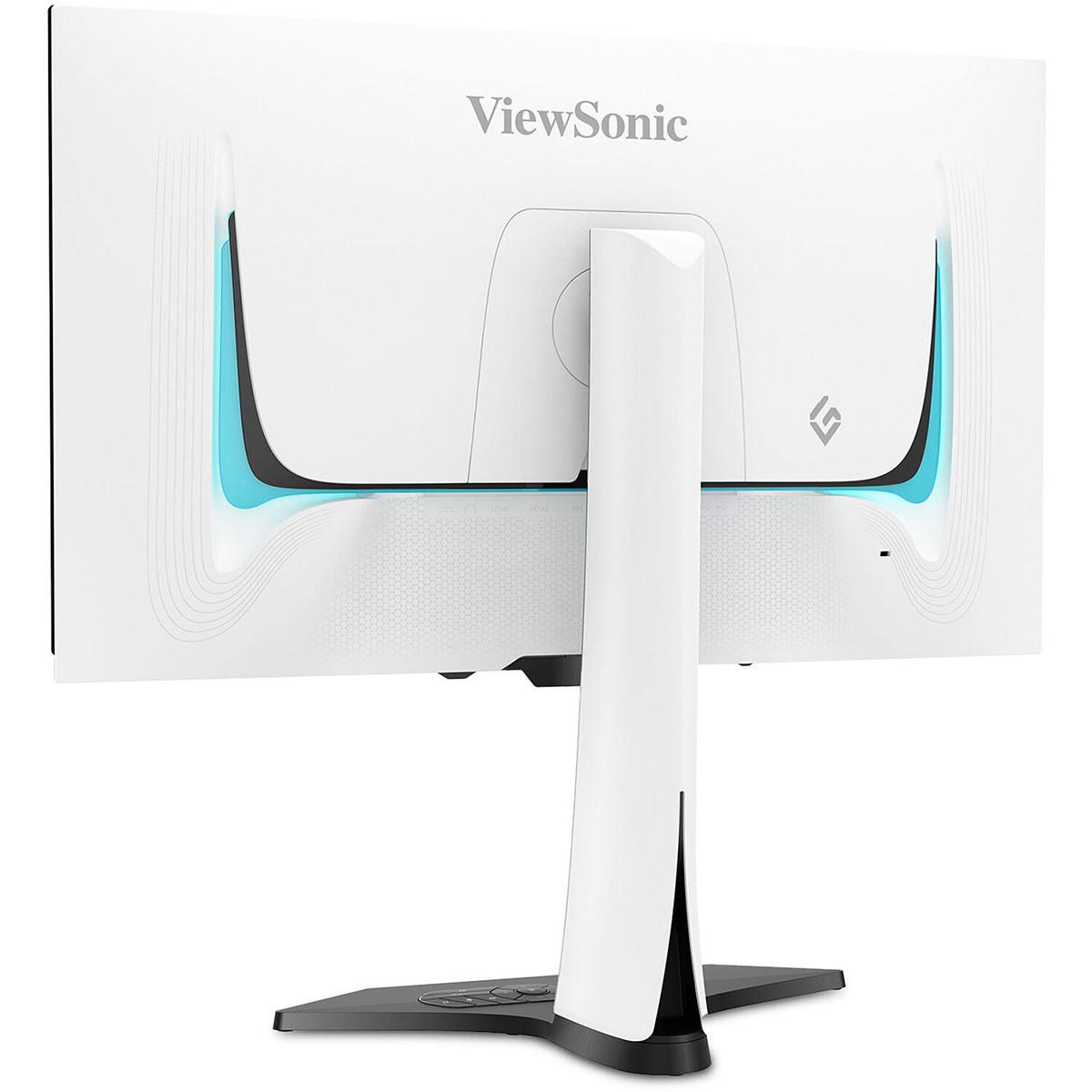
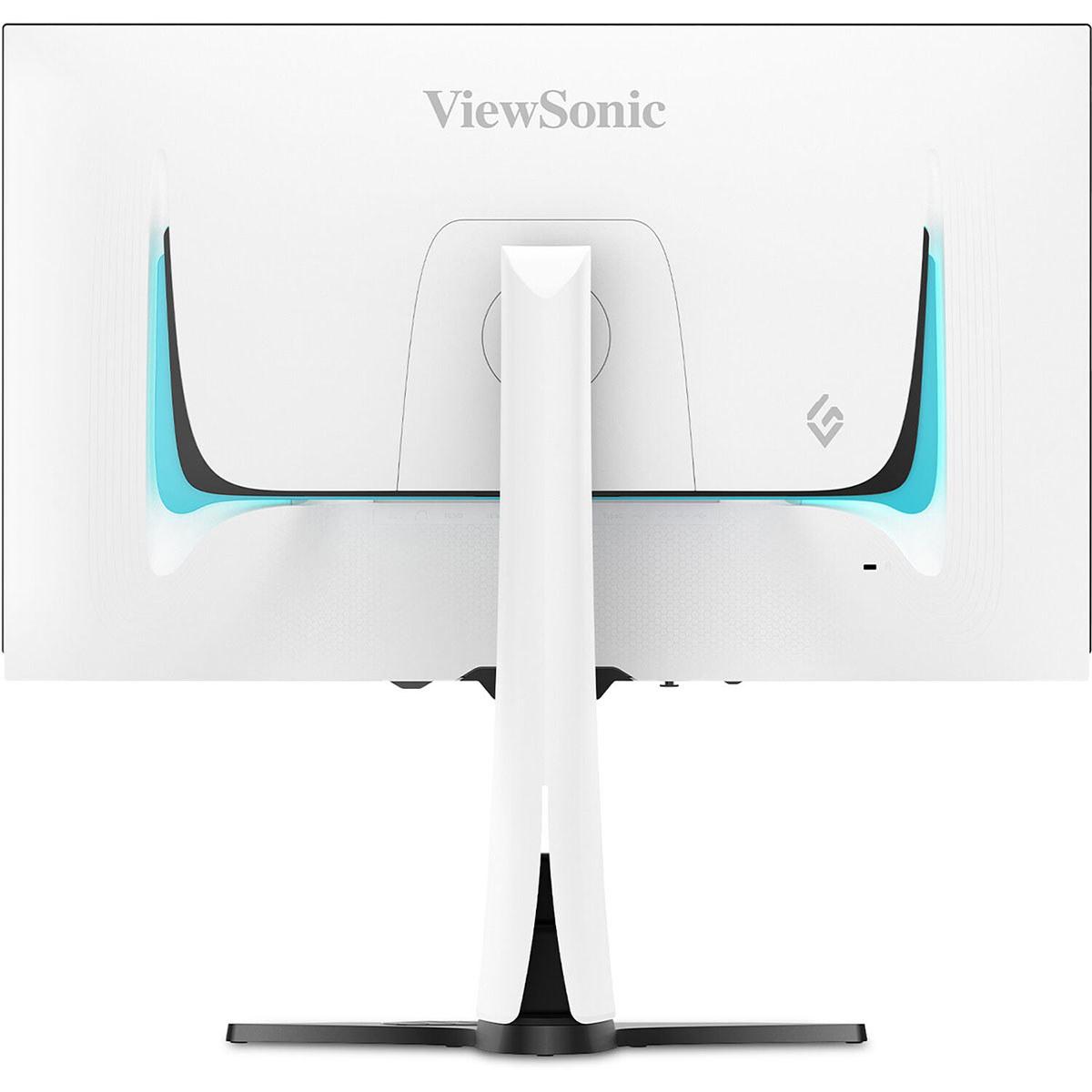
Both monitors offer extensive ergonomic adjustments, but with different design philosophies. The ViewSonic features a striking white design with customizable RGB lighting, making it a visual centerpiece of gaming setups. The fully adjustable stand accommodates various viewing preferences and desk configurations.
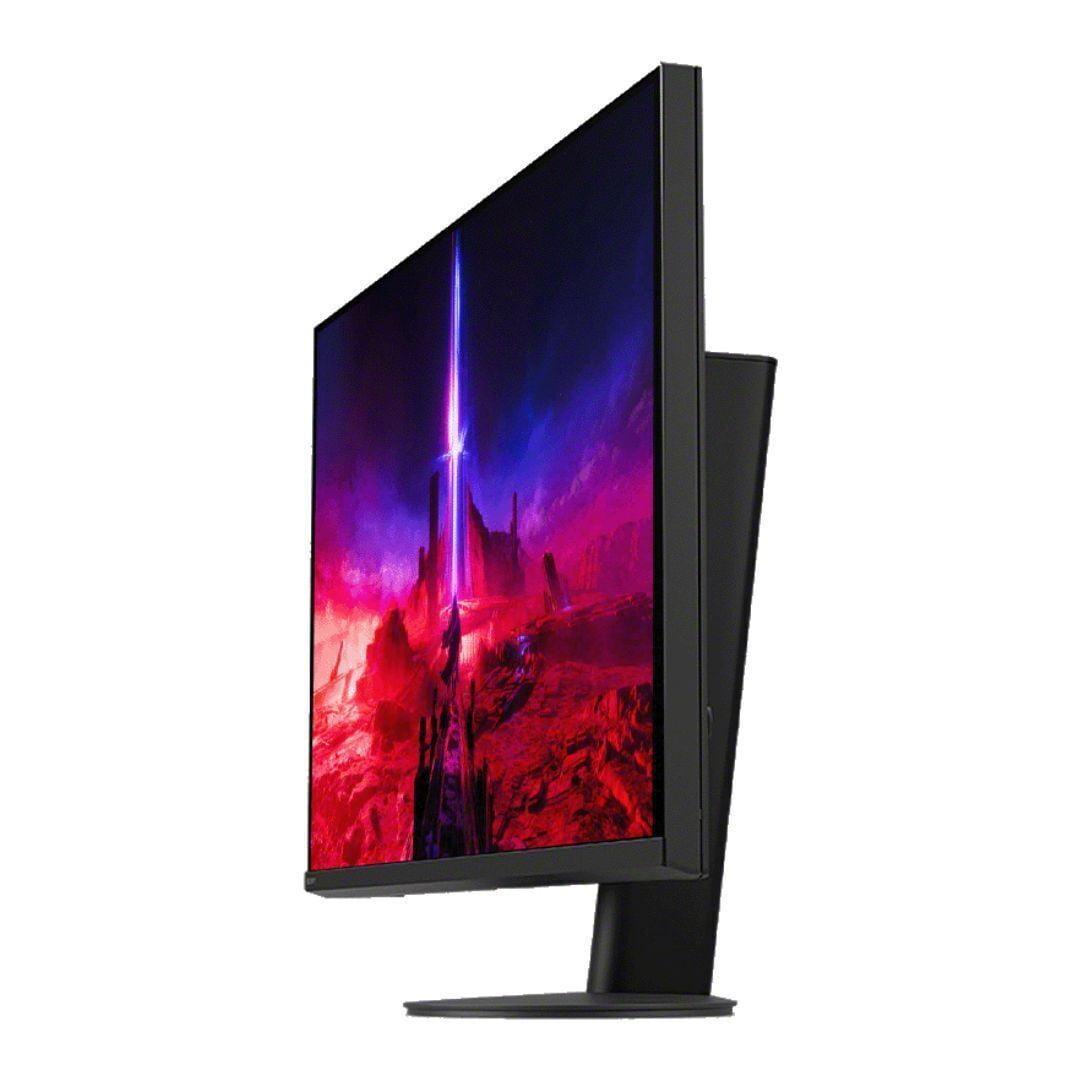
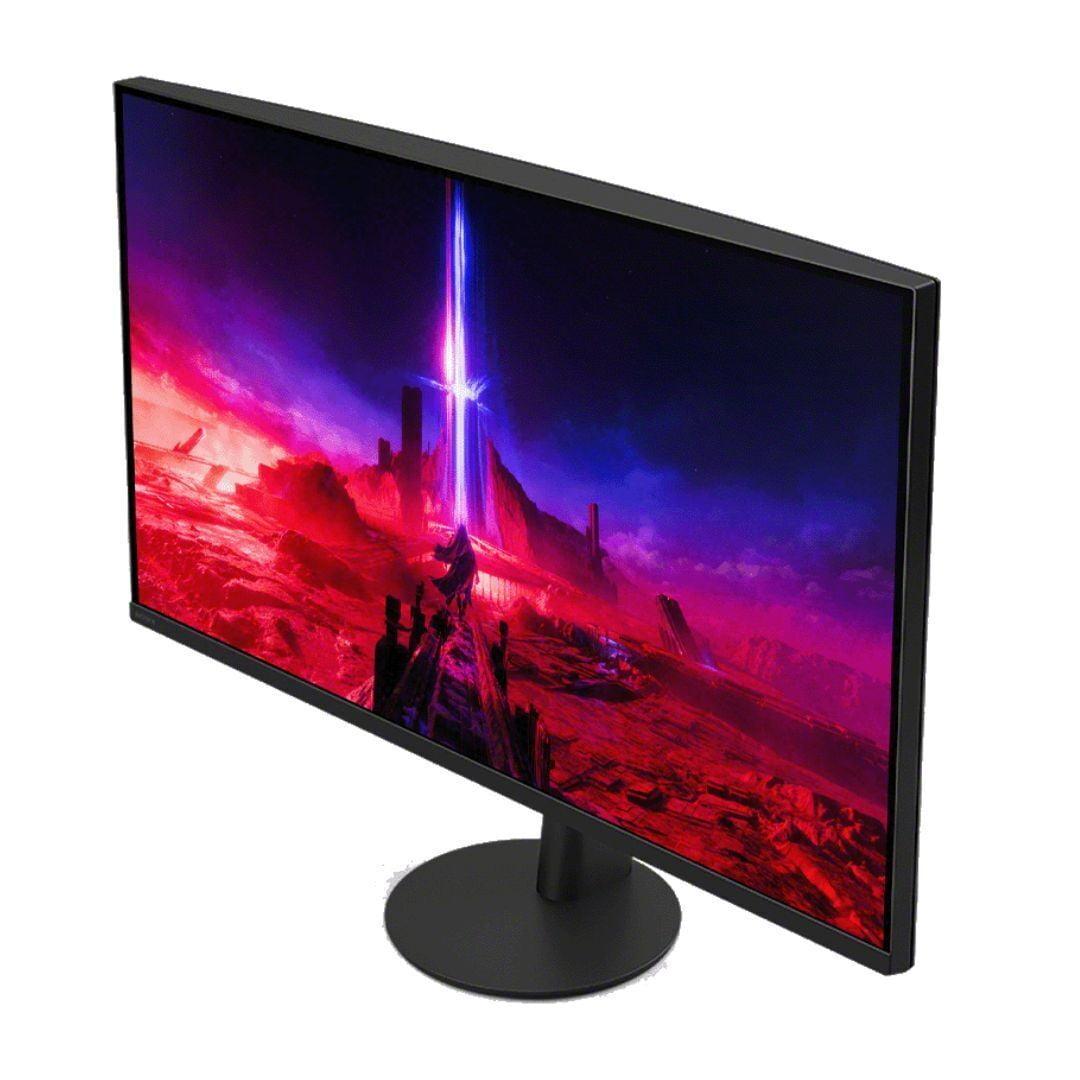
The Sony monitor adopts a more understated black design with a unique circular base that allows 360-degree swivel. This design minimizes desk footprint while maintaining full adjustment capabilities.
If competitive gaming drives your monitor decision, the ViewSonic XG272-2K-OLED provides advantages that are difficult to quantify but easy to feel. The combination of 240Hz refresh rate and instant OLED response times creates the clearest motion you can currently buy. Professional and semi-professional players will appreciate every millisecond advantage.
The lower 1440p resolution actually benefits competitive gaming by requiring less graphics processing power, allowing higher frame rates and reduced input lag. Many competitive players prefer this resolution for its performance benefits and larger UI elements that improve visibility.
For players who prioritize visual spectacle and single-player experiences, the Sony INZONE M9 II delivers exceptional value. The 4K resolution reveals game details that enhance immersion, while the high brightness makes HDR content genuinely impressive.
The PlayStation integration features provide seamless console gaming, automatically optimizing settings for the best possible experience. If you primarily game on PlayStation platforms, these features justify the Sony choice even for PC users who occasionally play on console.
Users who balance gaming with productivity work will find the Sony monitor's 4K resolution beneficial for text clarity and detailed work. The higher pixel density improves the Windows desktop experience and makes the monitor suitable for photo editing, video work, and general computing tasks.
The ViewSonic monitor, while excellent for gaming, may feel limiting for productivity due to its 1440p resolution. However, if gaming performance takes priority over productivity features, the OLED advantages remain compelling.
Choosing between these monitors ultimately depends on your priorities and use cases. The ViewSonic XG272-2K-OLED represents the current pinnacle of gaming monitor technology, delivering performance that's genuinely difficult to match. If you have the budget and prioritize gaming above all else, particularly competitive gaming, this monitor justifies its premium pricing.
The Sony INZONE M9 II offers a more balanced approach, providing excellent gaming performance alongside 4K resolution and console integration features. It represents better value for users who want premium features without the OLED premium, especially if PlayStation gaming factors into your decision.
Consider your room lighting, gaming preferences, and whether you need 4K resolution for productivity work. Both monitors excel in their intended use cases, but the fundamental choice between OLED gaming perfection and 4K versatility will guide your decision.
At the time of writing, both monitors represent current technology peaks in their respective approaches. The ViewSonic showcases where gaming monitor technology is heading, while the Sony demonstrates how traditional LED technology can still deliver impressive results at more accessible price points.
Your choice should align with your gaming priorities: choose OLED for the ultimate gaming experience, or choose 4K LED for versatile performance that balances gaming excellence with practical utility.
| ViewSonic XG272-2K-OLED | Sony INZONE M9 II |
|---|---|
| Panel Technology - Fundamental difference affecting contrast and colors | |
| OLED with infinite contrast ratio | IPS with 96-zone local dimming |
| Resolution - Impact on sharpness and GPU requirements | |
| 2560 x 1440 (QHD) - easier to drive at high fps | 3840 x 2160 (4K) - 78% more pixels for detail |
| Refresh Rate - Smoothness for competitive gaming | |
| 240Hz - premium for esports advantage | 160Hz - excellent for most gaming needs |
| Response Time - Motion clarity and ghosting elimination | |
| 0.02ms - virtually instant pixel response | 1ms - fast but not OLED-level performance |
| Peak Brightness - HDR performance and room lighting flexibility | |
| 450 nits - best for dark/medium rooms | 975 nits - handles bright rooms and HDR highlights |
| Color Coverage - Accuracy for gaming and content creation | |
| 97% DCI-P3 - excellent out-of-box accuracy | 95% DCI-P3 - very good color reproduction |
| HDR Support - Enhanced gaming and media experience | |
| HDR10 with perfect blacks | VESA DisplayHDR 600 with bright highlights |
| Gaming Features - Platform optimization and special modes | |
| Universal G-SYNC/FreeSync, RGB lighting | PS5 Auto HDR Tone Mapping, 24.5" esports mode |
| Connectivity - Future-proofing and device compatibility | |
| 2x HDMI 2.1, 2x DP 1.4, USB-C with 15W PD | 2x HDMI 2.1, 1x DP 2.1, USB hub |
| Burn-in Resistance - Long-term reliability consideration | |
| Advanced prevention with pixel orbit technology | No burn-in risk with LED technology |
| Ergonomics - Desk setup flexibility | |
| Height, tilt, swivel, pivot with white design | Height, tilt, 360° swivel with circular base |
| Warranty Coverage - Protection for premium investment | |
| 3 years - extended coverage for OLED | 1 year - standard manufacturer warranty |
The ViewSonic XG272-2K-OLED is significantly better for competitive gaming due to its 240Hz refresh rate and 0.02ms response time. This combination provides clearer motion tracking and faster response than the Sony INZONE M9 II's 160Hz and 1ms specifications. Professional gamers will notice the difference in fast-paced shooters and esports titles.
OLED monitors like the ViewSonic XG272-2K-OLED have pixels that turn completely off for perfect blacks and infinite contrast, while LED monitors like the Sony INZONE M9 II use backlighting that can't achieve true blacks. OLED provides better contrast and color accuracy, but LED offers higher brightness for bright rooms.
The Sony INZONE M9 II is the only 4K monitor between these two options, offering 3840×2160 resolution compared to the ViewSonic XG272-2K-OLED's 2560×1440 QHD resolution. For detailed single-player games and productivity work, the Sony provides significantly sharper visuals.
Modern OLED monitors like the ViewSonic XG272-2K-OLED include comprehensive burn-in prevention features such as pixel orbit technology and automatic dimming. For gaming use where content constantly changes, burn-in risk is minimal. The Sony INZONE M9 II doesn't face this concern as an LED monitor.
The Sony INZONE M9 II handles bright rooms much better with its 975-nit peak brightness compared to the ViewSonic XG272-2K-OLED's 450 nits. If your gaming setup is near windows or in a well-lit room, the Sony will maintain better visibility and color accuracy.
Both monitors support PS5, but the Sony INZONE M9 II offers specialized features like Auto HDR Tone Mapping and automatic game mode switching specifically for PlayStation consoles. The ViewSonic XG272-2K-OLED works excellently with PS5 but lacks these PlayStation-specific optimizations.
For HDR content, it depends on your priorities. The Sony INZONE M9 II delivers brighter HDR highlights with its 975-nit capability, making it better for bright HDR scenes. The ViewSonic XG272-2K-OLED provides perfect blacks and infinite contrast, creating more dramatic dark scenes despite lower peak brightness.
The ViewSonic XG272-2K-OLED offers 240Hz refresh rate versus the Sony INZONE M9 II's 160Hz. Higher refresh rates provide smoother motion, with 240Hz being preferred for competitive gaming. For casual gaming, 160Hz is still excellent and noticeably smoother than traditional 60Hz displays.
The ViewSonic XG272-2K-OLED provides superior color accuracy with 97% DCI-P3 coverage and requires minimal calibration. The Sony INZONE M9 II offers 95% DCI-P3 coverage, which is still very good. However, the Sony's 4K resolution may be more beneficial for detailed creative work.
Both monitors excel for multi-platform gaming. The ViewSonic XG272-2K-OLED supports universal G-SYNC and FreeSync compatibility across all platforms. The Sony INZONE M9 II offers excellent PC gaming performance plus specialized PlayStation features, making it ideal for users with both PC and console setups.
The Sony INZONE M9 II typically offers better value with 4K resolution and solid gaming performance at a lower price point. The ViewSonic XG272-2K-OLED commands a premium for OLED technology and ultra-high refresh rates, justified if you prioritize the absolute best gaming performance.
Both monitors provide excellent connectivity. The ViewSonic XG272-2K-OLED includes dual HDMI 2.1, dual DisplayPort 1.4, and USB-C with power delivery. The Sony INZONE M9 II offers dual HDMI 2.1, DisplayPort 2.1, and a USB hub. Both support multiple devices simultaneously for versatile gaming setups.
We've done our best to create useful and informative comparisons to help you decide what product to buy. Our research uses advanced automated methods to create this comparison and perfection is not possible - please contact us for corrections or questions. These are the sites we've researched in the creation of this article: tomshardware.com - viewsonic.com - cgmagonline.com - bhphotovideo.com - forums.blurbusters.com - pangoly.com - youtube.com - rtings.com - youtube.com - bhphotovideo.com - viewsonic.com - assetserver.net - viewsonic.com - viewsonic.com - colamco.com - viewsonic.com - store.connectcause.com - displayspecifications.com - bhphotovideo.com - manuals.viewsonic.com - viewsonic.com - pangoly.com - visioncomputers.com - bestbuy.com - bestbuy.com - bestbuy.com - rtings.com - rtings.com - tomshardware.com - youtube.com - bhphotovideo.com - bestbuy.com - sony.com - techpowerup.com - electronics.sony.com - sony.com - displayspecifications.com - direct.playstation.com - youtube.com - sony.com - sony.com - displayspecifications.com - bhphotovideo.com - displayspecifications.com

Privacy Policy
Terms and Conditions - Affiliate Policy
Home Security
© Copyright 2008-2026.
11816 Inwood Rd #1211, Dallas, TX 75244