
















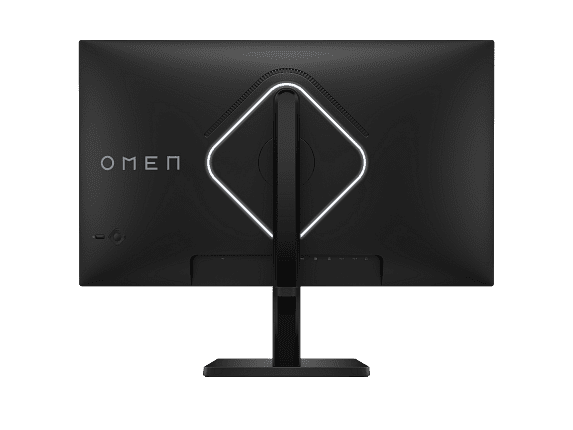
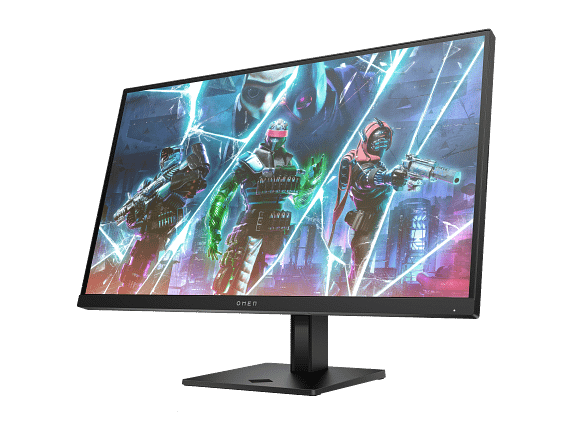
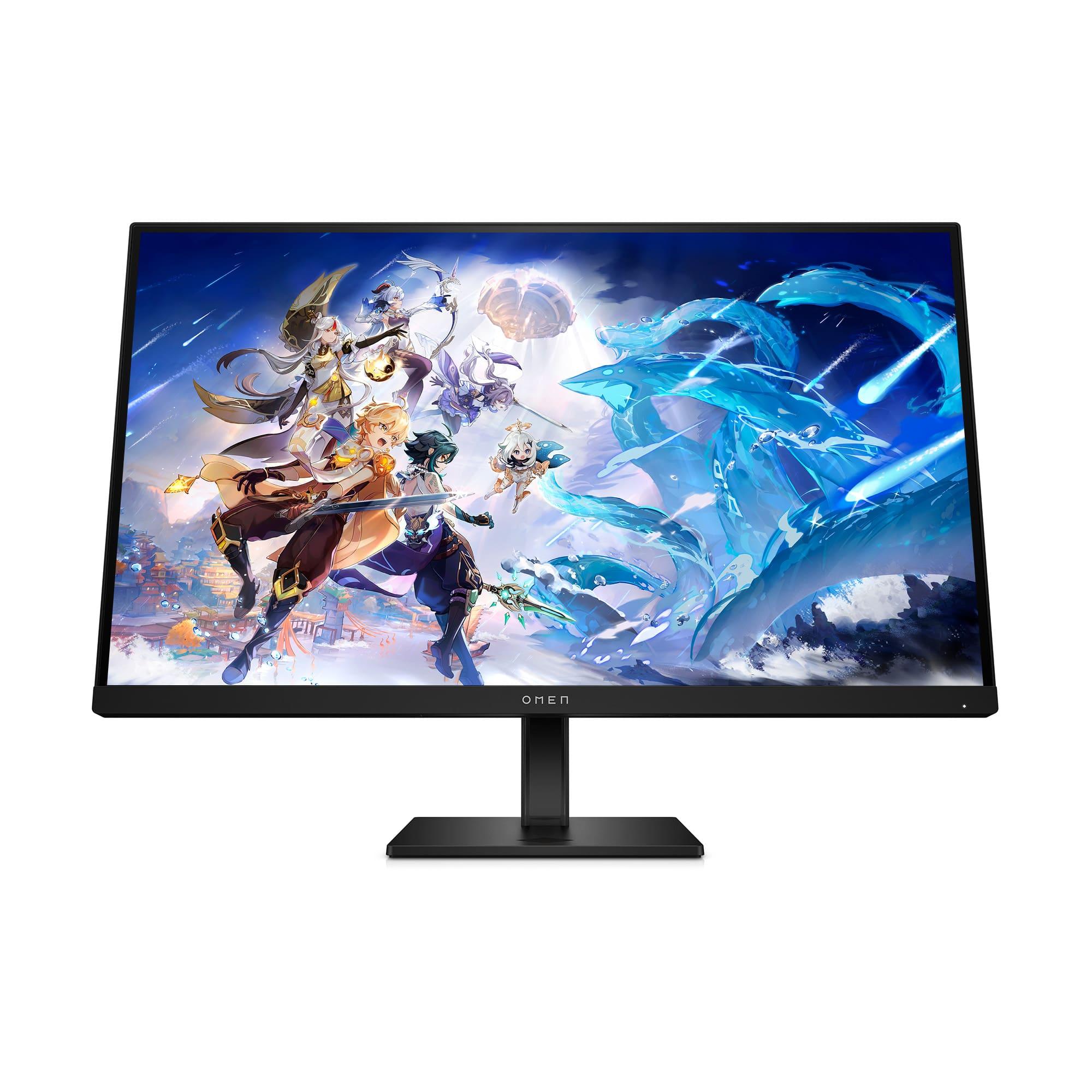
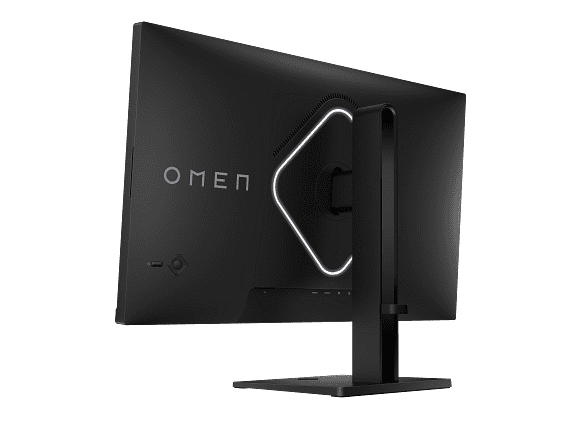
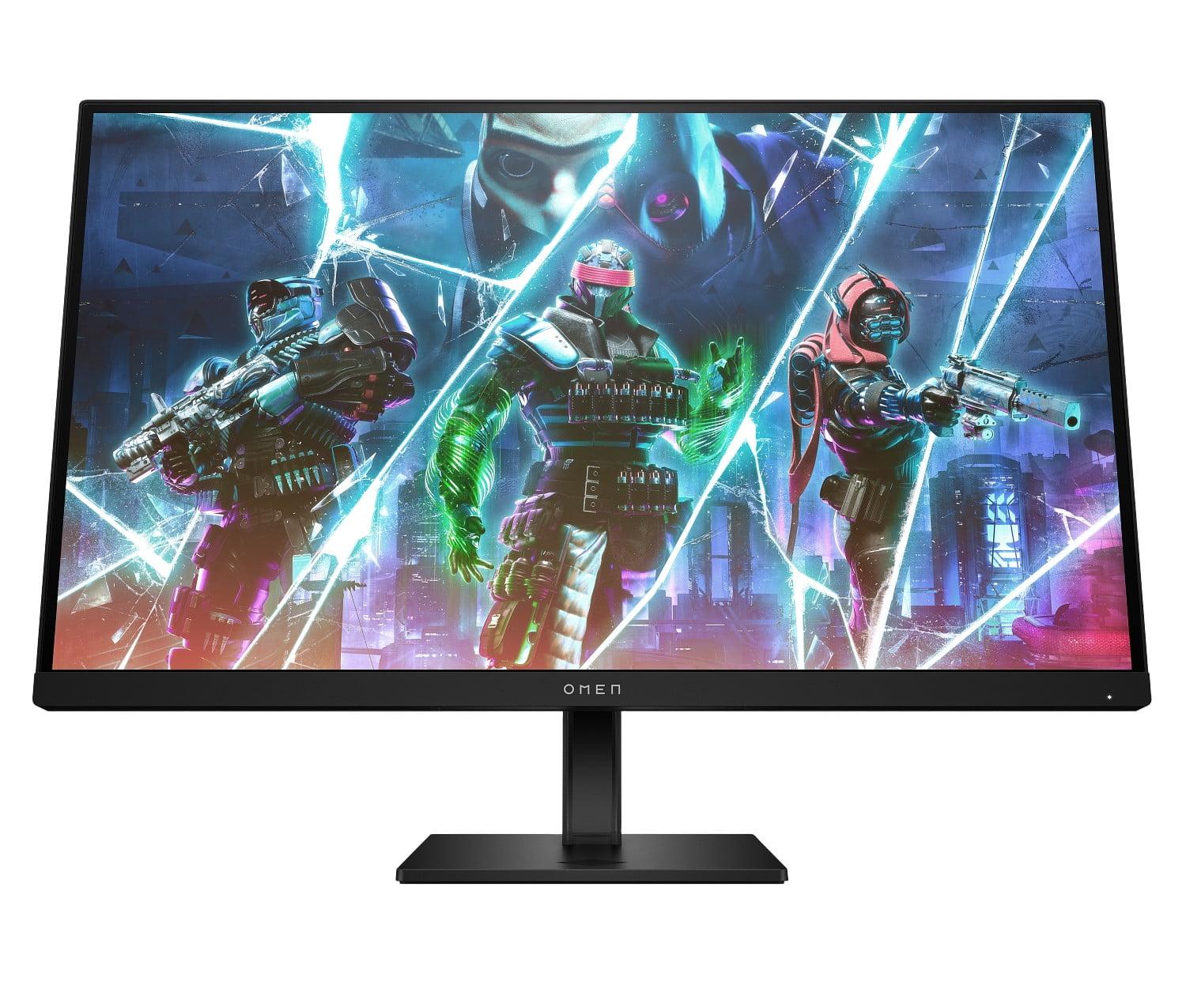

Choosing the right gaming monitor can feel overwhelming when you're staring at dozens of similar-looking options. Today we're comparing two excellent 27-inch gaming monitors that take completely different approaches: the Acer Nitro XV1 prioritizes crisp, detailed visuals with its 1440p resolution, while the HP OMEN 27s goes all-in on buttery-smooth motion with its 240Hz refresh rate. Both launched in 2023 and represent the current sweet spot for serious gamers, but they serve very different needs.
Gaming monitors aren't just regular computer screens with fancy marketing. They're engineered specifically to minimize the delays and visual artifacts that can cost you kills in competitive games. The key technologies that matter are refresh rate (how many times per second the screen updates), response time (how quickly pixels can change color), and input lag (the delay between your mouse click and seeing the action on screen).
Think of refresh rate like frames per second in a movie – higher numbers mean smoother motion. Response time is crucial for preventing "ghosting," where fast-moving objects leave blurry trails behind them. Input lag affects how responsive your games feel, with lower numbers being better for competitive play.
Both monitors use IPS (In-Plane Switching) panels, which offer the best balance of color accuracy and viewing angles. This means colors stay consistent even when you're not sitting directly in front of the screen, and you'll get better color reproduction than cheaper TN (Twisted Nematic) panels that many budget gaming monitors still use.
This is the biggest difference between these monitors and the decision that will most impact your daily experience. The Acer Nitro XV1 runs at 2560×1440 resolution (often called 1440p or QHD), while the HP OMEN 27s sticks with 1920×1080 (1080p or Full HD).
That might not sound like a huge difference, but the Acer XV1 actually displays 78% more pixels than the HP OMEN 27s. On a 27-inch screen, this translates to noticeably sharper text, more detailed game environments, and the ability to see enemies at longer distances in competitive shooters. The extra screen real estate also makes the monitor more useful for productivity tasks like coding or video editing.
However, those extra pixels come at a cost – your graphics card has to work significantly harder to render games at 1440p. If you're running an older GPU like a GTX 1660 or RTX 3060, you might struggle to maintain high frame rates in demanding games on the Acer XV1. The HP OMEN 27s, with its lower resolution, is much easier for mid-range hardware to drive at high frame rates.
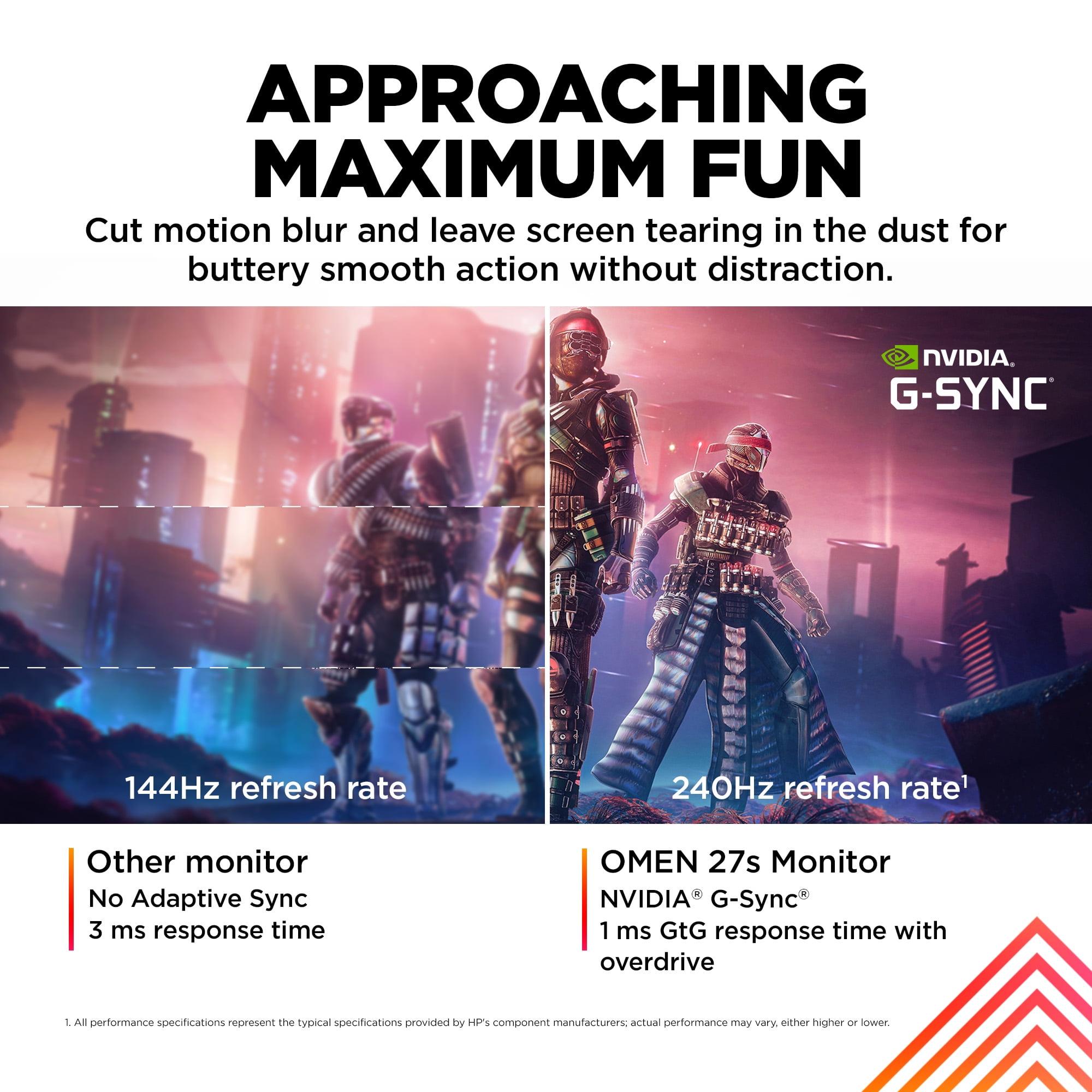
Here's where the HP OMEN 27s fights back. Its 240Hz refresh rate means the screen updates 240 times per second, compared to the Acer XV1's 180Hz. Both are massive improvements over standard 60Hz monitors, but that extra 60Hz difference is more meaningful than you might expect.
When tracking fast-moving targets in games like Counter-Strike or Valorant, the 240Hz display provides noticeably smoother motion. It's not just a marketing number – competitive esports players genuinely prefer 240Hz monitors because they make tracking enemies easier and reduce perceived input lag.
However, the jump from 180Hz to 240Hz is less dramatic than going from 60Hz to 144Hz. The Acer XV1 still delivers excellent motion smoothness that most gamers will find perfectly adequate, even for competitive play. The question becomes whether that extra smoothness is worth sacrificing the visual clarity that comes with higher resolution.
Both monitors claim 1ms response times, but this specification can be misleading. Response time measures how quickly a pixel can change from one color to another, typically measured as "gray-to-gray" (GtG). However, manufacturers often quote their best-case scenario, which might only apply at certain overdrive settings.
From our research into user and expert reviews, the Acer XV1 appears to have slightly better motion handling overall. It offers multiple overdrive modes (Off, Normal, and Extreme) that let you fine-tune the balance between speed and visual artifacts. The Normal mode seems to provide the best real-world performance across different frame rates without introducing overshoot artifacts that can make moving objects look strange.
The HP OMEN 27s is optimized specifically for its 240Hz performance, and reviews consistently praise its motion clarity at high frame rates. However, some users report that it's more sensitive to frame rate drops – if your game dips below 200fps, you might notice the motion clarity isn't as impressive.
Both monitors deliver solid color performance thanks to their IPS panels, but there are some important differences. The Acer XV1 covers 95% of the DCI-P3 color space, which is the standard used for digital cinema and provides more vivid colors than the older sRGB standard. This makes games look more vibrant and is also beneficial if you do any photo or video editing.
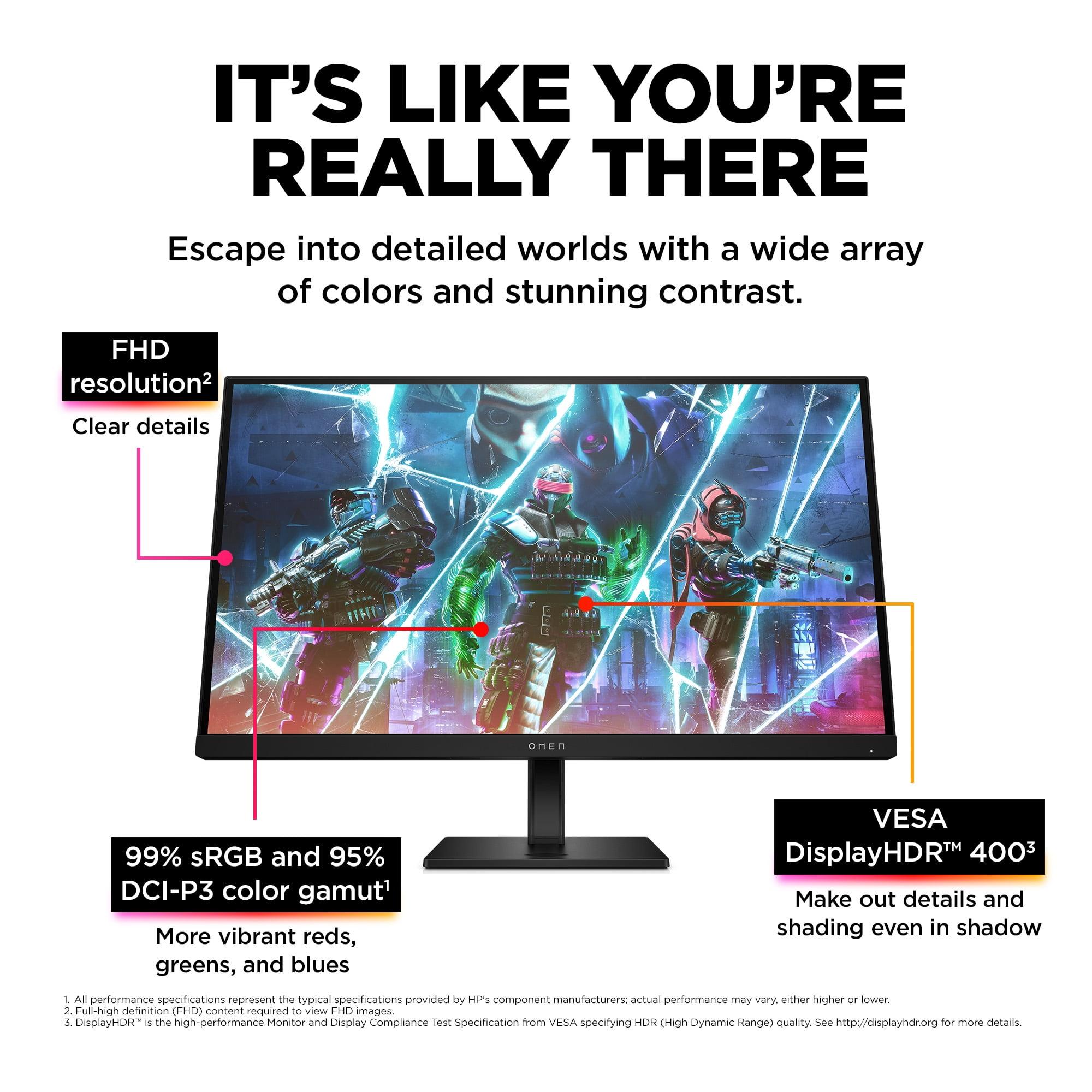
The HP OMEN 27s covers 99% sRGB and 95% DCI-P3, so it's very similar in color gamut coverage. However, it has a significant advantage in brightness, rated at 400 nits compared to the Acer XV1's 250 nits. This makes the HP monitor better for bright rooms and provides a more convincing HDR (High Dynamic Range) experience.
HDR is a technology that expands the range of colors and brightness levels a monitor can display, making highlights brighter and colors more vivid. Both monitors support HDR10, but the HP OMEN 27s is VESA DisplayHDR 400 certified, while the Acer XV1 only reaches 250 nits – below the 400-nit threshold that most experts consider the minimum for meaningful HDR performance.
For pure competitive gaming in titles like CS:GO, Valorant, or Apex Legends, the HP OMEN 27s has clear advantages. The 240Hz refresh rate provides the smoothest possible motion, and the 1080p resolution means you're more likely to achieve consistently high frame rates. Professional esports players often prefer 1080p monitors specifically because they can maintain 300+ fps, maximizing the benefit of high refresh rates.
The lower resolution also means interface elements and enemies appear larger on screen, which some competitive players prefer. However, the Acer XV1 isn't far behind – its 180Hz refresh rate is still excellent for competitive play, and the higher resolution can help you spot enemies at longer distances.
This is where the Acer XV1 pulls significantly ahead. Modern AAA games are designed with higher resolutions in mind, and the visual difference is dramatic. Games like Cyberpunk 2077, Red Dead Redemption 2, or any recent open-world title look substantially better at 1440p. You'll see more detail in textures, clearer text in user interfaces, and an overall more immersive experience.
The HP OMEN 27s can certainly handle these games, but you'll either need to accept upscaled 1080p visuals or reduce graphics settings to maintain high frame rates. For single-player gaming where visual fidelity matters more than maximum frame rates, the resolution advantage becomes crucial.
Both monitors offer solid connectivity options, but they take different approaches to extra features. The Acer XV1 focuses on display quality with comprehensive color controls and multiple overdrive modes. Its on-screen display includes 6-axis hue and saturation controls, gamma adjustment, and a Black Boost feature that enhances visibility in dark areas without overexposing bright regions.
The HP OMEN 27s emphasizes gaming convenience with its built-in USB hub, allowing you to connect a mouse and keyboard directly to the monitor. This is particularly useful if you're switching between a PC and console setup. It also includes HP's OMEN Gaming Hub software, which provides custom crosshair overlays and easy access to display settings.
Both monitors support AMD FreeSync and are NVIDIA G-SYNC compatible, meaning they'll work with either graphics card brand to eliminate screen tearing. The Acer XV1 supports FreeSync Premium with a variable refresh rate range from 40-180Hz, while the HP OMEN 27s handles similar ranges at its higher refresh rates.
Neither monitor is specifically designed as a home theater display, but the Acer XV1 is significantly better for media consumption. The higher resolution makes streaming content look sharper, especially 4K content that gets downscaled. The wider color gamut also provides more vibrant colors in movies and shows.
Both monitors include built-in speakers (2W on the Acer, 3W on the HP), but these are basic affairs suitable only for casual use. If you're planning to use either monitor for media consumption, you'll want dedicated speakers or headphones.
The viewing angles on both IPS panels are excellent at 178 degrees, making them suitable for watching content with others. However, the Acer XV1's lower brightness might be limiting in bright rooms during daytime viewing.
At the time of writing, the Acer Nitro XV1 typically sells for about $40 less than the HP OMEN 27s, making it an exceptional value proposition. You're getting higher resolution, comparable gaming performance, and similar build quality for less money. This pricing makes the Acer particularly attractive for gamers on a budget who don't want to compromise on visual quality.
The HP OMEN 27s commands its premium for the 240Hz refresh rate and additional features like the USB hub and premium software integration. Whether this is worth the extra cost depends on how much you value maximum smoothness and convenience features.
Your choice between these monitors should consider your current and future graphics card capabilities. The HP OMEN 27s pairs well with mid-range cards like the RTX 4060 Ti or RX 7600 XT, which can easily drive esports games at 240+ fps.
The Acer XV1 really shines with higher-end cards like the RTX 4070 or RX 7700 XT that can handle demanding games at 1440p while maintaining high frame rates. If you're planning a GPU upgrade in the next year or two, the higher resolution monitor provides better future-proofing.
The decision between these monitors ultimately comes down to your gaming priorities and hardware capabilities. The HP OMEN 27s is the clear winner for competitive esports players who have the hardware to drive 240+ fps and want every possible advantage in fast-paced games. It's also better for bright room setups thanks to its higher brightness.
The Acer Nitro XV1 is the better choice for most other scenarios. Its combination of sharp 1440p visuals, excellent 180Hz performance, and lower price makes it ideal for gamers who play a variety of titles or want a monitor that works well for both gaming and productivity. The visual quality difference is immediately apparent and benefits every type of content you'll view.
For mixed gaming scenarios – where you might play some competitive shooters but also enjoy AAA single-player games – the Acer XV1 provides the better overall experience. The resolution advantage is constant, while the refresh rate difference only matters in specific competitive scenarios.
Both monitors represent solid choices in their respective categories, but the Acer Nitro XV1 offers broader appeal and better value for most users. Unless you're specifically focused on competitive esports gaming with appropriate high-end hardware, the combination of higher resolution, lower price, and excellent all-around performance makes it the smarter choice for 2024 and beyond.
| Acer Nitro XV1 27" WQHD 180Hz IPS Gaming Monitor | HP OMEN 27s FHD 240Hz Gaming Monitor |
|---|---|
| Resolution - Determines image sharpness and detail level | |
| 2560 x 1440 (WQHD) - 78% more pixels for sharper visuals | 1920 x 1080 (FHD) - Easier to drive high frame rates |
| Refresh Rate - Higher numbers mean smoother motion in fast games | |
| 180Hz - Excellent smoothness, good balance with resolution | 240Hz - Maximum smoothness for competitive esports |
| Response Time - Lower is better for reducing motion blur | |
| 1ms GtG with multiple overdrive modes for fine-tuning | 1ms GtG optimized specifically for 240Hz performance |
| Panel Technology - Affects color accuracy and viewing angles | |
| 27" IPS with 178° viewing angles and 95% DCI-P3 coverage | 27" IPS with 178° viewing angles and 99% sRGB, 95% DCI-P3 |
| Brightness - Higher numbers better for bright rooms and HDR | |
| 250 nits - Good for controlled lighting, limited HDR | 400 nits - Better for bright rooms, VESA DisplayHDR 400 certified |
| Variable Refresh Rate - Eliminates screen tearing | |
| AMD FreeSync Premium (40-180Hz), G-SYNC compatible | AMD FreeSync Premium, G-SYNC compatible, VESA Adaptive Sync |
| Connectivity - More ports offer greater flexibility | |
| 1x DisplayPort 1.2, 2x HDMI 2.0, headphone jack | 1x DisplayPort 1.4, 2x HDMI 2.0, 2x USB-A 3.2, headphone jack |
| Ergonomics - Important for comfort during long gaming sessions | |
| Full adjustability: height, tilt, swivel, pivot, VESA mount | Height, tilt, pivot adjustments, VESA mount compatible |
| Built-in Audio - Convenience feature for basic setups | |
| 2x 2W stereo speakers | 2x 3W stereo speakers |
| Gaming Features - Software and hardware enhancements | |
| 6-axis color controls, Black Boost, multiple color modes | HP OMEN 27s Gaming Hub software, custom crosshairs, USB hub |
| Typical Price Range - Value proposition at time of writing | |
| Lower cost for higher resolution - exceptional value | Premium pricing for 240Hz and additional features |
| Best For - Primary use case recommendations | |
| Mixed gaming, productivity, visual quality priority | Competitive esports, maximum smoothness priority |
The Acer Nitro XV1 is better for most gamers who want sharp visuals and play a variety of games, while the HP OMEN 27s excels specifically for competitive esports gaming. The Acer Nitro XV1 offers 1440p resolution for much sharper image quality, while the HP OMEN 27s provides 240Hz refresh rate for maximum smoothness in fast-paced competitive titles.
The Acer Nitro XV1 displays at 2560×1440 (1440p) while the HP OMEN 27s runs at 1920×1080 (1080p). The Acer Nitro XV1 shows 78% more pixels, resulting in significantly sharper text, more detailed game environments, and better overall visual quality. However, the HP OMEN 27s is easier for graphics cards to drive at high frame rates.
The difference between the Acer Nitro XV1's 180Hz and HP OMEN 27s' 240Hz is noticeable but not dramatic. Both provide excellent smoothness compared to standard 144Hz monitors. The HP OMEN 27s offers slightly smoother motion tracking in competitive games, but the Acer Nitro XV1 still delivers outstanding gaming performance for most players.
The Acer Nitro XV1 typically offers better value by providing higher resolution and comparable gaming performance at a lower price point. You get 78% more pixels and excellent 180Hz performance for less money. The HP OMEN 27s charges a premium for its 240Hz refresh rate and additional features like the USB hub.
Yes, both the Acer Nitro XV1 and HP OMEN 27s excel at competitive gaming. The HP OMEN 27s has an edge with its 240Hz refresh rate for maximum smoothness, while the Acer Nitro XV1 provides excellent 180Hz performance with superior visual clarity for spotting enemies at distance.
The Acer Nitro XV1 is significantly better for AAA gaming due to its 1440p resolution. Games like Cyberpunk 2077, Red Dead Redemption 2, and other story-driven titles look much more detailed and immersive. The HP OMEN 27s can handle these games but may require reduced graphics settings to maintain high frame rates.
Yes, both the Acer Nitro XV1 and HP OMEN 27s support AMD FreeSync and are NVIDIA G-SYNC compatible. This means they'll eliminate screen tearing with either graphics card brand. The Acer Nitro XV1 features FreeSync Premium with a 40-180Hz variable refresh rate range.
For the HP OMEN 27s, an RTX 4060 Ti or RX 7600 XT can easily drive esports games at 240+ fps. The Acer Nitro XV1 performs best with an RTX 4070 or RX 7700 XT for optimal 1440p gaming at high settings. The Acer Nitro XV1 requires more GPU power due to its higher resolution.
Both monitors offer excellent color accuracy with IPS panels. The HP OMEN 27s has higher brightness at 400 nits compared to the Acer Nitro XV1's 250 nits, making it better for bright rooms and HDR content. The Acer Nitro XV1 covers 95% DCI-P3 color space for vibrant gaming visuals.
The Acer Nitro XV1 is much better for productivity due to its 1440p resolution providing more screen real estate and sharper text. It's excellent for coding, video editing, and multitasking. The HP OMEN 27s works for basic productivity but the lower resolution is limiting for professional work.
The Acer Nitro XV1 includes 1× DisplayPort 1.2, 2× HDMI 2.0, and a headphone jack. The HP OMEN 27s offers 1× DisplayPort 1.4, 2× HDMI 2.0, 2× USB-A 3.2 ports, and a headphone jack. The HP OMEN 27s has the advantage of a built-in USB hub for connecting peripherals directly to the monitor.
Choose the Acer Nitro XV1 if you want the best overall value, play various game types, need productivity features, or want sharper visuals. Pick the HP OMEN 27s if you focus exclusively on competitive esports, have hardware that can drive 240+ fps consistently, or game in bright rooms where the higher brightness matters.
We've done our best to create useful and informative comparisons to help you decide what product to buy. Our research uses advanced automated methods to create this comparison and perfection is not possible - please contact us for corrections or questions. These are the sites we've researched in the creation of this article: bestbuy.com - tomshardware.com - displayninja.com - youtube.com - youtube.com - youtube.com - store.acer.com - manuals.plus - displayspecifications.com - pangoly.com - pcpartpicker.com - casariolab.art - store.acer.com - versus.com - youtube.com - bestbuy.com - hp.com - shi.com - hp.com - bestbuy.com - hp.com - tomshardware.com - hp.com - rtings.com - hp.com - displayspecifications.com - support.hp.com - publicsector.shidirect.com - objects.icecat.biz - files.bbystatic.com - hp.com - displayspecifications.com

Privacy Policy
Terms and Conditions - Affiliate Policy
Home Security
© Copyright 2008-2026.
11816 Inwood Rd #1211, Dallas, TX 75244