








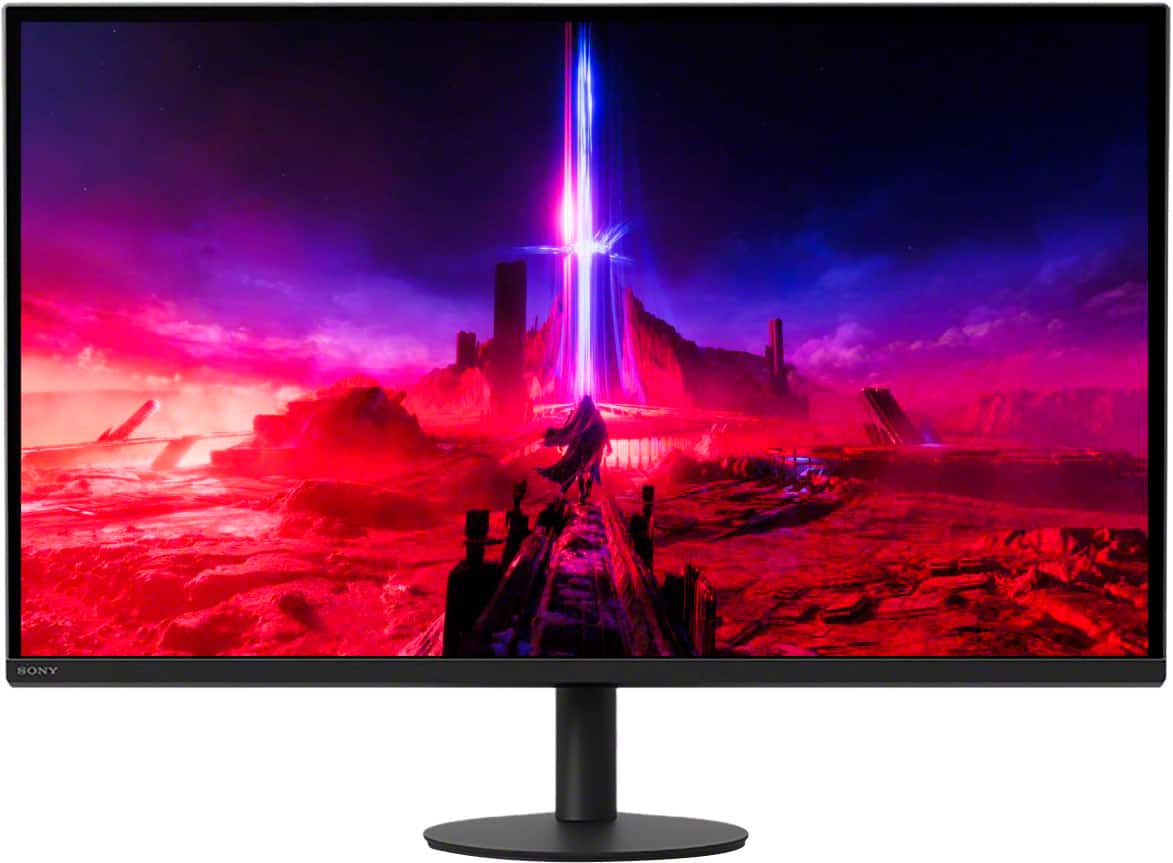
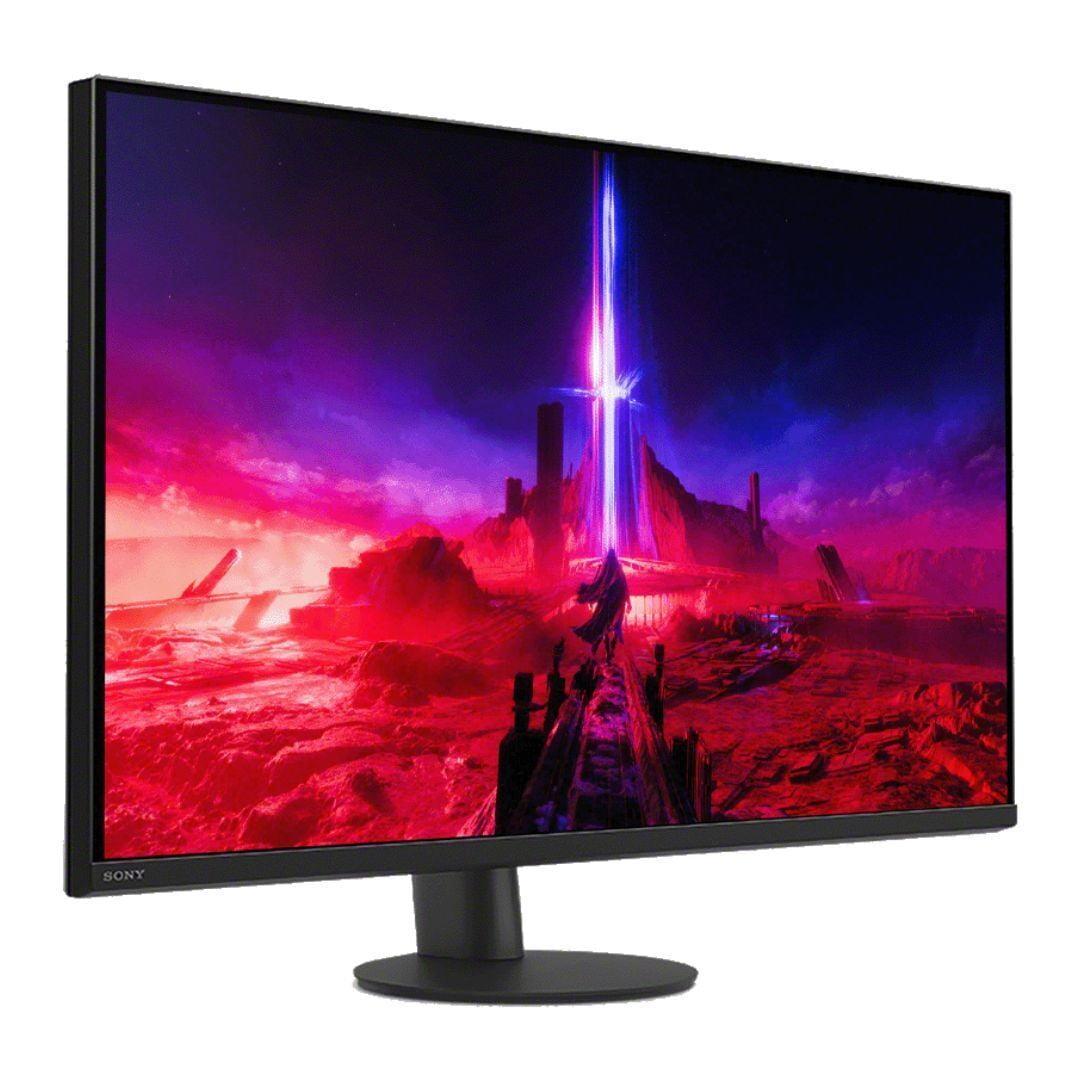
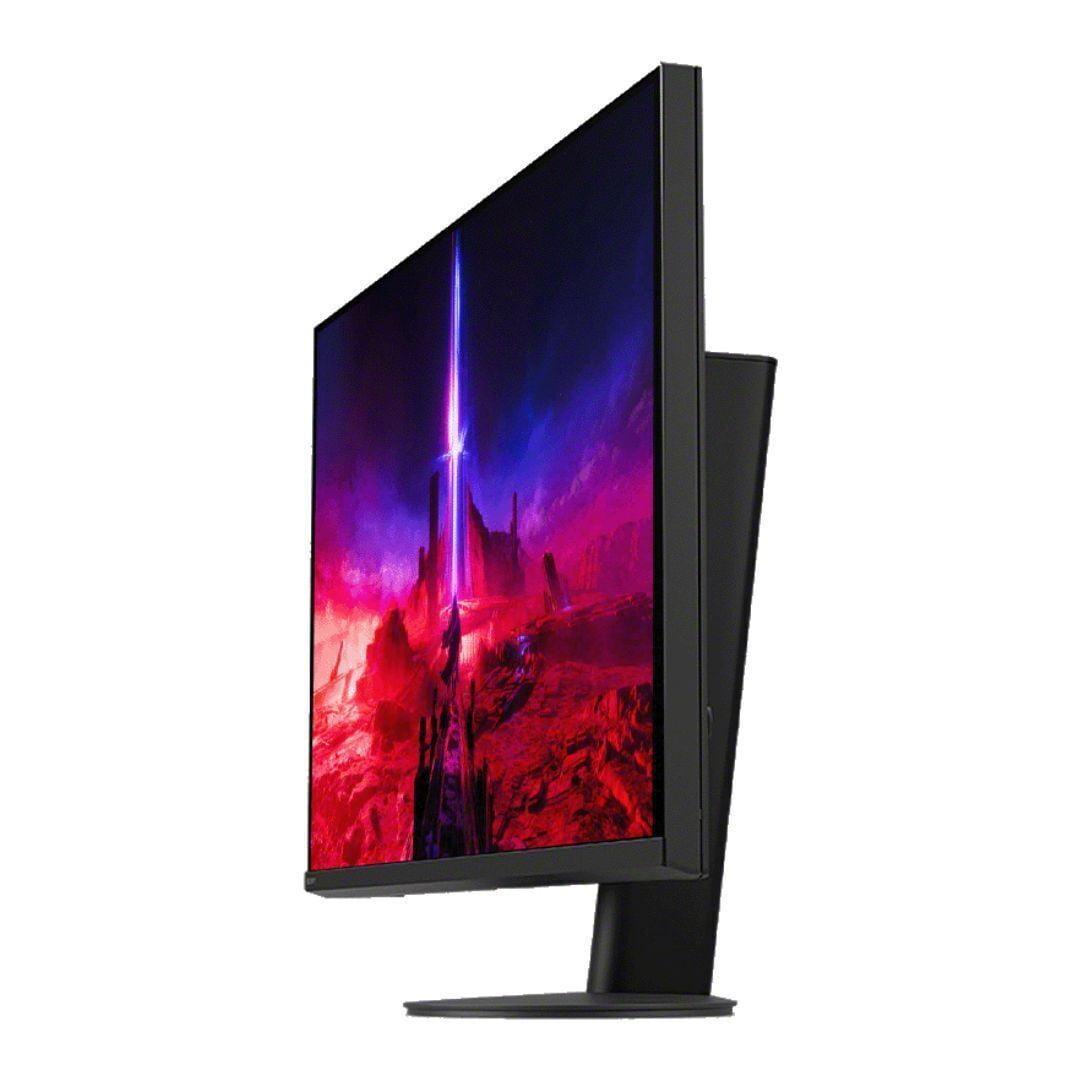
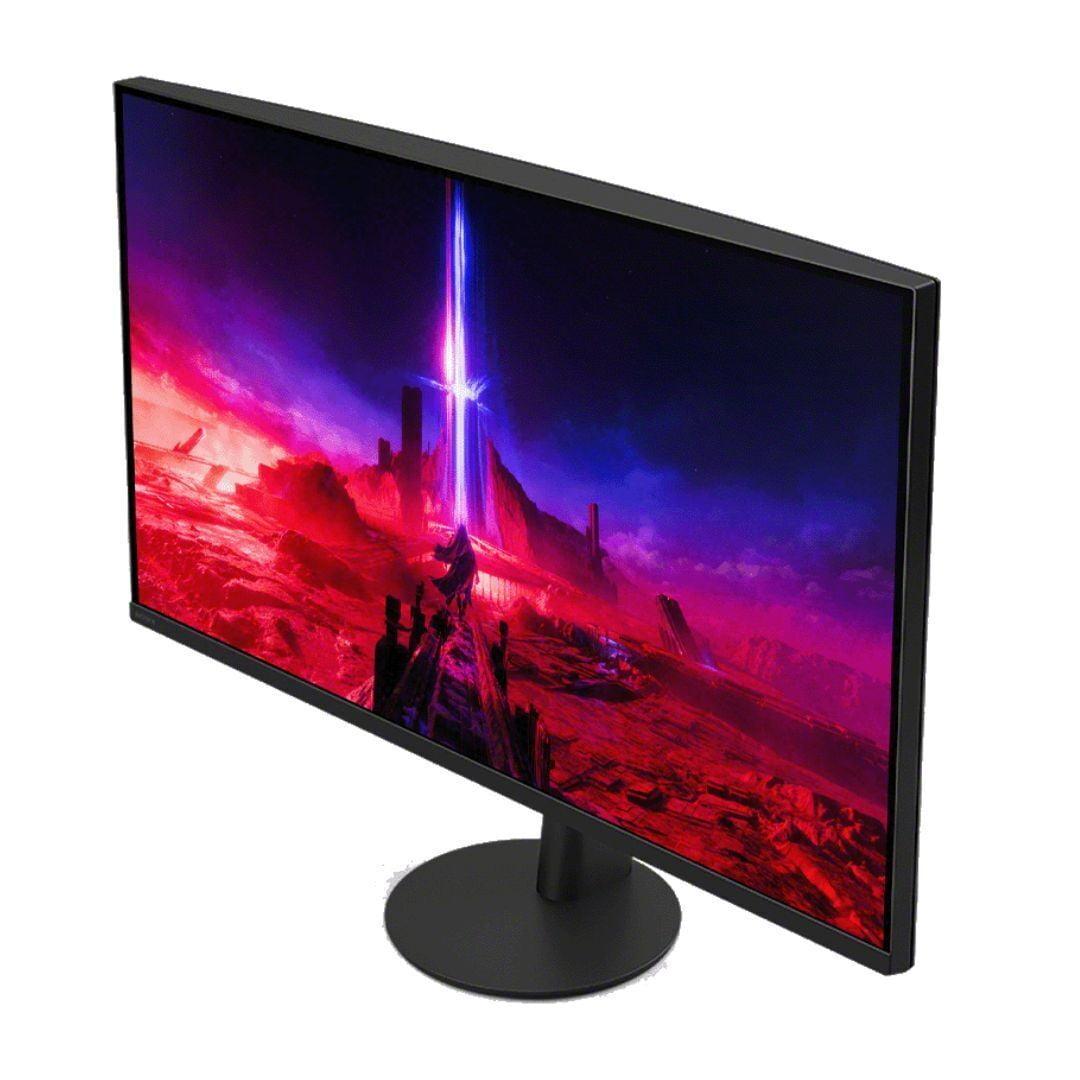
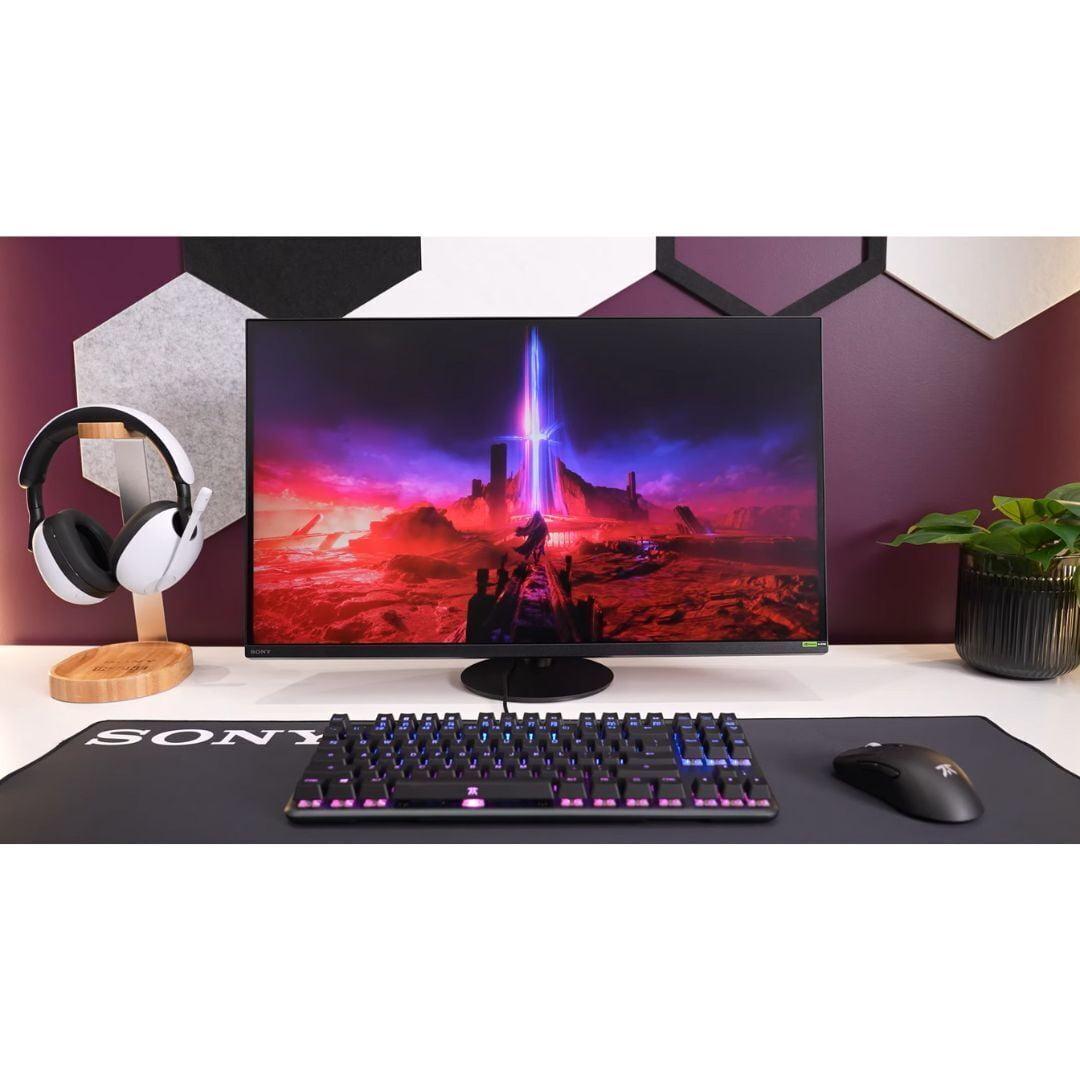
When you're ready to upgrade to a premium 27-inch 4K gaming monitor, you're entering a category that balances incredible visual detail with smooth performance. These displays represent the sweet spot for serious gamers who want crisp graphics without needing massive desk space. Today we're comparing two standout options: the LG UltraGear 27" 4K 240Hz Dual Mode Gaming Monitor and the Sony INZONE M9 II 27" 4K 160Hz Gaming Monitor.
Both monitors hit that 27-inch 4K target, but they take very different approaches to achieving high-end gaming performance. Understanding these differences will help you make the right choice for your specific needs and budget.
Before diving into specifics, let's establish what makes this category special. A 27-inch 4K monitor packs 8.3 million pixels into a screen that's comfortable for both gaming and productivity work. That's four times the resolution of 1080p, meaning you'll see incredible detail in games, crisp text when working, and plenty of screen real estate without needing multiple monitors.
The main considerations when choosing between high-end 4K gaming monitors include refresh rate (how many times per second the screen updates), response time (how quickly pixels can change color), HDR performance (how well the monitor displays bright highlights and deep shadows), and overall value. Getting the balance right between these factors depends on how you plan to use the monitor.
Released in 2025, the LG UltraGear 27G850A broke new ground by becoming the world's first 27-inch monitor to combine 4K resolution with a 240Hz refresh rate using an IPS panel. This represents a significant technological achievement – most 4K monitors top out at 144Hz or 165Hz, so LG essentially doubled the performance ceiling.
The monitor's standout feature is its Dual Mode capability. You can run it at full 4K resolution with 240Hz refresh rate, or switch to 1080p at an incredible 480Hz. This flexibility means competitive gamers can prioritize ultra-high refresh rates when needed, while still having access to stunning 4K visuals for single-player games or content consumption.
LG equipped this monitor with their Nano IPS Black technology, which improves contrast ratios compared to standard IPS panels. Instead of the typical 1000:1 contrast you'd expect from IPS, this achieves 2000:1 while maintaining the color accuracy and viewing angles IPS is known for.
Sony took a different approach with the INZONE M9 II, focusing on delivering a well-rounded experience rather than chasing maximum specifications. Released earlier, this monitor caps out at 160Hz – still excellent for gaming, but notably lower than the LG's peak performance.
Where Sony invested their engineering effort was in the backlight system. The INZONE M9 II features Full Array Local Dimming (FALD) with 96 separate zones. This means the monitor can individually control the brightness of 96 different areas of the screen, creating much better contrast between bright and dark areas compared to typical edge-lit displays.
Sony also built this monitor with PlayStation 5 integration in mind, including features like Auto HDR Tone Mapping that automatically optimizes settings when connected to Sony's console.
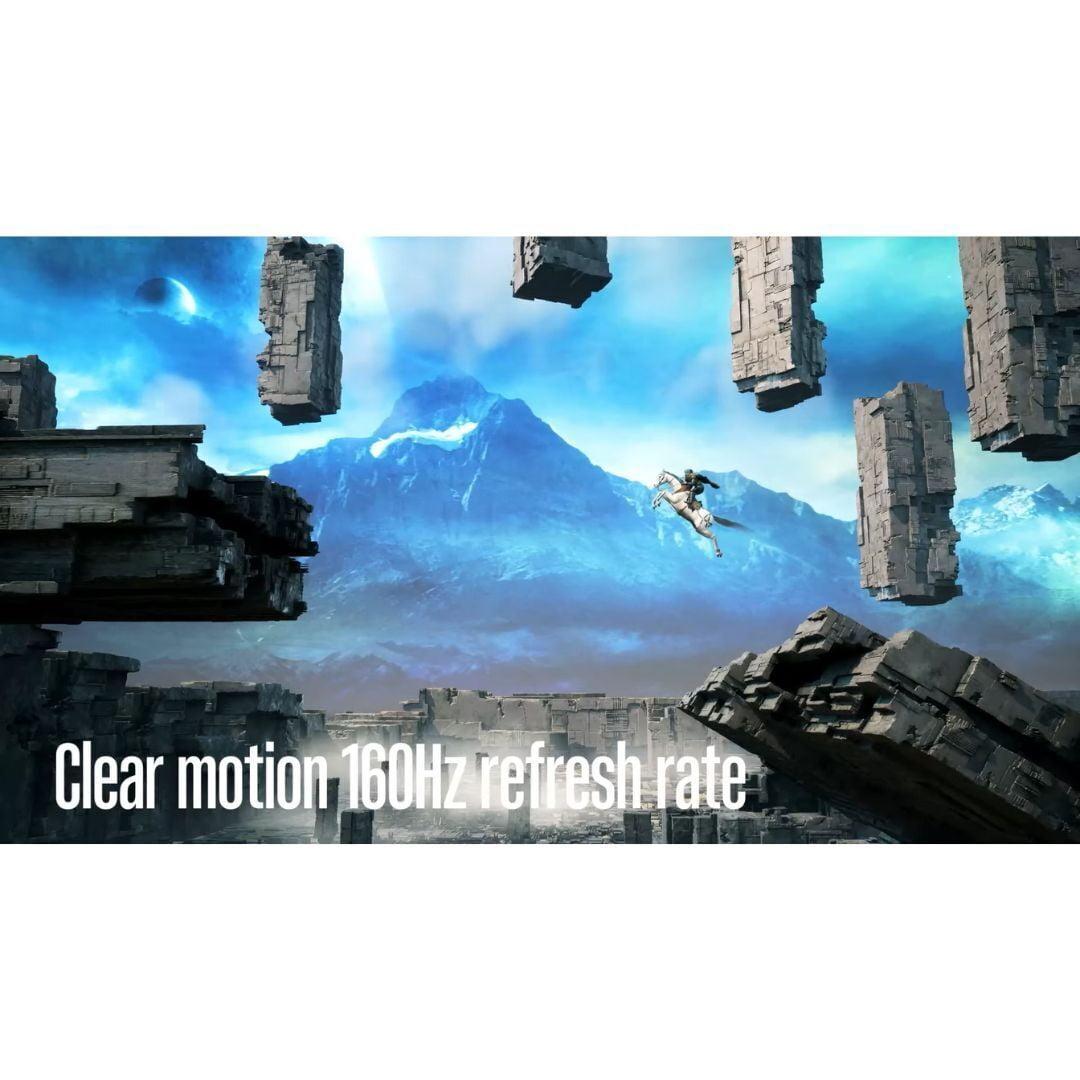
Here's where the fundamental difference between these monitors becomes clear. The LG UltraGear offers 240Hz at 4K and can push to 480Hz at 1080p, while the Sony INZONE maxes out at 160Hz.
In practical terms, higher refresh rates make motion appear smoother and can provide a competitive advantage in fast-paced games. The difference between 60Hz and 120Hz is dramatic and easily noticeable. The jump from 120Hz to 240Hz is smaller but still meaningful, especially for competitive gaming. Going from 240Hz to 480Hz enters diminishing returns territory where only the most dedicated esports players will notice the difference.
However, there's a catch with the LG UltraGear. Despite its impressive specifications, testing reveals some concerning motion quality issues. Users report visible ghosting (trailing artifacts behind moving objects) at both 240Hz and 480Hz modes. The specified 1ms response time doesn't match real-world performance, with actual measurements closer to 4.6 milliseconds.
The Sony INZONE, while limited to 160Hz, delivers cleaner motion quality. Its backlight scanning technology (which briefly turns off the backlight between frames) helps reduce motion blur, and the actual response time performance matches the 1ms specification more closely.
For most gamers, the Sony INZONE's 160Hz provides plenty of smooth motion, and the cleaner image quality might actually feel better than the LG UltraGear's higher but problematic refresh rates.
HDR (High Dynamic Range) capability separates good monitors from great ones, especially for gaming and media consumption. Both monitors carry VESA DisplayHDR 600 certification, meaning they can hit 600 nits of brightness and support HDR content. However, their implementations differ dramatically.
The LG UltraGear uses edge-lit local dimming with only 8 zones. Edge-lit means the LEDs that light up the screen are positioned around the edges, and 8 zones is nowhere near enough for effective HDR. In practice, this creates minimal improvement over standard displays. Dark scenes won't look truly dark, and bright highlights can cause unwanted blooming effects across large areas of the screen.
The Sony INZONE M9 II takes HDR seriously with its 96-zone Full Array Local Dimming system. With LEDs positioned directly behind the screen and 96 independently controllable zones, it can create much more convincing contrast between bright and dark areas. This makes a huge difference when playing games with dramatic lighting or watching HDR movies.
For home theater use, the Sony clearly wins. The improved local dimming makes HDR content much more impactful, and the overall viewing experience feels more cinematic. While neither monitor matches dedicated OLED displays for absolute black levels, the Sony INZONE gets much closer to that premium experience.
Both monitors include standard gaming features like variable refresh rate support (which eliminates screen tearing), gaming overlays for crosshairs and FPS counters, and multiple picture modes optimized for different game types.
The LG UltraGear stands out with hardware calibration support – a feature typically reserved for professional monitors. This allows precise color adjustment using specialized equipment, making it suitable for content creation work alongside gaming.
Sony differentiated the INZONE M9 II with PlayStation-specific features. Auto HDR Tone Mapping automatically optimizes HDR settings when connected to a PS5 or PS5 Pro, eliminating guesswork. There's also a 24.5-inch mode that shrinks the active display area for competitive gaming, simulating a smaller monitor that some esports players prefer.
The Sony's INZONE Hub software provides easy adjustment of monitor settings from your PC, including firmware updates. While not revolutionary, these quality-of-life improvements add up to a more refined user experience.
Both monitors include HDMI 2.1 and DisplayPort connections, essential for high-bandwidth 4K gaming. The LG UltraGear features DisplayPort 2.1 (running at UHBR10 speeds), which provides the bandwidth needed for 4K at 240Hz, though it requires Display Stream Compression to achieve full performance.
The Sony INZONE also includes DisplayPort 2.1 capability, though it ships with a DisplayPort 1.4 cable in the box – you'll need to purchase a proper DP 2.1 cable separately to get full performance.
For console gaming, both monitors work excellently with PlayStation 5 and Xbox Series X, supporting 4K at up to 120Hz via HDMI 2.1. The Sony has a slight edge here with its PlayStation-specific optimizations.
At the time of writing, the LG UltraGear commands a significant premium over the Sony INZONE M9 II – roughly $200 more expensive. This price difference becomes crucial when evaluating what you're actually getting for your money.
The LG's higher refresh rates represent cutting-edge technology, but the motion quality issues and poor HDR implementation raise questions about whether you're paying for specifications that don't translate to better real-world performance. You're essentially paying extra for the privilege of being an early adopter of 240Hz/480Hz IPS technology that isn't fully mature.
The Sony INZONE offers genuinely better image quality in most scenarios, with superior HDR, cleaner motion, and better overall refinement, all while costing less. Unless you specifically need the absolute highest refresh rates and have the hardware to drive them, the Sony delivers better value.
For competitive esports players with high-end graphics cards (RTX 4080/4090 or similar), the LG UltraGear's 240Hz and 480Hz modes could provide a competitive edge, despite the motion quality concerns. If you're chasing every possible frame rate advantage and don't mind troubleshooting potential issues, the LG makes sense.
For everyone else – including serious gamers who want the best overall experience – the Sony INZONE M9 II provides a more complete package. Its 160Hz refresh rate handles any current game smoothly, the HDR actually works as intended, and the overall experience feels more polished.
If you game on both PC and console, the Sony's PlayStation integration features add genuine value. The automatic HDR optimization alone saves time and ensures you're getting the best possible image quality without manual tweaking.
For home theater use alongside gaming, the Sony wins decisively. The improved local dimming makes HDR movies much more enjoyable, and the overall image quality surpasses the LG despite lower peak specifications.
Choose the LG UltraGear 27G850A if you're willing to pay a premium for cutting-edge refresh rate technology, need hardware calibration for professional work, or are specifically targeting competitive esports where every frame matters more than image quality refinement.
Choose the Sony INZONE M9 II if you want the best overall gaming and viewing experience, prefer proven technology over bleeding-edge specifications, game on PlayStation consoles, or simply want better value for your money.
The technology landscape in gaming monitors evolves rapidly. Since 2025, we've seen improvements in local dimming implementation, better response time consistency, and more mature high refresh rate panels. The Sony INZONE represents the current sweet spot of mature, refined technology, while the LG UltraGear pushes boundaries but with the growing pains typical of first-generation implementations.
For most users, the Sony delivers a more satisfying daily experience. The LG appeals to enthusiasts who prioritize specifications over real-world performance refinement. Either way, you're getting a premium 4K gaming experience that will serve you well for years to come.
| LG UltraGear 27" 4K 240Hz Dual Mode Gaming Monitor | Sony INZONE M9 II 27" 4K 160Hz Gaming Monitor |
|---|---|
| Refresh Rate - Higher rates provide smoother motion but require powerful graphics cards | |
| 4K @ 240Hz native, 1080p @ 480Hz dual mode | 4K @ 160Hz maximum |
| Response Time - Lower is better for reducing ghosting in fast games | |
| 1ms specified, but actual ~4.6ms with visible ghosting | True 1ms GtG with minimal ghosting |
| HDR Performance - Local dimming zones determine contrast quality | |
| 8 edge-lit zones (ineffective HDR despite DisplayHDR 600) | 96 Full Array Local Dimming zones (excellent HDR) |
| Panel Technology - Affects color accuracy and viewing angles | |
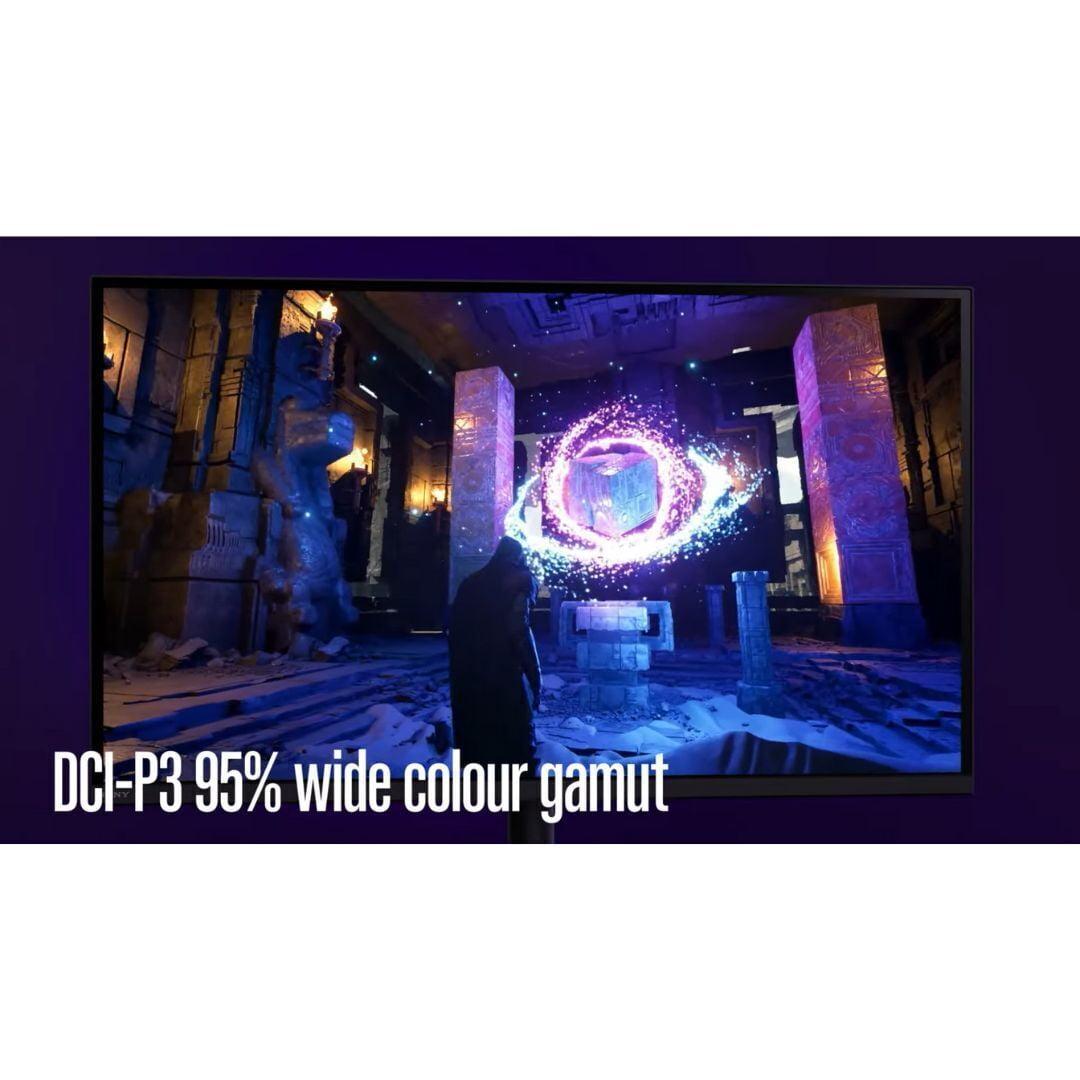
| Nano IPS Black (2000:1 contrast, 99% DCI-P3) | IPS with FALD (1000:1 contrast, 95% DCI-P3) |
| Peak Brightness - Important for HDR content and bright rooms | |
| 750 nits peak (450 nits typical) | 750 nits peak (400 nits typical) |
| Gaming Features - Console integration and competitive tools | |
| Hardware calibration, standard gaming overlays | PS5 Auto HDR Tone Mapping, 24.5" esports mode, backlight scanning |
| Connectivity - Future-proofing and bandwidth support | |
| DisplayPort 2.1 (UHBR10), 2x HDMI 2.1, USB hub | DisplayPort 2.1, 2x HDMI 2.1, 3x USB-A ports |
| Motion Quality - Real-world performance vs specifications | |
| High refresh rates but motion artifacts reported | Lower refresh rate but cleaner, more consistent motion |
| Value Proposition - Performance per dollar spent | |
| Premium pricing for cutting-edge specs with implementation issues | Better overall experience at lower cost with mature technology |
| Best For - Target user scenarios | |
| Competitive esports players with high-end PCs who need maximum refresh rates | Gamers wanting excellent all-around performance, console users, home theater use |
The LG UltraGear 27" 4K 240Hz Dual Mode Gaming Monitor offers higher refresh rates at 240Hz for 4K and 480Hz for 1080p, while the Sony INZONE M9 II 27" 4K 160Hz Gaming Monitor provides cleaner motion quality with less ghosting. For competitive gaming, the LG's higher refresh rates give an edge, but the Sony delivers more consistent performance for most gamers.
The Sony INZONE M9 II has significantly better HDR performance with 96 Full Array Local Dimming zones compared to the LG UltraGear's 8 edge-lit zones. This means the Sony can create much better contrast between bright and dark areas, making HDR content look more realistic and impactful.
The Sony INZONE M9 II 27" 4K 160Hz Gaming Monitor is specifically designed for PlayStation integration, featuring Auto HDR Tone Mapping that automatically optimizes settings for PS5 and PS5 Pro. While the LG UltraGear works with PS5, it lacks these console-specific optimizations.
Yes, both are excellent for media consumption, but the Sony INZONE M9 II is superior for home theater use due to its 96-zone local dimming system that creates better contrast for dark movie scenes. The LG UltraGear has good color accuracy but weaker HDR performance for cinematic content.
The Sony INZONE M9 II 27" 4K 160Hz Gaming Monitor typically offers better value, providing superior HDR quality, cleaner motion performance, and console integration features at a lower cost than the LG UltraGear 27" 4K 240Hz Dual Mode Gaming Monitor.
Both monitors require high-end graphics cards for optimal performance. The LG UltraGear needs even more GPU power to drive 4K at 240Hz, typically requiring RTX 4080/4090 or equivalent. The Sony INZONE M9 II's 160Hz is more achievable with mid-to-high-end cards.
The LG UltraGear 27" 4K 240Hz Dual Mode Gaming Monitor has slightly better color coverage at 99% DCI-P3 versus the Sony's 95%, plus hardware calibration support for professional color work. However, the Sony INZONE M9 II still offers excellent color accuracy for most users.
Both monitors feature HDMI 2.1 and DisplayPort 2.1 connections. The LG UltraGear includes a USB hub, while the Sony INZONE M9 II offers three USB-A ports. Both support the latest gaming consoles and high-end graphics cards.
The LG UltraGear 27" 4K 240Hz Dual Mode Gaming Monitor is designed for competitive gaming with its 480Hz mode at 1080p, though it has some motion quality issues. The Sony INZONE M9 II offers a 24.5-inch esports mode and cleaner motion, making both viable for competitive play.
The LG UltraGear suffers from ghosting issues despite high refresh rates and has poor HDR due to limited local dimming. The Sony INZONE M9 II is limited to 160Hz maximum refresh rate, which may disappoint users wanting the absolute highest frame rates.
The LG UltraGear 27" 4K 240Hz Dual Mode Gaming Monitor offers cutting-edge refresh rate technology that may become more relevant as graphics cards improve. However, the Sony INZONE M9 II 27" 4K 160Hz Gaming Monitor provides more mature, reliable technology that works well with current hardware.
Yes, choose the Sony INZONE M9 II if you primarily game on PlayStation 5 or want excellent all-around performance for PC and console gaming. Select the LG UltraGear if you're a PC-focused gamer with high-end hardware who prioritizes maximum refresh rates above all else.
We've done our best to create useful and informative comparisons to help you decide what product to buy. Our research uses advanced automated methods to create this comparison and perfection is not possible - please contact us for corrections or questions. These are the sites we've researched in the creation of this article: bestbuy.com - displayninja.com - rtings.com - youtube.com - lg.com - rtings.com - tftcentral.co.uk - bestbuy.com - techpowerup.com - lg.com - lg.com - lg.com - bestbuy.com - bestbuy.com - rtings.com - rtings.com - tomshardware.com - youtube.com - bhphotovideo.com - bestbuy.com - sony.com - techpowerup.com - electronics.sony.com - sony.com - displayspecifications.com - direct.playstation.com - youtube.com - sony.com - sony.com - displayspecifications.com - bhphotovideo.com - displayspecifications.com

Privacy Policy
Terms and Conditions - Affiliate Policy
Home Security
© Copyright 2008-2026.
11816 Inwood Rd #1211, Dallas, TX 75244