
















When you're shopping for a gaming monitor, the 27-inch 1440p category feels like the Goldilocks zone of PC gaming displays—not too big, not too small, and with just the right amount of detail. These monitors hit that sweet spot where games look crisp and detailed without demanding an absolute monster of a graphics card to run them well.
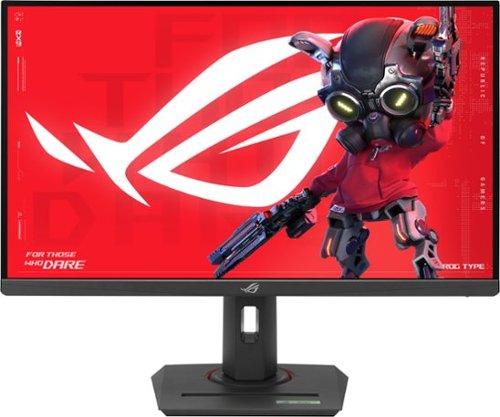
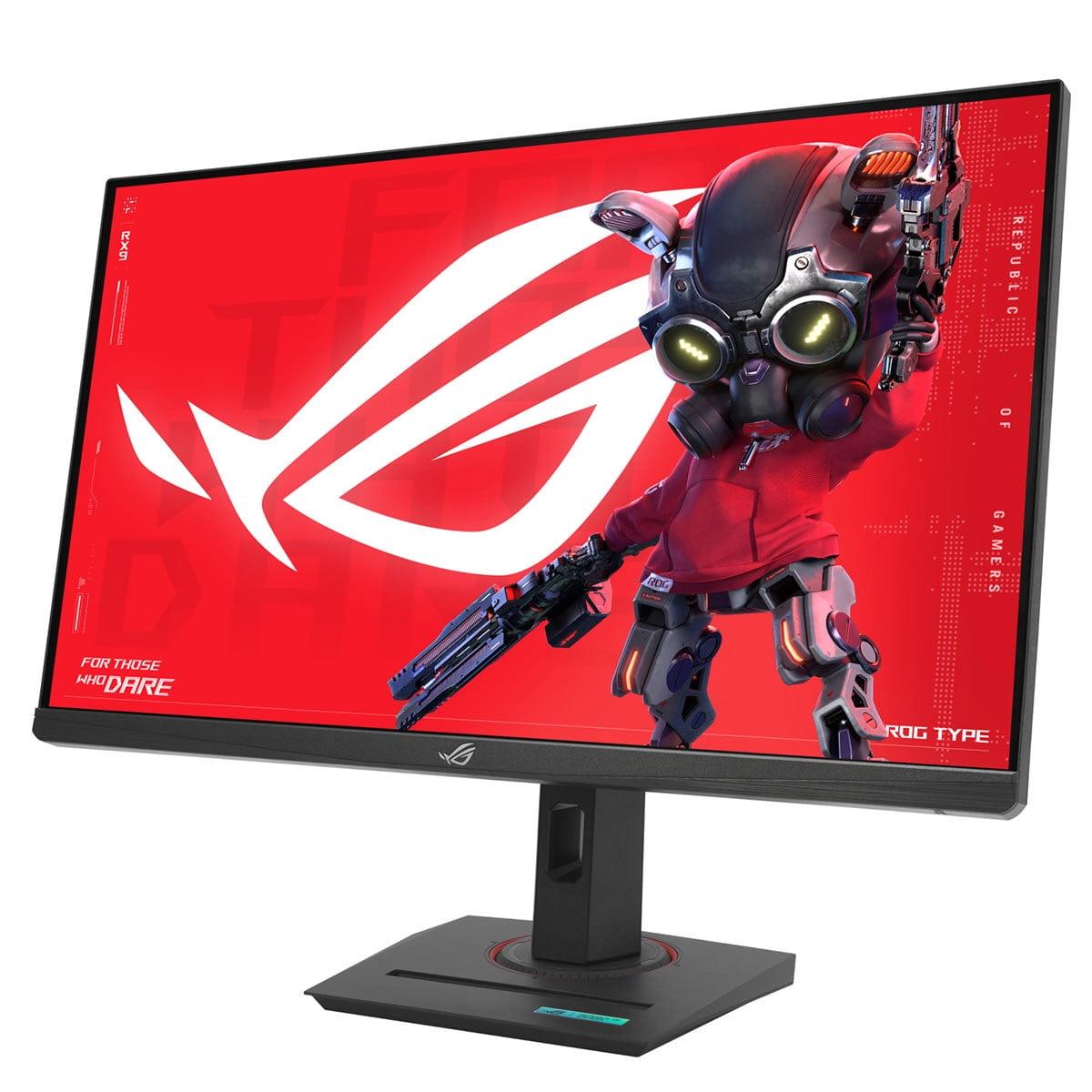
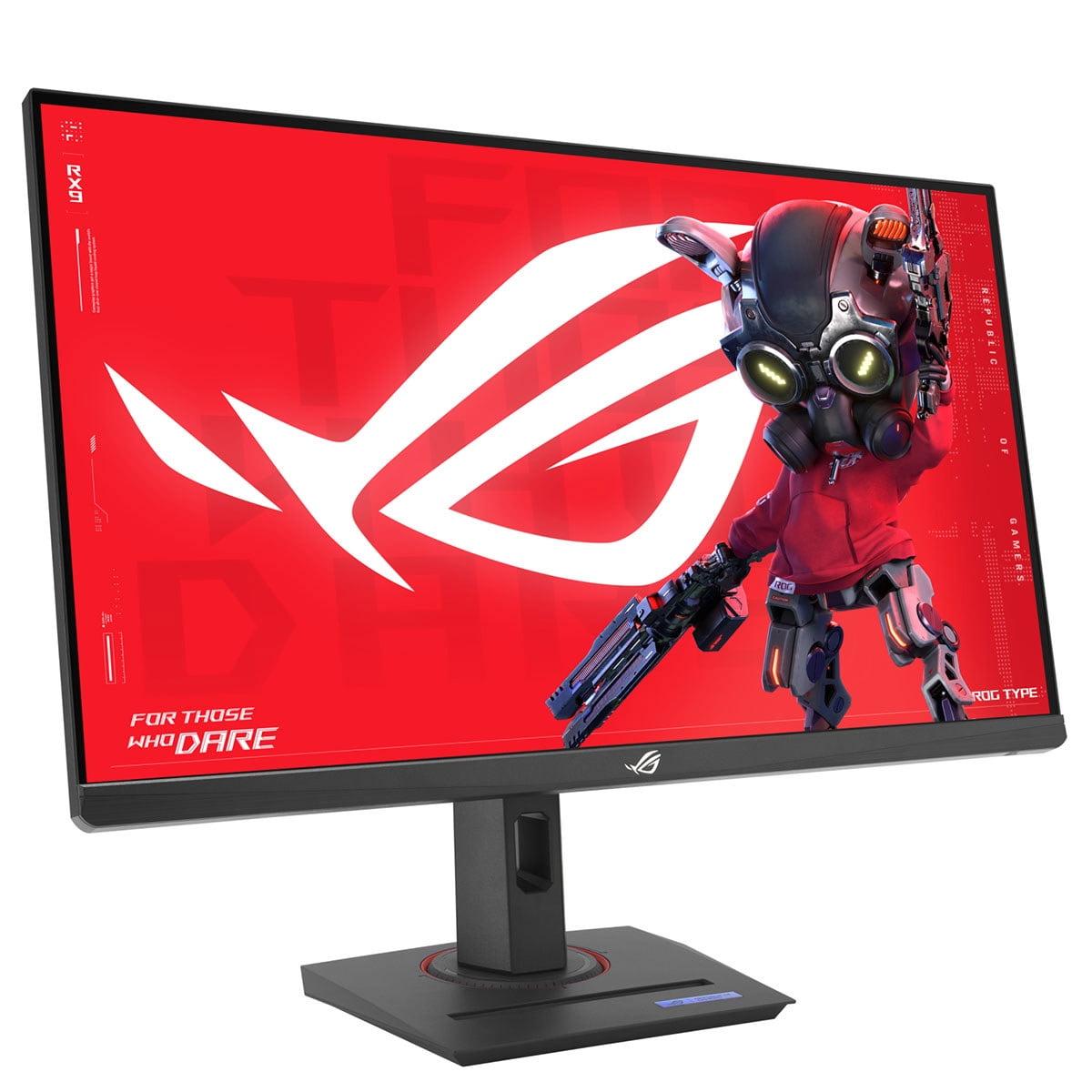
Two monitors that perfectly represent the different ends of this category are the Acer Nitro XV1 and the ASUS ROG Strix XG27ACMG. Released in recent years as part of the current generation of gaming displays, these monitors show how much the technology has evolved since the early days of 144Hz panels that dominated the market just a few years ago.
Before diving into the specifics, it's worth understanding what separates a good gaming monitor from a great one. The most important factors are refresh rate (how many times per second the screen updates), response time (how quickly pixels can change color), color accuracy, brightness, and connectivity options.
Refresh rate is measured in Hz and represents how many frames per second your monitor can display. A 60Hz monitor shows 60 frames per second, while a 270Hz monitor can show 270 frames per second. Higher refresh rates mean smoother motion, especially in fast-paced games where every millisecond counts.
Response time, measured in milliseconds (ms), indicates how quickly a pixel can change from one color to another. Lower response times reduce ghosting—that annoying blur trail you sometimes see behind moving objects in games.
Both the Acer Nitro XV1 and ASUS ROG Strix XG27ACMG use IPS (In-Plane Switching) panel technology, which provides better color accuracy and viewing angles compared to older TN (Twisted Nematic) panels, though they traditionally had slower response times. Modern IPS panels have largely solved this problem, offering the best of both worlds.
The most significant difference between these monitors lies in their refresh rates. The Acer Nitro XV1 tops out at 180Hz, while the ASUS ROG Strix XG27ACMG pushes all the way to 270Hz. This 90Hz difference might seem like just numbers on a spec sheet, but it translates to a meaningful real-world difference for certain types of gaming.
To put this in perspective, the jump from 60Hz to 144Hz was revolutionary when it became mainstream around 2015-2016. The difference between 144Hz and 180Hz is noticeable but more subtle. However, the leap from 180Hz to 270Hz is where things get interesting again, especially for competitive gamers.
In practical terms, if you're playing fast-paced competitive games like Counter-Strike, Valorant, or Overwatch, and your graphics card can push frame rates above 200 fps, you'll notice the ASUS monitor feels more responsive and smooth. The extra refresh rate headroom means there's less time between each frame update, which can translate to slightly faster reaction times and smoother tracking of moving targets.
However—and this is crucial—you need a graphics card powerful enough to actually produce those high frame rates. If your system typically runs games at 120-150 fps, the Acer's 180Hz refresh rate won't be a limiting factor, making the higher refresh rate of the ASUS less meaningful for your specific use case.
One area where the ASUS ROG Strix XG27ACMG clearly outperforms the Acer Nitro XV1 is brightness output. The ASUS produces around 400 nits of brightness compared to the Acer's 250 nits. This 60% difference in brightness capability has several important implications.
First, if you game in a bright room with windows or overhead lighting, the ASUS monitor will remain clearly visible while the Acer might appear washed out or difficult to see. I've found that monitors below 300 nits can struggle in well-lit environments, making darker game scenes nearly impossible to navigate properly.
Second, the higher brightness enables better HDR (High Dynamic Range) performance. The ASUS carries DisplayHDR 400 certification, meaning it can display content with greater contrast between the darkest and brightest parts of an image. While this isn't the most impressive HDR certification available—that would be HDR 1000 or higher—it does provide a noticeable improvement in supported games and movies compared to standard dynamic range content.
The Acer monitor doesn't support HDR at all, which isn't necessarily a deal-breaker for gaming, but it does mean you're missing out on the enhanced visual experience that modern games and streaming content can provide.
Both monitors cover 95% of the DCI-P3 color space, which is excellent for gaming and general use. This wide color gamut means games will look vibrant and lifelike, with rich reds, deep blues, and accurate skin tones. For context, this level of color coverage exceeds what most budget monitors offered just a few years ago.
The ASUS takes things a step further by also covering 125% of the sRGB color space. While this might sound like overkill, it actually provides more flexibility if you also use your monitor for content creation, photo editing, or simply want the most saturated and punchy colors possible in your games.
From our research into user experiences and expert reviews, both monitors deliver accurate colors out of the box, though some users reported that the ASUS required some manual calibration to achieve its best performance. This isn't uncommon for higher-end monitors, but it's worth noting that you might need to spend some time tweaking settings rather than getting perfect performance immediately.
Both monitors support adaptive sync technologies, but there's an important compatibility difference. The Acer Nitro XV1 supports AMD FreeSync Premium, which works great with AMD graphics cards and unofficially with most NVIDIA cards through their G-SYNC Compatible program.
The ASUS ROG Strix XG27ACMG goes a step further by officially supporting both AMD FreeSync Premium and NVIDIA G-SYNC Compatible certification. This broader official support means you're less likely to encounter compatibility issues regardless of which graphics card you're using.
Adaptive sync technology works by matching your monitor's refresh rate to your graphics card's frame output. If your GPU is rendering 143 frames per second, your monitor will refresh at exactly 143Hz instead of its maximum rate. This eliminates screen tearing (when parts of different frames appear simultaneously) and reduces stuttering, creating a much smoother gaming experience.
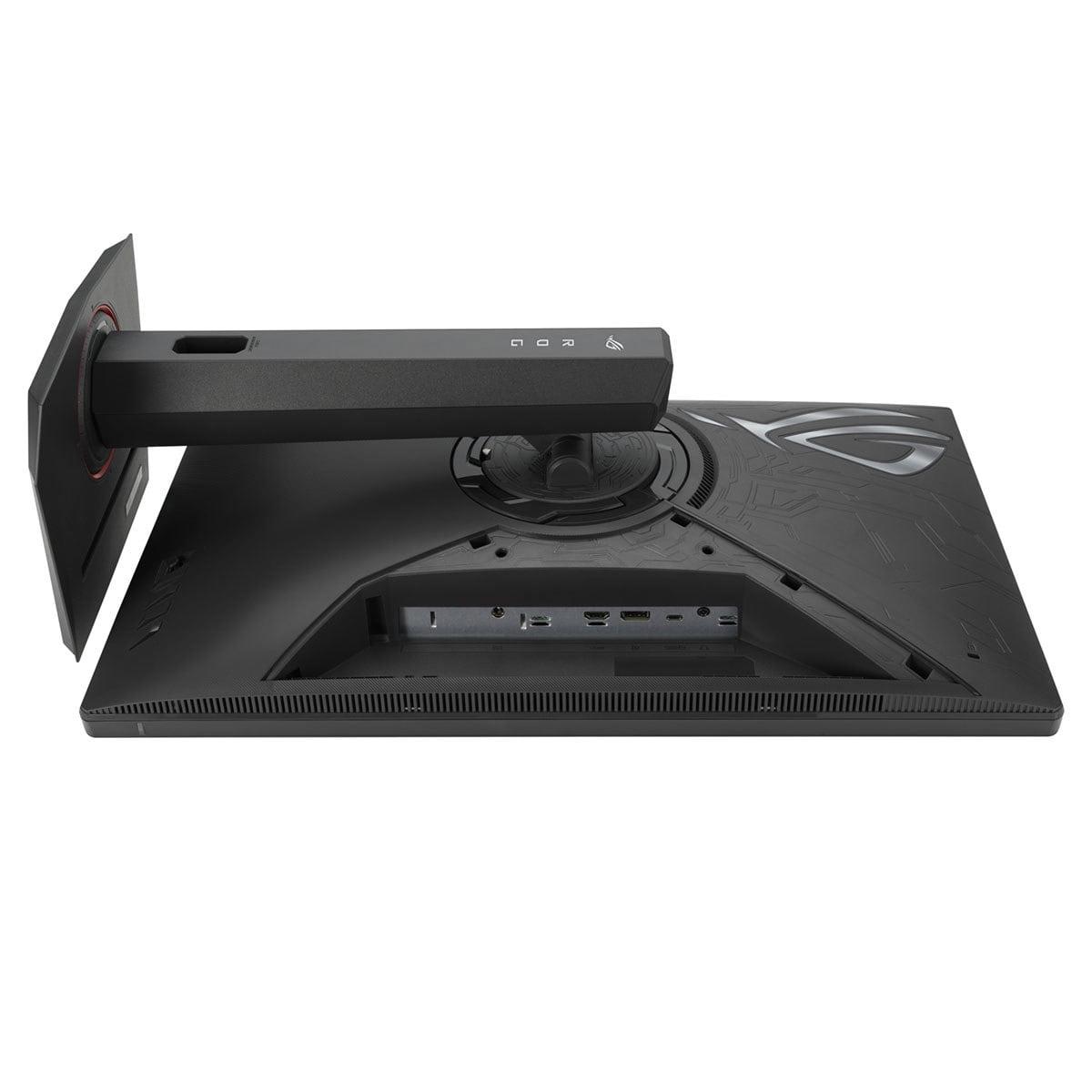
Here's where the generational difference between these monitors becomes apparent. The ASUS includes USB-C connectivity with DisplayPort Alt Mode, allowing you to connect modern laptops with a single cable that carries video, audio, and even charges your device (up to 15 watts). It also features HDMI 2.1, which is important for PlayStation 5 and Xbox Series X compatibility at higher refresh rates.
The Acer sticks to traditional connectivity with DisplayPort 1.2 and HDMI 2.0 ports. While this covers all the basics and will work fine for most desktop gaming setups, you won't get the convenience of single-cable laptop connections or the full potential of next-generation consoles.
For home theater use, both monitors can work, though neither is specifically designed for this purpose. The ASUS's higher brightness and HDR support make it better suited for movie watching in brighter rooms, while both monitors' IPS panels provide good viewing angles for multiple people watching from different positions.
The ASUS ROG Strix XG27ACMG includes several gaming-focused technologies that the Acer lacks. ELMB SYNC (Extreme Low Motion Blur Sync) is particularly noteworthy—it allows the monitor to use backlight strobing to reduce motion blur while still maintaining variable refresh rate functionality. Traditionally, you had to choose between these features, but ASUS's implementation lets you have both simultaneously.
The monitor also includes GameFast Input Technology, which reduces input lag beyond what the standard 1ms response time suggests. While the exact technical implementation isn't always clearly detailed by manufacturers, user reports suggest this does provide a slight responsiveness advantage in competitive gaming scenarios.
Both monitors feature customizable crosshairs, dark scene enhancement (called Shadow Boost on the ASUS and Black Boost on the Acer), and various game-optimized color profiles. These features help in competitive scenarios where spotting enemies in dark corners or through smoke effects can mean the difference between winning and losing a round.
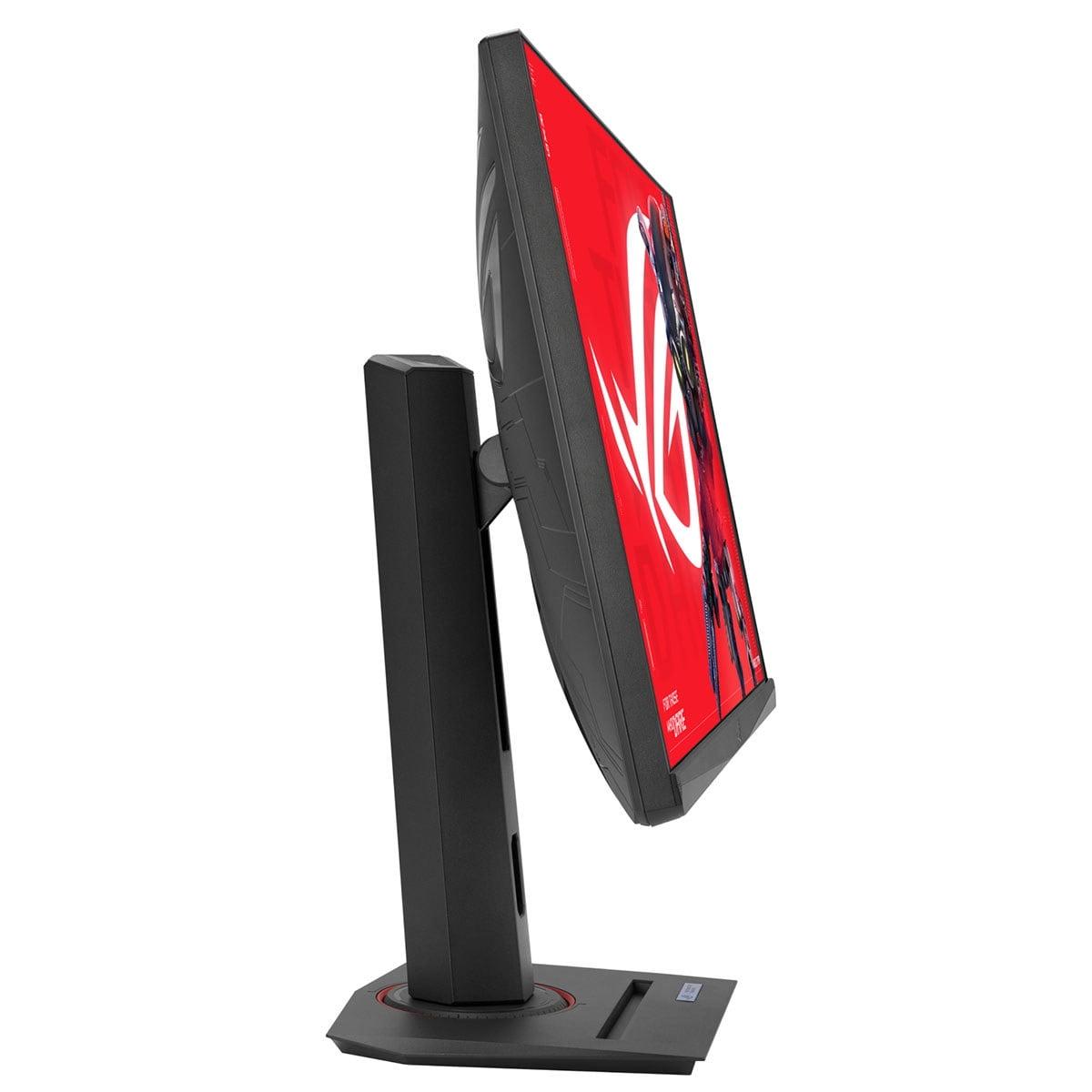
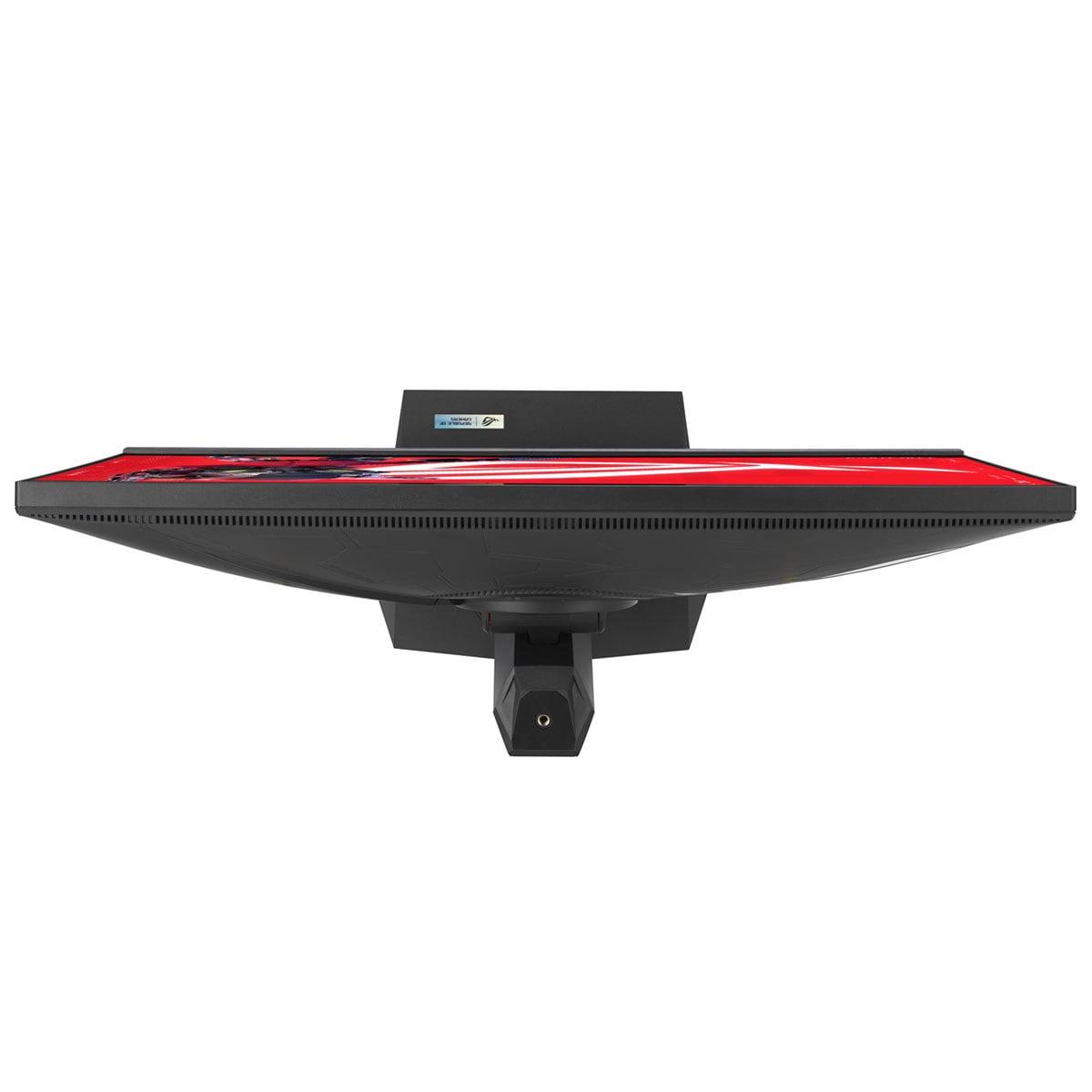
Both monitors offer full ergonomic adjustability with height, tilt, swivel, and pivot adjustments. They both support VESA 100x100mm mounting for arm or wall mounting. However, the build quality philosophy differs significantly.
The Acer Nitro XV1 focuses on functional design with cost efficiency in mind. The stand is sturdy enough for normal use, though some users have reported it feeling less premium than higher-end alternatives. The overall aesthetic is clean and gaming-focused without being overly flashy.
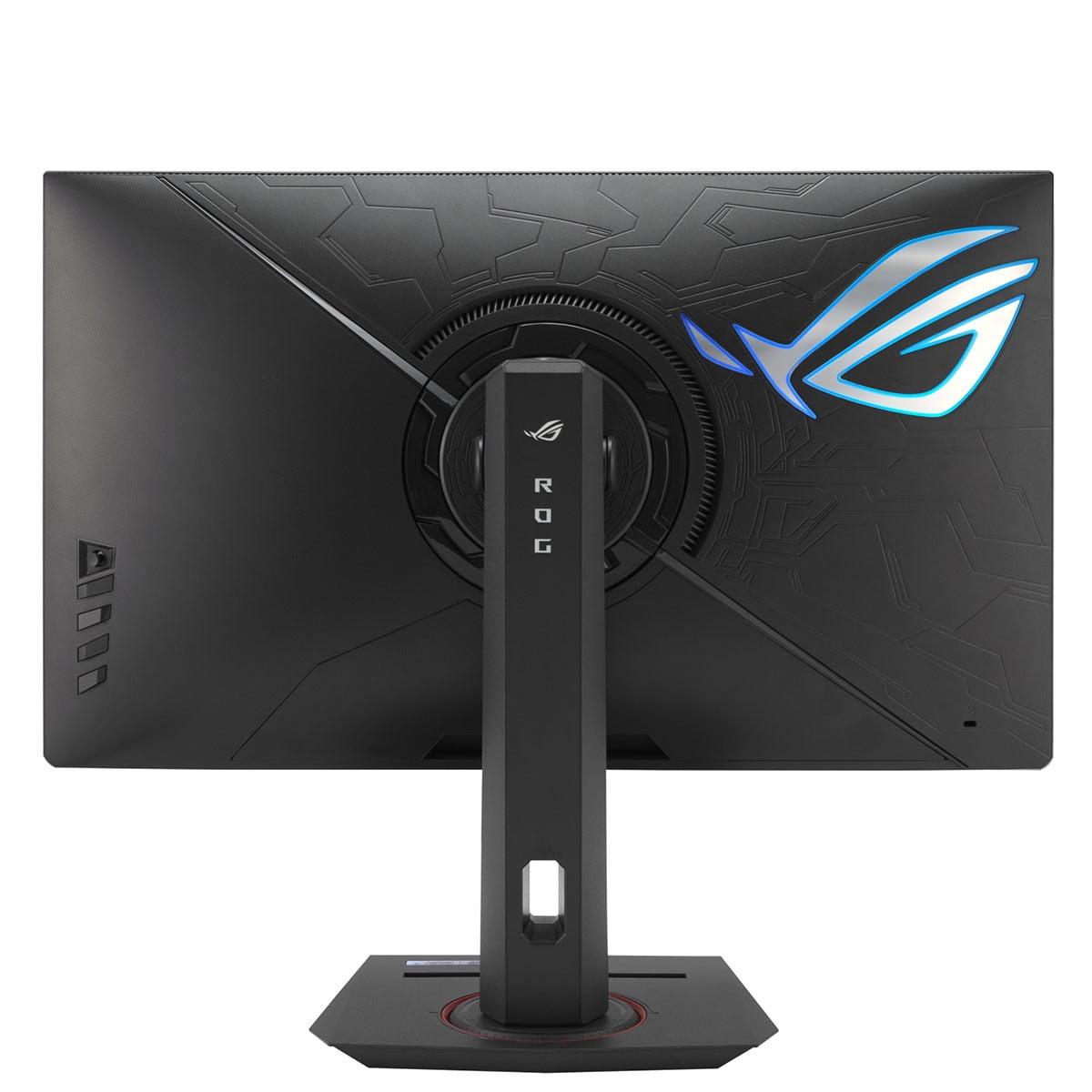
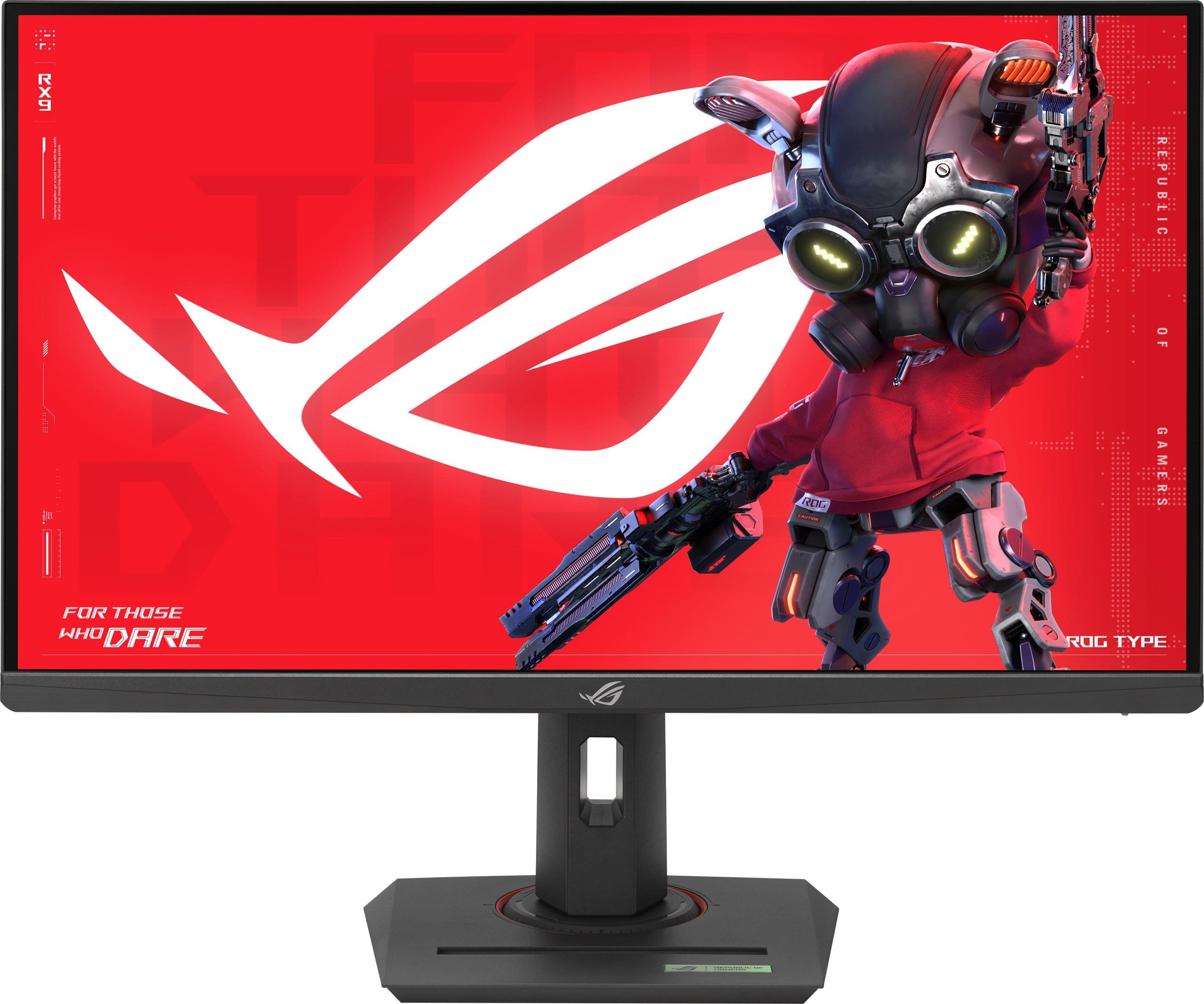
The ASUS takes a more premium approach with RGB lighting, more robust construction, and attention to aesthetic details. The stand feels more solid, and the overall design aligns with ASUS's ROG gaming brand identity. Whether this matters depends on your personal preferences and whether your setup benefits from coordinated gaming aesthetics.
For competitive esports gaming (CS:GO, Valorant, Overwatch), the ASUS has clear advantages if your system can produce the frame rates to take advantage of 270Hz. The combination of high refresh rate, ELMB SYNC, and GameFast Input Technology creates the most responsive gaming experience possible.
For single-player adventures and RPGs (Cyberpunk 2077, The Witcher 3, Red Dead Redemption 2), both monitors perform excellently, though the ASUS's HDR support and higher brightness can enhance the visual experience in supported titles. The color accuracy of both monitors makes exploration-heavy games look gorgeous.
For racing and flight simulation, the high refresh rates of both monitors help with smooth motion, though the ASUS's ELMB SYNC technology provides clearer tracking of fast-moving scenery and opponents.
At the time of writing, the Acer Nitro XV1 typically costs significantly less than the ASUS ROG Strix XG27ACMG—often around 40% less. This price difference positions them for different market segments and use cases.
The Acer represents exceptional value for gamers building around mid-range graphics cards like the RTX 4060 or RX 7600. If your system typically produces 120-160 fps in your favorite games, the 180Hz refresh rate won't be a limiting factor, and you'll get excellent 1440p gaming performance at a budget-friendly price.
The ASUS justifies its premium pricing for users with high-end systems capable of pushing 200+ fps consistently. The additional features—higher refresh rate, better brightness, HDR support, and modern connectivity—create a more future-proof and versatile package.
Choose the Acer Nitro XV1 if:
Choose the ASUS ROG Strix XG27ACMG if:
Both monitors represent solid choices within their respective market segments, but they serve different needs. The Acer Nitro XV1 excels as a value champion that doesn't compromise on core gaming performance, while the ASUS ROG Strix XG27ACMG pushes the boundaries of what's possible in 1440p gaming displays.
The decision ultimately comes down to your hardware capabilities, gaming preferences, and budget priorities. If you're not consistently exceeding 180 fps in your games, the Acer's lower refresh rate won't hold you back, making it an easy recommendation for most gamers. However, if you demand the absolute best in responsiveness and have the hardware to match, the ASUS delivers premium performance that justifies its higher price point.
Consider your current graphics card's capabilities, the types of games you play most often, and your setup's environmental factors. Both monitors will serve you well, but understanding these differences will help you choose the one that best matches your specific gaming needs and budget.
| Acer Nitro XV1 27" WQHD 180Hz IPS Gaming Monitor | ASUS ROG Strix XG27ACMG 27" QHD 270Hz Gaming Monitor |
|---|---|
| Refresh Rate - Higher rates provide smoother motion in fast-paced games | |
| 180Hz (excellent for most gaming scenarios) | 270Hz (premium advantage for competitive esports) |
| Brightness - Critical for visibility in bright rooms and HDR performance | |
| 250 nits (adequate for darker environments) | 400 nits (60% brighter, better for well-lit rooms) |
| Response Time - Lower times reduce ghosting and motion blur | |
| 1ms GTG (excellent gaming performance) | 1ms GTG (identical performance) |
| HDR Support - Enhanced contrast and color depth for supported content | |
| No HDR support | DisplayHDR 400 certified |
| Color Gamut - Wider coverage means more vibrant, accurate colors | |
| 95% DCI-P3 (excellent color reproduction) | 95% DCI-P3, 125% sRGB (enhanced saturation) |
| Adaptive Sync - Eliminates screen tearing and stuttering | |
| AMD FreeSync Premium only | FreeSync Premium + G-SYNC Compatible |
| Connectivity - Modern ports enable flexible device connections | |
| DisplayPort 1.2, 2x HDMI 2.0 (basic coverage) | DisplayPort 1.4, HDMI 2.1, USB-C with power delivery |
| Advanced Gaming Features - Specialized technologies for competitive advantage | |
| Basic VRB motion blur reduction | ELMB SYNC, GameFast Input Technology, AI enhancements |
| Build Quality - Affects durability and premium feel | |
| Functional design, adequate stand | Premium construction, RGB lighting, robust stand |
| Value Positioning - Price-to-performance ratio consideration | |
| Budget champion with excellent core specs | Premium option with advanced features and future-proofing |
The ASUS ROG Strix XG27ACMG offers a significantly higher 270Hz refresh rate compared to the Acer Nitro XV1's 180Hz. This 90Hz difference provides noticeably smoother motion in competitive gaming, especially if your graphics card can produce over 200 fps consistently.
The ASUS ROG Strix XG27ACMG produces 400 nits of brightness, which is 60% brighter than the Acer Nitro XV1's 250 nits. This makes the ASUS monitor much better for bright rooms with windows or overhead lighting, while the Acer works well in controlled lighting conditions.
Only the ASUS ROG Strix XG27ACMG supports HDR with DisplayHDR 400 certification, providing enhanced contrast and color depth in supported games and movies. The Acer Nitro XV1 does not offer HDR support, limiting it to standard dynamic range content.
The Acer Nitro XV1 provides exceptional value for budget builds, delivering excellent 1440p gaming performance at 180Hz without premium features that drive up cost. The ASUS monitor costs significantly more but includes advanced features like 270Hz refresh rate, HDR, and modern connectivity.
The ASUS ROG Strix XG27ACMG officially supports both G-SYNC Compatible and FreeSync Premium, ensuring broad compatibility. The Acer Nitro XV1 primarily supports AMD FreeSync Premium but works with most NVIDIA cards through unofficial G-SYNC compatibility.
The ASUS monitor offers modern connectivity including USB-C with power delivery, HDMI 2.1, and DisplayPort 1.4 for versatile device connections. The Acer Nitro XV1 provides standard connectivity with DisplayPort 1.2 and dual HDMI 2.0 ports, covering basic gaming needs.
The ASUS ROG Strix XG27ACMG excels in competitive gaming with its 270Hz refresh rate, ELMB SYNC technology, and GameFast Input features that reduce input lag. The Acer Nitro XV1 performs well for competitive gaming but lacks the premium responsiveness features.
Both monitors work with consoles, but the ASUS ROG Strix XG27ACMG has an advantage with HDMI 2.1 support for full compatibility with PlayStation 5 and Xbox Series X at higher refresh rates. The Acer monitor supports consoles through HDMI 2.0 but with some limitations.
Both the Acer Nitro XV1 and ASUS ROG Strix XG27ACMG cover 95% DCI-P3 color space for excellent color reproduction. The ASUS model additionally covers 125% sRGB for enhanced color saturation, making it slightly better for content creation.
The Acer Nitro XV1 typically works well out of the box with minimal adjustment needed. Some users report that the ASUS ROG Strix XG27ACMG may require manual calibration to achieve optimal 270Hz performance and color accuracy.
Yes, both excel at single-player gaming. The ASUS monitor's HDR support and higher brightness enhance visual quality in story-driven games, while the Acer Nitro XV1 provides excellent performance for single-player titles without the premium features.
The ASUS ROG Strix XG27ACMG provides better future-proofing with its 270Hz refresh rate, HDMI 2.1, USB-C connectivity, and HDR support for upcoming gaming technologies. The Acer Nitro XV1 covers current gaming needs excellently but lacks some forward-looking features.
We've done our best to create useful and informative comparisons to help you decide what product to buy. Our research uses advanced automated methods to create this comparison and perfection is not possible - please contact us for corrections or questions. These are the sites we've researched in the creation of this article: bestbuy.com - tomshardware.com - displayninja.com - youtube.com - youtube.com - youtube.com - store.acer.com - manuals.plus - displayspecifications.com - pangoly.com - pcpartpicker.com - casariolab.art - store.acer.com - versus.com - youtube.com - rtings.com - e-catalog.com - bestbuy.com - rog.asus.com - rog.asus.com - youtube.com - youtube.com - versus.com - forum.pcmonitors.info - versus.com - cdw.com - rog.asus.com - rog.asus.com - rog.asus.com - avadirect.com - bhphotovideo.com - rog.asus.com - shi.com - shop.asus.com - publicsector.shidirect.com - bestbuy.com

Privacy Policy
Terms and Conditions - Affiliate Policy
Home Security
© Copyright 2008-2026.
11816 Inwood Rd #1211, Dallas, TX 75244