



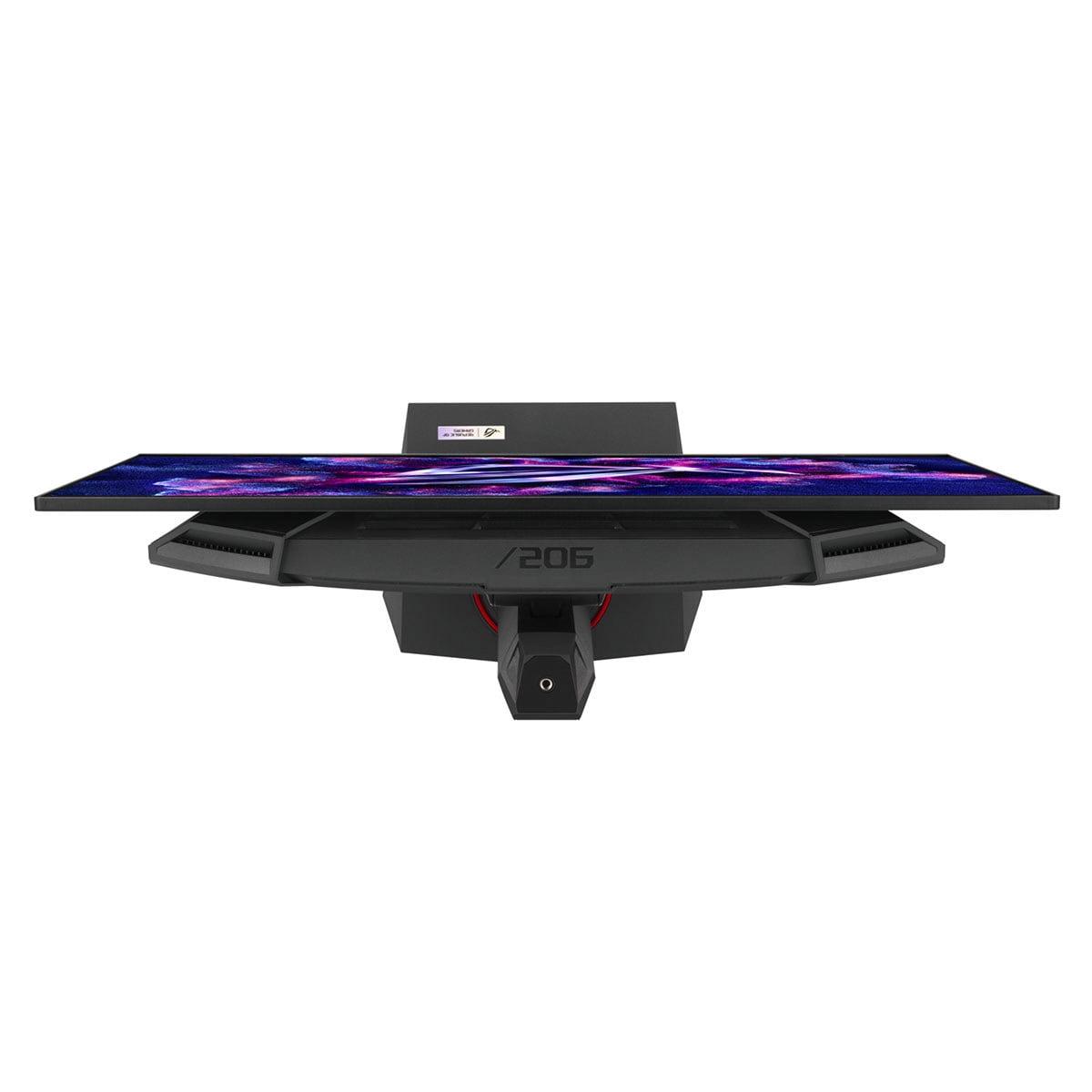
Gaming monitors have become incredibly sophisticated over the past few years, and choosing the right one can feel overwhelming. Today's displays offer features that were unimaginable just a decade ago - we're talking about refresh rates that exceed most people's ability to even perceive the difference, resolution so sharp you can see individual blades of grass in games, and contrast ratios that make movie theaters jealous.
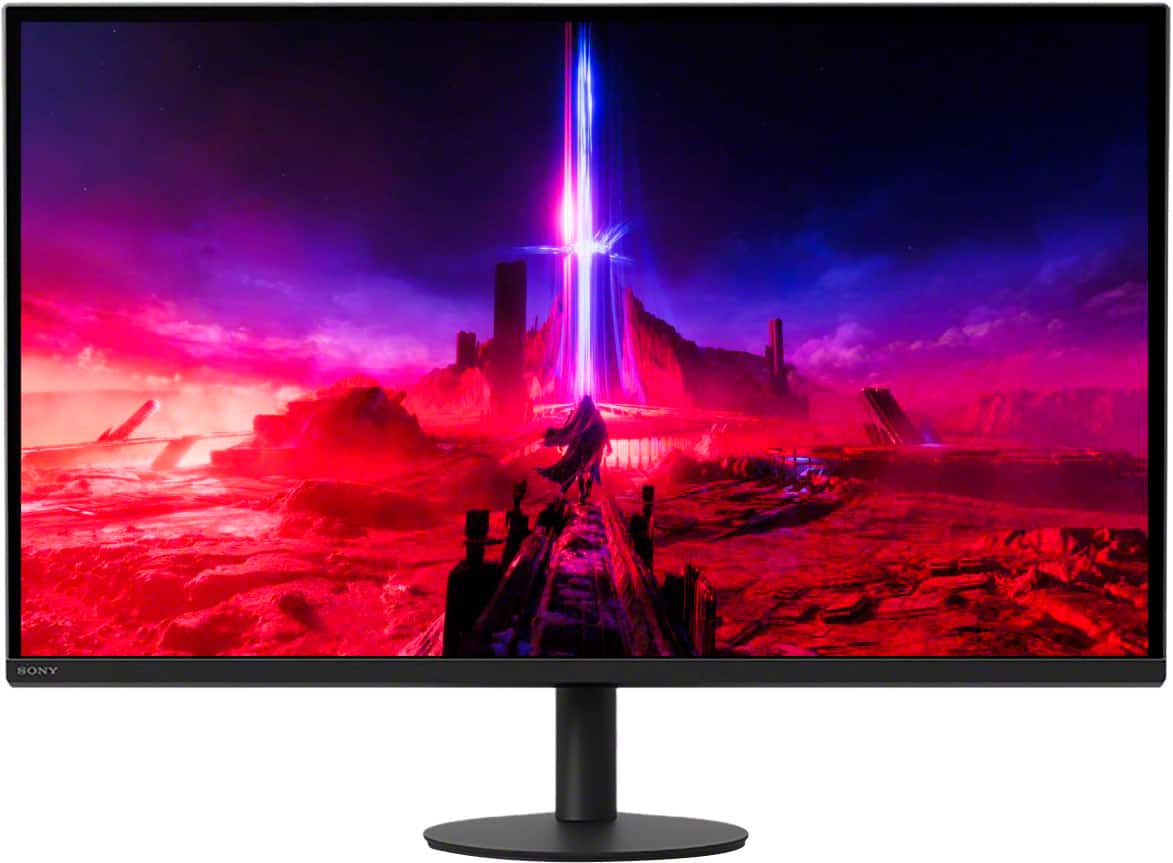
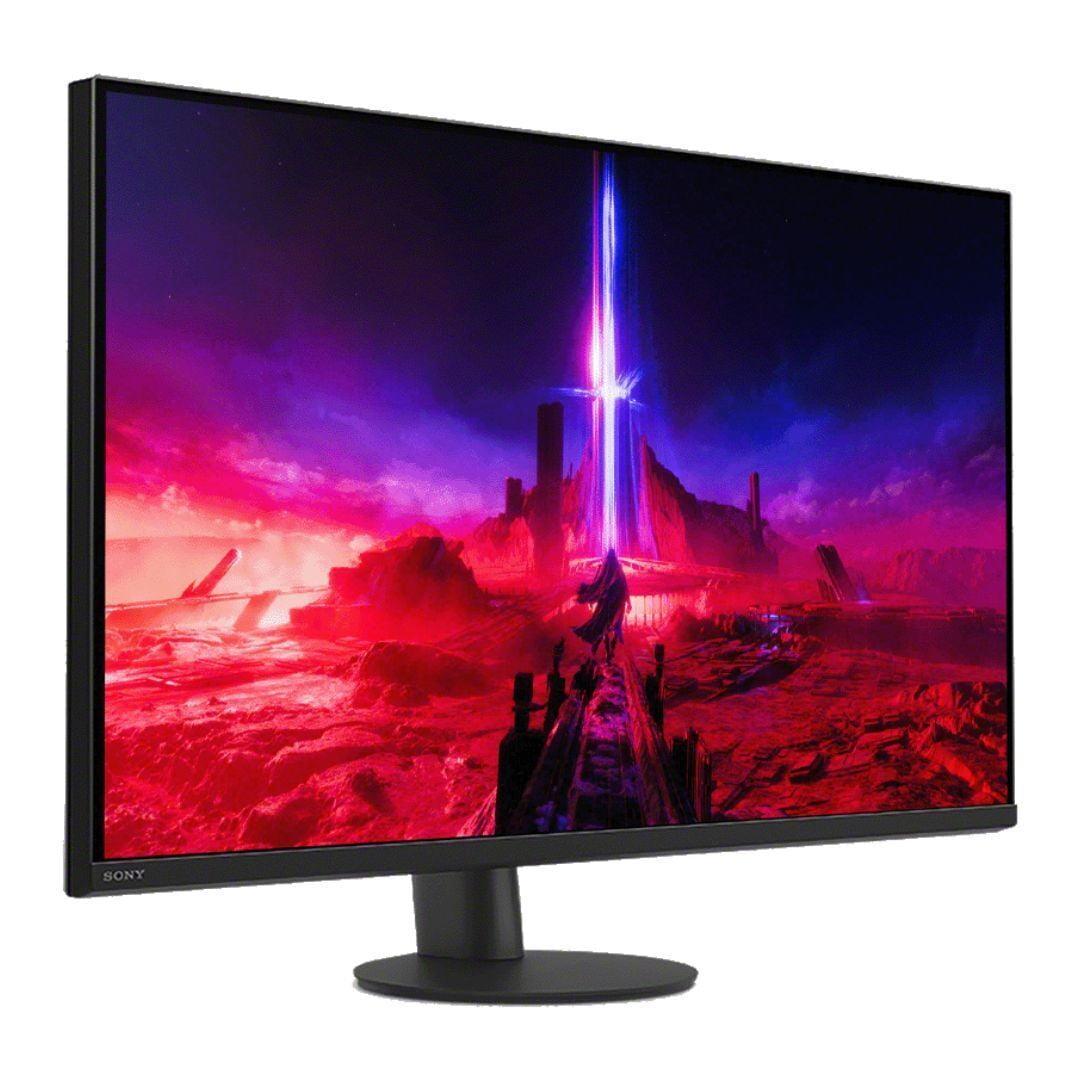
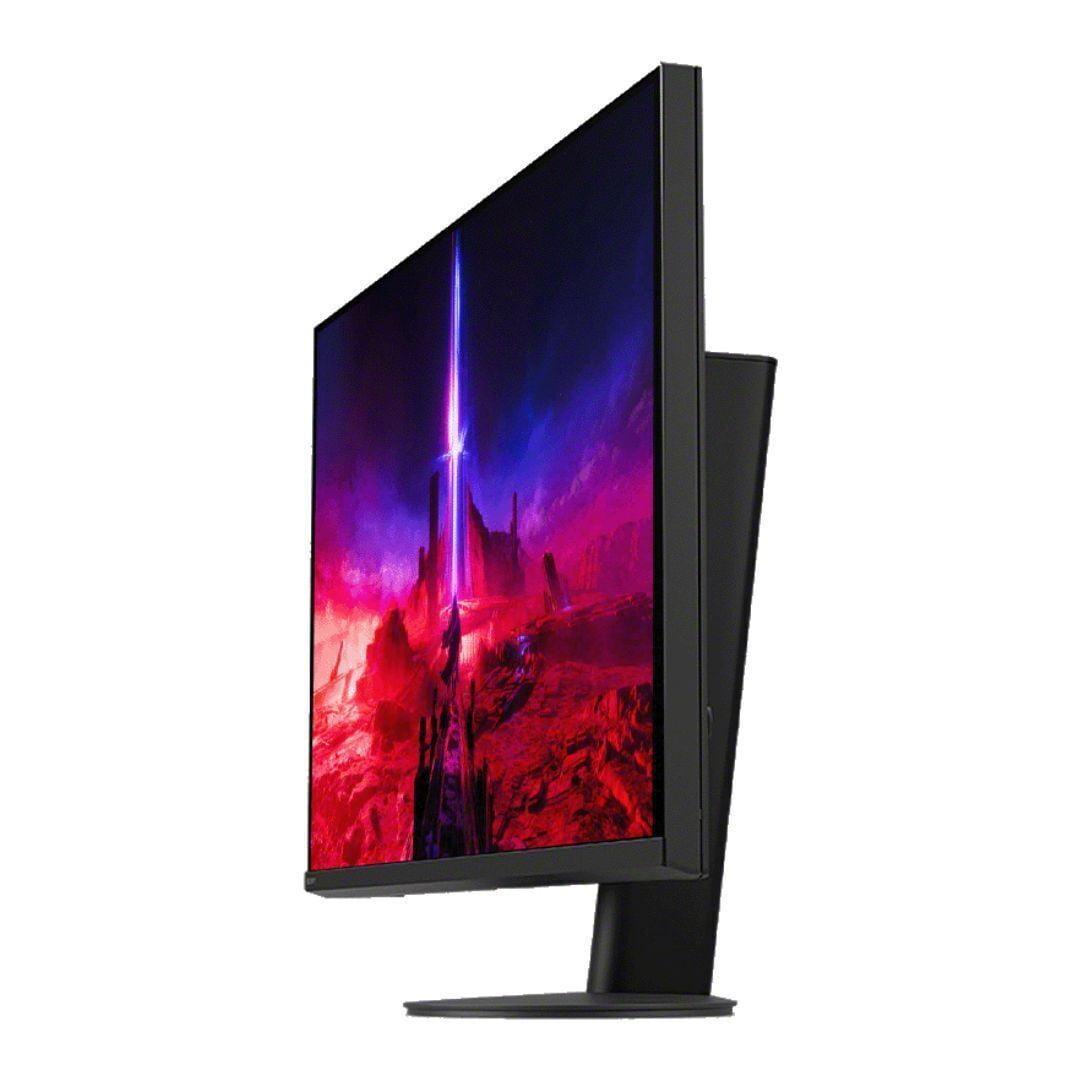
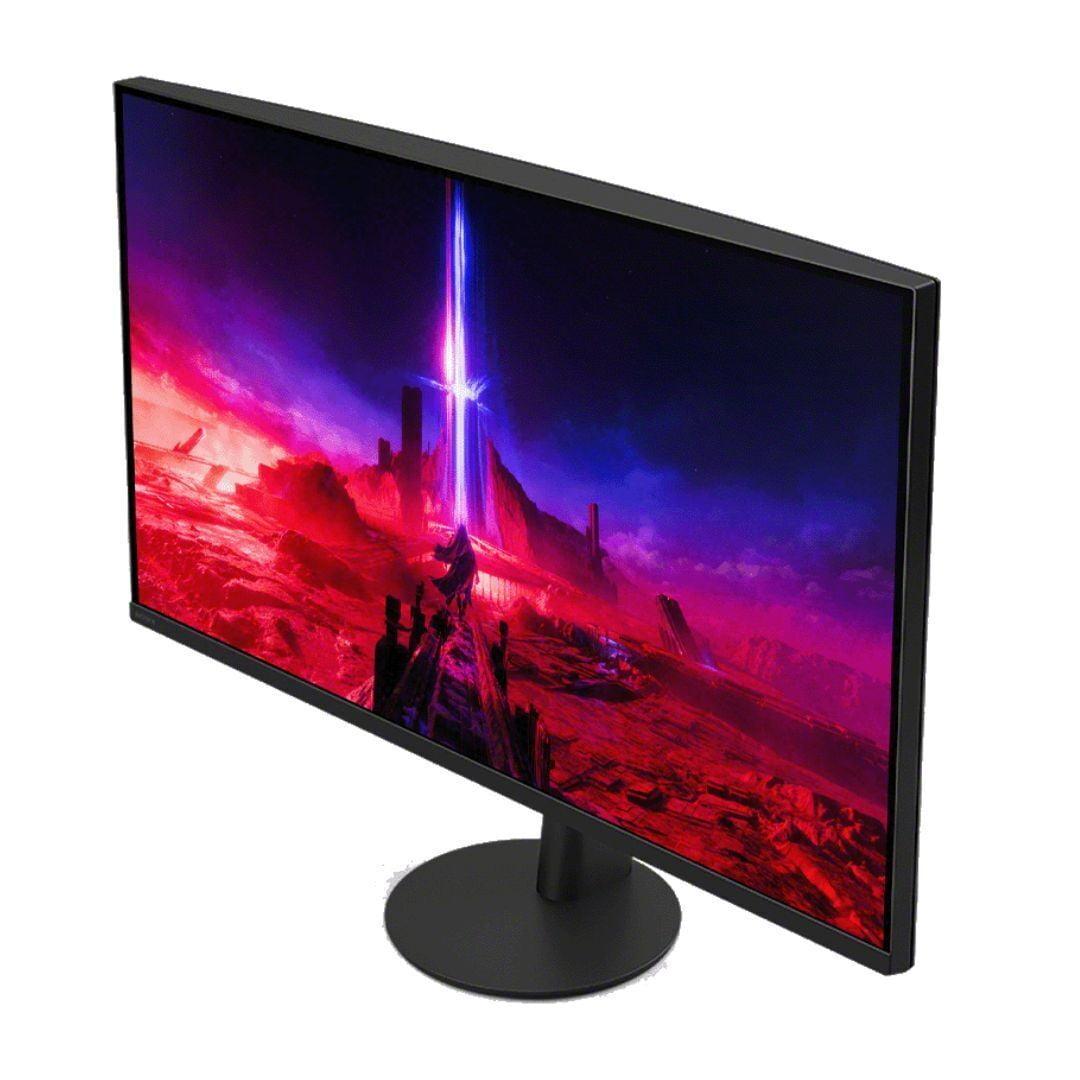
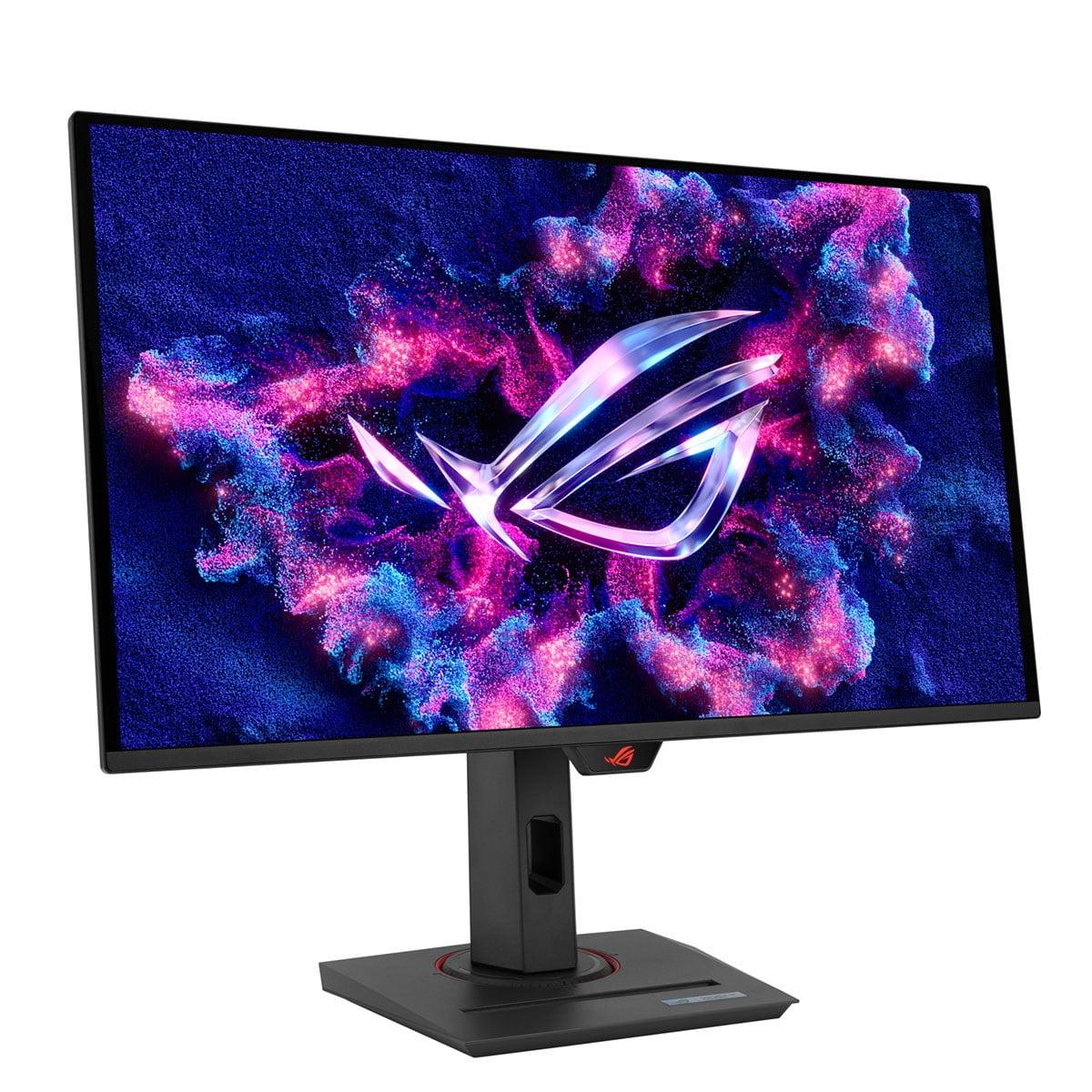
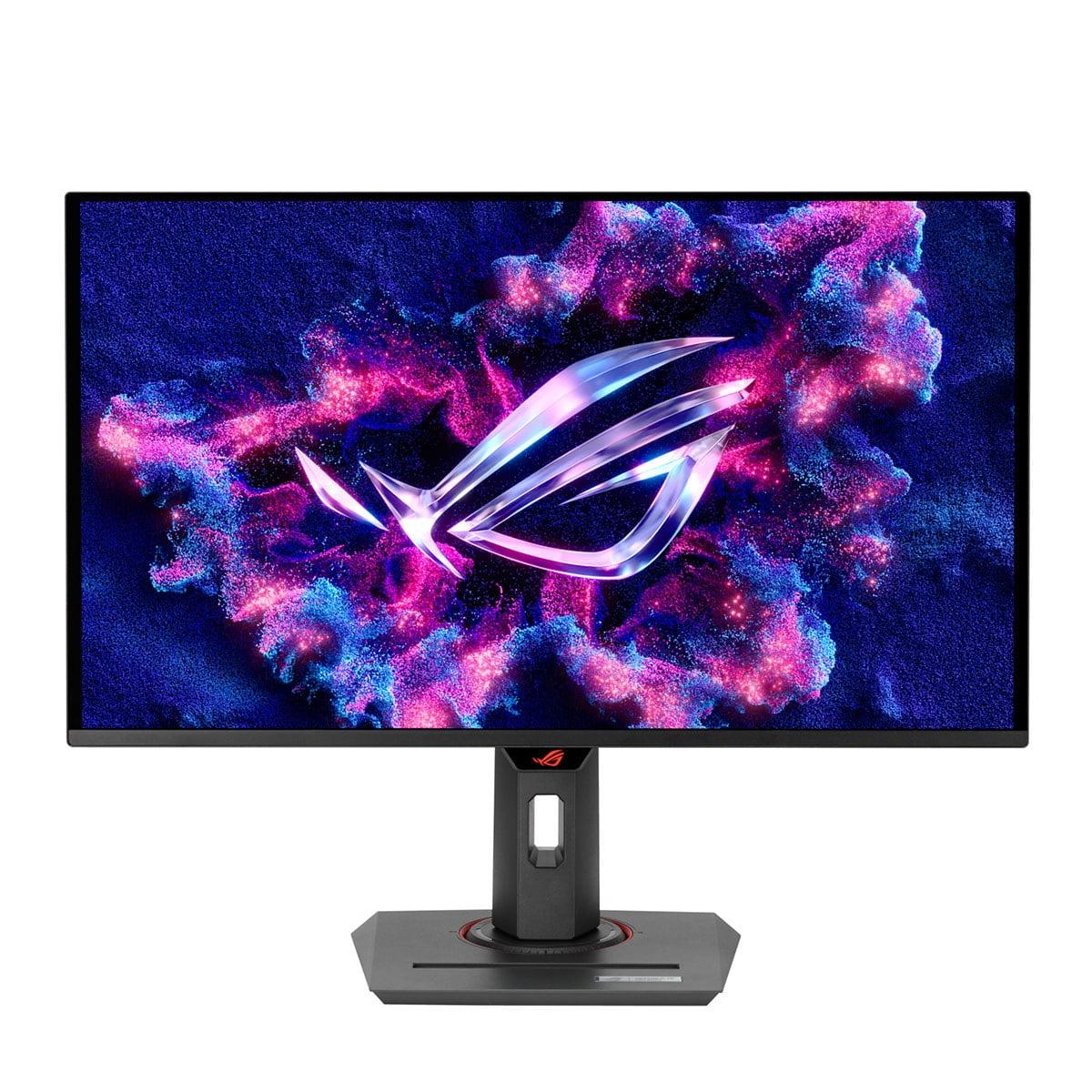
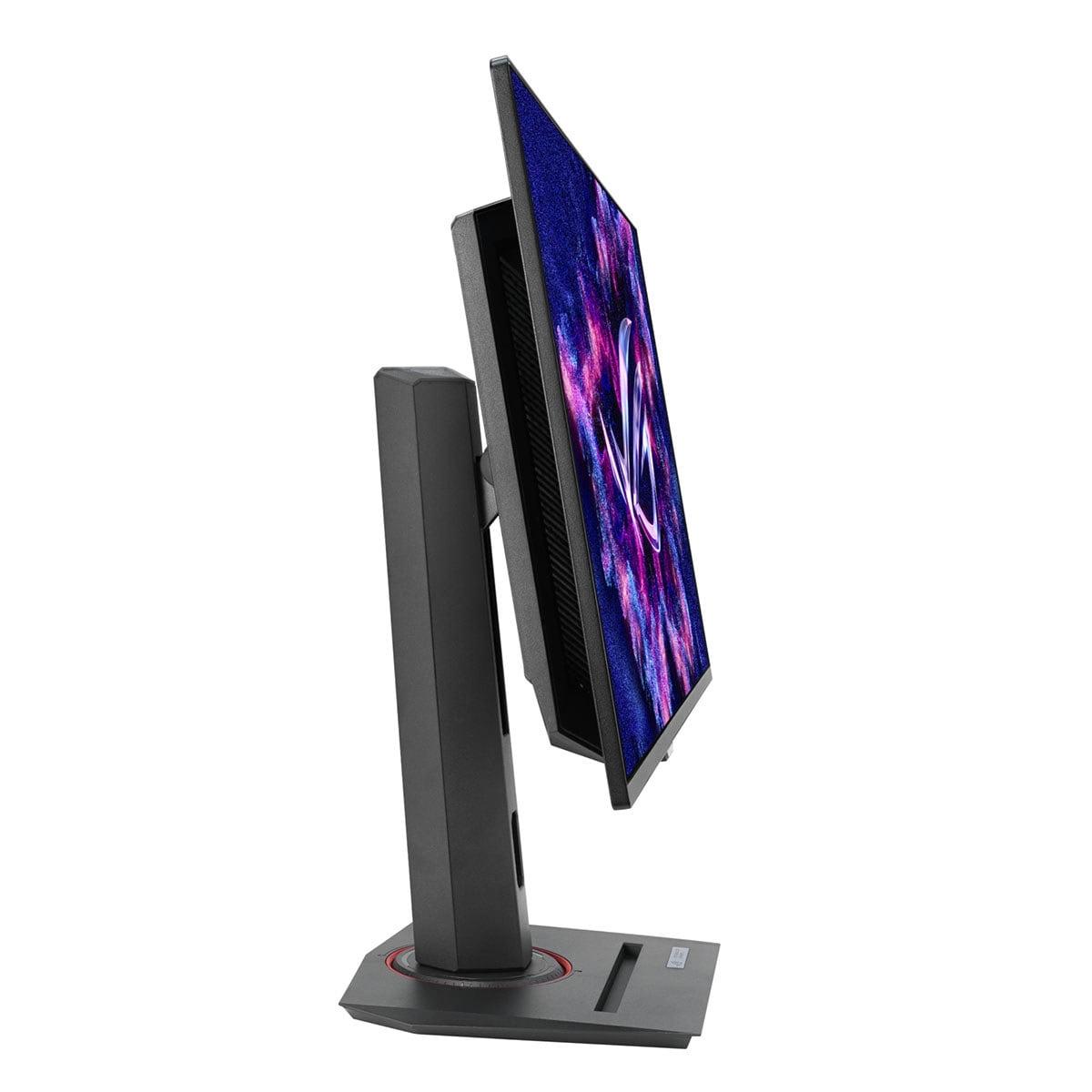
The two monitors we're comparing today represent fundamentally different approaches to gaming excellence. The Sony INZONE M9 II, released in 2024, focuses on delivering stunning 4K visuals with solid gaming performance. Meanwhile, the ASUS ROG Strix OLED XG27ACDNG, also from 2024, prioritizes bleeding-edge speed and contrast through OLED technology. Both are 27-inch displays, but that's about where the similarities end.
Before diving into specifics, let's talk about what makes a gaming monitor tick. At the most basic level, you're balancing three key elements: resolution (how detailed the image looks), refresh rate (how smooth motion appears), and panel technology (which affects everything from color accuracy to how long the monitor will last).
Resolution is probably the easiest to understand - more pixels mean sharper images. 4K (3840 x 2160 pixels) has four times more pixels than standard 1080p, while QHD (2560 x 1440 pixels) sits right in the middle. Refresh rate, measured in Hz, tells you how many times per second your monitor can display a new image. Higher numbers mean smoother motion, especially important for fast-paced games.
Panel technology is where things get interesting. Traditional LCD panels (like IPS and VA) use a backlight shining through liquid crystals, while OLED panels have pixels that light themselves up. This fundamental difference affects everything from how deep the blacks look to how quickly pixels can change colors.
The gaming monitor landscape has evolved dramatically since 2020. We've seen the introduction of Mini LED backlighting (which improves contrast on LCD panels), the mainstream adoption of OLED technology for computer monitors, and refresh rates that have jumped from 144Hz to 360Hz and beyond. Both the Sony INZONE M9 II and ASUS XG27ACDNG represent the cutting edge of this evolution, incorporating technologies that simply weren't available in consumer monitors just a few years ago.
Sony's approach with the INZONE M9 II is all about maximizing visual fidelity while maintaining solid gaming performance. This monitor uses a 27-inch IPS panel - IPS stands for "In-Plane Switching," a technology known for accurate colors and wide viewing angles. What makes this particular IPS panel special is its Full Array Local Dimming (FALD) system.
Local dimming is essentially a way to make LCD panels behave more like OLED displays. Instead of having one giant backlight illuminating the entire screen, the Sony monitor divides its backlight into 96 separate zones arranged in a 12x8 grid. When a part of the image should be dark, the corresponding backlight zones can dim or turn off completely, creating deeper blacks and better contrast. It's like having 96 individual flashlights behind your screen instead of one big floodlight.
The 4K resolution really shines on a 27-inch screen. You get roughly 163 pixels per inch, which means text is incredibly sharp, game textures show fine details, and you can actually benefit from the extra screen real estate for productivity work. I've found that once you get used to 4K gaming, dropping back to 1440p can feel noticeably less crisp, especially in games with lots of fine detail like strategy games or open-world adventures.
Sony has tuned this monitor specifically for PlayStation 5 integration, including Auto HDR Tone Mapping that automatically optimizes the display settings when you connect a PS5. This is more significant than it might sound - getting HDR (High Dynamic Range) to look right often requires manual tweaking, so having it happen automatically is genuinely convenient.
The 160Hz refresh rate might seem modest compared to some competitors, but there's a practical reason Sony chose this number. Most graphics cards struggle to push 4K games above 60-120 fps anyway, and the PlayStation 5 caps out at 120Hz for 4K gaming. So 160Hz provides headroom without being wasteful.
The ASUS XG27ACDNG takes a completely different approach. Instead of trying to maximize resolution, ASUS focused on creating the fastest, most responsive gaming experience possible while leveraging OLED technology for superior contrast.
OLED (Organic Light-Emitting Diode) represents a fundamental shift in display technology. Unlike LCD panels that require a backlight, each pixel in an OLED display produces its own light. When a pixel needs to be black, it simply turns off completely, creating true blacks that you literally cannot achieve with any LCD technology, no matter how fancy the local dimming system.
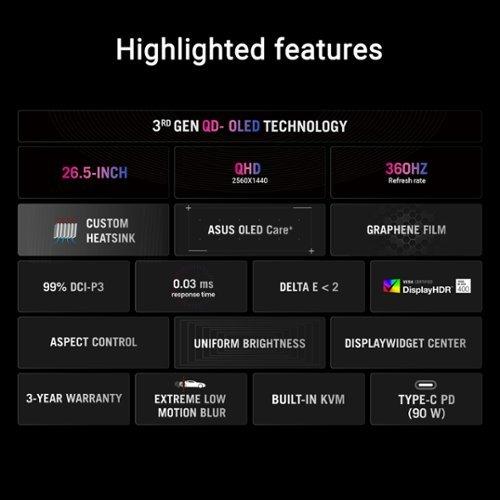
This ASUS monitor uses QD-OLED specifically, which combines quantum dots (tiny particles that emit very pure colors when excited by light) with OLED technology. The result is a display that can show incredibly vibrant colors - we're talking about 135% of the sRGB color space and 99% of DCI-P3, which is the color standard used in movie theaters.
The 360Hz refresh rate is where things get really interesting. To put this in perspective, most people can't consciously perceive differences above about 200-240Hz, but competitive gamers swear by higher refresh rates for reducing input lag and improving motion clarity. At 360Hz, the gap between when you click your mouse and when something happens on screen is reduced to an almost theoretical minimum.
The 0.03ms response time (compared to the Sony's 1ms) means pixels can change colors almost instantaneously. In practical terms, this eliminates ghosting - that trailing effect you sometimes see behind fast-moving objects on slower displays.
When it comes to pure image quality, these monitors excel in different ways. The Sony INZONE M9 II delivers incredibly detailed images thanks to its 4K resolution. Text is razor-sharp, game textures show fine details that you'd miss at lower resolutions, and you can actually use the extra screen space for productivity tasks like video editing or programming.
However, the ASUS OLED has a significant advantage in contrast and color vibrancy. OLED's perfect blacks create an almost infinite contrast ratio - bright elements literally pop off the screen in a way that no LCD can match. Colors appear more saturated and lifelike, and dark scenes in games or movies look dramatically better.
The Sony's local dimming system helps bridge this gap somewhat, but it's not perfect. With only 96 zones covering the entire 27-inch screen, you can sometimes see "blooming" - where bright objects cause surrounding dark areas to light up slightly. It's most noticeable when you have bright text on a dark background or small bright objects in dark scenes.
For HDR content, both monitors handle it well but differently. The Sony can maintain higher brightness levels across larger portions of the screen, making it better for HDR content viewed in bright rooms. The ASUS creates more dramatic contrast in HDR content, with highlights that truly pop against perfectly black backgrounds.
This is where the fundamental difference in approaches becomes most apparent. The Sony INZONE M9 II provides a smooth, detailed gaming experience that works well for almost any type of game. The 160Hz refresh rate is plenty smooth for most people, and the 4K resolution makes everything look incredibly detailed.
For console gaming, particularly with a PlayStation 5, the Sony monitor is hard to beat. Sony has optimized it specifically for their console, and since the PS5 can only output up to 120Hz at 4K anyway, you're not missing out on any console-specific performance. The Auto HDR Tone Mapping feature alone makes the setup process much simpler than with most monitors.
The ASUS XG27ACDNG, on the other hand, is built for competitive PC gaming where every millisecond matters. The combination of 360Hz refresh rate and 0.03ms response time creates the most responsive gaming experience currently available. If you're playing competitive shooters like CS2, Valorant, or Overwatch 2, the difference is noticeable - enemies appear to move more smoothly, and your reactions feel more immediate.
However, to fully utilize the ASUS monitor's capabilities, you need serious graphics horsepower. Pushing games to 300+ fps at 1440p requires high-end GPUs like an RTX 4080 or better. With lesser graphics cards, you might not see the full benefit of that 360Hz refresh rate.
The feature sets of these monitors reflect their target audiences clearly. The Sony INZONE M9 II includes features that console gamers will appreciate: multiple HDMI 2.1 ports for connecting both a PS5 and Xbox Series X, built-in speakers (though they're basic 2W units), and that PlayStation-specific HDR optimization.
Sony also includes some thoughtful gaming features like a 24.5-inch mode for esports gaming. This shrinks the active display area to simulate a smaller monitor - many professional esports players prefer smaller screens because they can see the entire playing field without moving their eyes as much.
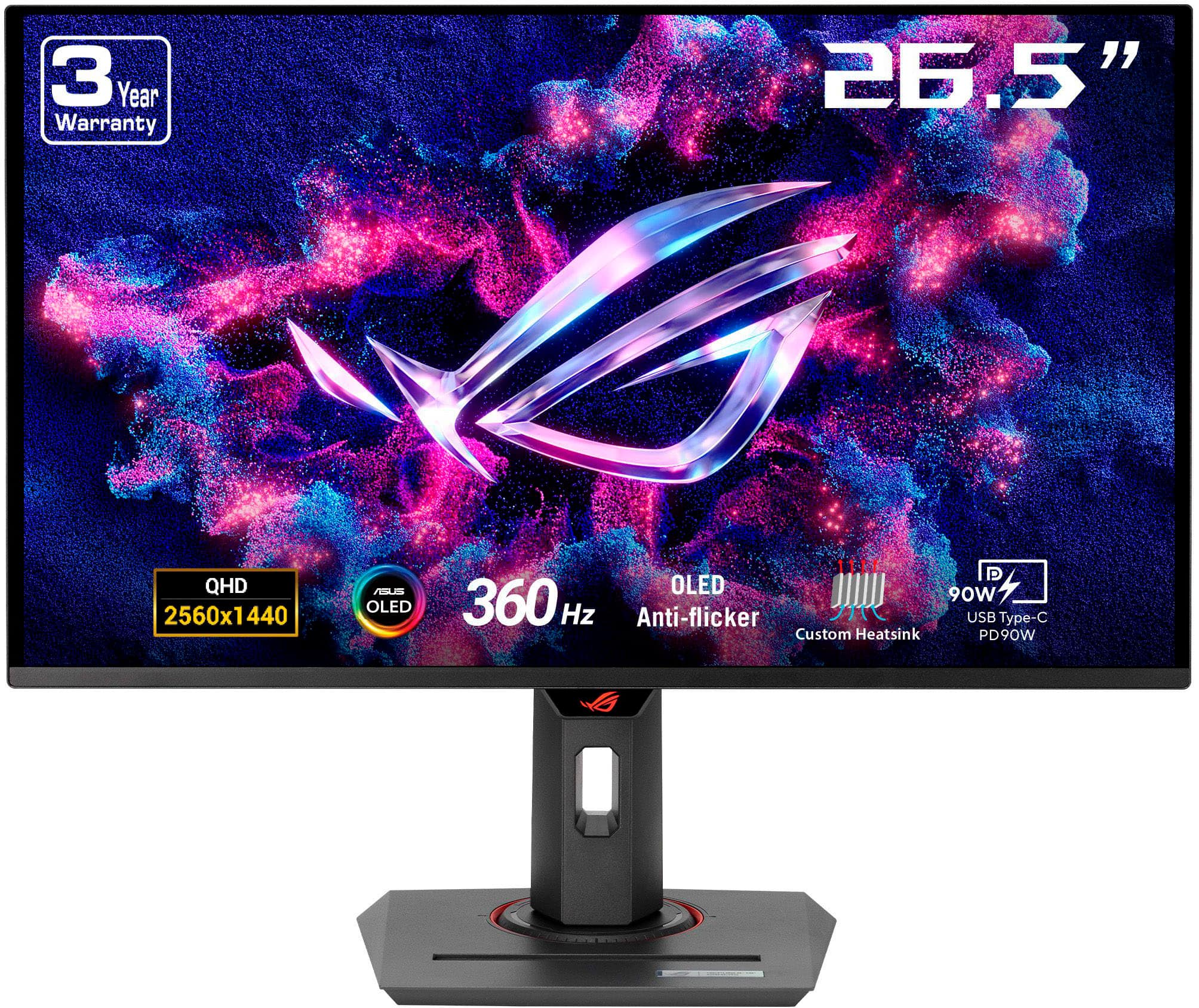
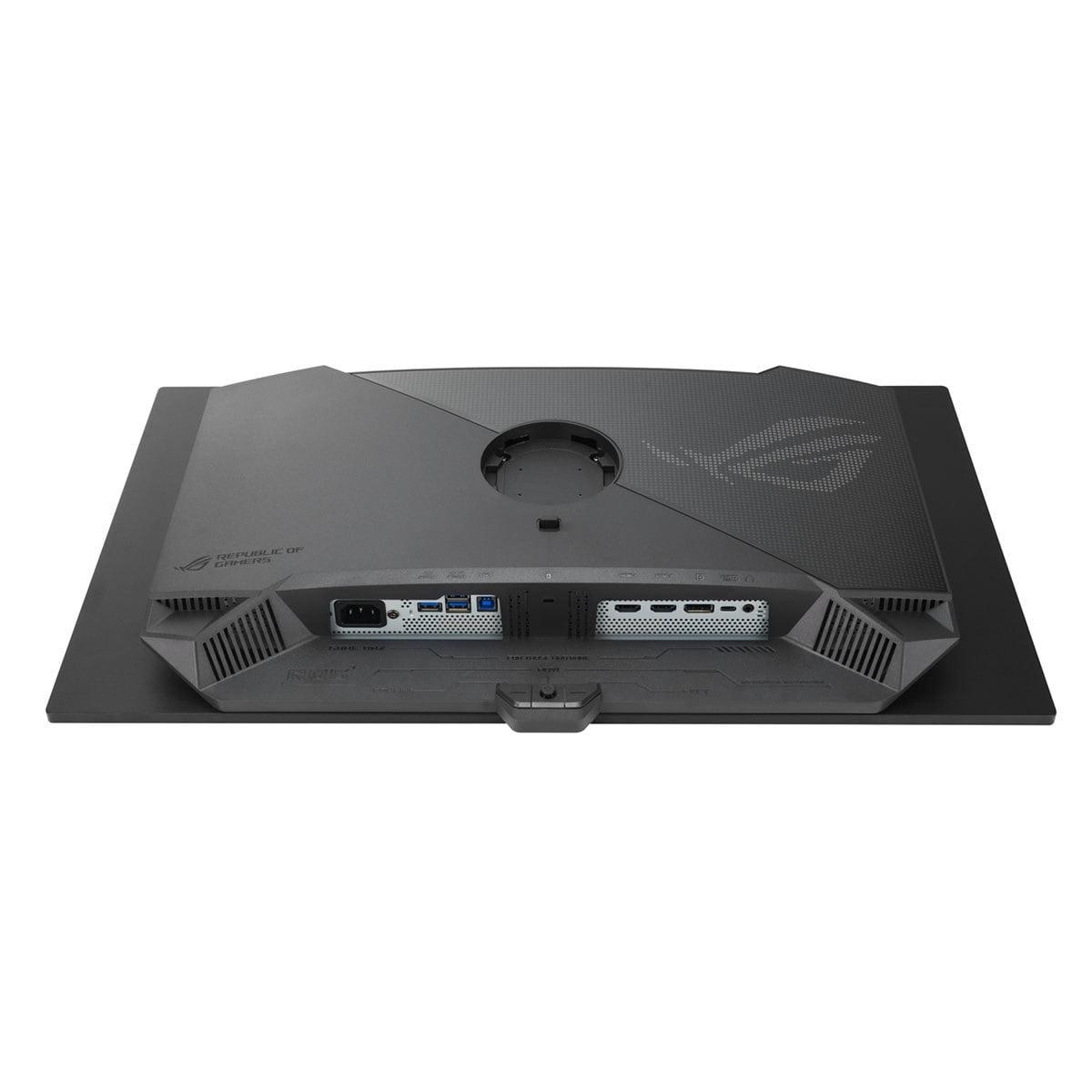
The ASUS monitor is clearly designed with PC users in mind. It includes a 90W USB-C port that can charge a laptop while providing video signal, a built-in KVM switch (which lets you control multiple computers with one keyboard and mouse), and extensive software control through ASUS's DisplayWidget Center.
The ASUS also includes what they call "OLED Care+" - a suite of features designed to prevent burn-in. OLED panels can develop permanent image retention if they display the same bright elements for too long (think Windows taskbars or game UI elements). OLED Care+ includes pixel refresh routines, screen savers, and other protective measures.
This is probably the biggest long-term consideration when choosing between these monitors. LCD panels like the one in the Sony INZONE M9 II don't suffer from burn-in - you can leave the same image on screen for years without permanent damage. The worst that typically happens is some backlight degradation over many years of use.
OLED panels, including the one in the ASUS XG27ACDNG, can develop burn-in if static elements are displayed for extended periods. Modern OLED panels are much more resistant to this than earlier generations, and ASUS includes that 3-year warranty covering burn-in, but it's still a consideration.
In practical terms, if you use your monitor for varied content - gaming, movies, web browsing - burn-in is rarely an issue with modern OLEDs. It's mainly a concern for people who might leave static interfaces displayed for hours at a time, like traders watching stock tickers or people who work with the same applications all day.
Both monitors can work well in home theater setups, though they excel in different scenarios. The Sony INZONE M9 II works better in brighter rooms thanks to its higher sustained brightness levels. Its 4K resolution also means you can sit closer to the screen while watching movies without seeing individual pixels.
The ASUS OLED creates a more cinematic experience in darker rooms. Those perfect blacks make movie watching genuinely impressive - it's like having a mini movie theater on your desk. The wider color gamut also means that HDR movies look more vibrant and lifelike.
However, the ASUS's lower resolution might be noticeable if you're used to 4K content, especially if you sit close to the screen. For movie watching specifically, the Sony's 4K resolution provides a noticeable improvement in detail, particularly for content that was actually mastered in 4K.
At the time of writing, both monitors command premium prices, but they target different users. The Sony INZONE M9 II offers better value for most people - its 4K resolution provides long-term utility, it works great with current consoles, and it doesn't require cutting-edge graphics hardware to utilize fully.
The ASUS XG27ACDNG is more specialized. If you're a competitive gamer with a high-end PC setup, the premium you pay for OLED technology and 360Hz refresh rate can be justified. But if you're gaming casually or primarily on console, you might not get enough benefit to justify the extra cost.
Choose the Sony INZONE M9 II if you primarily game on PlayStation 5, value long-term reliability, want the sharpest possible image quality, or game in bright environments. It's also the better choice if you want one monitor that handles gaming, productivity, and media consumption equally well.
Go with the ASUS ROG Strix OLED XG27ACDNG if you're a competitive PC gamer with a high-end graphics card, prioritize the most responsive gaming experience possible, or do most of your gaming/viewing in darker environments where OLED's contrast advantage really shines.
Both represent excellent examples of their respective approaches to gaming monitor design. The Sony prioritizes versatility and visual fidelity, while the ASUS focuses on creating the ultimate competitive gaming experience. Your choice should depend on which of these priorities aligns better with how you actually use your monitor day-to-day.
The gaming monitor market continues evolving rapidly, with new technologies appearing regularly. But both the Sony and ASUS monitors represent mature, refined implementations of their respective technologies, making either a solid choice for their intended use cases.
| Sony INZONE M9 II 27" 4K 160Hz Gaming Monitor | ASUS ROG Strix OLED XG27ACDNG 27" QHD 360Hz Gaming Monitor |
|---|---|
| Panel Technology - Determines contrast, response time, and longevity | |
| IPS LCD with Full Array Local Dimming (96 zones) | QD-OLED (self-emitting pixels) |
| Resolution - Higher resolution means sharper text and more detailed visuals | |
| 3840 x 2160 (4K UHD) - Excellent detail for games and productivity | 2560 x 1440 (QHD) - Good balance of performance and visual quality |
| Refresh Rate - Higher rates provide smoother motion in fast games | |
| 160Hz - Perfect for console gaming, adequate for most PC gaming | 360Hz - Overkill for most users, ideal for competitive esports |
| Response Time - Lower numbers reduce ghosting in fast motion | |
| 1ms GTG - Very good, minimal ghosting | 0.03ms GTG - Virtually instantaneous, best-in-class |
| Peak Brightness - Affects HDR performance and visibility in bright rooms | |
| 750 nits - Good for bright rooms, sustained brightness advantage | 1,000 nits (small highlights only) - Excellent contrast but dims with larger bright areas |
| Contrast Ratio - Higher contrast makes images more vibrant and realistic | |
| 80,000:1 (with local dimming) - Very good for LCD | 1,500,000:1 - Perfect blacks, infinite contrast in dark rooms |
| Color Coverage - Wider gamuts display more vibrant, accurate colors | |
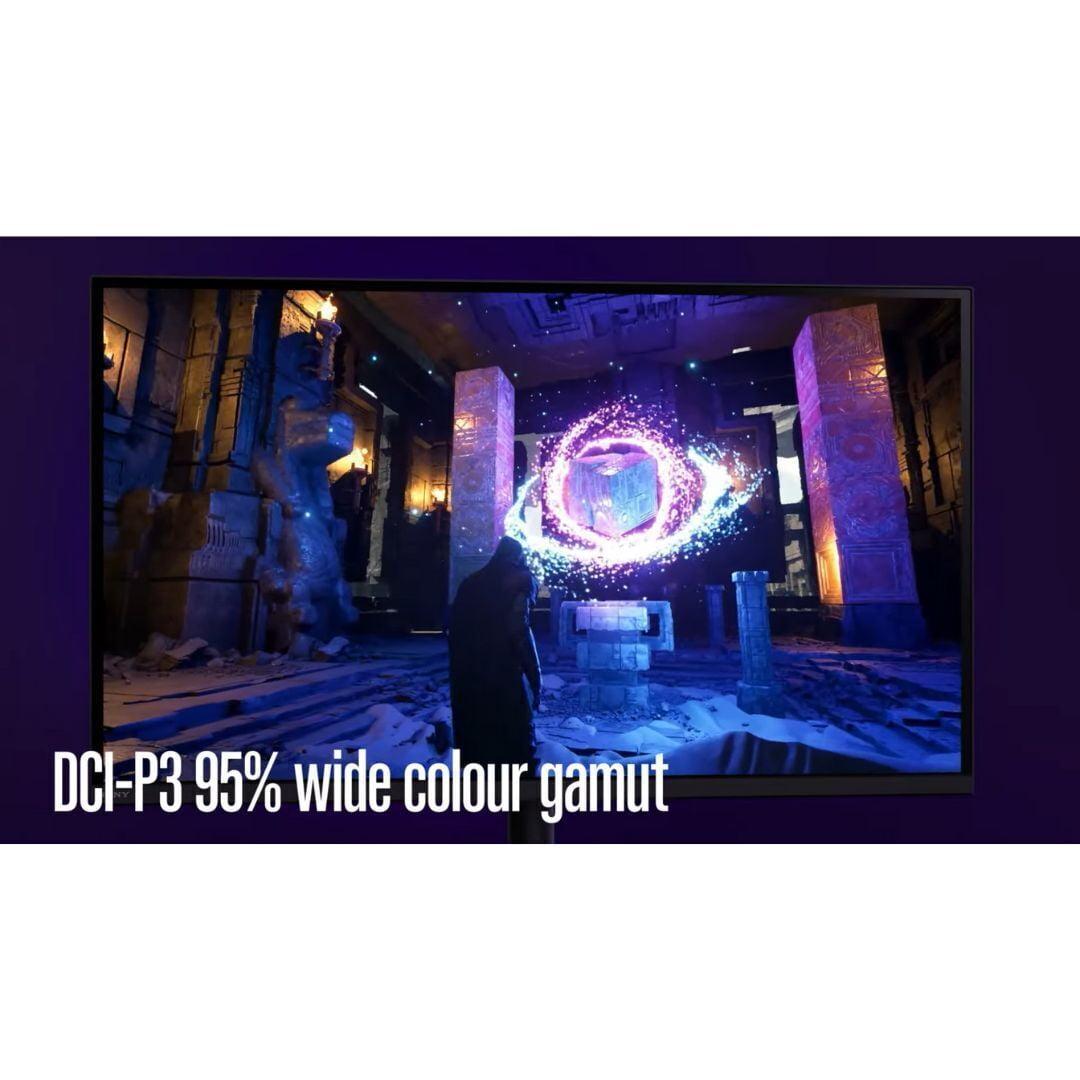
| 95% DCI-P3 - Very good color reproduction | 99% DCI-P3, 135% sRGB - Exceptional color vibrancy |
| Console Gaming Features - Important for PlayStation and Xbox users | |
| Auto HDR Tone Mapping for PS5, optimized console integration | Standard console compatibility, no special optimizations |
| PC Gaming Features - Benefits for high-end PC setups | |
| G-SYNC Compatible, good for mid-range GPUs | G-SYNC Compatible + FreeSync Premium Pro, requires high-end GPU for full benefit |
| Connectivity - Determines what devices you can connect | |
| 2x HDMI 2.1, DisplayPort 2.1, USB hub | 2x HDMI 2.1, DisplayPort 1.4, USB-C with 90W power delivery, KVM switch |
| Burn-in Risk - OLED displays can develop permanent image retention | |
| No burn-in risk - LCD technology is immune | Potential burn-in with static images - mitigated by OLED Care+ and 3-year warranty |
| Warranty Coverage - Protection for your investment | |
| 1 year standard warranty | 3 years including burn-in coverage |
| Best Use Cases - Who should buy each monitor | |
| Console gamers, 4K enthusiasts, productivity users wanting sharp text | Competitive PC gamers, users prioritizing contrast and speed over resolution |
The Sony INZONE M9 II is specifically designed for PlayStation 5 gaming with Auto HDR Tone Mapping that automatically optimizes display settings when connected to a PS5. Its 4K resolution matches the PS5's maximum output capability, and the 160Hz refresh rate provides plenty of headroom since PS5 caps at 120Hz for 4K gaming. While the ASUS ROG Strix OLED works with PS5, it lacks these specialized console optimizations.
The Sony INZONE M9 II offers 4K (3840 x 2160) resolution, providing significantly sharper text and more detailed visuals compared to the ASUS XG27ACDNG's QHD (2560 x 1440) resolution. However, 4K requires more graphics processing power to achieve high frame rates, while QHD allows easier achievement of the high frame rates needed for competitive gaming.
The ASUS ROG Strix OLED delivers superior contrast with perfect blacks and an infinite contrast ratio thanks to its OLED technology where pixels can completely turn off. The Sony INZONE M9 II uses Full Array Local Dimming with 96 zones to improve contrast on its LCD panel, but it cannot achieve the same deep blacks as OLED technology.
The ASUS XG27ACDNG requires a powerful graphics card (RTX 4080 or better) to fully utilize its 360Hz refresh rate at QHD resolution. The Sony INZONE M9 II is more forgiving with mid-range graphics cards since achieving 60-120 fps at 4K is more realistic for most GPU configurations than 300+ fps at QHD.
The ASUS ROG Strix OLED excels in competitive gaming with its 360Hz refresh rate and 0.03ms response time, providing the fastest possible response for competitive advantage. The Sony INZONE M9 II offers solid gaming performance at 160Hz with 1ms response time, but it's better suited for casual gaming rather than professional esports competition.
The ASUS XG27ACDNG has potential burn-in risk since it uses OLED technology, though modern panels are much more resistant than earlier generations. ASUS includes OLED Care+ protection features and a 3-year warranty covering burn-in. The Sony INZONE M9 II uses LCD technology which has no burn-in risk, making it more suitable for users who display static images frequently.
The Sony INZONE M9 II performs better in bright environments with its higher sustained brightness levels and anti-glare coating. While the ASUS ROG Strix OLED can achieve higher peak brightness in small highlights, OLED displays can appear washed out in very bright rooms where LCD panels maintain better visibility.
Both monitors work well for home entertainment. The Sony INZONE M9 II offers 4K resolution for detailed movie viewing and works better in brighter viewing environments. The ASUS XG27ACDNG provides a more cinematic experience in darker rooms with its perfect blacks and vibrant colors, though the lower QHD resolution may be noticeable for 4K movie content.
The Sony INZONE M9 II includes 2x HDMI 2.1 ports, DisplayPort 2.1, and a USB hub, making it ideal for connecting multiple consoles. The ASUS XG27ACDNG offers 2x HDMI 2.1, DisplayPort 1.4, USB-C with 90W power delivery, and a built-in KVM switch for controlling multiple devices with one keyboard and mouse.
The Sony INZONE M9 II typically offers better value for general users with its 4K resolution providing long-term utility, excellent console compatibility, and no burn-in concerns. The ASUS ROG Strix OLED commands a premium but justifies it for competitive gamers and enthusiasts who will fully utilize its advanced OLED technology and 360Hz capabilities.
The ASUS XG27ACDNG includes a comprehensive 3-year warranty that covers burn-in protection, providing peace of mind for OLED ownership. The Sony INZONE M9 II comes with a standard 1-year warranty, though LCD panels generally have fewer long-term reliability concerns than OLED displays.
The Sony INZONE M9 II excels for productivity with its 4K resolution providing incredibly sharp text and ample screen real estate for multitasking. The ASUS ROG Strix OLED offers excellent color accuracy for creative work and includes useful features like USB-C power delivery and KVM switching, but the lower QHD resolution provides less workspace than 4K.
We've done our best to create useful and informative comparisons to help you decide what product to buy. Our research uses advanced automated methods to create this comparison and perfection is not possible - please contact us for corrections or questions. These are the sites we've researched in the creation of this article: bestbuy.com - bestbuy.com - rtings.com - rtings.com - tomshardware.com - youtube.com - bhphotovideo.com - bestbuy.com - sony.com - techpowerup.com - electronics.sony.com - sony.com - displayspecifications.com - direct.playstation.com - youtube.com - sony.com - sony.com - displayspecifications.com - bhphotovideo.com - displayspecifications.com - tomshardware.com - versus.com - pcguide.com - rog.asus.com - rtings.com - youtube.com - youtube.com - versus.com - displayninja.com - youtube.com - rog.asus.com - cdw.com - shi.com - colamco.com - rog.asus.com - microcenter.com - bestbuy.com - rtings.com - displayspecifications.com - compsource.com - rog.asus.com

Privacy Policy
Terms and Conditions - Affiliate Policy
Home Security
© Copyright 2008-2026.
11816 Inwood Rd #1211, Dallas, TX 75244