

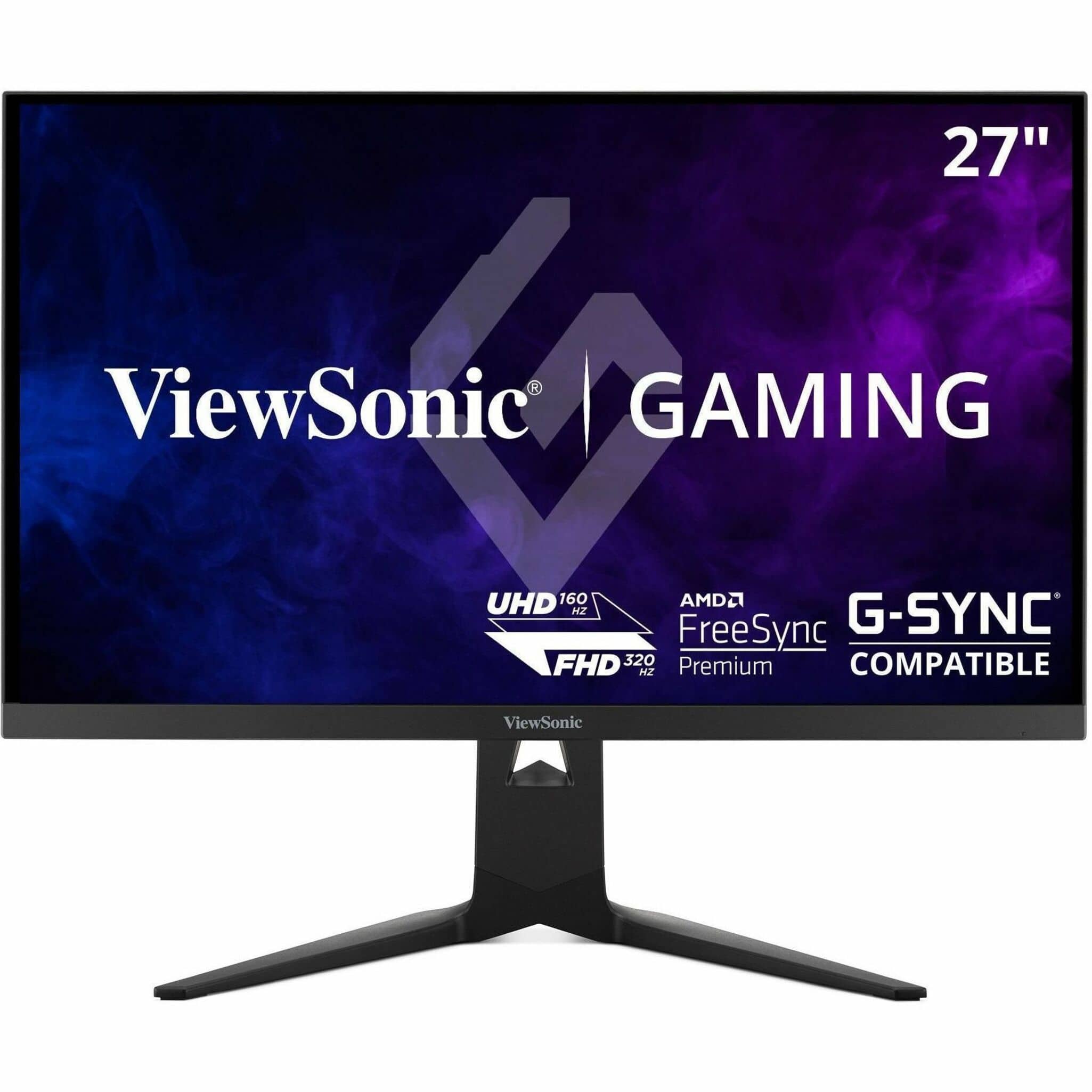
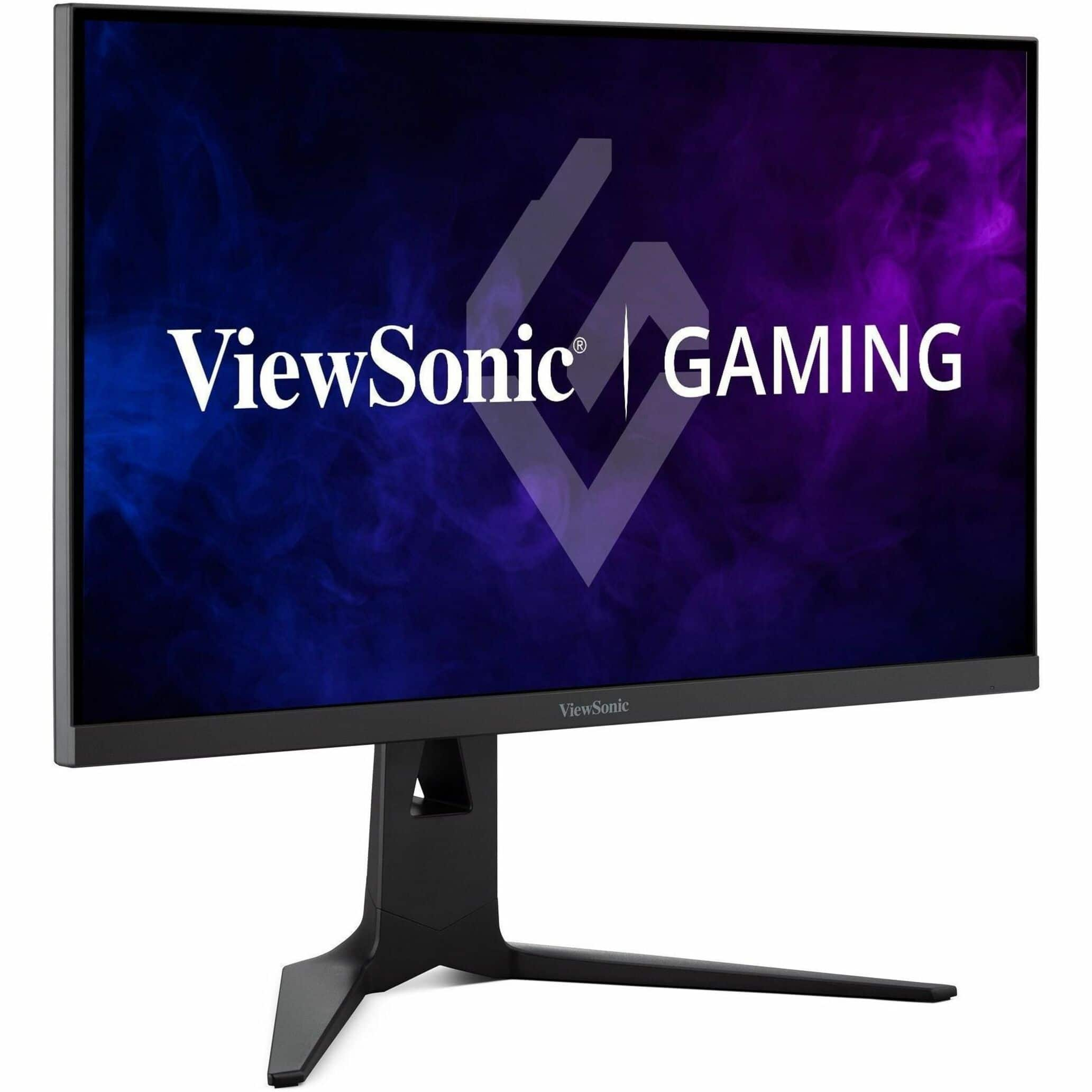
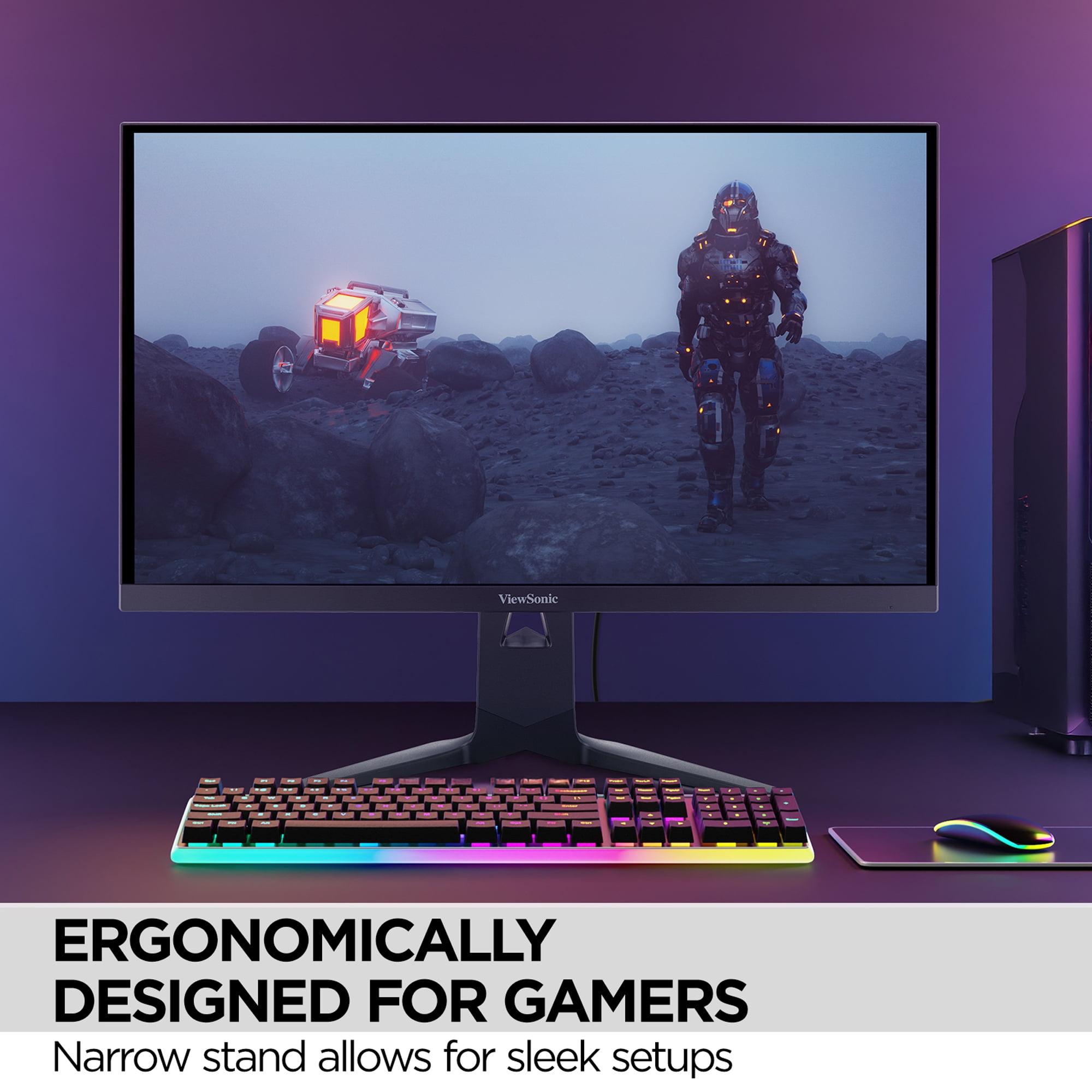
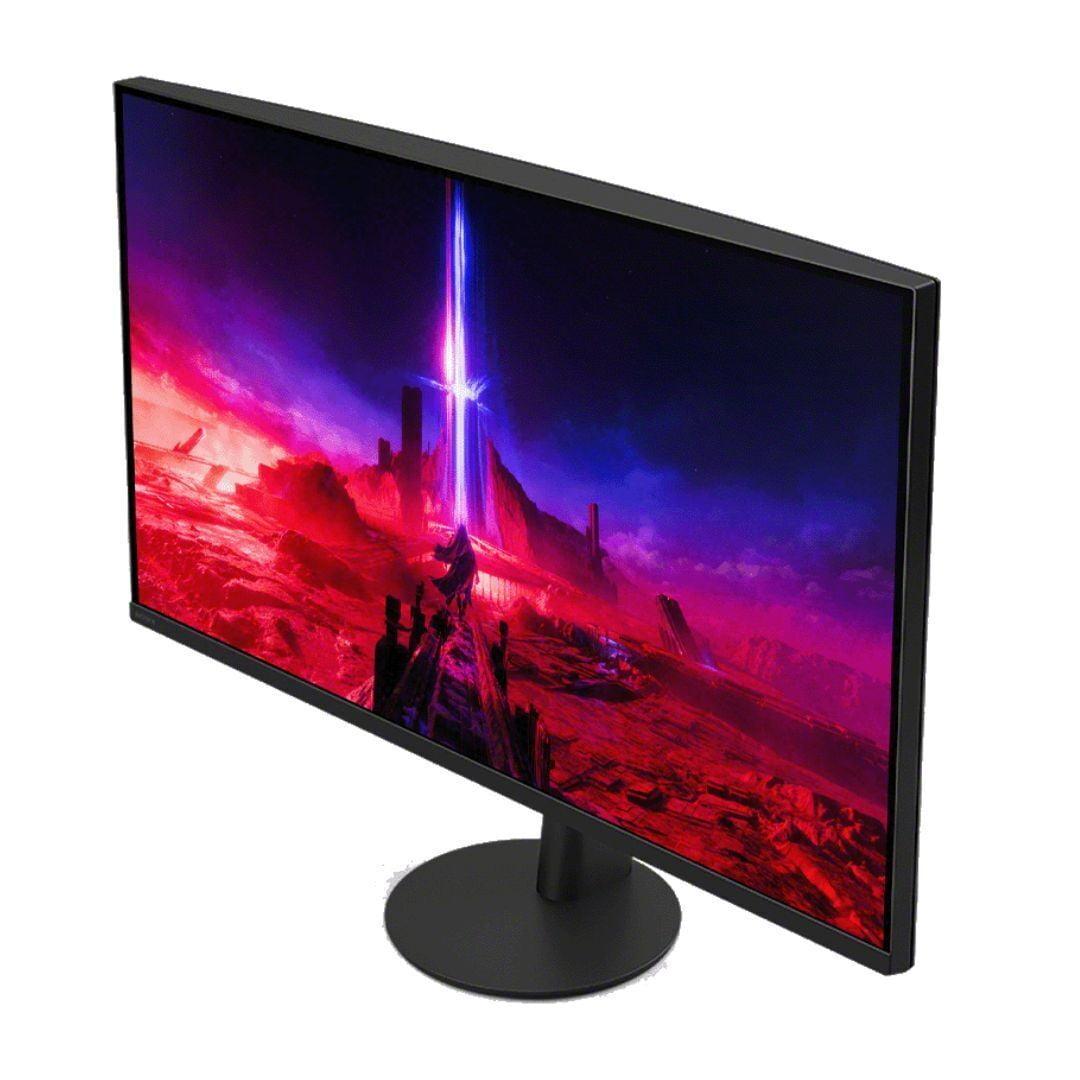

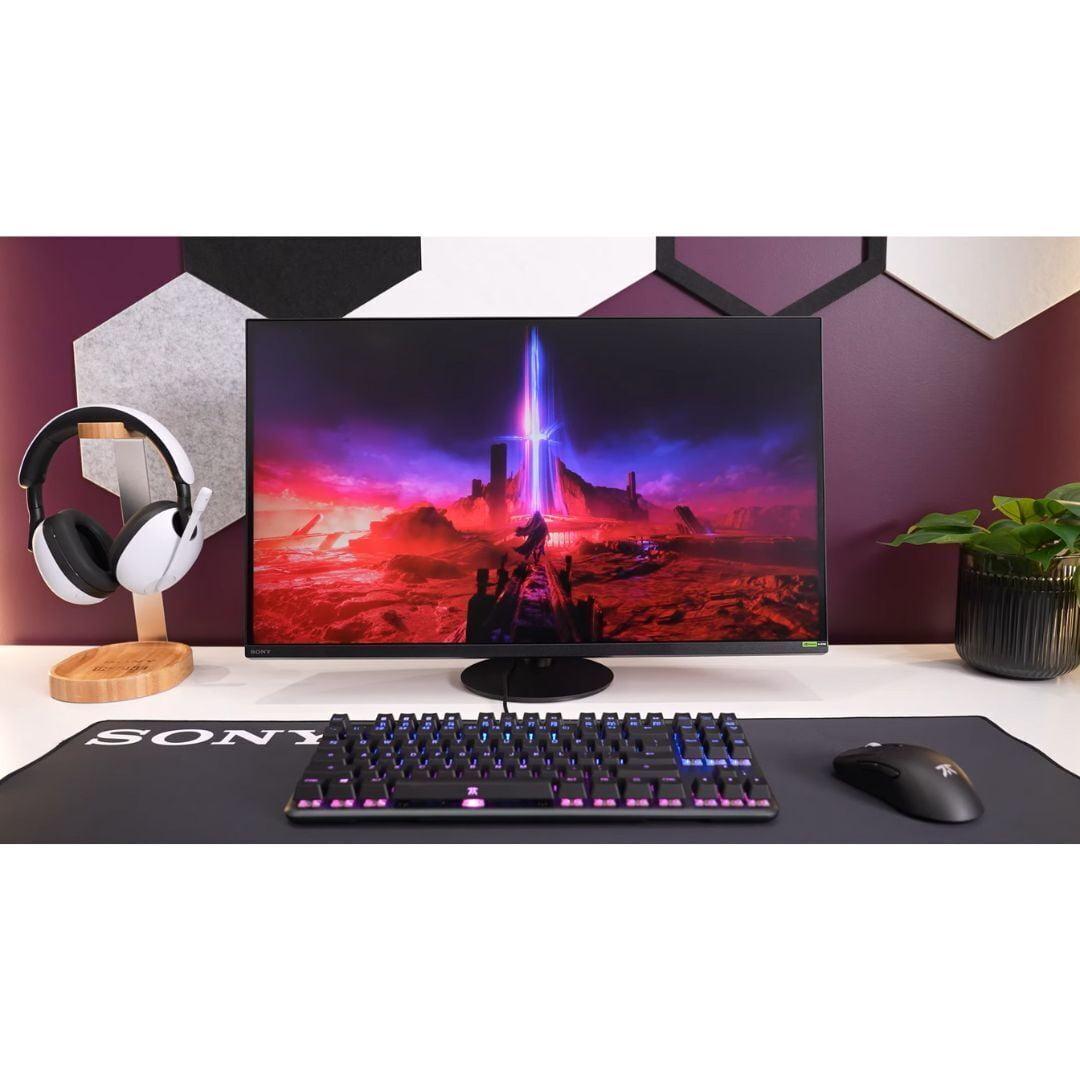
The world of 27-inch 4K gaming monitors has become incredibly competitive, with manufacturers pushing the boundaries of what's possible at this size. Two standouts in this category are the ViewSonic XG275D-4K and the Sony INZONE M9 II, both released in 2024 and representing very different approaches to premium gaming displays.
What makes this comparison particularly interesting is how these monitors tackle the fundamental challenge of 4K gaming: balancing ultra-sharp visuals with the high refresh rates that competitive gamers demand. The ViewSonic XG275D-4K takes an innovative dual-mode approach, while the Sony INZONE M9 II focuses on delivering consistently excellent image quality with PlayStation-specific optimizations.
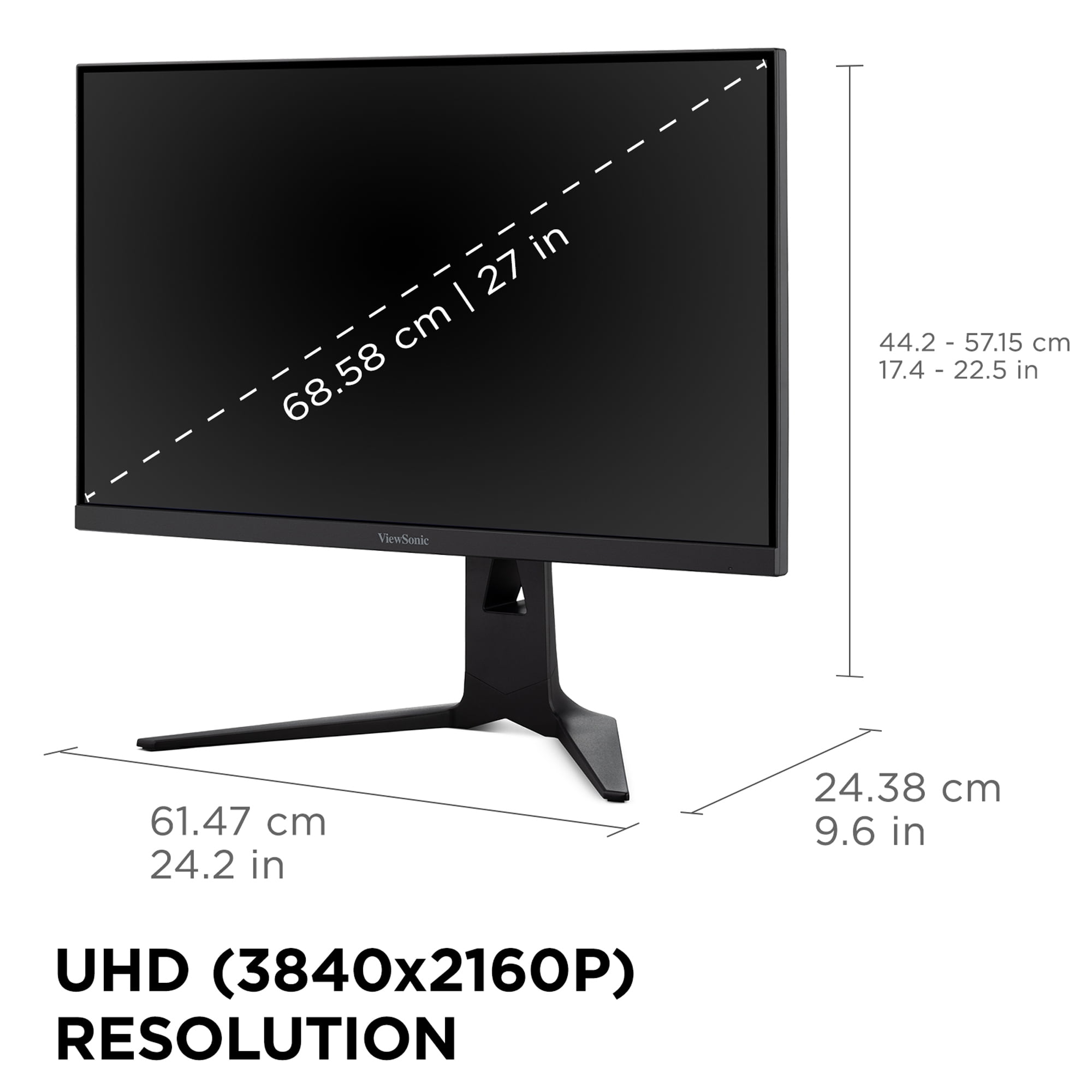
Before diving into specifics, it's worth understanding what makes this category special. A 27-inch 4K monitor provides a pixel density of roughly 163 pixels per inch, which delivers incredibly sharp text and detailed game visuals without requiring the scaling that larger 4K displays often need. This size hits a sweet spot where you can see the full benefit of 4K resolution without needing to sit uncomfortably close to your screen.
The main considerations when shopping in this category include refresh rate capabilities (how many times per second the screen updates), response time (how quickly pixels can change colors), HDR performance (how well the monitor displays bright highlights and dark shadows), and color accuracy. Variable refresh rate support—which synchronizes your graphics card's output with the monitor's refresh rate to eliminate screen tearing—has become essential for smooth gaming.
At the time of writing, premium 27-inch 4K gaming monitors typically range from the mid-$600s to over $900, with the technology advancing rapidly. Both monitors we're comparing launched in 2024, benefiting from recent improvements in IPS panel technology, better local dimming implementations, and more sophisticated gaming features.
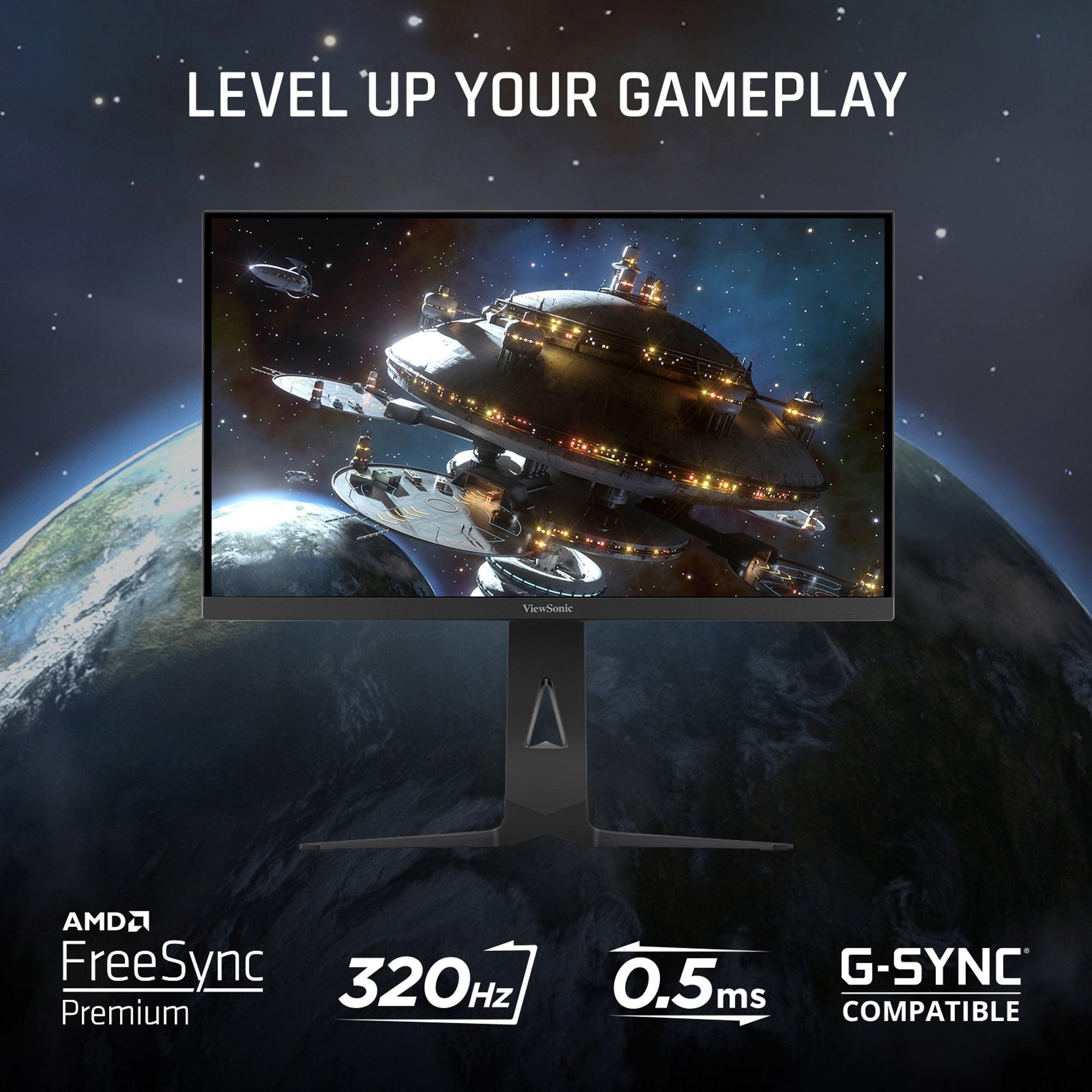
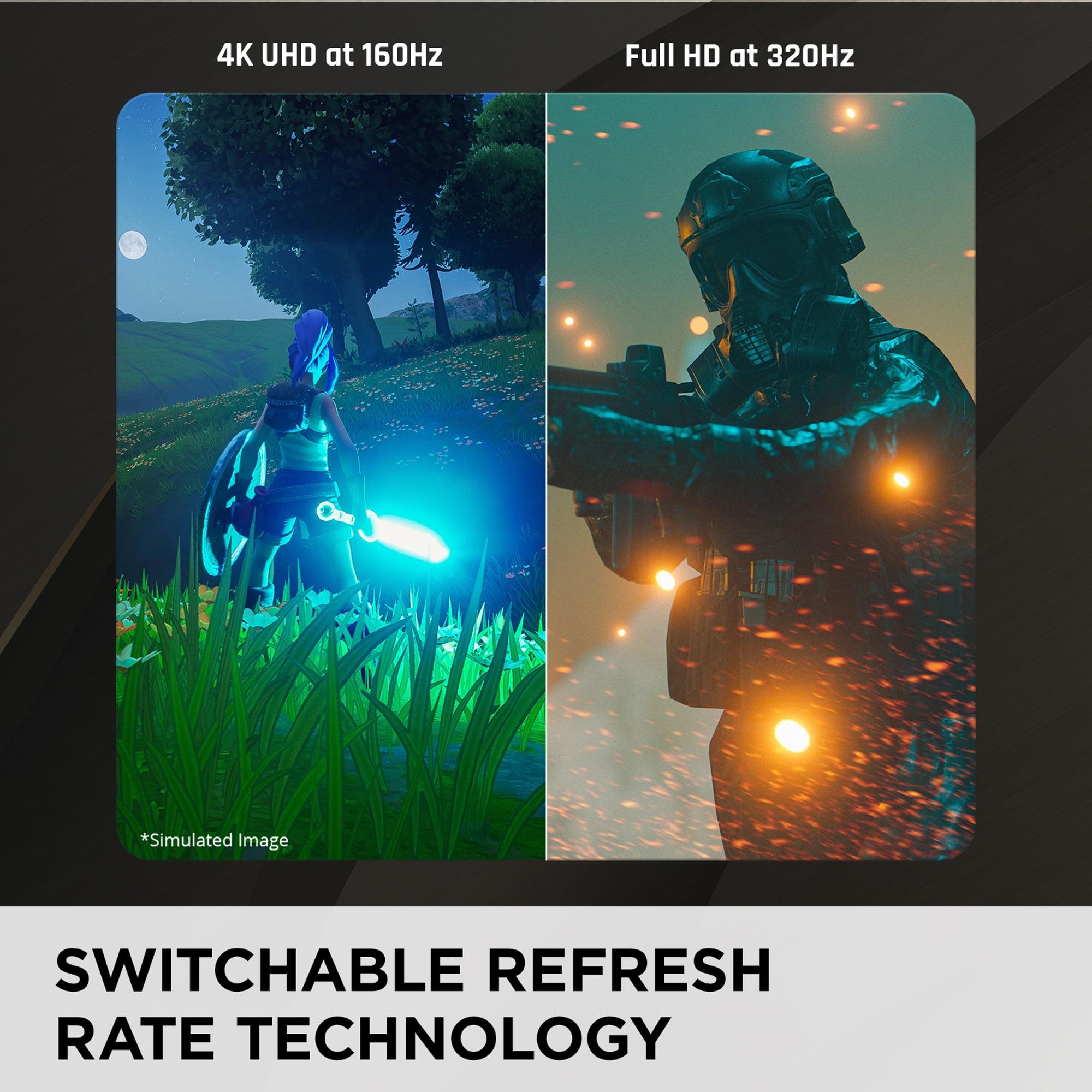
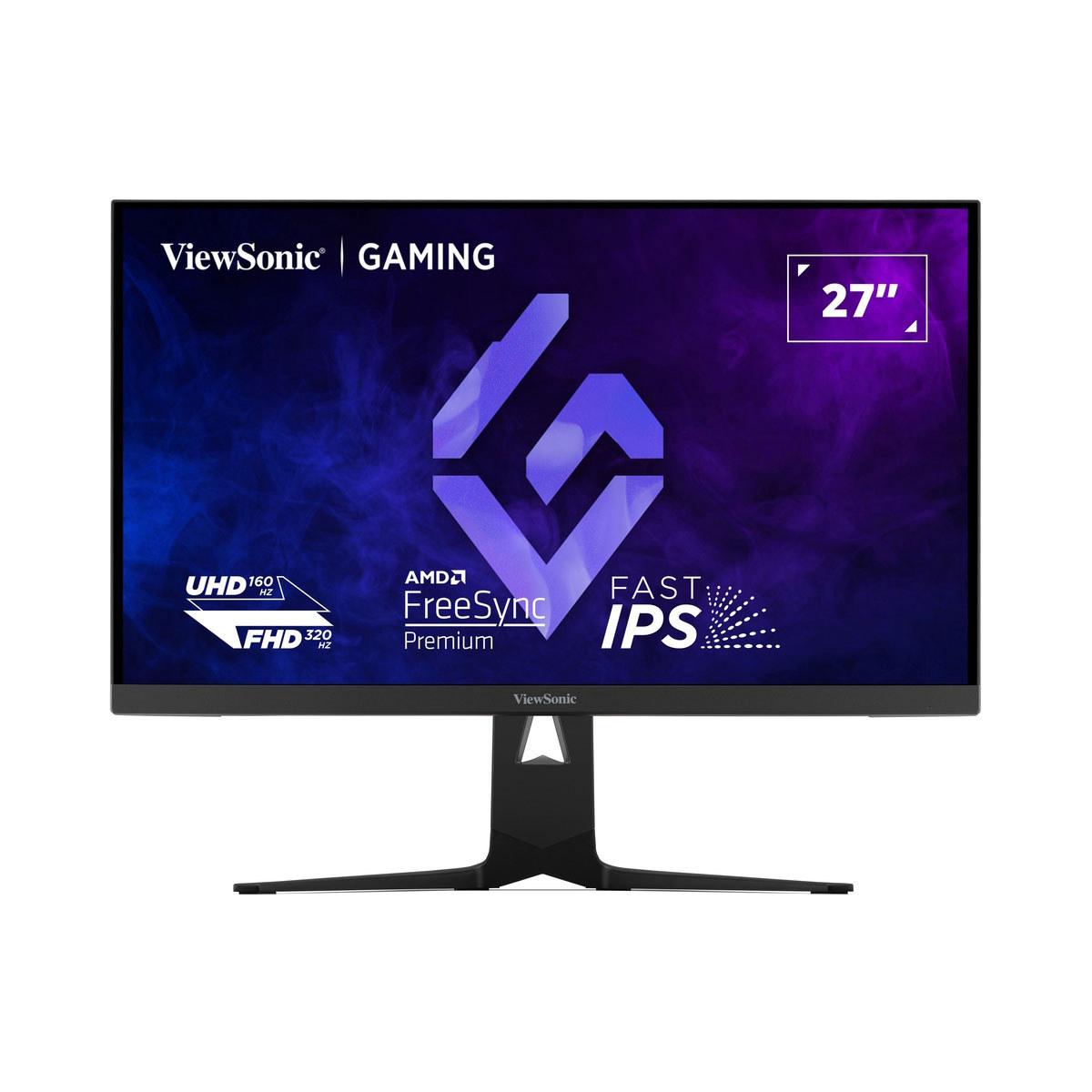
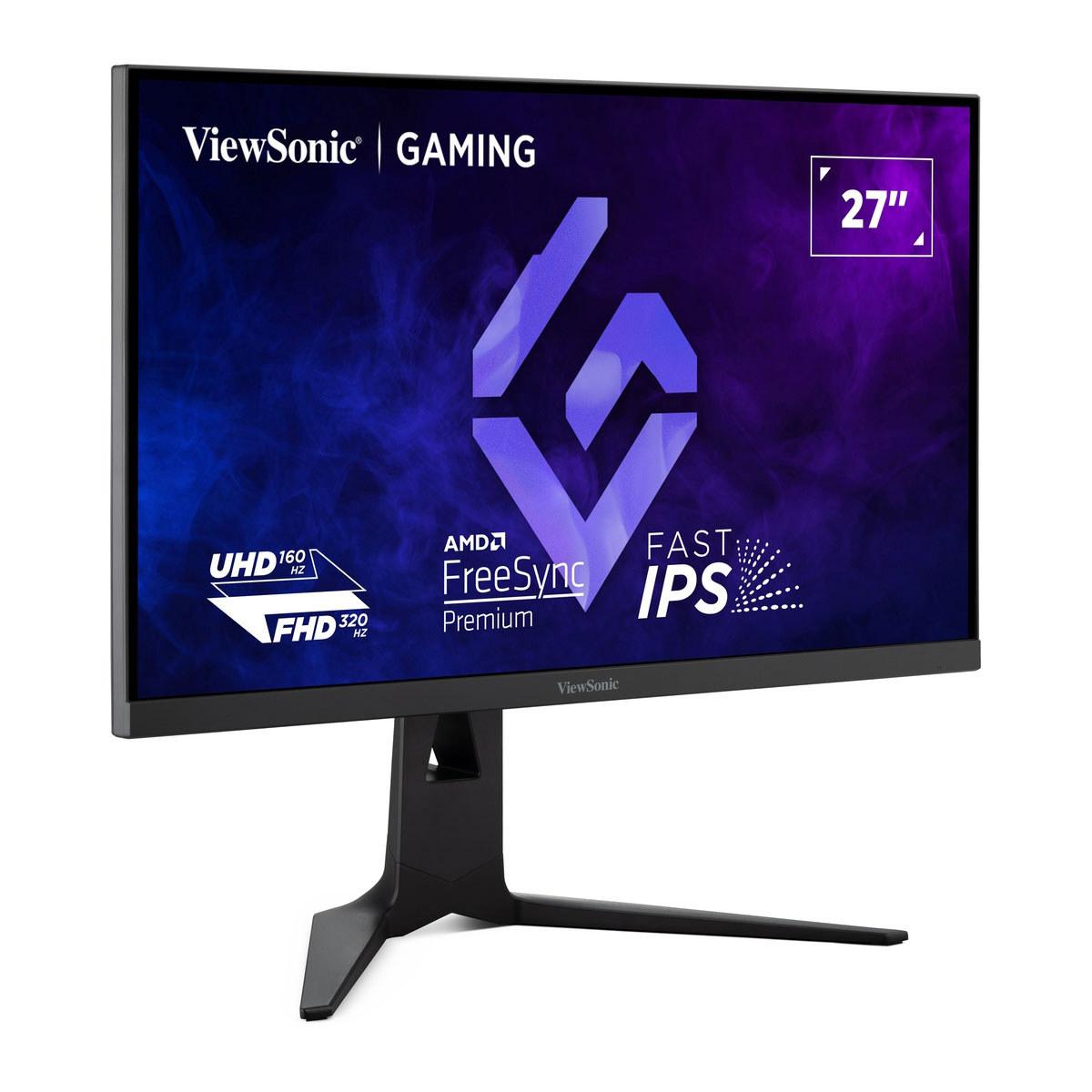
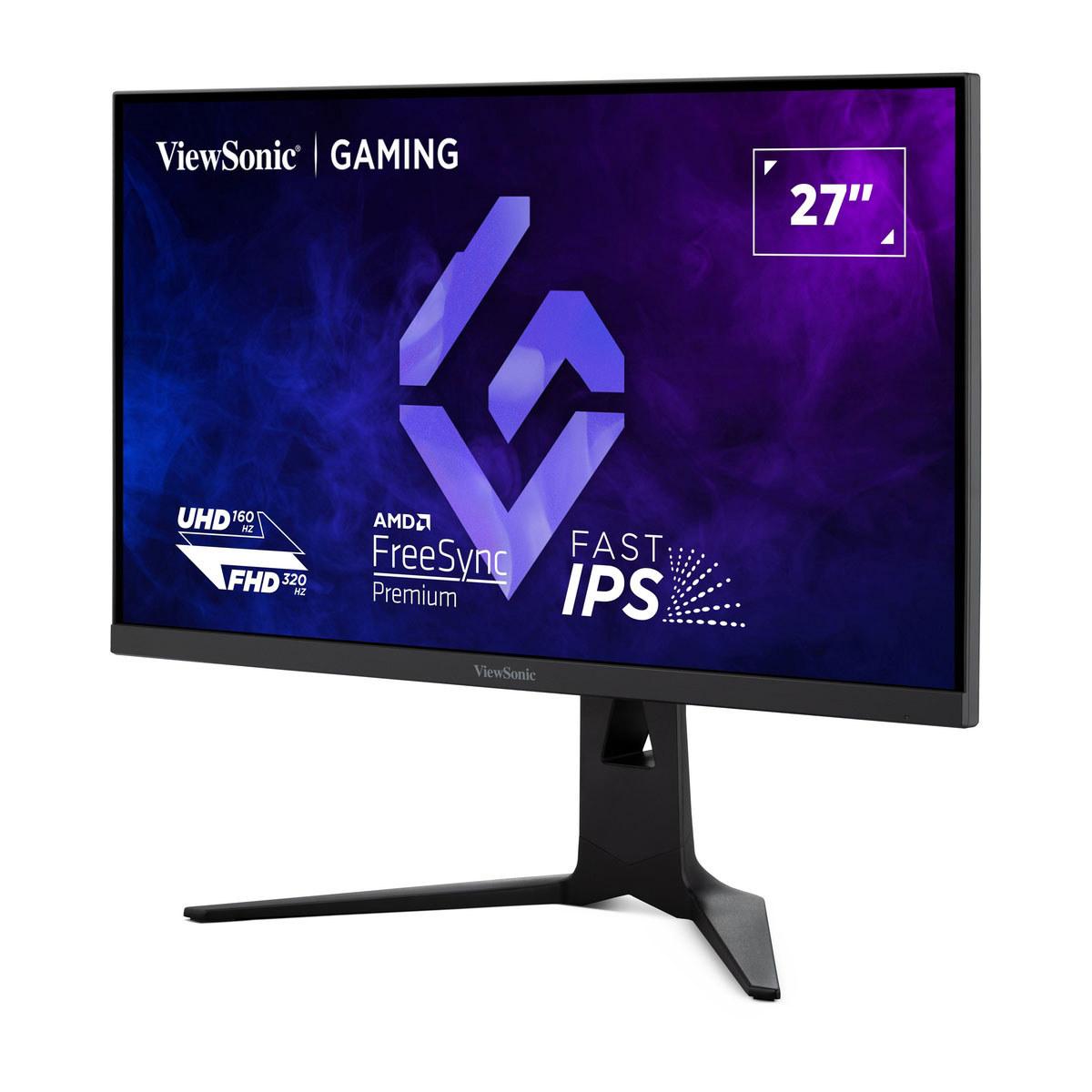
The ViewSonic XG275D-4K represents something genuinely new in the monitor world. Rather than forcing users to choose between high resolution or high refresh rates, ViewSonic implemented what they call "switchable dual-mode refresh rate technology." This allows the monitor to operate at either 160Hz at full 4K resolution for immersive gaming, or switch to 320Hz at 1080p resolution for competitive esports.
This approach acknowledges a reality that many serious gamers face: different games have different requirements. When I'm playing a visually stunning single-player game like Cyberpunk 2077 or Red Dead Redemption 2, I want every pixel of detail that 4K can provide. But when I'm in a competitive match of Counter-Strike or Valorant, I'd gladly sacrifice resolution for the smoothest possible motion and lowest input lag.
The ViewSonic XG275D-4K makes this switch with a dedicated button, essentially giving you two monitors in one. The 0.5ms MPRT (Motion Picture Response Time) response time—which measures how long it takes for pixels to fully transition, affecting motion blur—is particularly impressive and should provide crisp motion even during the fastest gameplay.
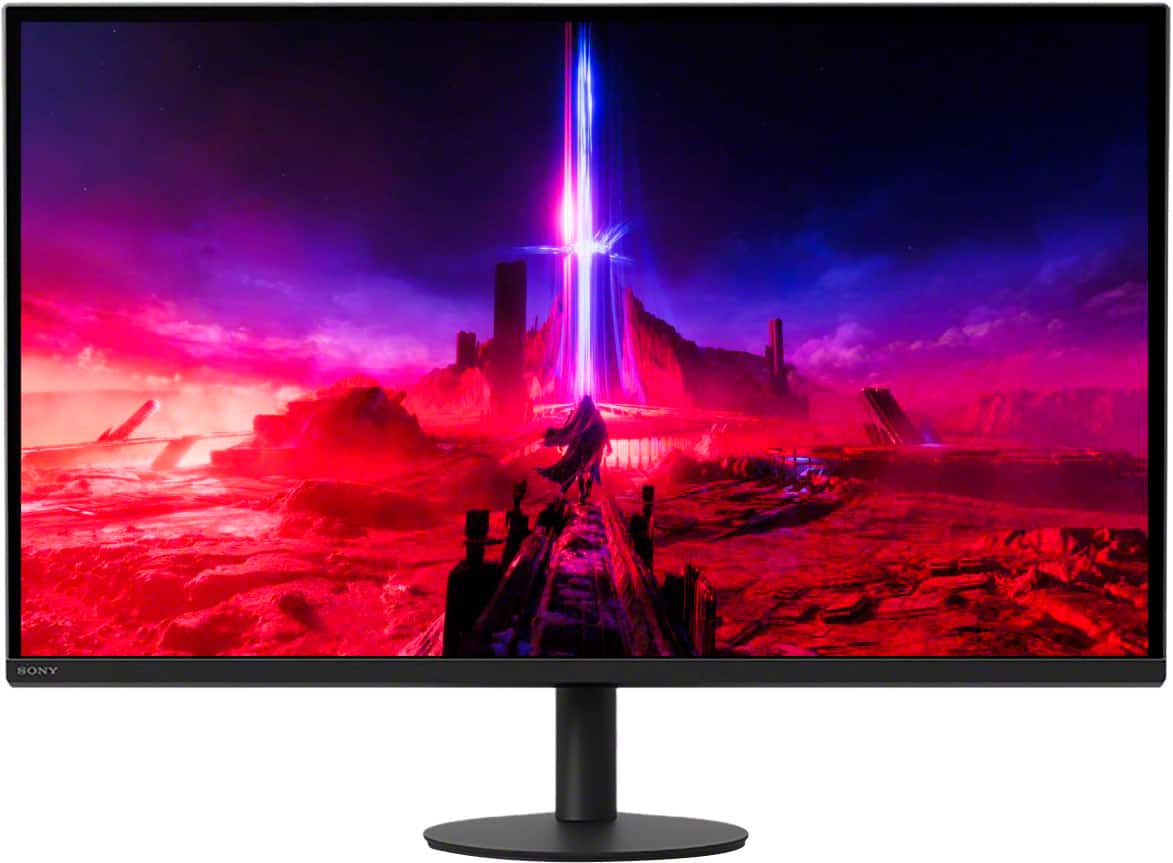
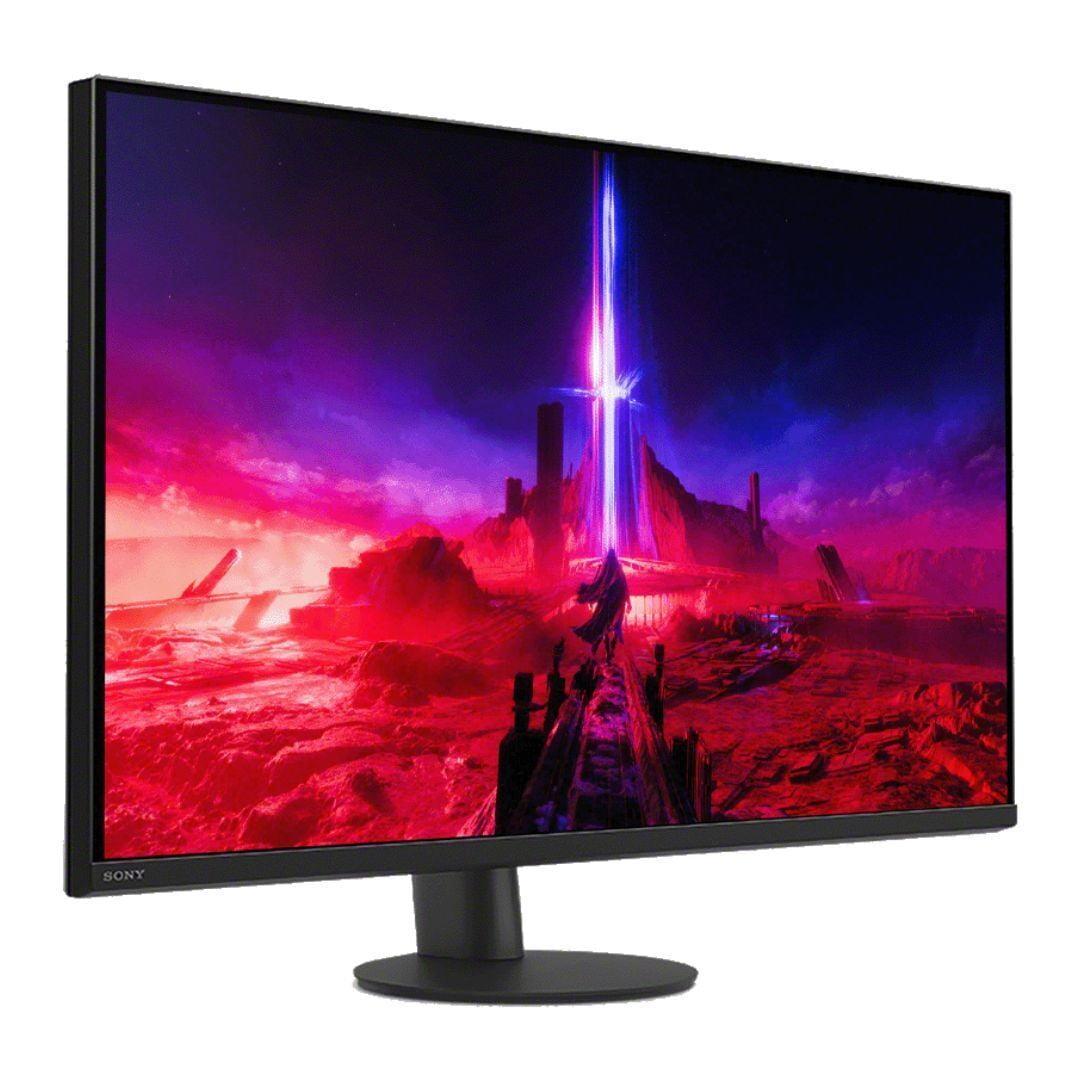
The Sony INZONE M9 II takes a more traditional but refined approach, focusing on delivering excellent 4K performance at 160Hz while adding premium features like full-array local dimming. This technology divides the backlight into 96 separate zones that can be independently controlled, allowing for much better contrast than standard LED backlighting.
What sets the Sony INZONE M9 II apart is its deep PlayStation 5 integration. Features like Auto HDR Tone Mapping automatically optimize the monitor's HDR settings when connected to a PS5 or PS5 Pro, ensuring games look their best without manual tweaking. Having tested similar PlayStation integration features, I can say this kind of seamless optimization is genuinely useful—it eliminates the guesswork that often comes with HDR gaming.
The monitor achieves DisplayHDR 600 certification, meaning it can reach 600 nits of peak brightness in specific areas while maintaining good color accuracy. For context, a typical LCD monitor might peak at 250-300 nits, so this represents a significant improvement in HDR performance.
When it comes to pure image quality, the Sony INZONE M9 II has clear advantages. Its full-array local dimming with 96 zones provides much better contrast than the ViewSonic XG275D-4K's standard LED backlight. This means darker areas of the screen can actually appear dark rather than the grayish black you get with most IPS panels.
The Sony's 750 nits peak brightness and DisplayHDR 600 certification also give it a significant edge in HDR content. HDR (High Dynamic Range) allows games and movies to display brighter highlights and darker shadows simultaneously, creating more realistic and impactful visuals. The difference is particularly noticeable in games with dramatic lighting, like the sun breaking through clouds in Horizon Forbidden West or the neon-lit streets of Night City in Cyberpunk 2077.
However, the ViewSonic XG275D-4K isn't far behind in color reproduction, covering 128% of the sRGB color space and 99% coverage, which means it can display a wide range of vivid, accurate colors. Its anti-glare coating is also worth noting—if you game in a bright room or near windows, this can make a significant difference in usability.
This is where the fundamental philosophical difference between these monitors becomes most apparent. The ViewSonic XG275D-4K's ability to switch to 320Hz at 1080p is genuinely impressive for competitive gaming. At this refresh rate, motion appears incredibly smooth, and input lag is minimized to the point where your actions feel instantaneous on screen.
To put 320Hz in perspective: most people can notice the difference between 60Hz and 120Hz quite easily, and many can spot the improvement from 120Hz to 240Hz. The jump to 320Hz is more subtle but still perceptible, especially in fast-paced competitive games where every millisecond matters.
The Sony INZONE M9 II caps out at 160Hz, which is still excellent for gaming but not quite as smooth as the ViewSonic's high-speed mode. However, Sony's implementation includes backlight scanning technology, which reduces motion blur by briefly turning off the backlight between frames. This can make 160Hz feel closer to higher refresh rates in terms of motion clarity.
For response times, the ViewSonic XG275D-4K's 0.5ms MPRT specification is faster than the Sony INZONE M9 II's 1ms GtG (Gray-to-Gray), though both are fast enough that most users won't notice ghosting or trailing in games.
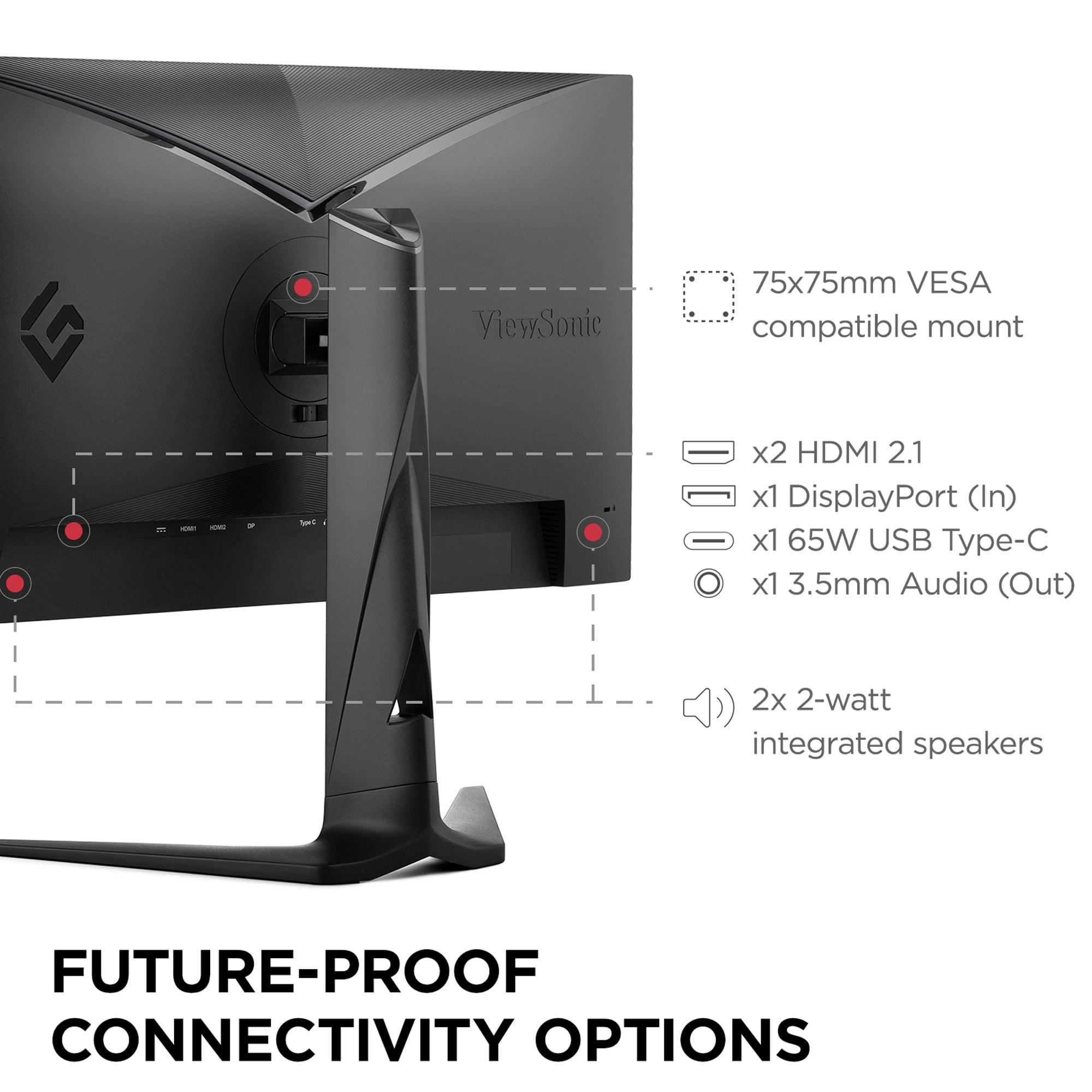
Both monitors include HDMI 2.1 support, which is crucial for getting the full potential out of PlayStation 5, Xbox Series X, or modern graphics cards. However, they take different approaches to additional connectivity.
The ViewSonic XG275D-4K includes USB-C with 65W power delivery, which is genuinely useful if you ever connect a laptop. You can charge your laptop while using it as a display with just a single cable—a convenience feature that's becoming increasingly important as more people work from home and use laptops as their primary computers.
The Sony INZONE M9 II includes DisplayPort 2.1 support, which provides future-proofing for next-generation graphics cards that might need the extra bandwidth for 4K at very high refresh rates. Sony's INZONE Hub software also allows for detailed customization from your PC, including gaming-specific features like crosshairs and frame rate counters.
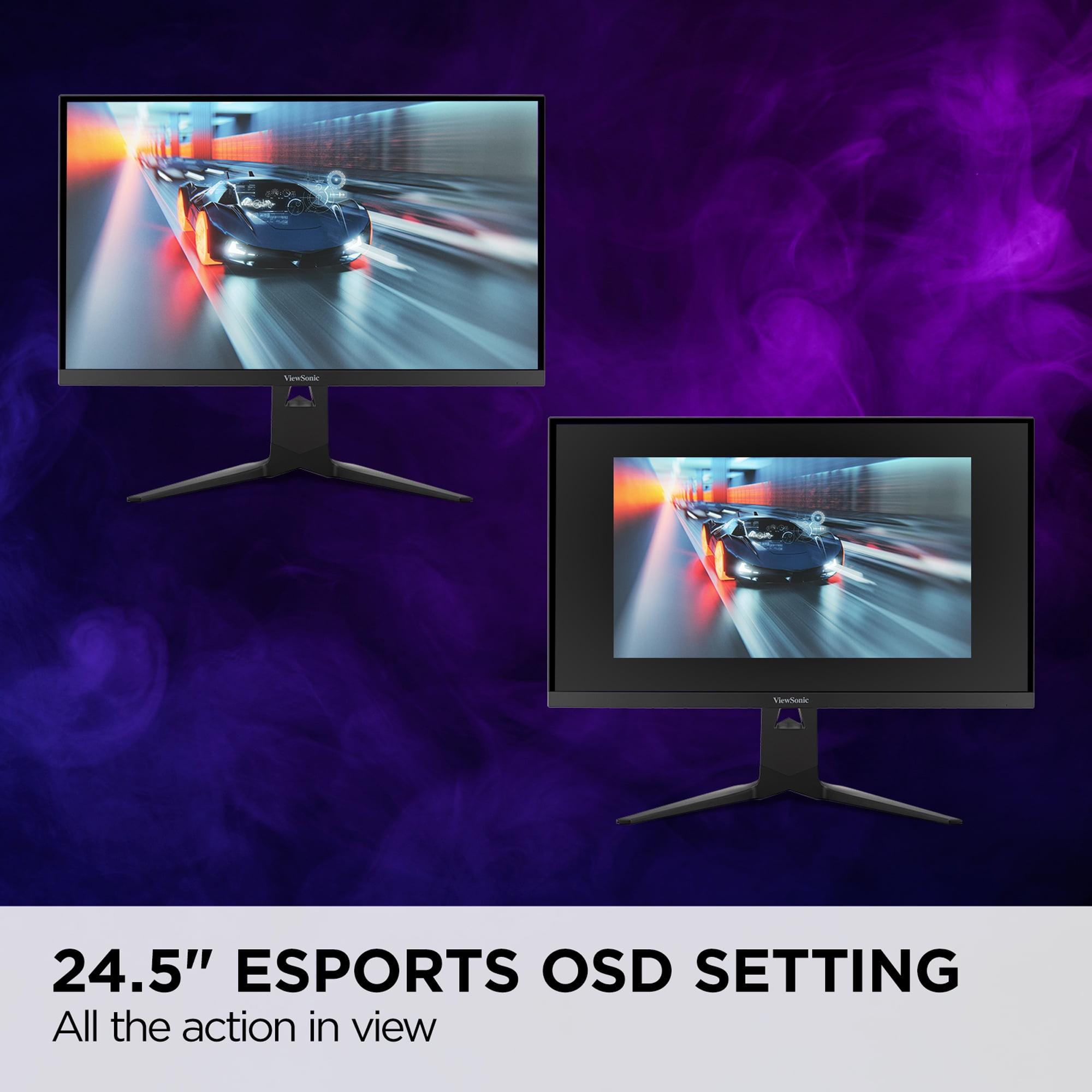
If you primarily play competitive games like Counter-Strike 2, Valorant, or Apex Legends, the ViewSonic XG275D-4K's 320Hz mode is genuinely beneficial. The ultra-high refresh rate provides smoother tracking of moving targets and reduced input lag. The 24.5-inch esports mode is also clever—it shrinks the active display area to match the size that most professional esports players prefer, while keeping the physical 27-inch screen size.
However, it's worth noting that when the ViewSonic XG275D-4K is in 1080p mode, you're not getting true 1:1 pixel mapping since the panel is natively 4K. This can result in slightly softer images compared to a native 1080p display, though the difference is relatively minor.
For story-driven games, RPGs, and other visually impressive titles, the Sony INZONE M9 II generally provides a more engaging experience. The superior HDR performance makes games like The Last of Us Part I or God of War look more cinematic, with better contrast between light and dark areas.
The PlayStation 5 integration is particularly smooth—games automatically trigger the best HDR settings, and the monitor's game mode optimizations reduce input lag without sacrificing image quality. If you primarily game on console, this seamless integration is worth the premium.
The ViewSonic XG275D-4K's USB-C connectivity and anti-glare coating make it more versatile for mixed use. If you plan to use your monitor for both gaming and work, the ability to connect and charge a laptop with one cable is genuinely convenient. The anti-glare coating also helps in bright office environments.
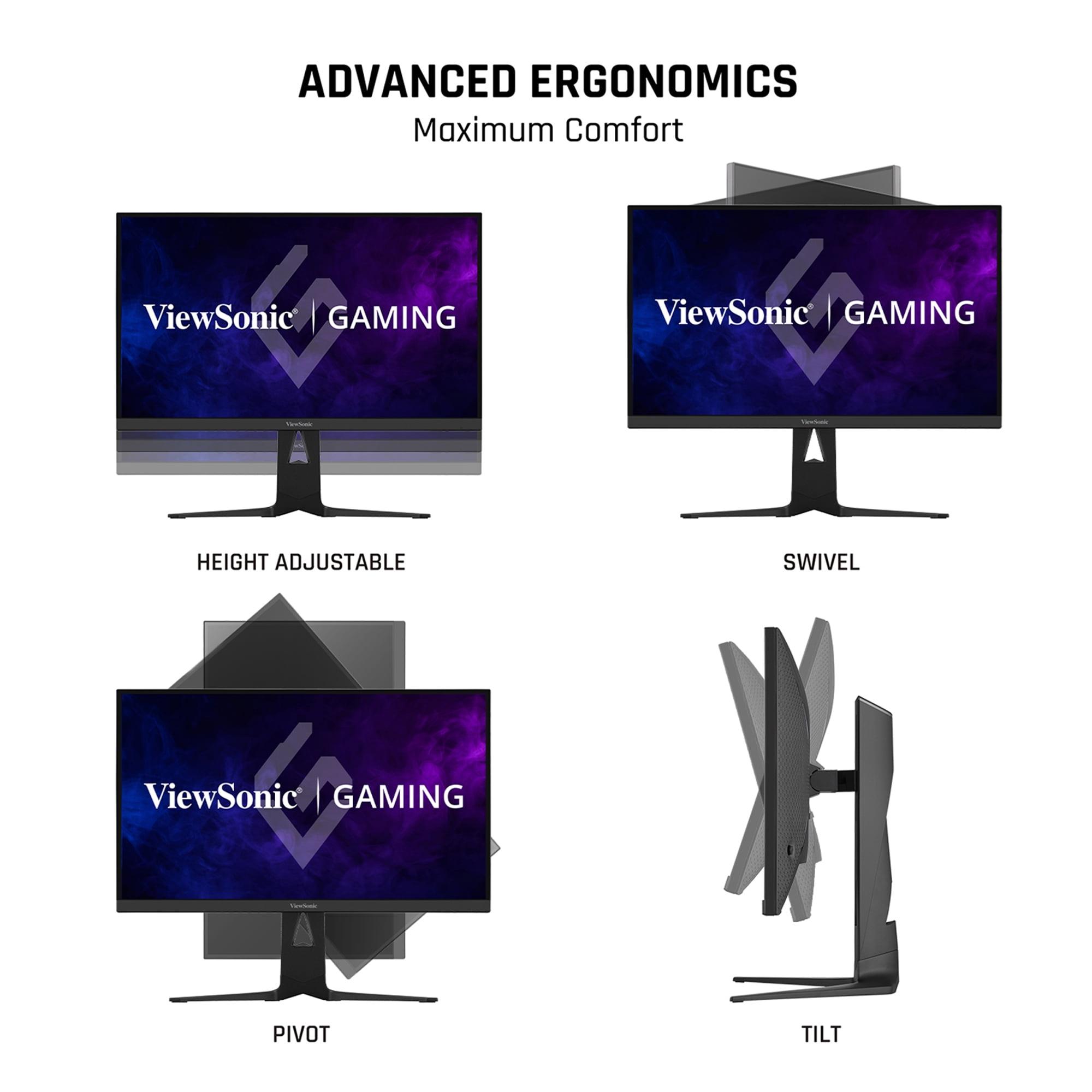
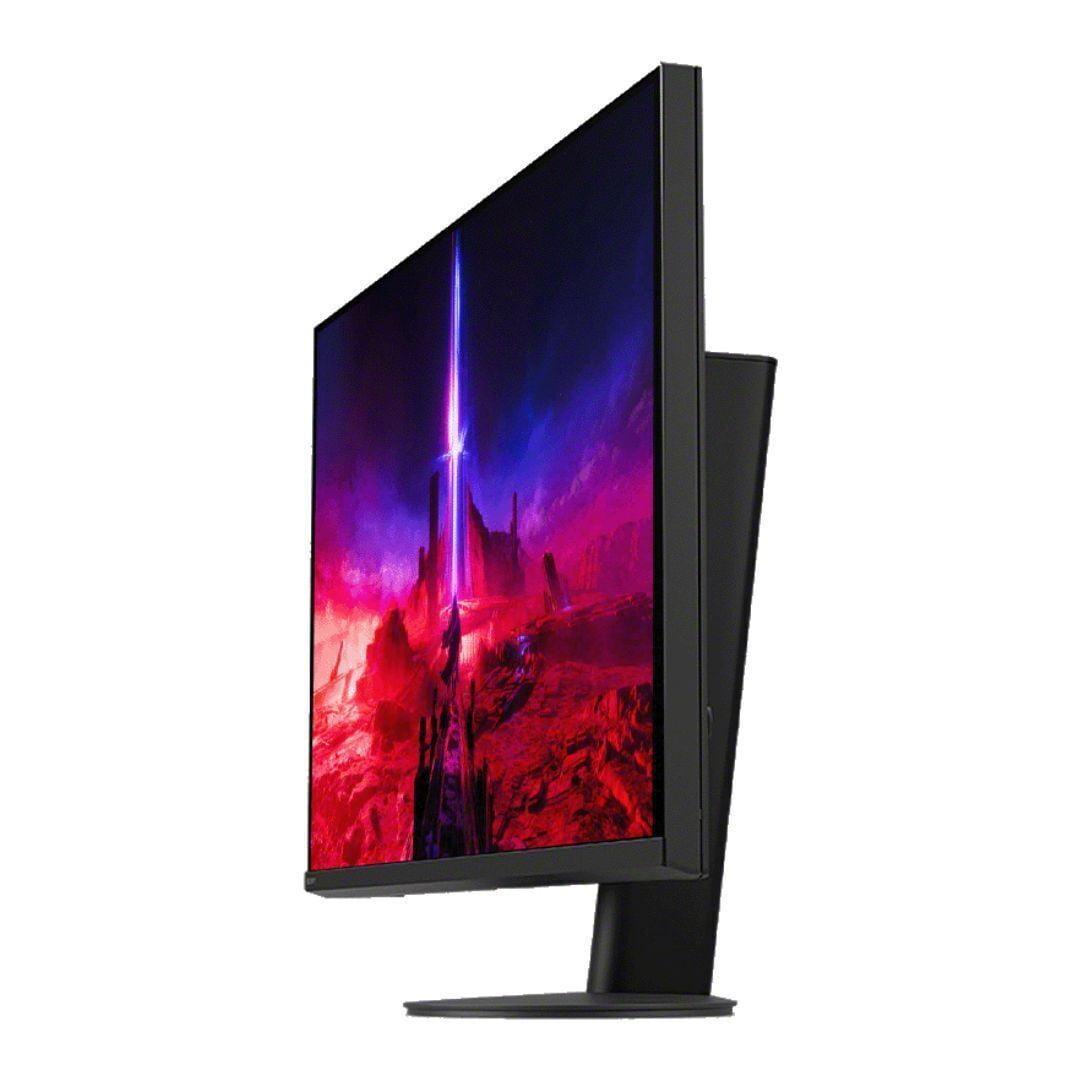
Both monitors offer excellent ergonomics with full height, tilt, and swivel adjustments, making them comfortable for long work sessions.
Neither monitor is specifically designed as a TV replacement, but both can handle movie and streaming content well. The Sony INZONE M9 II has advantages here due to its better HDR performance and local dimming, which helps with the dramatic contrast that makes HDR movies impressive.
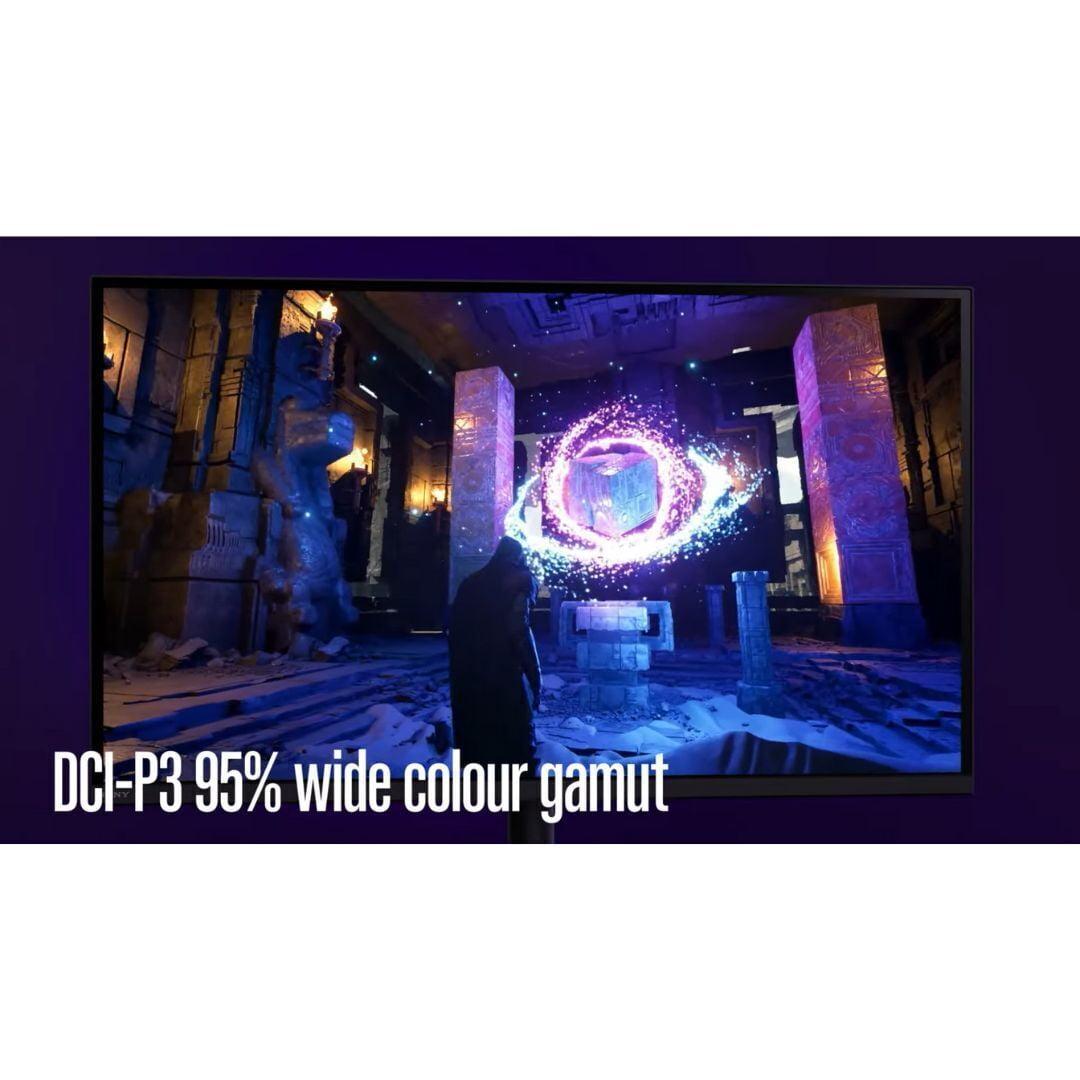
However, both have relatively small 2W speakers that you'll want to supplement with external audio for any serious movie watching. The Sony INZONE M9 II's superior color accuracy (95% DCI-P3 coverage) makes it better suited for color-critical work or watching movies in their intended color space.
At the time of writing, the ViewSonic XG275D-4K typically costs significantly less than the Sony INZONE M9 II—often $200 or more difference. This makes the value calculation interesting: you're essentially choosing between innovative dual-mode functionality at a lower price, or premium image quality with console optimization at a higher price.
The ViewSonic represents better value if you want maximum versatility and don't mind the trade-offs of switching between modes. The Sony justifies its premium with superior display technology and seamless PlayStation integration.
You play both competitive and single-player games regularly and want one monitor that excels at both. The dual-mode approach means you're not compromising—you get true 320Hz performance for esports and full 4K detail for immersive games. It's also the better choice if budget is a primary concern or if you need USB-C connectivity for laptop use.
The ViewSonic XG275D-4K is particularly appealing if you're the type of gamer who switches between Valorant matches and Elden Ring exploration sessions. Rather than having to choose one approach, you get the best of both worlds.
You prioritize consistent image quality and own a PlayStation 5. The superior HDR performance, local dimming, and PlayStation integration create a more polished overall experience. It's worth the premium if you primarily play visually impressive games or do any content creation work that benefits from accurate colors.
The Sony INZONE M9 II makes more sense if you're building a premium gaming setup and want the best possible image quality without compromise. It's also better if you plan to use the monitor for media consumption alongside gaming.
Both monitors represent excellent approaches to 27-inch 4K gaming, but they serve different priorities. The ViewSonic XG275D-4K is the more innovative and versatile choice, offering genuine flexibility that eliminates common compromises. The Sony INZONE M9 II provides a more premium, polished experience with superior image quality.
Your choice should depend on your gaming habits, budget, and priorities. If you want maximum versatility and value, the ViewSonic is compelling. If you want the best possible image quality and seamless console integration, the Sony justifies its premium. Either way, you're getting a monitor that represents the current state of the art in 27-inch 4K gaming displays.
| ViewSonic XG275D-4K | Sony INZONE M9 II |
|---|---|
| Display Size & Resolution - Core visual specs | |
| 27" 4K (3840x2160) IPS | 27" 4K (3840x2160) IPS |
| Maximum Refresh Rate - Critical for competitive gaming smoothness | |
| 320Hz at 1080p / 160Hz at 4K (switchable) | 160Hz at 4K only |
| Response Time - Affects motion blur and ghosting | |
| 0.5ms MPRT (excellent for fast gaming) | 1ms GtG (very good for most users) |
| HDR Performance - Makes games more visually impressive | |
| HDR10 support, 300 nits typical brightness | DisplayHDR 600, 750 nits peak brightness with local dimming |
| Backlight Technology - Affects contrast and black levels | |
| Standard LED backlight | Full-array local dimming (96 zones) |
| Color Gamut - Determines color vibrancy and accuracy | |
| 128% sRGB, 94% DCI-P3 | 95% DCI-P3 (more accurate for HDR content) |
| Gaming Features - Specialized enhancements for different game types | |
| Dual-mode switching, 24.5" esports mode, FreeSync Premium | Auto HDR Tone Mapping for PS5, backlight scanning, G-SYNC Compatible |
| Connectivity - Determines device compatibility and convenience | |
| HDMI 2.1, DisplayPort 1.4, USB-C with 65W power delivery | 2x HDMI 2.1, DisplayPort 2.1, USB hub (no USB-C charging) |
| Ergonomics - Affects long-term comfort and desk setup | |
| Height (130mm), tilt, swivel (90°), pivot (90°) | Height (130mm), tilt, swivel (360°), compact circular base |
| Unique Selling Point - What sets each apart | |
| Switchable refresh rates eliminate need for multiple monitors | Premium HDR with PlayStation integration and superior image quality |
The ViewSonic XG275D-4K is superior for competitive gaming due to its switchable 320Hz refresh rate at 1080p resolution. This ultra-high refresh rate provides smoother motion tracking and reduced input lag compared to the Sony INZONE M9 II's 160Hz maximum. The ViewSonic also features a faster 0.5ms response time and includes a dedicated 24.5-inch esports mode for tournament-style gaming.
The Sony INZONE M9 II delivers superior picture quality with its full-array local dimming (96 zones), DisplayHDR 600 certification, and 750 nits peak brightness. These features provide better contrast, deeper blacks, and more vibrant HDR content compared to the ViewSonic XG275D-4K's standard LED backlight. The Sony's 95% DCI-P3 color coverage also ensures more accurate color reproduction.
Yes, both the ViewSonic XG275D-4K and Sony INZONE M9 II support 4K resolution at 160Hz refresh rate. However, the ViewSonic offers additional flexibility by allowing users to switch to 320Hz at 1080p resolution for competitive gaming, while the Sony maintains consistent 4K performance without resolution switching.
The Sony INZONE M9 II is specifically optimized for PlayStation 5 with Auto HDR Tone Mapping that automatically adjusts settings for PS5 and PS5 Pro consoles. It includes dedicated PlayStation integration features and INZONE Hub software. While the ViewSonic XG275D-4K is compatible with PS5, it lacks these specialized console optimizations.
The ViewSonic XG275D-4K includes USB-C connectivity with 65W power delivery, allowing single-cable connection and charging for laptops. The Sony INZONE M9 II offers DisplayPort 2.1 for future-proofing and includes a USB hub, but lacks USB-C charging capabilities. Both monitors feature HDMI 2.1 support for modern consoles and graphics cards.
The ViewSonic XG275D-4K typically offers better value with its innovative dual-mode refresh rate technology at a lower price point. The switchable 320Hz/160Hz functionality essentially provides two monitors in one. The Sony INZONE M9 II commands a premium for its superior HDR performance and PlayStation integration, making it better value for users prioritizing image quality.
The ViewSonic XG275D-4K features a faster 0.5ms MPRT response time compared to the Sony INZONE M9 II's 1ms GtG response time. Both specifications are excellent for gaming, with the ViewSonic having a slight edge in reducing motion blur during fast-paced action. The difference is minimal for most users but may matter for competitive esports players.
The ViewSonic XG275D-4K is more versatile for mixed use due to its USB-C connectivity with power delivery, anti-glare coating, and flexible dual-mode functionality. It can efficiently charge and connect laptops while providing excellent gaming performance. The Sony INZONE M9 II offers superior color accuracy for professional work but lacks the convenience features for laptop users.
Yes, both monitors support variable refresh rate to eliminate screen tearing. The ViewSonic XG275D-4K features AMD FreeSync Premium and NVIDIA G-SYNC compatibility, while the Sony INZONE M9 II supports NVIDIA G-SYNC Compatible and Adaptive-Sync technology. Both work effectively with modern graphics cards and gaming consoles.
The Sony INZONE M9 II significantly outperforms the ViewSonic XG275D-4K in HDR content with its DisplayHDR 600 certification, 750 nits peak brightness, and full-array local dimming. This provides more dramatic contrast and vibrant highlights in HDR movies and games. The ViewSonic offers basic HDR10 support but cannot match the Sony's HDR capabilities.
Both the ViewSonic XG275D-4K and Sony INZONE M9 II provide comprehensive ergonomic adjustments including height adjustment (130mm), tilt, and swivel capabilities. The Sony features a unique 360-degree swivel with a compact circular base design, while the ViewSonic includes 90-degree pivot functionality for portrait orientation and offers excellent desk space efficiency.
The Sony INZONE M9 II is better suited for content creation with its superior color accuracy (95% DCI-P3 coverage), full-array local dimming for better contrast evaluation, and professional-grade HDR performance. The ViewSonic XG275D-4K offers good color reproduction and USB-C connectivity for laptops, but the Sony's display technology provides more accurate color representation for creative work.
We've done our best to create useful and informative comparisons to help you decide what product to buy. Our research uses advanced automated methods to create this comparison and perfection is not possible - please contact us for corrections or questions. These are the sites we've researched in the creation of this article: cgmagonline.com - gamingshogun.com - techpowerup.com - notebookcheck.net - bestbuy.com - newegg.com - techpowerup.com - shi.com - viewsonic.com - viewsonic.com - prnewswire.com - viewsonic.com - viewsonic.com - shop.avispl.com - guru3d.com - viewsonic.com - viewsonic.com - viewsonic.com - viewsonic.com - bestbuy.com - bestbuy.com - rtings.com - rtings.com - tomshardware.com - youtube.com - bhphotovideo.com - bestbuy.com - sony.com - techpowerup.com - electronics.sony.com - sony.com - displayspecifications.com - direct.playstation.com - youtube.com - sony.com - sony.com - displayspecifications.com - bhphotovideo.com - displayspecifications.com

Privacy Policy
Terms and Conditions - Affiliate Policy
Home Security
© Copyright 2008-2026.
11816 Inwood Rd #1211, Dallas, TX 75244