

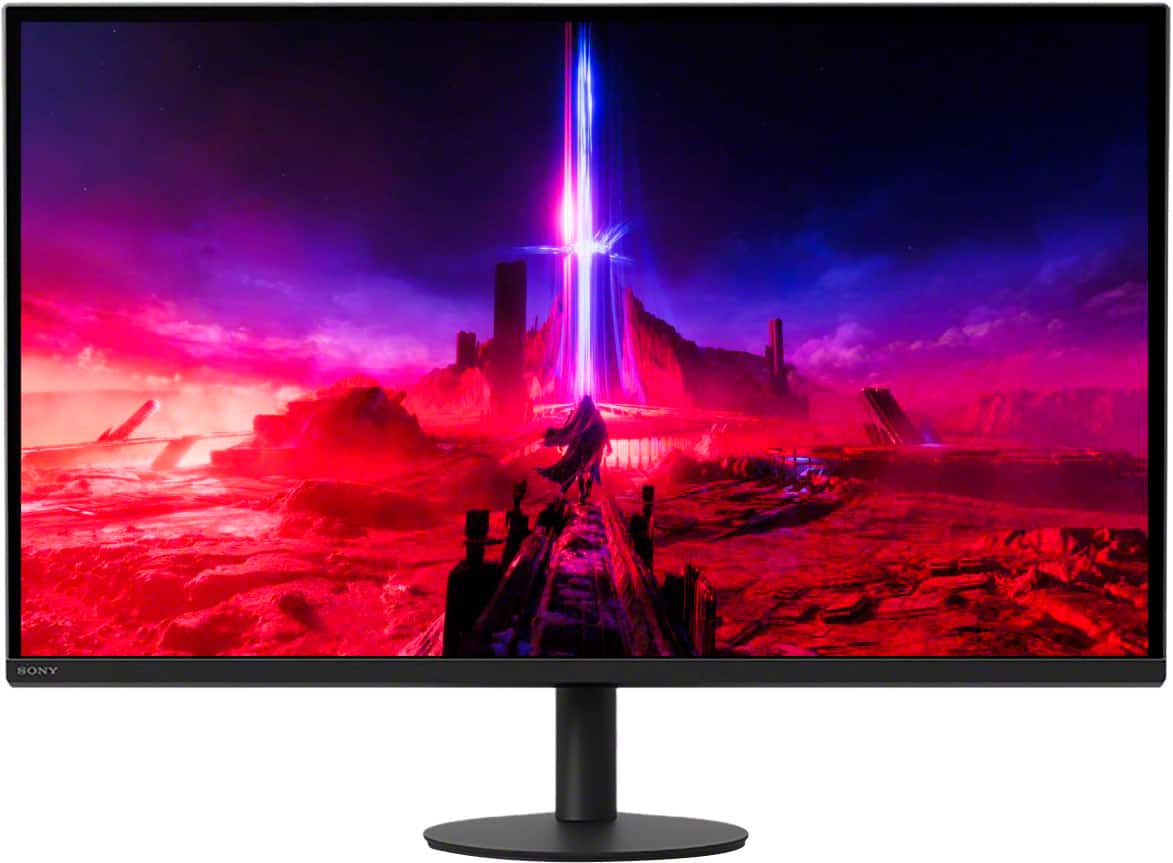
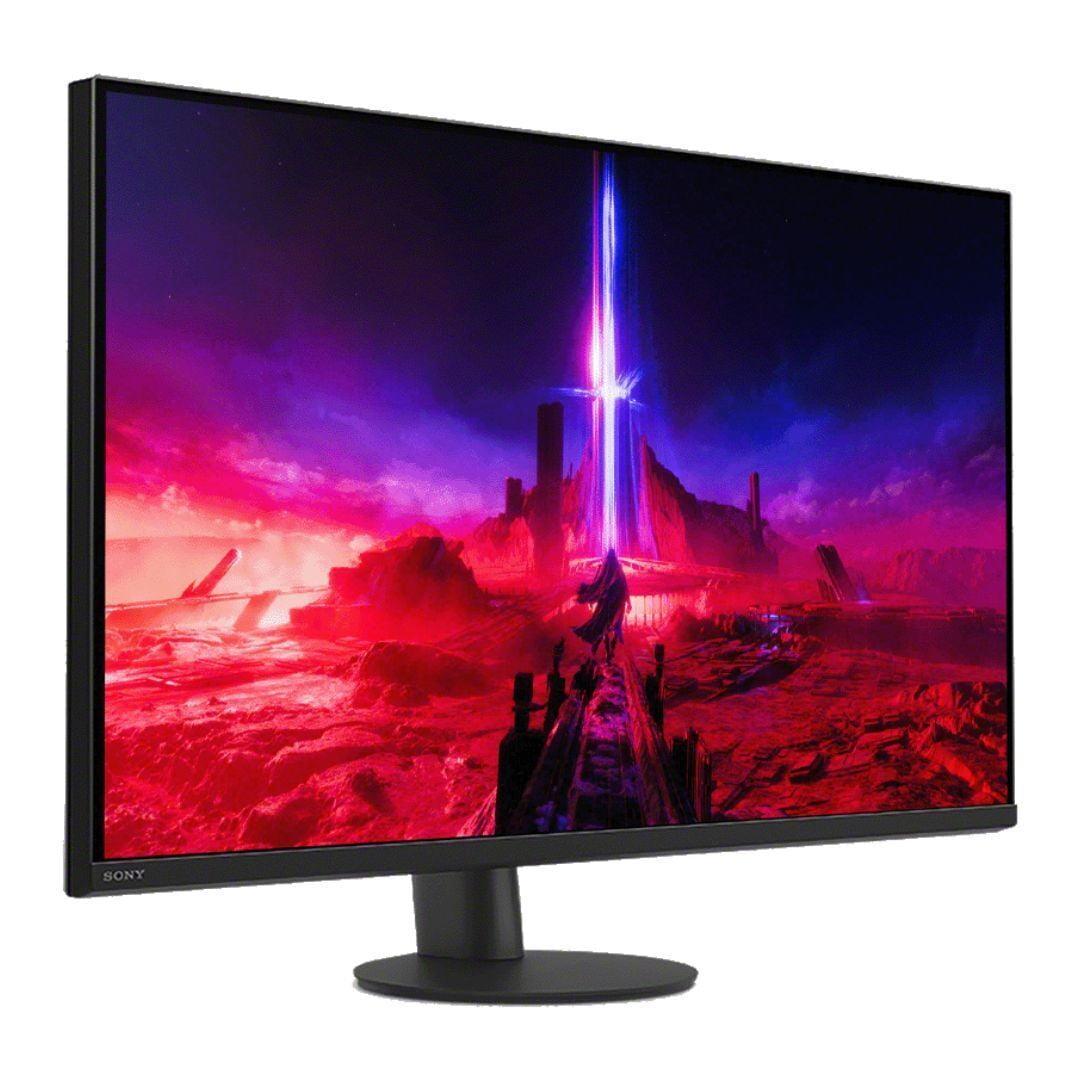
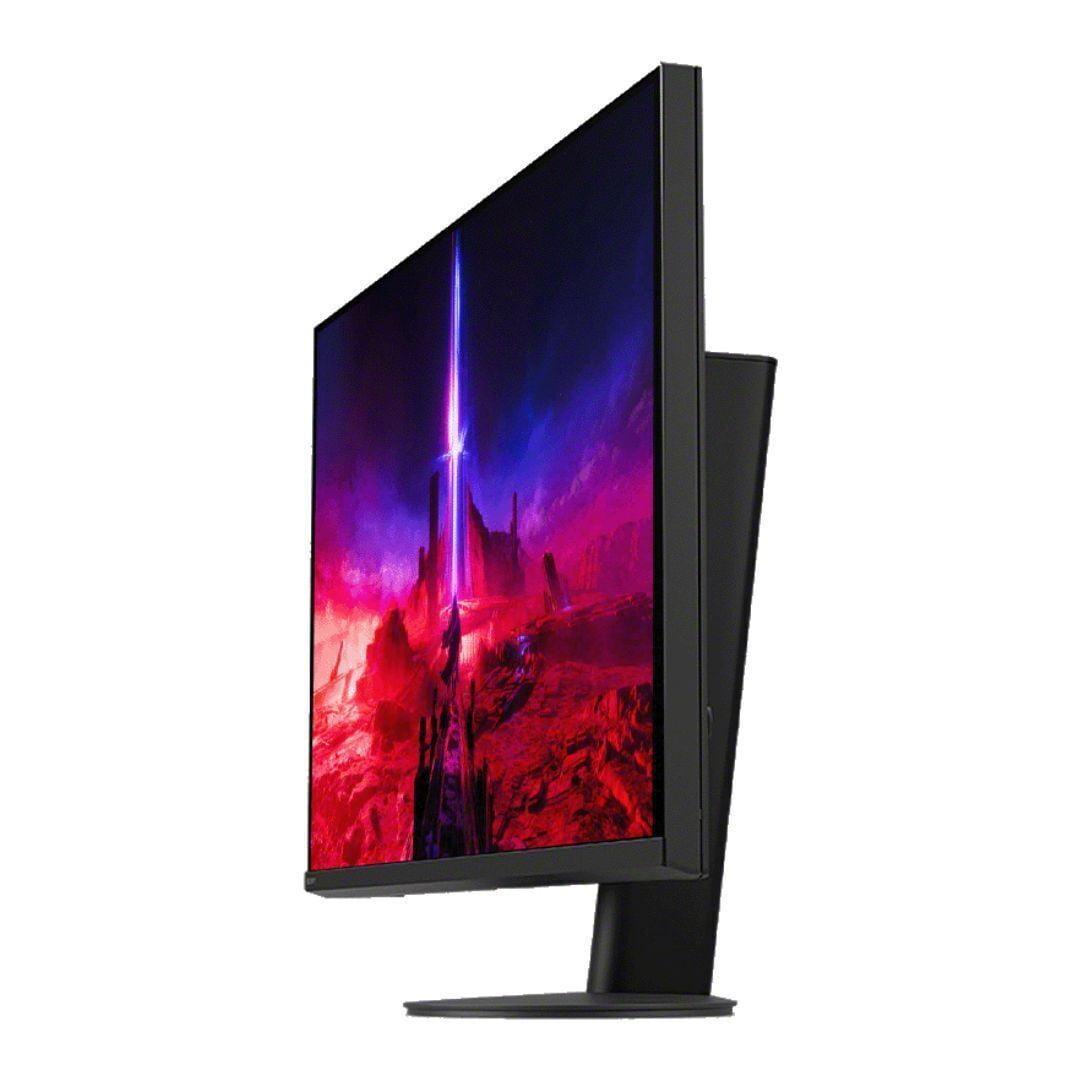
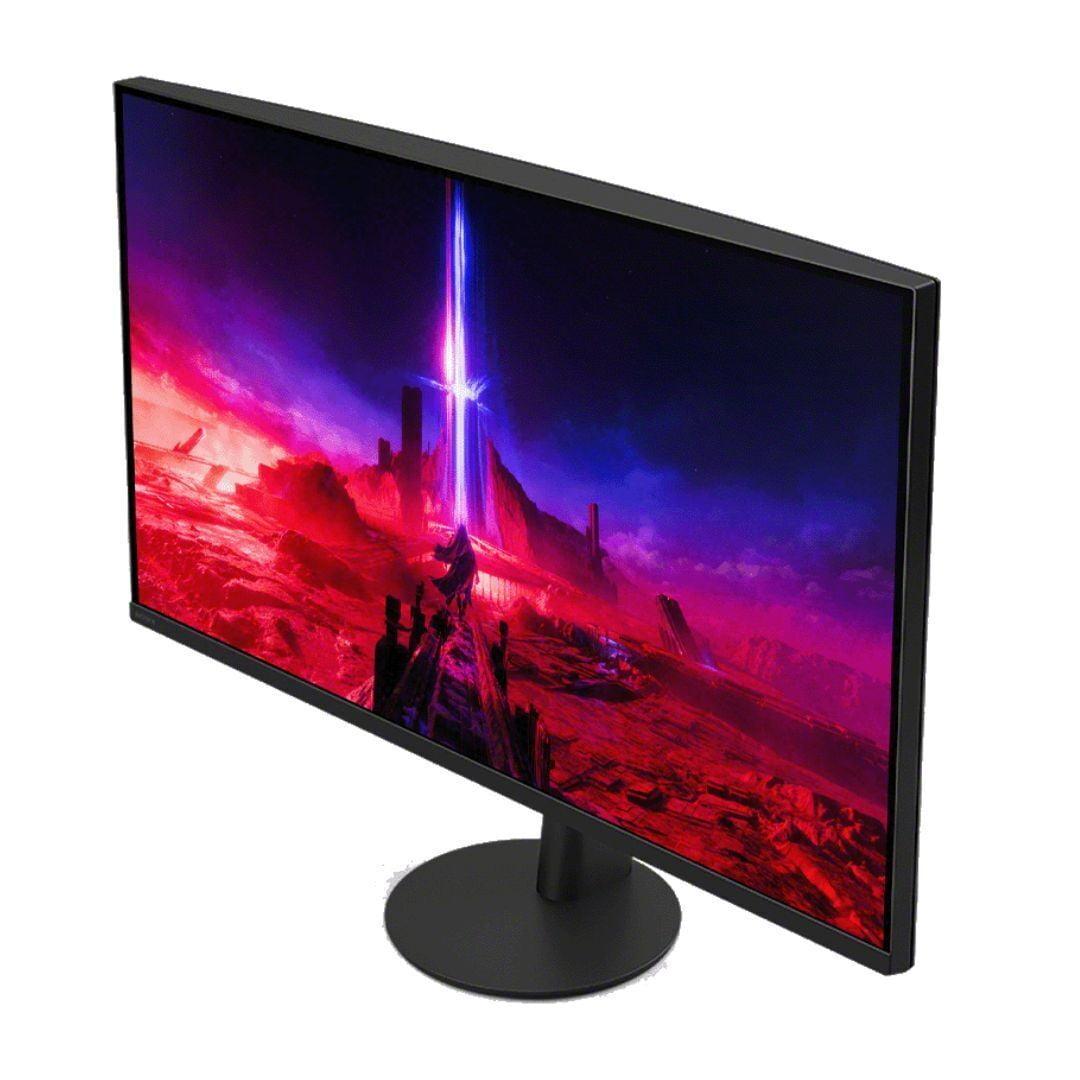

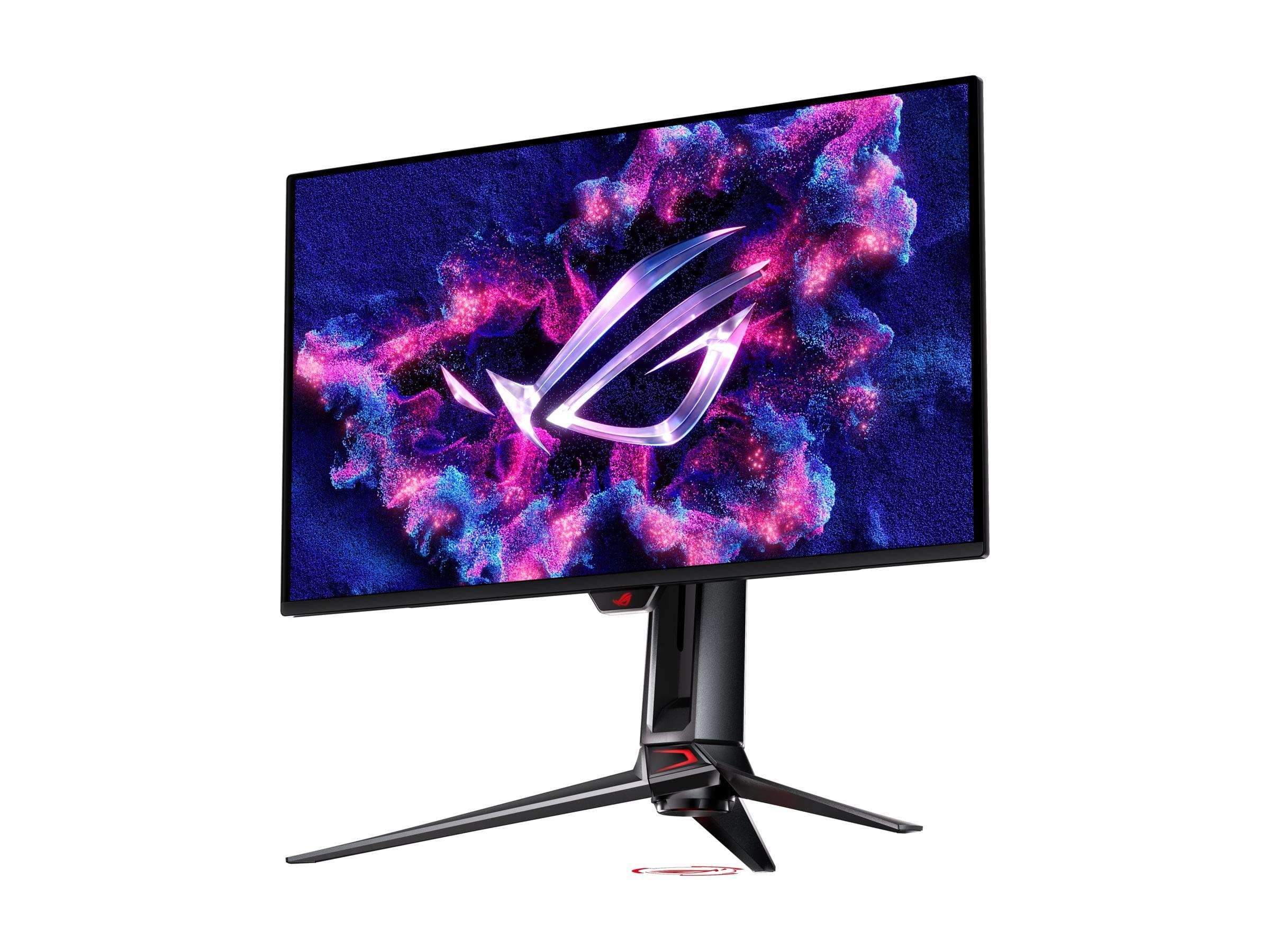
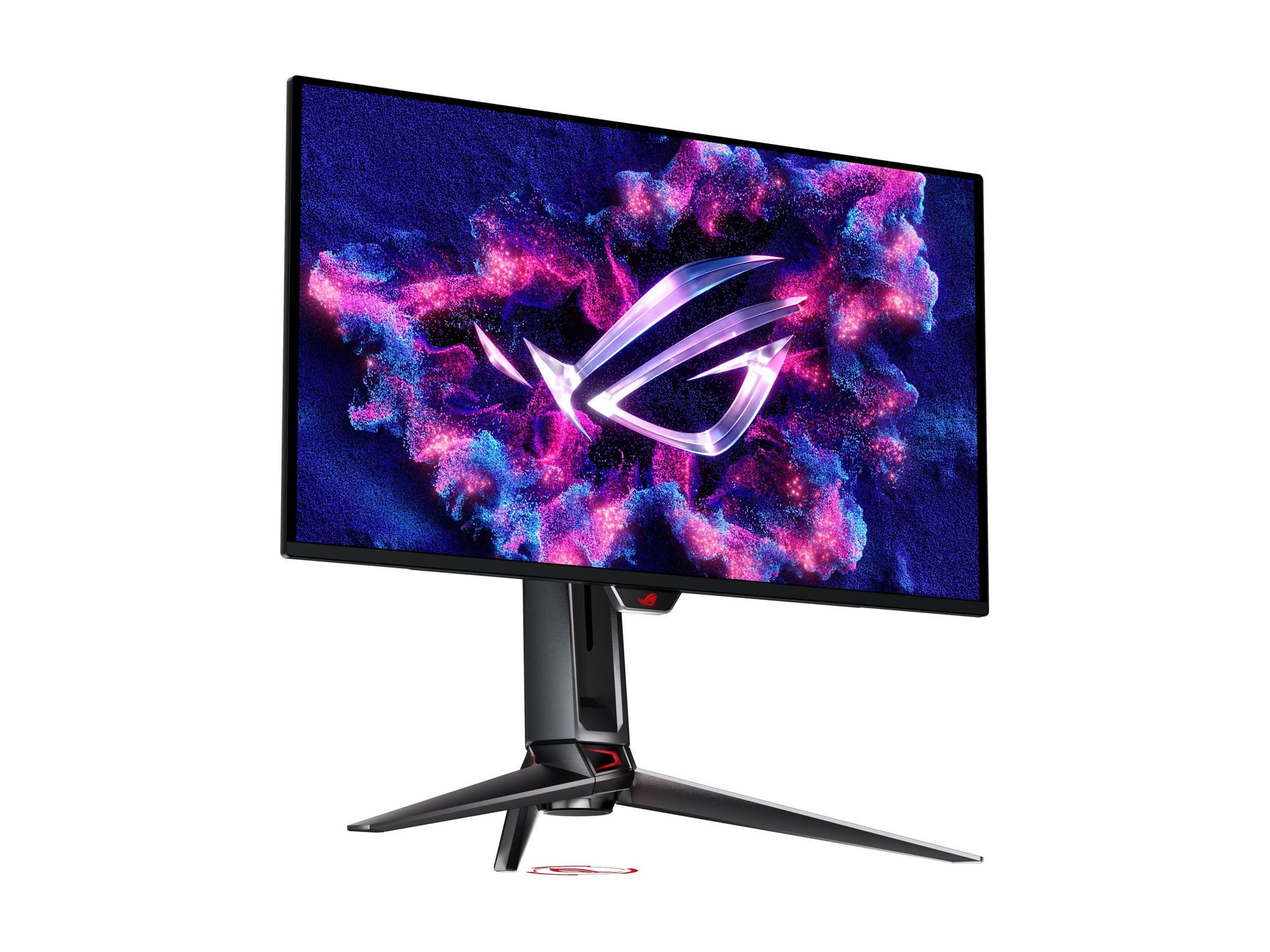
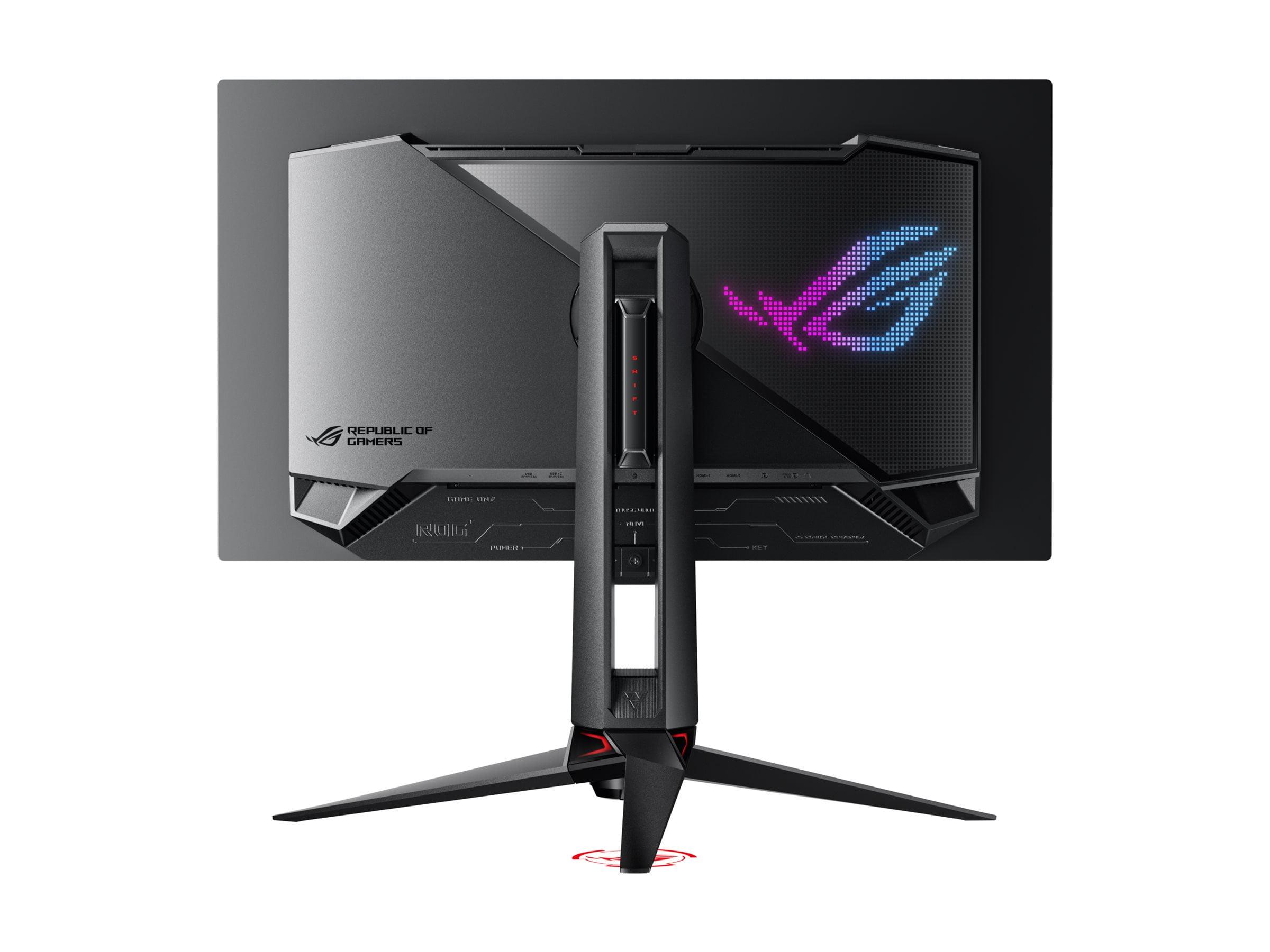
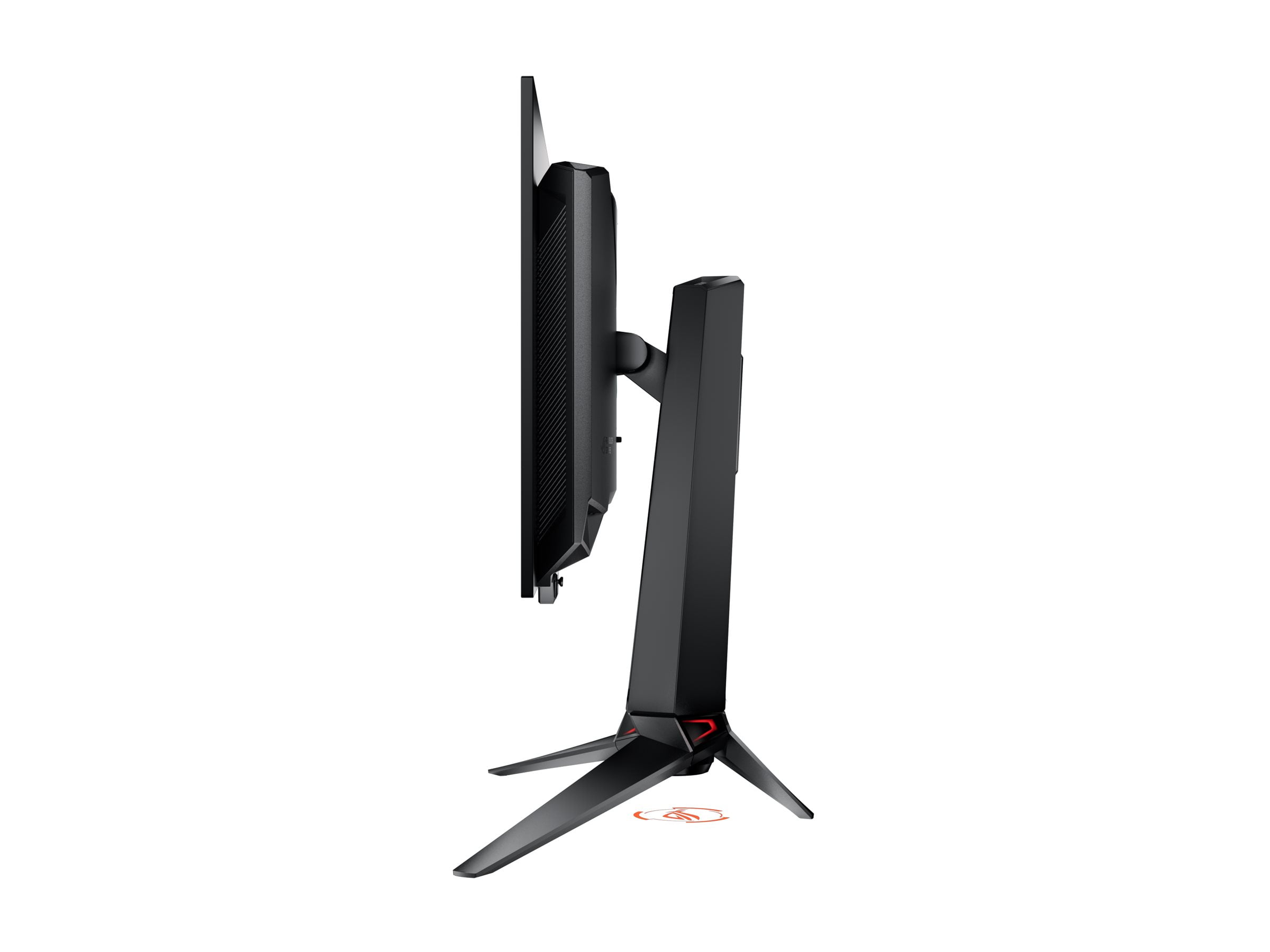
Choosing a premium gaming monitor can feel overwhelming, especially when you're looking at the high-end 27-inch 4K segment. Two standout options have caught my attention recently: the Sony INZONE M9 II and the ASUS ROG Swift OLED PG27UCDM. Both promise exceptional gaming experiences, but they take very different approaches to get there.
Before diving into specifics, let's talk about what makes a gaming monitor "premium." At this level, you're paying for several key advantages over budget displays: faster refresh rates (how many times per second the screen updates), better color accuracy, improved HDR (High Dynamic Range, which creates more realistic bright and dark areas), and lower input lag (the delay between your mouse click and what appears on screen).
The 27-inch 4K category sits in a sweet spot for many gamers. It's large enough to be immersive without requiring you to move your head constantly, and the 4K resolution provides incredibly sharp detail at this size – about 163 pixels per inch compared to 138 PPI on larger 32-inch 4K displays. This extra sharpness makes text crisp and game details pop.
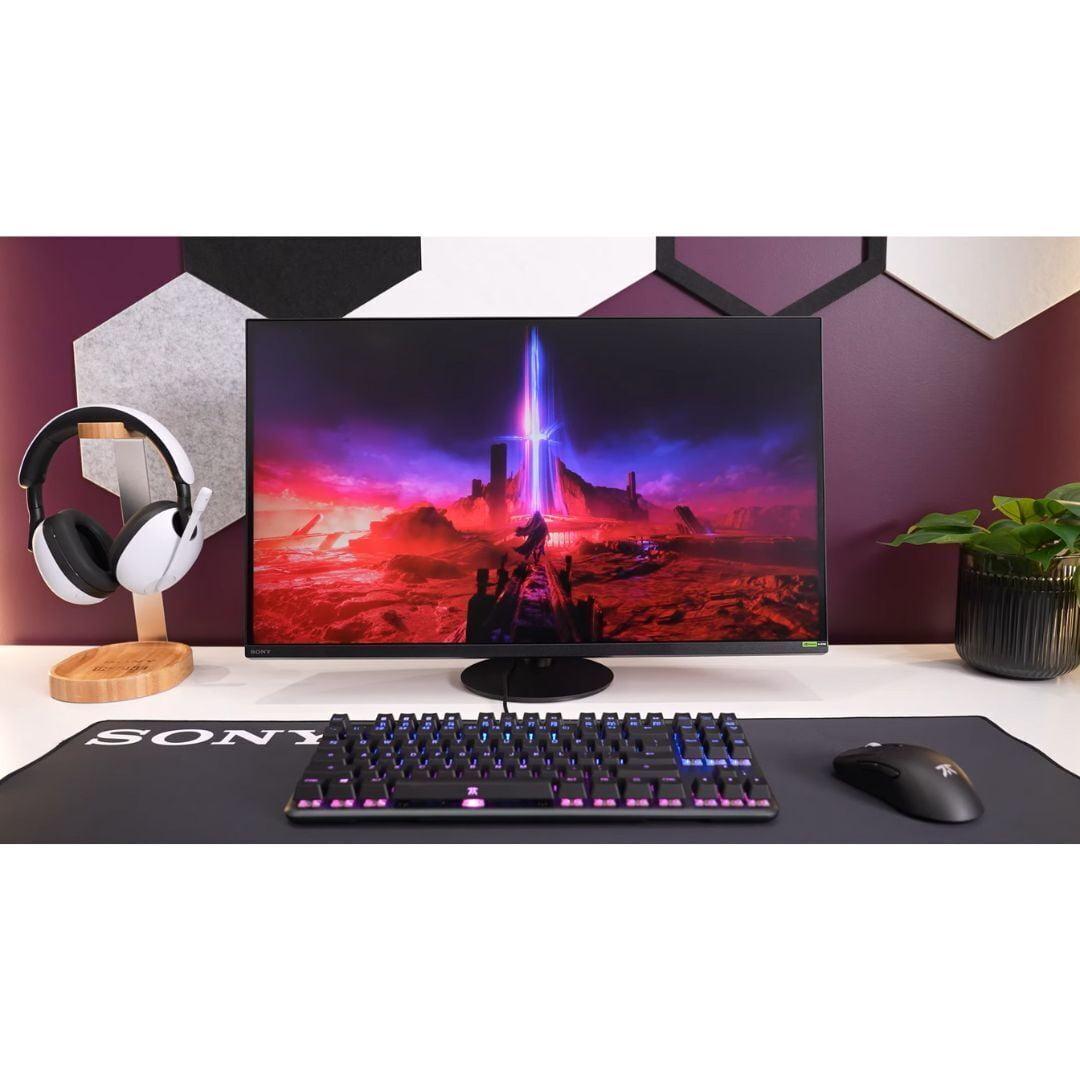
The Sony INZONE M9 II, released in 2024, represents Sony's refined take on traditional LCD technology. It uses an IPS (In-Plane Switching) panel – a type of LCD that offers great color accuracy and viewing angles – enhanced with Full Array Local Dimming. This FALD system uses 96 zones of LED backlights that can dim independently, creating better contrast than typical LCD monitors.
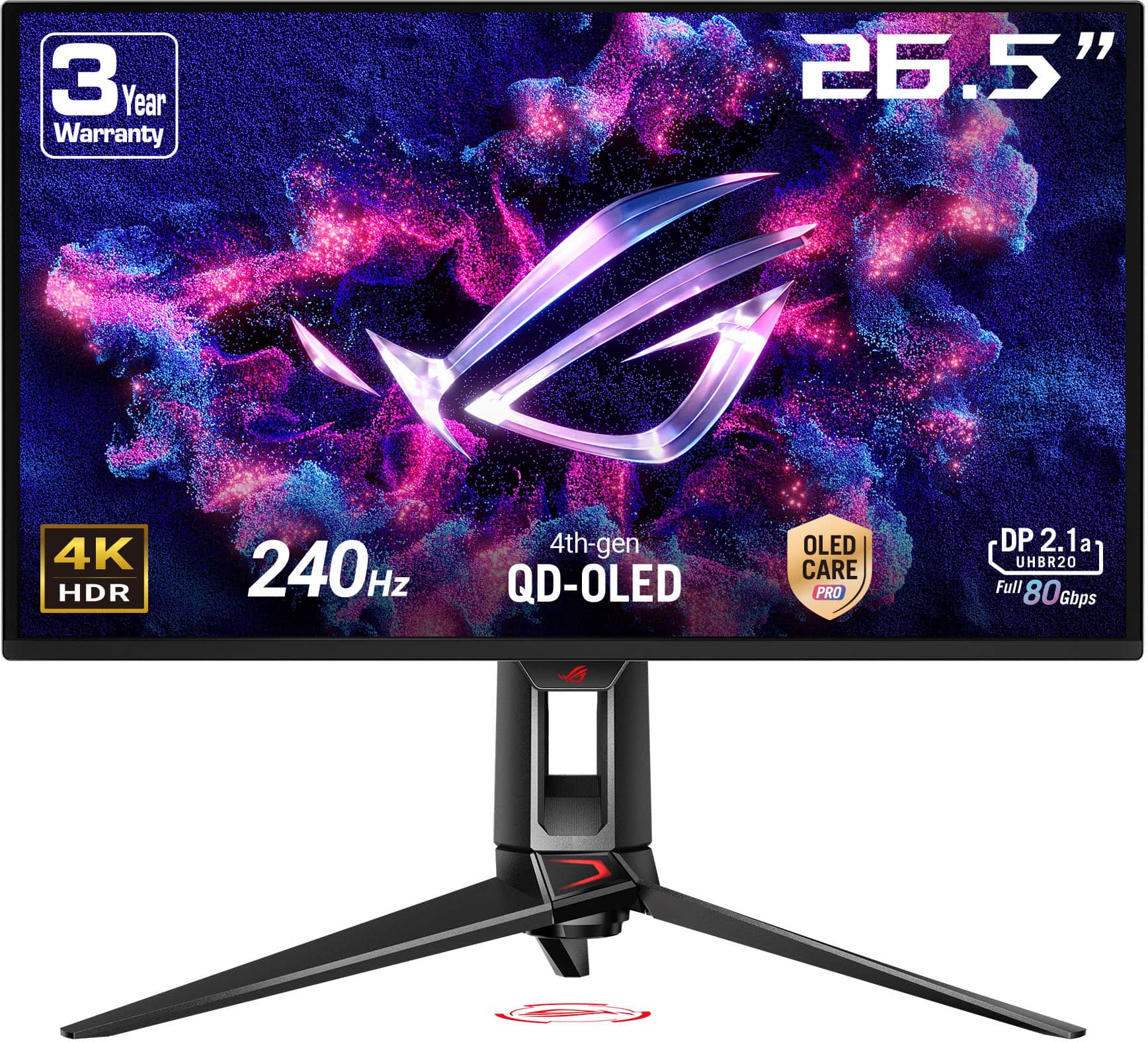
The ASUS ROG Swift OLED PG27UCDM, also launched in 2024, represents the cutting edge of display technology. It uses a fourth-generation QD-OLED (Quantum Dot Organic Light-Emitting Diode) panel. Unlike LCD displays that need backlights, each pixel in an OLED display produces its own light and can turn completely off, creating perfect blacks and infinite contrast.
The Sony INZONE M9 II builds on proven IPS technology with some clever enhancements. IPS panels have been the gold standard for color-critical work because they maintain consistent colors when viewed from different angles and don't suffer from the color shifting you see on cheaper TN (Twisted Nematic) panels.
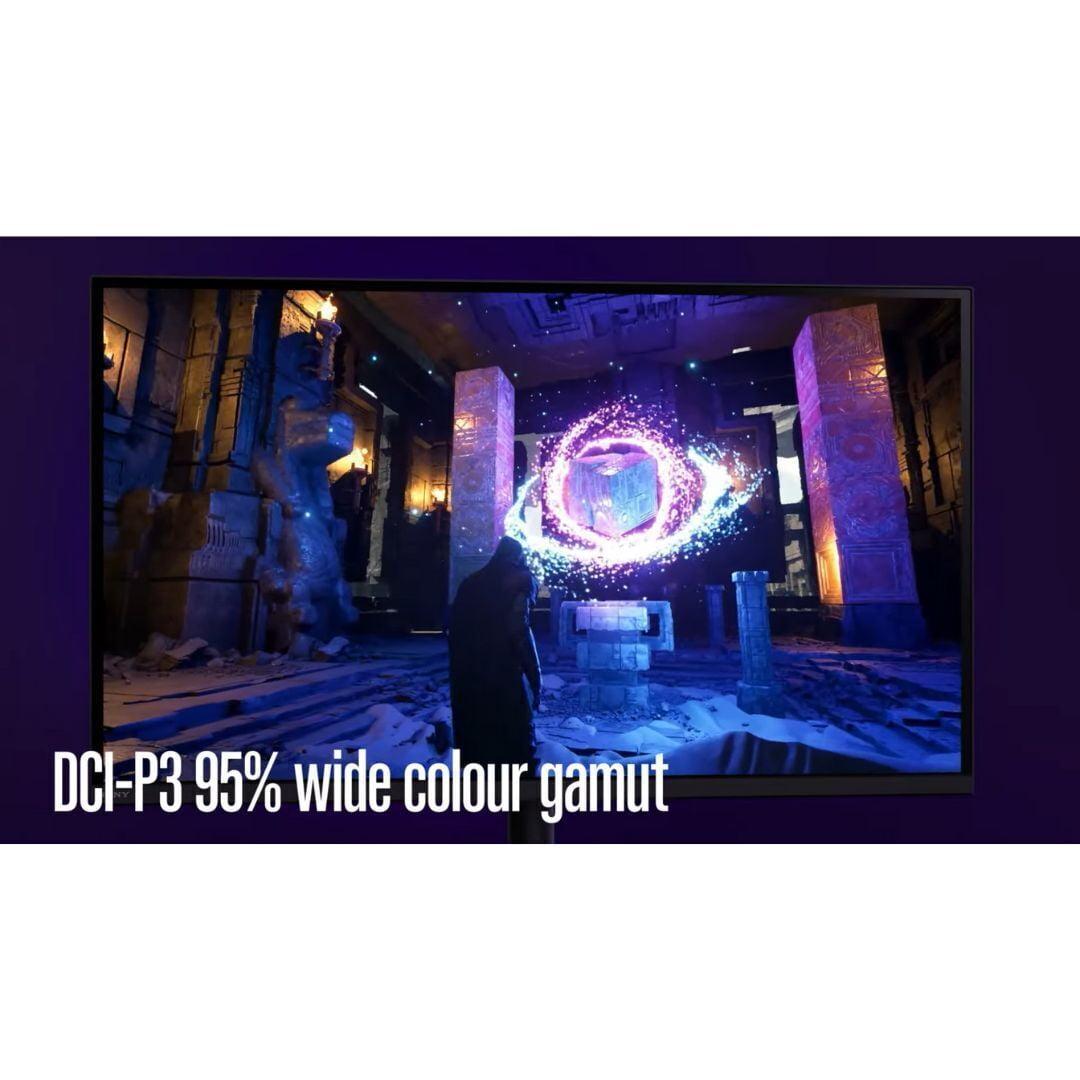
Sony's implementation covers 95% of the DCI-P3 color space – that's the wide color gamut used in movie theaters and modern games. The factory calibration is excellent, meaning colors look accurate right out of the box without needing professional calibration.
The Full Array Local Dimming system uses 96 zones arranged in a 12x8 grid. When you're watching a movie with a dark scene punctuated by bright stars, these zones can dim the dark areas while keeping the stars bright. However, with only 96 zones covering the entire 27-inch screen, each zone is relatively large, which can create visible "blooming" – halos of light around bright objects against dark backgrounds.
The ASUS PG27UCDM uses Samsung's fourth-generation QD-OLED technology, which represents a significant leap forward. Instead of 96 dimming zones, this monitor has over 8 million individual pixels that can turn completely on or off. When displaying a starfield, the black areas are truly black – not the dark gray you get from LCD panels.
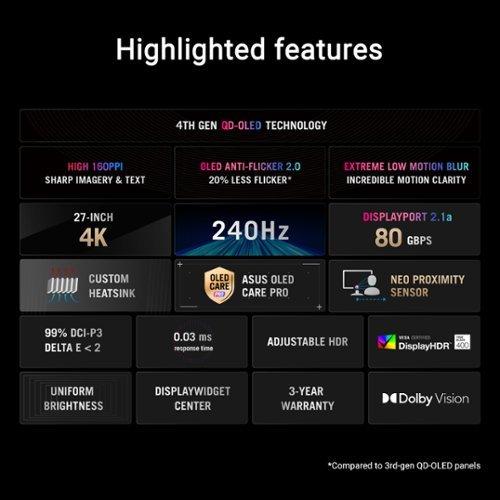
This OLED panel covers 99% of DCI-P3 and an impressive 145% of the older sRGB color space. The quantum dot layer enhances color saturation, making reds more vibrant and greens more lush than traditional OLED displays. Peak brightness reaches 1,000 nits in HDR content, compared to the Sony's 750 nits.
The fourth-generation panel addresses some earlier OLED concerns. Samsung has improved the panel's longevity and reduced the flickering that could cause eye strain. ASUS adds their OLED Anti-Flicker 2.0 technology, though some reviewers note that VRR flicker (when frame rates change rapidly) can still be noticeable in dark scenes.
This is where these monitors diverge significantly. The Sony INZONE M9 II tops out at 160Hz, while the ASUS PG27UCDM reaches 240Hz. For context, most movies play at 24fps, TVs typically show 60fps, and standard gaming monitors often max out at 144Hz.
The difference between 160Hz and 240Hz might seem small on paper, but it's noticeable in practice. In fast-paced competitive games like Counter-Strike or Valorant, that extra 80Hz can make tracking moving targets smoother. The higher refresh rate also provides more headroom for future graphics cards that might push frame rates beyond 160fps.
Both monitors support Variable Refresh Rate (VRR) technology, which synchronizes the display's refresh rate with your graphics card's output to eliminate screen tearing – those annoying horizontal lines that appear when frame rates and refresh rates don't match.
Response time measures how quickly pixels can change colors, typically measured in milliseconds. The Sony M9 II claims 1ms Gray-to-Gray response time with its backlight scanning feature, which briefly turns off the backlight between frames to reduce motion blur.
The ASUS OLED achieves an even faster 0.03ms response time because OLED pixels can change states almost instantaneously. This translates to sharper motion during fast action sequences and less ghosting behind moving objects.
Input lag – the delay between your controller input and the screen response – is crucial for competitive gaming. Both monitors excel here, with input lag well under 10 milliseconds, which is imperceptible to human perception.
High Dynamic Range transforms how games look by expanding the range between the darkest blacks and brightest whites, more closely matching what our eyes see in real life.
The Sony M9 II earns VESA DisplayHDR 600 certification, meaning it can display HDR content at 600 nits peak brightness with acceptable black levels. In practice, bright highlights like explosions or sunlight look punchy, but the 96-zone dimming system limits how precisely it can control contrast in complex scenes.
The ASUS OLED technically only meets DisplayHDR 400 True Black certification, but this lower number is misleading. The "True Black" designation means it can display perfect blacks, which is impossible with LCD technology. Combined with 1,000 nits peak brightness, the contrast ratio reaches 1.5 million to one – essentially infinite contrast that makes HDR content look more realistic than any LCD can achieve.
I've spent considerable time gaming on both technologies, and OLED's advantage in dark scenes is dramatic. In games like The Last of Us or horror titles, the deep shadows and bright highlights create an immersive experience that LCD simply can't match.
The Sony INZONE M9 II includes specific optimizations for PlayStation 5 and PS5 Pro consoles. Auto HDR Tone Mapping automatically adjusts the display settings when connected to these consoles, ensuring optimal image quality without manual tweaking. There's also a 24.5-inch mode for esports gaming, which displays games in a smaller window with black borders – something many competitive players prefer.
The ASUS PG27UCDM is more PC-focused, with features like a KVM switch (letting you control multiple computers with one keyboard and mouse), USB-C connectivity with 90W power delivery, and extensive PC software integration through DisplayWidget Center.
Both monitors work excellently with modern gaming consoles, but the Sony offers a more plug-and-play experience for PlayStation users, while the ASUS provides more flexibility for PC enthusiasts.
Modern connectivity is crucial for future-proofing your investment. Both monitors include HDMI 2.1 ports, which are essential for 4K 120Hz gaming on PlayStation 5 and Xbox Series X consoles.
The ASUS OLED includes DisplayPort 2.1a with full 80Gbps bandwidth, enabling uncompressed 4K at 240Hz. This is important because some graphics cards might need Display Stream Compression at lower bandwidth connections, which can occasionally cause visual artifacts.
The ASUS also includes USB-C with Power Delivery, allowing you to connect laptops with a single cable for video, data, and charging. This feature is increasingly valuable as more laptops adopt USB-C as their primary connection.
Sony's INZONE Hub software provides easy monitor adjustment from Windows, which is more convenient than navigating on-screen menus. The software also manages firmware updates automatically.
ASUS goes further with their DisplayWidget Center software and includes several OLED-specific features through OLED Care Pro. The Neo Proximity Sensor automatically turns off the display when you step away, reducing burn-in risk. Screen Move slightly shifts the image periodically to prevent static elements from burning in. These features address OLED's main weakness – the potential for permanent image retention over time.
For home theater use, the ASUS OLED has a clear advantage. Its perfect blacks make it excellent for movie watching in dark rooms, and Dolby Vision support ensures compatibility with premium streaming content. However, neither monitor includes built-in speakers, so you'll need headphones or external speakers.
The Sony M9 II works well for casual movie watching, but the OLED's superior contrast makes it the better choice for serious home theater applications.
At the time of writing, both monitors are priced in the premium tier, with the ASUS typically commanding a modest premium over the Sony – usually around $100-200 more. Given the significant performance advantages of OLED technology, this price difference represents excellent value.
However, long-term considerations matter. The Sony M9 II won't suffer from burn-in and should maintain consistent performance for many years with minimal care. LCD panels typically last 5-7 years before noticeable brightness degradation.
OLED displays require more attention. While modern OLED panels are much more durable than early generations, heavy usage can still lead to burn-in over time, especially if you frequently display static elements like taskbars or game HUDs. ASUS includes a three-year warranty, showing confidence in their panel longevity.
Choose the Sony INZONE M9 II if you primarily game on PlayStation consoles, want worry-free ownership without burn-in concerns, or prefer the reliability of proven LCD technology. It's an excellent monitor that will serve you well for years.
However, for most users, the ASUS ROG Swift OLED PG27UCDM represents the better choice. The superior image quality, faster performance, and additional features justify the modest price premium. OLED technology has matured significantly, and with proper care (which ASUS automates through software), burn-in concerns are manageable for most users.
The ASUS effectively offers next-generation display technology for current-generation pricing. Unless you have specific concerns about OLED longevity or primarily use PlayStation consoles, the OLED's advantages in image quality, gaming performance, and future-proofing make it the more compelling choice.
Both monitors represent excellent options in the premium gaming display market, but the rapid advancement of OLED technology has made it increasingly difficult to recommend LCD alternatives at similar price points. The ASUS PG27UCDM showcases why OLED has become the new gold standard for high-end gaming displays.
| Sony INZONE M9 II 27" 4K 160Hz Gaming Monitor | ASUS ROG Swift OLED PG27UCDM 27" 4K 240Hz Gaming Monitor |
|---|---|
| Panel Technology - Determines image quality and longevity | |
| IPS LCD with Full Array Local Dimming (96 zones) | 4th-generation QD-OLED with per-pixel lighting |
| Refresh Rate - Higher rates provide smoother motion for competitive gaming | |
| 160Hz (good for most gaming, limiting for esports) | 240Hz (excellent for competitive gaming and future-proofing) |
| Response Time - Lower numbers reduce motion blur and ghosting | |
| 1ms GtG with backlight scanning | 0.03ms GtG (near-instantaneous pixel response) |
| Contrast Ratio - Higher ratios create more realistic dark and bright scenes | |
| 1,000:1 static, 80,000:1 dynamic | 1,500,000:1 (infinite contrast from true blacks) |
| HDR Performance - Affects how realistic bright highlights and dark shadows appear | |
| DisplayHDR 600, 750 nits peak brightness | DisplayHDR 400 True Black, 1,000 nits peak brightness |
| Color Gamut - Wider coverage produces more vibrant and accurate colors | |
| 95% DCI-P3 coverage | 99% DCI-P3, 145% sRGB coverage |
| Burn-in Risk - Important for long-term ownership and peace of mind | |
| No burn-in risk (LCD technology) | Potential burn-in with heavy static content usage |
| Console Integration - Matters for PlayStation and Xbox users | |
| PS5/PS5 Pro Auto HDR Tone Mapping, 24.5" esports mode | Standard console compatibility with VRR support |
| Connectivity - Affects compatibility with devices and future upgrades | |
| 2x HDMI 2.1, 1x DisplayPort 2.1, USB hub | 2x HDMI 2.1, 1x DisplayPort 2.1a (80Gbps), USB-C 90W PD, KVM switch |
| Special Features - Unique capabilities that differentiate the monitors | |
| INZONE M9 II Hub software, PlayStation optimizations | ASUS OLED Care Pro with proximity sensor, Dolby Vision, RGB lighting |
| Warranty Coverage - Protection for your investment | |
| 1 year limited warranty | 3 year warranty with OLED coverage |
| Best For - Target user scenarios | |
| PlayStation gamers, users wanting reliable LCD performance | PC enthusiasts, competitive gamers, those prioritizing image quality |
The ASUS ROG Swift OLED PG27UCDM is superior for competitive gaming due to its 240Hz refresh rate and 0.03ms response time compared to the Sony INZONE M9 II's 160Hz and 1ms response time. The higher refresh rate provides smoother motion tracking and the faster response time reduces ghosting, giving competitive players a clear advantage.
The Sony INZONE M9 II uses LCD technology with LED backlighting and local dimming zones, while the ASUS ROG Swift OLED PG27UCDM uses OLED technology where each pixel produces its own light. OLED offers perfect blacks and infinite contrast but has potential burn-in risks, while LCD provides consistent brightness without burn-in concerns.
The ASUS ROG Swift OLED PG27UCDM delivers superior HDR performance with 1,000 nits peak brightness, perfect blacks, and infinite contrast ratio. While the Sony INZONE M9 II has DisplayHDR 600 certification versus the ASUS's DisplayHDR 400 True Black, the OLED's perfect blacks create more impactful HDR visuals.
Both monitors excel for console gaming, but the Sony INZONE M9 II has specific PlayStation 5 and PS5 Pro optimizations including Auto HDR Tone Mapping. The ASUS ROG Swift OLED PG27UCDM works excellently with all consoles but lacks Sony's dedicated console features. Both support HDMI 2.1 for 4K 120Hz gaming.
The ASUS ROG Swift OLED PG27UCDM is significantly better for movie watching due to its perfect blacks, infinite contrast, and Dolby Vision support. These features create a more cinematic experience in dark rooms. The Sony INZONE M9 II works well for casual viewing but can't match OLED's contrast performance.
The Sony INZONE M9 II has no burn-in risk due to its LCD technology. The ASUS ROG Swift OLED PG27UCDM has potential burn-in risk with static content, but ASUS includes OLED Care Pro features like a proximity sensor and screen move function to minimize this risk. Modern OLED panels are much more durable than earlier generations.
Both monitors offer excellent color accuracy, but the ASUS ROG Swift OLED PG27UCDM edges ahead with 99% DCI-P3 coverage and Delta E < 2 color accuracy. The Sony INZONE M9 II provides 95% DCI-P3 coverage with excellent factory calibration. Both are suitable for content creation and professional work.
The ASUS ROG Swift OLED PG27UCDM offers more comprehensive connectivity with HDMI 2.1, DisplayPort 2.1a (80Gbps), USB-C with 90W power delivery, and a KVM switch. The Sony INZONE M9 II includes HDMI 2.1, DisplayPort 2.1, and a USB hub but lacks USB-C and KVM functionality.
The ASUS ROG Swift OLED PG27UCDM typically costs slightly more than the Sony INZONE M9 II but offers significantly better performance with OLED technology, higher refresh rates, and more features. For most users, the ASUS provides better value despite the higher upfront cost.
Both monitors work well for productivity, but the ASUS ROG Swift OLED PG27UCDM offers advantages with USB-C connectivity for single-cable laptop connections and a KVM switch for multiple computers. The Sony INZONE M9 II provides consistent brightness across all content types, which some users prefer for extended office work.
The Sony INZONE M9 II includes INZONE Hub software for easy settings management and PlayStation-specific features. The ASUS ROG Swift OLED PG27UCDM offers DisplayWidget Center software, OLED Care Pro with burn-in protection, RGB lighting, and more gaming-focused features. The ASUS provides more comprehensive software support.
Choose the Sony INZONE M9 II if you primarily game on PlayStation consoles, want worry-free ownership without burn-in concerns, or prefer proven LCD reliability. Select the ASUS ROG Swift OLED PG27UCDM if you want the best possible image quality, competitive gaming performance, or plan to use the monitor for both gaming and entertainment in a home theater setup.
We've done our best to create useful and informative comparisons to help you decide what product to buy. Our research uses advanced automated methods to create this comparison and perfection is not possible - please contact us for corrections or questions. These are the sites we've researched in the creation of this article: bestbuy.com - bestbuy.com - rtings.com - rtings.com - tomshardware.com - youtube.com - bhphotovideo.com - bestbuy.com - sony.com - techpowerup.com - electronics.sony.com - sony.com - displayspecifications.com - direct.playstation.com - youtube.com - sony.com - sony.com - displayspecifications.com - bhphotovideo.com - displayspecifications.com - tomshardware.com - thepcenthusiast.com - rtings.com - youtube.com - rtings.com - rog.asus.com - tweaktown.com - youtube.com - youtube.com - versus.com - rog.asus.com - rog.asus.com - newegg.com - rog.asus.com - cdw.com - pcmonitors.info - displayspecifications.com - rog.asus.com - bhphotovideo.com - techpowerup.com - shi.com - bhphotovideo.com

Privacy Policy
Terms and Conditions - Affiliate Policy
Home Security
© Copyright 2008-2026.
11816 Inwood Rd #1211, Dallas, TX 75244