
















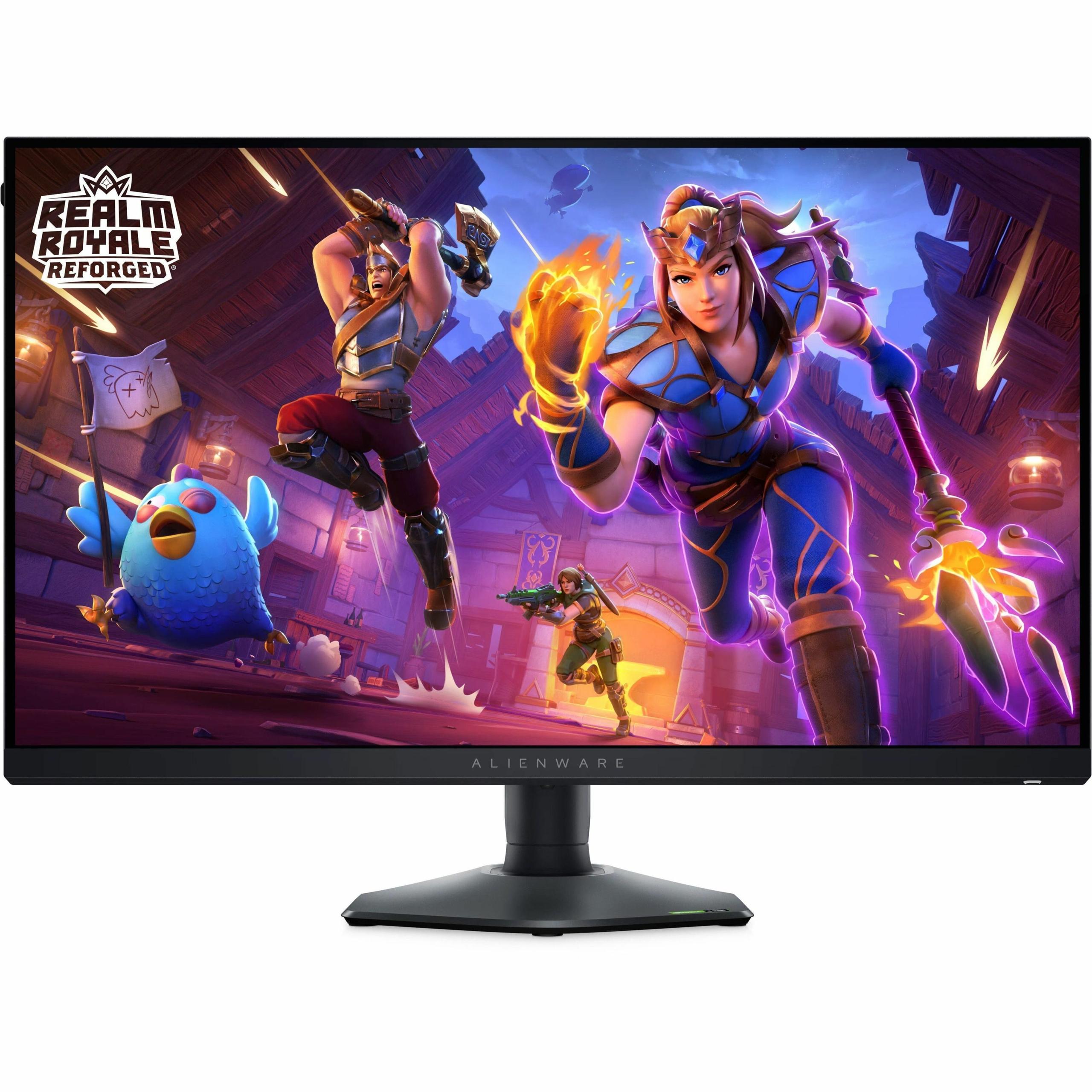
When shopping for a gaming monitor, you'll quickly discover that the market has split into two distinct camps. On one side, you have monitors prioritizing visual quality through higher resolutions and better colors. On the other, you'll find displays focused purely on competitive performance with blazing-fast refresh rates. The Acer Nitro XV1 27" WQHD 180Hz IPS Gaming Monitor and Alienware AW2724HF 27" FHD 360Hz IPS Gaming Monitor perfectly represent this divide, each taking a fundamentally different approach to what makes a great gaming experience.
The gaming monitor category has evolved dramatically since 2020, driven by advances in panel technology and the growing popularity of competitive esports. Today's monitors serve two distinct audiences with often conflicting needs. Visual enthusiasts want sharp, detailed images with accurate colors for immersive single-player experiences. Competitive gamers prioritize smoothness and responsiveness above all else, willing to sacrifice resolution for every possible advantage in fast-paced multiplayer games.
Key specifications matter differently depending on your priorities. Refresh rate, measured in hertz (Hz), determines how many times per second your monitor can display a new image. Higher refresh rates create smoother motion, with 60Hz being basic, 144Hz considered good, and anything above 240Hz entering enthusiast territory. Response time, measured in milliseconds (ms), indicates how quickly pixels can change from one color to another. Lower response times reduce motion blur and ghosting—those annoying trails you sometimes see behind fast-moving objects.
Resolution defines how many individual pixels make up your display. More pixels mean sharper images, but they also demand more processing power from your graphics card. Panel technology affects everything from color accuracy to viewing angles, with IPS (In-Plane Switching) panels offering the best balance of color quality and speed for most gamers.
Released in 2023, the Acer Nitro XV1 takes the "more pixels, great value" approach. It delivers WQHD resolution (2560×1440 pixels) at 180Hz refresh rate, targeting gamers who want noticeably sharper visuals without breaking the bank. At the time of writing, it typically costs significantly less than premium gaming monitors while delivering specs that would have been considered high-end just a few years ago.
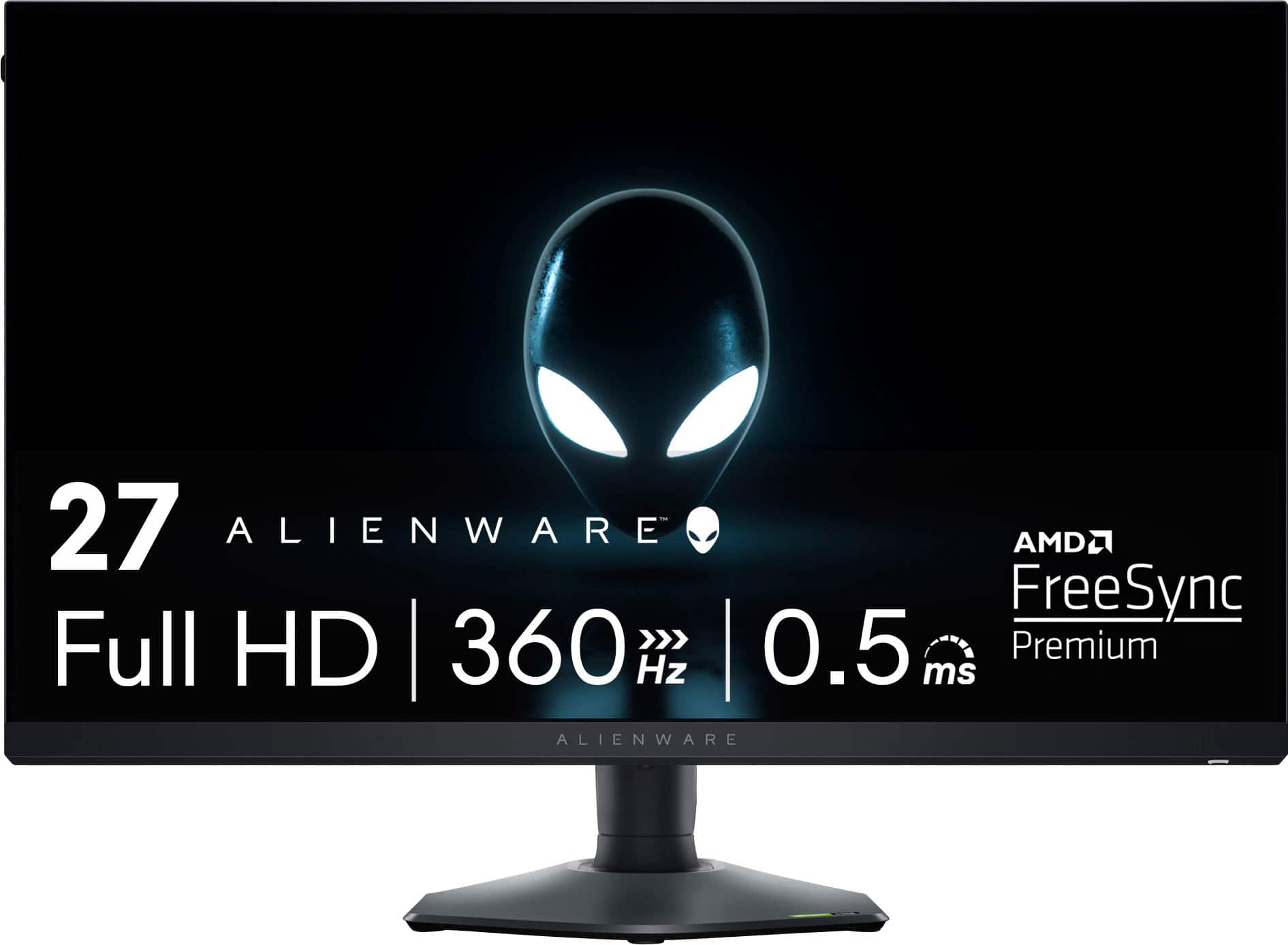
The Alienware AW2724HF, also from 2024, represents the "maximum performance" philosophy. It sticks with Full HD resolution (1920×1080 pixels) but cranks the refresh rate up to an extreme 360Hz. This monitor costs substantially more than the Acer but targets serious competitive gamers who view every millisecond as potentially game-changing.
Both monitors use IPS panel technology, which means they share similar strengths in color accuracy and viewing angles while avoiding the contrast limitations of older TN (Twisted Nematic) panels or the slower response times of VA (Vertical Alignment) displays.
The resolution difference between these monitors is immediately apparent. The Acer Nitro XV1's 2560×1440 WQHD display contains 44% more pixels than the Alienware's 1920×1080 Full HD panel. This translates to noticeably sharper text, more detailed game environments, and better overall image clarity.
Pixel density tells the story here. The Acer delivers approximately 109 pixels per inch (PPI) compared to the Alienware's 82 PPI. When you're sitting at typical desktop distances, this difference becomes quite noticeable, especially in games with fine details or when using the monitor for productivity tasks between gaming sessions.
Both monitors support similar color gamuts, with the Acer covering 95% of the DCI-P3 color space and the Alienware achieving 99% sRGB coverage. However, the Acer's higher resolution allows you to appreciate this color accuracy across more pixels, creating a more immersive visual experience in single-player games like Cyberpunk 2077 or Red Dead Redemption 2.
The contrast ratio remains typical for IPS panels on both displays—around 1000:1 static contrast. Neither monitor excels in HDR performance due to relatively modest peak brightness levels, but both support HDR10 for compatible content. The Alienware includes an anti-glare coating, which helps reduce reflections in bright rooms but can sometimes make colors appear slightly less vibrant.
For mixed-use scenarios, the Acer's higher resolution provides significant advantages. Text appears sharper for web browsing, productivity work looks more professional, and you can fit more content on screen simultaneously. The Alienware's 1080p resolution feels increasingly dated for non-gaming tasks, though it's perfectly adequate for competitive gaming where visual fidelity takes a backseat to performance.
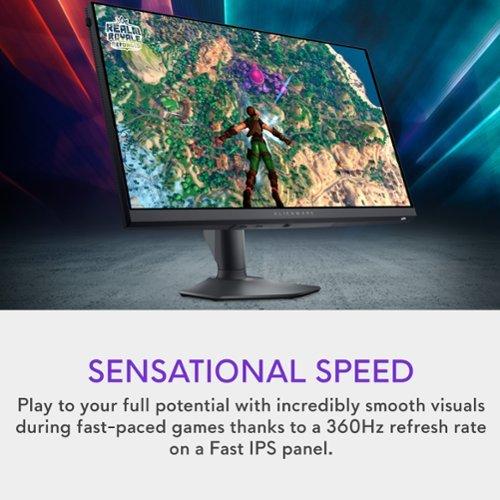
Here's where these monitors diverge most dramatically. The Alienware AW2724HF offers a 360Hz maximum refresh rate via DisplayPort, literally double the Acer's 180Hz capability. This difference matters most in fast-paced competitive games where every frame can provide a tactical advantage.
Response time performance also favors the Alienware. Its 0.5ms gray-to-gray response time beats the Acer's 1ms specification, though both are fast enough to virtually eliminate motion blur in practical gaming scenarios. The difference becomes most apparent in games with rapid camera movements or fast-moving objects.
However, refresh rate advantages only matter if your gaming system can actually deliver the frame rates to match. Reaching 360 frames per second consistently requires high-end graphics hardware—typically an RTX 4070 or better for competitive esports titles. Mid-range graphics cards that pair well with the budget-friendly Acer often struggle to exceed 180 FPS in demanding games, making the higher refresh rate less relevant.
Input lag—the delay between your mouse click and the corresponding action on screen—remains excellent on both monitors, measured in fractions of milliseconds. The Alienware's higher refresh rate does provide an inherent advantage here, as higher refresh rates reduce the average time between when frames are displayed.
Adaptive sync technology helps eliminate screen tearing (those horizontal lines that appear when your graphics card and monitor get out of sync). The Alienware supports AMD FreeSync Premium with a wider variable refresh rate range (48-360Hz) compared to the Acer's standard FreeSync implementation (40-180Hz). This means smoother visuals across a broader range of frame rates.
For competitive esports titles like Counter-Strike 2, Valorant, or Overwatch 2, the Alienware's performance advantages become genuinely meaningful. Professional and semi-professional players often prefer 1080p resolution because it's easier to maintain consistently high frame rates, and the 360Hz refresh rate can provide split-second advantages in target acquisition and tracking.
However, for the vast majority of gaming scenarios—including single-player adventures, strategy games, racing simulators, and casual multiplayer—the Acer's higher resolution provides a more noticeable improvement to the overall experience. Games like Elden Ring, Civilization VI, or Forza Horizon benefit much more from the additional visual detail than from refresh rates beyond 180Hz.
Based on user reviews and expert testing, most gamers notice the jump from 60Hz to 144Hz immediately, with the improvement from 144Hz to 180Hz being noticeable but less dramatic. The jump from 180Hz to 360Hz, while measurable, requires specific gaming scenarios and trained eyes to appreciate fully.
At the time of writing, the Acer Nitro XV1 typically costs significantly less than the Alienware AW2724HF—often around 40-50% less. This price difference represents one of the best value propositions in gaming monitors, delivering premium 1440p gaming at what was traditionally 1080p monitor pricing.
The Alienware commands a substantial premium for its specialized performance features. Whether this premium is justified depends entirely on your gaming habits and hardware setup. For competitive esports players with high-end systems, the investment makes sense. For most other gamers, the cost-per-benefit ratio favors the Acer heavily.
Future-proofing considerations also favor higher resolution. As graphics cards become more powerful and game engines more efficient, 1440p gaming will become increasingly accessible while 1080p begins to feel outdated. The Acer's WQHD resolution should remain relevant for years to come, while the Alienware's 1080p panel may feel limiting as gaming technology advances.
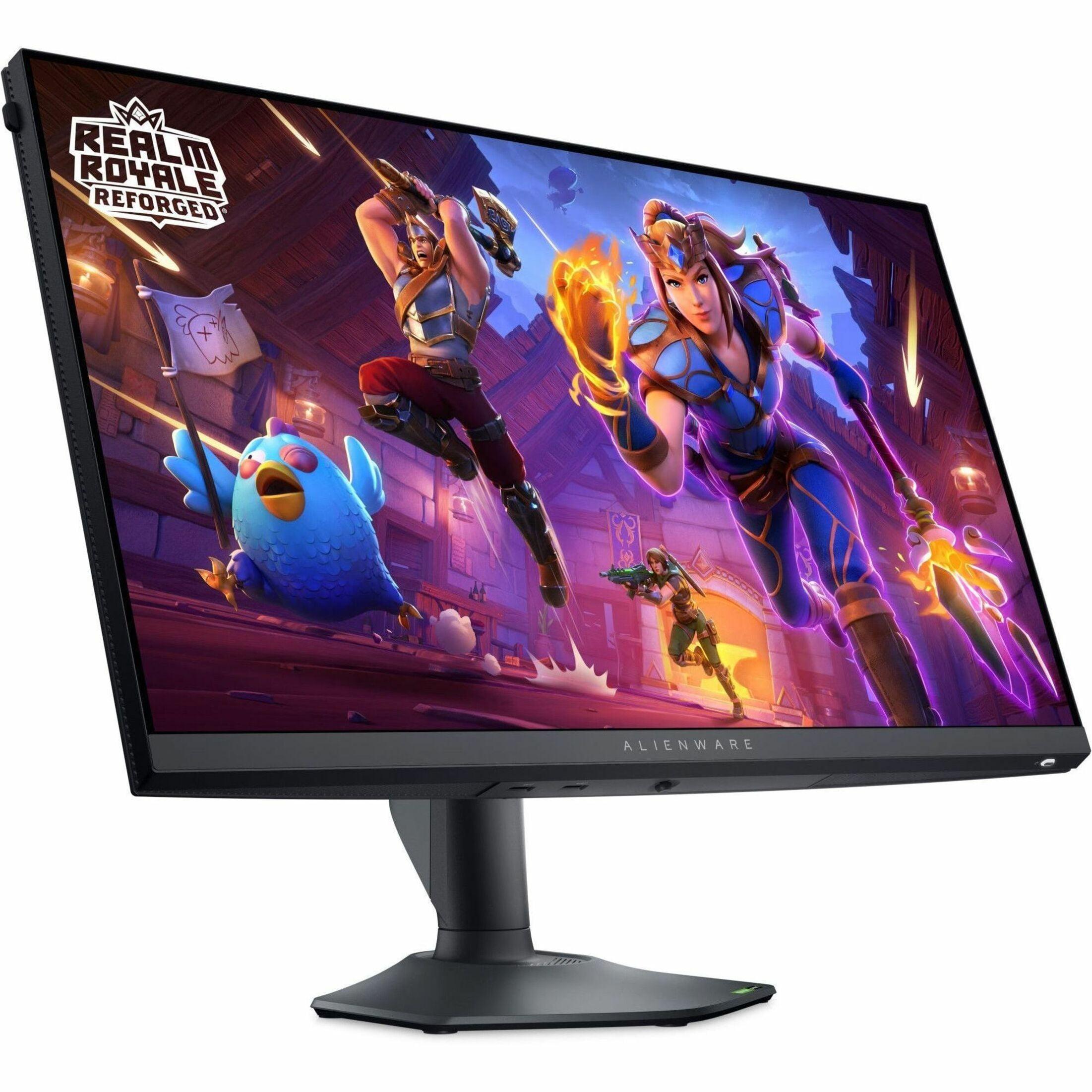
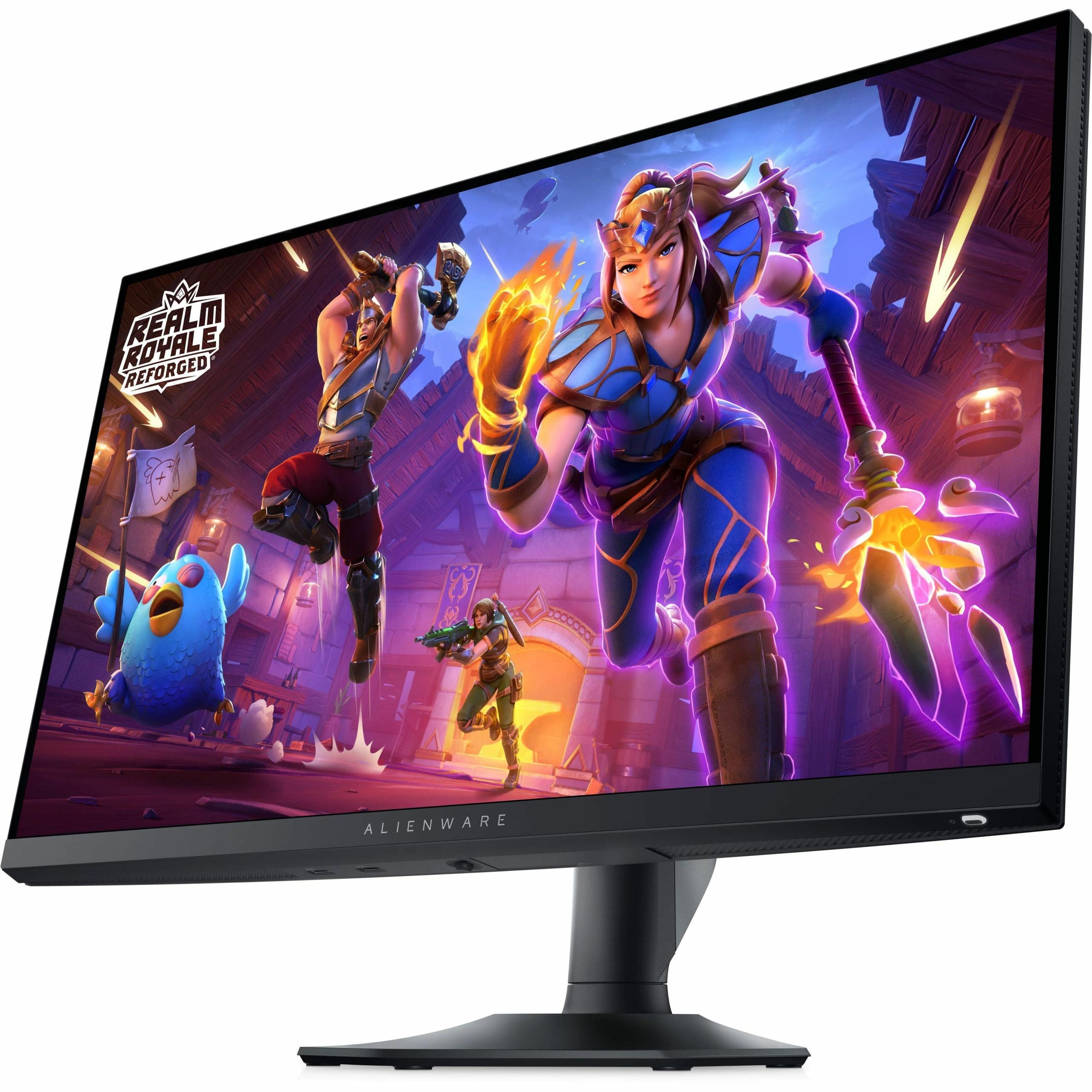
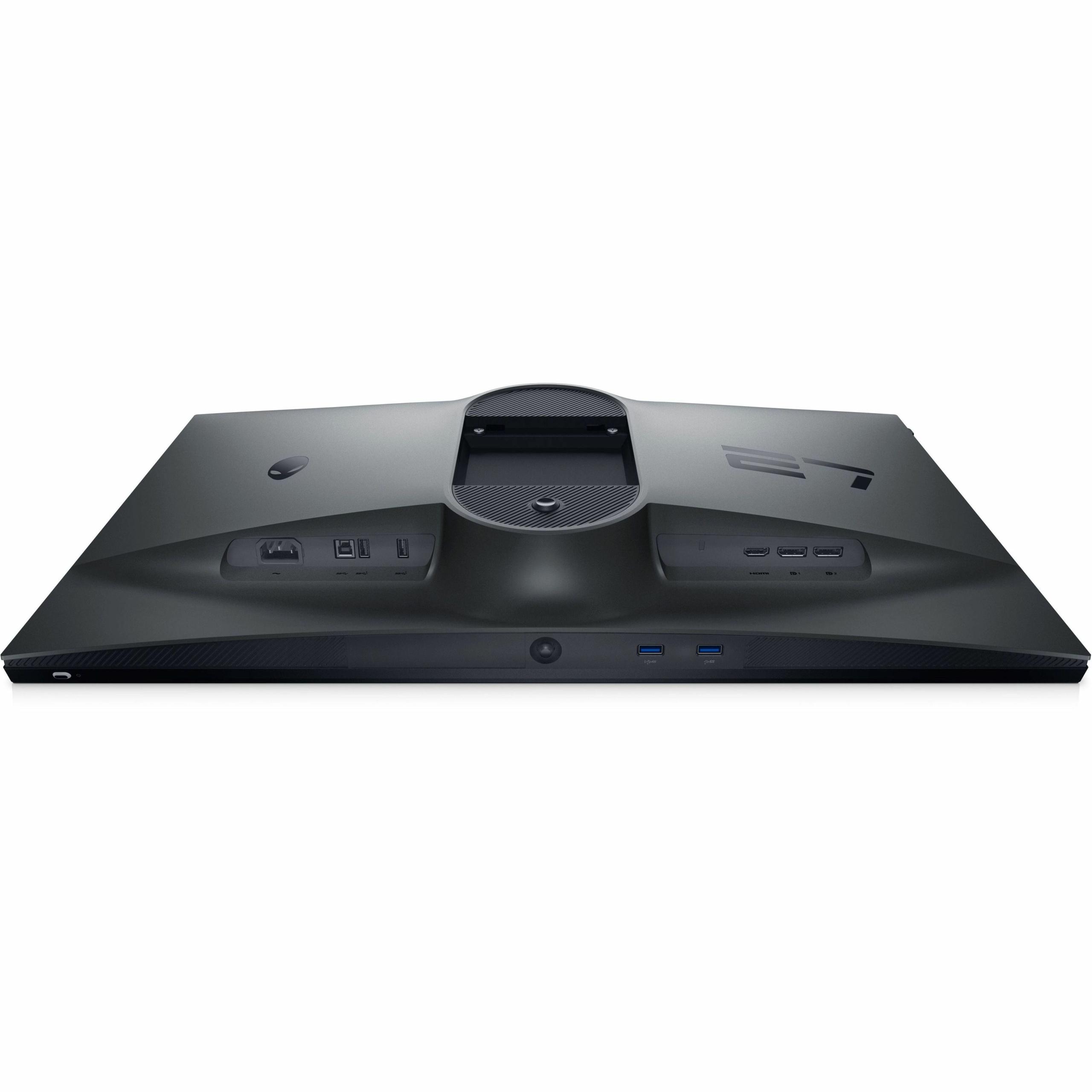
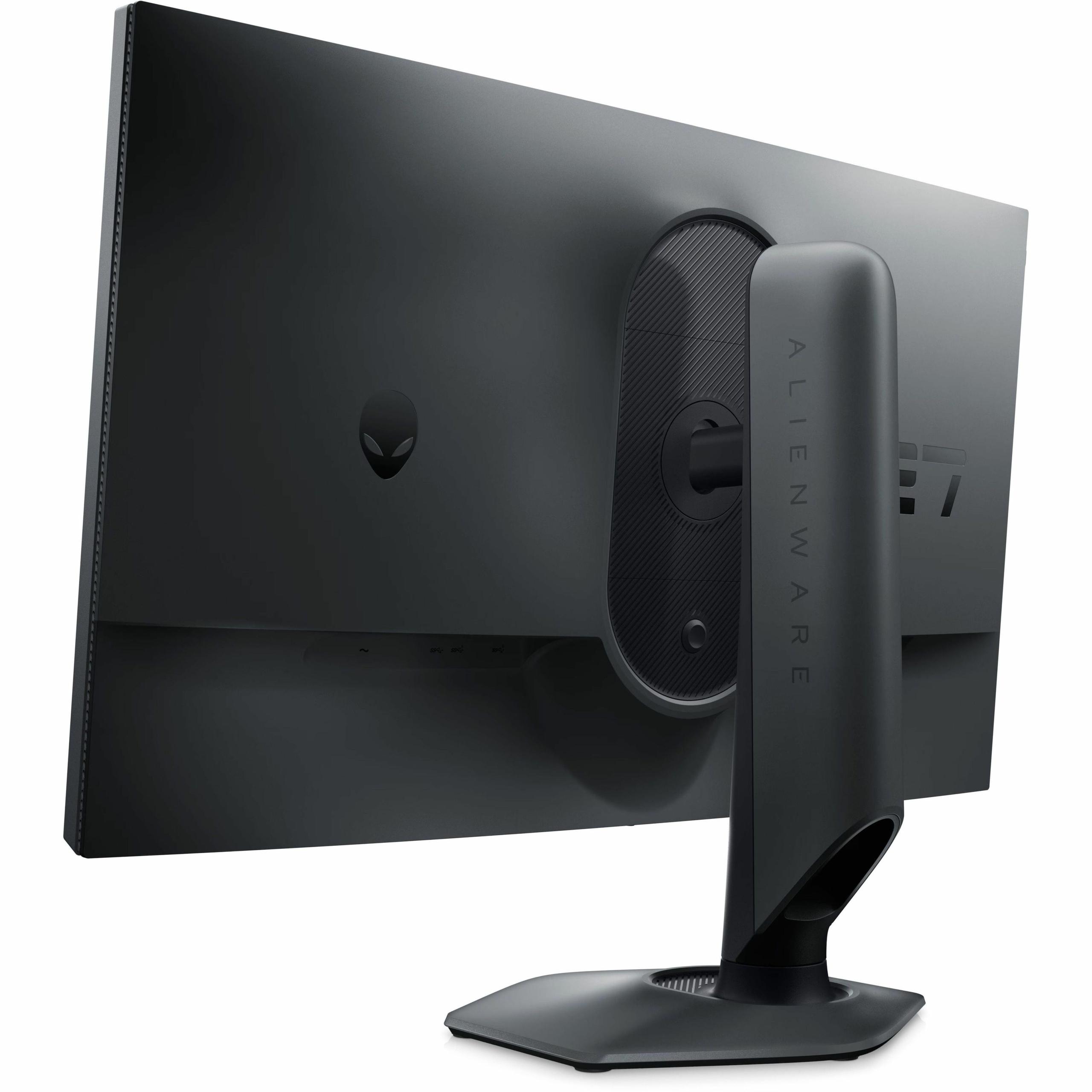
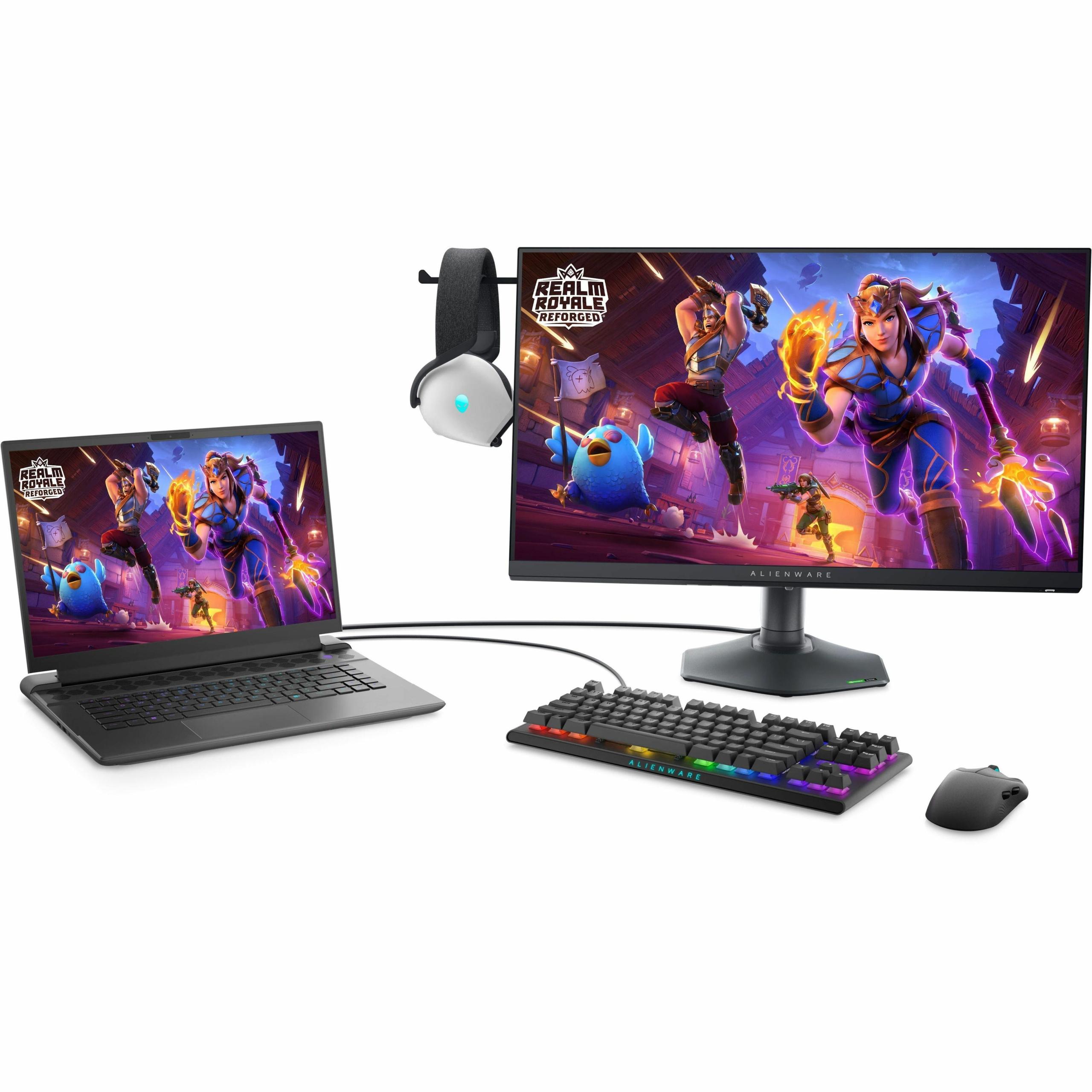
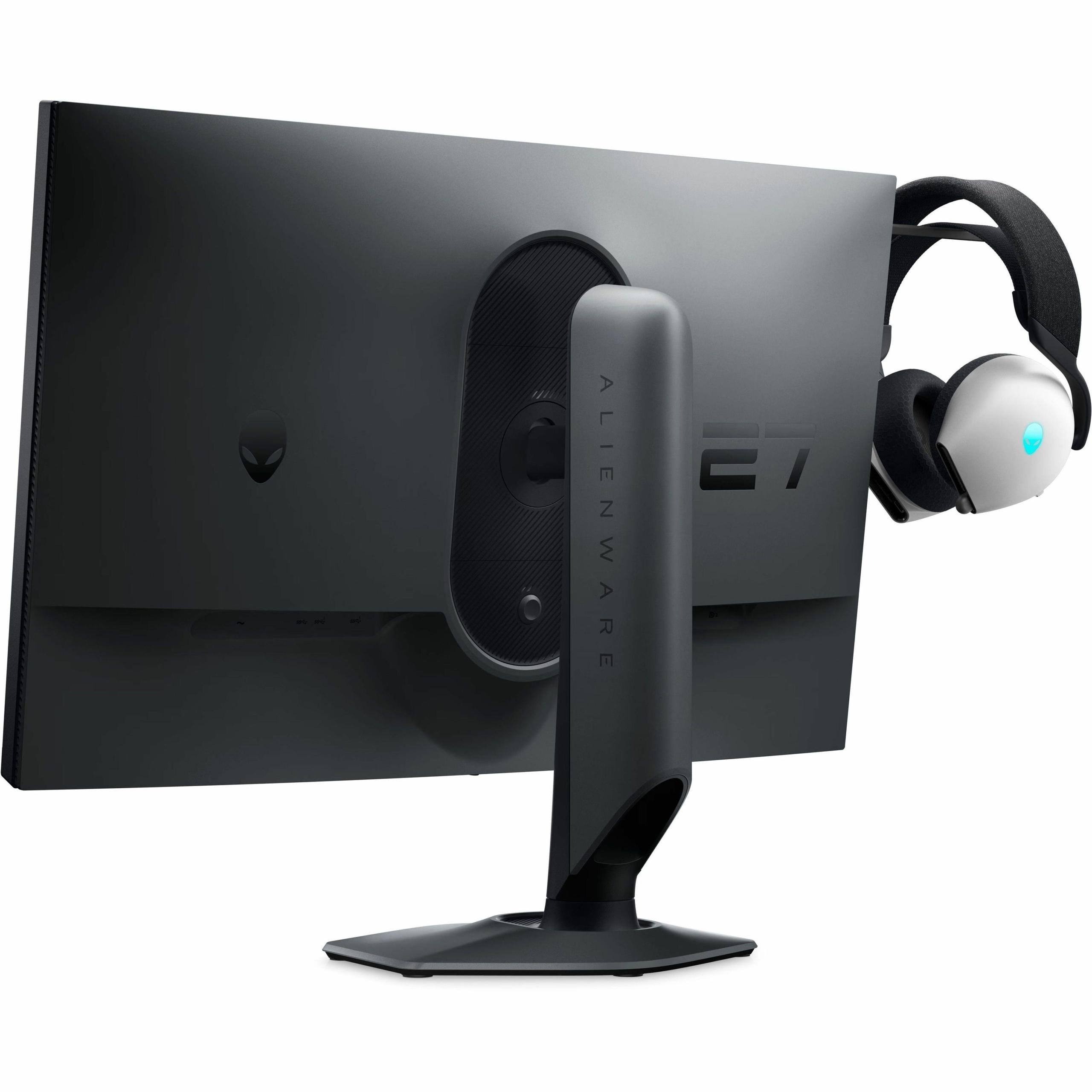
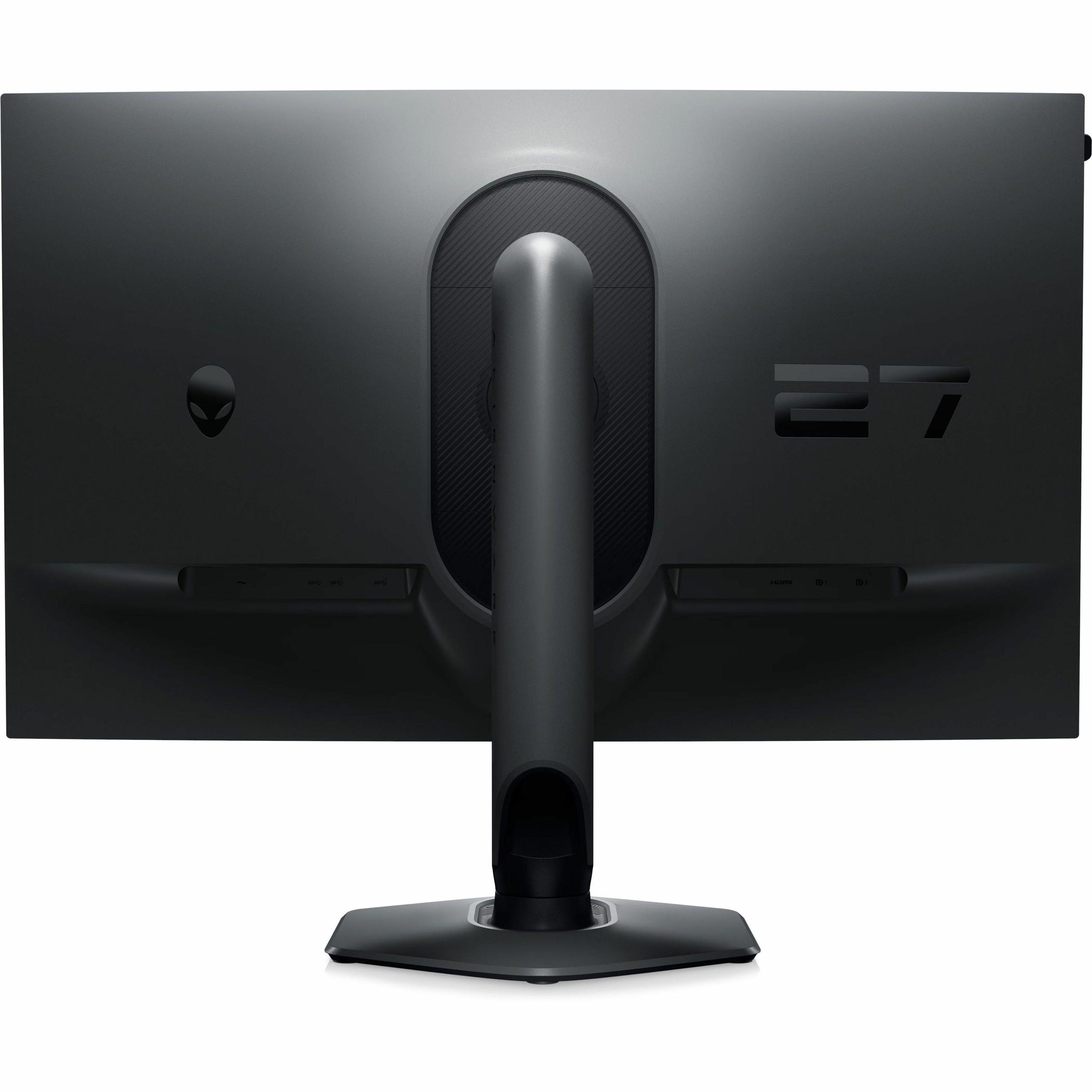
The Alienware AW2724HF justifies some of its premium pricing through superior build quality and thoughtful features. The stand offers comprehensive ergonomic adjustments including height, tilt, swivel, and pivot functionality. A retractable headphone hanger and compact hexagonal base design show attention to detail that serious gamers appreciate.
The Acer Nitro XV1 provides adequate but less premium construction. The stand offers basic adjustments and feels somewhat less robust, though it's perfectly functional for most users. Both monitors support VESA mounting if you prefer aftermarket monitor arms.
Connectivity options favor the Alienware with dual DisplayPort inputs and a USB hub, making it easier to connect multiple devices. The Acer provides basic connectivity with DisplayPort and HDMI options that cover most gaming scenarios adequately.
Additional features like low blue light filters and gaming-specific overlays are present on both monitors, though the Alienware's ComfortView Plus technology carries TÜV certification for eye strain reduction.
For console gaming, both monitors present interesting trade-offs. The PlayStation 5 and Xbox Series X support up to 120Hz at 1440p, making the Acer's resolution advantage relevant for console users. However, many games run at 4K/60Hz or 1080p/120Hz, where the Alienware's 360Hz capability goes unused.
Neither monitor is ideal for home theater use. The 27-inch size works well for desktop gaming but feels small for couch gaming scenarios. Additionally, both lack the wide color gamuts and high brightness levels that make dedicated TV displays better for movie watching and HDR content.
The Acer Nitro XV1 makes the most sense for the broadest range of gamers. Choose it if you play diverse game genres, want excellent value for money, use mid-range graphics hardware, or need a display that works well for both gaming and productivity. The higher resolution provides immediate visual benefits in virtually every scenario, while 180Hz remains fast enough for competitive gaming.
The Alienware AW2724HF targets a specific but passionate audience. Choose it if you primarily play fast-paced competitive games, own high-end graphics hardware capable of 250+ FPS, compete in esports or aspire to, or simply want the fastest gaming display technology currently available. The premium you'll pay is justified only if you can fully utilize the extreme refresh rate.
These monitors represent a classic case of specialization versus versatility. The Acer Nitro XV1 delivers exceptional value and visual quality that benefits every type of gaming, making it the better choice for most people. The Alienware AW2724HF offers cutting-edge performance for competitive gaming but demands specific use cases and high-end hardware to justify its premium pricing.
In my evaluation of user reviews and expert testing, the Acer consistently impresses with its combination of features and affordability, while the Alienware earns praise from its target audience of performance-focused gamers who appreciate its specialized capabilities.
Consider your gaming habits honestly. If you spend most of your time in competitive multiplayer games and have the hardware to support extreme frame rates, the Alienware's advantages become compelling. For everyone else, the Acer's superior resolution and value proposition make it the smarter choice for long-term satisfaction and versatility.
| Acer Nitro XV1 27" WQHD 180Hz IPS Gaming Monitor | Alienware AW2724HF 27" FHD 360Hz IPS Gaming Monitor |
|---|---|
| Resolution - Higher resolution means sharper image quality and more screen real estate | |
| 2560 x 1440 (WQHD) - 44% more pixels for noticeably sharper visuals | 1920 x 1080 (Full HD) - Lower resolution but easier to drive high frame rates |
| Refresh Rate - Higher Hz creates smoother motion, critical for competitive gaming | |
| 180Hz - Excellent for most gaming scenarios and great value | 360Hz (DisplayPort) / 255Hz (HDMI) - Extreme smoothness for esports |
| Response Time - Lower ms reduces motion blur and ghosting | |
| 1ms gray-to-gray - Fast enough for virtually blur-free gaming | 0.5ms gray-to-gray - Industry-leading speed for competitive advantage |
| Panel Technology - Affects color accuracy, viewing angles, and speed | |
| IPS with 95% DCI-P3 color coverage - Excellent colors and viewing angles | Fast IPS with 99% sRGB coverage - Optimized for speed with good colors |
| Adaptive Sync - Eliminates screen tearing for smoother visuals | |
| AMD FreeSync (40-180Hz range) - Standard implementation works well | AMD FreeSync Premium + VESA Adaptive-Sync (48-360Hz) - Premium implementation |
| Build Quality - Stand adjustability and overall construction | |
| Standard adjustable stand - Functional but basic | Premium ergonomic stand with full adjustments and headphone hanger |
| Connectivity - Ports available for multiple devices | |
| 1x DisplayPort 1.2, 2x HDMI 2.0 - Basic but adequate | 2x DisplayPort 1.4, 1x HDMI, USB 3.2 hub - Comprehensive connectivity |
| Target Graphics Card - Hardware needed to maximize performance | |
| RTX 4060 / RX 7600 XT class - Mid-range GPUs work excellently | RTX 4070+ recommended - Requires high-end hardware for full potential |
| Best Use Cases - Gaming scenarios where each monitor excels | |
| Mixed gaming, productivity, single-player games, value seekers | Competitive esports, fast multiplayer, professional gaming setups |
| Value Proposition - Cost versus performance benefits | |
| Exceptional value with premium 1440p gaming at budget pricing | Performance premium justified only for specialized competitive gaming |
The Alienware AW2724HF is superior for competitive gaming with its 360Hz refresh rate and 0.5ms response time. This provides smoother motion and faster response in fast-paced games like CS:GO, Valorant, and Overwatch. However, you need a high-end graphics card to fully utilize the Alienware's capabilities.
The Acer Nitro XV1 delivers significantly better image quality with its 2560×1440 WQHD resolution, providing 44% more pixels than the Alienware AW2724HF's 1920×1080 display. Text appears sharper, game details are clearer, and you get more screen real estate for multitasking.
The Acer Nitro XV1 works excellently with mid-range graphics cards like RTX 4060 or RX 7600 XT. The Alienware AW2724HF requires high-end hardware like RTX 4070 or better to consistently achieve 250+ FPS needed to maximize its 360Hz refresh rate.
The Acer Nitro XV1 offers exceptional value, delivering premium 1440p gaming at a budget-friendly price point. The Alienware AW2724HF commands a significant premium that's only justified if you prioritize extreme competitive gaming performance over visual quality.
The Acer Nitro XV1 is better suited for console gaming since PlayStation 5 and Xbox Series X support 1440p resolution at up to 120Hz. The Alienware AW2724HF's 360Hz capability goes unused with consoles, though it still provides excellent performance at lower refresh rates.
The Acer Nitro XV1 is superior for single-player gaming due to its higher 1440p resolution that makes games like Cyberpunk 2077, Elden Ring, and Red Dead Redemption 2 look noticeably sharper and more detailed. The Alienware's 1080p resolution feels dated for immersive gaming experiences.
Both the Acer Nitro XV1 and Alienware AW2724HF support HDR10, but neither excels in HDR performance due to modest peak brightness levels. They're adequate for basic HDR content but won't match dedicated HDR displays with higher brightness and better contrast.
The Alienware AW2724HF offers superior build quality with a premium ergonomic stand, full adjustability, retractable headphone hanger, and comprehensive connectivity including USB hub. The Acer Nitro XV1 provides functional but more basic construction and features.
The Acer Nitro XV1 is much better for productivity thanks to its 1440p resolution that provides sharper text and more workspace. The Alienware AW2724HF's 1080p resolution feels cramped for professional work, web browsing, and multitasking scenarios.
For racing games, the choice depends on your priorities. The Alienware AW2724HF provides smoother motion during high-speed racing, while the Acer Nitro XV1 offers better visual detail for appreciating car models and track environments. Most racing enthusiasts prefer the higher resolution.
Yes, both monitors work with all modern graphics cards. The Acer Nitro XV1 supports standard FreeSync and unofficial G-Sync compatibility. The Alienware AW2724HF features AMD FreeSync Premium with VESA Adaptive-Sync certification for broader compatibility.
The Acer Nitro XV1 offers better future-proofing due to its 1440p resolution, which will remain relevant as graphics cards become more powerful. The Alienware AW2724HF's 1080p resolution may feel outdated sooner, though its extreme refresh rate ensures continued relevance for competitive gaming scenarios.
We've done our best to create useful and informative comparisons to help you decide what product to buy. Our research uses advanced automated methods to create this comparison and perfection is not possible - please contact us for corrections or questions. These are the sites we've researched in the creation of this article: bestbuy.com - tomshardware.com - displayninja.com - youtube.com - youtube.com - youtube.com - store.acer.com - manuals.plus - displayspecifications.com - pangoly.com - pcpartpicker.com - casariolab.art - store.acer.com - versus.com - youtube.com - bestbuy.com - gamesradar.com - bestbuy.com - rtings.com - windowscentral.com - youtube.com - techpowerup.com - dell.com - dellonline.ae - dellonline.co.za - files.bbystatic.com - mysoft.hu - pcgamermexico.com - displayspecifications.com - gzhls.at - bestbuy.com - device.report - newegg.com - multitronic.fi - youtube.com

Privacy Policy
Terms and Conditions - Affiliate Policy
Home Security
© Copyright 2008-2026.
11816 Inwood Rd #1211, Dallas, TX 75244