














Gaming monitors have evolved dramatically over the past few years, with manufacturers pushing the boundaries of both speed and visual quality. Today's gaming displays offer features that were considered impossible just a decade ago—like 4K resolution at high refresh rates or ultra-fast 180Hz panels that can keep up with the most demanding esports titles.
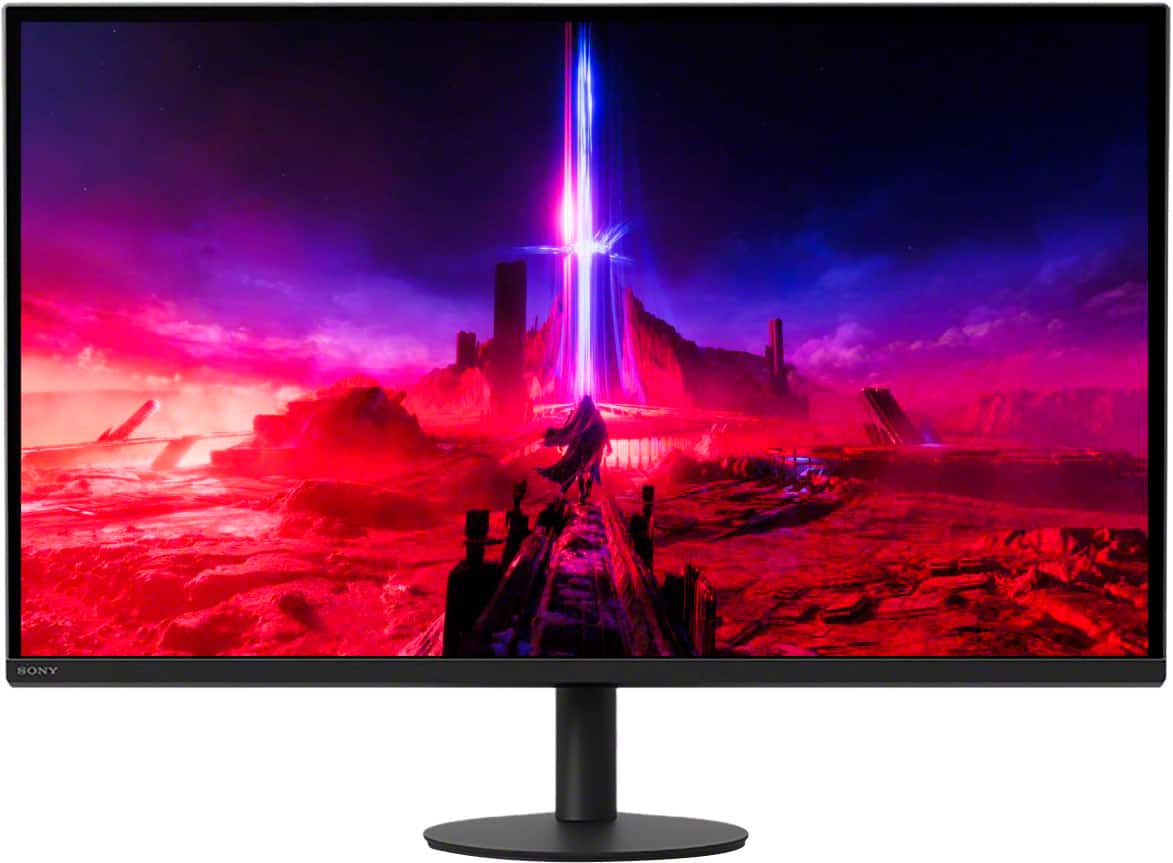
When choosing a gaming monitor, you're essentially picking between two philosophies: maximum speed for competitive advantage, or premium visual quality for immersive experiences. The Alienware 27 QHD 180Hz Gaming Monitor and Sony INZONE M9 II 27" 4K 160Hz Gaming Monitor represent these two approaches perfectly, each excelling in different areas while targeting distinct types of gamers.
Before diving into these specific monitors, it's crucial to understand what makes a gaming display different from a regular computer monitor. Gaming monitors prioritize three key performance metrics that directly impact your gaming experience.
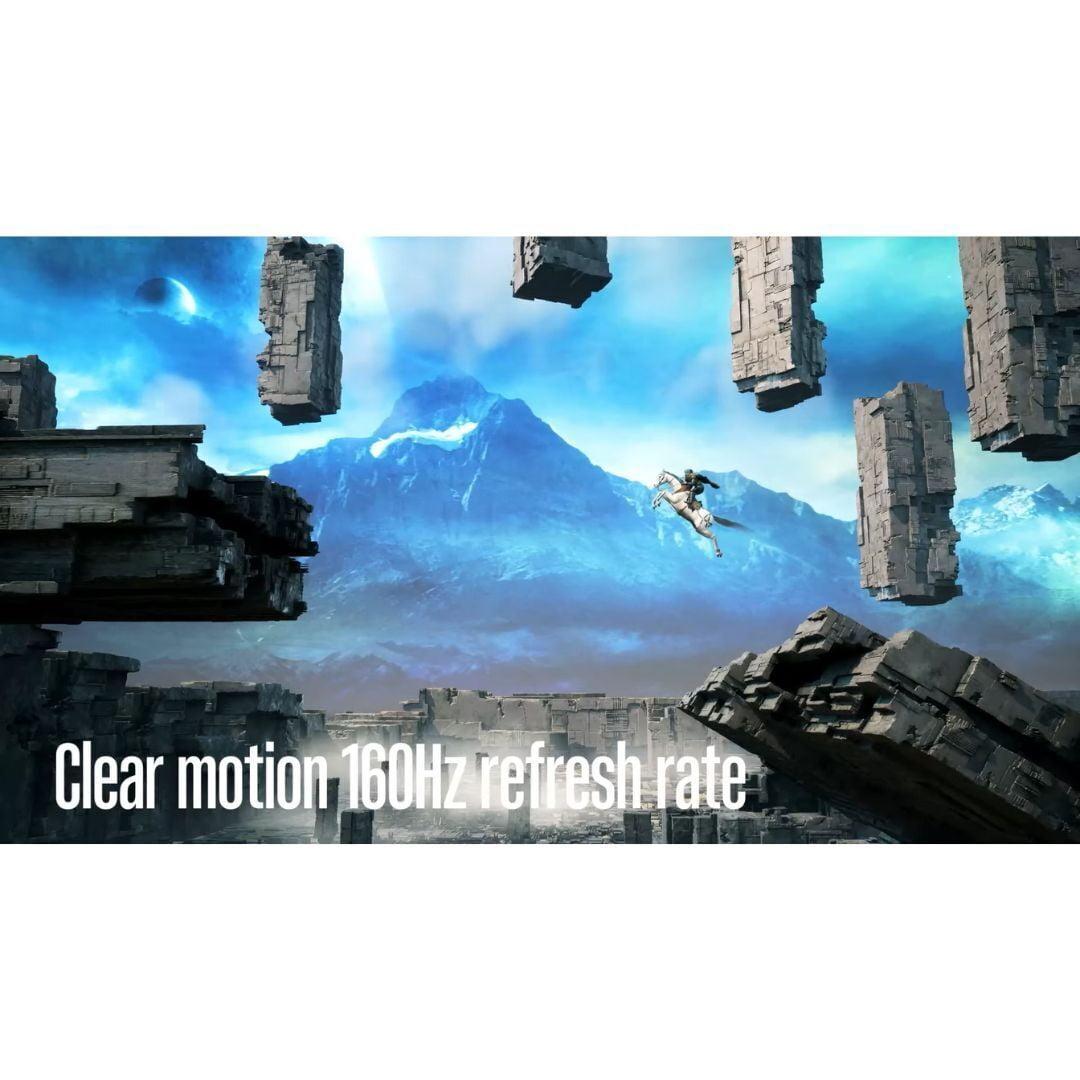
Refresh rate measures how many times per second your monitor can display a new image, expressed in hertz (Hz). A 60Hz monitor shows 60 frames per second, while a 180Hz display can show 180 frames per second. Higher refresh rates create smoother motion, reduce perceived input lag, and can provide a competitive advantage in fast-paced games. However, your graphics card needs to be powerful enough to actually generate those extra frames—otherwise, you won't see the benefit.
Response time indicates how quickly individual pixels can change from one color to another, typically measured in milliseconds (ms). Faster response times reduce "ghosting"—those annoying trails you sometimes see behind moving objects. For gaming, anything under 5ms is generally acceptable, while 1ms is considered excellent.
Input lag represents the total delay between when you press a button and when that action appears on screen. This includes processing time in both your graphics card and the monitor itself. Lower input lag creates a more responsive feel, which is especially important in competitive gaming where split-second reactions matter.
The Alienware 27 QHD 180Hz Gaming Monitor, released in 2023, embodies the "speed-first" approach to gaming displays. It focuses on delivering the highest possible refresh rate at a reasonable resolution, targeting competitive gamers who prioritize smoothness and responsiveness over visual bells and whistles.
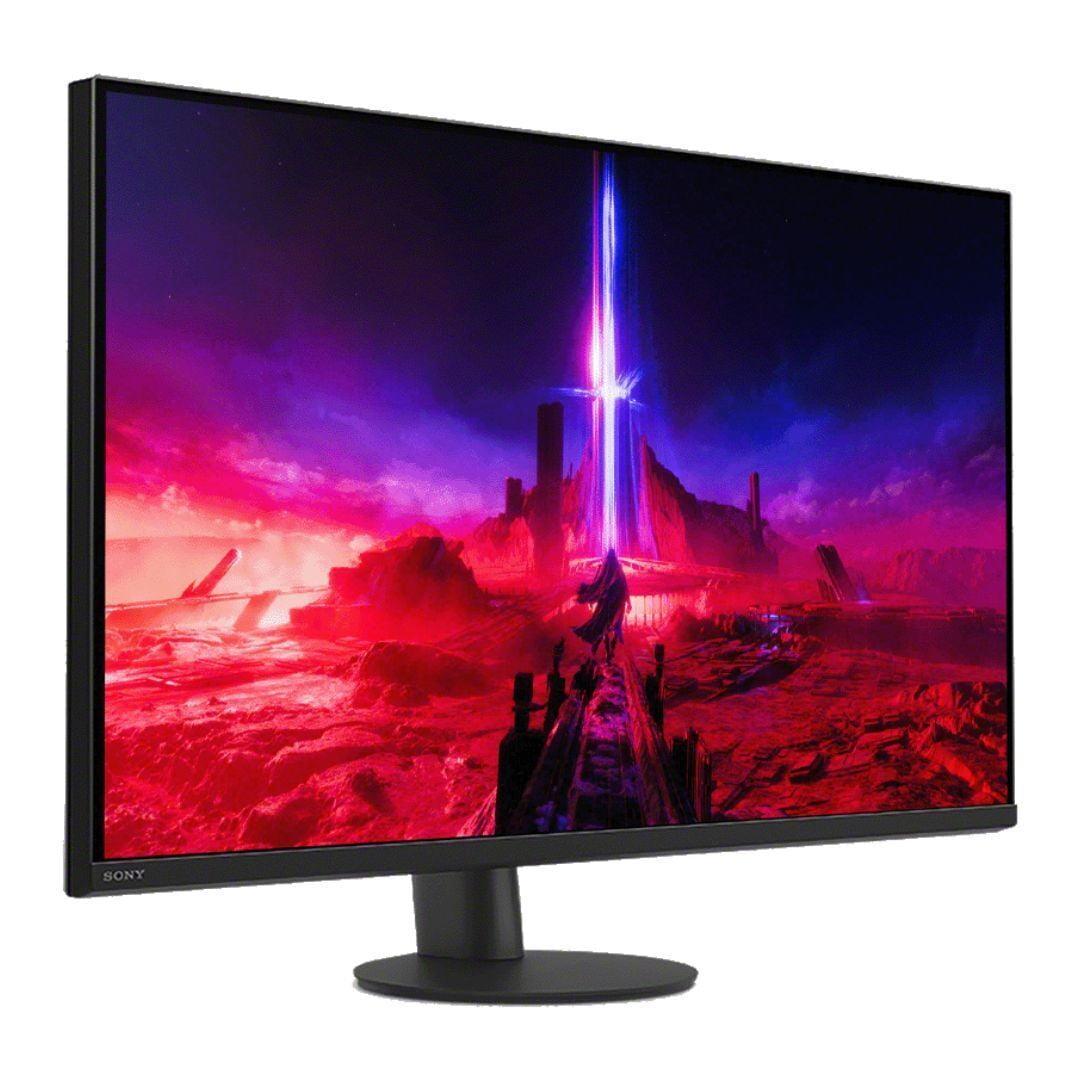
In contrast, the Sony INZONE M9 II 27" 4K 160Hz Gaming Monitor, also launching in 2023, represents the "visual quality first" philosophy. Sony packed this monitor with premium display technology, including full-array local dimming and 4K resolution, creating a display that excels at showcasing modern games' stunning visuals.
Both monitors use IPS (In-Plane Switching) panel technology, which offers several advantages over older TN (Twisted Nematic) panels. IPS displays provide wider viewing angles—meaning the image looks good even when you're not sitting directly in front of the screen—and generally more accurate colors. The trade-off is typically slightly higher response times compared to TN panels, though modern IPS gaming monitors have largely closed this gap.
The Alienware monitor takes the lead here with its 180Hz refresh rate compared to the Sony's 160Hz. While both are impressive—remember, most monitors still run at 60Hz—that extra 20Hz does make a measurable difference in competitive scenarios.
Think of it this way: at 180Hz, each frame stays on screen for about 5.6 milliseconds, while at 160Hz, it's about 6.25 milliseconds. That might sound tiny, but in fast-paced games like Counter-Strike or Valorant, where targets might only be visible for a fraction of a second, every millisecond counts.
However, there's an important caveat: you need a graphics card powerful enough to actually push 180 frames per second. If your system only generates 120 FPS, both monitors will perform identically. For most single-player games, even high-end graphics cards struggle to maintain such high frame rates at higher resolutions.
Here's where the Sony INZONE M9 II absolutely dominates. Its 4K resolution (3840 × 2160 pixels) delivers roughly 78% more pixels than the Alienware's QHD resolution (2560 × 1440 pixels). The difference is immediately noticeable—text appears razor-sharp, game textures show incredible detail, and the overall image quality is simply in another league.
At 27 inches, 4K provides excellent pixel density without making text too small to read comfortably. You'll notice the difference most in games with rich environments like Cyberpunk 2077, Red Dead Redemption 2, or any modern open-world title where you want to appreciate the developers' visual artistry.
The trade-off? 4K gaming requires significantly more graphics processing power. While the Alienware monitor lets you hit high frame rates with a mid-range graphics card, the Sony really demands a high-end GPU like an RTX 4070 Super or better to truly shine.
This is perhaps the largest gap between these two monitors. The Sony INZONE M9 II features VESA DisplayHDR 600 certification with 96-zone full-array local dimming, while the Alienware offers DisplayHDR 400 with standard backlighting.
Full-array local dimming is a game-changer for visual quality. Instead of lighting the entire screen uniformly, the Sony monitor can independently control brightness in 96 different zones. This means dark areas of the screen can actually appear black while bright areas shine brilliantly—creating much better contrast and more realistic images.
The difference is particularly dramatic in games with varied lighting conditions. In a game like The Witcher 3, sunset scenes will show deeper shadows and more vibrant highlights on the Sony, while the Alienware will look more washed out in comparison. For HDR movie content, the Sony provides a significantly more cinematic experience.
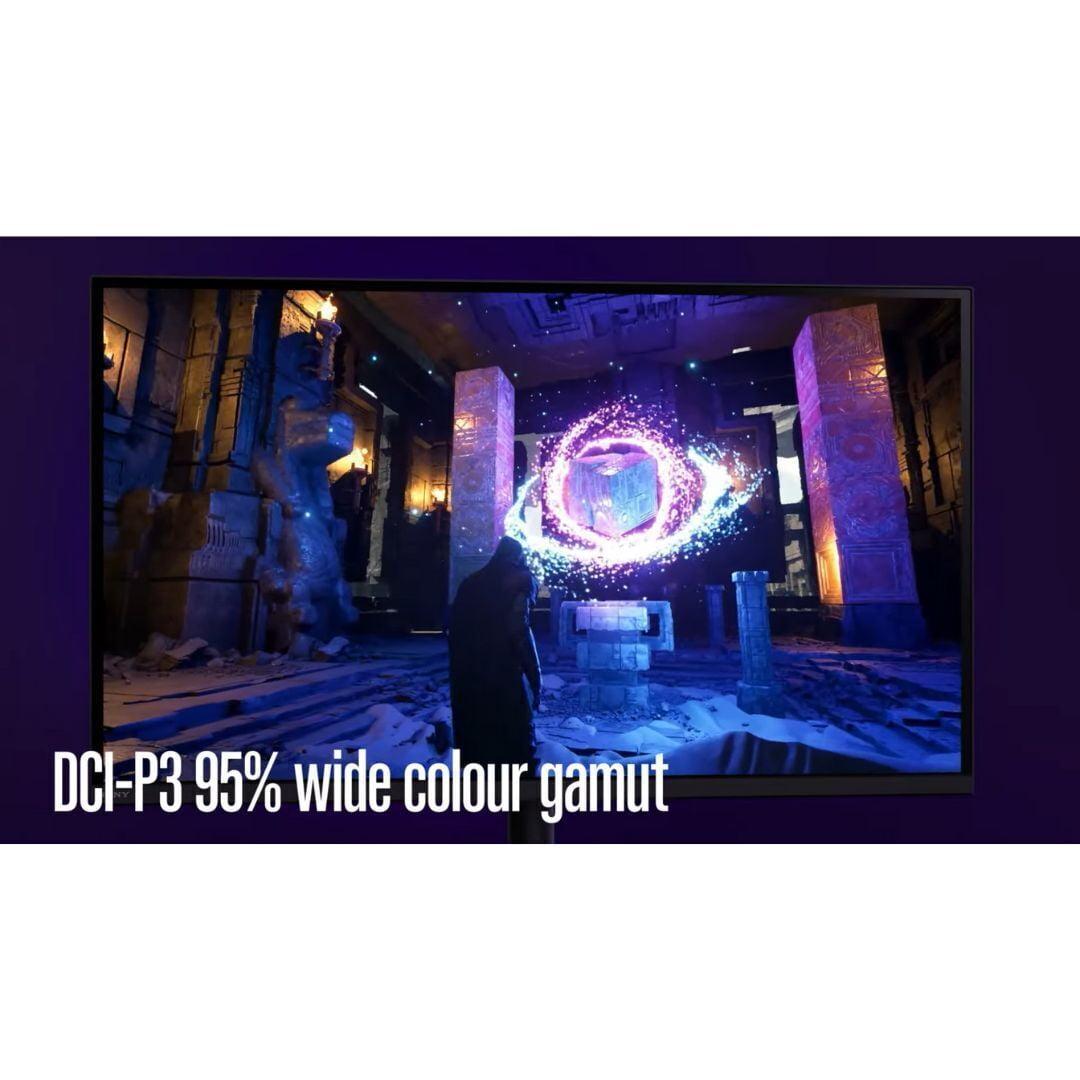
Both monitors cover the standard sRGB color space well, but the Sony goes further with 95% DCI-P3 coverage. DCI-P3 is a wider color gamut used in digital cinema, meaning the Sony can display more vivid greens and reds that the Alienware simply cannot reproduce.
For gaming, this translates to more saturated and realistic colors, especially in modern titles designed with HDR in mind. If you do any photo editing or video work, the Sony's superior color accuracy becomes even more valuable.
Both monitors support adaptive sync technologies—essentially allowing your graphics card to communicate with the monitor to eliminate screen tearing (when the image appears to "split" horizontally) and reduce stuttering. The Alienware supports both NVIDIA G-SYNC Compatible and AMD FreeSync, while the Sony adds HDMI 2.1 Variable Refresh Rate support, making it better suited for next-generation gaming consoles.
If you own a PlayStation 5 or Xbox Series X, the Sony INZONE M9 II has a clear advantage. Its HDMI 2.1 ports support 4K gaming at up to 120Hz from consoles, and Sony included PlayStation-specific features like Auto HDR Tone Mapping that automatically optimizes the display for PS5 games.
The Alienware can still work with consoles, but you'll be limited to 1440p resolution. For pure console gaming, especially if you want to take advantage of your PS5 or Xbox Series X's 4K capabilities, the Sony is the obvious choice.
At the time of writing, the Alienware 27 QHD 180Hz Gaming Monitor represents exceptional value in the high-refresh gaming monitor space. It delivers most of the performance benefits that competitive gamers seek—high refresh rates, low input lag, and fast response times—without the premium pricing typically associated with cutting-edge display technology.
The Sony INZONE M9 II, while significantly more expensive, justifies its premium through advanced features that genuinely improve the gaming experience. The 4K resolution, local dimming, and superior HDR create a noticeably more immersive experience, especially in visually demanding games.
The Alienware 27 QHD 180Hz Gaming Monitor is ideal if you're primarily interested in competitive gaming. Its 180Hz refresh rate provides a slight but measurable advantage in esports titles, and the lower resolution means your graphics card can more easily maintain high frame rates.
This monitor makes sense if you spend most of your gaming time in titles like Counter-Strike 2, Valorant, League of Legends, or Overwatch 2. The extra smoothness from the higher refresh rate can genuinely improve your performance in these fast-paced games, and the excellent value means you can invest more of your budget in a better graphics card or other system components.
The Alienware also works well if you're building a multi-monitor setup. Its more affordable pricing makes it feasible to buy two or three monitors for an expansive gaming cockpit, something that would be prohibitively expensive with premium 4K displays.
The Sony INZONE M9 II 27" 4K 160Hz Gaming Monitor excels when you want the best possible visual experience. If you enjoy story-driven games, open-world adventures, or any title where you want to appreciate the developers' artistic vision, the 4K resolution and superior HDR make a dramatic difference.
This monitor also serves double duty excellently. Its high resolution and accurate colors make it suitable for productivity work, photo editing, or video streaming during the day, then transform into a gaming powerhouse at night. The built-in KVM (keyboard, video, mouse) switch functionality even lets you seamlessly switch between two different computers—handy if you use both a gaming PC and a work laptop.
Console gamers, particularly PlayStation 5 owners, should seriously consider the Sony. Its console-specific features and HDMI 2.1 support make it one of the few monitors that can truly showcase next-generation console capabilities.
For home theater enthusiasts, the Sony INZONE M9 II offers clear advantages. Its DisplayHDR 600 certification and local dimming create a more cinematic experience for movies and TV shows, while the 4K resolution ensures you're getting the full detail from 4K streaming content.
The monitor's 27-inch size works well as a personal viewing screen or as part of a multi-display setup. However, if you're looking for a primary home theater display, you'd typically want something larger—32 inches or more—to fully appreciate 4K content from a comfortable viewing distance.
The choice between these monitors ultimately depends on your priorities and budget. The Alienware 27 QHD 180Hz Gaming Monitor delivers outstanding competitive gaming performance at an accessible price point, making it an excellent choice for esports enthusiasts or anyone who values speed over visual luxury.
The Sony INZONE M9 II 27" 4K 160Hz Gaming Monitor justifies its premium pricing through genuinely superior visual quality and advanced features. If you can afford the higher upfront cost and have a graphics card powerful enough to drive 4K gaming, it provides a more immersive and versatile experience.
Consider the Alienware if you're budget-conscious, primarily play competitive games, or want to maximize your system's frame rate. Choose the Sony if you value visual quality, play diverse game types, need console compatibility, or want a monitor that excels at both gaming and productivity tasks.
Both monitors represent excellent examples of their respective philosophies, and either will significantly upgrade your gaming experience compared to older displays. The key is honestly assessing your priorities, budget, and the types of games you actually play—not just the games you think you might play someday.
| Alienware 27 QHD 180Hz Gaming Monitor | Sony INZONE M9 II 27" 4K 160Hz Gaming Monitor |
|---|---|
| Resolution - Higher resolution means sharper text and more detailed gaming visuals | |
| 2560 × 1440 (QHD) - Sharp gaming at manageable GPU requirements | 3840 × 2160 (4K) - Premium clarity but needs powerful graphics card |
| Refresh Rate - Higher numbers mean smoother motion in fast-paced games | |
| 180Hz - Slight competitive advantage over 160Hz | 160Hz - Still excellent for smooth gaming, minimal practical difference |
| Panel Technology - Affects color accuracy, viewing angles, and response time | |
| Fast IPS - Good colors and viewing angles with gaming-optimized speed | IPS with Full Array Local Dimming - Superior contrast and HDR performance |
| HDR Performance - Makes games more visually immersive with better contrast | |
| VESA DisplayHDR 400 - Basic HDR, noticeable but not dramatic | VESA DisplayHDR 600 with 96-zone local dimming - Excellent HDR with deep blacks |
| Response Time - Lower numbers reduce motion blur and ghosting | |
| 1ms GTG (multiple overdrive settings available) | 1ms GTG - Equally fast pixel response for competitive gaming |
| Color Coverage - Wider color gamuts display more vivid and accurate colors | |
| Standard sRGB coverage (exact percentage not specified) | 95% DCI-P3 - Cinema-grade colors for content creation and premium gaming |
| Connectivity - HDMI 2.1 enables full console gaming features | |
| DisplayPort 1.4, HDMI 2.0 - Good for PC gaming, limited console support | HDMI 2.1, DisplayPort 1.4 - Full PS5/Xbox Series X compatibility at 4K 120Hz |
| Gaming Features - Console-specific optimizations enhance the gaming experience | |
| G-SYNC Compatible, FreeSync, standard gaming modes | PlayStation 5 integration, Auto HDR Tone Mapping, 24.5" esports mode |
| Ergonomics - Adjustability affects comfort during long gaming sessions | |
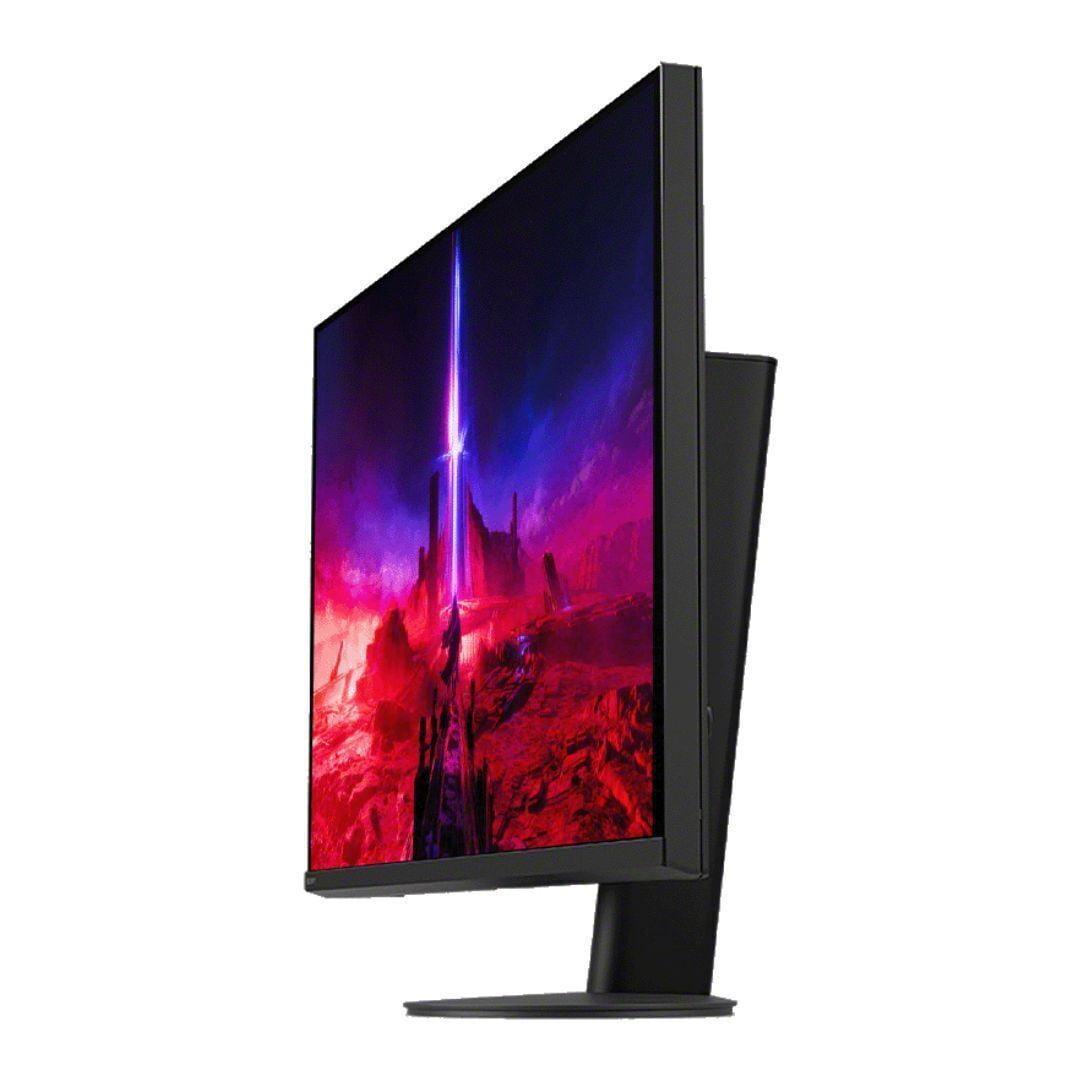
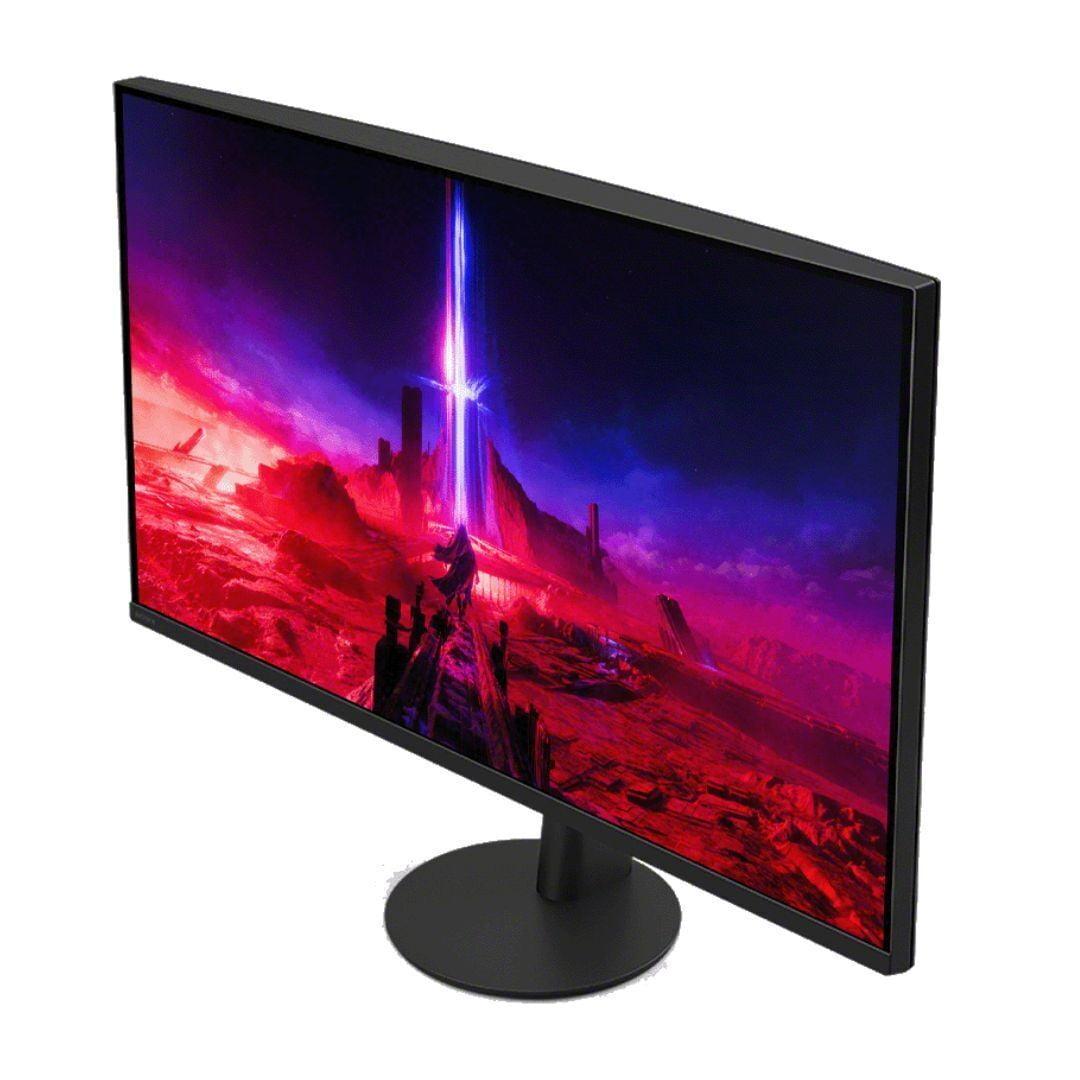
| Height, tilt, swivel, pivot adjustments with sturdy stand | Height, tilt, swivel adjustments with 360-degree base rotation |
| Audio - Built-in speakers eliminate need for external audio setup | |
| No built-in speakers - Requires headphones or external speakers | 2 × 2W integrated speakers - Basic audio included |
| Special Features - Unique capabilities that differentiate the monitors | |
| Focus on pure gaming performance and value | KVM switch, backlight scanning, PS5 optimization features |
| Target Use Case - Best scenarios for each monitor | |
| Competitive esports gaming, budget-conscious high refresh rate gaming | Premium single-player gaming, console gaming, mixed gaming/productivity use |
The Alienware 27 QHD 180Hz Gaming Monitor is better for competitive gaming due to its higher 180Hz refresh rate compared to the Sony INZONE M9 II's 160Hz. The extra 20Hz provides slightly smoother motion and reduced input lag, which can give you a competitive edge in fast-paced esports titles like Counter-Strike, Valorant, and Overwatch.
The primary difference is resolution and visual quality focus. The Alienware monitor prioritizes speed with 1440p resolution and 180Hz refresh rate for competitive gaming, while the Sony INZONE M9 II emphasizes visual quality with 4K resolution, superior HDR, and 96-zone local dimming for immersive gaming experiences.
The Sony INZONE M9 II 27" 4K 160Hz Gaming Monitor has significantly better picture quality. It offers 4K resolution (78% more pixels than 1440p), VESA DisplayHDR 600 with full-array local dimming, and 95% DCI-P3 color coverage compared to the Alienware's basic DisplayHDR 400 and standard backlighting.
Yes, but the Sony INZONE M9 II is much better for console gaming. It features HDMI 2.1 ports that support 4K gaming at 120Hz from PS5 and Xbox Series X, plus PlayStation-specific features like Auto HDR Tone Mapping. The Alienware monitor works with consoles but is limited to 1440p resolution.
The Alienware 27 QHD 180Hz Gaming Monitor offers exceptional value, delivering high refresh rate gaming performance at a much lower price point. The Sony INZONE M9 II costs significantly more but provides premium features like 4K resolution and advanced HDR that justify the higher price for users who can appreciate these improvements.
Only the Sony INZONE M9 II includes built-in 2×2W speakers, though they're basic quality. The Alienware monitor has no built-in speakers, requiring external speakers or headphones. Most serious gamers use dedicated audio solutions regardless of built-in speakers.
The Sony INZONE M9 II 27" 4K 160Hz Gaming Monitor excels for single-player games due to its 4K resolution, superior HDR performance, and full-array local dimming. These features create more immersive visuals in story-driven games like Cyberpunk 2077, Red Dead Redemption 2, and The Witcher 3, where visual quality enhances the experience.
The Alienware monitor works well with mid-range graphics cards like RTX 4060 or RX 7600 XT for high refresh rate 1440p gaming. The Sony INZONE M9 II requires more powerful hardware like RTX 4070 Super or better to fully utilize 4K resolution at high frame rates.
Both the Alienware 27 QHD 180Hz Gaming Monitor and Sony INZONE M9 II offer identical 1ms GTG response times with multiple overdrive settings. Response time performance is essentially equal between these monitors, making both suitable for competitive gaming without ghosting issues.
Yes, both work for productivity, but the Sony INZONE M9 II is better suited for professional work. Its 4K resolution provides more screen real estate and sharper text, while 95% DCI-P3 color coverage benefits content creators. The Alienware monitor works fine for general office tasks but offers less detail at 1440p resolution.
The Sony INZONE M9 II 27" 4K 160Hz Gaming Monitor is superior for media consumption. Its 4K resolution matches streaming content quality, while DisplayHDR 600 with local dimming creates better contrast for cinematic experiences. The Alienware monitor works for streaming but doesn't match 4K content resolution.
Choose the Alienware 27 QHD 180Hz Gaming Monitor if you prioritize competitive gaming and smooth motion over visual quality. Select the Sony INZONE M9 II if you value stunning visuals and play diverse game types including single-player titles. Your gaming preferences and graphics card capability should guide this decision.
We've done our best to create useful and informative comparisons to help you decide what product to buy. Our research uses advanced automated methods to create this comparison and perfection is not possible - please contact us for corrections or questions. These are the sites we've researched in the creation of this article: bestbuy.com - bestbuy.com - youtube.com - dell.com - tweaktown.com - dell.com - rtings.com - manuals.plus - tomshardware.com - displayspecifications.com - youtube.com - youtube.com - displayspecifications.com - dell.com - dellstore.com - ebay.com - bestbuy.com - bestbuy.com - rtings.com - rtings.com - tomshardware.com - youtube.com - bhphotovideo.com - bestbuy.com - sony.com - techpowerup.com - electronics.sony.com - sony.com - displayspecifications.com - direct.playstation.com - youtube.com - sony.com - sony.com - displayspecifications.com - bhphotovideo.com - displayspecifications.com

Privacy Policy
Terms and Conditions - Affiliate Policy
Home Security
© Copyright 2008-2026.
11816 Inwood Rd #1211, Dallas, TX 75244