












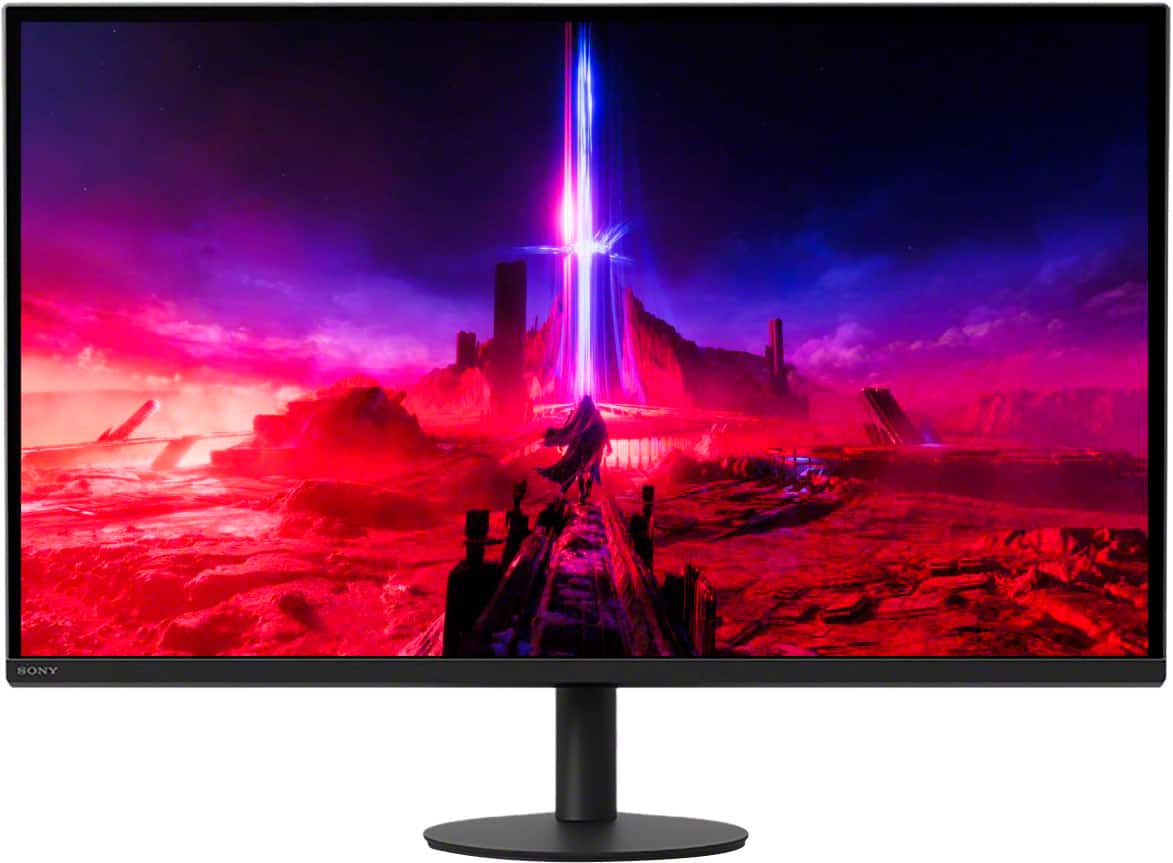
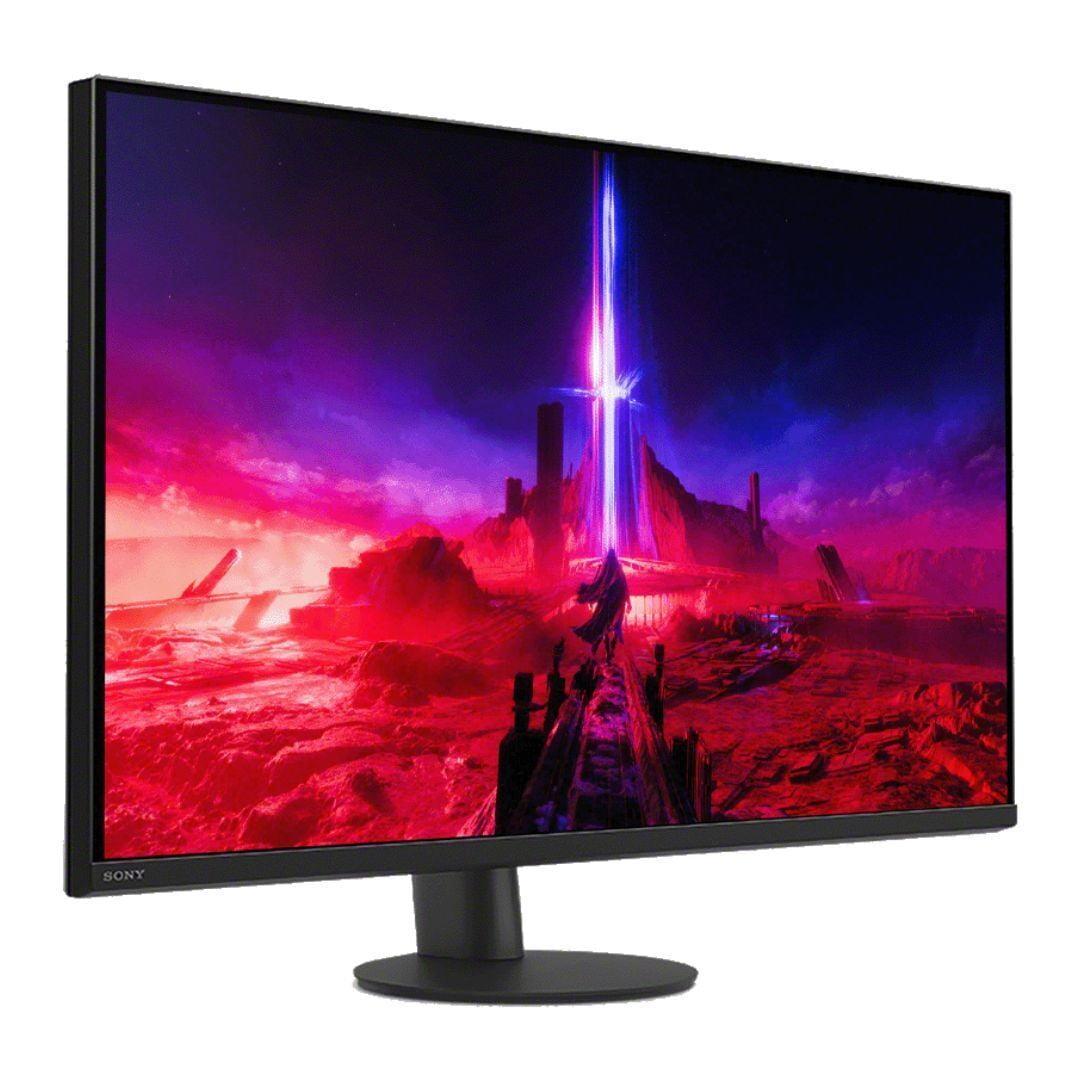
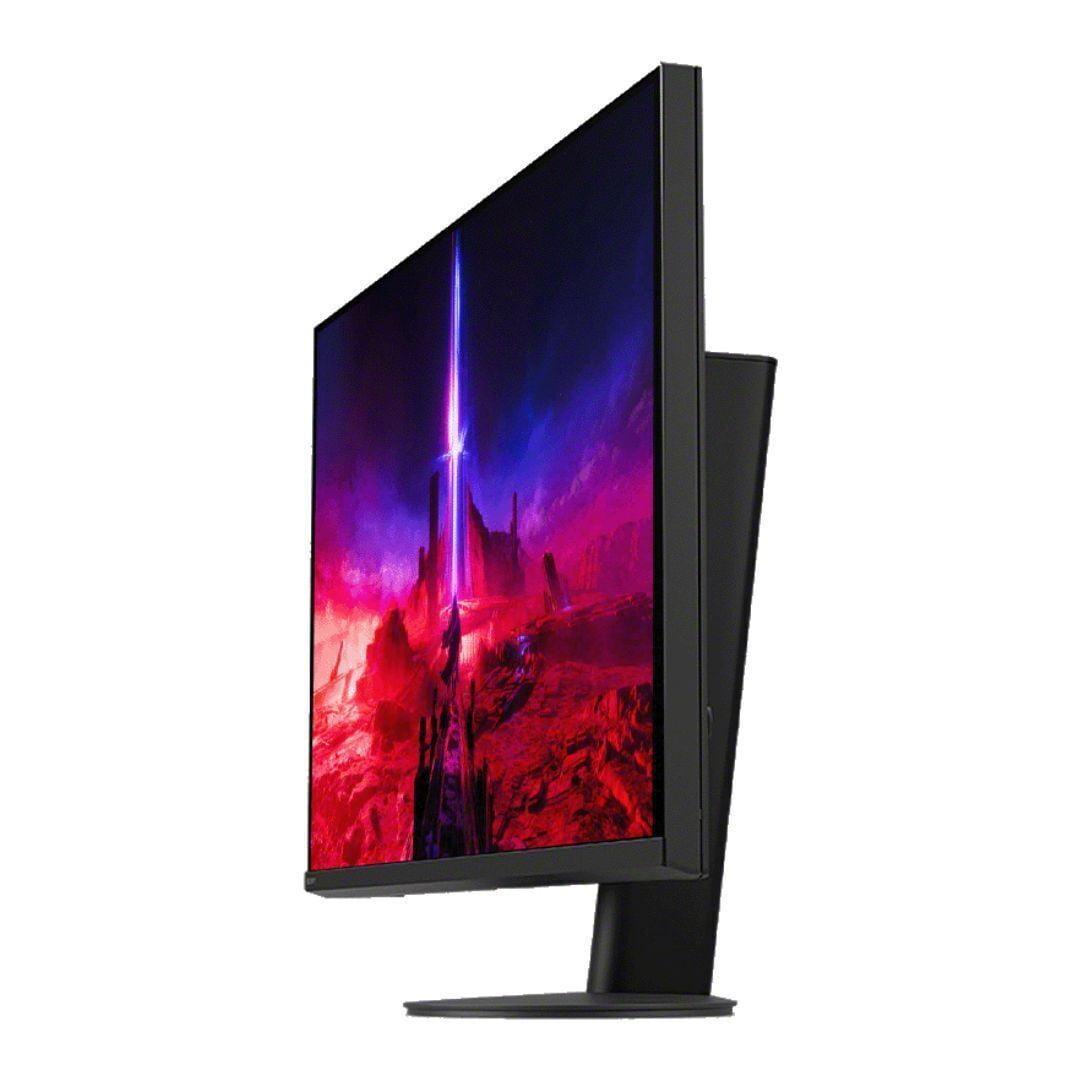
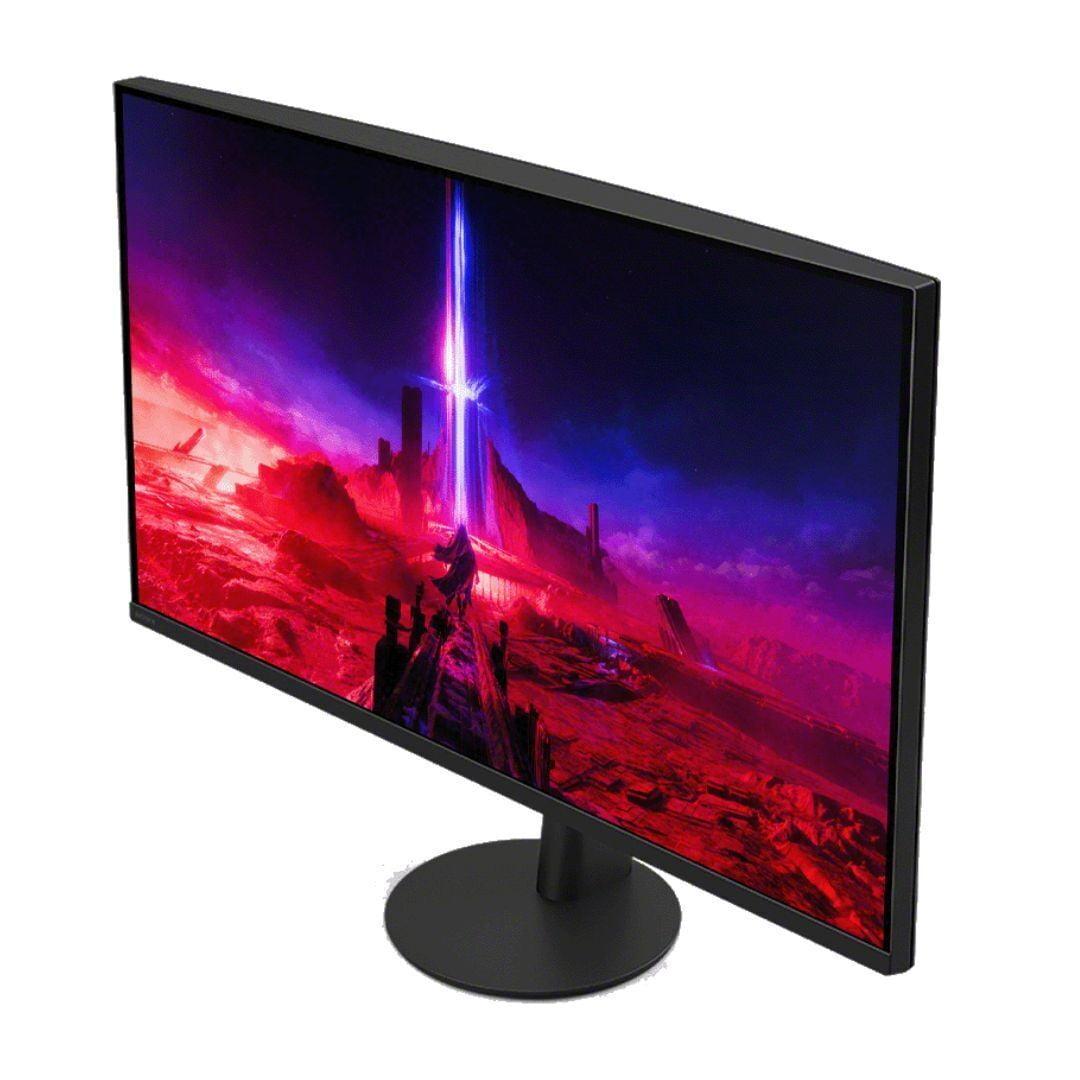
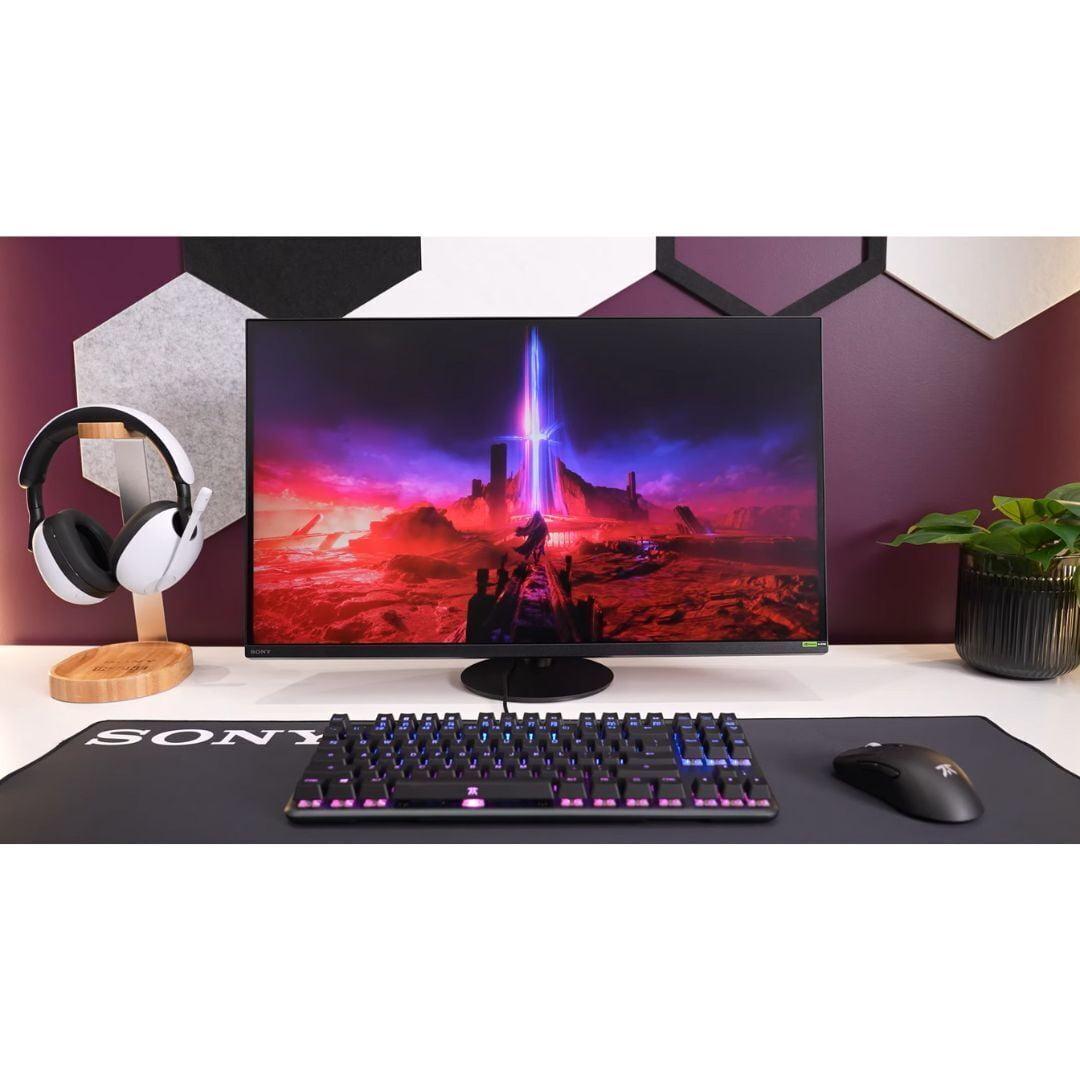
Choosing a premium gaming monitor in 2024 means navigating some exciting but complex territory. Two standout contenders represent fundamentally different approaches: the GIGABYTE MO27Q2 with its cutting-edge QD-OLED technology, and the Sony INZONE M9 II with its refined 4K IPS display. Both launched in recent years as manufacturers pushed the boundaries of what gaming displays can achieve, but they take dramatically different paths to get there.
The gaming monitor landscape has evolved rapidly. Just a few years ago, you had to choose between good color reproduction or fast refresh rates – rarely both. OLED technology has changed that equation entirely, while traditional LCD panels have become brighter and more sophisticated. Understanding these technologies helps explain why these two monitors appeal to different types of users.
The GIGABYTE MO27Q2 uses QD-OLED technology, which sounds complicated but delivers some impressive benefits. QD-OLED combines quantum dots (tiny particles that emit specific colors when hit with light) with OLED's self-emitting pixels. Think of each pixel as its own tiny light bulb that can turn completely off for perfect blacks or shine brightly for vivid colors.
This Samsung-manufactured panel creates what's called an "infinite contrast ratio" – basically, the difference between the brightest whites and darkest blacks is so extreme that it mimics what your eyes see in real life. When you're sneaking through a dark corridor in a horror game, those shadows are truly black, not the grayish-black you get with most monitors.
The 2560×1440 resolution might seem like a step down from 4K, but there's method to this madness. QHD (Quad High Definition) strikes a sweet spot between sharpness and performance. Your graphics card doesn't work as hard pushing pixels, leaving more power for higher frame rates and visual effects.
The Sony INZONE M9 II represents the pinnacle of traditional LCD technology. IPS (In-Plane Switching) panels have been the go-to choice for color-critical work for years, and Sony has refined this approach with full array local dimming. Instead of one big backlight, the monitor uses 96 separate LED zones that can brighten or dim independently.
This 4K panel packs 8.3 million pixels into 27 inches, creating incredibly sharp text and detailed game textures. The trade-off? Your computer works significantly harder rendering all those pixels. Even powerful graphics cards might struggle to maintain high frame rates at 4K with demanding games.
Sony released this monitor in 2024 as their second-generation gaming display, learning from feedback on the original INZONE monitors. They've refined the design and improved the local dimming algorithm, though it still can't match OLED's perfect black levels.
Here's where the technical specifications translate into real-world gaming experiences. The GIGABYTE MO27Q2 boasts a 0.03ms response time – that's three-hundredths of a millisecond. To put this in perspective, your eye blinks in about 100-300 milliseconds. This near-instantaneous pixel switching eliminates the ghosting and blur that can occur when objects move quickly across the screen.
The 240Hz refresh rate means the monitor updates its image 240 times per second. Compare this to standard 60Hz monitors that update just 60 times per second, and you can imagine how much smoother motion appears. In competitive games like Counter-Strike or Valorant, this translates to seeing enemies peek around corners more clearly and tracking fast movements with less blur.
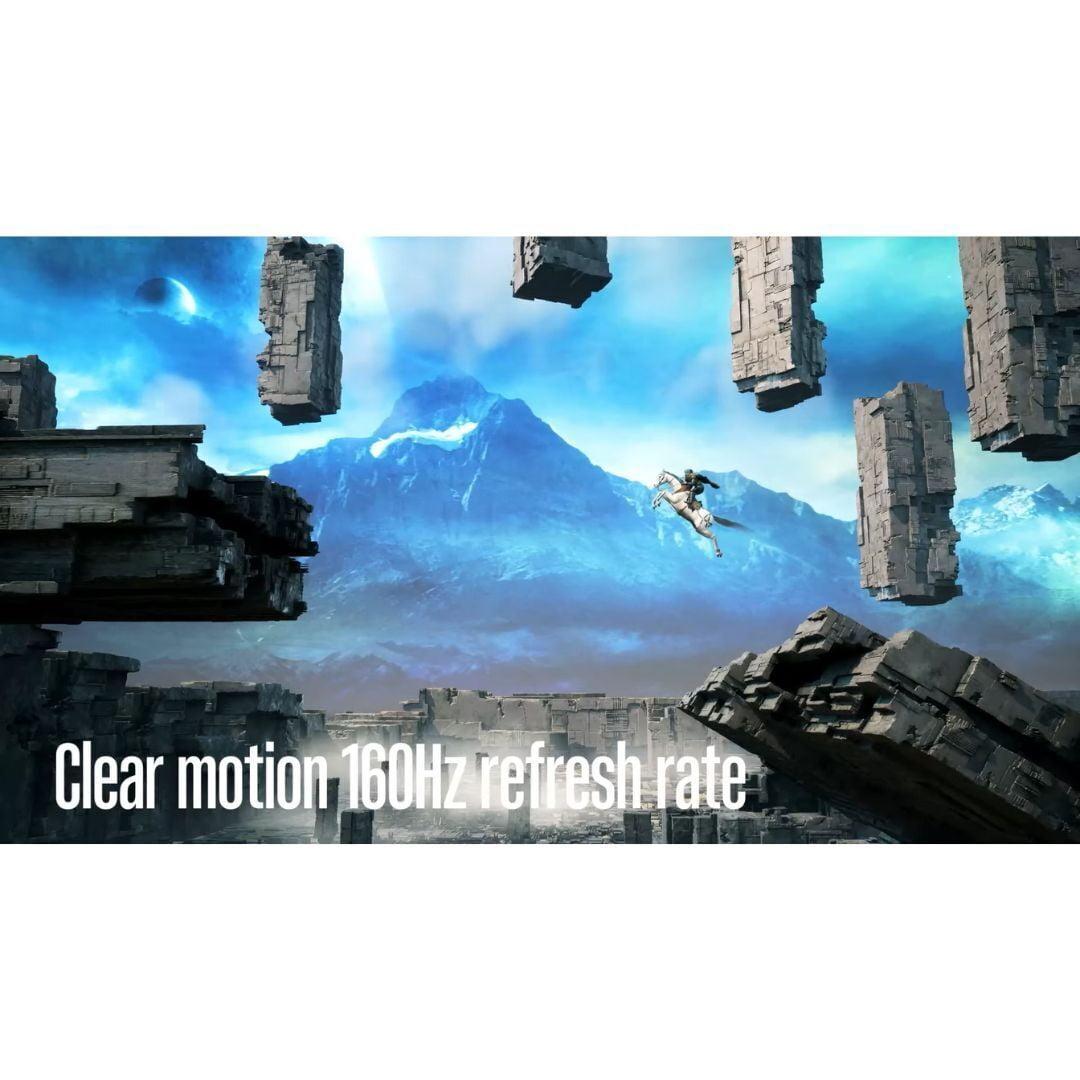
The Sony INZONE M9 II operates at 160Hz with a 1ms response time – still excellent by most standards, but noticeably different from the GIGABYTE's performance. That extra 80Hz refresh rate difference might not matter for single-player adventures, but competitive gamers often swear by every hertz they can get.
This is where things get interesting. The GIGABYTE MO27Q2 delivers something magical with its perfect blacks. When you're exploring the depths of Subnautica or playing a moody game like Control, those dark scenes have depth and atmosphere that LCD panels simply can't match. The contrast ratio is listed as 1,500,000:1 – a number so high it's essentially infinite from a practical standpoint.
However, the Sony INZONE M9 II counters with raw resolution. Text is noticeably sharper, game textures show more detail, and UI elements are crisp even without scaling. The 4K resolution provides 1.77 times more pixels than QHD, and you'll see this difference most clearly in strategy games, text-heavy RPGs, or when using the monitor for productivity tasks.
The Sony's peak brightness of 750 nits also gives it an advantage in bright rooms and HDR content. HDR (High Dynamic Range) allows games to display a wider range of brightness levels, from deeper shadows to brighter highlights. While the GIGABYTE MO27Q2 claims 1000 nits peak brightness, real-world testing suggests it typically operates at much lower brightness levels, around 250 nits for normal content.
Both monitors include features designed specifically for gaming, but they take different approaches. The GIGABYTE MO27Q2 includes a unique "Tactical Switch" – a physical button that instantly switches between the full 27-inch display and a simulated 24-inch mode. Many esports professionals prefer smaller screens because they can see the entire play area without moving their eyes as much.
The monitor also includes AI-based OLED Care, which uses algorithms to prevent burn-in – a phenomenon where static images can permanently "burn" into OLED panels. This system automatically shifts pixels slightly and varies brightness patterns to extend the panel's lifespan. GIGABYTE backs this up with a three-year warranty that covers burn-in damage, showing confidence in their protection systems.
The Sony INZONE M9 II focuses on PlayStation 5 integration with Auto HDR Tone Mapping. This feature automatically optimizes the monitor's settings when connected to a PS5, ensuring games look exactly as developers intended. The monitor also includes a 24.5-inch esports mode similar to GIGABYTE's offering, plus Sony's INZONE Hub software for PC users.
Modern gaming setups often involve multiple devices – gaming PCs, consoles, laptops, and more. The GIGABYTE MO27Q2 excels here with its KVM switch functionality. KVM stands for Keyboard, Video, and Mouse, allowing you to control multiple computers with a single set of peripherals. You can seamlessly switch between your gaming PC and work laptop using the monitor's USB-C port.
This USB-C connectivity is increasingly valuable as more laptops adopt this standard. While the monitor only provides 18 watts of power delivery (enough to charge phones but not power hungry laptops), it's still convenient for data and video transmission.
The Sony INZONE M9 II takes a more traditional approach with HDMI 2.1 and DisplayPort 2.1 connections. The lack of USB-C might disappoint laptop users, but the DisplayPort 2.1 support future-proofs the monitor for next-generation graphics cards that will fully utilize this bandwidth.
For esports and competitive online games, the GIGABYTE MO27Q2 holds clear advantages. The 240Hz refresh rate and 0.03ms response time create a more responsive experience. In games like Apex Legends or Rocket League, where split-second reactions determine success, these specifications translate to a competitive edge.
The perfect blacks also help in games with dark areas where enemy players might hide. Instead of grayish shadows that could obscure movement, you get true black backgrounds that make even subtle movements more visible.
This category favors the Sony INZONE M9 II in many cases. Games like Cyberpunk 2077, Red Dead Redemption 2, or Microsoft Flight Simulator benefit tremendously from 4K resolution. The extra detail in textures, distant objects, and UI elements creates a more immersive experience.
However, the GIGABYTE MO27Q2's contrast ratio creates incredible atmosphere in games with dramatic lighting. Horror games, space exploration titles, and anything with significant dark scenes look phenomenal on OLED technology.
PlayStation 5 owners might lean toward the Sony INZONE M9 II for its optimized integration and 4K support. However, the console often can't maintain 4K at high frame rates in demanding games, so it frequently renders at lower resolutions and upscales to 4K.
The GIGABYTE MO27Q2 might actually provide a better gaming experience for PS5 users who prioritize smooth gameplay over maximum resolution. Many PS5 games offer 120Hz performance modes at 1440p, which plays perfectly to the GIGABYTE's strengths.
If you're considering either monitor for media consumption beyond gaming, there are important factors to weigh. The GIGABYTE MO27Q2 excels at movie watching thanks to its perfect blacks and excellent color reproduction. Dark movie scenes have the depth and shadow detail that filmmakers intended, and the glossy screen coating enhances color vibrancy.
However, the lower typical brightness might be problematic in bright living rooms. OLED technology shines in dim or controlled lighting environments but can appear washed out in bright ambient light.
The Sony INZONE M9 II handles bright rooms much better with its higher peak brightness and anti-glare coating. The 4K resolution also means you can sit closer to the screen without seeing individual pixels, making it more suitable for desk-based media consumption.
At the time of writing, these monitors occupy different price tiers, with the GIGABYTE MO27Q2 positioned as the more affordable option despite using newer technology. This pricing reflects the rapid advancement and increasing production scale of QD-OLED panels.
OLED longevity remains a consideration. While modern OLED panels are far more durable than early versions, they still face potential burn-in issues with static content. The GIGABYTE MO27Q2's AI protection and comprehensive warranty help address these concerns, but users who frequently display static content (like stock tickers, desktop taskbars, or game UI elements) should consider this factor.
The Sony INZONE M9 II offers traditional LCD longevity – these panels can operate for many years without degradation. If you plan to keep your monitor for five or more years, this reliability might outweigh OLED's visual advantages.
Your choice between these monitors ultimately depends on your priorities and usage patterns. The GIGABYTE MO27Q2 suits users who prioritize visual quality and competitive gaming performance. If you primarily game in darker environments, play fast-paced competitive titles, or want the newest display technology at a compelling price point, this OLED monitor delivers exceptional value.
Choose the Sony INZONE M9 II if you need maximum sharpness for productivity work, game primarily on PlayStation 5, or require a monitor that performs well in bright environments. The 4K resolution and proven LCD technology make it ideal for mixed gaming and professional use.
Consider your specific gaming preferences too. Strategy games, RPGs with lots of text, and productivity applications benefit from 4K sharpness. Fast-paced shooters, racing games, and competitive titles favor OLED's response time and contrast advantages.
The rapid evolution of display technology means both monitors represent different philosophies rather than clear winners and losers. The GIGABYTE MO27Q2 embraces cutting-edge OLED technology with gaming-focused features, while the Sony INZONE M9 II refines traditional LCD technology to near-perfection with excellent console integration.
Whichever you choose, both monitors represent significant upgrades from standard displays and will transform your gaming experience. The key is matching the technology to your specific needs, gaming environment, and long-term plans.
| GIGABYTE MO27Q2 | Sony INZONE M9 II |
|---|---|
| Display Technology - Fundamental difference affecting image quality and longevity | |
| QD-OLED (perfect blacks, infinite contrast, potential burn-in risk) | IPS LCD with Full Array Local Dimming (reliable, bright, good blacks) |
| Resolution - Balance between sharpness and performance | |
| 2560×1440 (QHD) - easier to drive, higher frame rates | 3840×2160 (4K) - sharper text/images, demands more GPU power |
| Refresh Rate - Critical for competitive gaming smoothness | |
| 240Hz (exceptional for esports and fast-paced games) | 160Hz (excellent for most gaming, adequate for competition) |
| Response Time - Affects motion blur and ghosting | |
| 0.03ms (virtually eliminates motion blur) | 1ms (very good, minimal ghosting in most scenarios) |
| Peak Brightness - Important for HDR and bright room viewing | |
| 1000 nits claimed (typically ~250 nits, better in dark rooms) | 750 nits (more consistent, better for bright environments) |
| Contrast Ratio - Depth of blacks and image pop | |
| 1,500,000:1 (infinite - perfect blacks thanks to OLED) | 80,000:1 dynamic (very good for LCD, but grays instead of blacks) |
| Color Coverage - Accuracy for content creation and vibrant gaming | |
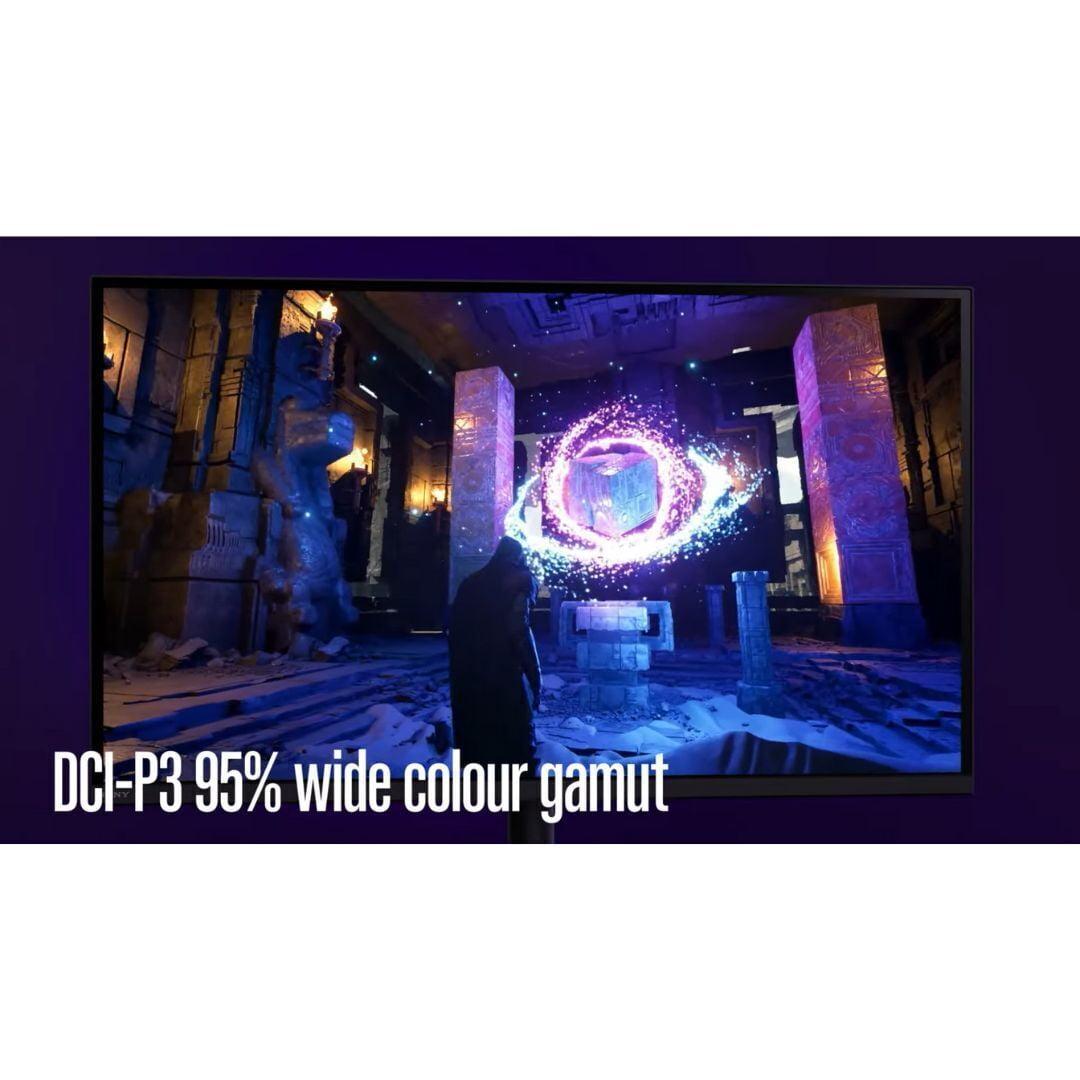
| 99% DCI-P3 (excellent color reproduction with calibration report) | 95% DCI-P3 (very good, suitable for most users) |
| Connectivity - Multi-device flexibility and future-proofing | |
| 2× HDMI 2.1, 1× DP 1.4, USB-C with KVM switch | 2× HDMI 2.1, 1× DP 2.1, no USB-C (more future-proof DP) |
| Gaming Features - Specialized tools for competitive play | |
| Tactical Switch (27" ↔ 24" mode), AI OLED Care, FreeSync Premium Pro | Auto HDR Tone Mapping for PS5, 24.5" esports mode, G-SYNC Compatible |
| Build Quality - Ergonomics and long-term durability | |
| Excellent stand with full adjustment, 3-year burn-in warranty | Premium build, 360° swivel, traditional LCD longevity |
| Best For - Primary use case recommendation | |
| Competitive PC gaming, immersive single-player, dark room setups | 4K gaming, PS5 optimization, bright rooms, mixed productivity use |
The GIGABYTE MO27Q2 is superior for competitive gaming due to its 240Hz refresh rate and 0.03ms response time, compared to the Sony INZONE M9 II's 160Hz and 1ms response time. The faster refresh rate and near-instantaneous pixel switching provide smoother motion and reduced input lag, giving competitive players an advantage in fast-paced games like Counter-Strike or Valorant.
The GIGABYTE MO27Q2 uses QD-OLED technology, which offers perfect blacks and infinite contrast by turning pixels completely off. The Sony INZONE M9 II uses IPS LCD with local dimming, providing consistent brightness and no burn-in risk but with grayish blacks instead of true blacks. QD-OLED delivers more dramatic visuals while LCD offers proven longevity.
Both excel in different ways. The GIGABYTE MO27Q2 provides superior contrast and atmospheric visuals with perfect blacks, making dark scenes incredibly immersive. The Sony INZONE M9 II offers sharper detail with 4K resolution, showing more texture detail and crisp UI elements. Choose OLED for contrast-rich games or 4K for detail-heavy titles.
This depends on your graphics card and game preferences. The Sony INZONE M9 II's 4K resolution requires powerful hardware to maintain high frame rates, while the GIGABYTE MO27Q2's QHD resolution allows easier achievement of high refresh rates. Competitive gamers typically prioritize high refresh rates, while single-player enthusiasts often prefer 4K detail.
The Sony INZONE M9 II is optimized for PS5 with Auto HDR Tone Mapping and native 4K support. However, the GIGABYTE MO27Q2 may provide smoother gameplay since many PS5 games offer 120Hz performance modes at 1440p resolution, which matches the monitor's native resolution perfectly.
The Sony INZONE M9 II performs better in bright environments with its 750 nits peak brightness and anti-glare coating. The GIGABYTE MO27Q2 typically operates around 250 nits and has a glossy finish, making it better suited for darker rooms where its contrast advantages shine through.
The GIGABYTE MO27Q2 offers more versatile connectivity with USB-C, KVM switch functionality, and multiple USB ports for multi-device setups. The Sony INZONE M9 II focuses on gaming connectivity with HDMI 2.1 and DisplayPort 2.1 but lacks USB-C and KVM features.
The GIGABYTE MO27Q2 includes AI-based OLED Care to prevent burn-in and comes with a 3-year warranty covering burn-in damage. The Sony INZONE M9 II uses LCD technology with no burn-in risk. Modern OLED panels are much more resistant to burn-in than earlier generations, especially with proper care.
The GIGABYTE MO27Q2 typically offers superior value, providing premium OLED technology at a competitive price point. The Sony INZONE M9 II commands a premium for its 4K resolution and brand reputation but may be worth it for users requiring maximum sharpness and PlayStation integration.
Both support HDR but differently. The Sony INZONE M9 II is VESA DisplayHDR 600 certified with consistent brightness delivery. The GIGABYTE MO27Q2 offers VESA DisplayHDR True Black 400, excelling in dark scene detail but with lower overall brightness. Sony is better for bright HDR content, while GIGABYTE excels in contrast-rich HDR.
The Sony INZONE M9 II is superior for productivity due to its 4K resolution providing sharper text and more screen real estate. The GIGABYTE MO27Q2's QD-OLED subpixel arrangement can cause text clarity issues, though it offers better color accuracy for creative work with its included calibration report.
The GIGABYTE MO27Q2 includes a comprehensive 3-year warranty covering burn-in, showing manufacturer confidence in OLED durability. The Sony INZONE M9 II offers traditional LCD reliability with no burn-in concerns and proven longevity. Both represent solid long-term investments with different risk profiles.
We've done our best to create useful and informative comparisons to help you decide what product to buy. Our research uses advanced automated methods to create this comparison and perfection is not possible - please contact us for corrections or questions. These are the sites we've researched in the creation of this article: gigabyte.com - youtube.com - newegg.com - mezha.media - tech-critter.com - gigabyte.com - forum.pcmonitors.info - techspot.com - aorus.com - saltynewsnetwork.com - infiniarc.com - gigabyte.com - bestbuy.com - youtube.com - gigabyte.com - gigabyte.com - displayspecifications.com - aorus.com - gigabyte.com - gigabyte.com - bestbuy.com - bestbuy.com - rtings.com - rtings.com - tomshardware.com - youtube.com - bhphotovideo.com - bestbuy.com - sony.com - techpowerup.com - electronics.sony.com - sony.com - displayspecifications.com - direct.playstation.com - youtube.com - sony.com - sony.com - displayspecifications.com - bhphotovideo.com - displayspecifications.com

Privacy Policy
Terms and Conditions - Affiliate Policy
Home Security
© Copyright 2008-2026.
11816 Inwood Rd #1211, Dallas, TX 75244