
















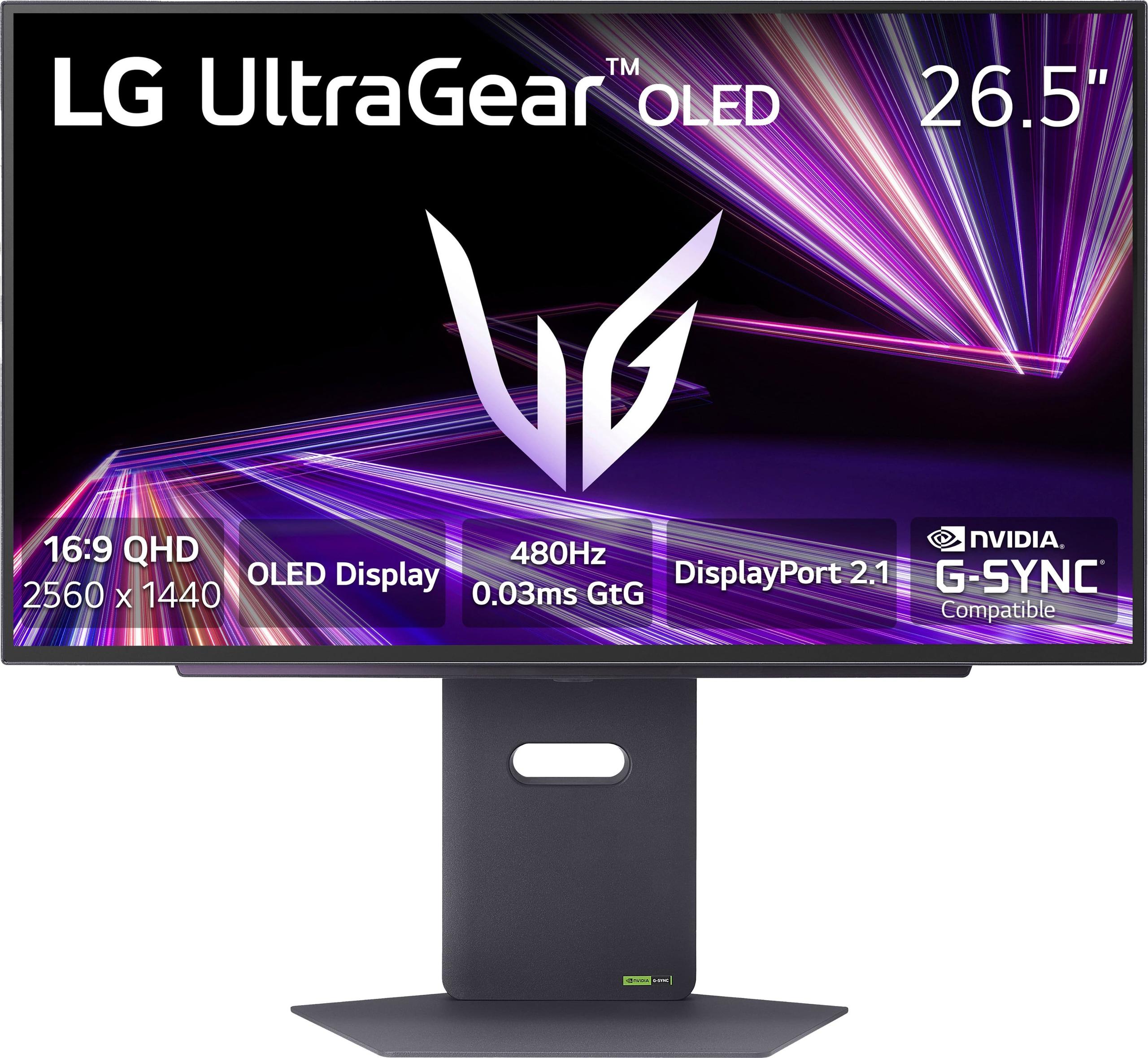
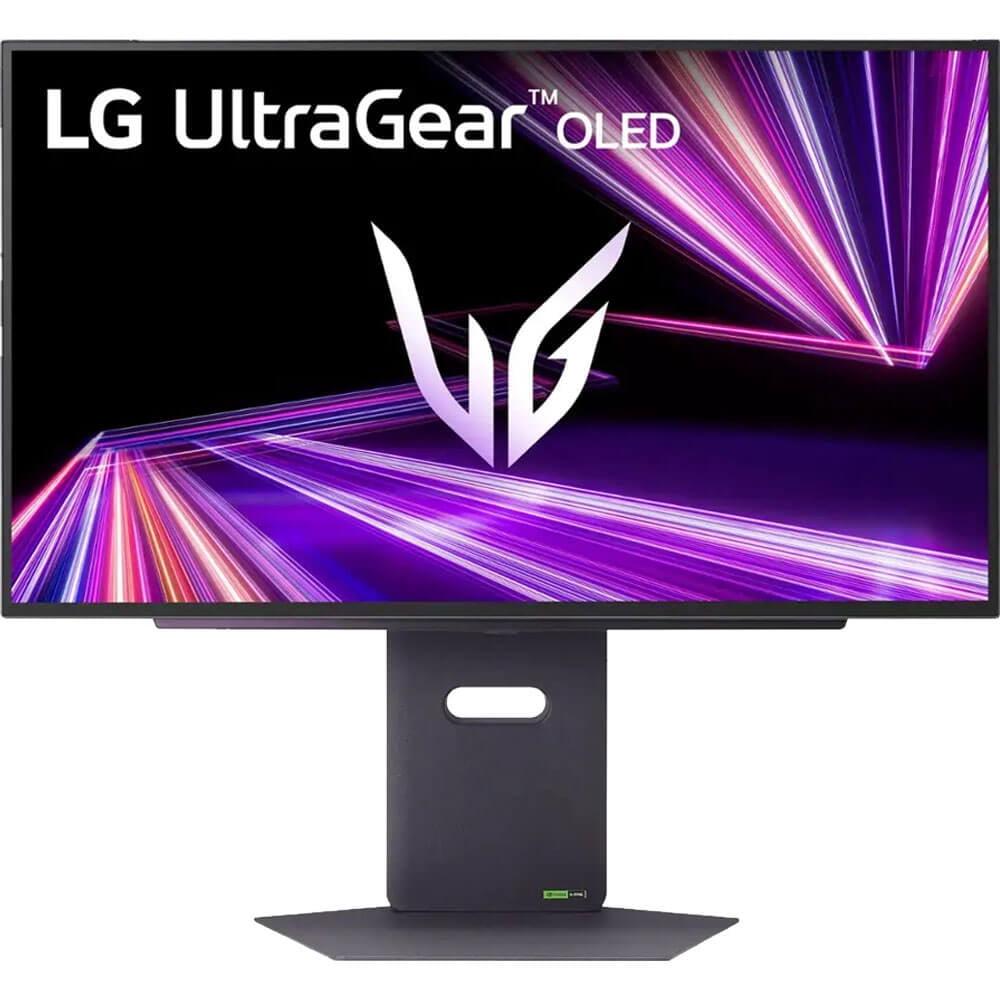
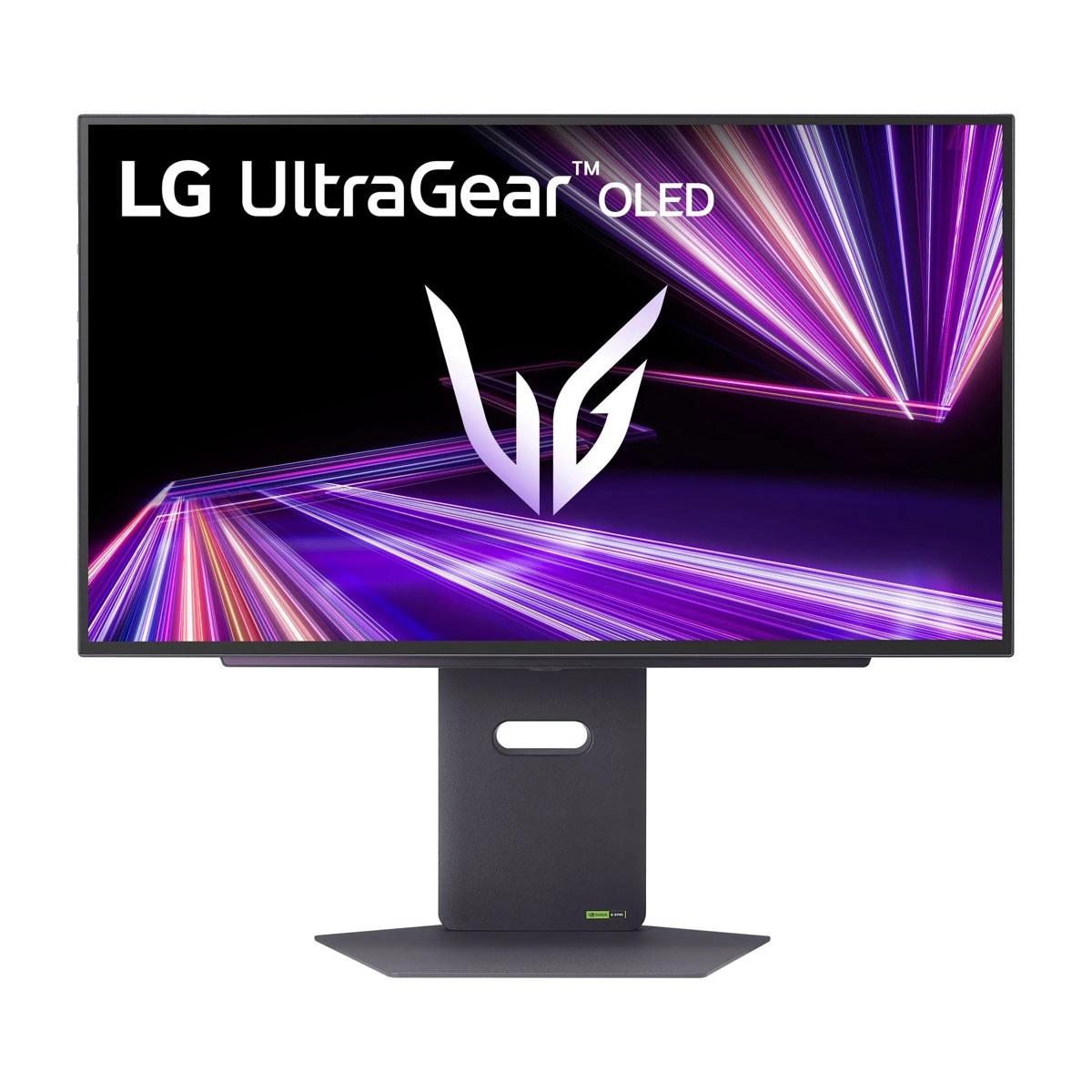
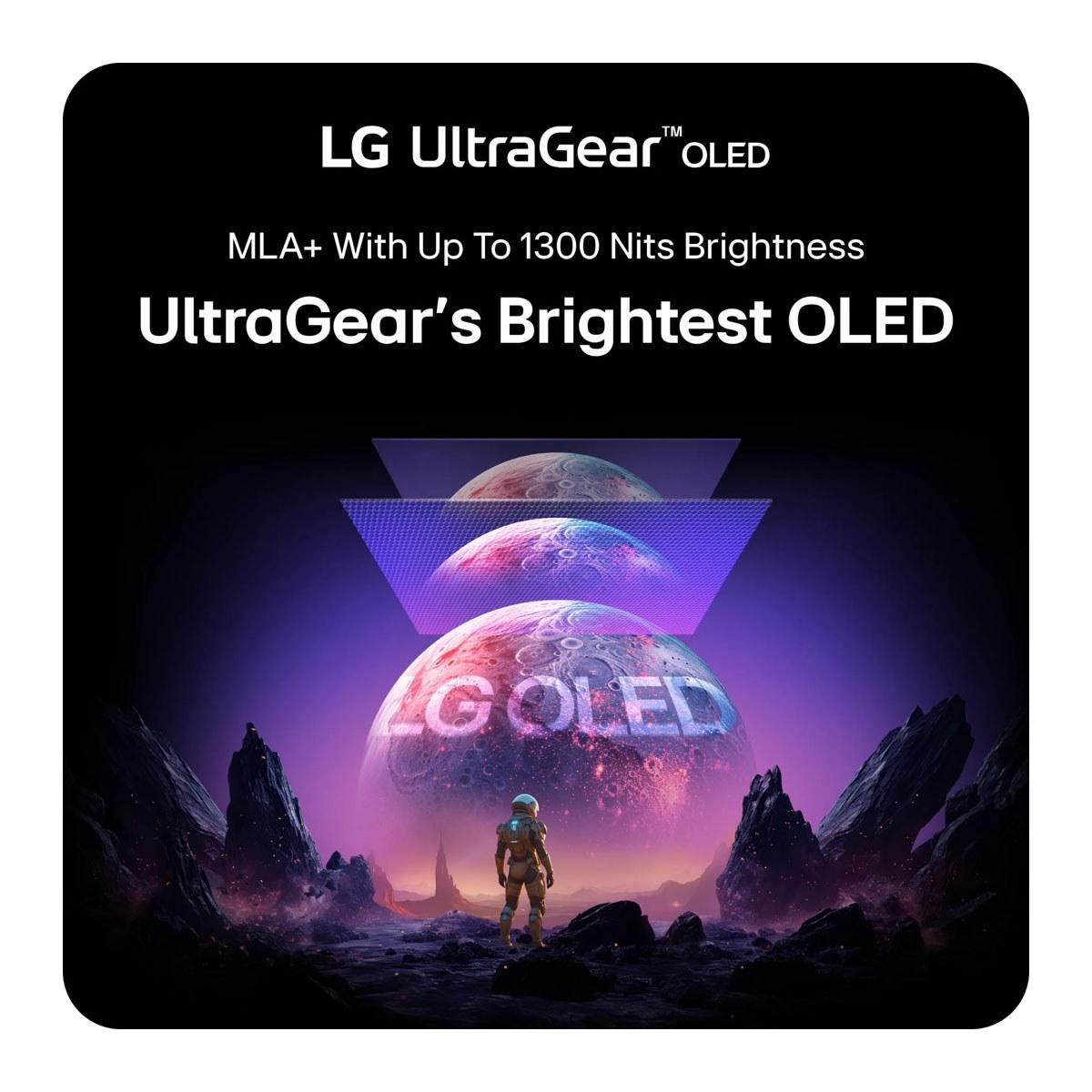
The 27-inch gaming monitor market has never been more interesting. On one side, we have the Acer Nitro XV1—a budget-friendly IPS display that delivers serious gaming performance without breaking the bank. On the other, the LG UltraGear OLED represents the bleeding edge of display technology with its eye-watering refresh rates and perfect blacks. At the time of writing, these monitors sit at opposite ends of the price spectrum, with the Acer costing roughly three times less than the LG.
Both monitors target the 1440p gaming sweet spot—the resolution that offers crisp visuals without demanding the most expensive graphics cards on the market. But they approach this goal from completely different angles, making the choice between them more about understanding your needs than simply picking the "better" monitor.
Before diving into specifics, let's establish what matters most in a gaming monitor. Refresh rate measures how many times per second your screen can display a new image—higher numbers mean smoother motion. Response time indicates how quickly pixels can change colors, affecting motion blur. Display technology determines everything from color accuracy to contrast ratios, while adaptive sync technologies like FreeSync and G-Sync eliminate screen tearing by matching your monitor's refresh rate to your graphics card's output.
The Acer Nitro XV1 and LG UltraGear OLED both target serious gamers, but they're designed for different segments of that market. The Acer aims to deliver premium gaming features at mainstream prices, while the LG pushes every specification to the absolute limit regardless of cost.
Here's where these monitors diverge most dramatically. The Acer Nitro XV1 uses IPS (In-Plane Switching) technology—a mature LCD approach that's been refined for decades. IPS panels excel at color accuracy and viewing angles, meaning the image looks consistent whether you're sitting directly in front or viewing from the side. They're also incredibly reliable, with no risk of permanent image burn-in even after years of use.
The LG UltraGear OLED, released in 2024, represents a quantum leap in display technology. OLED (Organic Light-Emitting Diode) panels don't need a backlight because each pixel generates its own light. This fundamental difference creates perfect blacks—when a pixel needs to be black, it simply turns off completely. The result is a contrast ratio of 1,500,000:1 compared to the Acer's typical IPS contrast of 1000:1.
This contrast difference isn't just a number—it transforms how games look and feel. Dark scenes in horror games become genuinely atmospheric on OLED, with shadows that feel like actual voids rather than the grayish blacks typical of LCD panels. However, OLED technology comes with trade-offs. These panels can suffer from burn-in if static images (like game UI elements) remain on screen for extended periods, though LG includes protective features to minimize this risk.
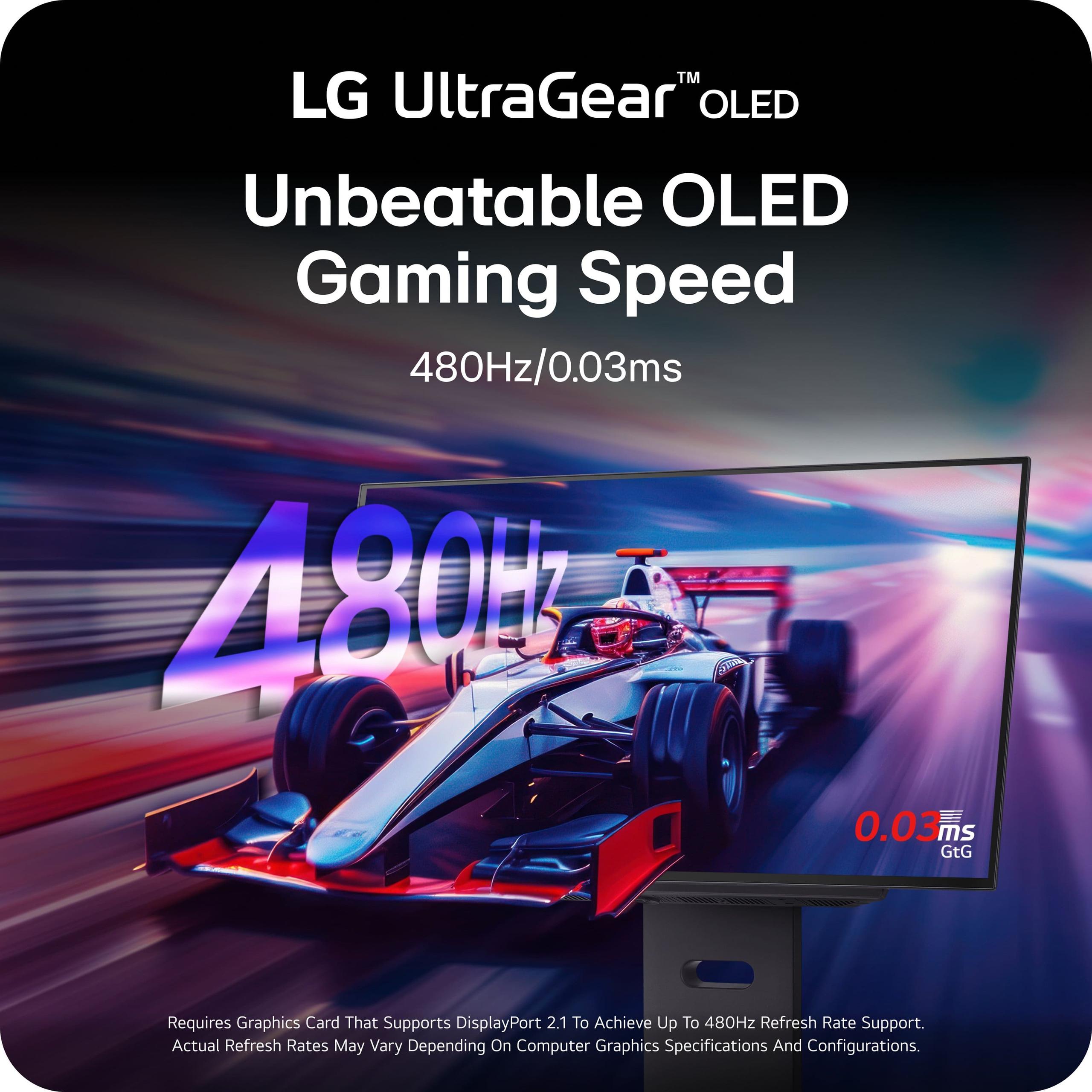
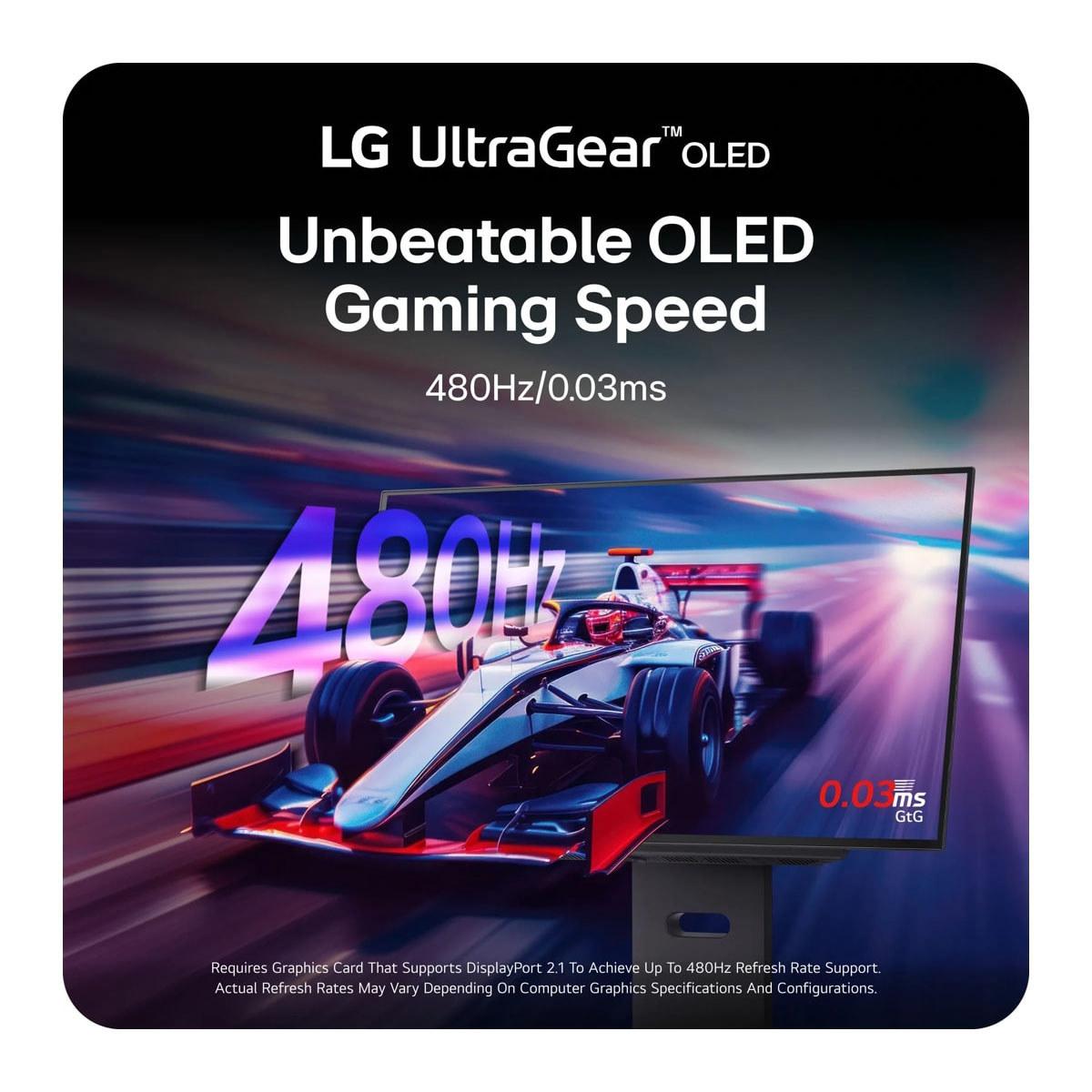
The performance gap between these monitors is staggering on paper. The Acer Nitro XV1 offers a 180Hz refresh rate with a 1ms response time—specifications that would have been considered flagship-tier just a few years ago. The LG UltraGear OLED takes things to an almost absurd level with 480Hz refresh rates and 0.03ms response times.
But here's the crucial question: can you actually use this performance? The Acer's 180Hz is achievable with modern mid-range graphics cards in most games. An RTX 4060 or RX 7600 can comfortably hit 180 FPS in competitive shooters like Valorant or CS2, and even demanding single-player games often reach 120-150 FPS with optimized settings.
The LG's 480Hz capability requires significantly more horsepower. Even with an RTX 4090—currently one of the most powerful consumer graphics cards available—you'll only approach 480 FPS in the least demanding esports titles. For most games, you'll be using a fraction of the monitor's potential, though the OLED's perfect response time still provides benefits even at lower frame rates.
This performance scaling matters tremendously for value. The Acer Nitro XV1 can be fully utilized by systems costing $1,000-1,500 total, while maximizing the LG UltraGear OLED requires a $3,000+ gaming PC. The law of diminishing returns kicks in hard at these extremes.
Color performance represents another area where these monitors take different approaches. The Acer Nitro XV1 covers 95% of the DCI-P3 color gamut—excellent coverage that handles both gaming and content creation tasks well. Colors appear vibrant and accurate out of the box, and the monitor includes multiple color presets for different use cases.
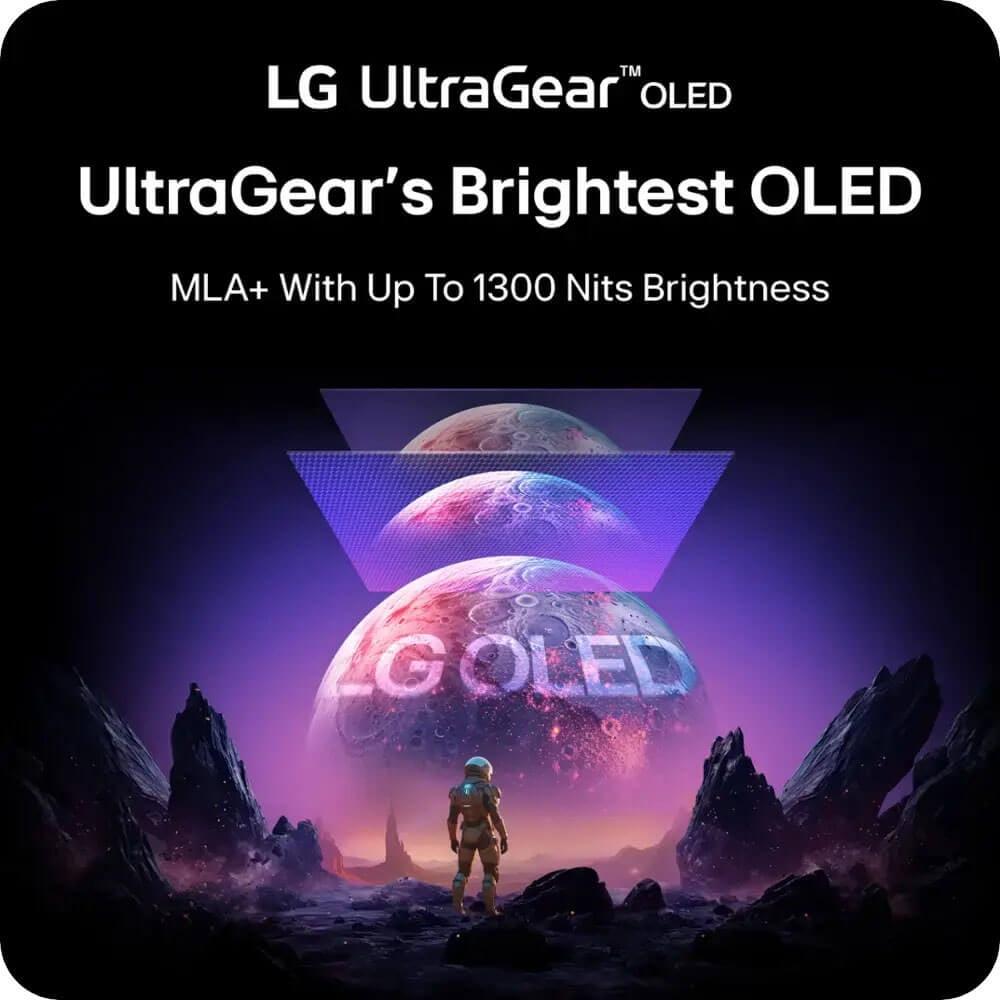
The LG UltraGear OLED pushes color performance even further with 98.5% DCI-P3 coverage and OLED's inherent color accuracy. More importantly, it supports HDR (High Dynamic Range) content properly. While the Acer technically supports HDR10, its 250-nit brightness limitation means HDR content looks only marginally better than standard content. The LG can hit 1,300 nits in small areas, creating genuinely impactful HDR experiences where bright highlights pop against those perfect OLED blacks.
This HDR capability makes the LG UltraGear OLED particularly appealing for home theater use. Connect a PlayStation 5 or Xbox Series X, and you'll experience games like The Last of Us Part II or Halo Infinite with cinematic visual fidelity that rivals dedicated OLED TVs. The Acer, while excellent for gaming, doesn't offer this level of media consumption capability.
Both monitors support adaptive sync technologies, but implementation differs. The Acer Nitro XV1 includes AMD FreeSync Premium with a 40-180Hz range and works as G-Sync Compatible with NVIDIA cards. This covers the sweet spot where most gaming actually occurs—you're unlikely to drop below 40 FPS in properly optimized games on modern hardware.
The LG UltraGear OLED supports both FreeSync Premium Pro and G-Sync Compatible certification across its full refresh rate range. More importantly, it includes HDMI Forum VRR support, making it fully compatible with PlayStation 5 and Xbox Series X variable refresh rate features—something the Acer's HDMI 2.0 ports can't match.
For competitive gaming, the differences become more pronounced. In fast-paced shooters, the LG's near-instantaneous response time eliminates virtually all motion blur. Professional esports players often describe the difference between 240Hz and 480Hz as subtle but noticeable—it's not game-changing for casual players, but could provide a microscopic edge in high-level competitive scenarios.
The Acer Nitro XV1 handles competitive gaming admirably despite its more modest specifications. The 1ms response time is fast enough that motion blur rarely becomes intrusive, and 180Hz provides smooth tracking of fast-moving targets. For 99% of gamers, this performance level removes any technical limitations from the equation.
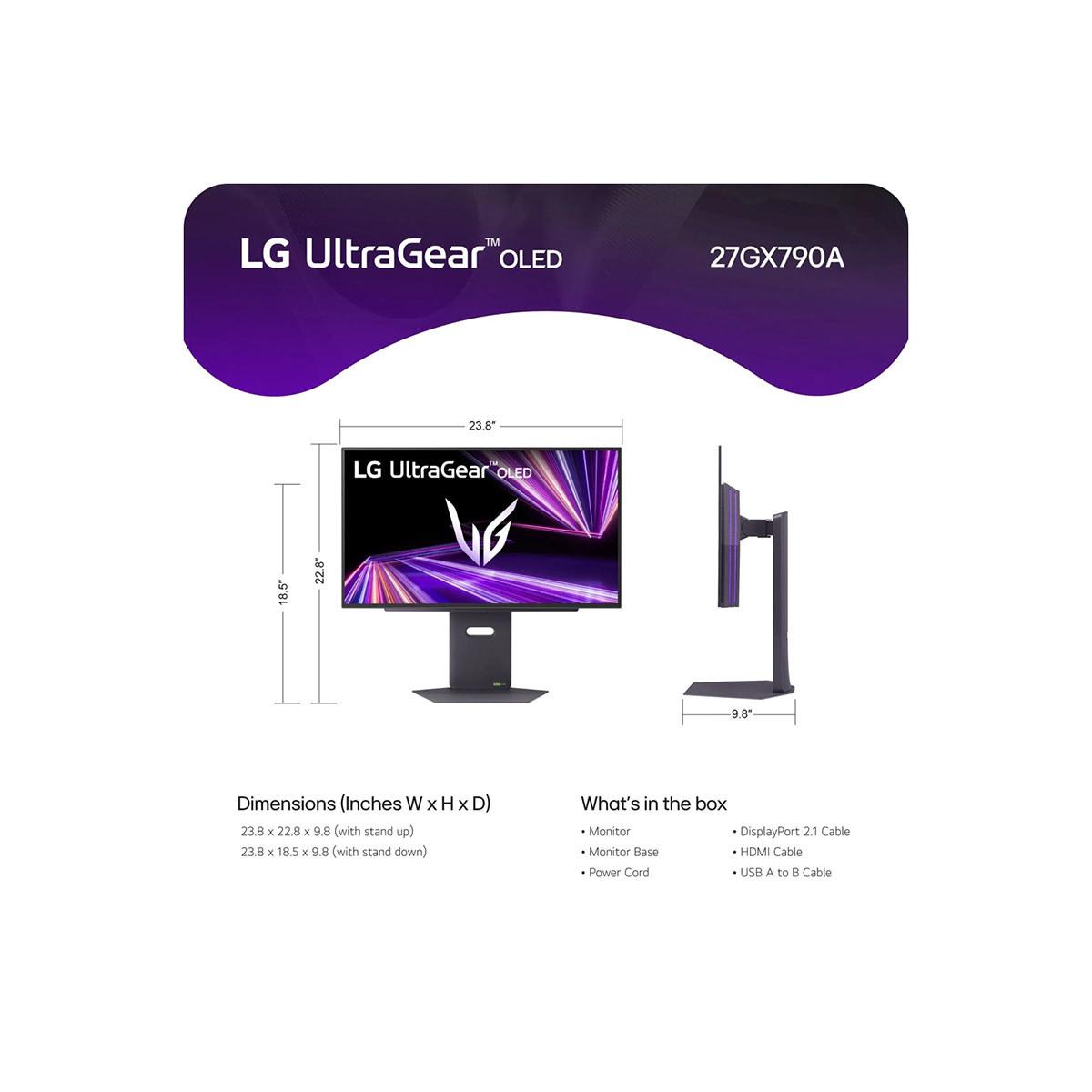
Both monitors include fully adjustable stands, but approach ergonomics differently. The Acer Nitro XV1 focuses on practical adjustability with height, tilt, swivel, and pivot functions—everything needed for comfortable gaming sessions. The stand feels appropriate for the price point without being flimsy.
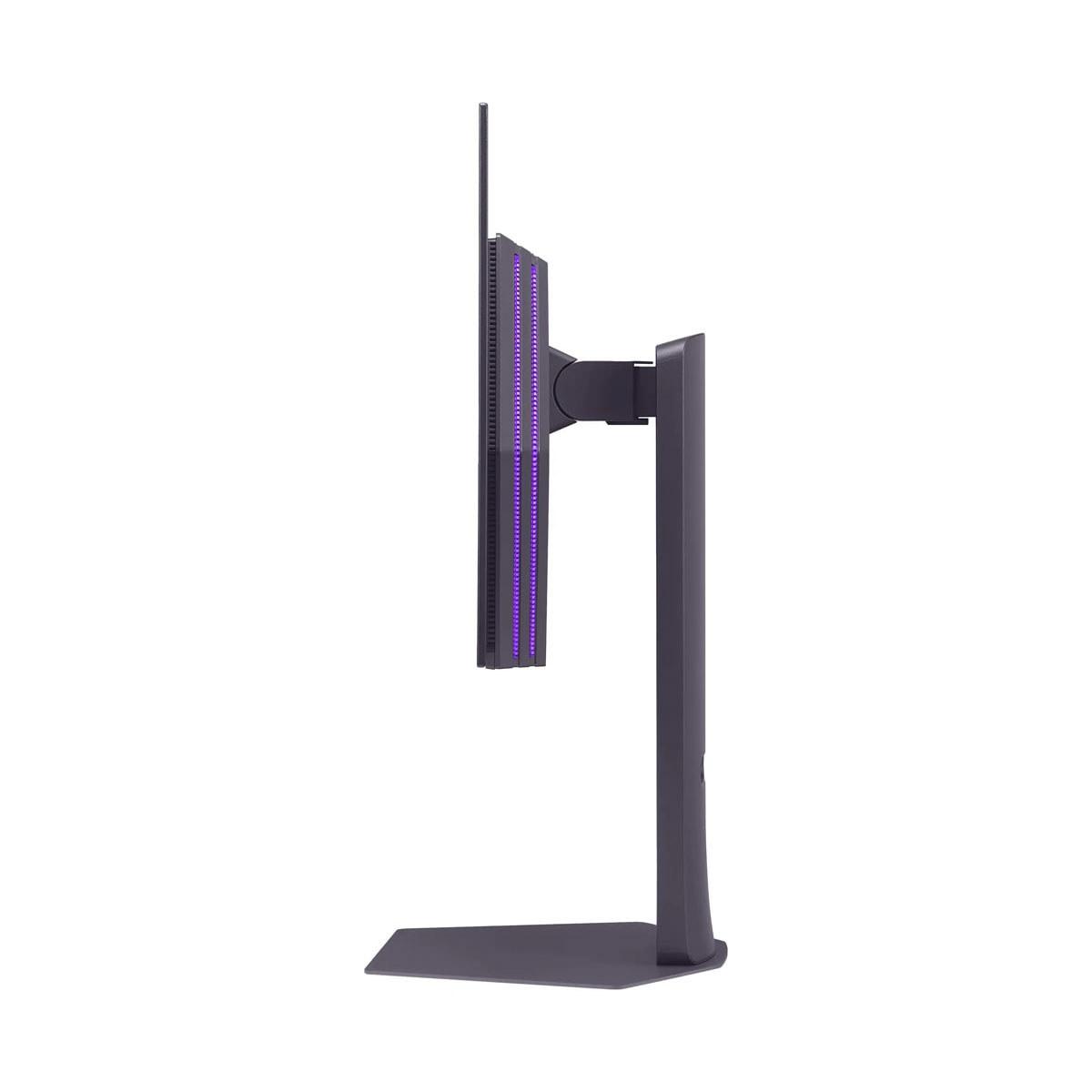
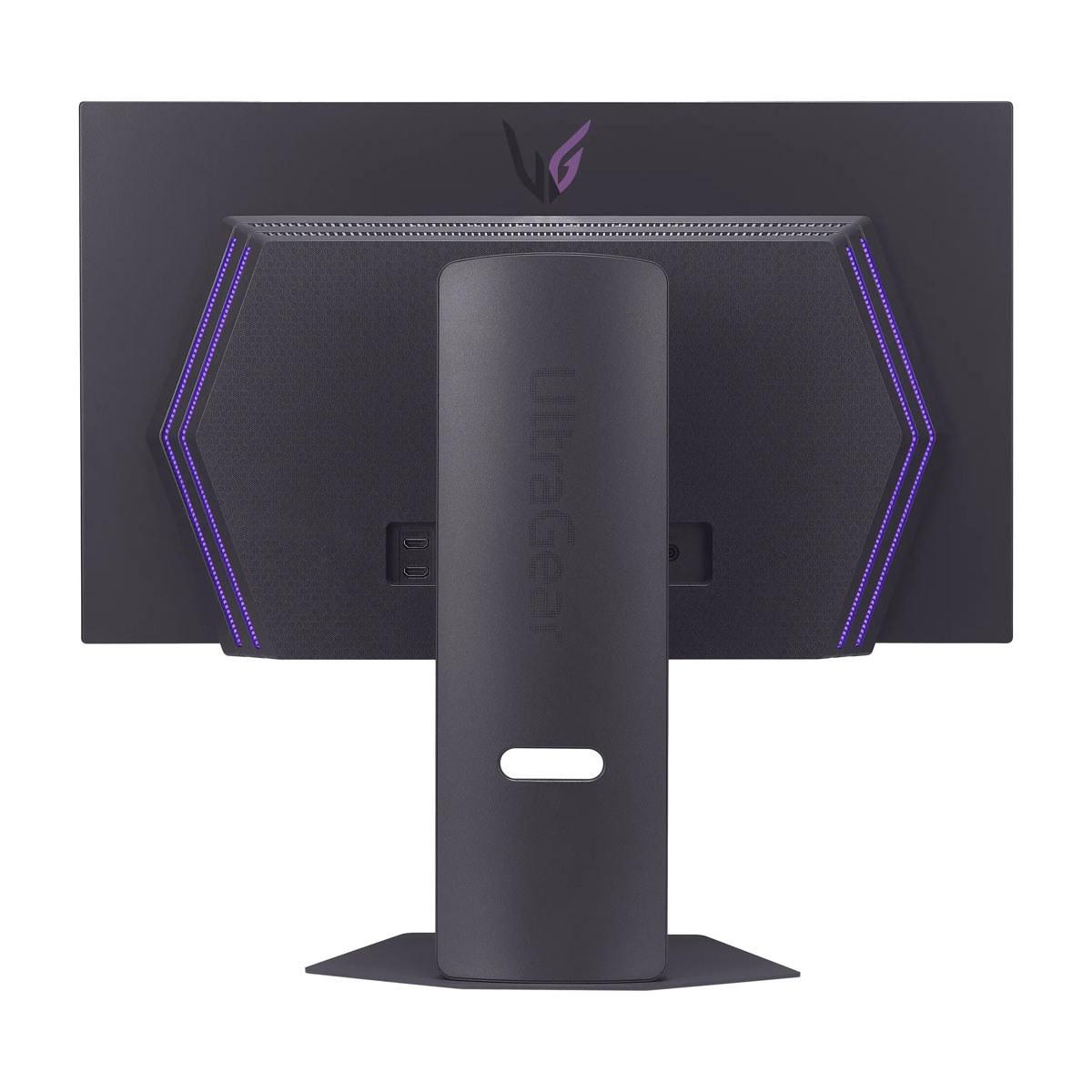
The LG UltraGear OLED pairs its premium panel with a correspondingly premium stand. The build quality reflects the monitor's flagship positioning, with smooth adjustment mechanisms and a more substantial feel overall. However, both monitors support standard VESA mounting if you prefer third-party solutions.
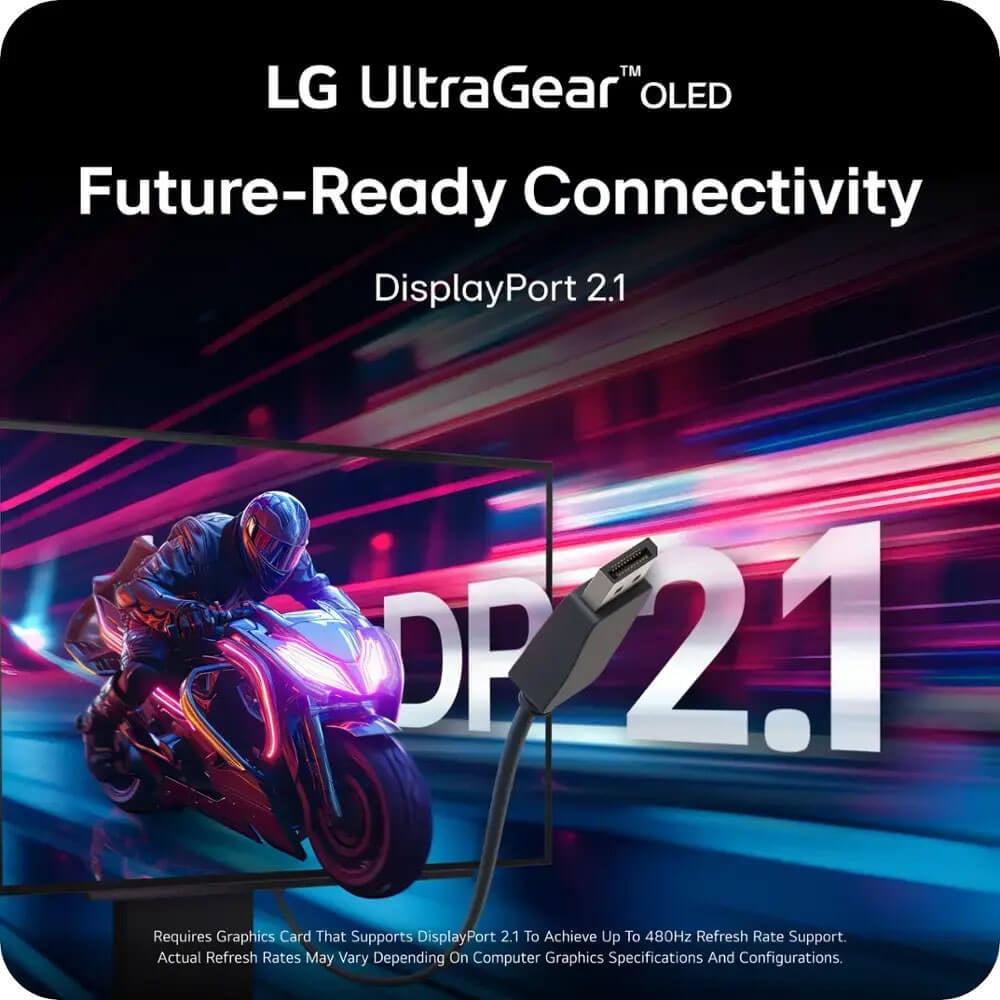
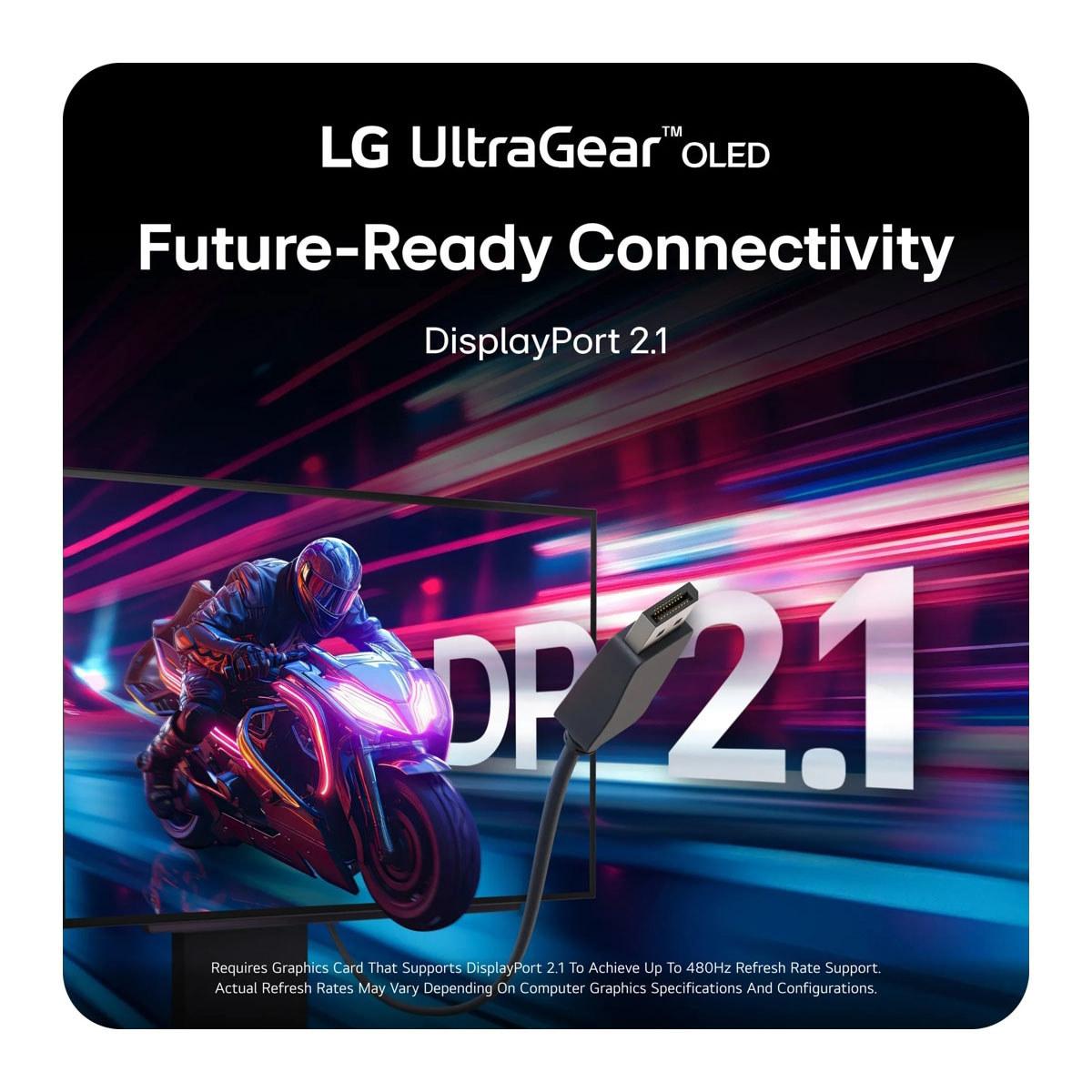
Connectivity represents a significant differentiator. The Acer includes DisplayPort 1.2 and dual HDMI 2.0 ports—adequate for current hardware but potentially limiting for future devices. The LG futureproofs with DisplayPort 2.1 and HDMI 2.1, ensuring compatibility with next-generation consoles and graphics cards that might exceed current bandwidth limitations.
This brings us to a crucial consideration: how long will these monitors remain relevant? The Acer Nitro XV1 represents mature technology that should provide consistent performance for years. IPS panels don't degrade meaningfully over time, and 180Hz will remain enjoyable even as games become more demanding.
The LG UltraGear OLED presents a more complex picture. OLED technology theoretically has a finite lifespan as the organic compounds gradually degrade, though LG's two-year warranty and OLED Care features provide some protection. The monitor's extreme specifications also mean it's genuinely futureproof—it will likely take years before graphics cards can consistently utilize its full potential.
For competitive esports players with high-end systems, the LG UltraGear OLED makes sense despite its premium pricing. If you're playing Valorant, CS2, or Overwatch 2 at a high level and can afford both the monitor and the graphics card to drive it, the performance advantage is real and measurable.
The Acer Nitro XV1 serves a much broader audience effectively. It's ideal for enthusiast gamers who want premium features without premium pricing. Whether you're exploring open-world RPGs, diving into competitive shooters, or binge-watching Netflix, this monitor handles everything competently.
For home theater use, the choice depends on your priorities. The LG excels with proper HDR support and OLED's cinematic image quality, making it genuinely competitive with dedicated TV options. The Acer works fine for media consumption but doesn't offer the same visual impact for movies and TV shows.
Content creators face an interesting decision. The Acer's consistent brightness and zero burn-in risk make it safer for workflows involving static UI elements, while the LG's superior color accuracy benefits photo and video work—provided you're careful about image retention.
At the time of writing, these monitors represent fundamentally different value propositions. The Acer Nitro XV1 delivers exceptional gaming performance at a price point that makes premium features accessible to mainstream buyers. It's the monitor I'd recommend to most people building gaming systems, offering that sweet spot of features and affordability that's increasingly rare in today's market.
The LG UltraGear OLED targets the opposite end of the spectrum—buyers who want the absolute best regardless of cost. If you're in this category, with a high-end gaming PC and the budget to match, this monitor provides an experience that's genuinely ahead of anything else available.
The choice ultimately comes down to your specific situation. Consider your current graphics card, your gaming preferences, and honestly assess whether you'll benefit from the LG's extreme specifications. For most readers, the Acer provides 90% of the gaming experience at 30% of the cost—math that's hard to argue with. But for that remaining 10% who demand perfection, the LG represents the current pinnacle of gaming monitor technology.
Both monitors succeed in their intended markets, making this less about finding a winner and more about understanding which approach better matches your needs and budget.
| Acer Nitro XV1 27" WQHD 180Hz IPS Gaming Monitor | LG UltraGear 27" OLED QHD 480Hz Gaming Monitor |
|---|---|
| Display Technology - Determines contrast, color accuracy, and burn-in risk | |
| IPS LCD with LED backlight (no burn-in risk, consistent brightness) | WOLED with Anti-Glare coating (perfect blacks, potential burn-in) |
| Refresh Rate - Higher numbers provide smoother motion in fast games | |
| 180Hz (DisplayPort), 144Hz (HDMI) | 480Hz (world's fastest QHD OLED) |
| Response Time - Lower latency reduces motion blur and ghosting | |
| 1ms GtG (0.5ms with VRB enabled) | 0.03ms GtG (virtually eliminates all motion blur) |
| Resolution and Screen Size - Sharp detail and desktop real estate | |
| 27" QHD (2560 x 1440), ~109 PPI | 27" QHD (2560 x 1440), same pixel density |
| Contrast Ratio - Affects how deep blacks appear and overall image depth | |
| 1000:1 static (typical IPS glow present) | 1,500,000:1 (true blacks, cinema-quality contrast) |
| Peak Brightness - Important for HDR content and bright room visibility | |
| 250 cd/m² (consistent across screen, limited HDR impact) | Up to 1,300 nits with MLA+ (excellent HDR highlights) |
| Color Gamut Coverage - Determines color vibrancy and accuracy | |
| 95% DCI-P3 (excellent for gaming and content creation) | 98.5% DCI-P3 (professional-grade color accuracy) |
| HDR Support - Enhanced contrast and color range for compatible content | |
| HDR10 (limited by brightness, marginal improvement) | VESA DisplayHDR True Black 400 (impactful HDR experience) |
| Adaptive Sync Technology - Eliminates screen tearing during gameplay | |
| AMD FreeSync Premium (40-180Hz), G-Sync Compatible | AMD FreeSync Premium Pro, NVIDIA G-Sync Compatible, HDMI Forum VRR |
| Connectivity - Determines compatibility with PCs and consoles | |
| 1x DisplayPort 1.2, 2x HDMI 2.0, 3.5mm audio | 1x DisplayPort 2.1, 2x HDMI 2.1, USB 3.0 hub, DTS audio out |
| Stand Adjustability - Ergonomic positioning for comfort during long sessions | |
| Full adjustment: height (4.7"), tilt, swivel, pivot | Full adjustment: height (110mm), tilt, swivel, pivot |
| Build Quality and Warranty - Long-term reliability and manufacturer support | |
| Standard LCD construction, typical warranty | Premium build, 2-year OLED warranty with burn-in protection |
| Target Hardware Requirements - GPU power needed to utilize full potential | |
| RTX 4060/RX 7600 class for 180Hz gaming | RTX 4090/RX 7900 XTX for 480Hz competitive gaming |
| Best Use Cases - Scenarios where each monitor excels | |
| Mainstream gaming, productivity, worry-free ownership | Competitive esports, home theater, premium visual experience |
Both monitors excel at gaming but serve different needs. The Acer Nitro XV1 offers excellent 180Hz performance that works well with mid-range graphics cards and handles all gaming genres effectively. The LG UltraGear OLED provides superior performance with 480Hz refresh rates and perfect OLED contrast, but requires high-end hardware to fully utilize. For most gamers, the Acer delivers outstanding value, while the LG targets competitive esports players and enthusiasts with premium budgets.
The Acer Nitro XV1 uses IPS LCD technology, which provides consistent brightness, wide viewing angles, and zero burn-in risk. The LG UltraGear OLED features OLED panels that produce perfect blacks by turning pixels completely off, creating exceptional contrast and color accuracy. OLED offers superior image quality but comes with potential burn-in concerns and higher costs, while IPS provides reliable, worry-free performance.
The LG UltraGear OLED significantly outperforms in both areas, offering 98.5% DCI-P3 color coverage and VESA DisplayHDR True Black 400 certification with up to 1,300 nits peak brightness. The Acer Nitro XV1 provides solid 95% DCI-P3 coverage but limited HDR impact due to its 250-nit brightness ceiling. For cinematic gaming experiences and HDR content, the LG delivers dramatically better results.
Both monitors work with modern consoles, but the LG UltraGear OLED offers superior console compatibility with HDMI 2.1 ports and HDMI Forum VRR support for variable refresh rates. The Acer Nitro XV1 connects via HDMI 2.0 but lacks VRR support for consoles, limiting smooth gameplay features. For the best console gaming experience, especially with HDR games, the LG provides significant advantages.
The LG UltraGear OLED excels in competitive scenarios with its 0.03ms response time and 480Hz refresh rate, providing the smoothest possible motion clarity for professional-level play. However, the Acer Nitro XV1 offers excellent competitive performance at 180Hz with 1ms response time that satisfies most players. Unless you're competing at the highest levels and have the hardware to drive 400+ FPS, the Acer provides sufficient competitive performance.
The Acer Nitro XV1 offers 180Hz refresh rates, delivering smooth gameplay that most graphics cards can achieve. The LG UltraGear OLED pushes to 480Hz, requiring top-tier hardware to utilize fully. Higher refresh rates reduce motion blur and provide smoother tracking, but the difference between 180Hz and 480Hz is only noticeable to experienced players in fast-paced games like Counter-Strike or Valorant.
The Acer Nitro XV1 provides exceptional value, delivering premium gaming features at a fraction of the cost of OLED alternatives. It offers 90% of high-end gaming performance at roughly 30% of premium pricing. The LG UltraGear OLED justifies its premium cost with cutting-edge technology and superior image quality, but represents a significant investment that requires expensive hardware to maximize.
The Acer Nitro XV1 has zero burn-in risk due to its LCD technology, making it worry-free for any usage including productivity work with static elements. The LG UltraGear OLED carries potential burn-in risks inherent to OLED technology, though LG includes OLED Care features and a 2-year warranty for protection. Careful usage and avoiding static images can minimize burn-in risks on the OLED.
The LG UltraGear OLED excels for media consumption with true HDR support, perfect blacks, and cinema-quality contrast ratios that rival dedicated OLED TVs. The Acer Nitro XV1 handles streaming content adequately but lacks the dramatic visual impact of OLED technology. For users wanting a monitor that doubles as a premium home theater display, the LG provides significantly better movie-watching experiences.
The Acer Nitro XV1 works excellently with mid-range cards like RTX 4060 or RX 7600, making it accessible for mainstream gaming builds. The LG UltraGear OLED requires high-end hardware like RTX 4090 or RX 7900 XTX to approach its 480Hz potential in competitive games. Most users will utilize only a fraction of the LG's capabilities without premium graphics hardware.
The LG UltraGear OLED offers superior future-proofing with DisplayPort 2.1, dual HDMI 2.1 ports, and USB 3.0 hub functionality for next-generation devices. The Acer Nitro XV1 includes DisplayPort 1.2 and dual HDMI 2.0 ports that handle current hardware well but may limit future upgrades. The LG's advanced connectivity better supports high-bandwidth gaming and console features.
For most first-time high-refresh rate buyers, the Acer Nitro XV1 provides the ideal introduction with excellent 180Hz performance, reliable IPS technology, and outstanding value. The upgrade from 60Hz to 180Hz feels transformative for any gamer. The LG UltraGear OLED represents an extreme investment better suited for experienced enthusiasts who understand the benefits and can afford both the monitor and hardware required to maximize its potential.
We've done our best to create useful and informative comparisons to help you decide what product to buy. Our research uses advanced automated methods to create this comparison and perfection is not possible - please contact us for corrections or questions. These are the sites we've researched in the creation of this article: bestbuy.com - tomshardware.com - displayninja.com - youtube.com - youtube.com - youtube.com - store.acer.com - manuals.plus - displayspecifications.com - pangoly.com - pcpartpicker.com - casariolab.art - store.acer.com - versus.com - youtube.com - bestbuy.com - bhphotovideo.com - engadget.com - newegg.com - youtube.com - bestbuy.com - techpowerup.com - techpowerup.com - rtings.com - lg.com - lgnewsroom.com - rtings.com - bestbuy.com - jonesapplianceandtv.com - thefrogpadappliances.com - lg.com - lg.com - lg.com - techpowerup.com - lg.com - lg.com

Privacy Policy
Terms and Conditions - Affiliate Policy
Home Security
© Copyright 2008-2026.
11816 Inwood Rd #1211, Dallas, TX 75244