
















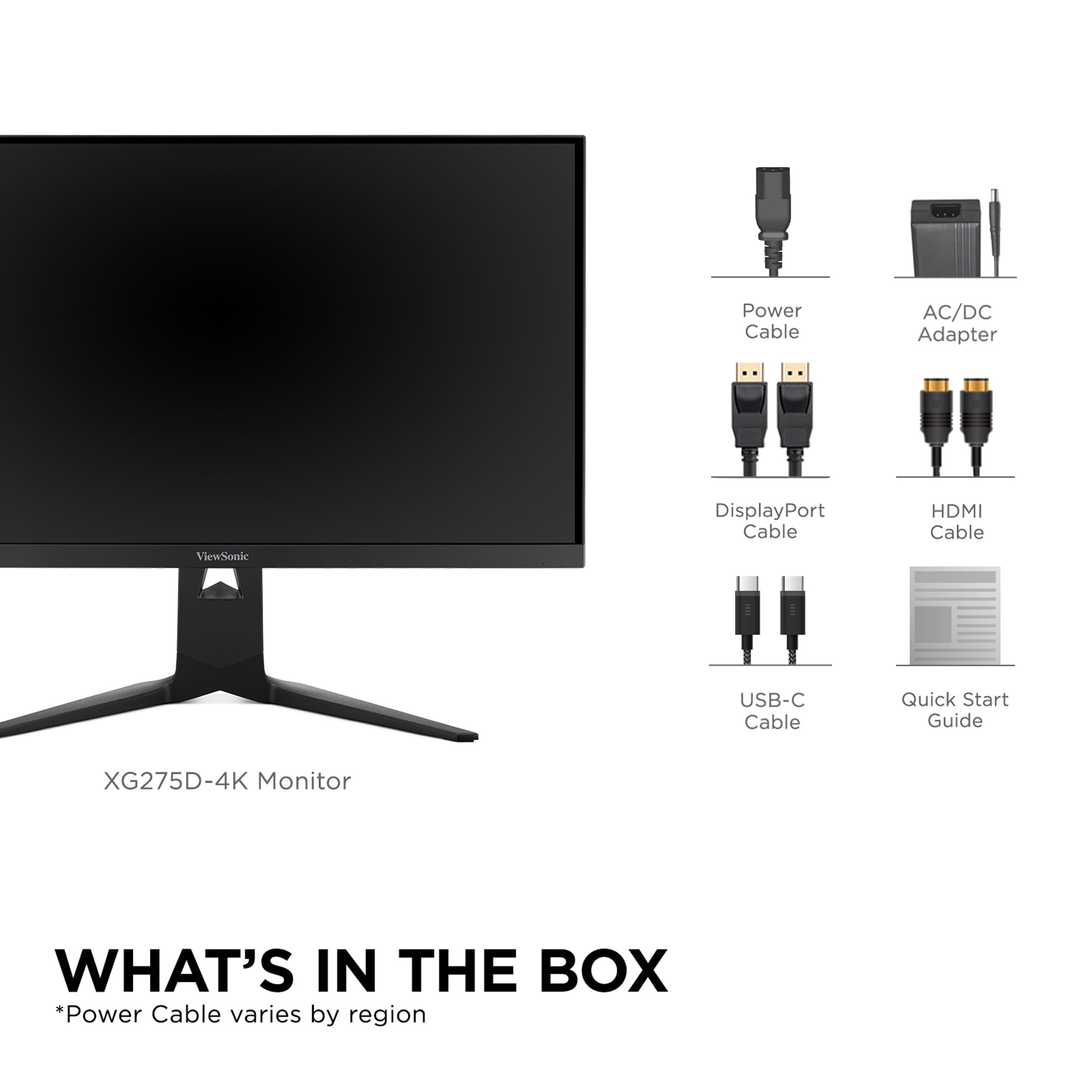
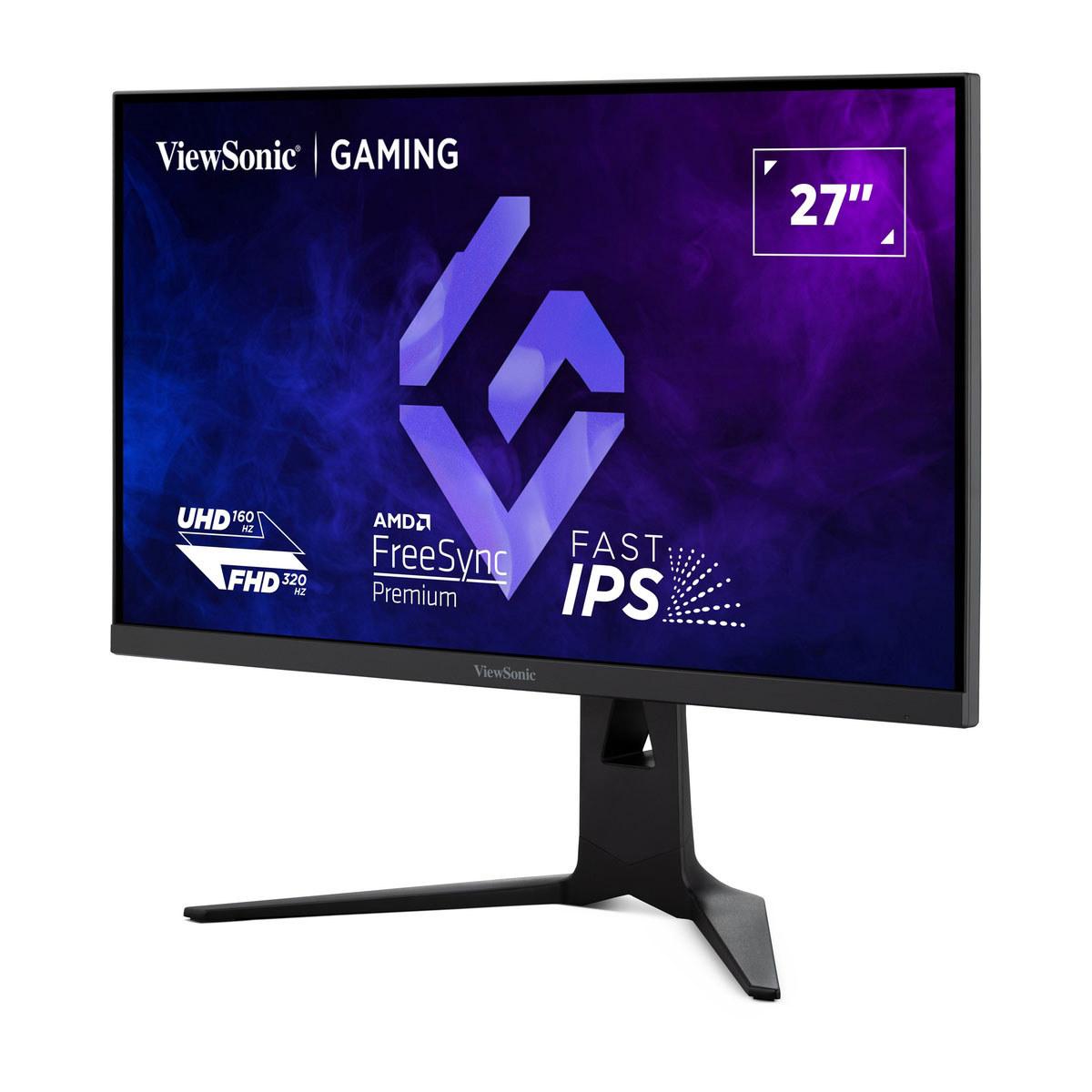
The gaming monitor market has exploded over the past few years, creating both exciting opportunities and confusing choices for gamers. Two monitors that perfectly illustrate this divide are the Acer Nitro XV1 and the ViewSonic XG275D-4K—one representing exceptional value for competitive gaming, the other pushing the boundaries of what's possible with dual-mode technology.
Before diving into specifics, it's worth understanding what separates gaming monitors from regular displays. Traditional monitors prioritize color accuracy and uniform brightness for office work, but gaming monitors focus on speed and responsiveness. The key metrics that matter most are refresh rate (how many times per second the screen updates), response time (how quickly pixels change colors), and input lag (the delay between your mouse click and screen response).
Think of refresh rate like the frame rate in movies—higher numbers mean smoother motion. Response time is crucial for eliminating "ghosting," where fast-moving objects leave blurry trails. Input lag directly affects your competitive performance; in fast-paced games, even 10 milliseconds can mean the difference between landing a shot and missing it entirely.
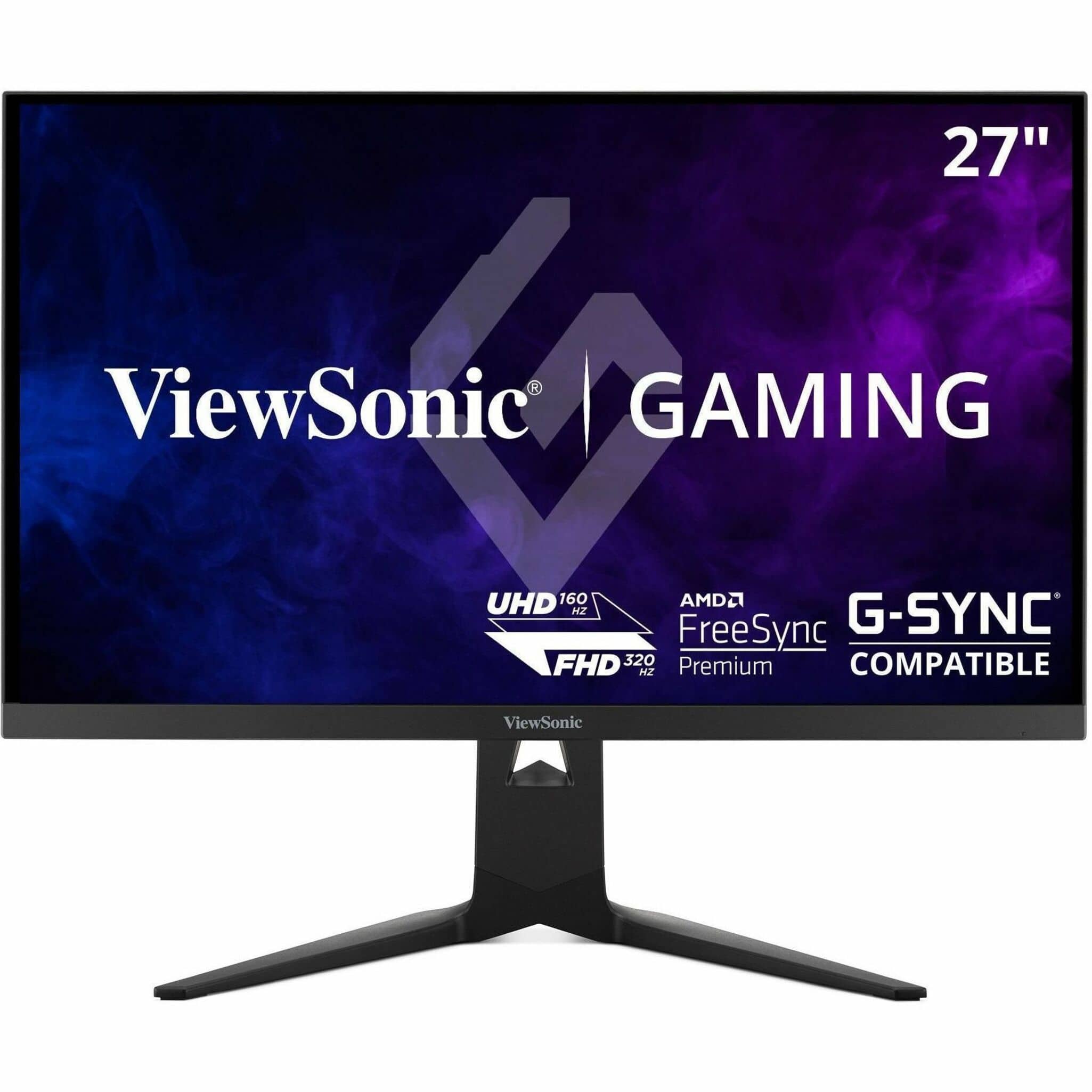
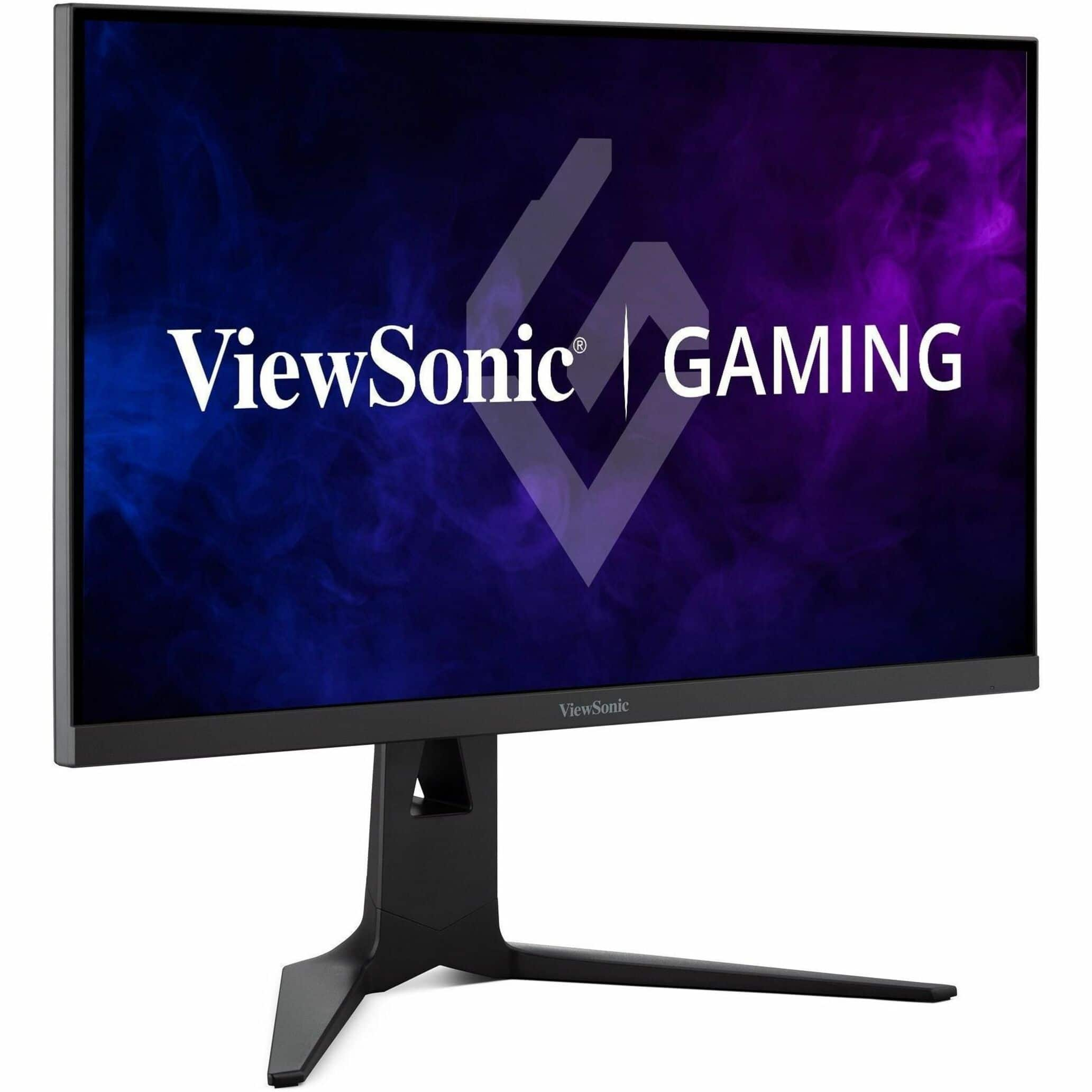
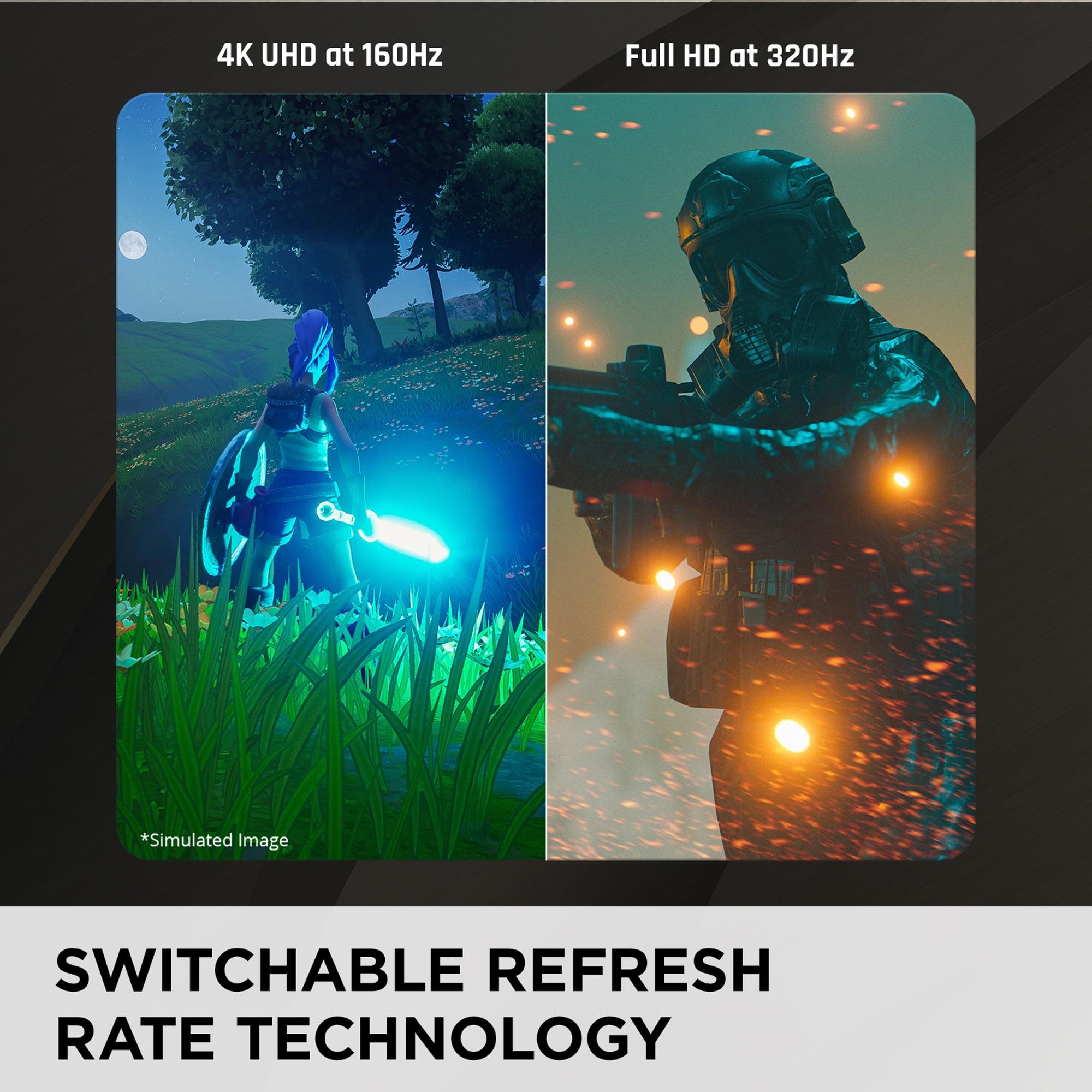
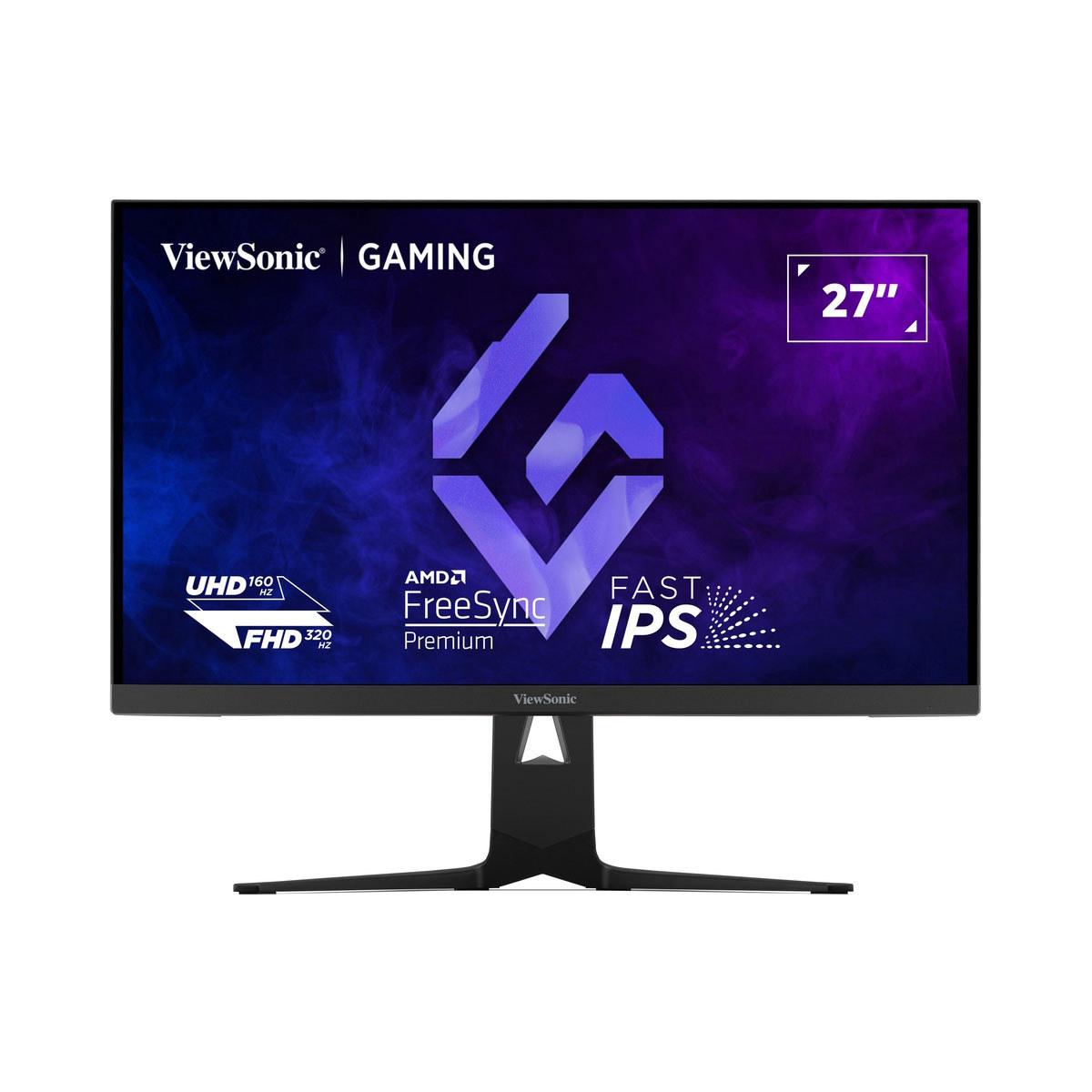
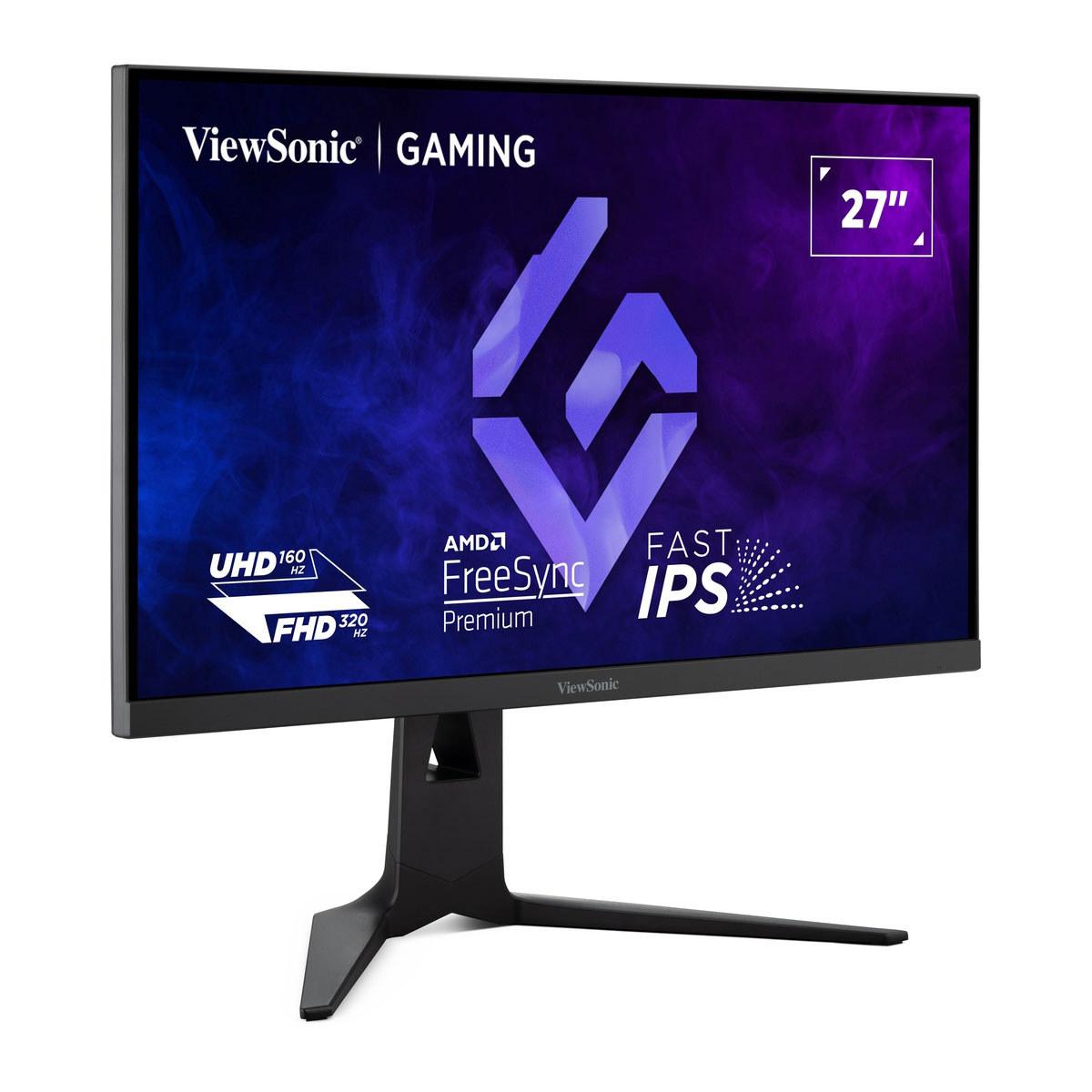
The Acer Nitro XV1, released in 2024, represents the sweet spot many gamers have been seeking: high refresh rate gaming at 1440p resolution without breaking the bank. Meanwhile, the ViewSonic XG275D-4K, also from 2024, introduces something genuinely innovative—the ability to switch between ultra-high 320Hz refresh rates at 1080p or crisp 4K resolution at 160Hz with the press of a button.
The most fundamental difference between these monitors lies in their approach to resolution. The Acer Nitro XV1 uses WQHD (Wide Quad High Definition), which means 2560 x 1440 pixels. This "1440p" resolution has become the goldilocks zone for gaming—significantly sharper than 1080p but not as demanding as 4K on your graphics card.
At 27 inches, 1440p provides roughly 109 pixels per inch, creating crisp text and detailed game visuals without requiring a graphics card that costs more than most people's entire computer. You'll notice the difference immediately when reading text or examining fine details in games, but your RTX 4060 Ti or RX 7700 XT won't struggle to maintain high frame rates.
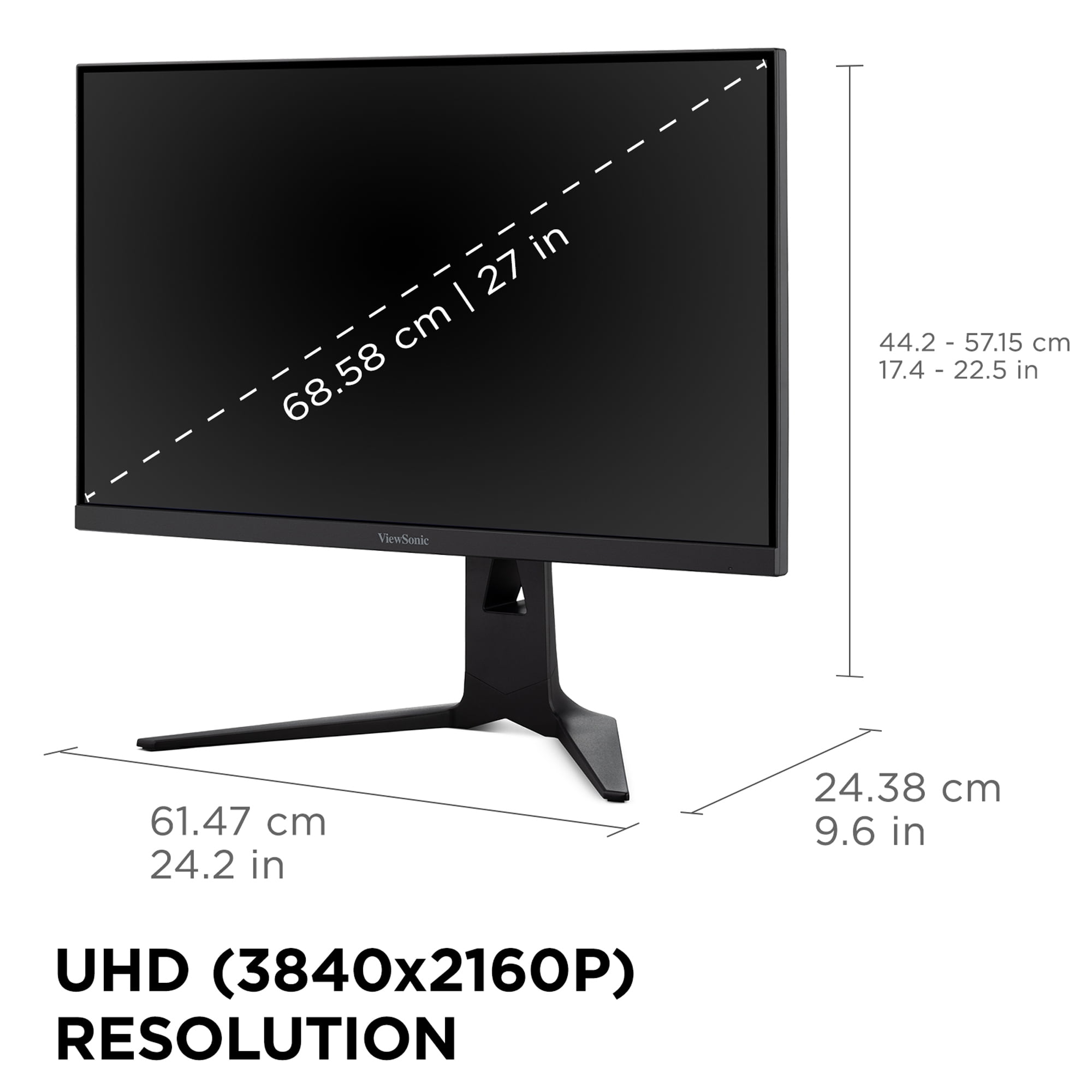
The ViewSonic XG275D-4K takes a different approach with its native 4K UHD resolution (3840 x 2160). That's 77% more pixels than 1440p, creating incredibly sharp imagery where individual pixels become nearly invisible. The detail in modern games is genuinely impressive—you'll spot enemies at longer distances in competitive shooters and appreciate the intricate textures in single-player adventures.
However, 4K gaming comes with a serious performance tax. To maintain smooth frame rates at this resolution, you'll need a high-end graphics card like an RTX 4080 or better. Even then, you'll often find yourself adjusting quality settings in demanding games to maintain playable frame rates.
Here's where things get interesting. The Acer Nitro XV1 delivers a straightforward 180Hz refresh rate at its native 1440p resolution via DisplayPort (dropping to 144Hz over HDMI due to bandwidth limitations). This means your screen refreshes 180 times per second, creating incredibly smooth motion that makes 60Hz displays feel choppy in comparison.
For competitive gaming, this consistency matters enormously. Every frame displays at the optimal resolution with minimal compromises. The difference between 144Hz and 180Hz might seem small, but in practice, that extra smoothness is noticeable in fast-paced games like Counter-Strike or Valorant.
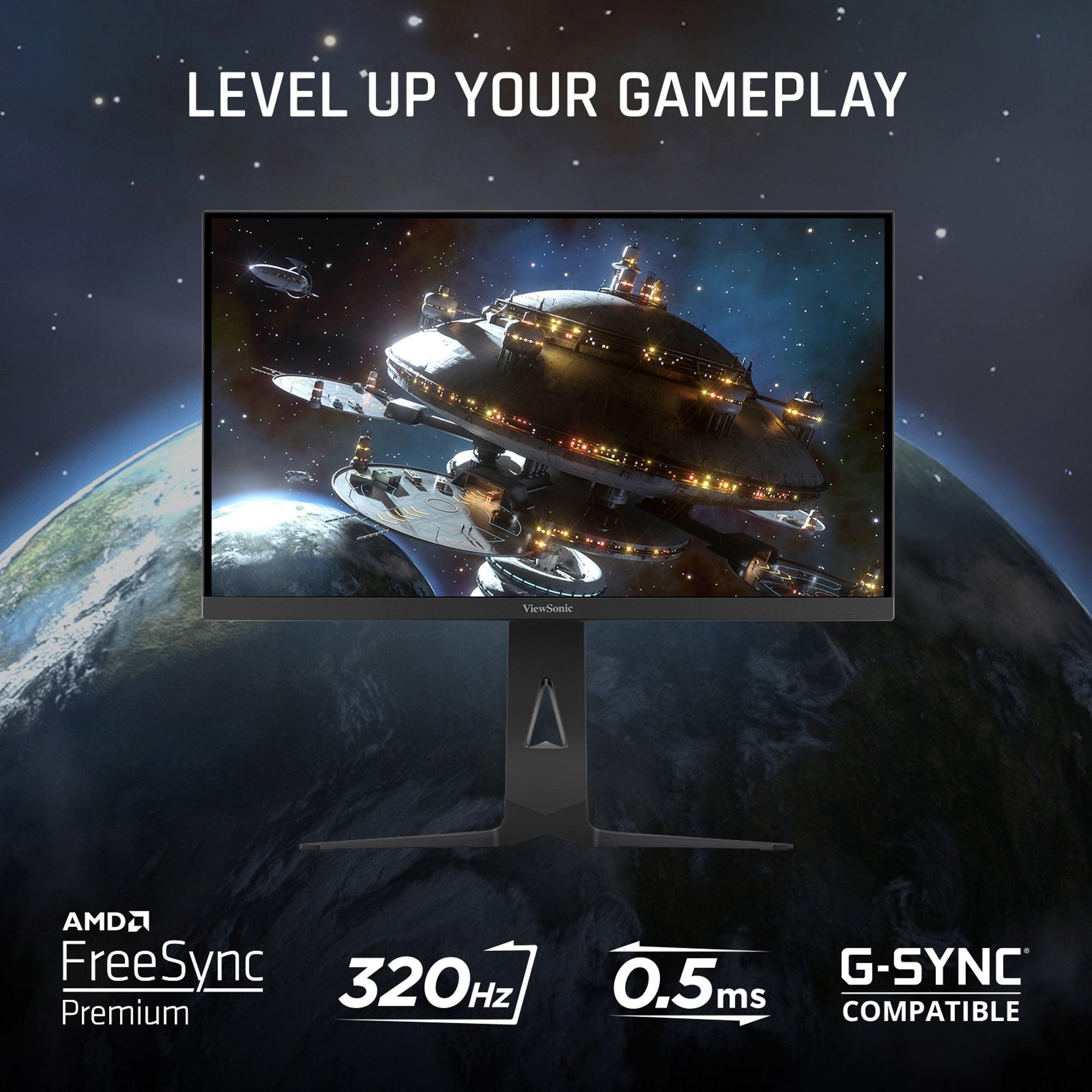
The ViewSonic XG275D-4K introduces a fascinating dual-mode system. With a dedicated button press, you can switch between 320Hz at 1080p for ultra-competitive gaming or 160Hz at 4K for immersive experiences. This flexibility addresses a real problem—why should you need two monitors when different games have different priorities?
At 320Hz, motion becomes almost supernaturally smooth. Professional esports players often claim they can feel the difference at these extreme refresh rates, and while the improvement over 240Hz is subtle, it's there. However, you're sacrificing resolution to reach these speeds, essentially turning your 4K monitor into a very expensive 1080p display.
Both monitors claim impressive response times, but the implementation differs. The Acer Nitro XV1 achieves 1ms grey-to-grey response times with its overdrive technology, dropping to 0.5ms when using Visual Response Boost (VRB). VRB is essentially backlight strobing—it flickers the backlight to reduce motion blur, similar to how old CRT monitors naturally handled motion.
The trade-off with VRB is brightness reduction and some flicker sensitivity for certain users. However, when it works for you, the motion clarity improvement is substantial. Fast-moving objects remain sharp and defined rather than leaving trailing ghosts.
The ViewSonic XG275D-4K specifies 0.5ms MPRT (Moving Picture Response Time), which measures motion blur rather than pure pixel switching speed. This metric better reflects real-world gaming performance, though it makes direct comparisons tricky. In practice, both monitors deliver excellent motion clarity suitable for competitive gaming.
Input lag—the delay between your action and screen response—is crucial for competitive gaming. Based on reviews and testing data, the Acer Nitro XV1 consistently delivers sub-4ms input lag across all refresh rates, which is essentially imperceptible. This consistency makes it ideal for competitive gaming where reaction times matter.
The ViewSonic XG275D-4K shows more variable input lag depending on the refresh rate mode. At 320Hz, lag remains minimal, but it increases noticeably at 60Hz operation. This variability isn't necessarily problematic—most users won't notice—but competitive players might prefer the Acer's consistency.
Both monitors support variable refresh rate technology (AMD FreeSync Premium) to eliminate screen tearing and stuttering. This synchronizes the monitor's refresh rate with your graphics card's frame output, creating smooth gameplay even when frame rates fluctuate. The Acer Nitro XV1 works across a 40-180Hz range, while the ViewSonic's range depends on the active mode.
Both monitors use IPS (In-Plane Switching) panels, which provide wide viewing angles and good color accuracy. The Acer Nitro XV1 covers 95% of the DCI-P3 color space, which exceeds standard sRGB and provides vibrant, accurate colors for both gaming and content creation. Reviews consistently praise its color consistency across the entire screen.
The ViewSonic XG275D-4K achieves 94% DCI-P3 coverage with 10-bit color depth support (through 8-bit + FRC frame rate control). This creates smoother color gradients and reduces banding in HDR content. However, the 4K resolution really makes colors pop—fine details that would be lost at 1440p become clearly visible.
Both monitors support HDR10, though neither reaches the brightness levels needed for true HDR impact. The Acer Nitro XV1 peaks at 250 nits, while the ViewSonic reaches higher but still modest levels. HDR gaming remains a work-in-progress technology on most monitors without local dimming or OLED panels.
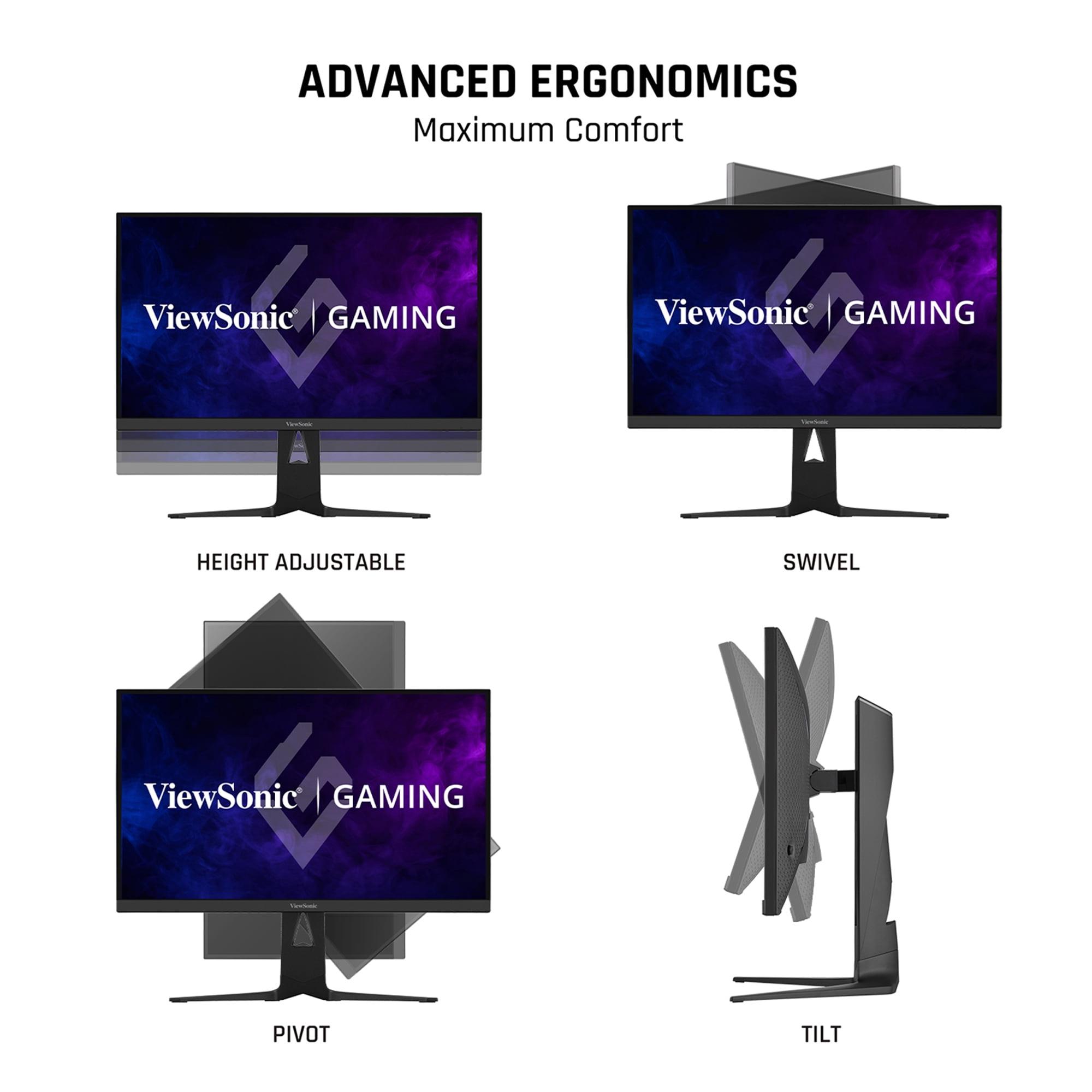
Monitor stands matter more than many people realize, especially for long gaming sessions. The Acer Nitro XV1 includes full ergonomic adjustability—height, tilt, swivel, and pivot—despite its budget positioning. This comprehensive adjustability helps maintain proper posture during extended gameplay.
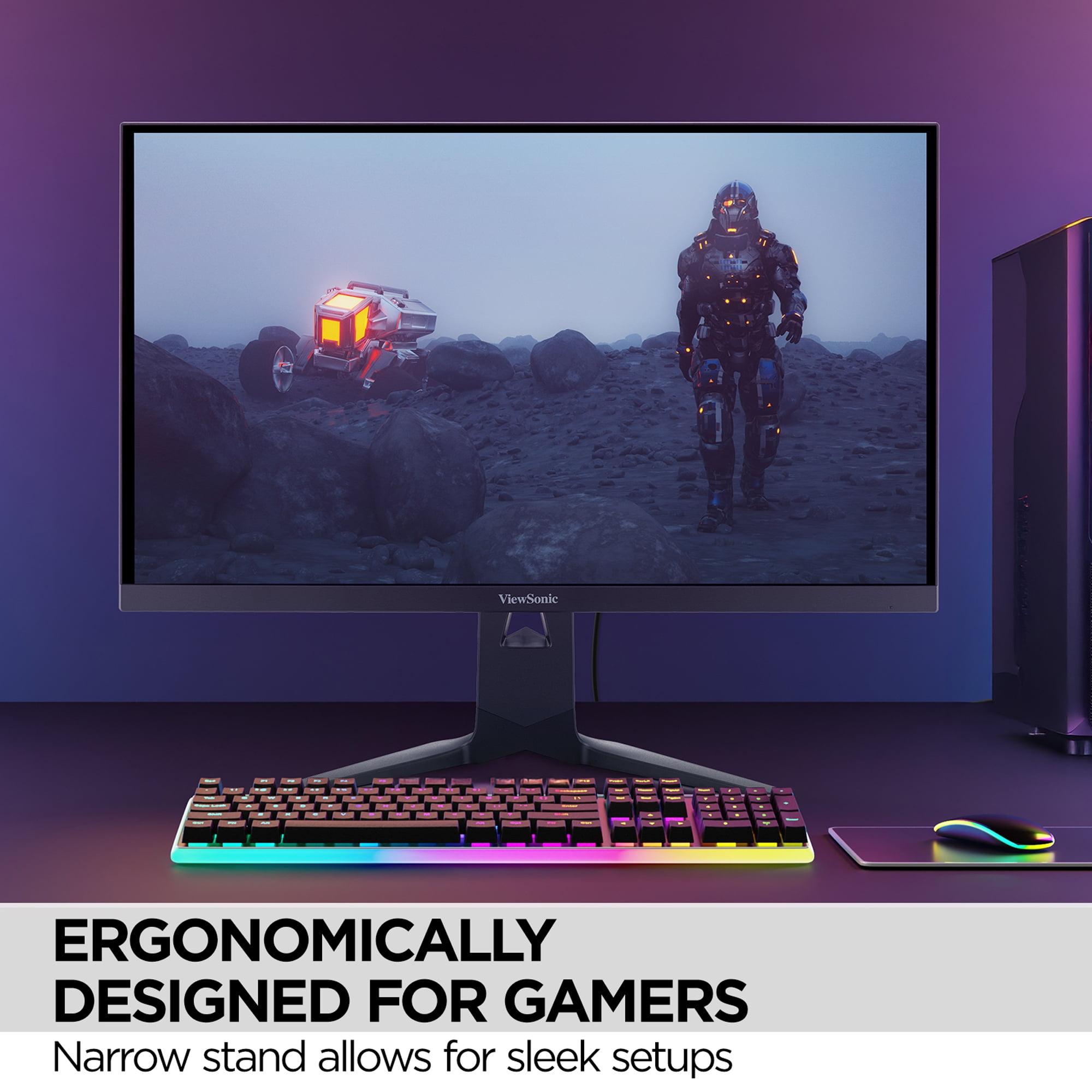
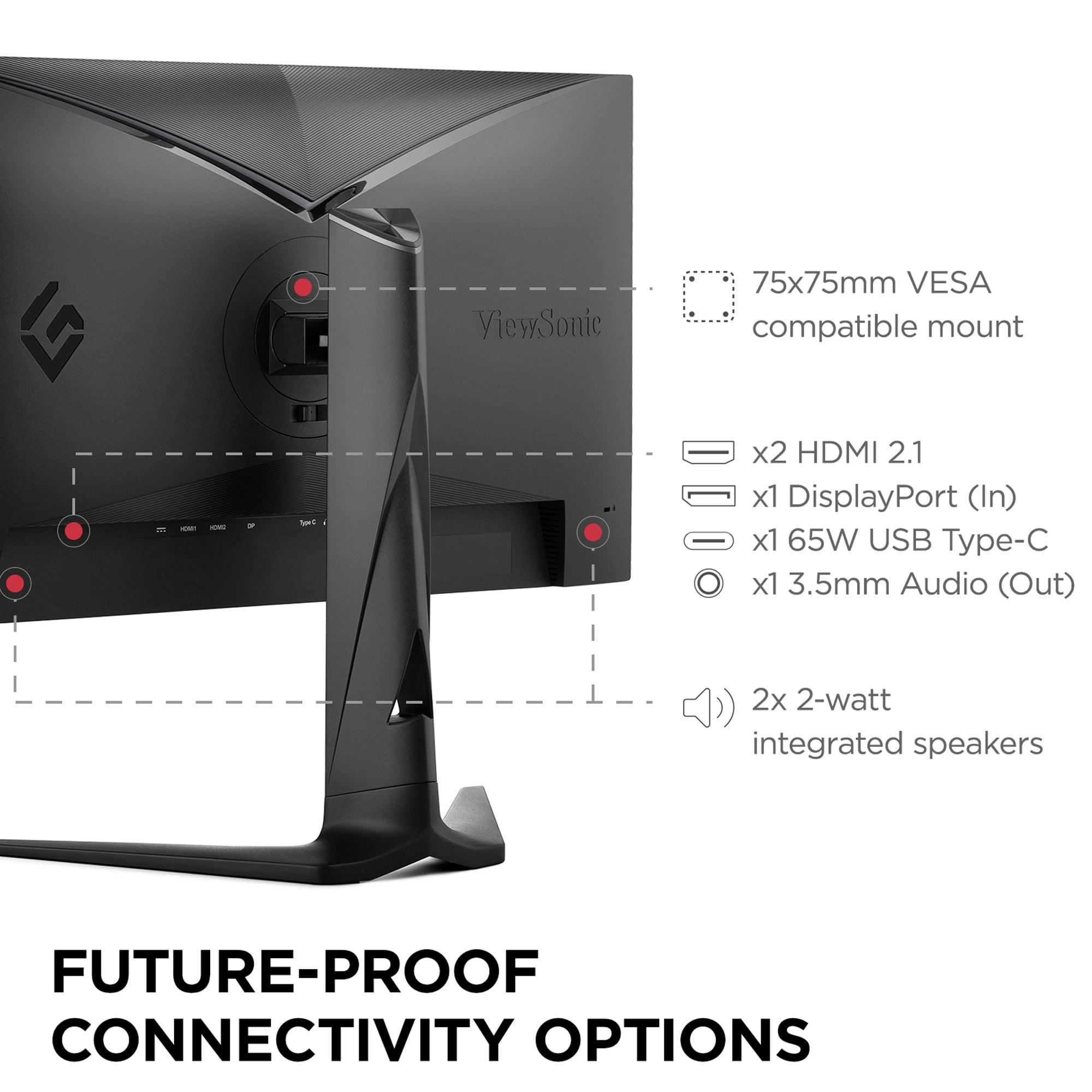
The ViewSonic XG275D-4K features premium build quality with smooth adjustment mechanisms and a more refined aesthetic. The stand's smaller footprint is particularly appreciated by competitive gamers who need maximum desk space for mouse movement. Both monitors support VESA mounting for alternative setups.
The connectivity story reveals each monitor's target audience. The Acer Nitro XV1 provides practical connections: two HDMI 2.0 ports, one DisplayPort 1.2, and a headphone jack. This covers most gaming setups adequately, though the older HDMI standard limits high refresh rate support for consoles.
The ViewSonic XG275D-4K embraces modern connectivity with HDMI 2.1, DisplayPort 1.4, and USB-C with 65W power delivery. That USB-C port is genuinely useful—you can connect and charge a laptop with a single cable, making it excellent for mixed gaming and productivity setups. The HDMI 2.1 support ensures full compatibility with PlayStation 5 and Xbox Series X.
Neither monitor is specifically designed for home theater use, but the ViewSonic XG275D-4K makes a stronger case for living room gaming. The 4K resolution matches modern streaming content, and the larger color gamut improves movie watching. However, at 27 inches, both monitors are better suited for desk use than couch gaming.
For console gaming, the ViewSonic's HDMI 2.1 support provides proper 120Hz gaming on current-generation consoles, while the Acer Nitro XV1 is limited to 60Hz via HDMI. This significantly impacts the console gaming experience, especially with performance mode games that target 120fps.
At the time of writing, the price difference between these monitors is substantial—the Acer Nitro XV1 costs roughly half what the ViewSonic XG275D-4K demands. This pricing gap dramatically affects the value equation.
The Acer delivers approximately 90% of the competitive gaming performance at 40% of the cost. For budget-conscious gamers, this represents exceptional value. The money saved could fund a significantly better graphics card or other system upgrades that would improve gaming performance more than the monitor difference.
However, the ViewSonic's dual-mode capability genuinely solves a real problem. Instead of choosing between competitive performance and visual fidelity, you can switch between modes based on what you're playing. This flexibility has value beyond pure specifications, especially for users who play diverse game types.
The Acer Nitro XV1 makes sense for several specific scenarios. If you're building a competitive gaming setup on a budget, this monitor delivers the performance you need without forcing compromises elsewhere in your system. The consistent 180Hz at 1440p perfectly matches mid-range graphics cards like the RTX 4060 Ti or RX 7700 XT.
It's also ideal for students or young gamers who need one monitor to handle both gaming and schoolwork. The 1440p resolution provides adequate screen real estate for productivity while maintaining excellent gaming performance. The money saved versus premium alternatives could fund better peripherals or save for future upgrades.
The ViewSonic XG275D-4K targets a different user entirely. If you have a high-end graphics card and want maximum flexibility, the dual-mode capability genuinely delivers value. Creative professionals who need 4K resolution for work but want high refresh rate gaming will appreciate not needing separate displays.
It's particularly compelling for users who play vastly different game types. Imagine switching from editing 4K video to playing competitive Apex Legends—you can optimize for each use case without compromise. The premium connectivity also makes it excellent for users with diverse devices, from gaming PCs to MacBooks to modern consoles.
Based on extensive review analysis and user feedback, both monitors deliver their promised performance. The Acer Nitro XV1 consistently impresses reviewers with its color accuracy and gaming performance at this price point. The main criticisms focus on modest HDR implementation and the standard IPS contrast limitations—issues that affect virtually all monitors in this category.
The ViewSonic XG275D-4K generally delivers on its dual-mode promise, though some users report slight image softness when scaling 1080p content on the 4K panel. This is physics, not a flaw—displaying non-native resolutions always involves compromises. The mode switching works reliably, though it takes a few seconds to transition.
After researching extensive user reviews and professional tests, the choice comes down to your specific situation and priorities. The Acer Nitro XV1 offers the better pure value proposition for competitive gaming, delivering professional-level performance at an accessible price point.
The ViewSonic XG275D-4K justifies its premium pricing through genuine innovation and flexibility, but only if you'll actually use both modes and have the graphics card power to drive 4K gaming effectively.
For most gamers reading this article, the Acer Nitro XV1 likely represents the smarter choice. It delivers the performance you need while leaving budget for other system improvements. However, if you're already running high-end hardware and value cutting-edge features, the ViewSonic's dual-mode capability offers something genuinely unique in the monitor market.
The gaming monitor landscape continues evolving rapidly, but these two models represent their respective categories exceptionally well. Whether you prioritize value or innovation, both monitors deliver on their core promises.
| Acer Nitro XV1 27" WQHD 180Hz IPS Gaming Monitor | ViewSonic XG275D-4K 27" 4K UHD 320Hz Gaming Monitor |
|---|---|
| Resolution - Determines image sharpness and GPU requirements | |
| 2560 x 1440 (1440p) - Sweet spot for mid-range GPUs | 3840 x 2160 (4K UHD) - Requires high-end GPU for smooth gaming |
| Maximum Refresh Rate - Higher numbers mean smoother motion in games | |
| 180Hz at native 1440p (consistent performance) | 320Hz at 1080p OR 160Hz at 4K (switchable modes) |
| Response Time - Lower is better for reducing motion blur | |
| 1ms GTG (0.5ms with Visual Response Boost) | 0.5ms MPRT across both modes |
| Panel Type - Affects viewing angles and color accuracy | |
| IPS with 95% DCI-P3 color coverage | IPS with 94% DCI-P3 color coverage |
| Variable Refresh Rate - Eliminates screen tearing | |
| AMD FreeSync Premium (40-180Hz), G-SYNC Compatible | AMD FreeSync Premium, G-SYNC Compatible |
| Connectivity - Determines device compatibility | |
| 2x HDMI 2.0, 1x DisplayPort 1.2, headphone jack | HDMI 2.1, DisplayPort 1.4, USB-C with 65W power delivery |
| HDR Support - Enhanced contrast for compatible content | |
| HDR10 with 250 nits peak brightness | HDR10 with higher brightness capability |
| Unique Features - What sets each monitor apart | |
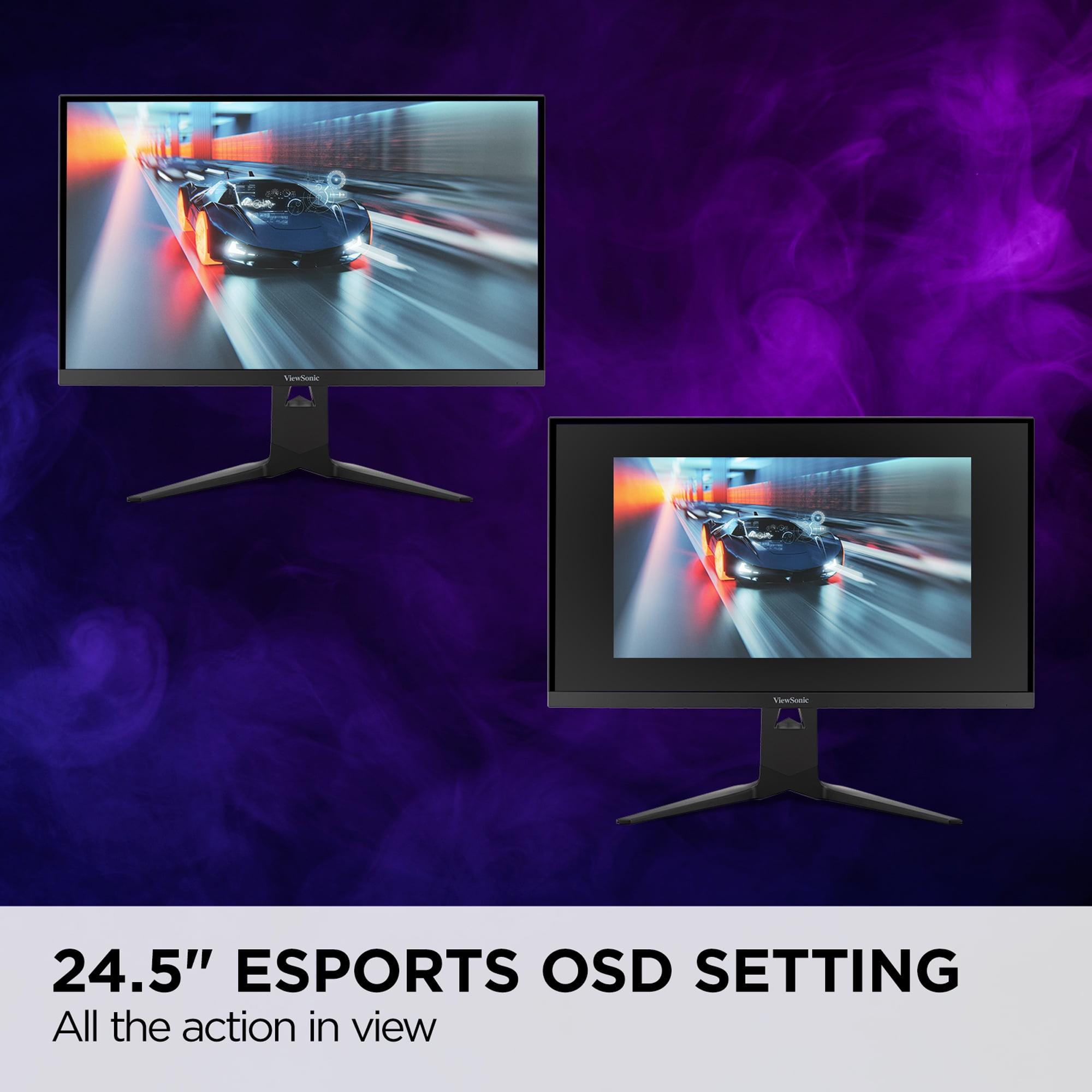
| Visual Response Boost, Black Boost, crosshair overlays | Dual-mode switching, 24.5" esports mode, laptop charging |
| Ergonomics - Important for comfort during long gaming sessions | |
| Full adjustability (height, tilt, swivel, pivot) | Premium stand with 130mm height adjustment |
| Target Use Case - Who each monitor serves best | |
| Competitive gaming on a budget with mid-range GPUs | Premium gaming with flexibility between esports and 4K |
| Value Proposition - Performance per dollar spent | |
| Exceptional value - 90% of premium performance at budget price | Premium flexibility - dual-mode capability justifies higher cost |
The Acer Nitro XV1 is better suited for competitive esports gaming. It delivers consistent 180Hz performance at 1440p resolution with sub-4ms input lag, making it ideal for fast-paced games like Counter-Strike and Valorant. While the ViewSonic XG275D-4K can reach 320Hz, it requires dropping to 1080p resolution, and the Acer Nitro XV1 offers better value for dedicated competitive gaming.
The primary difference is resolution and refresh rate approach. The Acer Nitro XV1 focuses on consistent 180Hz performance at 1440p resolution, while the ViewSonic XG275D-4K offers dual-mode flexibility—either 4K resolution at 160Hz or 1080p at 320Hz. The ViewSonic provides more versatility, but the Acer delivers reliable performance at a lower cost.
The ViewSonic XG275D-4K requires significantly more GPU power, especially when gaming at 4K resolution. You'll need at least an RTX 4080 or RX 7900 XTX for smooth 4K gaming. The Acer Nitro XV1 works excellently with mid-range cards like RTX 4060 Ti or RX 7700 XT, making it more accessible for budget builds.
The ViewSonic XG275D-4K offers better console compatibility with HDMI 2.1 support, enabling 120Hz gaming at 4K with current-generation consoles. The Acer Nitro XV1 has HDMI 2.0 ports, limiting console gaming to 60Hz, though it still works fine for casual console gaming.
The ViewSonic XG275D-4K is superior for professional work thanks to its 4K resolution, USB-C connectivity with 65W power delivery, and ability to charge laptops. The higher pixel density makes it excellent for video editing, photo work, and design tasks. The Acer Nitro XV1 can handle basic productivity but lacks the resolution and connectivity for serious professional use.
Yes, both the Acer Nitro XV1 and ViewSonic XG275D-4K support HDR10. However, neither provides exceptional HDR performance due to modest peak brightness levels typical of IPS panels. The HDR experience is decent for the price range but doesn't match OLED or high-end mini-LED displays.
The Acer Nitro XV1 provides exceptional value, delivering about 90% of premium gaming performance at roughly half the cost of the ViewSonic. For budget-conscious gamers, the money saved could be invested in better system components. The ViewSonic XG275D-4K justifies its higher price through 4K capability and dual-mode flexibility, but only if you'll use these premium features.
Both monitors work for entertainment, but the ViewSonic XG275D-4K is better for movie watching due to its 4K resolution matching modern streaming content. However, at 27 inches, both are better suited for desk use rather than living room entertainment. The Acer Nitro XV1 provides adequate movie quality but excels primarily in gaming scenarios.
Both monitors offer excellent response times—the Acer Nitro XV1 achieves 1ms GTG (0.5ms with VRB), while the ViewSonic XG275D-4K provides 0.5ms MPRT. In practical gaming, both eliminate motion blur effectively. The difference is negligible for most users, making other factors like resolution and refresh rate more important for decision-making.
Both the Acer Nitro XV1 and ViewSonic XG275D-4K offer excellent color performance with 94-95% DCI-P3 coverage. The Acer Nitro XV1 receives praise for consistent colors across the entire screen, while the ViewSonic offers 10-bit color support. For gaming purposes, both provide vibrant, accurate colors that enhance the visual experience.
The Acer Nitro XV1 works better in multi-monitor configurations due to its consistent performance and lower cost per screen. The ViewSonic XG275D-4K can experience connection issues in multi-monitor setups when VRR is enabled, and the higher cost makes multiple units less practical. For serious multi-monitor gaming or productivity, the Acer is the more reliable choice.
For most first-time gaming monitor buyers, the Acer Nitro XV1 is the smarter choice. It delivers excellent gaming performance without requiring expensive graphics cards, leaves budget for other system components, and handles both gaming and basic productivity well. Choose the ViewSonic XG275D-4K only if you already have high-end hardware and specifically need 4K resolution or dual-mode flexibility.
We've done our best to create useful and informative comparisons to help you decide what product to buy. Our research uses advanced automated methods to create this comparison and perfection is not possible - please contact us for corrections or questions. These are the sites we've researched in the creation of this article: bestbuy.com - tomshardware.com - displayninja.com - youtube.com - youtube.com - youtube.com - store.acer.com - manuals.plus - displayspecifications.com - pangoly.com - pcpartpicker.com - casariolab.art - store.acer.com - versus.com - youtube.com - cgmagonline.com - gamingshogun.com - techpowerup.com - notebookcheck.net - bestbuy.com - newegg.com - techpowerup.com - shi.com - viewsonic.com - viewsonic.com - prnewswire.com - viewsonic.com - viewsonic.com - shop.avispl.com - guru3d.com - viewsonic.com - viewsonic.com - viewsonic.com - viewsonic.com

Privacy Policy
Terms and Conditions - Affiliate Policy
Home Security
© Copyright 2008-2026.
11816 Inwood Rd #1211, Dallas, TX 75244