
















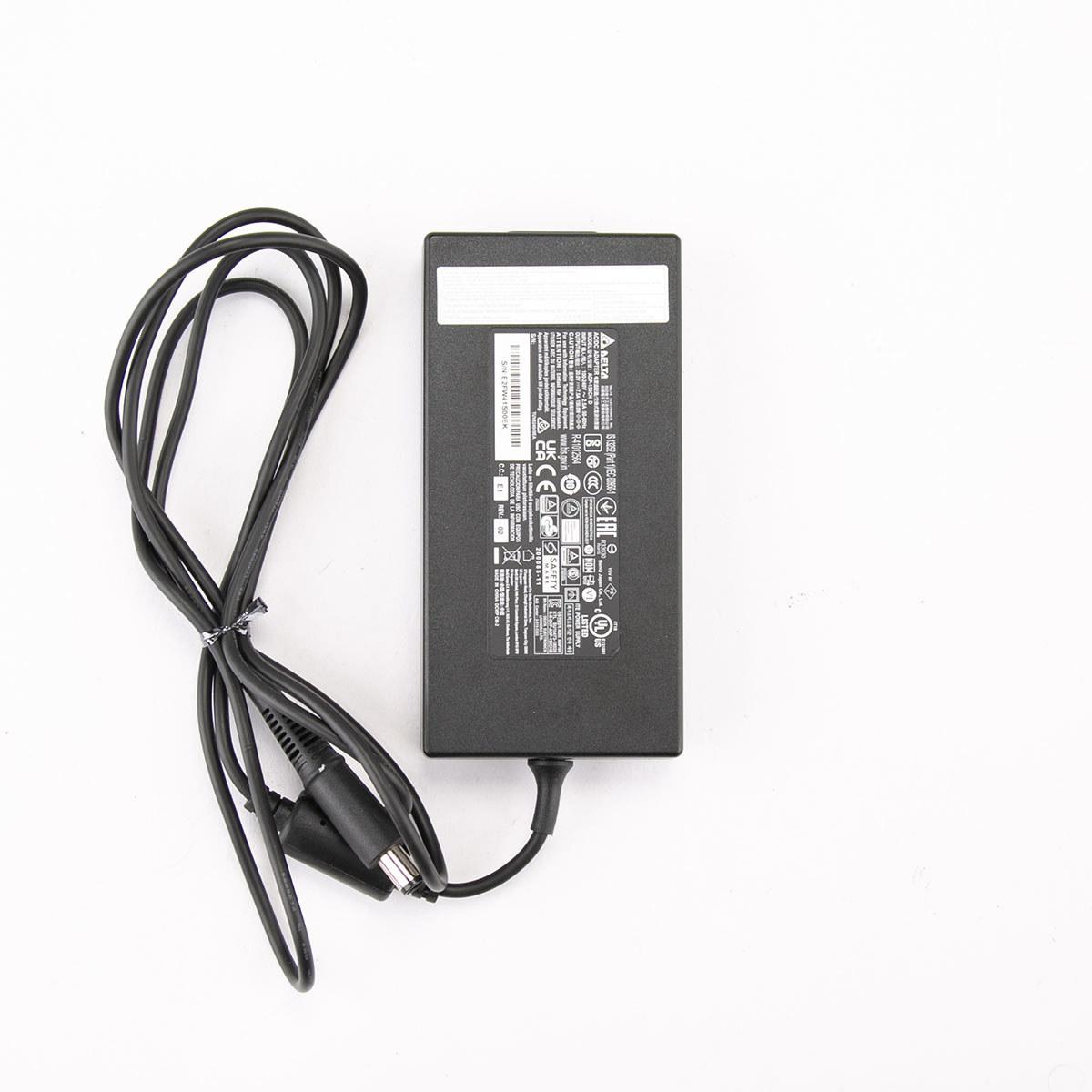
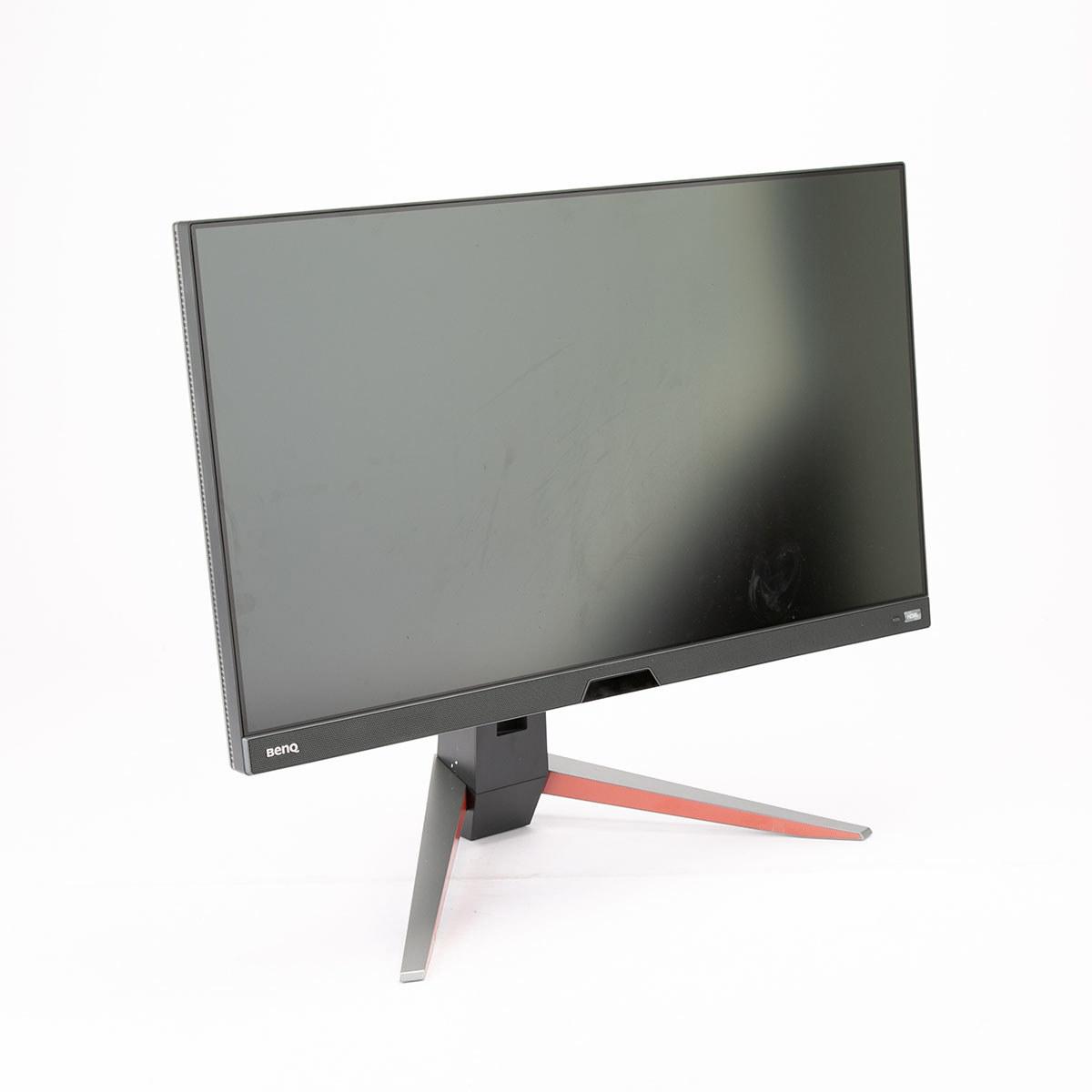
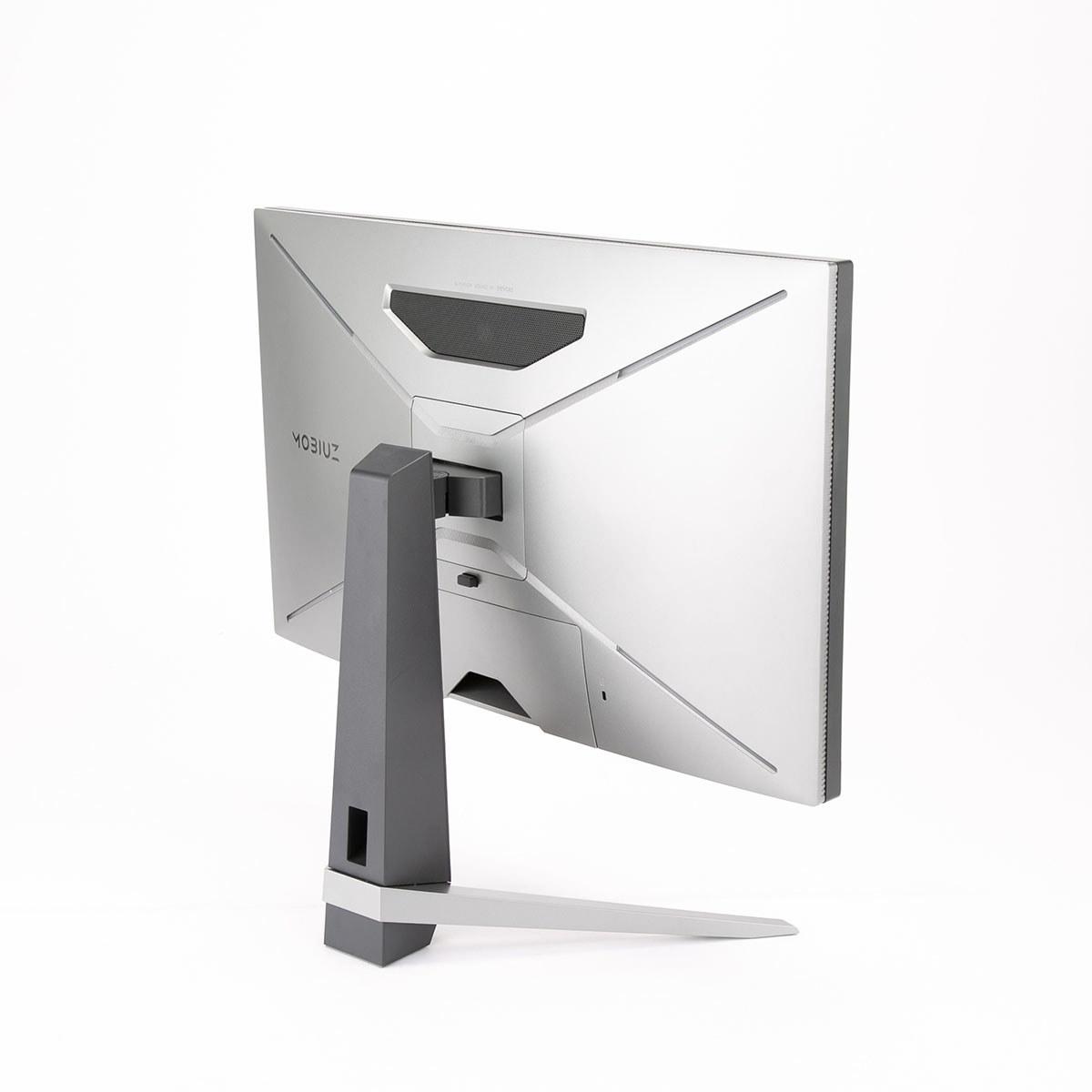
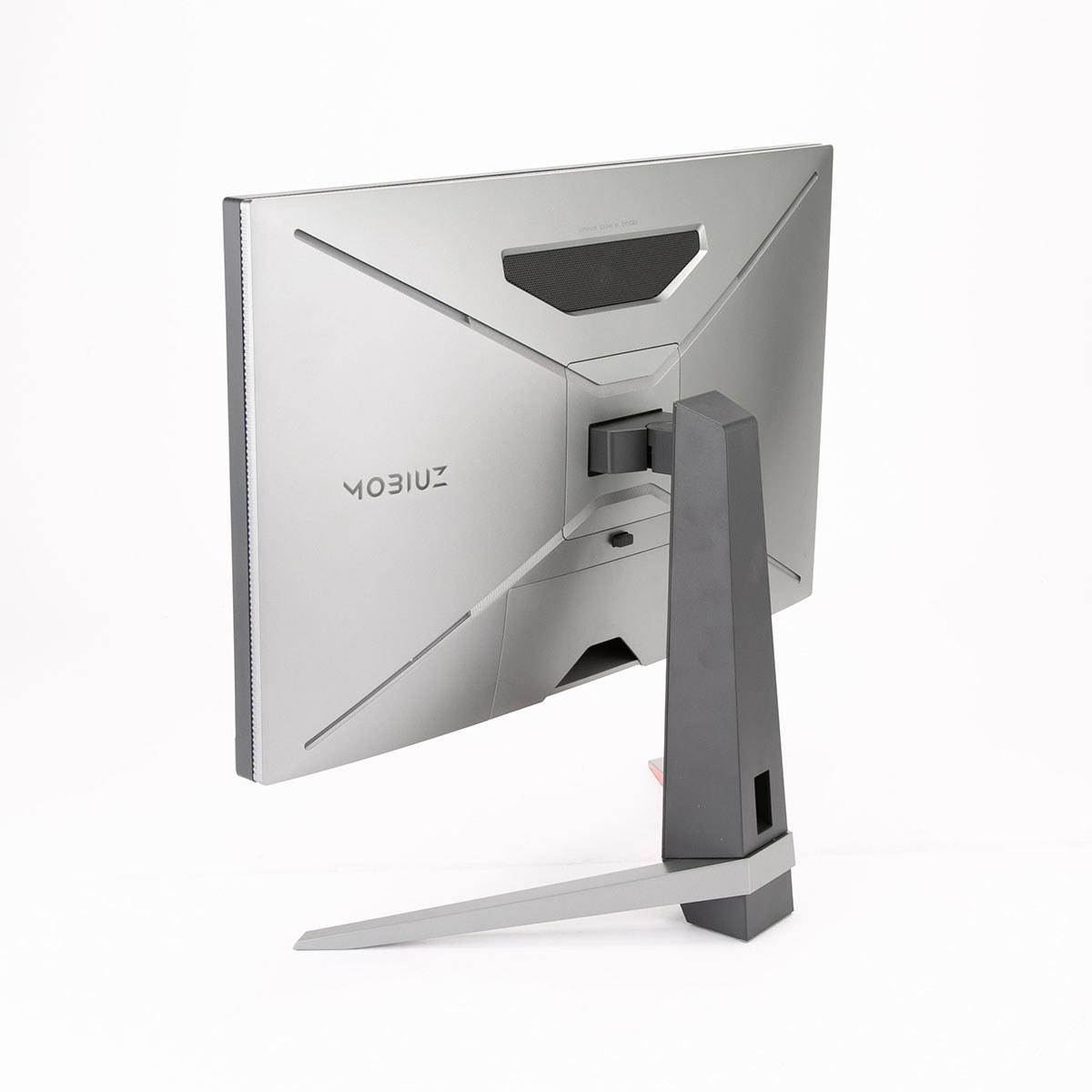
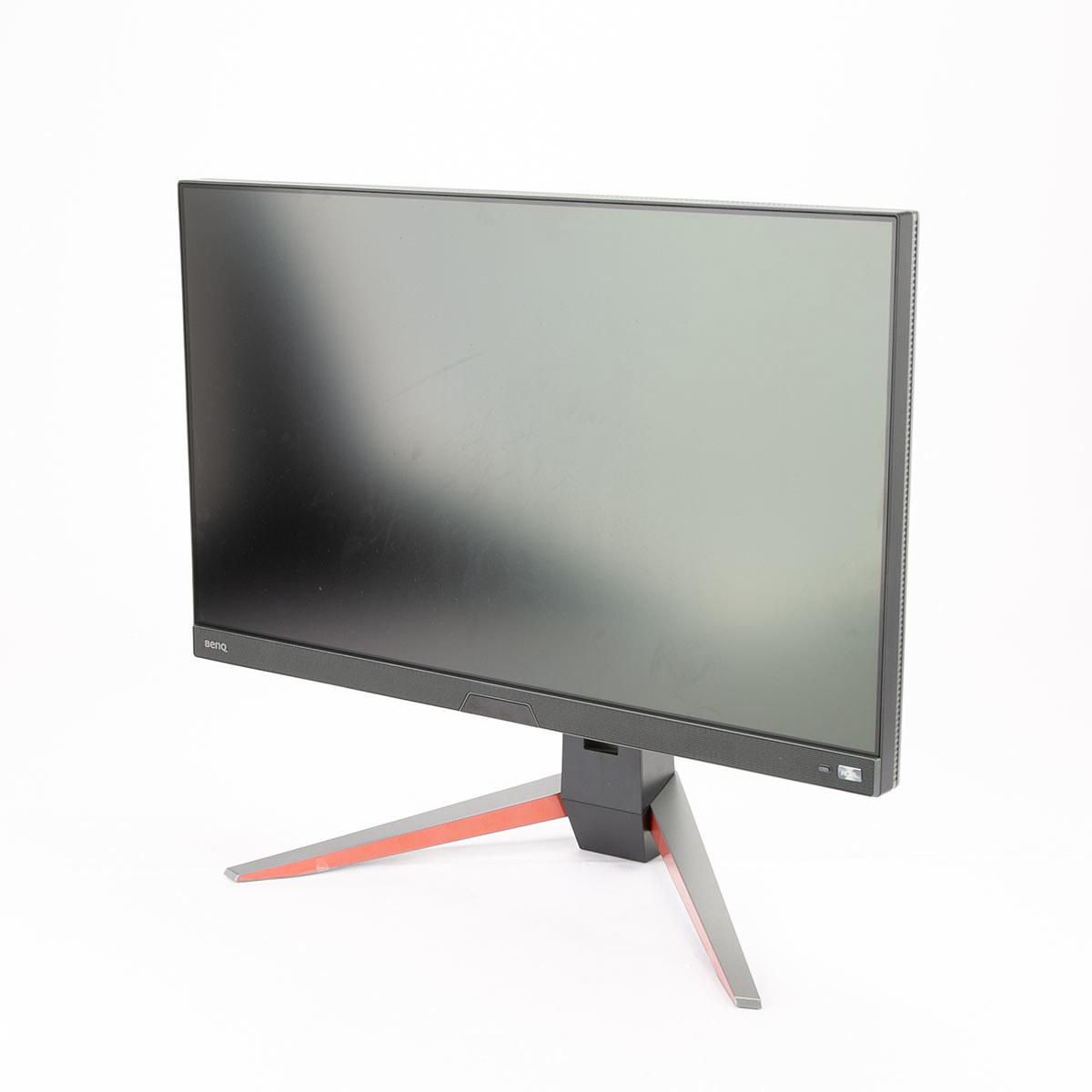
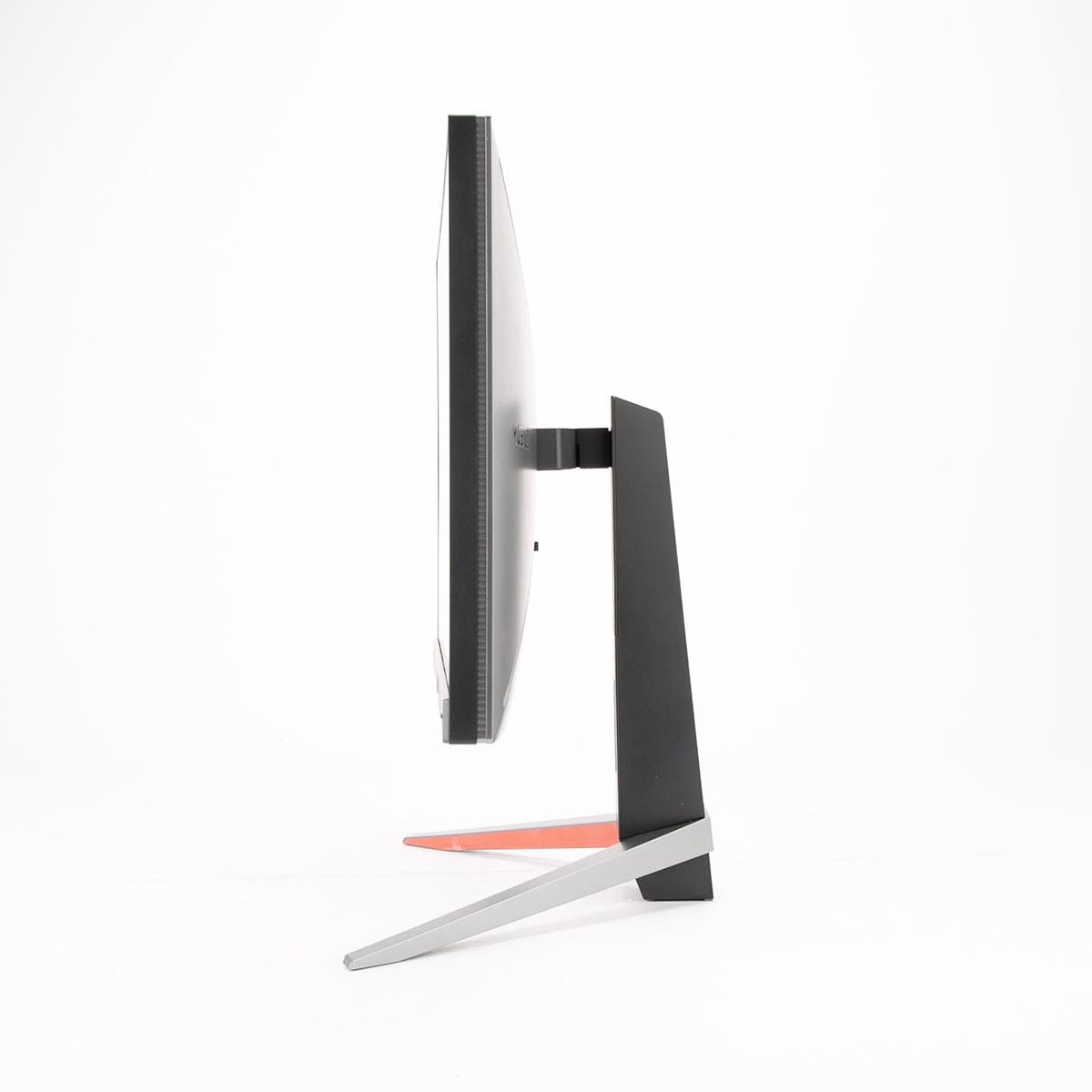
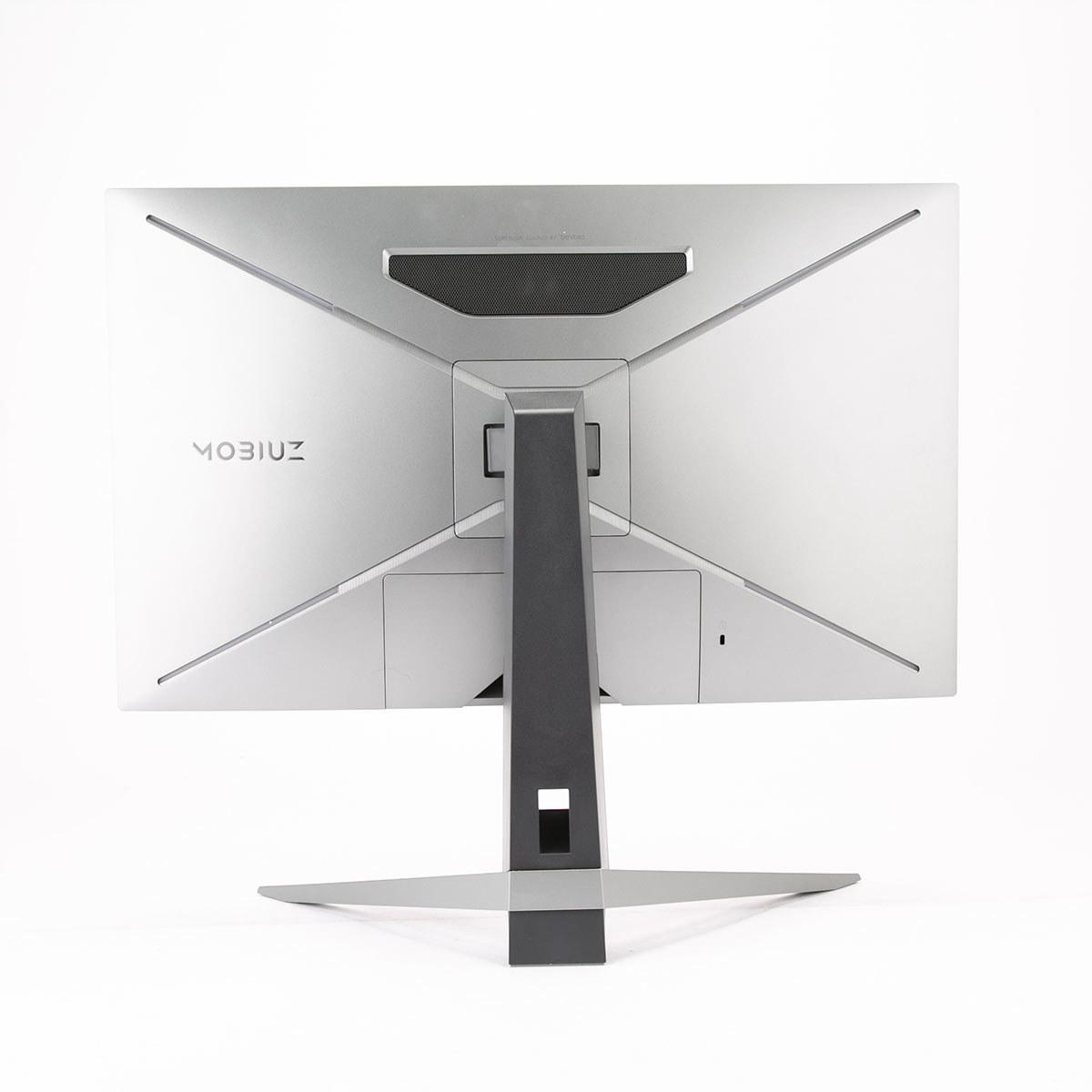
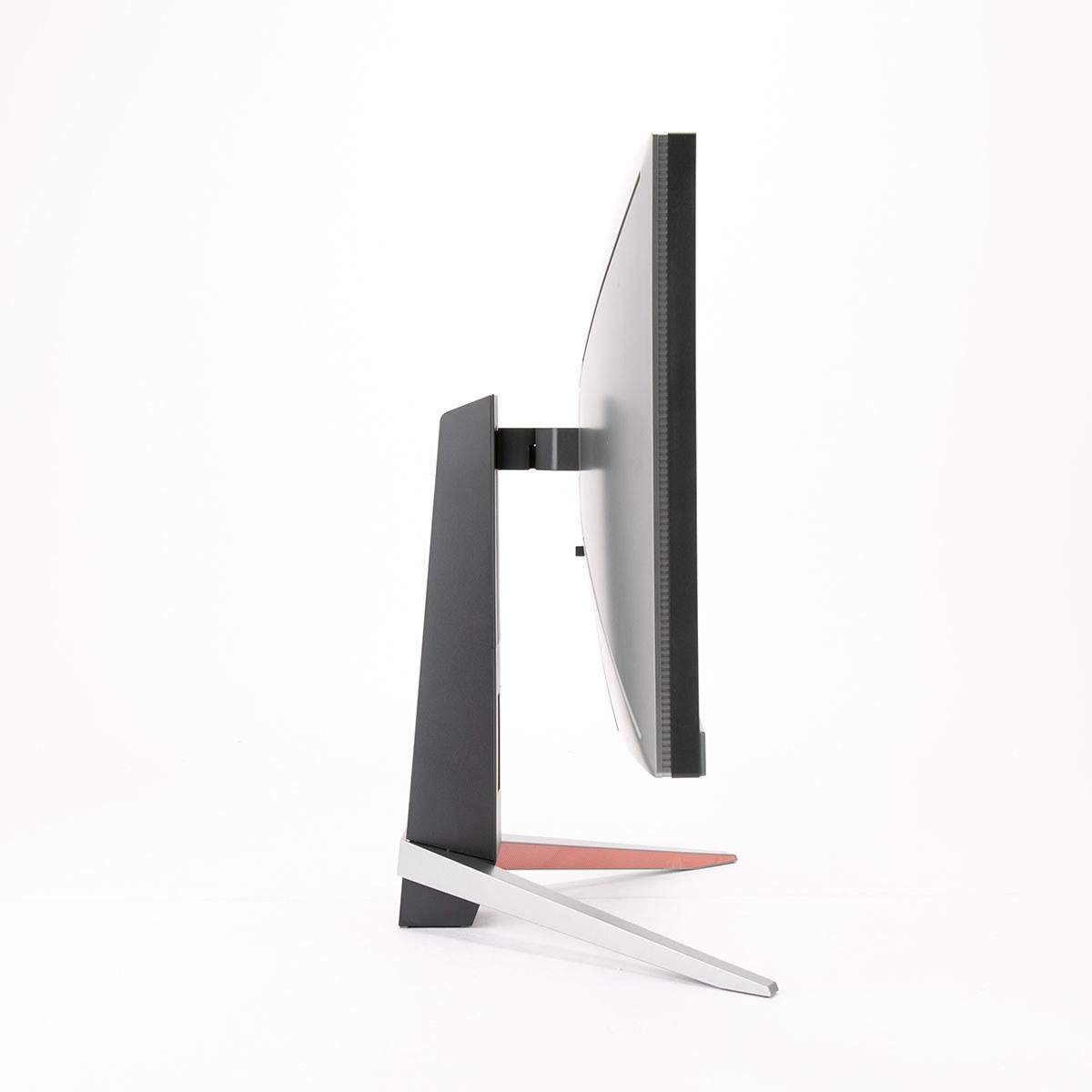
When you're shopping for a gaming monitor, the 27-inch 1440p category hits that perfect sweet spot where your games look crisp without absolutely crushing your graphics card. Two monitors that perfectly illustrate the range in this category are the Acer Nitro XV1 and the BenQ MOBIUZ EX270QM—one delivering incredible value, the other pushing performance boundaries.
Before diving into specifics, let's talk about what actually matters when you're gaming. Refresh rate—measured in hertz (Hz)—tells you how many times per second your monitor can display a new image. Higher numbers mean smoother motion, which is especially noticeable in fast-paced games. Response time, measured in milliseconds (ms), shows how quickly a pixel can change from one color to another. Lower is better here, as slow response times create ghosting (blurry trails behind moving objects).
Panel type makes a huge difference too. IPS (In-Plane Switching) panels offer the best color accuracy and viewing angles, meaning the picture looks great whether you're sitting directly in front or off to the side. Both monitors we're comparing use IPS technology, which is why they're excellent for both gaming and general computer use.
Adaptive sync technology like AMD FreeSync or NVIDIA G-Sync synchronizes your monitor's refresh rate with your graphics card's output, eliminating screen tearing—those annoying horizontal lines that appear when your GPU and monitor are out of sync. It's one of those features that once you experience it, you can't go back.
The Acer Nitro XV1, released in 2024, represents the current pinnacle of budget gaming monitors. At roughly half the cost of premium alternatives (at the time of writing), it delivers a 180Hz refresh rate with 1ms response time on a quality IPS panel. This monitor proves you don't need to break the bank for a high-refresh gaming experience.
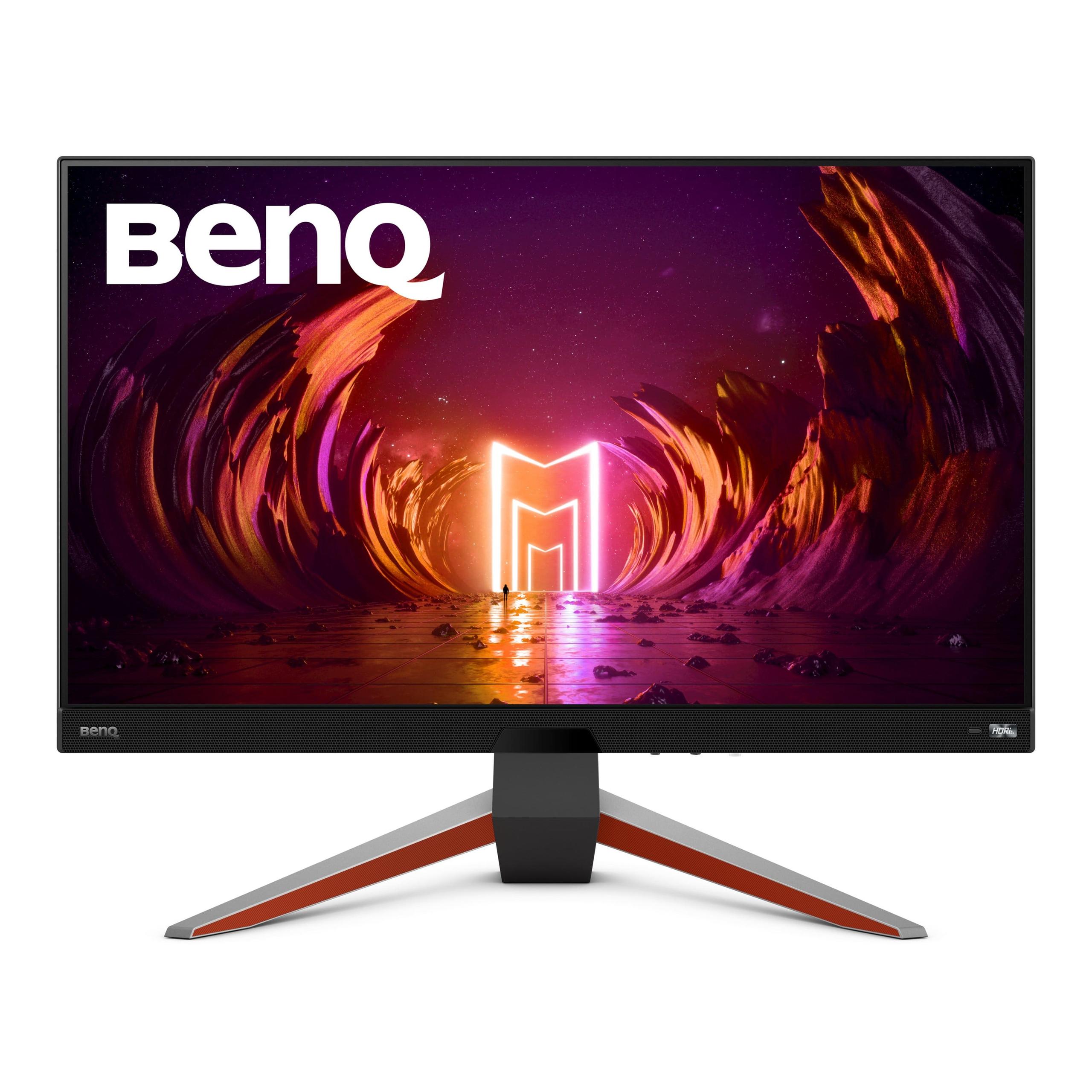
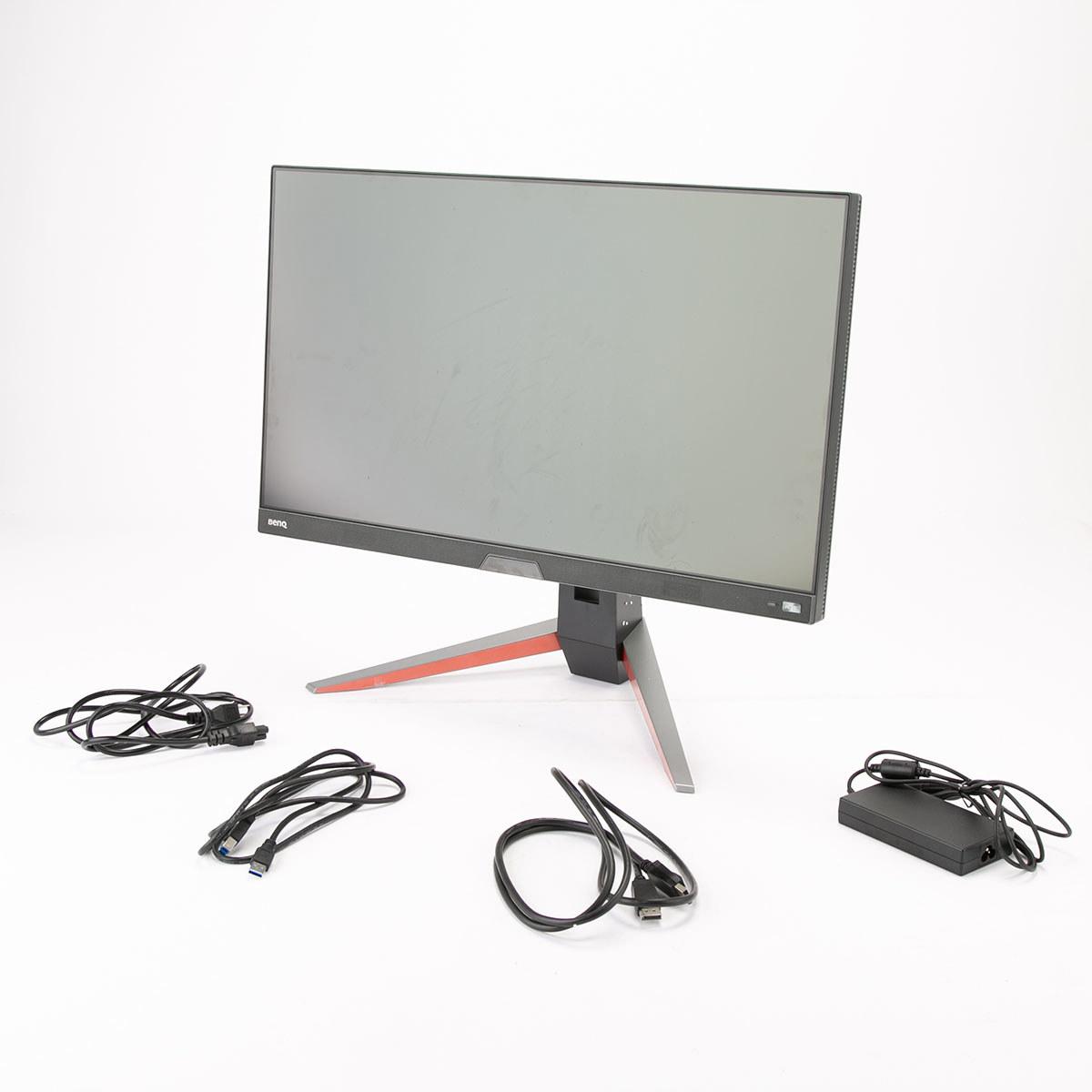
The BenQ MOBIUZ EX270QM, launched in 2022, takes a different approach entirely. It's positioned as a premium gaming monitor that doesn't compromise on any aspect of performance. With a 240Hz refresh rate and significantly higher brightness capability, it targets serious gamers willing to pay for measurable performance improvements.
What's fascinating is how much the gaming monitor landscape has evolved since 2022. When the BenQ MOBIUZ EX270QM launched, 240Hz IPS panels were cutting-edge technology commanding premium prices. The fact that the Acer Nitro XV1 can deliver 180Hz at budget pricing just two years later shows how rapidly this technology has become mainstream.
Here's where things get interesting from a pure performance standpoint. The BenQ MOBIUZ EX270QM runs at 240Hz compared to the Acer Nitro XV1's 180Hz. That 60Hz difference represents 25% more frames per second, which translates to noticeably smoother motion during fast-paced gaming.
But here's the thing about refresh rates—the improvement from 60Hz to 144Hz is massive and immediately noticeable to almost everyone. The jump from 144Hz to 180Hz is still significant, especially in competitive games. However, the difference between 180Hz and 240Hz, while measurable, hits that point of diminishing returns where only the most dedicated competitive players will consistently notice the improvement.
Both monitors achieve 1ms response times, but implementation matters more than specifications here. Based on extensive user feedback and professional testing, the BenQ MOBIUZ EX270QM handles motion with slightly better clarity due to its superior overdrive implementation—the technology that speeds up pixel transitions. The Acer Nitro XV1 still performs excellently, with minimal ghosting and good motion handling that satisfies the vast majority of gaming scenarios.
For motion blur reduction, both monitors offer backlight strobing technology. The Acer Nitro XV1 includes Visual Response Boost (VRB), which strobes the backlight to reduce perceived motion blur, though this feature can't be used simultaneously with adaptive sync. The BenQ MOBIUZ EX270QM's blur reduction technology is more sophisticated, working effectively without the typical brightness penalties that plague many implementations.
This is where the premium positioning of the BenQ MOBIUZ EX270QM becomes most apparent. With 600 nits of peak brightness compared to the Acer Nitro XV1's 250 nits, the BenQ is more than twice as bright. In practical terms, this means the BenQ can display much more convincing HDR content and performs significantly better in bright room environments.
HDR (High Dynamic Range) support varies dramatically between these monitors. The Acer Nitro XV1 technically supports HDR10, but at 250 nits, the HDR experience is fairly limited—you'll see some improvement in color range, but don't expect the dramatic contrast and brightness highlights that make HDR content truly impressive. The BenQ MOBIUZ EX270QM, with its DisplayHDR 600 certification and actual 600-nit capability, delivers a much more satisfying HDR experience that actually enhances your gaming and media consumption.
Color reproduction is excellent on both displays, with the Acer Nitro XV1 covering 95% of the DCI-P3 color space and the BenQ MOBIUZ EX270QM reaching 98% DCI-P3. Both exceed standard sRGB coverage significantly, meaning colors appear vibrant and accurate whether you're gaming or doing creative work. The BenQ has the slight edge here and comes factory calibrated for better out-of-box accuracy.
Both monitors share the typical IPS panel characteristics: excellent viewing angles, good color consistency, but relatively modest contrast ratios around 1000:1. This means black levels won't be as deep as you'd get with VA or OLED panels, but the trade-off is superior color accuracy and no viewing angle restrictions.
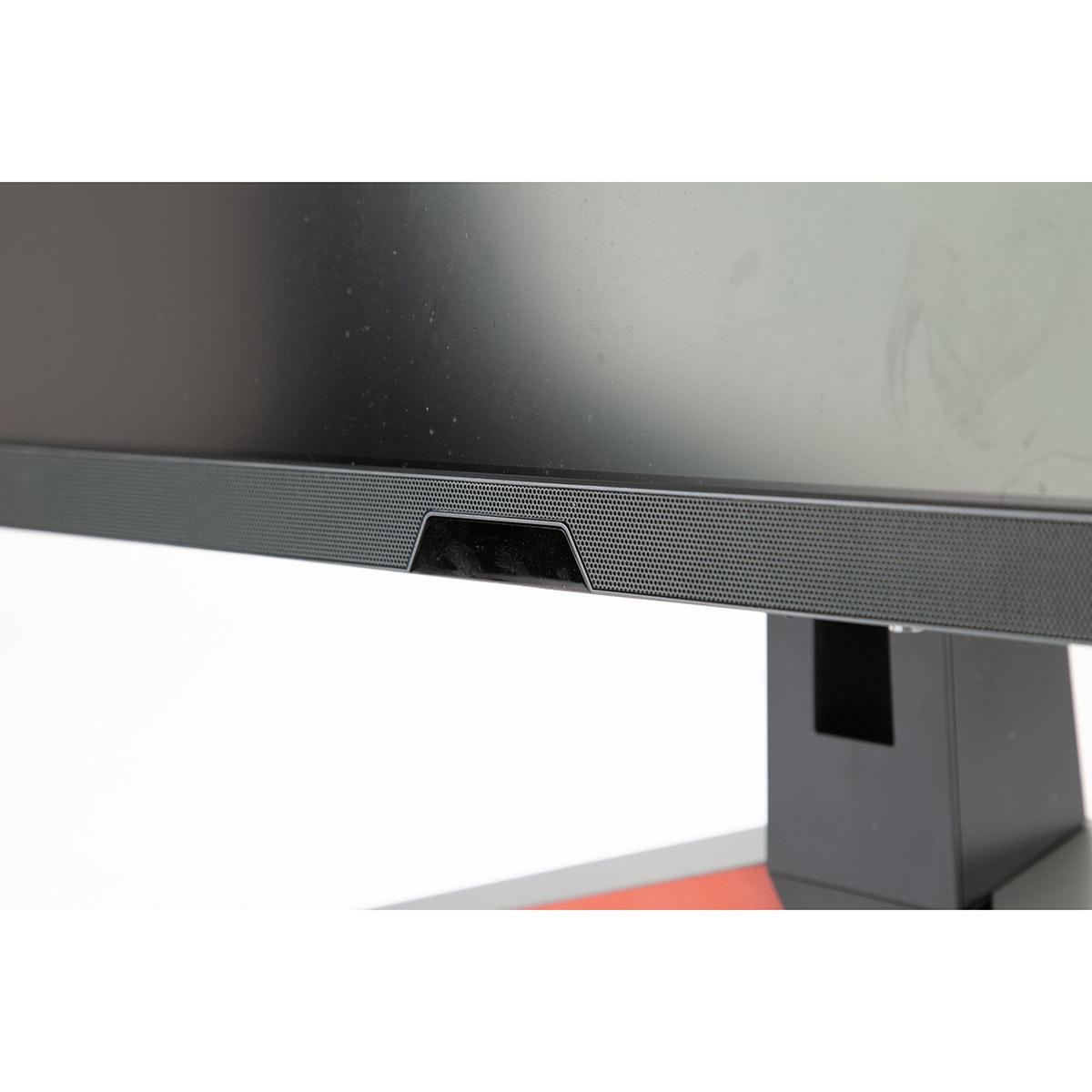
Here's where the BenQ MOBIUZ EX270QM absolutely shines with a feature most people don't expect to matter much. The integrated treVolo audio system includes two 2W speakers plus a dedicated 5W subwoofer, creating a 2.1 channel setup that's genuinely impressive for built-in monitor audio. User reviews consistently praise the audio quality, noting clear dialogue, good mid-range response, and actual bass presence.
This isn't just a nice-to-have feature—it's potentially a significant cost saver. Many gamers spend $50-150 on decent desktop speakers or headphones specifically for gaming audio. The BenQ MOBIUZ EX270QM's audio quality means you might not need separate speakers at all, effectively reducing the total cost of ownership.
The Acer Nitro XV1 includes standard 2x2W speakers that are functional but unremarkable—fine for system sounds and basic audio needs, but you'll definitely want dedicated speakers or headphones for serious gaming or media consumption.
For home theater applications, the BenQ's superior audio becomes even more valuable. While neither monitor is primarily designed for living room use, the BenQ's combination of higher brightness (better for ambient lighting) and quality audio makes it more suitable for occasional movie watching or console gaming from the couch.
Both monitors offer full ergonomic adjustability—height, tilt, swivel, and pivot—which is crucial for long gaming sessions. The Acer Nitro XV1 provides excellent adjustment range despite its budget positioning, with up to 4.7 inches of height adjustment and smooth operation across all axes.
The BenQ MOBIUZ EX270QM takes a different approach to user interface with its included remote control. This might seem like overkill for a desktop monitor, but it's surprisingly convenient for quick volume adjustments or switching between input sources, especially if you're using the monitor for both PC gaming and console gaming.
One interesting quirk reported by BenQ users is the confusing menu terminology—BenQ uses proprietary names for common features that can require some learning. The power button placement next to menu controls has also caused some users to accidentally turn off the monitor when trying to access settings.
The Acer Nitro XV1 uses a more conventional joystick control system that most users find intuitive, plus offers the Acer Display Widget software for adjusting settings directly from Windows.
Both monitors handle current gaming needs well, but there are some important differences for future compatibility. The BenQ MOBIUZ EX270QM includes HDMI 2.1 ports, which support higher bandwidth connections needed for next-generation consoles like PlayStation 5 and Xbox Series X to achieve 1440p at 120Hz. The monitor also includes a USB hub for connecting peripherals.
The Acer Nitro XV1 relies on DisplayPort 1.2 and HDMI 2.0 connections, which are perfectly adequate for current PC gaming but may limit some future console gaming scenarios. For most users, this won't be an immediate concern, but it's worth considering for long-term ownership.
Both monitors support AMD FreeSync Premium and work well with NVIDIA G-Sync compatible mode, ensuring smooth gaming regardless of your graphics card choice.
The pricing difference between these monitors (at the time of writing) represents one of the most interesting value discussions in gaming hardware. The Acer Nitro XV1 delivers roughly 80-90% of the premium gaming experience at approximately 50% of the cost.
For many gamers, especially those building their first high-refresh rate setup or working within budget constraints, the Acer Nitro XV1 represents exceptional value. The money saved could go toward a better graphics card or other system components that might have more impact on gaming performance than the monitor upgrade from 180Hz to 240Hz.
However, the BenQ MOBIUZ EX270QM justifies its premium pricing through measurable improvements in areas that matter to serious gamers: significantly higher brightness for HDR content and bright room gaming, 25% higher refresh rate for competitive advantages, and genuinely useful integrated audio that eliminates the need for separate speakers.
The Acer Nitro XV1 makes perfect sense for first-time high-refresh monitor buyers, budget-conscious gamers, and anyone who wants excellent gaming performance without paying premium prices. If you're upgrading from a 60Hz monitor, the improvement will be dramatic and satisfying. It's also ideal if you prefer putting your money toward other system components—a better graphics card will likely improve your gaming experience more than the jump from 180Hz to 240Hz.
The BenQ MOBIUZ EX270QM targets competitive gamers who want every possible advantage, enthusiasts with high-end system builds, and users who game in bright environments where the higher brightness capability becomes essential. It's also worth considering if you value the all-in-one convenience of quality integrated audio, or if you plan to use the monitor for both PC and console gaming thanks to its HDMI 2.1 support.
For home theater applications, the BenQ MOBIUZ EX270QM is clearly superior due to its higher brightness and better audio, though neither monitor is primarily designed for living room use.
Both monitors represent their market segments extremely well. The Acer Nitro XV1 proves that budget gaming monitors have evolved tremendously—you're getting premium features like 180Hz refresh rates, quality IPS panels, and full ergonomic adjustability at prices that were unimaginable just a few years ago.
The BenQ MOBIUZ EX270QM demonstrates what's possible when you prioritize performance over price constraints. Every aspect is optimized for the best possible gaming experience, from motion clarity to HDR brightness to integrated audio quality.
Your decision ultimately comes down to whether the measurable improvements in brightness, refresh rate, and audio quality justify the significant price premium. For most gamers, the Acer Nitro XV1 delivers outstanding value and performance that will satisfy their needs completely. For competitive gamers and enthusiasts who want the absolute best gaming experience available, the BenQ MOBIUZ EX270QM provides those premium features that genuinely enhance the gaming experience.
Either way, you're getting an excellent gaming monitor that represents the current state of IPS panel technology—just at very different price points with correspondingly different feature sets.
| Acer Nitro XV1 27" WQHD 180Hz IPS Gaming Monitor | BenQ MOBIUZ EX270QM 27" QHD 240Hz IPS Gaming Monitor |
|---|---|
| Refresh Rate - Higher rates provide smoother motion and competitive gaming advantages | |
| 180Hz (excellent for most gaming scenarios) | 240Hz (25% smoother for competitive esports) |
| Peak Brightness - Critical for HDR content and bright room gaming | |
| 250 nits (adequate for dim environments) | 600 nits (2.4x brighter, genuine HDR experience) |
| Response Time - Lower values reduce motion blur and ghosting | |
| 1ms GtG (excellent motion handling) | 1ms GtG (superior overdrive implementation) |
| Color Gamut - Wider coverage means more vibrant, accurate colors | |
| 95% DCI-P3 (excellent for gaming and content creation) | 98% DCI-P3 (slightly better, factory calibrated) |
| HDR Support - Enhanced contrast and dynamic range for supported content | |
| HDR10 (limited by brightness capability) | DisplayHDR 600 (meaningful HDR experience) |
| Audio System - Quality speakers eliminate need for external audio | |
| 2x2W stereo speakers (basic functionality) | 2.1 channel treVolo system with 5W subwoofer (premium quality) |
| Adaptive Sync - Eliminates screen tearing for smooth gameplay | |
| AMD FreeSync Premium, G-Sync Compatible | AMD FreeSync Premium Pro, G-Sync Compatible |
| Connectivity - Future-proofing for next-gen consoles and high bandwidth | |
| DisplayPort 1.2, 2x HDMI 2.0 (adequate for current needs) | DisplayPort 1.4, 2x HDMI 2.1 (better console support) |
| Ergonomics - Adjustability for comfortable long gaming sessions | |
| Full adjustment (height, tilt, swivel, pivot) | Full adjustment plus remote control |
| Value Positioning - Performance per dollar spent | |
| Exceptional budget value (90% performance at 50% cost) | Premium experience with measurable improvements |
The BenQ MOBIUZ EX270QM is superior for competitive gaming with its 240Hz refresh rate compared to the Acer Nitro XV1's 180Hz. The 60Hz difference provides 25% smoother motion and reduced input lag, giving competitive players a measurable advantage in fast-paced esports titles like CS2, Valorant, and Apex Legends.
The primary difference is performance level and pricing. The Acer Nitro XV1 offers excellent value with 180Hz refresh rate and solid gaming features at a budget-friendly price point. The BenQ MOBIUZ EX270QM delivers premium performance with 240Hz refresh rate, 2.4x higher brightness (600 vs 250 nits), and superior integrated audio system.
The BenQ MOBIUZ EX270QM has significantly better picture quality due to its 600-nit peak brightness compared to the Acer Nitro XV1's 250 nits. This means much better HDR performance, more vibrant colors in bright scenes, and superior visibility in well-lit rooms. Both offer excellent color accuracy with 95-98% DCI-P3 coverage.
Yes, both monitors work with next-gen consoles, but the BenQ MOBIUZ EX270QM offers better compatibility with HDMI 2.1 ports supporting 1440p at 120Hz. The Acer Nitro XV1 uses HDMI 2.0 which may limit some future console gaming scenarios, though it handles current gaming needs well.
The Acer Nitro XV1 offers exceptional value, delivering about 90% of premium gaming performance at roughly half the cost of the BenQ MOBIUZ EX270QM. For budget-conscious gamers or first-time high-refresh monitor buyers, the Acer provides outstanding bang for buck.
The BenQ MOBIUZ EX270QM has vastly superior audio with a 2.1 channel treVolo system including a 5W subwoofer, delivering quality sound that can eliminate the need for separate speakers. The Acer Nitro XV1 has basic 2x2W stereo speakers adequate for system sounds but requiring external audio for serious gaming or media.
The BenQ MOBIUZ EX270QM is significantly better for HDR content with DisplayHDR 600 certification and 600-nit peak brightness, providing genuine HDR experience with enhanced contrast and vivid highlights. The Acer Nitro XV1 supports HDR10 but is limited by its 250-nit brightness capability.
Yes, both the Acer Nitro XV1 and BenQ MOBIUZ EX270QM excel at productivity with 27-inch 1440p IPS panels offering sharp text, accurate colors, and excellent viewing angles. The BenQ's higher brightness makes it better for bright office environments, while both provide adequate color gamut for creative work.
Both monitors offer motion blur reduction technology, but the BenQ MOBIUZ EX270QM has more advanced implementation that works effectively without significant brightness penalties. The Acer Nitro XV1's VRB (Visual Response Boost) is effective but cannot be used simultaneously with adaptive sync features.
Yes, both the Acer Nitro XV1 and BenQ MOBIUZ EX270QM support AMD FreeSync Premium and are G-Sync Compatible with NVIDIA graphics cards. This ensures smooth, tear-free gaming regardless of your GPU choice, with both offering excellent adaptive sync performance.
The Acer Nitro XV1 offers more straightforward setup with conventional menu controls and intuitive OSD navigation. The BenQ MOBIUZ EX270QM includes a remote control for convenience but uses proprietary menu terminology that may require a learning curve for some users.
Choose the Acer Nitro XV1 if you want excellent gaming performance at great value, are building your first high-refresh setup, or prefer investing savings into other system components. Choose the BenQ MOBIUZ EX270QM if you're a competitive gamer needing maximum performance, game in bright environments, or want premium features like quality integrated audio and superior HDR capability.
We've done our best to create useful and informative comparisons to help you decide what product to buy. Our research uses advanced automated methods to create this comparison and perfection is not possible - please contact us for corrections or questions. These are the sites we've researched in the creation of this article: bestbuy.com - tomshardware.com - displayninja.com - youtube.com - youtube.com - youtube.com - store.acer.com - manuals.plus - displayspecifications.com - pangoly.com - pcpartpicker.com - casariolab.art - store.acer.com - versus.com - youtube.com - bgeek.eu - youtube.com - tomshardware.com - youtube.com - t3.com - versus.com - pcgamer.com - versus.com - gamesradar.com - pangoly.com - benq.eu - techaeris.com - shi.com - benq.com - bestbuy.com - benq.com - displayspecifications.com - benq.com - benq.eu - bhphotovideo.com - benq.com

Privacy Policy
Terms and Conditions - Affiliate Policy
Home Security
© Copyright 2008-2026.
11816 Inwood Rd #1211, Dallas, TX 75244