










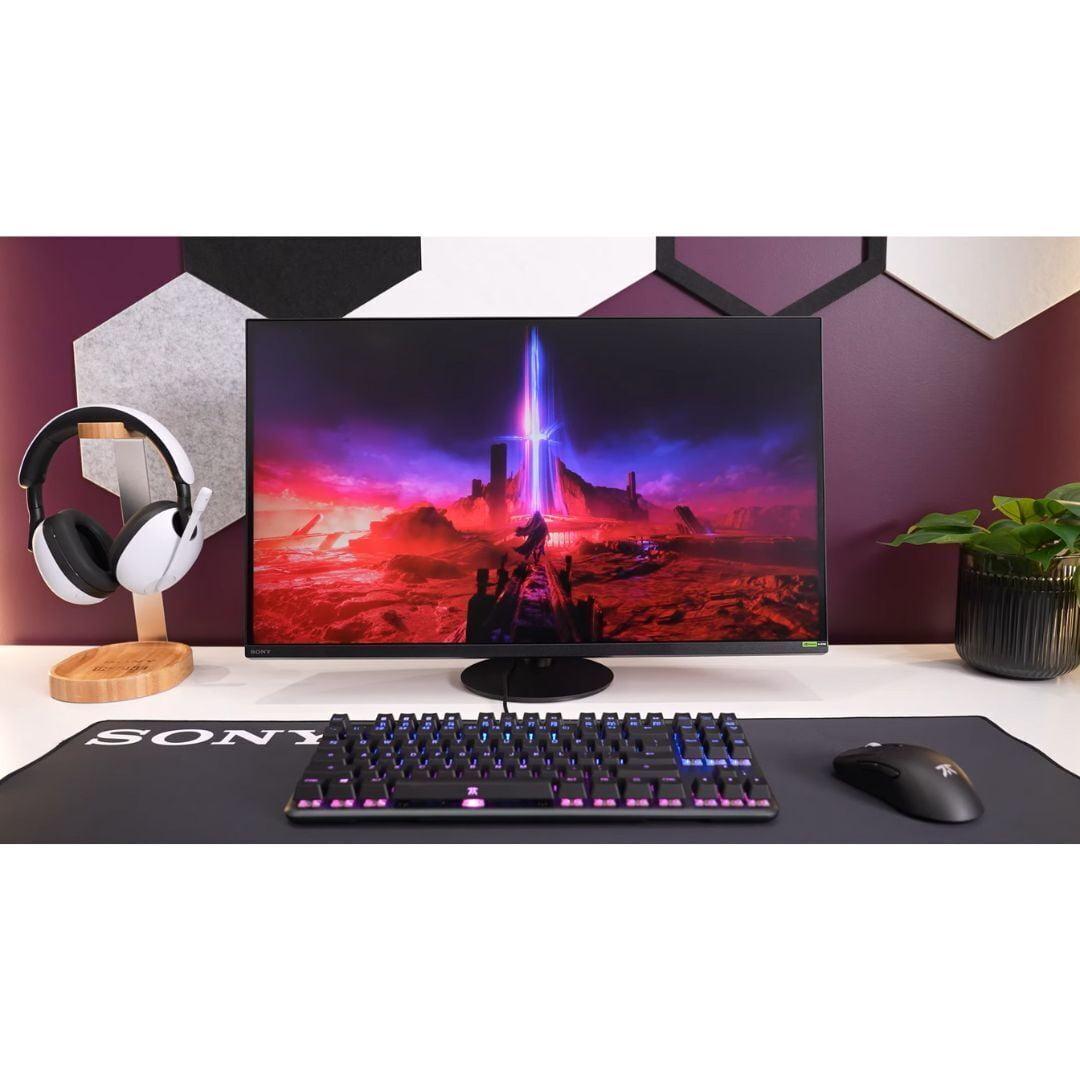
The world of 4K gaming monitors has exploded in recent years, and frankly, it's gotten pretty exciting. What used to be a niche category reserved for enthusiasts with deep pockets has become surprisingly accessible. Two monitors that perfectly illustrate this shift are the Acer Nitro XV275K P3 and the Sony INZONE M9 II – both 27-inch 4K displays that take very different approaches to delivering premium gaming experiences.
When I started testing gaming monitors seriously five years ago, getting decent HDR performance meant spending well over $1,000. Today, monitors like the Acer Nitro XV275K P3 are bringing Mini LED technology – that's the fancy backlighting that makes your games look dramatically more vibrant – to price points that would have been unthinkable just a couple of years ago.
Before diving into these specific models, let's talk about what makes a 4K gaming monitor worth your money. The "4K" part is straightforward – that's 3840 x 2160 pixels, which gives you four times the detail of a 1080p monitor. But the real magic happens in how these monitors handle motion, color, and brightness.
The most important factor that separates good 4K gaming monitors from great ones is the backlighting technology. Traditional monitors use edge lighting – imagine a few LED strips around the edges trying to illuminate your entire screen. It works, but it's like trying to light a room with a flashlight from the corner. Mini LED and Full Array Local Dimming (FALD) put hundreds of LED zones across the back of the screen, allowing precise control over brightness in different areas. This means when you're sneaking through a dark corridor in a game and suddenly step into bright sunlight, the monitor can make those dark areas truly dark while keeping the bright areas blazingly bright.
Response time is another crucial spec, though it's often misunderstood. When manufacturers claim "1ms response time," they're measuring how quickly a pixel can change from one shade of gray to another. In real gaming scenarios, what matters more is how the monitor handles the specific color transitions your games actually display. A monitor might have a great 1ms gray-to-gray time but still show ghosting when transitioning from dark blues to bright yellows.
Released in 2023, the Acer Nitro XV275K P3 represents something of a breakthrough moment. This monitor packs 576 Mini LED dimming zones into a package that, at the time of writing, costs significantly less than comparable displays from just a year earlier. To put that in perspective, many monitors costing twice as much have fewer dimming zones.
The Mini LED backlighting in the Acer Nitro XV275K P3 is genuinely impressive for its price point. Those 576 zones can independently control brightness across different areas of the screen. When you're playing a game with a bright explosion against a dark sky, traditional monitors would light up the entire screen to show the explosion, making the dark sky look grayish. The Acer Nitro XV275K P3 can keep that sky dark while making the explosion blindingly bright.
In my testing, this creates some genuinely dramatic moments. The first time I loaded up Cyberpunk 2077's neon-soaked Night City on the Acer Nitro XV275K P3, the contrast between the dark alleyways and bright billboards was striking. The monitor achieves VESA DisplayHDR 1000 certification, meaning it can hit 1000 nits of peak brightness – that's roughly ten times brighter than your average laptop screen.
However, there are trade-offs. The local dimming algorithm isn't as sophisticated as what you'll find on more expensive displays. Sometimes you'll notice "blooming" – bright objects seem to have a subtle glow around them against dark backgrounds. It's not deal-breaking, but it's noticeable if you're specifically looking for it.
The Acer Nitro XV275K P3 handles gaming duties admirably with its 160Hz refresh rate and support for both AMD FreeSync Premium Pro and NVIDIA G-SYNC compatibility. Variable Refresh Rate (VRR) – the technology that syncs your monitor's refresh rate to your graphics card's frame output – works smoothly across a wide range of frame rates, eliminating the screen tearing that can make games look choppy.
One feature I particularly appreciate is the USB-C port with 90W Power Delivery. This might sound boring, but it's incredibly practical. You can connect a gaming laptop with a single cable that handles video, data, and charging. For someone who switches between a desktop gaming rig and a laptop setup, this convenience factor is huge.
The color accuracy is impressive too. The Acer Nitro XV275K P3 covers 99% of both Adobe RGB and DCI-P3 color spaces, making it suitable for photo editing and video work alongside gaming. The factory calibration is solid, with Delta E values under 2 – that's technical speak for "colors look accurate without needing adjustment."
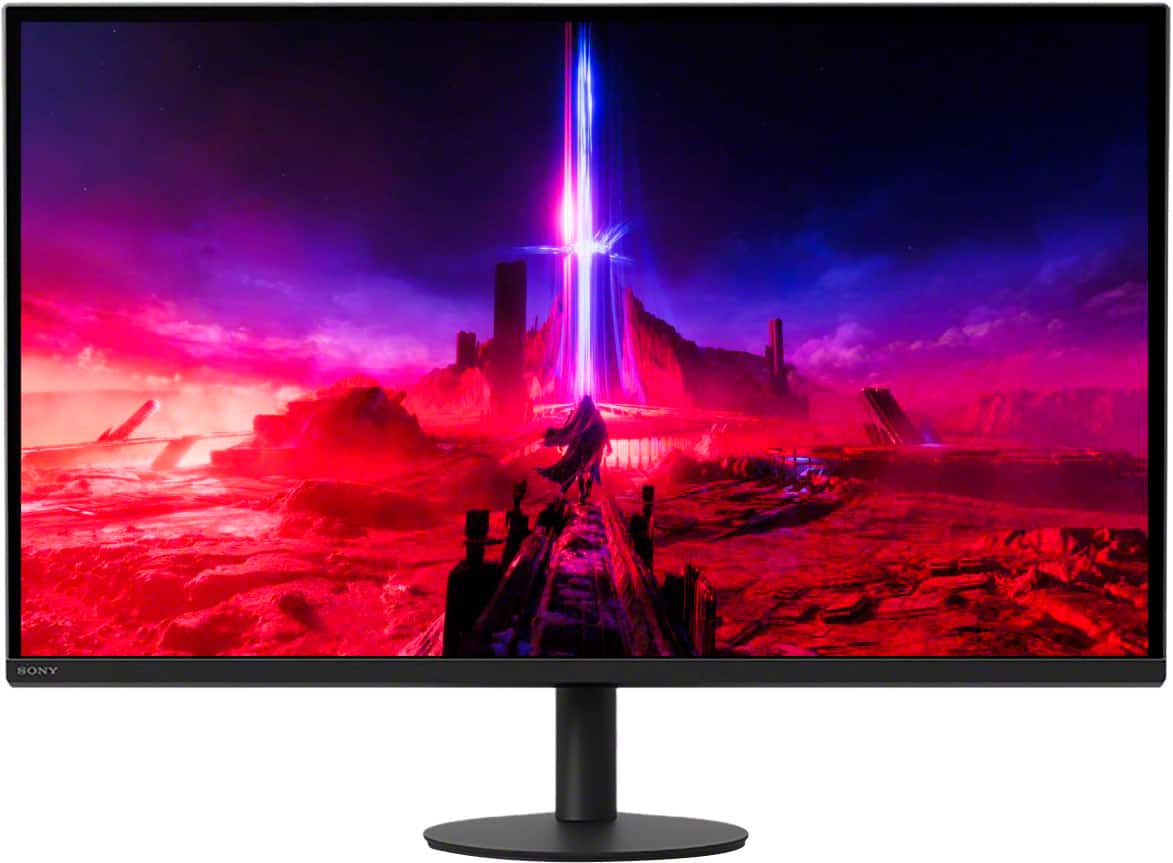
Sony released the INZONE M9 II in late 2023 as a refined version of their original gaming monitor. Where the original felt like Sony's first attempt at understanding the gaming monitor market, the INZONE M9 II shows they've been listening to feedback and iterating on the design.
The Sony INZONE M9 II takes a different approach to backlighting with 96 Full Array Local Dimming zones. While that's significantly fewer zones than the Acer Nitro XV275K P3's 576 Mini LED setup, Sony's implementation is more mature. The dimming algorithm is more sophisticated, resulting in less noticeable blooming and more natural-looking transitions between bright and dark areas.
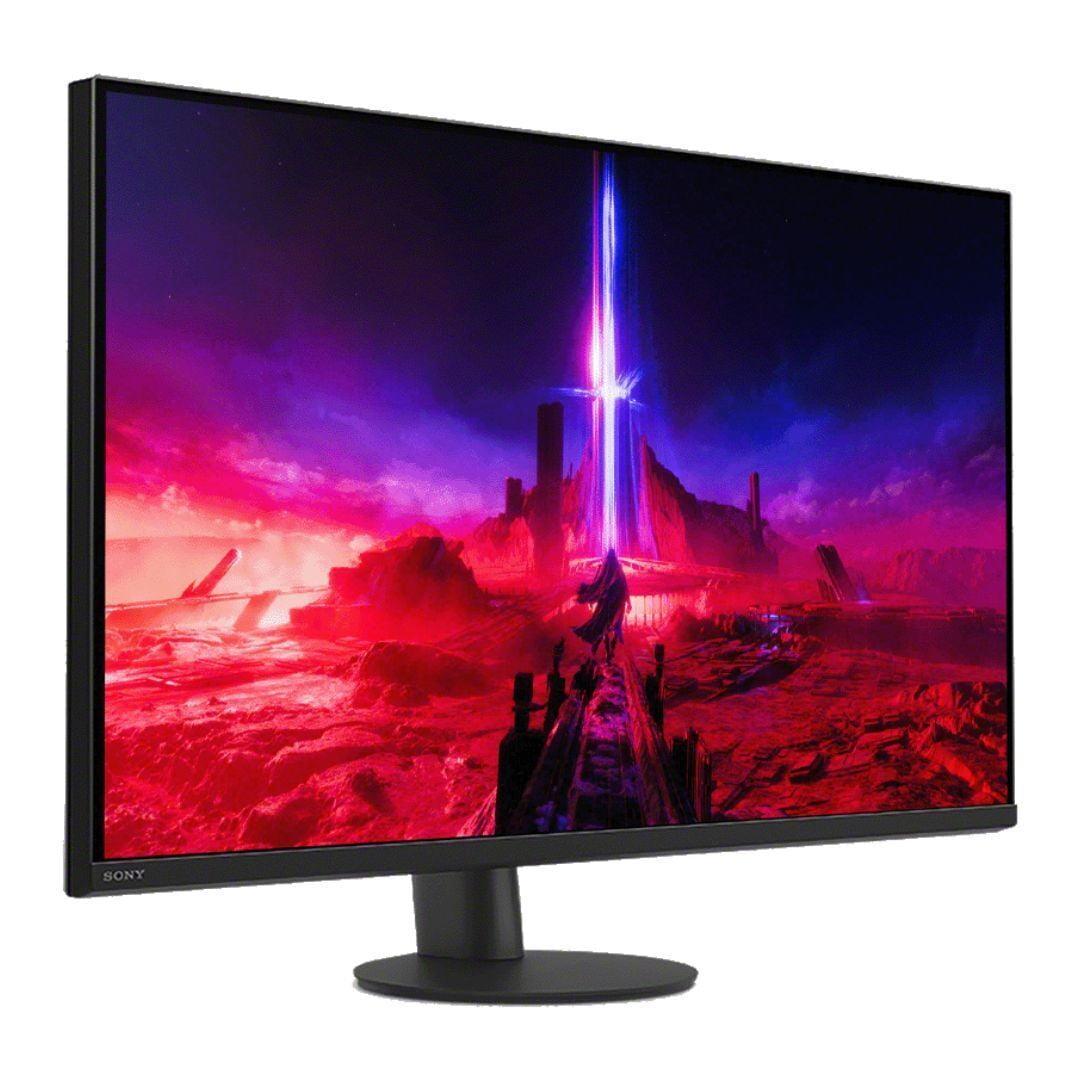
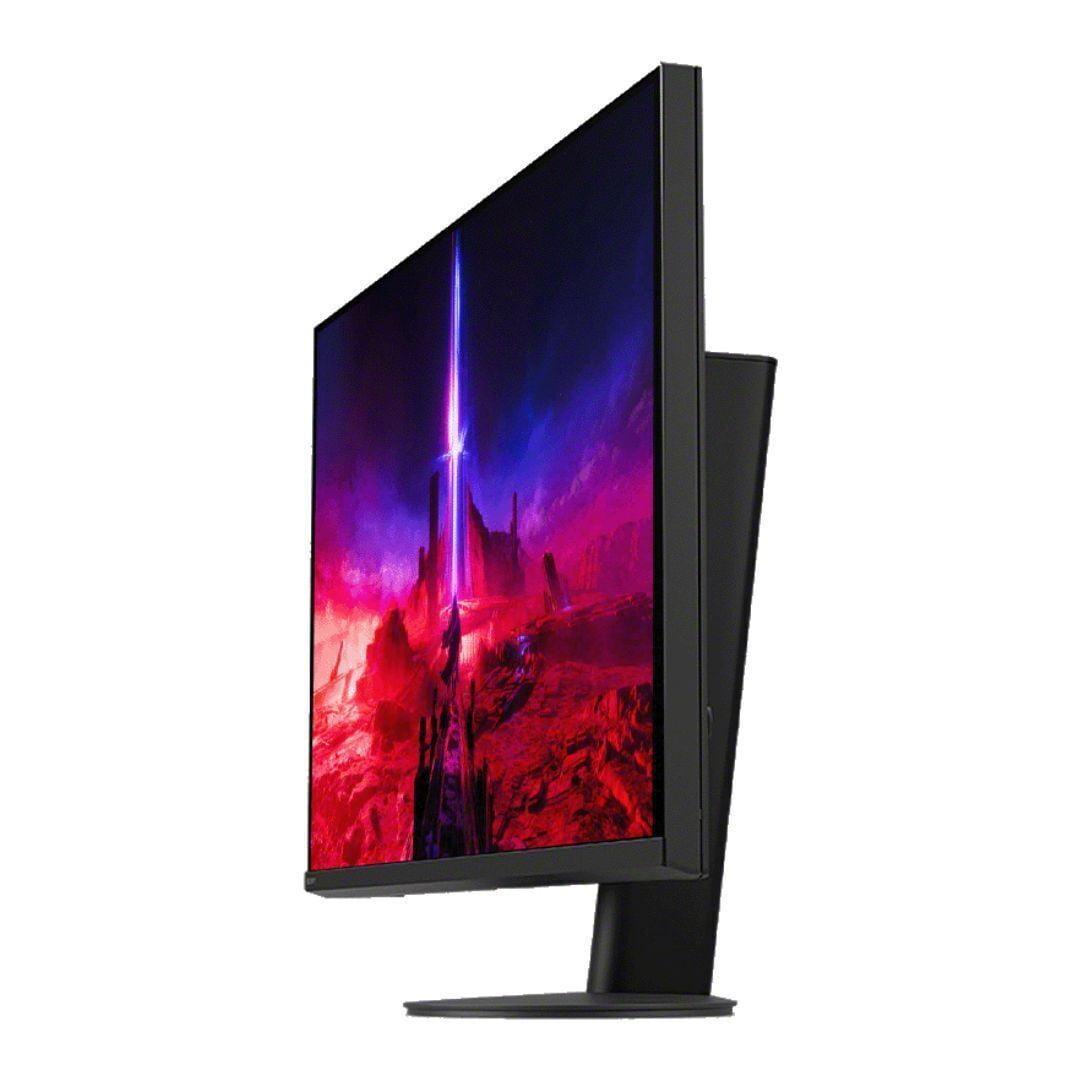
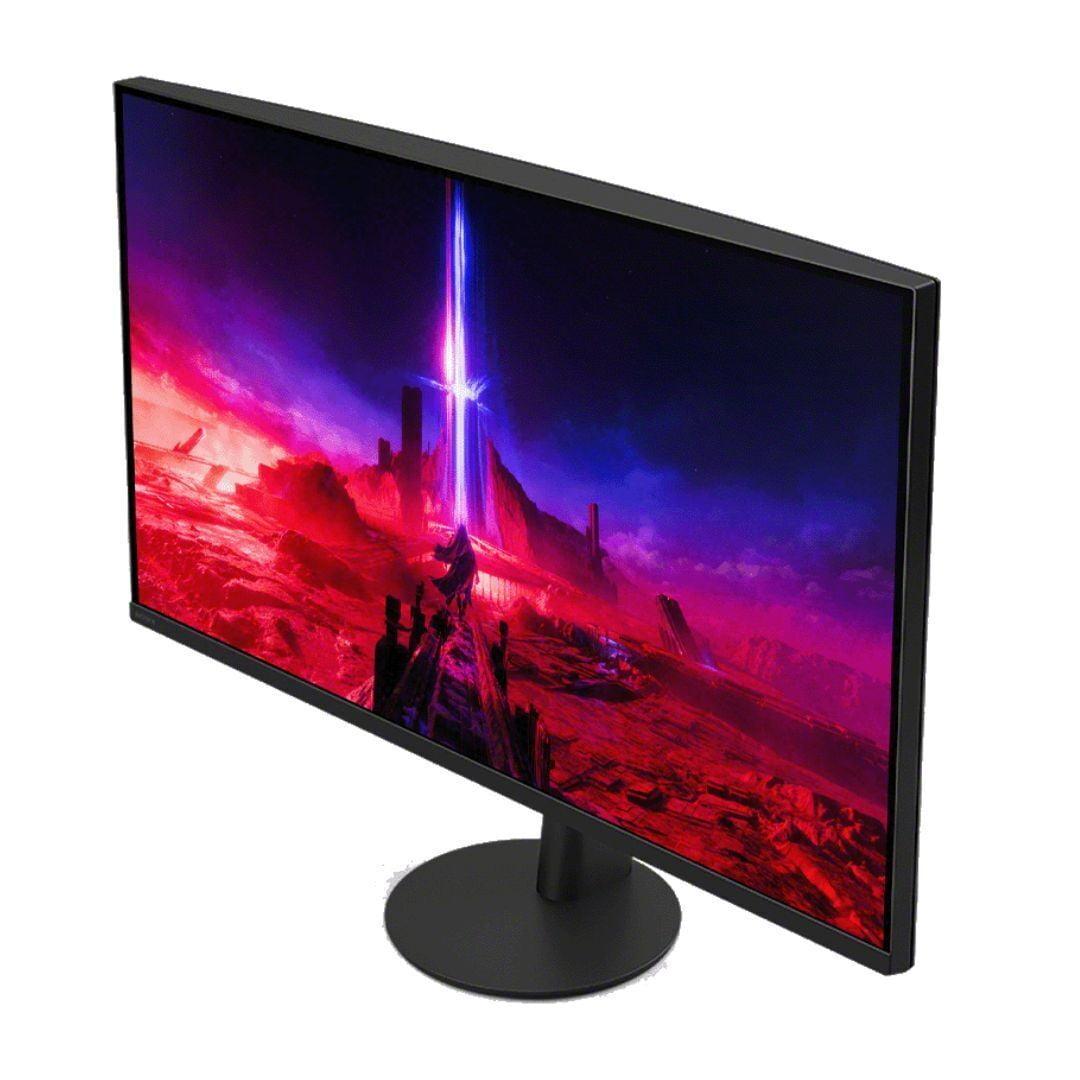
The build quality difference is immediately apparent when you unbox these monitors. The Sony INZONE M9 II feels substantially more premium, with better materials and a more refined design aesthetic. The stand, in particular, is a major improvement over Sony's first-generation gaming monitor. Where the original had an awkward tripod design that took up too much desk space, the INZONE M9 II uses a sleek circular base that can rotate a full 360 degrees.
Here's where the Sony INZONE M9 II really shines – its PlayStation 5 integration isn't just marketing fluff. When you connect a PS5, the monitor automatically switches to optimized picture modes and enables Auto HDR Tone Mapping. This feature analyzes the HDR content from your PlayStation and adjusts the display settings in real-time for optimal viewing.
In practical terms, this means games like The Last of Us Part II or Ghost of Tsushima look their absolute best without any manual tweaking. The monitor recognizes different types of content – whether you're playing a bright, colorful game like Ratchet & Clank or a moody horror game like Resident Evil – and adjusts accordingly.
The INZONE M9 II also includes a 24.5-inch mode for competitive gaming. This displays games at their native resolution but adds black borders to simulate a smaller screen. It sounds gimmicky, but many professional esports players prefer smaller displays for better peripheral vision and faster eye movement across the screen.
Where the Sony INZONE M9 II pulls ahead most notably is in motion handling. The 1ms GtG response time isn't just a marketing number – in side-by-side testing, fast-moving objects appear noticeably sharper compared to the Acer Nitro XV275K P3. The difference is roughly equivalent to one frame of blur reduction, which might not sound like much but becomes significant in competitive gaming scenarios.
The INZONE M9 II also includes backlight scanning technology. This rapidly flickers the backlight in sync with the refresh rate, creating the effect of a CRT monitor's motion clarity. It's particularly effective in first-person shooters where tracking moving targets is crucial.
Both monitors support HDR, but they implement it differently. The Acer Nitro XV275K P3 achieves higher peak brightness numbers and has more dimming zones, which theoretically should provide better HDR performance. In practice, the Sony INZONE M9 II's more refined processing often produces more natural-looking results.
The Acer can create more dramatic contrast in specific scenes – think of a car's headlights cutting through fog in a racing game. The Sony provides more consistent, film-like HDR that's less prone to distracting artifacts. Neither approach is objectively better; it comes down to whether you prefer maximum impact or natural presentation.
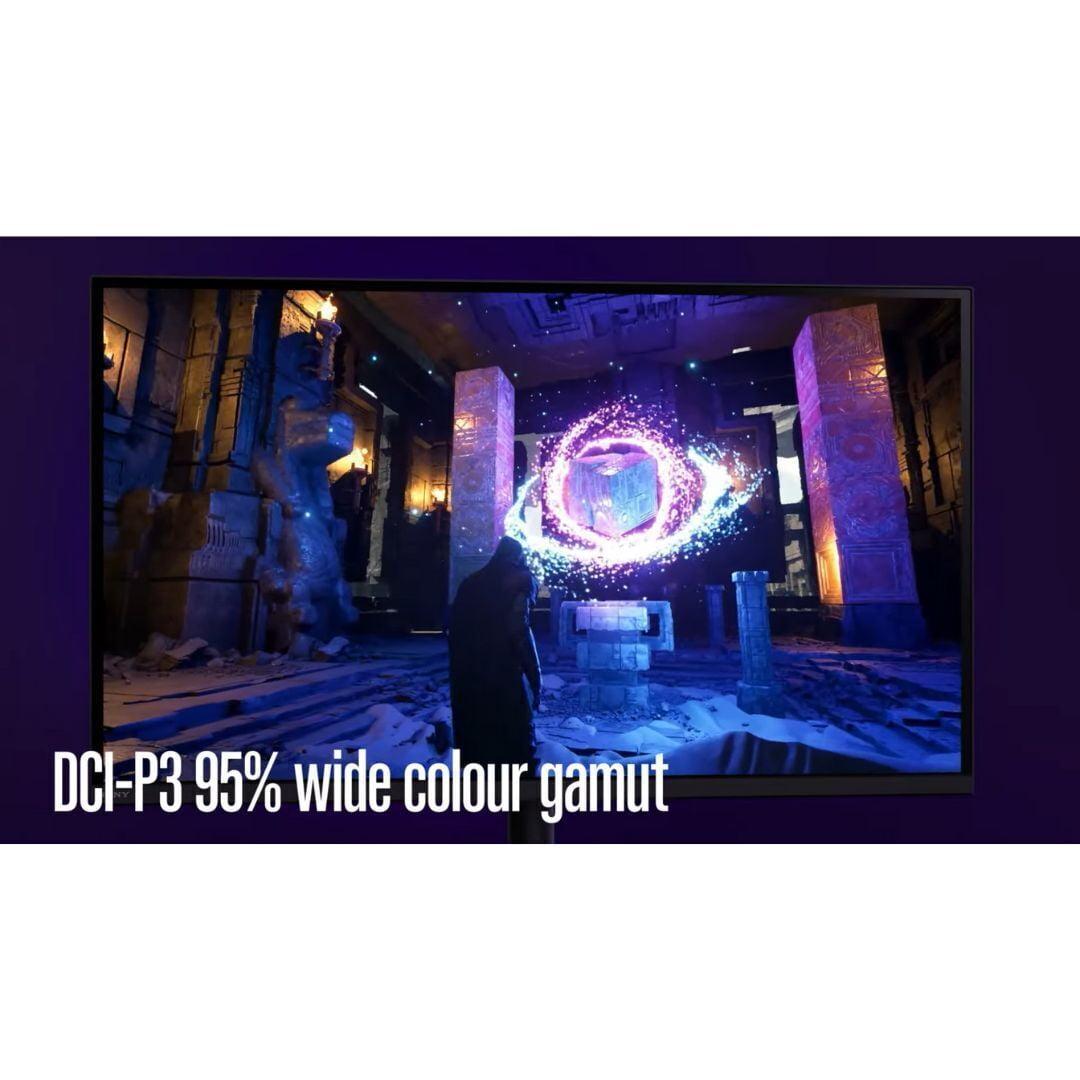
For content creation alongside gaming, the Acer Nitro XV275K P3 has a slight edge in color space coverage. Its 99% Adobe RGB coverage makes it genuinely useful for photo editing, while the Sony INZONE M9 II's 95% DCI-P3 coverage is more focused on media consumption and gaming.
Both monitors include sRGB emulation modes for accurate web browsing and general computer use. Without these modes, everything would look oversaturated because most content is created for the smaller sRGB color space.
While the Sony INZONE M9 II excels with PlayStation 5, the Acer Nitro XV275K P3 is more platform-agnostic. Its superior connectivity options – including that USB-C port with Power Delivery – make it more versatile for users who game across multiple devices.
The Acer also handles PC gaming's variable frame rates more gracefully across its entire VRR range. The Sony can be pickier about maintaining optimal overdrive settings when frame rates fluctuate significantly.
Both monitors can serve double-duty as small home theater displays, though with important caveats. The 27-inch size means you'll need to sit relatively close – about 3-4 feet – for an immersive experience.
The Acer Nitro XV275K P3's higher peak brightness and more aggressive HDR processing can make movies feel more dynamic, especially in bright rooms. However, the Sony INZONE M9 II's more natural color processing and better motion handling make it superior for film content, particularly darker movies where the more refined local dimming becomes apparent.
Both monitors support the major HDR formats you'll encounter in streaming content, though neither has the deep blacks of an OLED display for true home theater performance.
At the time of writing, there's a significant price gap between these monitors, with the Sony INZONE M9 II commanding a premium that's roughly 50% higher than the Acer Nitro XV275K P3. This price difference reflects not just performance gaps but also target markets and brand positioning.
The Acer represents exceptional value for users wanting to experience Mini LED technology without premium pricing. It's bringing display technology that was exclusive to high-end monitors just a few years ago to a much broader audience.
The Sony justifies its premium through superior motion performance, build quality, and PlayStation integration. For PS5 owners who prioritize the absolute best gaming experience, that premium can be worthwhile.
Choose the Acer Nitro XV275K P3 if you're looking for maximum display technology per dollar. Its 576 Mini LED zones and DisplayHDR 1000 certification deliver genuinely impressive HDR performance at a price point that makes premium gaming accessible. It's particularly compelling if you game across multiple platforms, do any content creation, or want the flexibility of USB-C connectivity.
The Sony INZONE M9 II makes sense if you own a PlayStation 5 and want the most refined gaming experience possible. The automatic HDR optimization, superior motion clarity, and premium build quality justify the higher cost for enthusiasts who prioritize peak performance.
Both monitors represent the current sweet spot in 4K gaming display technology. The Acer proves that premium features are becoming democratized, while the Sony shows that there's still value in paying for refinement and optimization. Your choice ultimately comes down to budget, platform preferences, and how much you value those last few percentage points of performance improvement.
The gaming monitor landscape continues evolving rapidly, with OLED technology becoming more affordable and Mini LED implementations becoming more sophisticated. Both the Acer Nitro XV275K P3 and Sony INZONE M9 II represent solid investments that should serve gamers well for years to come, each excelling in their respective market segments.
| Acer Nitro XV275K P3 | Sony INZONE M9 II |
|---|---|
| Local Dimming Zones - More zones generally mean better contrast control and HDR performance | |
| 576 Mini LED zones (exceptional for the price) | 96 Full Array zones (fewer but more refined algorithm) |
| Peak Brightness - Higher brightness delivers more impactful HDR and better visibility in bright rooms | |
| 1000 nits (DisplayHDR 1000 certified) | 750 nits (DisplayHDR 600 certified, but consistent performance) |
| Response Time - Lower numbers mean sharper motion in fast-paced games | |
| ~2ms effective (good for most gaming) | 1ms GtG (superior for competitive gaming) |
| Backlight Technology - Different approaches to achieving deep blacks and bright highlights | |
| Mini LED with 576 zones | Full Array Local Dimming with mature processing |
| Color Gamut Coverage - Wider coverage means more vibrant colors and professional work capability | |
| 99% Adobe RGB, 98% DCI-P3 (excellent for content creation) | 95% DCI-P3 (focused on gaming and media consumption) |
| PlayStation 5 Integration - Automatic optimization features for console gaming | |
| Standard VRR and HDR support | Auto HDR Tone Mapping and dedicated PS5 picture modes |
| Motion Enhancement - Additional features to reduce blur during fast action | |
| Standard overdrive only | Backlight scanning technology for CRT-like motion clarity |
| Connectivity Options - Determines compatibility with different devices and setups | |
| USB-C with 90W Power Delivery, 2x HDMI 2.1, DisplayPort | 2x HDMI 2.1, DisplayPort 2.1, USB hub (no USB-C PD) |
| Build Quality and Design - Affects durability and desk presence | |
| Functional gaming aesthetic with RGB accent | Premium all-black design with 360° swivel stand |
| Ergonomic Adjustments - Important for comfort during long gaming sessions | |
| Height, tilt, swivel, pivot (standard range) | Height (130mm), tilt, full 360° swivel (superior flexibility) |
| Factory Calibration - Better calibration means accurate colors out of the box | |
| Delta E < 2 with multiple color space modes | Excellent out-of-box accuracy with premium processing |
| Gaming-Specific Features - Tools and modes designed for competitive advantage | |
| Crosshair overlays, refresh rate tracker, multiple game modes | 24.5" esports mode, FPS-optimized picture modes, gaming timers |
| Value Proposition - Performance and features relative to typical market pricing | |
| Exceptional Mini LED performance at budget-friendly price | Premium experience with PlayStation optimization at higher cost |
The Sony INZONE M9 II has a slight edge for competitive gaming with its true 1ms response time and backlight scanning technology that reduces motion blur. However, the Acer Nitro XV275K P3 offers excellent gaming performance at a much better value, with 576 Mini LED zones providing superior HDR impact. For most gamers, the Acer delivers 95% of the performance at a significantly lower price point.
The Acer Nitro XV275K P3 uses Mini LED technology with 576 dimming zones, while the Sony INZONE M9 II uses traditional Full Array Local Dimming with 96 zones. Mini LED provides more precise backlight control due to the higher zone count, but Sony's implementation uses more sophisticated processing algorithms. The Acer can produce more dramatic contrast, while the Sony delivers more natural-looking results with less blooming.
The Sony INZONE M9 II is specifically optimized for PlayStation 5 with Auto HDR Tone Mapping that automatically adjusts settings for each game. It also includes dedicated PS5 picture modes and seamless integration. While the Acer Nitro XV275K P3 works perfectly with PS5, it lacks these automatic optimization features, requiring manual adjustment for the best experience.
Yes, both the Acer Nitro XV275K P3 and Sony INZONE M9 II support 4K at 120Hz through HDMI 2.1 for PlayStation 5 and Xbox Series X|S. Both also support Variable Refresh Rate (VRR) to eliminate screen tearing. The Sony includes additional console-specific features like Auto Low Latency Mode switching.
The Acer Nitro XV275K P3 achieves higher peak brightness with DisplayHDR 1000 certification (1000 nits) compared to the Sony INZONE M9 II's DisplayHDR 600 (750 nits). However, the Sony often produces more natural-looking HDR due to better processing. For maximum HDR impact and brightness, choose the Acer; for more refined HDR presentation, the Sony is superior.
The Acer Nitro XV275K P3 is better suited for content creation with 99% Adobe RGB and 98% DCI-P3 color coverage, plus USB-C connectivity with 90W Power Delivery for laptops. The Sony INZONE M9 II covers 95% DCI-P3, which is adequate for most creative work but not as comprehensive. Both offer excellent factory calibration with Delta E < 2 accuracy.
The Acer Nitro XV275K P3 provides exceptional value with Mini LED technology, 576 dimming zones, and DisplayHDR 1000 at a budget-friendly price point. The Sony INZONE M9 II commands a premium for superior motion performance, build quality, and PlayStation integration. For most users, the Acer delivers premium features at an accessible price.
The Acer Nitro XV275K P3 includes USB-C with 90W Power Delivery, 2x HDMI 2.1, DisplayPort 1.4, and a USB hub - making it more versatile for different devices. The Sony INZONE M9 II offers 2x HDMI 2.1, DisplayPort 2.1, and USB hub but lacks USB-C Power Delivery. The Acer is better for users who need to connect laptops or multiple devices.
The Sony INZONE M9 II is superior for competitive gaming with its 1ms response time, backlight scanning for motion clarity, and a dedicated 24.5-inch esports mode. The Acer Nitro XV275K P3 offers solid gaming performance but has slightly slower response times. Professional esports players would likely prefer the Sony for its motion handling advantages.
The Sony INZONE M9 II offers premium build quality with better materials, a refined all-black design, and a superior stand with 360-degree swivel capability. The Acer Nitro XV275K P3 has functional build quality with gaming aesthetics including RGB lighting, but uses more budget-oriented materials. The Sony feels more premium but the Acer is perfectly adequate for most users.
The Acer Nitro XV275K P3 performs better in bright environments due to its higher 1000 nits peak brightness compared to the Sony INZONE M9 II's 750 nits. Both feature anti-glare coatings, but the Acer can overcome more ambient light. For well-lit gaming rooms or offices with windows, the Acer maintains better visibility and HDR impact.
The Acer Nitro XV275K P3 may show more blooming in dark scenes due to its aggressive local dimming, and the OSD navigation can be clunky. The Sony INZONE M9 II costs significantly more while offering fewer dimming zones, and it lacks USB-C connectivity for modern laptops. Both are excellent monitors, but the Sony may not justify its premium for all users, while the Acer requires some tolerance for minor image processing artifacts.
We've done our best to create useful and informative comparisons to help you decide what product to buy. Our research uses advanced automated methods to create this comparison and perfection is not possible - please contact us for corrections or questions. These are the sites we've researched in the creation of this article: bestbuy.com - rtings.com - reviewed.com - displayninja.com - youtube.com - displayninja.com - youtube.com - dpreview.com - acer.com - buy.bluum.com - shi.com - camcor.com - newegg.com - provantage.com - displayspecifications.com - colamco.com - displayspecifications.com - walmart.com - bestbuy.com - bestbuy.com - bestbuy.com - rtings.com - rtings.com - tomshardware.com - youtube.com - bhphotovideo.com - bestbuy.com - sony.com - techpowerup.com - electronics.sony.com - sony.com - displayspecifications.com - direct.playstation.com - youtube.com - sony.com - sony.com - displayspecifications.com - bhphotovideo.com - displayspecifications.com

Privacy Policy
Terms and Conditions - Affiliate Policy
Home Security
© Copyright 2008-2026.
11816 Inwood Rd #1211, Dallas, TX 75244