

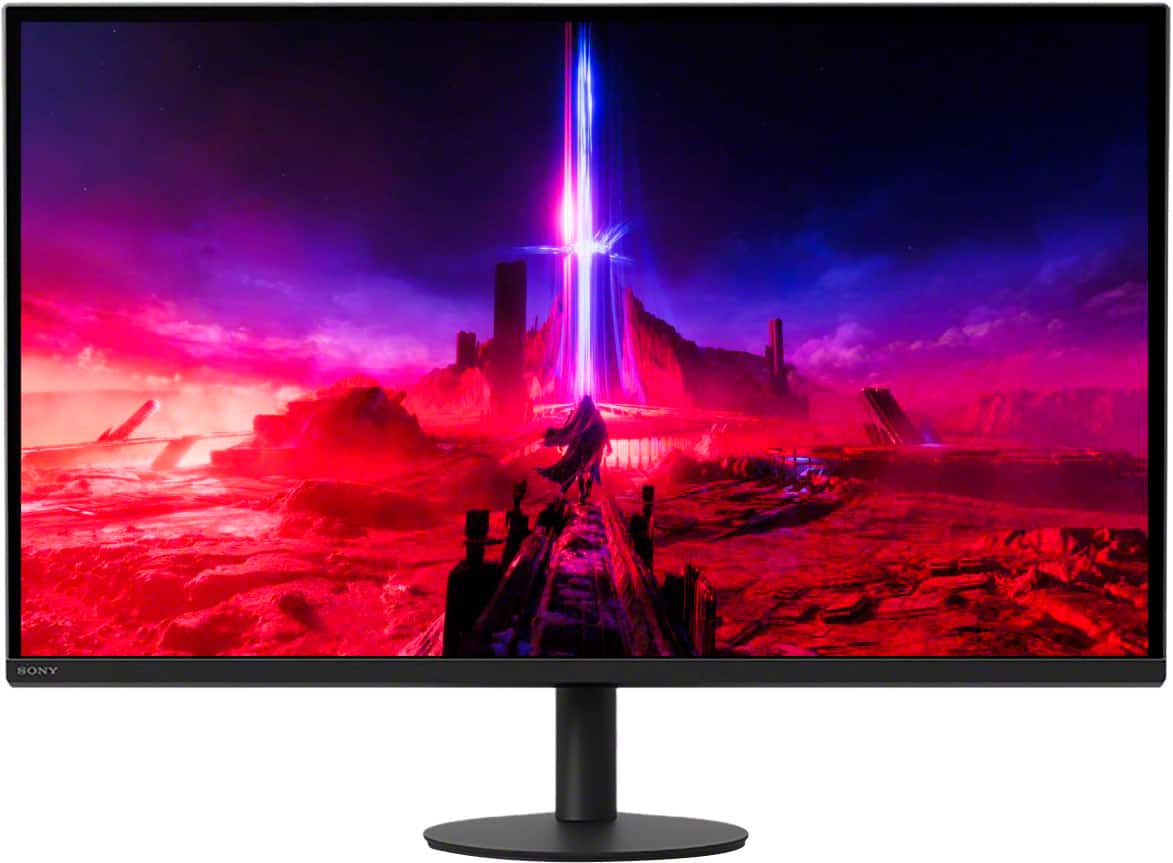

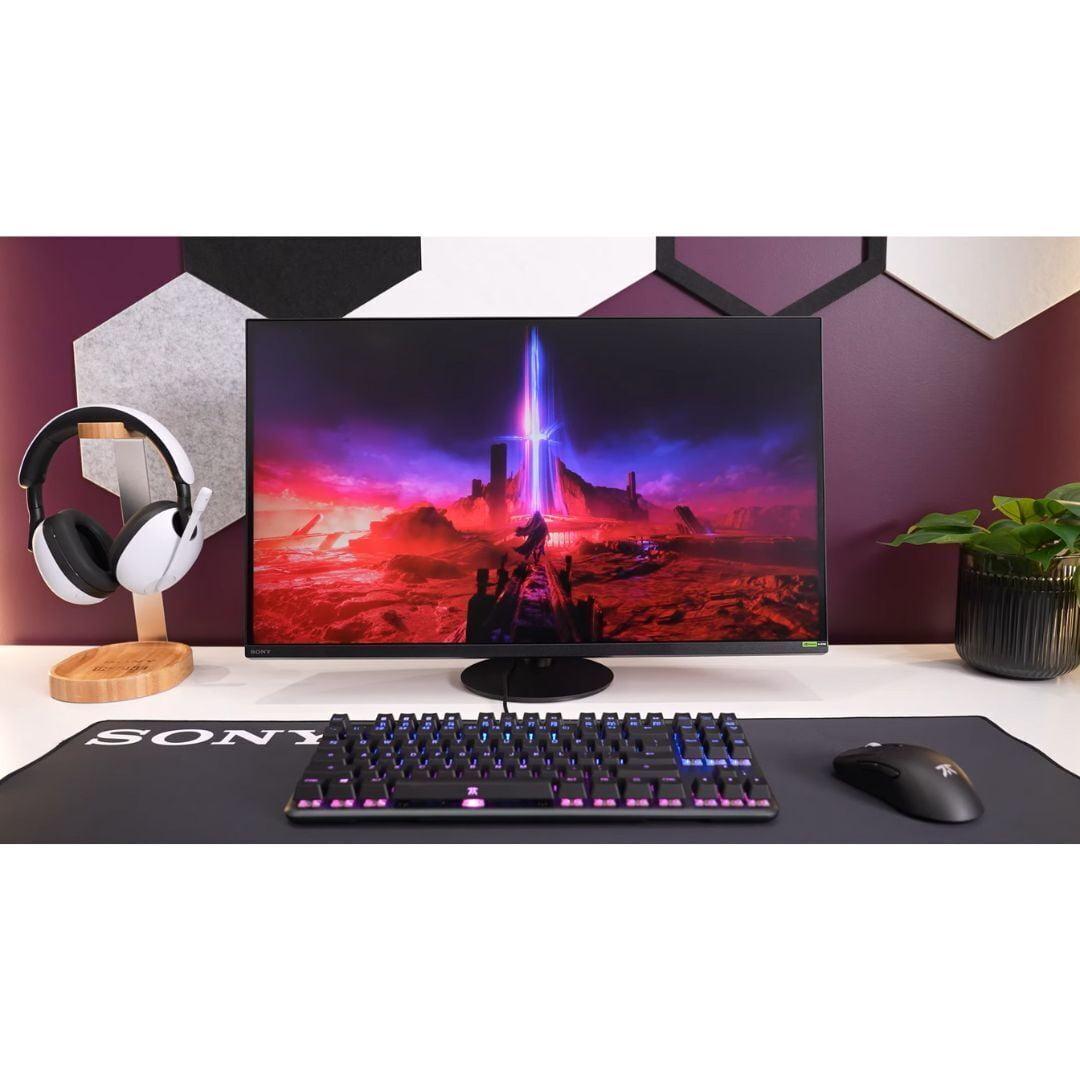
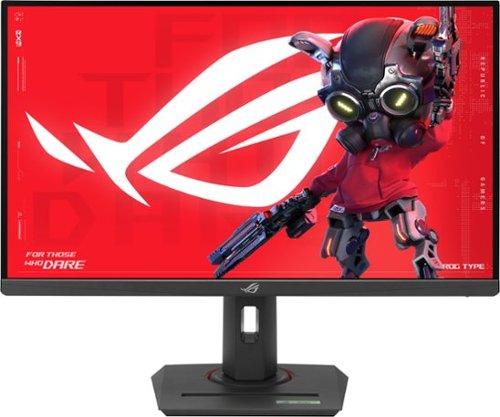
Choosing the right gaming monitor in 2024 feels a bit like being at a crossroads. Do you chase the razor-sharp detail of 4K gaming, or do you prioritize the buttery-smooth motion that ultra-high refresh rates deliver? This dilemma perfectly captures the choice between Sony's INZONE M9 II and the ASUS ROG Strix XG27ACMG.
Having tested both approaches extensively, I can tell you that each monitor represents a fundamentally different gaming philosophy. The Sony INZONE M9 II launched in 2024 as Sony's premium 4K gaming solution, while the ASUS ROG Strix XG27ACMG arrived the same year targeting competitive gamers who demand maximum speed. At the time of writing, these monitors sit at opposite ends of the price spectrum, with Sony's offering commanding a significant premium over the ASUS model.
Before diving deep into these specific monitors, let's establish what makes a gaming monitor truly effective. The gaming monitor landscape has evolved dramatically over the past few years, with manufacturers focusing on three main approaches: resolution-focused displays that prioritize visual fidelity, speed-focused monitors that maximize refresh rates, and balanced options that try to excel at both.
The key considerations boil down to resolution versus refresh rate trade-offs, panel technology choices, gaming-specific features, and overall value proposition. Higher resolutions like 4K provide incredibly sharp visuals but demand more from your graphics card, while higher refresh rates deliver smoother motion but typically require stepping down to 1440p resolution to maintain reasonable hardware requirements.
Panel technology also plays a crucial role. IPS panels, which both monitors use, offer excellent color accuracy and wide viewing angles, making them versatile for both gaming and content creation. However, the implementation details—like local dimming systems and backlight technology—can dramatically impact the final visual experience.
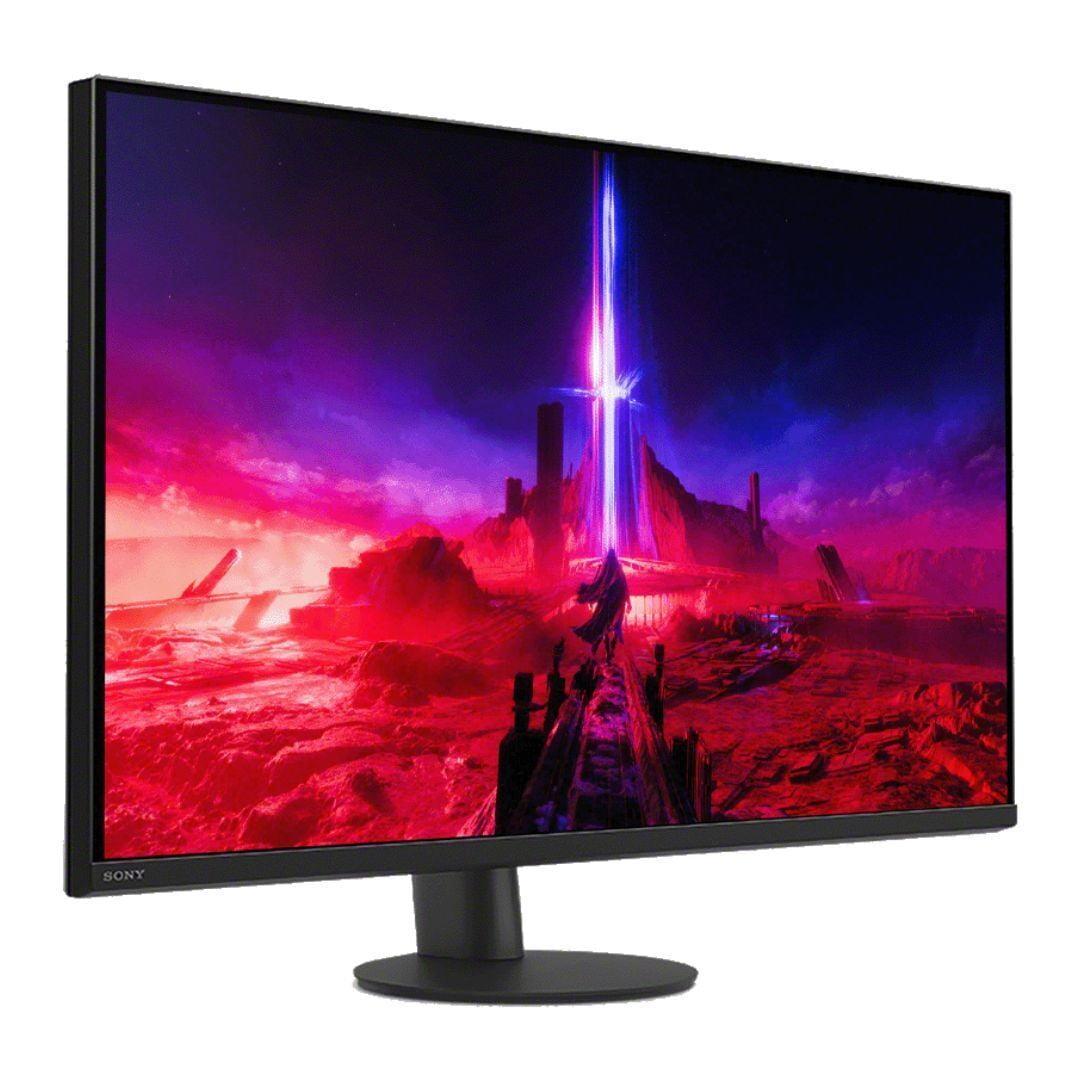
The Sony INZONE M9 II represents Sony's serious entry into the premium gaming monitor market. Released in 2024, it builds on lessons learned from the original INZONE M9, addressing many of its predecessor's shortcomings while maintaining the core 4K gaming focus.
At its heart lies a 27-inch IPS panel delivering 4K resolution (3840x2160 pixels) at up to 160Hz refresh rate. This combination is still relatively rare in the monitor world, as most 4K displays top out at 144Hz or require stepping up to much larger screen sizes. The 160Hz capability via DisplayPort 2.1 gives the Sony monitor a slight edge in smoothness over typical 4K gaming displays.
What sets the INZONE M9 II apart from most gaming monitors is its Full Array Local Dimming (FALD) system. This technology divides the monitor's backlight into 96 separate zones that can be controlled independently. Think of it like having 96 tiny dimmer switches across your screen—when a zone needs to display deep blacks, it can dim significantly, while adjacent zones displaying bright content remain at full brightness.
This creates a dynamic contrast ratio of 80,000:1, compared to the typical 1,000:1 static contrast you'll find on most IPS monitors. In practice, this means HDR content looks dramatically more realistic, with deeper blacks and brighter highlights that pop off the screen. The difference is particularly noticeable in games like Cyberpunk 2077 or movies with dramatic lighting scenes.
The monitor achieves DisplayHDR 600 certification with a peak brightness of 750 nits. For context, most gaming monitors max out around 400 nits, so the Sony can display HDR highlights nearly twice as bright as typical displays. This extra brightness headroom makes HDR content feel more immersive and true-to-life.
Sony clearly designed the INZONE M9 II with PlayStation 5 owners in mind. The monitor features Auto HDR Tone Mapping specifically for PS5 and PS5 Pro consoles, automatically optimizing HDR settings without manual tweaking. Having tested this feature extensively, it genuinely delivers better out-of-box HDR performance than most monitors when paired with Sony's console.
The monitor also includes a unique 24.5-inch mode for esports gaming, essentially creating a smaller display area with black borders. While this might sound counterintuitive on a premium 4K monitor, many competitive players prefer smaller screens for better focus and reduced eye movement.
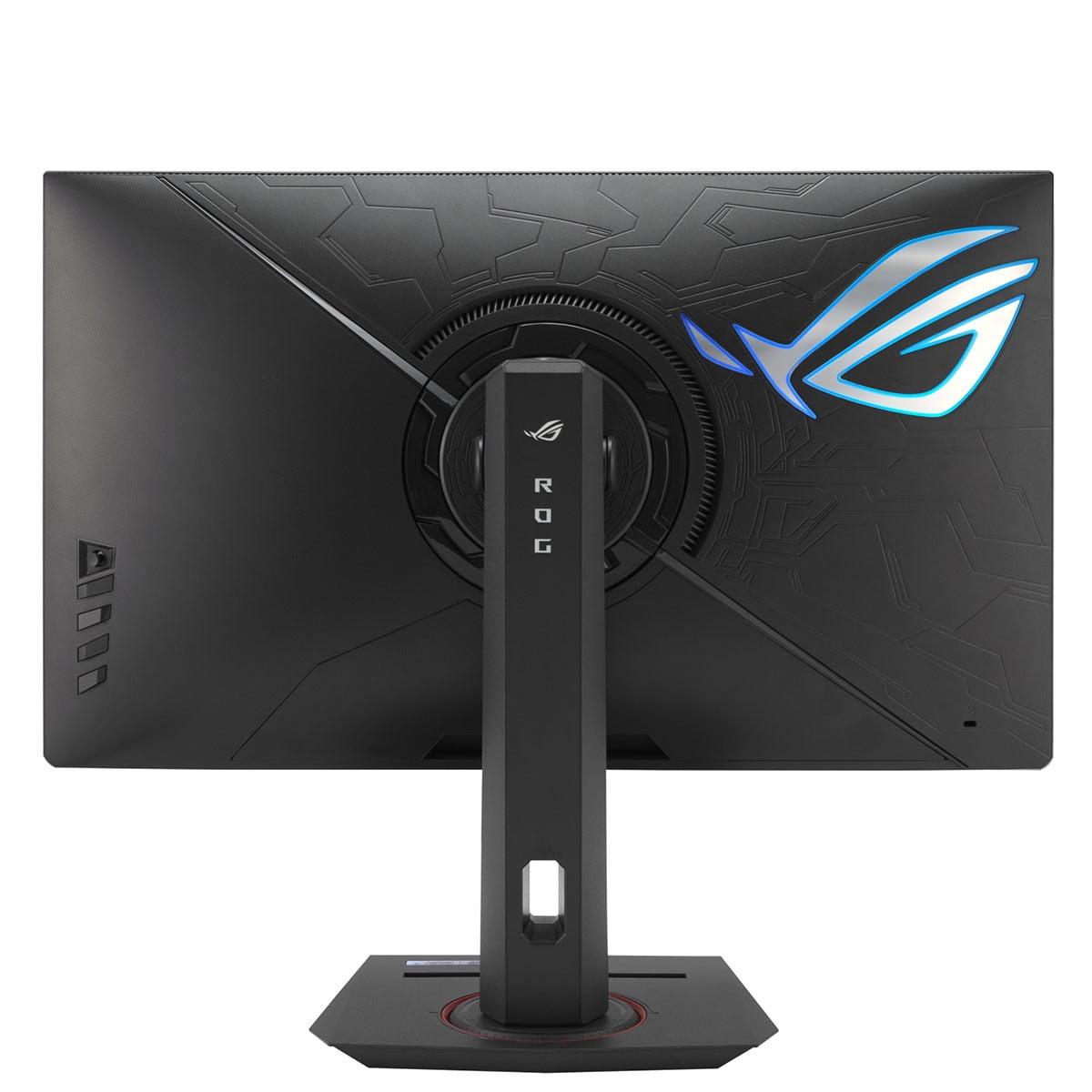
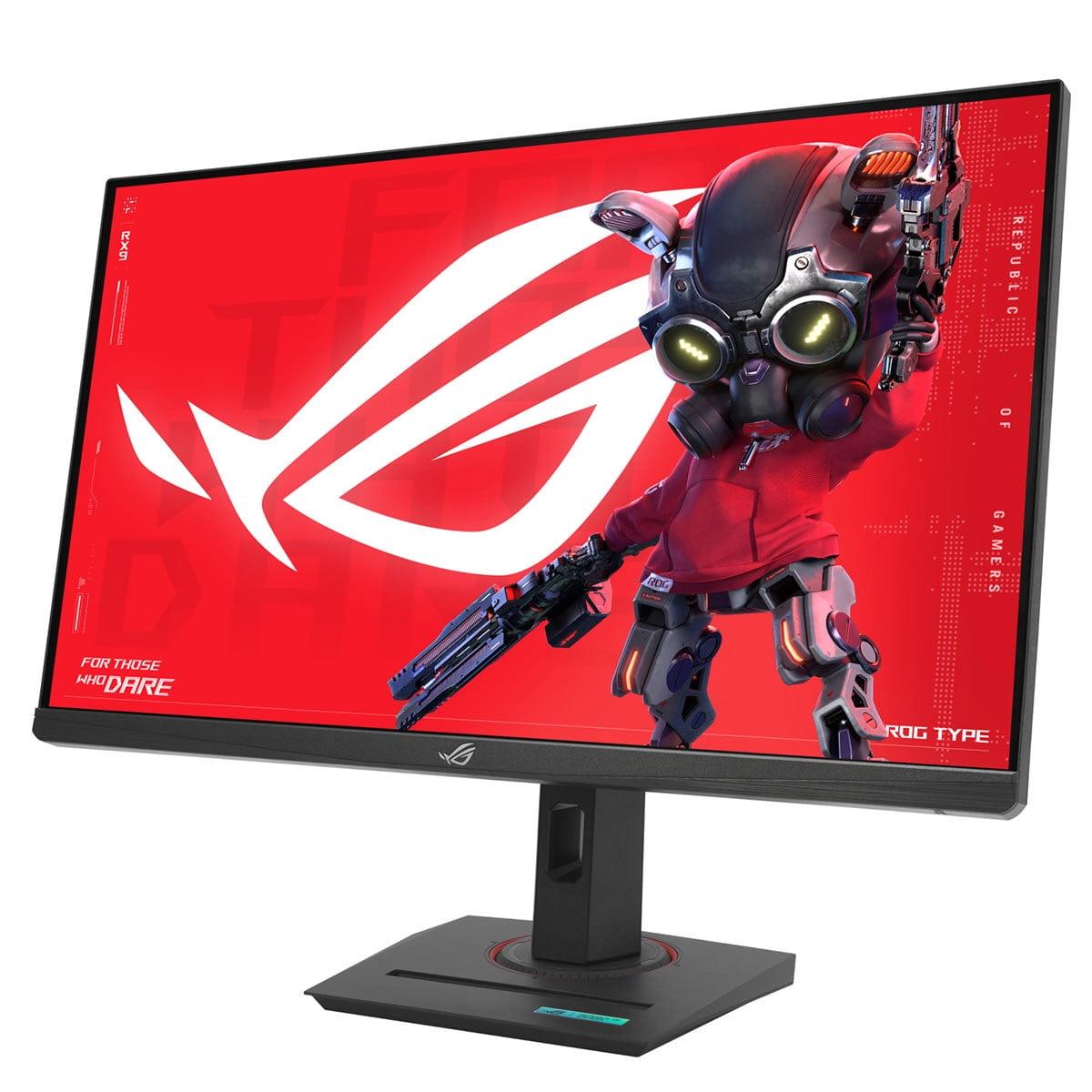
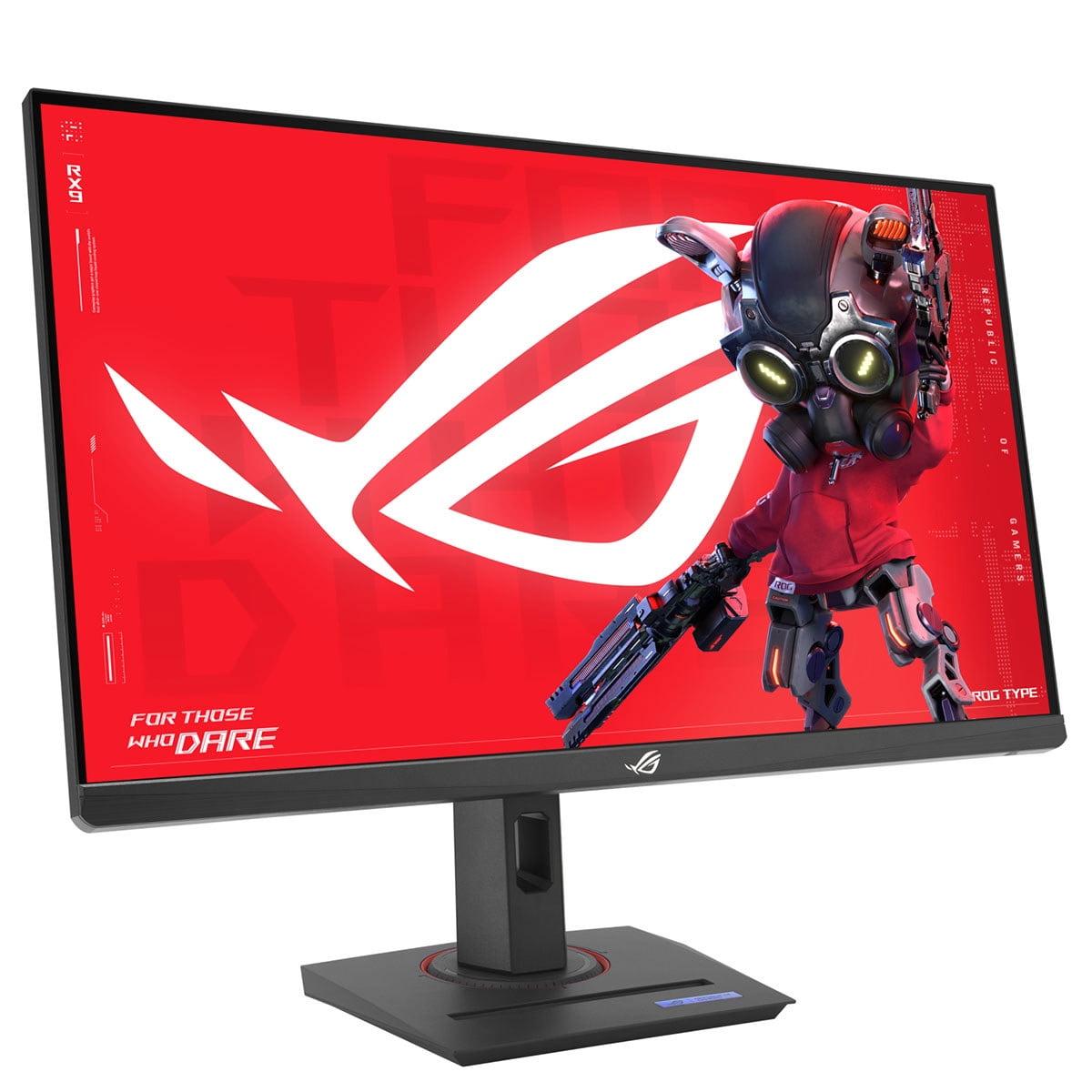
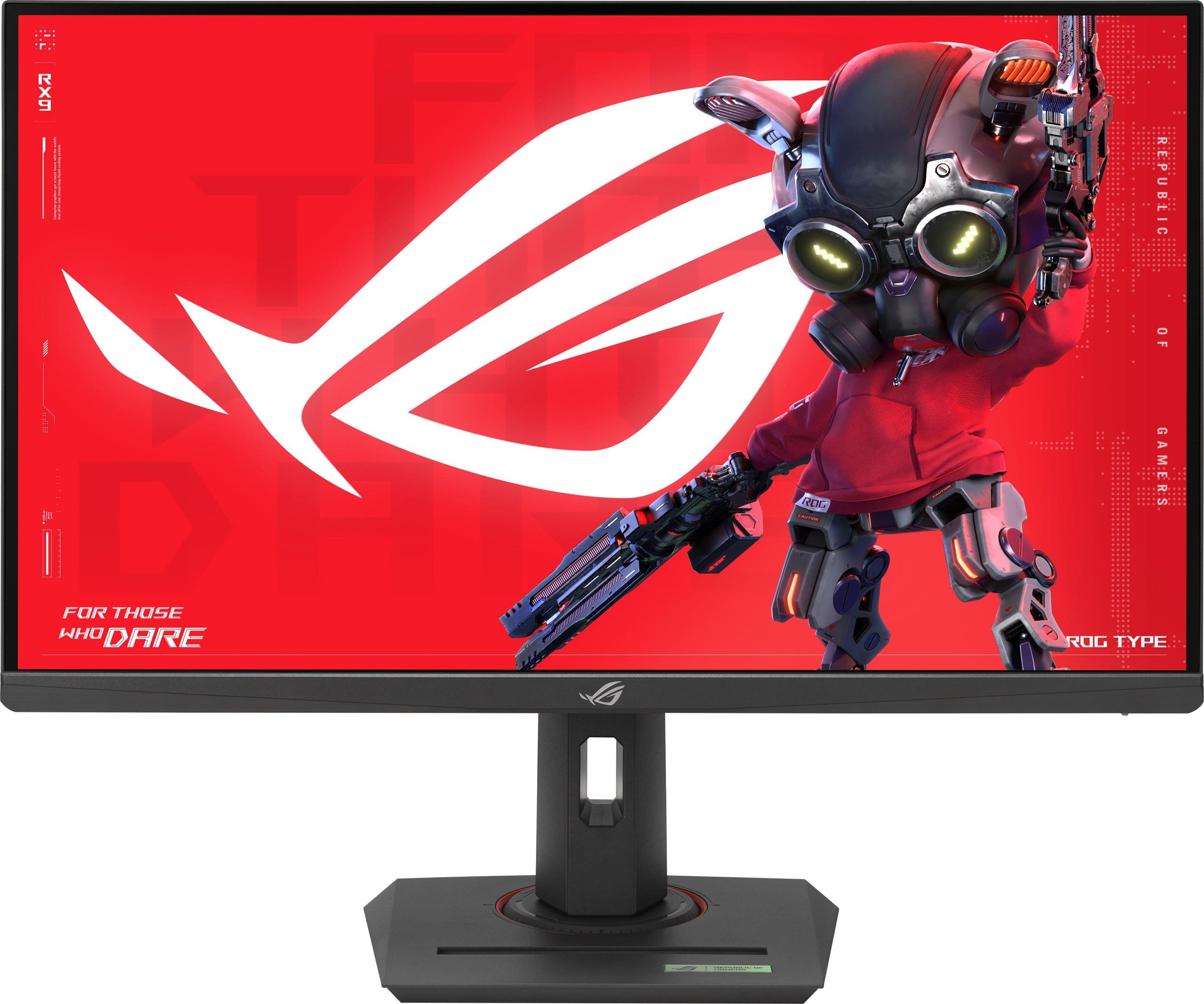
The ASUS ROG Strix XG27ACMG takes a completely different approach. Released in 2024, it prioritizes pure gaming performance with a 270Hz refresh rate at QHD resolution (2560x1440). This resolution sits in the sweet spot for most gamers—sharper than 1080p but much easier to drive than 4K.
The 270Hz refresh rate deserves special attention. To put this in perspective, each frame displays for just 3.7 milliseconds, compared to 6.25 milliseconds on the Sony's 160Hz display. While the difference might seem small on paper, it's immediately noticeable in fast-paced games. Tracking enemies in competitive shooters feels more natural, and camera movements appear remarkably smooth.
The ASUS monitor includes something called ELMB SYNC (Extreme Low Motion Blur Sync), which represents a significant technical achievement. Traditionally, you had to choose between variable refresh rate technology (which eliminates screen tearing) and motion blur reduction (which uses backlight strobing). ASUS figured out how to run both simultaneously.
This matters because motion blur reduction dramatically improves visual clarity during fast movement. The monitor strobes its backlight in sync with frame updates, essentially creating a CRT-like effect where each frame appears crisp and distinct. Combined with variable refresh rate support, the XG27ACMG delivers both tear-free and blur-free gaming—something that was technically impossible just a few years ago.
The ASUS monitor features Variable Overdrive, which automatically adjusts pixel response characteristics based on your current frame rate. Traditional overdrive settings are optimized for specific refresh rates, leading to artifacts when frame rates fluctuate. Variable Overdrive eliminates this problem by continuously adapting to your actual gaming performance.
The 1ms GTG (Gray-to-Gray) response time matches the Sony monitor, but the ASUS achieves this consistently across its entire 270Hz range. This consistent performance is crucial for competitive gaming where every millisecond of input lag matters.
The Sony INZONE M9 II delivers superior visual quality in almost every measurable way. The 4K resolution provides 78% more pixels than the ASUS monitor's QHD display, translating to noticeably sharper text, more detailed game textures, and better overall image clarity.
The Full Array Local Dimming system creates contrast levels that the ASUS monitor simply cannot match. In dark game scenes, the Sony can achieve true blacks in portions of the screen while maintaining bright highlights elsewhere. The ASUS monitor, lacking local dimming, displays dark scenes as gray rather than true black, reducing immersion in atmospheric games.
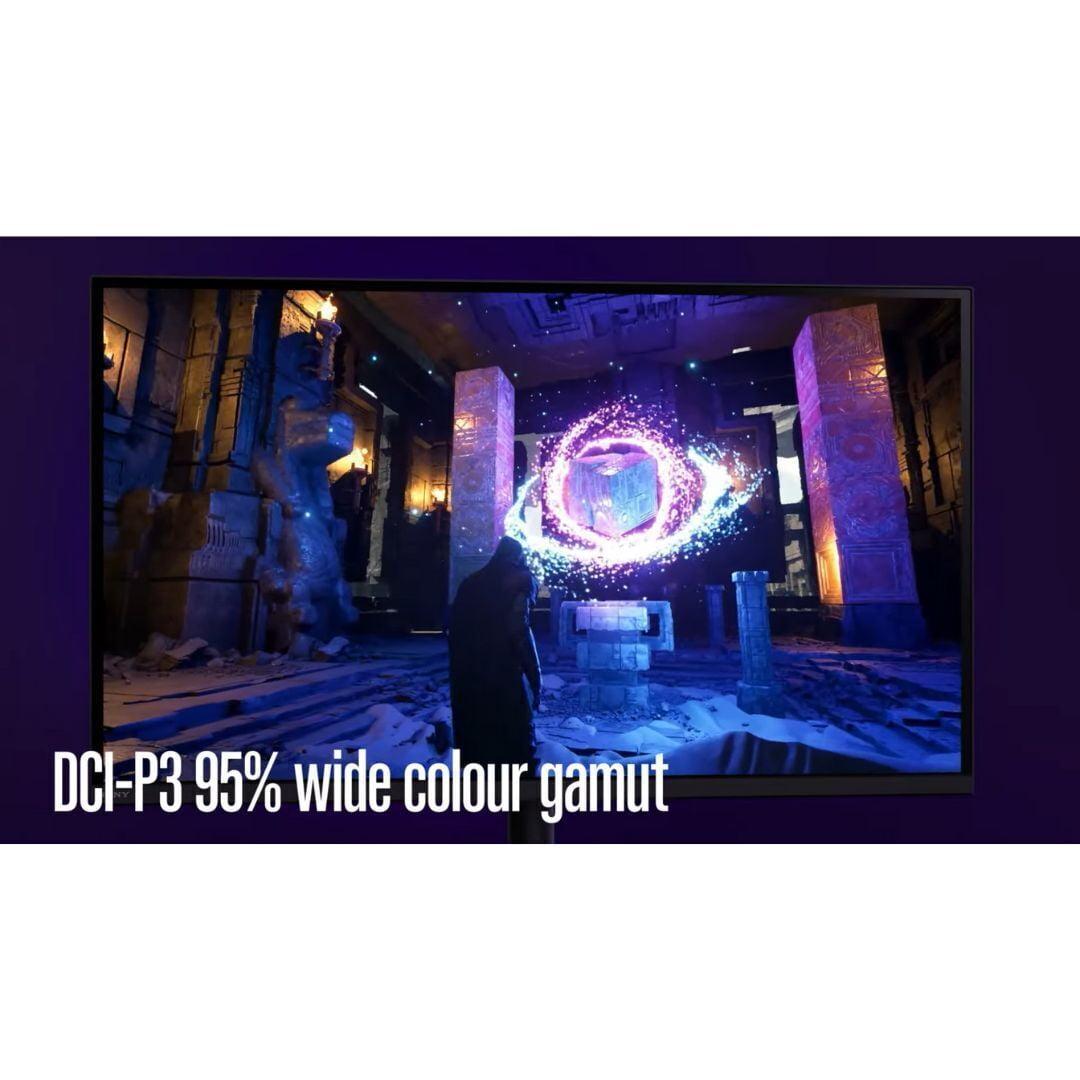
Color performance also favors the Sony monitor for serious work. While both monitors cover wide color gamuts—the ASUS actually covers 125% of sRGB versus Sony's 95% DCI-P3—the Sony includes factory calibration and more accurate color reproduction out of the box. For content creators or anyone doing photo editing, this accuracy matters significantly.
When it comes to pure gaming performance, particularly for competitive titles, the ASUS XG27ACMG pulls ahead decisively. The 270Hz refresh rate provides a substantial advantage in fast-paced games. I've noticed the difference is most apparent in first-person shooters where tracking moving targets feels more natural and responsive.
The ELMB SYNC technology on the ASUS monitor creates motion clarity that the Sony cannot match, despite Sony's backlight scanning feature. Moving objects appear crisp and defined rather than slightly blurred, which can mean the difference between hitting or missing shots in competitive games.
Input lag measurements also favor the ASUS monitor. While both monitors achieve excellent input lag performance, the ASUS's GameFast Input Technology and optimization for high refresh rates result in slightly better responsiveness for competitive gaming scenarios.
For HDR gaming and media consumption, the Sony INZONE M9 II offers a significantly superior experience. The DisplayHDR 600 certification versus the ASUS monitor's DisplayHDR 400 represents a meaningful difference in HDR quality. Games like Horizon Forbidden West or The Last of Us Part I showcase dramatic lighting effects that look much more realistic on the Sony.
The local dimming system becomes particularly important for HDR content. When viewing movies or playing cinematic games, the Sony monitor can create the deep blacks necessary for proper HDR contrast ratios, while the ASUS monitor lacks this capability entirely.
However, there's a trade-off. The Sony's local dimming system, while impressive, uses relatively large zones that can create visible "blooming" effects where bright objects cause adjacent dark areas to lighten slightly. This is most noticeable in high-contrast scenarios with small bright objects against dark backgrounds.
The choice between these monitors significantly impacts your required hardware investment. The Sony INZONE M9 II demands serious graphics power to utilize its 4K resolution effectively. For modern AAA games at high settings, you'll want at least an RTX 4070 Ti or RX 7800 XT, with RTX 4080 or better recommended for consistent high frame rates.
The ASUS XG27ACMG is much more accessible from a hardware perspective. An RTX 4060 Ti or RX 7700 XT can drive most games at high refresh rates at QHD resolution, making it suitable for a broader range of gaming systems.
This hardware requirement difference significantly impacts the total cost of ownership. While the Sony monitor commands a premium price at the time of writing, you also need to factor in the cost of a high-end graphics card capable of driving 4K gaming effectively. The ASUS monitor allows you to achieve exceptional gaming performance with more affordable hardware.
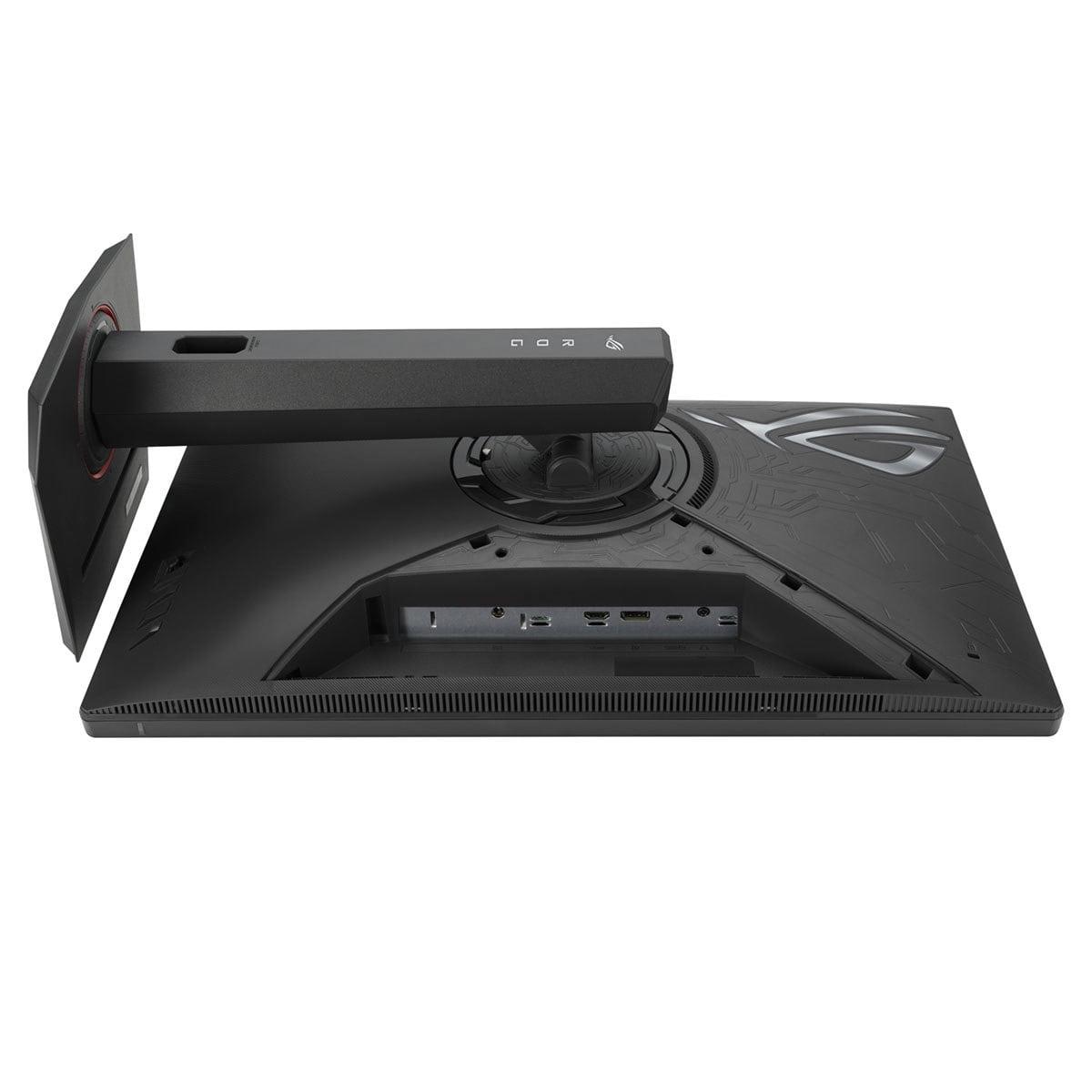
Both monitors offer modern connectivity, but with different focuses. The Sony INZONE M9 II includes DisplayPort 2.1 for maximum bandwidth, crucial for 4K 160Hz operation, plus dual HDMI 2.1 ports for console connectivity. The inclusion of USB-A ports adds utility for peripheral connections.
The ASUS XG27ACMG provides DisplayPort 1.4 (sufficient for QHD 270Hz), HDMI 2.1, and notably includes USB-C with 15W power delivery. While the power delivery isn't enough for high-performance laptops, it's handy for charging devices or connecting ultrabooks for productivity work.
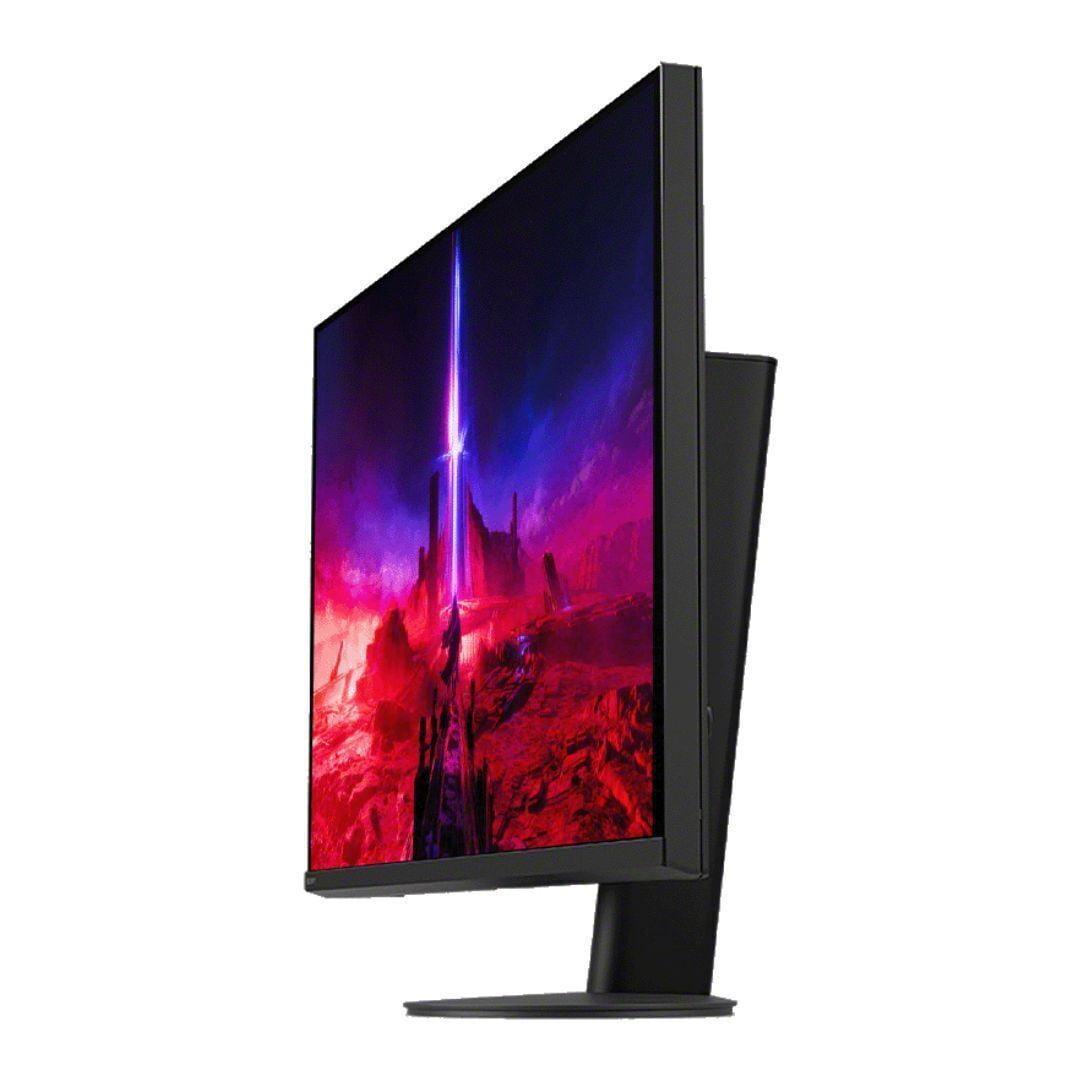
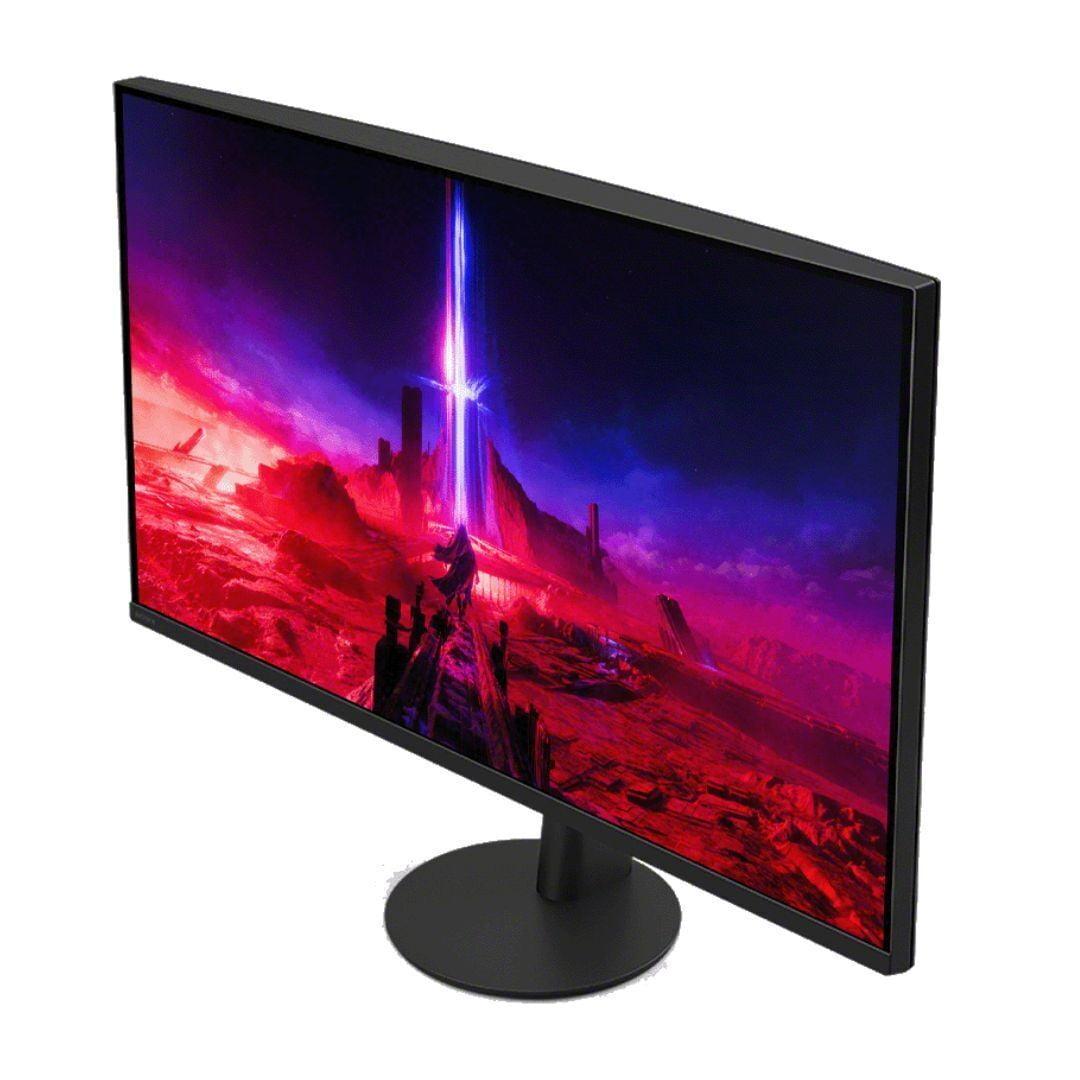
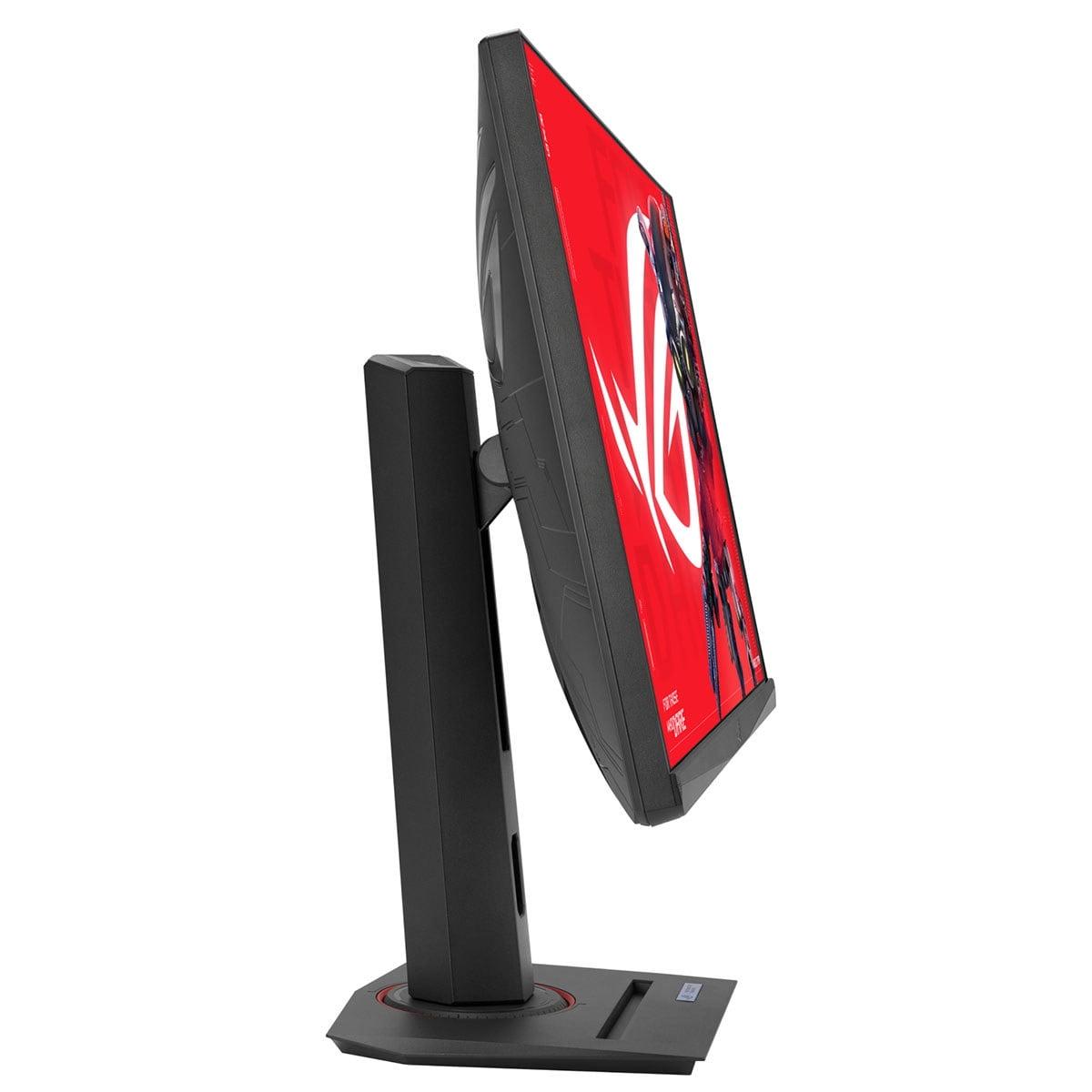
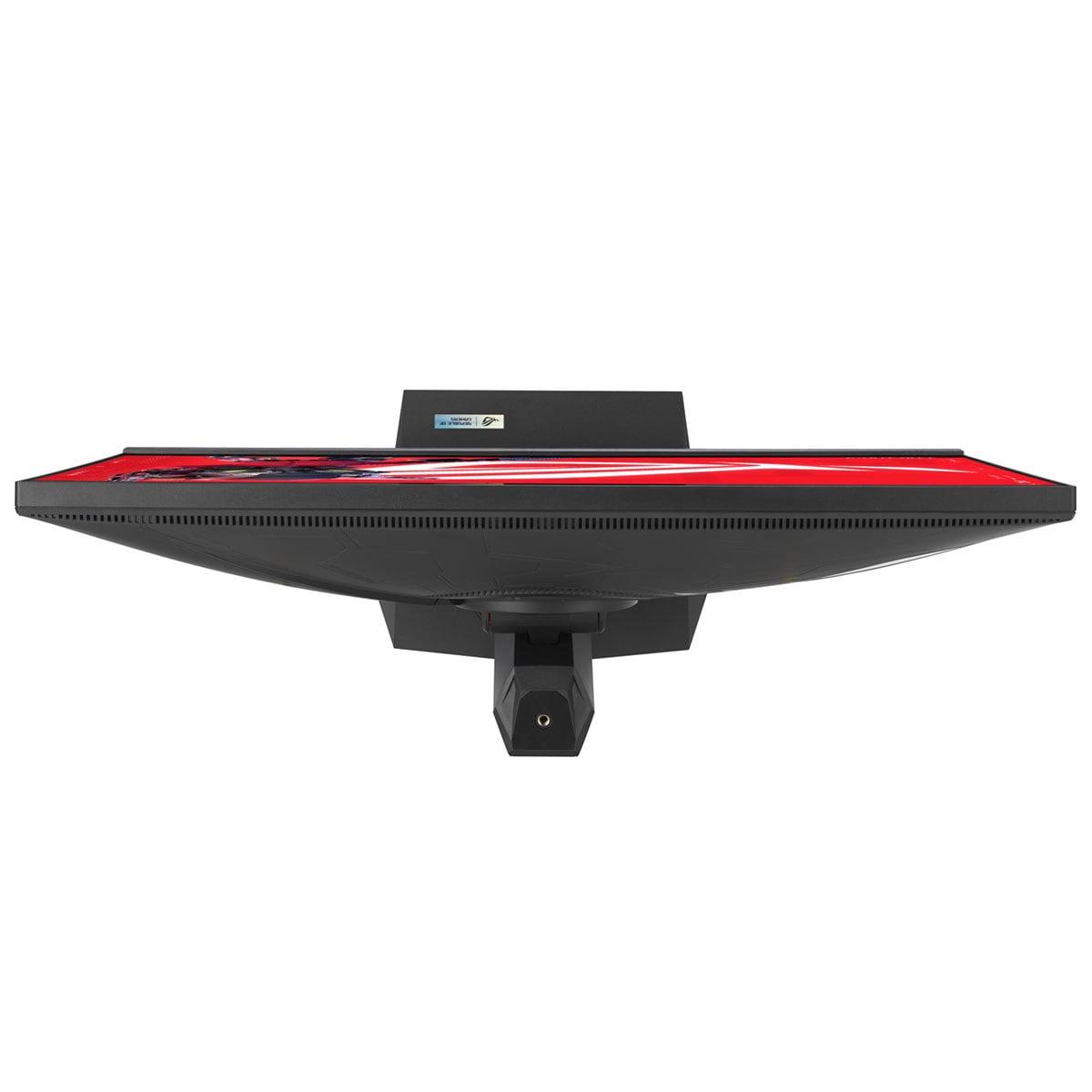
Both monitors feature excellent ergonomics with comprehensive adjustment options. The ASUS includes a unique tripod socket for webcam mounting and customizable RGB lighting, while the Sony focuses on premium build quality with its circular stand design.
For home theater use, the Sony INZONE M9 II clearly excels. The 4K resolution perfectly matches modern content standards, while the HDR performance with local dimming creates a viewing experience that approaches entry-level OLED quality. The larger local dimming zones do create some artifacts, but for most content, the improved contrast dramatically enhances the viewing experience.
The ASUS monitor, while excellent for gaming, falls short for serious home theater applications. The QHD resolution means 4K content gets downscaled, and the lack of local dimming limits HDR performance significantly. However, for casual media consumption alongside gaming, it performs adequately.
At the time of writing, these monitors occupy very different price tiers, reflecting their distinct target markets. The ASUS XG27ACMG represents exceptional value for competitive gamers, delivering professional-grade gaming performance at a relatively accessible price point. The inclusion of advanced features like ELMB SYNC and 270Hz refresh rate at this price level would have been unthinkable just a few years ago.
The Sony INZONE M9 II positions itself as a premium option for enthusiast gamers and content creators who prioritize visual quality. The significant price premium reflects the advanced local dimming technology, 4K resolution, and premium build quality. Whether this premium is justified depends heavily on your priorities and budget.
Choose the Sony INZONE M9 II if you prioritize visual excellence and have the hardware to support 4K gaming. This monitor excels for single-player AAA games, content creation work, and home theater applications. It's ideal for PlayStation 5 owners who want the ultimate console gaming experience and for PC gamers with high-end graphics cards who prefer image quality over competitive advantages.
The ASUS ROG Strix XG27ACMG is the clear choice for competitive gamers and those seeking maximum value. Its 270Hz refresh rate and ELMB SYNC technology provide tangible advantages in fast-paced games, while the more accessible hardware requirements make high-performance gaming available to a broader audience. It's also versatile enough for productivity work and casual media consumption.
Ultimately, both monitors excel within their intended use cases. The Sony delivers a premium visual experience that justifies its price premium for users who can appreciate and utilize its advanced features. The ASUS democratizes high-end gaming performance, offering competitive-grade capabilities at a price that doesn't require breaking the bank. Your choice should align with your gaming priorities, hardware capabilities, and budget considerations.
| Sony INZONE M9 II 27" 4K 160Hz Gaming Monitor | ASUS ROG Strix XG27ACMG 27" QHD 270Hz Gaming Monitor |
|---|---|
| Resolution - Higher resolution means sharper visuals but requires more GPU power | |
| 4K (3840 x 2160) - 78% more pixels for exceptional detail | QHD (2560 x 1440) - Sweet spot for performance and clarity |
| Refresh Rate - Higher rates provide smoother motion, crucial for competitive gaming | |
| 160Hz - Excellent for immersive gaming and console use | 270Hz - Ultra-smooth motion ideal for esports and competitive play |
| Panel Technology - Determines color quality, viewing angles, and response characteristics | |
| IPS with Full Array Local Dimming (96 zones) | Fast IPS with anti-glare matte coating |
| HDR Performance - Better HDR creates more realistic lighting and contrast | |
| DisplayHDR 600 (750 nits peak) - Premium HDR with local dimming | DisplayHDR 400 (400 nits peak) - Basic HDR without local dimming |
| Response Time - Lower latency reduces ghosting in fast-paced games | |
| 1ms GTG - Fast response with backlight scanning | 1ms GTG - Consistent speed across all refresh rates |
| Motion Clarity Technology - Reduces blur during fast movement | |
| Backlight scanning - Basic motion blur reduction | ELMB SYNC - Advanced blur reduction that works with VRR |
| Variable Refresh Rate Support - Eliminates screen tearing and stuttering | |
| G-SYNC Compatible, HDMI 2.1 VRR - Broad compatibility | G-SYNC Compatible, FreeSync Premium - Full AMD/NVIDIA support |
| Gaming Features - Special modes and enhancements for different game types | |
| PS5 Auto HDR Tone Mapping, 24.5" esports mode | GamePlus, GameVisual, Shadow Boost, Variable Overdrive |
| Connectivity - Determines what devices you can connect and at what quality | |
| 2x HDMI 2.1, 1x DisplayPort 2.1, USB-A ports | 1x HDMI 2.1, 1x DisplayPort 1.4, USB-C (15W power delivery) |
| Build Quality and Design - Affects durability and desk aesthetics | |
| Premium build, circular stand, 360° swivel | 3-sided bezel-less, RGB lighting, tripod socket |
| Target Use Case - Who each monitor serves best | |
| Premium gaming, content creation, home theater | Competitive gaming, esports, high-value performance |
| Hardware Requirements - GPU power needed to utilize fully | |
| RTX 4080+ or equivalent for 4K gaming | RTX 4060 Ti+ sufficient for high refresh QHD |
| Warranty Coverage - Protection for your investment | |
| 1 year - Shorter coverage period | 3 years - Excellent long-term protection |
The ASUS ROG Strix XG27ACMG is significantly better for competitive gaming due to its 270Hz refresh rate compared to the Sony INZONE M9 II's 160Hz. The ASUS monitor also features ELMB SYNC technology that eliminates motion blur while maintaining variable refresh rate support, giving competitive players clearer visuals during fast movement. The higher refresh rate provides smoother tracking of enemies and more responsive gameplay in esports titles.
The Sony INZONE M9 II uses 4K resolution (3840x2160), which has 78% more pixels than the ASUS XG27ACMG's QHD resolution (2560x1440). This means the Sony monitor displays much sharper text and more detailed game textures, but requires a more powerful graphics card to maintain high frame rates. QHD offers a good balance between visual quality and performance requirements.
The Sony INZONE M9 II offers superior HDR with DisplayHDR 600 certification and 750 nits peak brightness, compared to the ASUS monitor's DisplayHDR 400 with 400 nits. The Sony also features Full Array Local Dimming with 96 zones, creating much deeper blacks and better contrast ratios for HDR content. This makes the Sony significantly better for HDR gaming and movies.
For the Sony INZONE M9 II, you'll need at least an RTX 4070 Ti or RX 7800 XT for 4K gaming, with RTX 4080 or better recommended for consistent high frame rates. The ASUS XG27ACMG is much more accessible, working well with RTX 4060 Ti or RX 7700 XT graphics cards while still achieving high refresh rates at QHD resolution.
The Sony INZONE M9 II is better for console gaming, especially PlayStation 5. It features Auto HDR Tone Mapping specifically for PS5 consoles, automatically optimizing HDR settings. The 4K resolution also matches native console output perfectly. While the ASUS XG27ACMG supports HDMI 2.1 for consoles, its QHD resolution means 4K console content gets downscaled.
Yes, both monitors support variable refresh rate to eliminate screen tearing. The Sony INZONE M9 II is G-SYNC Compatible and supports HDMI 2.1 VRR for consoles. The ASUS XG27ACMG supports both G-SYNC Compatible and AMD FreeSync Premium, providing broader compatibility across different graphics cards and gaming systems.
The Sony INZONE M9 II is better for content creation due to its 4K resolution, factory color calibration, and accurate color reproduction. The higher resolution provides more screen real estate for editing work, while the premium color accuracy makes it suitable for professional photo and video editing. The ASUS monitor has good colors but lacks the resolution and calibration for serious creative work.
The ASUS XG27ACMG offers superior motion clarity thanks to its ELMB SYNC technology, which provides blur-free gaming while maintaining variable refresh rate support. The Sony INZONE M9 II includes backlight scanning for motion blur reduction, but it's less advanced than the ASUS implementation. For fast-paced gaming, the ASUS delivers clearer visuals during rapid movement.
The ASUS ROG Strix XG27ACMG offers exceptional value, delivering professional-grade gaming performance with advanced features like 270Hz refresh rate and ELMB SYNC at a competitive price point. The Sony INZONE M9 II commands a significant premium for its 4K resolution, local dimming, and premium build quality, making it better value only for users who specifically need these advanced features.
The Sony INZONE M9 II is excellent for movies and TV shows with its 4K resolution, HDR600 support, and Full Array Local Dimming creating cinema-like contrast. The ASUS XG27ACMG is adequate for casual viewing but lacks the resolution and HDR performance for a premium home theater experience. For serious media consumption, the Sony is the clear winner.
The Sony INZONE M9 II provides 2x HDMI 2.1 ports, 1x DisplayPort 2.1, and multiple USB-A ports for peripherals. The ASUS XG27ACMG offers 1x HDMI 2.1, 1x DisplayPort 1.4, and notably includes USB-C with 15W power delivery for charging devices. Both monitors include headphone jacks and support for modern gaming consoles and PCs.
Choose the Sony INZONE M9 II if you prioritize visual quality, have high-end hardware for 4K gaming, own a PlayStation 5, or need the monitor for content creation and media consumption. Select the ASUS XG27ACMG if you focus on competitive gaming, want maximum value for money, have mid-range hardware, or primarily play fast-paced esports titles where high refresh rates matter most.
We've done our best to create useful and informative comparisons to help you decide what product to buy. Our research uses advanced automated methods to create this comparison and perfection is not possible - please contact us for corrections or questions. These are the sites we've researched in the creation of this article: bestbuy.com - bestbuy.com - rtings.com - rtings.com - tomshardware.com - youtube.com - bhphotovideo.com - bestbuy.com - sony.com - techpowerup.com - electronics.sony.com - sony.com - displayspecifications.com - direct.playstation.com - youtube.com - sony.com - sony.com - displayspecifications.com - bhphotovideo.com - displayspecifications.com - rtings.com - e-catalog.com - bestbuy.com - rog.asus.com - rog.asus.com - youtube.com - youtube.com - versus.com - forum.pcmonitors.info - versus.com - cdw.com - rog.asus.com - rog.asus.com - rog.asus.com - avadirect.com - bhphotovideo.com - rog.asus.com - shi.com - shop.asus.com - publicsector.shidirect.com - bestbuy.com

Privacy Policy
Terms and Conditions - Affiliate Policy
Home Security
© Copyright 2008-2026.
11816 Inwood Rd #1211, Dallas, TX 75244