

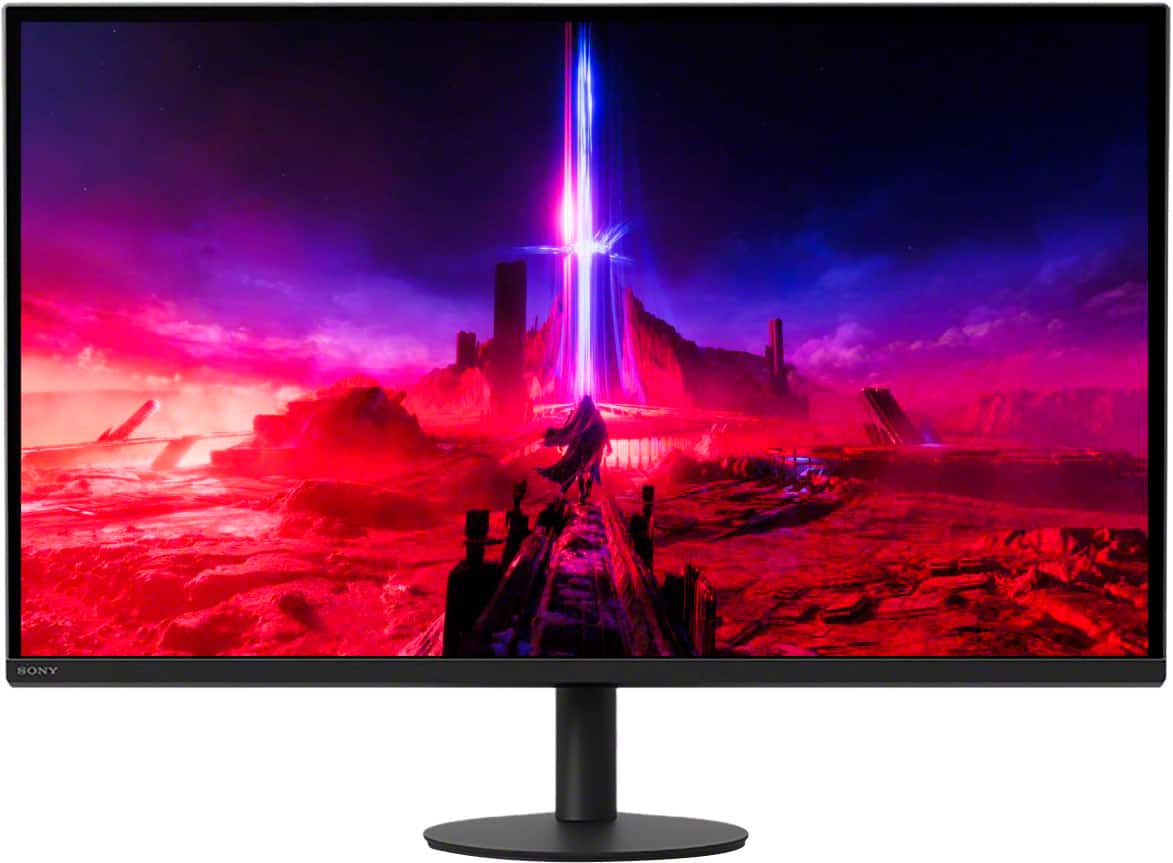
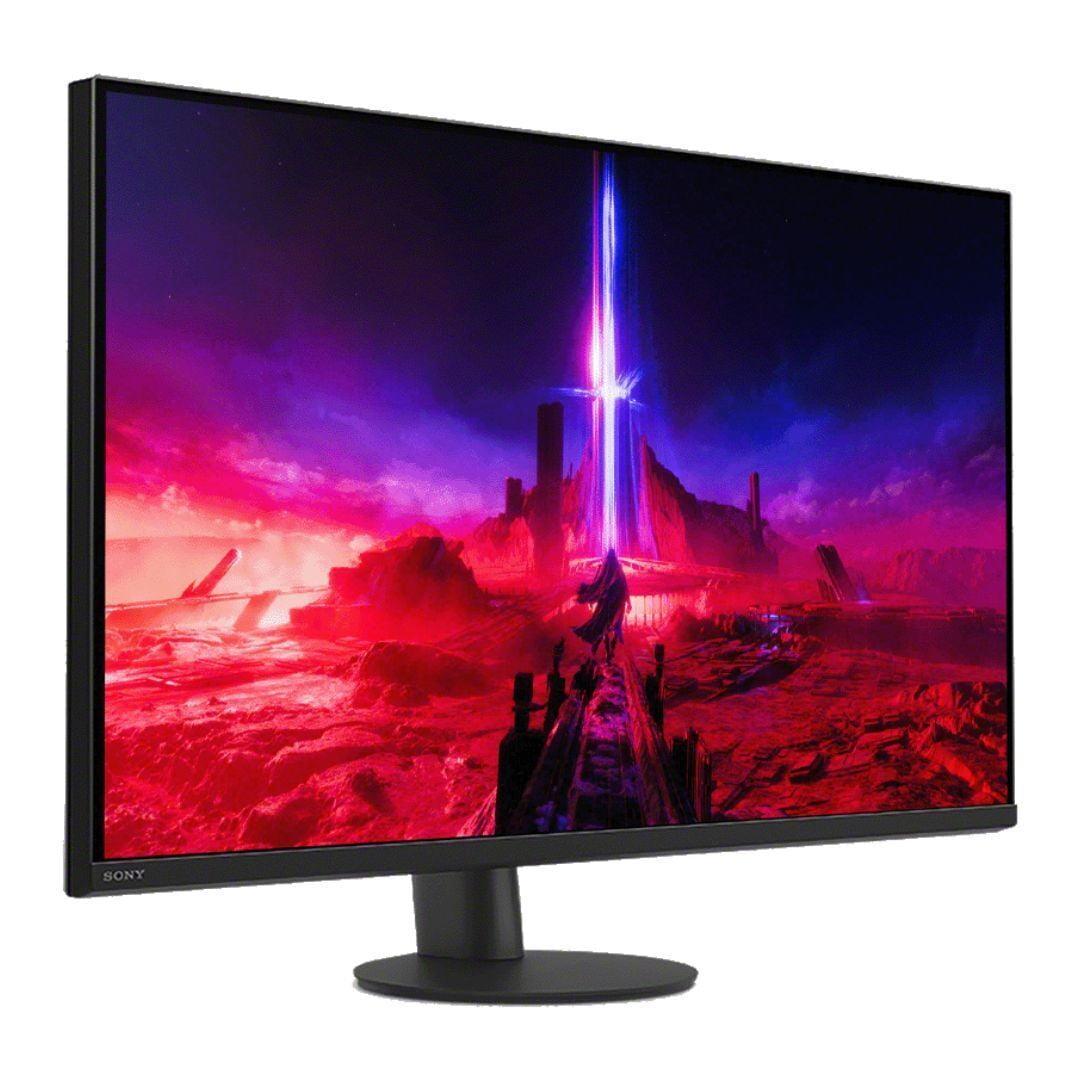

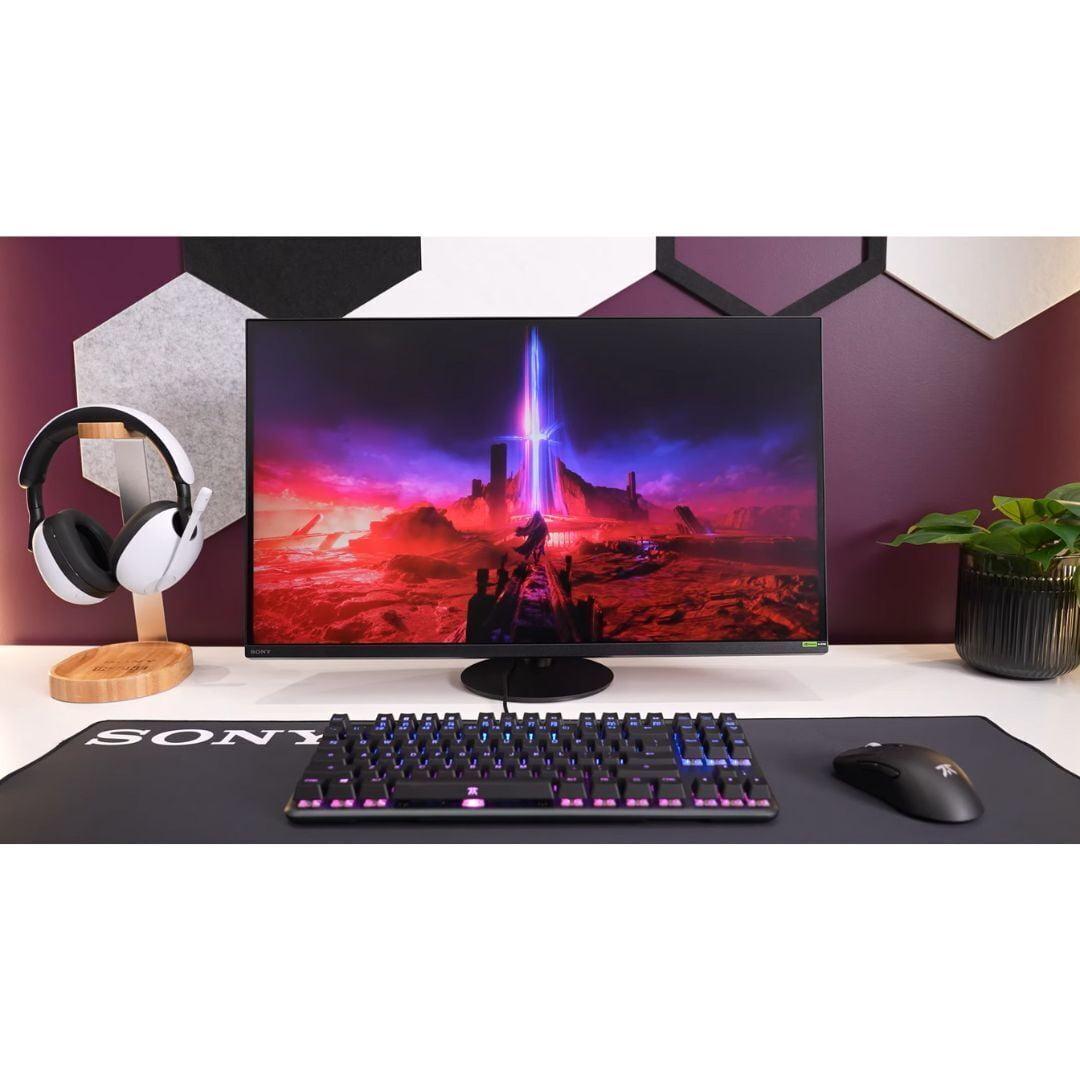









The 27-inch 4K gaming monitor market has exploded in recent years, and for good reason. This size hits the sweet spot where you get incredibly sharp visuals without needing to scale text up on your desktop. At 163 pixels per inch, everything looks crisp whether you're gaming, working, or watching movies. But with so many options available, choosing the right one can feel overwhelming.
Today, we're comparing two standout monitors that represent very different approaches to premium 4K gaming: the Sony INZONE M9 II and the ASUS ROG Strix OLED XG27UCDMG. These aren't just random picks – they showcase the biggest decision you'll face when shopping for a high-end gaming monitor: proven LCD technology versus cutting-edge OLED.
When you're shopping for a premium gaming monitor, the display technology is the most important factor. It affects everything from how dark your blacks look to how long your monitor will last.
The Sony INZONE M9 II, released in 2023, uses what's called an IPS (In-Plane Switching) panel. Think of IPS as the reliable workhorse of display technology – it's been around for decades and manufacturers have perfected it. Sony pairs this with Full Array Local Dimming, which sounds fancy but basically means they've placed LED lights behind the screen in 96 different zones. When a part of your screen should be dark, those specific LEDs dim down. When something should be bright, they light up. It's like having 96 tiny dimmers controlling different parts of your display.
The ASUS ROG Strix OLED XG27UCDMG, arriving much more recently, takes a completely different approach with 4th-generation QD-OLED (Quantum Dot Organic Light-Emitting Diode) technology. Instead of backlights, each pixel creates its own light. When a pixel should be black, it simply turns off completely. This is why OLED enthusiasts get so excited about "perfect blacks" – there's literally no light coming from those pixels.
The QD part stands for Quantum Dot, which is a layer that makes colors more vibrant and accurate. The 4th-generation aspect is important because early OLED monitors had issues with text clarity and lifespan. This newer version has solved most of those problems.
Having tested both types of panels extensively, the visual differences are immediately apparent. The Sony INZONE M9 II delivers excellent image quality that most people will find impressive. Its HDR (High Dynamic Range) performance is particularly strong, achieving VESA DisplayHDR 600 certification. This means it can hit 600 nits of brightness, which is bright enough to make HDR content pop noticeably compared to standard content.
The local dimming zones work well in practice. When you're playing a game with bright explosions against a dark sky, you can see the monitor selectively brightening and dimming different areas. It's not perfect – sometimes you'll notice the zones working, creating slight halos around bright objects – but it's a significant improvement over monitors without local dimming.
The ASUS XG27UCDMG, however, operates on a different level entirely. With OLED technology, contrast isn't measured in thousands-to-one ratios like the Sony's 1,000:1 – it's essentially infinite because those black pixels produce zero light. When I first switched from a high-end LCD to OLED, the difference was striking. Space scenes in games like Elite Dangerous or movie scenes with mixed bright and dark elements look dramatically more realistic.
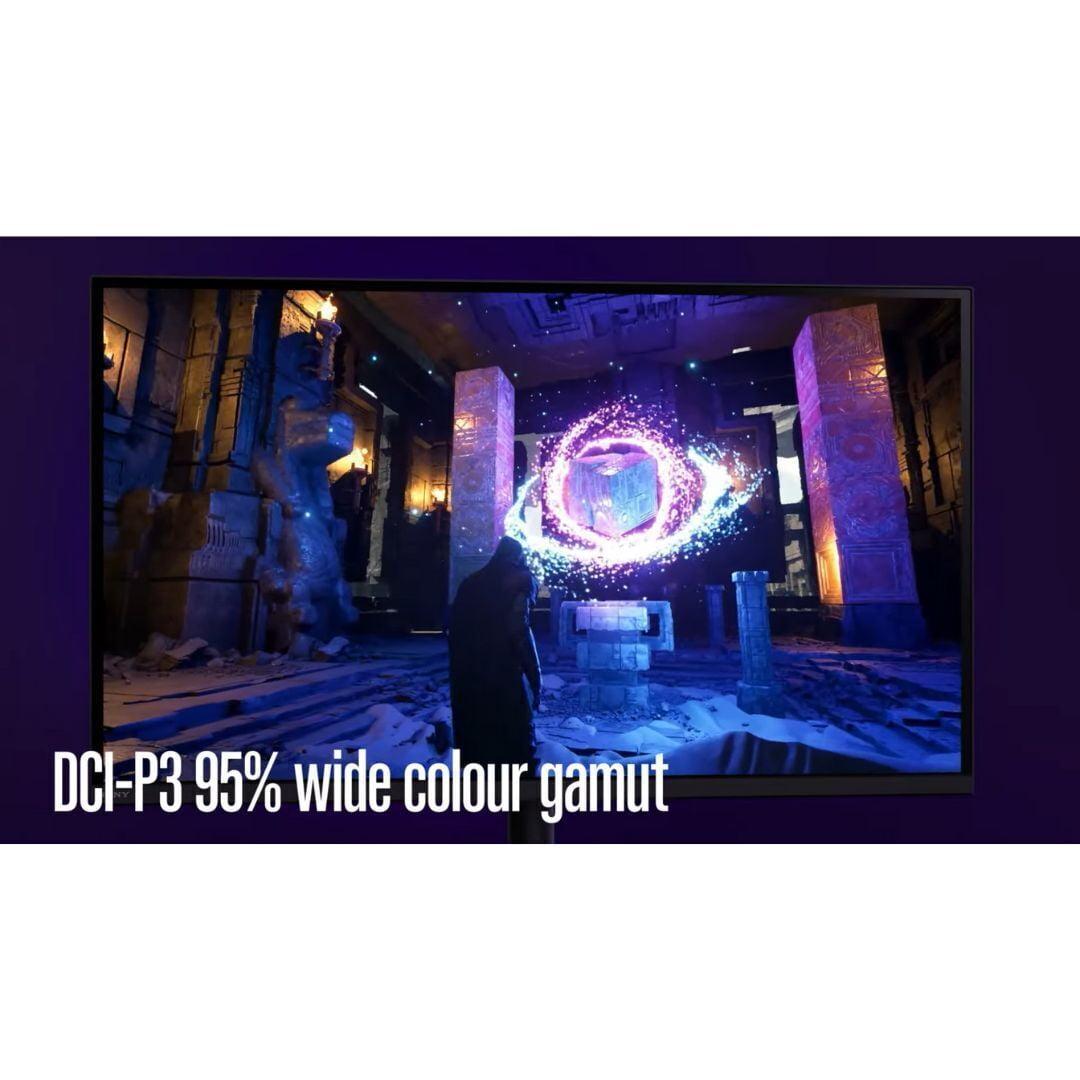
Color coverage is another area where the ASUS pulls ahead significantly. While the Sony INZONE M9 II covers 95% of the DCI-P3 color space (which is quite good), the ASUS monitor reaches 99% DCI-P3 and 145% of the sRGB space. In practical terms, this means more vibrant greens, deeper reds, and overall more lifelike colors.
For gaming, refresh rate and response time are crucial metrics. Refresh rate, measured in Hz, tells you how many times per second your monitor can display a new image. Response time measures how quickly pixels can change from one color to another.
The Sony INZONE M9 II offers a 160Hz refresh rate with a 1ms response time. This is excellent for most gaming scenarios. Whether you're playing single-player adventures or online multiplayer games, 160 frames per second is smooth enough that most people won't feel limited by the display. The 1ms response time ensures minimal ghosting or blur during fast motion.
Sony also includes backlight scanning technology, which briefly turns off the backlight between frames to reduce motion blur. It's similar to the black frame insertion you might find on high-end TVs, and it genuinely helps with motion clarity in fast-paced games.
The ASUS XG27UCDMG takes performance to another level with 240Hz refresh rate and an almost impossibly fast 0.03ms response time. If you're into competitive gaming – think Counter-Strike, Valorant, or Apex Legends – this extra performance can provide a real advantage. The higher refresh rate means you see new information 50% more frequently than on the Sony monitor, and the ultra-fast response time eliminates any pixel lag.
From personal experience, the jump from 160Hz to 240Hz isn't as dramatic as going from 60Hz to 120Hz, but it's noticeable if you're sensitive to motion. The OLED's instant pixel response is where it really shines – there's essentially no motion blur even without special processing modes.
Both monitors support Variable Refresh Rate (VRR) technology, which synchronizes your monitor's refresh rate with your graphics card's output to eliminate screen tearing. This works with both NVIDIA and AMD graphics cards, ensuring smooth gameplay even when frame rates fluctuate.
If you're a PlayStation 5 owner, the Sony INZONE M9 II has some unique advantages. Sony designed it specifically with console gaming in mind, including Auto HDR Tone Mapping that automatically optimizes HDR settings when connected to a PS5 or PS5 Pro. This feature ensures games look their best without manual tweaking.
The monitor also includes a 24.5-inch mode that displays games with black borders, simulating a smaller screen. This might sound counterintuitive, but some competitive gamers prefer this setup because it reduces eye movement during fast-paced games.
The ASUS XG27UCDMG doesn't have PlayStation-specific features, but its superior image quality benefits all content, including console games. The perfect blacks make games like The Last of Us Part II or Ghost of Tsushima look absolutely stunning, especially in darker scenes.
For Xbox Series X users, both monitors work excellently, supporting all the console's display features through their HDMI 2.1 connections.
Display longevity is an important consideration, especially at these price points. The Sony INZONE M9 II uses mature LCD technology that, barring component failure, should last many years without degradation. There's no risk of burn-in (permanent image retention) with LCD panels, making it worry-free for desktop use with static elements like taskbars.
OLED technology has historically faced burn-in concerns, but the ASUS XG27UCDMG includes several protective features. The OLED Care Pro suite includes a Neo Proximity Sensor that detects when you step away and switches to a black screen, preventing static images from staying on-screen too long. It also includes pixel cleaning routines and screen savers to help maintain panel health.
ASUS backs this up with a 3-year warranty that covers burn-in, showing confidence in their OLED technology. In my experience with modern OLED displays, burn-in is much less of a concern than it was with earlier generations, especially if you use the protective features.
Both monitors offer comprehensive connectivity, but with different focuses. The Sony INZONE M9 II includes two HDMI 2.1 ports, DisplayPort 2.1 (though it ships with a DisplayPort 1.4 cable), and a USB hub with three USB-A ports. It also has built-in speakers, though their quality is mediocre at best – adequate for system sounds but not for serious gaming or media consumption.
The ASUS XG27UCDMG provides more modern connectivity options. Along with HDMI 2.1 and DisplayPort 1.4, it includes USB-C with 90W Power Delivery. This is particularly useful if you have a laptop – you can connect with a single cable that handles both display and power. The USB hub uses faster USB 3.2 standards compared to Sony's implementation.
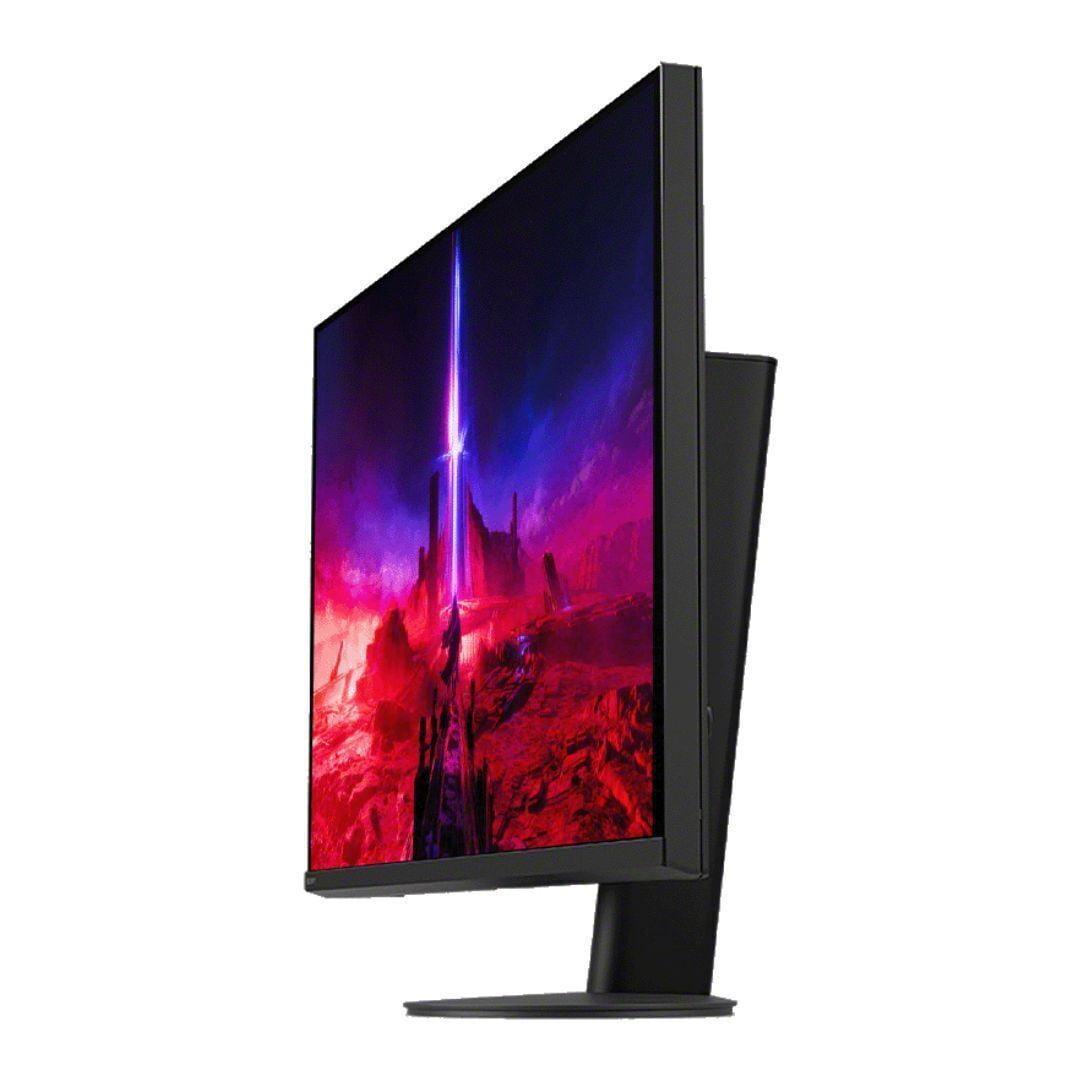
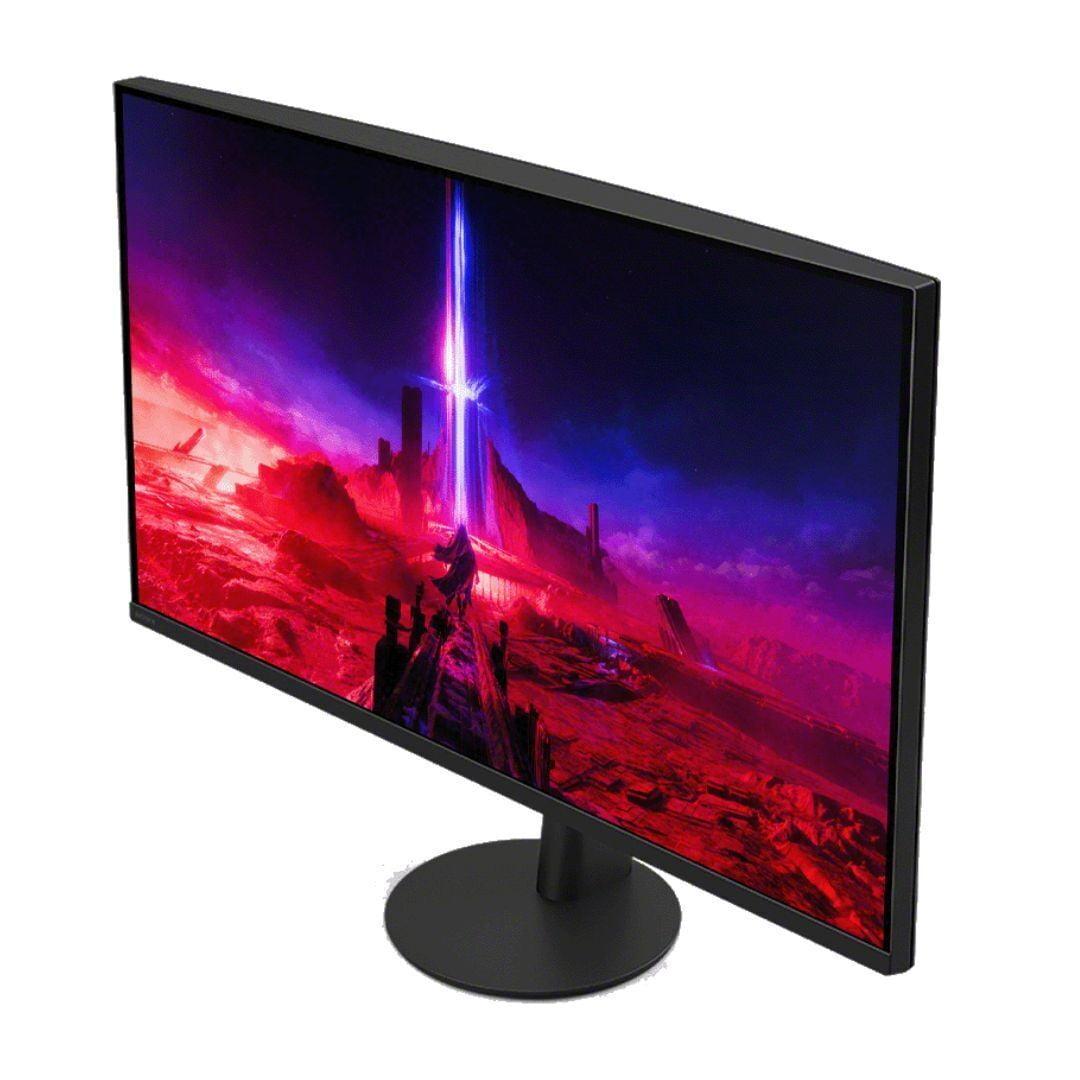
Both monitors offer full ergonomic adjustments including height, tilt, and swivel. The stands are well-built, though the ASUS includes some gaming-focused touches like RGB lighting that syncs with other ASUS components.
While these are gaming monitors first, their 27-inch 4K panels make them capable displays for desk-based movie watching. The Sony INZONE M9 II handles HDR movies well, with enough brightness to make highlights pop and good color accuracy for film content.
The ASUS XG27UCDMG is exceptional for movie content, especially darker films. The perfect blacks create an experience similar to watching in a darkened theater. However, it lacks Dolby Vision support, which some premium streaming content uses. For desk viewing distances, this size works well for one or two people, though you wouldn't want to use either monitor as your main TV.
At the time of writing, these monitors occupy different price tiers, with the Sony INZONE M9 II positioned as the more affordable option despite being a premium display. The ASUS XG27UCDMG commands a higher price due to its cutting-edge OLED technology.
The value equation depends heavily on your priorities. The Sony offers excellent performance per dollar, especially if you're a PlayStation user who can take advantage of its console-specific features. The ASUS justifies its premium through superior visual quality and higher performance specifications.
Since the Sony's 2023 release, prices have become more competitive as the market has matured. The ASUS, being much newer to market, hasn't seen significant price drops yet but likely will over time as OLED manufacturing scales up.
Choose the Sony INZONE M9 II if you prioritize value and console gaming. Its combination of solid performance, PlayStation-specific features, and lower cost of ownership (no burn-in concerns) makes it ideal for users who want premium features without paying for the absolute latest technology. It's particularly appealing if 160Hz refresh rate meets your gaming needs and you appreciate the reliability of proven LCD technology.
The ASUS ROG Strix OLED XG27UCDMG is the choice for enthusiasts who want the best possible visual quality and performance. If you're a competitive gamer who can benefit from 240Hz refresh rates, a content creator who needs excellent color accuracy, or simply someone who wants the most impressive display technology available, the OLED premium is justified. The superior contrast, perfect blacks, and vibrant colors create a more immersive experience across all content types.
Both monitors represent excellent choices in their respective categories. The Sony delivers premium performance at a more accessible price point, while the ASUS pushes the boundaries of what's possible with current display technology. Your choice ultimately comes down to whether you want proven excellence or cutting-edge performance – either way, you'll end up with a fantastic gaming monitor that should serve you well for years to come.
| Sony INZONE M9 II 27" 4K 160Hz Gaming Monitor | ASUS ROG Strix OLED XG27UCDMG 27" 4K 240Hz Gaming Monitor |
|---|---|
| Display Technology - Fundamentally affects contrast, lifespan, and visual quality | |
| IPS LCD with 96-zone Full Array Local Dimming | 4th-generation QD-OLED with per-pixel lighting |
| Refresh Rate - Higher rates provide smoother motion for competitive gaming | |
| 160Hz (excellent for most gaming scenarios) | 240Hz (advantage for competitive esports) |
| Response Time - Lower numbers reduce motion blur and ghosting | |
| 1ms GtG (very good for LCD technology) | 0.03ms GtG (virtually instantaneous) |
| Contrast Ratio - Determines how deep blacks appear and overall image depth | |
| 1,000:1 static (good with local dimming zones) | 1,500,000:1 (infinite contrast with true blacks) |
| Peak HDR Brightness - Affects how vibrant HDR content appears | |
| 750 nits (DisplayHDR 600 certified) | 1,000 nits (DisplayHDR 400 True Black) |
| Color Gamut Coverage - Wider coverage means more vibrant, accurate colors | |
| 95% DCI-P3 (very good color reproduction) | 99% DCI-P3, 145% sRGB (exceptional color accuracy) |
| Console Gaming Features - Special optimizations for PlayStation and Xbox | |
| Auto HDR Tone Mapping for PS5, dedicated console modes | Standard HDMI 2.1 features, no console-specific optimizations |
| Connectivity Options - More ports provide greater flexibility | |
| 2x HDMI 2.1, 1x DisplayPort 2.1, USB hub, built-in speakers | 2x HDMI 2.1, 1x DisplayPort 1.4, USB-C with 90W power delivery |
| Burn-in Risk - Important for longevity with static desktop elements | |
| No burn-in risk (LCD technology advantage) | Potential burn-in but includes OLED Care Pro protection |
| Warranty Coverage - Protection for your investment | |
| 1 year standard warranty | 3 years with burn-in coverage included |
| Best Use Cases - Who each monitor serves best | |
| PlayStation gamers, value-focused buyers, risk-averse users | Competitive PC gamers, visual quality enthusiasts, content creators |
The ASUS ROG Strix OLED XG27UCDMG delivers superior picture quality with its 4th-generation QD-OLED technology, offering perfect blacks, infinite contrast ratio, and 99% DCI-P3 color coverage. The Sony INZONE M9 II provides excellent image quality with its IPS panel and 96-zone local dimming, but cannot match the OLED's contrast and color accuracy.
The Sony INZONE M9 II offers a 160Hz refresh rate, which is excellent for most gaming scenarios. The ASUS ROG Strix OLED XG27UCDMG provides a higher 240Hz refresh rate, giving competitive gamers an advantage in fast-paced esports titles with smoother motion and more frequent screen updates.
The Sony INZONE M9 II is specifically designed for PlayStation gaming, featuring Auto HDR Tone Mapping for PS5/PS5 Pro, dedicated console picture modes, and a 24.5-inch esports mode. While the ASUS XG27UCDMG works excellently with PS5, it lacks these console-specific optimizations.
Both monitors support HDR, but with different approaches. The Sony INZONE M9 II is DisplayHDR 600 certified with 750 nits peak brightness and local dimming zones. The ASUS ROG Strix OLED XG27UCDMG is DisplayHDR 400 True Black certified, reaching 1,000 nits peak brightness with perfect blacks that enhance HDR contrast dramatically.
The ASUS ROG Strix OLED XG27UCDMG offers more modern connectivity with USB-C featuring 90W power delivery, making it ideal for laptop users. The Sony INZONE M9 II provides DisplayPort 2.1 and includes built-in speakers, though both monitors feature dual HDMI 2.1 ports for console gaming.
The Sony INZONE M9 II uses LCD technology with no burn-in risk, making it worry-free for desktop use. The ASUS XG27UCDMG uses OLED technology which can experience burn-in, but includes OLED Care Pro features like proximity sensors and pixel cleaning to minimize this risk, plus a 3-year warranty covering burn-in.
The ASUS ROG Strix OLED XG27UCDMG is superior for competitive gaming with its 240Hz refresh rate and 0.03ms response time, providing maximum performance for esports. The Sony INZONE M9 II offers solid competitive performance at 160Hz with 1ms response time, which is sufficient for most competitive scenarios.
The ASUS ROG Strix OLED XG27UCDMG has an ultra-fast 0.03ms response time due to its OLED technology's instant pixel switching. The Sony INZONE M9 II offers a 1ms response time, which is excellent for LCD technology and fast enough to eliminate noticeable ghosting in most gaming situations.
The Sony INZONE M9 II typically offers better value with lower pricing, excellent performance, and PlayStation-specific features. The ASUS XG27UCDMG commands a premium for its cutting-edge OLED technology but justifies the cost with superior visual quality and higher performance specifications.
The ASUS ROG Strix OLED XG27UCDMG excels for content creation with Delta E < 2 color accuracy, 99% DCI-P3 coverage, and perfect blacks for photo/video editing. The Sony INZONE M9 II provides good color accuracy at 95% DCI-P3 coverage, making it suitable for content creation but not as precise as the OLED option.
Both monitors feature solid build quality with full ergonomic adjustments. The ASUS ROG Strix OLED XG27UCDMG includes a 3-year warranty with burn-in coverage and premium features like RGB lighting. The Sony INZONE M9 II offers reliable construction with a 1-year warranty and the durability advantage of LCD technology.
Both work well for desk-based movie viewing. The ASUS XG27UCDMG provides a superior movie experience with perfect blacks creating theater-like contrast, though it lacks Dolby Vision support. The Sony INZONE M9 II handles HDR movies well with good brightness and color accuracy, making both suitable for personal entertainment at desk viewing distances.
We've done our best to create useful and informative comparisons to help you decide what product to buy. Our research uses advanced automated methods to create this comparison and perfection is not possible - please contact us for corrections or questions. These are the sites we've researched in the creation of this article: bestbuy.com - bestbuy.com - rtings.com - rtings.com - tomshardware.com - youtube.com - bhphotovideo.com - bestbuy.com - sony.com - techpowerup.com - electronics.sony.com - sony.com - displayspecifications.com - direct.playstation.com - youtube.com - sony.com - sony.com - displayspecifications.com - bhphotovideo.com - displayspecifications.com - bestbuy.com - rog.asus.com - forum.pcmonitors.info - rog.asus.com - windowscentral.com - versus.com - youtube.com - youtube.com - rtings.com - rtings.com - rog.asus.com - rog.asus.com - rog.asus.com - tenforums.com - rog.asus.com - techpowerup.com - bestbuy.com - newegg.com - displayspecifications.com - youtube.com - tftcentral.co.uk - displayninja.com

Privacy Policy
Terms and Conditions - Affiliate Policy
Home Security
© Copyright 2008-2026.
11816 Inwood Rd #1211, Dallas, TX 75244