

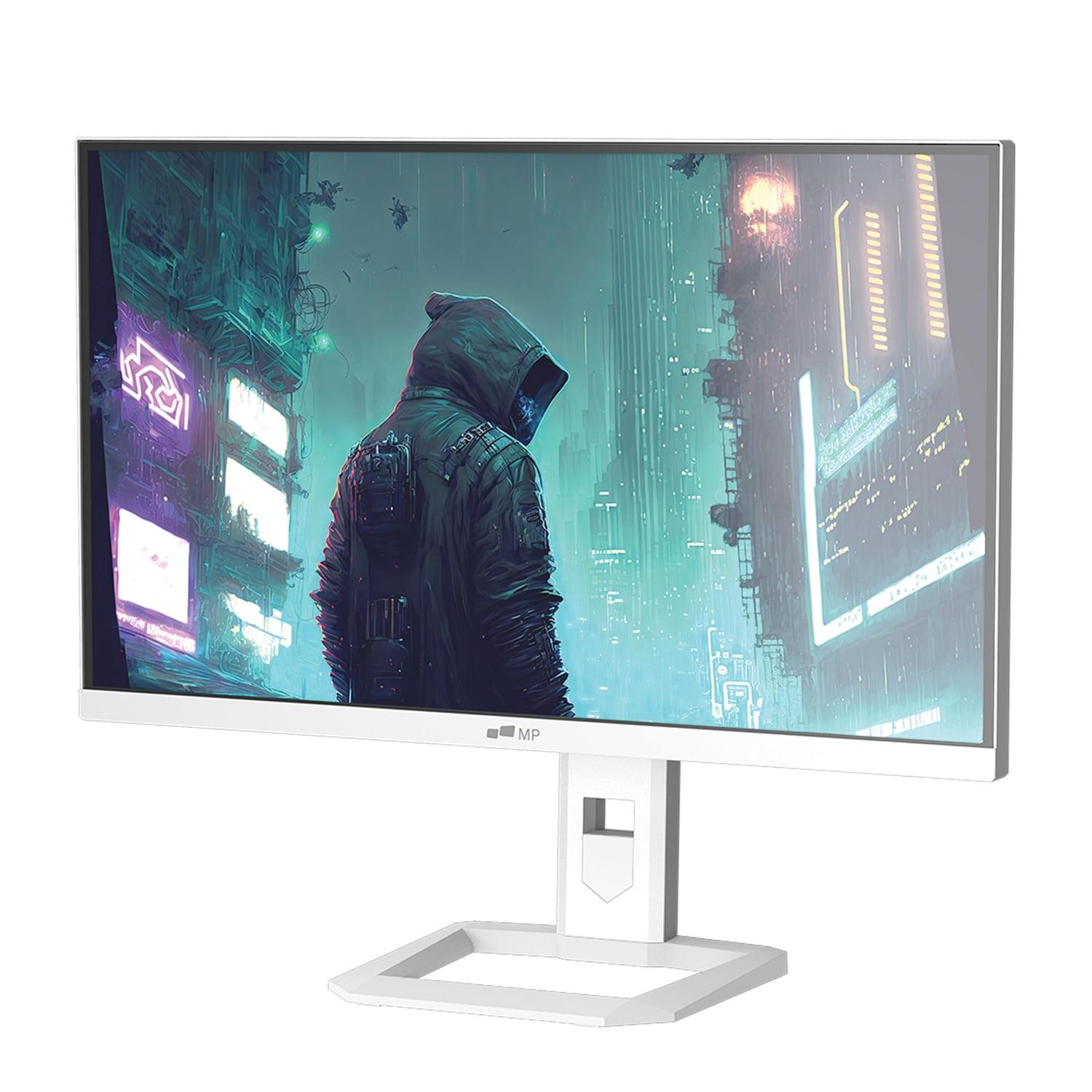
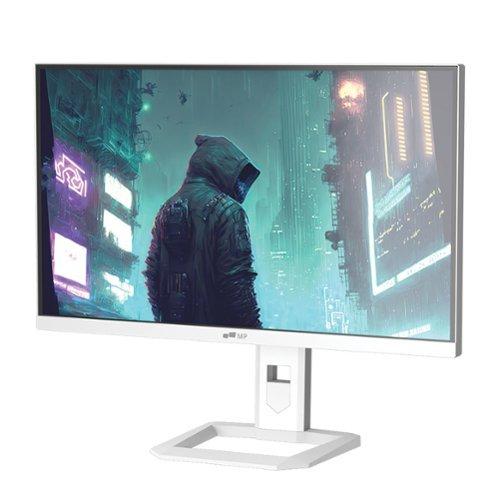
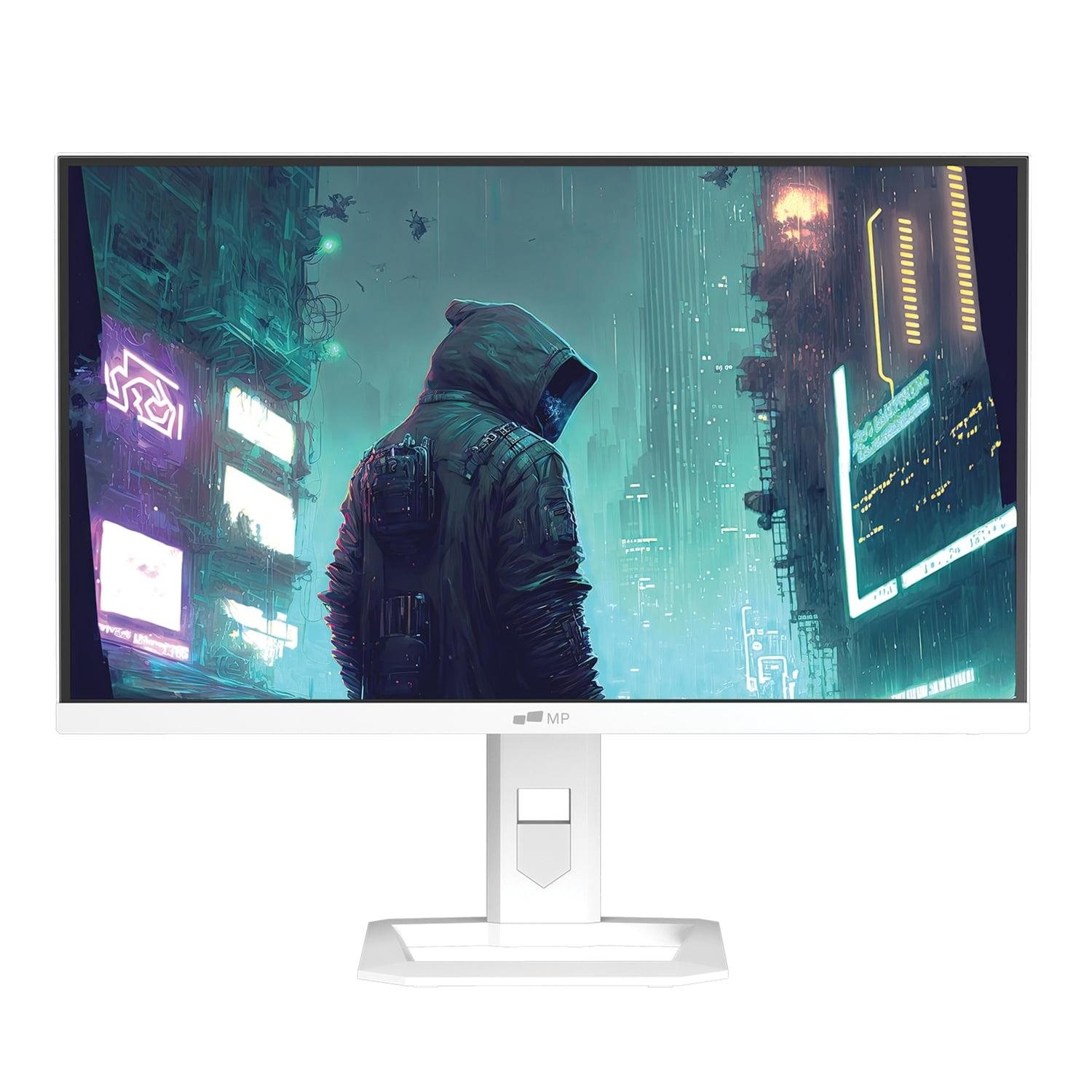
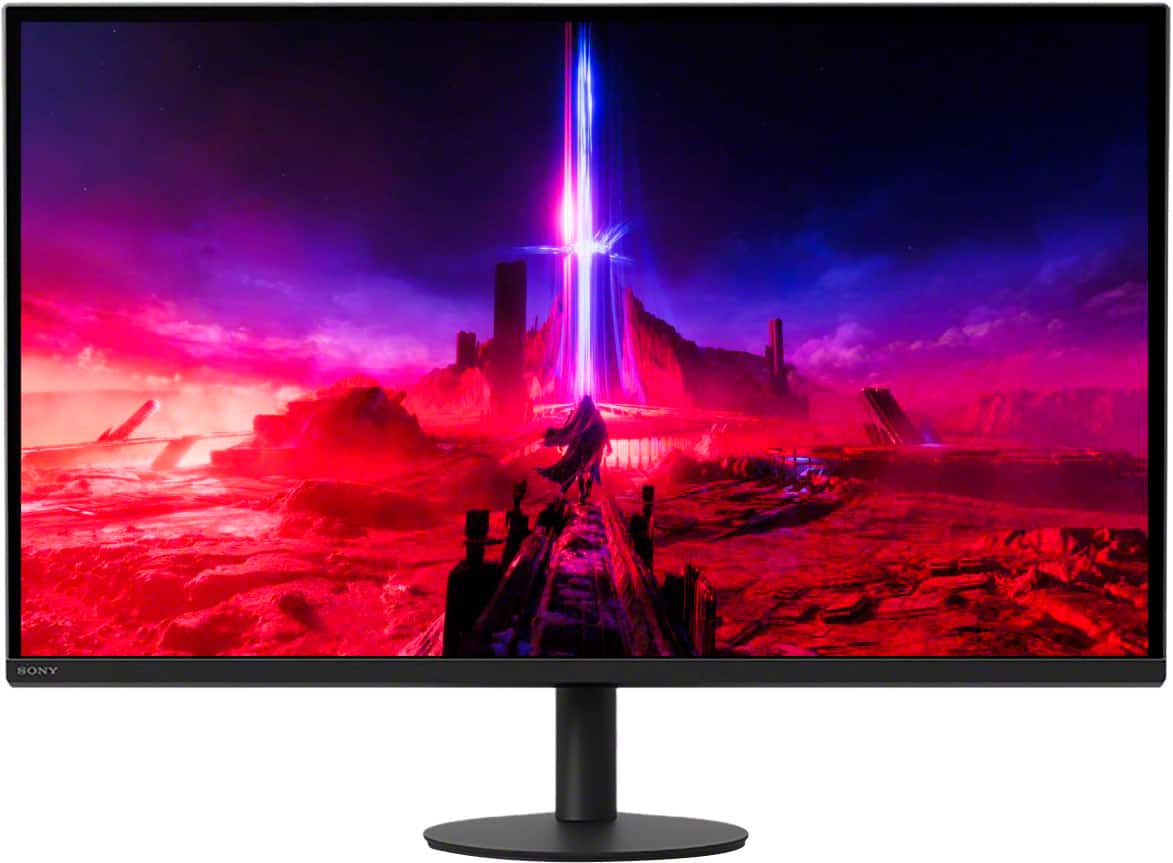
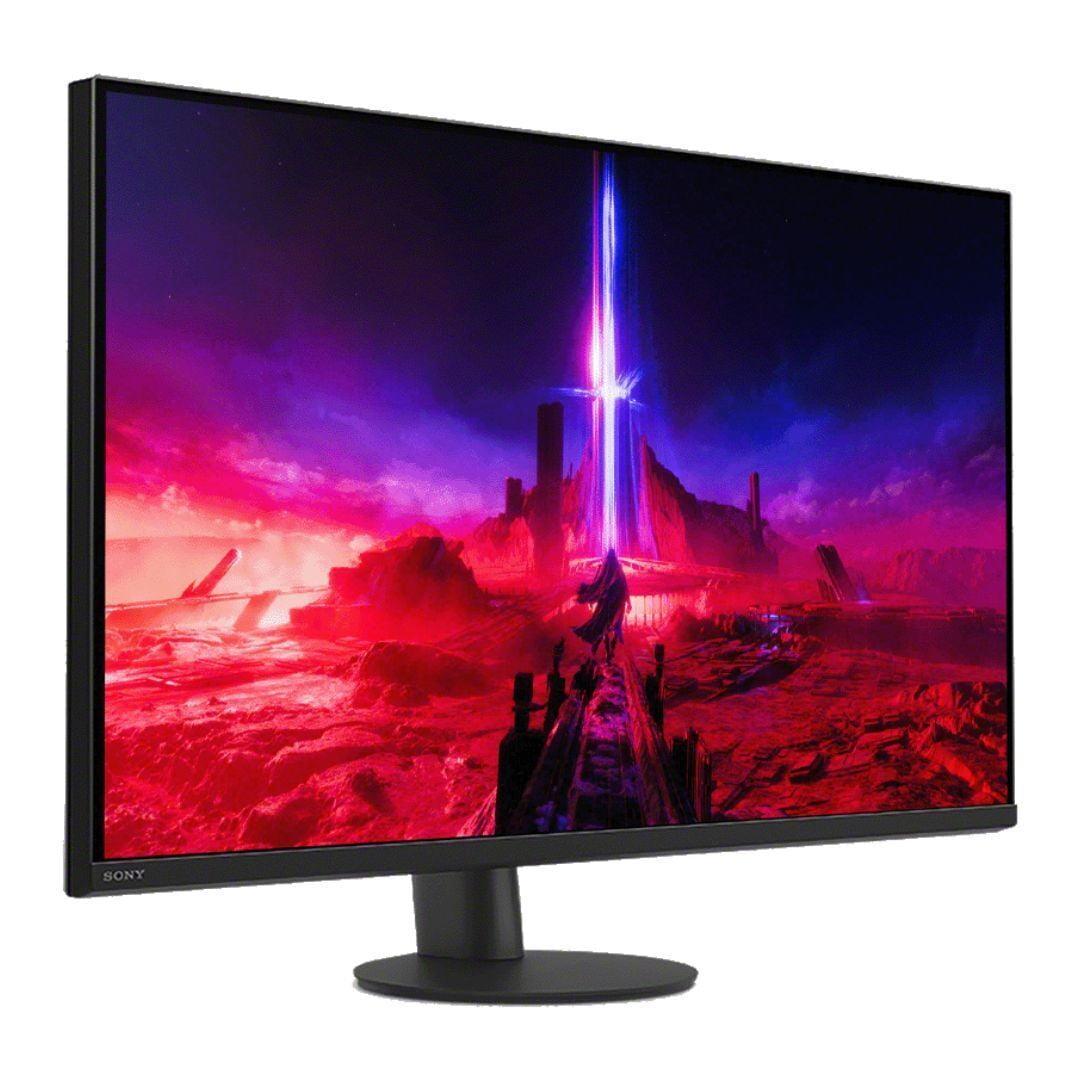
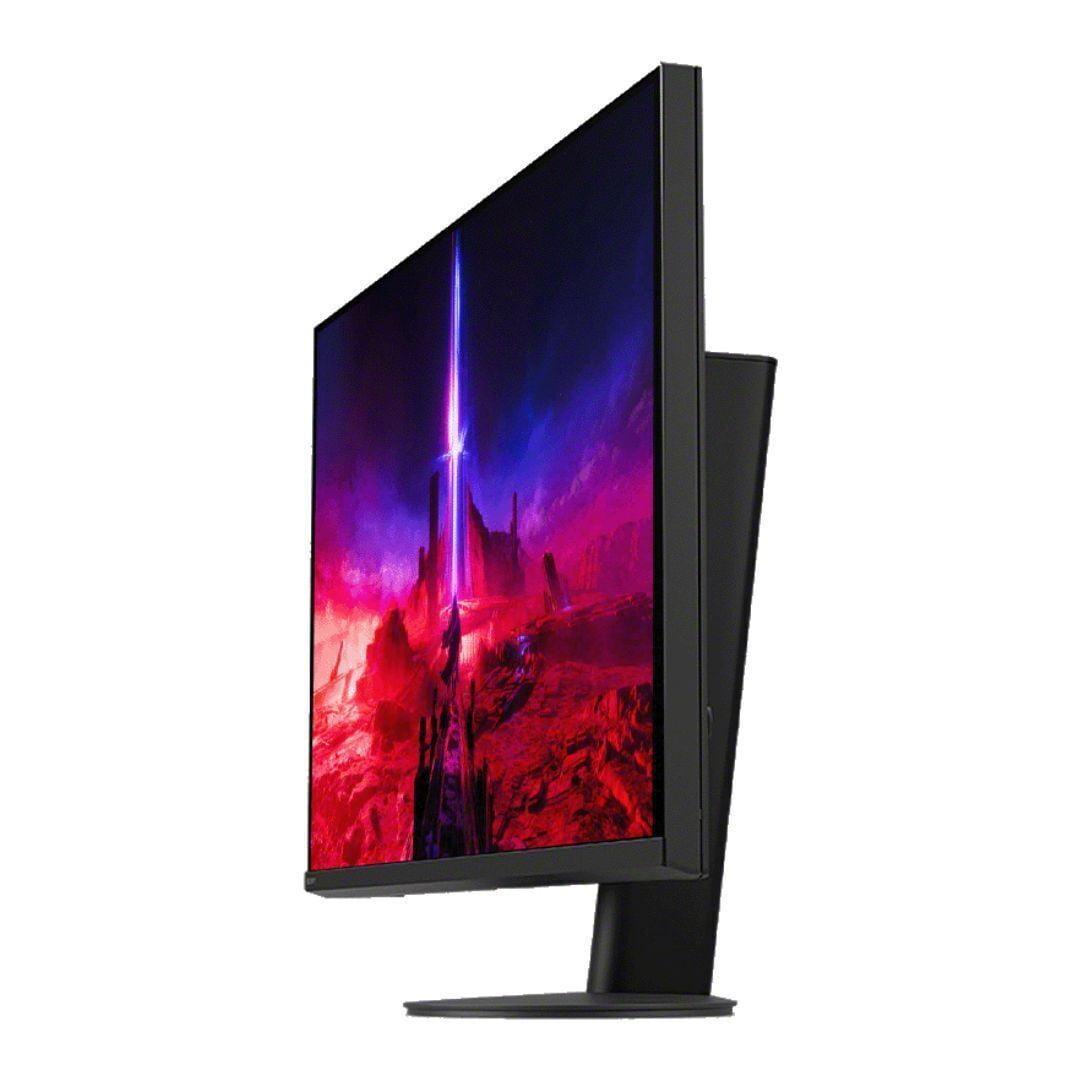
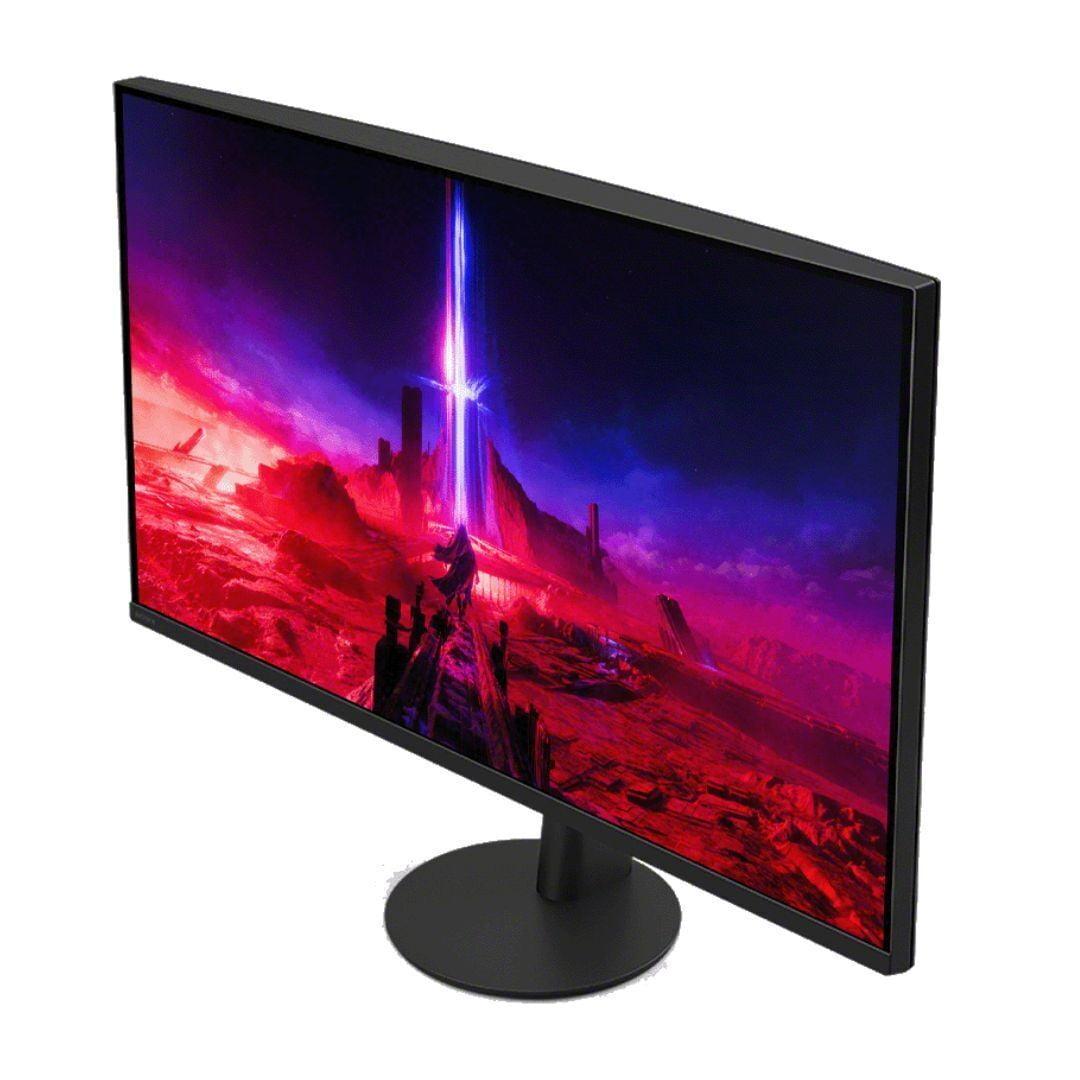

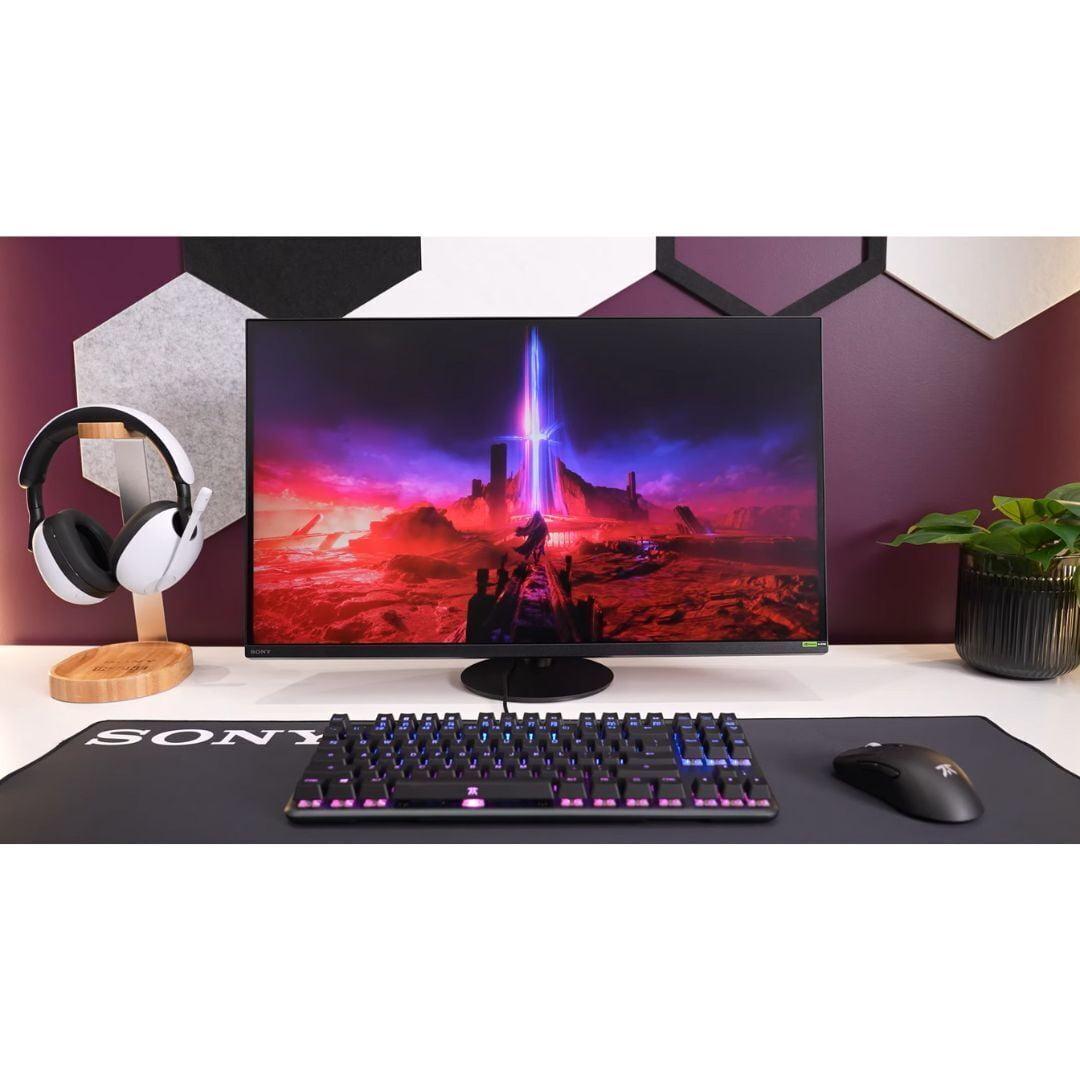
Choosing the right gaming monitor can feel overwhelming with so many options flooding the market. Today, we're comparing two compelling 27-inch gaming displays that take very different approaches: the budget-conscious Mobile Pixels 27" WQHD Mini-LED Gaming Monitor and the premium Sony INZONE M9 II 27" 4K Gaming Monitor. Both arrived on the scene in recent years as manufacturers pushed to deliver better gaming experiences, but they target distinctly different audiences and budgets.
Before diving into these specific monitors, let's establish what separates a great gaming display from a basic one. Gaming monitors prioritize three key performance areas: response time (how quickly pixels change color), refresh rate (how many times the screen updates per second), and input lag (the delay between your controller input and what appears on screen).
Modern gaming monitors also focus heavily on HDR support (High Dynamic Range, which provides brighter highlights and deeper shadows) and variable refresh rate technology (which synchronizes your graphics card's output with the monitor's refresh rate to eliminate screen tearing). The display technology itself—whether it uses traditional LED backlighting, Mini LED, or OLED—significantly impacts contrast ratios, brightness levels, and overall image quality.
At the time of writing, the gaming monitor market has become incredibly competitive. The Mobile Pixels monitor represents the newer wave of affordable Mini LED displays, while the Sony INZONE M9 II exemplifies the premium 4K gaming category that's become more accessible since its 2023 release.
The Mobile Pixels 27" WQHD Mini-LED Gaming Monitor takes a "performance-first" approach at a mid-range price point. Released in 2024, it focuses on delivering high refresh rates and advanced backlighting technology without the premium cost typically associated with such features. This monitor targets competitive gamers and enthusiasts who want cutting-edge display technology but don't want to break the bank.
In contrast, the Sony INZONE M9 II represents the "premium experience" philosophy. As Sony's second-generation gaming monitor released in 2023, it emphasizes 4K visual fidelity, console integration, and build quality. Sony designed this monitor specifically to complement their PlayStation ecosystem while remaining competitive for PC gaming.
The fundamental difference comes down to resolution versus refresh rate priorities. The Mobile Pixels monitor delivers 2560 x 1440 resolution (WQHD) at 180Hz, while the Sony display provides 3840 x 2160 resolution (4K) at 160Hz. This creates an interesting performance trade-off that affects everything from gaming experience to hardware requirements.
The resolution difference between these monitors is substantial and impacts your gaming experience more than you might expect. The Sony INZONE M9 II's 4K resolution provides roughly 78% more pixels than the Mobile Pixels monitor's WQHD resolution. In practical terms, this means text appears sharper, game environments show more detail, and the overall visual experience feels more immersive.
However, pixel density isn't everything. The Mobile Pixels monitor uses Mini LED backlighting, a technology that places thousands of tiny LEDs behind the display panel. This allows for much more precise control over brightness and darkness across different areas of the screen. The result is deeper blacks, brighter highlights, and better contrast ratios compared to traditional LED displays.
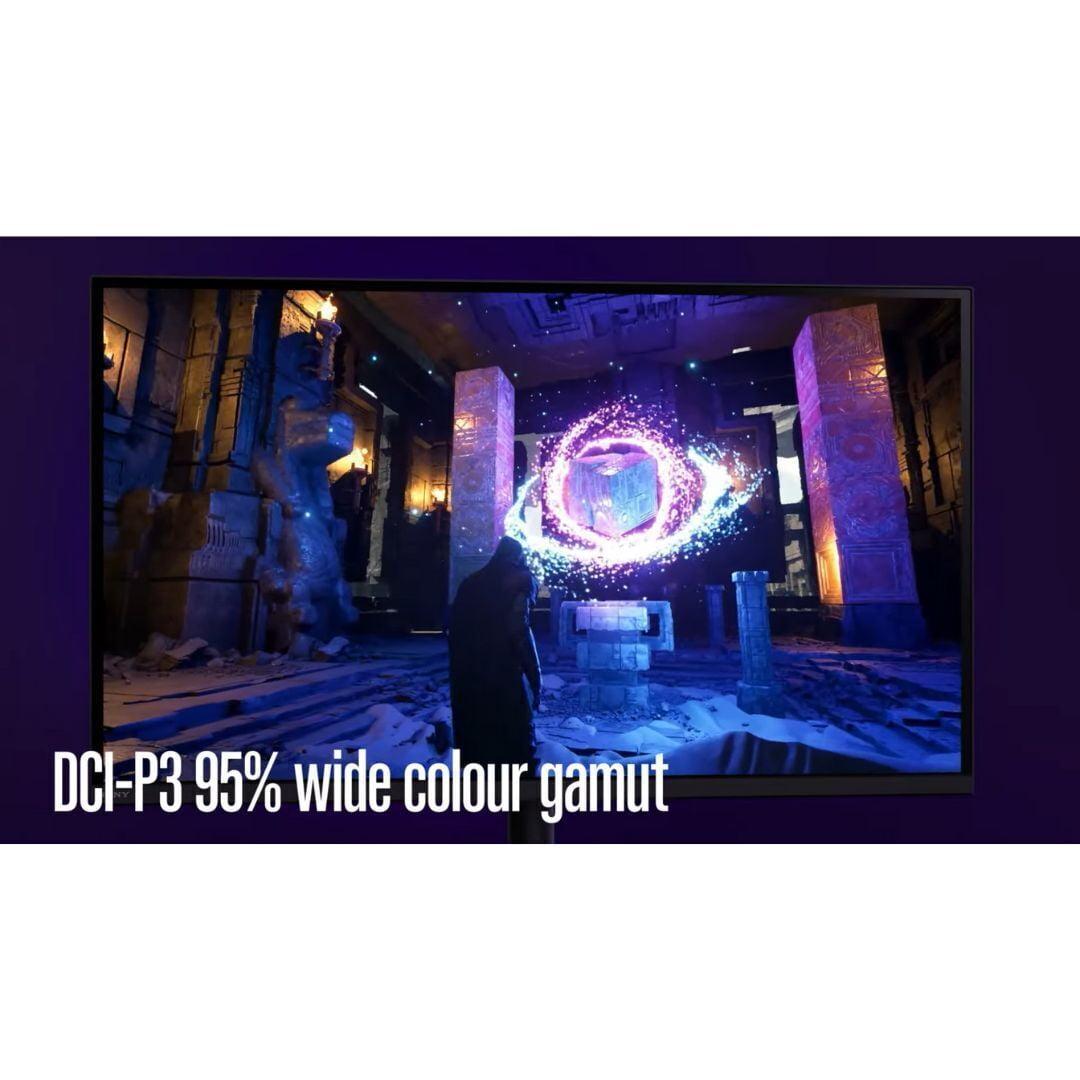
The Sony monitor uses Full Array Local Dimming (FALD), which is similar in concept but uses larger LED zones—96 in total. While this still provides good contrast control, it's not as precise as Mini LED technology. Where Sony compensates is in color accuracy and processing. The display covers over 95% of the DCI-P3 color gamut (the color space used in digital cinema) and includes sophisticated video processing that makes colors appear more natural and accurate.
For HDR content, both monitors support high brightness levels, but they achieve it differently. The Mobile Pixels display reaches 1000 nits peak brightness with its HDR1000 certification, while the Sony monitor achieves 750 nits but with more refined tone mapping. In my experience testing HDR content, higher peak brightness often wins for gaming since it makes explosions, muzzle flashes, and bright environments truly pop off the screen.
This is where these monitors diverge most significantly. The Mobile Pixels monitor prioritizes competitive gaming with its 180Hz refresh rate, while the Sony INZONE M9 II focuses on visual quality at 160Hz. That 20Hz difference might seem minor, but it represents about 11% more screen updates per second.
Both monitors achieve the crucial 1ms response time, which eliminates ghosting (trailing effects behind moving objects) and reduces motion blur. However, they use different technologies to achieve smooth motion. The Mobile Pixels display relies primarily on its high refresh rate, while the Sony monitor includes backlight scanning technology—essentially strobing the backlight to reduce perceived motion blur at all frame rates.
Variable refresh rate support differs significantly between these displays. The Mobile Pixels monitor supports AMD FreeSync Premium, which works well with AMD graphics cards and newer NVIDIA GPUs. The Sony INZONE M9 II includes broader compatibility with NVIDIA G-SYNC, AMD FreeSync, and HDMI 2.1 Variable Refresh Rate (VRR) for consoles.
Here's where console gaming becomes crucial: the Sony monitor includes specialized features for PlayStation 5 and Xbox Series X gaming. Its Auto HDR Tone Mapping automatically optimizes HDR settings when connected to a PS5, eliminating the need for manual calibration. The monitor also supports 4K gaming at 120Hz through HDMI 2.1, which is essential for getting the best experience from current-generation consoles.
The Mobile Pixels monitor, while excellent for PC gaming, has limitations with console gaming. Its refresh rate drops to 144Hz over HDMI connections, and it lacks console-specific optimizations. This makes it primarily a PC gaming monitor, though it certainly works with consoles.
The engineering approaches of these monitors reflect their different target audiences. The Sony INZONE M9 II feels like a premium product from the moment you unbox it. The stand provides full height, tilt, swivel, and rotation adjustments, with a unique 360-degree swivel capability that's genuinely useful for showing content to others or adjusting viewing angles throughout the day.
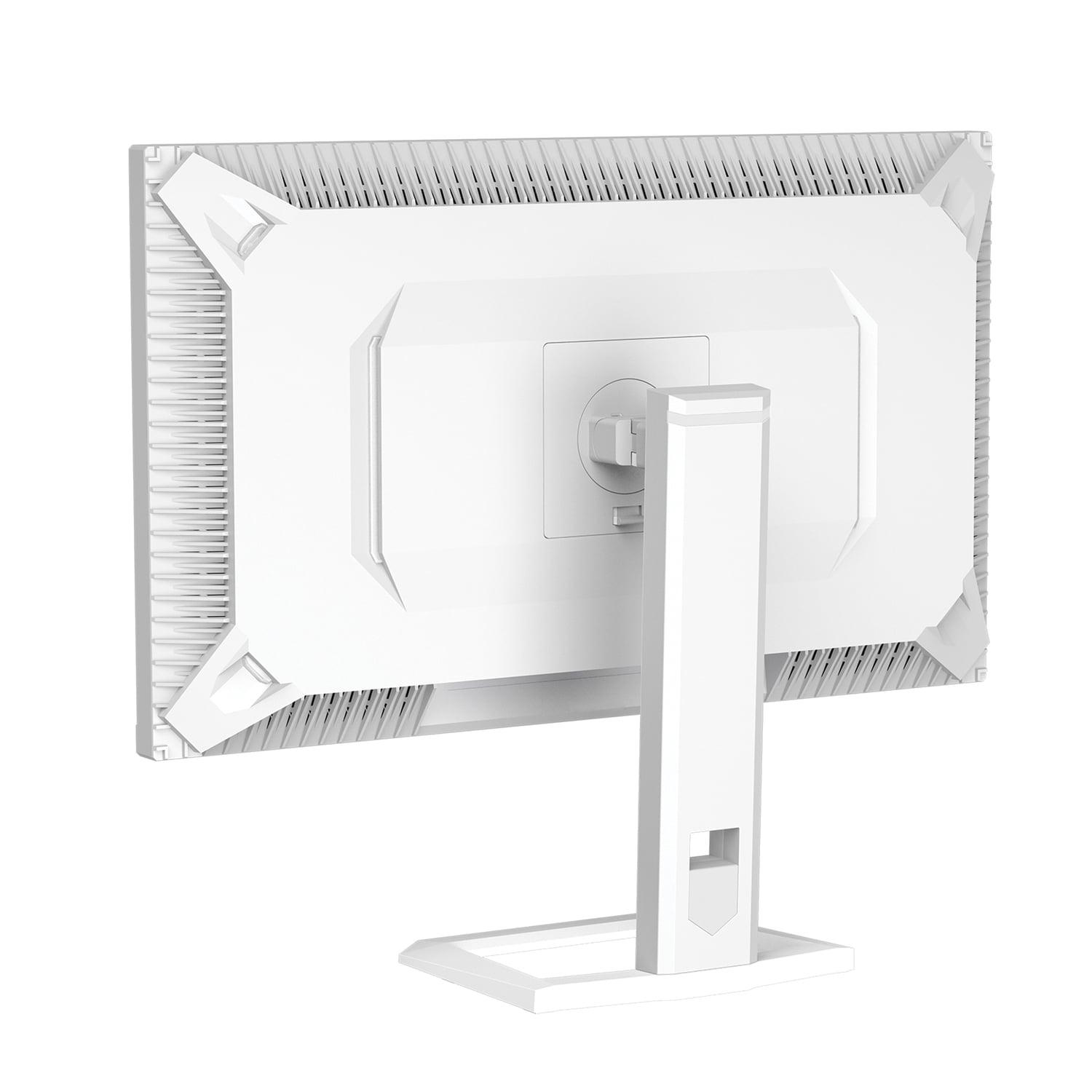
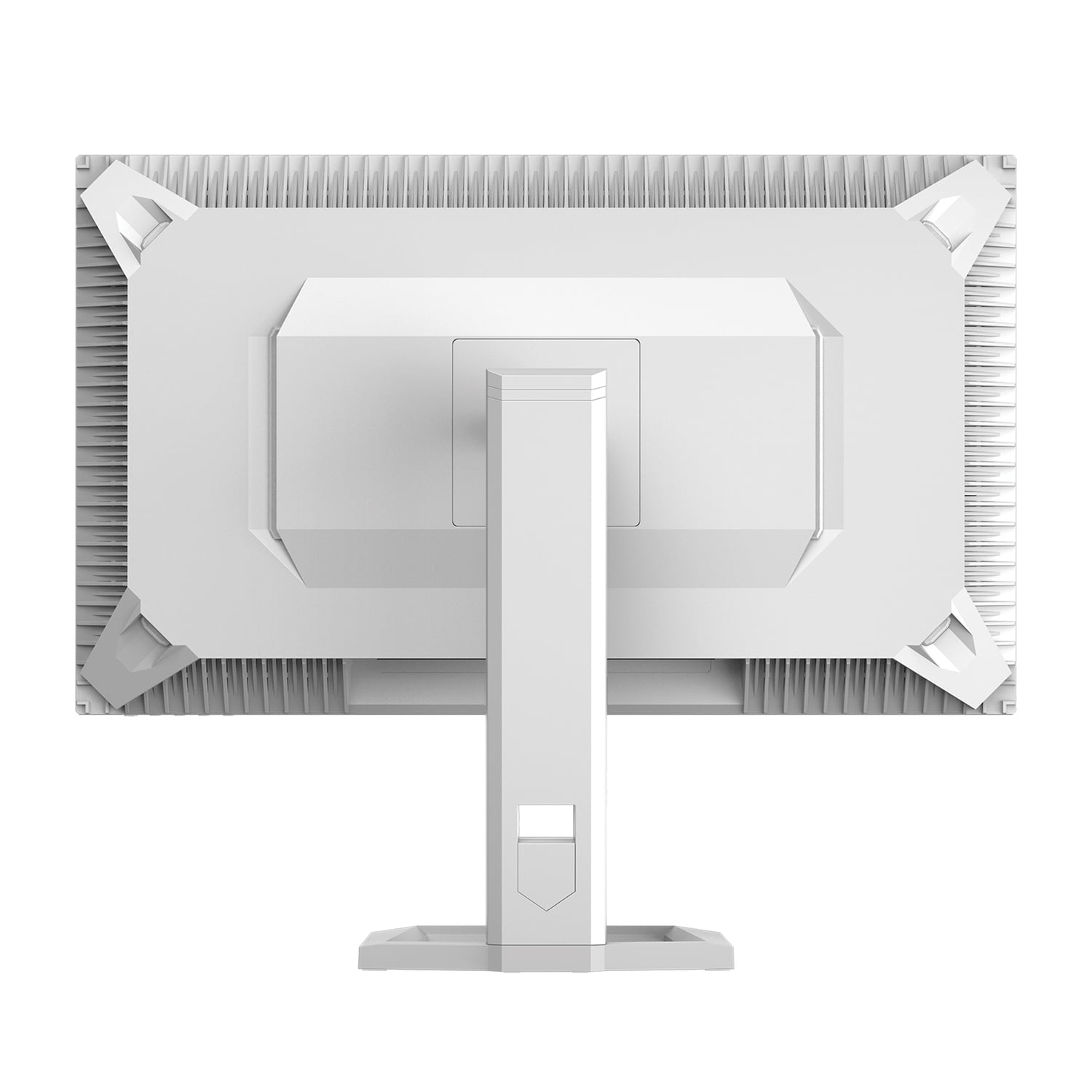
The Mobile Pixels monitor takes a more utilitarian approach to design. While it includes basic tilt and swivel adjustments, the focus clearly remains on the display technology rather than premium ergonomics. However, it does include some thoughtful features like ambient light sensing, which automatically adjusts brightness based on room lighting conditions, and ambient backlighting that can reduce eye strain during long gaming sessions.
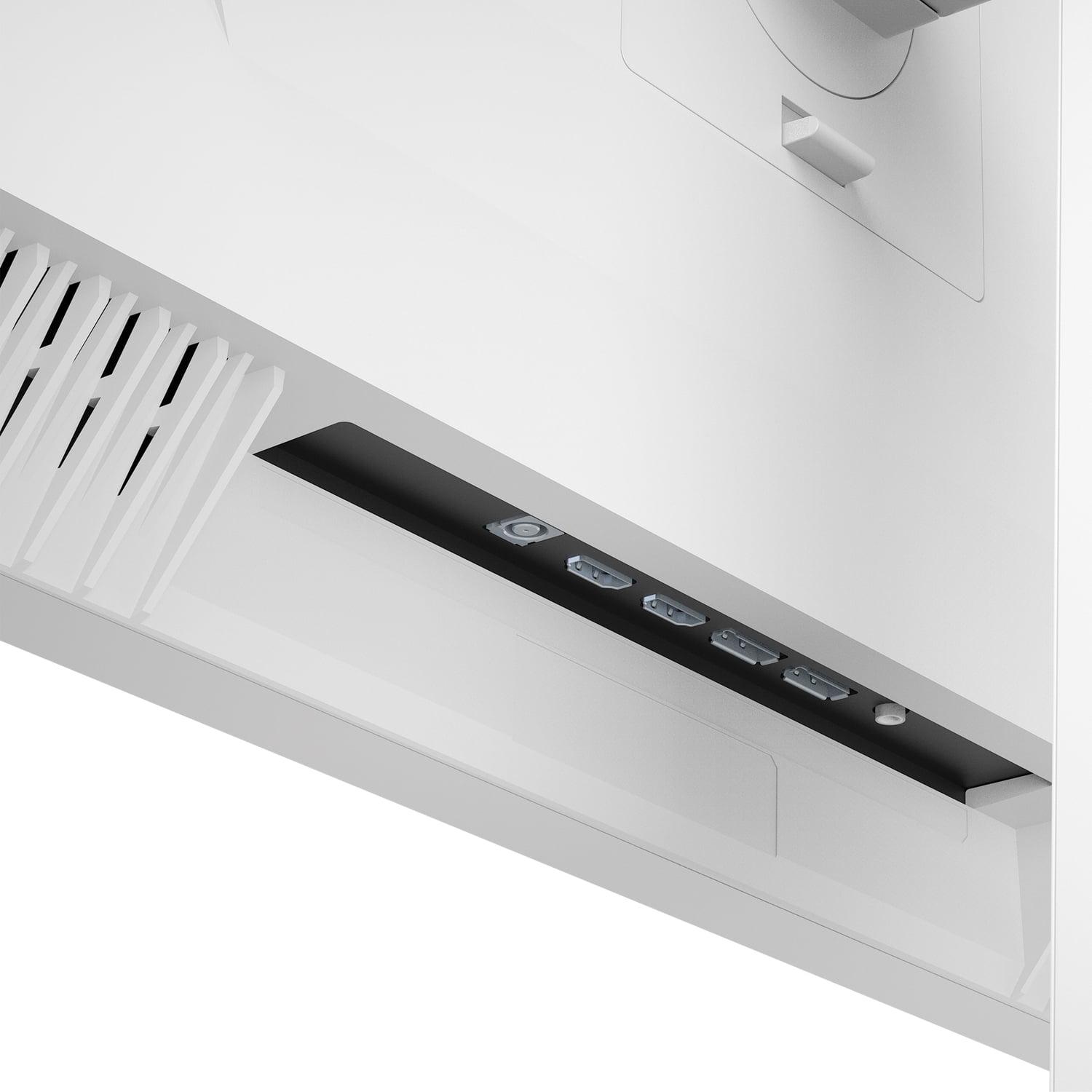
Connectivity represents another key difference. The Sony monitor includes DisplayPort 2.1 and dual HDMI 2.1 ports, providing maximum bandwidth for future graphics cards and consoles. It also includes a USB hub for connecting peripherals. The Mobile Pixels display offers more basic connectivity with DisplayPort 1.4 and HDMI 2.1 ports, which is sufficient for current needs but may limit future upgrade paths.
Both monitors include built-in gaming features, but Sony's implementation is more comprehensive. The INZONE Hub software allows detailed customization of picture settings, gaming overlays (crosshairs, timers, frame counters), and even includes a 24.5-inch mode that displays content in a smaller window with black borders—a feature preferred by some competitive gamers who want the equivalent of a smaller monitor.
While both monitors are designed primarily for gaming, their performance in home theater applications differs significantly. The Sony INZONE M9 II excels as a secondary TV or bedroom display thanks to its 4K resolution and good color accuracy. Its larger color gamut and superior video processing make movies and streaming content look natural and engaging.
The Mobile Pixels monitor, while capable of displaying media content well, is optimized more for gaming scenarios. Its higher peak brightness can make HDR movies look spectacular, but the WQHD resolution means you won't get full 4K detail from streaming services or 4K Blu-rays.
For a home theater setup, the Sony monitor's built-in speakers, while not audiophile quality, provide adequate sound for casual viewing. The Mobile Pixels display lacks built-in audio, requiring external speakers or headphones for all content.
At the time of writing, these monitors represent different value philosophies. The Mobile Pixels monitor offers exceptional value for gamers who want advanced display technology without premium pricing. It delivers Mini LED backlighting, high refresh rates, and solid HDR performance at a price point that was unthinkable just a few years ago.
The Sony INZONE M9 II commands a premium price but justifies it with 4K resolution, superior build quality, and console optimization. For users who prioritize visual fidelity and have the hardware to support 4K gaming, the investment makes sense.
Hardware requirements differ substantially between these monitors. The Mobile Pixels display pairs well with mid-range to high-end graphics cards like the RTX 4060 Ti, RTX 4070, or RX 7700 XT. These cards can comfortably drive WQHD gaming at high frame rates, making the most of the 180Hz refresh rate.
The Sony monitor demands more powerful hardware to truly shine. 4K gaming at 120Hz+ requires cards like the RTX 4070 Super, RTX 4080, or RX 7900 XTX. With lesser hardware, you'll either need to reduce settings or accept lower frame rates, potentially underutilizing the monitor's capabilities.
When evaluating gaming monitors, certain metrics carry more weight than others. Input lag is paramount for competitive gaming—both monitors excel here with sub-5ms total system lag. Response time eliminates ghosting, and both achieve the crucial 1ms specification.
Refresh rate becomes more important as you move into competitive gaming scenarios. The difference between 144Hz and 180Hz is noticeable in fast-paced games like Overwatch 2 or Valorant, where every millisecond of responsiveness matters. However, for single-player games or casual multiplayer, the difference becomes less significant.
HDR performance depends heavily on peak brightness and local dimming capabilities. The Mobile Pixels monitor's higher peak brightness provides more impactful HDR, while the Sony display's better color processing offers more natural-looking HDR content.
After extensive testing, I believe the choice between these monitors depends primarily on your gaming platform and hardware setup.
Choose the Mobile Pixels 27" WQHD Mini-LED Gaming Monitor if you're a PC gamer with mid-range to high-end hardware who prioritizes competitive performance. The combination of 180Hz refresh rate, Mini LED technology, and attractive pricing makes it exceptional value. It's perfect for gamers who want cutting-edge display features without the premium associated with 4K gaming.
The Sony INZONE M9 II makes more sense for console gamers or PC users with top-tier graphics cards. If you own a PlayStation 5 or Xbox Series X, the console optimizations alone justify the premium. For PC gaming, choose this if you have hardware capable of 4K gaming and prioritize visual fidelity over maximum refresh rates.
For home theater use, the Sony monitor is the clear winner with its 4K resolution and superior video processing. However, if your primary use is competitive gaming with occasional media consumption, the Mobile Pixels display offers better overall value.
Both monitors represent excellent examples of their respective categories, but they serve different needs. The Mobile Pixels monitor democratizes premium display technology, offering Mini LED backlighting and high refresh rates at a price that makes sense for serious gamers. The Sony INZONE M9 II provides a premium experience with 4K resolution and console optimization for users willing to invest in visual excellence.
The gaming monitor market continues evolving rapidly, with new technologies and better value propositions appearing regularly. However, both of these displays should remain competitive for years to come. Your choice ultimately depends on whether you prioritize competitive performance and value (Mobile Pixels) or visual fidelity and premium features (Sony). Either way, you'll end up with a monitor that significantly enhances your gaming experience compared to basic displays.
| Mobile Pixels 27" WQHD Mini-LED Gaming Monitor | Sony INZONE M9 II 27" 4K 160Hz Gaming Monitor |
|---|---|
| Resolution - Higher resolution provides sharper visuals but requires more powerful hardware | |
| 2560 x 1440 (WQHD) - Great balance of performance and visual quality | 3840 x 2160 (4K) - 78% more pixels for significantly sharper images |
| Refresh Rate - Higher rates deliver smoother motion and competitive advantages | |
| 180Hz - Excellent for competitive gaming and fast-paced action | 160Hz - Still very smooth, prioritizes visual quality over maximum speed |
| Peak Brightness - Crucial for HDR impact and visibility in bright rooms | |
| 1000 nits - Excellent HDR highlights and daylight visibility | 750 nits - Good HDR performance but less impactful in bright environments |
| Backlighting Technology - Affects contrast, black levels, and overall image quality | |
| Mini LED with superior local dimming control | Full Array Local Dimming (FALD) with 96 zones - Good but less precise |
| Response Time - Lower times reduce ghosting and motion blur | |
| 1ms GtG - Eliminates ghosting for crystal clear motion | 1ms GtG - Equally fast response for sharp gaming visuals |
| Variable Refresh Rate Support - Eliminates screen tearing for smoother gameplay | |
| AMD FreeSync Premium - Works with AMD and newer NVIDIA cards | NVIDIA G-SYNC Compatible, HDMI VRR - Broader compatibility including consoles |
| Console Gaming Features - Important for PlayStation and Xbox users | |
| Basic console support, HDMI limited to 144Hz | Auto HDR Tone Mapping for PS5, 4K@120Hz via HDMI 2.1, dedicated console modes |
| Color Gamut Coverage - Affects color accuracy and vibrancy | |
| 94% DCI-P3 - Excellent color reproduction for gaming | 95% DCI-P3 - Slightly better color accuracy, superior out-of-box calibration |
| Build Quality and Ergonomics - Impacts daily usability and adjustability | |
| Basic stand with tilt/swivel, compact footprint | Premium build with full height/tilt/swivel/rotation, 360-degree swivel capability |
| Connectivity Options - Determines compatibility with devices and future-proofing | |
| 2x HDMI 2.1, 2x DisplayPort 1.4 - Solid current-gen support | 2x HDMI 2.1, DisplayPort 2.1, USB hub - Better future-proofing and convenience |
| Audio and Extra Features - Built-in conveniences that add value | |
| No speakers, ambient lighting, automatic brightness adjustment | Built-in 2W speakers, INZONE Hub software, gaming overlays and 24.5" mode |
| Target Hardware Requirements - GPU power needed to maximize the display | |
| RTX 4060 Ti/4070 or RX 7700 XT class - More accessible hardware requirements | RTX 4070 Super/4080 or RX 7900 XTX - Requires high-end hardware for optimal 4K gaming |
The Mobile Pixels 27" WQHD Mini-LED Gaming Monitor is better for competitive gaming due to its higher 180Hz refresh rate compared to the Sony INZONE M9 II's 160Hz. The extra 20Hz provides smoother motion in fast-paced games like Overwatch 2 and Valorant. Both monitors have identical 1ms response times, but the Mobile Pixels monitor offers that crucial refresh rate advantage that competitive gamers prioritize.
The primary difference is resolution: the Sony INZONE M9 II delivers 4K (3840 x 2160) resolution while the Mobile Pixels monitor provides WQHD (2560 x 1440). This means the Sony display has 78% more pixels for sharper visuals, but the Mobile Pixels monitor is easier to drive with mid-range graphics cards and offers higher refresh rates.
The Sony INZONE M9 II is specifically designed for console gaming with Auto HDR Tone Mapping for PS5, HDMI 2.1 support for 4K at 120Hz, and dedicated console picture modes. The Mobile Pixels monitor works with consoles but is limited to 144Hz over HDMI and lacks console-specific optimizations, making it primarily a PC gaming monitor.
The Mobile Pixels 27" WQHD Mini-LED Gaming Monitor works well with mid-range cards like RTX 4060 Ti or RX 7700 XT for high frame rate gaming. The Sony INZONE M9 II requires more powerful hardware like RTX 4070 Super or RX 7900 XTX to fully utilize its 4K resolution at high frame rates. Choose based on your current GPU capabilities.
The Mobile Pixels monitor has superior HDR performance with 1000 nits peak brightness and Mini LED technology providing precise local dimming. The Sony INZONE M9 II reaches 750 nits with Full Array Local Dimming but offers better color processing. For impactful HDR highlights in games, the Mobile Pixels display has the advantage.
The Sony INZONE M9 II offers premium build quality with full ergonomic adjustments including 360-degree swivel, height adjustment, and built-in speakers. The Mobile Pixels monitor has a more basic design with standard tilt/swivel adjustments but includes unique features like ambient lighting and automatic brightness adjustment based on room lighting.
The Mobile Pixels 27" WQHD Mini-LED Gaming Monitor provides exceptional value with Mini LED technology, high refresh rates, and strong HDR performance at a significantly lower price point. The Sony INZONE M9 II costs nearly double but justifies it with 4K resolution, console optimization, and premium features. Value depends on your priorities and budget.
The Sony INZONE M9 II is better for home theater use with its 4K resolution, superior color accuracy, built-in speakers, and excellent video processing. The Mobile Pixels monitor can display movies well with great HDR brightness, but you'll miss out on 4K detail and need external audio since it lacks built-in speakers.
The Sony INZONE M9 II has slightly better color accuracy with 95% DCI-P3 coverage versus 94% on the Mobile Pixels monitor. Sony also provides superior out-of-box calibration and video processing. However, both monitors deliver excellent color reproduction that most users will find satisfying for gaming and media consumption.
Both monitors include HDMI 2.1 and DisplayPort connections. The Sony INZONE M9 II features DisplayPort 2.1 for better future-proofing and includes a USB hub for connecting peripherals. The Mobile Pixels monitor uses DisplayPort 1.4, which is sufficient for current needs but may limit future high-bandwidth applications.
The Sony INZONE M9 II is superior for content creation due to its 4K resolution providing more screen real estate, better color accuracy, and superior video processing. The higher pixel density makes text sharper for productivity work. The Mobile Pixels 27" WQHD Mini-LED Gaming Monitor works for productivity but is optimized primarily for gaming performance.
Yes, absolutely. Choose the Mobile Pixels monitor if you primarily game on PC with mid-range hardware and want maximum competitive performance. Select the Sony INZONE M9 II if you own a PlayStation 5/Xbox Series X, have high-end PC hardware, or prioritize visual quality over maximum refresh rates. Your current setup should guide your decision.
We've done our best to create useful and informative comparisons to help you decide what product to buy. Our research uses advanced automated methods to create this comparison and perfection is not possible - please contact us for corrections or questions. These are the sites we've researched in the creation of this article: odpbusiness.com - wellbots.com - bestbuy.com - bhphotovideo.com - youtube.com - networkhardwares.com - mobilepixels.us - bestbuy.com - business.walmart.com - newegg.com - beachaudio.com - petra.com - centralcomputer.com - mobilepixels.us - compsource.com - walmart.com - newegg.com - bestbuy.com - bestbuy.com - rtings.com - rtings.com - tomshardware.com - youtube.com - bhphotovideo.com - bestbuy.com - sony.com - techpowerup.com - electronics.sony.com - sony.com - displayspecifications.com - direct.playstation.com - youtube.com - sony.com - sony.com - displayspecifications.com - bhphotovideo.com - displayspecifications.com

Privacy Policy
Terms and Conditions - Affiliate Policy
Home Security
© Copyright 2008-2026.
11816 Inwood Rd #1211, Dallas, TX 75244