
















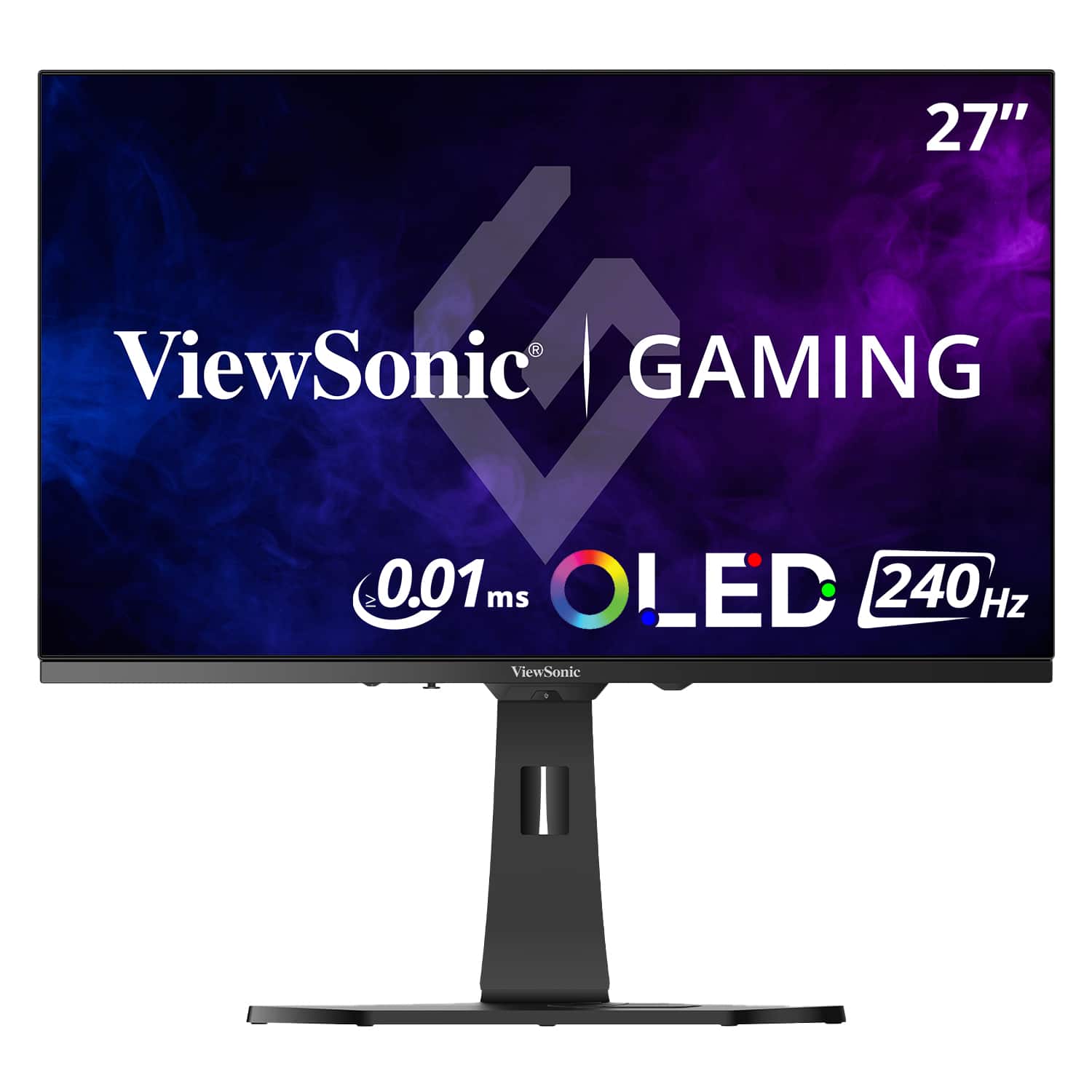
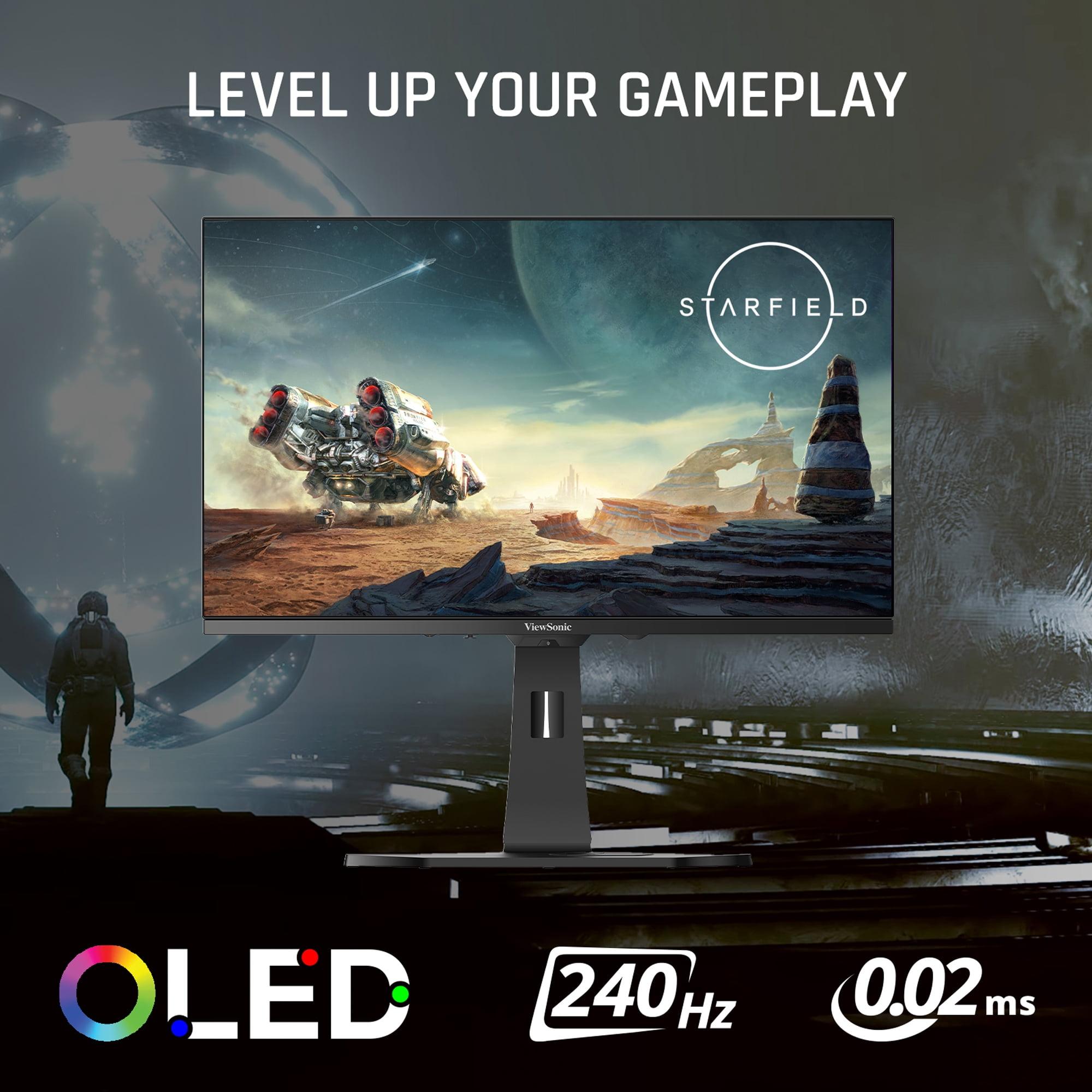
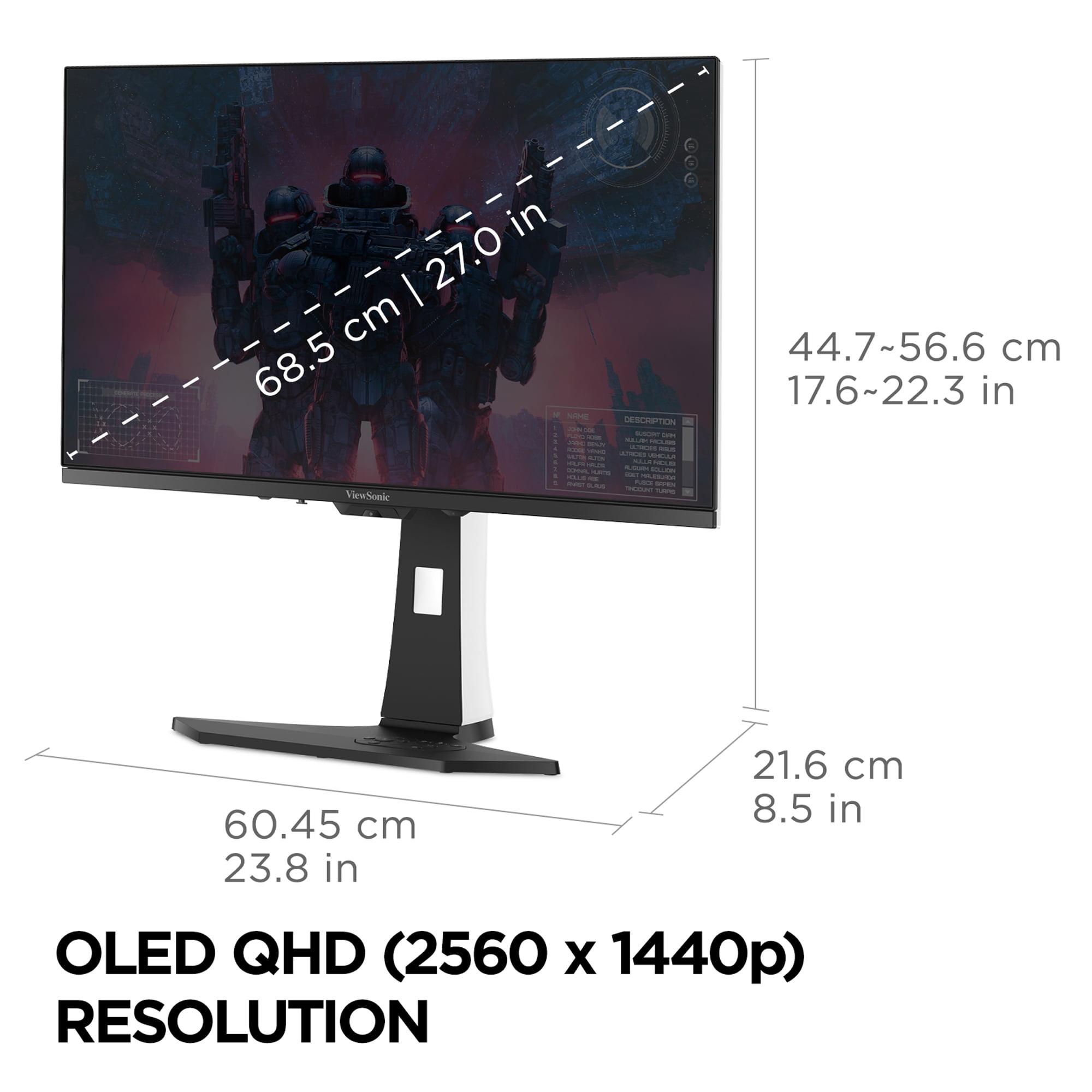
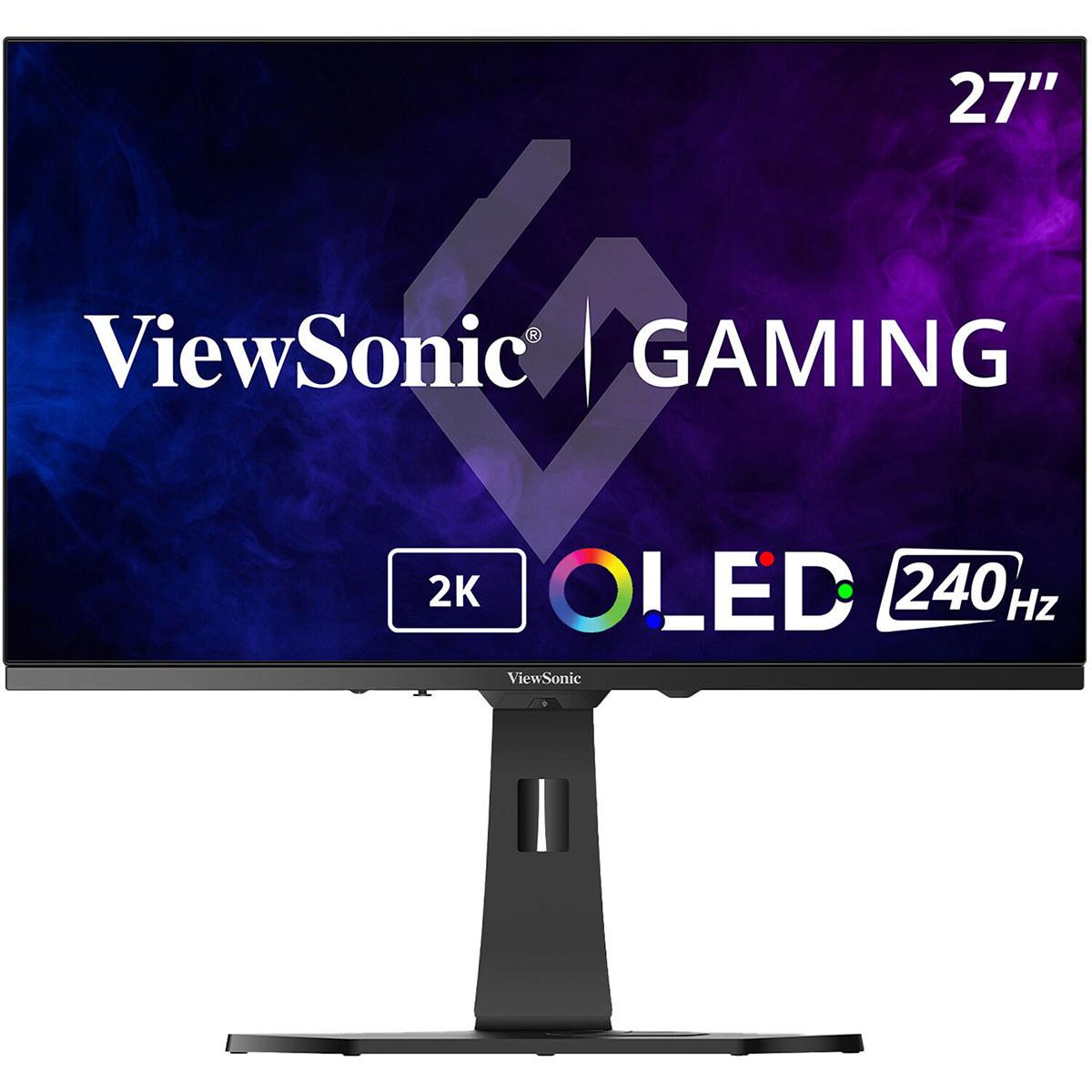
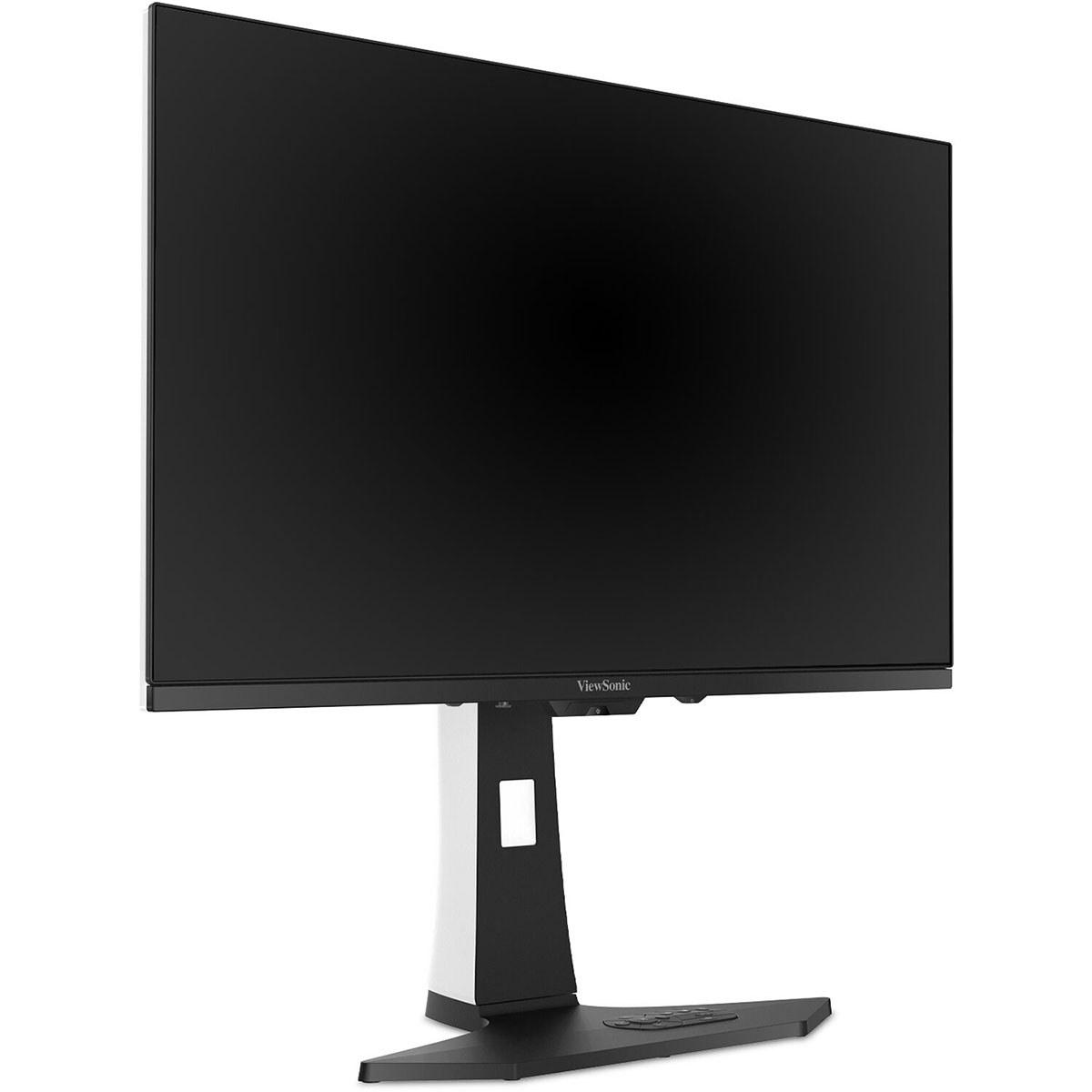
The 27-inch QHD gaming monitor market has exploded with options in recent years, creating both opportunity and confusion for buyers. Two monitors that perfectly illustrate this divide are the budget-focused Acer Nitro XV271U M3 and the premium ViewSonic XG272-2K-OLED. Released in 2024, these displays represent fundamentally different approaches to delivering high-refresh gaming experiences.
At the time of writing, the price gap between these monitors is substantial—the Acer costs roughly one-fifth of the ViewSonic. This dramatic difference isn't just about brand positioning; it reflects a genuine technology divide between traditional IPS LCD panels and cutting-edge OLED displays.
The choice between these monitors starts with understanding their core technologies. The Acer Nitro XV271U M3 uses an IPS (In-Plane Switching) LCD panel with LED backlighting—the same fundamental technology that's dominated computer monitors for over a decade. IPS panels work by twisting liquid crystals between polarizers while a backlight shines through them. This creates consistent colors and wide viewing angles, but it also means the backlight is always on, limiting how dark blacks can appear on screen.
The ViewSonic XG272-2K-OLED takes a radically different approach. OLED stands for Organic Light-Emitting Diode, where each individual pixel produces its own light. When a pixel needs to be black, it simply turns off completely. This creates what's called "infinite contrast"—the difference between the brightest white and the deepest black is theoretically unlimited.
This technology difference ripples through every aspect of these monitors' performance, from gaming responsiveness to HDR quality to long-term durability concerns.
Both monitors target serious gamers, but they approach speed differently. The Acer offers a 180Hz refresh rate, while the ViewSonic pushes to 240Hz. These numbers represent how many times per second the display can update the image.
For context, standard monitors refresh at 60Hz, which means fast-moving objects in games often appear blurry or stuttery. At 180Hz, that blur largely disappears, and motion feels dramatically smoother. The jump to 240Hz provides diminishing returns—it's noticeable in competitive esports scenarios, but the difference is less dramatic than going from 60Hz to 180Hz.
From our research into user experiences, most gamers find 180Hz perfectly adequate for competitive play. The Acer's refresh rate handles popular esports titles like Counter-Strike 2, Valorant, and Rocket League without issue. The ViewSonic's 240Hz advantage becomes meaningful primarily for professional players or enthusiasts with high-end graphics cards capable of pushing frame rates that high consistently.
Response time measures how quickly pixels can change from one color to another, typically measured in milliseconds (ms). The Acer claims a 1ms grey-to-grey response time, while the ViewSonic boasts an incredibly fast 0.02ms response time.
Here's where OLED technology shows its strength. Traditional LCD panels like the Acer's achieve their 1ms rating through overdrive—essentially overpowering the liquid crystals to change faster. This sometimes creates inverse ghosting or overshoot artifacts, where pixels temporarily go too far before settling on the correct color.
OLED pixels respond nearly instantaneously because they're simply turning on or off. The ViewSonic's 0.02ms rating isn't marketing fluff—it's a genuine technical advantage that translates to cleaner motion in fast-paced games. During research into user feedback, competitive gamers consistently noted the superior motion clarity of OLED monitors in games like Apex Legends or Call of Duty.
Input lag—the delay between your mouse click and the corresponding action appearing on screen—matters tremendously for competitive gaming. Both monitors excel here, with measurements consistently under 5ms according to professional reviews we've examined.
The Acer achieves roughly 4ms of input lag, which is imperceptible during gameplay. The ViewSonic measures slightly lower, but at these levels, the difference is purely academic. Your reaction time as a human (typically 150-250ms) dwarfs either monitor's delay.
This is where the technology difference becomes most apparent. The Acer Nitro XV271U M3 achieves a respectable 1,000:1 contrast ratio, typical for IPS panels. This means whites are 1,000 times brighter than blacks—decent, but blacks appear more gray than truly dark.
The ViewSonic XG272-2K-OLED offers infinite contrast because black pixels emit no light at all. In dark game scenes—think exploring caves in Skyrim or stealth sections in Hitman—the difference is striking. OLED blacks disappear completely into the monitor's bezel, while IPS blacks have a subtle glow that's always visible.
Based on consensus from display reviewers and gaming enthusiasts, this contrast difference significantly impacts immersion in single-player games. Horror games, space sims, and any title with dramatic lighting benefit enormously from true blacks.
HDR (High Dynamic Range) promises brighter highlights and deeper shadows for more realistic visuals. However, implementation varies dramatically between these monitors.
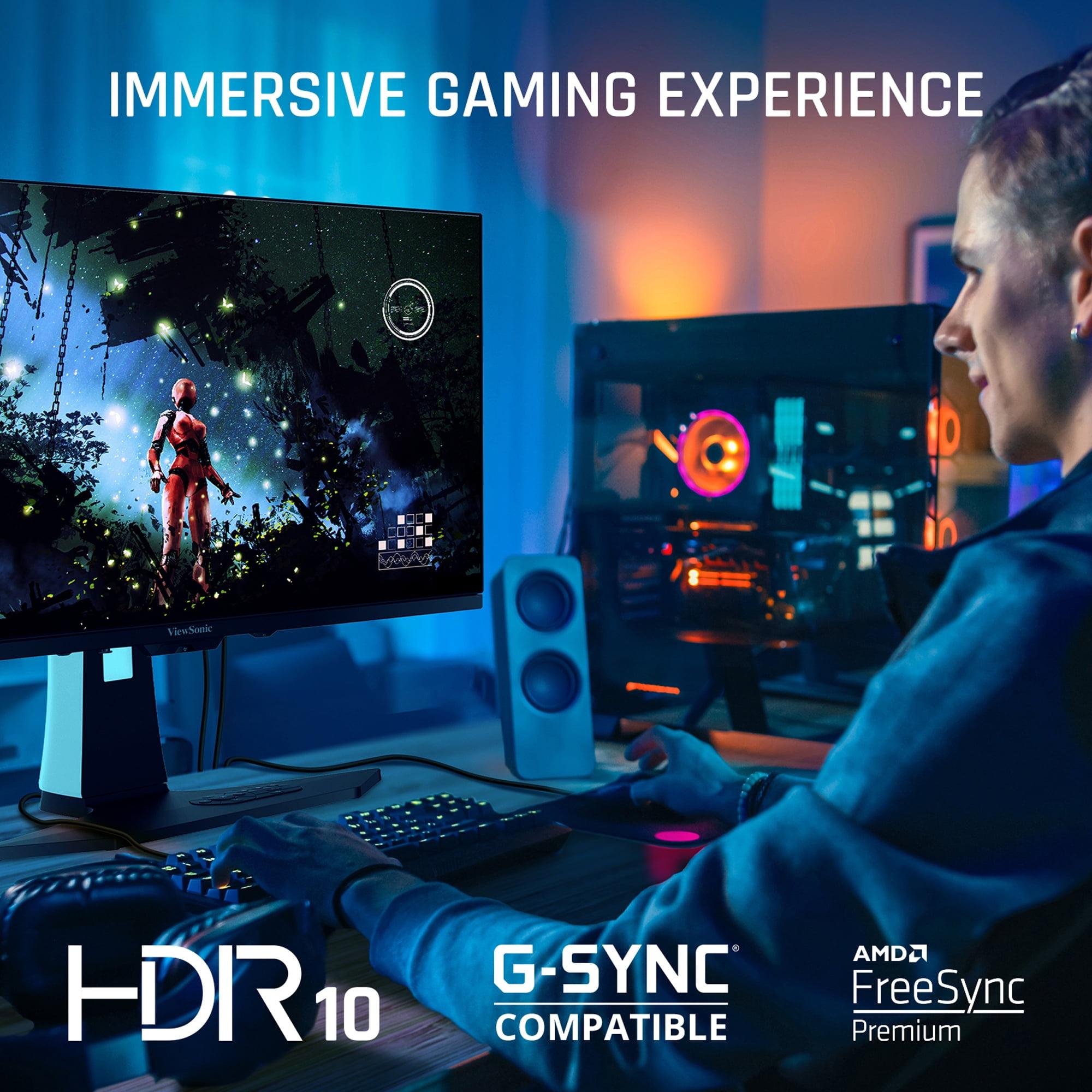
The Acer supports HDR10 but with significant limitations. Its 250-nit peak brightness barely exceeds standard monitors, and the IPS contrast ratio means HDR doesn't deliver the punch you'd expect. It's more of a checkbox feature than a meaningful upgrade.
The ViewSonic reaches 450 nits peak brightness combined with true blacks, creating a genuine HDR experience. Games like Forza Horizon 5 or Cyberpunk 2077 show dramatic improvements in highlight detail and shadow depth. The monitor covers approximately 97% of the DCI-P3 color space, exceeding standard sRGB coverage for more vivid, accurate colors.
The Acer includes a dedicated sRGB color mode, which accurately reproduces standard web and office content. This makes it surprisingly versatile for productivity work alongside gaming. Color accuracy out of the box is excellent for an affordable gaming monitor.
The ViewSonic lacks an sRGB mode, meaning all content displays in its wide color gamut. This makes web browsing and office work appear oversaturated—colors pop more than they should. It's primarily a gaming and multimedia monitor rather than a productivity display.
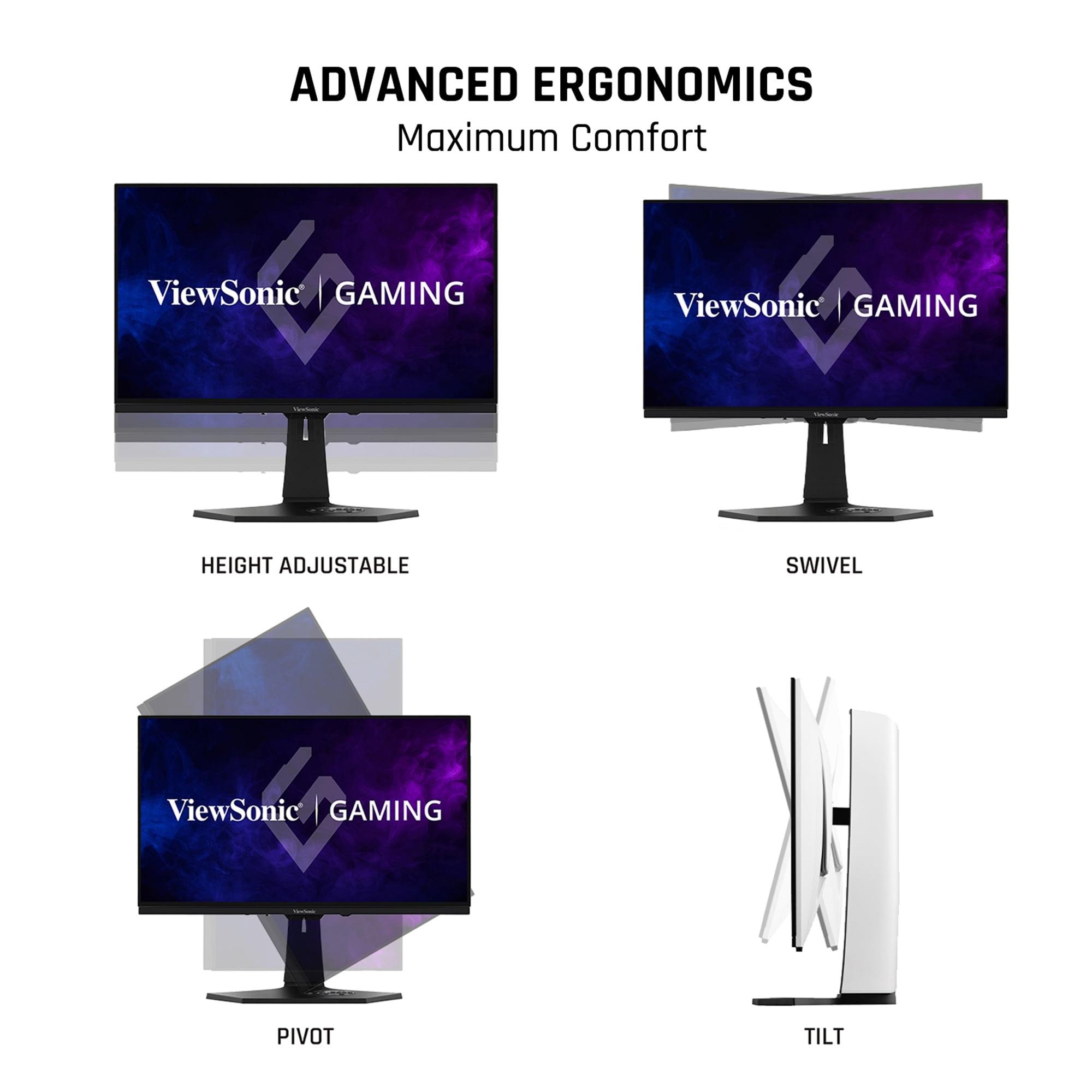
Both monitors offer full ergonomic adjustability—height, tilt, swivel, and pivot. The Acer provides solid adjustment ranges suitable for most desk setups. However, user reviews consistently note that the stand feels somewhat basic, though perfectly functional.
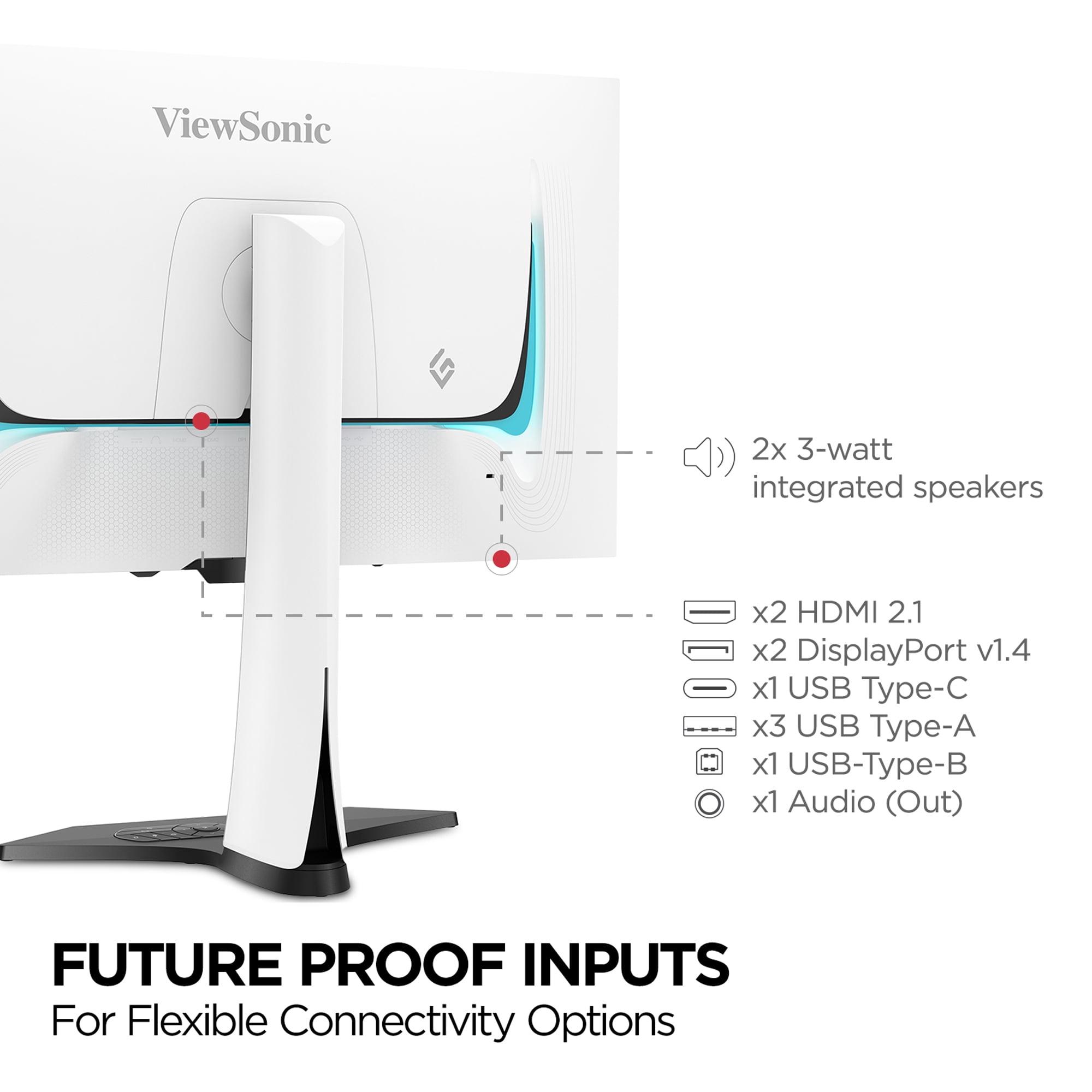
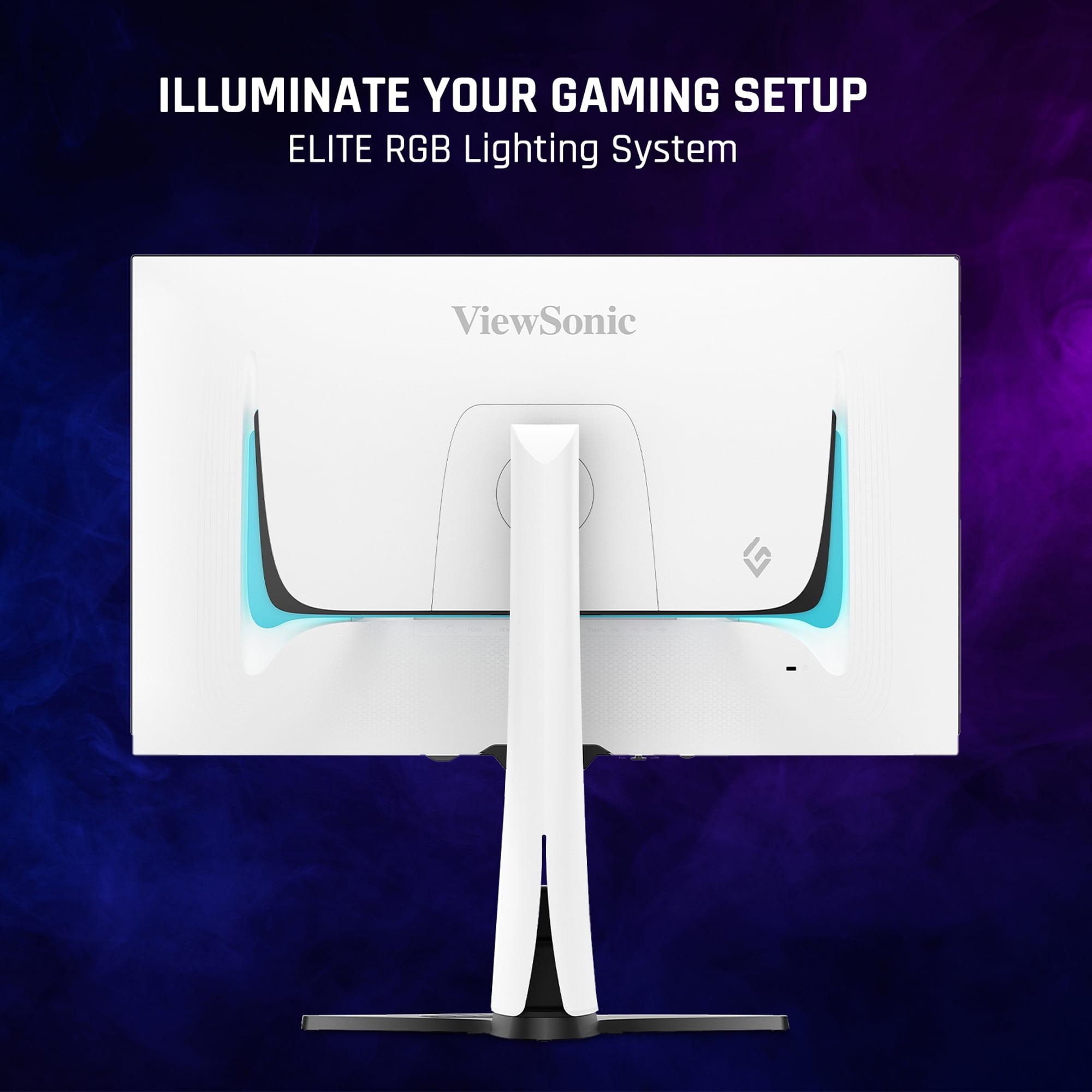
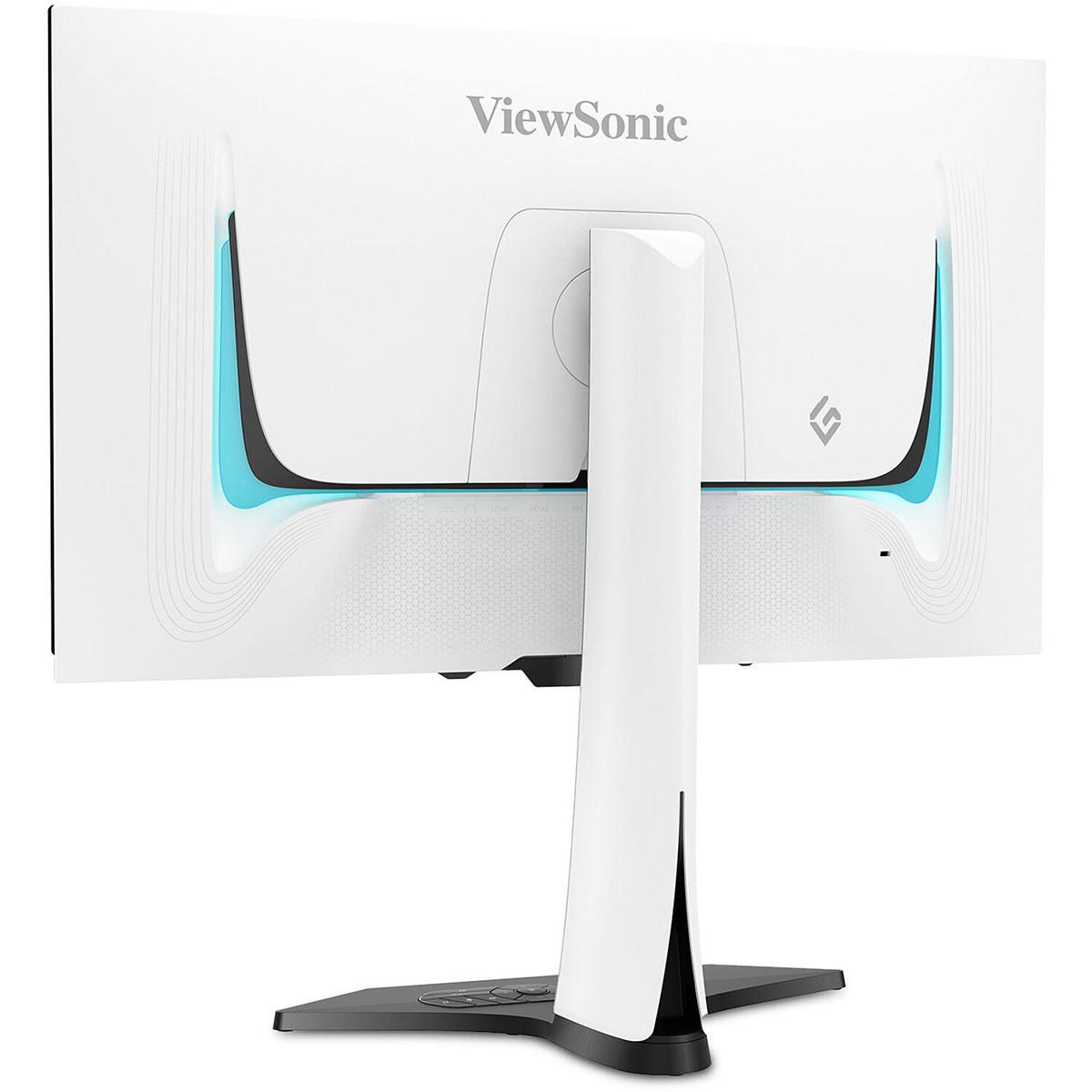
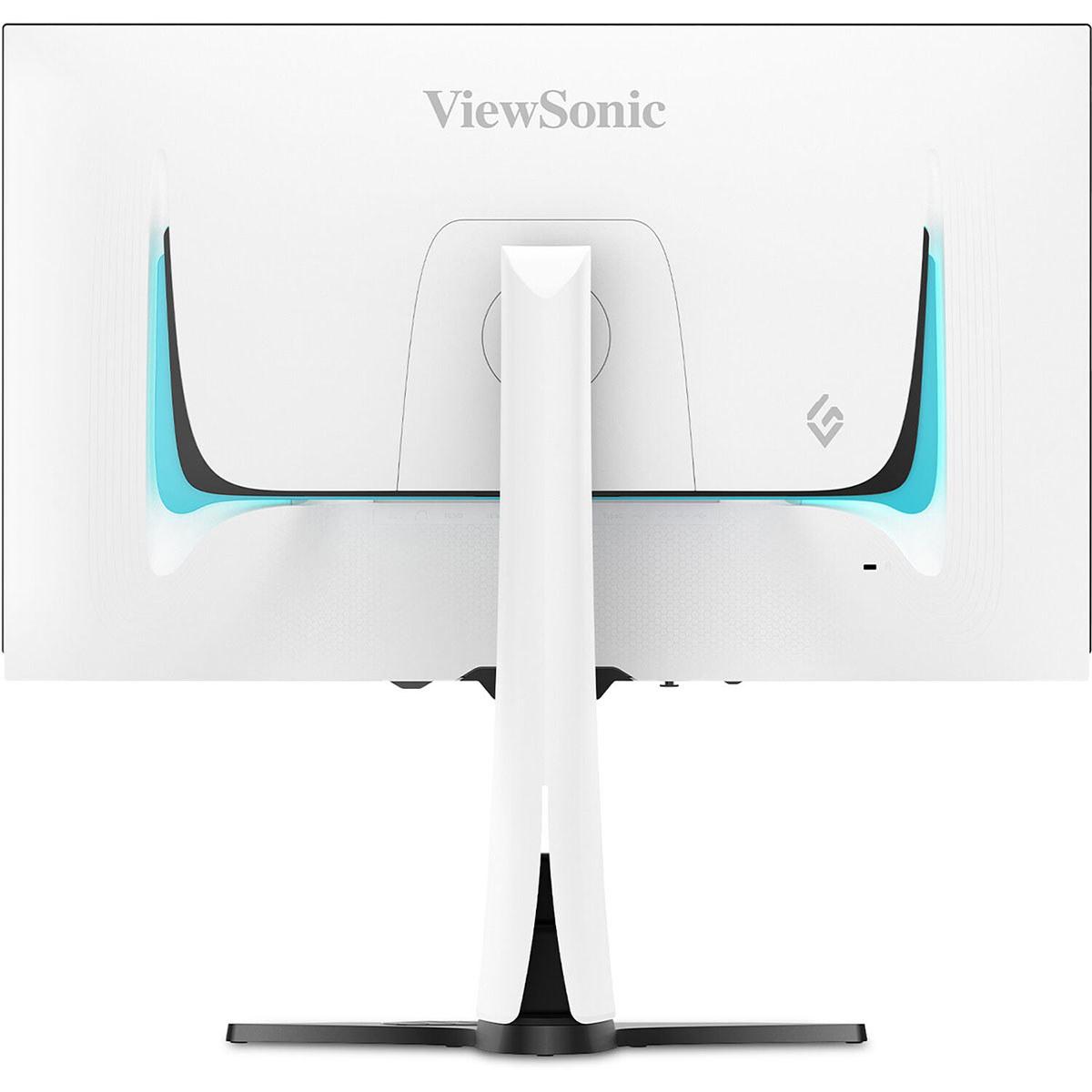
The ViewSonic elevates the experience with a more robust stand, premium materials, and thoughtful touches like integrated cable management. The white chassis with customizable RGB lighting appeals to gamers building aesthetic setups.
The Acer covers the basics: two HDMI 2.0 ports and one DisplayPort 1.2 connection. It includes basic 2W speakers that handle system sounds adequately.
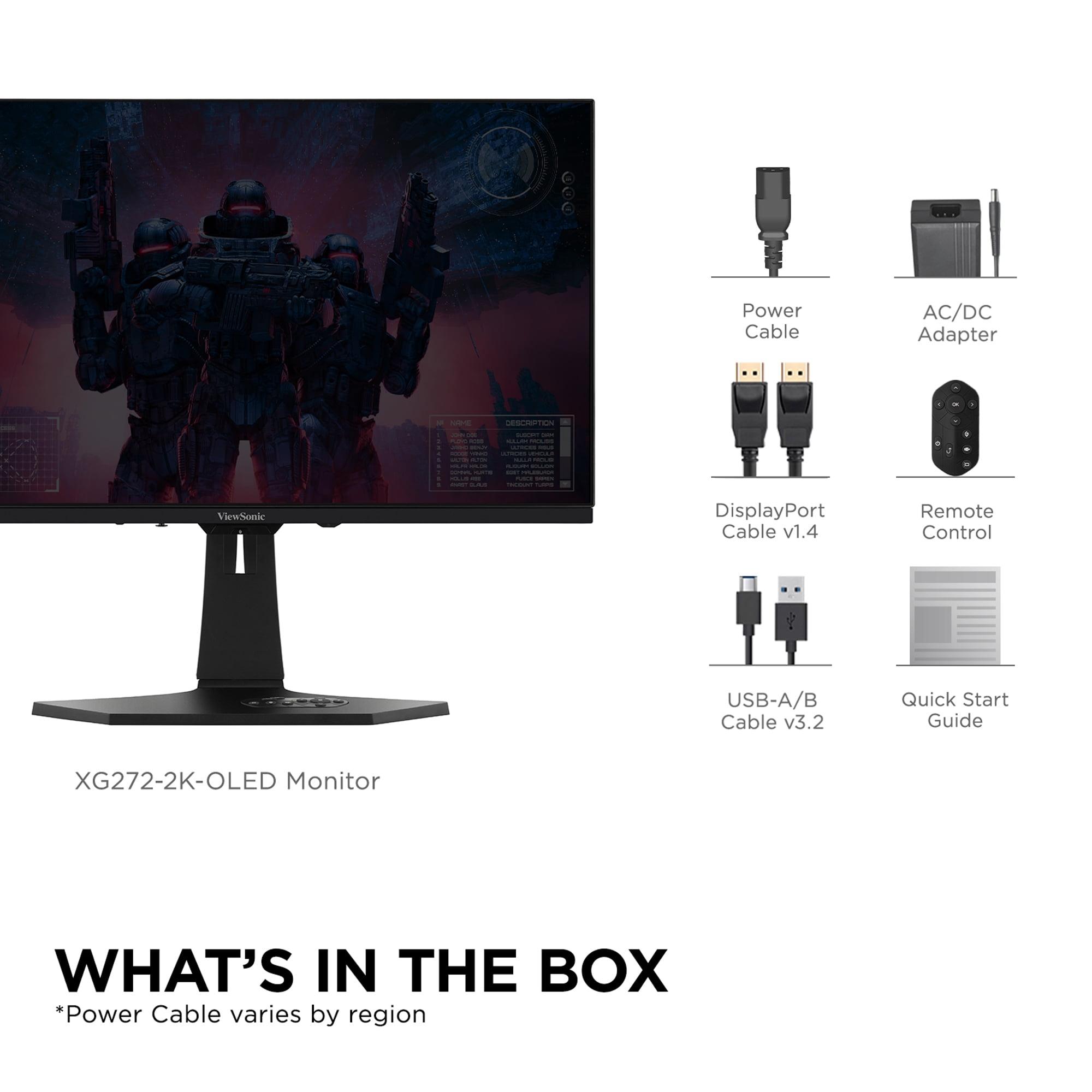
The ViewSonic offers more comprehensive connectivity: HDMI 2.1 ports for next-generation consoles, USB-C with 15W power delivery for laptops, and a built-in KVM switch for managing multiple devices. The 6W speakers provide noticeably better audio quality, though dedicated speakers remain preferable for serious gaming.
For esports titles, both monitors excel, but their strengths differ. The Acer provides everything competitive gamers need: low input lag, high refresh rate, and consistent performance at a fraction of the cost. Professional reviews and user feedback indicate it handles Counter-Strike, Valorant, and similar titles without compromise.
The ViewSonic offers marginal improvements in motion clarity and slightly higher refresh rates, but these advantages are subtle in competitive scenarios where frame rates often exceed 300 fps anyway.
This is where the ViewSonic truly justifies its premium positioning. The infinite contrast and superior HDR transform visually stunning games. Titles like Red Dead Redemption 2, The Witcher 3, or any recent AAA game benefit dramatically from OLED's visual improvements.
During our research into user experiences, gamers consistently reported that OLED monitors made them want to replay favorite games just to experience the improved visuals.
Both monitors work for multimedia consumption, but with different strengths. The ViewSonic excels with movies and TV shows, particularly HDR content from streaming services. The true blacks and wide color gamut create a cinema-like experience that IPS panels can't match.
The Acer handles standard dynamic range content well but lacks the HDR punch for premium multimedia experiences. However, its sRGB mode ensures accurate color reproduction for varied content types.
OLED technology brings one significant concern: burn-in. Static images displayed for extended periods can permanently "burn" into OLED pixels. Modern OLED monitors like the ViewSonic include aggressive prevention measures—pixel shifting, automatic dimming of static elements, and regular pixel refreshing.
Based on professional reviews and long-term user reports from 2024 onwards, burn-in has become much less of an issue than early OLED displays. However, it remains a consideration for users who display static content for hours daily.
IPS panels like the Acer's don't suffer from burn-in, making them more suitable for mixed-use scenarios involving lots of desktop work or static gaming elements like MMO interfaces.
The Acer works well with mid-range graphics cards. An RTX 4060 or RX 7600 can drive most games at 1440p with settings adjusted to maintain 120+ fps, taking good advantage of the 180Hz refresh rate.
The ViewSonic really shines with high-end hardware. To fully utilize 240Hz at 1440p, you'll want an RTX 4070 Super or better for demanding games, though competitive esports titles run at 240+ fps on more modest hardware.
You're entering high-refresh gaming on a budget and want proven, reliable performance. It's ideal for competitive gamers, students, or anyone who needs a versatile monitor for both gaming and productivity. The IPS technology provides consistent, predictable performance without burn-in concerns.
The monitor particularly suits users with mid-range gaming setups who want to experience smooth, responsive gaming without the premium investment. If you play a mix of games and do significant desktop work, the sRGB color accuracy becomes a real advantage.
You prioritize visual quality and immersive gaming experiences over budget considerations. It's perfect for enthusiasts with high-end graphics cards who want the absolute best image quality available in 2024.
This monitor excels for single-player gaming, HDR content consumption, and users who value cutting-edge technology. If you primarily game in darker rooms and want that "wow factor" that only OLED can deliver, the premium investment makes sense.
The technology represents the future of gaming displays, offering performance that traditional LCD panels simply cannot match in contrast, color, and responsiveness.
At the time of writing, these monitors represent two valid but different philosophies. The Acer Nitro XV271U M3 proves that excellent gaming performance doesn't require premium pricing, delivering 90% of the competitive gaming experience at roughly 20% of the cost.
The ViewSonic XG272-2K-OLED showcases what's possible when budget isn't the primary constraint, offering visual quality that redefines expectations for PC gaming displays.
Your choice ultimately depends on whether you value maximum performance-per-dollar or cutting-edge visual experiences. Both monitors excel in their intended roles, making this less about finding a winner and more about matching technology to your specific needs and budget.
| Acer Nitro XV1 27" WQHD 180Hz IPS Gaming Monitor | ViewSonic XG272-2K-OLED 27" QHD 240Hz OLED Gaming Monitor |
|---|---|
| Panel Technology - Fundamentally different approaches to image quality | |
| IPS LCD with LED backlight (proven reliability) | OLED with per-pixel lighting (cutting-edge visuals) |
| Refresh Rate - Higher numbers mean smoother motion in fast games | |
| 180Hz (excellent for competitive gaming) | 240Hz (marginal improvement over 180Hz) |
| Response Time - Lower is better for eliminating ghosting | |
| 1ms GTG (very good for IPS technology) | 0.02ms GTG (virtually instantaneous) |
| Contrast Ratio - Higher numbers mean better dark scene detail | |
| 1,000:1 static (typical IPS limitation) | Infinite contrast (true blacks, major advantage) |
| Peak Brightness - Critical for HDR impact and bright room usage | |
| 250 nits (adequate for SDR, limited HDR) | 450 nits (excellent HDR performance for OLED) |
| Color Gamut Coverage - Wider coverage means more vibrant colors | |
| 95% DCI-P3 with sRGB mode (versatile accuracy) | ~100% DCI-P3, no sRGB mode (gaming-focused) |
| HDR Support - Enhanced visuals in supported content | |
| HDR10 with limited impact due to brightness | HDR10 with genuine improvement over SDR |
| Connectivity Options - More ports offer greater flexibility | |
| 2x HDMI 2.0, 1x DisplayPort 1.2 (basic coverage) | 2x HDMI 2.1, 2x DisplayPort 1.4, USB-C (future-proof) |
| Built-in Audio - Convenience feature for basic setups | |
| 2W stereo speakers (functional but basic) | 6W speakers with better quality (still recommend dedicated audio) |
| Ergonomic Adjustability - Important for comfort during long sessions | |
| Full adjustment with basic stand quality | Full adjustment with premium stand and RGB lighting |
| Burn-in Risk - Long-term durability consideration | |
| No burn-in risk (LCD advantage) | Potential burn-in with static images (improved prevention in 2024) |
| Value Proposition - Performance relative to cost | |
| Exceptional performance-per-dollar for budget builds | Premium investment for enthusiasts prioritizing visual quality |
| Best Use Cases - Where each monitor excels | |
| Competitive gaming, mixed productivity, budget setups | Immersive single-player gaming, HDR content, high-end builds |
Both the Acer Nitro XV1 and ViewSonic XG272-2K-OLED excel for competitive gaming, but the Acer offers better value. Its 180Hz refresh rate and 1ms response time provide everything needed for esports titles like Valorant and Counter-Strike. The ViewSonic has a faster 240Hz rate, but the improvement is minimal for most competitive players, making the Acer the smarter choice for budget-conscious gamers.
The Acer Nitro XV1 uses IPS LCD technology with consistent colors and no burn-in risk, while the ViewSonic XG272-2K-OLED uses OLED technology with true blacks and infinite contrast. OLED provides dramatically better dark scene detail and HDR performance, but IPS offers proven reliability and better productivity use. The choice depends on whether you prioritize visual quality or versatility.
The ViewSonic XG272-2K-OLED delivers superior picture quality for immersive gaming. Its OLED technology produces true blacks, infinite contrast, and vibrant HDR that transforms games like Cyberpunk 2077 and Red Dead Redemption 2. The Acer Nitro XV1 provides good image quality but can't match OLED's visual impact in dark scenes and HDR content.
The ViewSonic XG272-2K-OLED excels for home theater use with its true blacks, wide color gamut, and effective HDR implementation that rivals dedicated TV displays. The Acer Nitro XV1 handles standard content well but lacks the HDR punch and contrast needed for premium movie experiences. For serious home theater use, the ViewSonic is the clear winner.
The Acer Nitro XV1 provides exceptional value, delivering high-refresh 1440p gaming performance at a fraction of the cost. It offers 90% of the gaming experience for roughly 20% of the price. The ViewSonic XG272-2K-OLED justifies its premium cost only if visual quality is your top priority and budget isn't a major concern.
The Acer Nitro XV1 works well with mid-range cards like RTX 4060 or RX 7600 for 1440p gaming at 120+ fps. The ViewSonic XG272-2K-OLED benefits from high-end hardware like RTX 4070 Super or better to fully utilize its 240Hz refresh rate in demanding games, though competitive titles run well on modest hardware.
The Acer Nitro XV1 is superior for productivity work thanks to its sRGB color mode that accurately displays web content and office applications. The ViewSonic XG272-2K-OLED lacks sRGB mode, making web browsing and documents appear oversaturated. The Acer is the better choice for mixed gaming and work use.
Modern OLED monitors like the ViewSonic XG272-2K-OLED include aggressive burn-in prevention features such as pixel shifting and automatic dimming. Based on 2024 user reports, burn-in is much less concerning than with early OLED displays. However, the Acer Nitro XV1 has no burn-in risk, making it safer for users who display static content for hours daily.
The ViewSonic XG272-2K-OLED offers superior connectivity with HDMI 2.1 ports for next-gen consoles, USB-C with power delivery, and a built-in KVM switch. The Acer Nitro XV1 covers the basics with HDMI 2.0 and DisplayPort 1.2 connections. The ViewSonic is more future-proof and versatile for multi-device setups.
The ViewSonic XG272-2K-OLED has a dramatically faster 0.02ms response time compared to the Acer Nitro XV1's 1ms response time. This translates to virtually zero motion blur on the ViewSonic, while the Acer may show slight ghosting in extreme scenarios. Both are excellent for gaming, but OLED technology provides superior motion clarity.
The ViewSonic XG272-2K-OLED delivers genuine HDR experiences with 450 nits peak brightness, true blacks, and wide color coverage. Games with HDR support show dramatic improvements in visual quality. The Acer Nitro XV1 supports HDR10 but with limited 250-nit brightness and IPS contrast limitations that minimize the HDR impact.
The Acer Nitro XV1 has typical IPS limitations including grayish blacks, limited HDR performance, and basic build quality. The ViewSonic XG272-2K-OLED costs significantly more, lacks sRGB mode for productivity, has potential burn-in concerns, and requires high-end hardware to fully utilize its capabilities. Choose based on your priorities: value versus premium visual quality.
We've done our best to create useful and informative comparisons to help you decide what product to buy. Our research uses advanced automated methods to create this comparison and perfection is not possible - please contact us for corrections or questions. These are the sites we've researched in the creation of this article: bestbuy.com - tomshardware.com - displayninja.com - youtube.com - youtube.com - youtube.com - store.acer.com - manuals.plus - displayspecifications.com - pangoly.com - pcpartpicker.com - casariolab.art - store.acer.com - versus.com - youtube.com - tomshardware.com - viewsonic.com - cgmagonline.com - bhphotovideo.com - forums.blurbusters.com - pangoly.com - youtube.com - rtings.com - youtube.com - bhphotovideo.com - viewsonic.com - assetserver.net - viewsonic.com - viewsonic.com - colamco.com - viewsonic.com - store.connectcause.com - displayspecifications.com - bhphotovideo.com - manuals.viewsonic.com - viewsonic.com - pangoly.com - visioncomputers.com - bestbuy.com

Privacy Policy
Terms and Conditions - Affiliate Policy
Home Security
© Copyright 2008-2026.
11816 Inwood Rd #1211, Dallas, TX 75244