
















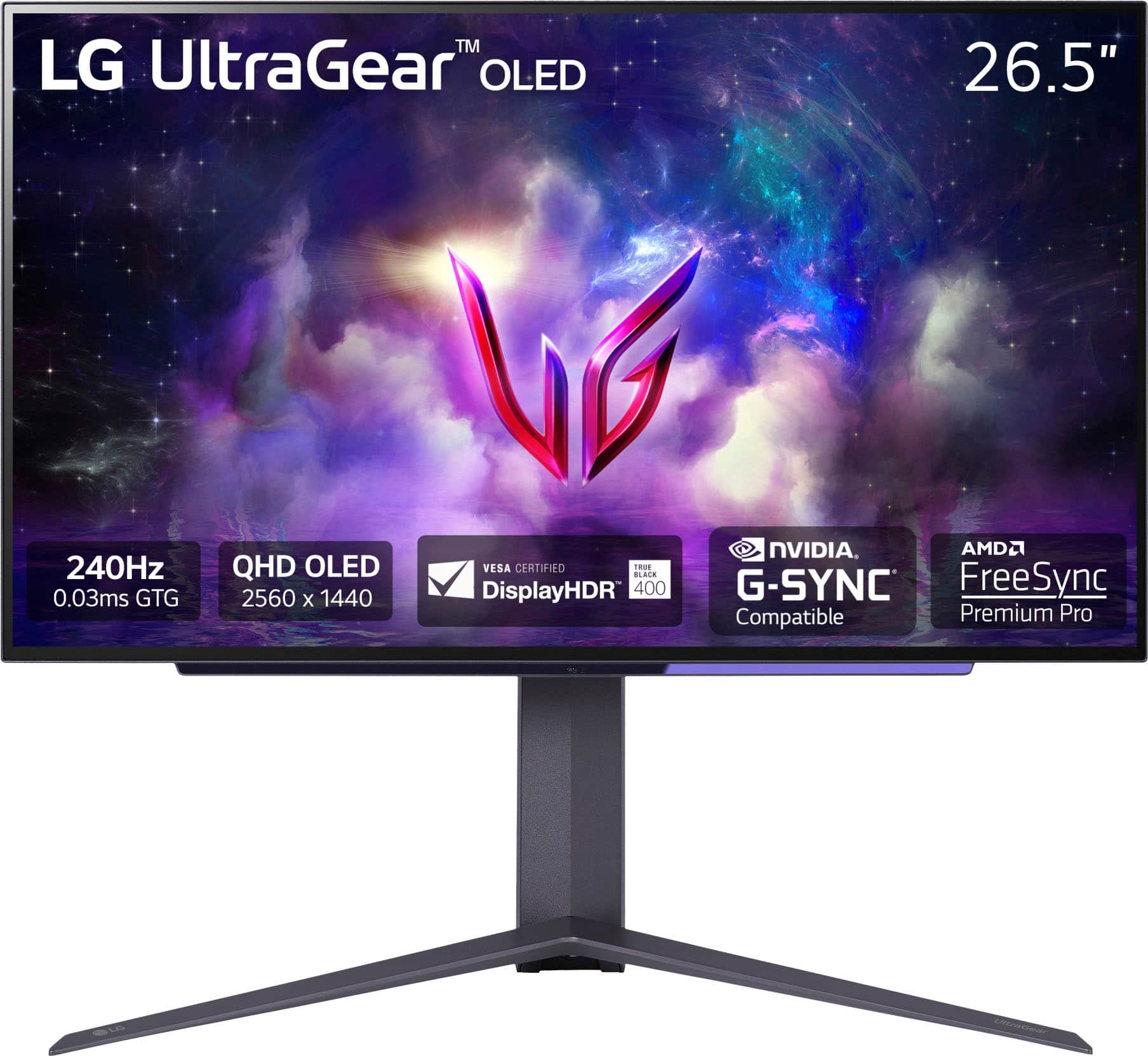
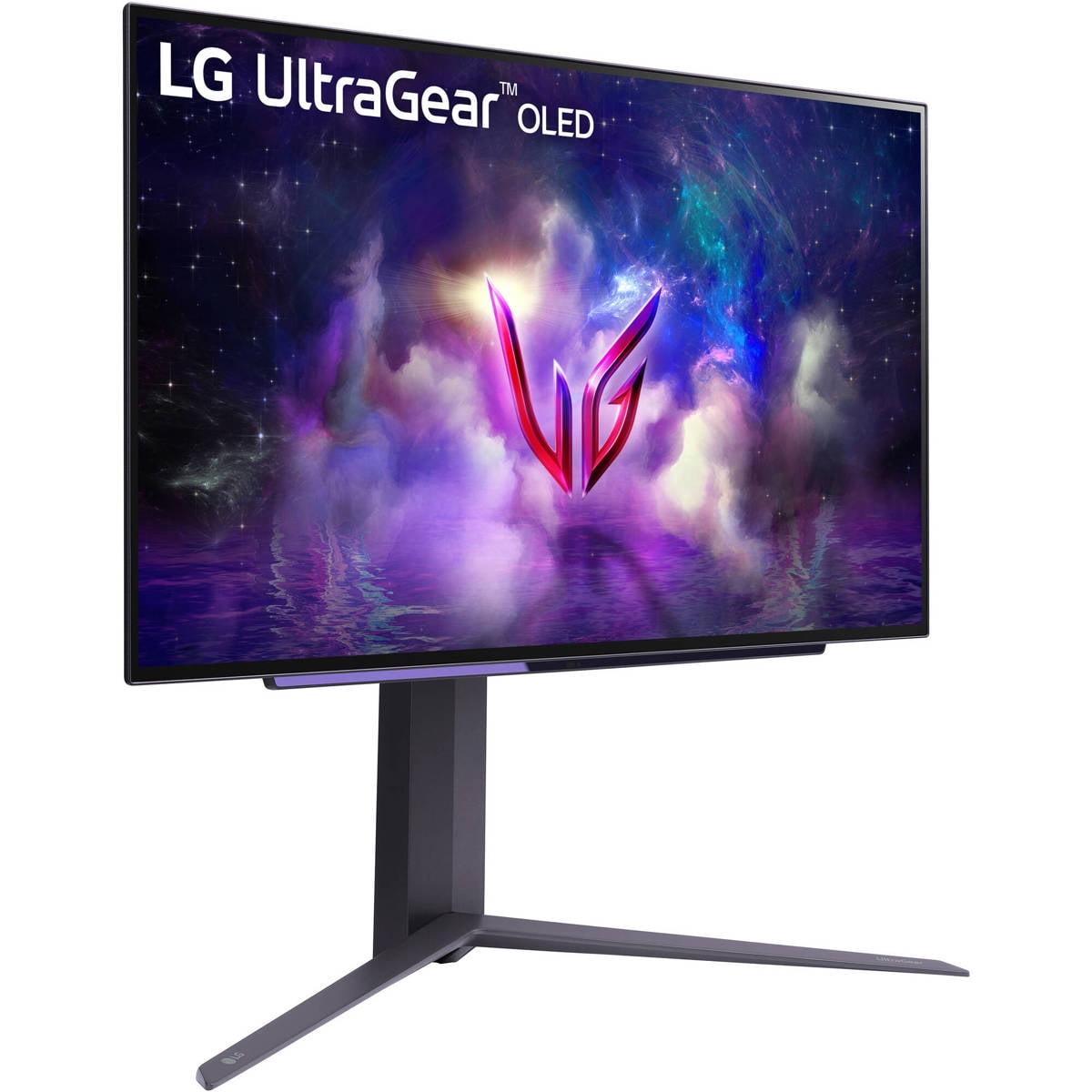
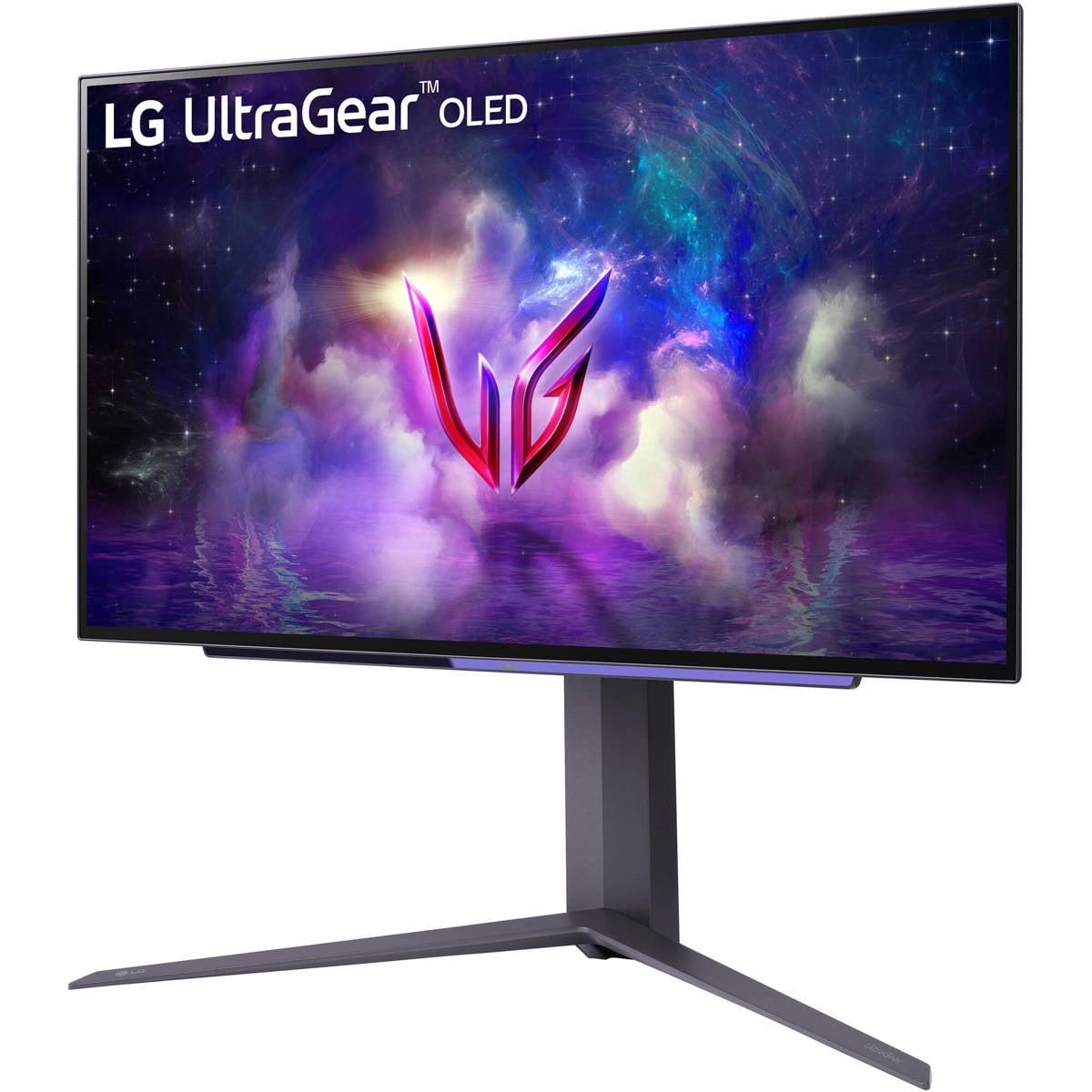
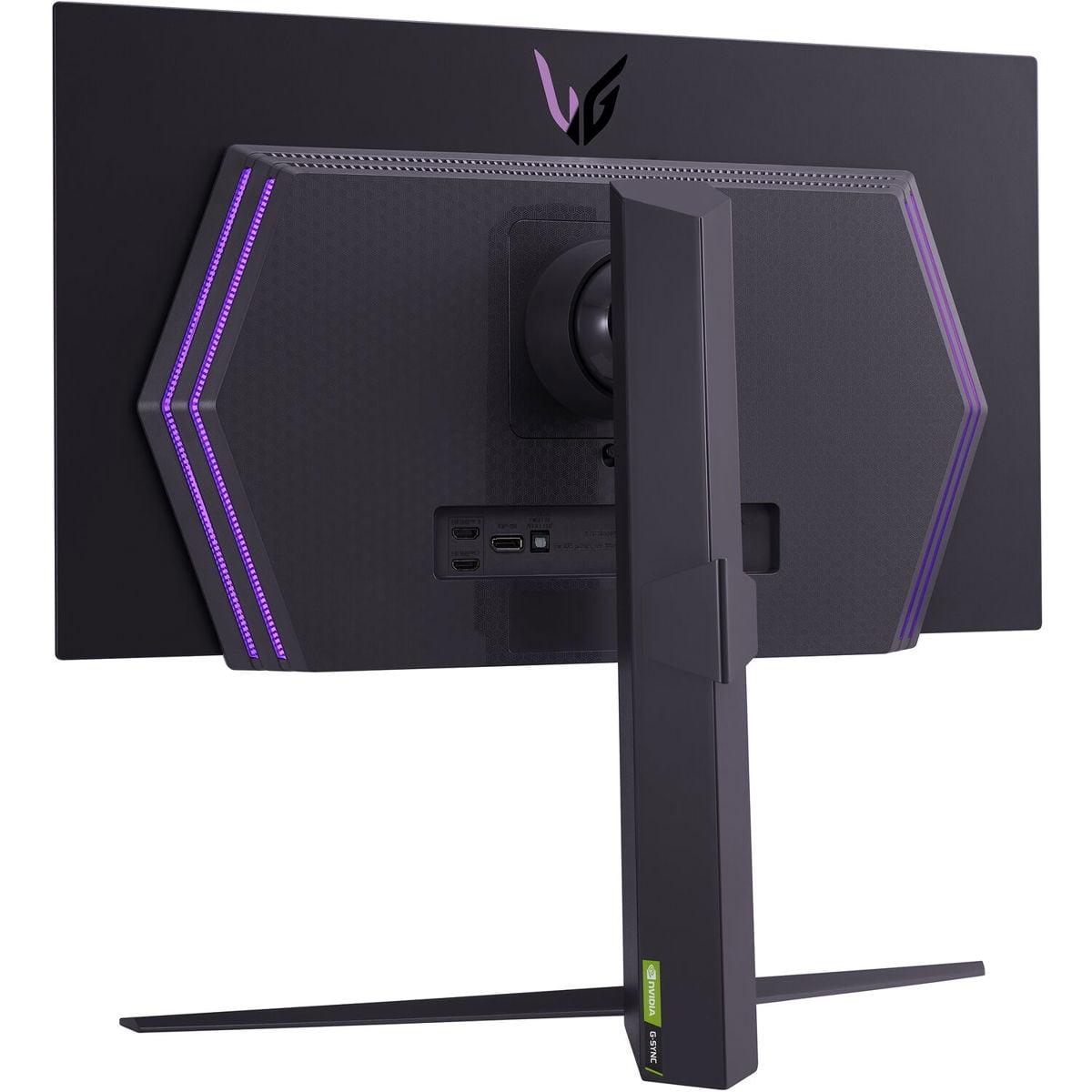
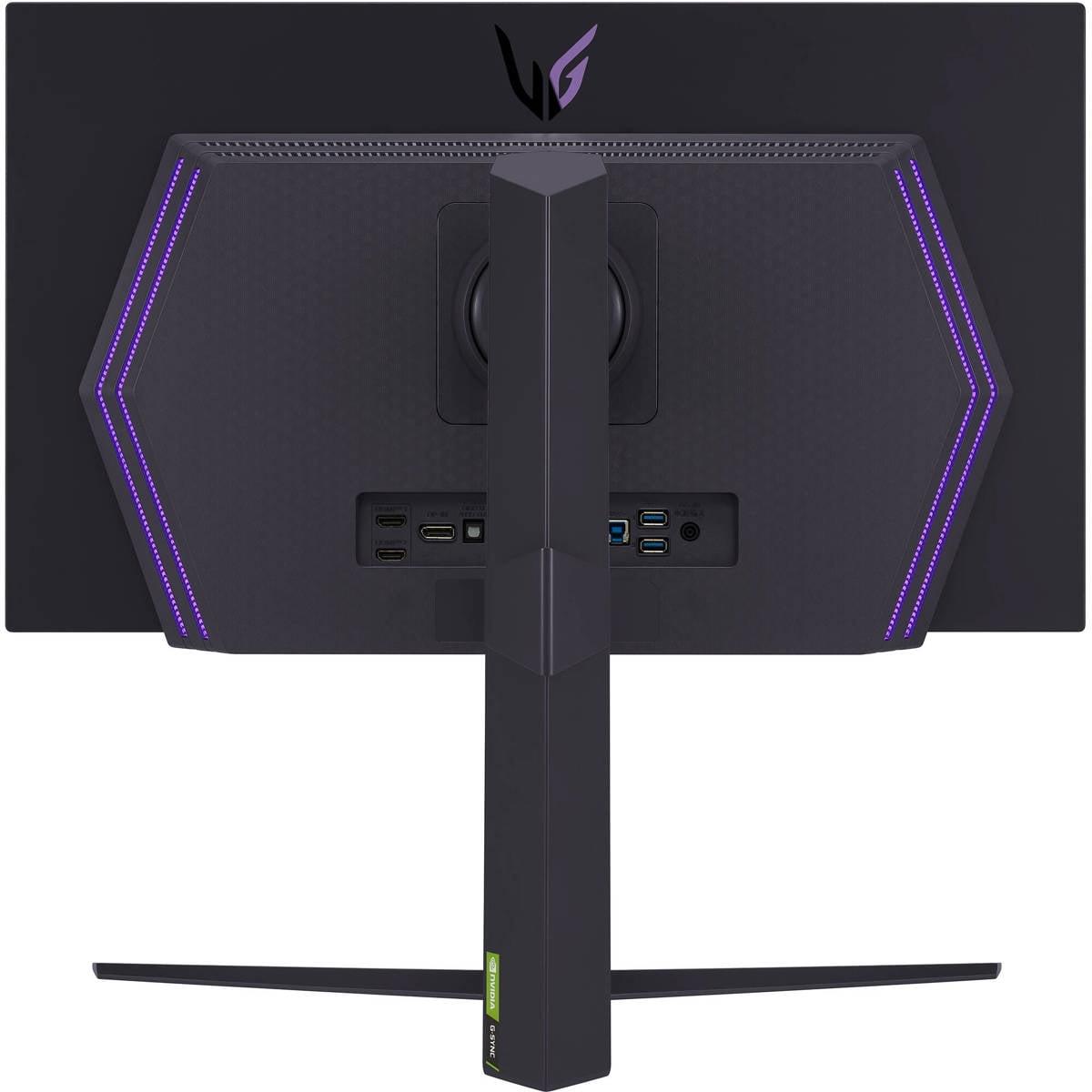

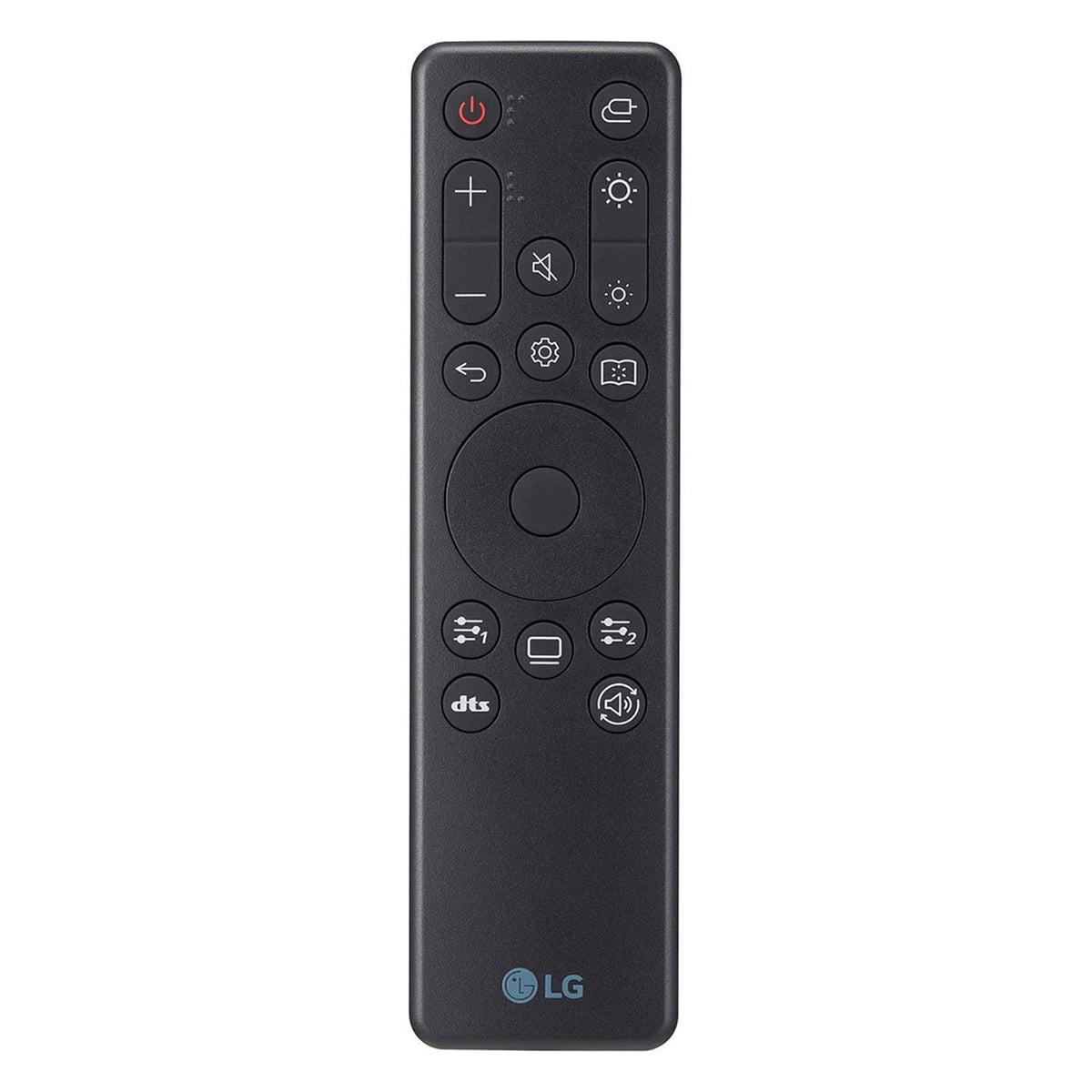
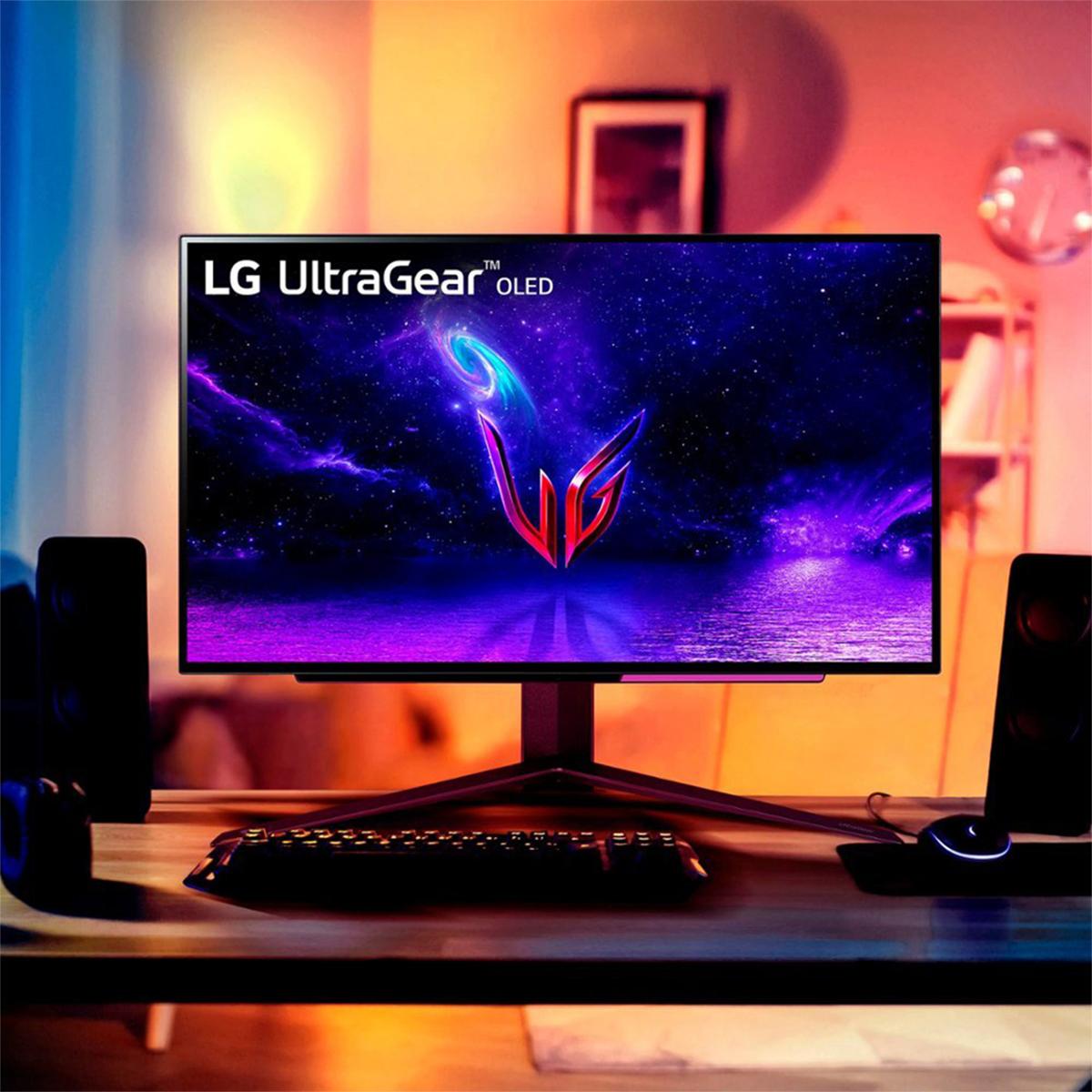

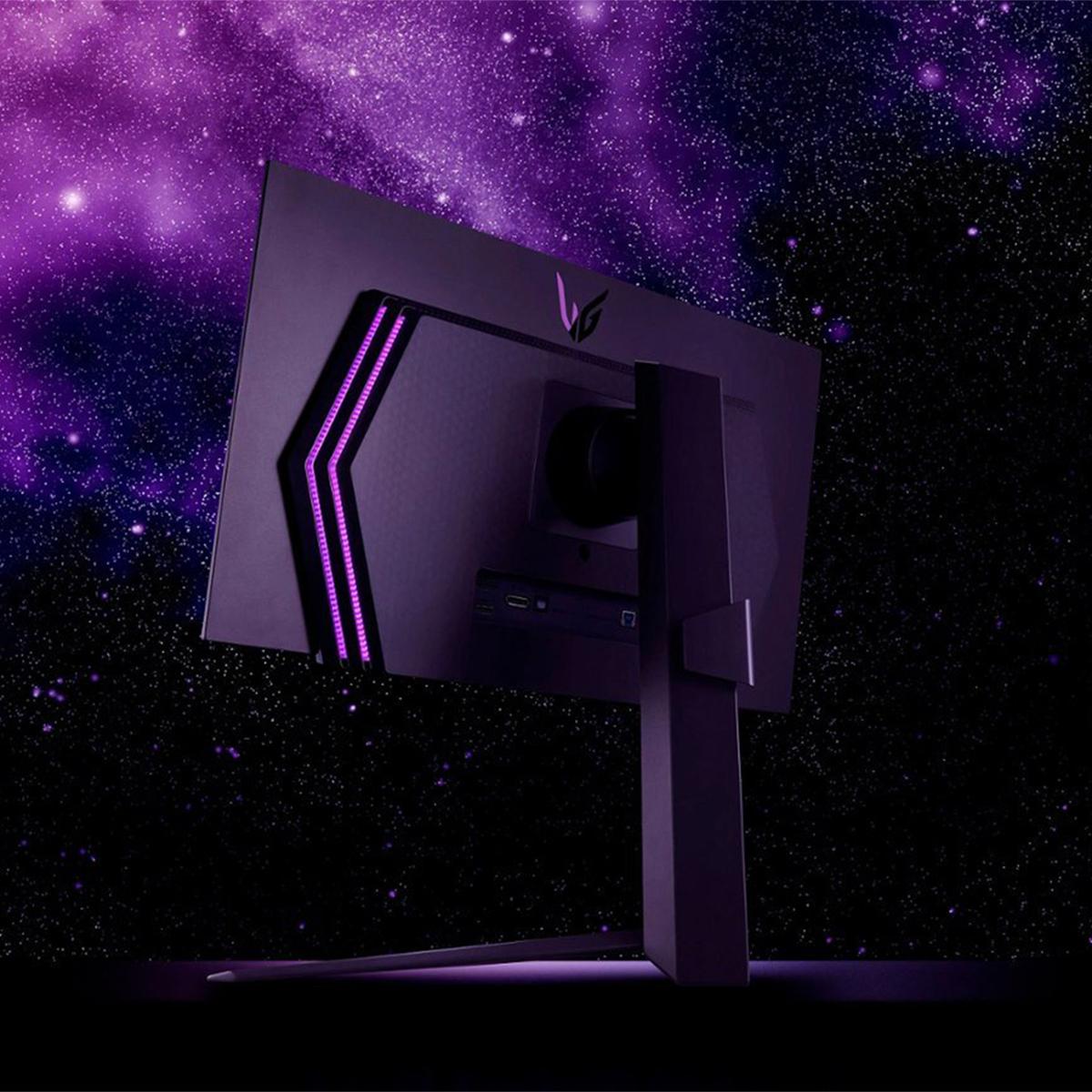
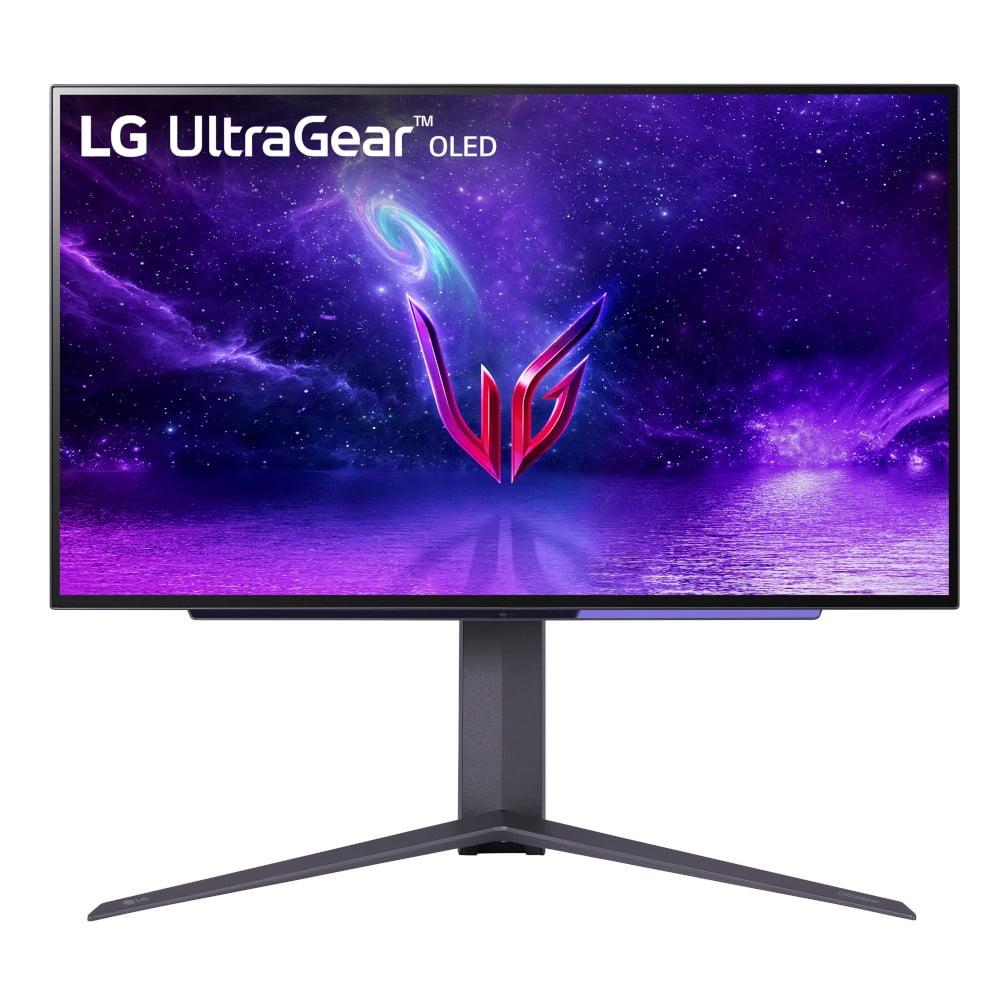
Gaming monitors have transformed dramatically over the past few years, with 2024 marking a particularly exciting time for display technology. We're seeing OLED panels finally become mainstream in gaming monitors while traditional IPS displays continue improving their value proposition. Today, we're comparing two monitors that represent very different approaches to high-performance gaming: the budget-focused Acer Nitro XV1 27" WQHD 180Hz IPS Gaming Monitor and the premium LG UltraGear 27" OLED QHD 240Hz Gaming Monitor.
At the time of writing, these monitors sit at opposite ends of the pricing spectrum, with the Acer typically priced around $200 and the LG commanding roughly $700. That 3.5x price difference represents fundamentally different philosophies about what gamers need and what they're willing to pay for.
Before diving into specifics, it's worth understanding what actually matters in a gaming monitor. The most critical factors are refresh rate (how many times per second the screen updates), response time (how quickly pixels can change colors), input lag (delay between your action and seeing it on screen), and display technology (which affects contrast, colors, and viewing angles).
These specifications directly impact your gaming experience. Higher refresh rates make motion appear smoother and can provide competitive advantages in fast-paced games. Lower response times reduce motion blur and ghosting effects. Minimal input lag ensures your reactions translate immediately to the screen. The display technology affects everything from how vibrant colors appear to whether you can see details in dark game scenes.
Variable refresh rate (VRR) technology like AMD FreeSync or NVIDIA G-SYNC has become essential for smooth gameplay. This synchronizes your graphics card's output with your monitor's refresh rate, eliminating the visual tearing that occurs when these don't match up.
The most fundamental difference between these monitors lies in their display technology. The Acer Nitro XV1 uses an IPS (In-Plane Switching) panel, while the LG UltraGear OLED employs OLED (Organic Light-Emitting Diode) technology.
IPS panels have been the gaming monitor workhorse for years. They work by using a backlight that shines through liquid crystals to create images. This technology delivers consistent colors across wide viewing angles and maintains stable brightness levels. The Acer's IPS panel covers 95% of the DCI-P3 color space, which is excellent for the price range, and provides the characteristic 178-degree viewing angles that IPS is known for.
OLED technology takes a completely different approach. Instead of a backlight, each pixel generates its own light. This means when a pixel needs to display black, it simply turns off completely. The result is perfect blacks and theoretically infinite contrast ratios. The LG's OLED panel achieves 98.5% DCI-P3 coverage and can produce the kind of inky blacks that make HDR content truly pop.
The practical difference is striking. In a dark gaming scene, the Acer will display dark grays where the LG shows true black. This affects immersion significantly – think about exploring a cave in Skyrim or sneaking through shadows in a stealth game. The OLED's perfect blacks make these experiences far more atmospheric.
However, OLED comes with trade-offs. The organic compounds that create the light gradually degrade over time, and static images can cause permanent burn-in. This makes OLED panels less suitable for desktop work where taskbars and icons remain stationary for hours.
This is where the LG UltraGear OLED flexes its premium positioning. Its 240Hz refresh rate means the screen updates 240 times per second, compared to the Acer's still-impressive 180Hz. For context, most standard monitors refresh at 60Hz, so both of these are significant upgrades.
The difference between 180Hz and 240Hz might seem small mathematically, but it's noticeable in practice, especially in competitive gaming scenarios. The additional smoothness helps track fast-moving targets and can provide a genuine competitive advantage in games like Counter-Strike or Valorant.
More impressive is the LG's 0.03ms response time compared to the Acer's 1ms specification. Response time measures how quickly a pixel can change from one color to another, and lower numbers mean less motion blur. The OLED's near-instantaneous pixel switching virtually eliminates ghosting – those annoying trails that follow fast-moving objects on slower displays.
In our research of user experiences and professional reviews, the motion clarity difference is substantial. The Acer performs excellently for its class, but the LG operates on another level entirely. This superior motion performance comes from OLED's fundamental advantage – pixels that can switch on and off essentially instantaneously.
Both monitors share the same 2560 x 1440 (WQHD) resolution, which hits the sweet spot for gaming. This resolution provides 77% more pixels than 1080p while being significantly less demanding on your graphics card than 4K. At 27 inches, this translates to about 109 pixels per inch, delivering sharp text and detailed game visuals.
The Acer and LG both handle this resolution well, but the OLED's superior contrast makes details more visible in dark scenes. This can provide tactical advantages in competitive games where spotting enemies in shadows matters.
Both monitors include anti-glare coatings, though users report the LG's matte finish is particularly effective at reducing reflections while maintaining image clarity.
HDR (High Dynamic Range) support reveals another significant gap between these monitors. The Acer supports HDR10 but with peak brightness limited to 250 nits and a 1,000:1 contrast ratio. This provides basic HDR functionality but doesn't deliver the dramatic visual impact that true HDR should provide.
The LG UltraGear OLED achieves DisplayHDR True Black 400 certification with peak brightness reaching 1,000 nits and essentially infinite contrast. This transforms HDR gaming from a checkbox feature to a genuinely impactful visual upgrade. Games like Cyberpunk 2077 or Horizon Zero Dawn showcase stunning dynamic range with bright highlights and deep shadows coexisting naturally.
The practical difference is night and day. The Acer's HDR feels more like slightly enhanced colors, while the LG delivers the full HDR experience with dramatic contrast that genuinely improves gameplay immersion.
Both monitors support AMD FreeSync Premium and are NVIDIA G-SYNC Compatible, meaning they'll work with graphics cards from either manufacturer. The Acer operates its VRR range from 40-180Hz, while the LG extends this to the full 240Hz range.
This VRR range matters for your graphics card pairing. If you're running a mid-range card like an RTX 4060 or RX 7600, you'll rarely exceed 180fps at 1440p in demanding games, making the Acer's range perfectly adequate. However, with high-end cards like the RTX 4080 or RX 7800 XT, you might actually utilize the LG's full 240Hz capability in competitive titles.
Both monitors include gaming-specific features like crosshair overlays, FPS counters, and black boost functions that enhance visibility in dark scenes. The LG adds more sophisticated features befitting its premium positioning.
The Acer Nitro XV1 includes a fully adjustable stand with height adjustment up to 4.7 inches, tilt ranging from -5° to 25°, complete swivel, and pivot capability for portrait orientation. This comprehensive adjustability is impressive for a budget monitor and ensures you can achieve comfortable viewing positions during long gaming sessions.
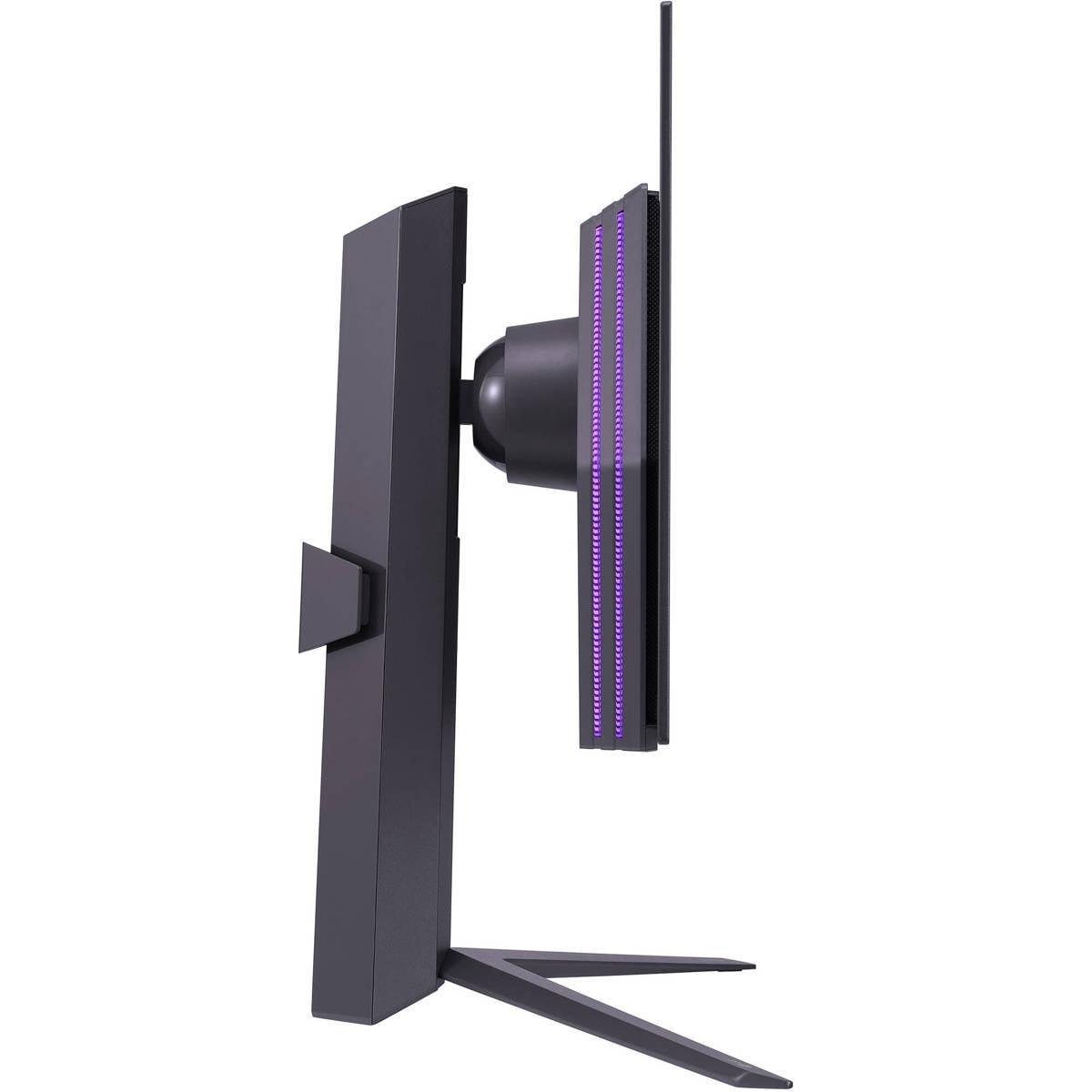
The LG UltraGear OLED also provides height, tilt, and swivel adjustments, though our research suggests the stand feels more premium overall. Both monitors support VESA 100x100mm mounting if you prefer aftermarket stands or monitor arms.
Build quality reflects the price difference. The Acer's stand, while functional, feels less robust than the LG's more substantial construction. Neither monitor includes built-in speakers worth mentioning – you'll want headphones or external speakers regardless.
OLED displays consume significantly less power than traditional LCD panels because they don't require constant backlighting. The LG UltraGear OLED typically draws less power during dark scenes since black pixels are literally turned off. The Acer maintains consistent power draw around 60 watts due to its always-on backlight.
This power difference also affects heat generation. OLED panels run cooler, which can be beneficial in compact gaming setups or warm environments.
Both monitors provide comprehensive connectivity options. The Acer includes one DisplayPort 1.2 and two HDMI 2.0 ports, sufficient for multi-source setups. The LG upgrades to HDMI 2.1 ports alongside DisplayPort 1.4, providing better future-proofing and console compatibility.
For console gaming, the HDMI 2.1 support on the LG enables full 4K/120Hz or 1440p/240Hz output from PlayStation 5 or Xbox Series X, while the Acer limits console refresh rates to 144Hz maximum through HDMI 2.0.
This represents perhaps the most significant decision factor. IPS panels like the Acer's are extremely reliable and can handle mixed gaming and desktop use for years without degradation concerns. You can leave static elements on screen indefinitely without worry.
OLED panels face burn-in risks from static elements displayed for extended periods. While the LG includes preventive measures like pixel cleaning cycles and logo detection, careful usage patterns remain necessary. This makes OLED less suitable for users who frequently leave their monitors displaying desktop applications, web browsers, or other static content.
The LG includes a 2-year warranty, but notably, this doesn't cover burn-in damage. For gaming-only use with varied content, burn-in risks are manageable, but mixed-use scenarios require more consideration.
At the time of writing, the price difference between these monitors is substantial. The Acer Nitro XV1 delivers impressive gaming performance at roughly $200, making it exceptional value for mainstream gamers. You're getting 180Hz refresh rates, comprehensive VRR support, excellent color accuracy, and full ergonomic adjustability.
The LG UltraGear OLED, typically priced around $700, commands a significant premium for its advanced technology. This 3.5x price difference must be justified by the superior motion performance, contrast, and HDR capabilities.
For competitive gamers with high-end systems, the LG's advantages in motion clarity and refresh rate can provide genuine competitive benefits worth the investment. For mainstream gaming, the Acer delivers 90% of the experience at 30% of the cost.
Both monitors can serve double duty for entertainment, though with different strengths. The Acer provides consistent brightness and color accuracy suitable for varied content, while its IPS technology ensures good viewing angles for group viewing.
The LG UltraGear OLED excels dramatically for cinematic content. Movie watching becomes a premium experience with perfect blacks and HDR performance that rivals dedicated OLED TVs. However, the smaller 27-inch size and potential burn-in concerns from streaming service interfaces limit its home theater appeal compared to larger displays.
Choose the Acer Nitro XV1 if you're building a gaming setup on a reasonable budget, use your monitor for mixed desktop and gaming tasks, pair it with mid-range graphics cards, or prioritize reliability and value over cutting-edge performance. It's also ideal for gamers new to high-refresh displays who want to experience smooth gaming without significant investment.
The LG UltraGear OLED makes sense for competitive gamers who can utilize its 240Hz performance, enthusiasts with high-end graphics cards seeking maximum visual quality, users who primarily game rather than work at their monitors, and those willing to pay premium prices for best-in-class technology.
These monitors represent two excellent but fundamentally different approaches to gaming displays. The Acer Nitro XV1 democratizes high-refresh gaming by delivering impressive performance at accessible pricing. The LG UltraGear OLED pushes boundaries with cutting-edge technology that genuinely improves the gaming experience for those willing to invest.
Your graphics card capability should heavily influence this decision. With mid-range cards, the Acer's 180Hz ceiling won't limit your experience, while high-end cards can actually benefit from the LG's 240Hz capability. Similarly, your usage patterns matter enormously – the OLED's burn-in considerations make it less suitable for mixed desktop use.
Both monitors will deliver excellent gaming experiences, but they serve different audiences and budgets. The Acer proves that great gaming performance doesn't require premium pricing, while the LG demonstrates why enthusiasts might willingly pay more for technological advantages that genuinely enhance their gaming experience.
| Acer Nitro XV1 27" WQHD 180Hz IPS Gaming Monitor | LG UltraGear 27" OLED QHD 240Hz Gaming Monitor |
|---|---|
| Display Technology - Core foundation affecting contrast, colors, and longevity | |
| IPS panel with LED backlight (reliable, no burn-in risk) | OLED panel (perfect blacks, vibrant colors, burn-in potential) |
| Refresh Rate - Higher numbers mean smoother motion in fast games | |
| 180Hz via DisplayPort, 144Hz via HDMI (excellent for most gaming) | 240Hz (competitive advantage for esports and high-end GPUs) |
| Response Time - Lower is better for reducing motion blur | |
| 1ms G2G (very good, minimal ghosting) | 0.03ms G2G (virtually eliminates motion blur) |
| Contrast Ratio - Affects depth and realism in dark scenes | |
| 1,000:1 static (typical IPS limitation) | 1,500,000:1 (infinite contrast from true blacks) |
| Peak Brightness - Critical for HDR performance and bright room visibility | |
| 250 nits (adequate for SDR, limited HDR impact) | 1,000 nits HDR mode (true HDR experience) |
| Color Gamut Coverage - Wider coverage means more vibrant, accurate colors | |
| 95% DCI-P3 (excellent for the price) | 98.5% DCI-P3 (professional-grade color accuracy) |
| HDR Support - Enhanced dynamic range for compatible games and media | |
| HDR10 support (basic implementation) | DisplayHDR True Black 400, HDR10 (premium experience) |
| Variable Refresh Rate - Eliminates screen tearing across different frame rates | |
| AMD FreeSync Premium 40-180Hz, G-SYNC Compatible | AMD FreeSync Premium up to 240Hz, G-SYNC Compatible |
| Connectivity - Determines compatibility with gaming systems | |
| 1x DisplayPort 1.2, 2x HDMI 2.0 | 1x DisplayPort 1.4, 2x HDMI 2.1 (better console support) |
| Ergonomic Adjustments - Important for comfort during long gaming sessions | |
| Height, tilt, swivel, pivot (comprehensive for budget class) | Height, tilt, swivel (premium build quality) |
| Burn-in Risk - Long-term reliability consideration | |
| None (can display static images indefinitely) | Potential risk with static elements (gaming-only use recommended) |
| Warranty Coverage - Protection for your investment | |
| Standard warranty (burn-in not applicable) | 2-year limited warranty (burn-in not covered) |
| Best For - Target user and use cases | |
| Budget-conscious gamers, mixed desktop/gaming use, mid-range GPUs | Competitive gamers, high-end systems, premium visual experience |
The LG UltraGear 27" OLED QHD 240Hz Gaming Monitor is superior for competitive gaming due to its 240Hz refresh rate and 0.03ms response time, compared to the Acer Nitro XV1's 180Hz and 1ms response time. The OLED's faster pixel response virtually eliminates motion blur and provides smoother tracking of fast-moving targets in games like Counter-Strike and Valorant.
The Acer Nitro XV1 uses IPS technology with a backlight, providing consistent brightness but limited contrast (1,000:1). The LG UltraGear OLED uses self-emissive pixels that can turn completely off, delivering perfect blacks and infinite contrast. OLED offers superior image quality but carries potential burn-in risks that IPS doesn't have.
The Acer Nitro XV1 27" WQHD 180Hz IPS Gaming Monitor provides exceptional value, offering 180Hz gaming performance at roughly one-third the cost of the LG UltraGear OLED. While the LG delivers premium features like 240Hz and OLED technology, the Acer satisfies most gamers' needs at a much more accessible price point.
The LG UltraGear 27" OLED QHD 240Hz Gaming Monitor excels at HDR with 1,000 nits peak brightness and DisplayHDR True Black 400 certification, delivering dramatic contrast improvements. The Acer Nitro XV1 supports HDR10 but with only 250 nits brightness, providing a more basic HDR experience that doesn't significantly enhance visual quality.
The Acer Nitro XV1 is better suited for mixed use because IPS technology has no burn-in risk from static desktop elements like taskbars and icons. The LG UltraGear OLED is primarily designed for gaming use, as prolonged display of static images can cause permanent burn-in damage to the OLED panel.
Both monitors are compatible with current-gen consoles, but the LG UltraGear OLED offers superior console support with HDMI 2.1 ports enabling full 4K/120Hz or 1440p/240Hz output. The Acer Nitro XV1 uses HDMI 2.0, which limits console refresh rates to 144Hz maximum at 1440p resolution.
The LG UltraGear 27" OLED QHD 240Hz Gaming Monitor provides superior color accuracy with 98.5% DCI-P3 coverage and factory calibration, making it excellent for content creation. The Acer Nitro XV1 offers solid 95% DCI-P3 coverage that's impressive for its price range but doesn't match the OLED's professional-grade color performance.
The Acer Nitro XV1 offers superior long-term reliability with no degradation concerns and the ability to display static content indefinitely. The LG UltraGear OLED faces potential burn-in issues over time, particularly with static gaming elements like HUDs, though it includes protective features and typically lasts years with proper usage.
The LG UltraGear 27" OLED QHD 240Hz Gaming Monitor benefits from high-end graphics cards (RTX 4070+ or RX 7800 XT+) to fully utilize its 240Hz capability. The Acer Nitro XV1 pairs excellently with mid-range cards (RTX 4060 or RX 7600 level) that can consistently reach 144-180fps at 1440p in most games.
Both the Acer Nitro XV1 and LG UltraGear OLED offer excellent viewing angles, with the IPS panel providing 178° horizontal and vertical viewing without significant color shift. The OLED maintains perfect color accuracy from all angles, making both suitable for group gaming or entertainment viewing.
The LG UltraGear 27" OLED QHD 240Hz Gaming Monitor dramatically outperforms in dark environments due to its perfect blacks and infinite contrast ratio. Dark gaming scenes in titles like horror games or stealth games appear much more immersive and detailed compared to the Acer Nitro XV1's limited contrast that shows dark grays instead of true blacks.
The Acer Nitro XV1 provides 1x DisplayPort 1.2 and 2x HDMI 2.0 ports, suitable for most gaming setups. The LG UltraGear OLED upgrades to DisplayPort 1.4 and 2x HDMI 2.1 ports, offering better bandwidth for high refresh rates and superior future-proofing for next-generation gaming hardware.
We've done our best to create useful and informative comparisons to help you decide what product to buy. Our research uses advanced automated methods to create this comparison and perfection is not possible - please contact us for corrections or questions. These are the sites we've researched in the creation of this article: bestbuy.com - tomshardware.com - displayninja.com - youtube.com - youtube.com - youtube.com - store.acer.com - manuals.plus - displayspecifications.com - pangoly.com - pcpartpicker.com - casariolab.art - store.acer.com - versus.com - youtube.com - bestbuy.com - bestbuy.com - youtube.com - rtings.com - youtube.com - youtube.com - lg.com - bhphotovideo.com - bestbuy.com - forum.beyond3d.com - youtube.com - lg.com - lg.com - lg.com - techpowerup.com - newegg.com - bestbuy.com - pcmonitors.info - lg.com - lg.com

Privacy Policy
Terms and Conditions - Affiliate Policy
Home Security
© Copyright 2008-2026.
11816 Inwood Rd #1211, Dallas, TX 75244