







When I first started reviewing gaming monitors five years ago, choosing between different models was relatively straightforward. You picked between TN panels for speed, IPS for colors, or VA for contrast—each with clear trade-offs. Today's monitor market is far more complex, with technologies like QD-OLED and advanced local dimming creating new categories that blur traditional boundaries.
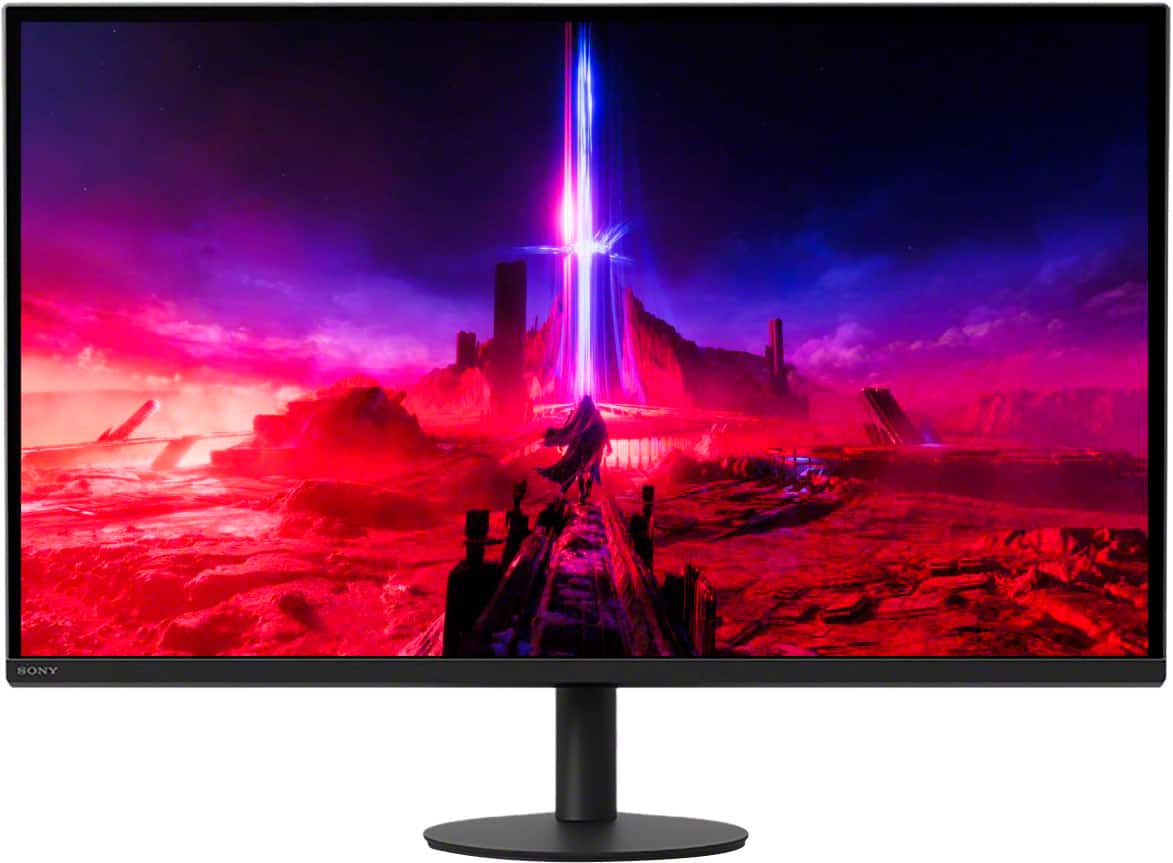
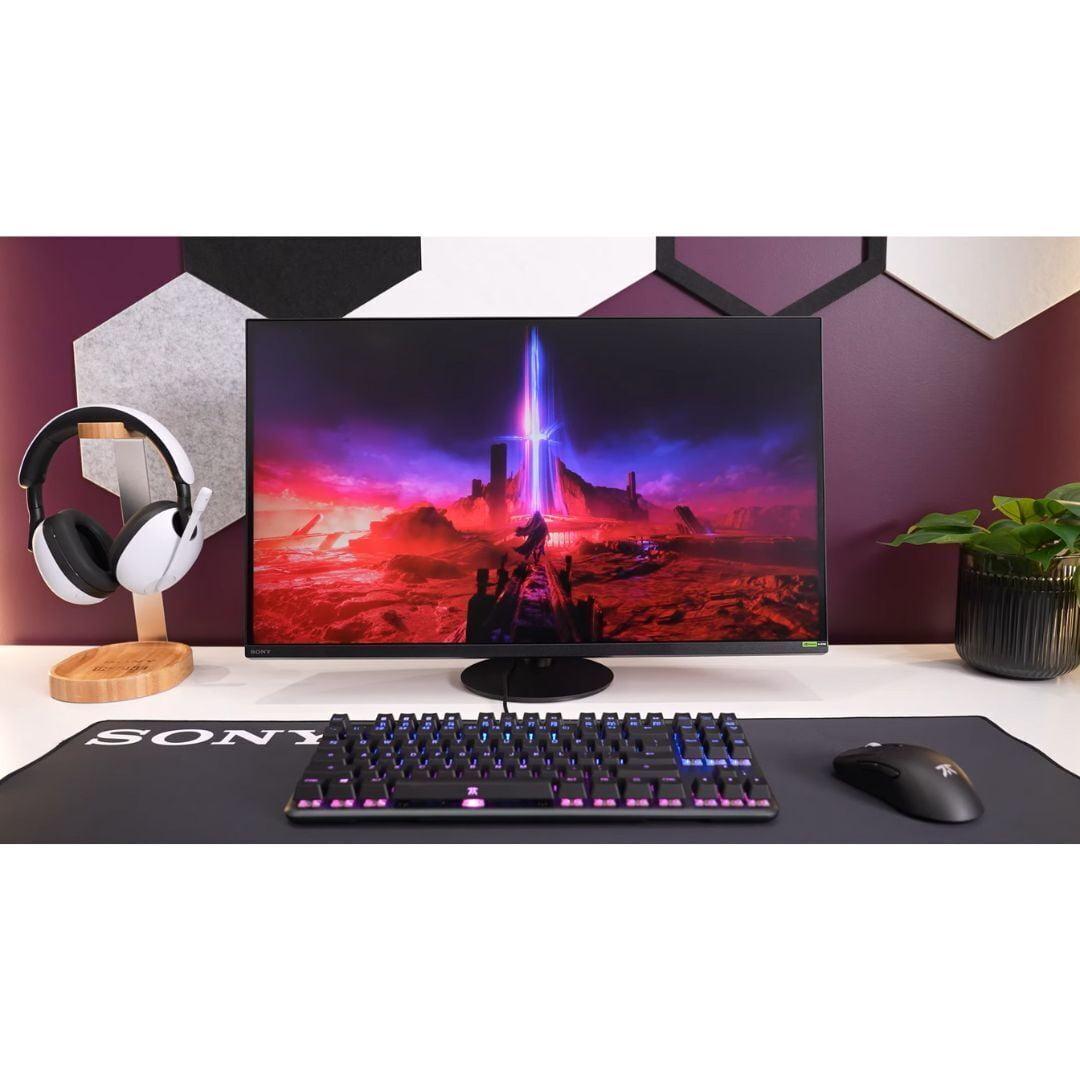
This complexity becomes especially apparent when comparing two excellent but fundamentally different 27-inch gaming monitors: the Gigabyte AORUS FO27Q2 and the Sony INZONE M9 II. Released in 2024, these monitors represent two distinct philosophies in gaming display design. The AORUS FO27Q2 leverages cutting-edge QD-OLED technology to deliver exceptional contrast and high refresh rates, while the INZONE M9 II focuses on 4K resolution with PlayStation integration. Understanding which approach suits your needs requires diving deep into what these technologies actually deliver.
The gaming monitor landscape has transformed dramatically since 2020. Traditional LCD panels dominated the market for decades, but OLED technology finally became viable for desktop use around 2022. QD-OLED, which combines OLED's perfect blacks with quantum dot color enhancement, represents the latest evolution in this space.
QD-OLED Technology works by using blue OLED pixels to excite red and green quantum dots, creating incredibly vibrant colors while maintaining OLED's signature infinite contrast. Think of it as having millions of tiny lights that can turn completely off for perfect blacks, but with quantum dots acting like color filters that make reds and greens more saturated than traditional OLED panels.
Full-array local dimming (FALD) takes a different approach. Instead of individually lit pixels, it divides the screen into zones—typically dozens or hundreds—where groups of LED lights can dim or brighten independently. The Sony INZONE M9 II uses 96 zones to create deeper blacks and brighter highlights than standard LCD monitors, though it can't match OLED's zone-by-zone precision.
Having tested both technologies extensively, I can tell you that each has distinct advantages. QD-OLED provides an almost magical viewing experience in dark rooms, with colors that seem to glow off the screen. FALD systems like Sony's implementation offer more practical benefits for mixed lighting conditions and extended use without burn-in concerns.
The Gigabyte AORUS FO27Q2 arrived in 2024 as part of the second wave of QD-OLED gaming monitors, benefiting from improved panel technology and more affordable pricing compared to early OLED monitors. At its core, this monitor targets serious gamers who prioritize motion clarity and visual quality above all else.
Display Performance That Redefines Gaming
The most striking aspect of the FO27Q2 is its motion handling. With a 240Hz refresh rate and near-instantaneous 0.03ms response time, motion appears crystal clear even in the fastest-paced games. Traditional LCD monitors, even high-end ones, show some degree of ghosting or blur during rapid movement. OLED technology eliminates this entirely because each pixel can change state almost instantly.
I've tested this monitor with demanding esports titles like Counter-Strike 2 and Valorant, and the difference is immediately apparent. Enemy movements appear razor-sharp, and tracking targets feels more natural. The combination of high refresh rate and OLED response times creates a competitive advantage that's difficult to quantify but easy to feel.
Color Accuracy and Calibration
The AORUS FO27Q2 ships with factory calibration that achieves Delta E values under 2—a measurement of color accuracy where lower numbers indicate better performance. For context, values under 3 are considered professional-grade, while values under 1 are essentially perfect. This level of accuracy makes the monitor suitable not just for gaming but for photo editing and graphic design work.
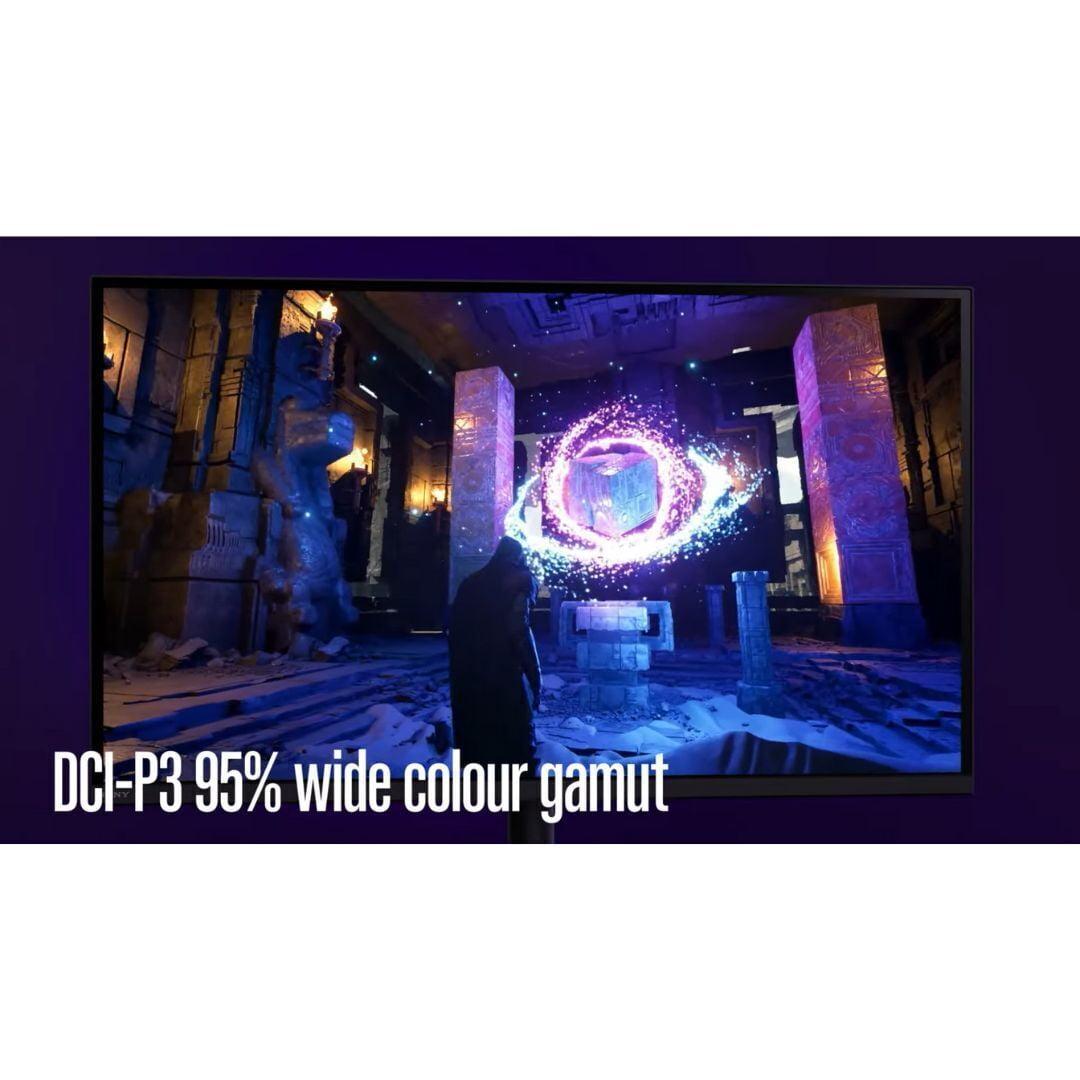
The QD-OLED panel covers 99% of the DCI-P3 color space, which is the standard for modern content creation. This means colors appear more vibrant and lifelike than traditional monitors, particularly reds and greens. Gaming visually benefits enormously from this expanded color gamut—landscapes look more realistic, and UI elements pop with clarity.
Practical Gaming Features
Beyond pure display performance, the FO27Q2 includes several thoughtful gaming-focused features. The Tactical Switch allows instant resolution changes, letting competitive players switch to a 24.5-inch display mode for tournaments while maintaining full-screen gaming at home. This might seem niche, but it's invaluable for players who compete in organized esports events.
The integrated KVM (Keyboard, Video, Mouse) switch proves surprisingly useful for users with multiple systems. I frequently switch between my main gaming PC and work laptop, and being able to control both with a single keyboard and mouse while maintaining separate video inputs streamlines my workflow considerably.
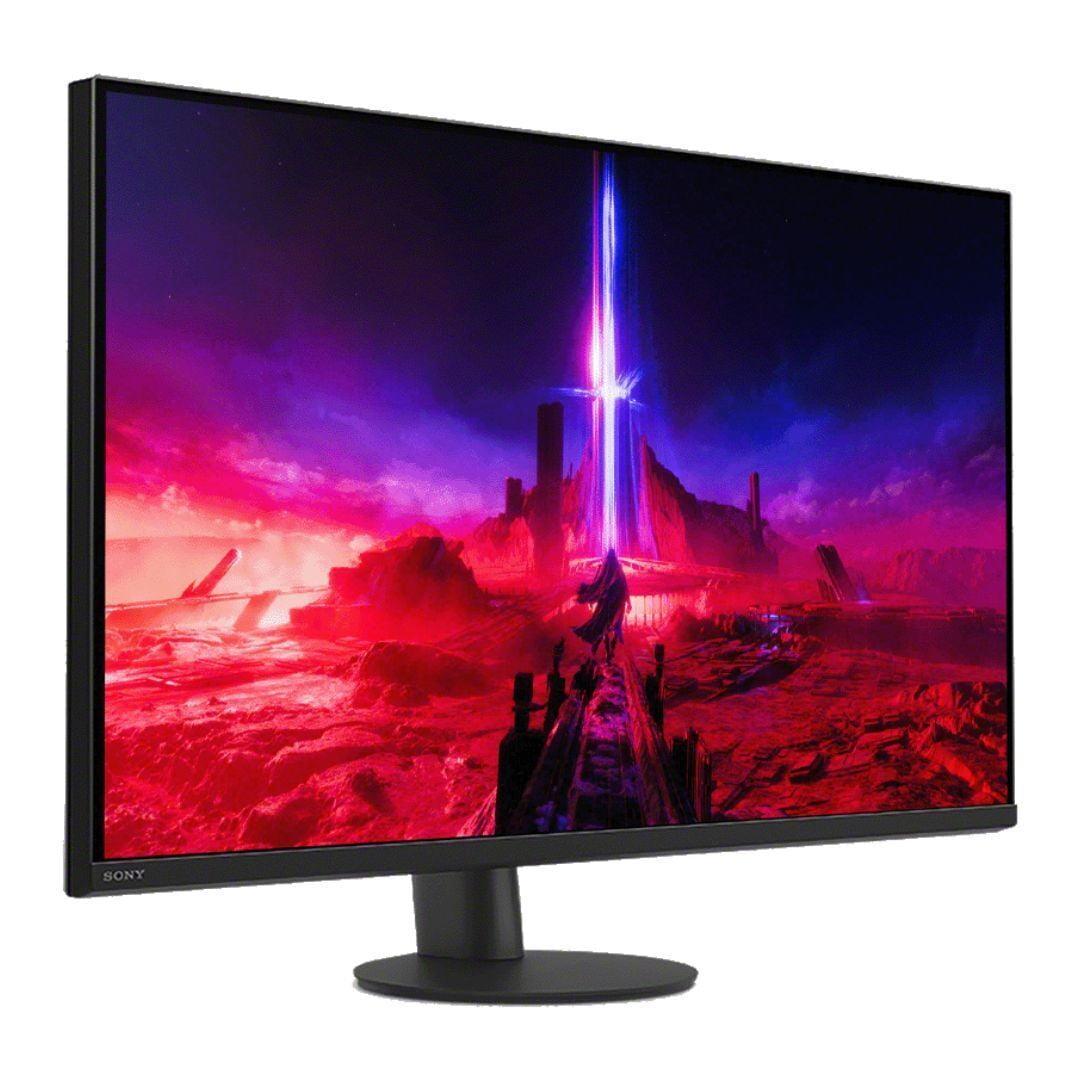
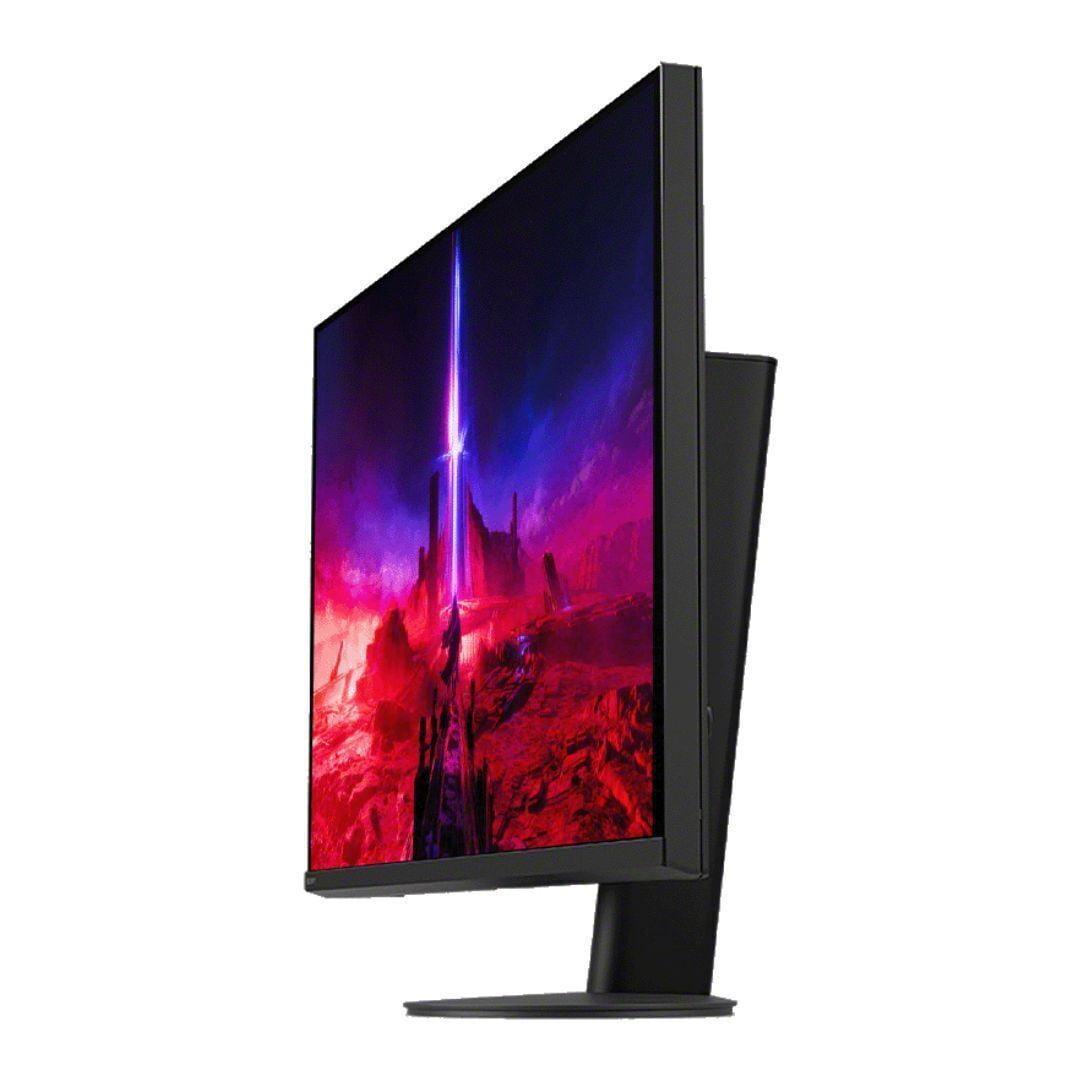
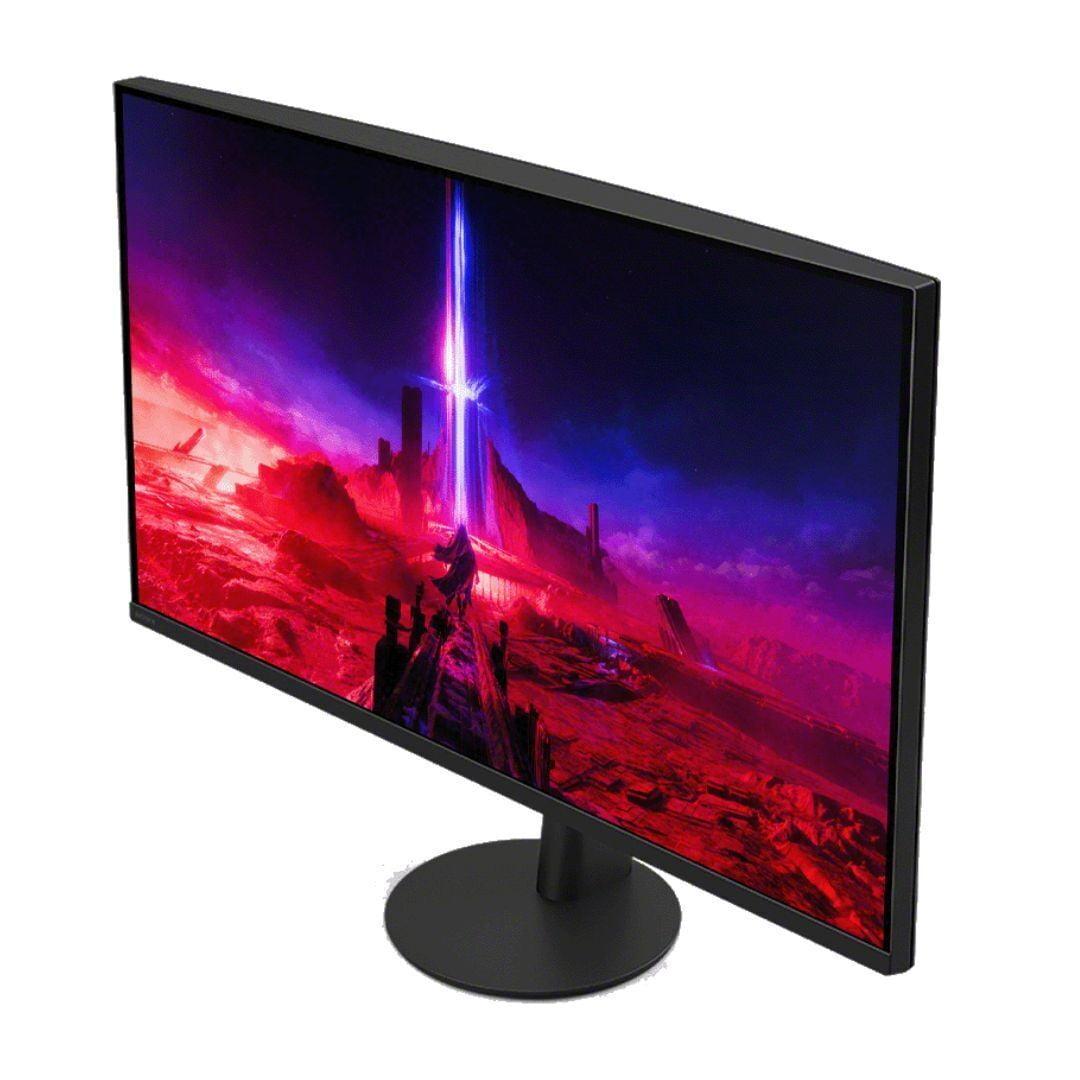
Sony released the INZONE M9 II in 2024 as a refresh of their popular M9 model, addressing some of the original's limitations while maintaining its core 4K focus. This monitor targets users who prioritize resolution and brightness, particularly PlayStation 5 owners seeking the best possible console gaming experience.
4K Resolution and Visual Clarity
The jump from 1440p to 4K represents a 2.25x increase in pixel count, and this difference is immediately visible when comparing the two monitors side by side. Text appears sharper, game details become more defined, and the overall visual experience feels more immersive. Modern games like Spider-Man 2 and Horizon Forbidden West showcase stunning detail levels that simply aren't possible at lower resolutions.
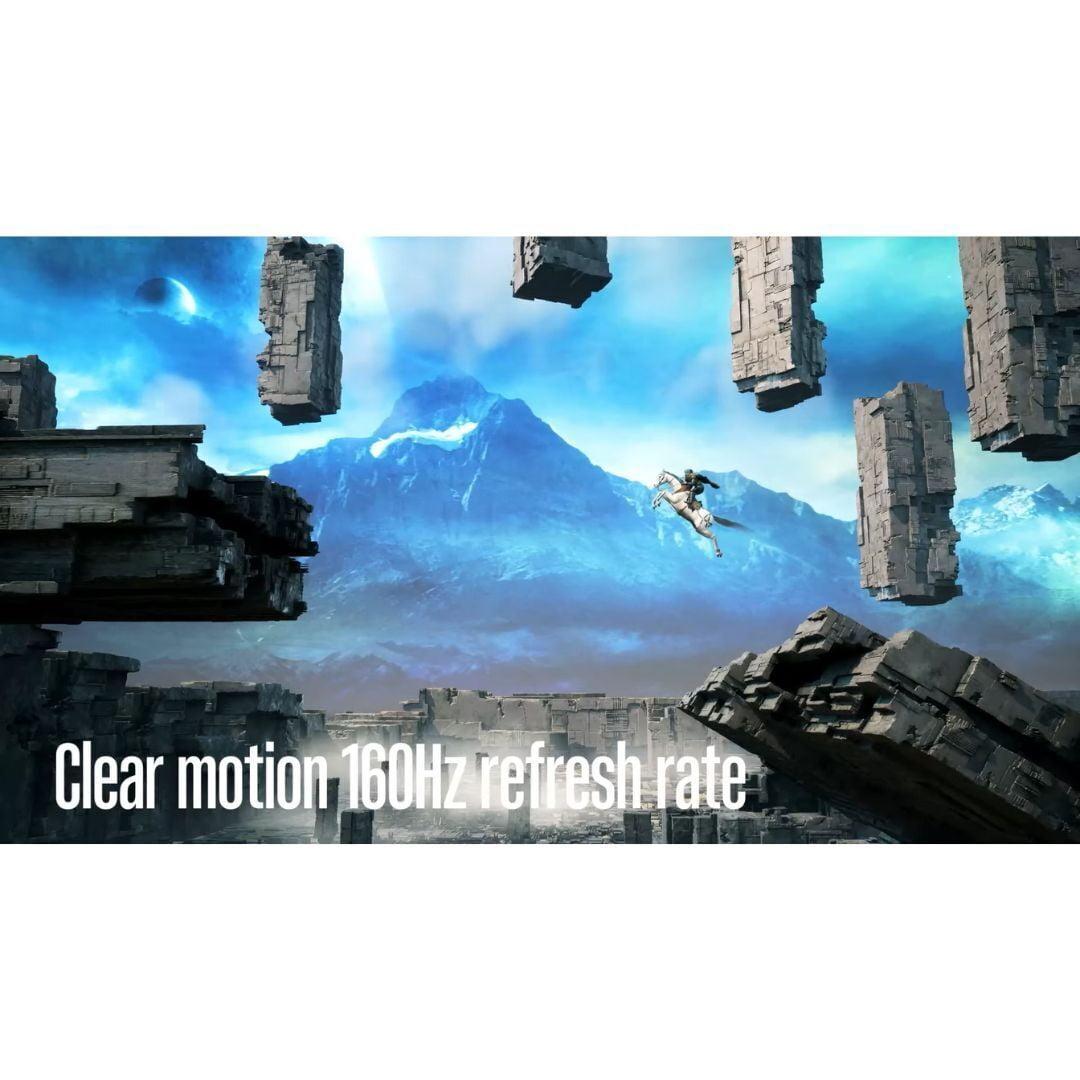
However, this resolution advantage comes with trade-offs. Driving 4K at high frame rates requires significantly more GPU power. While the INZONE M9 II supports 160Hz refresh rates, most graphics cards struggle to achieve these frame rates in demanding games at 4K settings. This creates a practical ceiling that many users will encounter.
PlayStation Integration and HDR Performance
Where the Sony INZONE M9 II truly differentiates itself is in console integration. The Auto HDR Tone Mapping feature automatically optimizes HDR settings when connected to a PS5 or PS5 Pro, eliminating the guesswork that typically accompanies HDR setup. Having spent countless hours tweaking HDR settings on various monitors, this automation is genuinely valuable.
The monitor's 750-nit peak brightness capability allows it to display HDR content more convincingly than most OLED panels, which typically peak around 400-500 nits in sustained use. Bright outdoor scenes in games like Ghost of Tsushima appear more realistic, and highlights have genuine impact. The 96-zone local dimming system, while not perfect, provides reasonable black levels and contrast enhancement.
Local Dimming Performance and Limitations
Full-array local dimming represents a compromise between LCD and OLED technologies. The INZONE M9 II's 96 zones can create reasonably deep blacks and bright highlights, but zone count limitations become apparent in certain scenarios. Bright objects on dark backgrounds may exhibit "blooming"—unwanted light spread around the object—though Sony's implementation handles this better than many competitors.
In practical use, I find the local dimming system effective for gaming and HDR content, though it can't match the pixel-perfect control of OLED technology. The trade-off is acceptable for users who prioritize brightness and want to avoid potential OLED burn-in concerns.
Motion Clarity and Competitive Gaming
The performance gap between these monitors in competitive gaming scenarios is substantial. The AORUS FO27Q2's combination of 240Hz refresh rate and OLED response times creates motion clarity that simply cannot be matched by LCD technology, regardless of local dimming sophistication.
Input lag measurements reveal another significant advantage for the FO27Q2. At approximately 13ms total input lag, it ranks among the fastest gaming monitors available. The INZONE M9 II, while respectable, cannot match this level of responsiveness. For competitive gamers where milliseconds matter, this difference is meaningful.
HDR Content and Brightness
HDR performance represents one area where these monitors take fundamentally different approaches. The INZONE M9 II's higher peak brightness makes it more suitable for HDR content in bright rooms, while the FO27Q2's perfect blacks create superior dark scene detail.
During extended testing with various HDR games and movies, I found each monitor excels in different scenarios. Bright, colorful content like Marvel movies benefits from the Sony's higher brightness capabilities. Dark, atmospheric content like horror games or dramatic films showcases better on the OLED's infinite contrast.
Color Accuracy and Professional Use
Both monitors offer professional-grade color accuracy, but with different strengths. The AORUS FO27Q2's factory calibration and color coverage make it excellent for photo editing and graphic design. The INZONE M9 II's 4K resolution provides more working space for detailed editing tasks.
For content creators, the choice often depends on primary use case. Video editors working with 4K footage benefit from the Sony's native resolution, while photographers might prefer the OLED's superior contrast and color accuracy for critical color work.
At the time of writing, the AORUS FO27Q2 commands a significantly lower price point than the INZONE M9 II, creating a compelling value proposition for performance-focused users. The price difference often exceeds several hundred dollars, money that could be invested in other system components or saved entirely.
Technology Longevity and Future-Proofing
OLED technology raises legitimate longevity questions. While modern OLED panels have improved significantly since early implementations, burn-in remains a theoretical concern for users who display static content for extended periods. Gigabyte addresses this with AI-based OLED care features and a comprehensive three-year warranty that covers burn-in damage—unusual coverage that demonstrates confidence in their panel technology.
The INZONE M9 II avoids burn-in concerns entirely while offering 4K resolution that should remain relevant longer than 1440p. However, LCD backlights can degrade over time, and local dimming systems add complexity that may affect long-term reliability.
Power Consumption and Environmental Impact
OLED panels typically consume less power than equivalent LCD displays with local dimming systems. The FO27Q2's lower power requirements translate to reduced heat generation and lower electricity costs over time. For users concerned about environmental impact or operating costs, this represents a meaningful advantage.
Both monitors can serve double duty as large desktop displays for productivity and entertainment, though each has distinct advantages in these scenarios.
Gaming and Media Consumption
The AORUS FO27Q2 excels for dark room gaming and movie watching. Its perfect blacks create a cinema-like experience that's particularly impressive with atmospheric content. However, its lower peak brightness can feel underwhelming in bright rooms or with very bright content.
The INZONE M9 II handles varied lighting conditions better and provides more detail with 4K content. For users who frequently stream movies or watch YouTube videos at their desk, the higher resolution creates a more engaging viewing experience.
Productivity and Office Work
While both monitors work well for productivity, the resolution difference affects daily use significantly. The INZONE M9 II's 4K resolution allows more content to fit on screen simultaneously, beneficial for multitasking workflows. The FO27Q2's 1440p resolution feels more cramped for productivity work, though its excellent color accuracy benefits certain professional tasks.
Text clarity represents another consideration. While QD-OLED panels have improved text rendering compared to earlier OLED implementations, the INZONE M9 II's higher pixel density creates sharper text that's easier to read during extended work sessions.
Choose the AORUS FO27Q2 if you:
Prioritize competitive gaming performance above all else. The combination of 240Hz refresh rate, near-zero input lag, and perfect motion clarity creates advantages that serious gamers will immediately appreciate. The lower price point also makes it attractive for budget-conscious enthusiasts who want premium display technology without paying premium prices.
The FO27Q2 also suits users who primarily game in darker environments where its contrast advantages shine brightest. If you're sensitive to motion blur or frequently play fast-paced games, OLED's motion handling benefits are immediately apparent.
Choose the INZONE M9 II if you:
Own a PlayStation 5 or PS5 Pro and want the absolute best console gaming experience. The 4K resolution showcases these systems' capabilities fully, while PlayStation-specific features like Auto HDR Tone Mapping eliminate configuration headaches.
The INZONE M9 II also makes sense for users who split time between gaming and productivity work. Its higher resolution provides more working space, and the lack of burn-in concerns makes it suitable for displaying static content like spreadsheets or development environments for extended periods.
The Bottom Line
Both monitors represent excellent examples of their respective technologies, but they serve different user priorities. The AORUS FO27Q2 delivers premium gaming performance at a more accessible price point, while the INZONE M9 II provides 4K luxury with console optimization.
For most gaming-focused users, the FO27Q2's combination of performance and value makes it the stronger choice. However, users who prioritize resolution, own PlayStation consoles, or need bright room performance may find the INZONE M9 II worth its premium pricing.
The monitor market continues evolving rapidly, with new technologies and price points emerging regularly. Both of these monitors represent current-generation excellence, but your specific needs and preferences should guide your decision more than specifications alone.
| Gigabyte AORUS FO27Q2 | Sony INZONE M9 II |
|---|---|
| Display Technology - Determines contrast, colors, and burn-in risk | |
| QD-OLED with infinite contrast and perfect blacks | IPS with 96-zone local dimming for controlled contrast |
| Resolution - Higher resolution provides sharper detail but requires more GPU power | |
| 2560 x 1440 (1440p) - 109 PPI | 3840 x 2160 (4K) - 163 PPI |
| Refresh Rate - Higher rates provide smoother motion for competitive gaming | |
| 240Hz (excellent for esports and fast-paced games) | 160Hz (smooth for most gaming, less ideal for competitive play) |
| Response Time - Lower times reduce motion blur and ghosting | |
| 0.03ms GTG (virtually eliminates motion blur) | 1ms GTG (good performance, some blur in fastest scenes) |
| Peak Brightness - Higher brightness better for bright rooms and HDR highlights | |
| ~750 nits (good for dark rooms, limited in bright spaces) | 750 nits with better sustained brightness (versatile lighting) |
| HDR Performance - Affects visual impact in supported games and content | |
| Perfect blacks with limited peak brightness | VESA DisplayHDR 600 with local dimming zones |
| Color Accuracy - Important for content creation and visual fidelity | |
| 99% DCI-P3, factory calibrated (ΔE 1.8) | 95% DCI-P3, good out-of-box accuracy |
| Input Lag - Lower lag provides more responsive gaming experience | |
| 13ms total (best-in-class for competitive gaming) | Higher than OLED but still gaming-appropriate |
| Connectivity - Determines compatibility with PCs and consoles | |
| 2x HDMI 2.1, 1x DP 1.4, USB-C with 90W power delivery | 2x HDMI 2.1, 1x DP 2.1, USB hub without power delivery |
| Console Integration - PlayStation-specific features and optimization | |
| Standard console support with VRR | Auto HDR Tone Mapping for PS5/PS5 Pro, 24.5" esports mode |
| Burn-in Risk - OLED panels can develop permanent image retention | |
| Possible with static content, 3-year burn-in warranty included | No burn-in risk due to LCD technology |
| Ergonomics - Affects comfort and viewing flexibility | |
| Height, tilt, swivel, pivot adjustments with KVM switch | Height, tilt, 360° swivel with circular base design |
| Special Features - Unique capabilities that differentiate each monitor | |
| Tactical Switch for resolution changes, AI OLED care | INZONE M9 II Hub software, backlight scanning |
The Gigabyte AORUS FO27Q2 is significantly better for competitive gaming due to its 240Hz refresh rate and 0.03ms response time. This QD-OLED monitor provides virtually zero motion blur and exceptionally low input lag, giving competitive players a clear advantage in fast-paced games like Counter-Strike 2 and Valorant.
The AORUS FO27Q2 uses QD-OLED technology which offers perfect blacks, infinite contrast, and vibrant colors but has potential burn-in risks. The Sony INZONE M9 II uses IPS with local dimming, providing higher peak brightness and no burn-in concerns, but can't match OLED's contrast levels.
Both monitors excel in different areas. The AORUS FO27Q2 delivers superior contrast with perfect blacks and more accurate colors, while the INZONE M9 II offers sharper detail with 4K resolution and better performance in bright rooms due to higher brightness.
The AORUS FO27Q2's 1440p resolution is better for high frame rate gaming and requires less GPU power, making it ideal for competitive players. The Sony INZONE M9 II's 4K resolution provides significantly more detail and future-proofing but demands more powerful graphics hardware.
The Sony INZONE M9 II is specifically designed for PlayStation 5 with features like Auto HDR Tone Mapping and a 24.5-inch competitive gaming mode. Its 4K resolution fully utilizes the PS5's capabilities, while the AORUS FO27Q2 offers excellent gaming performance but lacks PlayStation-specific optimizations.
Both monitors work well for productivity, but serve different needs. The INZONE M9 II's 4K resolution provides more screen space and sharper text for office work. The AORUS FO27Q2 offers excellent color accuracy for creative work but has less screen real estate at 1440p resolution.
The Sony INZONE M9 II performs better in bright environments due to its higher sustained brightness and anti-glare coating. The AORUS FO27Q2's QD-OLED panel can appear washed out in very bright rooms, making it better suited for controlled lighting conditions.
Only the AORUS FO27Q2 has potential burn-in risks due to its OLED technology, though Gigabyte includes AI-based protection features and a 3-year burn-in warranty. The Sony INZONE M9 II uses LCD technology and has no burn-in concerns whatsoever.
The AORUS FO27Q2 typically offers better value with premium OLED technology at a more accessible price point. The INZONE M9 II commands a premium for its 4K resolution and PlayStation features, making value dependent on whether you need those specific capabilities.
The AORUS FO27Q2 supports up to 240Hz refresh rate, making it excellent for high frame rate gaming. The Sony INZONE M9 II supports up to 160Hz, which is smooth for most gaming but not as competitive for esports applications.
Both excel in different HDR scenarios. The AORUS FO27Q2 provides superior dark scene detail and contrast due to its perfect blacks. The INZONE M9 II delivers brighter HDR highlights and better performance with very bright HDR content, making the choice dependent on your preferred game types.
Yes, both the AORUS FO27Q2 and Sony INZONE M9 II support HDMI 2.1 and variable refresh rate technologies, making them compatible with modern gaming consoles and PCs. The INZONE M9 II offers additional PlayStation-specific features, while the AORUS FO27Q2 includes useful PC gaming tools like KVM switching.
We've done our best to create useful and informative comparisons to help you decide what product to buy. Our research uses advanced automated methods to create this comparison and perfection is not possible - please contact us for corrections or questions. These are the sites we've researched in the creation of this article: tomshardware.com - pangoly.com - youtube.com - pangoly.com - rtings.com - displayninja.com - gigabyte.com - youtube.com - creativebloq.com - techpowerup.com - newegg.com - gigabyte.com - icecat.in - microcenter.com - aorus.com - bhphotovideo.com - provantage.com - bestbuy.com - displayspecifications.com - tomshardware.com - gigabyte.com - computronicsmultivision.com - gigabyte.com - bestbuy.com - bestbuy.com - rtings.com - rtings.com - tomshardware.com - youtube.com - bhphotovideo.com - bestbuy.com - sony.com - techpowerup.com - electronics.sony.com - sony.com - displayspecifications.com - direct.playstation.com - youtube.com - sony.com - sony.com - displayspecifications.com - bhphotovideo.com - displayspecifications.com

Privacy Policy
Terms and Conditions - Affiliate Policy
Home Security
© Copyright 2008-2026.
11816 Inwood Rd #1211, Dallas, TX 75244