
















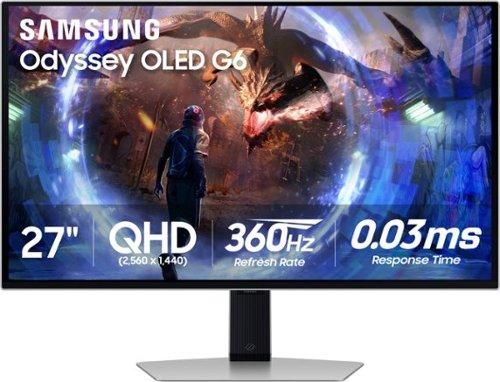
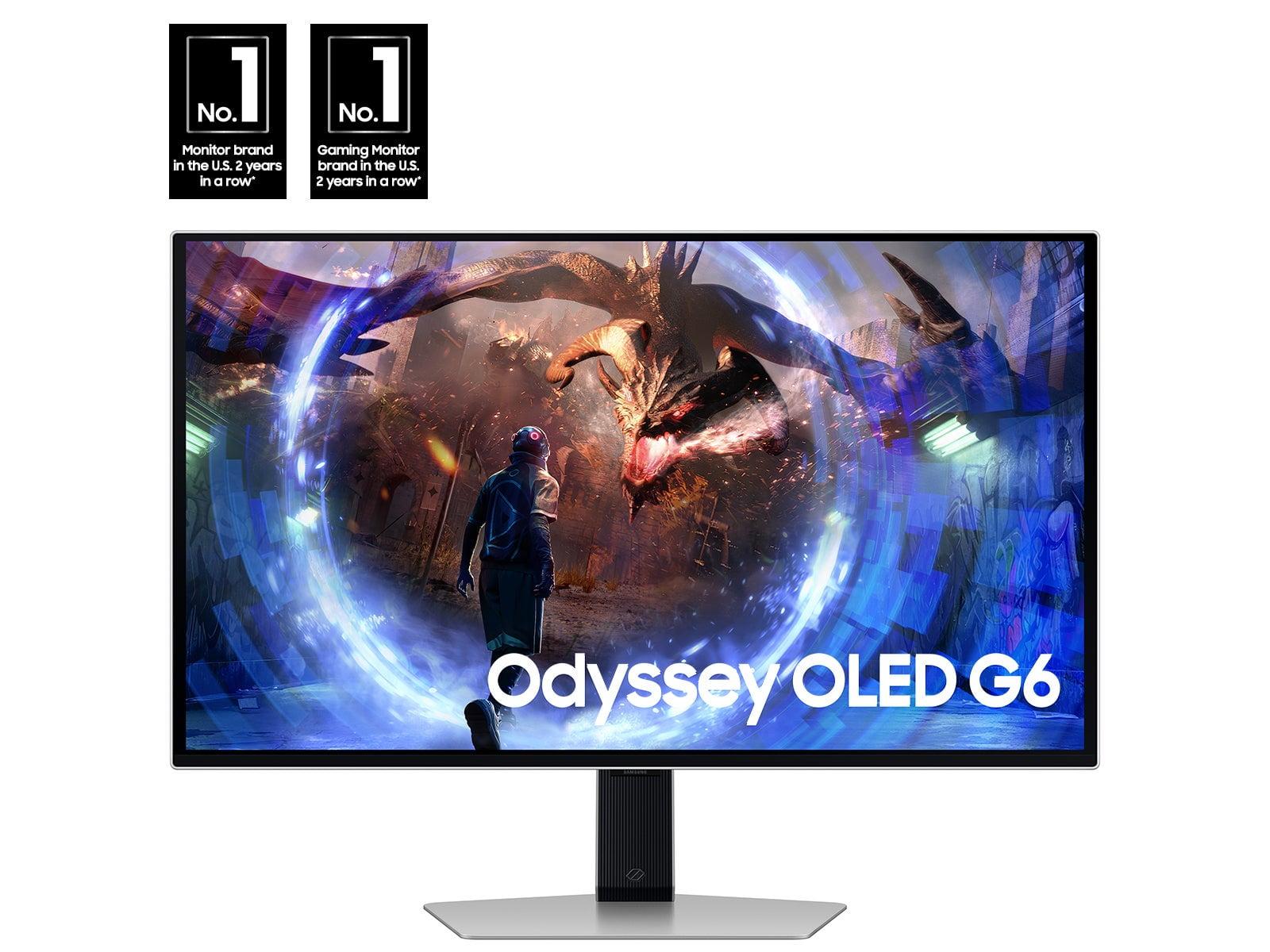

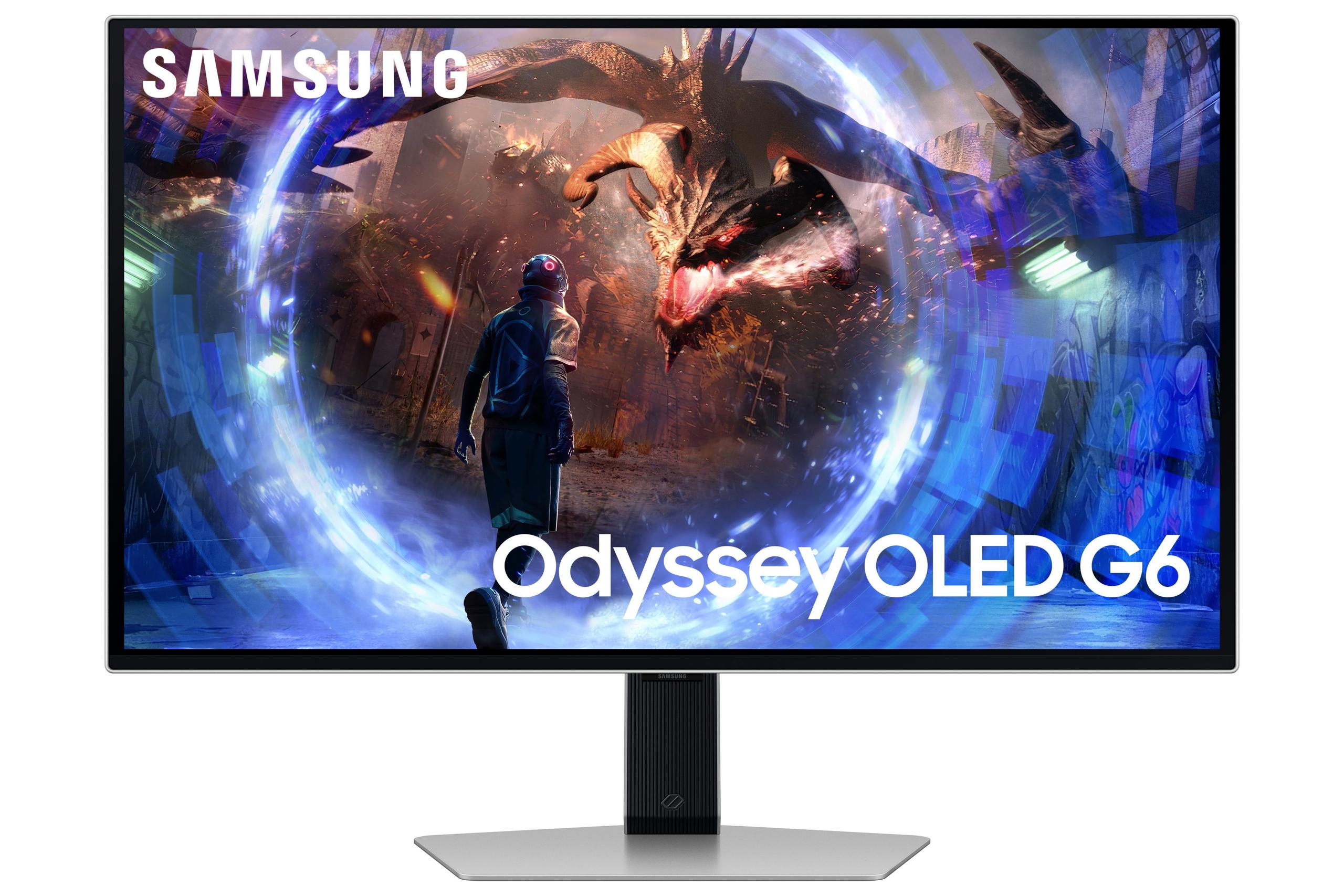
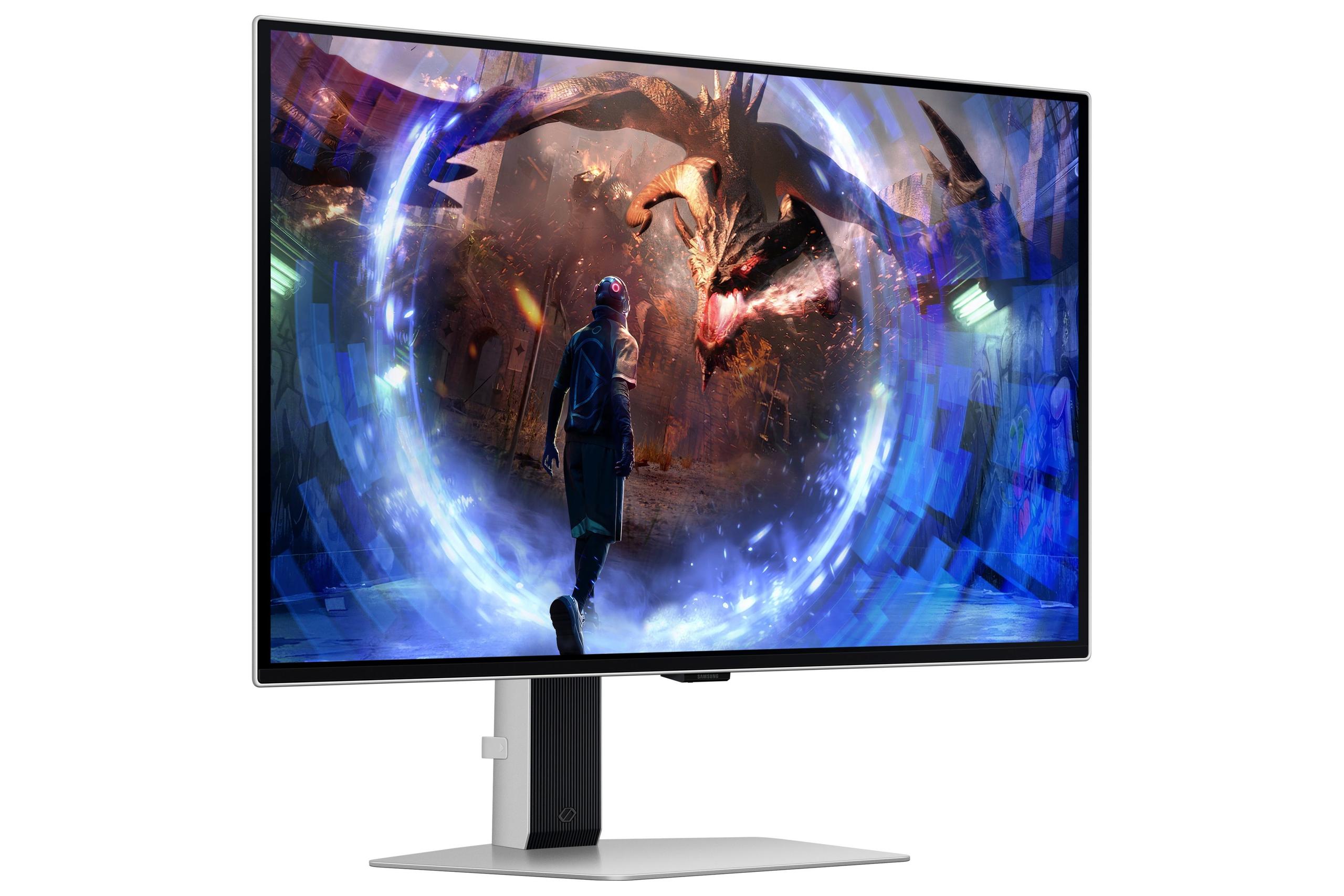
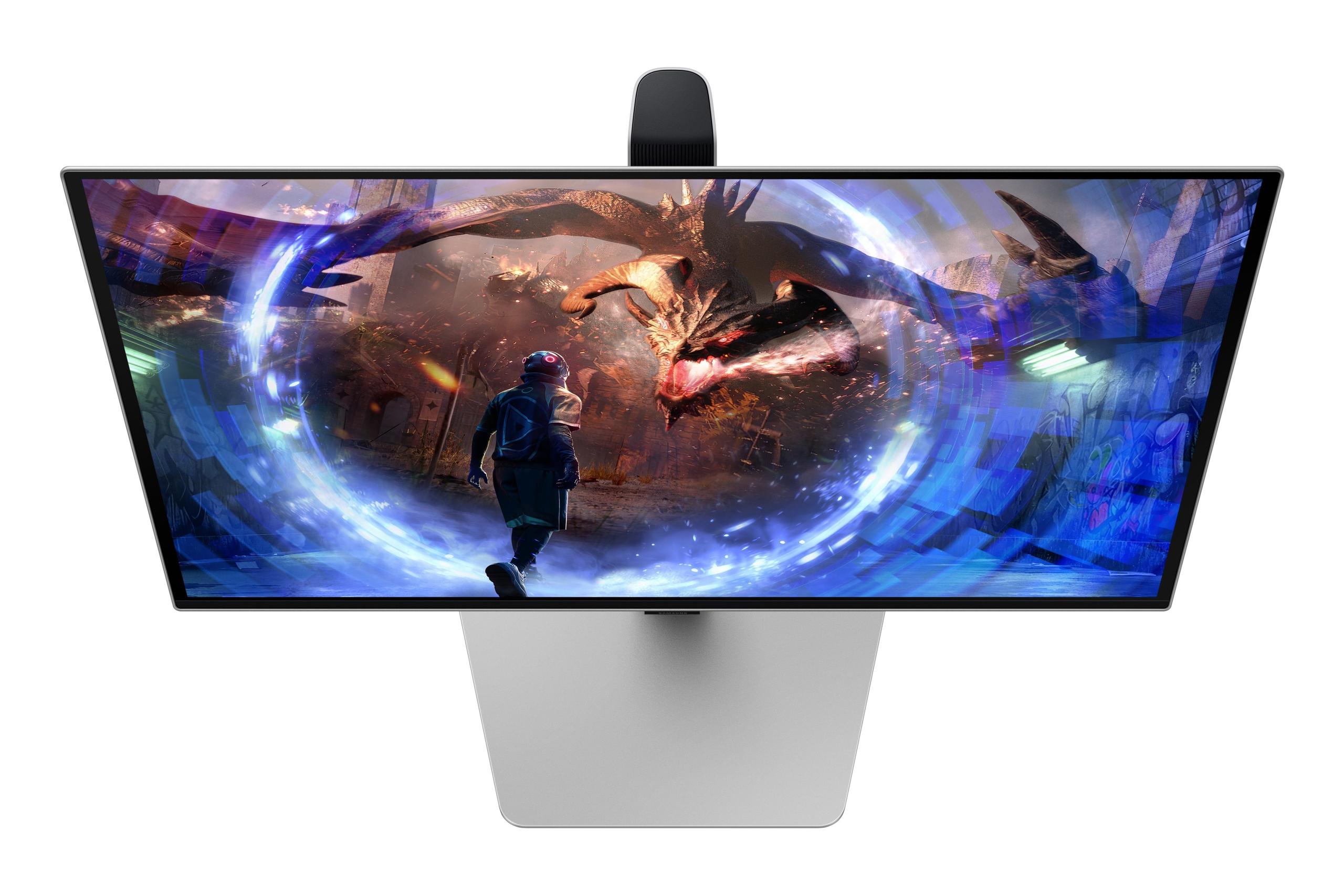
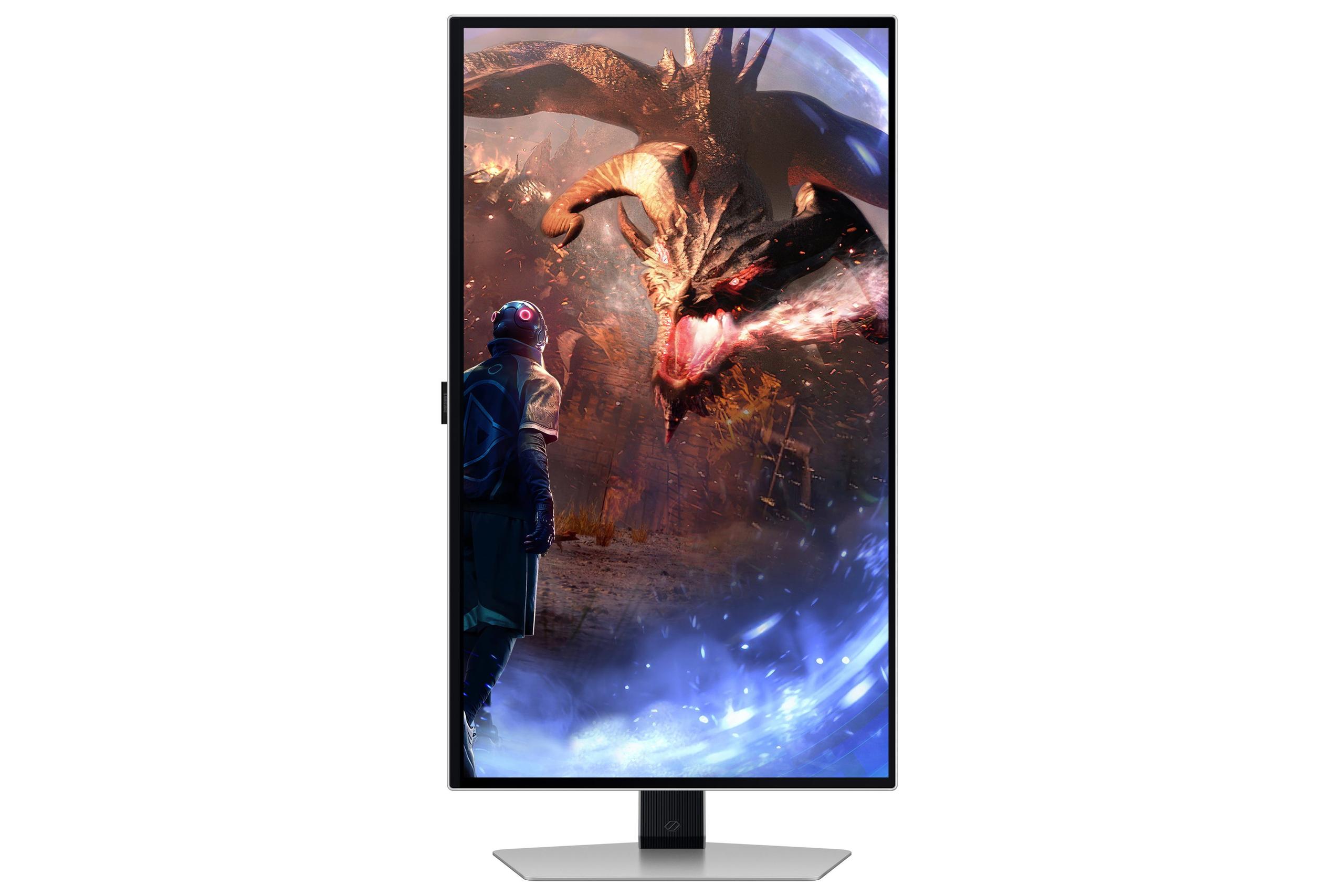

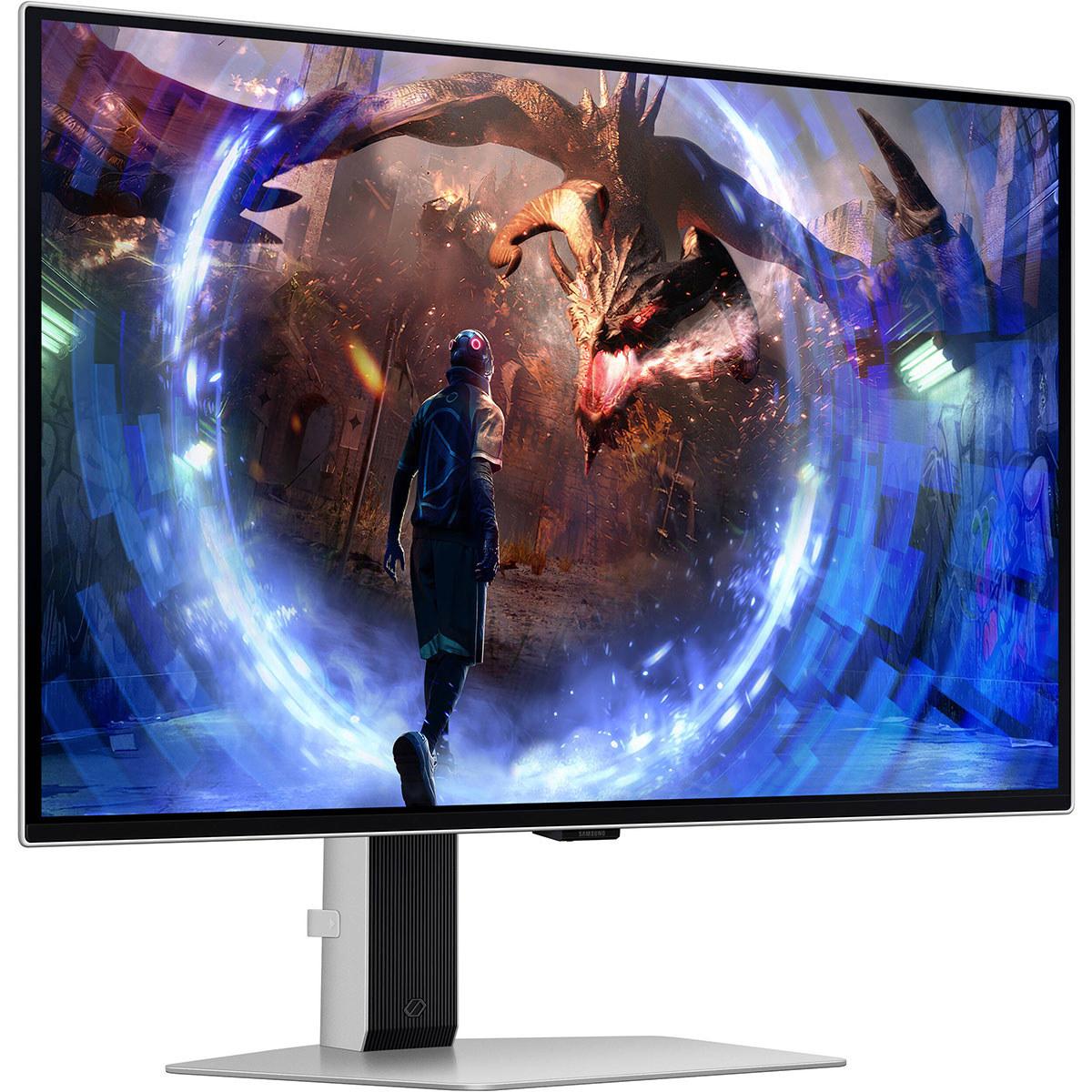
The 27-inch, 1440p gaming monitor market has become incredibly competitive, with options spanning from budget-friendly workhorses to premium displays that push technological boundaries. Today we're comparing two monitors that represent opposite ends of this spectrum: the Acer Nitro XV1 27" WQHD 180Hz IPS Gaming Monitor and the Samsung 27" Odyssey OLED G6 QHD 360Hz Gaming Monitor.
These two displays perfectly illustrate the current state of gaming monitor technology, where you can either get excellent performance at an accessible price point, or pay significantly more for cutting-edge features that primarily benefit competitive players and enthusiasts.
Before diving into specifics, let's establish what makes a gaming monitor tick. The most important characteristics are refresh rate, response time, panel technology, and resolution. Refresh rate measures how many times per second the display updates the image—higher numbers mean smoother motion. Response time indicates how quickly individual pixels can change colors, with faster times reducing ghosting (blurry trails behind moving objects).
Panel technology determines the fundamental characteristics of your display. IPS (In-Plane Switching) panels offer consistent colors and wide viewing angles but typically have lower contrast ratios. OLED (Organic Light-Emitting Diode) panels can turn individual pixels completely on or off, creating perfect blacks and infinite contrast ratios.
The sweet spot for gaming resolution has settled around 1440p (2560×1440 pixels) because it offers significantly sharper visuals than 1080p while being much easier to drive than 4K. This resolution works well with graphics cards ranging from mid-range to high-end, making it accessible to more gamers.
The Acer Nitro XV1, released in 2024, represents the budget-conscious approach to high-performance gaming. At the time of writing, it typically costs under $250, making it one of the most affordable ways to get into high-refresh 1440p gaming. This monitor focuses on delivering solid all-around performance without unnecessary premium features.
The Samsung Odyssey OLED G6, launched in 2024, takes the premium approach. With a price point typically exceeding $800 at the time of writing, it costs roughly four times as much as the Acer while targeting competitive esports players and enthusiasts who want the absolute best performance available.
The most dramatic difference between these monitors lies in their response times. The Acer Nitro XV1 delivers a respectable 1 millisecond gray-to-gray response time, which is fast enough to eliminate visible ghosting in most gaming scenarios. For context, anything under 5ms is generally considered good for gaming, so 1ms puts this monitor in excellent territory.
However, the Samsung OLED G6 operates in a completely different league with its 0.03ms response time. That's thirty-three times faster than the Acer. At this speed, pixel transitions are essentially instantaneous, eliminating even the faintest traces of motion blur or ghosting. The difference is most noticeable in fast-paced competitive games like Counter-Strike or Valorant, where tracking small, quickly-moving targets requires absolute clarity.
OLED technology achieves these incredible response times because each pixel generates its own light and can switch between states almost instantly. Traditional LCD panels, including IPS displays like the Acer, must physically rotate liquid crystals and control backlighting, which inherently takes more time.
The Acer Nitro XV1 offers a 180Hz refresh rate, which translates to 180 frames per second of smooth motion. This represents a significant upgrade from standard 60Hz displays and even surpasses the 144Hz that was considered the gaming standard for years. For most players, 180Hz provides an excellent balance of smooth motion and achievable frame rates with current graphics cards.
The Samsung OLED G6 doubles down with 360Hz, pushing into territory that was unimaginable just a few years ago. This ultra-high refresh rate can display up to 360 unique frames per second, creating incredibly fluid motion that competitive players often describe as giving them a tangible advantage in reaction-based scenarios.
However, there's a practical consideration here: achieving 360 frames per second in modern games requires extremely powerful hardware. Even with a high-end graphics card like an RTX 4080 or 4090, most graphically demanding games won't consistently reach these frame rates at 1440p. The Acer's 180Hz target is more realistic for a broader range of systems and games.
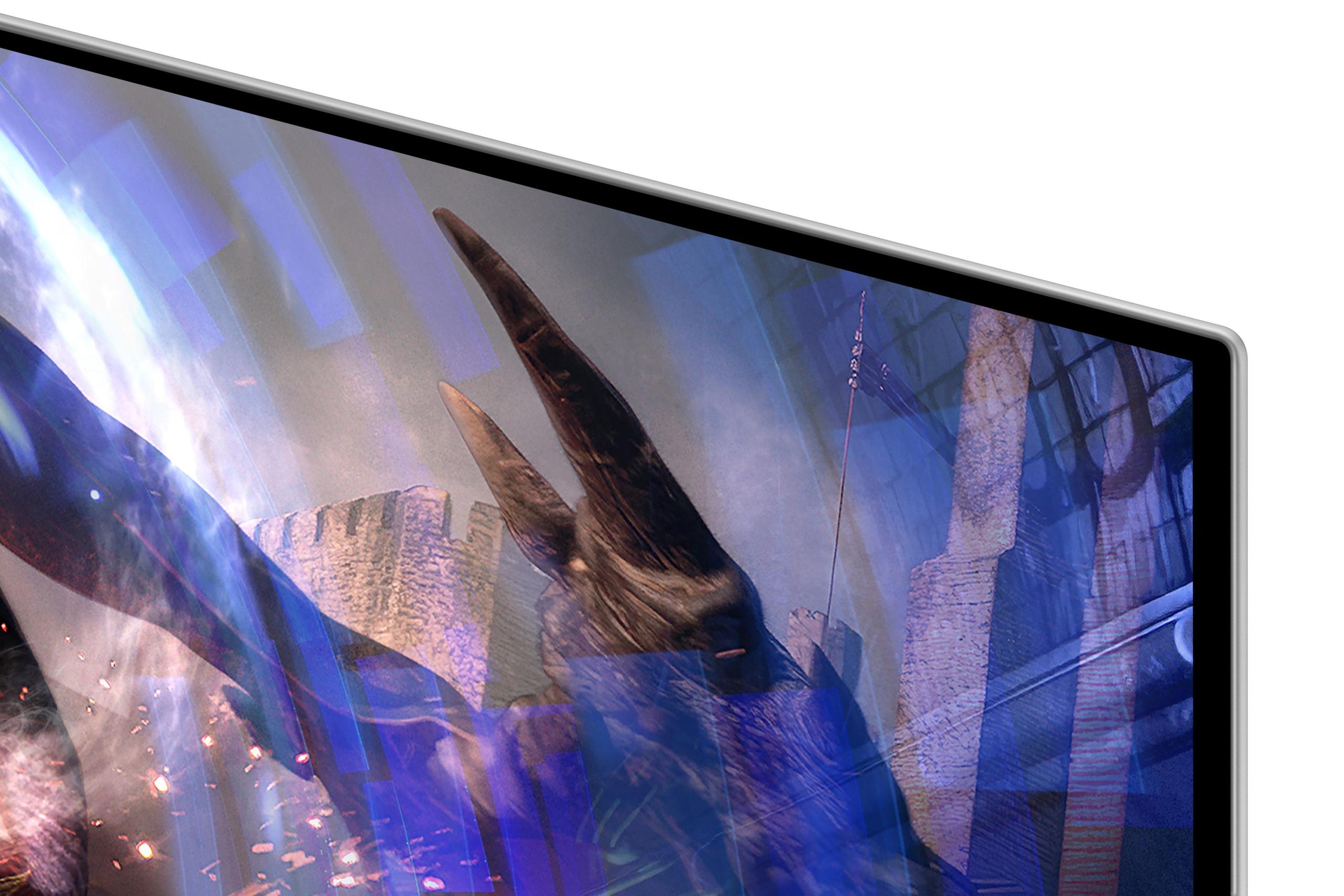
The visual quality differences between these monitors stem from their fundamentally different panel technologies. The Acer Nitro XV1 uses an IPS panel that covers 95% of the DCI-P3 color space, which means it can display a wide range of vibrant colors that exceed standard computer monitor capabilities. The colors are accurate and consistent, making this monitor suitable for both gaming and content creation tasks.
IPS technology excels at color consistency across viewing angles—you can look at the screen from the side and still see accurate colors. However, IPS panels have a significant limitation: their contrast ratio maxes out around 1,000:1. This means the darkest black the panel can produce is still 1,000 times brighter than its brightest white, resulting in blacks that appear more gray than truly dark.
The Samsung OLED G6 operates with a contrast ratio of 1,000,000:1, which is essentially infinite contrast. Each pixel can turn completely off to produce perfect blacks, while adjacent pixels can simultaneously display brilliant whites or colors. This creates an incredibly dramatic visual difference, especially in dark scenes or games with significant contrast variations.
When you're playing a horror game or exploring a dark dungeon, the OLED's ability to display true blacks creates much more immersive visuals. The difference is immediately apparent—shadows have depth and detail that simply isn't possible with traditional LCD technology.
High Dynamic Range (HDR) represents one of the biggest differences between these monitors. HDR content contains brightness and color information that exceeds standard displays, creating more realistic lighting and color gradients. However, not all HDR implementations are equal.
The Acer Nitro XV1 supports HDR10, which is the basic HDR standard, but its 250-nit peak brightness and limited contrast ratio mean the HDR experience is relatively modest. You'll see some improvement in supported content, but it won't be the dramatic enhancement that HDR can provide.
The Samsung OLED G6 delivers true HDR performance thanks to its ability to display perfect blacks alongside bright highlights. OLED technology excels at HDR because it can simultaneously show the darkest darks and brightest brights without compromise. This creates the dramatic lighting effects that HDR content is designed to showcase.
Understanding value requires considering what you're actually getting for your money. The Acer Nitro XV1, at roughly one-quarter the price of the Samsung at the time of writing, delivers approximately 85-90% of the gaming experience for most players. Its 180Hz refresh rate is smooth, colors are accurate, and response time is fast enough to avoid motion blur.
For casual gamers, content creators, or anyone building a gaming setup on a reasonable budget, the Acer represents exceptional value. The money saved could be invested in a better graphics card, more RAM, or other components that might provide greater overall performance improvements.
The Samsung OLED G6 commands its premium price through cutting-edge technology that primarily benefits competitive players and enthusiasts. If you're someone who plays esports titles competitively, values having the absolute best display technology available, or simply wants the most impressive visual experience possible, the premium can be justified.
Both monitors include modern gaming features like variable refresh rate support (AMD FreeSync Premium and NVIDIA G-Sync compatibility), which eliminates screen tearing by synchronizing the monitor's refresh rate with your graphics card's output. This technology works seamlessly with both AMD and NVIDIA graphics cards.
The Acer Nitro XV1 includes a fully adjustable stand that allows height, tilt, swivel, and even portrait rotation—impressive ergonomic flexibility for a budget monitor. The build quality feels solid without being premium, and the inclusion of both HDMI and DisplayPort cables is convenient.
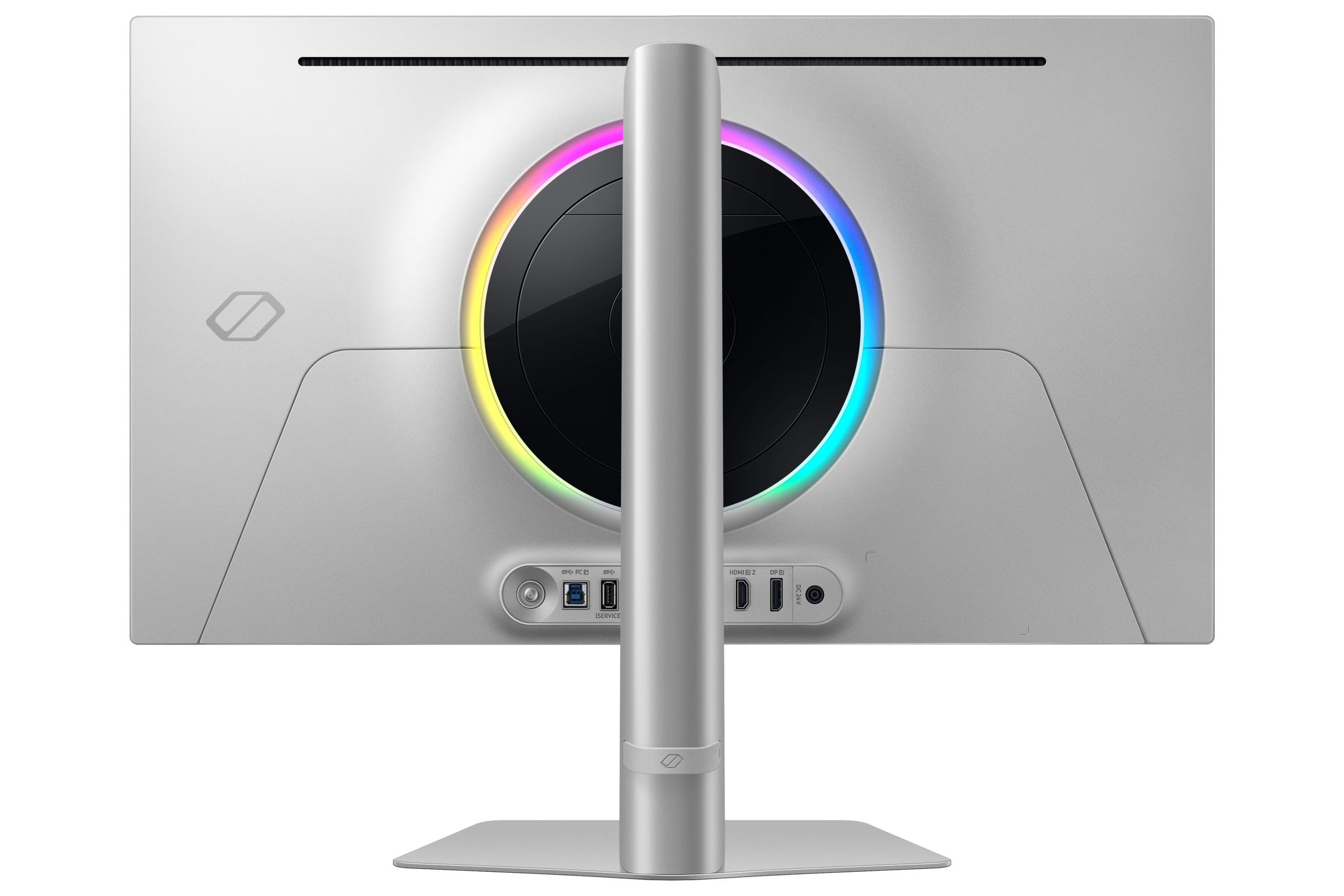
The Samsung OLED G6 features a sleek metal design with customizable RGB lighting and advanced cooling systems to protect the OLED panel from burn-in (permanent image retention). Samsung's OLED Safeguard+ technology includes thermal management and pixel shifting to maximize panel longevity.
For serious competitive players, the Samsung OLED G6 provides measurable advantages. The combination of 360Hz refresh rate and 0.03ms response time creates the most responsive gaming experience possible. In games like Counter-Strike, Valorant, or League of Legends, where split-second reactions determine success, these specifications translate to real competitive advantages.
The ultra-low input lag means your actions register on screen as quickly as physically possible, while the high refresh rate ensures you see enemies and action as smoothly as possible. Professional esports players often report that high-refresh OLED displays help them track fast-moving targets more accurately.
For most gamers, the Acer Nitro XV1 provides an excellent experience without overkill specifications. Its 180Hz refresh rate makes games feel smooth and responsive, while the IPS panel's color accuracy works well for web browsing, streaming, and productivity tasks.
The monitor's versatility makes it ideal for college students, casual gamers, or anyone who needs one display to handle multiple types of content. The money saved versus the Samsung can be better invested elsewhere in most gaming setups.
Both monitors work well for media consumption, but with different strengths. The Acer offers good color accuracy and brightness that works well in various lighting conditions. Its matte coating reduces reflections, making it suitable for rooms with windows or ambient lighting.
The Samsung OLED G6 excels in darker environments where its perfect blacks and superior contrast create a more cinematic experience. However, OLED displays can appear washed out in very bright rooms due to their lower peak brightness compared to premium LCD displays.
IPS panels like those in the Acer Nitro XV1 have proven track records for longevity. These displays typically maintain their performance characteristics for many years with minimal degradation. The main long-term concern is potential backlight dimming after extensive use, but this usually takes many years to become noticeable.
OLED technology has historically faced concerns about burn-in, where static images can leave permanent impressions on the screen. Modern OLED monitors like the Samsung G6 include sophisticated protection systems, but burn-in remains a theoretical concern for users who display static content (like taskbars or HUD elements) for extended periods.
Samsung addresses these concerns with advanced thermal management and pixel-shifting technology, and they back the monitor with a three-year warranty that covers OLED-specific issues.
The decision between these monitors ultimately depends on your gaming priorities, budget, and hardware setup.
Choose the Acer Nitro XV1 if you want excellent 1440p gaming performance at an accessible price point. It's ideal for casual gamers, content creators, students, or anyone building a balanced gaming setup. The money saved can be invested in better components that might provide greater overall performance improvements.
Choose the Samsung OLED G6 if you're a competitive player who needs every possible advantage, an enthusiast who values having cutting-edge technology, or someone building a no-compromise gaming setup. The visual quality and responsiveness improvements are real, but they come at a significant cost premium.
Based on our research into user experiences and expert reviews, most gamers will be completely satisfied with the Acer's performance while appreciating the budget flexibility. However, once you experience OLED gaming, particularly the perfect blacks and ultra-responsive gameplay, it's difficult to go back to traditional displays.
The Samsung OLED G6 represents the future of gaming monitors, while the Acer Nitro XV1 represents the present sweet spot of price and performance. Both are excellent monitors that serve their intended audiences well, but understanding which category you fall into is crucial for making the right choice.
| Acer Nitro XV1 27" WQHD 180Hz IPS Gaming Monitor | Samsung 27" Odyssey OLED G6 QHD 360Hz Gaming Monitor |
|---|---|
| Panel Technology - Determines contrast, viewing angles, and overall image quality | |
| IPS (In-Plane Switching) - Consistent colors, wide viewing angles | QD-OLED (Quantum Dot OLED) - Perfect blacks, infinite contrast |
| Refresh Rate - Higher rates mean smoother motion in fast games | |
| 180Hz (DisplayPort) / 144Hz (HDMI) - Sweet spot for most gaming | 360Hz - Professional esports-level smoothness |
| Response Time - Lower numbers reduce ghosting and motion blur | |
| 1ms (GtG) - Fast enough for competitive gaming | 0.03ms - Virtually instantaneous, best-in-class |
| Contrast Ratio - Higher ratios create more dramatic lighting and deeper blacks | |
| 1,000:1 static / 100M:1 dynamic - Typical IPS performance | 1,000,000:1 - True infinite contrast with OLED |
| Color Gamut - Wider coverage means more vibrant, accurate colors | |
| 95% DCI-P3 - Excellent for gaming and content creation | Not specified, but QD-OLED typically exceeds DCI-P3 |
| Brightness - Higher values better for bright rooms and HDR content | |
| 250 cd/m² - Adequate for normal lighting conditions | Typical OLED brightness, optimized for contrast over peak brightness |
| HDR Support - Enhanced contrast and color range for compatible content | |
| HDR10 - Basic HDR with limited impact due to brightness/contrast limits | HDR10+ Gaming - True HDR experience with OLED's contrast capabilities |
| Connectivity - Available ports and standards supported | |
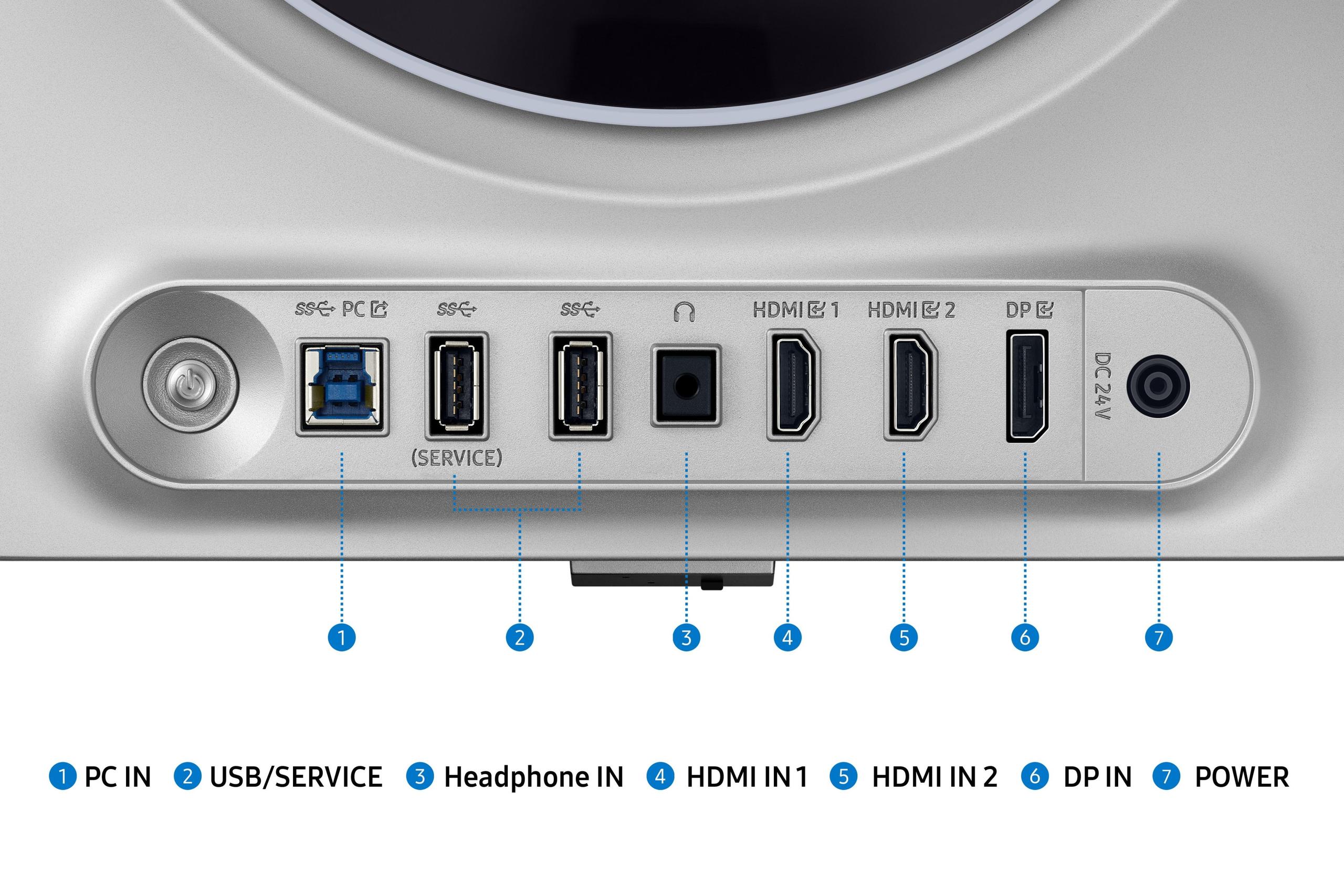
| 1x DisplayPort 1.2, 2x HDMI 2.0 - Standard gaming connectivity | 1x DisplayPort 1.4, 2x HDMI 2.1 - Latest standards with higher bandwidth |
| Ergonomics - Stand adjustability and comfort features | |
| Full adjustment: height, tilt, swivel, pivot - Excellent flexibility | Adjustable stand with RGB lighting - Premium design touches |
| Special Gaming Features - Technologies that enhance competitive performance | |
| AMD FreeSync Premium, VisionCare eye protection | AMD FreeSync Premium Pro, OLED Safeguard+ burn-in protection |
| Target Audience - Who gets the most value from each monitor | |
| Budget-conscious gamers, casual players, content creators | Competitive esports players, enthusiasts, premium gaming setups |
| Value Proposition - Performance relative to typical pricing | |
| Exceptional price-to-performance ratio for 1440p gaming | Premium pricing for cutting-edge OLED gaming technology |
The Samsung 27" Odyssey OLED G6 QHD 360Hz Gaming Monitor is superior for competitive gaming due to its 360Hz refresh rate and 0.03ms response time. These specifications provide the fastest possible response for esports titles like Counter-Strike and Valorant. The Acer Nitro XV1 27" WQHD 180Hz IPS Gaming Monitor still offers excellent competitive performance at 180Hz, but serious esports players will benefit from the Samsung's cutting-edge speed.
The Acer Nitro XV1 uses IPS technology, which provides consistent colors and wide viewing angles but has limited contrast (1,000:1 ratio). The Samsung OLED G6 features OLED technology with perfect blacks and infinite contrast, creating dramatically better image quality in dark scenes. OLED pixels can turn completely off, while IPS panels always have some backlight bleed.
The Acer Nitro XV1 27" WQHD 180Hz IPS Gaming Monitor provides exceptional value for casual gamers, offering smooth 180Hz gaming at a fraction of the cost. Most casual players won't notice the difference between 180Hz and 360Hz, making the Acer the smarter financial choice that leaves budget for other gaming components.
Yes, both monitors work for content creation, but the Acer Nitro XV1 is more practical due to its 95% DCI-P3 color coverage, sRGB mode for accurate editing, and lower cost. The Samsung OLED G6 offers superior contrast and colors but at a premium price that's harder to justify for non-gaming creative work.
The Samsung 27" Odyssey OLED G6 delivers significantly better HDR performance due to its OLED technology's ability to display true blacks alongside bright highlights. The Acer Nitro XV1 supports HDR10 but offers limited HDR impact due to its brightness and contrast limitations typical of IPS panels.
The Acer Nitro XV1 uses proven IPS technology with excellent long-term reliability. The Samsung OLED G6 includes advanced burn-in protection (OLED Safeguard+) and thermal management, though OLED panels historically have potential burn-in concerns with static images. Samsung backs the OLED monitor with a comprehensive 3-year warranty.
Both monitors work well with consoles, but the Acer Nitro XV1 offers better practical value since consoles typically output 120Hz maximum. The Samsung OLED G6 provides superior image quality with its perfect blacks and contrast, but you won't utilize its full 360Hz capability with current-generation consoles.
The Acer Nitro XV1 works well with mid-range cards like RTX 4060 Ti or RX 7700 XT to achieve 180fps in most games. The Samsung OLED G6 requires high-end hardware like RTX 4080 or better to consistently reach 360fps in demanding titles, making it best suited for premium gaming setups.
The Acer Nitro XV1 27" WQHD 180Hz IPS Gaming Monitor performs better in bright rooms due to its anti-glare coating and adequate brightness levels. OLED displays like the Samsung G6 excel in darker environments where their superior contrast shines, but may appear washed out in very bright conditions.
Yes, both the Acer Nitro XV1 and Samsung OLED G6 support AMD FreeSync Premium and are compatible with NVIDIA G-Sync. This ensures tear-free gaming regardless of your graphics card brand, though the Samsung offers FreeSync Premium Pro for enhanced performance.
The Acer Nitro XV1 provides excellent ergonomic adjustability with height, tilt, swivel, and pivot capabilities at its lower price point. The Samsung 27" Odyssey OLED G6 features a premium metal design with RGB lighting and adjustable stand, offering superior aesthetics and build quality befitting its premium positioning.
The Samsung OLED G6 offers a dramatically faster 0.03ms response time compared to the Acer Nitro XV1's 1ms response time. While both eliminate visible motion blur for most users, the Samsung's near-instantaneous pixel response provides the ultimate clarity for tracking fast-moving objects in competitive scenarios.
We've done our best to create useful and informative comparisons to help you decide what product to buy. Our research uses advanced automated methods to create this comparison and perfection is not possible - please contact us for corrections or questions. These are the sites we've researched in the creation of this article: bestbuy.com - tomshardware.com - displayninja.com - youtube.com - youtube.com - youtube.com - store.acer.com - manuals.plus - displayspecifications.com - pangoly.com - pcpartpicker.com - casariolab.art - store.acer.com - versus.com - youtube.com - bestbuy.com - gamesradar.com - gamesradar.com - versus.com - youtube.com - versus.com - player2.net.au - youtube.com - rtings.com - youtube.com - samsung.com - files.bbystatic.com - techpowerup.com - samsung.com - bestbuy.com - samsung.com - bhphotovideo.com - bestbuy.com - youtube.com - de.shi.com - pangoly.com

Privacy Policy
Terms and Conditions - Affiliate Policy
Home Security
© Copyright 2008-2026.
11816 Inwood Rd #1211, Dallas, TX 75244