









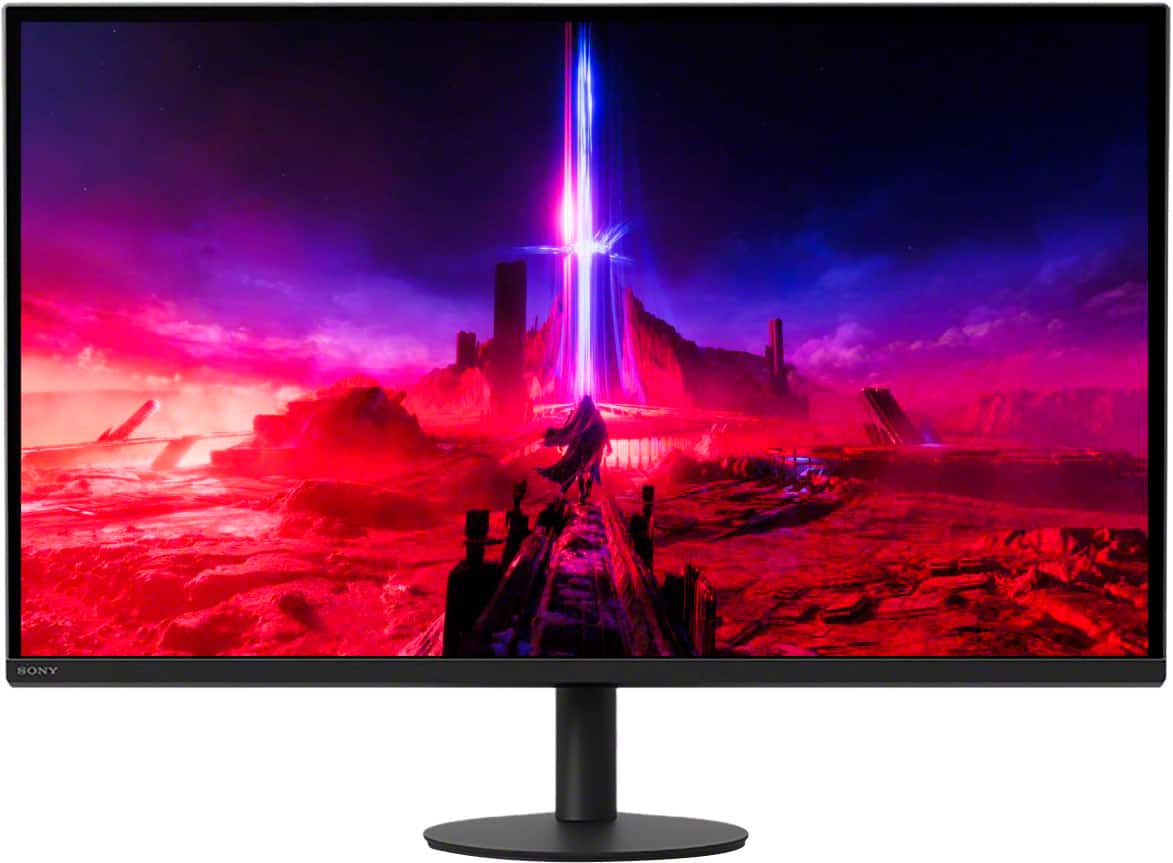
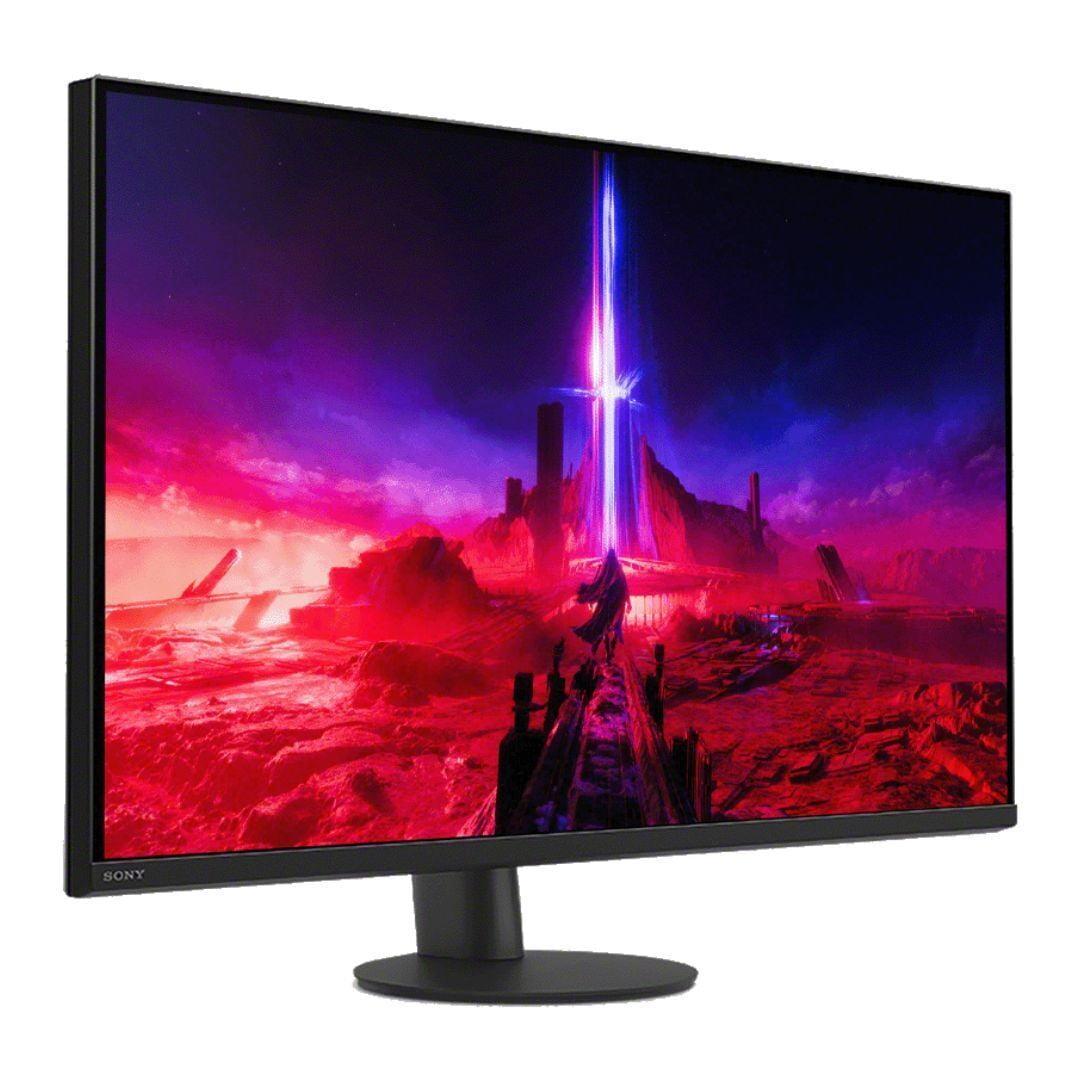

When it comes to 27-inch 4K gaming monitors, two distinct philosophies emerge in today's market. The MSI MAG 274URFW takes the value-focused approach, delivering impressive specifications at a budget-friendly price point. Meanwhile, the Sony INZONE M9 II represents the premium route, packed with specialized features and PlayStation-optimized technology. Both launched in 2024, but they target very different users despite sharing the same core resolution and refresh rate capabilities.
Understanding these monitors requires grasping what makes 4K gaming special—and challenging. At 3840x2160 pixels, 4K displays pack four times the detail of standard 1080p screens. This creates incredibly sharp text and detailed game visuals, but it also demands serious graphics processing power. When you add high refresh rates like 160Hz (meaning the screen can display 160 frames per second), you're looking at a significant performance requirement that only modern GPUs can handle effectively.
The 27-inch 4K monitor segment has evolved rapidly since 2022. Early models often forced users to choose between high resolution or high refresh rates, but never both at reasonable prices. Today's monitors have largely solved this problem, though they've introduced new decisions around HDR (High Dynamic Range) implementation, local dimming technology, and console optimization.
At the time of writing, you'll find these monitors ranging from roughly $300 for basic models to over $800 for premium options with advanced features. The sweet spot seems to hover around $400-600, where you get solid performance without paying for ultra-premium features many users won't fully utilize.
IPS (In-Plane Switching) panels dominate this category because they offer the best balance of color accuracy, viewing angles, and response times. While OLED technology is making inroads with perfect blacks and instant response times, IPS remains the practical choice for most users due to cost considerations and burn-in resistance.
The fundamental difference between the MSI MAG 274URFW and Sony INZONE M9 II lies in their backlight technology—a decision that affects everything from price to performance characteristics.
The MSI monitor uses traditional edge-lit LED backlighting, where LEDs positioned around the screen's perimeter illuminate the entire panel. This approach keeps costs down and ensures uniform brightness across the screen, but it limits contrast performance. You get clean, consistent images without the complexity of more advanced backlighting systems.
Sony takes a dramatically different approach with Full-Array Local Dimming (FALD). The INZONE M9 II incorporates 96 separate LED zones across the back of the panel, each capable of independent brightness control. When you're viewing a scene with both bright highlights and dark shadows—like sneaking through a dimly lit building in a game—the monitor can brighten specific zones while darkening others. This creates much more dramatic contrast and makes HDR content genuinely impressive.
However, FALD isn't without drawbacks. The limited number of zones (96 vs. the thousands in premium Mini LED displays) means you sometimes see "blooming"—where bright objects seem to glow into darker areas around them. It's the classic engineering trade-off: better overall contrast with occasional artifacts versus perfectly clean images with limited dynamic range.
Response time represents one of the most critical specifications for gaming monitors, measuring how quickly pixels can change from one color to another. The MSI MAG 274URFW achieves an impressive 0.5ms response time using its Rapid IPS technology—essentially a faster version of standard IPS that reduces the liquid crystal switching time.
This ultra-low response time translates to cleaner motion in fast-paced games. When you're tracking enemies in competitive shooters or racing through detailed environments, faster response times mean less ghosting (trailing images) and clearer motion. Having used monitors with various response times, the difference between 0.5ms and 1ms is subtle but noticeable during intense gaming sessions.
The Sony INZONE M9 II counters with 1ms response time plus backlight scanning technology. This feature essentially strobes the backlight in sync with frame updates, similar to how CRT monitors naturally worked. The result is exceptionally clear motion, particularly beneficial for competitive gaming where every visual detail matters. However, this technology typically reduces overall brightness, creating another trade-off to consider.
Input lag—the delay between your action and seeing the result on screen—matters equally for gaming. Both monitors excel here, with measurements effectively at zero milliseconds for gaming purposes. This CRT-like responsiveness ensures your mouse movements and keyboard inputs translate instantly to on-screen action.
Color reproduction showcases another significant difference between these monitors. The MSI MAG 274URFW delivers exceptional color coverage, spanning 98% of the DCI-P3 color space (the standard for digital cinema) and 133% of sRGB (the standard for computer displays). These numbers mean the monitor can display a wider range of colors than most content requires, ensuring vibrant, accurate visuals for both gaming and productivity work.
More importantly, MSI has calibrated this monitor well from the factory. With an average Delta E of 1.78 (where anything under 2.0 is considered professional-grade accuracy), you can use this monitor for color-sensitive work without additional calibration. I've found this particularly valuable when switching between gaming and content creation tasks—the colors remain consistently accurate across different applications.
The Sony monitor takes a different approach, focusing more on HDR implementation than raw color gamut coverage. Its VESA DisplayHDR 600 certification means it can hit 600 nits of brightness in specific areas while maintaining 400 nits across the full screen. When combined with local dimming, this creates genuinely impressive HDR experiences where bright explosions pop against dark backgrounds, and sunset scenes show realistic lighting gradients.
However, HDR on PC remains somewhat inconsistent across different games and applications. Windows' HDR implementation has improved significantly since its rocky introduction, but you'll still encounter titles that don't properly support HDR or require manual tweaking. Console gaming, particularly on PlayStation 5, offers a more consistent HDR experience thanks to standardized implementation.
Here's where the Sony INZONE M9 II truly distinguishes itself. Sony has engineered specific features for PlayStation integration that you won't find elsewhere. Auto HDR Tone Mapping automatically optimizes the display settings when it detects a PS5 or PS5 Pro, eliminating the need for manual calibration that often confuses console gamers.
The monitor also includes a unique 24.5-inch mode designed for competitive gaming. This feature displays the image at 1:1 pixel mapping within a smaller area of the screen, surrounded by black borders. Professional esports players often prefer smaller screens for better peripheral vision and reduced eye movement, making this feature valuable for competitive console gaming.
These PlayStation-specific optimizations extend to picture modes and game-specific adjustments that automatically activate based on what you're playing. Having tested this with various PS5 titles, the seamless switching between modes creates a notably more refined experience than manually adjusting settings on generic monitors.
The MSI monitor, while lacking these specialized features, offers excellent console compatibility through its dual HDMI 2.1 ports. These connections support the full 4K 120Hz output of modern consoles, ensuring you get maximum performance from your PlayStation 5 or Xbox Series X. The monitor also supports Auto Low Latency Mode (ALLM), automatically switching to its fastest response mode when it detects gaming content.
Modern monitors serve multiple roles beyond gaming, and connectivity options significantly impact their versatility. The MSI MAG 274URFW excels here with comprehensive input options including DisplayPort 2.1—a newer standard that provides significantly more bandwidth than previous versions. This future-proofing matters as next-generation graphics cards will likely require this additional bandwidth for 4K gaming at even higher refresh rates.
The monitor's USB-C port with 100W Power Delivery proves particularly valuable for laptop users. You can connect a modern laptop with a single cable, simultaneously sending video, audio, and power. This eliminates cable clutter and makes the monitor an excellent choice for users who switch between gaming desktop and work laptop throughout the day.
Sony's approach prioritizes console and desktop gaming with multiple HDMI 2.1 ports and a USB hub for connecting peripherals. While it lacks the laptop-charging capability of the MSI monitor, it offers better integration for users with multiple gaming devices or those who prefer HDMI connectivity for their graphics cards.
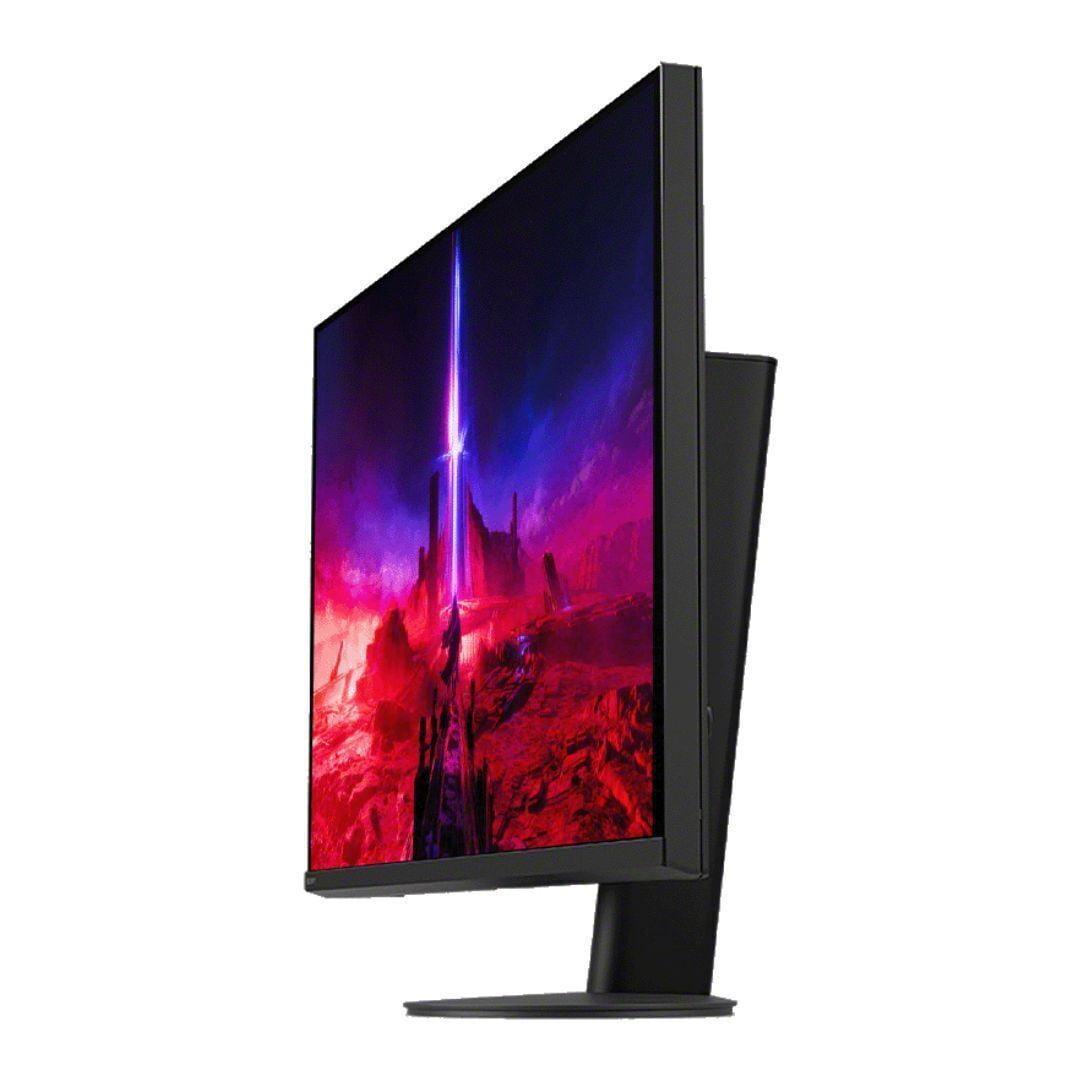
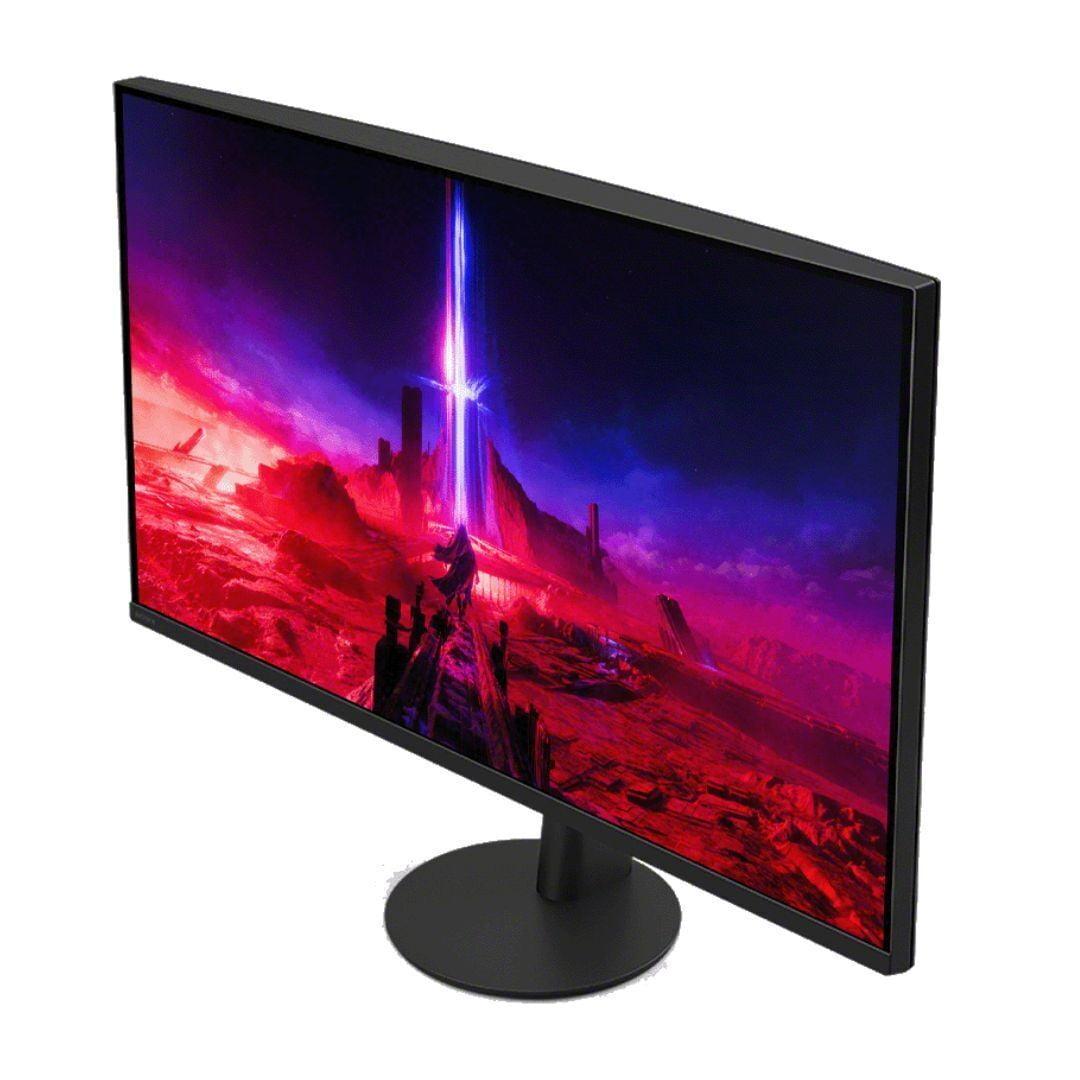
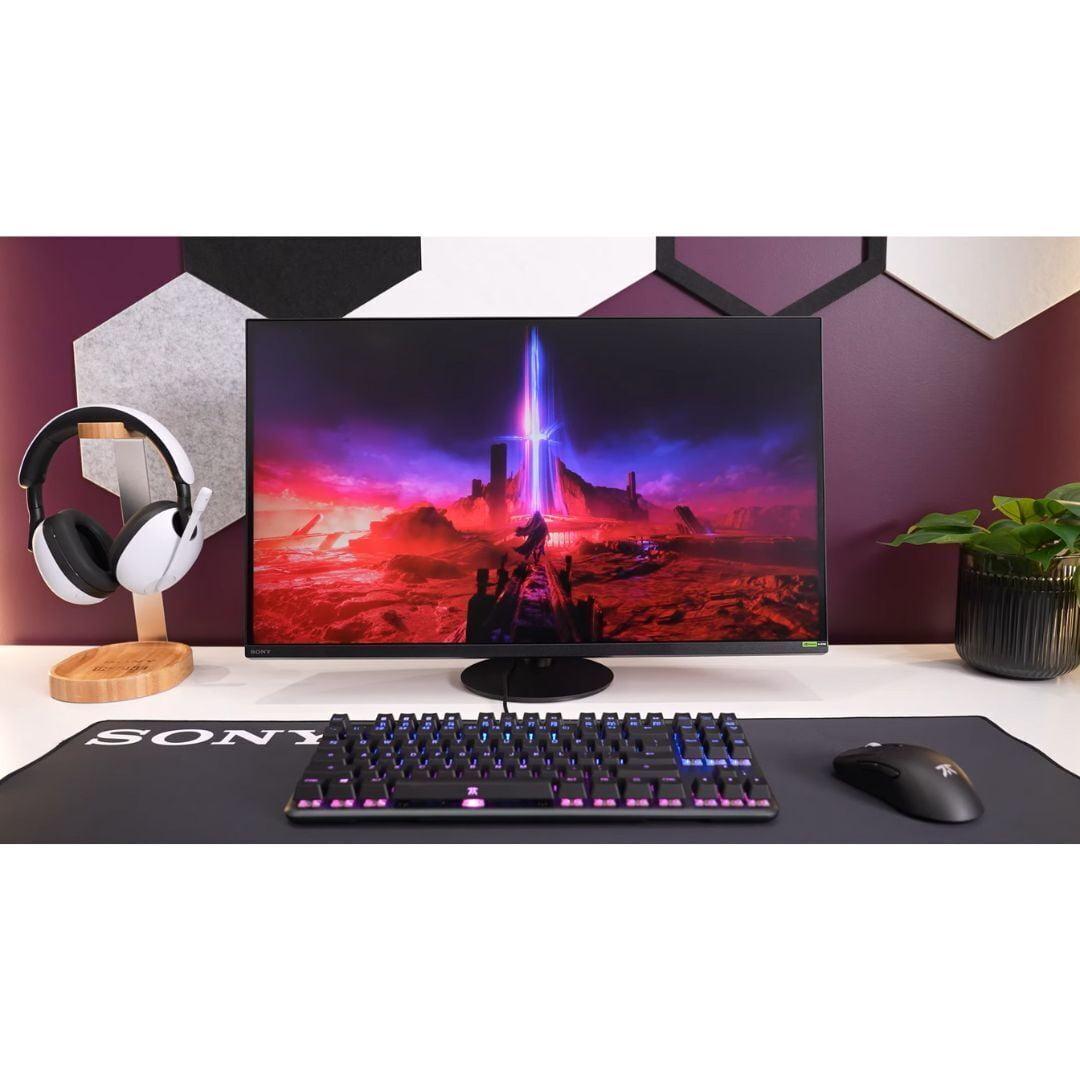
Physical design impacts daily usability more than specifications might suggest. The Sony INZONE M9 II features a distinctive circular base that enables 360-degree swivel—useful for quickly showing content to others or adjusting viewing angles in shared spaces. The premium build quality extends to smooth adjustment mechanisms and solid construction that feels substantial without being overly bulky.
The MSI monitor takes a more traditional approach with height, tilt, and swivel adjustments that cover most positioning needs. While less premium in feel, the stand proves functional and stable. The white color option adds a unique aesthetic choice that helps it stand out in predominantly black gaming setups.
Both monitors support VESA mounting (75x75mm for MSI, standard for Sony), allowing integration into monitor arms or wall mounts for users who prefer custom positioning solutions.
For users considering these monitors in home theater or living room setups, several factors become particularly relevant. The Sony INZONE M9 II's superior HDR implementation makes it more suitable for movie watching, with local dimming creating more cinematic contrast ratios. The built-in 2x2W speakers, while not exceptional, provide adequate audio for casual viewing without requiring external speakers.
The MSI monitor's matte screen coating reduces reflections better than glossy alternatives, making it more practical in rooms with ambient lighting. However, its limited HDR capabilities mean movies and shows won't have the same visual impact as on the Sony display.
Both monitors' 27-inch size works well for desk setups but may feel small for dedicated home theater use compared to larger TVs or projectors. The 4K resolution ensures sharp detail even when sitting relatively close, making them suitable for compact living spaces or multipurpose rooms.
When evaluating gaming monitor performance, certain metrics deserve priority over others. Response time directly impacts motion clarity—crucial for competitive gaming where tracking moving targets determines success or failure. The MSI's 0.5ms advantage provides measurable benefit in fast-paced scenarios, though the difference becomes less noticeable in slower-paced, story-driven games.
Input lag affects responsiveness across all game types. Both monitors excel here, essentially eliminating the delay between your actions and visual feedback. This performance characteristic often matters more than raw response time for overall gaming experience.
Refresh rate capability determines smoothness, but achieving 160Hz at 4K requires substantial graphics processing power. Most current games will run at lower frame rates on mid-range hardware, making the high refresh rate more of a future-proofing feature than an immediate benefit for many users.
Color accuracy becomes crucial when the monitor serves dual purposes for work and gaming. The MSI monitor's superior color coverage and factory calibration make it more versatile for content creation, photo editing, or any color-sensitive work.
The decision between these monitors ultimately depends on your primary use case and budget considerations. The MSI MAG 274URFW represents exceptional value for users who want strong 4K gaming performance without premium pricing. Its faster response time, comprehensive connectivity, and excellent color accuracy make it ideal for competitive gamers, content creators, or anyone who values versatility over specialized features.
Choose the MSI if you're building a multi-purpose setup, need laptop charging capabilities, prioritize competitive gaming performance, or simply want excellent specifications without paying for features you won't use regularly.
The Sony INZONE M9 II justifies its premium pricing for users who prioritize visual quality and PlayStation integration. Its local dimming technology creates genuinely impressive HDR experiences, while PlayStation-specific features provide seamless console integration that generic monitors can't match.
Select the Sony if you're primarily a PlayStation gamer, value HDR content, want premium build quality, or are willing to pay extra for specialized gaming features that enhance the overall experience.
Both monitors represent solid choices within their respective market segments, reflecting the maturity of 4K gaming monitor technology in 2024. The MSI option proves that high-end features no longer require premium pricing, while the Sony model demonstrates how specialized features and superior HDR implementation can justify higher costs for enthusiast users.
The gaming monitor market continues evolving rapidly, with OLED technology becoming more affordable and Mini LED displays offering even better local dimming. However, both of these IPS-based monitors provide excellent performance that should remain relevant for several years, making either choice a sound investment in your gaming setup's future.
| MSI MAG 274URFW | Sony INZONE M9 II |
|---|---|
| Response Time - Critical for competitive gaming and motion clarity | |
| 0.5ms GtG (exceptionally fast for competitive advantage) | 1ms GtG (very fast, includes backlight scanning technology) |
| HDR Implementation - Determines visual impact and contrast quality | |
| Basic edge-lit LED, DisplayHDR 400 (limited HDR impact) | Full-Array Local Dimming with 96 zones, DisplayHDR 600 (dramatic contrast improvement) |
| Peak Brightness - Affects HDR highlights and daytime visibility | |
| 400 nits (adequate for standard content) | 750 nits peak with local dimming (impressive HDR highlights) |
| Color Gamut Coverage - Important for color accuracy and vibrancy | |
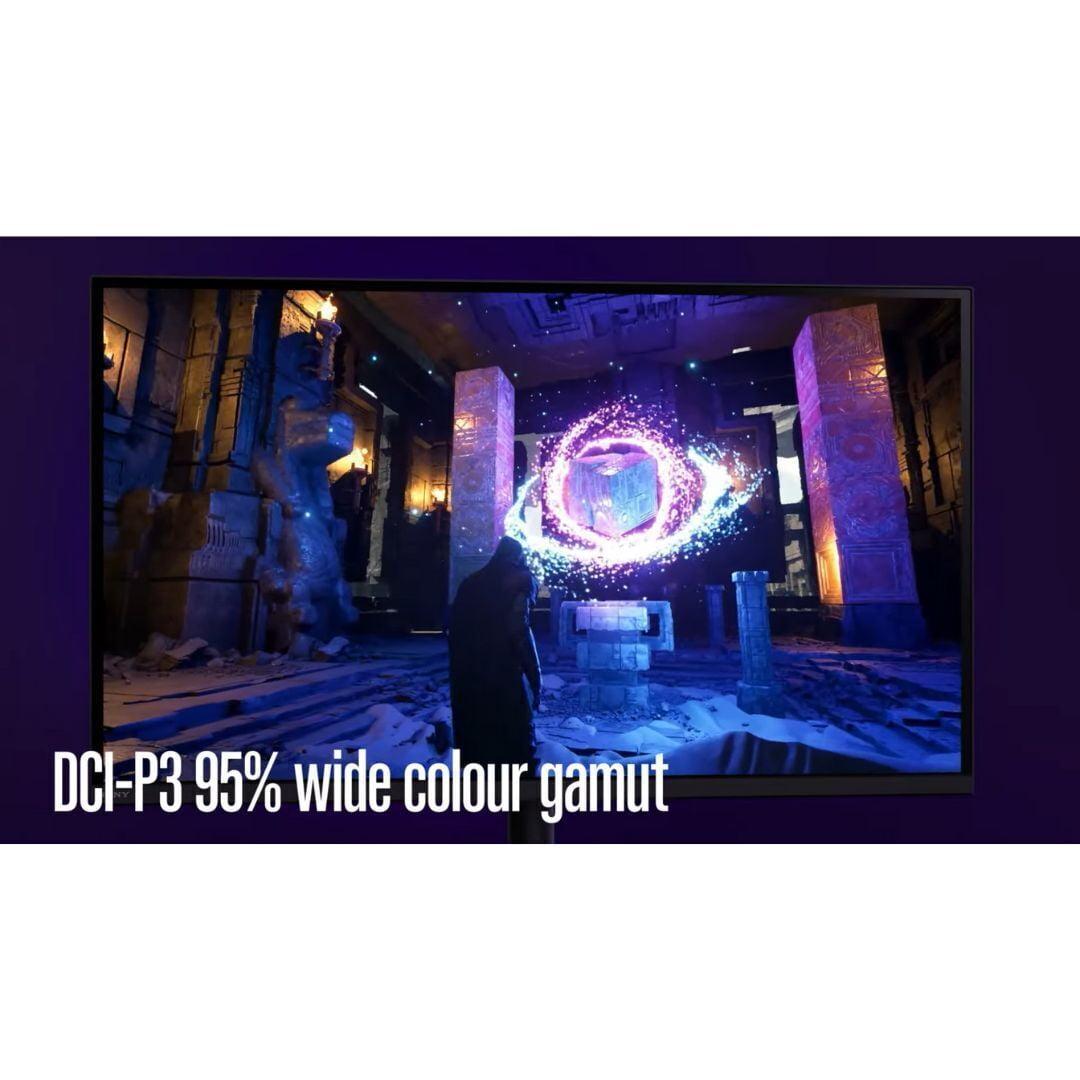
| 98% DCI-P3, 133% sRGB (excellent for content creation) | 95% DCI-P3 (good color reproduction, slightly narrower range) |
| Connectivity Options - Determines device compatibility and future-proofing | |
| DisplayPort 2.1, 2x HDMI 2.1, USB-C with 100W PD | HDMI 2.1, DisplayPort 2.1, USB hub (better for console gaming) |
| Console Gaming Features - PlayStation-specific optimizations | |
| Standard HDMI 2.1 support (manual optimization required) | Auto HDR Tone Mapping for PS5/PS5 Pro, 24.5" esports mode |
| Local Dimming Technology - Affects contrast and black levels | |
| None (clean blacks without artifacts or blooming) | 96-zone FALD (better contrast but potential blooming issues) |
| Stand Ergonomics - Daily usability and positioning flexibility | |
| Standard height/tilt/swivel adjustment | 360-degree swivel with premium circular base design |
| Built-in Audio - Eliminates need for external speakers | |
| None (requires external audio solution) | 2x2W integrated speakers (basic but functional) |
| Factory Color Calibration - Out-of-box accuracy for professional work | |
| Excellent (1.78 Delta E average, professional-grade accuracy) | Good color accuracy with premium video processing |
| Price-to-Performance Value - Overall bang for buck at time of writing | |
| Exceptional value with flagship features at budget price | Premium pricing justified by specialized features and build quality |
The MSI MAG 274URFW is better for competitive gaming due to its faster 0.5ms response time compared to the Sony INZONE M9 II's 1ms response time. The MSI also avoids the potential blooming artifacts from local dimming that could distract during competitive play. However, the Sony monitor offers backlight scanning technology that can improve motion clarity for some users.
The primary difference is HDR implementation. The MSI MAG 274URFW uses basic edge-lit LED backlighting, while the Sony INZONE M9 II features Full-Array Local Dimming with 96 zones. This gives Sony much better contrast and HDR performance, but at a significantly higher cost. The MSI monitor focuses on value and competitive gaming performance.
The MSI MAG 274URFW has superior color accuracy with 98% DCI-P3 coverage, 133% sRGB coverage, and excellent factory calibration (1.78 Delta E average). This makes it better for content creation and professional work. The Sony INZONE M9 II offers good color accuracy but with slightly narrower color gamut coverage at 95% DCI-P3.
The Sony INZONE M9 II is specifically designed for PlayStation gaming with Auto HDR Tone Mapping for PS5/PS5 Pro and a dedicated 24.5-inch esports mode. The MSI MAG 274URFW works well with PS5 through HDMI 2.1 support but lacks the specialized PlayStation optimizations that make the Sony monitor the better choice for console gamers.
The MSI MAG 274URFW offers exceptional value with flagship gaming features at a budget-friendly price point. You get 4K 160Hz, fast response times, and excellent connectivity without paying premium costs. The Sony INZONE M9 II costs significantly more but justifies the price with superior HDR, local dimming, and PlayStation-specific features.
The Sony INZONE M9 II is better for movies thanks to its Full-Array Local Dimming, which creates more cinematic contrast for HDR content. It also includes built-in speakers for convenience. The MSI MAG 274URFW works fine for streaming but has limited HDR impact and no built-in audio, requiring external speakers.
The MSI MAG 274URFW has more versatile connectivity with DisplayPort 2.1 and USB-C with 100W Power Delivery, making it excellent for laptop users. The Sony INZONE M9 II focuses on gaming connectivity with multiple HDMI 2.1 ports and a USB hub, better suited for console and desktop gaming setups.
The MSI MAG 274URFW offers AMD FreeSync Premium, ultra-low input lag, and gaming assist features like Smart Crosshair. The Sony INZONE M9 II includes G-SYNC compatibility, Auto Low Latency Mode, specialized PlayStation integration, and backlight scanning technology for improved motion clarity during fast-paced gaming.
The MSI MAG 274URFW is better for home office use due to its superior color accuracy, USB-C laptop charging capability, and clean image quality without local dimming artifacts. The Sony INZONE M9 II is designed primarily for gaming and may have unnecessary features that don't benefit productivity work.
The Sony INZONE M9 II has significantly better HDR with DisplayHDR 600 certification, 750 nits peak brightness, and Full-Array Local Dimming for dramatic contrast. The MSI MAG 274URFW is limited to DisplayHDR 400 with 400 nits brightness, providing basic HDR support but without the visual impact of the Sony monitor.
The Sony INZONE M9 II offers premium build quality with a distinctive circular base, 360-degree swivel capability, and superior adjustment mechanisms. The MSI MAG 274URFW has solid but more basic construction with standard ergonomic adjustments and an optional white color scheme that stands out from typical black gaming monitors.
Choose the MSI MAG 274URFW if you want excellent gaming performance at a great value, need laptop connectivity, or prioritize competitive gaming. Choose the Sony INZONE M9 II if you primarily game on PlayStation consoles, want superior HDR experiences, or are willing to pay premium for specialized gaming features and build quality.
We've done our best to create useful and informative comparisons to help you decide what product to buy. Our research uses advanced automated methods to create this comparison and perfection is not possible - please contact us for corrections or questions. These are the sites we've researched in the creation of this article: youtube.com - bestbuy.com - rtings.com - youtube.com - guru3d.com - youtube.com - newegg.com - bhphotovideo.com - bestbuy.com - storage-asset.msi.com - shi.com - neweggbusiness.com - files.bbystatic.com - us-store.msi.com - msi.com - storage-asset.msi.com - storage-asset.msi.com - bestbuy.com - bestbuy.com - rtings.com - rtings.com - tomshardware.com - youtube.com - bhphotovideo.com - bestbuy.com - sony.com - techpowerup.com - electronics.sony.com - sony.com - displayspecifications.com - direct.playstation.com - youtube.com - sony.com - sony.com - displayspecifications.com - bhphotovideo.com - displayspecifications.com

Privacy Policy
Terms and Conditions - Affiliate Policy
Home Security
© Copyright 2008-2026.
11816 Inwood Rd #1211, Dallas, TX 75244