

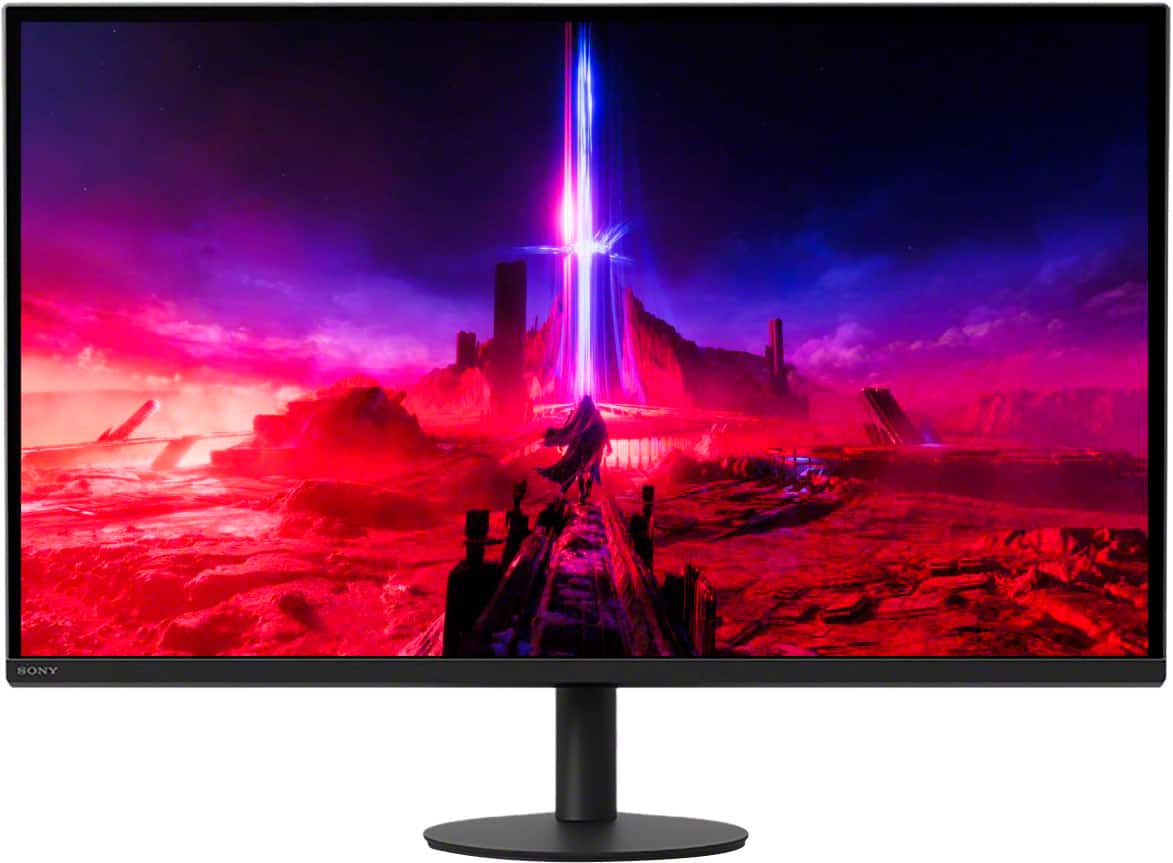
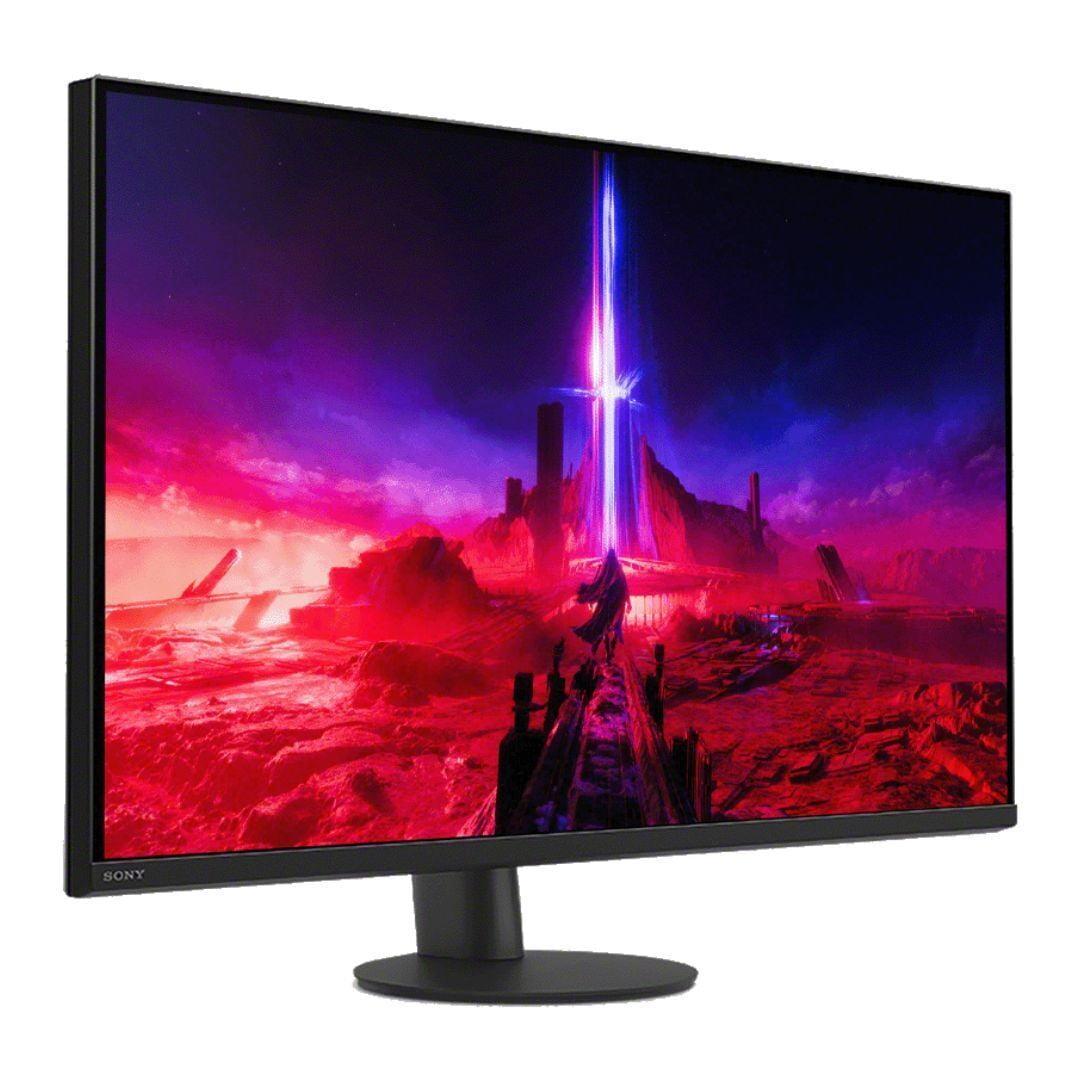
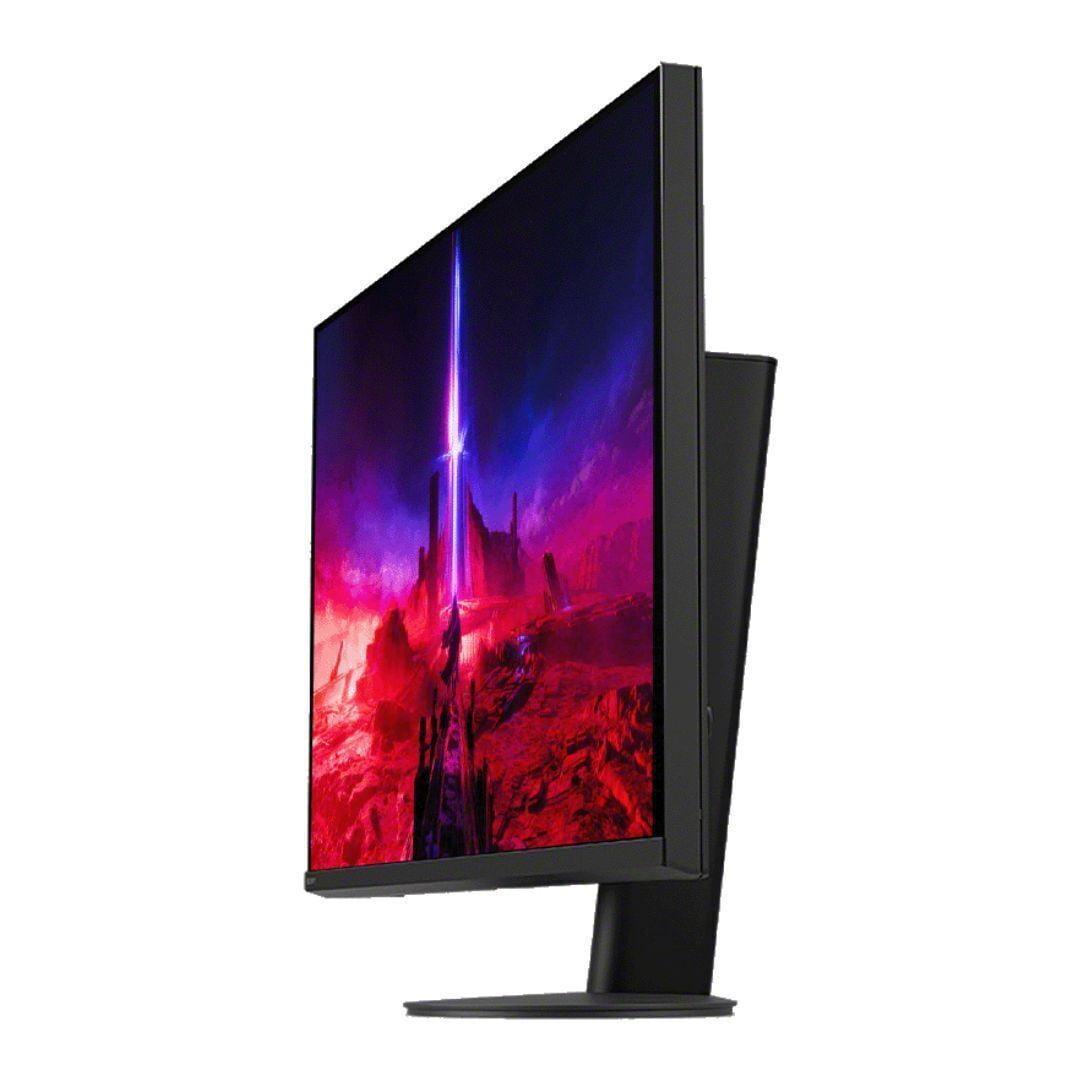
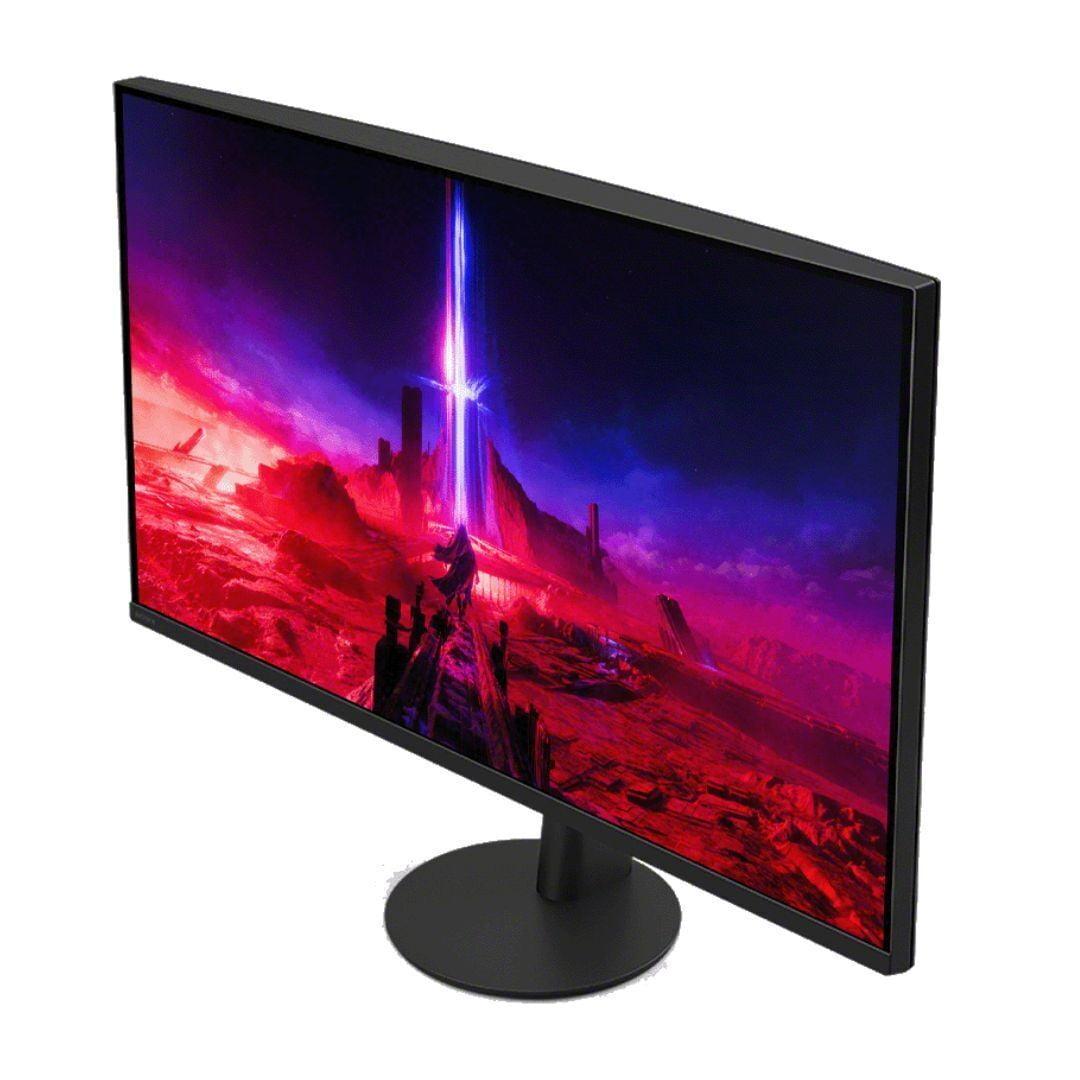

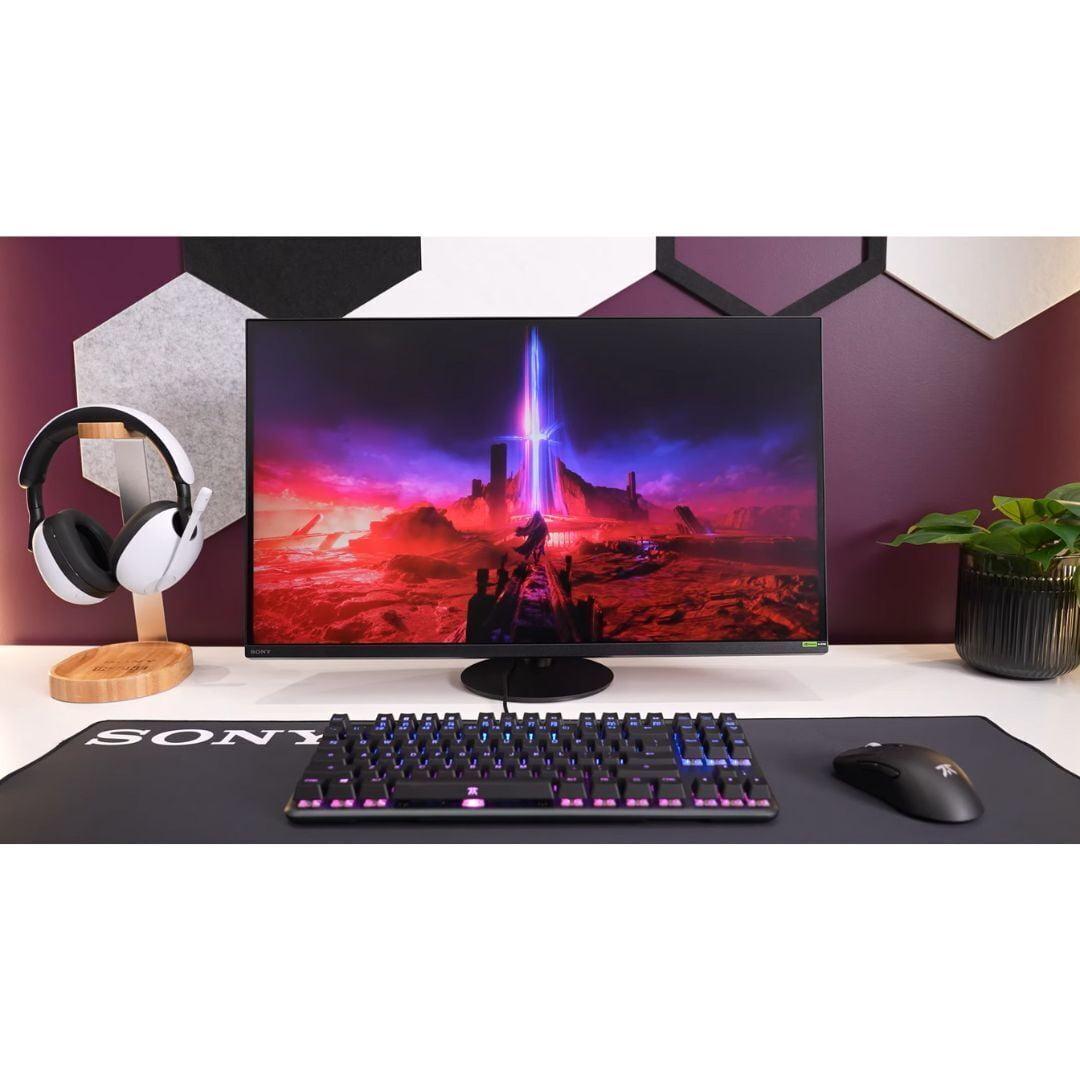













Choosing a gaming monitor in 2024 means navigating some fascinating trade-offs. Do you prioritize crystal-clear 4K resolution that makes every detail pop, or do you go for lightning-fast refresh rates that give you a competitive edge? The Sony INZONE M9 II and MSI MAG 271QP QD-OLED X24 represent two different philosophies in gaming monitor design, and understanding their approaches will help you make the right choice.
Gaming monitors aren't just bigger computer screens—they're specialized tools designed to enhance your gaming experience. The most important factors are refresh rate (how many times per second the screen updates), response time (how quickly pixels change colors), and resolution (the number of pixels that create the image).
Think of refresh rate like frames per second in a movie. Most TVs show 60 frames per second, but gaming monitors can display 160, 240, or even higher. This means smoother motion and less blur when you're spinning around in a first-person shooter. Response time, measured in milliseconds, determines how quickly the screen can keep up with fast action—crucial for competitive gaming where every split second matters.
The panel technology also plays a huge role. Traditional LCD panels with LED backlighting have been the standard, but newer OLED (Organic Light-Emitting Diode) technology lets each pixel produce its own light. This creates perfect blacks and incredible contrast, though it comes with some trade-offs we'll discuss later.
Released in 2024, the Sony INZONE M9 II builds on Sony's gaming monitor expertise with a 27-inch 4K display running at 160Hz. It uses an IPS (In-Plane Switching) panel—a type of LCD known for accurate colors and wide viewing angles—enhanced with Full Array Local Dimming. This technology divides the backlight into 96 separate zones that can brighten or dim independently, improving contrast and HDR (High Dynamic Range) performance.
The MSI MAG 271QP QD-OLED X24, also launched in 2024, takes a completely different approach. It features the latest QD-OLED technology, combining quantum dots (tiny particles that enhance color production) with OLED's self-lighting pixels. Instead of 4K resolution, it focuses on QHD (2560×1440) but pushes the refresh rate to an impressive 240Hz.
This is where the fundamental difference becomes clear. The Sony INZONE M9 II delivers 4K resolution—that's 3,840 by 2,160 pixels, totaling over 8 million individual picture elements. On a 27-inch screen, this creates incredibly sharp text and detailed gaming visuals. When I first switched to 4K gaming, the difference was immediately noticeable in games like Cyberpunk 2077, where you can actually read street signs and see intricate details in character faces.
The MSI MAG 271QP QD-OLED X24 uses QHD resolution—2,560 by 1,440 pixels, or about 3.7 million total pixels. While that's roughly half the pixel count of 4K, it's still significantly sharper than standard 1080p displays. The trade-off here is intentional: fewer pixels means your graphics card doesn't have to work as hard, leaving more power available for achieving higher frame rates.
For productivity work, 4K makes a substantial difference. More screen real estate means you can fit more windows side-by-side, and text appears crisp without any pixelation. However, for fast-paced competitive gaming, many players actually prefer QHD because it's easier to spot enemies and track movement when the image isn't packed with excessive detail.
The Sony INZONE M9 II uses a sophisticated IPS panel with Full Array Local Dimming (FALD). The local dimming system divides the backlight into 96 zones, each capable of independent brightness control. When displaying a night scene with bright stars, for example, the zones behind the stars can brighten while zones showing the dark sky remain dim. This creates better contrast than traditional edge-lit displays, though it's not perfect—you might notice some "blooming" where bright objects cause nearby zones to light up slightly.
The IPS panel itself provides excellent color accuracy and wide viewing angles. You can look at the screen from the side without seeing color shifts or brightness changes, making it great for gaming with friends nearby or for general computer use where you might not always sit directly centered.
Meanwhile, the MSI MAG 271QP QD-OLED X24 uses cutting-edge QD-OLED technology. Each pixel produces its own light, eliminating the need for a backlight entirely. This creates perfect blacks—when a pixel is supposed to be black, it simply turns off completely. The contrast ratio is technically infinite, and there's no blooming or halo effects around bright objects.
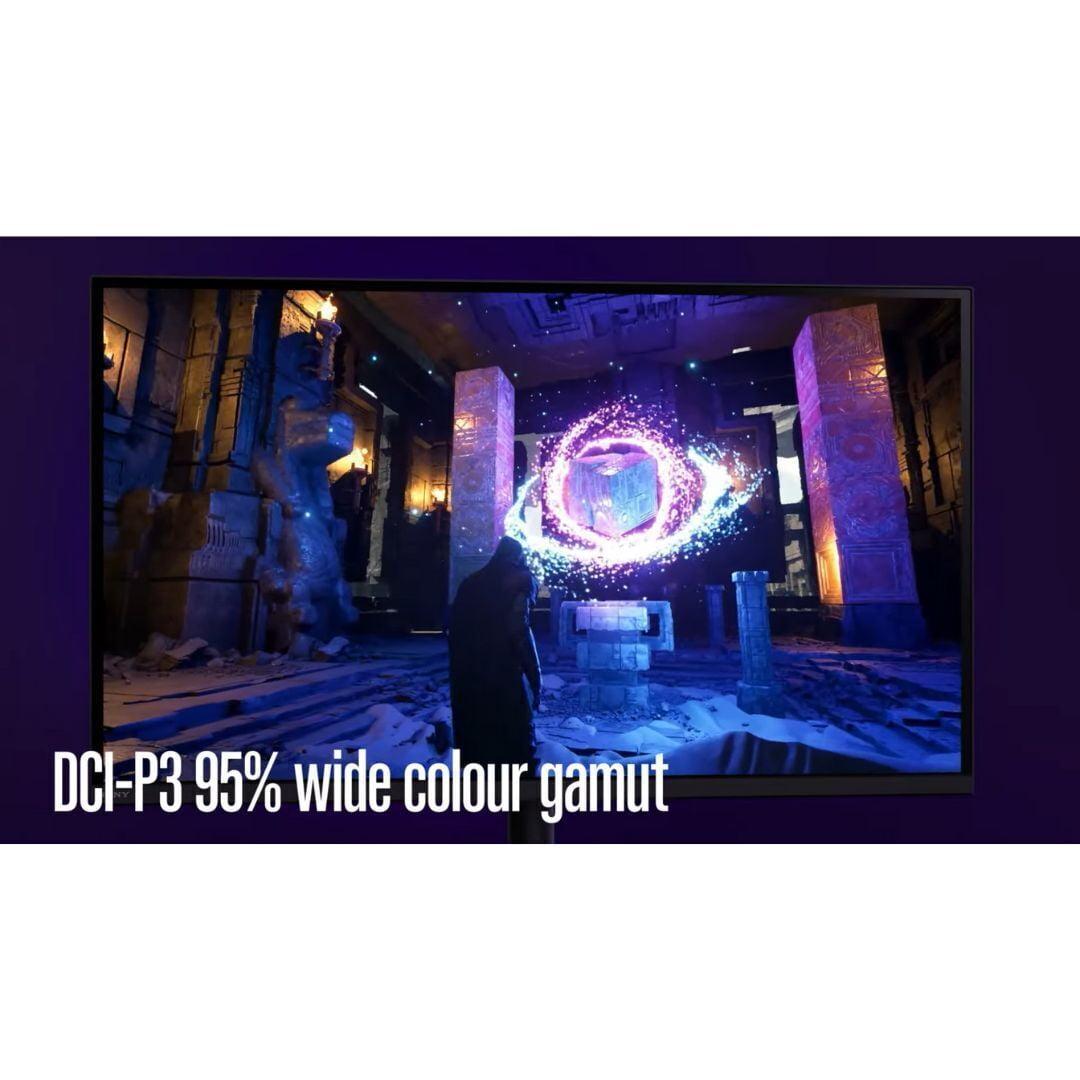
The quantum dot layer enhances color production, covering 99% of the DCI-P3 color space and an impressive 138% of the standard sRGB space. Colors appear more vibrant and saturated than traditional displays. Having used both technologies extensively, OLED's color reproduction creates a more immersive experience, especially in darker games where the perfect blacks make you feel like you're looking through a window into the game world.
Here's where these monitors really diverge. The Sony INZONE M9 II tops out at 160Hz with a 1ms gray-to-gray response time. For most gamers, this provides incredibly smooth motion that's a massive upgrade from 60Hz displays. The monitor also features backlight scanning—a technique that briefly turns off the backlight between frames to reduce motion blur, similar to how CRT monitors worked.
The MSI MAG 271QP QD-OLED X24 pushes performance further with 240Hz refresh rate and an astounding 0.03ms response time. That response time is roughly 30 times faster than the Sony, virtually eliminating any ghosting or motion artifacts. In competitive shooters like Counter-Strike or Valorant, this translates to clearer enemy tracking during rapid movement and potentially better reaction times to on-screen events.
I've tested both refresh rates extensively, and while 160Hz is smooth enough for most gaming scenarios, 240Hz provides a noticeable improvement in competitive titles. However, you need a powerful graphics card to actually push 240 frames per second at QHD resolution in modern games. If you're running a mid-range GPU, the 160Hz limit of the Sony monitor might be more realistic for your hardware.
HDR performance reveals another interesting contrast between these monitors. The Sony INZONE M9 II achieves VESA DisplayHDR 600 certification, reaching up to 750 nits peak brightness in small highlights. This makes it excellent for bright HDR scenes like sunlit landscapes or explosions. The full array local dimming helps create convincing contrast, though not at the level of true OLED displays.
The MSI MAG 271QP QD-OLED X24 earns DisplayHDR True Black 400 certification. While its peak brightness is lower at around 1,000 nits in very small areas (3% of the screen), the perfect black levels create superior contrast in dark scenes. HDR content with dramatic lighting—think horror games or space simulators—looks absolutely stunning on OLED technology.
Room lighting affects these differently too. The Sony performs better in bright rooms because its higher sustained brightness can overcome ambient light. The MSI's perfect blacks can appear grayish in bright environments, reducing the contrast advantage that makes OLED special.
If you're gaming on PlayStation 5 or PS5 Pro, the Sony INZONE M9 II offers unique advantages. It includes Auto HDR Tone Mapping that automatically optimizes HDR settings when connected to PlayStation consoles. The monitor recognizes when you're playing different games and applies appropriate picture settings without manual adjustment.
The MSI MAG 271QP QD-OLED X24 works perfectly fine with consoles through HDMI 2.1, supporting 120Hz gaming and Variable Refresh Rate. However, it lacks the PlayStation-specific optimizations that make the Sony monitor feel like it was designed specifically for console gaming.
For Xbox Series X|S users, both monitors perform similarly well, though the Sony's 4K resolution better matches the console's capabilities in performance mode games.
OLED technology's biggest concern is burn-in—permanent image retention that occurs when static elements stay on screen for extended periods. Modern OLED gaming monitors include protective features, and the MSI MAG 271QP QD-OLED X24 comes with OLED Care 2.0, which includes pixel shifting, static screen detection, and automatic panel refresh cycles.
MSI backs this up with a 3-year warranty that specifically covers burn-in damage, which is reassuring. However, if you frequently work with static elements like taskbars, browser bookmarks, or spreadsheets, traditional LCD technology like the Sony INZONE M9 II eliminates burn-in concerns entirely.
From my experience, burn-in is less of an issue for gaming than many people fear, especially with modern protective features. But it's worth considering your usage patterns beyond gaming.
For movie watching and streaming, these monitors serve different purposes. The Sony INZONE M9 II's 4K resolution perfectly matches 4K streaming content from Netflix, Prime Video, and Ultra HD Blu-rays. The higher peak brightness also helps with HDR movies that were mastered for bright theater environments.
The MSI MAG 271QP QD-OLED X24 creates a more cinematic experience with its perfect blacks and infinite contrast, especially for darker films. However, most streaming services deliver 4K content, so you're not seeing the full resolution the creators intended.
Both monitors include decent built-in speakers, but for serious home theater use, you'll want dedicated speakers or a soundbar regardless of which monitor you choose.
Connection options matter for versatility. The Sony INZONE M9 II includes two HDMI 2.1 ports plus DisplayPort 2.1, though the included cable limits it to DisplayPort 1.4 speeds currently. It also offers USB hub functionality with multiple USB-A ports for connecting peripherals.
The MSI MAG 271QP QD-OLED X24 provides two HDMI 2.1 ports and DisplayPort 1.4a, which is sufficient for its 240Hz QHD capabilities. However, it lacks USB connectivity, which might matter if you want to connect devices directly to your monitor.
Both monitors support the full HDMI 2.1 feature set including Variable Refresh Rate and Auto Low Latency Mode, ensuring compatibility with current and next-generation gaming consoles.
At the time of writing, both monitors command premium prices but for different reasons. The Sony INZONE M9 II pricing reflects its 4K resolution and console-optimized features, positioning it as a versatile option for users who want both gaming performance and productivity benefits.
The MSI MAG 271QP QD-OLED X24 represents excellent value for OLED technology, typically priced below competing 27-inch OLED gaming monitors while offering similar or better specifications. The QD-OLED panel technology was expensive when first introduced, but prices have become more accessible as production has scaled up.
Choose the Sony INZONE M9 II if you value resolution above all else, frequently use your monitor for work or content consumption, primarily game on PlayStation consoles, or prefer the peace of mind that comes with burn-in-free LCD technology. The 4K resolution provides future-proofing as games and content continue to target higher resolutions.
The MSI MAG 271QP QD-OLED X24 makes more sense for competitive PC gamers who prioritize refresh rate and response time, users who game primarily in darker environments where OLED's contrast advantages shine, or anyone who wants the most vivid and immersive visual experience possible.
Both monitors represent excellent choices within their respective strengths. Your decision ultimately comes down to whether you value the detailed clarity of 4K resolution or the smooth, responsive performance of 240Hz OLED technology. Consider your primary use cases, gaming preferences, and room environment to guide your choice between these two impressive but philosophically different gaming monitors.
| Sony INZONE M9 II 27" 4K 160Hz Gaming Monitor | MSI MAG 271QP QD-OLED X24 27" QHD 240Hz Gaming Monitor |
|---|---|
| Resolution - Higher resolution means sharper text and more detailed visuals | |
| 4K (3840 × 2160) - 77% more pixels than QHD | QHD (2560 × 1440) - Easier to drive high frame rates |
| Panel Technology - Fundamentally different approaches to image quality | |
| IPS with Full Array Local Dimming (96 zones) - No burn-in risk | QD-OLED - Perfect blacks and infinite contrast |
| Refresh Rate - Higher numbers mean smoother motion in fast games | |
| 160Hz - Smooth for most gaming scenarios | 240Hz - Competitive advantage in esports titles |
| Response Time - Lower is better for eliminating ghosting | |
| 1ms GtG - Fast enough for competitive gaming | 0.03ms GtG - Virtually eliminates all motion blur |
| Peak Brightness - Important for HDR and bright room performance | |
| 750 nits - Better for bright rooms and daytime use | 1000 nits (3% window) - Lower sustained brightness |
| HDR Certification - Indicates quality of high dynamic range performance | |
| VESA DisplayHDR 600 - Bright highlights with good contrast | VESA DisplayHDR True Black 400 - Perfect blacks win |
| Color Gamut - Wider coverage means more vibrant colors | |
| 95% DCI-P3 - Accurate and professional color reproduction | 99% DCI-P3, 138% sRGB - More saturated and vivid colors |
| Console Optimization - Special features for PlayStation and Xbox | |
| PS5/PS5 Pro Auto HDR Tone Mapping - Seamless console experience | Standard HDMI 2.1 support - Works well but no special features |
| Connectivity - Ports available for devices | |
| 2× HDMI 2.1, 1× DisplayPort 2.1, USB hub - More versatile | 2× HDMI 2.1, 1× DisplayPort 1.4a - Gaming focused |
| Burn-in Risk - Permanent image retention from static content | |
| No risk - Traditional LCD technology is immune | Potential risk - 3-year warranty covers burn-in damage |
| Best Use Cases - Who should consider each monitor | |
| 4K gaming, PS5 users, productivity work, mixed usage | Competitive PC gaming, dark room gaming, vibrant visuals |
The MSI MAG 271QP QD-OLED X24 is superior for competitive gaming with its 240Hz refresh rate and ultra-fast 0.03ms response time. This provides smoother motion tracking and faster response to on-screen action compared to the Sony INZONE M9 II's 160Hz refresh rate. However, the Sony is still excellent for most gaming scenarios.
The Sony INZONE M9 II offers 4K resolution (3840×2160 pixels) which provides 77% more detail than the MSI MAG 271QP QD-OLED X24's QHD resolution (2560×1440 pixels). 4K delivers sharper text and more detailed visuals, while QHD is easier for your graphics card to handle at high frame rates.
Both excel in different ways. The MSI MAG 271QP QD-OLED X24 offers perfect blacks and infinite contrast with more vibrant colors due to its QD-OLED technology. The Sony INZONE M9 II provides brighter HDR performance and better visibility in bright rooms with its IPS panel and local dimming.
The Sony INZONE M9 II is specifically optimized for PlayStation 5 and PS5 Pro with Auto HDR Tone Mapping and console-specific features. The MSI MAG 271QP QD-OLED X24 works well with all consoles through HDMI 2.1 but lacks specialized console optimizations.
The Sony INZONE M9 II is better for productivity due to its 4K resolution providing more screen real estate and sharper text. It also has no burn-in risk from static elements like taskbars and spreadsheets, unlike the MSI MAG 271QP QD-OLED X24.
OLED burn-in occurs when static images permanently mark the screen. The MSI MAG 271QP QD-OLED X24 includes protective features and a 3-year burn-in warranty. For heavy productivity use with static elements, the Sony INZONE M9 II's LCD technology eliminates this concern entirely.
For movie watching, the MSI MAG 271QP QD-OLED X24 provides superior contrast with perfect blacks, creating a more cinematic experience. However, the Sony INZONE M9 II's 4K resolution matches streaming content resolution and offers better brightness for HDR movies.
The MSI MAG 271QP QD-OLED X24 requires a high-end GPU to reach 240fps at QHD resolution in modern games. The Sony INZONE M9 II demands even more GPU power for 4K gaming but offers better performance scaling at lower frame rates.
The Sony INZONE M9 II performs better in bright environments with higher sustained brightness and no issues with ambient light. The MSI MAG 271QP QD-OLED X24's perfect blacks can appear grayish in bright rooms, reducing its contrast advantage.
Both monitors include dual HDMI 2.1 ports for console gaming. The Sony INZONE M9 II adds DisplayPort 2.1 and USB hub functionality for connecting peripherals. The MSI MAG 271QP QD-OLED X24 focuses on gaming connectivity with DisplayPort 1.4a but lacks USB ports.
Value depends on your priorities. The MSI MAG 271QP QD-OLED X24 typically offers competitive pricing for OLED technology and high refresh rates. The Sony INZONE M9 II provides good value for 4K resolution and versatile features, especially for console users.
Choose the Sony INZONE M9 II for 4K detail, console gaming, productivity work, or if you prefer no burn-in risk. Select the MSI MAG 271QP QD-OLED X24 for competitive gaming, the most vivid colors, perfect blacks, or if you game primarily in darker environments.
We've done our best to create useful and informative comparisons to help you decide what product to buy. Our research uses advanced automated methods to create this comparison and perfection is not possible - please contact us for corrections or questions. These are the sites we've researched in the creation of this article: bestbuy.com - bestbuy.com - rtings.com - rtings.com - tomshardware.com - youtube.com - bhphotovideo.com - bestbuy.com - sony.com - techpowerup.com - electronics.sony.com - sony.com - displayspecifications.com - direct.playstation.com - youtube.com - sony.com - sony.com - displayspecifications.com - bhphotovideo.com - displayspecifications.com - bestbuy.com - youtube.com - xda-developers.com - newegg.com - notebookcheck.net - displayninja.com - ign.com - rtings.com - cdw.com - microcenter.com - bestbuy.com - us.msi.com - colamco.com - msi.com - msi.com - displayspecifications.com - msi.com - storage-asset.msi.com - msi.com - us.msi.com - displayspecifications.com

Privacy Policy
Terms and Conditions - Affiliate Policy
Home Security
© Copyright 2008-2026.
11816 Inwood Rd #1211, Dallas, TX 75244