
















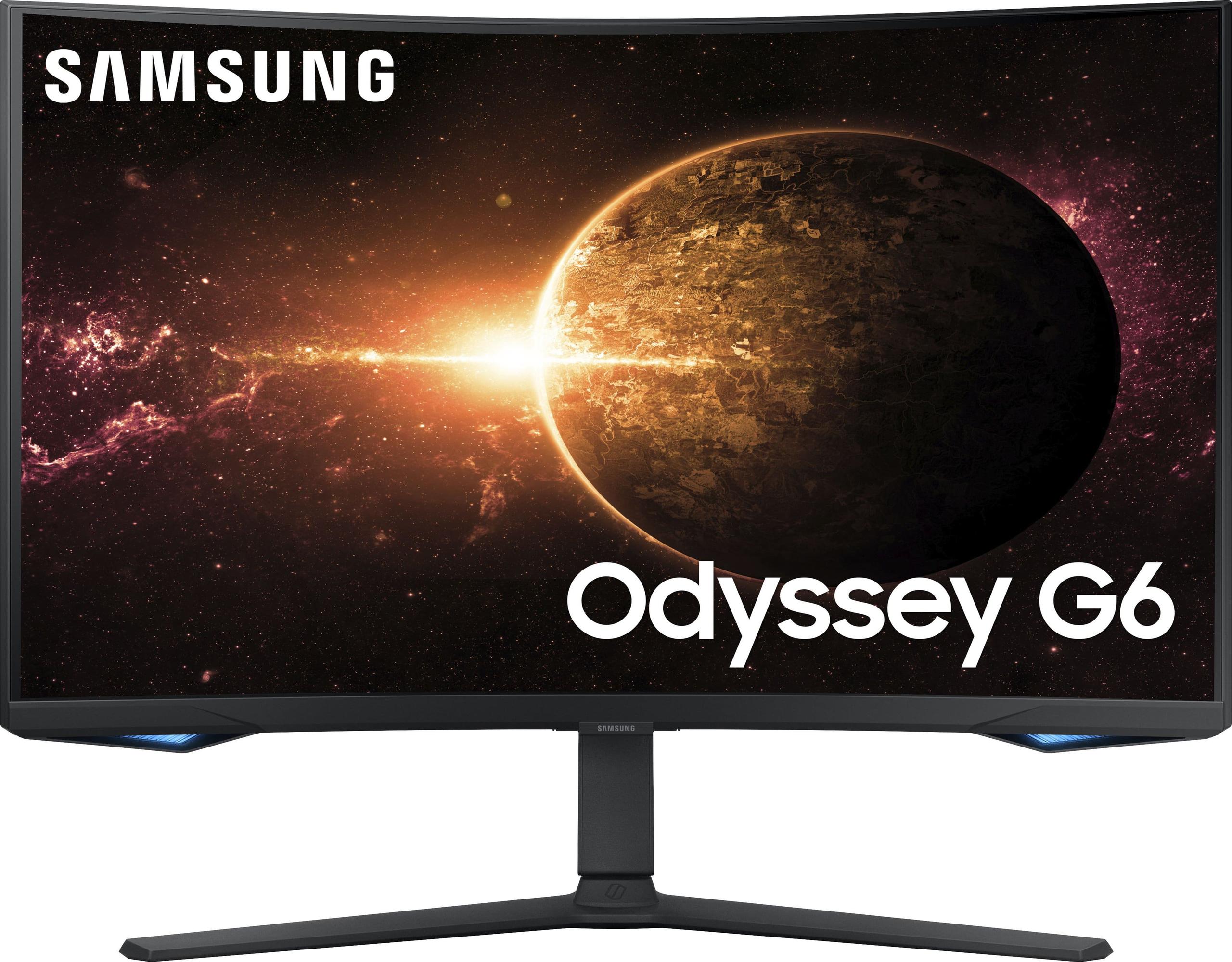
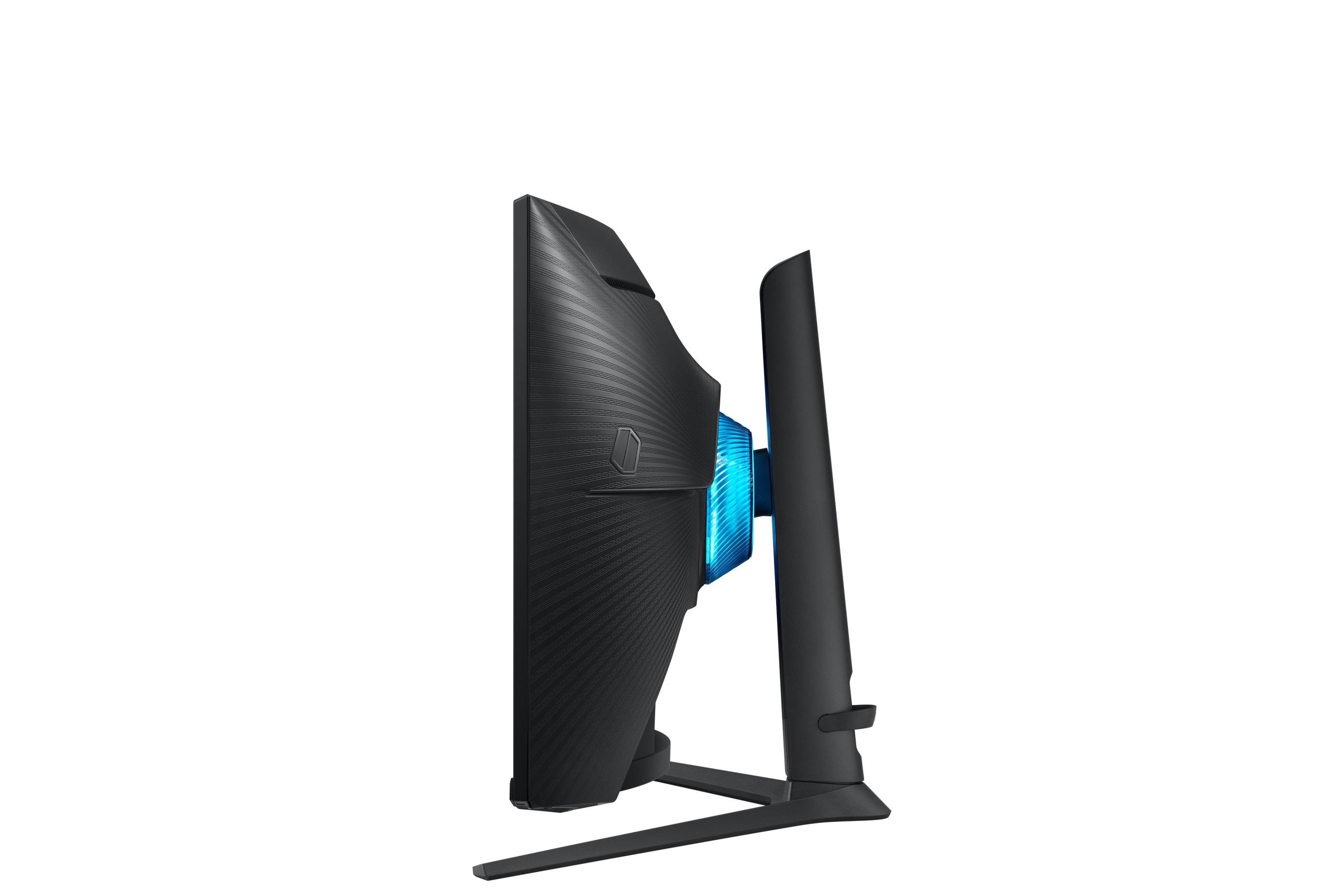
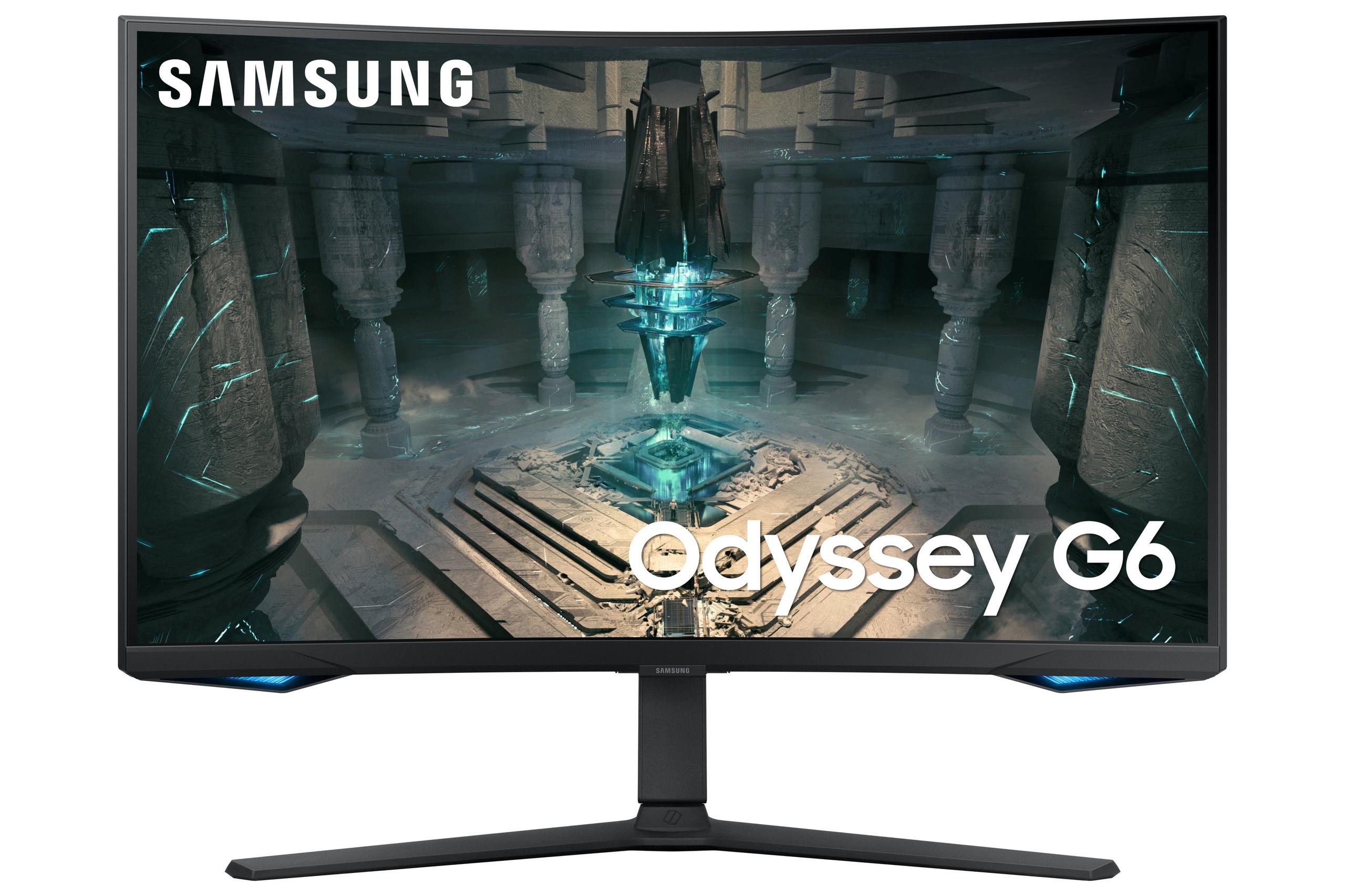
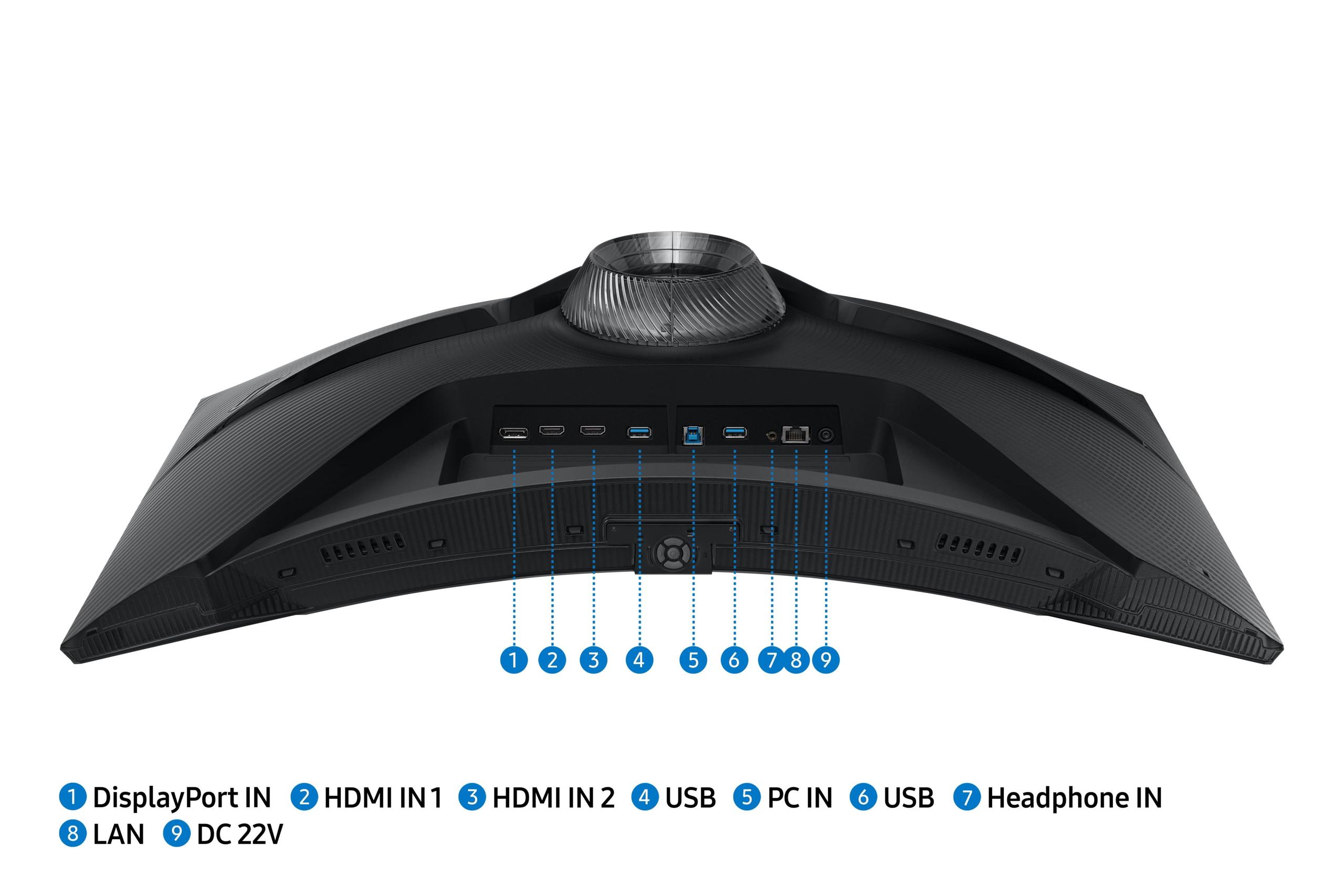
The 27-inch, 1440p gaming monitor market has exploded over the past few years, giving gamers more choices than ever before. At the heart of this category sits a fundamental question: how much should you spend to get the gaming performance you need? Today we're comparing two monitors that represent very different approaches to this question – the budget-friendly Acer Nitro XV1 and the premium Samsung Odyssey G65B.
Both monitors target the same sweet spot that most PC gamers crave: 27-inch screens with QHD resolution (that's 2560×1440 pixels, offering 78% more pixels than 1080p). However, they take dramatically different paths to reach their performance goals, and understanding these differences will help you make the right choice for your gaming setup.
Before diving into specifics, it's worth understanding what makes a great gaming monitor in 2024. The most important factors are refresh rate (how many times per second the screen updates), response time (how quickly pixels can change color), and input lag (the delay between your mouse click and seeing the result on screen). Modern gaming monitors also need adaptive sync technology – either AMD FreeSync or NVIDIA G-SYNC – which prevents the ugly screen tearing that happens when your graphics card and monitor get out of sync.
Panel technology matters enormously too. IPS panels offer the best color accuracy and viewing angles, making them ideal for content creation alongside gaming. VA panels provide much better contrast ratios, creating deeper blacks and more vibrant colors, but they often have narrower viewing angles. Each technology involves trade-offs that significantly impact your experience.
The Acer Nitro XV1, released in 2023, represents the "maximum value" approach. At the time of writing, it typically costs roughly half what you'd pay for premium competitors, yet delivers surprisingly strong performance. Acer achieved this by focusing on the essentials: a solid IPS panel, 180Hz refresh rate, and reliable build quality without premium frills.
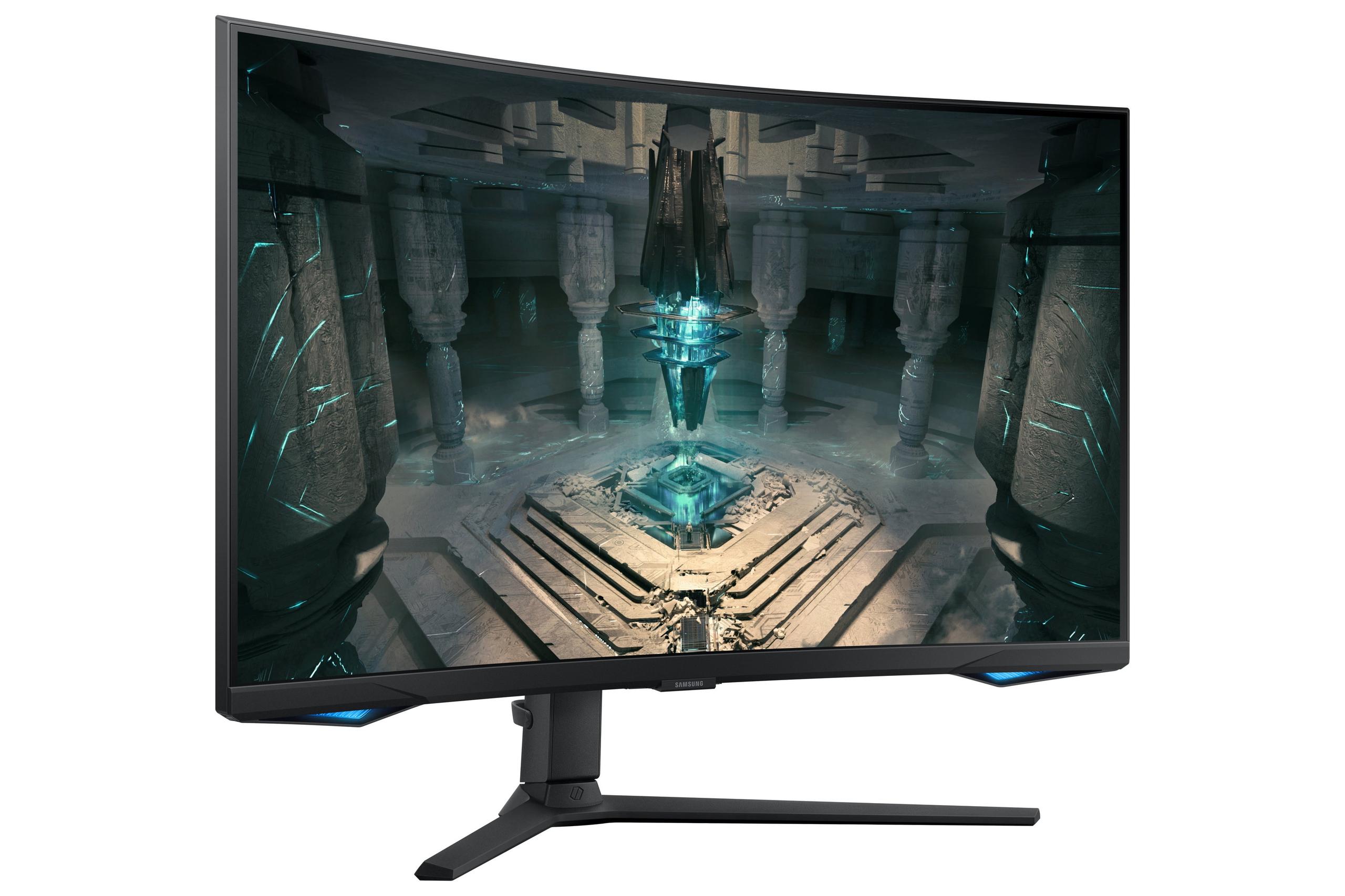
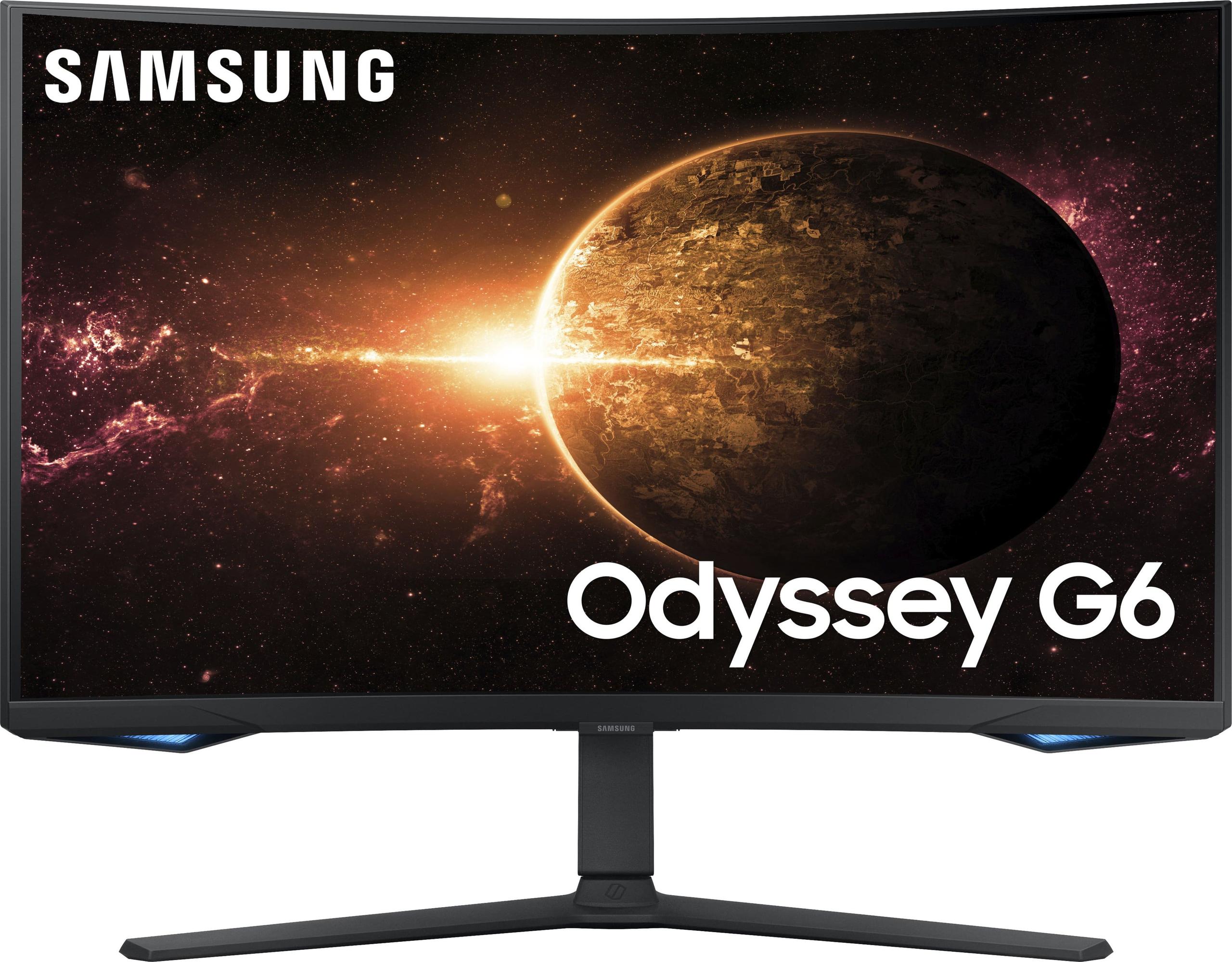
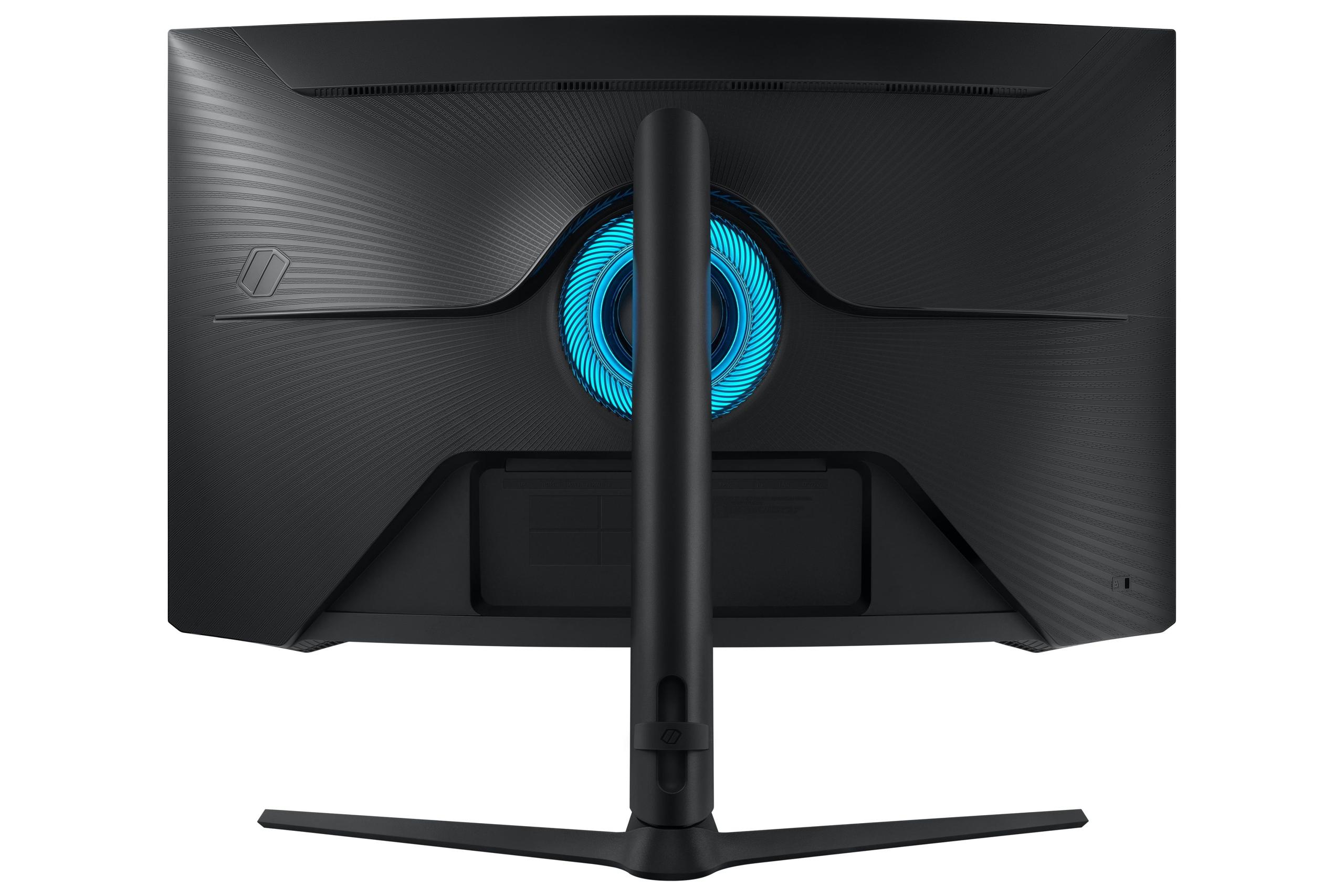
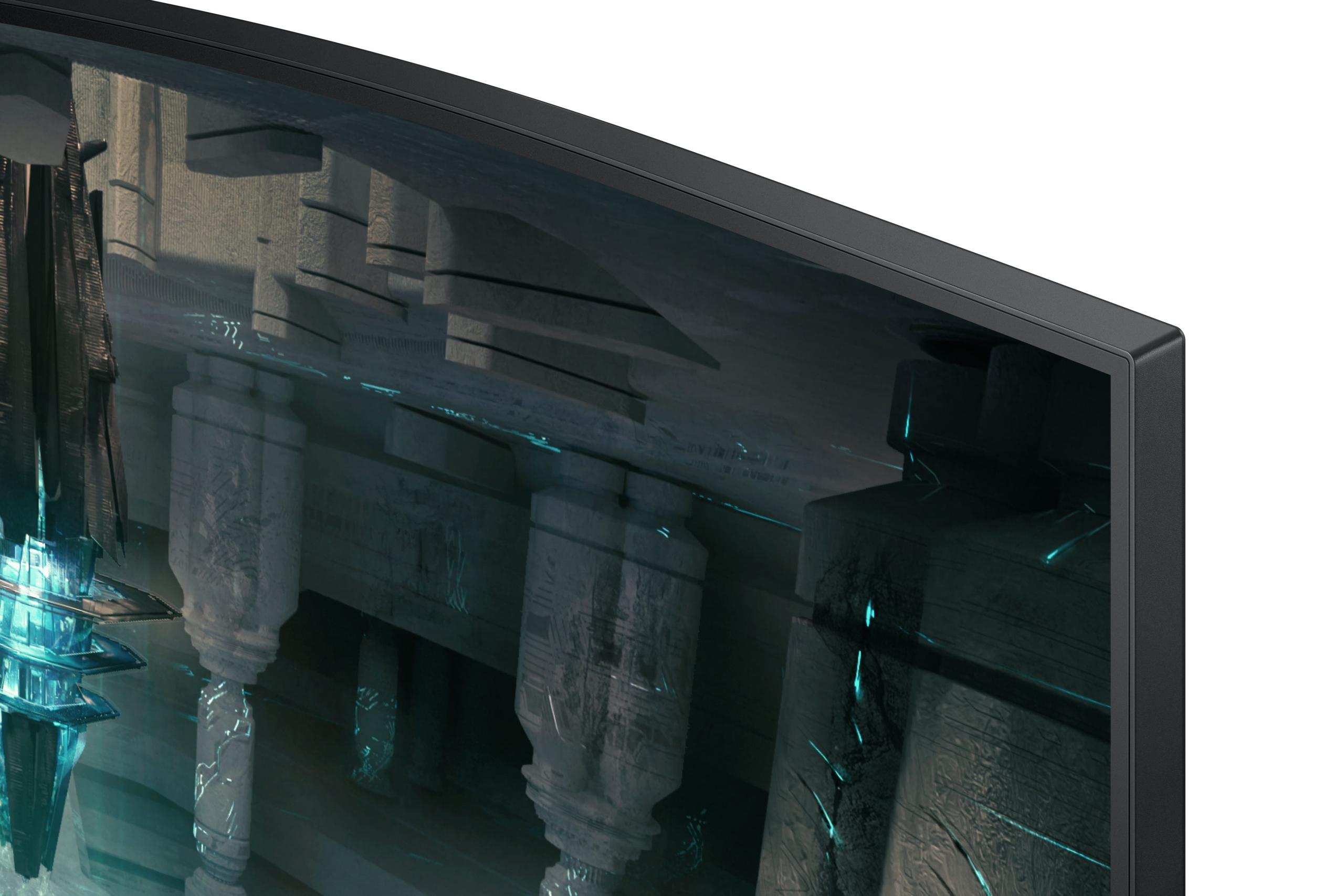
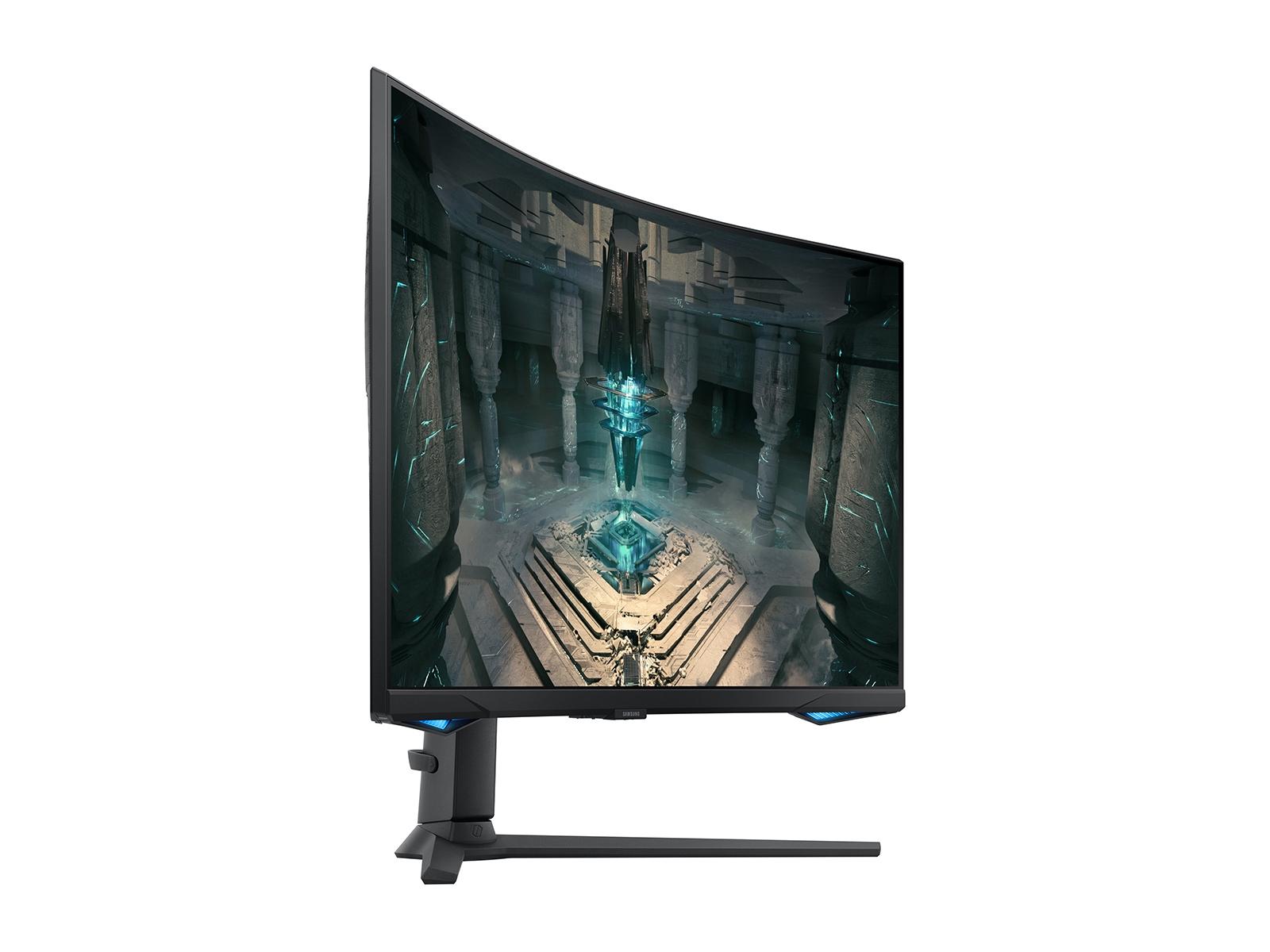
The Samsung Odyssey G65B, also from 2023, takes the opposite approach. Samsung packed in premium features like 240Hz refresh rate, curved VA panel technology, and smart TV functionality. It costs significantly more but offers bleeding-edge performance for competitive gamers and enthusiasts.
Both monitors emerged during a particularly competitive period in gaming monitor development, when manufacturers began pushing refresh rates higher while making advanced features more accessible. The Acer Nitro XV1 benefited from improved IPS panel manufacturing that reduced costs while maintaining quality, while the Samsung Odyssey G65B represents Samsung's push to bring high-end gaming features to the mainstream 27-inch market.
The most significant performance difference between these monitors lies in refresh rate. The Samsung Odyssey G65B runs at 240Hz, meaning it can display up to 240 unique frames per second. The Acer Nitro XV1 tops out at 180Hz via DisplayPort connection (144Hz through HDMI).
This 60Hz difference – roughly 33% more frames per second – sounds substantial, and in competitive gaming scenarios, it genuinely matters. When playing fast-paced esports titles like Counter-Strike 2, Valorant, or Overwatch 2, that extra smoothness can provide a measurable advantage. Professional gamers often report that 240Hz feels noticeably more responsive than 180Hz, particularly when tracking fast-moving targets or making quick directional changes.
However, there's an important caveat: you need a graphics card powerful enough to actually push 240 frames per second to benefit from this higher refresh rate. At 1440p resolution, even high-end graphics cards struggle to maintain 240fps in demanding games. For most titles, you'll see frame rates between 100-180fps, which means the Acer Nitro XV1 can display every frame your system produces.
Based on extensive user feedback and professional reviews, the jump from 60Hz to 180Hz feels revolutionary, while the improvement from 180Hz to 240Hz is more subtle. Most gamers find 180Hz perfectly smooth for both competitive and single-player gaming.
Both monitors claim 1ms grey-to-grey response times, but the reality is more nuanced. The Acer Nitro XV1 can achieve 0.5ms response time when using its Visual Response Boost (VRB) mode, which essentially strobes the backlight to reduce motion blur. However, VRB disables other features like HDR and adaptive sync, making it a specialized tool for competitive gaming only.
The Samsung Odyssey G65B maintains its 1ms response time across different modes, though VA panel technology can sometimes exhibit more ghosting (faint trails behind moving objects) compared to IPS panels. In practice, both monitors deliver excellent motion clarity for gaming, with the edge going slightly to the Acer Nitro XV1 for pure motion performance thanks to its IPS panel characteristics.
Both monitors support AMD FreeSync, but the Samsung Odyssey G65B includes the Premium Pro certification, which guarantees certain performance standards including low framerate compensation (LFC). This means when your frame rate drops below the monitor's minimum adaptive sync range, the technology doubles certain frames to maintain smooth motion.
The Acer Nitro XV1 supports standard FreeSync Premium, which works excellently but lacks some of the advanced features. Both monitors work with NVIDIA graphics cards as well, though compatibility can vary depending on your specific GPU model.
From user reports and technical analysis, both monitors handle variable refresh rates smoothly, with no significant advantage to either approach for most gaming scenarios.
This is where the monitors diverge most dramatically. The Acer Nitro XV1 uses an IPS (In-Plane Switching) panel, while the Samsung Odyssey G65B employs VA (Vertical Alignment) technology with a curved design.
The Samsung Odyssey G65B delivers a 2500:1 contrast ratio compared to the Acer Nitro XV1's 1000:1 ratio. In practical terms, this means darker scenes in games look significantly more dramatic and immersive on the Samsung monitor. Playing atmospheric titles like Cyberpunk 2077 or horror games benefits enormously from the deeper blacks and more vibrant colors that VA panels provide.
However, the Acer Nitro XV1 offers more consistent image quality across the screen. IPS panels don't suffer from the color shifting that can affect VA panels when viewed from different angles, making them better for setups where you might not sit directly centered in front of the monitor.
The Acer Nitro XV1 covers 95% of the DCI-P3 color space and provides excellent color accuracy out of the box. This makes it surprisingly capable for content creation, photo editing, or any work requiring accurate colors. The superior viewing angles (178 degrees both horizontally and vertically) mean colors remain consistent even when you're not sitting directly in front of the screen.
The Samsung Odyssey G65B offers good color performance as well, but VA panels generally have more limited viewing angles and can exhibit color shifting when viewed from the side. For gaming this rarely matters since you'll typically sit directly in front of the screen, but it's worth considering if you plan to use the monitor for creative work or if multiple people will view it simultaneously.
High Dynamic Range (HDR) support varies significantly between these monitors. The Samsung Odyssey G65B supports DisplayHDR 600 with 350 nits of brightness, providing a more impactful HDR experience than the Acer Nitro XV1's more limited HDR implementation with 250 nits brightness.
While neither monitor delivers the spectacular HDR experience you'd get from premium Mini-LED or OLED displays, the Samsung provides noticeably better highlight detail and dynamic range when playing HDR-enabled games. The brighter panel also performs better in well-lit rooms, though both monitors work fine in typical gaming environments.
The Samsung Odyssey G65B's 1000R curvature represents one of the more aggressive curves available in 27-inch monitors. The "1000R" designation means the curve follows the arc of a circle with a 1000mm radius, roughly matching the natural curve of human vision at typical viewing distances.
This curvature creates an undeniably more immersive gaming experience, particularly for single-player story-driven games, racing titles, and flight simulators. The curve helps wrap peripheral vision and can reduce eye strain during long gaming sessions by ensuring all parts of the screen remain equidistant from your eyes.
However, curved monitors aren't universally better. The Acer Nitro XV1's flat design works better for productivity tasks, multi-monitor setups, or situations where multiple people might view the screen. Flat monitors also tend to have less geometric distortion when displaying text or precise graphics work.
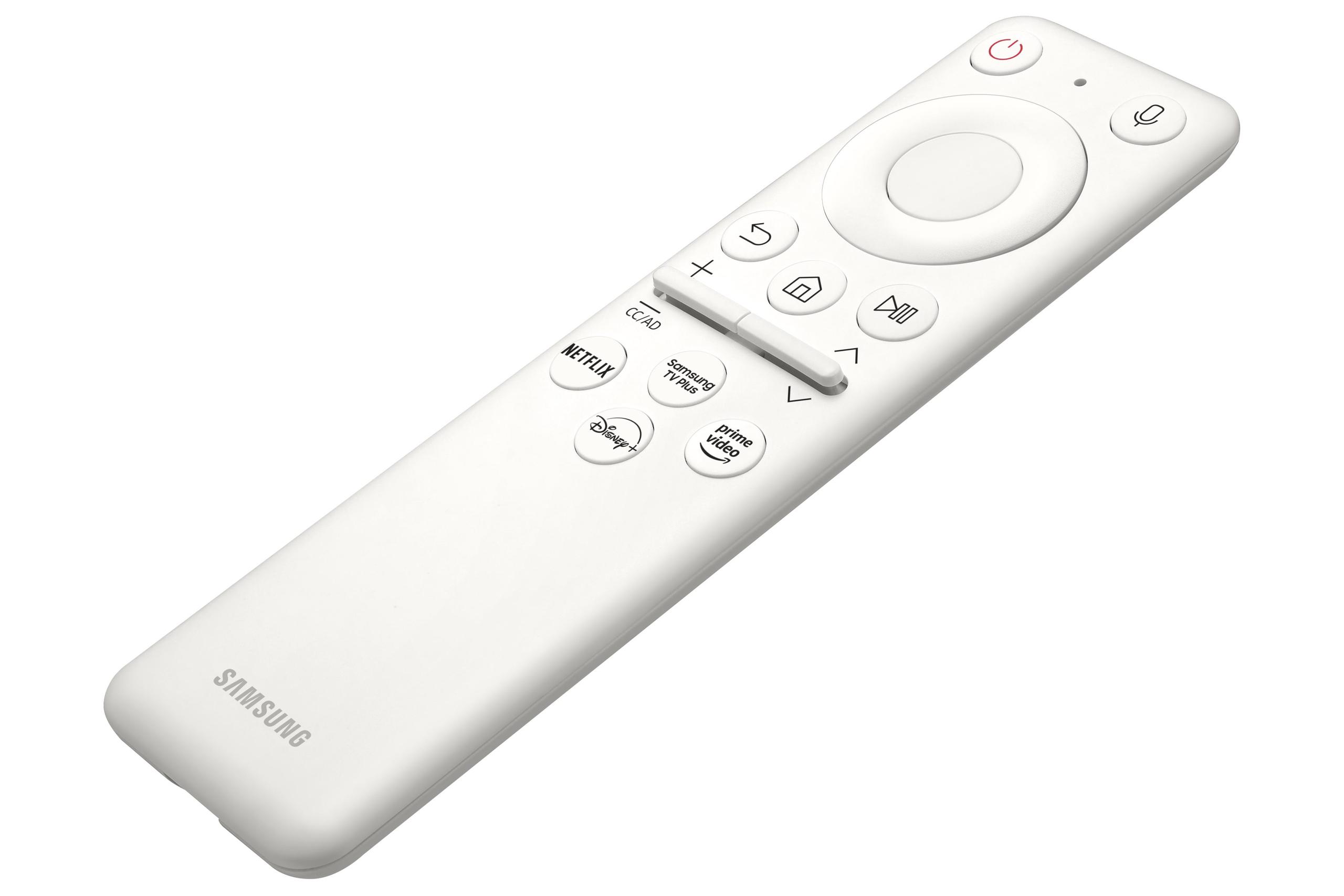
The Samsung Odyssey G65B includes Samsung's Gaming Hub platform, essentially turning the monitor into a smart TV with built-in streaming apps, cloud gaming services, and console connectivity. This allows you to play Xbox Game Pass games directly through the monitor without needing a gaming PC or console – just a controller and internet connection.
These smart features represent genuine added value if you're interested in cloud gaming or want a single device that handles both gaming and entertainment. The built-in speakers are surprisingly decent for a gaming monitor, though serious gamers will still want dedicated audio solutions.
The Acer Nitro XV1 takes a more traditional approach, focusing on being an excellent display without smart features. It includes the essential connectivity options (DisplayPort, HDMI, headphone jack) and comes with both DisplayPort and HDMI cables, which is increasingly rare at this price point.
For living room or bedroom gaming setups, these monitors present different advantages. The Samsung Odyssey G65B's smart features make it much more versatile as an entertainment device, letting you stream Netflix, access gaming services, and handle multiple input sources without additional devices.
The curved design also works well for console gaming from a couch, creating a more cinematic experience. However, the curve can be problematic if multiple people want to watch simultaneously, as the optimal viewing position is quite narrow.
The Acer Nitro XV1 works better for shared viewing thanks to its excellent viewing angles, but lacks the smart features that make modern displays convenient for living room use. It's primarily designed for desktop gaming rather than entertainment center integration.
Based on extensive research into user experiences and professional reviews, clear patterns emerge for optimal use cases.
Choose the Acer Nitro XV1 if you:
The Acer Nitro XV1 represents one of the best value propositions in gaming monitors at the time of writing. It delivers 90% of the gaming performance of monitors costing twice as much, making it an easy recommendation for most gamers.
Choose the Samsung Odyssey G65B if you:
The Samsung Odyssey G65B makes sense for enthusiasts and competitive gamers who can actually utilize its advanced features. The 240Hz refresh rate and superior contrast create a noticeably premium experience, but only if your use case aligns with its strengths.
Both monitors excel in their respective categories, but they target fundamentally different users. The Acer Nitro XV1 proves that you don't need to spend a fortune to get excellent gaming performance, delivering smooth high-refresh gaming with good color accuracy at a very accessible price point.
The Samsung Odyssey G65B justifies its premium pricing through genuinely advanced features and superior performance in key areas. The 240Hz refresh rate, curved immersive design, and smart functionality create a more premium experience that some users will find worth the extra cost.
For most gamers, the Acer Nitro XV1 provides the better value proposition. Its 180Hz refresh rate is plenty fast for virtually all gaming scenarios, and the money saved could go toward graphics card upgrades that would have more impact on gaming performance. However, competitive esports players and enthusiasts seeking maximum immersion will find the Samsung Odyssey G65B's premium features genuinely worthwhile.
The decision ultimately comes down to whether you prioritize maximum value or cutting-edge features. Both approaches have merit, and both monitors represent strong options within their respective price tiers.
| Acer Nitro XV1 27" WQHD 180Hz IPS Gaming Monitor | Samsung Odyssey G65B 27" QHD 240Hz Curved Gaming Monitor |
|---|---|
| Price Tier - Determines overall value proposition | |
| Budget-friendly option (~$200 range) | Premium pricing (~$350-400 range) |
| Refresh Rate - Higher numbers mean smoother competitive gaming | |
| 180Hz (DisplayPort), 144Hz (HDMI) | 240Hz (33% faster, noticeable in esports) |
| Panel Technology - Affects contrast, colors, and viewing angles | |
| IPS (accurate colors, wide viewing angles) | VA Curved (deeper blacks, immersive gaming) |
| Response Time - Lower is better for motion clarity | |
| 1ms G2G (0.5ms with VRB mode) | 1ms G2G (consistent across modes) |
| Contrast Ratio - Higher numbers mean deeper blacks | |
| 1000:1 (typical for IPS, moderate blacks) | 2500:1 (much deeper blacks, more cinematic) |
| Screen Curvature - Affects immersion vs productivity use | |
| Flat (better for work, multi-monitor setups) | 1000R Curved (wraps around field of view) |
| Brightness - Important for HDR and bright room use | |
| 250 nits (adequate for most environments) | 350 nits (better HDR, brighter rooms) |
| Color Coverage - Matters for content creation | |
| 95% DCI-P3 (excellent for mixed gaming/work) | Good color coverage (gaming-optimized) |
| HDR Support - Enhanced contrast and colors | |
| HDR10 (basic implementation) | DisplayHDR 600 (more impactful experience) |
| Viewing Angles - Important for shared viewing | |
| 178°/178° (consistent from all positions) | Limited (curved VA panel, best viewed centered) |
| Adaptive Sync - Prevents screen tearing | |
| AMD FreeSync Premium (G-SYNC compatible) | AMD FreeSync Premium Pro (advanced features) |
| Smart Features - Built-in streaming and apps | |
| None (traditional monitor approach) | Gaming Hub with cloud gaming and streaming |
| Ergonomics - Adjustability for comfort | |
| Full adjustment (height, tilt, swivel, pivot) | Good adjustment (height, tilt, limited swivel) |
| Best Use Case - Who should choose this monitor | |
| Budget gamers, mixed gaming/work, multi-monitor | Competitive esports, immersive single-player gaming |
The Samsung Odyssey G65B has a clear advantage for competitive gaming with its 240Hz refresh rate compared to the Acer Nitro XV1's 180Hz. This 33% higher refresh rate provides smoother motion and can give competitive players a measurable edge in fast-paced esports titles like Counter-Strike, Valorant, and Overwatch. However, the Acer Nitro XV1 still delivers excellent competitive performance at 180Hz for most players.
The Acer Nitro XV1 uses IPS technology, which offers superior color accuracy and wider viewing angles (178°), making it ideal for both gaming and productivity work. The Samsung Odyssey G65B uses VA technology with a curved design, providing much better contrast (2500:1 vs 1000:1) and deeper blacks for more immersive gaming, but with more limited viewing angles.
The Acer Nitro XV1 provides exceptional value, delivering high-quality 180Hz gaming performance at a budget-friendly price point. While the Samsung Odyssey G65B costs significantly more, it justifies the premium with 240Hz refresh rate, superior contrast, and smart features. For most gamers, the Acer Nitro XV1 offers the better price-to-performance ratio.
The Samsung Odyssey G65B's 1000R curvature creates a more immersive gaming experience, especially for single-player story games and racing titles. The curve wraps around your field of view and can reduce eye strain. However, the Acer Nitro XV1's flat design is more versatile for productivity work, multi-monitor setups, and situations where multiple people view the screen.
The Samsung Odyssey G65B offers superior HDR with DisplayHDR 600 certification and 350 nits brightness, providing more impactful highlights and dynamic range. The Acer Nitro XV1 supports HDR10 but with only 250 nits brightness, resulting in a more limited HDR experience. Neither monitor delivers premium HDR like high-end displays, but the Samsung Odyssey G65B is noticeably better.
Yes, both the Acer Nitro XV1 and Samsung Odyssey G65B work with both NVIDIA and AMD graphics cards. The Acer Nitro XV1 supports AMD FreeSync Premium and is G-SYNC compatible, while the Samsung Odyssey G65B features AMD FreeSync Premium Pro with broader compatibility and advanced features.
The Acer Nitro XV1 is significantly better for content creation, offering superior color accuracy with 95% DCI-P3 coverage and excellent viewing angles. Its flat IPS panel provides consistent colors from any angle, making it ideal for photo editing, video work, and general productivity tasks alongside gaming.
The Samsung Odyssey G65B includes Samsung's Gaming Hub with built-in streaming apps, cloud gaming services, and smart TV functionality, essentially turning it into an entertainment center. The Acer Nitro XV1 focuses purely on display performance without smart features, taking a traditional monitor approach with essential connectivity options.
Both monitors claim 1ms response times, but the Acer Nitro XV1 can achieve 0.5ms with its Visual Response Boost mode, though this disables other features. The Acer Nitro XV1's IPS panel generally provides more consistent motion clarity, while the Samsung Odyssey G65B's VA panel can sometimes exhibit slight ghosting despite its higher refresh rate.
Both work well with consoles, though the Samsung Odyssey G65B may be slightly better suited with its curved design creating a more cinematic experience for couch gaming. The Samsung Odyssey G65B also includes smart features that eliminate the need for additional streaming devices. However, consoles are typically limited to 120Hz at 1440p, so neither monitor's full refresh rate potential is utilized.
The Samsung Odyssey G65B handles bright rooms better with its 350 nits brightness compared to the Acer Nitro XV1's 250 nits. Both monitors have anti-glare coatings, but the Samsung Odyssey G65B's higher brightness provides better visibility in well-lit gaming spaces and offices with lots of natural light.
For most first-time gaming monitor buyers, the Acer Nitro XV1 is the better choice, offering excellent 180Hz gaming performance, accurate colors, and versatility for both gaming and work at an accessible price. Choose the Samsung Odyssey G65B only if you specifically need 240Hz for competitive esports, want an immersive curved experience, or value the integrated smart features enough to justify the premium cost.
We've done our best to create useful and informative comparisons to help you decide what product to buy. Our research uses advanced automated methods to create this comparison and perfection is not possible - please contact us for corrections or questions. These are the sites we've researched in the creation of this article: bestbuy.com - tomshardware.com - displayninja.com - youtube.com - youtube.com - youtube.com - store.acer.com - manuals.plus - displayspecifications.com - pangoly.com - pcpartpicker.com - casariolab.art - store.acer.com - versus.com - youtube.com - bestbuy.com - versus.com - uk.shi.com - youtube.com - youtube.com - displayspecifications.com - rtings.com - versus.com - samsung.com - rtings.com - businessdirect.bt.com - productchart.com - samsung.com - displayspecifications.com - gradeatechnology.co.uk - samsung.com - bestbuy.com - samsung.com - samsung.com

Privacy Policy
Terms and Conditions - Affiliate Policy
Home Security
© Copyright 2008-2026.
11816 Inwood Rd #1211, Dallas, TX 75244