
















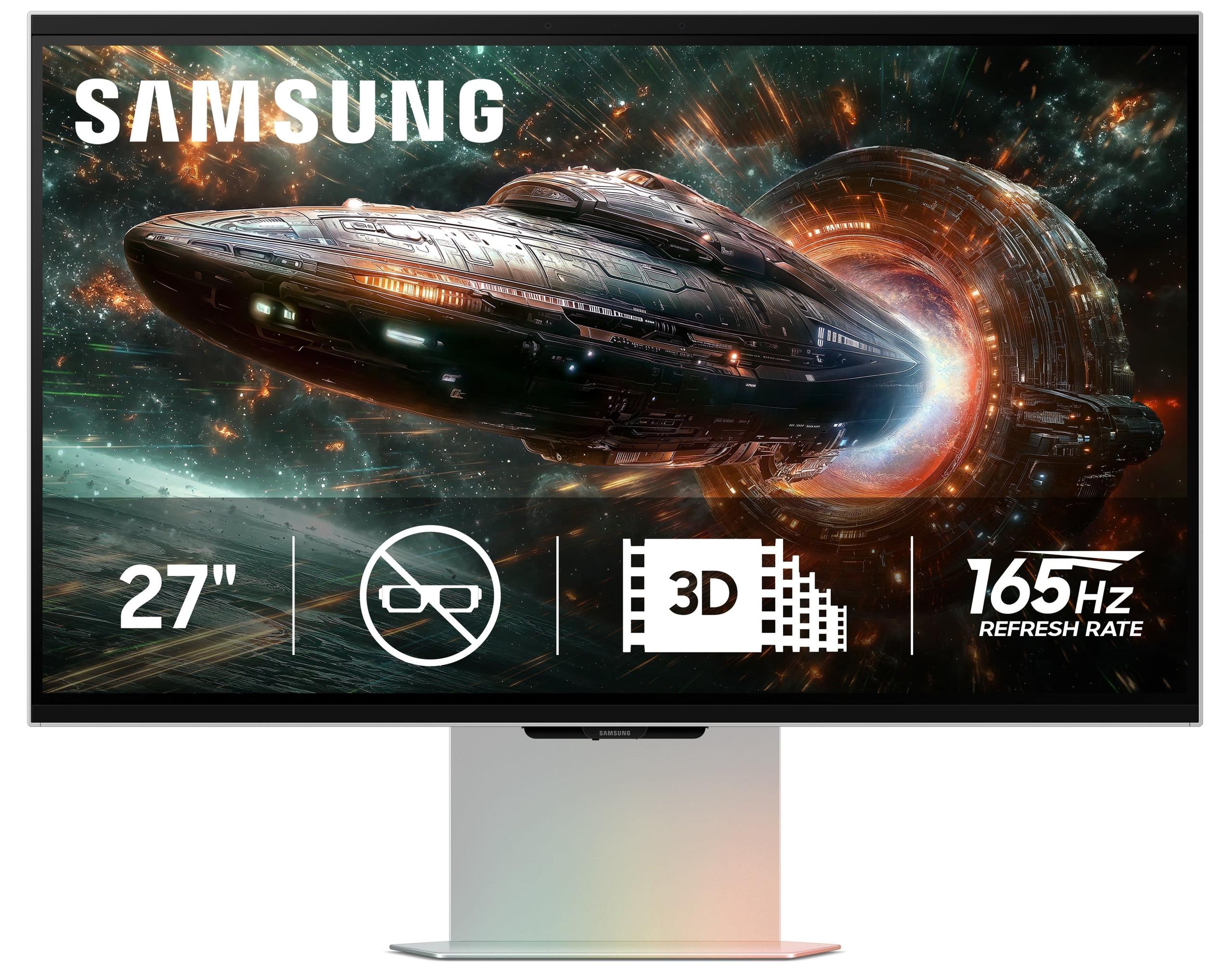
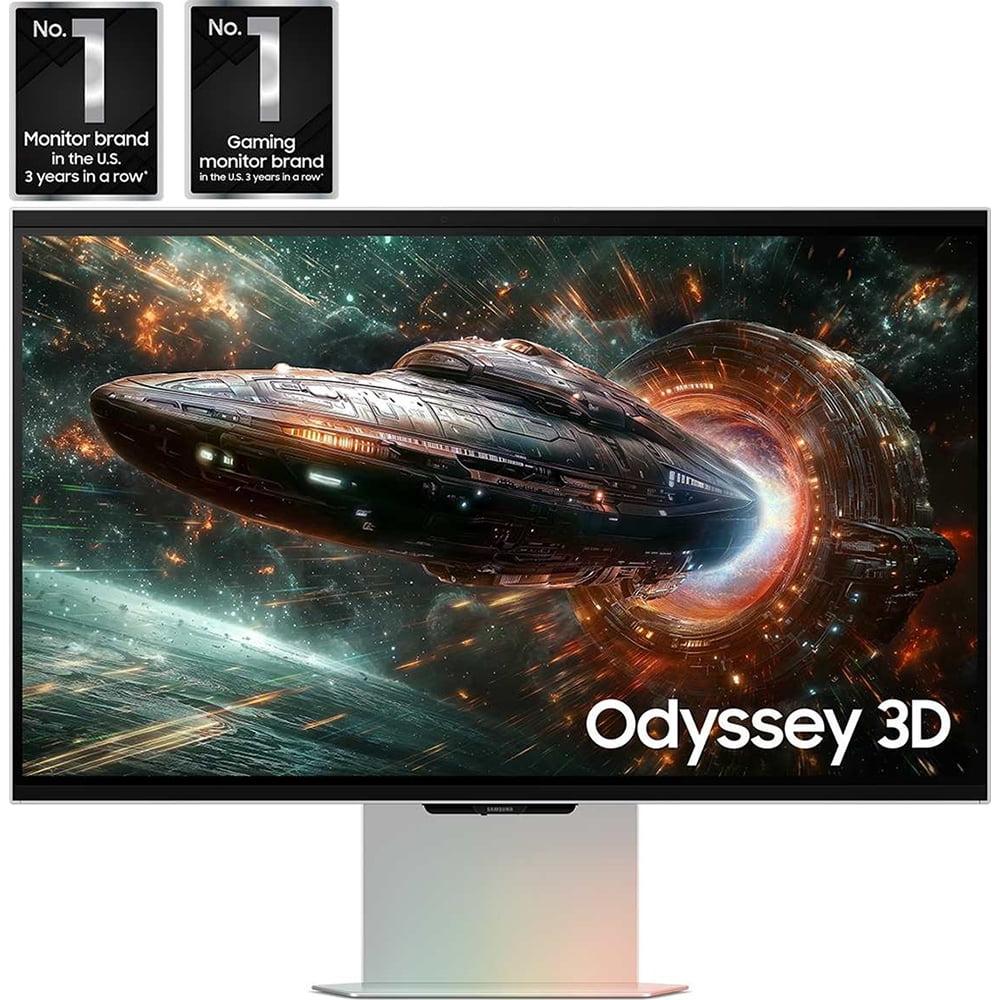
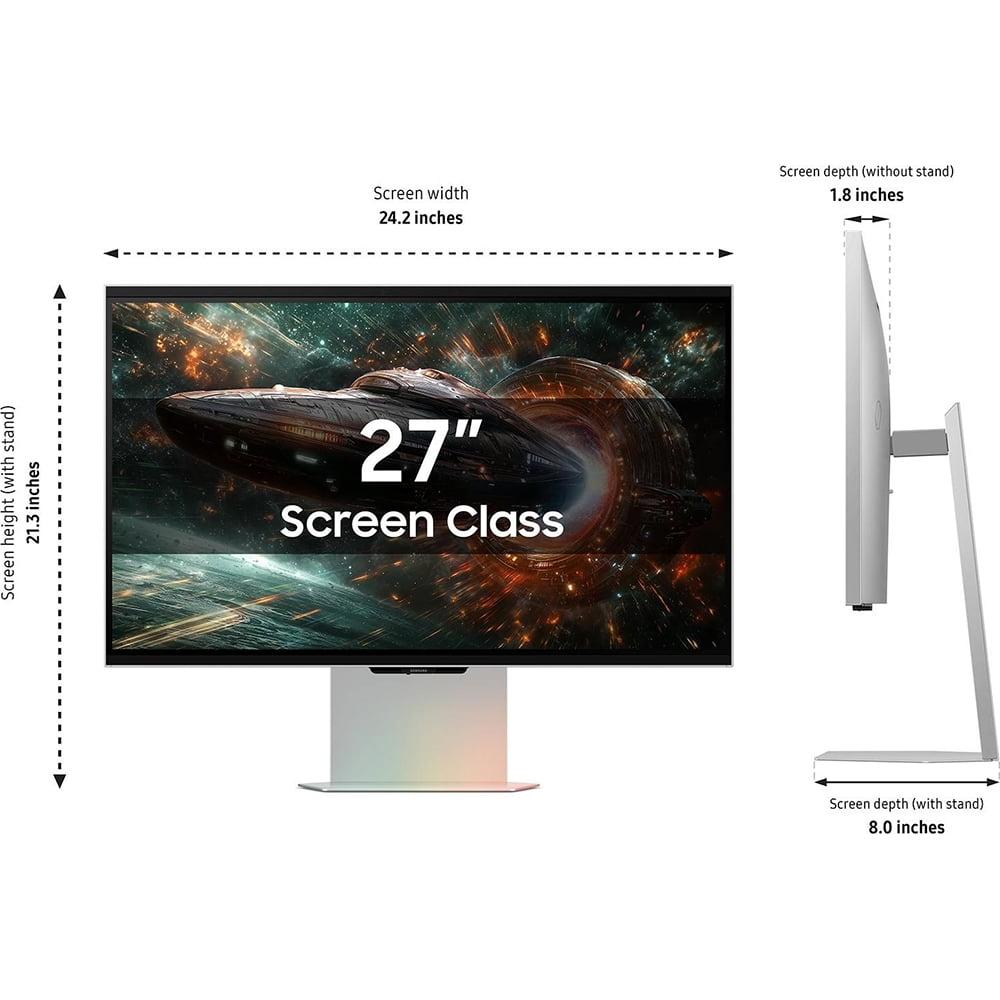
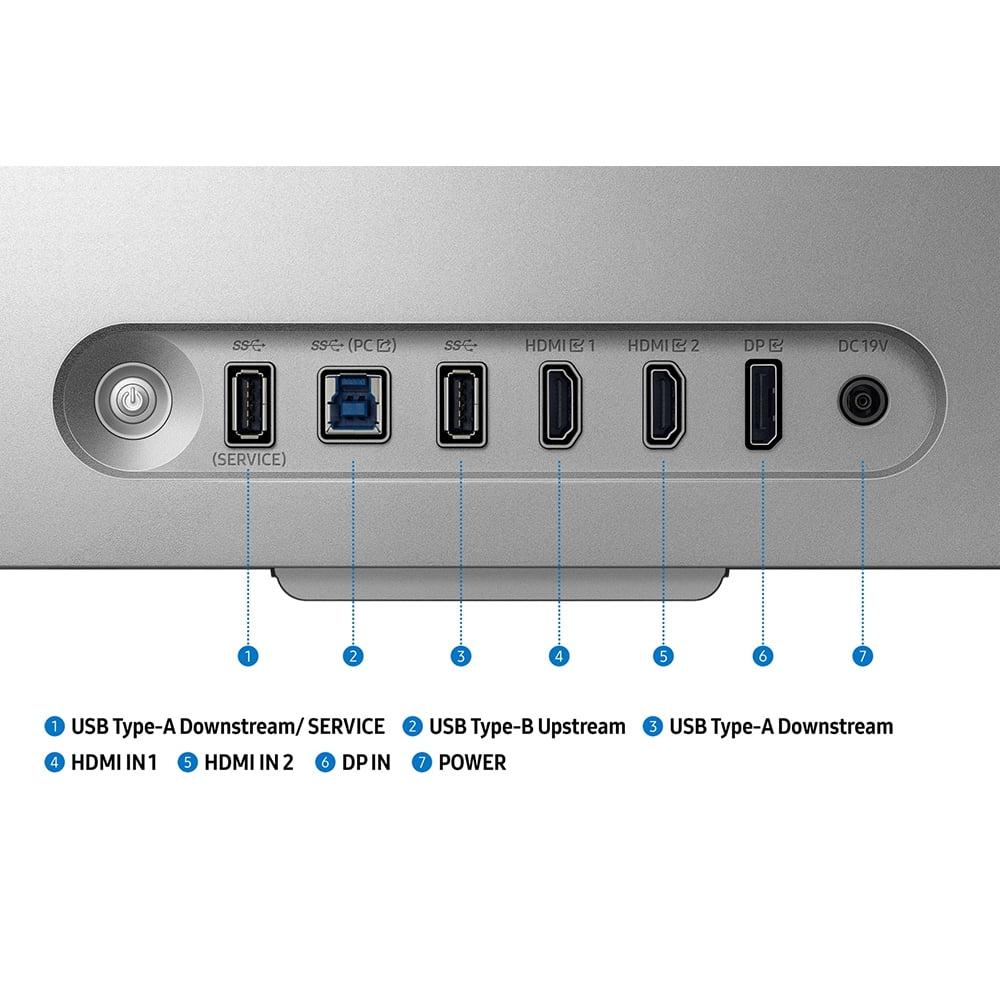


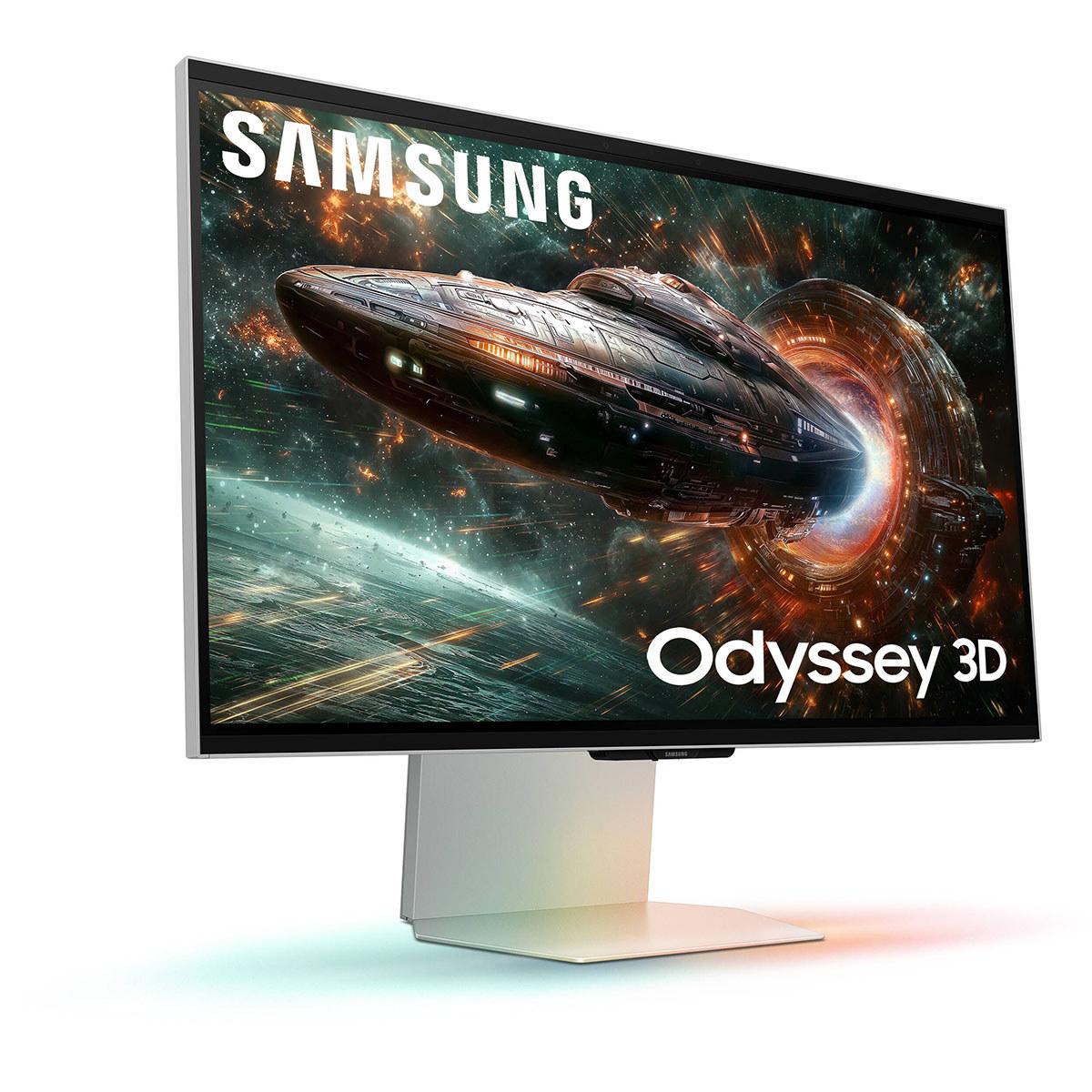
Gaming monitors have evolved dramatically over the past few years, with 2024 bringing us two distinctly different approaches to enhanced gaming experiences. Today we're comparing the Acer Nitro XV1 27" WQHD 180Hz IPS Gaming Monitor—a budget-focused competitive gaming display—against Samsung's revolutionary 27" Odyssey 3D G90XF 4K 165Hz Gaming Monitor, which introduces glasses-free 3D technology to consumer displays.
At the time of writing, these monitors sit at opposite ends of the pricing spectrum, with the Acer positioned as an exceptional value option while the Samsung commands a premium price that's roughly nine times higher. This isn't just a simple comparison of specs—it's about understanding two completely different philosophies in gaming monitor design.
Gaming monitors aren't just regular computer screens with fancy marketing. They're specifically engineered to solve problems that matter most to gamers: eliminating the lag between when you move your mouse and when that movement appears on screen, reducing motion blur that makes tracking fast-moving targets difficult, and preventing screen tearing (those horizontal lines that appear when your graphics card and monitor get out of sync).
The most crucial specifications for gaming are refresh rate (how many times per second the screen updates), response time (how quickly individual pixels can change colors), and input lag (the delay between receiving a signal and displaying it). Resolution obviously matters for visual quality, but it's always a trade-off with performance—higher resolutions require more powerful graphics cards to maintain smooth frame rates.
Panel technology also plays a huge role. IPS (In-Plane Switching) panels, like both monitors use, offer excellent color accuracy and wide viewing angles but typically have weaker contrast than VA (Vertical Alignment) panels. This means blacks look more like dark gray, especially in dim rooms.
The Acer Nitro XV1 represents what happens when a manufacturer focuses entirely on competitive gaming performance while keeping costs reasonable. Released in 2024, this monitor delivers a 180Hz refresh rate at 1440p resolution—that's 180 complete screen updates every second, compared to the 60Hz of typical office monitors.
This higher refresh rate provides a genuine competitive advantage in fast-paced games. When tracking enemies in first-person shooters or following the ball in rocket-powered car soccer, that 180Hz refresh rate means smoother, more predictable motion. The difference between 60Hz and 180Hz is immediately noticeable, like switching from a choppy old film to smooth modern video.
The Acer achieves a 1ms gray-to-gray response time, which measures how quickly a pixel can transition from one shade of gray to another. In practical terms, this eliminates ghosting—those annoying trailing shadows that appear behind fast-moving objects on slower monitors. Combined with AMD FreeSync Premium technology (which works with both AMD and NVIDIA graphics cards), screen tearing becomes a non-issue.
Color performance is surprisingly strong for a budget monitor. The Acer covers 95% of the DCI-P3 color space, which is significantly wider than standard sRGB and means more vibrant, lifelike colors. There's even a dedicated sRGB mode for color-critical work, making this monitor versatile enough for basic photo editing or content creation alongside gaming.
The build quality prioritizes function over flash. The stand offers full ergonomic adjustment—height, tilt, swivel, and even portrait rotation. This flexibility is crucial for long gaming sessions, as proper monitor positioning reduces neck and eye strain. The monitor also includes useful gaming features like customizable crosshair overlays and a refresh rate indicator.
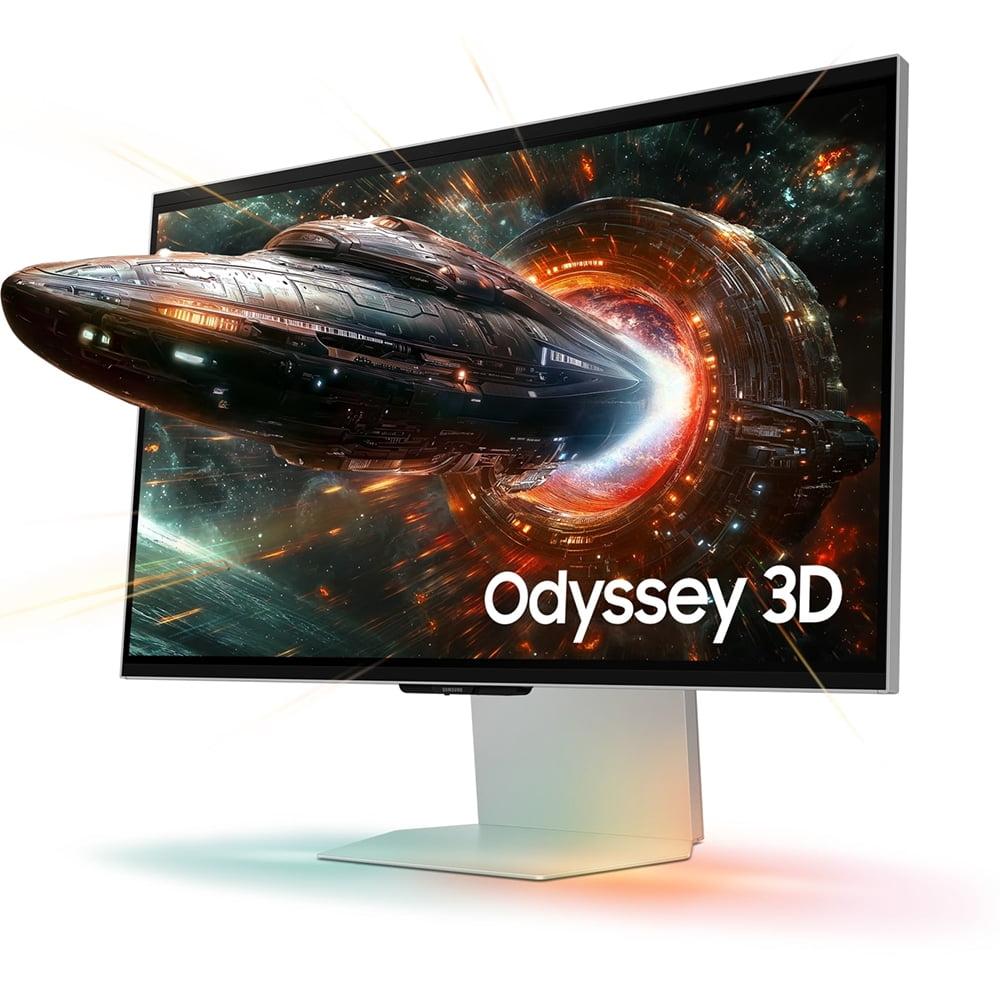
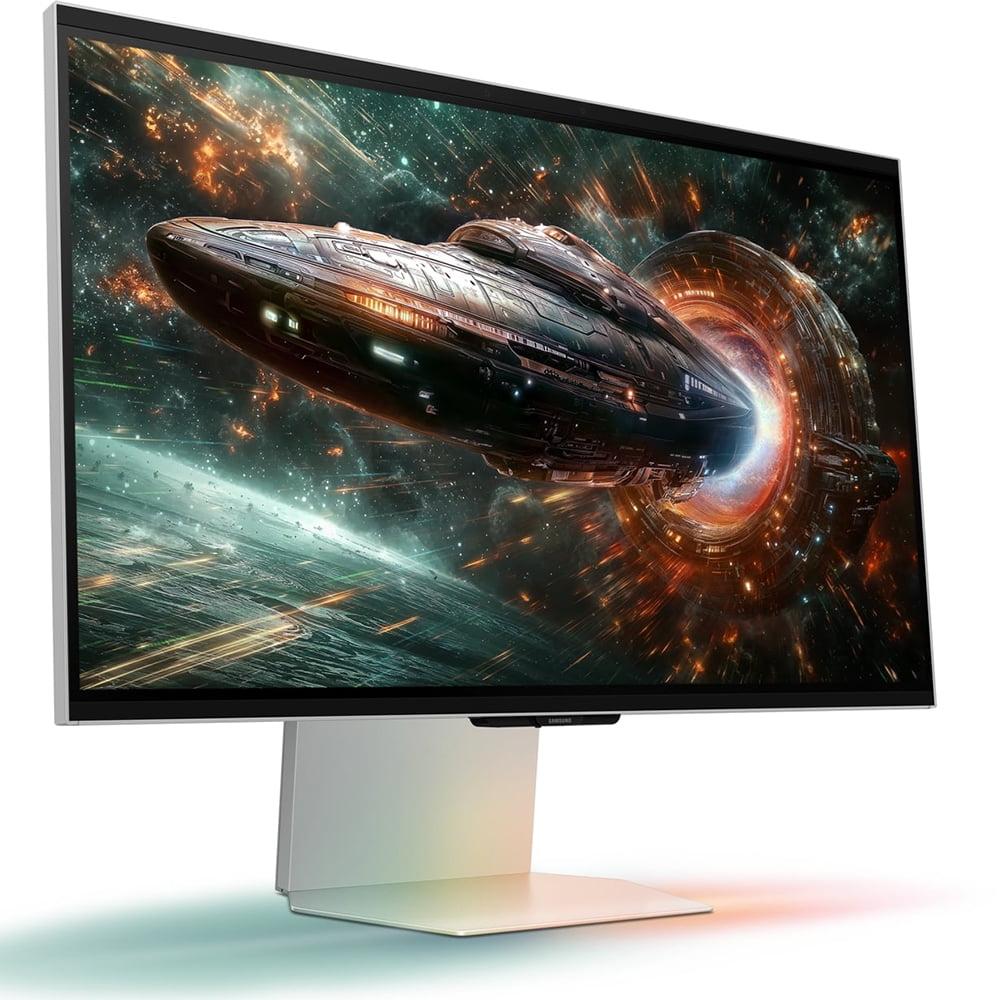
Samsung's Odyssey 3D G90XF, also released in 2024, takes a radically different approach. This is essentially two monitors in one: a capable 4K gaming display and a revolutionary glasses-free 3D system that represents the most advanced consumer implementation of this technology to date.
The 3D system works through a combination of eye-tracking cameras and specialized lenticular lenses (think of those old postcards that showed different images when you tilted them). The monitor tracks your head position in real-time and adjusts the 3D effect accordingly, creating convincing depth without requiring special glasses. When it works well, the effect is genuinely impressive—characters and objects appear to pop out of the screen with natural-looking depth.
But here's the crucial caveat: the 3D feature only works with select games and requires Samsung's Odyssey 3D Hub software. At launch, the supported game library was quite limited, though Samsung has been expanding it. The monitor can also convert 2D content to 3D using AI, but this conversion is inconsistent and often less convincing than native 3D content.
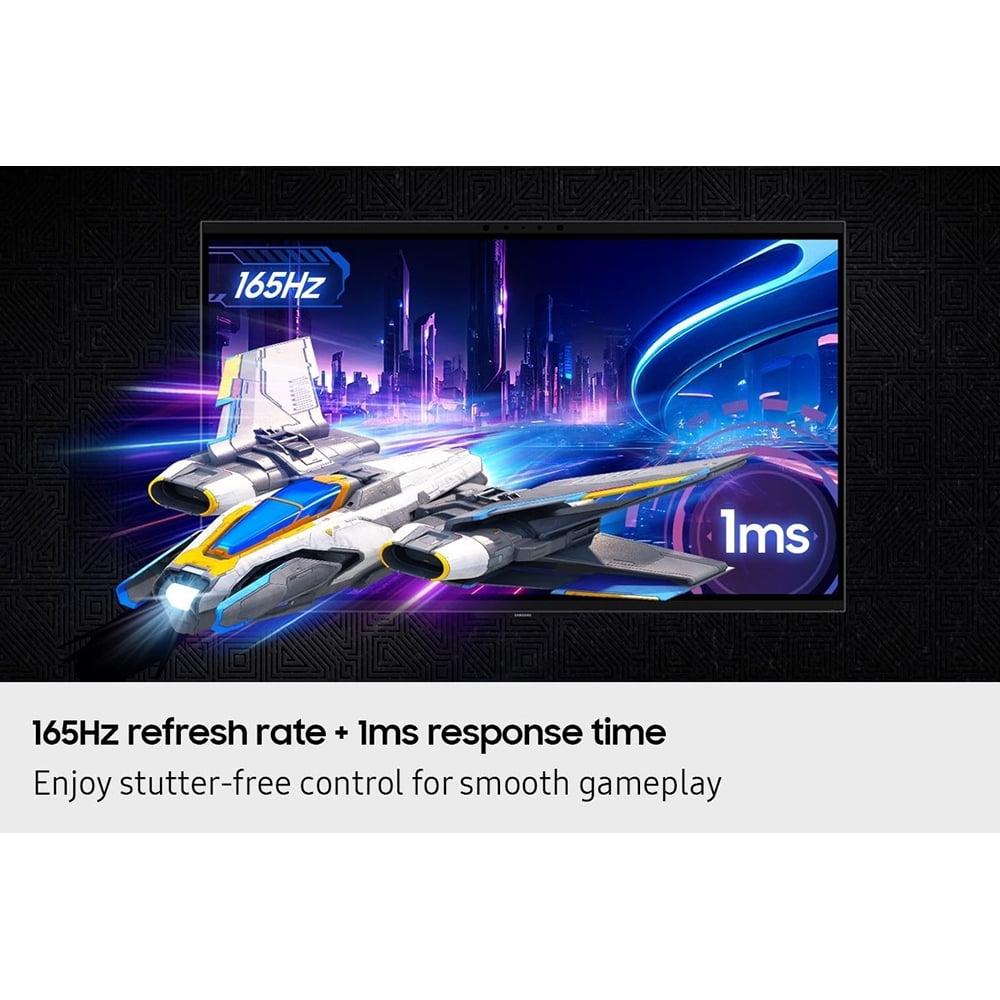
As a traditional 2D gaming monitor, the Samsung offers 4K resolution (3840×2160 pixels) at up to 165Hz refresh rate. This means incredibly sharp detail—text is crisp, game environments are more detailed, and you can see fine textures that get lost at lower resolutions. The trade-off is that 4K gaming demands serious graphics card horsepower. You'll need something like an RTX 4070 Super or better to maintain high frame rates in demanding games.
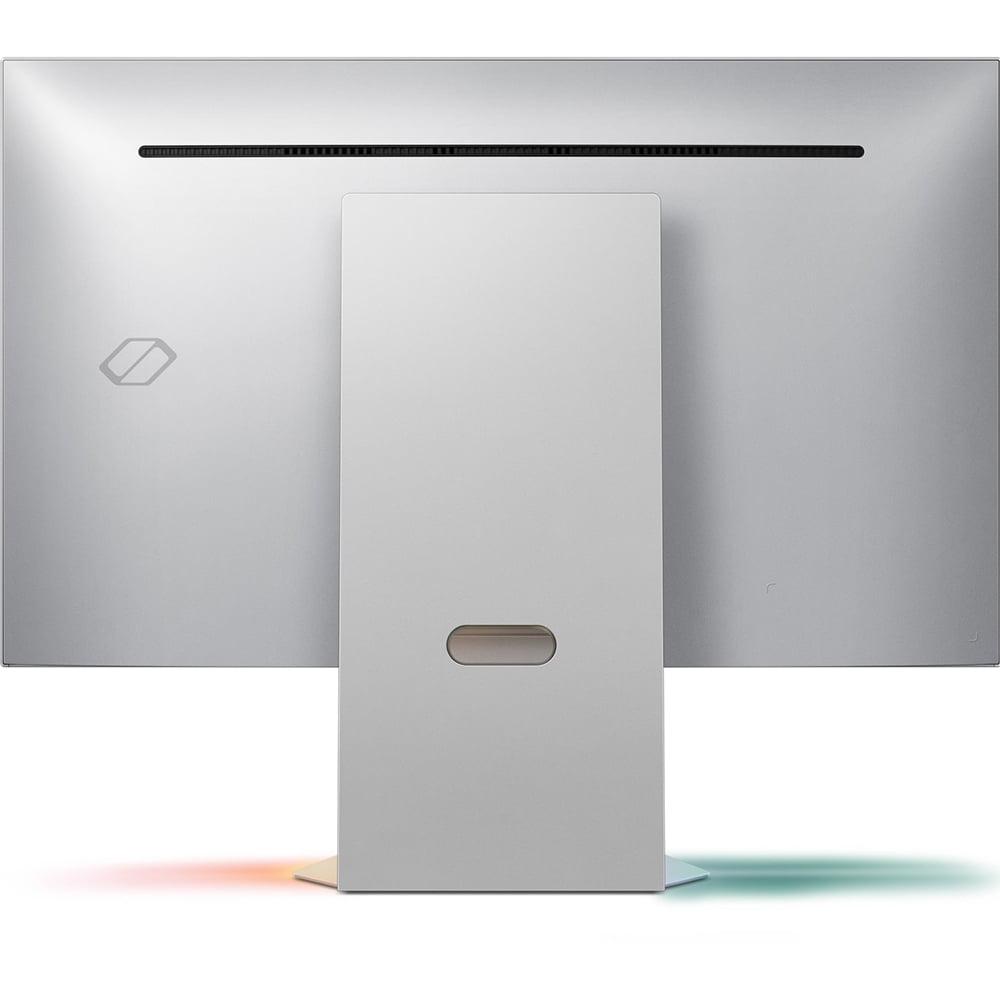
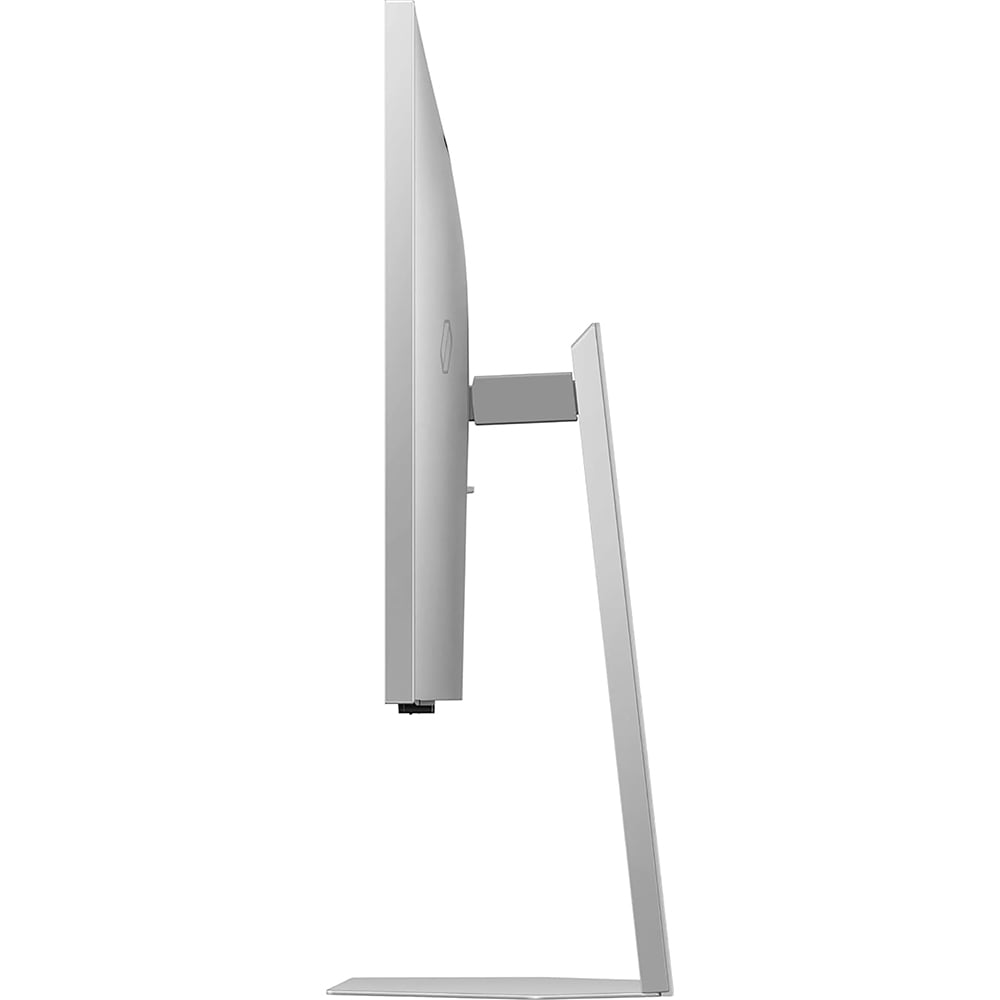
The Samsung also includes premium features like HDR10+ gaming support, integrated spatial audio speakers, and edge lighting that extends colors beyond the screen borders. Build quality feels appropriately premium, with metal components and thoughtful design touches.
For competitive gaming—think Counter-Strike, Valorant, League of Legends, or Overwatch—the Acer Nitro XV1 is the clear winner. That 180Hz refresh rate provides smoother target tracking and more responsive controls than the Samsung's 165Hz. More importantly, the 1440p resolution is much easier for graphics cards to drive, meaning you're more likely to actually achieve those high frame rates consistently.
The Acer's lower input lag also gives it an edge in competitive scenarios. Every millisecond matters when you're trying to land that perfect headshot or execute a frame-perfect combo. Based on our research into user feedback and professional reviews, competitive players consistently report better performance with high-refresh 1440p monitors like the Acer compared to 4K alternatives.
For single-player adventures, RPGs, and visually spectacular games, the Samsung Odyssey 3D G90XF offers a more immersive experience—when everything aligns properly. The 4K resolution reveals incredible detail in games like Cyberpunk 2077 or Red Dead Redemption 2. Distant objects remain sharp, textures show fine detail, and text in game menus is perfectly crisp.
The glasses-free 3D feature, when it works with supported games, provides a genuinely unique experience that no other consumer monitor can match. Games designed for the system create convincing depth that adds to immersion. However, our evaluation of user reviews suggests the novelty can wear off, and many users find themselves primarily using the monitor in 2D mode after the initial excitement fades.
Neither monitor is ideal for dedicated home theater use, but both can handle movie watching reasonably well. The Samsung has advantages here with its 4K resolution matching modern streaming content and slightly better HDR performance thanks to higher brightness (350 nits vs 250 nits).
However, both monitors suffer from typical IPS panel limitations: poor contrast ratios that make blacks look gray rather than deep black. For serious movie watching, you'd want to consider OLED monitors or TVs that can produce true blacks and much better HDR performance.
The pricing gap between these monitors reflects their completely different target markets. At the time of writing, the Acer offers exceptional value for competitive gamers who prioritize performance over premium features. It delivers the essential gaming capabilities—high refresh rate, low latency, good colors—at a price point that makes sense for most gaming setups.
The Samsung commands a significant premium primarily for its unique 3D technology. As a standard 4K gaming monitor, it performs well but doesn't necessarily justify its high price compared to other 4K alternatives. The value proposition depends entirely on how much you value the glasses-free 3D feature and Samsung's broader ecosystem of 3D content.
Both monitors share the fundamental limitations of IPS panel technology—namely, poor contrast ratios that result in grayish blacks rather than true black. This is most noticeable in dark rooms when watching movies or playing games with dark scenes.
The Acer is limited by its 250-nit brightness, which restricts HDR performance and can make the screen appear dim in bright rooms. However, this rarely matters for competitive gaming where consistent brightness is more important than peak brightness.
The Samsung attempts to address contrast with an 8-zone edge-lit local dimming system, but based on professional reviews and user feedback, this implementation is poorly executed. The zones are too large and activate too uniformly, often creating more distracting artifacts than improvement.
Choose the Acer Nitro XV1 if you're primarily focused on competitive gaming performance. The higher refresh rate, lower input lag, and easier-to-drive resolution make it superior for fast-paced gaming. It's also the obvious choice if budget is a primary concern—you get excellent gaming performance without paying for features you might not use.
The Samsung Odyssey 3D G90XF makes sense for users who are genuinely excited about 3D gaming technology and have the budget for premium features. If you primarily play single-player games where visual fidelity matters more than competitive performance, and you're willing to invest in the high-end graphics card needed to drive 4K gaming properly, the Samsung offers a unique experience.
However, I'd recommend seriously considering whether you'll actually use the 3D feature long-term. Based on user reviews and the limited content library, many buyers find themselves using these premium monitors primarily in 2D mode, at which point the value proposition becomes questionable compared to other 4K gaming monitors.
For most gamers, especially those playing a mix of competitive and single-player games, the Acer Nitro XV1 represents better overall value. It excels at what matters most for gaming performance while leaving budget available for other system upgrades like a better graphics card or additional storage.
The monitor market continues evolving rapidly, with OLED panels becoming more affordable and new technologies like micro-LED on the horizon. But for now, these two monitors represent distinctly different approaches: proven high-refresh gaming performance versus cutting-edge 3D innovation. Choose based on your gaming priorities, budget reality, and genuine interest in emerging display technologies.
| Acer Nitro XV1 27" WQHD 180Hz IPS Gaming Monitor | Samsung 27" Odyssey 3D G90XF 4K 165Hz Gaming Monitor |
|---|---|
| Resolution - Higher resolution provides sharper detail but requires more GPU power | |
| 2560 x 1440 (WQHD) - Great balance of sharpness and performance | 3840 x 2160 (4K UHD) - Maximum detail but demands high-end GPU |
| Refresh Rate - Higher Hz delivers smoother motion and competitive advantage | |
| 180Hz - Superior for competitive gaming and fast-paced action | 165Hz - Excellent but slightly lower than the Acer |
| Response Time - Lower values reduce motion blur and ghosting | |
| 1ms (GtG) - Eliminates trailing shadows behind moving objects | 1ms - Equally fast pixel transitions for sharp motion |
| Panel Technology - Determines color accuracy, contrast, and viewing angles | |
| IPS - Wide viewing angles, good colors, typical contrast limitations | IPS - Same strengths and weaknesses as the Acer |
| Brightness - Higher values improve HDR performance and daytime visibility | |
| 250 cd/m² - Adequate for most gaming but limited HDR impact | 350 cd/m² - Better HDR performance and bright room visibility |
| Unique Feature - The standout technology that differentiates each monitor | |
| High refresh rate at budget price - Exceptional competitive gaming value | Glasses-free 3D display - Revolutionary but limited content library |
| Color Gamut - Wider coverage delivers more vibrant and accurate colors | |
| 95% DCI-P3 - Wide color range exceeding standard displays | 99% sRGB - Professional color accuracy for content creation |
| Adaptive Sync - Eliminates screen tearing and stuttering | |
| AMD FreeSync Premium (40-180Hz) - Wide VRR range, NVIDIA compatible | AMD FreeSync Premium - Standard implementation with good performance |
| Ergonomics - Adjustment options affect comfort during long sessions | |
| Full adjustment: height, tilt, swivel, pivot - Maximum positioning flexibility | Height and tilt only, no swivel - Limited but adequate adjustment |
| HDR Support - Enhanced contrast and color for compatible content | |
| HDR10 - Basic HDR with brightness limitations | HDR10+ Gaming - Advanced HDR with better metadata support |
| Target User - Who benefits most from each monitor's strengths | |
| Competitive gamers and budget-conscious buyers seeking performance | Premium users interested in 4K gaming and 3D technology |
| System Requirements - GPU power needed for optimal performance | |
| Mid-range GPU (RTX 3060/4060 class) handles 1440p well | High-end GPU (RTX 4070+ recommended) for 4K gaming |
The Acer Nitro XV1 27" WQHD 180Hz IPS Gaming Monitor is superior for competitive gaming due to its higher 180Hz refresh rate compared to the Samsung 27" Odyssey 3D G90XF 4K 165Hz Gaming Monitor's 165Hz. The Acer also uses a 1440p resolution that's easier for graphics cards to maintain at high frame rates, ensuring you actually achieve those smooth refresh rates during intense gaming sessions.
The primary difference is their focus: the Acer Nitro XV1 prioritizes high refresh rate performance at 1440p resolution for competitive gaming, while the Samsung Odyssey 3D G90XF offers 4K resolution with revolutionary glasses-free 3D technology. The Samsung represents cutting-edge display innovation, whereas the Acer delivers proven high-performance gaming at a budget-friendly price point.
The Acer Nitro XV1 works well with mid-range graphics cards like the RTX 3060 or 4060, making it accessible for most gaming setups. However, the Samsung Odyssey 3D G90XF requires a high-end GPU like an RTX 4070 Super or better to fully utilize its 4K resolution, especially when using the 3D features that demand even more processing power.
The Samsung 27" Odyssey 3D G90XF offers superior picture quality with its 4K resolution providing sharper detail and text clarity. It also has higher brightness at 350 nits compared to the Acer's 250 nits, improving HDR performance. However, the Acer Nitro XV1 delivers excellent color accuracy with 95% DCI-P3 coverage, making it suitable for both gaming and basic content creation.
The Samsung Odyssey 3D G90XF uses eye-tracking cameras and lenticular lens technology to create glasses-free 3D effects that adjust based on your head position. It includes AI-powered 2D-to-3D conversion and the Odyssey 3D Hub software for accessing compatible content. However, the 3D feature only works with select games and requires specific system requirements to function properly.
The Acer Nitro XV1 27" WQHD 180Hz IPS Gaming Monitor offers exceptional value, delivering high-end gaming performance at a budget-friendly price point. The Samsung 27" Odyssey 3D G90XF commands a significant premium primarily for its unique 3D technology, making it worthwhile only if you're genuinely interested in glasses-free 3D gaming experiences.
Both monitors work with gaming consoles, but with limitations. The Acer Nitro XV1 supports up to 120Hz at 1440p with PS5 and Xbox Series X. The Samsung Odyssey 3D G90XF can display 4K content from consoles but the 3D features only work with PC gaming, and consoles are limited to 120Hz maximum refresh rates.
The Acer Nitro XV1 offers superior ergonomics with full adjustment capabilities including height, tilt, swivel, and pivot functions. The Samsung Odyssey 3D G90XF has premium build quality with metal components but lacks swivel adjustment. Both monitors support VESA mounting for alternative stand solutions.
Neither monitor excels at movie watching due to IPS panel limitations that produce grayish blacks rather than true blacks. The Samsung 27" Odyssey 3D G90XF has advantages with 4K resolution matching modern streaming content and higher brightness for better HDR. The Acer is adequate for casual movie watching but prioritizes gaming performance over cinematic experience.
Both the Acer Nitro XV1 and Samsung Odyssey 3D G90XF feature identical 1ms gray-to-gray response times, ensuring minimal motion blur and ghosting during fast-paced gaming. This makes both monitors equally responsive for competitive gaming, with the main performance difference being the Acer's higher refresh rate advantage.
The Samsung 27" Odyssey 3D G90XF 4K 165Hz Gaming Monitor is better suited for content creation due to its 4K resolution providing more screen real estate and sharper detail for editing work. However, the Acer Nitro XV1 includes a dedicated sRGB color mode for accurate color reproduction, making it capable of handling basic photo editing and content creation tasks.
The Acer Nitro XV1 is limited by its lower 250-nit brightness affecting HDR performance and its 1440p resolution ceiling for 4K content creation. The Samsung Odyssey 3D G90XF suffers from a limited 3D game library, requires expensive high-end graphics cards, and its premium price may not justify the 3D feature if you primarily game in 2D mode.
We've done our best to create useful and informative comparisons to help you decide what product to buy. Our research uses advanced automated methods to create this comparison and perfection is not possible - please contact us for corrections or questions. These are the sites we've researched in the creation of this article: bestbuy.com - tomshardware.com - displayninja.com - youtube.com - youtube.com - youtube.com - store.acer.com - manuals.plus - displayspecifications.com - pangoly.com - pcpartpicker.com - casariolab.art - store.acer.com - versus.com - youtube.com - hometechnologyreview.com - substack.com - rtings.com - youtube.com - techaeris.com - versus.com - tomsguide.com - avsforum.com - youtube.com - versus.com - bestbuy.com - samsung.com - samsung.com - samsung.com - samsung.com - m.media-amazon.com

Privacy Policy
Terms and Conditions - Affiliate Policy
Home Security
© Copyright 2008-2026.
11816 Inwood Rd #1211, Dallas, TX 75244