







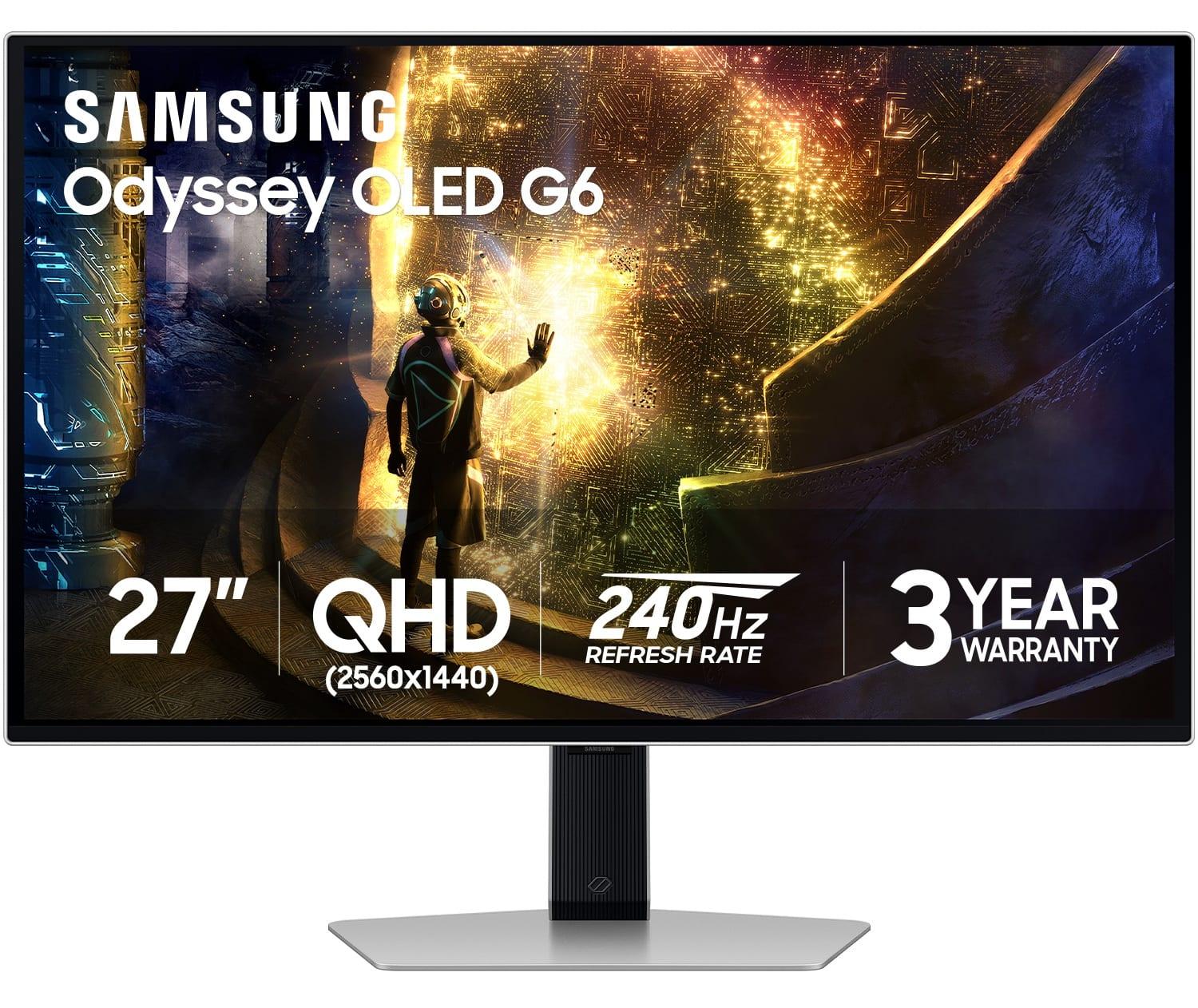
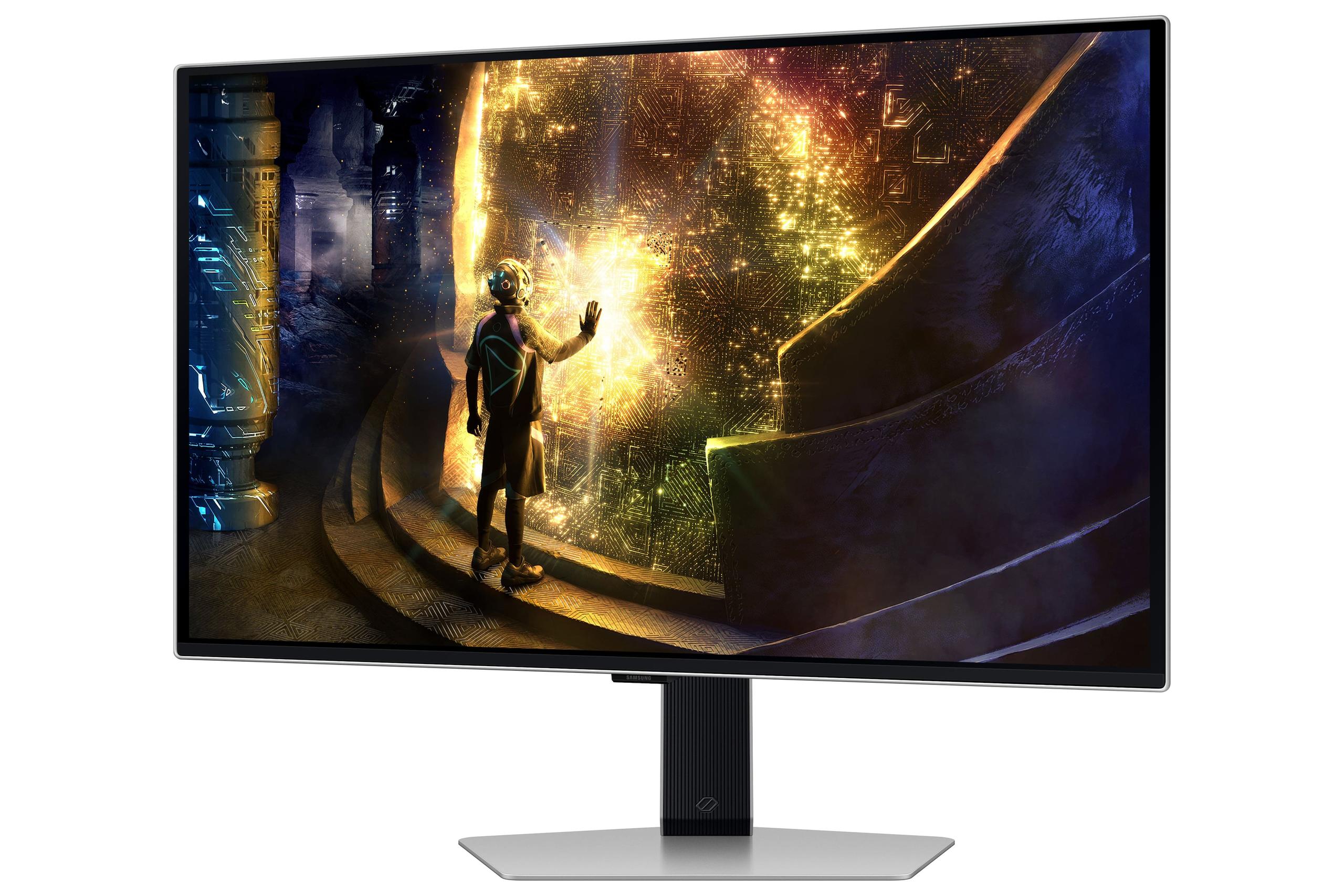

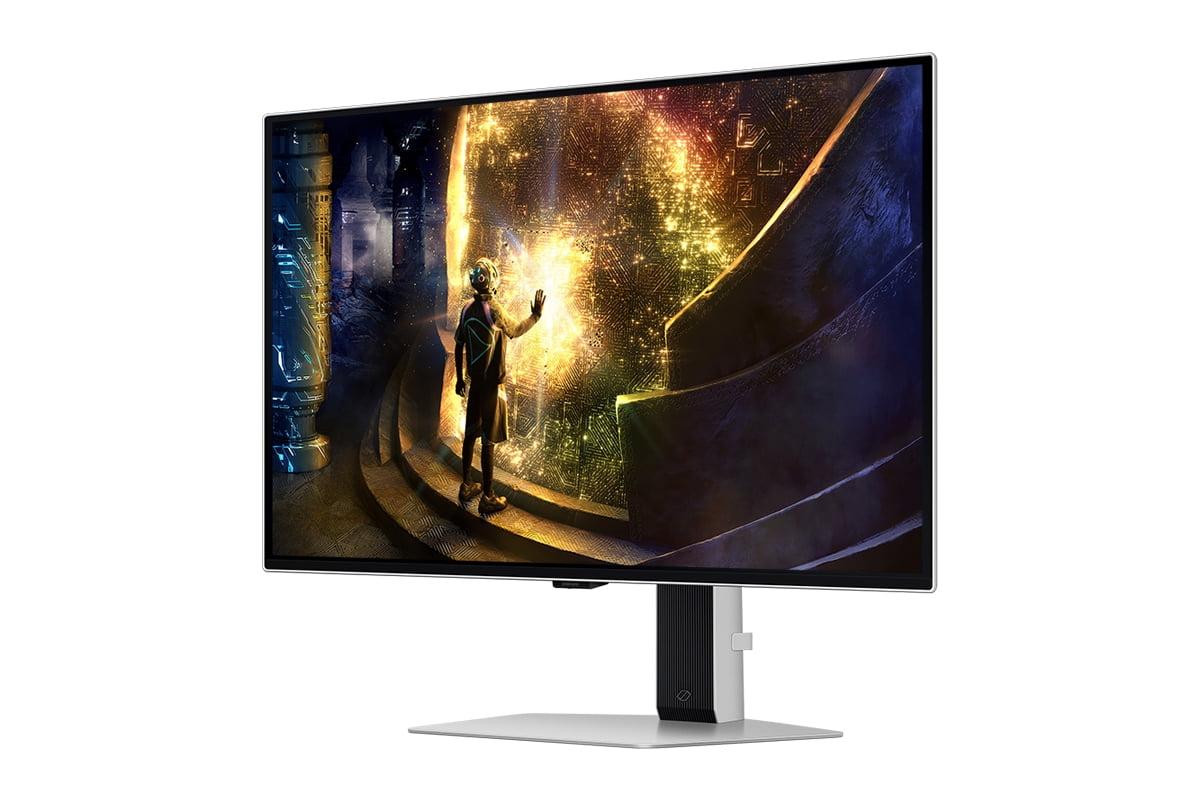
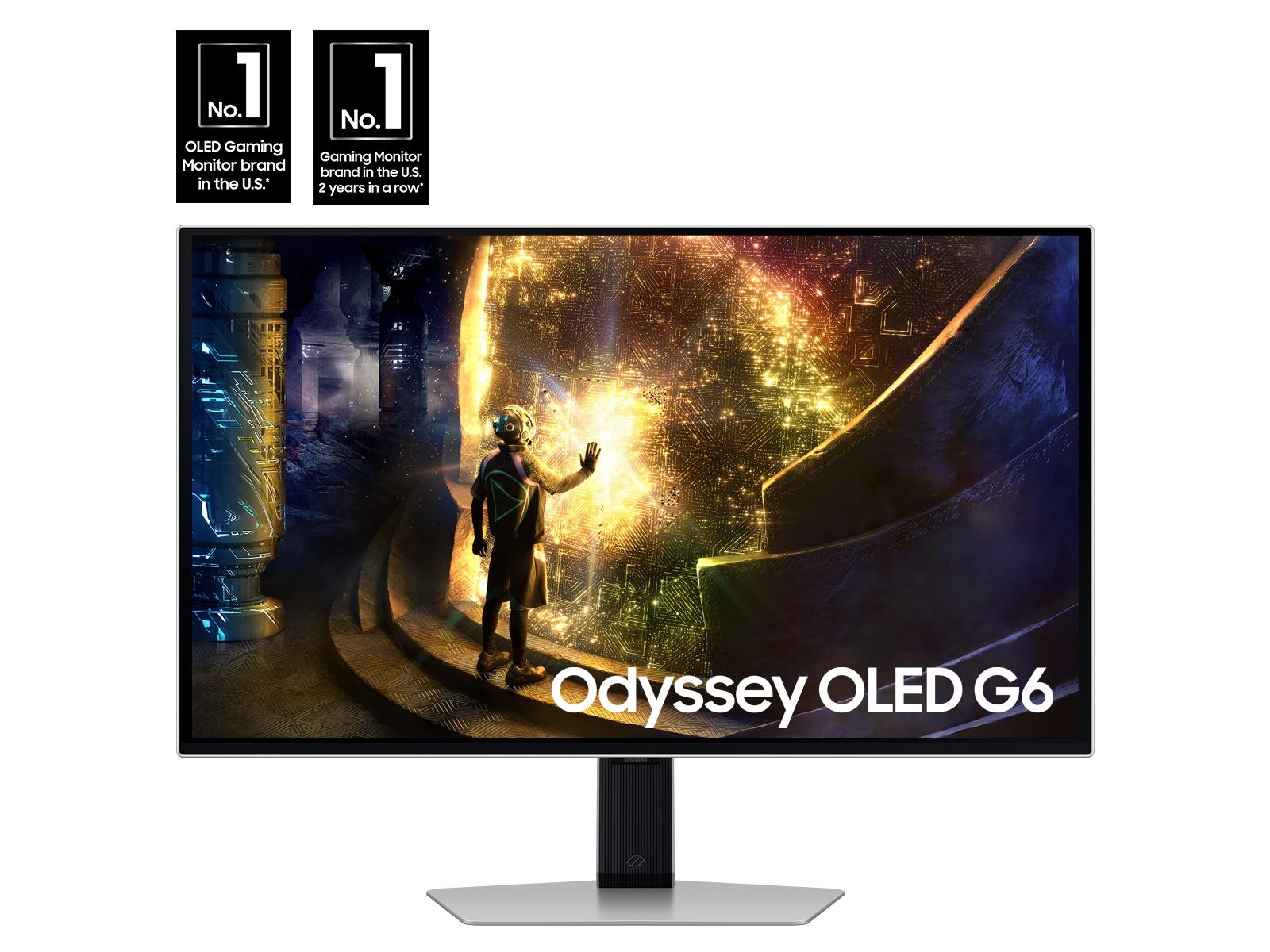
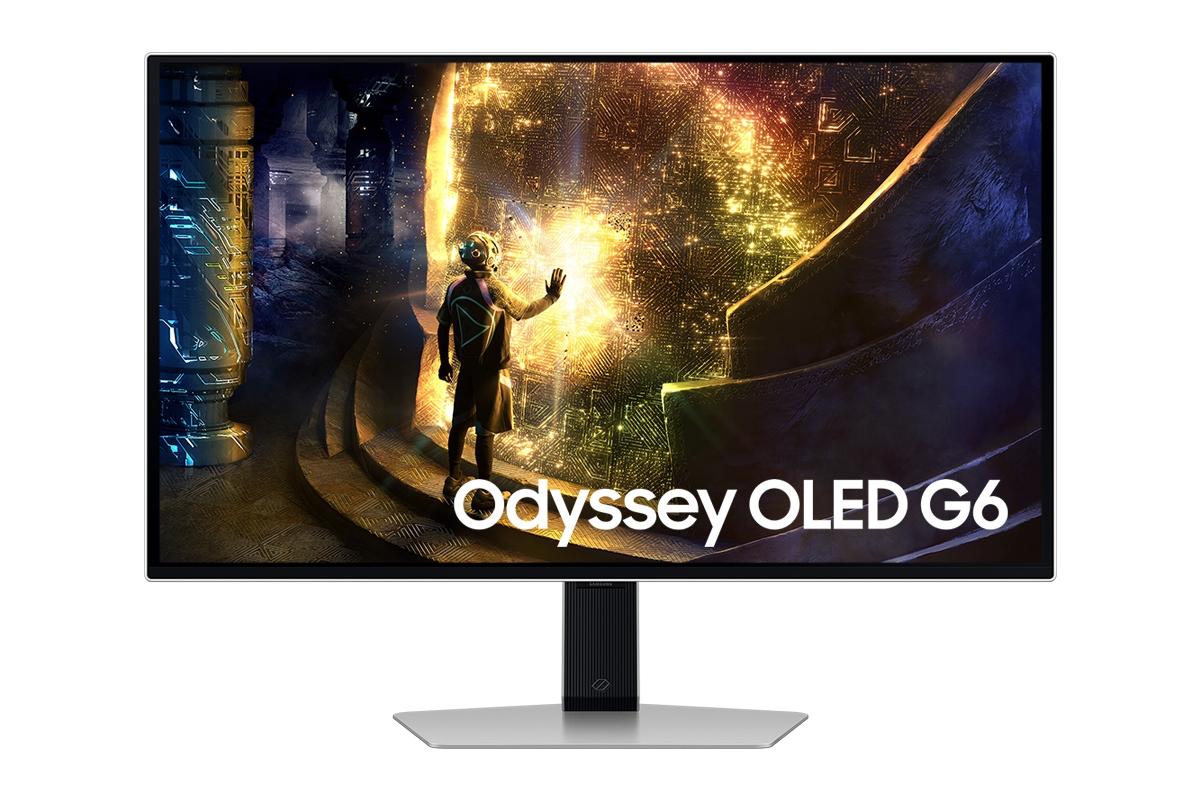
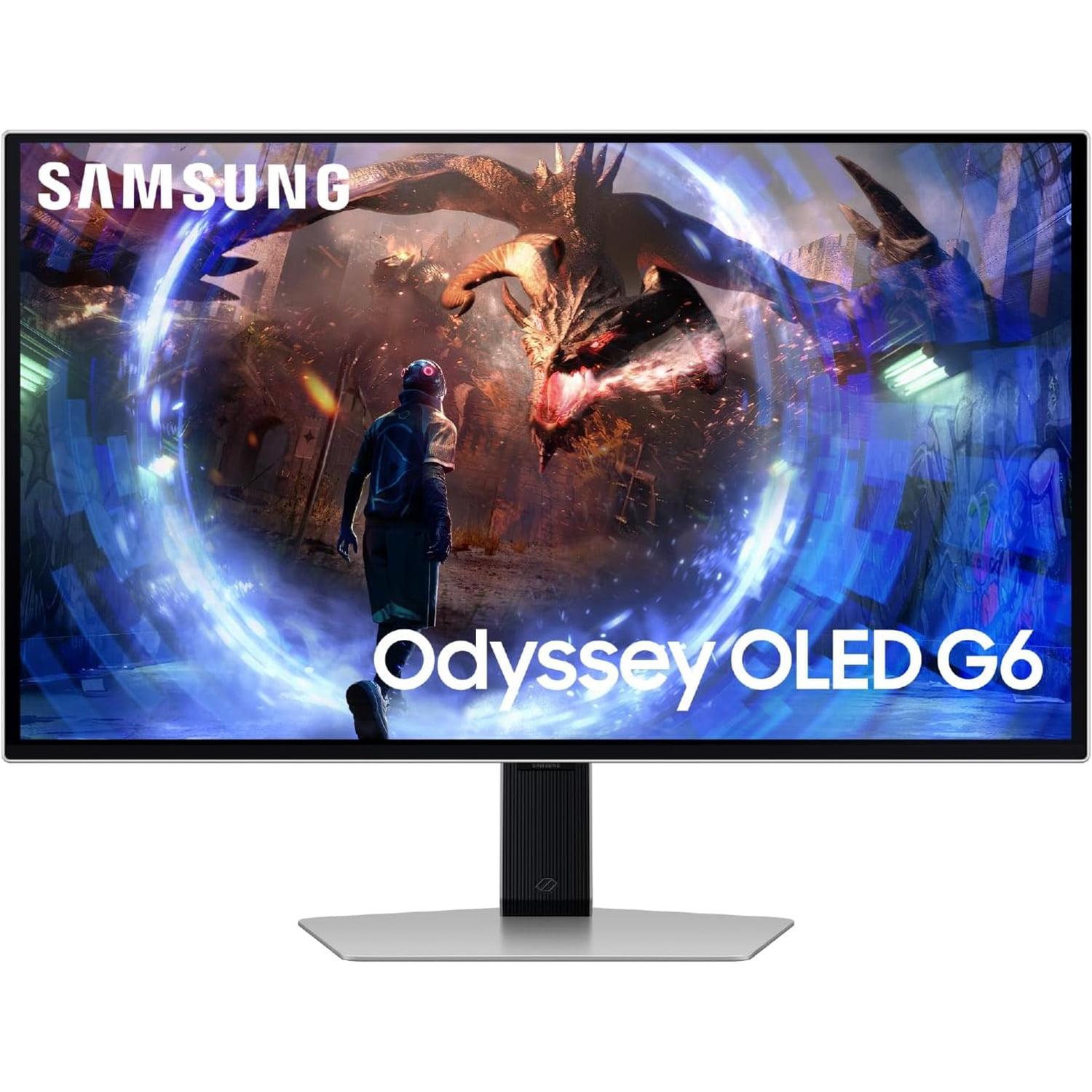
If you've been shopping for a premium gaming monitor lately, you've probably stumbled into the exciting world of OLED displays. These aren't your typical LCD screens – they're the same technology powering the most expensive TVs and smartphones, now finally affordable enough for PC gaming. Two standout options have caught my attention: the Gigabyte AORUS FO27Q2 and the Samsung Odyssey OLED G6. Both represent the cutting edge of 27-inch gaming displays, but they take notably different approaches to achieving excellence.
Before diving into these specific monitors, let's talk about why OLED technology matters for gaming. Traditional LCD monitors use a backlight that shines through liquid crystals to create images. This creates a fundamental problem: those liquid crystals can never completely block the backlight, so "black" pixels still glow slightly, giving you washed-out contrast and grayish blacks.
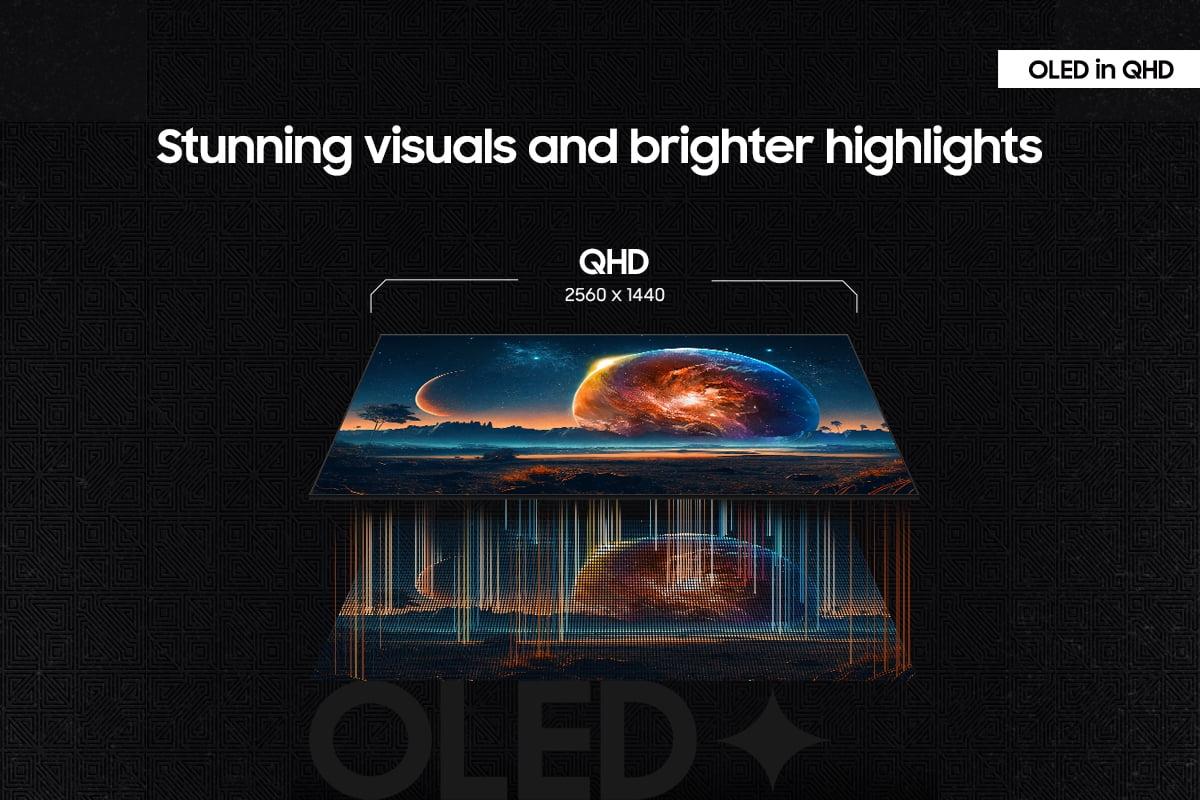
OLED (Organic Light-Emitting Diode) panels solve this by having each pixel generate its own light. When a pixel needs to be black, it simply turns off completely. This creates what we call "infinite contrast" – truly perfect blacks sitting right next to brilliant whites. The result is incredibly punchy, lifelike images that make games pop off the screen in ways you've never experienced.
The specific monitors we're comparing represent the current pinnacle of this technology. The Gigabyte AORUS FO27Q2 uses QD-OLED (Quantum Dot OLED) technology, while the Samsung Odyssey OLED G6 uses a more traditional OLED approach. Both launched in 2024, representing the latest refinements in OLED gaming technology, with improved brightness, better burn-in protection, and faster refresh rates than earlier generations.
The most fundamental difference between these monitors centers on a classic gaming trade-off: maximum refresh rate versus color quality. The Samsung Odyssey OLED G6 pushes refresh rate to an extreme 360Hz, while the Gigabyte AORUS FO27Q2 caps at 240Hz but delivers superior color reproduction through its QD-OLED technology.
Let me explain what these numbers actually mean for your gaming experience. Refresh rate, measured in Hertz (Hz), tells you how many new images your monitor can display each second. A 240Hz monitor refreshes the image 240 times per second, while 360Hz refreshes 360 times. Higher refresh rates create smoother motion and can provide competitive advantages in fast-paced games, but only if your graphics card can actually generate that many frames per second.
The jump from 240Hz to 360Hz represents a 50% increase in potential smoothness. In competitive esports titles like Counter-Strike 2 or Valorant, where professional players often achieve 300+ frames per second with high-end graphics cards, this difference becomes tangible. You'll notice smoother tracking when following enemies across the screen and reduced motion blur during rapid camera movements.
However, the Gigabyte AORUS FO27Q2 counters with quantum dot enhancement, which fundamentally changes how colors are produced. Traditional OLED panels generate color by filtering white light, while QD-OLED uses quantum dots (microscopic semiconductor particles) to create more pure, saturated colors. This results in 1.07 billion displayable colors versus the Samsung's 1 billion – a difference you'll see immediately in vibrant game environments.
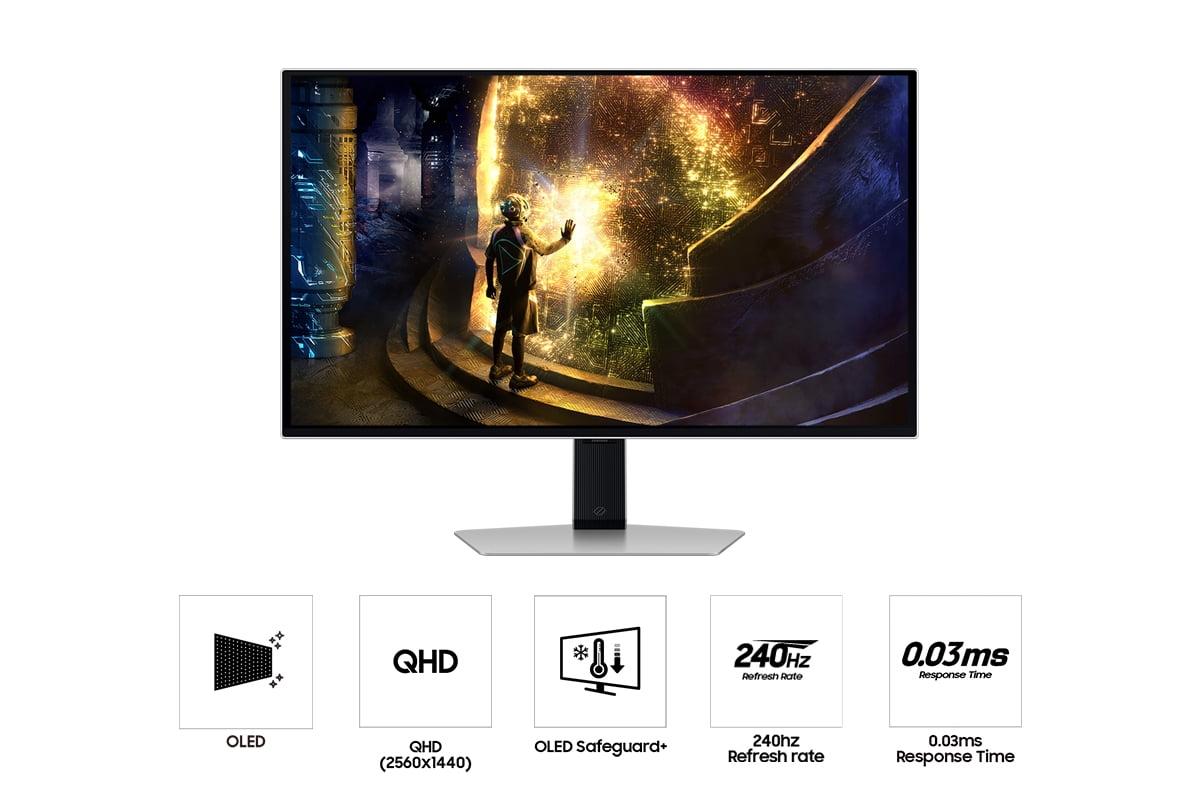
Both monitors achieve identical 0.03ms gray-to-gray (GTG) response times, which measures how quickly pixels can change from one shade of gray to another. This is virtually instantaneous – faster than human perception and eliminating the ghosting or trailing effects that plague slower displays.
But response time only tells part of the story. Input lag – the delay between your mouse click and the corresponding action appearing on screen – matters just as much for competitive gaming. The Gigabyte AORUS FO27Q2 achieves a measured 13ms total input lag, which sets a benchmark for OLED gaming monitors. This ultra-low latency means your actions register on screen almost instantaneously, providing a crucial advantage in reaction-based games.
While both monitors excel at static image quality, motion handling reveals subtle differences. The Samsung Odyssey OLED G6's 360Hz refresh rate creates notably smoother motion when your system can maintain high frame rates. In practice, this means tracking moving targets feels more natural, and rapid camera movements appear less jumpy.
However, the Gigabyte AORUS FO27Q2 compensates with superior overall image quality during motion. Its QD-OLED panel maintains color saturation better during fast scenes, preventing the slight color washing that can occur on some OLED panels during rapid motion.
This is where the Gigabyte AORUS FO27Q2 truly shines. Factory calibration achieves a Delta E of just 1.8, which means colors are nearly perfect out of the box. For context, Delta E measures color accuracy – values under 2 are considered excellent for professional work, while values over 3 become noticeable to trained eyes.
This level of accuracy makes the Gigabyte suitable for photo editing, video production, and graphic design work alongside gaming. The QD-OLED panel covers 99% of the DCI-P3 color space, which is the standard used in digital cinema and high-end content creation. If you're a content creator or someone who appreciates perfect color reproduction, this advantage is significant.
The Samsung Odyssey OLED G6 delivers good color accuracy but prioritizes gaming performance over professional-grade precision. Its colors remain vibrant and punchy – perfect for gaming – but lack the scientific precision that content creators require.
Modern gaming setups increasingly involve multiple devices, and this is where the Gigabyte AORUS FO27Q2 pulls ahead significantly. Its USB-C port with DisplayPort Alt Mode allows single-cable connection to modern laptops, carrying both video signal and providing 18W of power. This seemingly small feature transforms the monitor's versatility for users who game on desktop but work on laptops.
The integrated KVM (Keyboard, Video, Mouse) switch lets you control multiple connected devices with one keyboard and mouse setup. Switch between your gaming PC and work laptop without constantly unplugging peripherals – a genuinely useful feature for modern hybrid setups.
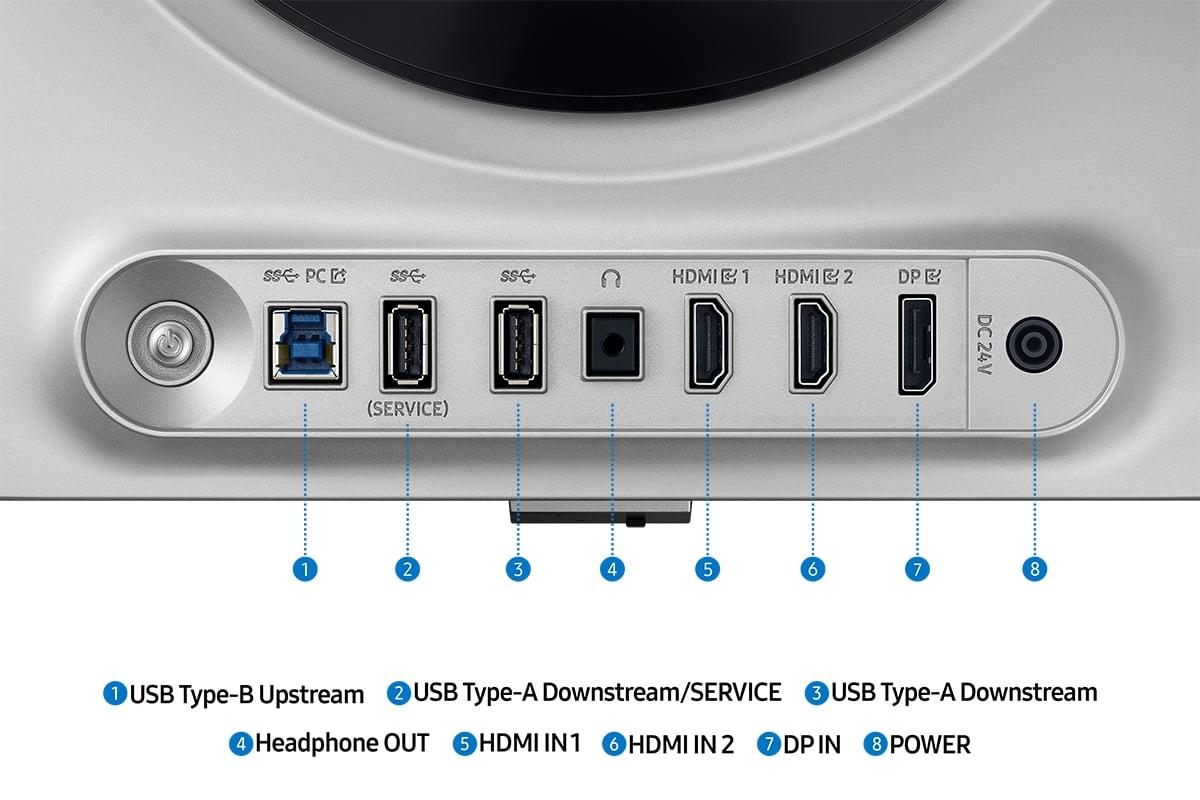
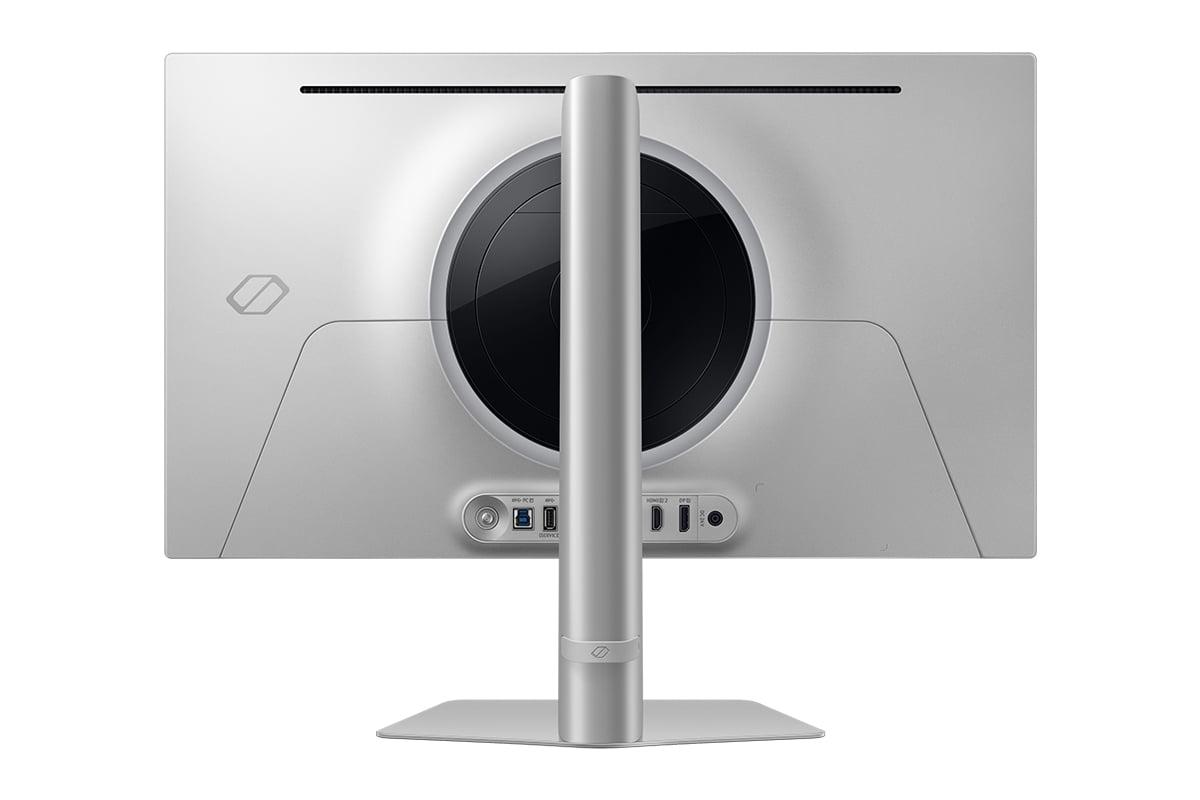
The Samsung Odyssey OLED G6 takes a more traditional approach with HDMI 2.1 and DisplayPort connections, plus basic USB ports for peripherals. This works perfectly for dedicated gaming setups but lacks the workflow integration that many users now expect.
Both monitors include gaming-focused features, but with different philosophies. The Gigabyte AORUS FO27Q2 includes a physical "Tactical Switch" that instantly changes resolution – useful for competitive players who prefer lower resolutions for maximum frame rates in esports titles. Customizable crosshairs, real-time system monitoring overlays, and advanced color adjustment tools cater to serious gaming enthusiasts.
The Samsung Odyssey OLED G6 focuses on core gaming optimization with features like VRR Control, which reduces flicker during variable refresh rate gaming – a common issue with OLED displays. Its Virtual Aim Point provides on-screen crosshairs, while gaming-optimized HDR modes enhance visibility in competitive scenarios.
Both monitors support HDR (High Dynamic Range), which expands the range between the darkest blacks and brightest whites for more realistic lighting in games and movies. The Gigabyte AORUS FO27Q2 achieves VESA DisplayHDR True Black 400 certification, while the Samsung Odyssey OLED G6 supports HDR10 and HDR10+ Gaming.
In practice, both deliver excellent HDR performance that transforms compatible games. Titles like Cyberpunk 2077, Horizon Zero Dawn, and modern AAA releases gain incredible depth and realism. The perfect black levels of OLED technology make HDR particularly impressive – shadows retain detail while bright explosions or sunlight create genuine impact without washing out the image.
For home theater use, both monitors work well for movie watching, though neither includes built-in speakers. The Gigabyte AORUS FO27Q2's superior color accuracy gives it an edge for film content, while the Samsung Odyssey OLED G6's anti-glare coating helps in living room environments with ambient lighting.
Any OLED discussion must address burn-in – the potential for static images to permanently "burn" into the screen. Both manufacturers have implemented comprehensive protection systems that make burn-in extremely unlikely during normal use.
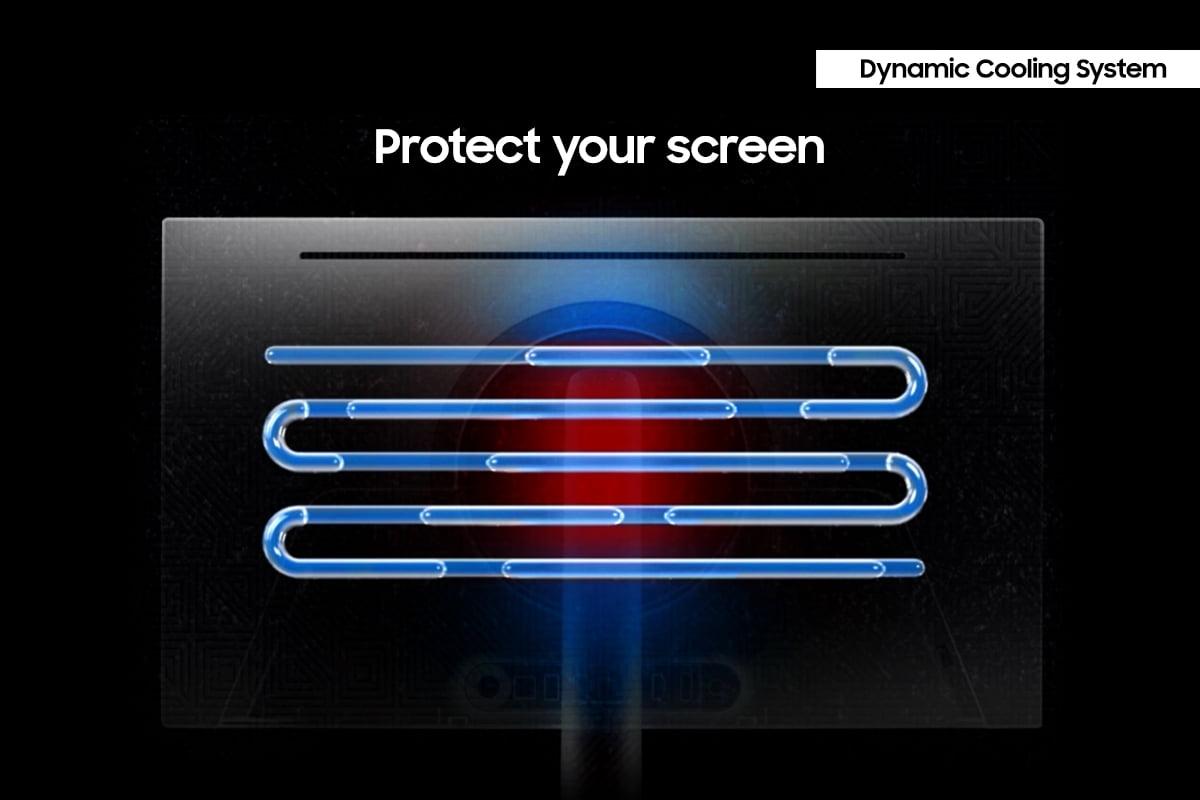
The Gigabyte AORUS FO27Q2 includes AI-based OLED Care with pixel shifting, automatic brightness adjustment, and logo dimming. Samsung's OLED Safeguard+ in the Odyssey OLED G6 features a sophisticated cooling system with heat pipes and thermal modulation to prevent the high temperatures that accelerate burn-in.
Both companies back their protection with 3-year warranties covering burn-in under normal use conditions. Having used OLED monitors for extended periods, I can say these protection systems work effectively – burn-in is no longer a practical concern for typical gaming and productivity use.
At the time of writing, these monitors occupy different value positions. The Samsung Odyssey OLED G6 typically costs several hundred dollars less than the Gigabyte AORUS FO27Q2, making it an excellent entry point into premium OLED gaming. You're essentially paying for pure gaming performance – maximum refresh rate and excellent OLED image quality without premium features.
The Gigabyte AORUS FO27Q2 commands a premium for its QD-OLED panel, professional-grade color accuracy, and comprehensive connectivity. The additional cost buys you a more versatile, future-proof monitor that excels at both gaming and professional work.
After extensive consideration, here's my honest assessment of who should choose which monitor:
Choose the Samsung Odyssey OLED G6 if you're:
The Samsung represents excellent value for dedicated gamers. Its 360Hz capability provides real competitive advantages in esports titles, and the overall package delivers premium OLED gaming at a more accessible price point.
Choose the Gigabyte AORUS FO27Q2 if you're:
The Gigabyte costs more, but delivers a more rounded experience. Its QD-OLED technology, professional color accuracy, and comprehensive feature set make it ideal for users who want one premium monitor to handle everything excellently.
Both the Gigabyte AORUS FO27Q2 and Samsung Odyssey OLED G6 represent the current state of the art in gaming monitors, just with different priorities. The Samsung maximizes gaming performance at a compelling price, while the Gigabyte offers a more comprehensive premium experience.
The choice ultimately depends on your specific needs, budget, and how you plan to use your monitor. Both will transform your gaming experience compared to traditional LCD displays – the OLED technology alone ensures that. The question is whether you prioritize maximum competitive performance or want the most well-rounded premium display for both work and play.
Having lived with both types of OLED gaming monitors, I can confidently say either choice will exceed your expectations. The vivid colors, perfect blacks, and lightning-fast response times of OLED technology create a gaming experience that's genuinely transformative. You're not just buying a better monitor – you're upgrading to an entirely different level of visual fidelity that makes every game more immersive and engaging.
| Gigabyte AORUS FO27Q2 | Samsung Odyssey OLED G6 |
|---|---|
| Display Technology - Affects color accuracy and professional use capability | |
| QD-OLED with quantum dot enhancement, 1.07 billion colors | Standard OLED, 1 billion colors |
| Refresh Rate - Critical for competitive gaming smoothness | |
| 240Hz (excellent for most games) | 360Hz (maximum competitive advantage) |
| Response Time - Eliminates motion blur and ghosting | |
| 0.03ms GTG (virtually instantaneous) | 0.03ms GTG (virtually instantaneous) |
| Color Accuracy - Essential for content creation and visual quality | |
| Delta E 1.8, 99% DCI-P3 (professional grade) | Good color accuracy, gaming optimized |
| Input Lag - Affects competitive gaming responsiveness | |
| 13ms total (benchmark-setting performance) | Low input lag (exact measurement not specified) |
| Connectivity - Determines device compatibility and workflow flexibility | |
| 2x HDMI 2.1, 1x DP 1.4, USB-C with DP Alt Mode, USB hub | 2x HDMI 2.1, 1x DP 1.4, basic USB ports |
| KVM Switch - Enables multi-device control with one keyboard/mouse | |
| Yes (seamless device switching) | No (manual cable switching required) |
| HDR Support - Enhances contrast and brightness in compatible content | |
| VESA DisplayHDR True Black 400 | HDR10, HDR10+ Gaming |
| Anti-Glare Treatment - Reduces reflections in bright environments | |
| Yes (effective coating) | Yes (highly effective OLED Glare Free technology) |
| Gaming Features - Specialized tools for competitive advantage | |
| Tactical Switch, customizable crosshairs, system dashboard | VRR Control, Virtual Aim Point, gaming-optimized modes |
| Burn-in Protection - Prevents permanent image retention | |
| AI-based OLED Care with pixel shifting | OLED Safeguard+ with dynamic cooling system |
| Warranty Coverage - Protection against OLED-specific issues | |
| 3 years including burn-in coverage | 3 years including burn-in coverage |
| Target User - Best suited for specific use cases | |
| Content creators, multi-device users, color-critical work | Competitive gamers, esports enthusiasts, budget-conscious buyers |
The Gigabyte AORUS FO27Q2 delivers superior color quality with its QD-OLED technology, offering 1.07 billion colors and professional-grade color accuracy (Delta E 1.8). This makes it excellent for both gaming and content creation. The Samsung Odyssey OLED G6 provides good color quality optimized for gaming but lacks the precise color reproduction that content creators require.
The Samsung Odyssey OLED G6 offers a 360Hz refresh rate, while the Gigabyte AORUS FO27Q2 provides 240Hz. The Samsung's higher refresh rate delivers smoother motion in competitive gaming, especially beneficial for esports titles where every frame counts.
For pure competitive gaming, the Samsung Odyssey OLED G6 has the advantage with its 360Hz refresh rate, providing smoother tracking and reduced motion blur. However, the Gigabyte AORUS FO27Q2 counters with lower input lag (13ms total) and tactical gaming features like resolution switching and customizable crosshairs.
Yes, both the Gigabyte AORUS FO27Q2 and Samsung Odyssey OLED G6 feature identical 0.03ms gray-to-gray response times, virtually eliminating motion blur and ghosting for crystal-clear fast-paced gaming.
The Gigabyte AORUS FO27Q2 provides more comprehensive connectivity with USB-C DisplayPort Alt Mode, integrated KVM switch, and USB hub functionality. The Samsung Odyssey OLED G6 offers standard gaming connectivity with HDMI 2.1 and DisplayPort but lacks advanced features for multi-device setups.
Both monitors excel for movie watching with perfect OLED blacks and vibrant colors. The Gigabyte AORUS FO27Q2 offers slightly better color accuracy for film content, while the Samsung Odyssey OLED G6 features superior anti-glare coating for brighter viewing environments. Neither includes built-in speakers.
The Samsung Odyssey OLED G6 typically offers better value for dedicated gamers, providing premium OLED gaming performance at a lower cost. The Gigabyte AORUS FO27Q2 costs more but delivers additional features like professional color accuracy and versatile connectivity that justify the premium for multi-use scenarios.
Both monitors include comprehensive burn-in protection. The Gigabyte AORUS FO27Q2 features AI-based OLED Care with pixel shifting and logo dimming, while the Samsung Odyssey OLED G6 uses OLED Safeguard+ with dynamic cooling systems. Both offer 3-year warranties covering burn-in under normal use.
The Gigabyte AORUS FO27Q2 is superior for multi-device setups with its USB-C connectivity, KVM switch, and USB hub. This allows single-cable laptop connection and seamless device switching. The Samsung Odyssey OLED G6 requires traditional cable connections and manual switching between devices.
Both monitors deliver excellent HDR with OLED's perfect blacks. The Gigabyte AORUS FO27Q2 supports VESA DisplayHDR True Black 400, while the Samsung Odyssey OLED G6 features HDR10 and HDR10+ Gaming support. Both achieve similar peak brightness levels and dramatic contrast in HDR content.
The Gigabyte AORUS FO27Q2 is significantly better for professional work with its factory-calibrated color accuracy, QD-OLED technology, and comprehensive connectivity. It handles photo editing, video production, and graphic design excellently. The Samsung Odyssey OLED G6 focuses primarily on gaming performance rather than professional applications.
Choose the Samsung Odyssey OLED G6's 360Hz if you play competitive esports and have a high-end graphics card capable of 300+ fps. The Gigabyte AORUS FO27Q2's 240Hz is sufficient for most gamers and provides excellent smoothness while offering better color quality and additional features for the same gaming experience.
We've done our best to create useful and informative comparisons to help you decide what product to buy. Our research uses advanced automated methods to create this comparison and perfection is not possible - please contact us for corrections or questions. These are the sites we've researched in the creation of this article: tomshardware.com - pangoly.com - youtube.com - pangoly.com - rtings.com - displayninja.com - gigabyte.com - youtube.com - creativebloq.com - techpowerup.com - newegg.com - gigabyte.com - icecat.in - microcenter.com - aorus.com - bhphotovideo.com - provantage.com - bestbuy.com - displayspecifications.com - tomshardware.com - gigabyte.com - computronicsmultivision.com - gigabyte.com - bestbuy.com - gamesradar.com - gamesradar.com - versus.com - lowyat.net - youtube.com - player2.net.au - versus.com - rtings.com - youtube.com - samsung.com - files.bbystatic.com - bestbuy.com - samsung.com - samsung.com - bestbuy.com - de.shi.com - bhphotovideo.com - pangoly.com - youtube.com

Privacy Policy
Terms and Conditions - Affiliate Policy
Home Security
© Copyright 2008-2026.
11816 Inwood Rd #1211, Dallas, TX 75244