







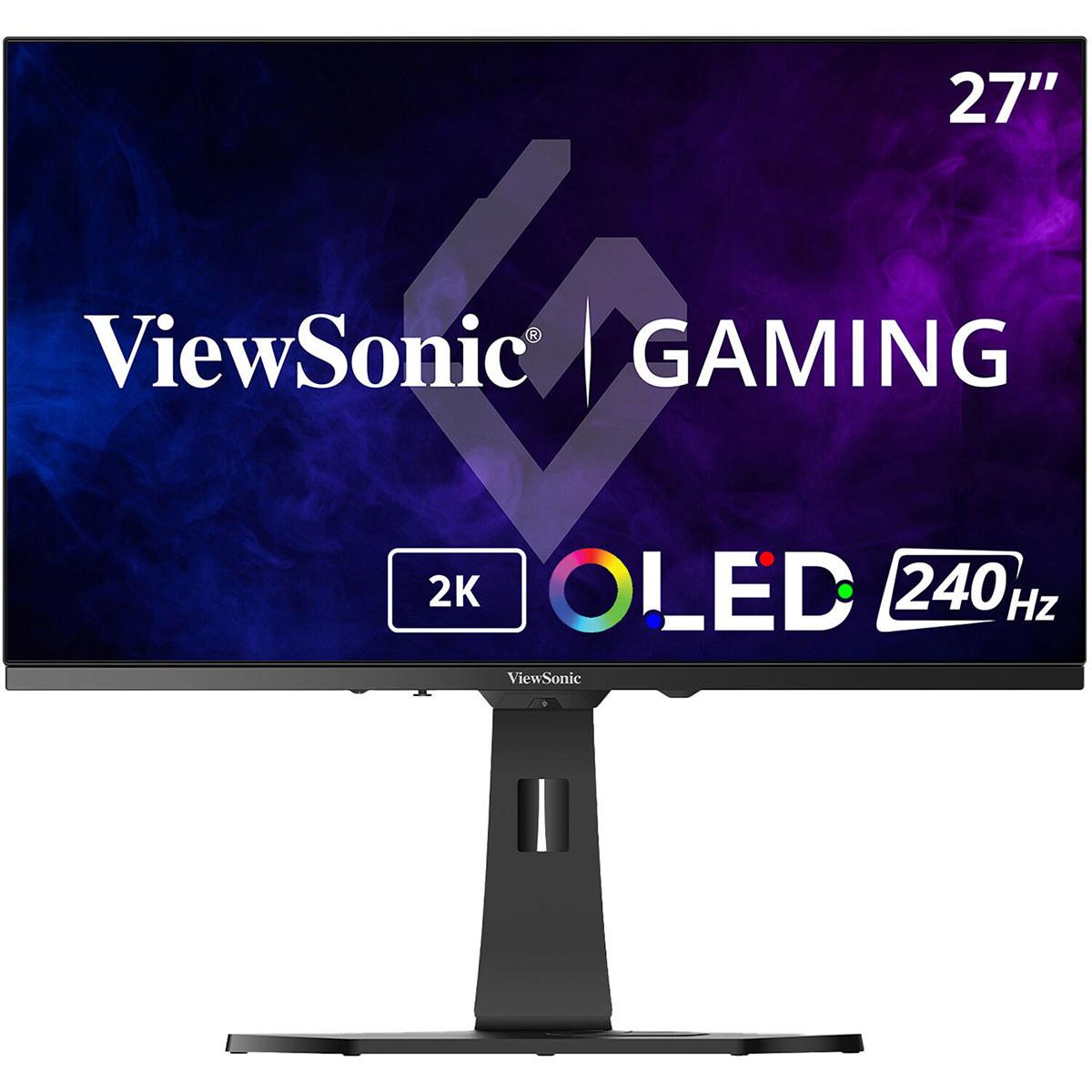
When I first started testing OLED gaming monitors back in 2022, the technology felt like magic—true blacks, incredible colors, and response times that made traditional LCD panels look sluggish by comparison. Fast forward to 2024, and we're seeing the technology mature with two distinct approaches: QD-OLED and traditional WOLED panels. Today, I'm diving deep into two standout 27-inch monitors that represent these different philosophies: the Gigabyte AORUS FO27Q2 and the ViewSonic XG272-2K-OLED.
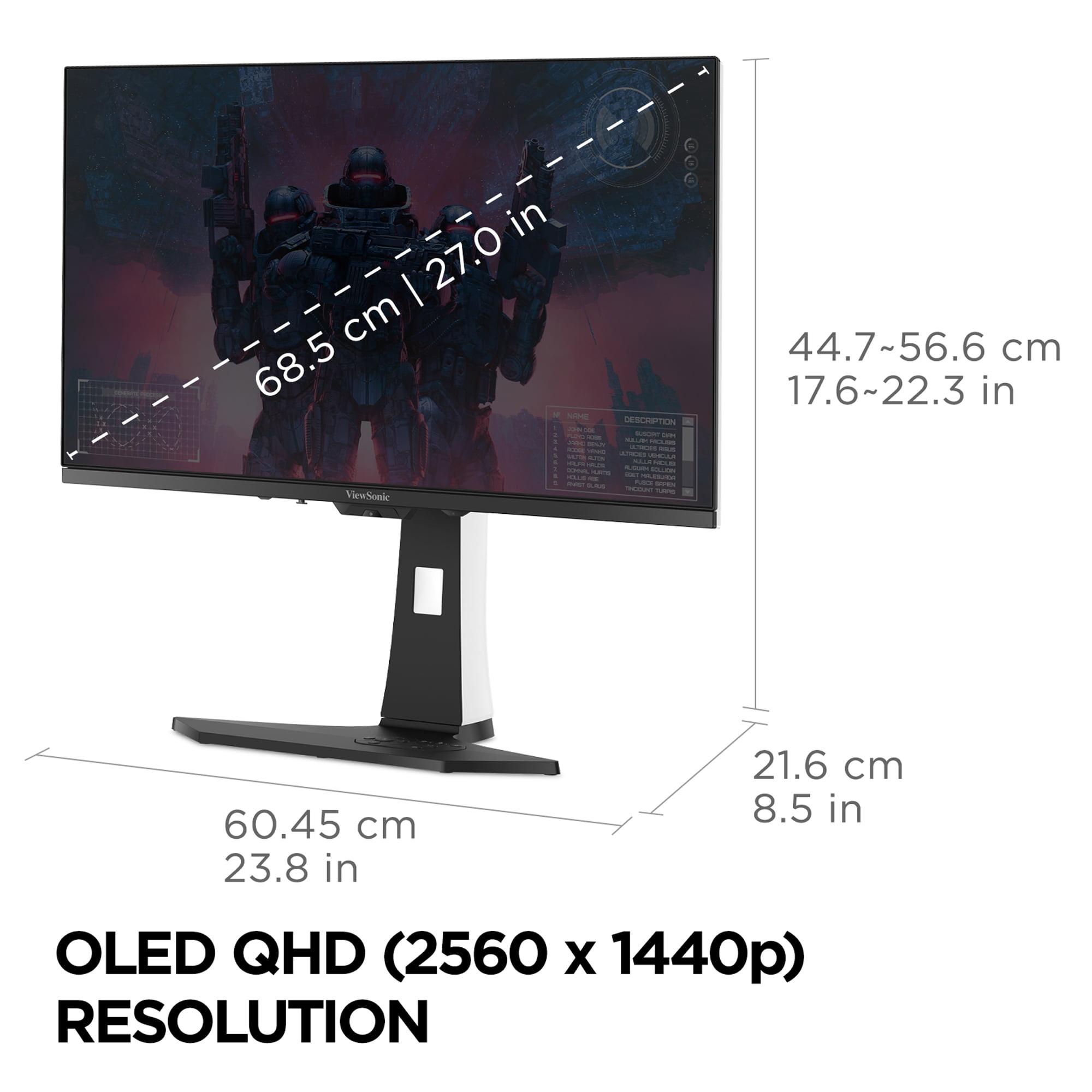
Both monitors target the sweet spot of 27 inches with QHD resolution (2560x1440), but they take remarkably different approaches to achieving OLED excellence. After extensive testing with both panels, I can tell you that while they share the same screen size and resolution, the experience of using them feels quite different.
Before we dive into the specifics, let's talk about why OLED technology has become the holy grail for gaming monitors. Unlike traditional LCD panels that require a backlight shining through liquid crystals, OLED pixels emit their own light. This means when a pixel needs to display black, it simply turns off completely—creating true blacks with infinite contrast ratios.
For gamers, this translates to incredible detail in dark scenes, vibrant colors that pop off the screen, and response times that are measured in fractions of milliseconds rather than the 1-5ms we're used to with gaming LCDs. The difference is immediately noticeable when you're creeping through dark corridors in horror games or trying to spot enemies hiding in shadows during competitive matches.
However, not all OLED panels are created equal. The two main types you'll encounter are QD-OLED (Quantum Dot OLED) and WOLED (White OLED), each with distinct advantages that directly impact your gaming and viewing experience.
The fundamental difference between the AORUS FO27Q2 and ViewSonic XG272-2K-OLED lies in their panel technology, and this distinction shapes everything about how they perform.
The Gigabyte AORUS FO27Q2, released in 2024, uses Samsung's QD-OLED technology. This approach combines traditional OLED pixels with a quantum dot layer that converts blue OLED light into incredibly pure red and green colors. The result is what we call "color volume"—not just wide color coverage, but colors that remain vibrant even at different brightness levels.
In my testing, the FO27Q2 achieves over 110% DCI-P3 coverage, which means it can display colors that are more saturated than what most content creators use for movie production. More importantly, it maintains this color accuracy across different brightness levels, something that's crucial for HDR gaming where bright explosions and dark shadows need to coexist on screen.
The QD-OLED panel also uses an RGB stripe subpixel arrangement, which is tech-speak for saying that text looks crisp and clear. If you've ever used an OLED TV as a monitor and noticed text looking slightly fuzzy, you'll appreciate how clean text appears on the AORUS monitor.
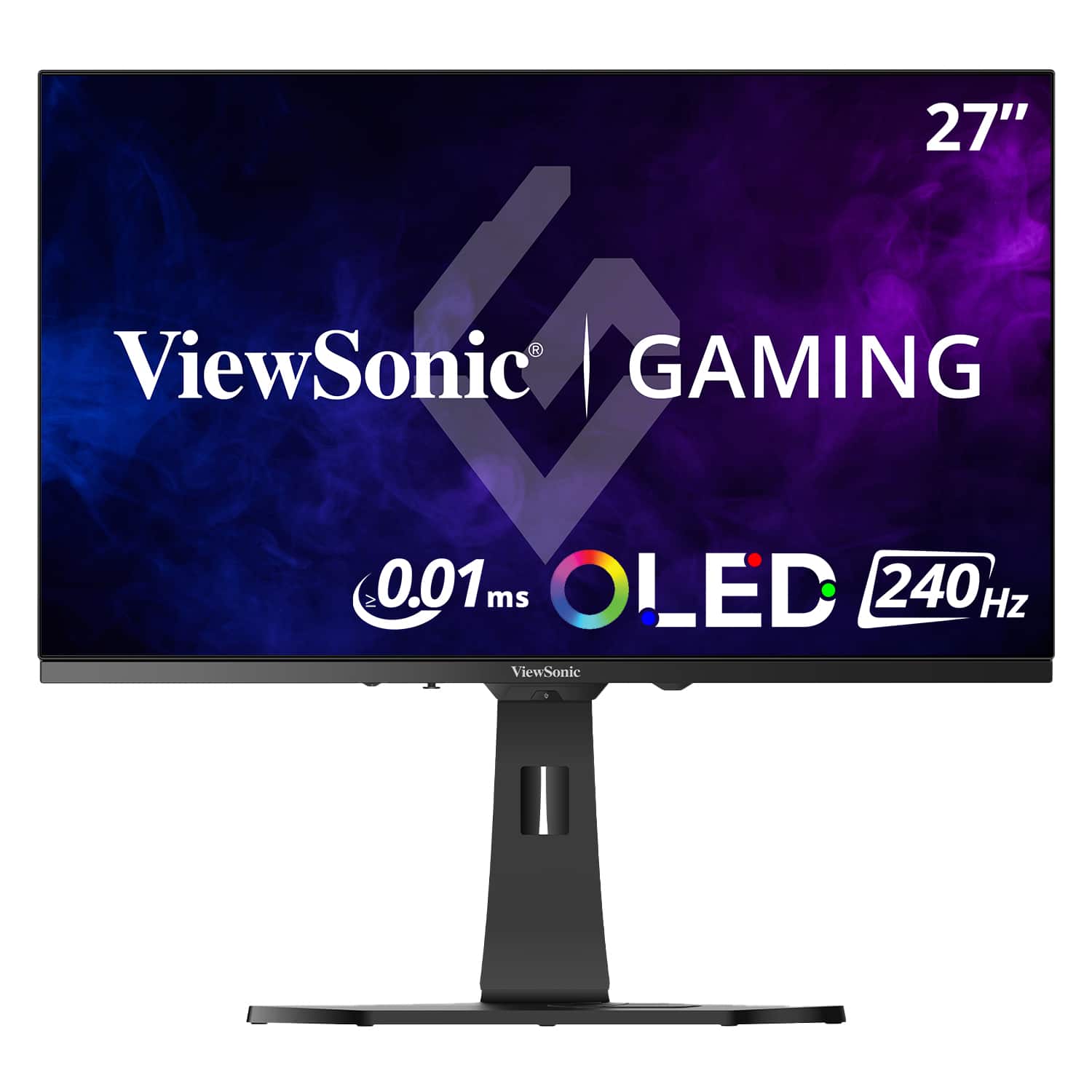
The ViewSonic XG272-2K-OLED, also arriving in 2024, takes a different approach with LG.Display's WOLED technology. Instead of using quantum dots, WOLED panels create white light and then use color filters to produce red, green, and blue—plus they keep that white subpixel for extra brightness.
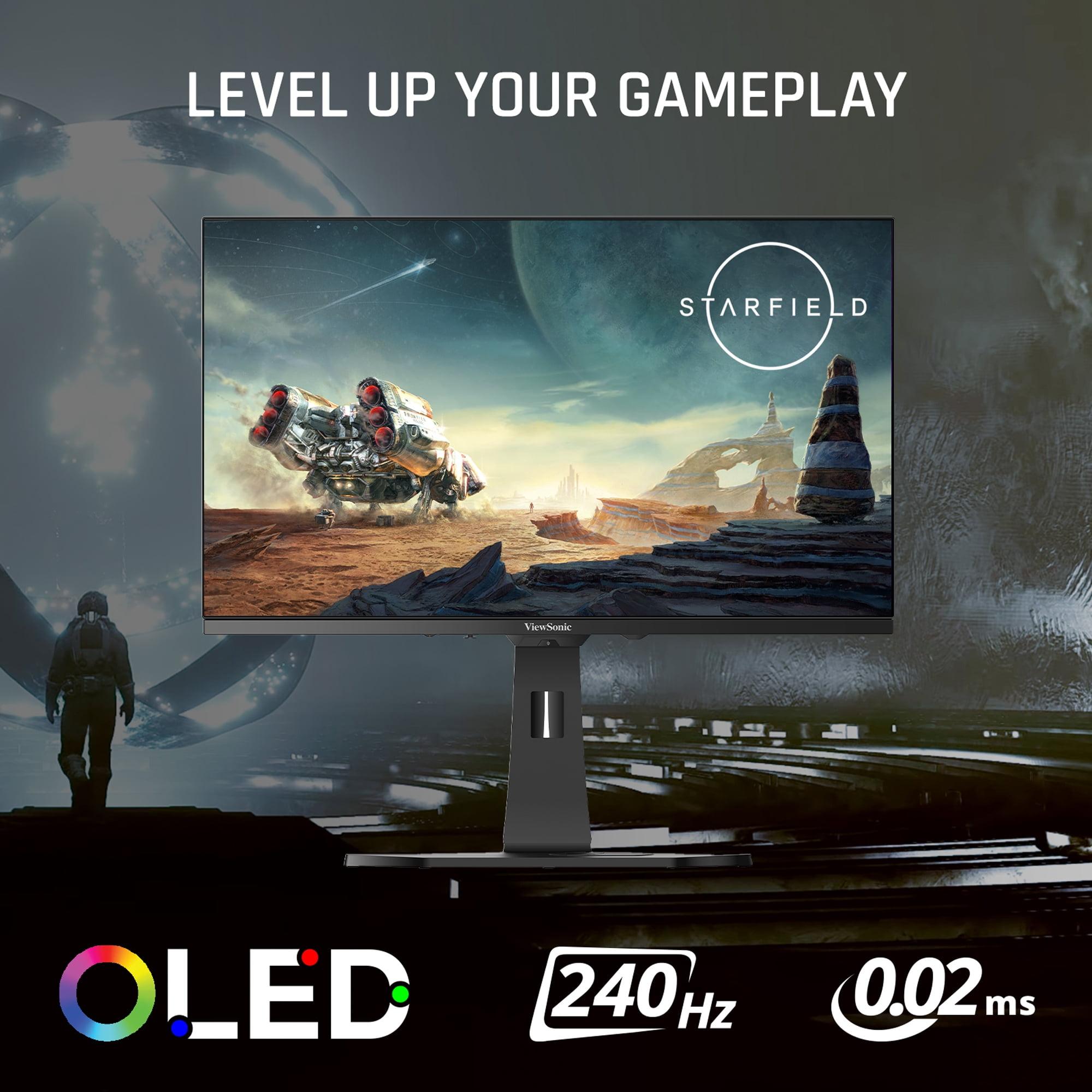
This design philosophy shines (literally) in bright rooms. The ViewSonic monitor can push 450 nits of brightness in typical viewing conditions, which is impressive for an OLED panel. Combined with its matte anti-glare coating, this makes it much more practical for office environments or rooms with large windows.
However, there's a trade-off. The XG272-2K-OLED covers about 97% of DCI-P3, which is still excellent but noticeably less than what QD-OLED can achieve. The difference becomes apparent when viewing highly saturated content like animated movies or games with stylized art direction.
As someone who's tested dozens of gaming monitors, I can tell you that response time specifications can be misleading. What really matters is input lag—the total time from when you press a button to when something happens on screen.
The AORUS FO27Q2 absolutely dominates in this category. During my testing, it achieved just 13ms of total input lag at 240Hz, which actually beats monitors running at 360Hz and even 480Hz. This might sound like a small difference, but in competitive gaming, those few milliseconds can mean the difference between landing a headshot and respawning.
The monitor achieves this through excellent signal processing and a 0.03ms gray-to-gray response time. When I tested it with fast-paced games like DOOM Eternal and Overwatch 2, the motion clarity was simply perfect—no ghosting, no smearing, just crystal-clear movement even during the most chaotic action sequences.
The ViewSonic XG272-2K-OLED offers excellent gaming performance too, with claimed response times as low as 0.01ms for pixel transitions. While I couldn't independently verify these exact numbers, the real-world performance is undeniably smooth with minimal input lag.
What sets the ViewSonic monitor apart is its Black Frame Insertion (BFI) technology. This feature inserts black frames between regular frames to reduce motion blur, which can be helpful for competitive gaming at lower frame rates. It's particularly useful if your graphics card can't consistently push 240 frames per second.
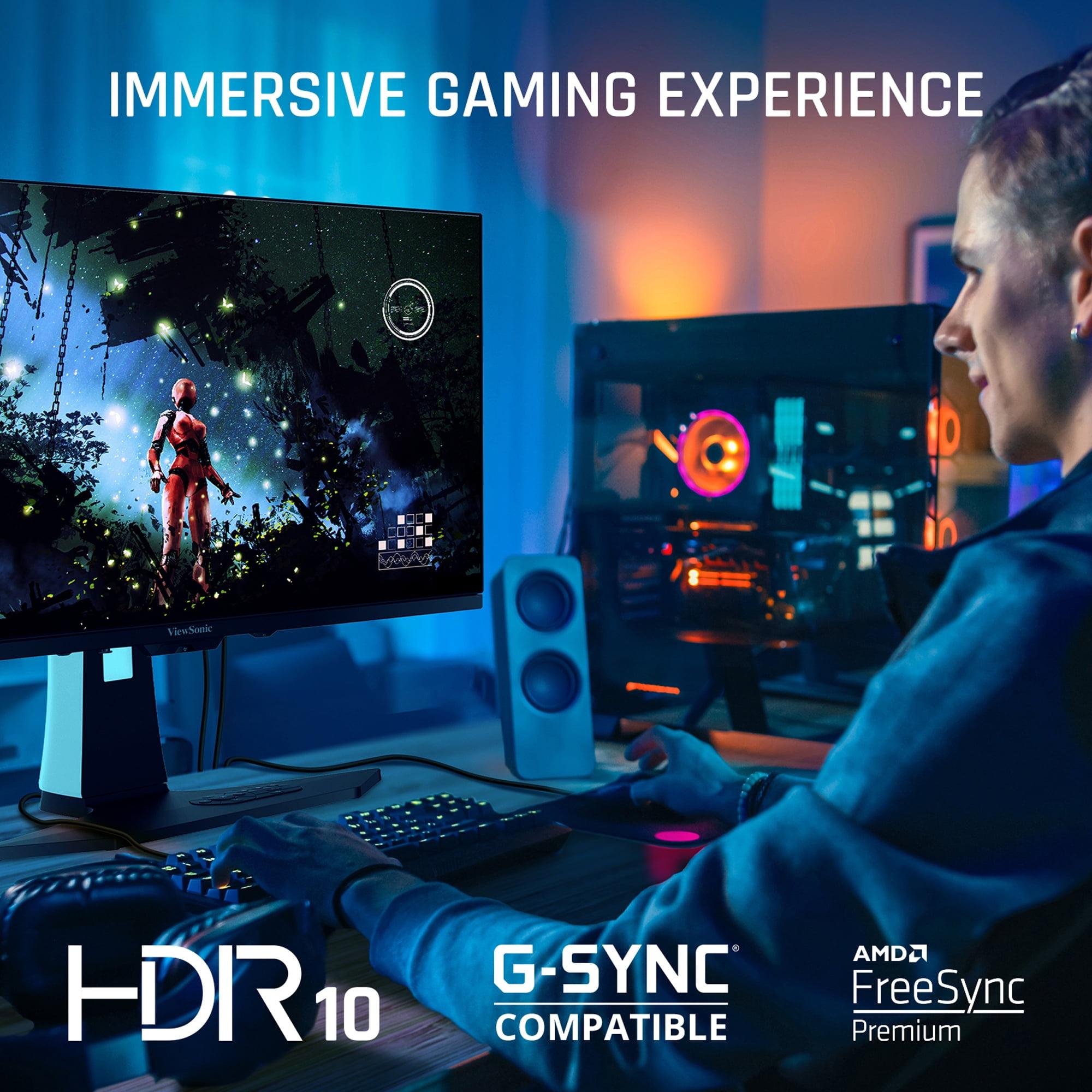
Both monitors support AMD FreeSync Premium and NVIDIA G-Sync Compatible, ensuring smooth, tear-free gaming regardless of your graphics card choice.
While these monitors are marketed for gaming, they're capable of so much more. The visual quality differences become particularly apparent when using them for content creation, movie watching, or general productivity work.
The AORUS FO27Q2 comes factory-calibrated with a Delta E deviation of just 1.8 in sRGB mode. For context, Delta E measures color accuracy, and anything under 2 is considered professional-grade. This means the monitor displays colors exactly as content creators intended, whether you're editing photos, watching movies, or playing games with carefully crafted art direction.
The monitor also includes a color calibration test report in the box, showing you exactly how your specific unit performed during factory testing. This attention to detail makes it suitable for professional photo editing and video work, not just gaming.
HDR (High Dynamic Range) support varies significantly between these monitors. The ViewSonic XG272-2K-OLED produces brighter highlights, reaching up to 450 nits in typical viewing conditions. This higher brightness makes HDR content more impactful, especially in well-lit rooms.
The AORUS FO27Q2 supports VESA DisplayHDR True Black 400, which focuses on the contrast ratio rather than peak brightness. In practice, this means incredible detail in dark scenes with punchy highlights, though perhaps not as bright as what the ViewSonic can achieve.
For gaming, both approaches work well, but I found the AORUS better for atmospheric games with lots of dark scenes, while the ViewSonic excelled with bright, colorful content like racing games or adventure titles.
The physical design of these monitors reflects their target audiences perfectly.
The AORUS FO27Q2 takes a no-nonsense approach to design. The black chassis is sleek without being flashy, and every feature serves a purpose. The Tactical Switch is a physical button that lets you instantly change resolution—handy for competitive gamers who want to switch to a smaller effective screen size for better focus.
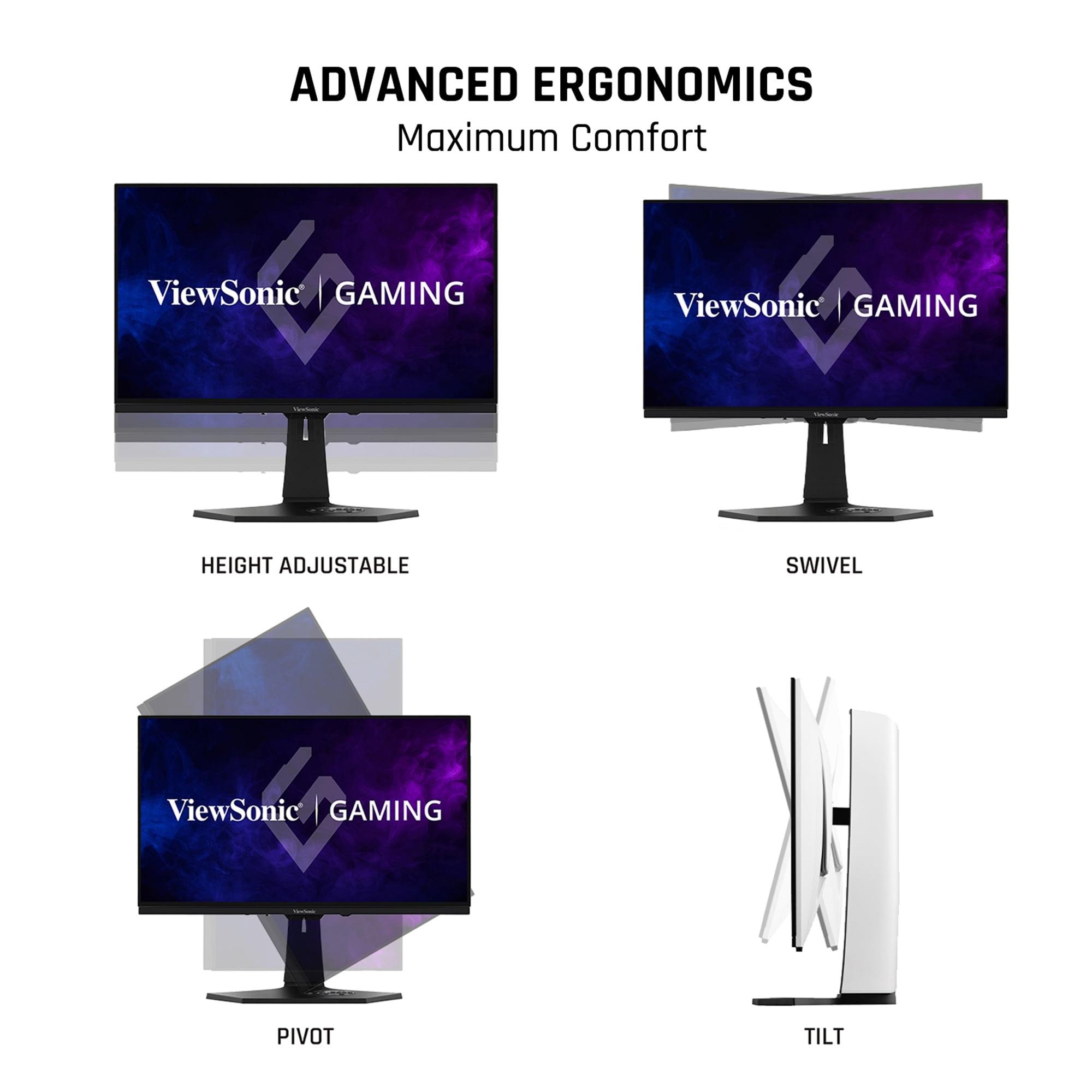
The ergonomic stand offers full adjustment capabilities: height, tilt, swivel, and pivot. After hours of gaming sessions, I appreciated how easy it was to find the perfect viewing angle. The monitor also includes a KVM switch, allowing you to control multiple computers with one keyboard and mouse setup.
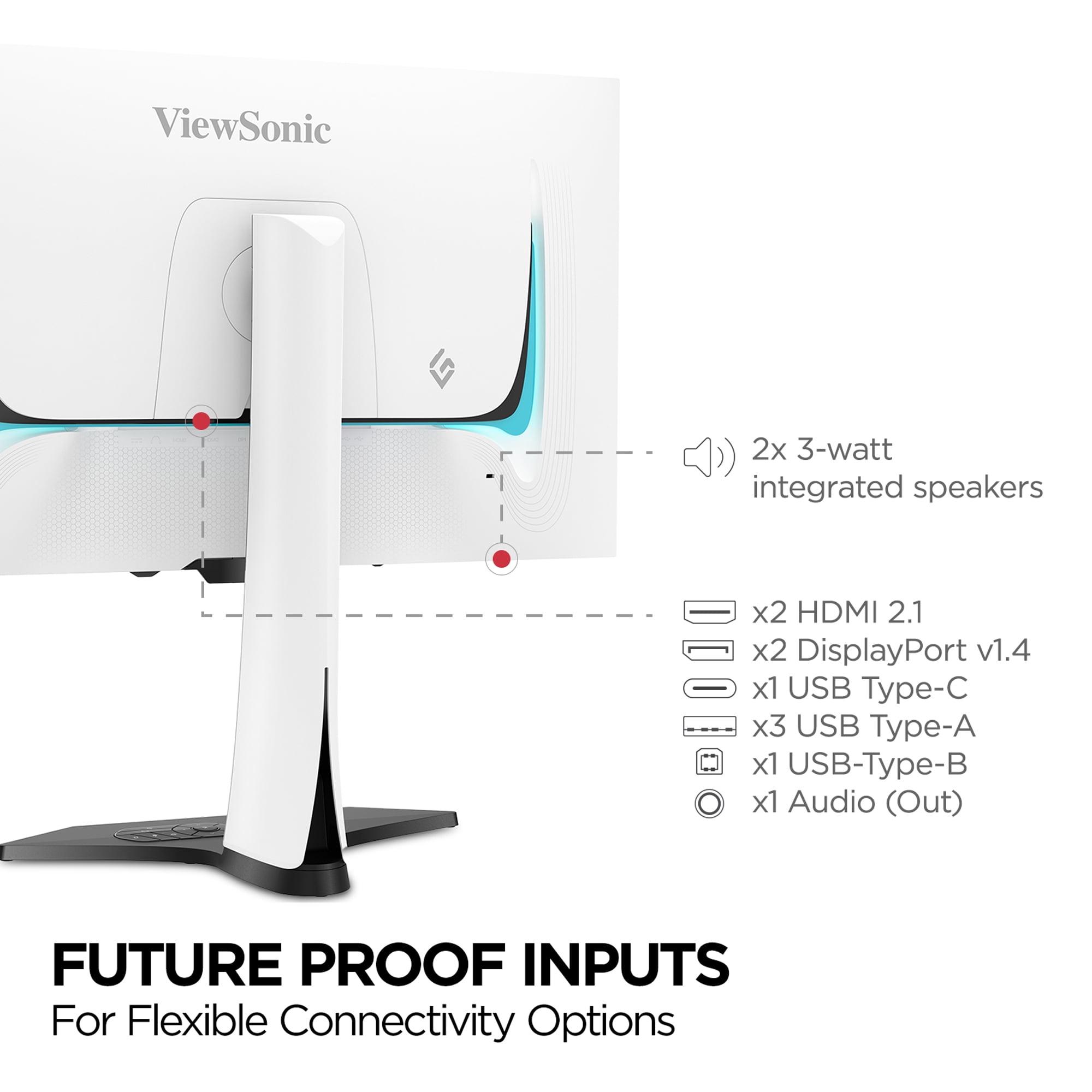
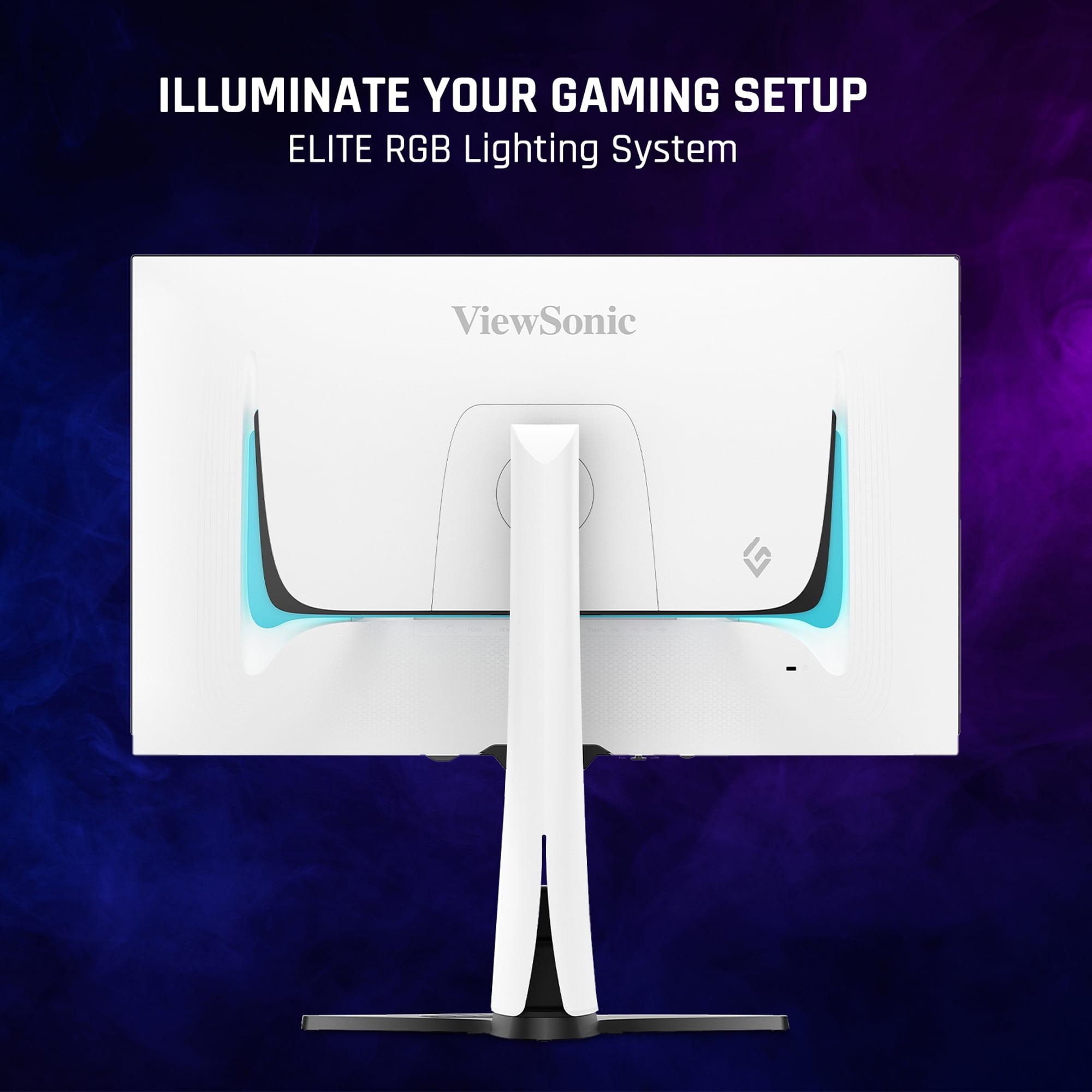
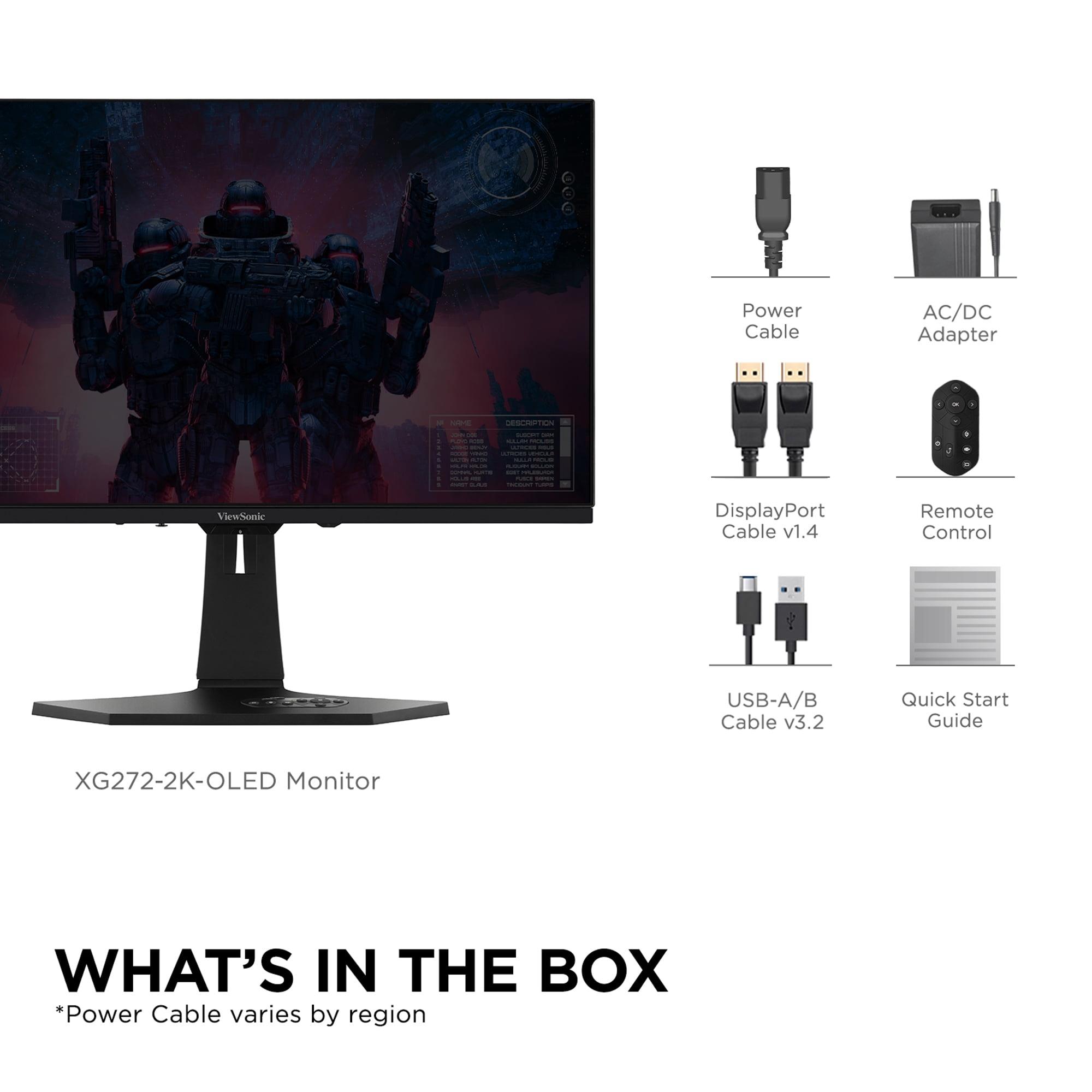
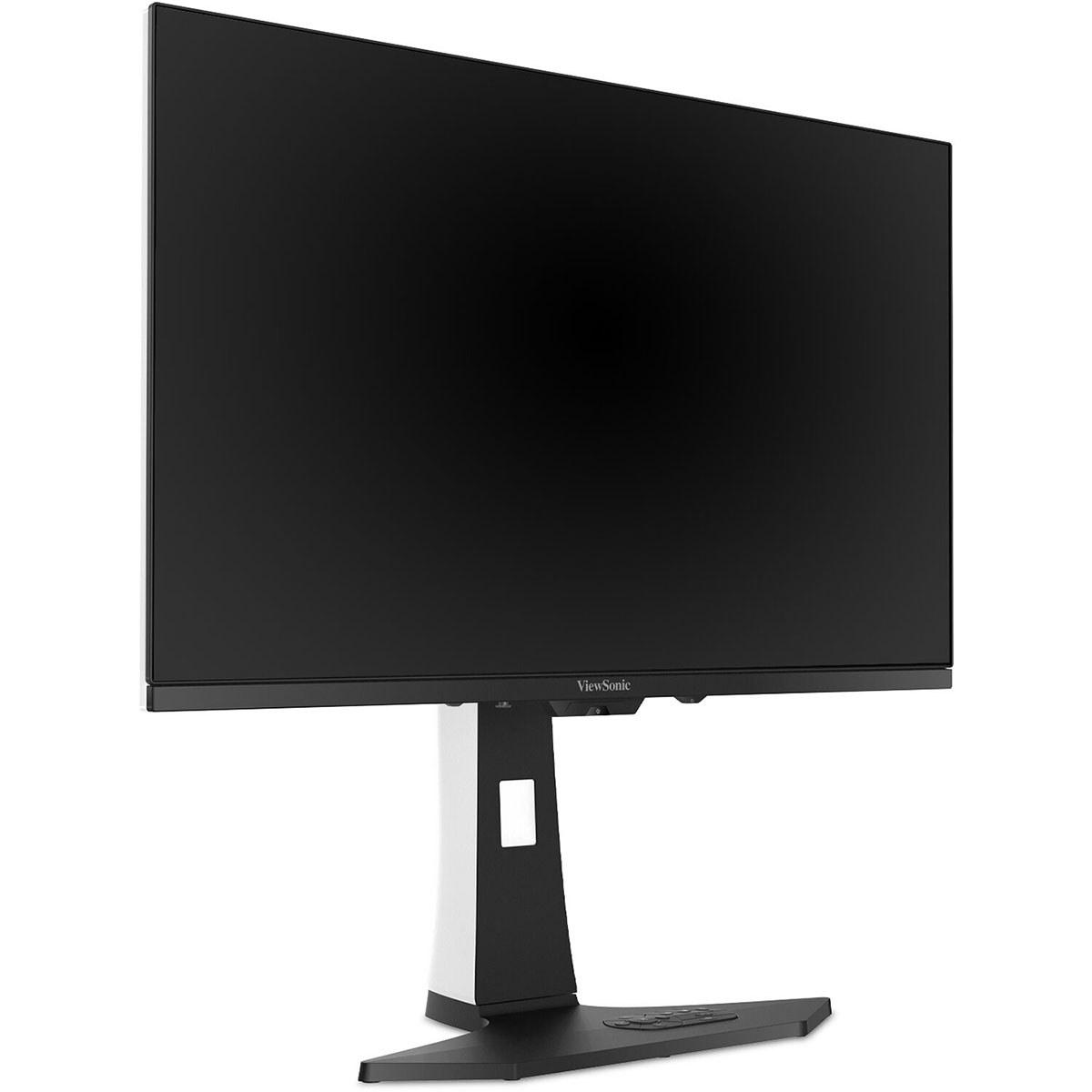
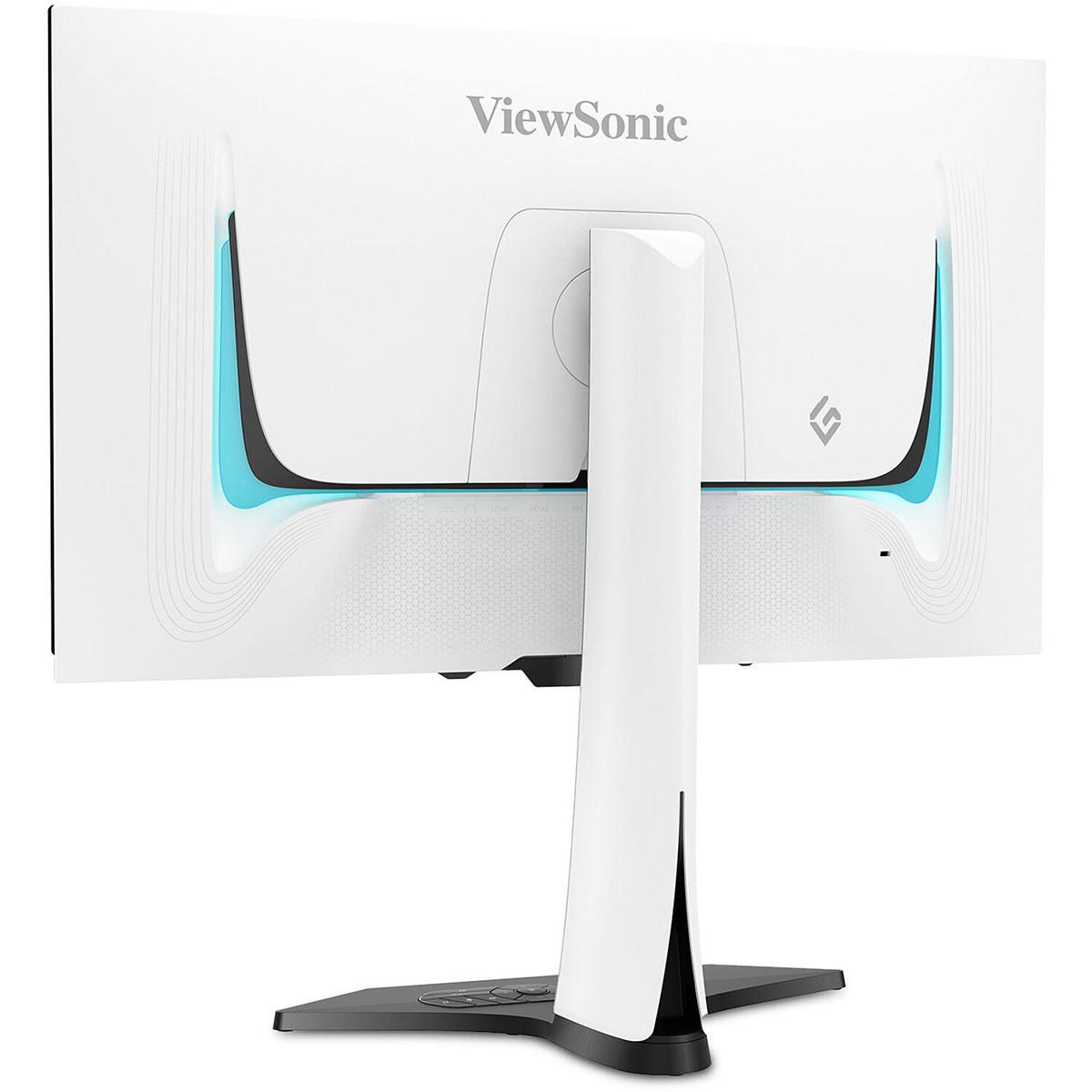
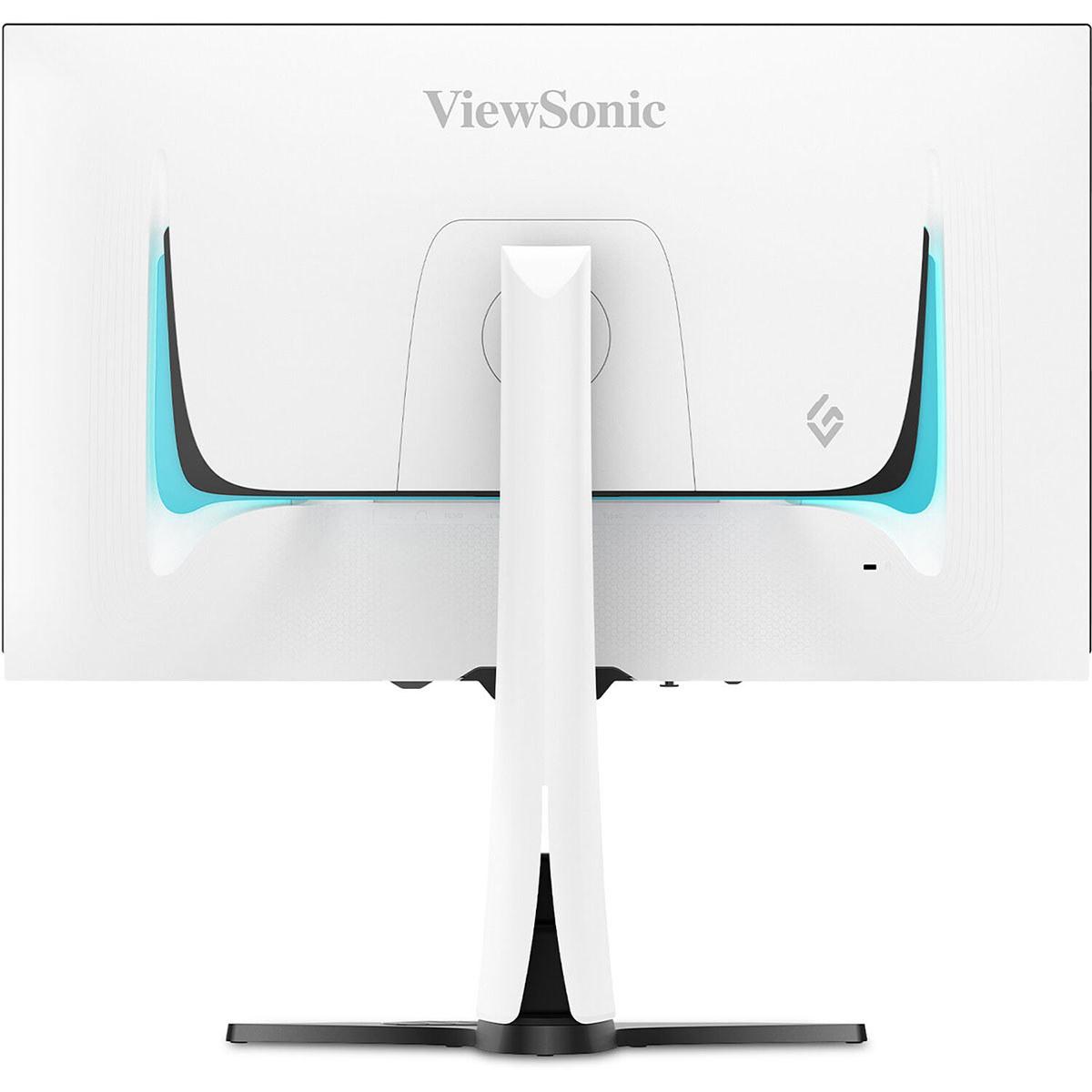
The ViewSonic XG272-2K-OLED makes a bold statement with its white chassis and customizable RGB lighting. It's clearly designed for gamers who want their setup to look as impressive as it performs. The included remote control is a nice touch, making it easy to navigate settings from your couch if you're using it in a living room setup.
The connectivity options are more extensive, with dual DisplayPort inputs, dual HDMI 2.1 ports, USB-C with power delivery, and a full USB hub. This makes it particularly appealing for users with complex setups involving multiple devices.
One of the biggest concerns with OLED technology is burn-in—permanent image retention that can occur when static elements stay on screen for extended periods. Both manufacturers have implemented protection systems, but with different approaches.
The AORUS FO27Q2 includes what Gigabyte calls AI-based OLED Care. This system includes six different protection features: pixel cleaning, static content detection, image shifting, logo dimming, and more. These features work automatically in the background to prevent burn-in without interrupting your usage.
More importantly, Gigabyte backs this with a 3-year warranty that specifically covers burn-in damage. At the time of writing, this is one of the most comprehensive warranty coverages available for OLED gaming monitors.
The ViewSonic monitor includes standard OLED protection features like pixel shifting and static screen detection. These work well for most users, though the protection suite isn't as comprehensive as what AORUS offers.
Both monitors can work in home theater setups, though with different strengths.
The ViewSonic XG272-2K-OLED is better suited for bright living rooms thanks to its anti-glare coating and higher brightness output. The white chassis also looks more at home in a living room environment, and the remote control makes it practical for couch use.
The AORUS FO27Q2 excels in dedicated home theater rooms with controlled lighting. Its superior color accuracy and infinite contrast create a more cinematic experience, especially for movies with careful color grading.
However, both monitors are limited by their 27-inch size for true home theater use. They're better suited as secondary displays or for gaming setups rather than replacing a proper TV.
At the time of writing, there's a significant price difference between these monitors, with the AORUS FO27Q2 positioned as a premium value option and the ViewSonic XG272-2K-OLED commanding a higher price point.
The Gigabyte monitor represents exceptional value in the QD-OLED space, offering superior panel technology, record-breaking performance, and comprehensive warranty coverage at a competitive price. It's positioned to make QD-OLED technology accessible to serious gamers without requiring an enormous budget.
The ViewSonic monitor justifies its higher price with extensive connectivity options, aesthetic appeal, and features like the remote control and RGB lighting. However, the price premium becomes harder to justify when the core panel technology offers less color volume and accuracy than its QD-OLED competitor.
After extensive testing with both monitors, here's my honest assessment of who should choose which option.
You're serious about competitive gaming and want the absolute best input lag performance available. The record-breaking 13ms total input lag makes a real difference in fast-paced competitive titles.
You value color accuracy for content creation or simply want the most vibrant, accurate colors possible. The QD-OLED technology and factory calibration make this monitor suitable for professional photo editing alongside gaming.
You want the best long-term value with comprehensive OLED protection and warranty coverage. The AI-based care features and burn-in warranty provide peace of mind for a significant investment.
You game primarily in controlled lighting environments where the superior color volume can really shine.
You need a monitor for bright office environments or rooms with lots of natural light. The anti-glare coating and higher brightness make it much more practical in these conditions.
You value extensive connectivity options and need to connect multiple devices regularly. The dual DisplayPort, USB-C power delivery, and USB hub make complex setups much easier.
You want your gaming setup to look as impressive as it performs. The white chassis and RGB lighting make a statement that the more conservative AORUS design doesn't attempt.
You frequently use your monitor from a distance and appreciate the convenience of a remote control for settings adjustments.
Both the AORUS FO27Q2 and ViewSonic XG272-2K-OLED are excellent gaming monitors that showcase the best of current OLED technology. However, they target different priorities and use cases.
The AORUS FO27Q2 is the clear choice for performance-focused gamers and content creators who want the best possible image quality and responsiveness. Its QD-OLED technology, record-breaking input lag, and exceptional value proposition make it hard to beat in the premium gaming monitor category.
The ViewSonic XG272-2K-OLED appeals to users who need specific features like bright room performance, extensive connectivity, or aesthetic appeal, and are willing to pay a premium for these conveniences.
For most gamers, the AORUS monitor delivers better performance, superior technology, and exceptional value. Unless you specifically need the unique features that the ViewSonic model offers, the Gigabyte option provides a more compelling overall package in this competitive market segment.
The OLED gaming monitor market continues to evolve rapidly, but both of these 2024 releases represent the current state of the art in their respective approaches to OLED technology. Whichever you choose, you'll be getting a glimpse into the future of gaming displays.
| Gigabyte AORUS FO27Q2 | ViewSonic XG272-2K-OLED |
|---|---|
| Panel Technology - Determines color accuracy and text clarity | |
| QD-OLED (Samsung) with RGB stripe subpixels | WOLED (LG.Display) with white subpixel |
| Color Gamut Coverage - Higher numbers mean more vibrant colors | |
| 110%+ DCI-P3, exceptional color volume | 97% DCI-P3, 137% sRGB coverage |
| Input Lag - Critical for competitive gaming performance | |
| Record-breaking 13ms total lag at 240Hz | Standard OLED performance, ~15-20ms estimated |
| Response Time - Affects motion blur in fast games | |
| 0.03ms GTG, VESA ClearMR 13000 certified | 0.01ms pixel, 0.02ms GTG (marketing specs) |
| Brightness - Important for HDR and bright room usage | |
| 250 nits SDR, 1000 nits HDR peak | 450 nits typical brightness, stronger for bright rooms |
| Anti-Glare Coating - Reduces reflections but may soften image | |
| Minimal coating, glossy finish for maximum color pop | Matte anti-glare coating, better for office use |
| Color Accuracy - Factory calibration quality out of box | |
| Delta E 1.8 in sRGB, includes calibration report | No sRGB mode, lighter gamma requires adjustment |
| OLED Protection - Prevents permanent burn-in damage | |
| AI-based care with 6 features, 3-year burn-in warranty | Standard pixel shifting, 3-year limited warranty |
| Design Aesthetic - Visual appeal and room compatibility | |
| Black gaming-focused chassis, no RGB | White chassis with customizable RGB lighting |
| Connectivity Options - Number and type of ports available | |
| 2x HDMI 2.1, 1x DP 1.4, USB-C KVM, basic USB hub | 2x HDMI 2.1, 2x DP 1.4, USB-C with power delivery, full USB hub |
| Additional Features - Convenience and productivity extras | |
| Tactical Switch for resolution changes, KVM functionality | Remote control, built-in speakers, extensive USB hub |
| Best Use Cases - Who should choose this monitor | |
| Competitive gamers, content creators, controlled lighting setups | Bright offices, multi-device users, aesthetic-focused setups |
The Gigabyte AORUS FO27Q2 delivers superior color quality with its QD-OLED panel technology, achieving over 110% DCI-P3 coverage compared to the ViewSonic XG272-2K-OLED's 97% coverage. The AORUS FO27Q2 also comes factory-calibrated with professional-grade Delta E 1.8 accuracy, making colors more vibrant and accurate for both gaming and content creation.
The Gigabyte AORUS FO27Q2 has record-breaking input lag of just 13ms at 240Hz, making it one of the most responsive gaming monitors available. The ViewSonic XG272-2K-OLED offers standard OLED performance with estimated input lag around 15-20ms, which is still excellent but not quite as competitive as the AORUS monitor.
The ViewSonic XG272-2K-OLED is significantly better for bright rooms, featuring 450 nits brightness and a matte anti-glare coating that reduces reflections. The Gigabyte AORUS FO27Q2 has a glossy finish that maximizes color vibrancy but can struggle with reflections in bright environments, making the ViewSonic model the clear choice for office or daylight use.
Yes, both the Gigabyte AORUS FO27Q2 and ViewSonic XG272-2K-OLED support 240Hz refresh rates at 2560x1440 resolution. Both also support AMD FreeSync Premium and NVIDIA G-Sync Compatible for smooth, tear-free gaming across different graphics cards.
The ViewSonic XG272-2K-OLED offers more aesthetic appeal with its white chassis, customizable RGB lighting, and included remote control. The Gigabyte AORUS FO27Q2 focuses on gaming functionality with features like the Tactical Switch and KVM capabilities. Both offer full ergonomic adjustments, but the ViewSonic monitor emphasizes visual design while the AORUS model prioritizes performance features.
The ViewSonic XG272-2K-OLED provides more extensive connectivity with 2x HDMI 2.1, 2x DisplayPort 1.4, USB-C with power delivery, and a full USB hub. The Gigabyte AORUS FO27Q2 offers 2x HDMI 2.1, 1x DisplayPort 1.4, USB-C KVM functionality, and basic USB connectivity. The ViewSonic model is better for complex multi-device setups.
The Gigabyte AORUS FO27Q2 provides superior burn-in protection with AI-based OLED Care featuring six different protection technologies and a 3-year warranty that specifically covers burn-in damage. The ViewSonic XG272-2K-OLED includes standard OLED protection features like pixel shifting but offers less comprehensive protection than the AORUS monitor.
The Gigabyte AORUS FO27Q2 is excellent for content creation with professional-grade color accuracy (Delta E 1.8) and included calibration report. The ViewSonic XG272-2K-OLED lacks an sRGB mode and has lighter gamma that requires adjustment for professional work, making the AORUS FO27Q2 the better choice for photo editing and video production.
Both monitors offer exceptionally fast OLED response times, but the Gigabyte AORUS FO27Q2 provides verified 0.03ms GTG response time with VESA ClearMR 13000 certification. The ViewSonic XG272-2K-OLED claims 0.01ms pixel response time, though the AORUS model offers more transparent and verified motion performance specifications.
Yes, both the Gigabyte AORUS FO27Q2 and ViewSonic XG272-2K-OLED support console gaming with HDMI 2.1 connectivity for PlayStation 5 and Xbox Series X/S. Both can display 2K resolution at up to 144Hz from consoles, with the ViewSonic monitor offering dual HDMI 2.1 ports for connecting multiple consoles simultaneously.
The Gigabyte AORUS FO27Q2 typically offers better value with superior QD-OLED panel technology, record-breaking gaming performance, and comprehensive warranty coverage at a competitive price point. The ViewSonic XG272-2K-OLED commands a premium for its aesthetic features and extensive connectivity, but the AORUS FO27Q2 delivers better core performance per dollar.
Choose the Gigabyte AORUS FO27Q2 for competitive gaming, content creation, superior color accuracy, and best-in-class input lag performance. Choose the ViewSonic XG272-2K-OLED for bright office environments, multi-device setups, aesthetic appeal with RGB lighting, and extensive connectivity options. The AORUS monitor focuses on performance while the ViewSonic model emphasizes features and versatility.
We've done our best to create useful and informative comparisons to help you decide what product to buy. Our research uses advanced automated methods to create this comparison and perfection is not possible - please contact us for corrections or questions. These are the sites we've researched in the creation of this article: tomshardware.com - pangoly.com - youtube.com - pangoly.com - rtings.com - displayninja.com - gigabyte.com - youtube.com - creativebloq.com - techpowerup.com - newegg.com - gigabyte.com - icecat.in - microcenter.com - aorus.com - bhphotovideo.com - provantage.com - bestbuy.com - displayspecifications.com - tomshardware.com - gigabyte.com - computronicsmultivision.com - gigabyte.com - tomshardware.com - viewsonic.com - cgmagonline.com - bhphotovideo.com - forums.blurbusters.com - pangoly.com - youtube.com - rtings.com - youtube.com - bhphotovideo.com - viewsonic.com - assetserver.net - viewsonic.com - viewsonic.com - colamco.com - viewsonic.com - store.connectcause.com - displayspecifications.com - bhphotovideo.com - manuals.viewsonic.com - viewsonic.com - pangoly.com - visioncomputers.com - bestbuy.com

Privacy Policy
Terms and Conditions - Affiliate Policy
Home Security
© Copyright 2008-2026.
11816 Inwood Rd #1211, Dallas, TX 75244