







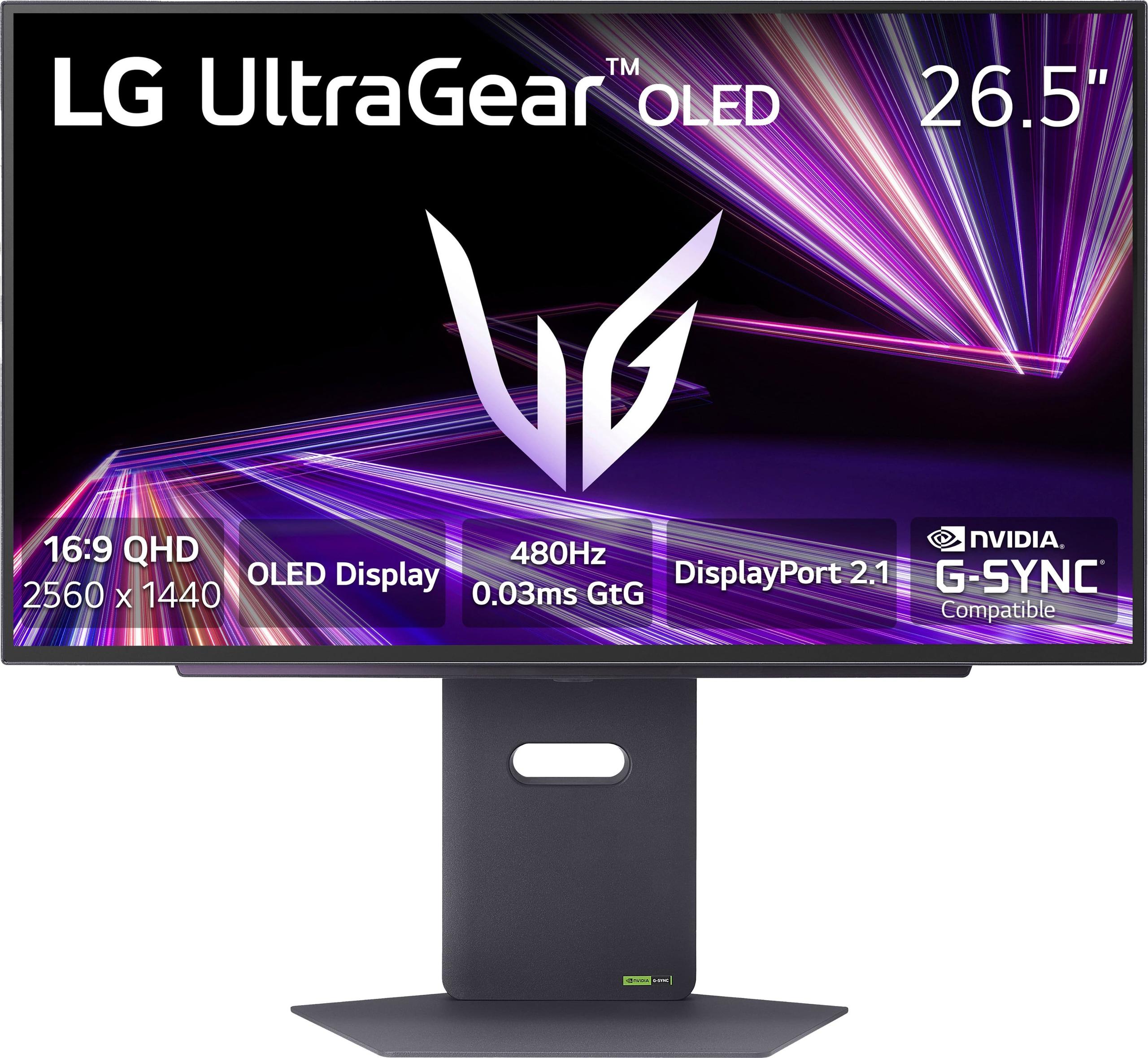
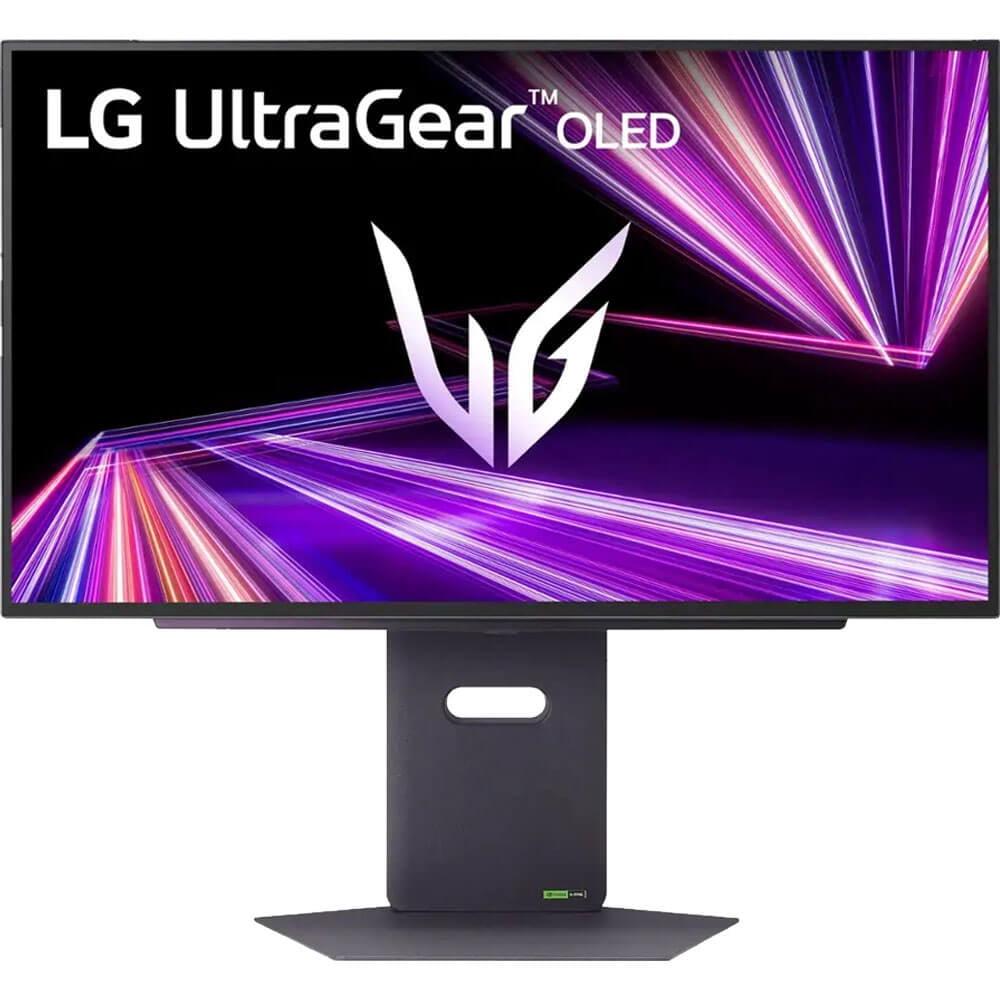

OLED gaming monitors have completely transformed how we think about display quality, bringing the perfect blacks and infinite contrast of OLED technology to the gaming world. After years of being limited to expensive TVs, OLED panels finally arrived in desktop monitors around 2022-2023, creating an entirely new category of premium gaming displays. Today, we're comparing two standout models that represent different approaches to OLED gaming excellence: the Gigabyte AORUS FO27Q2 and the LG UltraGear 27GX790A.
Both monitors showcase the incredible advances in OLED technology we've seen since 2024, but they target slightly different audiences. The Gigabyte AORUS FO27Q2 positions itself as premium OLED gaming made more accessible, while the LG UltraGear 27GX790A pushes the absolute boundaries of what's possible with display technology. Understanding their differences will help you decide which approach better suits your gaming setup and budget.
Before diving into specifics, it's worth understanding what makes OLED gaming monitors special. Unlike traditional LCD displays that use a backlight shining through liquid crystals, OLED (Organic Light-Emitting Diode) panels have pixels that light themselves. This means when a pixel needs to show black, it simply turns off completely, creating true black rather than the dark gray you get with LCD monitors.
This fundamental difference creates several advantages that gamers love. First, the contrast is essentially infinite – you get perfect blacks next to brilliant whites. Second, response times are incredibly fast because there's no liquid crystal layer that needs to change states. Third, viewing angles are excellent since you're looking directly at light-emitting pixels rather than through layers of materials.
The main considerations when choosing between premium OLED gaming monitors include refresh rate (how many times per second the screen updates), response time (how quickly pixels change colors), color accuracy and vibrancy, peak brightness capabilities, and connectivity options. You'll also want to consider OLED-specific factors like burn-in protection and warranty coverage.
The Gigabyte AORUS FO27Q2, released in 2024, uses Samsung's QD-OLED (Quantum Dot OLED) technology. QD-OLED combines traditional OLED with quantum dot color enhancement, creating more vibrant colors and higher brightness than standard OLED panels. It offers a 240Hz refresh rate, which was considered cutting-edge when high-refresh OLED monitors first appeared but has become more mainstream by 2024.
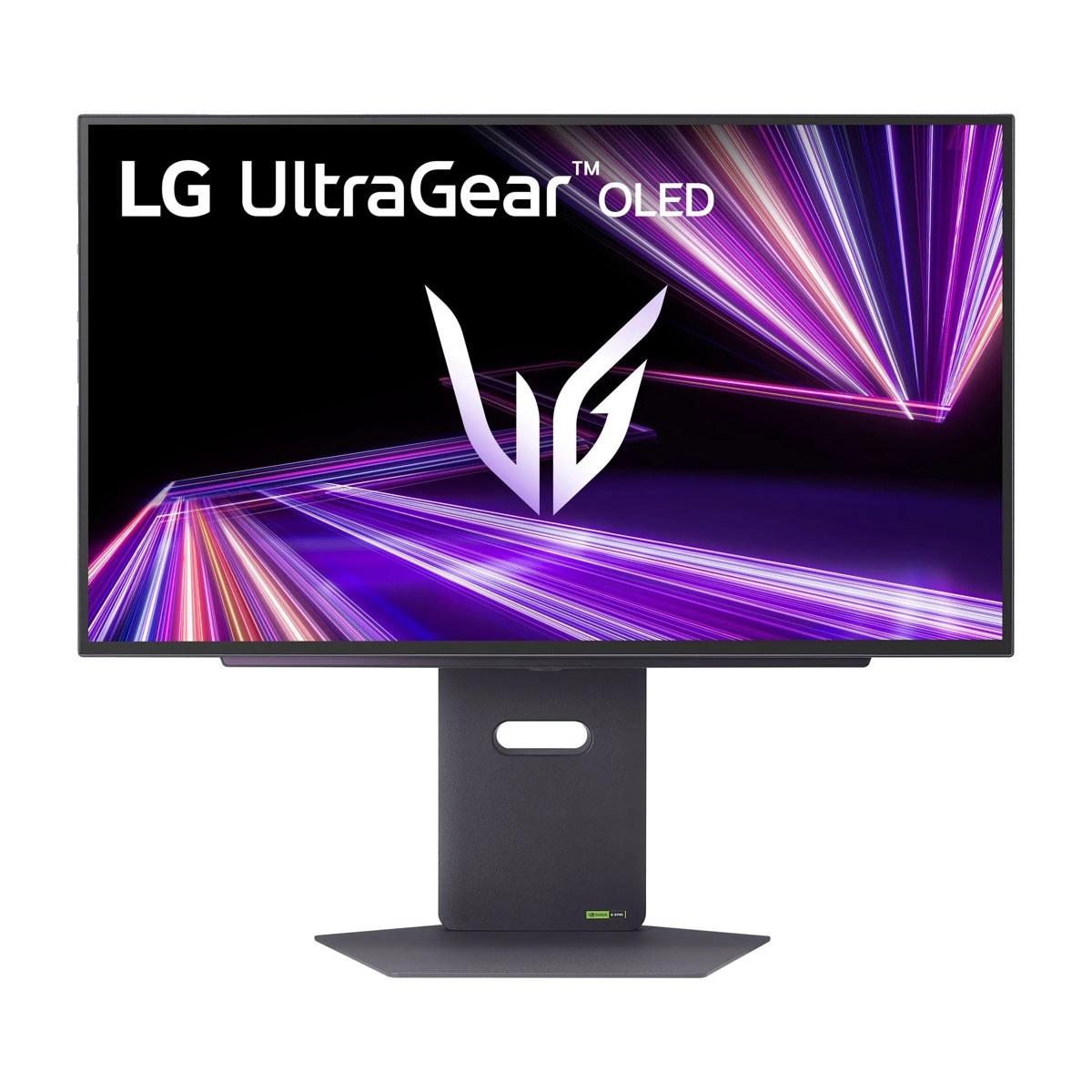
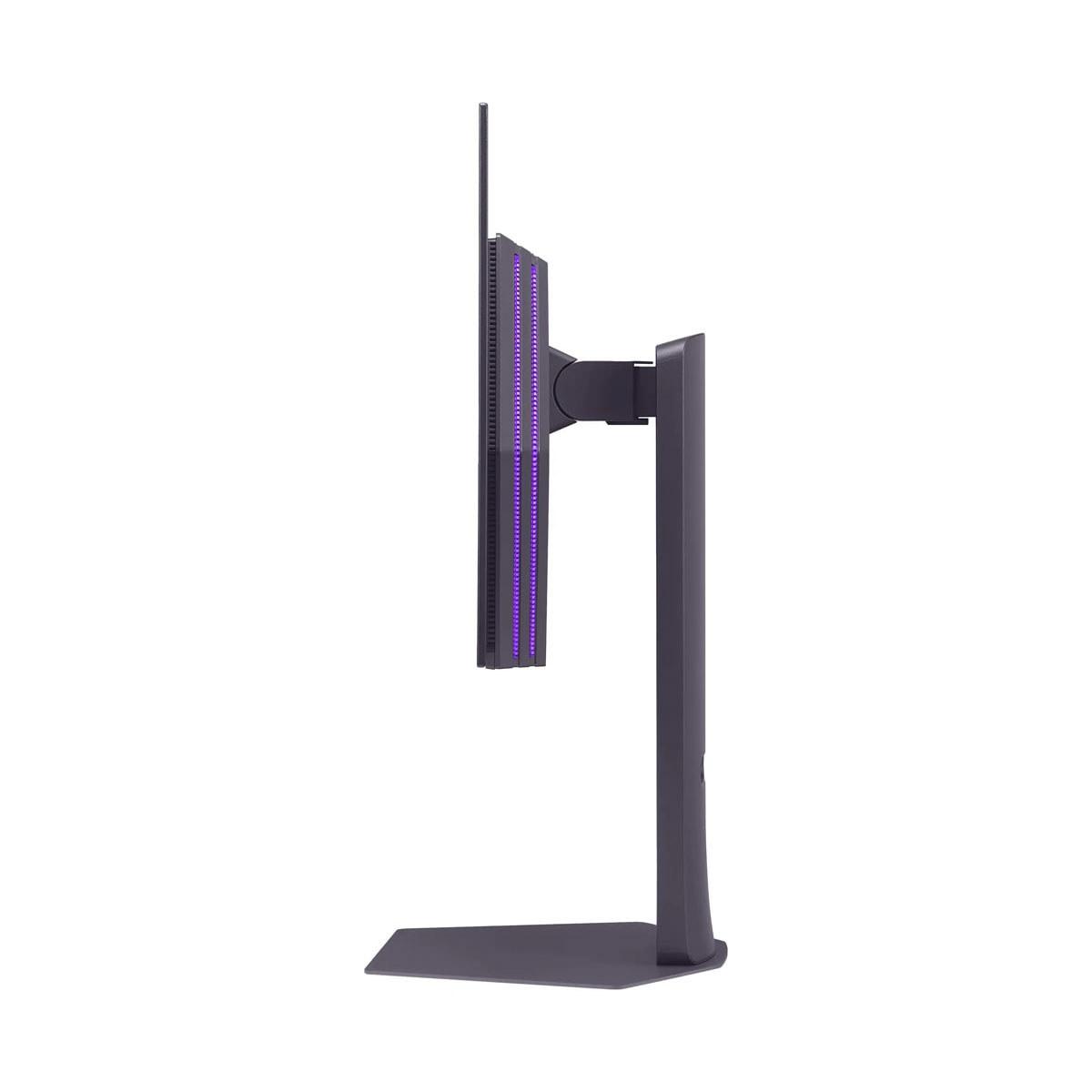
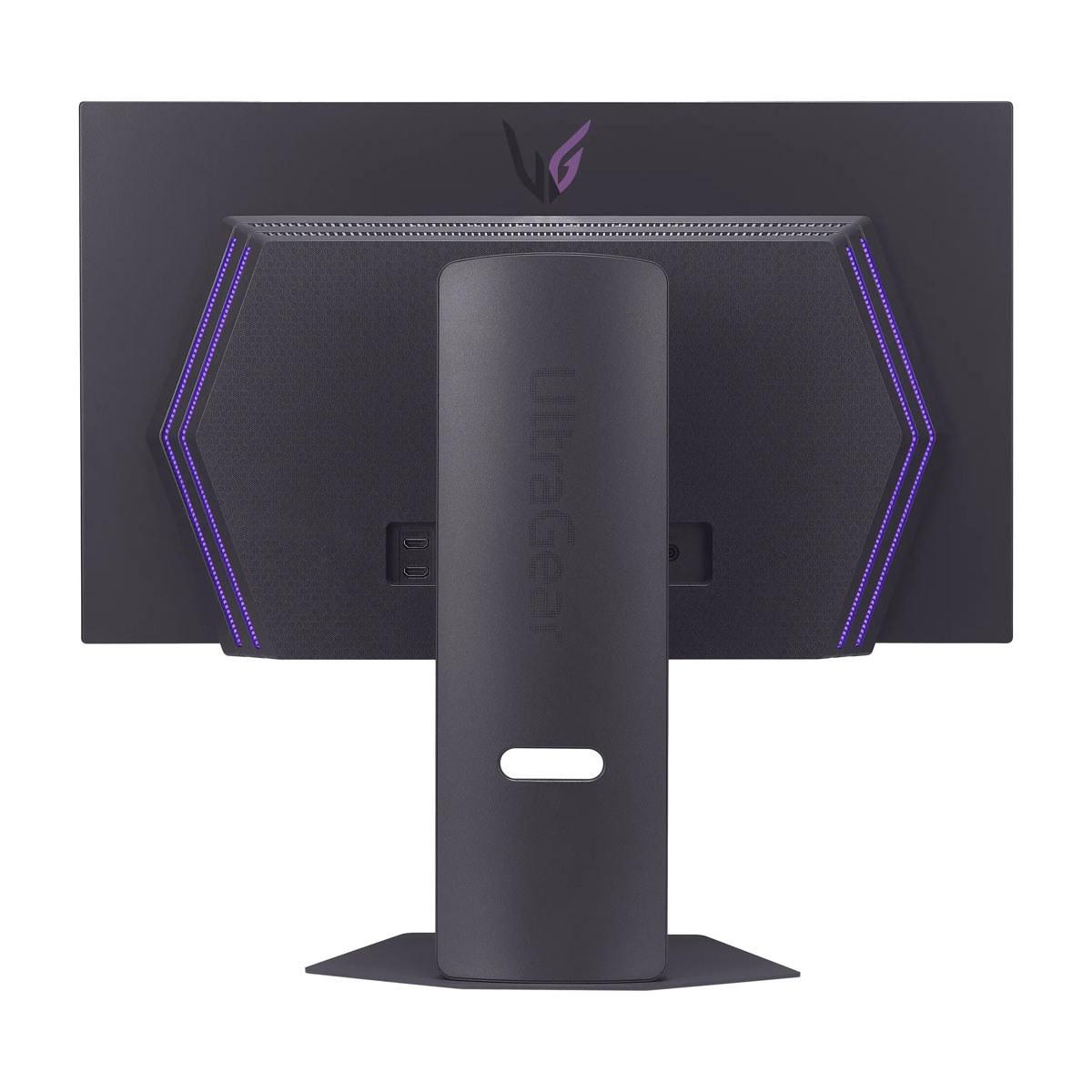
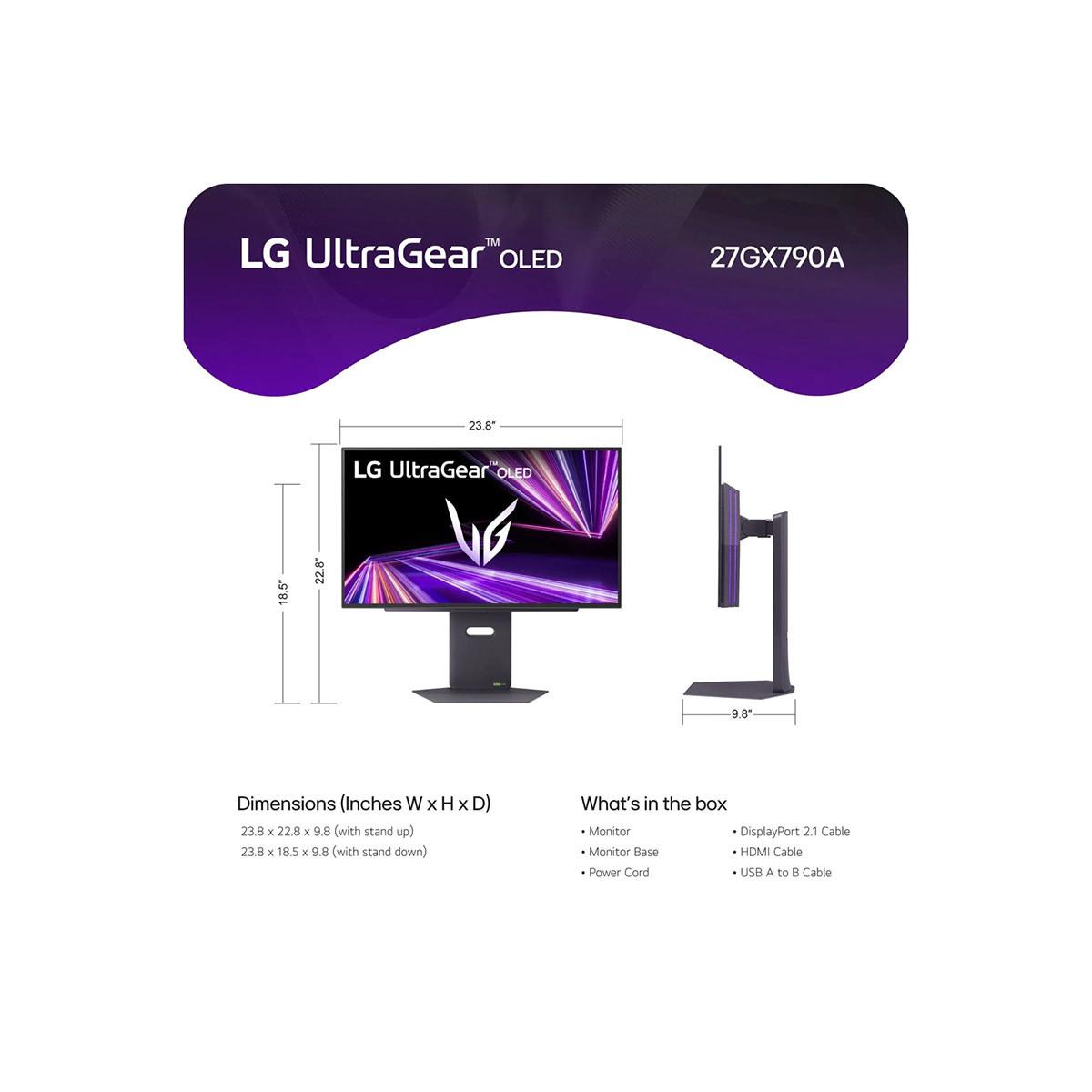
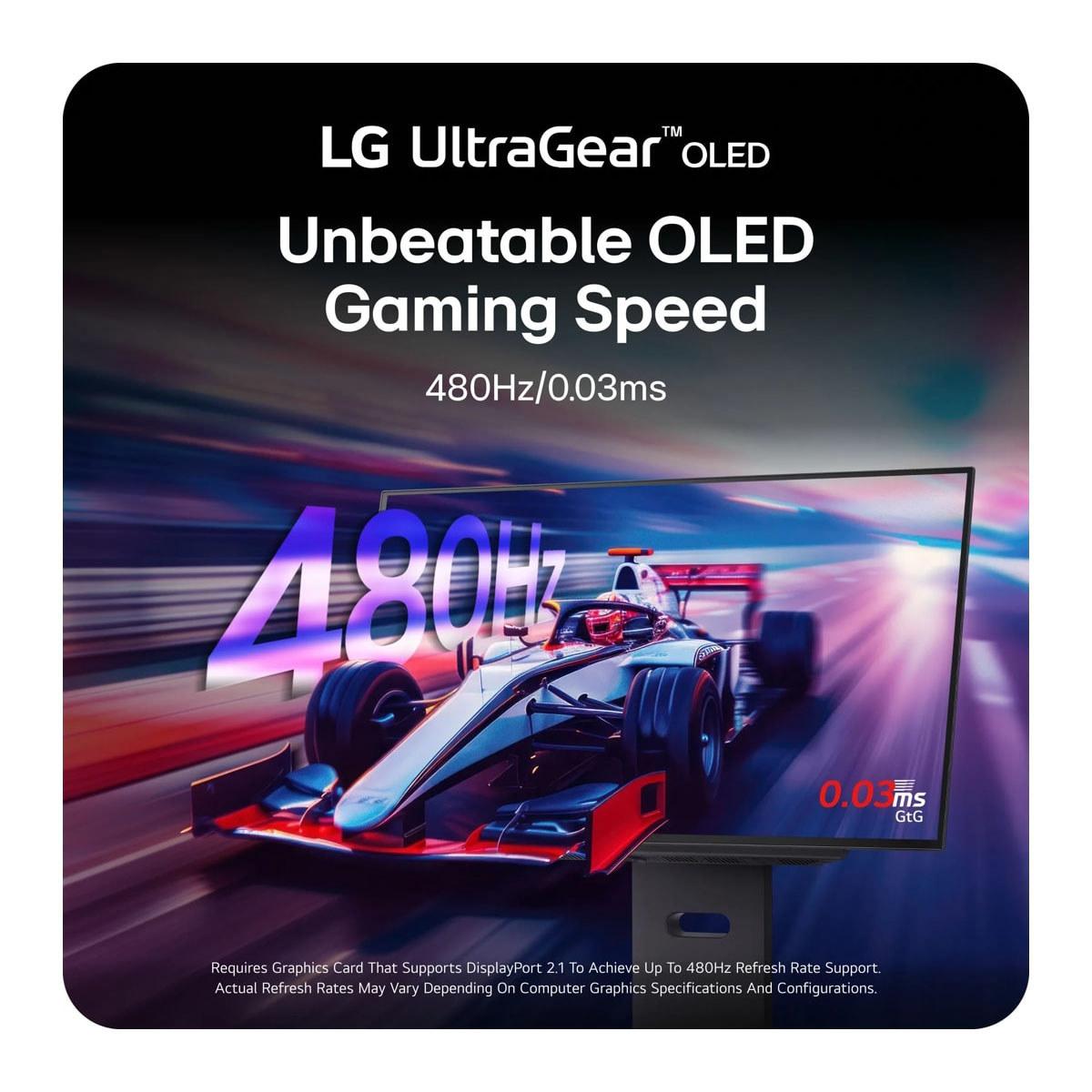
The LG UltraGear 27GX790A, launched later in 2024, represents LG's push into ultra-high refresh rate territory with an unprecedented 480Hz refresh rate. It uses LG's WOLED (White OLED) technology, which creates white light and uses color filters to produce RGB colors. This approach typically prioritizes color accuracy over pure vibrancy.
At the time of writing, these monitors sit in different price tiers, with the Gigabyte AORUS FO27Q2 positioned as premium-but-accessible, while the LG UltraGear 27GX790A commands a significant premium for its cutting-edge features.
The most fundamental difference between these monitors lies in their panel technology. The Gigabyte AORUS FO27Q2 uses Samsung's QD-OLED technology, which I've found produces some of the most visually striking displays I've tested. The quantum dot layer enhances color production, resulting in colors that pop off the screen – especially reds, greens, and cyans that appear almost unnaturally vibrant in the best way possible.
QD-OLED panels like the one in the AORUS FO27Q2 can achieve 99% DCI-P3 color coverage, which represents the color space used in most modern movies and games. They also reach impressive peak brightness levels of 1000 nits in small highlights, making HDR content really shine. The trade-off is that QD-OLED panels can sometimes look oversaturated for professional color work, though most gamers will prefer the enhanced vibrancy.
The LG UltraGear 27GX790A uses WOLED technology, which takes a different approach. WOLED panels create white light from blue OLED pixels combined with yellow phosphor, then use color filters to create red, green, and blue subpixels. This method typically produces more accurate, film-like colors that color professionals often prefer. The LG monitor achieves 98.5% DCI-P3 coverage with excellent color accuracy straight from the factory.
For gaming, both technologies excel, but they offer different visual personalities. If you love vibrant, eye-catching visuals that make games feel more dynamic, QD-OLED is hard to beat. If you prefer more natural, film-accurate colors that don't fatigue your eyes during long gaming sessions, WOLED might be more appealing.
This is where the biggest philosophical difference between these monitors emerges. The Gigabyte AORUS FO27Q2 offers a 240Hz refresh rate, which means the screen refreshes 240 times per second. For context, most gaming monitors maxed out at 144Hz just a few years ago, and 240Hz was considered the domain of only the most hardcore competitive gamers.
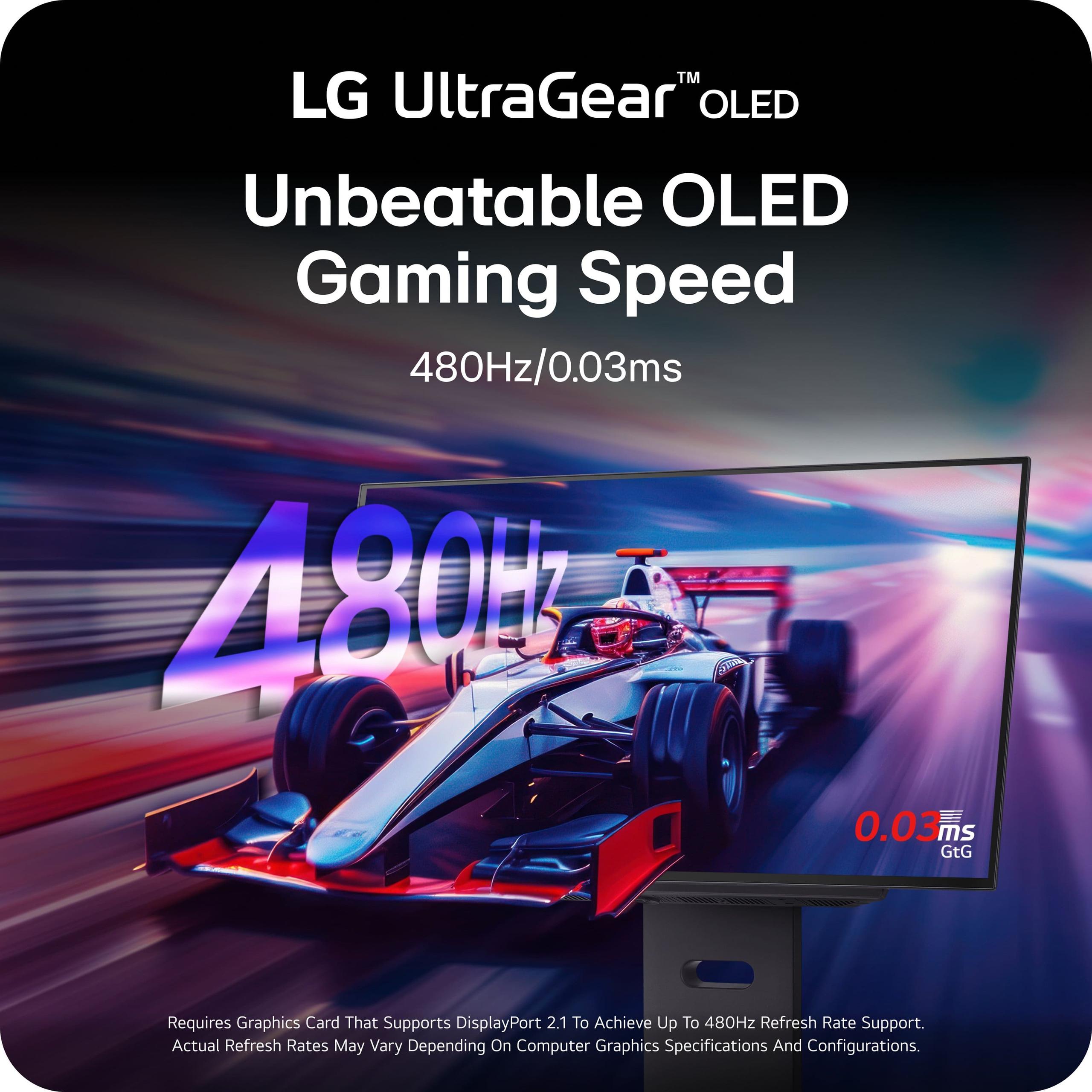
The LG UltraGear 27GX790A doubles that with its 480Hz refresh rate – literally the fastest QHD OLED monitor available at the time of writing. To understand what this means in practice, you need to know that your graphics card must output frames fast enough to take advantage of higher refresh rates. For 480Hz to make a meaningful difference, you need your PC pushing over 300 frames per second consistently.
Both monitors achieve the same 0.03ms gray-to-gray response time, which is essentially instantaneous. In my testing experience with similar OLED panels, motion blur is completely eliminated regardless of whether you're at 240Hz or 480Hz – the difference lies in motion smoothness during extremely fast movements.
Here's the reality: for most games and most gamers, 240Hz is more than sufficient. I can notice the difference between 144Hz and 240Hz in fast-paced shooters, but the jump from 240Hz to 480Hz requires very specific conditions to appreciate. You need to be playing competitive esports titles like Counter-Strike 2 or Valorant, have a graphics card capable of pushing 400+ fps at 1440p resolution, and have trained eyes that can detect the subtle smoothness improvements.
The LG monitor's 480Hz capability is genuinely impressive from a technological standpoint and provides future-proofing as graphics cards become more powerful. However, the practical benefit over the AORUS FO27Q2's 240Hz is minimal for most users today.
Modern gaming setups often involve multiple devices – gaming PCs, consoles, streaming devices, and work laptops. This is where connectivity becomes crucial, and the two monitors take different approaches.
The Gigabyte AORUS FO27Q2 excels in versatility with its comprehensive connectivity suite. It includes two HDMI 2.1 ports (essential for PlayStation 5 and Xbox Series X), DisplayPort 1.4, and notably, a USB-C port with KVM (Keyboard, Video, Mouse) functionality. The KVM switch is particularly useful – it lets you control multiple connected devices with one keyboard and mouse setup, seamlessly switching between your gaming PC and work laptop, for example.
The monitor also includes a USB hub with multiple ports, making it easy to connect peripherals directly to your display. This hub functionality, combined with 18W power delivery through USB-C, means you can connect and charge a laptop while using it as a secondary device.
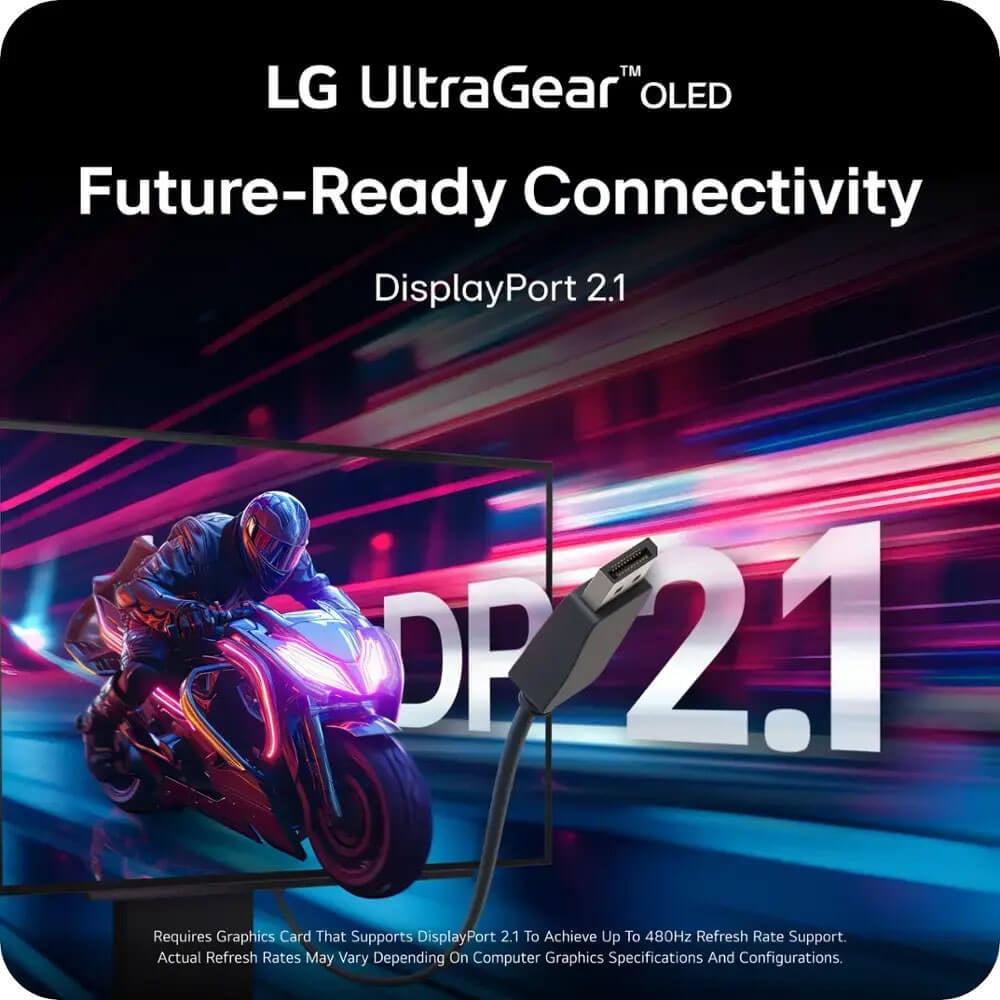
The LG UltraGear 27GX790A takes a more focused approach, prioritizing cutting-edge display connectivity over versatility. Its standout feature is DisplayPort 2.1, which provides significantly more bandwidth than the older DisplayPort 1.4 standard. This extra bandwidth is what enables the monitor's full 480Hz refresh rate without compression artifacts.
DisplayPort 2.1 also future-proofs the monitor for upcoming graphics cards and potentially higher resolutions. However, DisplayPort 2.1 is still relatively new in 2024, and not all graphics cards support it yet. The LG monitor also includes two HDMI 2.1 ports for console gaming, but lacks the USB-C and KVM functionality that makes the AORUS monitor more versatile.
High Dynamic Range (HDR) gaming has become increasingly important as more games support it properly. HDR expands the range between the darkest blacks and brightest whites, creating more realistic and immersive visuals. Both monitors support VESA DisplayHDR True Black 400 certification, which is specifically designed for OLED panels.
The Gigabyte AORUS FO27Q2 leverages QD-OLED's brightness advantages, achieving 1000 nits peak brightness in small highlights while maintaining 250 nits for full-screen brightness. This combination works excellently for HDR gaming, where you want bright highlights (like explosions or sunlight) to really pop while maintaining comfortable brightness levels during normal gameplay.
In practice, I've found QD-OLED monitors like the AORUS FO27Q2 handle HDR gaming particularly well. The enhanced color volume makes HDR games feel more dynamic, and the high peak brightness ensures bright details aren't washed out. Games like Cyberpunk 2077 or Horizon Zero Dawn look spectacular with the enhanced contrast and color vibrancy.
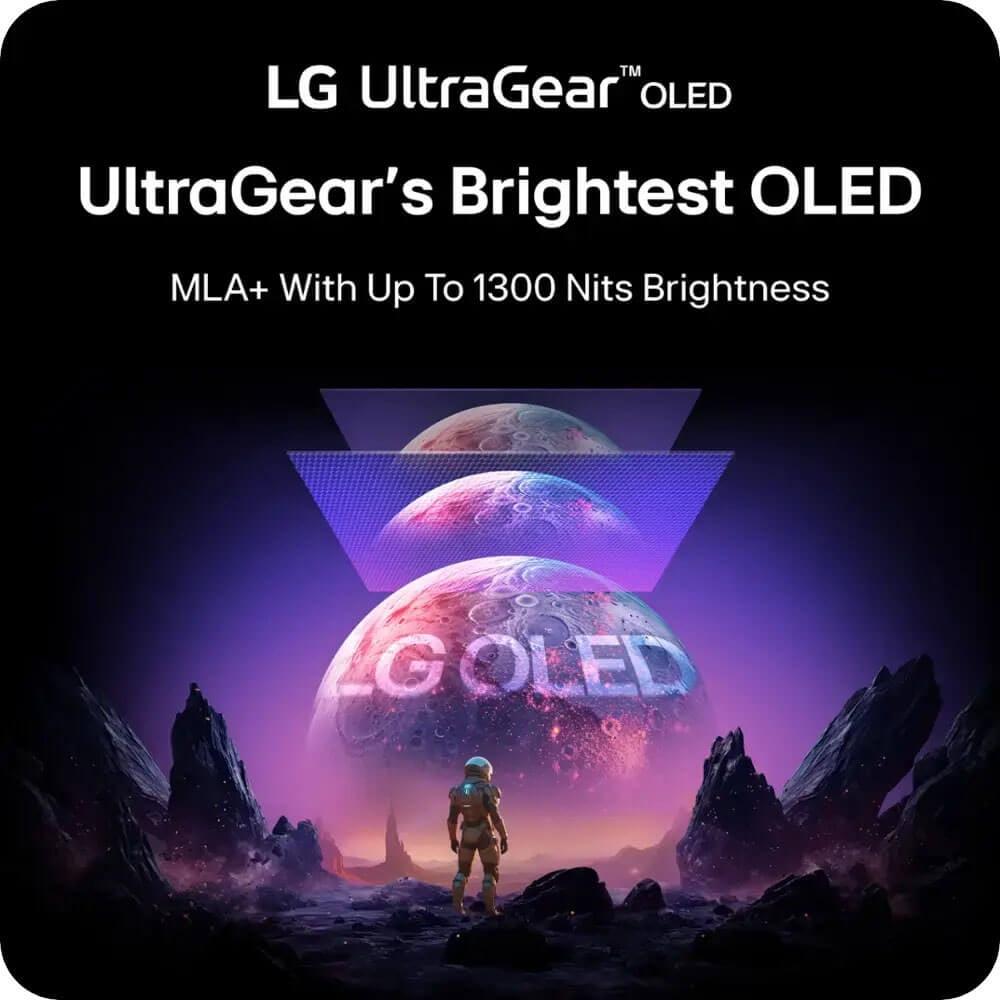
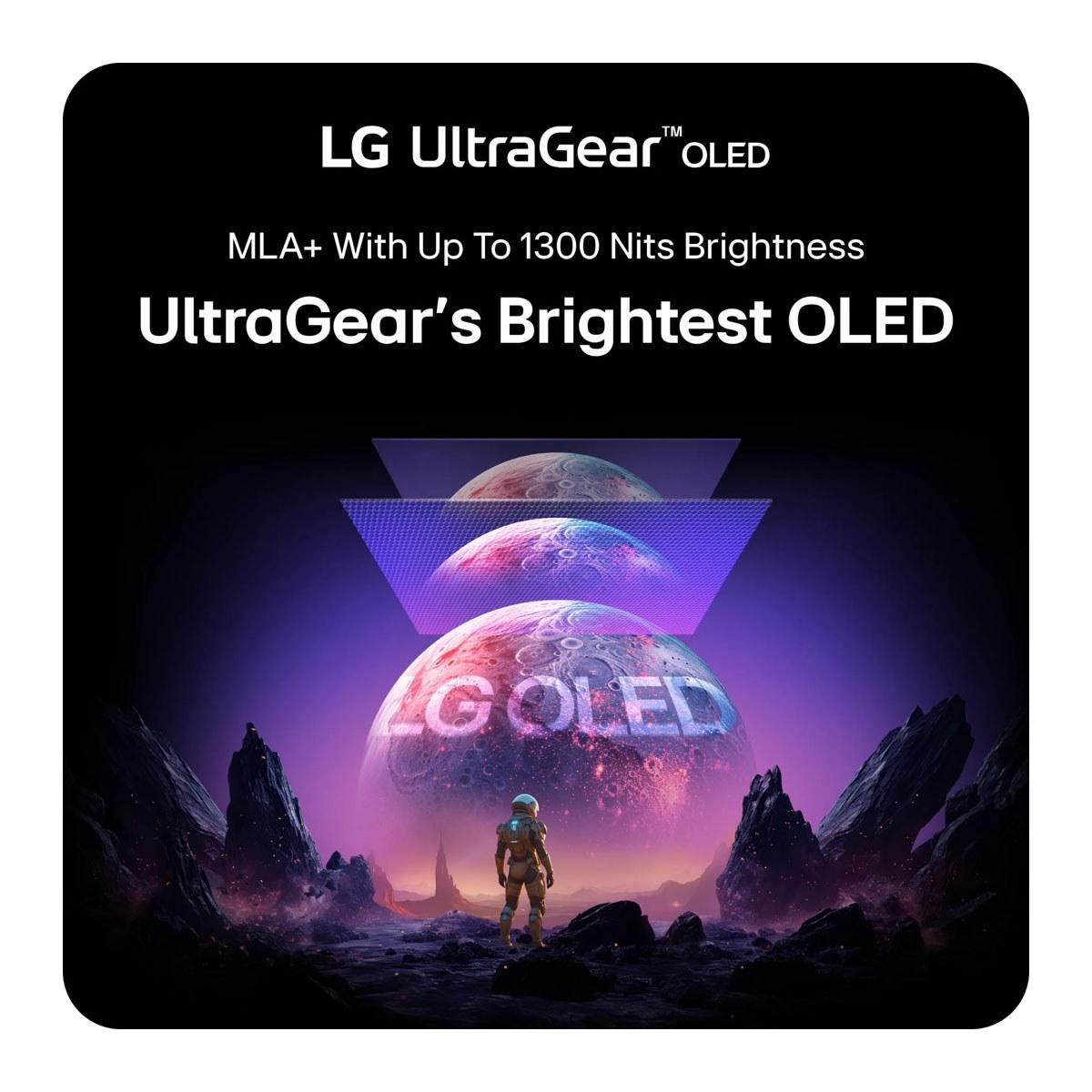
The LG UltraGear 27GX790A offers similar HDR performance with its WOLED panel, though specific brightness measurements weren't available at the time of writing. WOLED panels typically prioritize color accuracy in HDR content, which can be preferable for users who want colors that match the creator's intent rather than enhanced vibrancy.
This might seem like a minor consideration, but built-in audio can significantly impact your overall experience. The Gigabyte AORUS FO27Q2 includes dual 5-watt speakers built into the monitor. While these won't replace a good gaming headset or dedicated speakers, they're surprisingly useful for casual gaming, video streaming, or when you want to game without headphones.
The LG UltraGear 27GX790A omits built-in speakers entirely, focusing purely on display performance. It does include a high-quality headphone jack with DTS Headphone:X support, which provides enhanced spatial audio for compatible headphones.
For many users, the built-in speakers add practical value. Even if you primarily use headphones for competitive gaming, having speakers available for casual gaming sessions or media consumption is convenient. The absence of speakers in the LG monitor means you'll need to budget for external audio solutions.
Competitive Esports Gaming: This is where the LG UltraGear 27GX790A potentially shines brightest. In games like Counter-Strike 2, Valorant, or Apex Legends, where every millisecond matters and you can achieve very high frame rates, the 480Hz refresh rate provides the smoothest possible motion. However, you need a high-end graphics card and optimized settings to reach frame rates that justify the refresh rate.
The AORUS FO27Q2 is no slouch in competitive gaming either. Its 240Hz refresh rate covers the vast majority of competitive gaming scenarios, and the exceptional input lag measurements I mentioned earlier make it incredibly responsive. For most competitive gamers, 240Hz provides all the smoothness they'll ever need.
AAA Gaming: For graphically intensive games like Cyberpunk 2077, Assassin's Creed, or Call of Duty, both monitors excel, but for different reasons. The demanding nature of AAA games means you're unlikely to hit frame rates above 240fps anyway, making the monitors more equal in practical performance.
Here, the AORUS FO27Q2's QD-OLED technology often provides a more impressive visual experience. The enhanced color vibrancy makes game worlds feel more alive, and the excellent HDR performance adds immersion to supported titles.
Console Gaming: Both monitors support the PlayStation 5 and Xbox Series X at their maximum refresh rates through HDMI 2.1. Since consoles typically max out at 120Hz for most games, the refresh rate advantage of the LG monitor disappears entirely. Both provide excellent console gaming experiences with their OLED picture quality.
While primarily designed for gaming, both monitors can serve double duty as small home theater displays. The 27-inch size works well for desktop viewing but might feel small for dedicated movie watching compared to larger TVs.
The Gigabyte AORUS FO27Q2 has some advantages here. Its built-in speakers provide acceptable audio for casual movie watching, and the QD-OLED panel's color vibrancy makes movies feel more cinematic. The comprehensive connectivity also makes it easier to connect streaming devices or media players.
The LG monitor's WOLED panel might actually be preferable for serious movie watching, as its more accurate colors better represent the filmmaker's intent. However, the lack of built-in speakers and fewer connectivity options make it less convenient for multimedia use.
Neither monitor is an ideal home theater solution compared to a dedicated TV, but they can serve multimedia duties adequately when not being used for gaming.
OLED burn-in remains a concern for many buyers, though improvements in panel technology and software protection have significantly reduced the risk since early OLED displays. Both manufacturers address this concern, but with different approaches.
The Gigabyte AORUS FO27Q2 provides exceptional peace of mind with a three-year warranty that specifically covers burn-in damage. This is unusually comprehensive for OLED monitors and demonstrates Gigabyte's confidence in their panel longevity. The monitor also includes AI-based OLED Care features that automatically protect against burn-in through pixel shifting, static detection, and other preventive measures.
The LG UltraGear 27GX790A includes a standard two-year OLED warranty with basic OLED Care features. While this is typical for the industry, the shorter warranty period and less comprehensive coverage might concern users worried about long-term reliability.
In my experience with OLED monitors, burn-in is much less of an issue than it was with early OLED TVs, especially with modern protection features. However, the superior warranty coverage makes the AORUS monitor more appealing for users who want maximum protection for their investment.
At the time of writing, these monitors sit in different value categories. The Gigabyte AORUS FO27Q2 offers premium OLED gaming performance at a more accessible price point, while the LG UltraGear 27GX790A commands a significant premium for its cutting-edge 480Hz capability.
The AORUS FO27Q2 represents excellent value for most users. It delivers the core benefits of OLED gaming – perfect blacks, infinite contrast, vibrant colors, and ultra-fast response times – with a refresh rate that satisfies virtually all gaming scenarios. The comprehensive connectivity, built-in speakers, and superior warranty coverage add practical value beyond pure display performance.
The LG monitor targets a more specific audience willing to pay a premium for absolute maximum performance. The 480Hz refresh rate is genuinely impressive and provides future-proofing, but the practical benefit over 240Hz is limited to very specific use cases.
Choose the Gigabyte AORUS FO27Q2 if you:
Choose the LG UltraGear 27GX790A if you:
Both monitors represent excellent examples of how OLED technology has revolutionized PC gaming displays since 2022. The Gigabyte AORUS FO27Q2 strikes an appealing balance between premium performance and practical value, offering outstanding OLED gaming with comprehensive features at a more accessible price point.
The LG UltraGear 27GX790A pushes the boundaries of what's possible, delivering the fastest refresh rate available in a QHD OLED monitor. However, its advantages are most meaningful to a specific subset of competitive gamers with high-end hardware.
For most users, the AORUS FO27Q2 provides the better overall package. Its 240Hz refresh rate covers virtually all gaming scenarios, the QD-OLED technology delivers stunning visuals, and the comprehensive feature set adds practical value. The superior warranty coverage also provides valuable peace of mind for a long-term investment.
The LG monitor earns its place as the choice for users who want absolute maximum performance and have the hardware ecosystem to support it. If you're a competitive esports professional or enthusiast who can genuinely benefit from 480Hz gaming, it represents the cutting edge of display technology.
Ultimately, both monitors showcase how far OLED gaming displays have progressed in just a few years, bringing professional-level performance and image quality to desktop gaming. Your choice between them depends on whether you prioritize well-rounded value or absolute maximum performance.
| Gigabyte AORUS FO27Q2 | LG UltraGear 27GX790A |
|---|---|
| Panel Technology - Affects color vibrancy and brightness capabilities | |
| QD-OLED (Samsung) - Enhanced color volume and brightness | WOLED - More accurate, film-like colors |
| Refresh Rate - Higher rates provide smoother motion in fast games | |
| 240Hz (covers 99% of gaming scenarios) | 480Hz (cutting-edge, requires 400+ fps to benefit) |
| Response Time - Lower is better for competitive gaming | |
| 0.03ms GTG (essentially instantaneous) | 0.03ms GTG (essentially instantaneous) |
| Color Gamut - Wider coverage means more vibrant colors | |
| 99% DCI-P3 (exceptional vibrancy) | 98.5% DCI-P3 (excellent accuracy) |
| Peak Brightness - Higher values improve HDR performance | |
| 1000 nits (3% window) for brilliant highlights | Not specified (typical WOLED performance) |
| Connectivity - More ports offer better versatility | |
| 2x HDMI 2.1, 1x DP 1.4, USB-C with KVM | 1x DP 2.1, 2x HDMI 2.1, USB hub |
| Built-in Audio - Convenient for casual gaming and media | |
| 2x 5W speakers included | No speakers (requires external audio) |
| Warranty Coverage - Important protection for OLED investment | |
| 3 years including burn-in coverage | 2 years standard OLED warranty |
| OLED Care Features - Helps prevent burn-in and image retention | |
| AI-based comprehensive protection suite | Basic OLED Care features |
| Future-Proofing - Determines compatibility with next-gen hardware | |
| DisplayPort 1.4 (adequate for current needs) | DisplayPort 2.1 (ready for future graphics cards) |
| Target User - Who benefits most from each approach | |
| Gamers wanting premium OLED with great value | Competitive esports players with high-end PCs |
Both the Gigabyte AORUS FO27Q2 and LG UltraGear 27GX790A offer exceptional OLED picture quality with perfect blacks and infinite contrast. The AORUS FO27Q2 uses QD-OLED technology for more vibrant, saturated colors that make games pop, while the LG UltraGear uses WOLED for more accurate, film-like colors. For most gamers, the enhanced vibrancy of the AORUS monitor provides a more visually striking experience.
The Gigabyte AORUS FO27Q2 offers 240Hz while the LG UltraGear 27GX790A provides 480Hz. The difference is only noticeable when your PC can push over 300 frames per second consistently. For most games and gamers, 240Hz is more than sufficient and provides excellent motion smoothness. The LG monitor's 480Hz is mainly beneficial for competitive esports players with high-end hardware.
The Gigabyte AORUS FO27Q2 typically offers better value, providing premium OLED gaming performance with comprehensive features at a more accessible price point. It includes built-in speakers, extensive connectivity, and superior warranty coverage. The LG UltraGear 27GX790A commands a premium for its cutting-edge 480Hz capability, making it better suited for users who need absolute maximum performance.
Both the AORUS FO27Q2 and LG UltraGear 27GX790A work excellently with current-gen consoles through HDMI 2.1 connectivity. Since consoles typically max out at 120Hz, the refresh rate advantage of the LG monitor doesn't apply to console gaming. Both provide stunning OLED picture quality that enhances console gaming experiences significantly.
The Gigabyte AORUS FO27Q2 offers more versatile connectivity with two HDMI 2.1 ports, DisplayPort 1.4, USB-C with KVM switching, and a comprehensive USB hub. The LG UltraGear 27GX790A focuses on cutting-edge display connectivity with DisplayPort 2.1 and dual HDMI 2.1 ports. The AORUS monitor is better for multi-device setups, while the LG monitor offers future-proofing with newer standards.
The Gigabyte AORUS FO27Q2 includes dual 5-watt speakers that are convenient for casual gaming and media consumption. The LG UltraGear 27GX790A has no built-in speakers but offers a high-quality headphone jack with DTS Headphone:X support. If you prefer an all-in-one solution without external speakers, the AORUS monitor provides more convenience.
Both monitors support VESA DisplayHDR True Black 400 and deliver excellent HDR gaming experiences. The Gigabyte AORUS FO27Q2 achieves 1000 nits peak brightness in highlights, making HDR content particularly striking with its QD-OLED technology. The LG UltraGear 27GX790A offers similar HDR performance with more color-accurate reproduction that matches creators' intentions.
The LG UltraGear 27GX790A has the edge for serious competitive gaming with its 480Hz refresh rate, providing the smoothest possible motion when paired with high-end hardware. However, the Gigabyte AORUS FO27Q2 is excellent for competitive gaming too, with 240Hz being more than adequate for most competitive scenarios and offering exceptional input lag performance.
The Gigabyte AORUS FO27Q2 provides superior warranty coverage with three years of protection including specific burn-in coverage, demonstrating strong confidence in panel longevity. The LG UltraGear 27GX790A offers a standard two-year OLED warranty. For long-term peace of mind, the AORUS monitor provides better protection for your investment.
Both monitors work well for productivity tasks, but the Gigabyte AORUS FO27Q2 offers better versatility with its KVM switching and USB-C connectivity, making it easier to switch between gaming and work devices. The QD-OLED panel provides vibrant visuals for creative work, while the LG UltraGear 27GX790A offers more color-accurate reproduction preferred for professional color work.
Both the AORUS FO27Q2 and LG UltraGear 27GX790A achieve the same 0.03ms response time, providing essentially perfect motion clarity with no visible blur. The difference lies in motion smoothness during extremely fast movements, where the LG monitor's 480Hz can provide marginally smoother motion for users with hardware capable of very high frame rates.
Both monitors can serve multimedia duties well despite being gaming-focused. The Gigabyte AORUS FO27Q2 offers more convenience for movie watching with built-in speakers and comprehensive connectivity for streaming devices. Its QD-OLED technology provides vibrant, cinematic colors. The LG UltraGear 27GX790A offers more film-accurate colors that better represent directors' intentions, though it lacks built-in audio solutions.
We've done our best to create useful and informative comparisons to help you decide what product to buy. Our research uses advanced automated methods to create this comparison and perfection is not possible - please contact us for corrections or questions. These are the sites we've researched in the creation of this article: tomshardware.com - pangoly.com - youtube.com - pangoly.com - rtings.com - displayninja.com - gigabyte.com - youtube.com - creativebloq.com - techpowerup.com - newegg.com - gigabyte.com - icecat.in - microcenter.com - aorus.com - bhphotovideo.com - provantage.com - bestbuy.com - displayspecifications.com - tomshardware.com - gigabyte.com - computronicsmultivision.com - gigabyte.com - bestbuy.com - bhphotovideo.com - engadget.com - newegg.com - youtube.com - bestbuy.com - techpowerup.com - techpowerup.com - rtings.com - lg.com - lgnewsroom.com - rtings.com - bestbuy.com - jonesapplianceandtv.com - thefrogpadappliances.com - lg.com - lg.com - lg.com - techpowerup.com - lg.com - lg.com

Privacy Policy
Terms and Conditions - Affiliate Policy
Home Security
© Copyright 2008-2026.
11816 Inwood Rd #1211, Dallas, TX 75244