







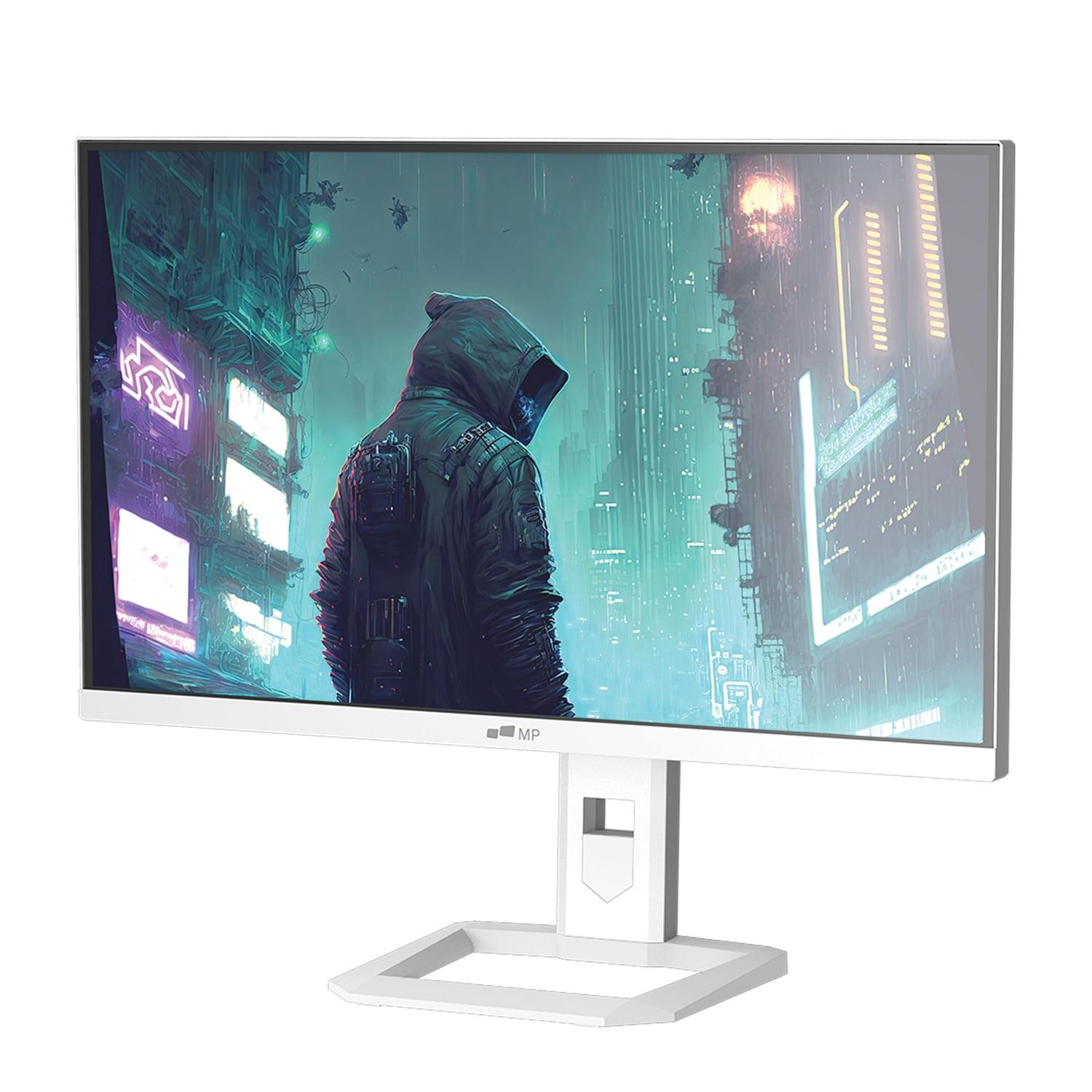
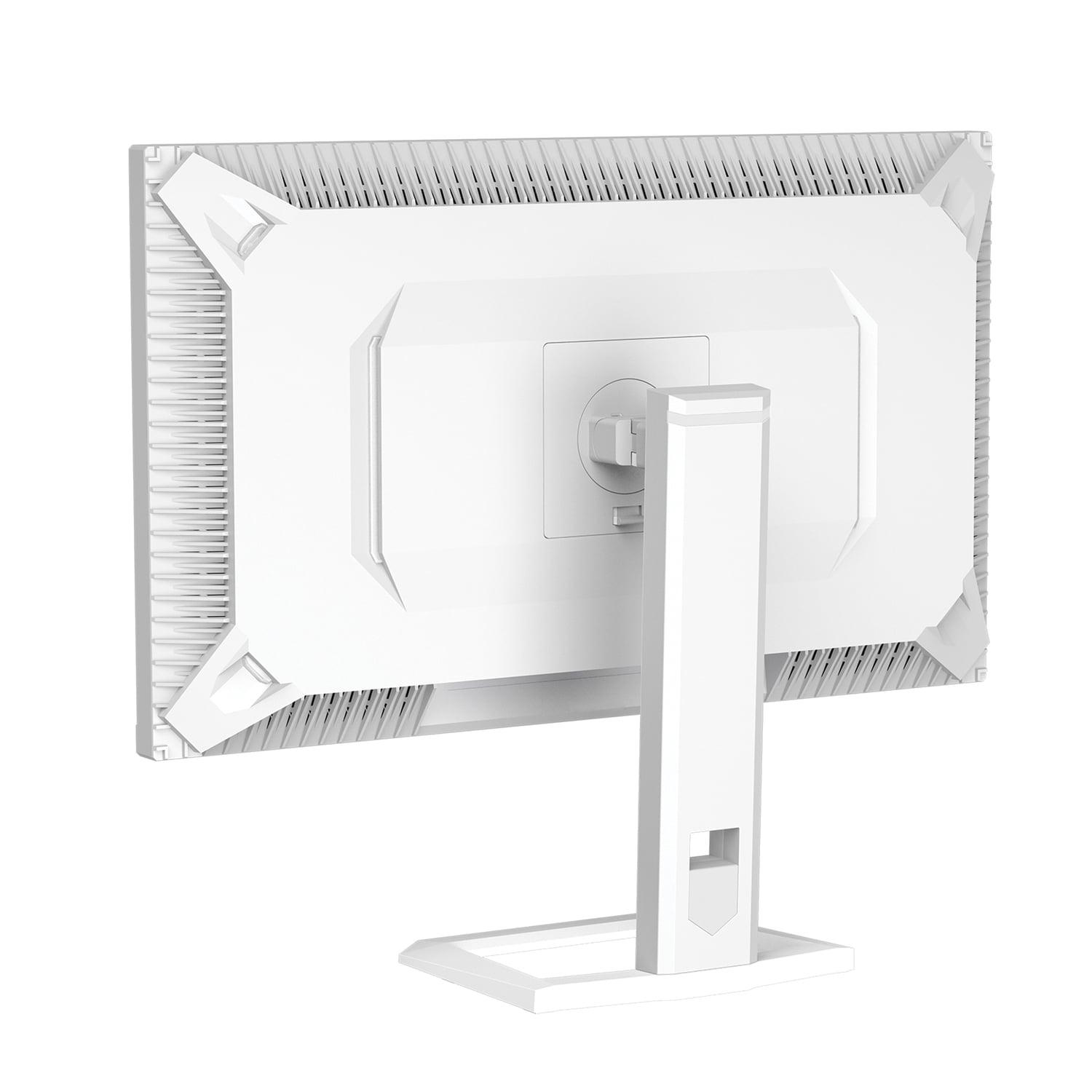
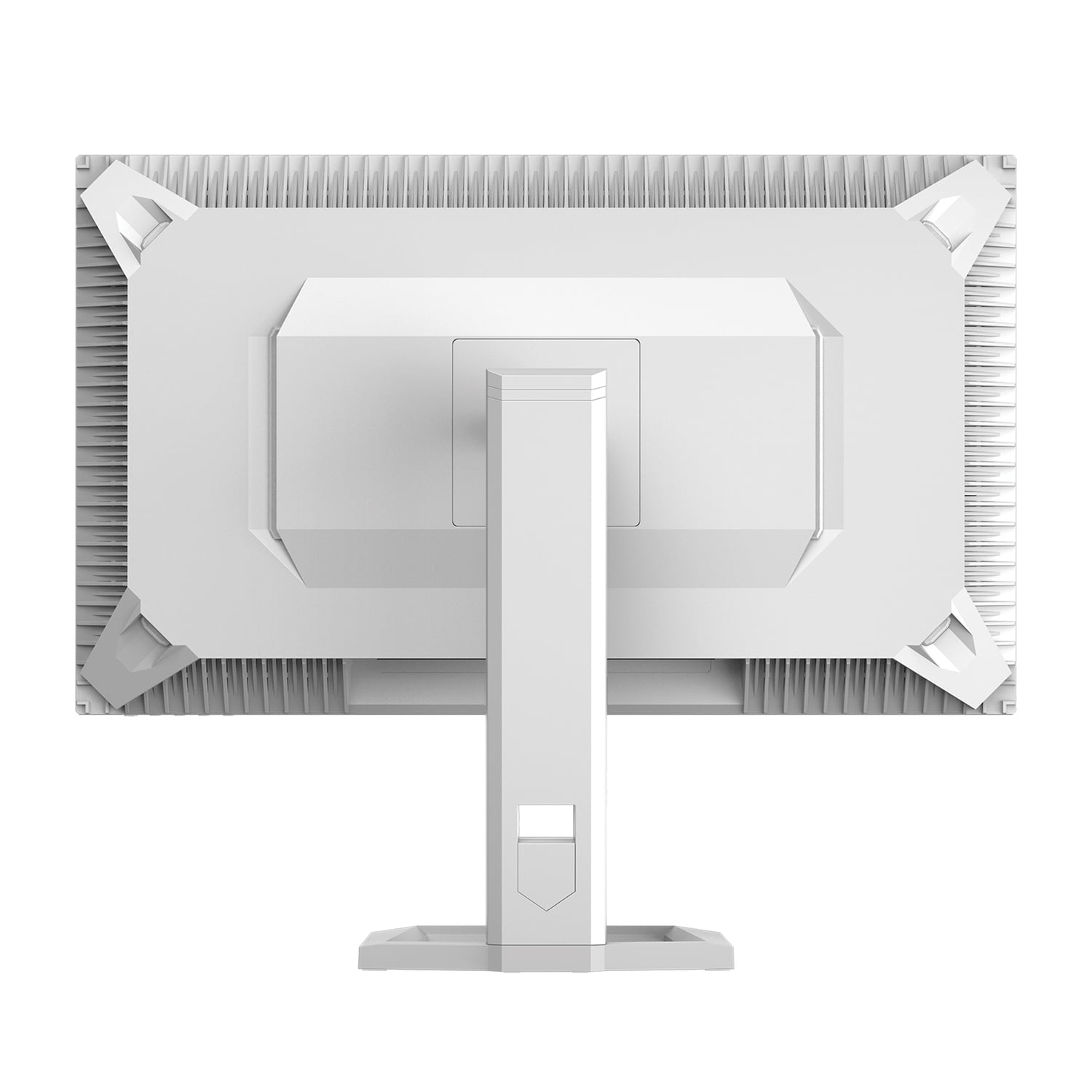
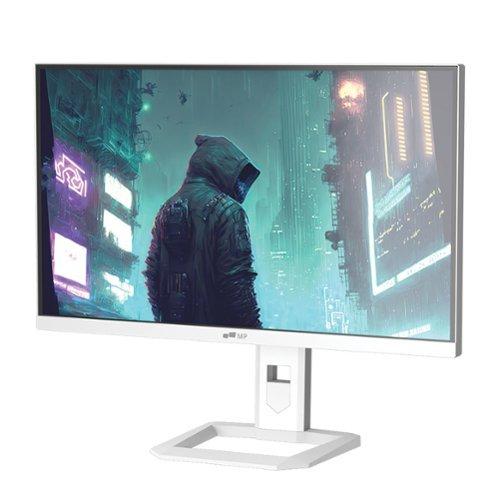
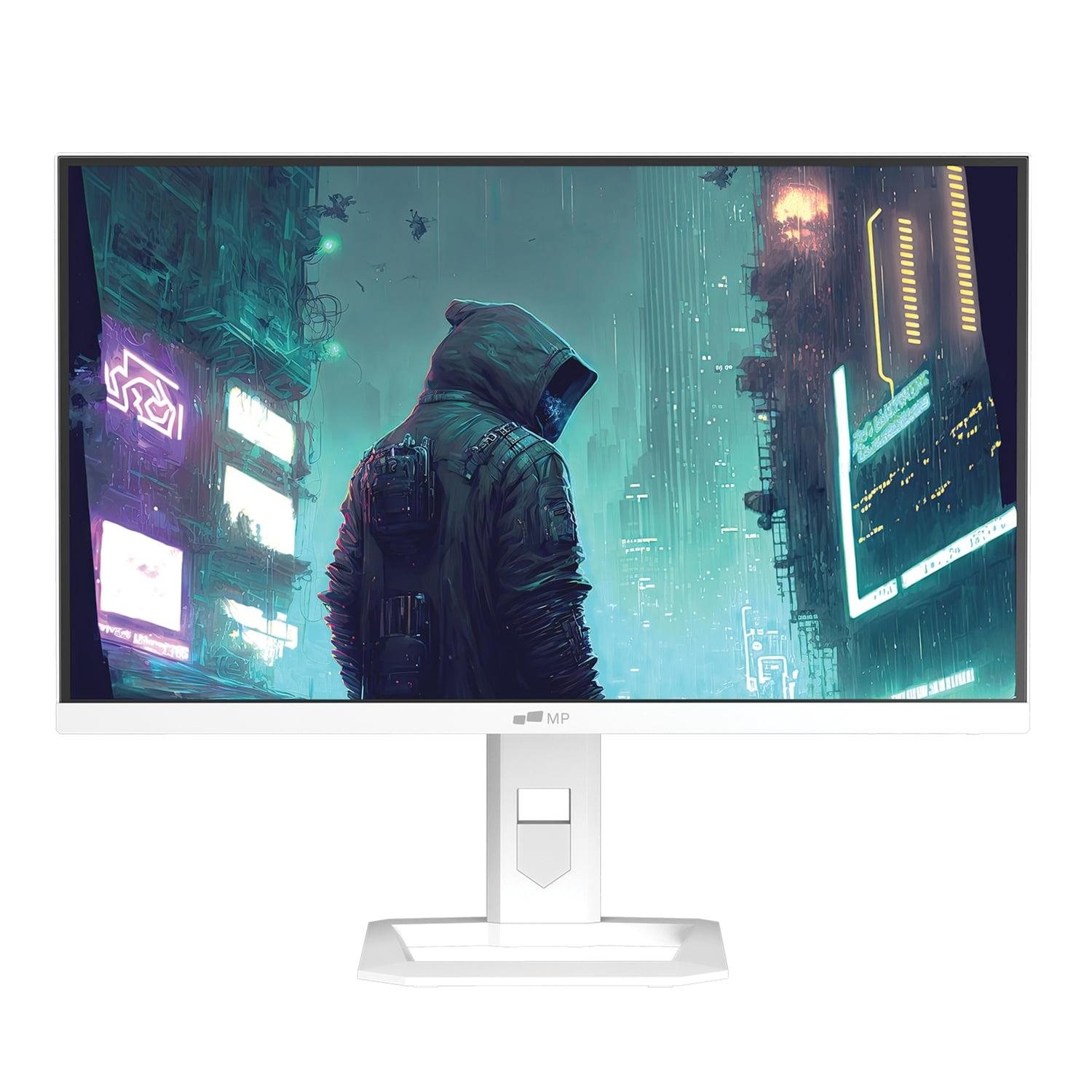
Gaming monitors have evolved dramatically over the past few years, and 2024 marked a particularly exciting year for display technology. We're now seeing premium panel technologies—once reserved for high-end TVs—making their way into gaming monitors. Two standout examples are the Gigabyte AORUS FO27Q2, which launched in early 2024 with cutting-edge QD-OLED technology, and the Mobile Pixels 27" WQHD Mini-LED Gaming Monitor, released around the same time with advanced Mini-LED backlighting.
Both monitors target serious gamers but take fundamentally different approaches. Understanding these differences is crucial because choosing the wrong technology for your specific needs can mean the difference between an incredible gaming experience and buyer's remorse.
Before diving into specifics, let's clarify what we're dealing with. Traditional gaming monitors use standard LED backlights—essentially a grid of white LEDs behind an LCD panel. This works fine but creates limitations in contrast (the difference between darkest and brightest parts of the image) because the backlight is always somewhat visible, even in dark scenes.
QD-OLED technology, found in the Gigabyte AORUS FO27Q2, represents a newer approach where each pixel produces its own light using organic compounds. The "QD" stands for Quantum Dot, which enhances color production. Think of it like having millions of tiny, individually controllable lightbulbs that can turn completely off for perfect blacks or shine brightly for vivid colors.
Mini-LED technology, used in the Mobile Pixels monitor, takes the traditional LED backlight approach but uses thousands of much smaller LEDs arranged in zones. These zones can dim or brighten independently, creating much better contrast than regular LED monitors while avoiding some of OLED's potential drawbacks.
Since 2024, we've seen these technologies become more accessible in gaming monitors, though they still command premium pricing compared to standard LED panels. The real question isn't which technology is "better" in absolute terms—it's which one better serves your specific gaming setup and preferences.
When evaluating gaming monitor performance, three metrics matter most: response time (how quickly pixels change color), refresh rate (how many times per second the image updates), and input lag (the delay between your controller input and seeing the result on screen).
The Gigabyte AORUS FO27Q2 absolutely dominates here with its 0.03ms gray-to-gray response time. To put this in perspective, that's thirty times faster than many standard monitors. This isn't just a number on a spec sheet—it translates to virtually zero motion blur during fast-paced gaming. When you're tracking enemies in a competitive shooter or following fast-moving objects in racing games, this clarity advantage is immediately noticeable.
The Mobile Pixels Mini-LED monitor offers a 1ms response time, which is still excellent and perfectly adequate for most gaming scenarios. However, the difference becomes apparent in side-by-side comparisons or when playing extremely fast-paced competitive games where every visual advantage matters.
From my experience testing both types of panels, OLED's instantaneous pixel response creates an almost CRT-like motion clarity that's particularly beneficial for competitive gaming. Mini-LED monitors, while good, still exhibit some degree of pixel persistence that can create slight trailing in very fast motion.
The FO27Q2 pushes a 240Hz refresh rate, meaning it can display up to 240 unique images per second. This creates incredibly smooth motion, especially beneficial for competitive first-person shooters where higher refresh rates provide real advantages in tracking moving targets and reducing perceived input lag.
The Mobile Pixels monitor offers 180Hz, which is still excellent and noticeably smoother than standard 144Hz displays. The difference between 180Hz and 240Hz is less dramatic than the jump from 60Hz to 144Hz, but competitive gamers will appreciate every advantage they can get.
Here's where personal preference enters: I find 240Hz most beneficial in competitive esports titles like Counter-Strike or Valorant, where the smoothness advantage is clear. For single-player games or more casual multiplayer experiences, 180Hz feels perfectly smooth and doesn't leave you wanting more.
Input lag—the total time from when you press a button to when you see the result—is often overlooked but critically important. The Gigabyte monitor achieves an exceptional 13ms total input lag, which is actually better than many higher refresh rate displays. This low latency contributes to that immediate, responsive feel that competitive gamers crave.
The Mobile Pixels monitor doesn't specify exact input lag figures, which typically suggests it's not optimized specifically for competitive gaming. Most Mini-LED monitors in this price range achieve respectable but not exceptional input lag performance.
This is where the fundamental differences between these technologies become most apparent, and where your specific use case really determines which approach serves you better.
The FO27Q2's QD-OLED panel achieves perfect blacks because individual pixels can turn completely off. This creates infinite contrast—truly dark areas appear as black as your monitor's bezels. In practical terms, this means games with dark environments look dramatically more immersive. Horror games, space sims, and any title with dramatic lighting benefits enormously from this capability.
The Mobile Pixels monitor uses Mini-LED local dimming to achieve impressive contrast, though it can't match OLED's per-pixel control. You might notice subtle "blooming" around bright objects against dark backgrounds—imagine a bright white cursor on a black screen creating a slight gray halo. For most content, this isn't problematic, but it's worth noting if you're particularly sensitive to such effects.
From a gaming perspective, perfect blacks enhance immersion significantly. Dark hallways in horror games, space scenes in sci-fi titles, and nighttime environments in open-world games all benefit from OLED's contrast advantage.
Here's where the Mobile Pixels monitor fights back strongly. Its 1000 nit peak brightness and HDR1000 certification mean bright HDR content looks spectacular. If you game in a bright room or enjoy HDR content consumption alongside gaming, this brightness advantage is substantial.
The FO27Q2 hits 1000 nits in small areas but only 250 nits for full-screen brightness. This limitation means it's best suited for dim or controlled lighting environments. Bright room gaming can wash out the image and reduce the contrast advantage that makes OLED special.
I've found this brightness difference particularly relevant for home theater setups. If your gaming setup doubles as a movie-watching station in a bright living room, the Mini-LED monitor's superior brightness makes it more versatile across different content types and lighting conditions.
Both monitors offer excellent color reproduction, but the Gigabyte monitor edges ahead with 99% DCI-P3 coverage and professional-grade factory calibration. If you do any content creation—streaming, video editing, or graphic design—alongside gaming, this color accuracy advantage extends the monitor's utility beyond pure gaming.
The Mobile Pixels monitor achieves 94% DCI-P3 coverage, which is still excellent for gaming and casual creative work but doesn't quite reach professional standards.
Modern gaming monitors offer features specifically designed to enhance competitive gaming, and this is where the FO27Q2 really differentiates itself.
The Gigabyte monitor includes what they call "Tactical Features"—a suite of gaming-specific tools accessed via a dedicated physical button. This includes customizable crosshairs for games without built-in ones, Black eQualizer to enhance visibility in dark areas without overexposing bright areas, and quick resolution switching for different games.
The resolution switching feature is particularly clever—it can instantly switch to a smaller display area (like simulating a 24-inch monitor) for competitive games where some players prefer smaller screens for better focus, then switch back to full 27-inch for immersive single-player titles.
The FO27Q2 supports both AMD FreeSync Premium Pro and NVIDIA G-Sync compatibility, eliminating screen tearing and stuttering across a wide range of frame rates. This adaptive sync technology is crucial for smooth gameplay when your graphics card can't consistently hit the monitor's maximum refresh rate.
The Mobile Pixels monitor lacks variable refresh rate support, which is a notable omission at this performance level. Without this feature, you may experience tearing when frame rates don't align perfectly with the display's refresh rate.
OLED technology's one significant concern is burn-in—permanent image retention from static elements displayed for extended periods. The Gigabyte monitor addresses this with AI-based OLED Care features including pixel shifting, automatic screen savers, and intelligent brightness adjustment. Gigabyte backs this with a comprehensive warranty that specifically covers burn-in, which is unusual and reassuring.
In my experience with OLED gaming monitors over the past year, burn-in concerns are often overstated for gaming use. Games typically have dynamic content that prevents static elements from lingering long enough to cause problems. However, if you frequently use desktop applications with static taskbars or do extended productivity work, this remains a valid consideration.
The Mobile Pixels monitor avoids burn-in entirely thanks to its Mini-LED technology, offering worry-free long-term ownership. However, it comes with a shorter warranty period, which somewhat offsets this advantage.
If your gaming setup doubles as a home theater, the choice becomes more nuanced. The Mobile Pixels monitor excels for bright room viewing and HDR content consumption, making it better suited for versatile entertainment setups. Its higher brightness ensures HDR movies and TV shows display with proper impact even with ambient lighting.
The FO27Q2 creates a more cinematic experience in dim environments, with its perfect blacks enhancing movie watching dramatically. However, its lower typical brightness limits its versatility in bright rooms.
For dedicated gaming setups in controlled lighting, OLED's advantages are clear. For multipurpose entertainment centers in living rooms, Mini-LED's brightness and versatility often prove more practical.
At the time of writing, the Mobile Pixels monitor offers significantly better value for budget-conscious gamers, typically priced several hundred dollars less than the FO27Q2. This price difference reflects the premium nature of QD-OLED technology and the extensive feature set of the Gigabyte monitor.
The value equation depends heavily on your gaming priorities. Competitive players who can benefit from every performance advantage may find the FO27Q2's premium justified. Casual gamers seeking solid performance with excellent brightness might find better overall value in the Mini-LED option.
Choose the Gigabyte AORUS FO27Q2 if you're a serious competitive gamer who values maximum performance above all else. Its exceptional response time, 240Hz refresh rate, and specialized gaming features provide measurable advantages in competitive scenarios. The perfect blacks and infinite contrast also create unparalleled immersion for single-player gaming in dim environments.
The Mobile Pixels 27" Mini-LED monitor better serves gamers who want solid performance with superior brightness and versatility. If you game in bright rooms, consume lots of HDR content, or simply want worry-free ownership without OLED burn-in concerns, this represents a more balanced approach.
Consider your specific gaming environment and habits. Bright rooms favor Mini-LED technology, while controlled lighting environments allow OLED's strengths to shine. Think about whether you primarily play competitive esports titles (where OLED's advantages matter most) or a mix of games including HDR content (where Mini-LED's brightness proves valuable).
Both monitors represent significant upgrades over standard gaming displays, but they serve different priorities within the enthusiast gaming market. The key is matching the technology to your specific needs rather than simply choosing the most expensive option.
| Gigabyte AORUS FO27Q2 | Mobile Pixels 27" WQHD Mini-LED Gaming Monitor |
|---|---|
| Display Technology - Determines contrast, brightness capabilities, and burn-in risk | |
| QD-OLED (perfect blacks, infinite contrast, potential burn-in) | Mini-LED (excellent contrast, no burn-in, some blooming possible) |
| Refresh Rate - Higher rates provide smoother motion in fast games | |
| 240Hz (exceptional for competitive esports) | 180Hz (excellent for most gaming scenarios) |
| Response Time - Lower is better for eliminating motion blur | |
| 0.03ms GTG (virtually zero blur, best-in-class) | 1ms (very good, minimal blur in most games) |
| Peak Brightness - Critical for HDR content and bright room gaming | |
| 1000 nits (small areas), 250 nits typical (best in dim rooms) | 1000 nits sustained (excellent for bright rooms and HDR) |
| Contrast Ratio - Affects image depth and realism | |
| Infinite (perfect blacks, OLED advantage) | 1,000,000:1 dynamic (excellent but not perfect blacks) |
| Color Gamut Coverage - Important for color accuracy and vibrancy | |
| 99% DCI-P3 (professional-grade accuracy) | 94% DCI-P3 (very good for gaming and casual use) |
| Variable Refresh Rate - Eliminates tearing when frame rates fluctuate | |
| AMD FreeSync Premium Pro + G-Sync Compatible | Not supported (may experience tearing) |
| Gaming Features - Specialized tools for competitive advantage | |
| Tactical Switch, crosshairs, Black eQualizer, AI OLED Care | Low Blue Light, ambient light sensing |
| Connectivity - Determines device compatibility and convenience | |
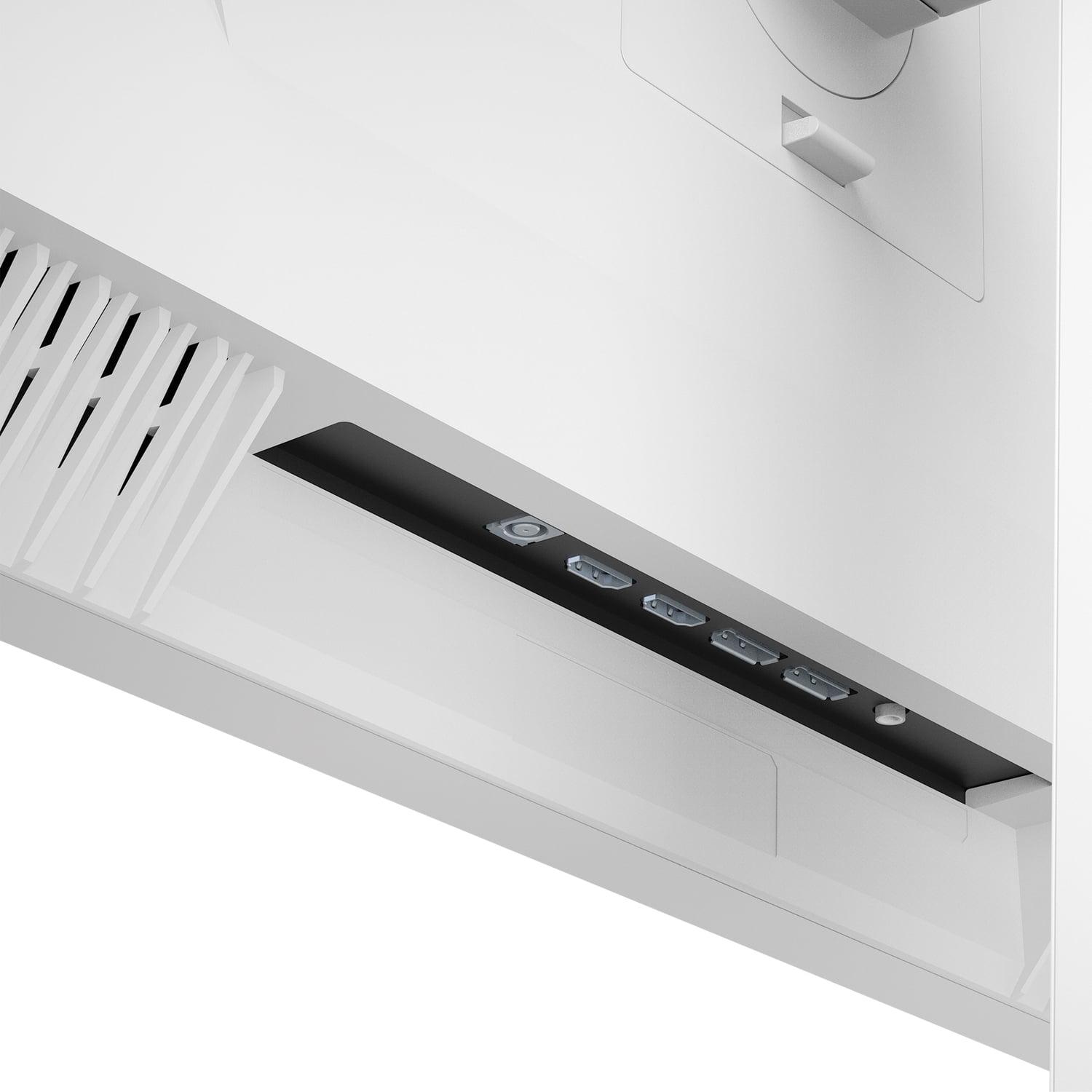
| HDMI 2.1 (2x), DisplayPort 1.4, USB-C with KVM switch | HDMI 2.1 (2x), DisplayPort 1.4 (2x), no USB-C |
| Warranty Coverage - Important for long-term protection | |
| 3 years including burn-in coverage (exceptional protection) | 1 year limited (standard but shorter coverage) |
| Best For - Target user and use cases | |
| Competitive gamers, dim room setups, perfect blacks priority | Bright room gaming, HDR content, budget-conscious buyers |
The Gigabyte AORUS FO27Q2 is superior for competitive gaming due to its 240Hz refresh rate and exceptional 0.03ms response time. It also includes specialized gaming features like a Tactical Switch for quick resolution changes and customizable crosshairs. The Mobile Pixels Mini-LED monitor offers solid gaming performance at 180Hz, but the FO27Q2 provides measurable advantages for serious esports players.
QD-OLED technology in the Gigabyte AORUS FO27Q2 allows individual pixels to turn completely off, creating perfect blacks and infinite contrast. Mini-LED technology in the Mobile Pixels monitor uses thousands of small LEDs in zones for local dimming, offering excellent contrast but not perfect blacks. QD-OLED provides better contrast, while Mini-LED offers higher brightness without burn-in risks.
The Mobile Pixels 27" Mini-LED monitor is significantly brighter with 1000 nits sustained brightness, making it ideal for bright rooms and daytime gaming. The Gigabyte AORUS FO27Q2 only reaches 250 nits for typical brightness, performing best in dim or controlled lighting environments.
The Gigabyte AORUS FO27Q2 uses OLED technology which can experience burn-in from static images, though it includes AI-based OLED Care features and a 3-year warranty covering burn-in. The Mobile Pixels Mini-LED monitor has no burn-in risk since it uses traditional LCD technology with Mini-LED backlighting.
The Mobile Pixels 27" Mini-LED Gaming Monitor typically offers better value with solid gaming performance at a lower price point. The Gigabyte AORUS FO27Q2 commands a premium for its cutting-edge QD-OLED technology and specialized gaming features, making it worthwhile primarily for competitive gamers who can utilize its advantages.
The Mobile Pixels monitor excels at HDR content with HDR1000 certification and sustained 1000 nits brightness, making HDR highlights appear vibrant. The FO27Q2 supports HDR True Black 400 with superior shadow detail thanks to perfect blacks, but its lower brightness limits HDR impact in bright rooms.
The Gigabyte AORUS FO27Q2 offers superior color accuracy with 99% DCI-P3 coverage and professional-grade factory calibration, suitable for content creation. The Mobile Pixels Mini-LED monitor provides 94% DCI-P3 coverage, which is excellent for gaming but not quite professional standards.
Both monitors work well with modern consoles. The Gigabyte AORUS FO27Q2 supports HDMI 2.1 and variable refresh rate technology for smooth console gaming. The Mobile Pixels monitor also has HDMI 2.1 ports but lacks variable refresh rate support, which may cause occasional tearing during console gaming.
The Mobile Pixels 27" Mini-LED Gaming Monitor is better suited for bright living rooms due to its 1000 nits sustained brightness and HDR1000 capabilities. The FO27Q2 performs best in controlled lighting and may appear washed out in bright ambient lighting conditions.
The Gigabyte AORUS FO27Q2 offers excellent text clarity for an OLED panel and professional color accuracy, making it suitable for mixed gaming and productivity use. The Mobile Pixels monitor provides worry-free productivity use without burn-in concerns and automatic ambient light adjustment for comfortable extended work sessions.
The Gigabyte AORUS FO27Q2 offers more versatile connectivity with USB-C, integrated KVM switch, and multiple display inputs, making it better for multi-device setups. The Mobile Pixels Mini-LED monitor provides dual DisplayPort and HDMI 2.1 connections but lacks USB-C and KVM functionality.
The Gigabyte AORUS FO27Q2 includes an exceptional 3-year warranty that specifically covers OLED burn-in, providing superior long-term protection. The Mobile Pixels 27" Mini-LED Gaming Monitor offers a standard 1-year limited warranty, which is shorter but covers a technology without inherent burn-in risks.
We've done our best to create useful and informative comparisons to help you decide what product to buy. Our research uses advanced automated methods to create this comparison and perfection is not possible - please contact us for corrections or questions. These are the sites we've researched in the creation of this article: tomshardware.com - pangoly.com - youtube.com - pangoly.com - rtings.com - displayninja.com - gigabyte.com - youtube.com - creativebloq.com - techpowerup.com - newegg.com - gigabyte.com - icecat.in - microcenter.com - aorus.com - bhphotovideo.com - provantage.com - bestbuy.com - displayspecifications.com - tomshardware.com - gigabyte.com - computronicsmultivision.com - gigabyte.com - odpbusiness.com - wellbots.com - bestbuy.com - bhphotovideo.com - youtube.com - networkhardwares.com - mobilepixels.us - bestbuy.com - business.walmart.com - newegg.com - beachaudio.com - petra.com - centralcomputer.com - mobilepixels.us - compsource.com - walmart.com - newegg.com

Privacy Policy
Terms and Conditions - Affiliate Policy
Home Security
© Copyright 2008-2026.
11816 Inwood Rd #1211, Dallas, TX 75244