







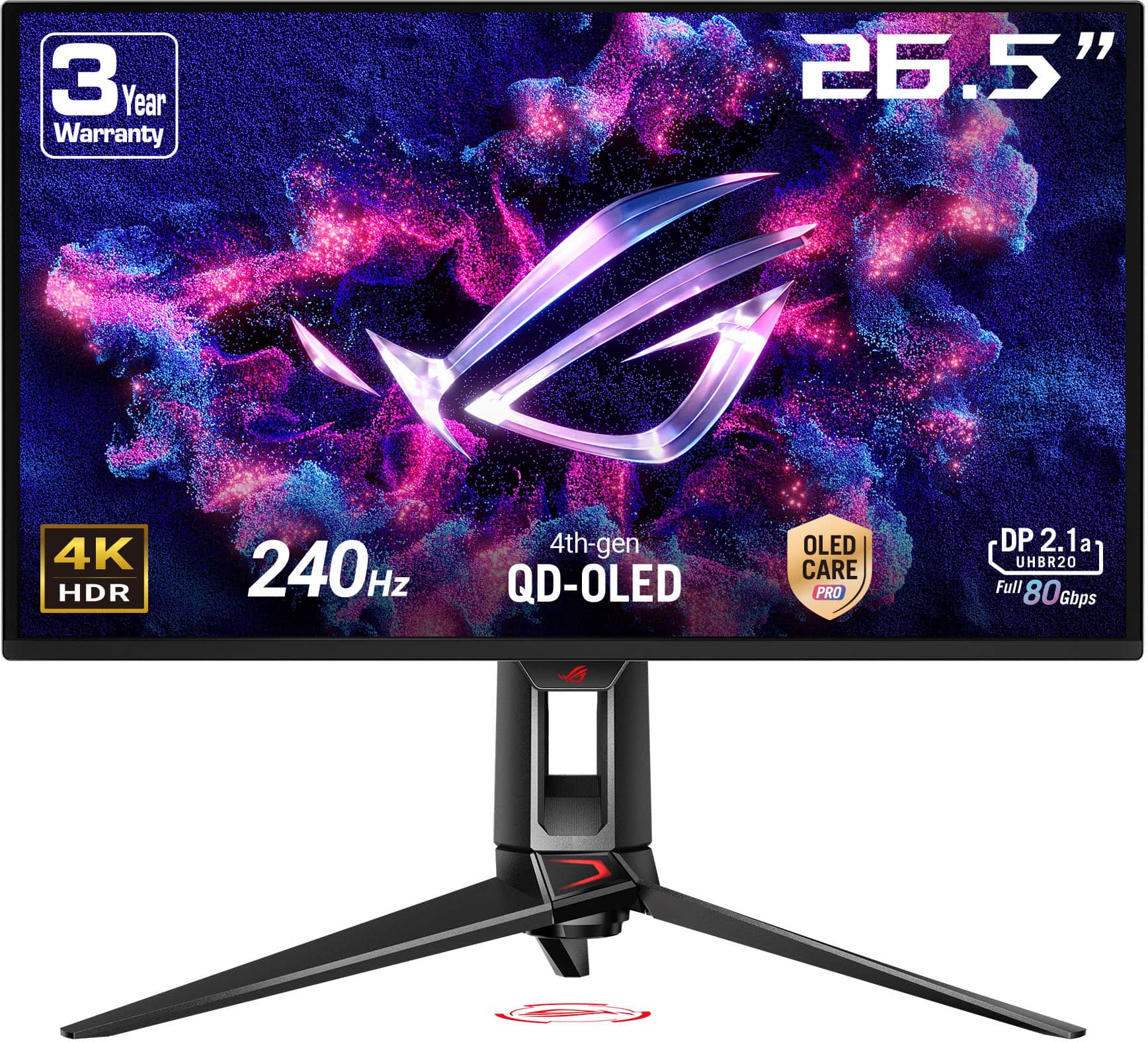
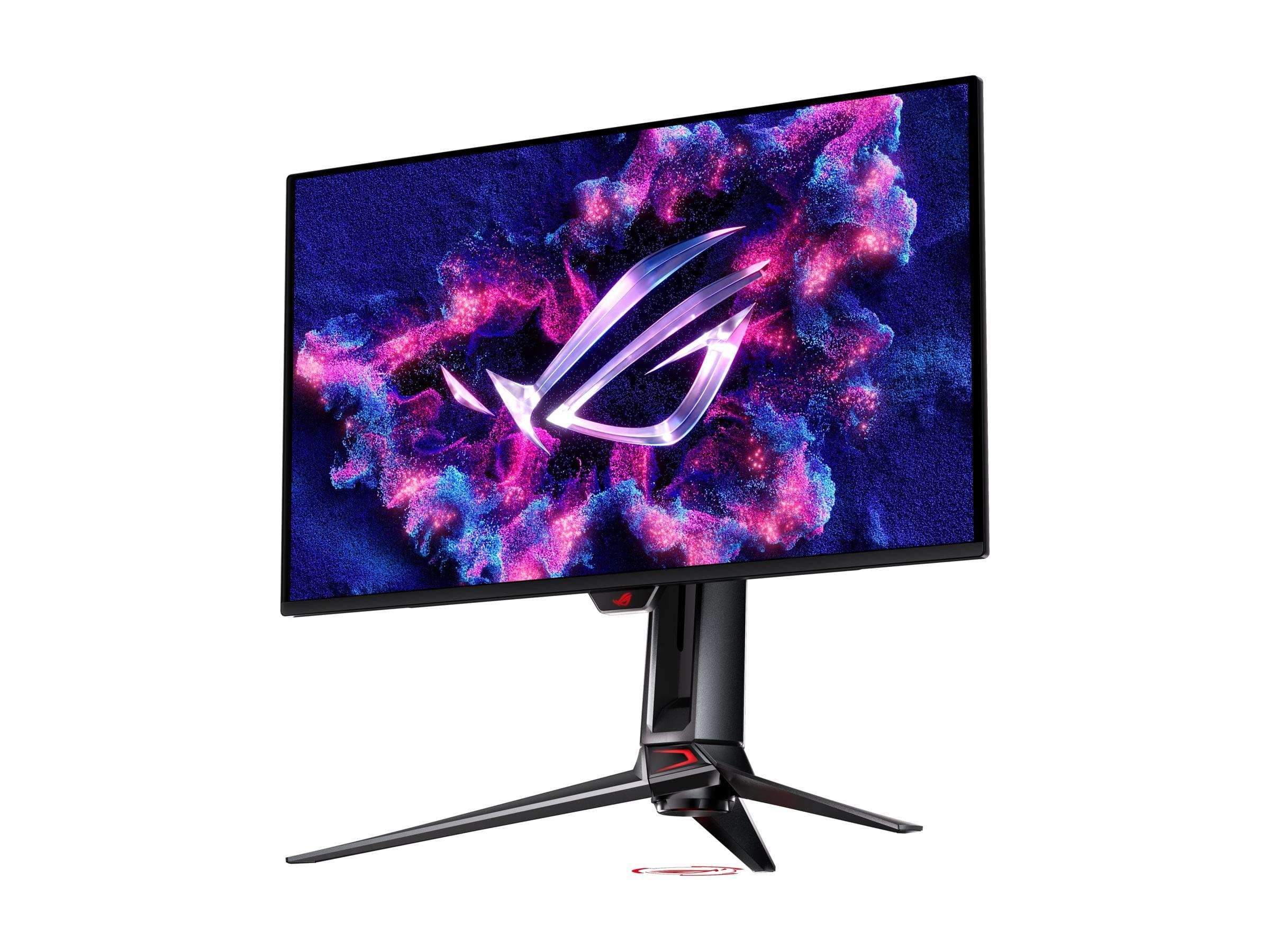
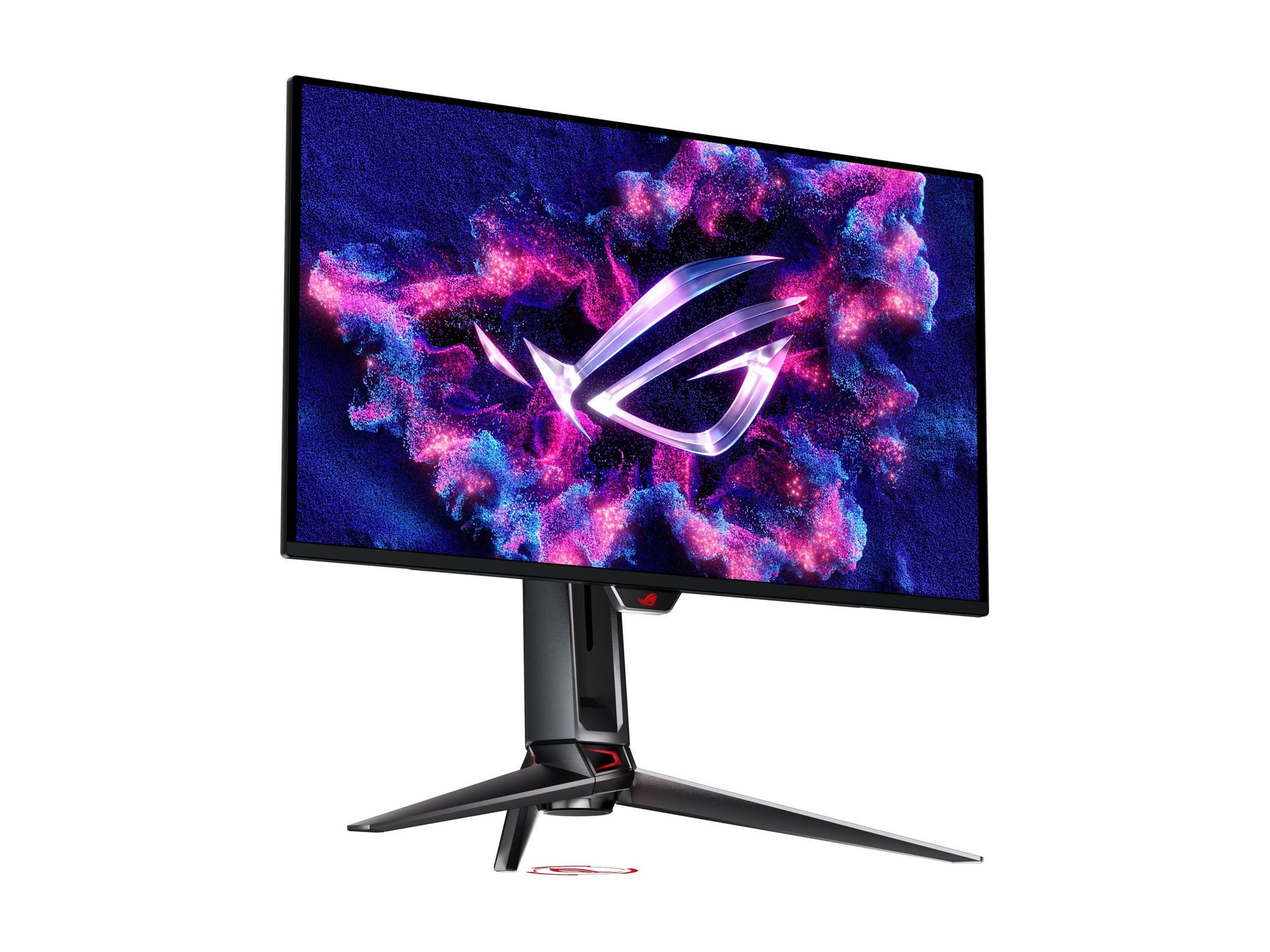
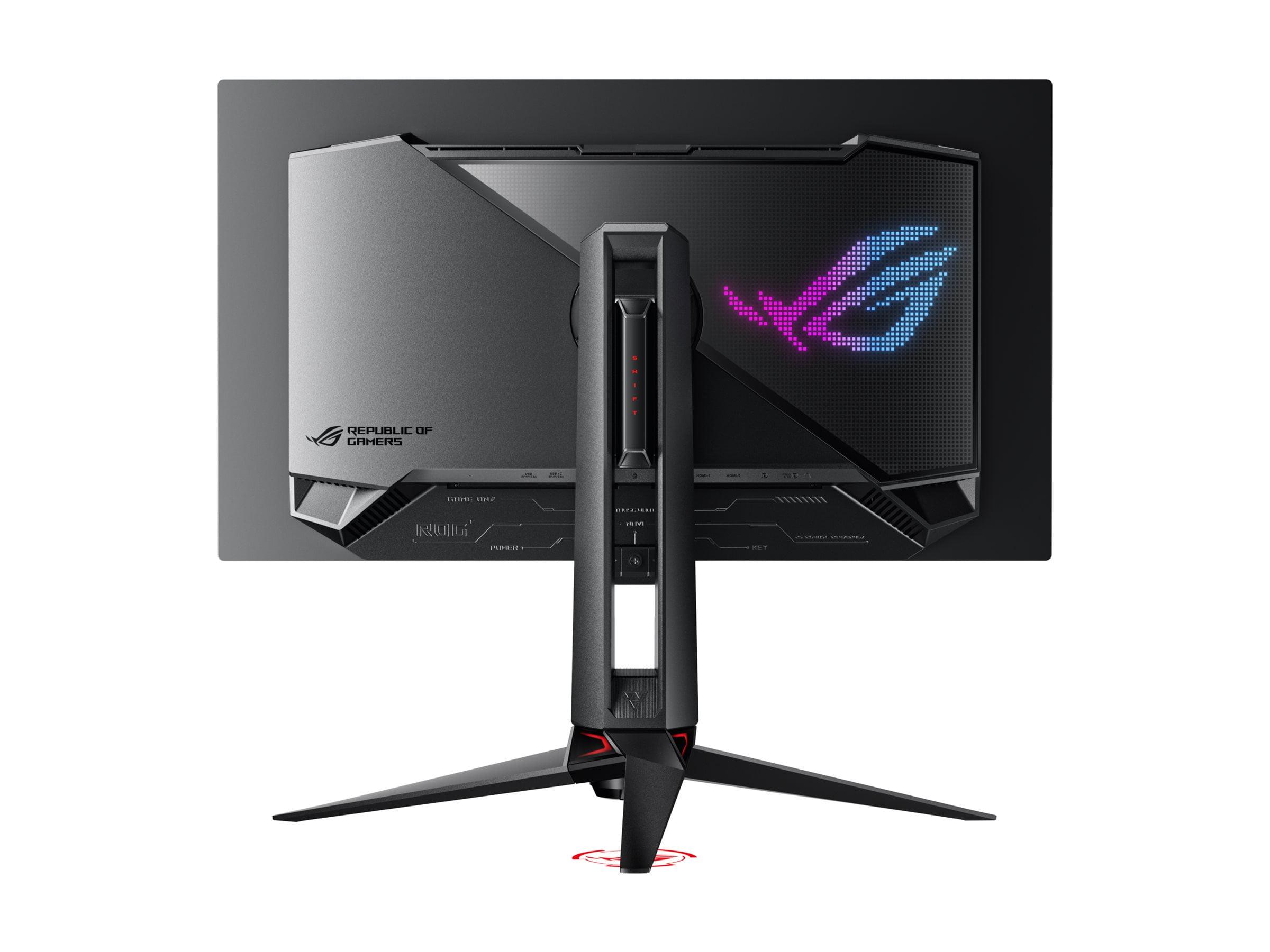
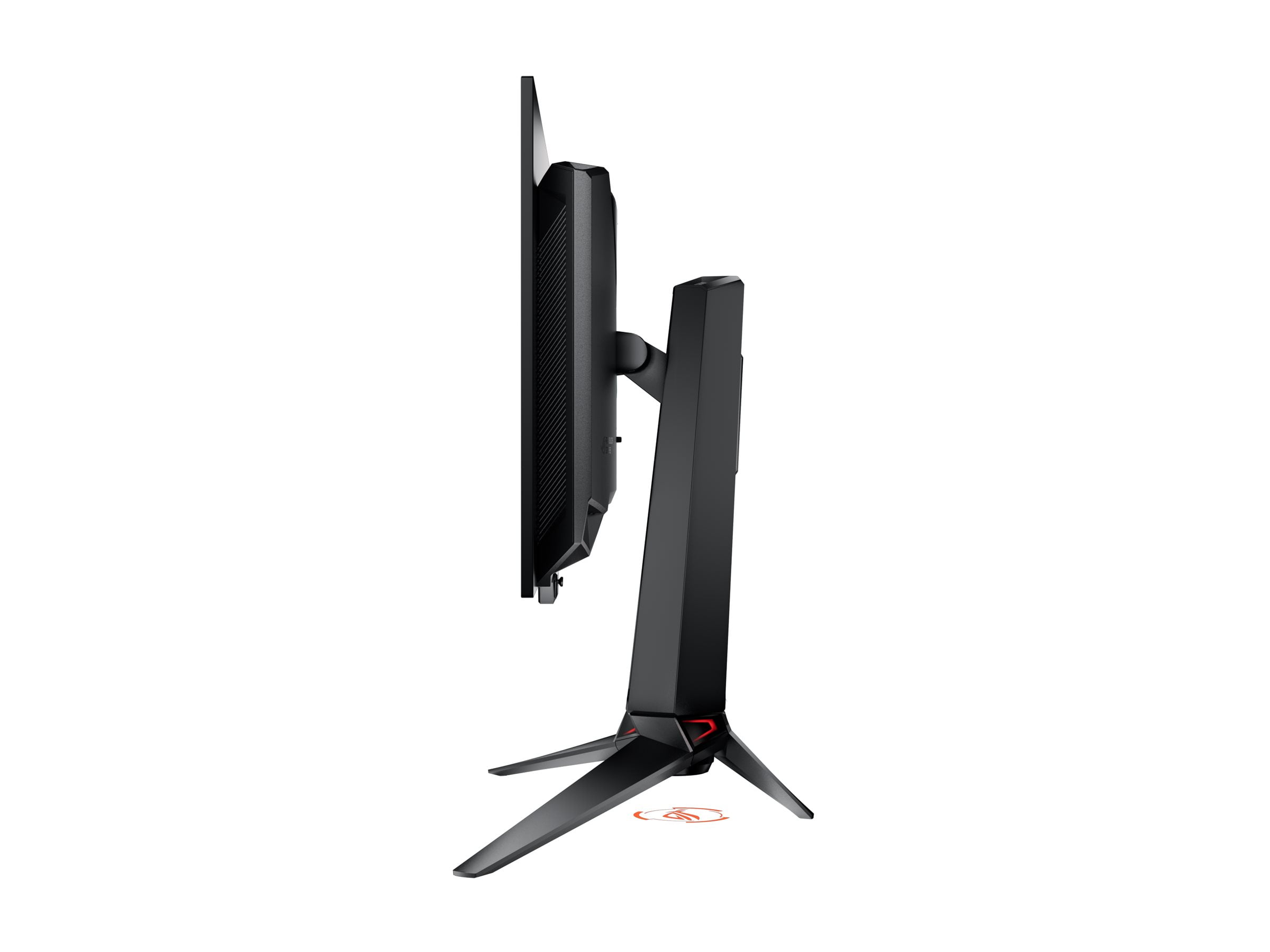
Gaming monitors have evolved dramatically over the past few years, and 2024 marked a turning point where OLED technology finally became accessible to mainstream gamers. Two monitors perfectly illustrate this evolution: the Gigabyte AORUS FO27Q2, which brings premium OLED gaming to the masses, and the ASUS ROG Swift PG27UCDM, which pushes the absolute boundaries of what's possible in a 27-inch display.
Both monitors represent the current pinnacle of gaming display technology, but they approach excellence from completely different angles. Understanding which one suits your needs requires diving deep into the technical details that matter most for gaming performance.
Before we dive into specifics, it's worth understanding why OLED technology has become such a game-changer for displays. Traditional LCD monitors use a backlight that shines through liquid crystals to create images. This means they can never achieve true black – there's always some light bleeding through. OLED (Organic Light-Emitting Diode) panels work fundamentally differently: each pixel produces its own light and can turn completely off, creating perfect blacks and infinite contrast ratios.
Both the Gigabyte FO27Q2 and ASUS PG27UCDM use QD-OLED technology, which adds a quantum dot layer (microscopic crystals that enhance color production) on top of the OLED base. This combination delivers the deep blacks of OLED with even more vibrant colors than traditional OLED panels can produce.
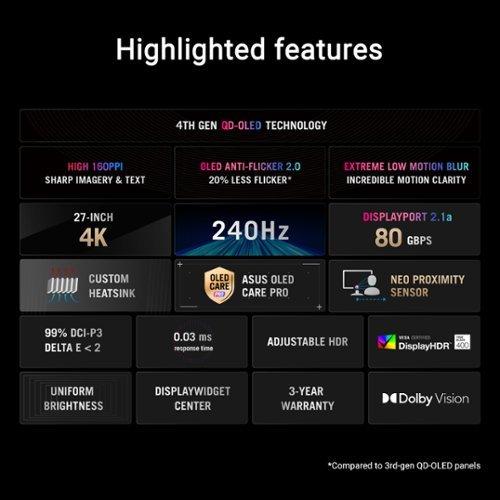
The ASUS monitor specifically uses what Samsung calls their 4th-generation QD-OLED panel, which launched in 2024. This newer technology offers improved text clarity and reduced burn-in risk compared to earlier OLED generations. The Gigabyte model uses the more established 3rd-generation panels, which are still excellent but lack some of the latest refinements.
Here's where these two monitors take completely different paths. The Gigabyte AORUS FO27Q2 runs at 1440p (2560 x 1440 pixels), while the ASUS ROG Swift PG27UCDM pushes all the way to 4K (3840 x 2160 pixels). This isn't just a numbers game – it fundamentally changes how you'll use each monitor.
At 27 inches, 1440p gives you 109 pixels per inch (PPI), which provides crisp visuals without being overly demanding on your graphics card. I've found this to be the sweet spot for competitive gaming – you get excellent clarity without sacrificing performance. The Gigabyte monitor excels here because most gamers can actually achieve its full 240Hz refresh rate in popular titles like Counter-Strike 2, Valorant, or Overwatch 2 with a solid mid-range graphics card.
The ASUS monitor, with its 4K resolution, delivers 163 PPI – noticeably sharper text and finer detail in games. When I'm working with photo editing or detailed strategy games, that extra sharpness makes a real difference. However, 4K at 240Hz is brutally demanding. Even with an RTX 4090 (the most powerful consumer graphics card at the time of writing), you'll struggle to hit 240fps in graphically intensive games.
This creates an interesting dynamic: the ASUS monitor is technically superior but practically limited by current GPU technology. You're essentially buying for the future, betting that next-generation graphics cards will make 4K 240Hz gaming more accessible.
Both monitors share the same lightning-fast 0.03ms gray-to-gray response time, which is essentially instantaneous. To put this in perspective, traditional gaming monitors often have 1-5ms response times, and anything under 1ms is considered excellent. At 0.03ms, both monitors eliminate motion blur almost entirely.
Input lag – the delay between your mouse movement and the corresponding action on screen – is where these monitors really shine. The Gigabyte FO27Q2 achieves a remarkable 13ms total input lag, which is actually lower than many 360Hz monitors. This makes it incredibly responsive for competitive gaming.
The refresh rate difference between these monitors (both 240Hz) versus older 144Hz displays is substantial. Going from 144Hz to 240Hz provides a noticeable improvement in motion smoothness, especially when tracking fast-moving targets in first-person shooters. However, the jump from 240Hz to higher refresh rates like 360Hz shows diminishing returns for most players.
Both monitors support variable refresh rate (VRR) technology through AMD FreeSync Premium Pro and NVIDIA G-Sync compatibility. This eliminates screen tearing and stuttering when your frame rate fluctuates. However, OLED panels can exhibit VRR flicker – brief brightness changes when frame rates shift – which is more noticeable in dark scenes. The ASUS monitor includes "Anti-Flicker 2.0" technology that reduces this effect by about 20% compared to older OLED panels.
The color performance of both monitors is exceptional, covering 99% of the DCI-P3 color space (the standard used for digital cinema). This means incredibly vibrant and accurate colors that make both games and movies pop off the screen. The infinite contrast ratio of OLED technology creates an almost three-dimensional quality to images that LCD monitors simply cannot match.
HDR (High Dynamic Range) performance is where the ASUS monitor pulls ahead. While both support HDR10 and achieve 1000 nits peak brightness, the ASUS model adds Dolby Vision support. This is particularly valuable if you use an Xbox Series X, as Microsoft has embraced Dolby Vision for gaming. The improved tone mapping in Dolby Vision can make HDR games look more natural and impactful.
For home theater use, both monitors work well as large displays for movie watching, though neither includes built-in speakers. The ASUS monitor has a slight edge here due to its 4K resolution matching most streaming content perfectly, while the Gigabyte model will upscale 4K content to fit its 1440p resolution.
Text clarity is worth discussing because early OLED monitors had issues with text appearing slightly fuzzy due to their subpixel arrangement. The ASUS monitor's 4th-generation panel largely solves this problem, making it suitable for productivity work alongside gaming. The Gigabyte monitor shows some text fringing but it's minimal and rarely noticeable during gaming.
The Gigabyte AORUS FO27Q2 includes some clever gaming-focused features. The Tactical Switch is a physical button that lets you quickly change resolution – useful for competitive players who sometimes drop to a smaller resolution for better performance. The monitor also includes comprehensive OLED care features with AI-based protection against burn-in, backed by a 3-year warranty that covers burn-in damage.
The ASUS ROG Swift PG27UCDM takes a more premium approach with features like the Neo Proximity Sensor, which automatically switches the monitor to a black screen when you step away. This might seem gimmicky, but it's actually practical for OLED longevity. The monitor also includes RGB lighting and a projector feature for ambient effects.
Connectivity differs significantly between the two. The Gigabyte monitor uses DisplayPort 1.4, which is perfectly adequate for 1440p 240Hz. The ASUS monitor includes DisplayPort 2.1a with full 80Gbps bandwidth – necessary for uncompressed 4K 240Hz signals. Both include HDMI 2.1 ports for console gaming and USB-C connectivity, though the ASUS model provides 90W power delivery for charging laptops.
Both monitors include KVM switches, allowing you to control multiple connected devices with a single keyboard and mouse. This is incredibly useful for anyone switching between a gaming PC and work laptop regularly.
OLED burn-in – where static images can leave permanent marks on the screen – remains a concern for many potential buyers. Both manufacturers have implemented extensive protection measures. The Gigabyte monitor uses AI-based pixel shifting, automatic screen savers, and other preventive measures. Gigabyte's 3-year burn-in warranty provides additional peace of mind.
The ASUS monitor includes similar protections plus the proximity sensor feature. The 4th-generation panel is also inherently more resistant to burn-in than earlier generations. Based on long-term testing by various reviewers, OLED gaming monitors have proven quite durable when used normally, though leaving static images displayed for hours should still be avoided.
At the time of writing, the Gigabyte AORUS FO27Q2 costs roughly half what you'll pay for the ASUS ROG Swift PG27UCDM. This price difference reflects their different target markets and capabilities.
The Gigabyte monitor represents exceptional value for money. You're getting 90% of the OLED gaming experience at 50% of the premium price. For competitive gamers or anyone with a mid-range to high-end graphics card (think RTX 4060 Ti through RTX 4080), this monitor makes perfect sense. You'll actually be able to use its full 240Hz capability in the games you play.
The ASUS monitor asks you to pay a significant premium for 4K resolution and advanced features. This pricing is fair considering the cutting-edge display technology, but it's only worthwhile if you have the hardware to drive it properly or plan to upgrade soon. With current graphics cards, you're essentially paying today for performance you'll fully utilize tomorrow.
The decision between these monitors should primarily depend on your current graphics card and gaming preferences. If you have an RTX 4070, RTX 4070 Super, or RX 7800 XT-class card, the Gigabyte AORUS FO27Q2 is the obvious choice. You'll get consistent 240fps in competitive titles and excellent performance in single-player games at high settings.
For RTX 4080 Super or RTX 4090 owners, the decision becomes more interesting. The ASUS PG27UCDM will provide stunning visual quality and future-proofing, but you might not achieve 240fps consistently in demanding games. Consider your gaming preferences: if you primarily play competitive titles where high frame rates matter most, the Gigabyte monitor might still be the better choice despite your powerful GPU.
The ASUS monitor makes the most sense for enthusiasts who want the absolute best visual quality, use their monitor for productivity work alongside gaming, or are confident they'll upgrade their graphics card within the next year or two. The DisplayPort 2.1 connectivity also provides future-proofing as next-generation graphics cards fully utilize this bandwidth.
Both monitors represent the current state-of-the-art in their respective categories. The Gigabyte AORUS FO27Q2 democratizes premium OLED gaming, making it accessible to a much broader audience. It's the monitor I'd recommend to most gamers looking to experience OLED technology without breaking the bank or requiring flagship graphics cards.
The ASUS ROG Swift PG27UCDM is the enthusiast's choice – a showcase of what's possible when you push display technology to its limits. If you have the hardware to drive it and the budget to afford it, you'll be rewarded with an exceptional visual experience that will remain relevant for years to come.
Neither monitor has any deal-breaking flaws, which is remarkable given how new OLED gaming technology still is. Your choice ultimately comes down to balancing your performance needs, budget constraints, and future upgrade plans. Both will deliver gaming experiences that would have seemed impossible just a few years ago – and that's the real win for all of us.
| Gigabyte AORUS FO27Q2 | ASUS ROG Swift OLED PG27UCDM |
|---|---|
| Resolution - Determines visual sharpness and GPU requirements | |
| 2560 x 1440 (1440p QHD) - Sweet spot for current GPUs | 3840 x 2160 (4K UHD) - Premium clarity, demands high-end GPU |
| Refresh Rate - Higher means smoother motion in fast games | |
| 240Hz - Excellent for competitive gaming | 240Hz - Excellent for competitive gaming |
| Response Time - Lower is better for motion clarity | |
| 0.03ms GTG - Virtually eliminates motion blur | 0.03ms GTG - Virtually eliminates motion blur |
| Panel Technology - Affects color quality and longevity | |
| 3rd-gen QD-OLED - Proven technology with excellent colors | 4th-gen QD-OLED - Latest tech with improved text clarity |
| HDR Support - Enhanced contrast and colors in compatible content | |
| HDR10, DisplayHDR True Black 400 - Standard HDR gaming | HDR10, Dolby Vision, DisplayHDR True Black 400 - Premium HDR with Xbox compatibility |
| Connectivity - Determines what devices you can connect | |
| DisplayPort 1.4, 2x HDMI 2.1, USB-C KVM | DisplayPort 2.1a (80Gbps), 2x HDMI 2.1, USB-C with 90W power |
| OLED Protection - Critical for panel longevity | |
| AI-based OLED Care with 3-year burn-in warranty | OLED Care Pro with proximity sensor, Anti-Flicker 2.0 |
| Gaming Features - Competitive gaming enhancements | |
| Tactical Switch for quick resolution changes, crosshair overlay | RGB lighting, GamePlus features, Shadow Boost |
| Pixel Density - Higher means sharper text and images | |
| 109 PPI - Good clarity for gaming | 163 PPI - Excellent clarity for gaming and productivity |
| Target User - Who should buy this monitor | |
| Competitive gamers with mid-to-high-end GPUs seeking value | Enthusiasts with flagship GPUs wanting maximum visual quality |
| Best Use Cases - Where each monitor excels | |
| Esports, fast-paced gaming, budget-conscious OLED adoption | Single-player AAA games, content creation, future-proofing |
The Gigabyte AORUS FO27Q2 is generally better for competitive gaming due to its 1440p resolution, which allows most gaming PCs to actually achieve the full 240Hz refresh rate. While the ASUS ROG Swift OLED PG27UCDM has the same 240Hz capability, its 4K resolution requires a much more powerful graphics card to reach those frame rates in competitive titles.
The primary difference is resolution: the Gigabyte AORUS FO27Q2 runs at 1440p (2560x1440) while the ASUS ROG Swift OLED PG27UCDM operates at 4K (3840x2160). This affects both visual sharpness and the GPU power needed to drive each display at high frame rates.
The Gigabyte AORUS FO27Q2 provides significantly better value, offering premium OLED gaming technology at roughly half the cost of the ASUS ROG Swift OLED PG27UCDM. You get most of the OLED benefits without the premium price tag or need for a flagship graphics card.
Yes, both the Gigabyte AORUS FO27Q2 and ASUS ROG Swift OLED PG27UCDM support HDMI 2.1 and work excellently with PlayStation 5 and Xbox Series X/S. However, the ASUS monitor has an advantage with Dolby Vision support, which enhances Xbox gaming experiences.
The ASUS ROG Swift OLED PG27UCDM is superior for single-player gaming due to its 4K resolution providing much sharper visuals and finer detail. Games like Cyberpunk 2077 or The Witcher 3 will look noticeably more detailed on the ASUS monitor, assuming you have a powerful enough GPU.
Both monitors can handle productivity tasks, but the ASUS ROG Swift OLED PG27UCDM is much better suited for professional work due to its 4K resolution and improved text clarity from the 4th-generation QD-OLED panel. The Gigabyte AORUS FO27Q2 works for basic productivity but may show some text fringing.
For the Gigabyte AORUS FO27Q2, an RTX 4060 Ti or RX 7700 XT can achieve good performance, while RTX 4070-class cards excel. The ASUS ROG Swift OLED PG27UCDM really needs an RTX 4080 Super or RTX 4090 to fully utilize its 4K 240Hz capabilities in demanding games.
Both monitors include comprehensive OLED protection features. The Gigabyte AORUS FO27Q2 offers AI-based OLED care with a 3-year burn-in warranty, while the ASUS ROG Swift OLED PG27UCDM features OLED Care Pro with a proximity sensor. Normal gaming use shouldn't cause burn-in issues with either monitor.
The ASUS ROG Swift OLED PG27UCDM has superior HDR capabilities with Dolby Vision support in addition to standard HDR10, while the Gigabyte AORUS FO27Q2 supports HDR10 only. Both achieve 1000 nits peak brightness and excellent contrast ratios typical of OLED technology.
Both the Gigabyte AORUS FO27Q2 and ASUS ROG Swift OLED PG27UCDM work well for movie watching, though neither includes built-in speakers. The ASUS monitor has an advantage for home theater use due to its native 4K resolution matching most streaming content perfectly.
The Gigabyte AORUS FO27Q2 includes DisplayPort 1.4, two HDMI 2.1 ports, and USB-C with KVM functionality. The ASUS ROG Swift OLED PG27UCDM features DisplayPort 2.1a with full 80Gbps bandwidth, two HDMI 2.1 ports, and USB-C with 90W power delivery for laptop charging.
If you're coming from 1440p 144Hz, the Gigabyte AORUS FO27Q2 provides a logical upgrade path with the same resolution but much better motion clarity and OLED image quality. The ASUS ROG Swift OLED PG27UCDM offers a more dramatic upgrade but requires significantly more GPU power to fully utilize its 4K resolution.
We've done our best to create useful and informative comparisons to help you decide what product to buy. Our research uses advanced automated methods to create this comparison and perfection is not possible - please contact us for corrections or questions. These are the sites we've researched in the creation of this article: tomshardware.com - pangoly.com - youtube.com - pangoly.com - rtings.com - displayninja.com - gigabyte.com - youtube.com - creativebloq.com - techpowerup.com - newegg.com - gigabyte.com - icecat.in - microcenter.com - aorus.com - bhphotovideo.com - provantage.com - bestbuy.com - displayspecifications.com - tomshardware.com - gigabyte.com - computronicsmultivision.com - gigabyte.com - tomshardware.com - thepcenthusiast.com - rtings.com - youtube.com - rtings.com - rog.asus.com - tweaktown.com - youtube.com - youtube.com - versus.com - rog.asus.com - rog.asus.com - newegg.com - rog.asus.com - cdw.com - pcmonitors.info - displayspecifications.com - rog.asus.com - bhphotovideo.com - techpowerup.com - shi.com - bhphotovideo.com

Privacy Policy
Terms and Conditions - Affiliate Policy
Home Security
© Copyright 2008-2026.
11816 Inwood Rd #1211, Dallas, TX 75244