







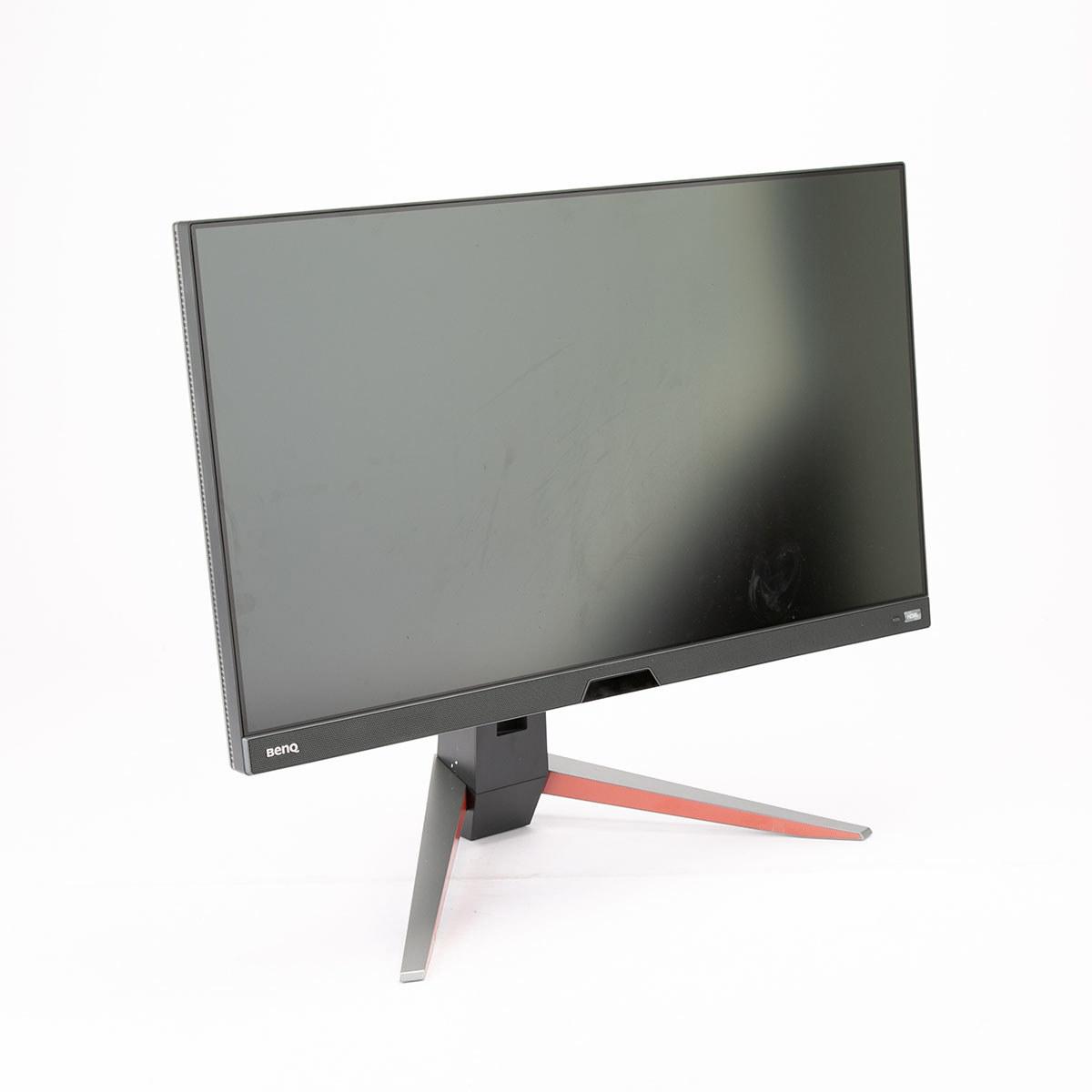
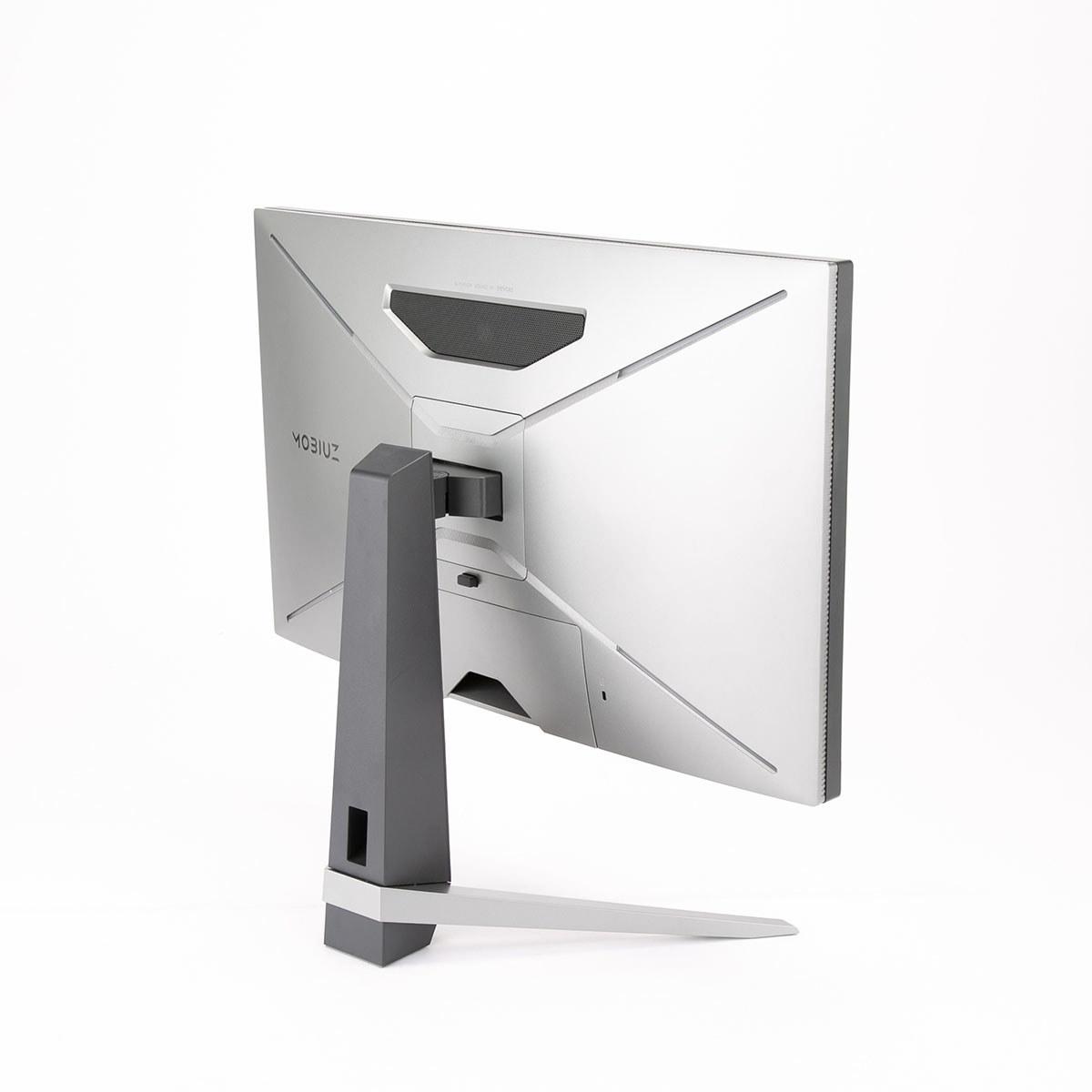
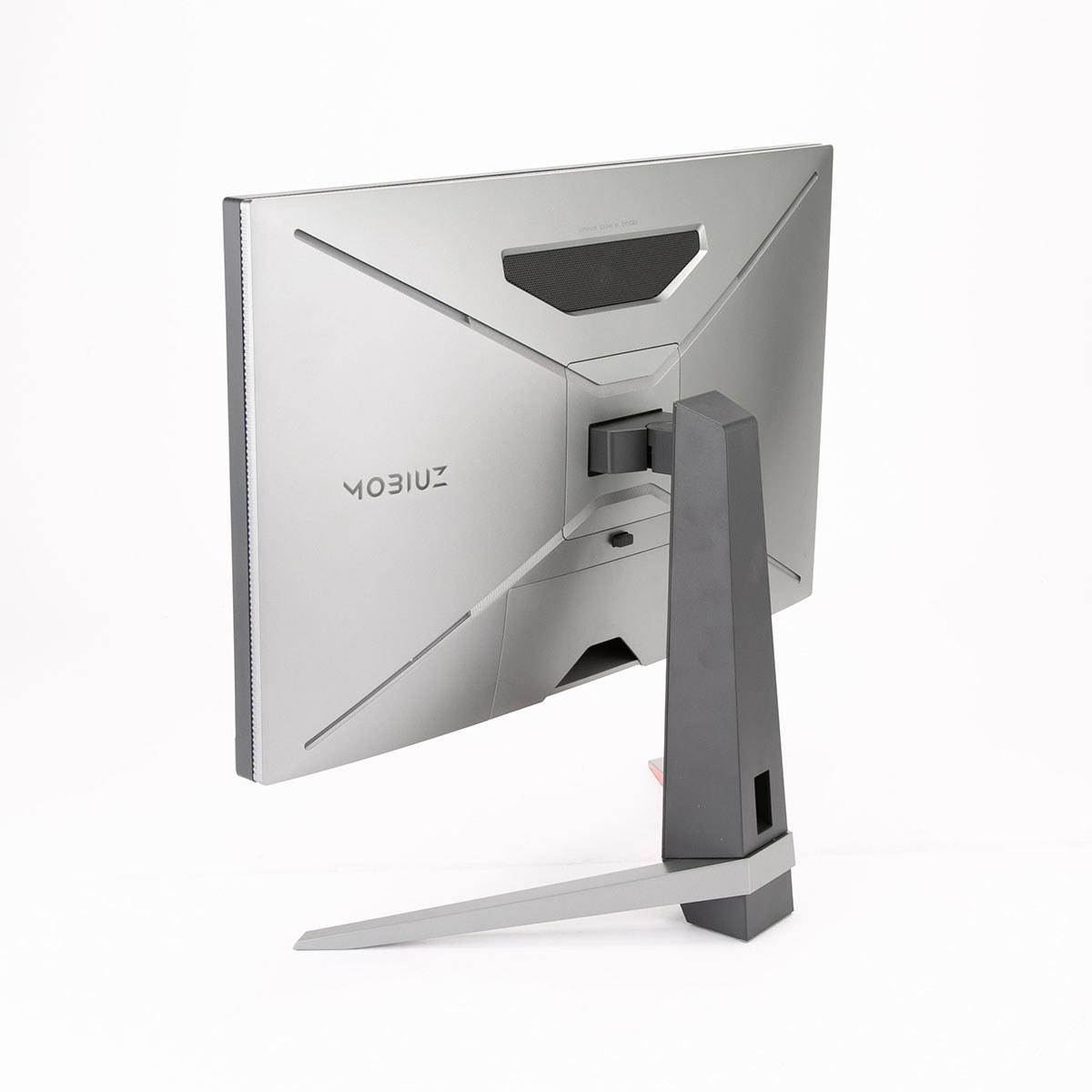
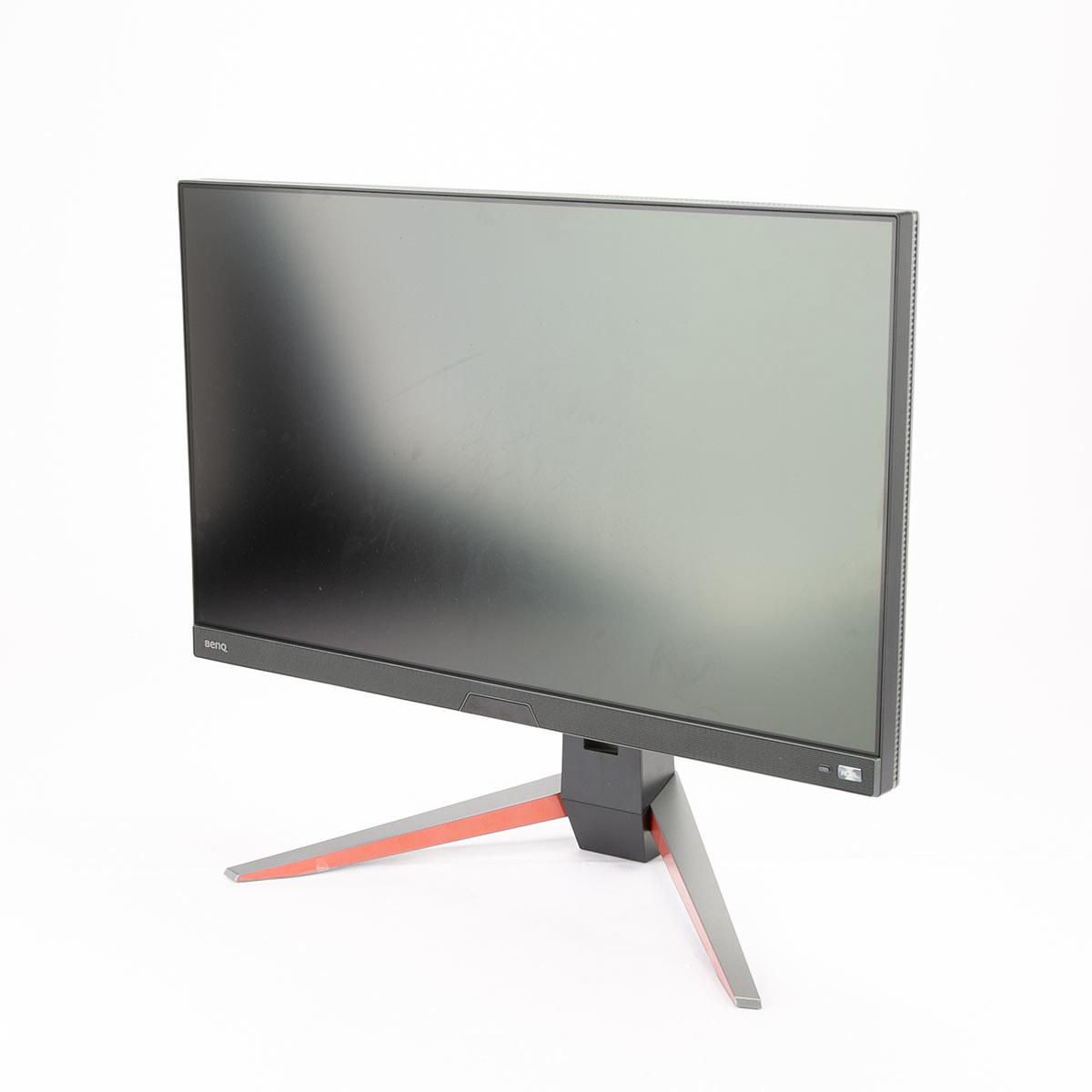
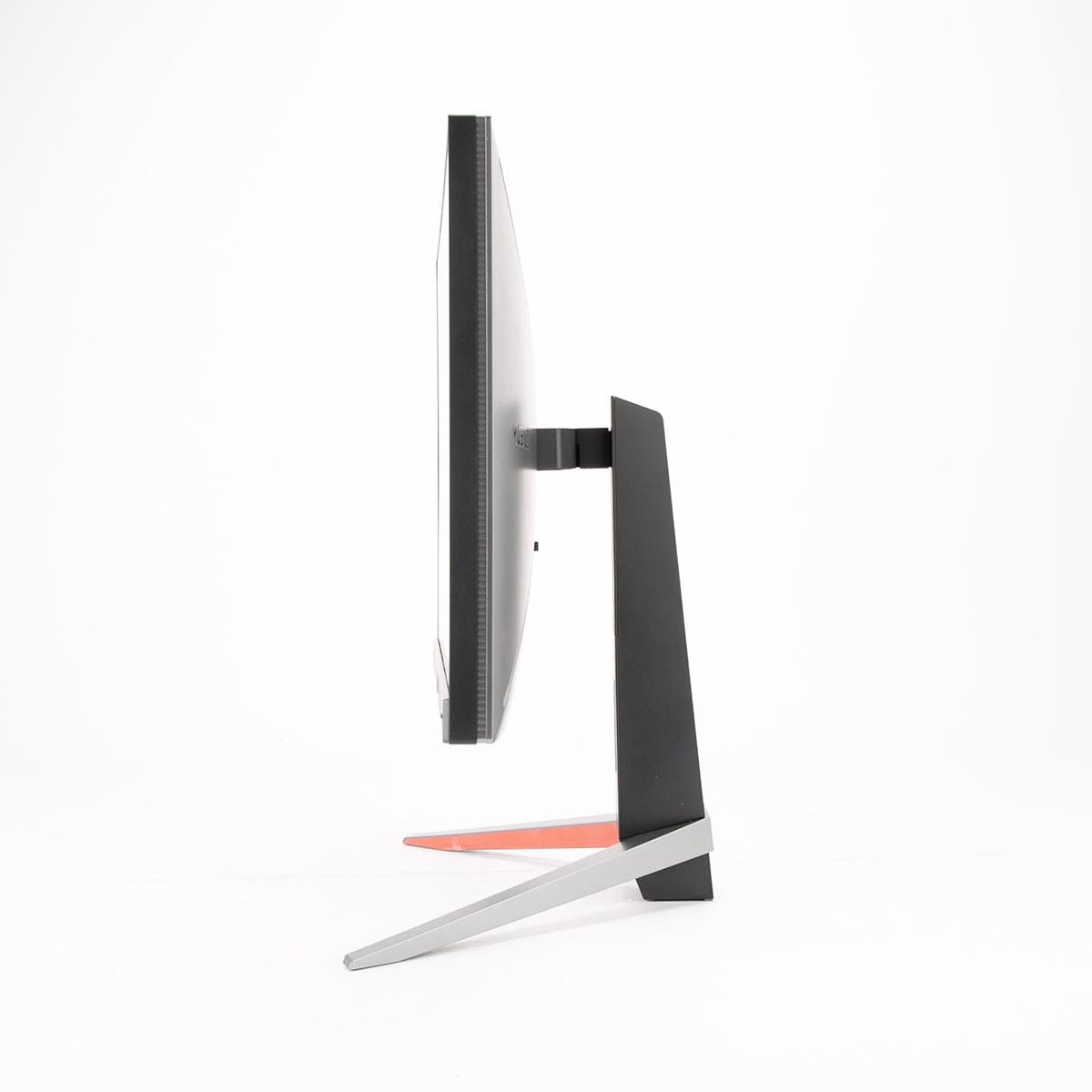
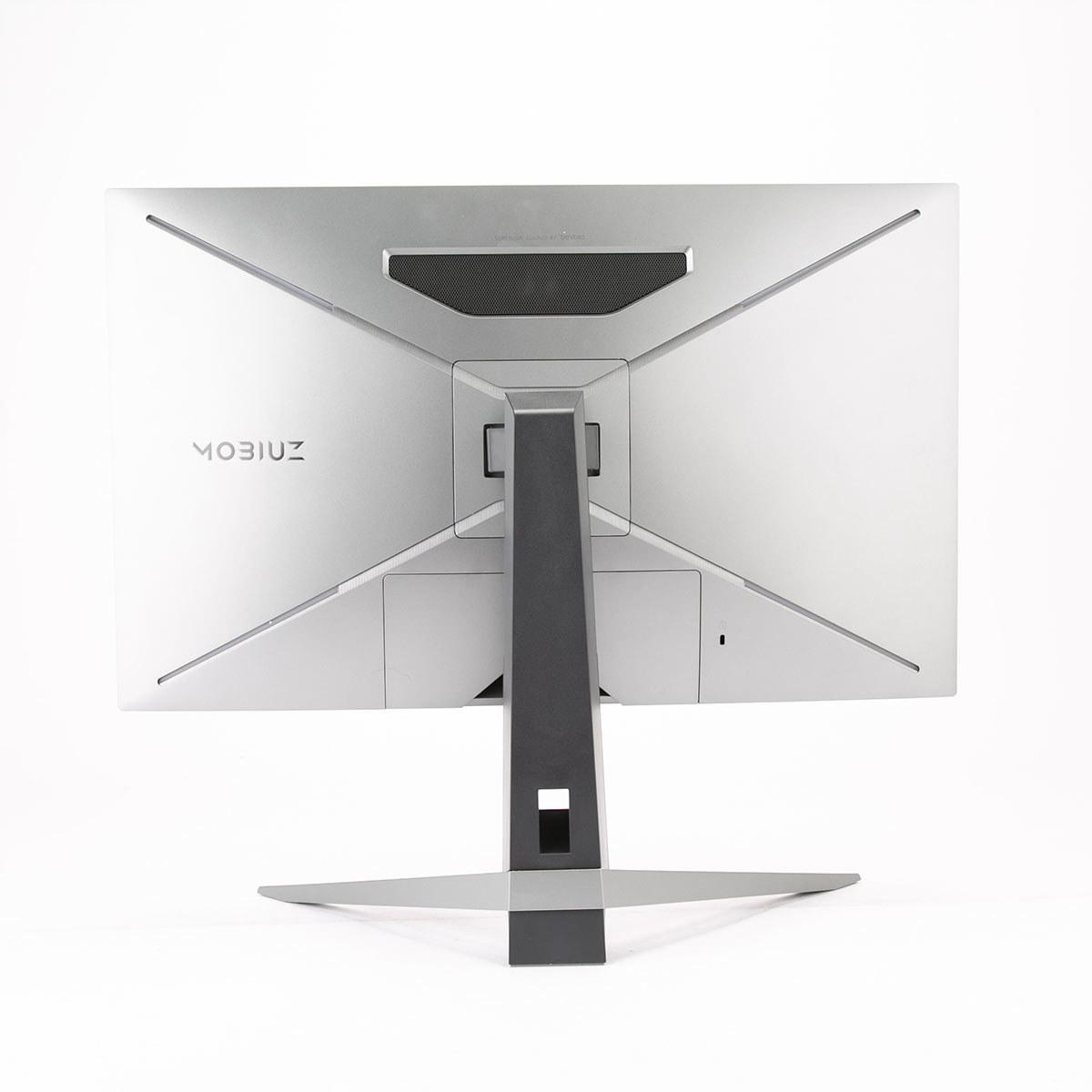
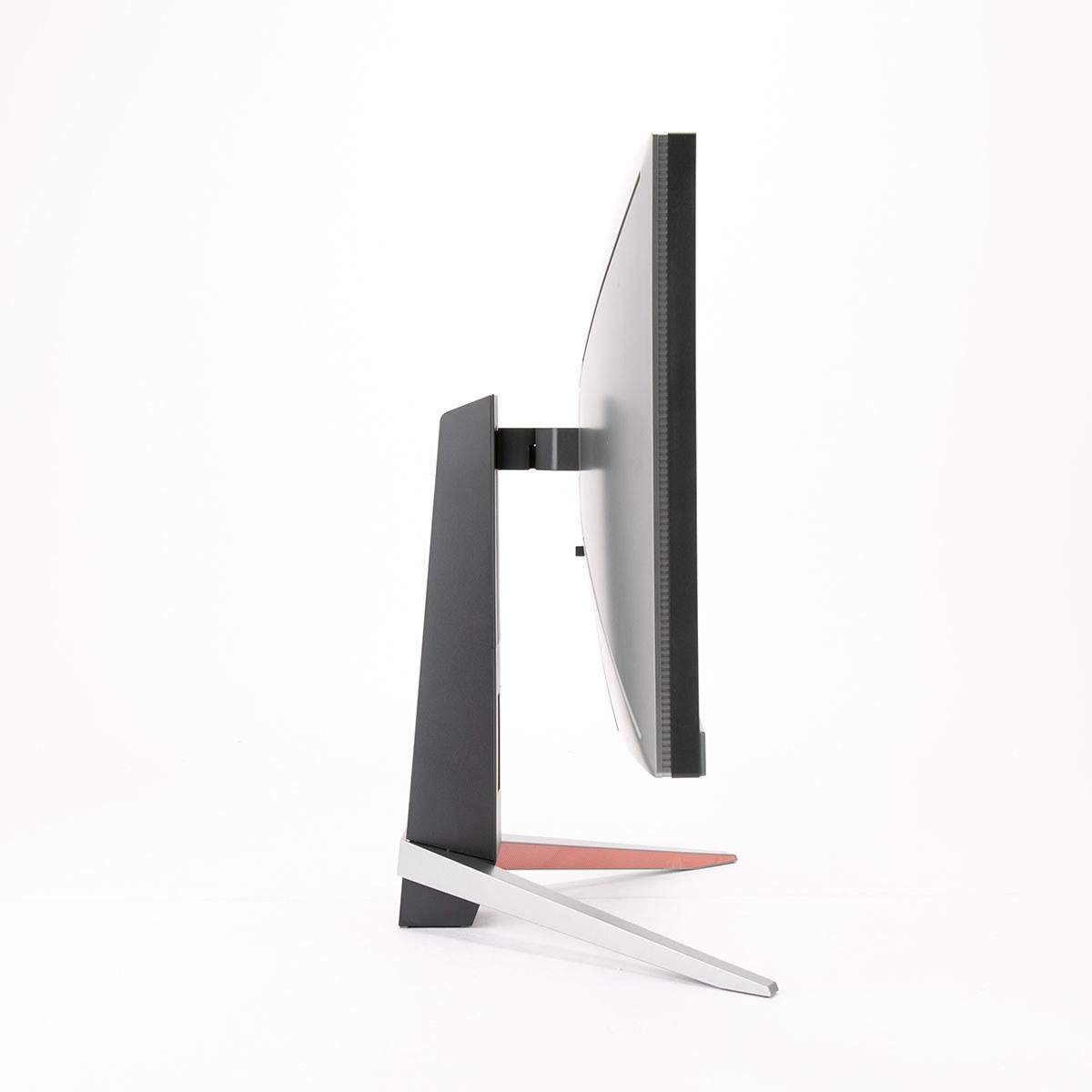
When shopping for a premium 27-inch gaming monitor, you're entering territory where every millisecond counts and image quality can make or break your gaming experience. Two standout options that perfectly illustrate the current state of high-end gaming displays are the Gigabyte AORUS FO27Q2 and the BenQ MOBIUZ EX270QM. These monitors represent fundamentally different approaches to achieving gaming excellence, and understanding their differences will help you make the right choice for your setup.
The 27-inch, 1440p gaming monitor category has become the sweet spot for serious gamers, and for good reason. At this size, you get 109 pixels per inch (PPI), which means text stays sharp while games look detailed without requiring the massive GPU power that 4K gaming demands. Both the Gigabyte FO27Q2 and BenQ EX270QM target this segment, but they use completely different display technologies to get there.
When evaluating monitors in this category, there are three main considerations that matter most. First is the display technology itself—this determines everything from how fast pixels can change colors to how deep the blacks look in your games. Second is gaming performance, which includes refresh rates (how many times per second the screen updates), input lag (the delay between your mouse click and seeing the result), and motion clarity (how crisp moving objects appear). Finally, there's the value proposition: what features and performance you're getting for your money.
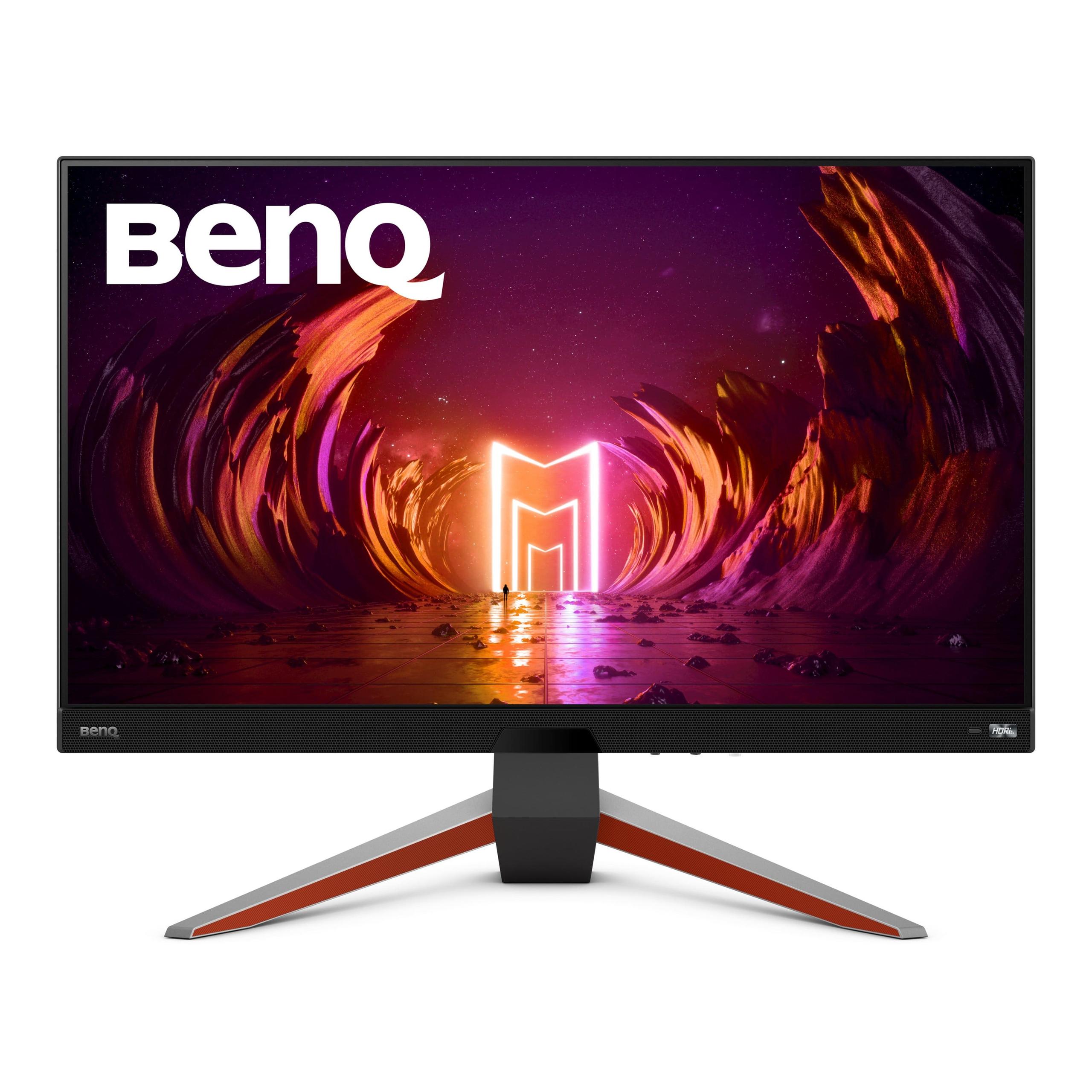
The Gigabyte AORUS FO27Q2, released in 2024, represents the cutting edge of display technology with its QD-OLED panel. QD-OLED stands for Quantum Dot Organic Light Emitting Diode, which combines the vibrant colors of quantum dot technology with the perfect blacks and fast response times of OLED. Meanwhile, the BenQ MOBIUZ EX270QM, which hit the market in 2023, takes a more traditional but refined approach with an IPS (In-Plane Switching) panel enhanced with premium features and exceptional build quality.
Here's where things get really interesting. The fundamental difference between these monitors lies in how they create the image you see. The Gigabyte FO27Q2 uses QD-OLED technology, where each pixel produces its own light. When a pixel needs to be black, it simply turns off completely, creating what's called "infinite contrast" because there's literally no light coming from black areas. The quantum dot layer enhances color reproduction, covering 99% of the DCI-P3 color space that's used in modern games and movies.
The BenQ EX270QM uses IPS technology with LED backlighting. This means there's a backlight behind the entire screen, and liquid crystals twist to block or allow light through. Even when displaying black, some light leaks through, which is why IPS monitors have contrast ratios around 1000:1 instead of the OLED's infinite contrast. However, IPS panels excel in other areas—they're immune to burn-in (permanent image retention), work better in bright rooms, and have matured over decades of development.
The color coverage difference is significant but not overwhelming. The Gigabyte monitor covers 99% of DCI-P3, while the BenQ hits 98% DCI-P3 and an impressive 90% of the AdobeRGB color space that professionals often use. Both are excellent for gaming, though the Gigabyte has better factory calibration out of the box.
If you're serious about competitive gaming, response time and input lag are crucial metrics that can literally determine whether you win or lose a close match. Response time measures how quickly a pixel can change from one color to another, typically measured in gray-to-gray (GTG) transitions. Input lag is the total delay from when your graphics card sends a signal to when you actually see the result on screen.
The Gigabyte FO27Q2 absolutely dominates in both categories. Its QD-OLED panel achieves a mind-bending 0.03ms GTG response time—that's nearly instantaneous. For context, a typical IPS monitor might achieve 1-4ms, while older VA panels could be 10ms or higher. This translates to incredibly clear motion during fast-paced games. When you're tracking an enemy player across your screen in a first-person shooter, the OLED's superior response time means less motion blur and ghosting, giving you a clearer view of your target.
The input lag story is equally impressive. At 240Hz, the FO27Q2 achieves just 13ms total input lag, which actually beats many 360Hz and even 480Hz monitors. This is the kind of performance that esports professionals dream about. The BenQ EX270QM delivers a still-excellent 22ms total input lag, but that 9ms difference could matter in competitive scenarios.
However, the BenQ monitor has a secret weapon: its video processing capabilities. Unlike most monitors where you have to choose between blur reduction (which makes motion clearer) and Adaptive-Sync (which eliminates screen tearing), BenQ has engineered their system to allow both features simultaneously. This is genuinely rare in the monitor world and helps bridge the gap with OLED technology.
High Dynamic Range (HDR) gaming has become increasingly important as more games support it. HDR expands the range between the darkest blacks and brightest whites, creating more realistic lighting and revealing details that would be lost in standard dynamic range content.
The Gigabyte FO27Q2 excels here due to its OLED technology. Since each pixel can turn completely off, you get perfect blacks and infinite contrast. The monitor supports HDR True Black 400, which is specifically designed for OLED displays. When you're exploring a dark cave in a game and then step outside into bright sunlight, the contrast between those scenes is dramatically more realistic than what traditional monitors can achieve.
The BenQ EX270QM takes a different approach with DisplayHDR 600 certification and 600 nits of peak brightness—significantly brighter than typical OLED panels. It uses edge-lit local dimming with about 16 zones to darken areas of the screen, though this can't match the per-pixel control of OLED. The advantage here is better performance in bright rooms and no risk of burn-in from static UI elements in games.
BenQ also includes their HDRi technology, which uses a built-in sensor to automatically adjust HDR performance based on your room's lighting. This is genuinely useful—I've found that HDR often looks too dim or too bright depending on ambient light, and having automatic adjustment eliminates constant manual tweaking.
Here's where the BenQ EX270QM fights back against the OLED's advantages. Its 600-nit peak brightness combined with an effective anti-glare coating makes it much more versatile in different lighting conditions. If your gaming setup is near a window or in a bright room, the BenQ will maintain better visibility and color accuracy.
OLED panels, including the one in the Gigabyte FO27Q2, typically operate at lower brightness levels and can show reflections more easily. The Gigabyte does include an anti-reflective coating, but you'll still want to consider your room's lighting when positioning it. In a controlled lighting environment like a dedicated gaming room or home theater setup, the OLED's superior contrast more than makes up for lower peak brightness.
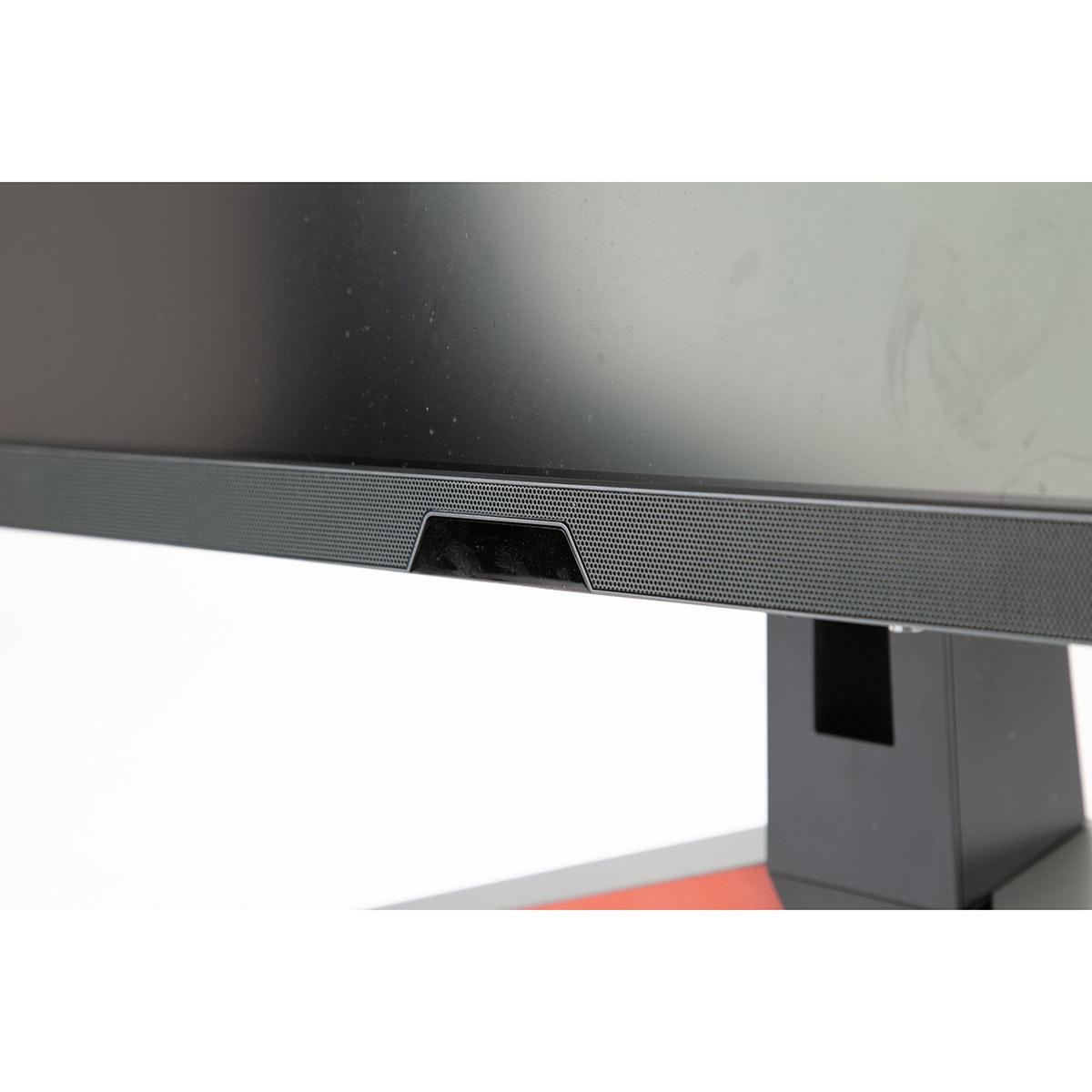
Most gaming monitors have terrible built-in speakers, if they have any at all. The BenQ EX270QM breaks this mold completely with a genuine 2.1 channel audio system featuring two 2-watt speakers and a dedicated 5-watt subwoofer. The audio is tuned by BenQ's treVolo brand, and it's surprisingly good—clear dialogue, decent imaging, and actual bass response.
This might seem like a minor feature, but it's incredibly practical. Not everyone wants to deal with separate speakers or wearing headphones constantly. The integrated audio in the BenQ is good enough for casual gaming, movies, and even music. The Gigabyte FO27Q2 has no integrated audio, so you'll need your own solution.
The BenQ EX270QM excels in user-friendly features. The Light Tuner system provides 20 different color and contrast presets optimized for different game genres. The Black eQualizer enhances visibility in dark areas without overexposing bright scenes—crucial for spotting enemies hiding in shadows. BenQ even includes an IR remote control, which sounds gimmicky until you realize how convenient it is to adjust settings from your gaming chair.
The Brightness Intelligence Plus (B.I.+) feature automatically adjusts screen brightness and color temperature based on ambient light and on-screen content. This reduces eye strain during long gaming sessions and eliminates the need to manually adjust settings throughout the day.
The Gigabyte FO27Q2 focuses more on core display performance but includes comprehensive OLED care features. These include pixel cleaning cycles, static content detection, image shifting, and logo dimming—all designed to minimize burn-in risk. Gigabyte backs this up with a three-year warranty that specifically covers burn-in, which is unusual and valuable protection.
Both monitors support the latest gaming consoles well, but with different strengths. Each includes two HDMI 2.1 ports that can handle 1440p at 120Hz from a PlayStation 5 or Xbox Series X. The Gigabyte FO27Q2 particularly shines here because consoles output HDR content, and the OLED's superior HDR performance makes games look significantly better.
For PC gaming, both can run at their full 240Hz refresh rate over DisplayPort, though you'll need a powerful graphics card to actually hit those frame rates in demanding games. The USB hub functionality on both monitors is convenient for connecting peripherals without reaching around to your PC.
Let's address the elephant in the room: OLED burn-in. This happens when static elements (like game UI, taskbars, or logos) are displayed for extended periods, potentially leaving permanent marks on the screen. Modern OLED monitors like the Gigabyte FO27Q2 include numerous protections against this, and burn-in is much less common than it used to be.
That said, if you frequently use productivity applications with static interfaces, leave your PC on with the same image for hours, or play MMO games with persistent UI elements, burn-in remains a consideration. The BenQ EX270QM completely eliminates this concern with its IPS technology.
Both monitors work well as gaming displays in a home theater setup, but they serve different needs. The Gigabyte FO27Q2 delivers a more cinematic experience thanks to its perfect blacks and superior HDR performance. Movies and games with dark scenes will look dramatically better on the OLED panel.
However, the BenQ EX270QM might be more practical for a shared space. Its brighter output works better with ambient lighting, the built-in speakers reduce clutter, and there's no burn-in risk from paused movies or game menus. The automatic brightness adjustment also means less manual tweaking when switching between day and night viewing.
At the time of writing, the BenQ EX270QM typically costs around $170 less than the Gigabyte FO27Q2. This price difference reflects the premium associated with QD-OLED technology and its superior performance characteristics.
The value equation depends entirely on your priorities. The BenQ offers about 90% of the OLED's gaming performance at roughly 75% of the cost, making it excellent value for most gamers. The included audio system, smart features, and bright-room performance add to its practical value.
The Gigabyte commands a premium, but it delivers measurably superior performance in the areas that matter most for gaming: response time, input lag, contrast, and HDR. If you're serious about competitive gaming or want the best possible visual experience, the premium feels justified.
Choose the Gigabyte AORUS FO27Q2 if you're a competitive gamer who wants every possible advantage, you primarily game in controlled lighting conditions, and you're willing to pay extra for cutting-edge technology. The superior motion clarity and record-low input lag provide genuine competitive advantages, while the dramatic contrast improvement enhances every game's visual impact.
Choose the BenQ MOBIUZ EX270QM if you want excellent gaming performance with better all-around practicality. The built-in audio, bright-room performance, extensive smart features, and lower price make it ideal for most gamers. The lack of burn-in risk also makes it better for mixed gaming and productivity use.
Both monitors represent the current state of the art in their respective technologies. The choice ultimately comes down to whether you prioritize absolute performance or well-rounded practicality. Either way, you're getting a monitor that will serve you well for years to come.
| Gigabyte AORUS FO27Q2 | BenQ MOBIUZ EX270QM |
|---|---|
| Display Technology - Determines image quality, response time, and durability | |
| QD-OLED (perfect blacks, infinite contrast, burn-in risk) | IPS (no burn-in, better bright rooms, lower contrast) |
| Response Time - Critical for competitive gaming and motion clarity | |
| 0.03ms GTG (virtually instantaneous, best-in-class) | 1ms GTG (excellent for IPS, but noticeably slower) |
| Input Lag - Total delay from GPU to your eyes | |
| 13ms total (record-breaking performance for 240Hz) | 22ms total (still excellent, 9ms difference matters in esports) |
| HDR Performance - Impact on visual quality in supported games | |
| HDR True Black 400 with infinite contrast (dramatic HDR experience) | DisplayHDR 600 with edge-lit dimming (brighter but limited contrast) |
| Peak Brightness - Affects visibility in different lighting conditions | |
| Lower typical brightness (better for dark rooms) | 600 nits (significantly better for bright environments) |
| Color Accuracy - Important for professional work and accurate visuals | |
| 99% DCI-P3, Delta E 1.8 (factory calibrated, professional-grade) | 98% DCI-P3, color issues out of box (requires calibration) |
| Built-in Audio - Convenience factor for setup simplicity | |
| None (requires external speakers or headphones) | 2.1 system with subwoofer (surprisingly good quality) |
| Smart Features - User experience and convenience | |
| AI-based OLED care, basic gaming features | HDRi auto-adjustment, 20 gaming presets, IR remote |
| Burn-in Risk - Long-term durability consideration | |
| Possible with static content (3-year burn-in warranty included) | Zero risk (IPS technology immune to permanent retention) |
| Best Use Case - Who should choose each monitor | |
| Competitive gamers, dark room setups, visual quality priority | All-around gaming, bright rooms, integrated audio preferred |
The Gigabyte AORUS FO27Q2 is superior for competitive gaming due to its 0.03ms response time and record-breaking 13ms input lag. The BenQ MOBIUZ EX270QM is still excellent with 1ms response time and 22ms input lag, but the FO27Q2 provides a measurable advantage in fast-paced esports scenarios.
The Gigabyte FO27Q2 uses QD-OLED technology with perfect blacks and infinite contrast, while the BenQ EX270QM uses IPS technology with better bright room performance and no burn-in risk. QD-OLED offers superior image quality but requires more careful usage to prevent permanent image retention.
The BenQ MOBIUZ EX270QM performs much better in bright environments with its 600-nit peak brightness and anti-glare coating. The Gigabyte AORUS FO27Q2 works best in controlled lighting conditions due to its lower brightness and potential for reflections.
Yes, both support HDR but differently. The Gigabyte FO27Q2 offers superior HDR with infinite contrast and HDR True Black 400 certification, while the BenQ EX270QM provides DisplayHDR 600 with higher peak brightness but limited contrast due to edge-lit local dimming.
The BenQ MOBIUZ EX270QM includes a quality 2.1 channel speaker system with a dedicated subwoofer that eliminates the need for separate speakers. The Gigabyte AORUS FO27Q2 has no built-in audio, requiring external speakers or headphones.
Only the Gigabyte FO27Q2 has potential burn-in risk due to its OLED technology, though it includes AI-based protection features and a 3-year burn-in warranty. The BenQ EX270QM uses IPS technology that is completely immune to burn-in or permanent image retention.
The BenQ MOBIUZ EX270QM typically costs less while delivering excellent gaming performance, built-in audio, and extensive features. The Gigabyte FO27Q2 commands a premium but provides measurably superior gaming performance and image quality for those who prioritize cutting-edge technology.
Yes, both the Gigabyte AORUS FO27Q2 and BenQ MOBIUZ EX270QM include HDMI 2.1 ports that support 1440p at 120Hz from PlayStation 5 and Xbox Series X. The FO27Q2 particularly excels with console HDR content due to its superior contrast performance.
The BenQ EX270QM is better for mixed use due to its bright room performance, no burn-in risk from static UI elements, and smart features like automatic brightness adjustment. The Gigabyte FO27Q2 requires more careful usage with productivity applications that have static interfaces.
Yes, both the Gigabyte AORUS FO27Q2 and BenQ MOBIUZ EX270QM support native 240Hz refresh rates over DisplayPort. Both also support AMD FreeSync and NVIDIA G-Sync for tear-free gaming across different graphics cards.
The Gigabyte FO27Q2 offers superior factory calibration with Delta E 1.8 accuracy and 99% DCI-P3 coverage, making it suitable for professional work. The BenQ EX270QM covers 98% DCI-P3 but may require calibration to achieve optimal color accuracy for professional use.
Both the Gigabyte AORUS FO27Q2 and BenQ MOBIUZ EX270QM include 3-year warranties. The FO27Q2 uniquely includes burn-in coverage in its warranty, providing additional protection for the OLED panel, while the EX270QM offers standard warranty coverage with no burn-in concerns due to its IPS technology.
We've done our best to create useful and informative comparisons to help you decide what product to buy. Our research uses advanced automated methods to create this comparison and perfection is not possible - please contact us for corrections or questions. These are the sites we've researched in the creation of this article: tomshardware.com - pangoly.com - youtube.com - pangoly.com - rtings.com - displayninja.com - gigabyte.com - youtube.com - creativebloq.com - techpowerup.com - newegg.com - gigabyte.com - icecat.in - microcenter.com - aorus.com - bhphotovideo.com - provantage.com - bestbuy.com - displayspecifications.com - tomshardware.com - gigabyte.com - computronicsmultivision.com - gigabyte.com - bgeek.eu - youtube.com - tomshardware.com - youtube.com - t3.com - versus.com - pcgamer.com - versus.com - gamesradar.com - pangoly.com - benq.eu - techaeris.com - shi.com - benq.com - bestbuy.com - benq.com - displayspecifications.com - benq.com - benq.eu - bhphotovideo.com - benq.com

Privacy Policy
Terms and Conditions - Affiliate Policy
Home Security
© Copyright 2008-2026.
11816 Inwood Rd #1211, Dallas, TX 75244