







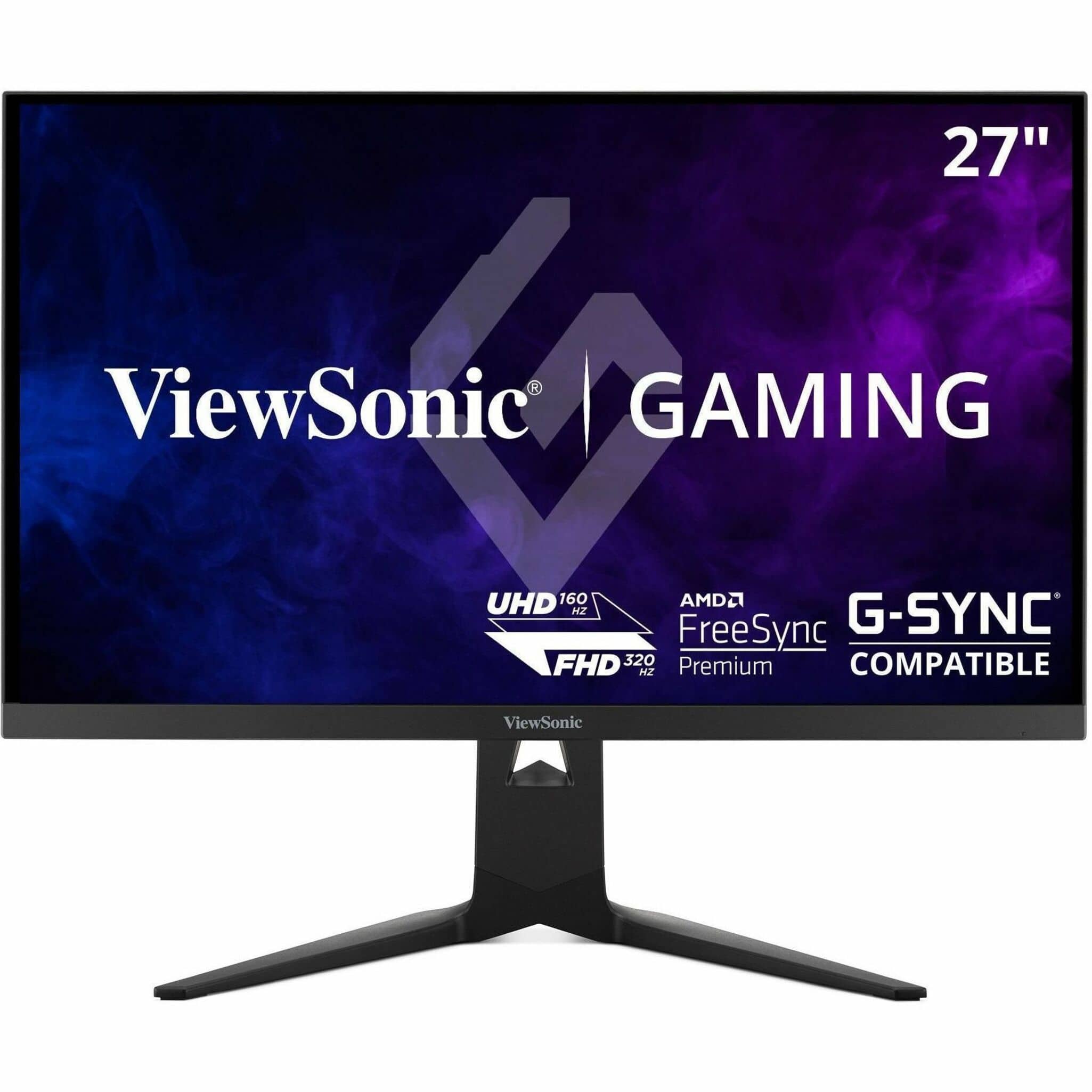
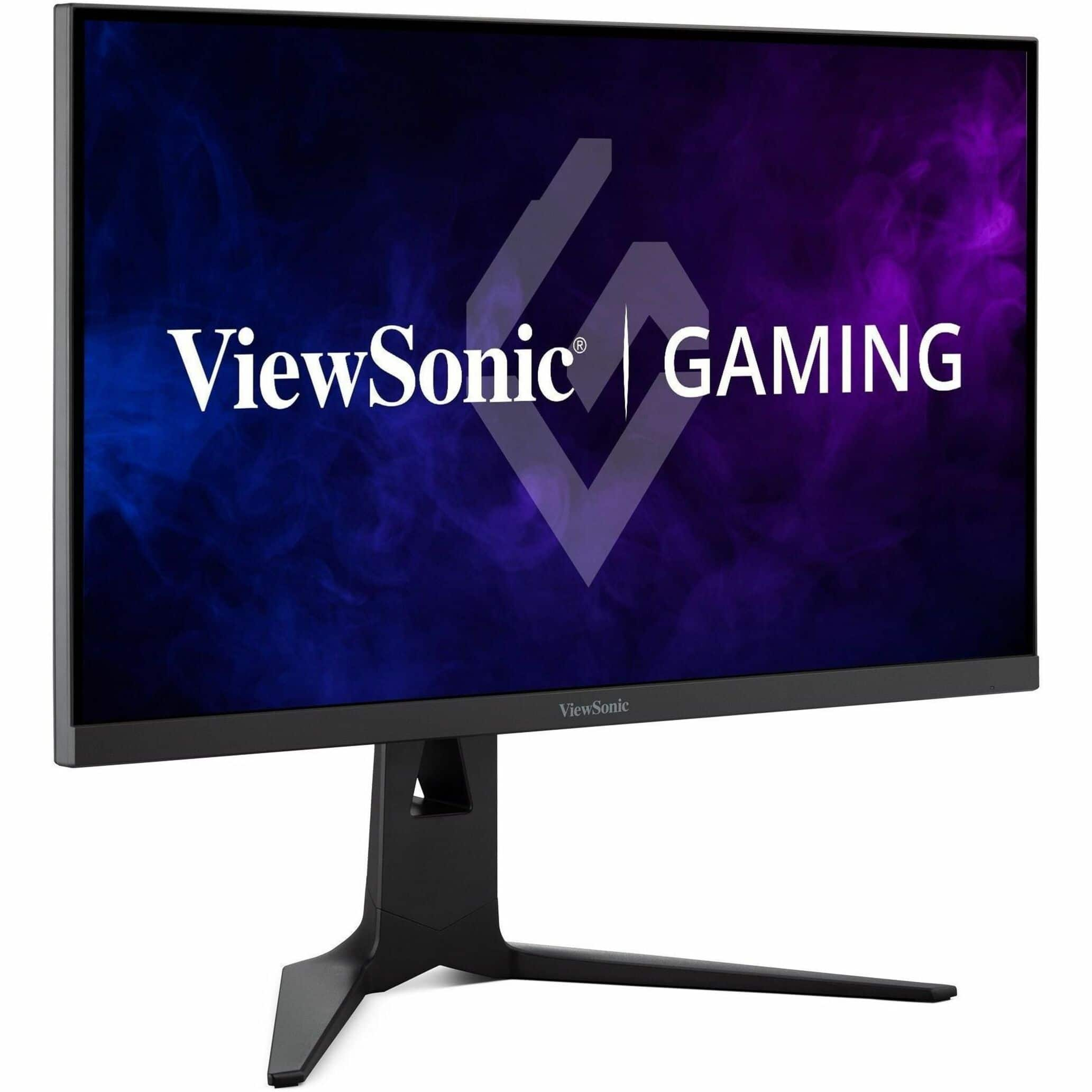
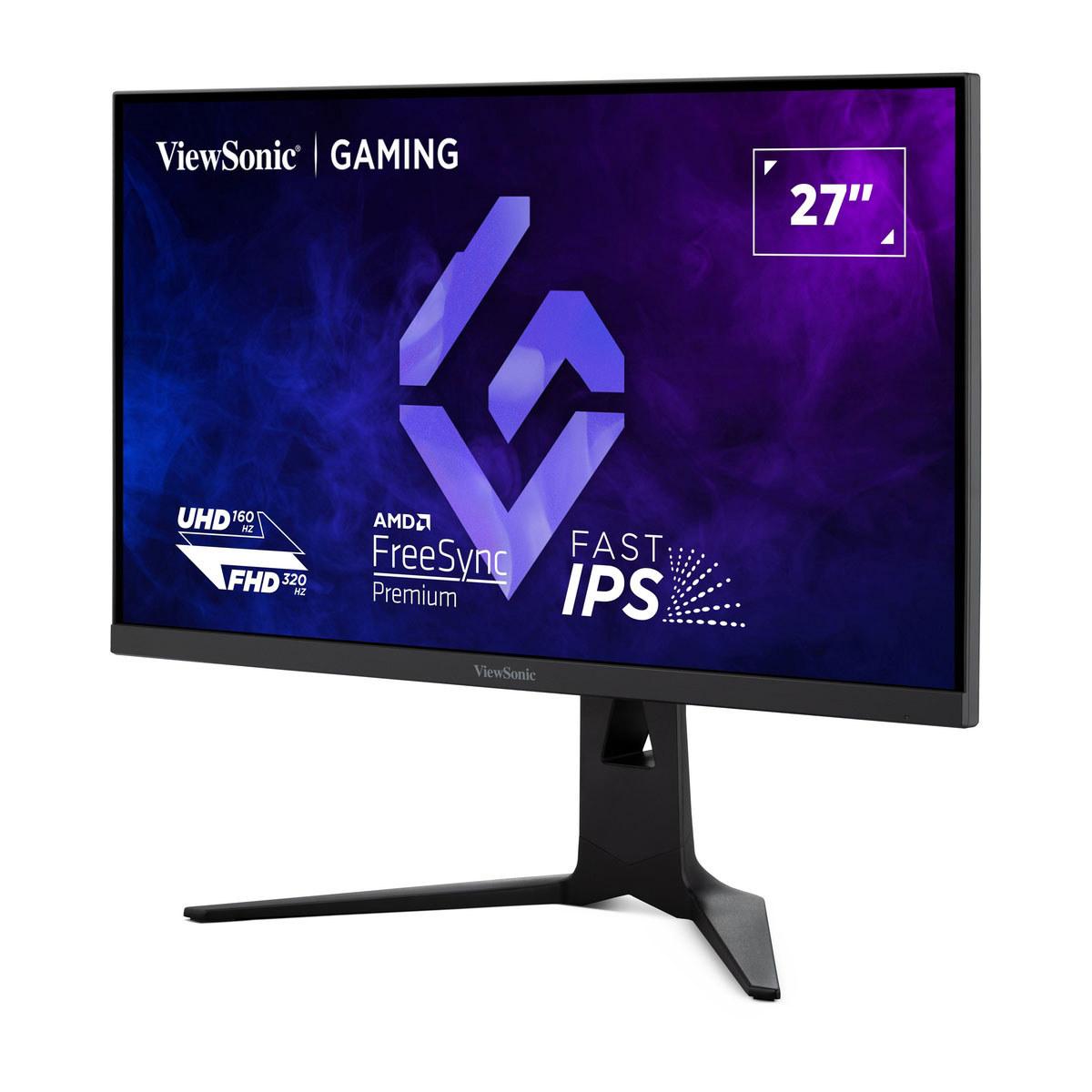
Gaming monitors have evolved dramatically over the past few years, and nowhere is this more apparent than when comparing two groundbreaking 27-inch displays: the Gigabyte AORUS FO27Q2 and the ViewSonic XG275D-4K. Both released in 2024, these monitors represent completely different philosophies in gaming display technology. One prioritizes absolute visual excellence through cutting-edge OLED technology, while the other introduces unprecedented versatility with its dual-mode capabilities.
At the time of writing, both monitors sit in the premium gaming segment but approach value differently. The AORUS FO27Q2 commands a higher price for its QD-OLED panel technology, while the ViewSonic XG275D-4K offers innovative flexibility at a more accessible price point. Understanding which approach serves your needs better requires diving deep into what makes each monitor unique.
Before we dive into specifics, let's establish what matters most in gaming monitors today. The core considerations haven't changed much, but the technology delivering them has advanced significantly.
Display technology forms the foundation of any monitor's performance. Traditional LCD panels use a backlight that shines through liquid crystals to create images, while OLED (Organic Light Emitting Diode) technology allows individual pixels to produce their own light. This fundamental difference affects everything from contrast ratios to response times.
Performance capabilities encompass refresh rates (how many times per second the screen updates), response times (how quickly pixels can change colors), and input lag (the delay between your actions and seeing them on screen). These metrics directly impact your gaming experience, especially in competitive scenarios.
Resolution approach has become more complex recently. While most monitors stick to one native resolution, some new models offer multiple modes optimized for different use cases.
Finally, value proposition extends beyond just the purchase price to include features, warranty coverage, and long-term usability across different gaming scenarios.
The most fundamental difference between the AORUS FO27Q2 and ViewSonic XG275D-4K lies in their display technologies, and this choice affects virtually every aspect of their performance.
The AORUS FO27Q2 features a QD-OLED panel manufactured by Samsung. QD-OLED combines Quantum Dot technology (which enhances color reproduction) with OLED's ability to turn individual pixels completely on or off. This results in what's called an "infinite contrast ratio" – basically, blacks are truly black because those pixels aren't emitting any light at all, while bright areas can be incredibly vivid.
In practical terms, this means when you're exploring a dark cave in a game, the shadows are genuinely dark rather than the grayish black you see on most monitors. Meanwhile, when sunlight streams through a window in that same game, it can be brilliantly bright without affecting the darkness of the shadows. This creates a more realistic and immersive visual experience that's immediately noticeable once you've seen it.
The ViewSonic XG275D-4K uses a more traditional IPS (In-Plane Switching) panel. IPS technology has been refined over decades and offers excellent color accuracy and wide viewing angles. However, it relies on a backlight that's always on, which means blacks appear as dark gray rather than true black. The contrast ratio is listed as 1000:1, meaning whites are 1000 times brighter than blacks – impressive by traditional standards but nowhere near OLED's infinite contrast.
From a home theater perspective, this difference is crucial. The AORUS FO27Q2 can deliver a cinema-like experience with deep blacks that don't wash out in dark rooms, while the ViewSonic XG275D-4K performs better in brighter environments where the backlight's consistent illumination prevents the screen from appearing dim.
Here's where these monitors take radically different approaches. The AORUS FO27Q2 focuses on delivering exceptional performance at a single resolution: 2560x1440 (often called 1440p or QHD). This resolution hits a sweet spot for gaming – it's significantly sharper than 1080p but doesn't require the massive graphics processing power that 4K demands.
The monitor runs at 240Hz at this resolution, meaning it can display up to 240 unique images per second. For context, movies typically run at 24 frames per second, so we're talking about 10 times more fluid motion. This creates incredibly smooth gameplay, especially noticeable in fast-paced shooters or racing games.
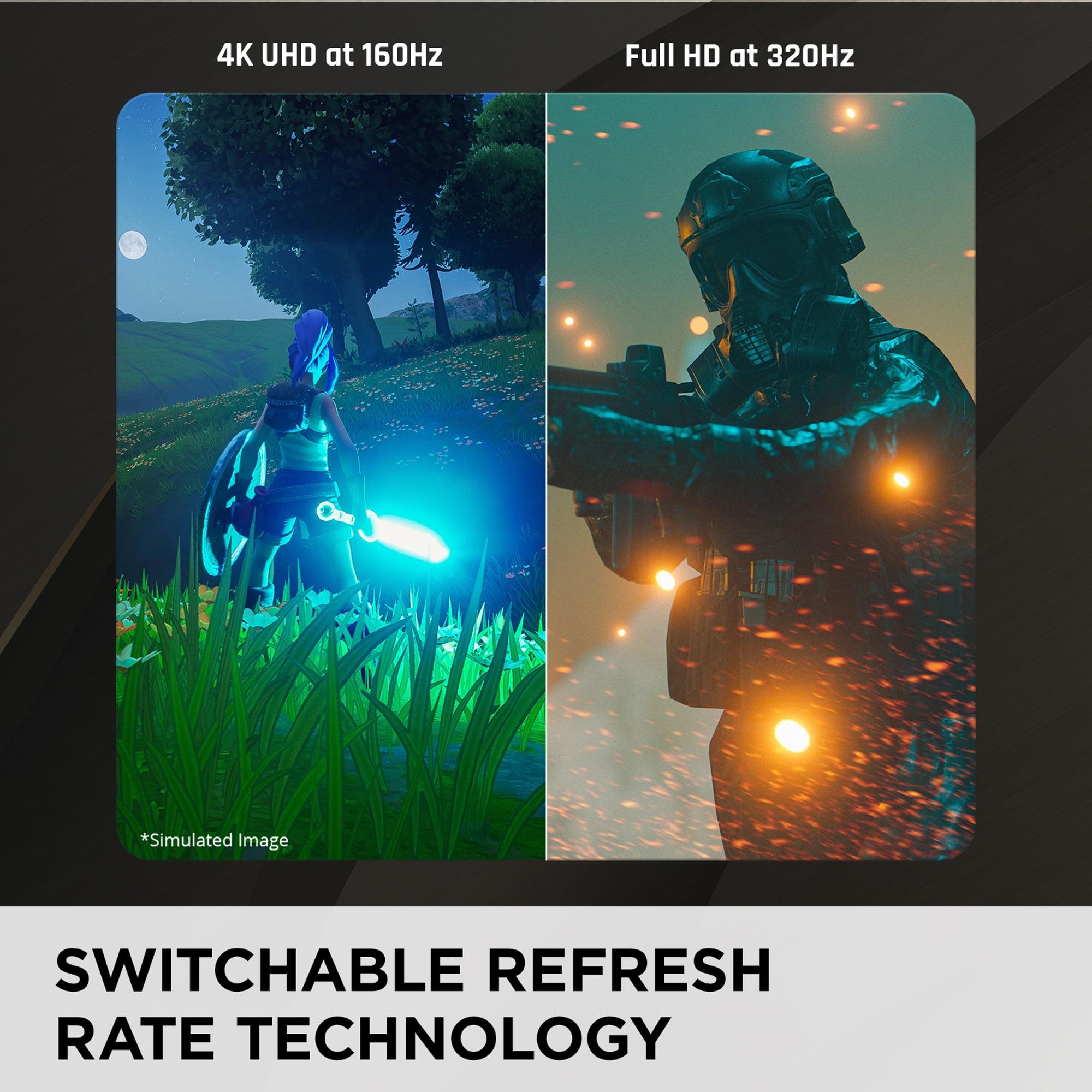
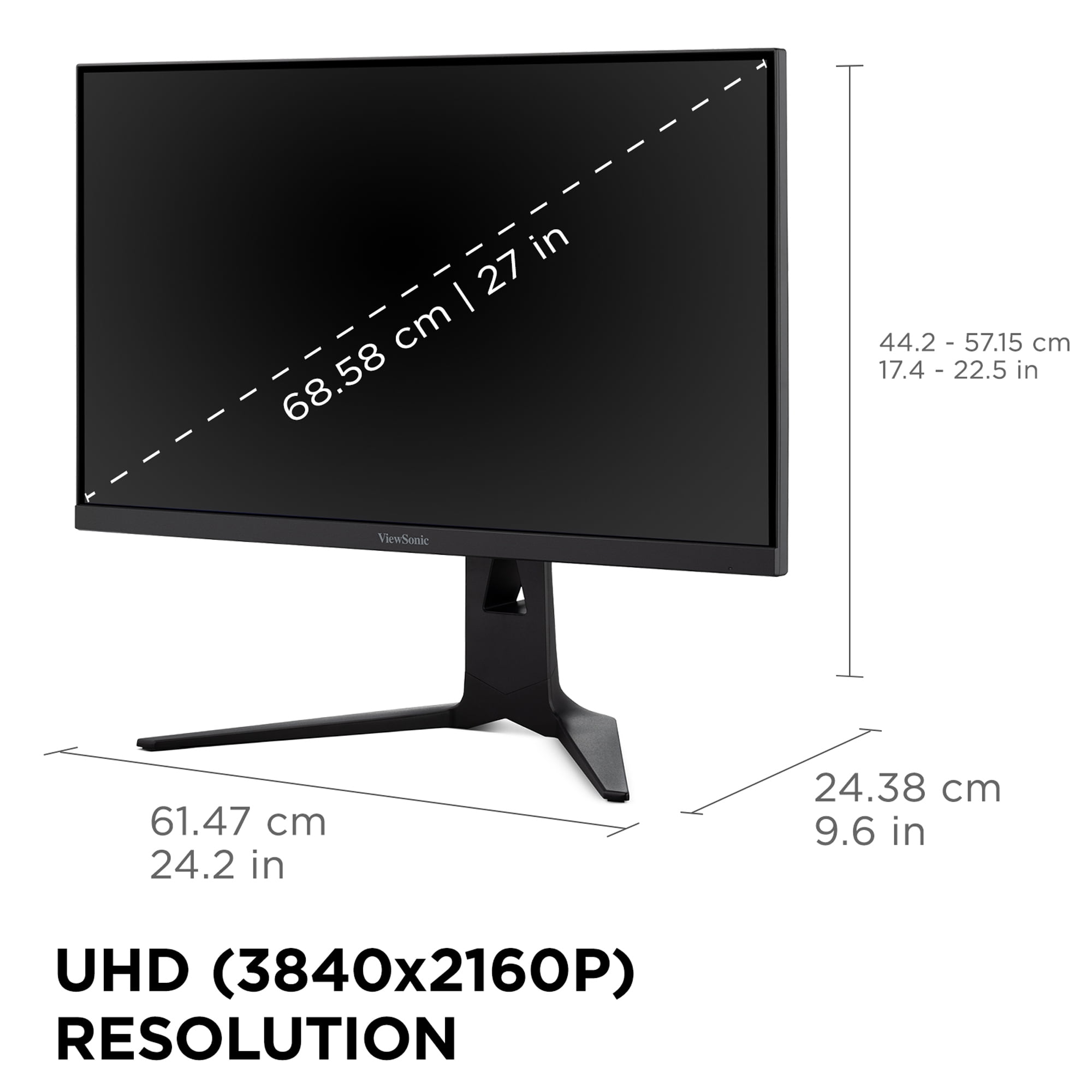
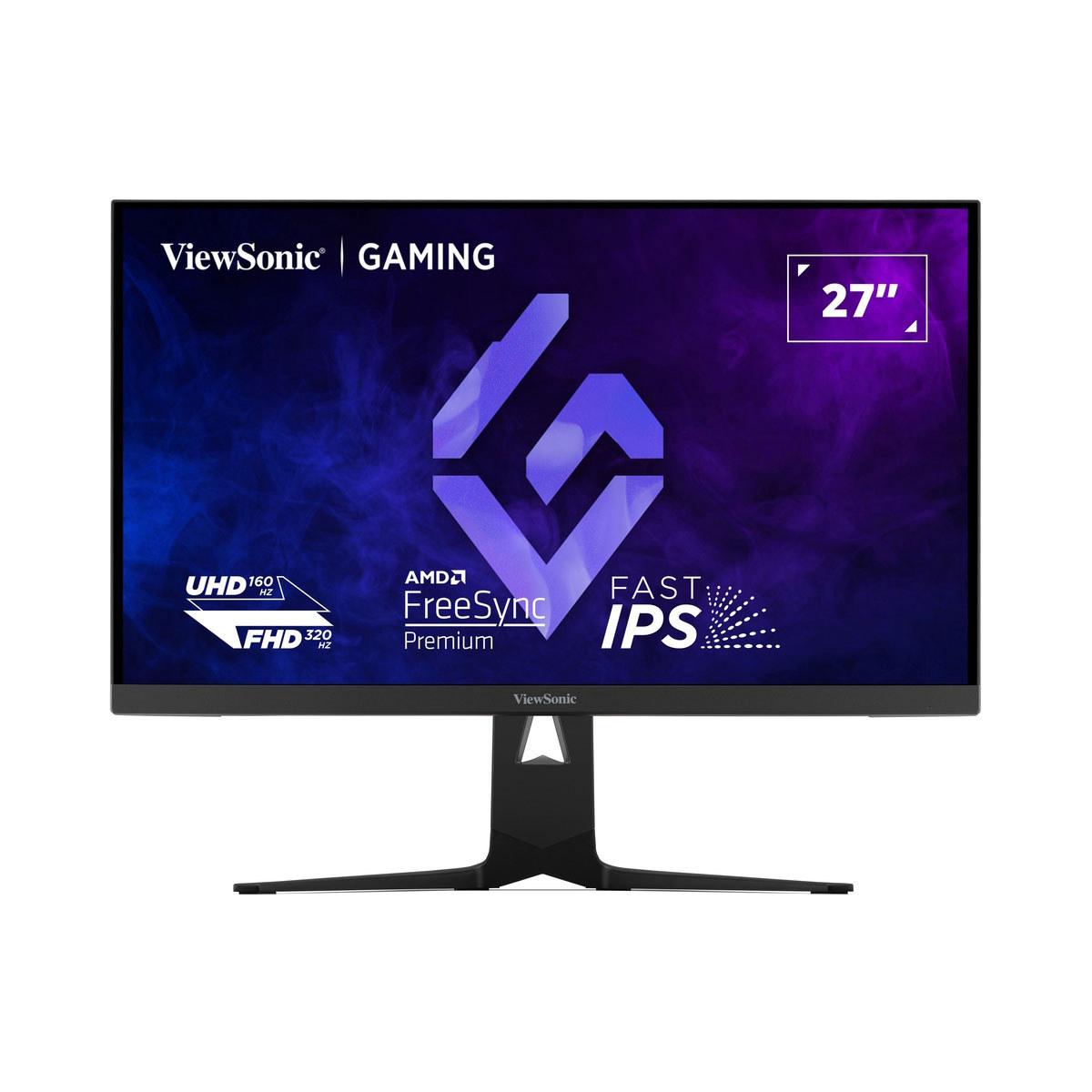
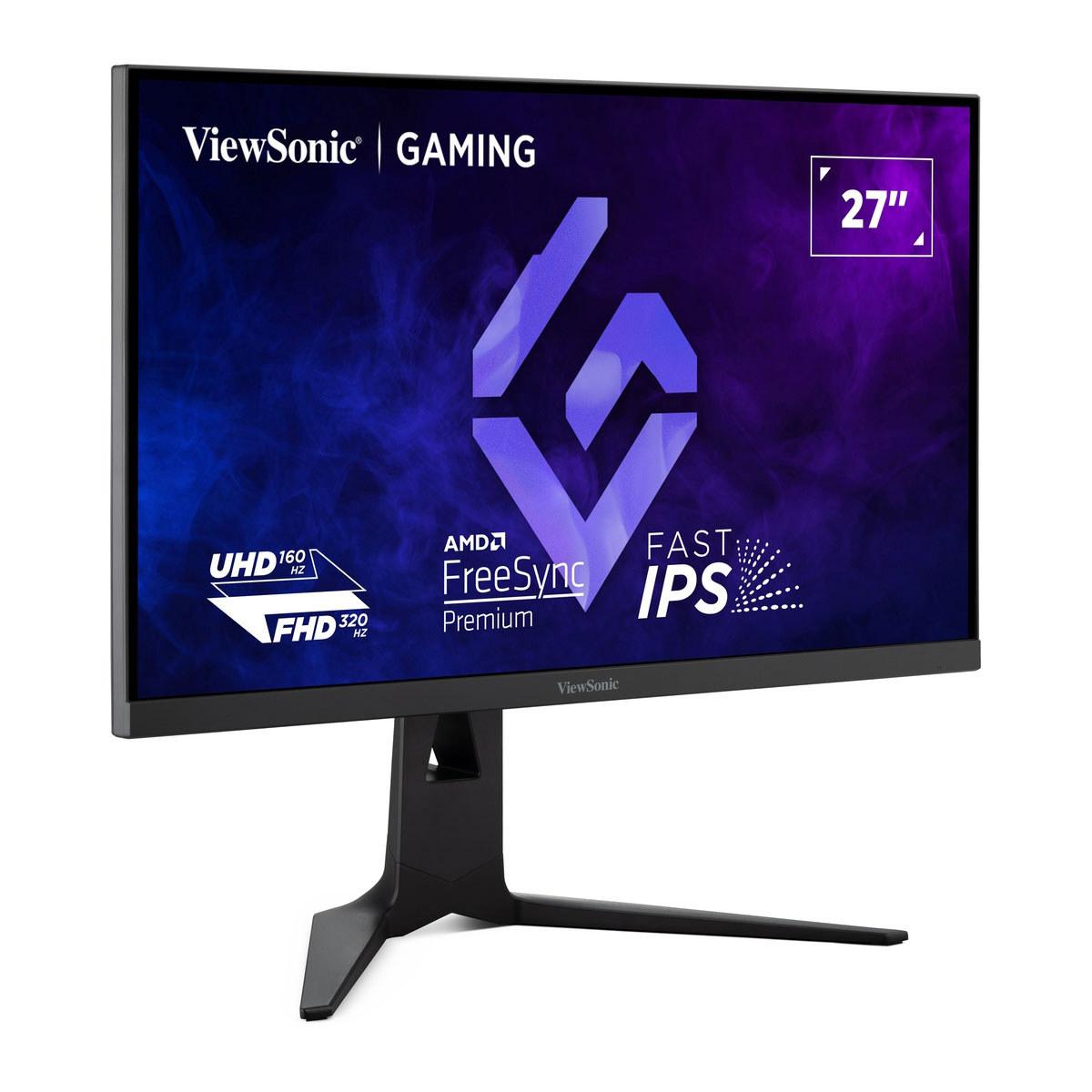
The ViewSonic XG275D-4K takes an entirely different approach with its innovative dual-mode system. With the press of a button, you can switch between two distinct operating modes. In "immersive mode," it runs at full 4K resolution (3840x2160) at 160Hz – perfect for single-player games where visual fidelity matters most. In "competitive mode," it drops to 1080p resolution but cranks the refresh rate up to 320Hz for maximum responsiveness in esports scenarios.
This dual personality addresses a real problem many gamers face. Competitive players often prefer lower resolutions and maximum refresh rates for the fastest possible response times, while casual gamers want the highest resolution for the most detailed visuals. Previously, you'd need two different monitors or compromise on one aspect. The ViewSonic XG275D-4K eliminates this dilemma.
The switching isn't just a simple resolution change – the monitor optimizes its entire signal processing for each mode. In 4K mode, it prioritizes visual quality and proper scaling. In 320Hz mode, it minimizes every possible source of delay to achieve maximum responsiveness.
When it comes to pure gaming performance, both monitors excel but in different ways. Understanding these differences helps determine which matches your gaming style better.
Response Times and Motion Clarity
The AORUS FO27Q2 achieves a 0.03ms gray-to-gray response time, which is essentially instantaneous by human perception standards. OLED technology enables this because pixels don't need time to rotate like they do in LCD panels – they simply turn on or off immediately. This translates to zero motion blur in fast-moving scenes. When you're tracking an enemy player running across your screen or following a race car around a corner, the image remains perfectly sharp.
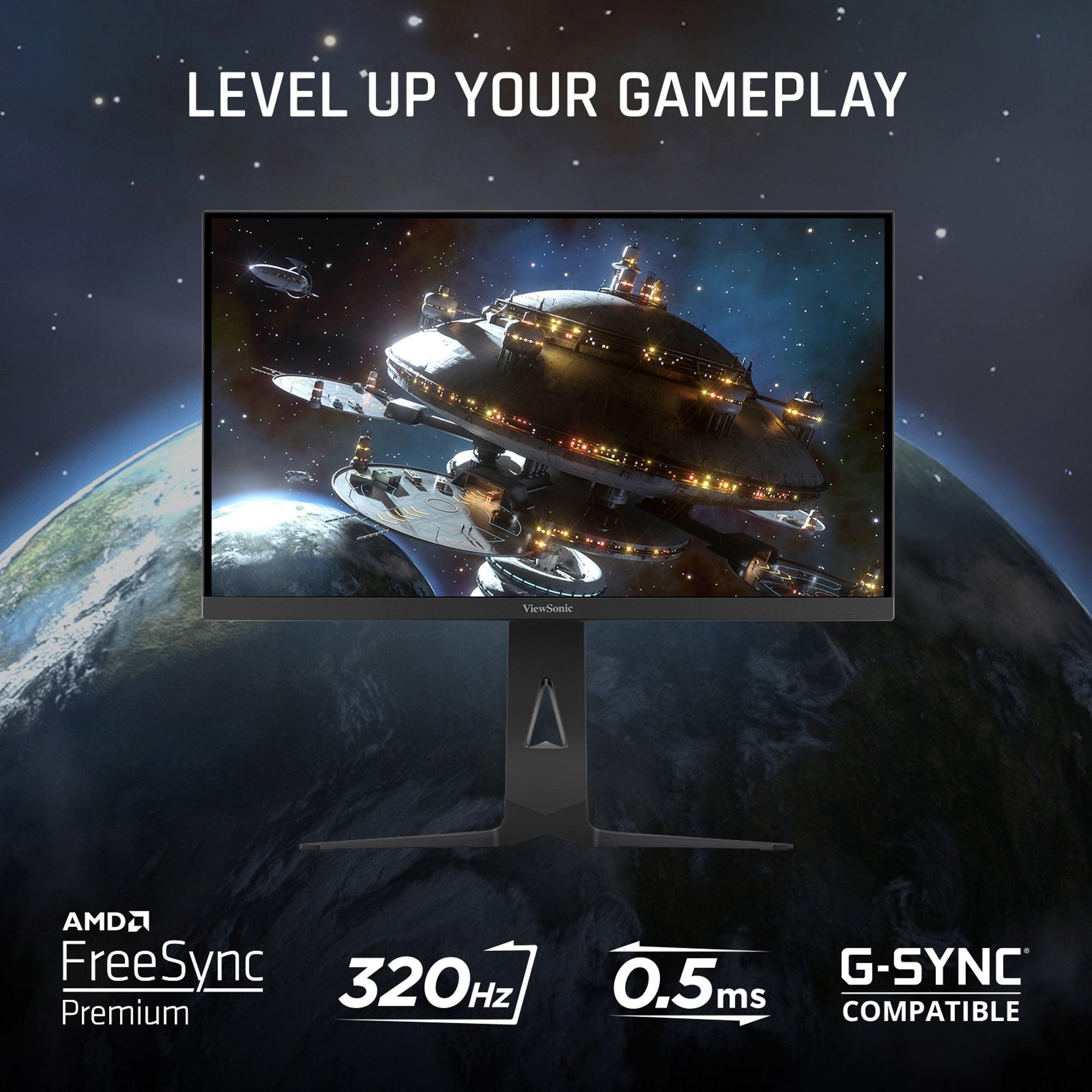
The ViewSonic XG275D-4K manages a 0.5ms MPRT (Moving Picture Response Time) response, which is still excellent for an IPS panel but not quite at OLED levels. You might notice slight trailing in extremely fast motion, though it's minimal and only apparent when directly compared to OLED technology.
Input Lag and Competitive Edge
Input lag measures the total time between when you press a key or move your mouse and when that action appears on screen. This includes processing delays in the monitor itself, not just the response time. The AORUS FO27Q2 achieves a record-breaking 13ms total input lag at 240Hz – faster than many monitors running at higher refresh rates.
This matters immensely in competitive gaming. In a fast-paced shooter like Counter-Strike or Valorant, 13ms can mean the difference between landing a shot and missing it. Professional esports players often cite input lag as more important than pure refresh rate because it affects the fundamental connection between their actions and the game.
The ViewSonic XG275D-4K doesn't publish specific input lag figures, but IPS panels typically range from 15-25ms depending on the processing mode. In its 320Hz mode, the higher refresh rate helps compensate for any additional processing delays, making it competitive for esports use.
Refresh Rate Considerations
The refresh rate discussion here gets interesting. The AORUS FO27Q2 provides a consistent 240Hz experience, which is plenty fast for most gamers. The difference between 240Hz and higher refresh rates becomes increasingly subtle – noticeable to professional players but not game-changing for most users.
The ViewSonic XG275D-4K offers 320Hz in its 1080p mode, which is theoretically superior for competitive gaming. However, achieving 320 frames per second in actual games requires extremely powerful hardware and typically involves significant graphics quality compromises. Most gamers will realistically use this mode at lower frame rates, where the additional headroom still provides benefits through reduced input lag and smoother motion.
Visual quality is where the technology difference becomes most apparent. The AORUS FO27Q2 delivers color accuracy that reviewers consistently describe as "flawless" straight out of the box. It covers 99.7% of the DCI-P3 color space, which is the standard used in movie production, meaning games and movies appear as their creators intended.
The HDR (High Dynamic Range) performance showcases OLED's advantages clearly. HDR content can display both very bright and very dark elements simultaneously – imagine a sunset scene with bright sky and dark foreground details both visible clearly. The AORUS FO27Q2 can achieve 1000 nits of peak brightness in small areas while maintaining perfect blacks elsewhere, creating stunning HDR imagery.
The ViewSonic XG275D-4K supports HDR but with limitations. Its 300-nit brightness ceiling and LCD technology mean HDR content looks improved compared to standard content, but it can't match OLED's dramatic range. The experience is more like "enhanced color" than true HDR.
For home theater use, this difference is significant. The AORUS FO27Q2 can serve as an excellent secondary display for movie watching, especially in darkened rooms where OLED technology shines brightest. The ViewSonic XG275D-4K works better in brighter environments and offers larger screen real estate in 4K mode for productivity tasks.
Both monitors offer comprehensive connectivity, but their feature sets reflect their different target audiences.
The AORUS FO27Q2 includes two HDMI 2.1 ports and DisplayPort 1.4, ensuring compatibility with current-generation consoles and high-end graphics cards. Its USB-C port provides 18W of power delivery – enough for charging phones or powering small accessories but not laptops. The KVM (Keyboard, Video, Mouse) switch functionality lets you control multiple connected devices with a single keyboard and mouse setup.
Gaming-specific features include what Gigabyte calls "Tactical Switch" – a hardware button that instantly changes resolution settings for competitive gaming. There's also customizable crosshair overlays, black level adjustment for spotting enemies in dark areas, and RGB lighting that can sync with other components.
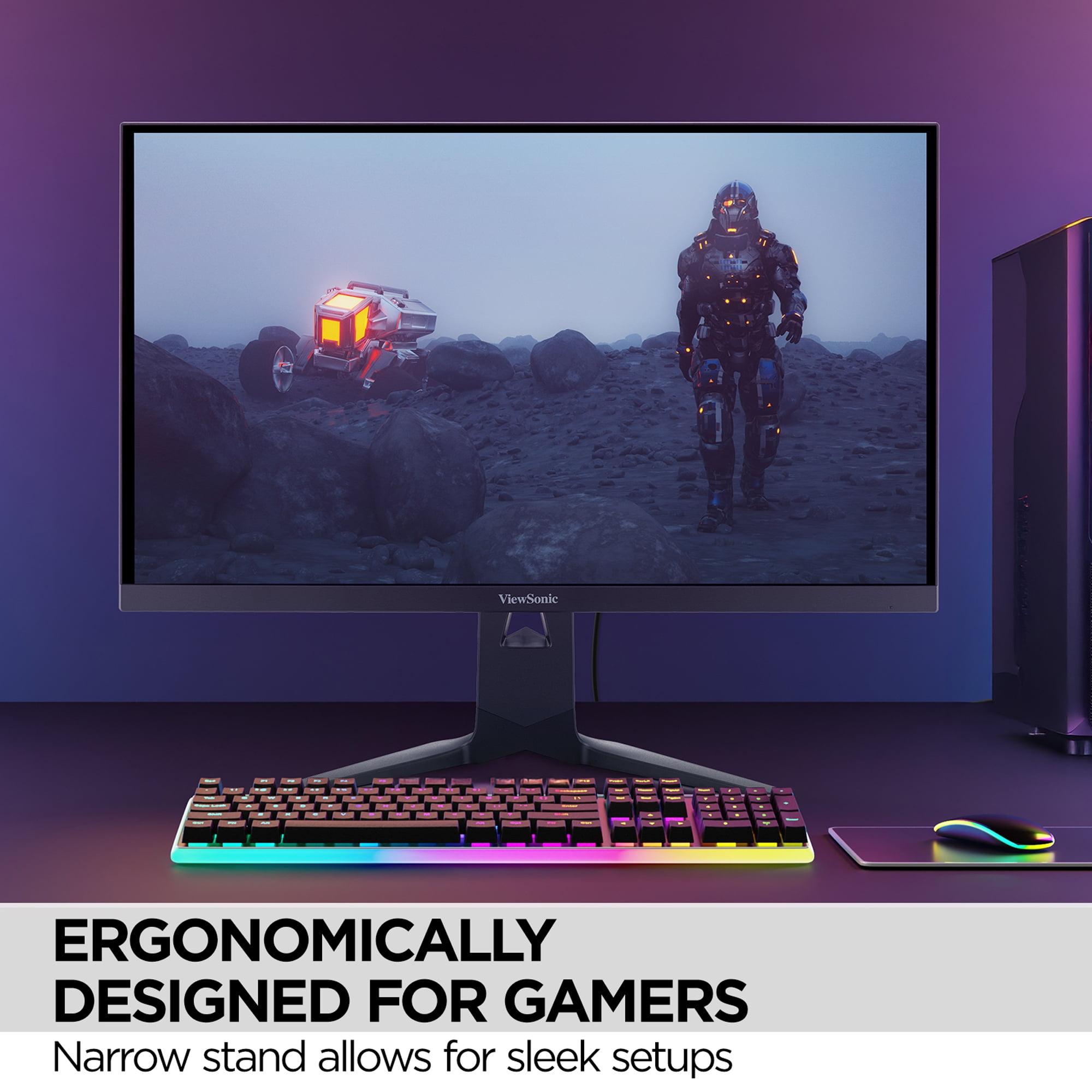
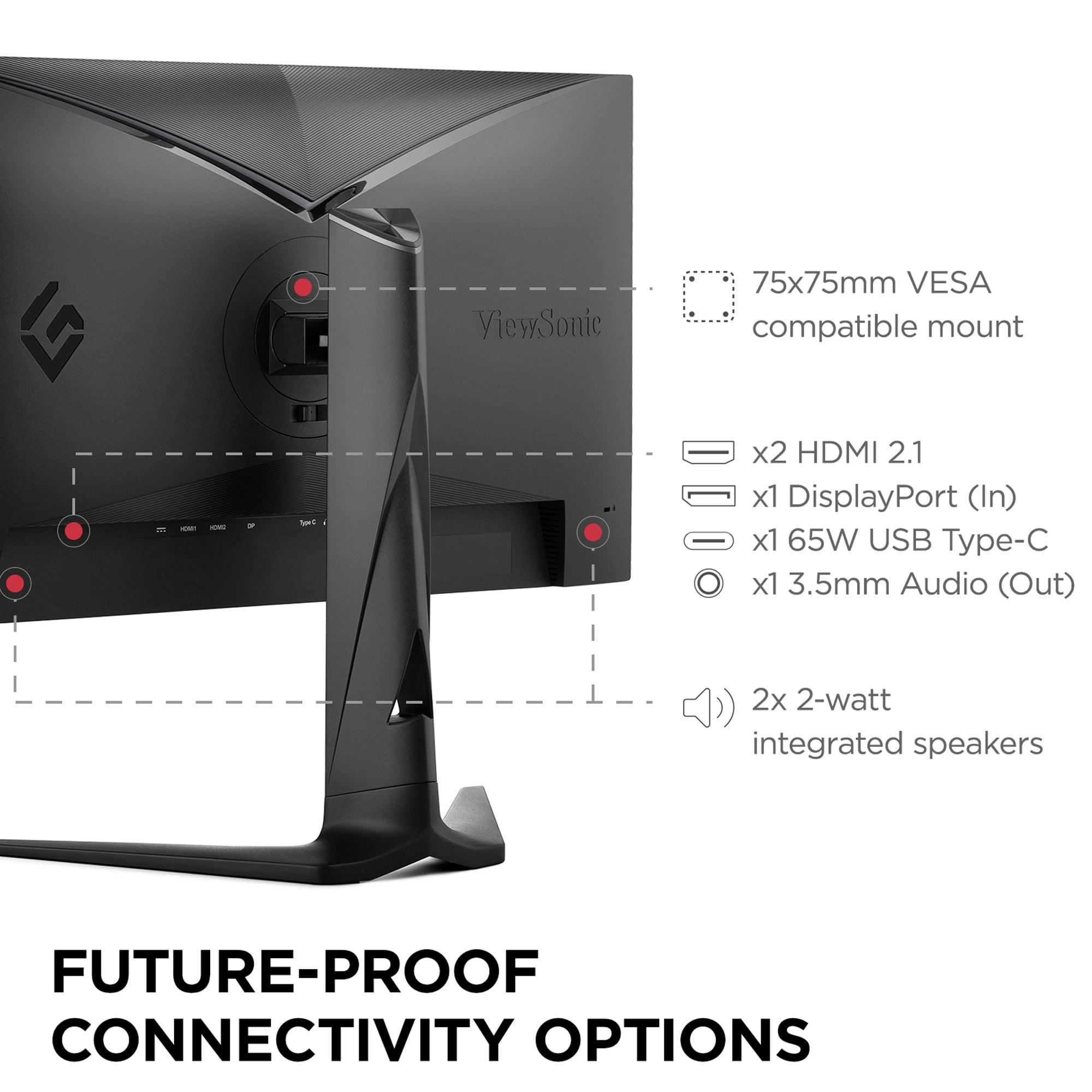
The ViewSonic XG275D-4K prioritizes versatility with its 65W USB-C power delivery, sufficient to charge most laptops while simultaneously providing video and data connectivity through a single cable. This makes it excellent for users who switch between gaming desktops and work laptops throughout the day.
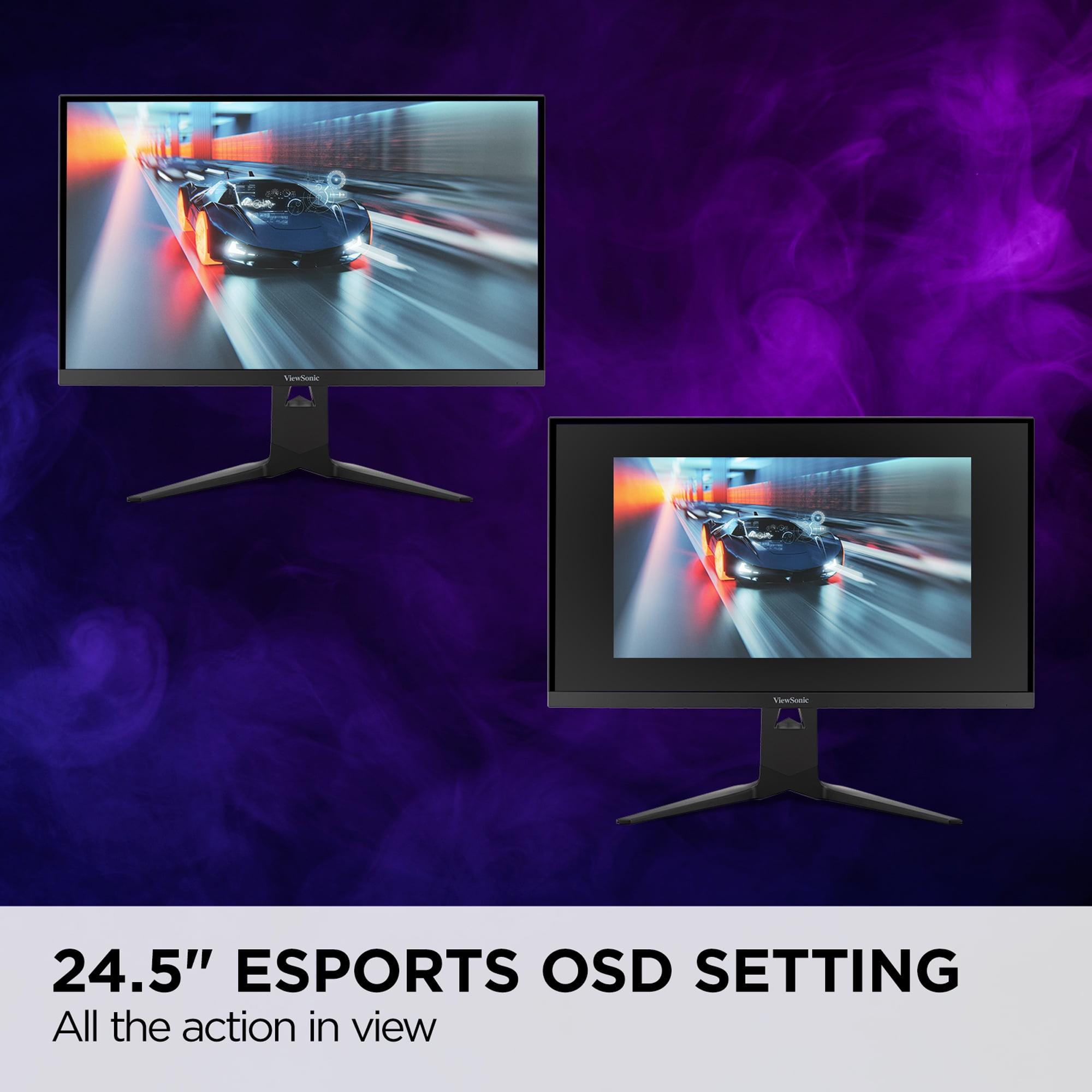
Its dual-mode button is the star feature – one press switches between 4K and 1080p modes with different refresh rates and optimization settings. An "esports mode" option creates a 24.5-inch viewing area within the larger display, mimicking tournament setups where players use smaller monitors for competitive advantages.
Competitive Esports Gaming
For serious competitive gaming, the choice depends on your priorities. The ViewSonic XG275D-4K offers higher maximum refresh rates (320Hz) and can emulate tournament-standard setups with its esports mode settings. Many professional players prefer 1080p for maximum frame rates and familiarity with tournament equipment.
However, the AORUS FO27Q2 provides superior input lag performance and motion clarity that some players find more important than peak refresh rates. The instant pixel response of OLED technology can provide a competitive edge in tracking moving targets.
Immersive Single-Player Gaming
This category strongly favors the AORUS FO27Q2. Story-driven games, RPGs, and atmospheric titles benefit enormously from OLED's contrast and color accuracy. Games like Cyberpunk 2077, The Witcher 3, or Red Dead Redemption 2 look dramatically better with true blacks and vivid colors that bring virtual worlds to life.
The ViewSonic XG275D-4K offers 4K resolution for sharper detail, which benefits games with intricate environments or text-heavy interfaces. However, achieving 4K at high frame rates requires extremely powerful graphics hardware, potentially limiting your settings in demanding games.
Content Creation and Productivity
The AORUS FO27Q2 excels for photo and video editing thanks to its factory-calibrated color accuracy. Professional content creators often prefer OLED displays for color grading and editing work where accurate color representation is crucial.
The ViewSonic XG275D-4K provides more practical benefits for general productivity. Its 4K resolution offers more screen real estate for multiple windows, while the 65W USB-C connectivity simplifies laptop docking scenarios. The ability to switch to 1080p mode can also help when running less powerful hardware or optimizing for specific applications.
Console Gaming
Both monitors work well with current-generation consoles, but they offer different experiences. The PlayStation 5 and Xbox Series X can output 1440p at high frame rates to the AORUS FO27Q2, taking advantage of its superior image quality and low input lag for responsive gaming.
The ViewSonic XG275D-4K can accept full 4K signals from consoles, though most games won't run at 160Hz at that resolution. Console games typically target 60fps at 4K or 120fps at lower resolutions, making the monitor's flexibility valuable for optimizing each game's experience.
Home Theater Integration
The AORUS FO27Q2 works excellently as a secondary display in home theater setups. Its OLED technology provides cinema-quality blacks and colors that complement larger TV displays. The smaller 27-inch size makes it perfect for gaming areas within larger entertainment spaces.
The ViewSonic XG275D-4K offers better integration with mixed-use setups where the same display handles gaming, work, and entertainment duties throughout the day.
Durability and Longevity
OLED technology has traditionally faced concerns about burn-in, where static images can leave permanent marks on the screen. The AORUS FO27Q2 addresses this with AI-based OLED care features including pixel shifting, automatic screen cleaning, and static content detection. Gigabyte backs this with a three-year warranty that specifically covers burn-in damage – unprecedented in the monitor industry.
The ViewSonic XG275D-4K uses traditional LCD technology that doesn't face burn-in concerns, potentially offering longer lifespan for users who display static content frequently.
Future-Proofing
The ViewSonic XG275D-4K offers better future-proofing in some respects with its 4K capability and ultra-high refresh rates. As graphics hardware improves, users can take advantage of both resolution modes more fully.
The AORUS FO27Q2 focuses on perfecting current gaming standards rather than chasing specification peaks. Its 1440p resolution may become less relevant as 4K gaming becomes more mainstream, though the superior image quality technology will remain valuable.
Choose the Gigabyte AORUS FO27Q2 if you prioritize visual excellence above all else. This monitor delivers the best possible image quality currently available in gaming displays, with color accuracy and contrast that makes games look dramatically better than on traditional monitors. It's ideal for users who primarily play single-player games, value low input lag for competitive advantages, or want a display that doubles as an excellent movie viewing experience.
The higher price point reflects genuine technological advantages that enhance your daily experience. If you've never used an OLED display, the visual improvement is immediately apparent and difficult to go back from.
Choose the ViewSonic XG275D-4K if versatility and value matter more than peak performance. This monitor adapts to different needs throughout the day – 4K for productivity and immersive gaming, 320Hz for competitive esports. It's perfect for users who game across multiple genres, need laptop connectivity for work, or want a single display that handles varied computing needs.
The innovative dual-mode functionality represents genuine innovation that solves real problems, and the more accessible pricing makes premium gaming performance available to more users.
Both monitors represent significant advances in gaming display technology, just with different priorities. The AORUS FO27Q2 perfects the premium gaming experience, while the ViewSonic XG275D-4K reimagines how gaming monitors can adapt to modern computing needs. Your choice depends on whether you value ultimate quality or ultimate flexibility.
| Gigabyte AORUS FO27Q2 | ViewSonic XG275D-4K |
|---|---|
| Display Technology - Determines image quality, contrast, and color accuracy | |
| QD-OLED with infinite contrast and perfect blacks | IPS with 1000:1 contrast ratio |
| Resolution & Refresh Rate - Balance between sharpness and speed | |
| 2560x1440 (1440p) at 240Hz fixed | Dual-mode: 4K at 160Hz OR 1080p at 320Hz |
| Response Time - Critical for motion clarity in fast games | |
| 0.03ms GTG (instant pixel response) | 0.5ms MPRT (excellent for IPS) |
| Input Lag - Total delay from action to screen response | |
| 13ms total (record-breaking performance) | Not specified, likely 15-25ms typical for IPS |
| HDR Performance - Enhances contrast in supported content | |
| DisplayHDR True Black 400, 1000 nits peak | Basic HDR10 support, 300 nits brightness |
| Color Accuracy - Important for content creation and visual fidelity | |
| 99.7% DCI-P3, factory calibrated to Delta E 1.8 | 94% DCI-P3, good but not exceptional |
| USB-C Power Delivery - Convenience for laptop users | |
| 18W (phones/accessories only) | 65W (can charge laptops while gaming) |
| Gaming Features - Specialized tools for competitive play | |
| Tactical Switch, KVM, crosshairs, Black eQualizer | Dual-mode button, 24.5" esports mode, narrow stand |
| Warranty Coverage - Protection against panel defects | |
| 3 years including OLED burn-in coverage | 3 years standard warranty |
| Best Use Cases - Who should consider each monitor | |
| Single-player gaming, content creation, premium experience | Versatile gaming, productivity, esports flexibility |
The ViewSonic XG275D-4K has an advantage for competitive esports with its 320Hz refresh rate in 1080p mode and dedicated 24.5-inch esports settings. However, the Gigabyte AORUS FO27Q2 offers superior input lag performance at just 13ms total delay and instant 0.03ms pixel response times. For most competitive gamers, the AORUS FO27Q2's responsiveness may be more valuable than peak refresh rates.
The Gigabyte AORUS FO27Q2 uses QD-OLED technology that produces perfect blacks and infinite contrast by turning pixels completely off, while the ViewSonic XG275D-4K uses IPS technology with a backlight that creates darker grays instead of true blacks. This means the AORUS FO27Q2 delivers dramatically better contrast and more vibrant colors, especially noticeable in dark scenes.
The ViewSonic XG275D-4K typically costs less while offering innovative dual-mode functionality that switches between 4K@160Hz and 1080p@320Hz. The Gigabyte AORUS FO27Q2 commands a premium for its QD-OLED technology and superior image quality. Value depends on whether you prioritize versatility or premium visual performance.
The ViewSonic XG275D-4K excels at mixed use with its 4K resolution for detailed work, 65W USB-C laptop charging, and ability to switch modes throughout the day. The Gigabyte AORUS FO27Q2 offers exceptional color accuracy for content creation but is limited to 1440p resolution and provides only 18W of USB-C power.
The Gigabyte AORUS FO27Q2 significantly outperforms for immersive gaming thanks to its perfect blacks, infinite contrast, and exceptional color accuracy that makes game worlds look more realistic. While the ViewSonic XG275D-4K offers higher 4K resolution for sharper details, the visual impact of OLED technology is more noticeable in atmospheric games.
Both work excellently with PlayStation 5 and Xbox Series X. The AORUS FO27Q2 provides superior image quality at 1440p with low input lag for responsive gaming. The ViewSonic XG275D-4K can accept full 4K console outputs and switch between resolution modes to optimize different games, making it more versatile for varied console gaming.
The Gigabyte AORUS FO27Q2 delivers superior motion clarity with its instant 0.03ms pixel response time that eliminates all motion blur. The ViewSonic XG275D-4K offers good motion performance with 0.5ms response times, but OLED technology provides noticeably clearer motion tracking in fast racing games and shooters.
The AORUS FO27Q2 uses OLED technology that can potentially experience burn-in, but Gigabyte includes AI-based protection features and offers a 3-year warranty covering burn-in damage. The ViewSonic XG275D-4K uses traditional LCD technology without burn-in concerns, potentially offering longer lifespan for users displaying static content frequently.
The Gigabyte AORUS FO27Q2 provides dramatically better HDR performance with DisplayHDR True Black 400 certification, 1000 nits peak brightness, and perfect blacks that create cinema-like contrast. The ViewSonic XG275D-4K supports basic HDR10 but with limited 300-nit brightness that doesn't deliver true HDR impact.
The ViewSonic XG275D-4K offers superior connectivity with 65W USB-C power delivery that can charge laptops while providing video and data through one cable. The AORUS FO27Q2 provides comprehensive ports but only 18W USB-C power. Both include dual HDMI 2.1 and DisplayPort connections for gaming devices.
The ViewSonic XG275D-4K wins for flexibility with its dual-mode capability that switches between 4K immersive gaming and 1080p competitive gaming with one button press. The AORUS FO27Q2 focuses on delivering excellent performance at a single 1440p resolution rather than adapting to different scenarios.
Choose the Gigabyte AORUS FO27Q2 if you prioritize the best possible image quality, color accuracy, and gaming performance at 1440p resolution. Select the ViewSonic XG275D-4K if you want versatility to switch between 4K productivity and high-refresh competitive gaming, need laptop charging capability, or prefer a more budget-friendly option with innovative features.
We've done our best to create useful and informative comparisons to help you decide what product to buy. Our research uses advanced automated methods to create this comparison and perfection is not possible - please contact us for corrections or questions. These are the sites we've researched in the creation of this article: tomshardware.com - pangoly.com - youtube.com - pangoly.com - rtings.com - displayninja.com - gigabyte.com - youtube.com - creativebloq.com - techpowerup.com - newegg.com - gigabyte.com - icecat.in - microcenter.com - aorus.com - bhphotovideo.com - provantage.com - bestbuy.com - displayspecifications.com - tomshardware.com - gigabyte.com - computronicsmultivision.com - gigabyte.com - cgmagonline.com - gamingshogun.com - techpowerup.com - notebookcheck.net - bestbuy.com - newegg.com - techpowerup.com - shi.com - viewsonic.com - viewsonic.com - prnewswire.com - viewsonic.com - viewsonic.com - shop.avispl.com - guru3d.com - viewsonic.com - viewsonic.com - viewsonic.com - viewsonic.com

Privacy Policy
Terms and Conditions - Affiliate Policy
Home Security
© Copyright 2008-2026.
11816 Inwood Rd #1211, Dallas, TX 75244