







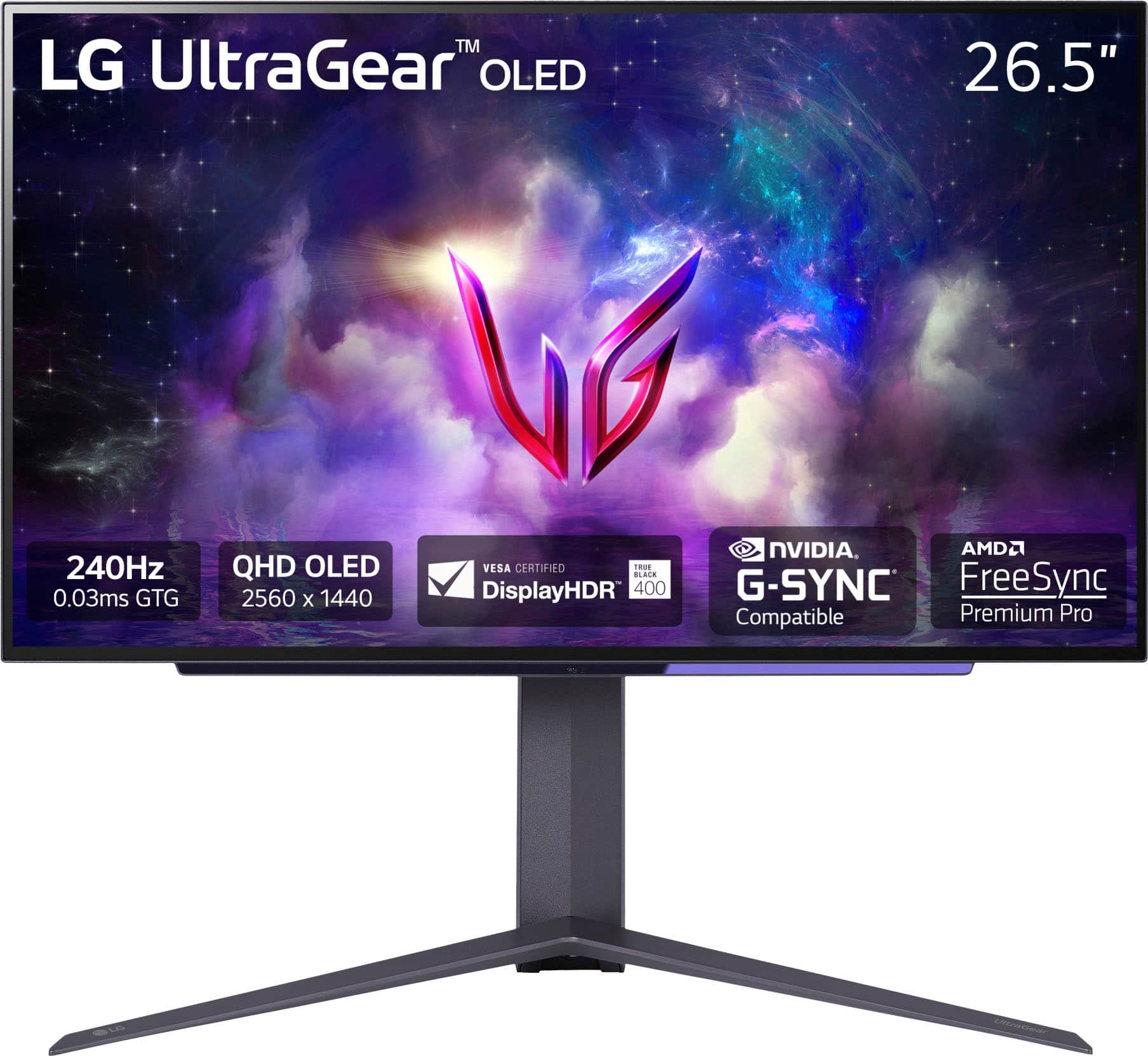
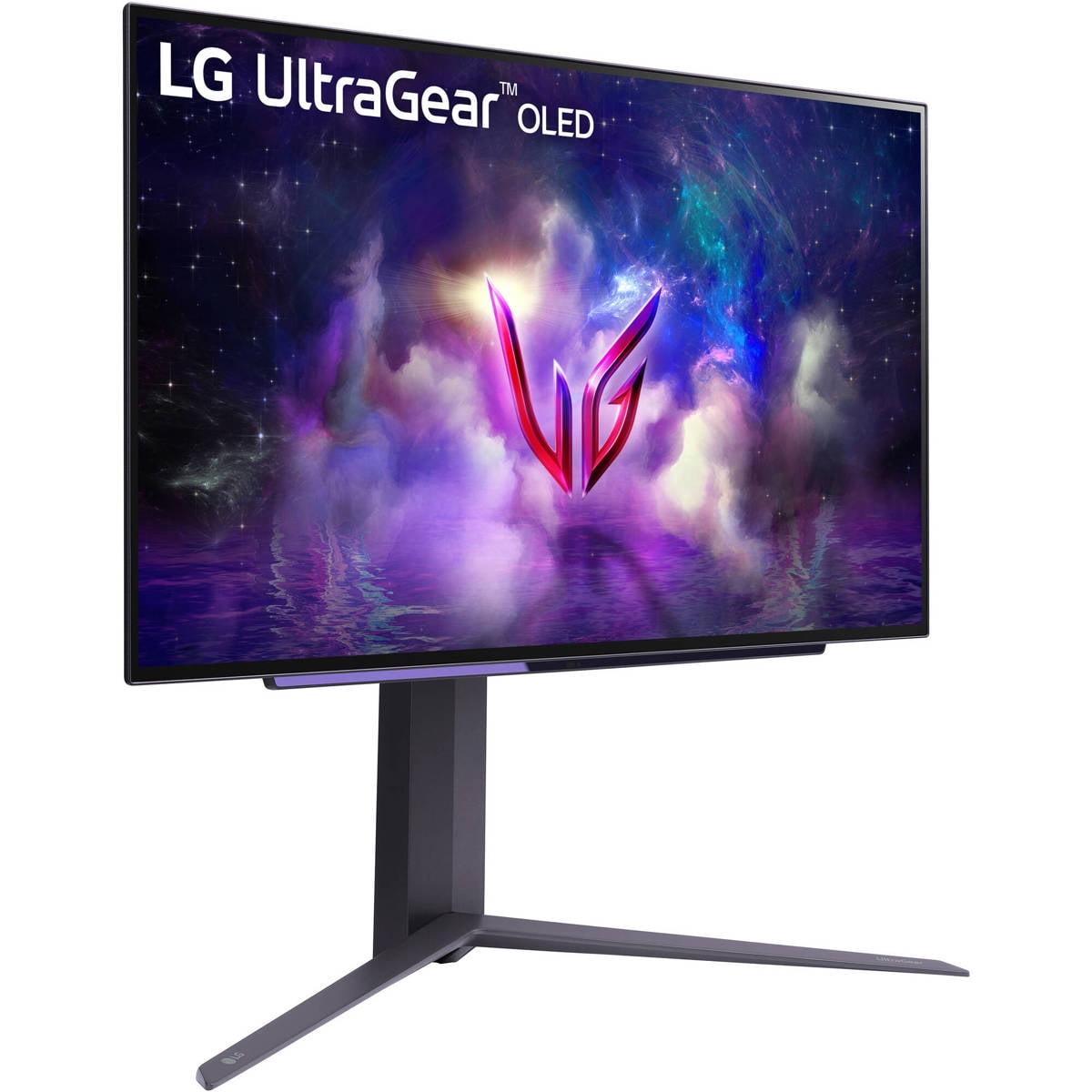
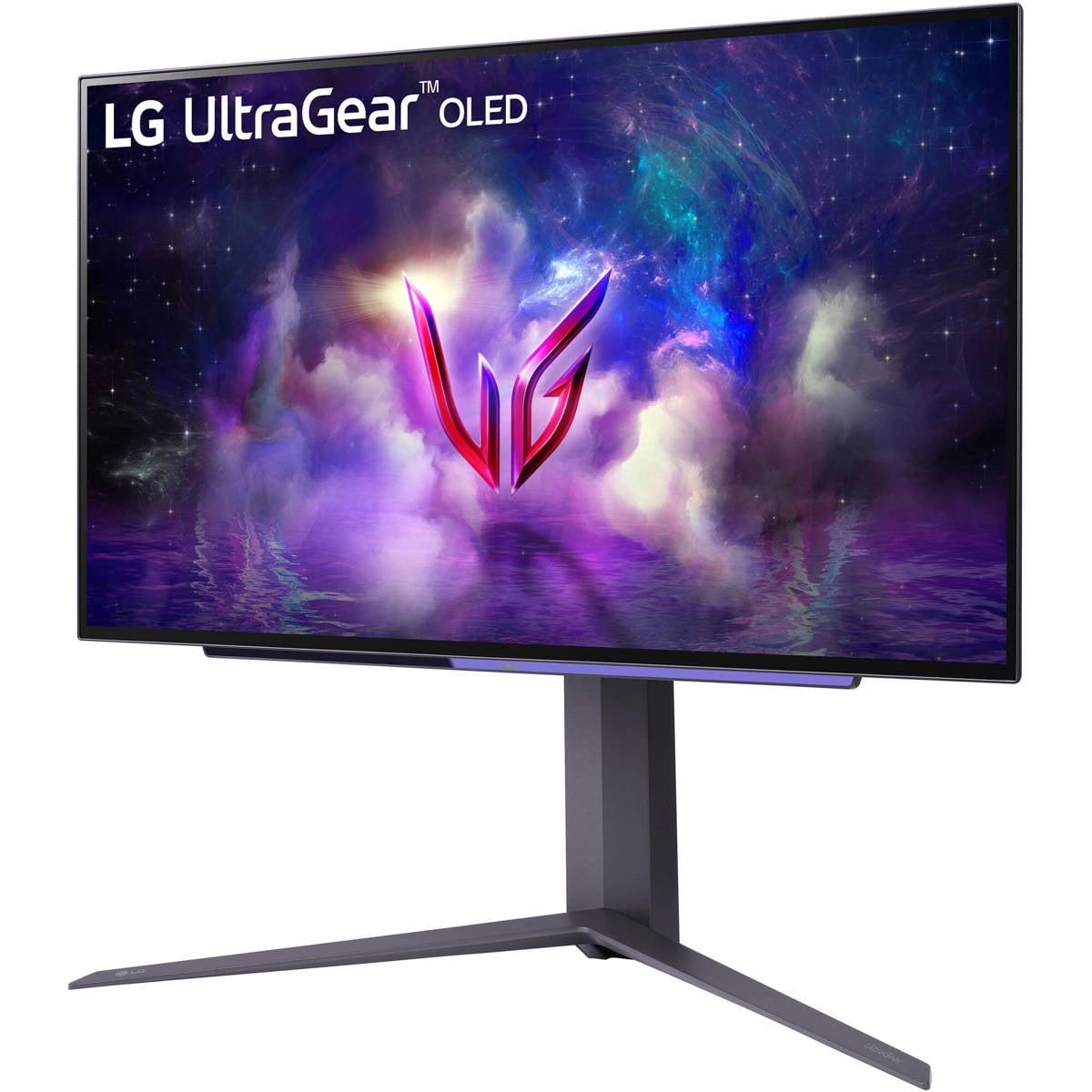
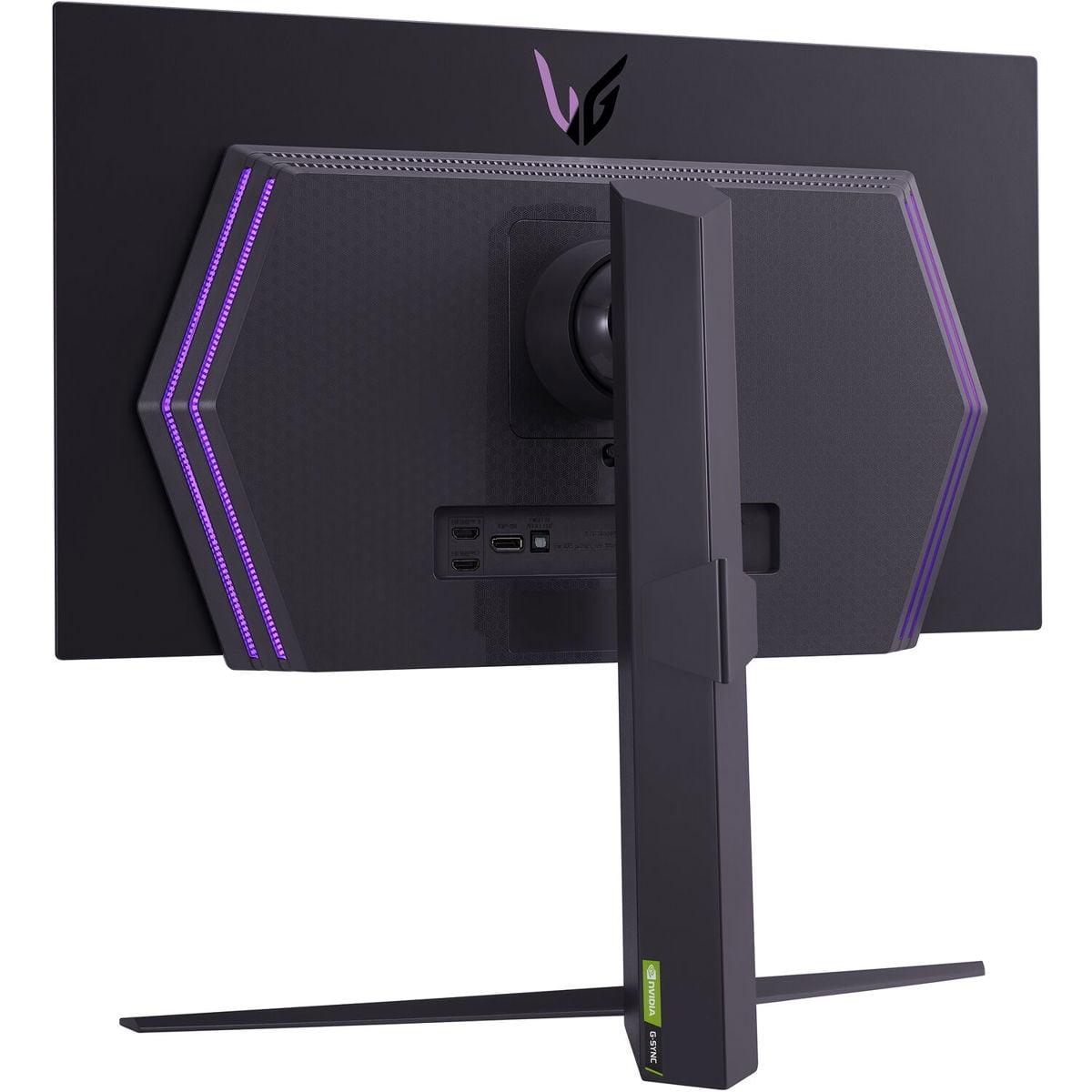
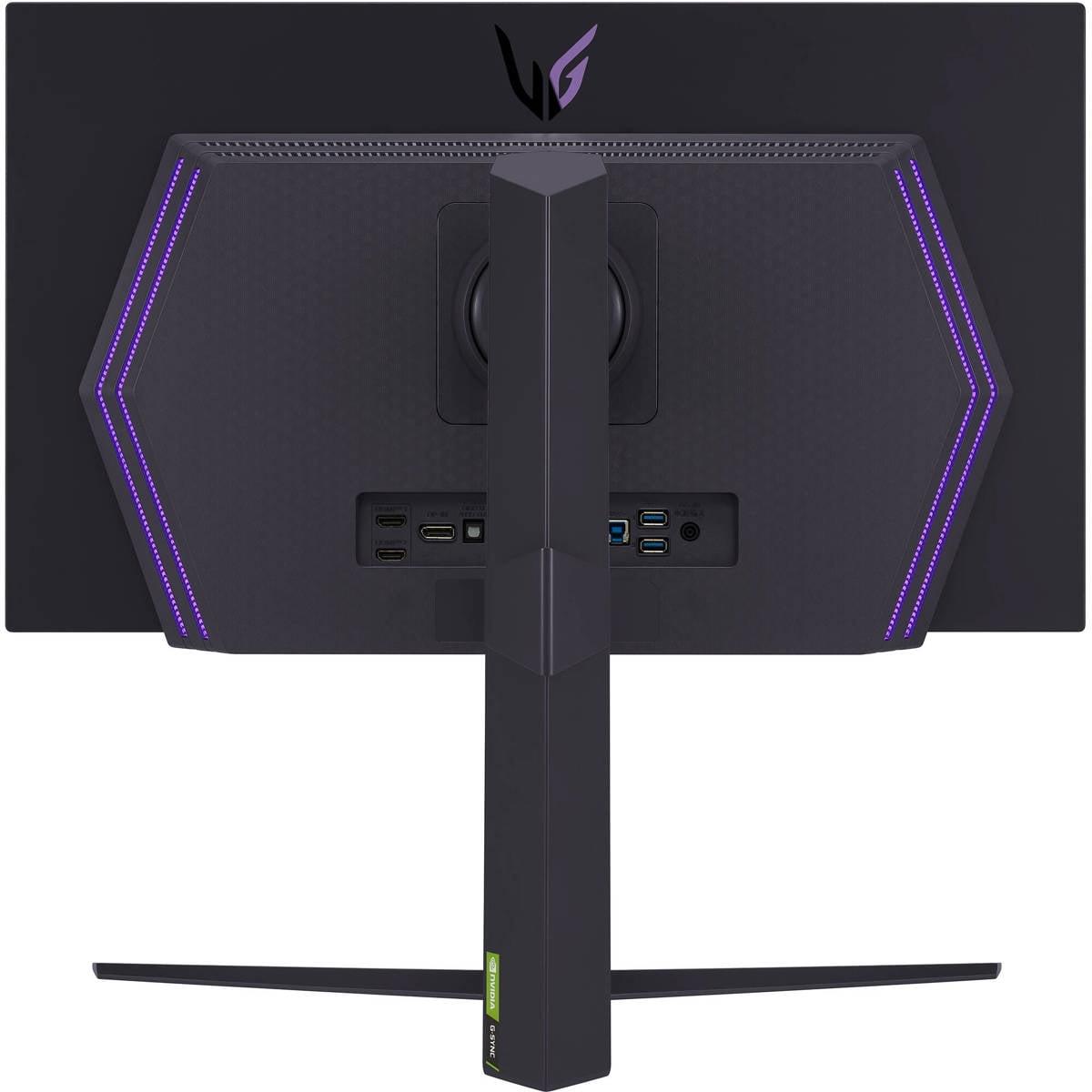
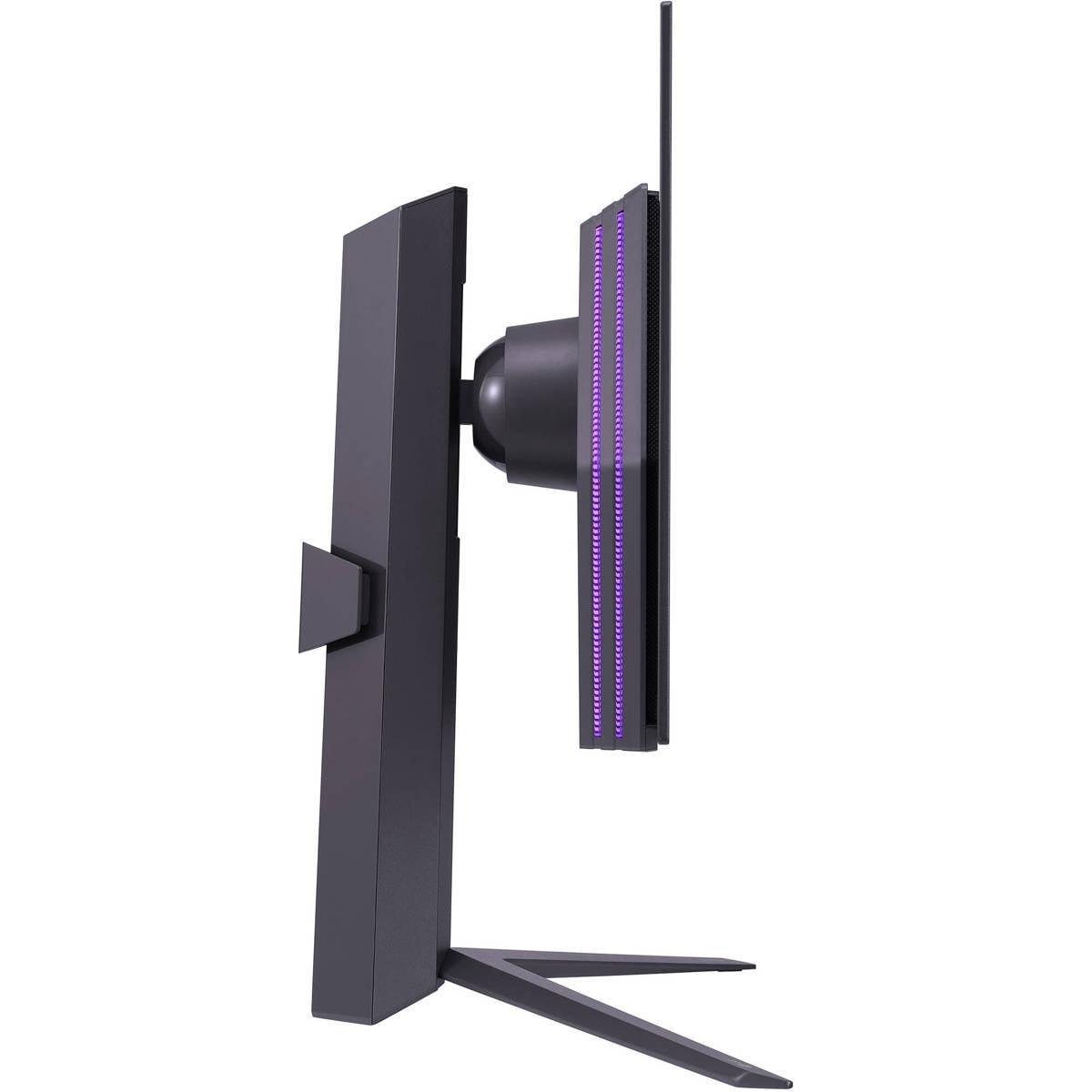

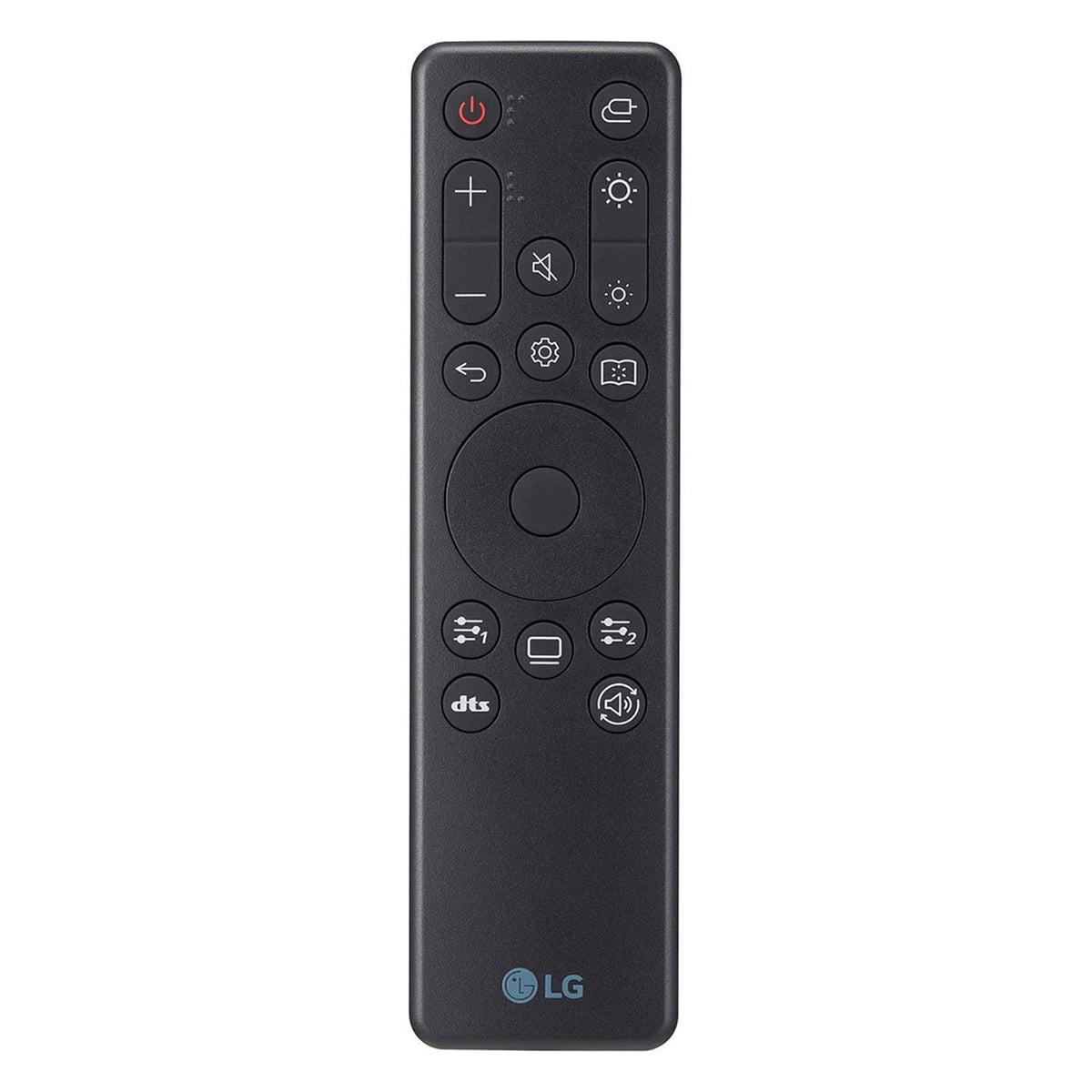
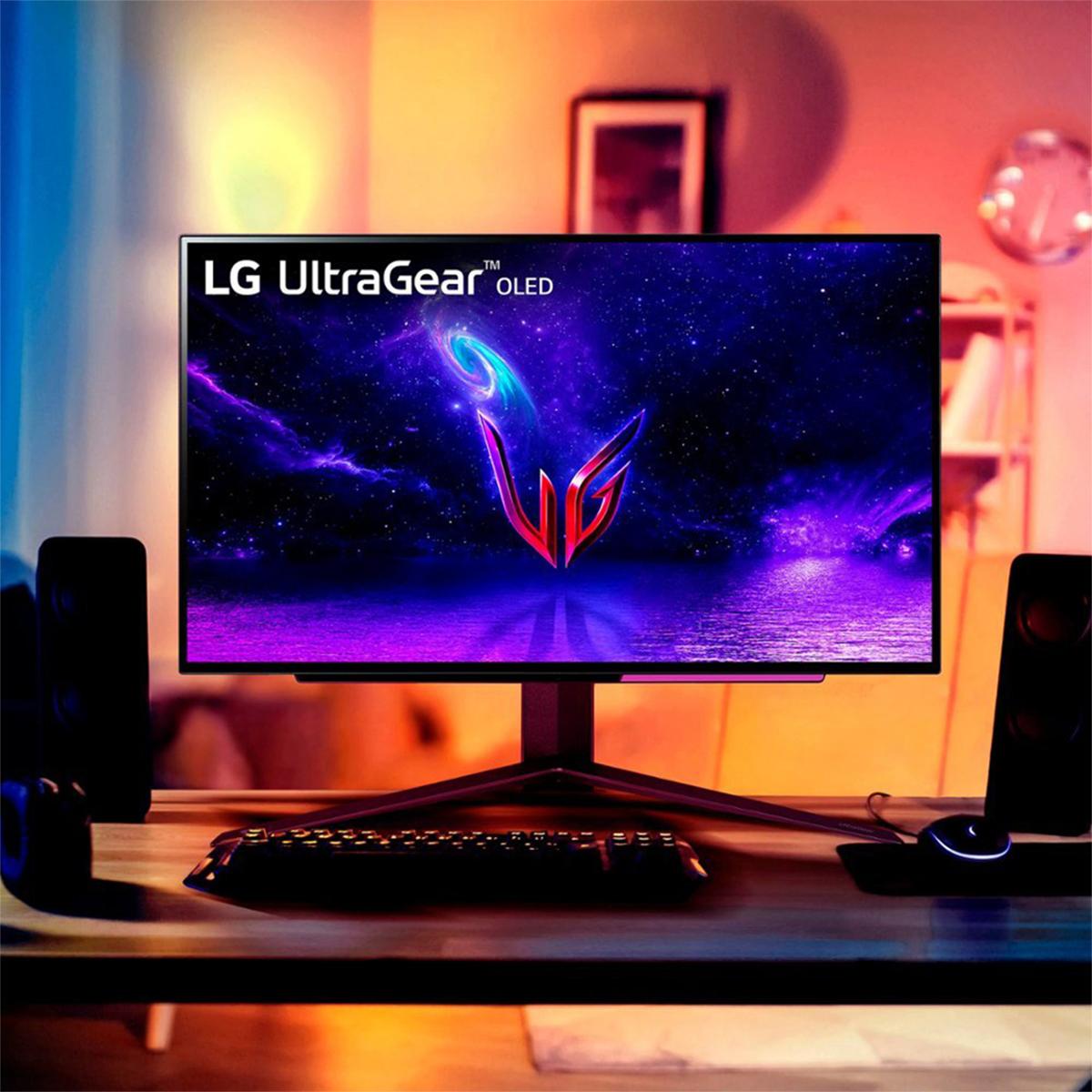

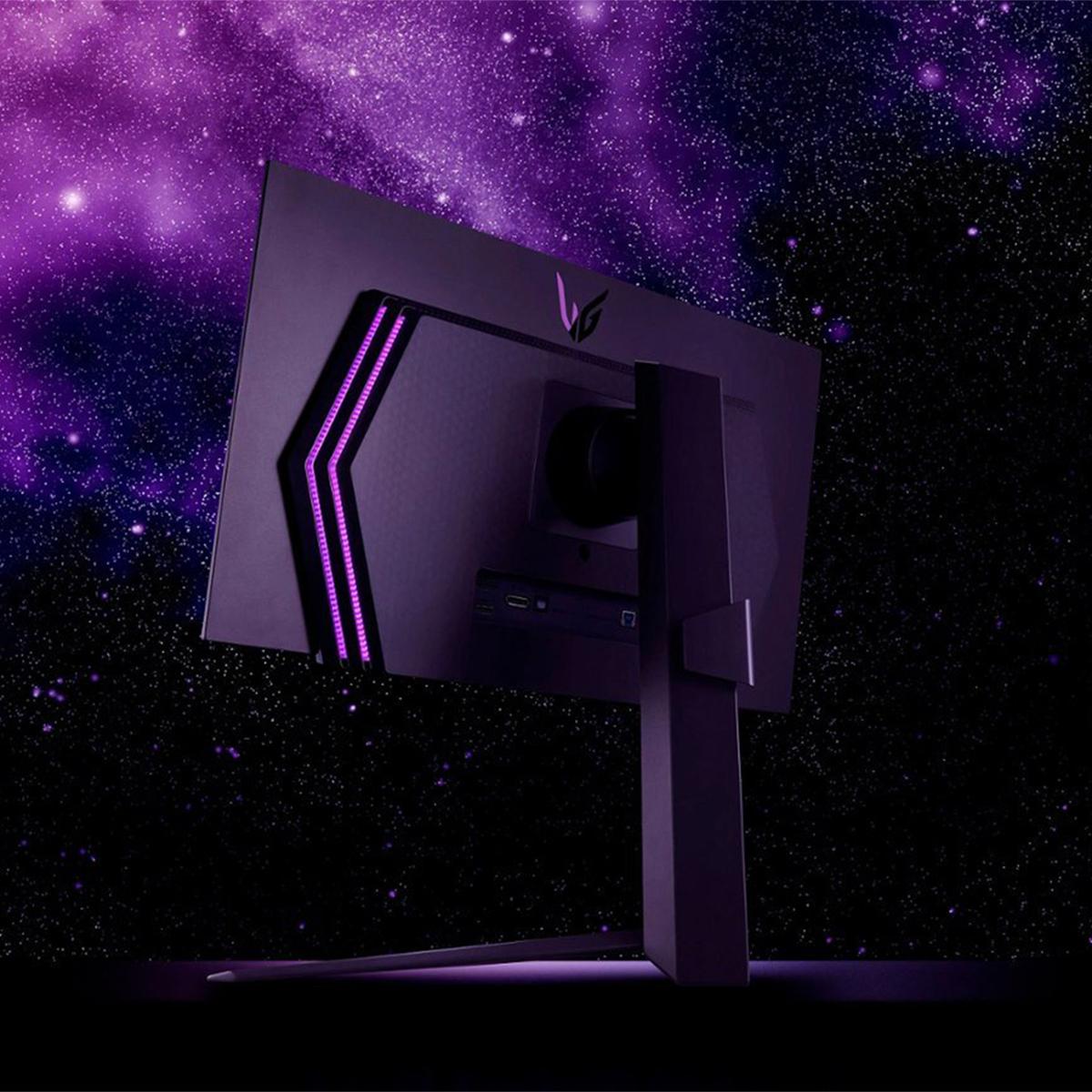
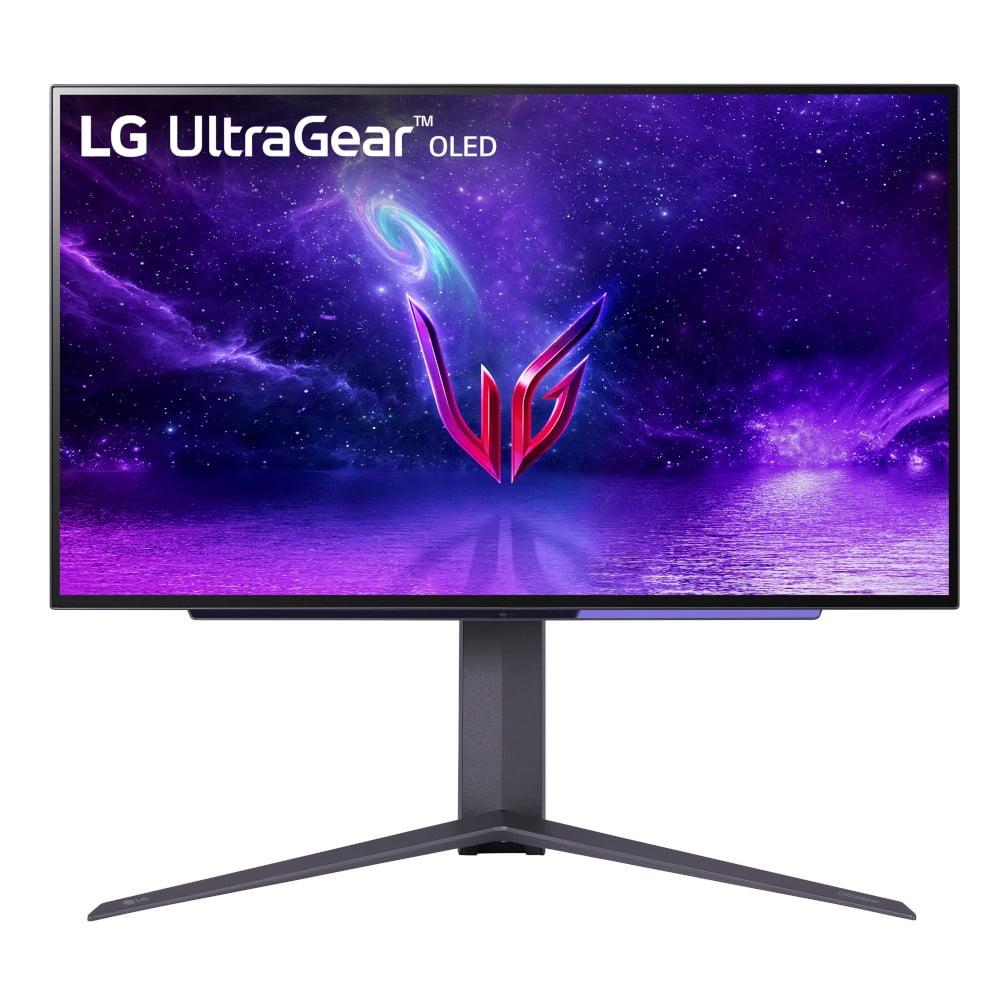
When you're ready to step into the world of premium gaming displays, 27-inch OLED monitors represent the sweet spot between performance and practicality. These displays combine the jaw-dropping visual quality of OLED technology—where each pixel lights itself up or turns completely off—with the lightning-fast response times competitive gamers demand. But not all OLED gaming monitors are created equal, and choosing between the Gigabyte AORUS FO27Q2 and LG UltraGear 27GS95QE-B requires understanding some fascinating technical differences.
The 27-inch OLED gaming monitor category has exploded in popularity since 2023, when manufacturing improvements finally made these displays affordable for serious gamers. Unlike traditional LCD monitors that use a backlight shining through layers of liquid crystals, OLED pixels emit their own light. This fundamental difference creates perfect black levels—when a pixel needs to display black, it simply turns off completely. The result is infinite contrast ratios that make games look incredibly lifelike.
What sets gaming OLED monitors apart from their TV cousins is the focus on speed. While OLED TVs might prioritize movie-watching features, gaming monitors push refresh rates to 240Hz or higher and minimize input lag—the delay between your mouse click and seeing the result on screen. Both the AORUS FO27Q2 and LG UltraGear hit that crucial 240Hz refresh rate, but they take different approaches to OLED technology that create meaningful performance differences.
At the time of writing, both monitors compete in the premium gaming segment with similar pricing, making the choice primarily about which technological approach better suits your needs rather than budget constraints.
Here's where things get interesting: these monitors use fundamentally different OLED implementations that affect everything from color reproduction to text clarity.
The AORUS FO27Q2 employs QD-OLED technology, a relatively new innovation from Samsung that combines quantum dots with OLED pixels. Think of quantum dots as tiny crystals that, when hit with light, emit very pure colors. In QD-OLED panels, blue OLED pixels shine through red and green quantum dot layers to create an incredibly wide color gamut—essentially, the range of colors the monitor can display. This technology produces some of the most vibrant and saturated colors you'll ever see on a computer monitor.
The LG UltraGear, on the other hand, uses LG's tried-and-true WOLED (White OLED) technology. This approach starts with white OLED pixels and uses color filters to create red, green, and blue subpixels. While this might sound less advanced, LG has refined WOLED over many years, creating incredibly consistent and accurate color reproduction. WOLED panels also tend to have better subpixel structures for displaying text clearly.
I've spent considerable time with both panel types, and the difference is immediately noticeable. QD-OLED displays have a "wow factor" that makes games pop off the screen with almost unrealistic vibrancy. WOLED panels offer a more balanced, professional look that works better for mixed gaming and productivity use.
When we talk about gaming performance in monitors, we're really discussing three key metrics: input lag, response time, and motion clarity. Let me break these down because they're often confused.
Response time measures how quickly pixels can change from one color to another, typically measured in gray-to-gray transitions. Both monitors claim the same 0.03ms response time, which is essentially instantaneous. Input lag, however, measures the total time from when your graphics card sends a frame until it appears on screen—this includes all the monitor's internal processing.
Here's where the AORUS FO27Q2 truly shines. Independent testing shows it achieving just 13ms of total input lag, which is remarkable for any monitor, let alone one running at 240Hz. To put this in perspective, many 360Hz and even 480Hz monitors have higher input lag. This isn't just a number on a spec sheet—in fast-paced competitive games like Counter-Strike or Valorant, those saved milliseconds can be the difference between landing a shot and missing it.
The LG UltraGear doesn't publish specific input lag measurements, but WOLED panels generally perform well in this regard, though they typically can't match the exceptional performance of the AORUS model.
Motion clarity is where both monitors excel equally. At 240Hz, moving objects in games appear incredibly smooth without the blur that plagues slower refresh rates. If you've only experienced 60Hz or even 144Hz gaming, the jump to 240Hz OLED is transformative—fast camera movements in first-person shooters become silky smooth, and tracking moving targets becomes much easier.
This is where choosing between these monitors becomes a matter of personal preference and intended use. The color performance differences between QD-OLED and WOLED are significant and measurable.
The AORUS FO27Q2 covers 99% of the DCI-P3 color space—the standard used by Hollywood for digital cinema. More importantly, its QD-OLED technology delivers exceptional "color volume," which means it can display bright, saturated colors that WOLED panels struggle to match. When you're exploring the vibrant worlds of games like Cyberpunk 2077 or Horizon Zero Dawn, the difference is striking. Neon lights glow with intensity, sunsets burst with warm oranges and reds, and the overall visual experience feels more immersive.
The LG UltraGear achieves 98.5% DCI-P3 coverage and delivers excellent color accuracy, but its WOLED technology can't match the pure color saturation of QD-OLED. Where LG's approach excels is in consistency and professional accuracy. Colors look natural and well-balanced, making it better suited for content creation or professional work alongside gaming.
Both monitors support HDR (High Dynamic Range), which expands the range between the darkest blacks and brightest whites. With peak brightness reaching 1,000 nits in HDR mode, both can display dramatic lighting effects that make games more realistic. However, the AORUS FO27Q2 tends to handle HDR highlights more impressively due to its QD-OLED technology.
One often-overlooked aspect of monitor selection is how well they handle ambient light. This is where the LG UltraGear takes a clear lead with its matte anti-glare coating.
OLED panels are naturally reflective, which can be problematic in bright rooms. The AORUS FO27Q2 includes an anti-reflective coating that works reasonably well, though it can produce a slight purple tint on dark content when viewed at certain angles—a common trade-off with AR coatings.
The LG UltraGear uses a more aggressive matte anti-glare treatment that significantly reduces reflections, making it much more suitable for rooms with windows or bright overhead lighting. However, this coating slightly reduces the vibrancy and "pop" that makes OLED technology so appealing.
If you game primarily in a dark room or have good control over ambient lighting, the AORUS FO27Q2 will provide a more immersive visual experience. If your gaming setup is in a bright living room or home office, the LG UltraGear will be much more practical for daily use.
Modern gaming monitors include software features designed to give players competitive advantages, and this is another area where these monitors diverge significantly.
The AORUS FO27Q2 includes what Gigabyte calls "Tactical Features"—a suite of gaming enhancements that go beyond typical monitor offerings. The standout feature is the dedicated Tactical Switch, a physical button that can instantly change your monitor's resolution and display area. This might sound odd, but many competitive players prefer playing at 24-inch equivalent sizes for certain games, as it reduces eye movement needed to track important information. Being able to instantly switch between full 27-inch gaming for immersive titles and competitive 24-inch modes for esports is genuinely useful.
Additional tactical features include enhanced visibility in dark areas without overexposing bright regions—imagine being able to spot enemies hiding in shadows while still seeing details in brightly lit areas. These features can provide real competitive advantages in the right situations.
The LG UltraGear takes a more traditional approach with standard gaming features like crosshair overlays, FPS counters, and game-specific picture presets. While less innovative than AORUS's tactical features, these are proven, reliable tools that many gamers appreciate.
OLED's biggest weakness has traditionally been burn-in—permanent image retention that occurs when static elements (like game UI elements or desktop taskbars) remain on screen for extended periods. Both manufacturers have implemented protection features, but their approaches and warranty coverage differ significantly.
The AORUS FO27Q2 includes AI-based OLED Care that automatically manages pixel health through various techniques like pixel shifting, static content detection, and automated cleaning cycles. Most importantly, Gigabyte backs this monitor with a three-year warranty that specifically covers burn-in—a rarity in the OLED monitor space and a significant value consideration.
The LG UltraGear includes similar OLED Care features developed from LG's extensive experience with OLED TVs. However, burn-in warranty coverage isn't as clearly specified, which could be a concern for users planning to use the monitor for productivity work alongside gaming.
Both monitors offer modern connectivity options suitable for current gaming setups. Each includes HDMI 2.1 ports that support full 240Hz at 1440p resolution with current-generation graphics cards and gaming consoles.
The AORUS FO27Q2 goes further with USB-C connectivity that includes DisplayPort Alt Mode and a built-in KVM switch. This allows you to connect a laptop via USB-C and switch between your gaming PC and laptop while using the same keyboard and mouse—a genuinely useful feature for users with hybrid setups.
The LG UltraGear focuses on core gaming connectivity without these advanced features, but includes SPDIF digital audio output for connecting to external audio systems.
While primarily designed for gaming, both monitors can serve double duty in home theater setups, though with some limitations compared to dedicated TVs.
The AORUS FO27Q2 excels for movie watching thanks to its superior color volume and HDR performance. The QD-OLED technology makes movies look incredibly vibrant, and the infinite contrast ratio brings out details in dark scenes that LCD displays simply can't match. However, the anti-reflective coating can be noticeable in very dark movie scenes.
The LG UltraGear provides a more balanced movie experience with its matte coating reducing distractions from room lighting. The colors are less saturated than the AORUS model but more consistent and natural-looking for extended viewing.
Both monitors lack the smart TV features and larger sizes typically preferred for home theater use, but they're excellent for desktop movie watching or small room entertainment setups.
This is where panel technology differences become most apparent in daily use. OLED panels use different subpixel arrangements than traditional LCD monitors, which can affect text clarity.
The AORUS FO27Q2 uses a triangular subpixel arrangement typical of QD-OLED panels. While this can theoretically cause text clarity issues, this particular monitor exhibits minimal text fringing compared to other QD-OLED displays I've tested. It's usable for productivity work, though not ideal for text-heavy applications.
The LG UltraGear has a more traditional subpixel structure that renders text more clearly, making it better suited for users who split time between gaming and office work.
When evaluating these monitors, prioritize these performance characteristics:
Based on extensive experience with both panel technologies and gaming monitor requirements, here are my recommendations:
Choose the AORUS FO27Q2 if you:
Choose the LG UltraGear if you:
At similar price points (as of the time of writing), both monitors represent excellent value in the premium OLED gaming segment, but they serve slightly different audiences.
The AORUS FO27Q2 is the enthusiast's choice—it pushes OLED gaming performance to new heights with record-breaking input lag and stunning visual quality. If you're serious about competitive gaming or want the most immersive experience for single-player titles, this is the monitor that will give you every possible advantage.
The LG UltraGear is the practical choice—it delivers excellent OLED gaming performance while being more versatile for mixed use scenarios. If you need a monitor that works well for both gaming and productivity in various lighting conditions, LG's balanced approach makes more sense.
Both monitors represent the current state-of-the-art in 27-inch OLED gaming displays. Your choice should depend on whether you prioritize ultimate gaming performance and visual impact (AORUS FO27Q2) or versatility and practical daily use (LG UltraGear). Either way, you're getting a display that would have been unimaginable just a few years ago at these price points.
| Gigabyte AORUS FO27Q2 | LG UltraGear 27" OLED |
|---|---|
| Panel Technology - Determines color quality and visual experience | |
| QD-OLED (Samsung) - Superior color volume and vibrancy | WOLED - Better text clarity and consistency |
| Input Lag - Critical for competitive gaming performance | |
| 13ms total (record-breaking performance) | Standard competitive gaming latency |
| Color Gamut Coverage - Affects visual richness and accuracy | |
| 99% DCI-P3, exceptional color volume | 98.5% DCI-P3, accurate but less saturated |
| Anti-Glare Performance - Important for bright room usage | |
| Anti-reflective coating with minimal purple tint | Matte anti-glare finish, excellent reflection control |
| Gaming Features - Competitive advantages and customization | |
| Tactical Switch, resolution switching, enemy spotting | Standard crosshair overlays, FPS counter, game presets |
| Adaptive Sync Support - Eliminates screen tearing | |
| AMD FreeSync Premium Pro only | Both G-SYNC Compatible and FreeSync Premium Pro |
| Warranty Coverage - Protection against OLED burn-in | |
| 3-year warranty including burn-in coverage | 2-year warranty, burn-in coverage unclear |
| Text Clarity - Important for productivity use | |
| Minimal fringing for QD-OLED, acceptable for mixed use | Superior text rendering due to WOLED subpixel structure |
| Connectivity Options - Versatility for multiple devices | |
| USB-C with KVM switch, comprehensive port selection | Standard gaming ports, SPDIF digital audio output |
| HDR Performance - Enhanced contrast and brightness | |
| 1,000 nits peak, superior highlight detail | 1,000 nits peak, consistent brightness across content |
The Gigabyte AORUS FO27Q2 delivers superior color quality with its QD-OLED technology, offering more vibrant and saturated colors than the LG UltraGear. The AORUS monitor covers 99% of the DCI-P3 color gamut with exceptional color volume, making games look more visually striking and immersive.
The AORUS FO27Q2 uses QD-OLED technology that combines quantum dots with OLED pixels for superior color reproduction and brightness. The LG UltraGear uses WOLED technology with white pixels and color filters, providing better text clarity and more consistent colors but less vibrancy overall.
The Gigabyte AORUS FO27Q2 excels for competitive gaming with record-breaking 13ms input lag and exclusive tactical features like resolution switching. While both monitors offer 240Hz refresh rates, the AORUS FO27Q2 provides measurable performance advantages for esports and fast-paced gaming.
The LG UltraGear performs much better in bright environments thanks to its effective matte anti-glare coating that reduces reflections. The AORUS FO27Q2 is better suited for darker gaming rooms, as its anti-reflective coating can show some purple tinting in bright conditions.
The LG UltraGear offers superior text clarity due to its WOLED subpixel structure, making it better for productivity tasks and office work. The AORUS FO27Q2 has acceptable text quality for a QD-OLED panel but isn't ideal for text-heavy applications.
Yes, both the Gigabyte AORUS FO27Q2 and LG UltraGear feature HDMI 2.1 connectivity that supports full 240Hz at 1440p resolution with PlayStation 5 and Xbox Series X consoles, delivering excellent performance for console gaming.
The AORUS FO27Q2 provides superior warranty coverage with a 3-year warranty that specifically includes burn-in protection. The LG UltraGear offers a 2-year warranty, though burn-in coverage details are less clearly specified by the manufacturer.
Both monitors excel for movie watching with perfect blacks and infinite contrast. The Gigabyte AORUS FO27Q2 offers more vibrant colors for an impressive cinematic experience, while the LG UltraGear provides better performance in rooms with ambient lighting due to its anti-glare coating.
The AORUS FO27Q2 includes more advanced gaming features like the dedicated Tactical Switch for instant resolution changes and enhanced visibility tools. The LG UltraGear offers standard but reliable gaming features including crosshair overlays and FPS counters.
The LG UltraGear supports both NVIDIA G-SYNC Compatible and AMD FreeSync Premium Pro for broader compatibility. The Gigabyte AORUS FO27Q2 supports AMD FreeSync Premium Pro but works well with NVIDIA cards even without official G-SYNC certification.
The LG UltraGear is better suited for mixed use scenarios thanks to its superior text clarity, better anti-glare performance, and more balanced color presentation. The AORUS FO27Q2 prioritizes gaming performance and visual impact over productivity features.
Both the Gigabyte AORUS FO27Q2 and LG UltraGear include OLED care features like pixel shifting and automatic cleaning cycles to prevent burn-in. However, the AORUS FO27Q2 offers better protection with its comprehensive 3-year burn-in warranty coverage.
We've done our best to create useful and informative comparisons to help you decide what product to buy. Our research uses advanced automated methods to create this comparison and perfection is not possible - please contact us for corrections or questions. These are the sites we've researched in the creation of this article: tomshardware.com - pangoly.com - youtube.com - pangoly.com - rtings.com - displayninja.com - gigabyte.com - youtube.com - creativebloq.com - techpowerup.com - newegg.com - gigabyte.com - icecat.in - microcenter.com - aorus.com - bhphotovideo.com - provantage.com - bestbuy.com - displayspecifications.com - tomshardware.com - gigabyte.com - computronicsmultivision.com - gigabyte.com - bestbuy.com - bestbuy.com - youtube.com - rtings.com - youtube.com - youtube.com - lg.com - bhphotovideo.com - bestbuy.com - forum.beyond3d.com - youtube.com - lg.com - lg.com - lg.com - techpowerup.com - newegg.com - bestbuy.com - pcmonitors.info - lg.com - lg.com

Privacy Policy
Terms and Conditions - Affiliate Policy
Home Security
© Copyright 2008-2026.
11816 Inwood Rd #1211, Dallas, TX 75244