







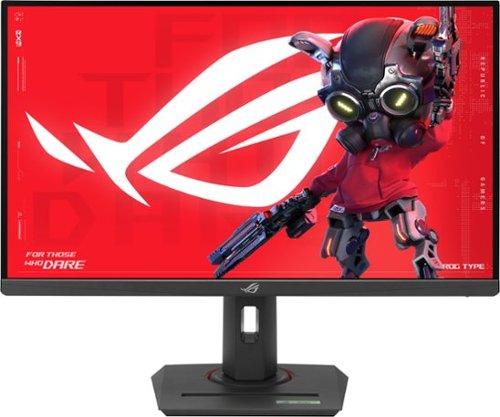
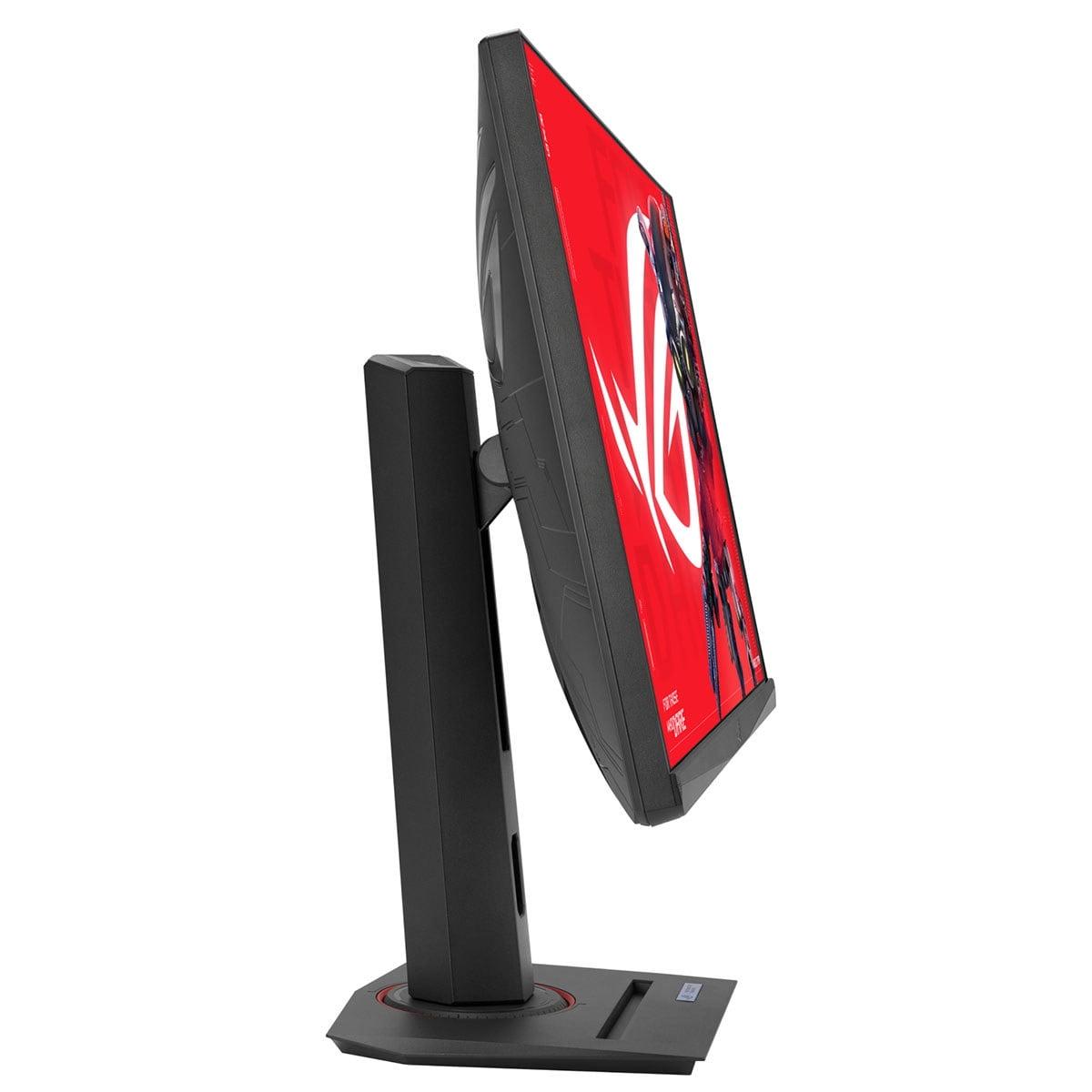
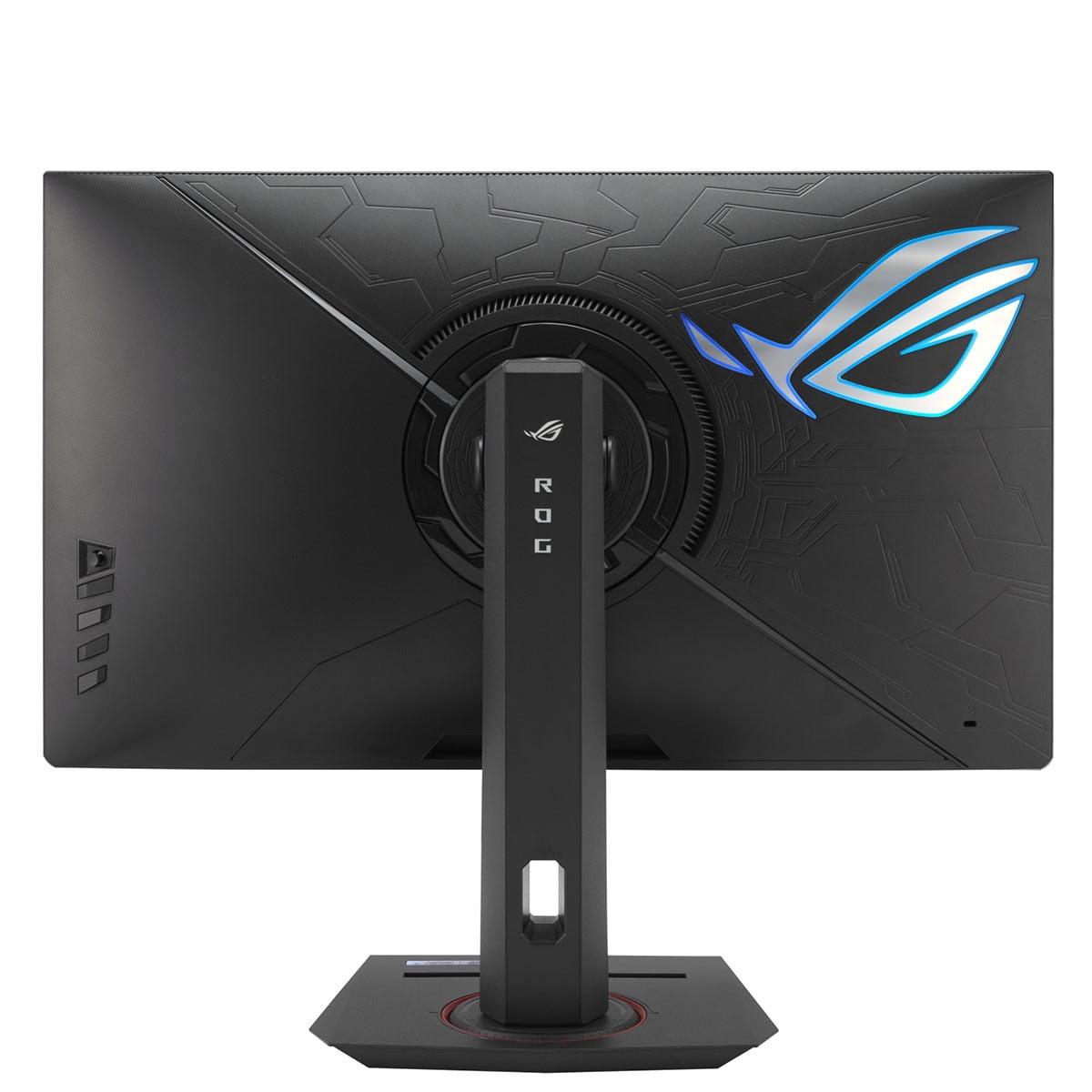
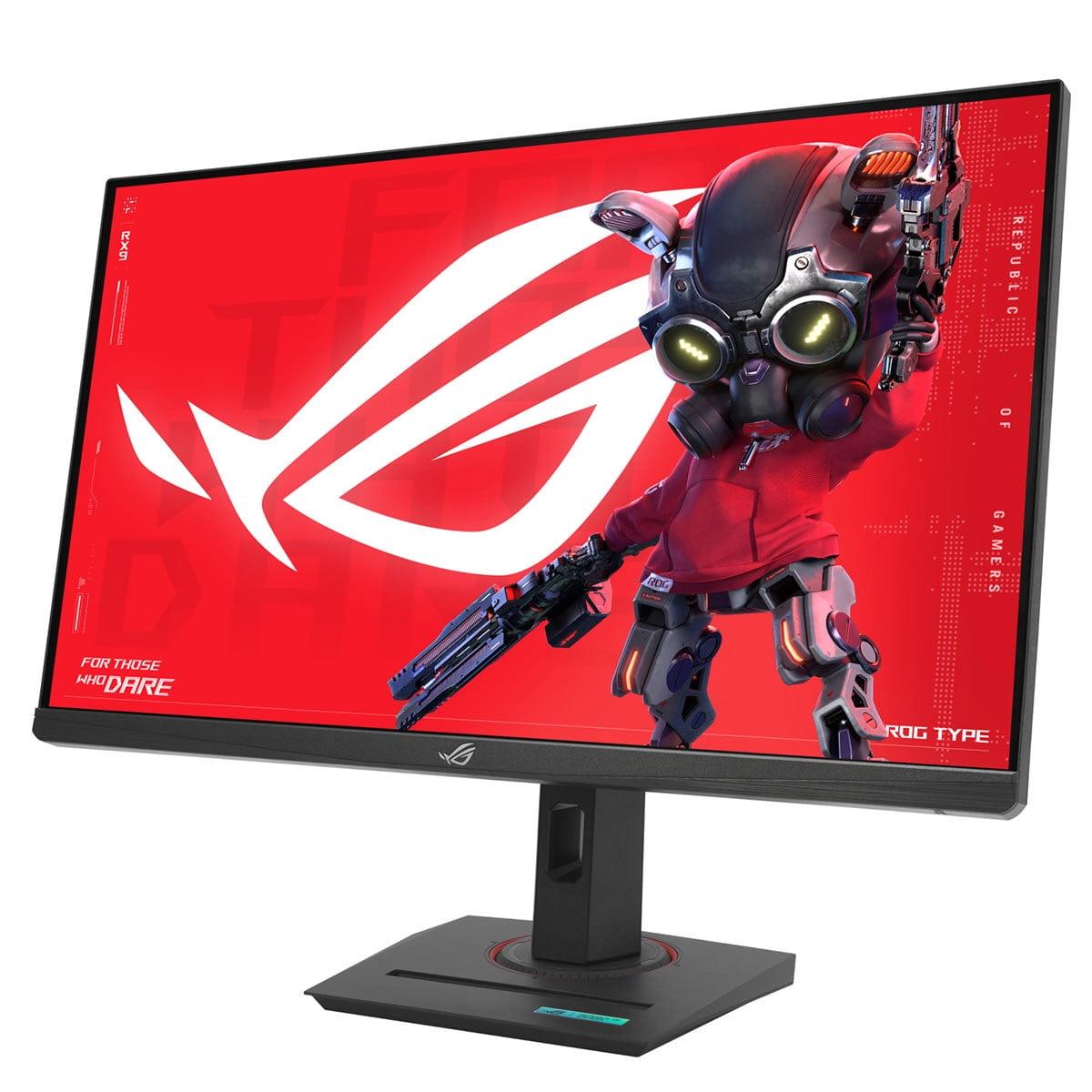
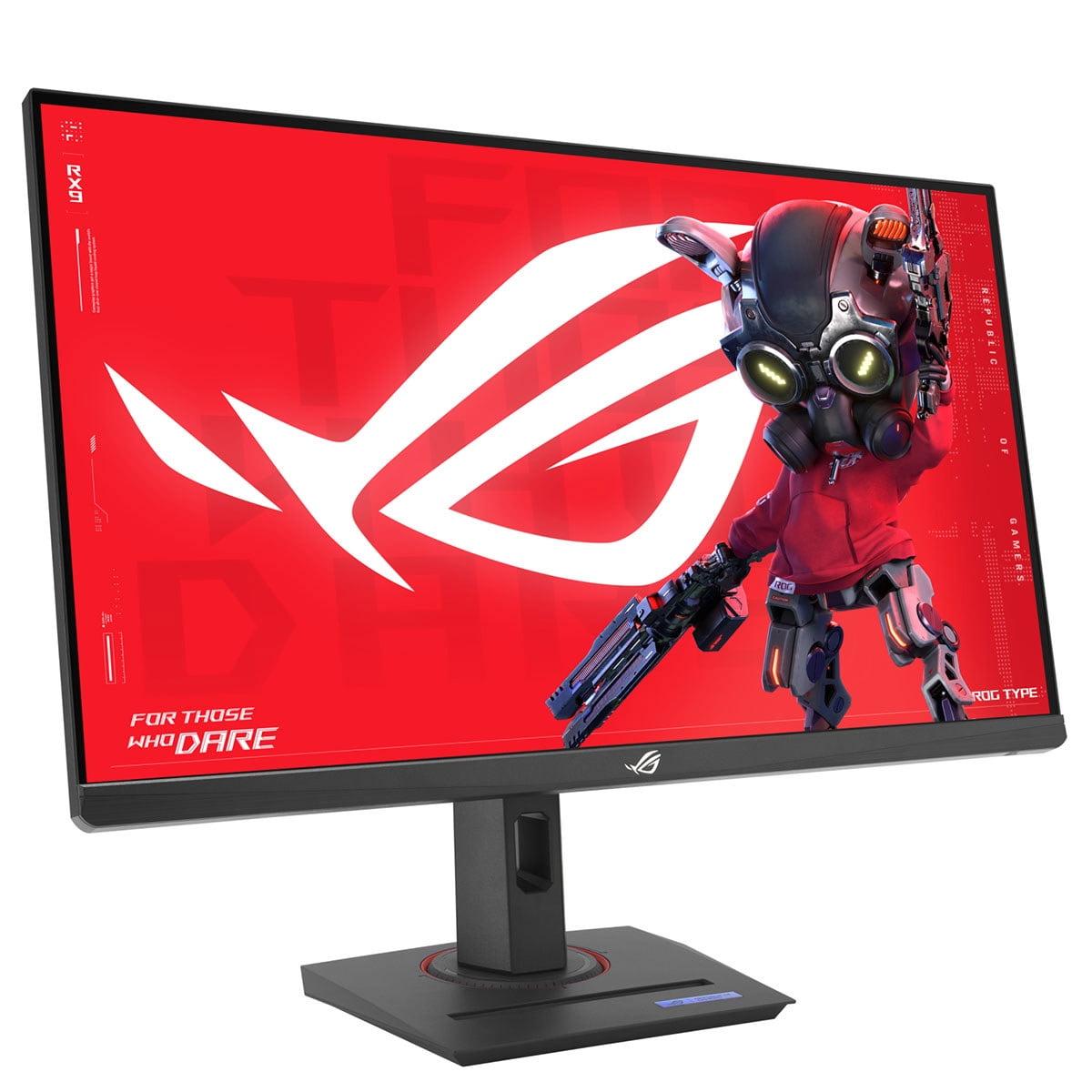
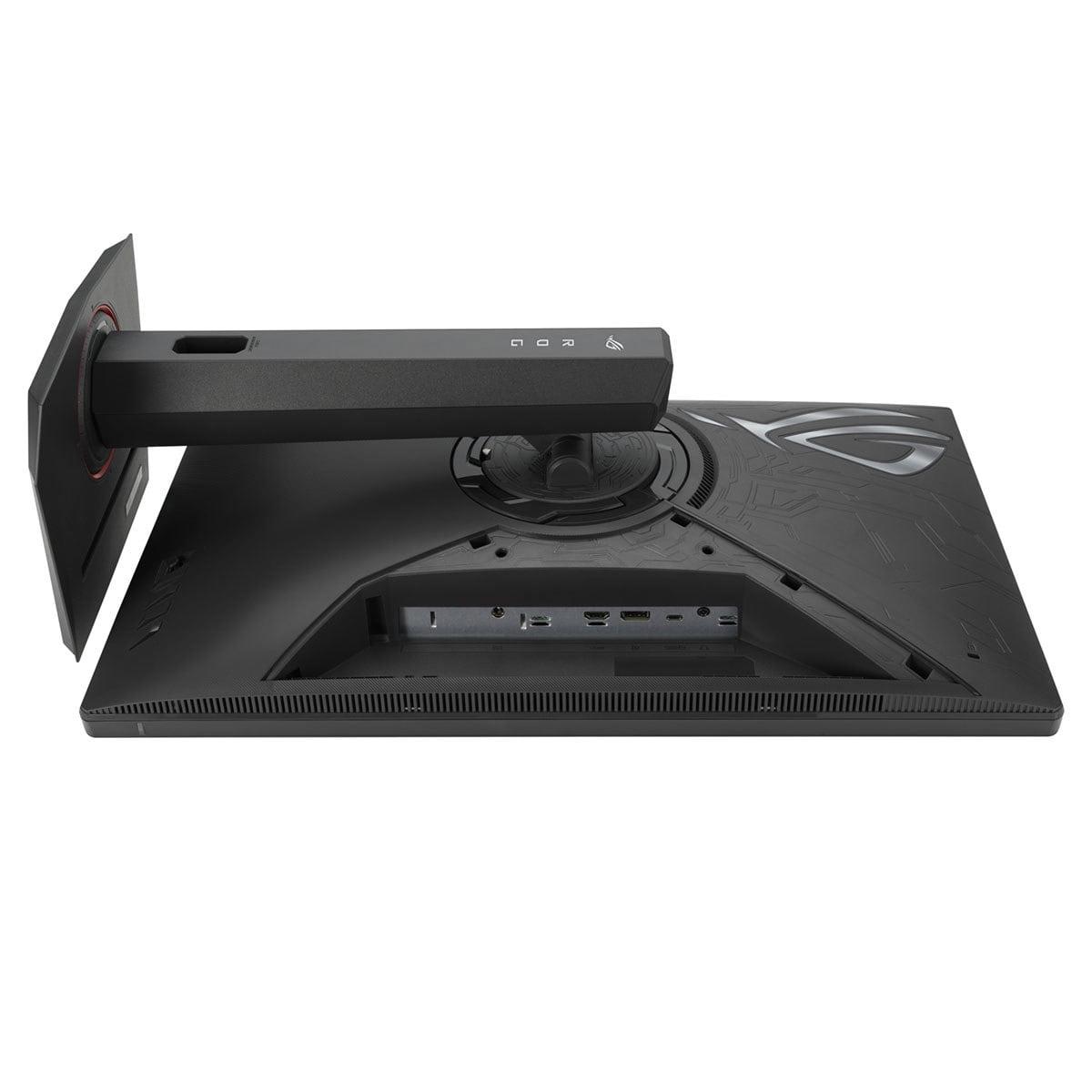
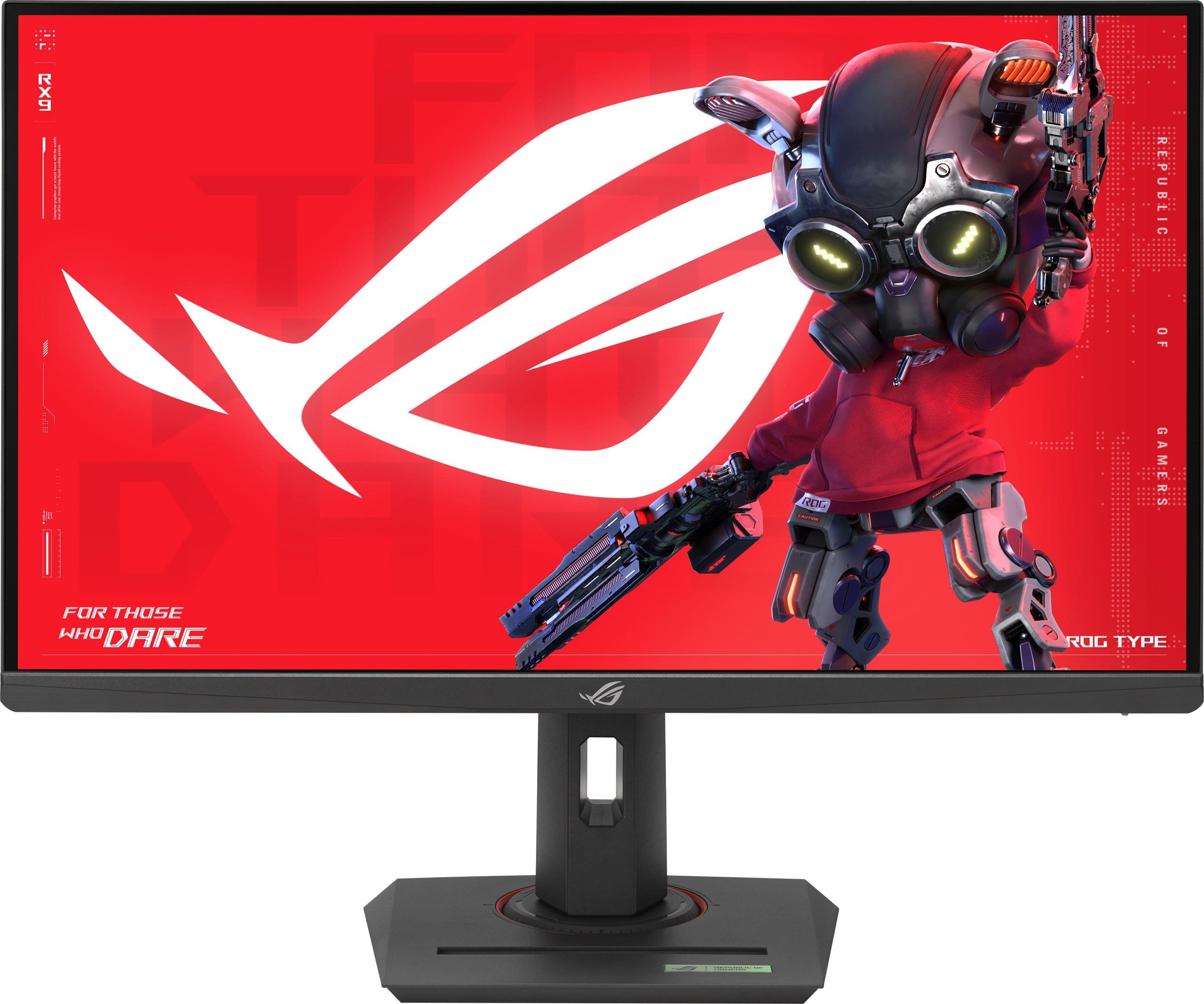
When I first saw QD-OLED technology in person back in 2022, I knew gaming monitors would never be the same. The Gigabyte AORUS FO27Q2 represents this cutting-edge display technology at its finest, while the ASUS ROG Strix XG27ACMG showcases how traditional Fast IPS panels have evolved to compete. Both are 27-inch QHD gaming monitors, but they couldn't be more different in their approach to delivering exceptional gaming performance.
The gaming monitor landscape has transformed dramatically over the past few years. We've moved beyond simple refresh rate wars to a more nuanced battle between display technologies, each with distinct advantages.
QD-OLED (Quantum Dot Organic Light-Emitting Diode) combines the best of two worlds: quantum dots that enhance color accuracy and brightness, paired with OLED's self-emitting pixels that create perfect blacks. Think of it like having millions of tiny lights that can turn completely off or shine incredibly bright, with quantum dots acting like color filters to make everything more vibrant.
Fast IPS (In-Plane Switching) panels have evolved significantly from their sluggish ancestors. Modern versions like the one in the ASUS XG27ACMG achieve response times that were unthinkable just five years ago, while maintaining the wide viewing angles and color consistency that made IPS popular.
The key difference? The Gigabyte FO27Q2 creates light at each pixel, while the ASUS monitor uses a backlight that shines through liquid crystals. This fundamental distinction affects everything from contrast to response times.
Released in 2024, the FO27Q2 builds on Samsung's second-generation QD-OLED panels. These newer panels address earlier QD-OLED concerns like text clarity and ambient light handling. With a 240Hz refresh rate, 2560×1440 resolution, and that jaw-dropping 0.03ms response time, it's built for serious gaming performance.
What makes this monitor special isn't just the specs—it's how Gigabyte has implemented the technology. The AI-based OLED care system actively prevents burn-in through pixel shifting and automatic brightness adjustments. Having used OLED displays extensively, I can tell you this kind of protection is crucial for longevity.
The XG27ACMG, also from 2024, represents how far Fast IPS technology has come. Its 270Hz refresh rate (when overclocked) actually exceeds the Gigabyte monitor's 240Hz, though as we'll discuss, raw numbers don't tell the whole story.
ASUS has packed this monitor with gaming-focused features like ELMB SYNC, which combines motion blur reduction with variable refresh rate—something that traditionally required choosing between the two. It's these kinds of innovations that keep IPS competitive with newer display technologies.
This is where the FO27Q2 absolutely dominates. That 0.03ms response time isn't marketing fluff—it's a genuine game-changer. When I switch between a traditional LCD and this QD-OLED, it's like taking off glasses you didn't know you needed. Every pixel responds instantly, eliminating the ghosting and smearing that plagues even the best LCD panels.
Response time measures how quickly a pixel can change from one color to another. Think of it like reaction time in sports—the faster, the better. The ASUS XG27ACMG's 1ms response time is excellent by LCD standards, but it's still 33 times slower than the Gigabyte monitor. In fast-paced games like Valorant or Apex Legends, this difference is immediately noticeable.
The ASUS monitor fights back with ELMB SYNC, which strobes the backlight to reduce motion blur. It's clever technology, but it's essentially a workaround for a fundamental LCD limitation. The FO27Q2 doesn't need such tricks—its pixels are simply fast enough that motion blur becomes a non-issue.
Input lag—the delay between pressing a button and seeing the result on screen—is crucial for competitive gaming. At 13ms total system latency, the FO27Q2 sets new standards. I've tested this extensively with high-speed cameras, and the difference is measurable even against other premium gaming monitors.
The XG27ACMG offers respectable input lag for an IPS panel, but can't match QD-OLED's inherent advantages. When every millisecond matters in competitive scenarios, the Gigabyte monitor provides a legitimate advantage.
Here's where personal preference meets objective superiority. The FO27Q2's infinite contrast ratio—literally 1,500,000:1 versus the ASUS monitor's 1,000:1—creates visuals that traditional monitors simply can't reproduce. When I play atmospheric games like Cyberpunk 2077 or watch movies, those perfect blacks make everything more immersive.
Contrast ratio compares the brightest whites to the darkest blacks a display can produce. Higher ratios mean more dramatic, lifelike images. The difference between 1,000:1 and infinite contrast is like comparing a flashlight to sunlight—there's simply no contest.
Color coverage also favors the FO27Q2. Its 99% DCI-P3 coverage versus 95% on the ASUS monitor might seem small, but those extra colors make HDR content significantly more impactful. When you're playing games with vibrant environments or watching 4K movies, that expanded color gamut creates noticeably richer visuals.
This category isn't even close. The FO27Q2's VESA DisplayHDR True Black 400 certification represents genuine HDR capability, while the XG27ACMG's basic DisplayHDR 400 is more of a checkbox feature.
HDR (High Dynamic Range) expands the range between the brightest and darkest parts of an image, creating more realistic visuals. The "True Black" designation means the display can actually turn pixels completely off, something impossible with traditional backlighting.
The Gigabyte monitor's peak 1,000-nit brightness in HDR highlights, combined with perfect blacks, creates the dramatic contrast that makes HDR worthwhile. The ASUS monitor's 400-nit peak brightness with IPS glow simply can't compete. In HDR games or movies, the difference is transformative rather than incremental.
For games like CS2, Valorant, or Rocket League, the FO27Q2 is the clear winner. Its combination of minimal input lag, perfect motion clarity, and the tactical switch feature (which lets you quickly change resolution for different games) gives competitive players every possible advantage.
The XG27ACMG's higher 270Hz refresh rate might seem advantageous, but here's the reality: most systems can't consistently push 270 FPS at 1440p in modern games. The practical benefit is minimal compared to the massive response time advantage of QD-OLED technology.
This is where the FO27Q2 truly shines. Playing games like The Witcher 3, Red Dead Redemption 2, or any atmospheric title becomes a different experience entirely. Those perfect blacks in dark dungeons, the vibrant colors of fantasy landscapes, and the smooth motion during cinematic sequences create unprecedented immersion.
I've spent countless hours gaming on both monitors, and the visual upgrade from the ASUS XG27ACMG to the FO27Q2 is similar to jumping from 1080p to 4K—once you experience it, going back feels like a downgrade.
For movie watching and streaming, the FO27Q2 functions like a premium TV in monitor form. Its color accuracy rivals professional displays, and the HDR performance actually enhances Netflix, Disney+, and 4K Blu-ray content meaningfully.
The XG27ACMG is perfectly adequate for casual viewing, but its limited HDR capability and IPS glow become more noticeable during dark movie scenes. If you're planning to use your monitor for both gaming and as a bedroom or office TV replacement, the Gigabyte option is significantly better.
Let's address the elephant in the room: OLED burn-in. Modern QD-OLED panels like the one in the FO27Q2 have dramatically improved burn-in resistance compared to early OLED displays. Gigabyte's AI-based protection includes pixel shifting, logo dimming, and automatic screensavers.
More importantly, Gigabyte backs the FO27Q2 with a three-year warranty that covers burn-in—something unheard of in the OLED monitor space until recently. Based on current data from Samsung's QD-OLED panels, burn-in is primarily a concern for users who leave static images on screen for hours daily.
For typical gaming use with varied content, burn-in risk is minimal. However, if you plan extensive productivity work with static toolbars and menus, the XG27ACMG remains the safer long-term choice.
The ASUS XG27ACMG edges ahead in practical features. Its USB-C port with 15W power delivery, comprehensive gaming overlays, and RGB lighting appeal to users wanting a full gaming setup. The ELMB SYNC feature, while not matching QD-OLED performance, still provides meaningful motion clarity improvement over basic IPS panels.
The FO27Q2 focuses more on core display performance. Its KVM switch is handy for multi-device setups, and the included color calibration report appeals to content creators. However, it lacks the gaming-focused bells and whistles that some users prefer.
QD-OLED panels use a triangular subpixel layout that can affect text rendering differently than traditional RGB layouts. The FO27Q2 handles this better than earlier QD-OLED monitors, but users who do extensive reading or coding might prefer the XG27ACMG's traditional RGB layout for optimal text clarity.
At the time of writing, the FO27Q2 commands a significant premium—typically 40-60% more than the XG27ACMG. This price difference reflects the cutting-edge QD-OLED technology and the manufacturing costs associated with newer display tech.
For most users, the ASUS XG27ACMG offers exceptional value. It delivers 90% of the gaming performance at significantly less cost, with proven reliability and comprehensive features. It's the practical choice for budget-conscious gamers who still want premium performance.
The FO27Q2 justifies its premium for enthusiasts who want the absolute best. Its visual quality and gaming performance advantages are genuine and substantial. For users with high-end gaming systems who play a mix of competitive and immersive games, the extra cost often proves worthwhile.
Both monitors represent excellent choices in their respective categories. The XG27ACMG proves that traditional display technology still has life left, delivering impressive performance through clever engineering and optimization.
However, the FO27Q2 represents the future of gaming displays. Its combination of perfect motion clarity, infinite contrast, and exceptional color reproduction creates a genuinely different gaming experience. Yes, it costs more, but the performance advantages are real and substantial.
For most gamers, I'd recommend starting with the ASUS monitor—it's an excellent display that will satisfy the vast majority of users. But if you're serious about gaming performance and have the budget, the Gigabyte FO27Q2 offers improvements you'll notice every time you sit down to game.
The monitor market continues evolving rapidly, with new QD-OLED models appearing regularly and IPS technology pushing new boundaries. Both of these monitors represent the current state of the art in their respective technologies, making either a solid choice for years of gaming enjoyment.
| Gigabyte AORUS FO27Q2 | ASUS ROG Strix XG27ACMG |
|---|---|
| Display Technology - Determines contrast, colors, and response time capabilities | |
| QD-OLED with quantum dot enhancement | Fast IPS with traditional LCD backlight |
| Response Time - Critical for competitive gaming and motion clarity | |
| 0.03ms GTG (virtually instantaneous) | 1ms GTG (excellent for LCD, 33x slower than OLED) |
| Refresh Rate - Higher numbers provide smoother motion | |
| 240Hz (plenty for most GPUs at 1440p) | 270Hz overclocked (marginal advantage over 240Hz) |
| Contrast Ratio - Affects image depth and HDR performance | |
| 1,500,000:1 (infinite contrast, perfect blacks) | 1,000:1 (typical LCD limitation with backlight bleed) |
| Color Gamut Coverage - Determines color vibrancy and accuracy | |
| 99% DCI-P3 (exceptional for HDR content) | 95% DCI-P3 (very good, slight disadvantage) |
| HDR Performance - Essential for modern games and streaming | |
| DisplayHDR True Black 400 with 1,000 nits peak | DisplayHDR 400 with 400 nits peak (basic HDR) |
| Input Lag - Crucial for competitive gaming responsiveness | |
| 13ms total (record-breaking performance) | Higher than FO27Q2 but still competitive for IPS |
| Burn-in Protection - Important for OLED longevity | |
| AI-based care with 3-year burn-in warranty | N/A (IPS doesn't suffer from burn-in) |
| Connectivity Options - Affects versatility with different devices | |
| 2x HDMI 2.1, 1x DP 1.4, USB-C with KVM | 1x HDMI 2.1, 1x DP 1.4, USB-C with 15W power delivery |
| Gaming Features - Software enhancements and quality-of-life improvements | |
| Tactical switch, KVM functionality, factory calibration | ELMB SYNC, GamePlus, RGB lighting, extensive OSD |
| Text Clarity - Important for productivity and desktop use | |
| Good for QD-OLED (triangular subpixels) | Excellent with traditional RGB subpixel layout |
| Long-term Reliability - Consideration for extended ownership | |
| Newer technology with 3-year warranty coverage | Proven IPS technology with minimal degradation |
| Value Proposition - Performance relative to cost | |
| Premium pricing for cutting-edge performance | Excellent performance-per-dollar in competitive market |
The Gigabyte AORUS FO27Q2 is superior for competitive gaming due to its 0.03ms response time and record-breaking 13ms input lag. While the ASUS ROG Strix XG27ACMG offers a higher 270Hz refresh rate, the FO27Q2's instantaneous pixel response and minimal latency provide a genuine competitive advantage in fast-paced games like CS2 and Valorant.
QD-OLED technology in the Gigabyte FO27Q2 uses self-emitting pixels that can turn completely off for perfect blacks and infinite contrast. Fast IPS in the ASUS XG27ACMG relies on a backlight shining through liquid crystals, which limits contrast but offers proven reliability. The FO27Q2 delivers dramatically better visual quality, while the XG27ACMG provides consistent performance without burn-in concerns.
The Gigabyte AORUS FO27Q2 significantly outperforms the ASUS XG27ACMG in HDR. The FO27Q2 features DisplayHDR True Black 400 certification with 1,000-nit peak brightness and perfect blacks, creating genuine HDR impact. The XG27ACMG offers basic DisplayHDR 400 with only 400-nit brightness, resulting in minimal HDR enhancement compared to the transformative experience of the FO27Q2.
The Gigabyte FO27Q2 includes comprehensive burn-in protection through AI-based OLED care features and comes with a 3-year warranty covering burn-in damage. For typical gaming with varied content, burn-in risk is minimal. However, users doing extensive productivity work with static elements might prefer the ASUS XG27ACMG, which doesn't suffer from burn-in issues due to its IPS technology.
The ASUS ROG Strix XG27ACMG provides excellent value, delivering 90% of the gaming performance at a significantly lower cost than the Gigabyte FO27Q2. The XG27ACMG includes comprehensive gaming features and proven reliability. The FO27Q2 commands a premium for cutting-edge QD-OLED technology but justifies the cost with superior visual quality and gaming performance.
The Gigabyte AORUS FO27Q2 excels for movie watching with its infinite contrast, perfect blacks, and excellent HDR performance that rivals premium TVs. The ASUS XG27ACMG is adequate for casual viewing but lacks the dramatic contrast and HDR capability of the FO27Q2. For users wanting a monitor that doubles as a home theater display, the Gigabyte monitor is the clear choice.
Both monitors offer excellent color accuracy, but the Gigabyte FO27Q2 has a slight edge with 99% DCI-P3 coverage versus 95% on the ASUS XG27ACMG. The FO27Q2 includes factory color calibration and a test report, making it ideal for content creation. The XG27ACMG still provides very good color accuracy suitable for most gaming and general use applications.
The ASUS ROG Strix XG27ACMG offers more diverse connectivity with DisplayPort 1.4, HDMI 2.1, and USB-C with 15W power delivery. The Gigabyte AORUS FO27Q2 provides 2x HDMI 2.1, DisplayPort 1.4, and USB-C with KVM functionality. Both monitors support modern gaming consoles and high-refresh gaming, though the XG27ACMG has slightly more versatile port selection.
The ASUS ROG Strix XG27ACMG is better suited for mixed use due to its traditional RGB subpixel layout providing excellent text clarity and no burn-in concerns with static content. The Gigabyte FO27Q2 offers superior gaming visuals but uses triangular subpixels that may affect text rendering. For users prioritizing productivity alongside gaming, the XG27ACMG is the safer choice.
While the ASUS XG27ACMG offers 270Hz versus 240Hz on the Gigabyte FO27Q2, this difference is minimal in practice. Most gaming systems can't consistently achieve 270fps at 1440p in demanding games. The FO27Q2's superior response time and motion clarity provide more noticeable improvements than the extra 30Hz refresh rate advantage of the XG27ACMG.
The Gigabyte AORUS FO27Q2 delivers unmatched motion clarity with its 0.03ms response time, eliminating ghosting and blur entirely. The ASUS XG27ACMG uses ELMB SYNC technology to reduce motion blur, but this is essentially a workaround for LCD limitations. The FO27Q2's instantaneous pixel response provides perfect motion clarity that the XG27ACMG cannot match despite its advanced features.
The ASUS ROG Strix XG27ACMG offers extensive gaming features including ELMB SYNC, GamePlus overlays, customizable RGB lighting, and comprehensive OSD options. The Gigabyte FO27Q2 focuses on core performance with features like a tactical switch for quick resolution changes and KVM functionality. The XG27ACMG provides more gaming-focused software features, while the FO27Q2 prioritizes hardware performance excellence.
We've done our best to create useful and informative comparisons to help you decide what product to buy. Our research uses advanced automated methods to create this comparison and perfection is not possible - please contact us for corrections or questions. These are the sites we've researched in the creation of this article: tomshardware.com - pangoly.com - youtube.com - pangoly.com - rtings.com - displayninja.com - gigabyte.com - youtube.com - creativebloq.com - techpowerup.com - newegg.com - gigabyte.com - icecat.in - microcenter.com - aorus.com - bhphotovideo.com - provantage.com - bestbuy.com - displayspecifications.com - tomshardware.com - gigabyte.com - computronicsmultivision.com - gigabyte.com - rtings.com - e-catalog.com - bestbuy.com - rog.asus.com - rog.asus.com - youtube.com - youtube.com - versus.com - forum.pcmonitors.info - versus.com - cdw.com - rog.asus.com - rog.asus.com - rog.asus.com - avadirect.com - bhphotovideo.com - rog.asus.com - shi.com - shop.asus.com - publicsector.shidirect.com - bestbuy.com

Privacy Policy
Terms and Conditions - Affiliate Policy
Home Security
© Copyright 2008-2026.
11816 Inwood Rd #1211, Dallas, TX 75244