







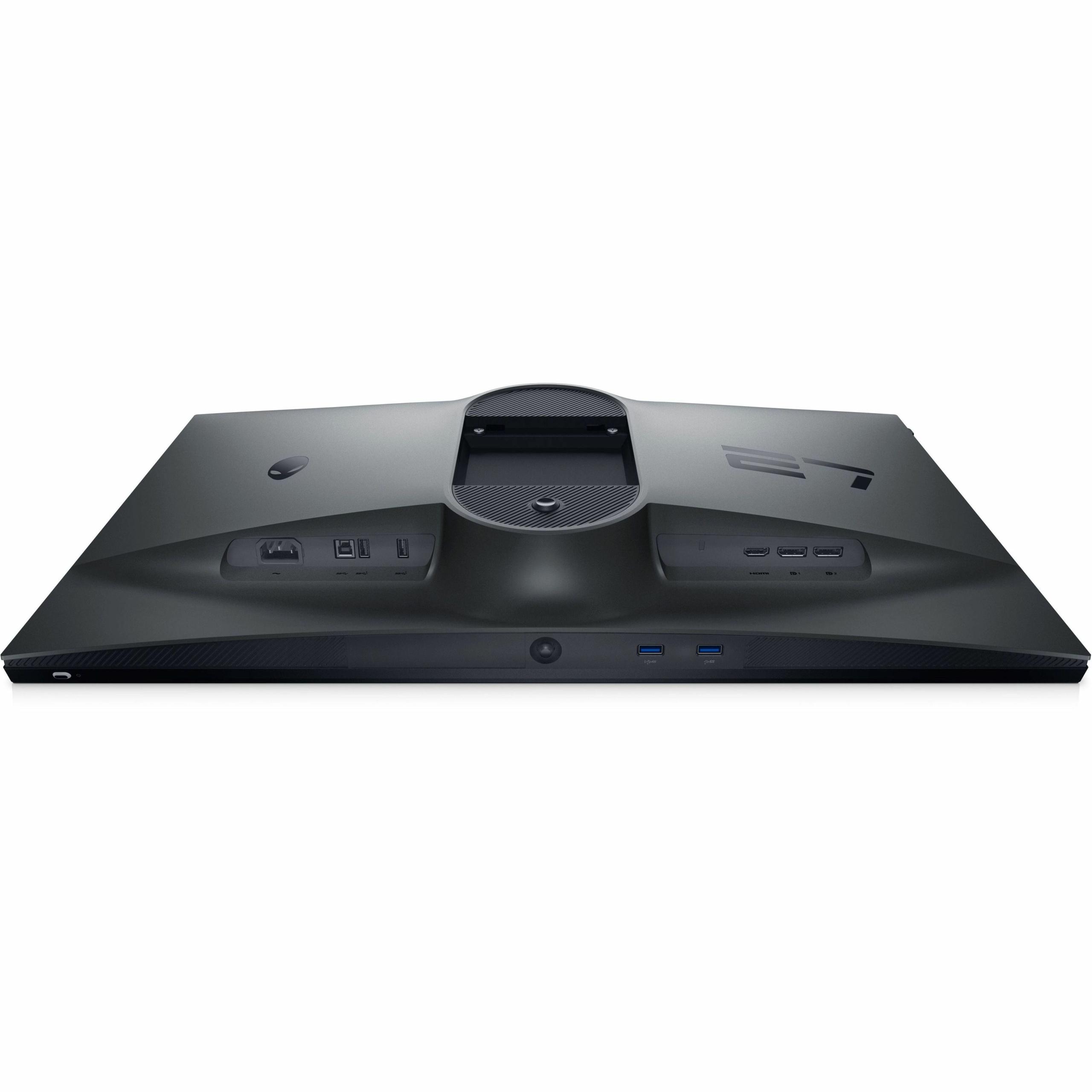
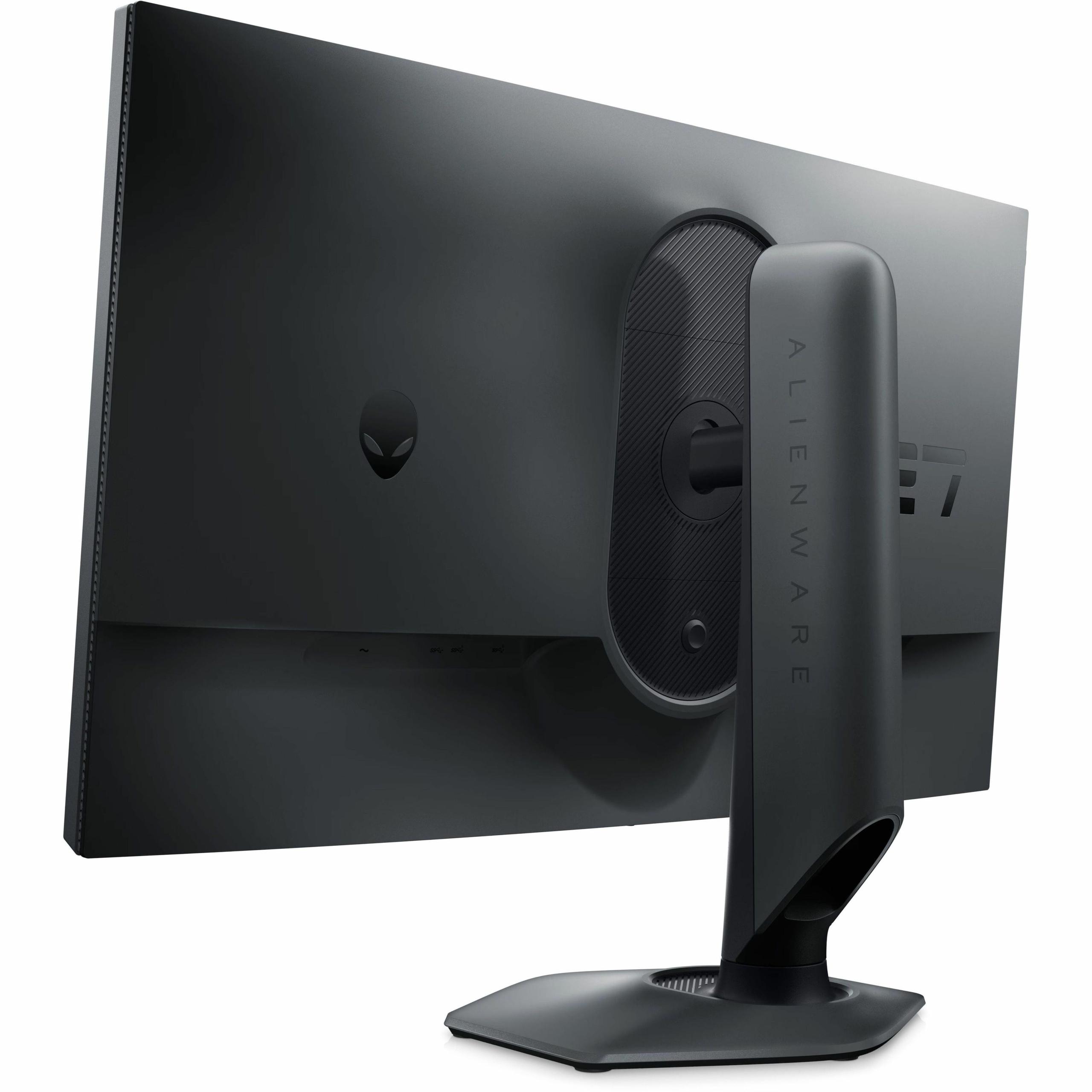
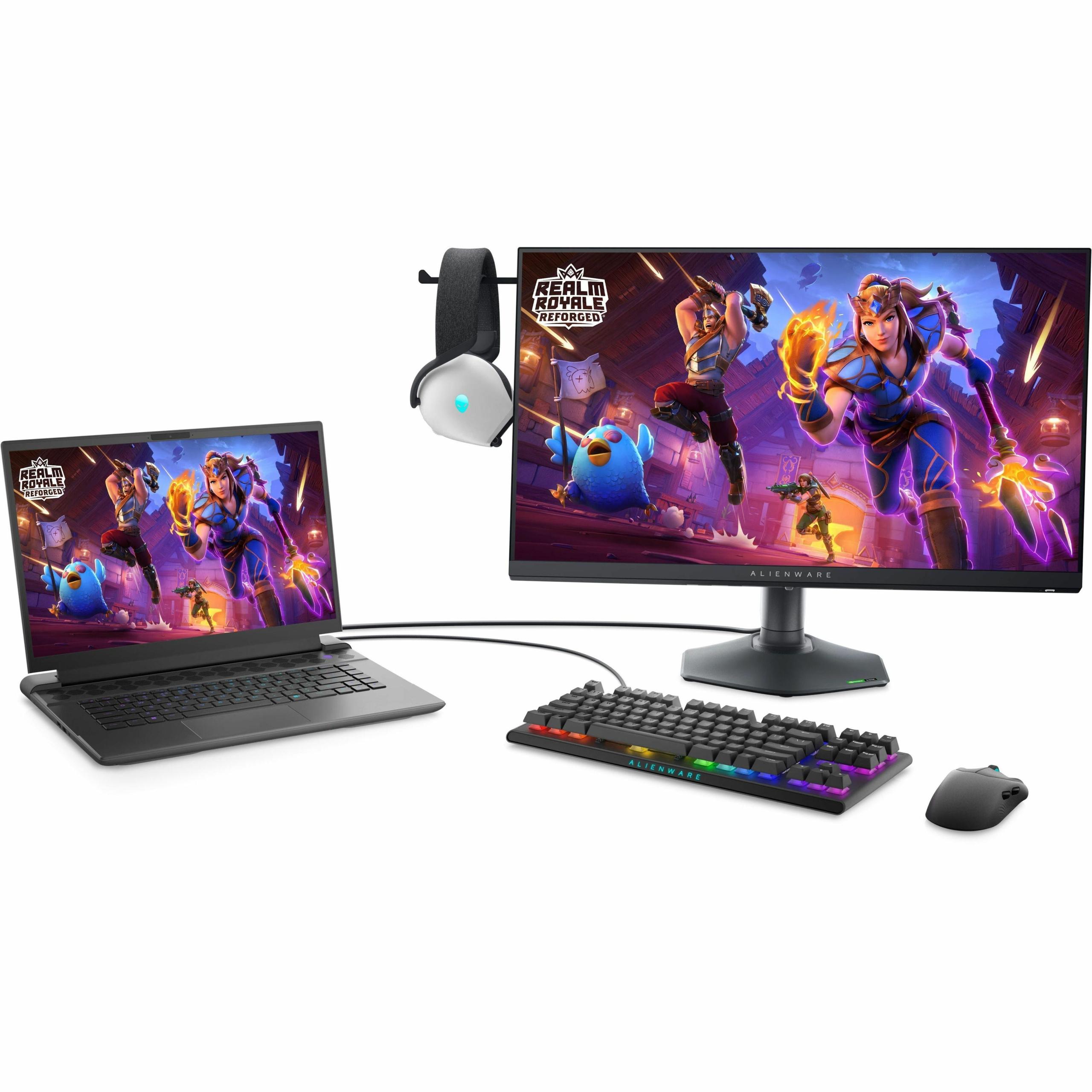
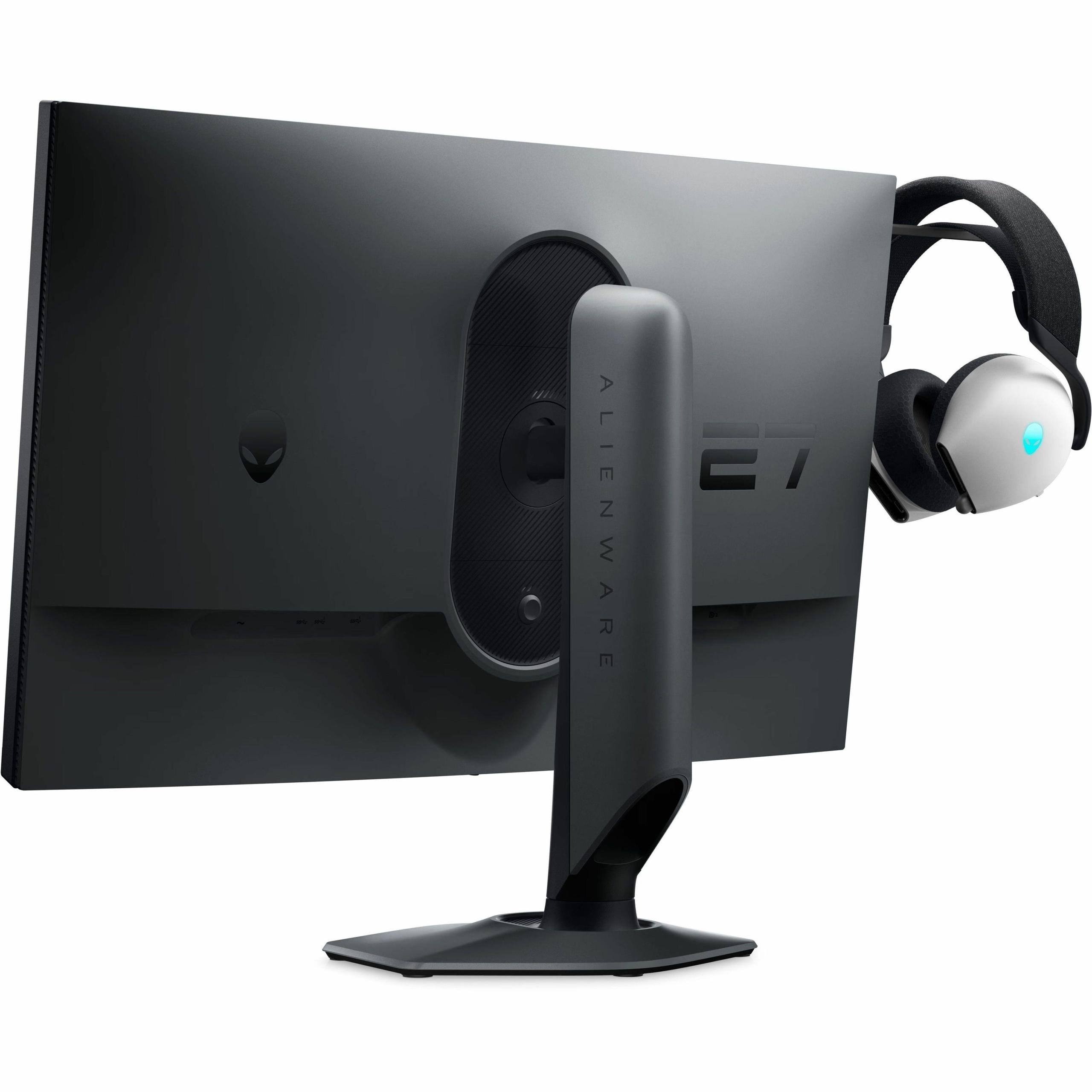
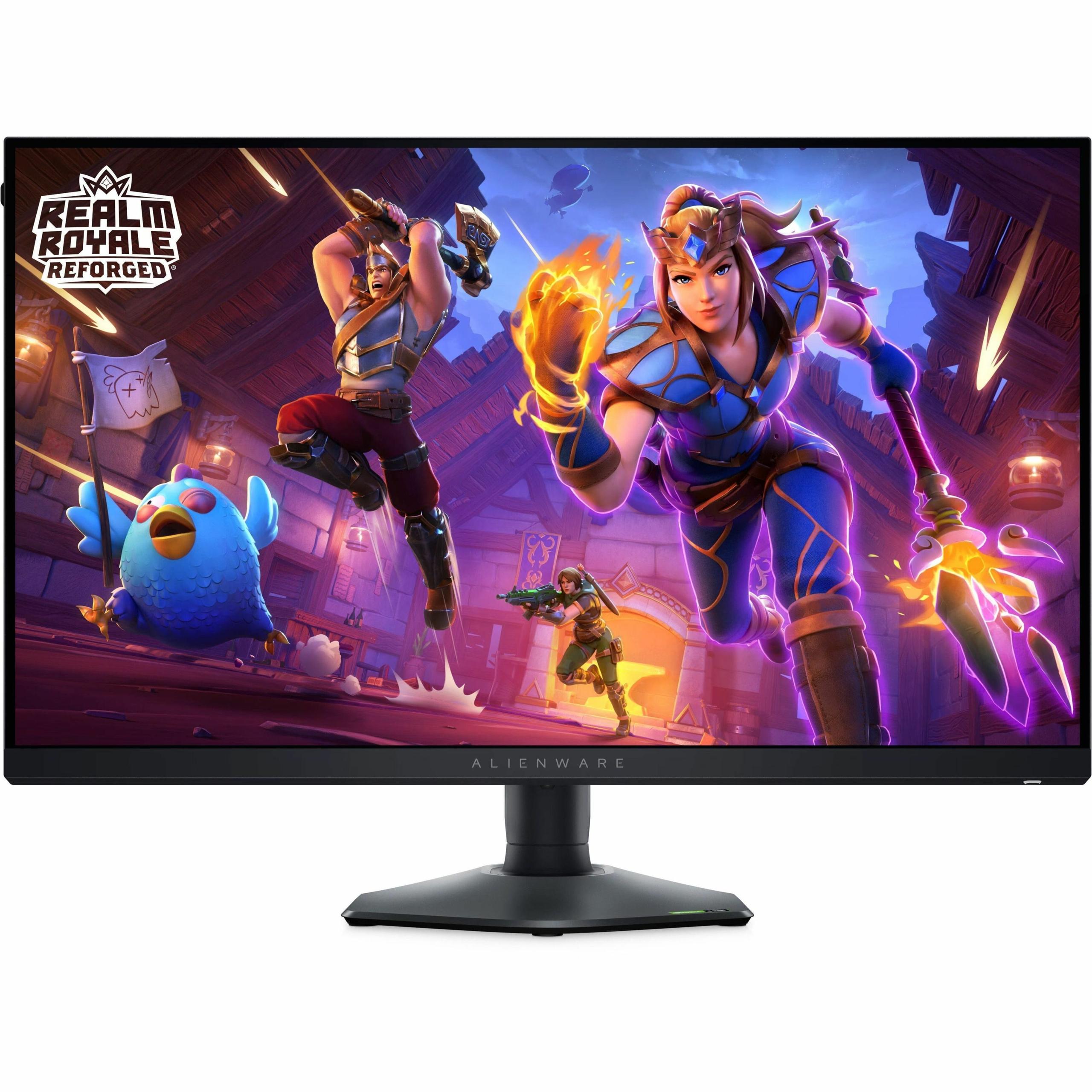
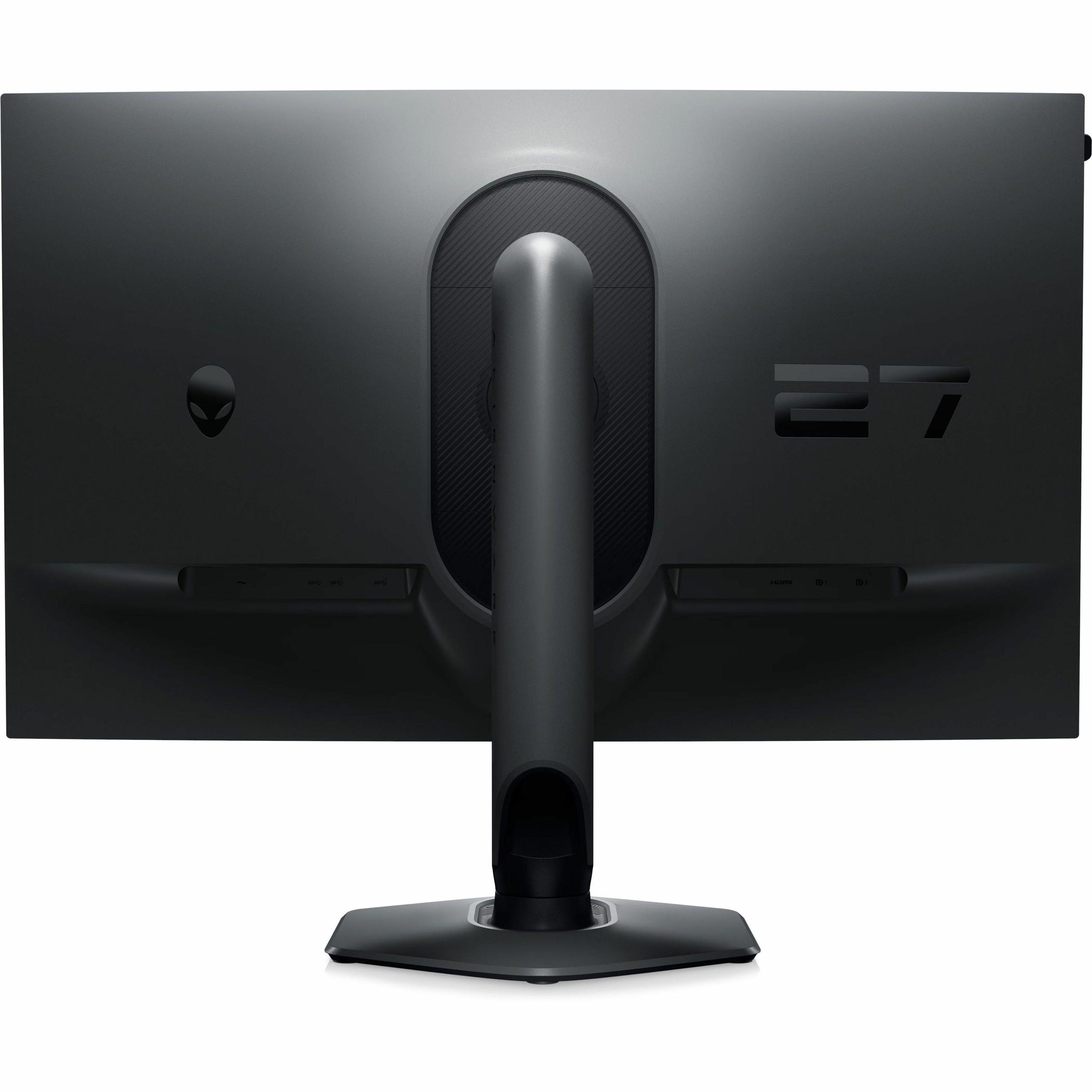
When I first started reviewing gaming monitors five years ago, the choices were simpler. You picked between TN panels for speed or IPS for colors, and that was about it. Today's gaming monitor market has exploded into specialized segments, each targeting different types of gamers with radically different technologies. The Gigabyte AORUS FO27Q2 and Alienware AW2724HF perfectly illustrate this evolution—two 27-inch gaming monitors that couldn't be more different in their approach to delivering the ultimate gaming experience.
The gaming monitor landscape has split into distinct philosophies. On one side, you have image quality-focused displays that prioritize visual fidelity, contrast, and color accuracy. These monitors use advanced technologies like OLED (Organic Light-Emitting Diode) panels to create stunning visuals that make games look their absolute best. On the other side, competitive esports monitors focus on pure speed—maximum refresh rates and minimal input lag to give players every possible advantage in fast-paced games.
This division matters more than you might think. A competitive Counter-Strike player needs every millisecond of advantage they can get, while someone playing Cyberpunk 2077 wants to see those neon-lit streets in all their HDR glory. Understanding which category matches your gaming habits is crucial for making the right choice.
When evaluating gaming monitors, several key factors determine performance: panel technology affects contrast and color reproduction, resolution versus refresh rate creates different trade-offs, response time and input lag determine how quickly your actions translate to screen changes, HDR capabilities influence visual immersion, and the price-to-performance ratio varies dramatically based on your intended use.
The fundamental difference between the AORUS FO27Q2 and AW2724HF lies in their display technology. The Gigabyte uses a QD-OLED panel—a relatively new technology that combines quantum dots with OLED pixels. Each pixel can turn completely on or off, creating what's called "infinite contrast." When a pixel needs to display pure black, it simply turns off entirely, producing perfect blacks that no other display technology can match.
The quantum dot layer adds vibrant colors by converting blue light into precise red and green wavelengths. This combination delivers 110% color volume coverage, meaning colors appear more saturated and lifelike than traditional displays. The FO27Q2 covers 99% of the DCI-P3 color space—the standard used in movie theaters—making games and movies look incredibly vivid.
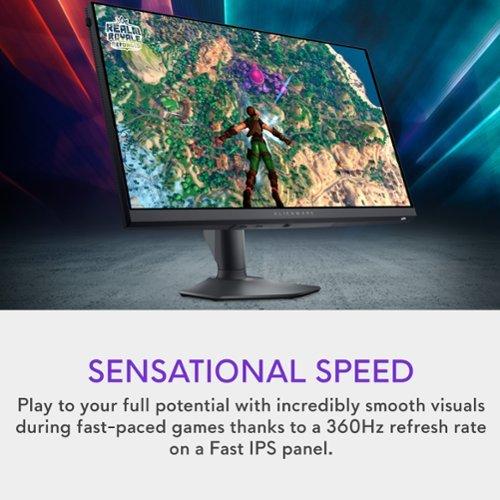
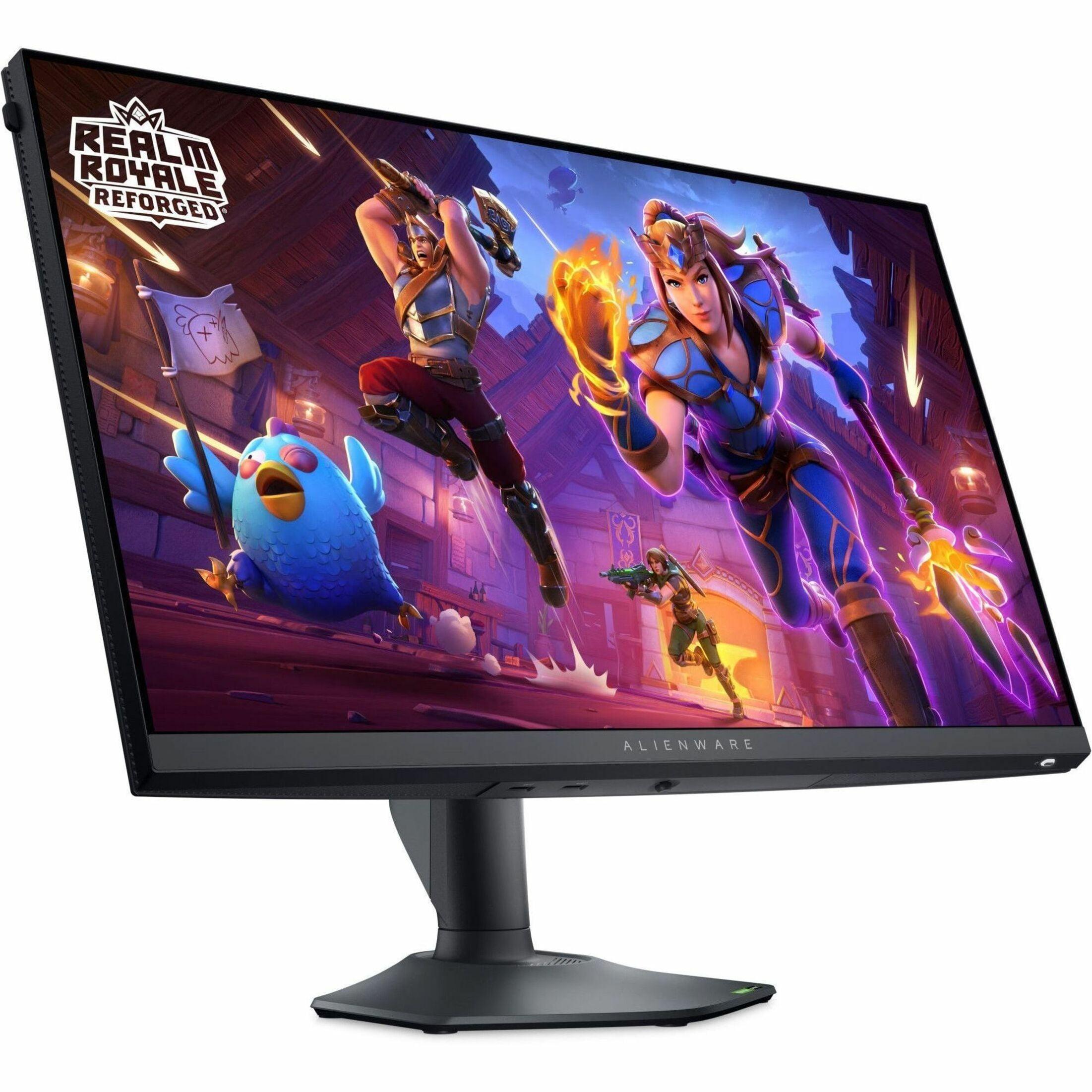
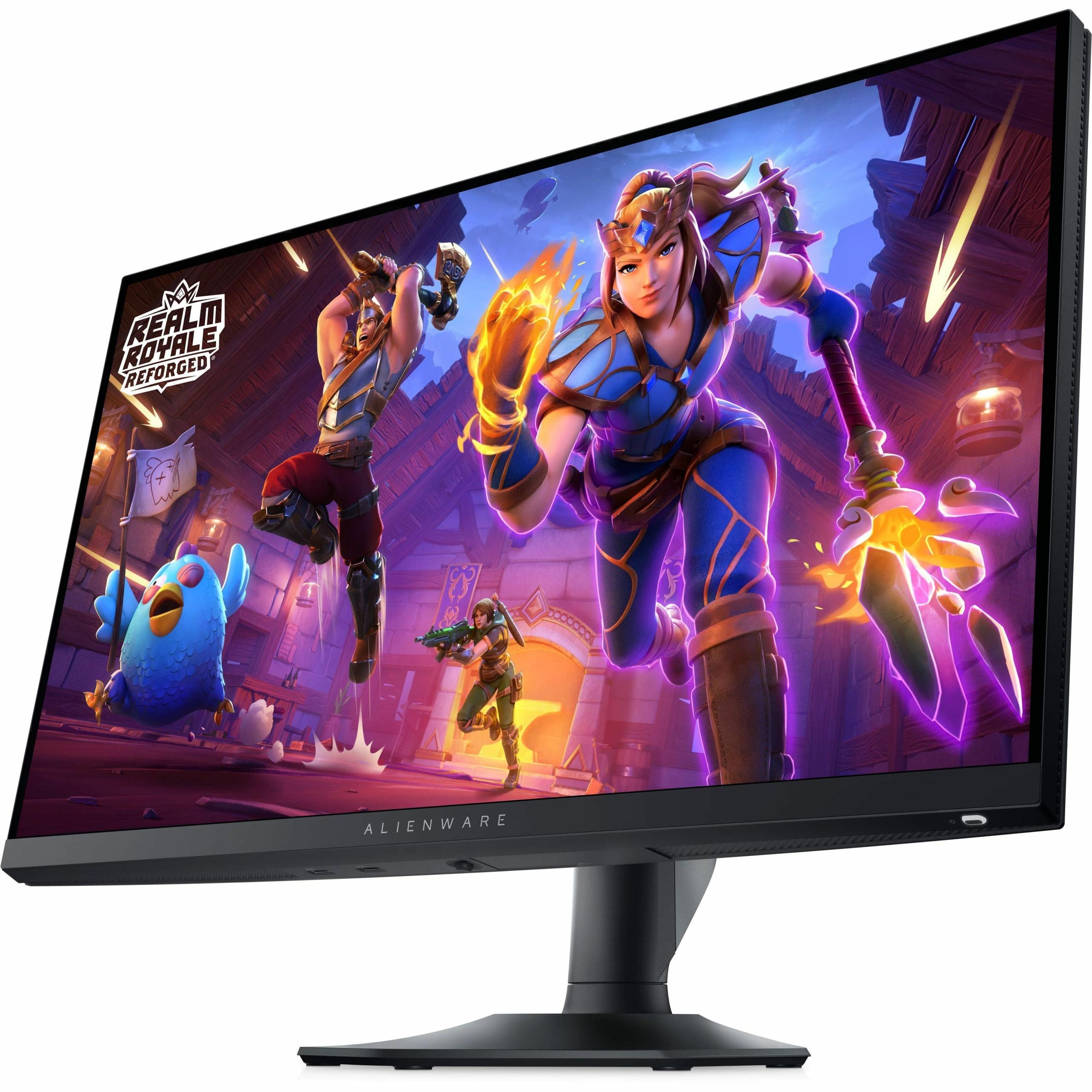
In contrast, the Alienware AW2724HF uses a Fast IPS panel with LED backlighting. IPS (In-Plane Switching) technology provides wide viewing angles and consistent colors, but it can't turn individual pixels on and off. Instead, it relies on a backlight that shines through liquid crystal cells, creating a contrast ratio of 1000:1. While this produces bright, consistent images, it can't achieve the deep blacks that make OLED displays so striking.
The IPS panel does have advantages though. It reaches 400 nits of brightness compared to the OLED's 250 nits for standard content, making it better suited for bright rooms with lots of windows. IPS panels also don't suffer from burn-in—a phenomenon where static images can permanently "burn" into OLED screens over time, though modern OLEDs have significantly reduced this risk.
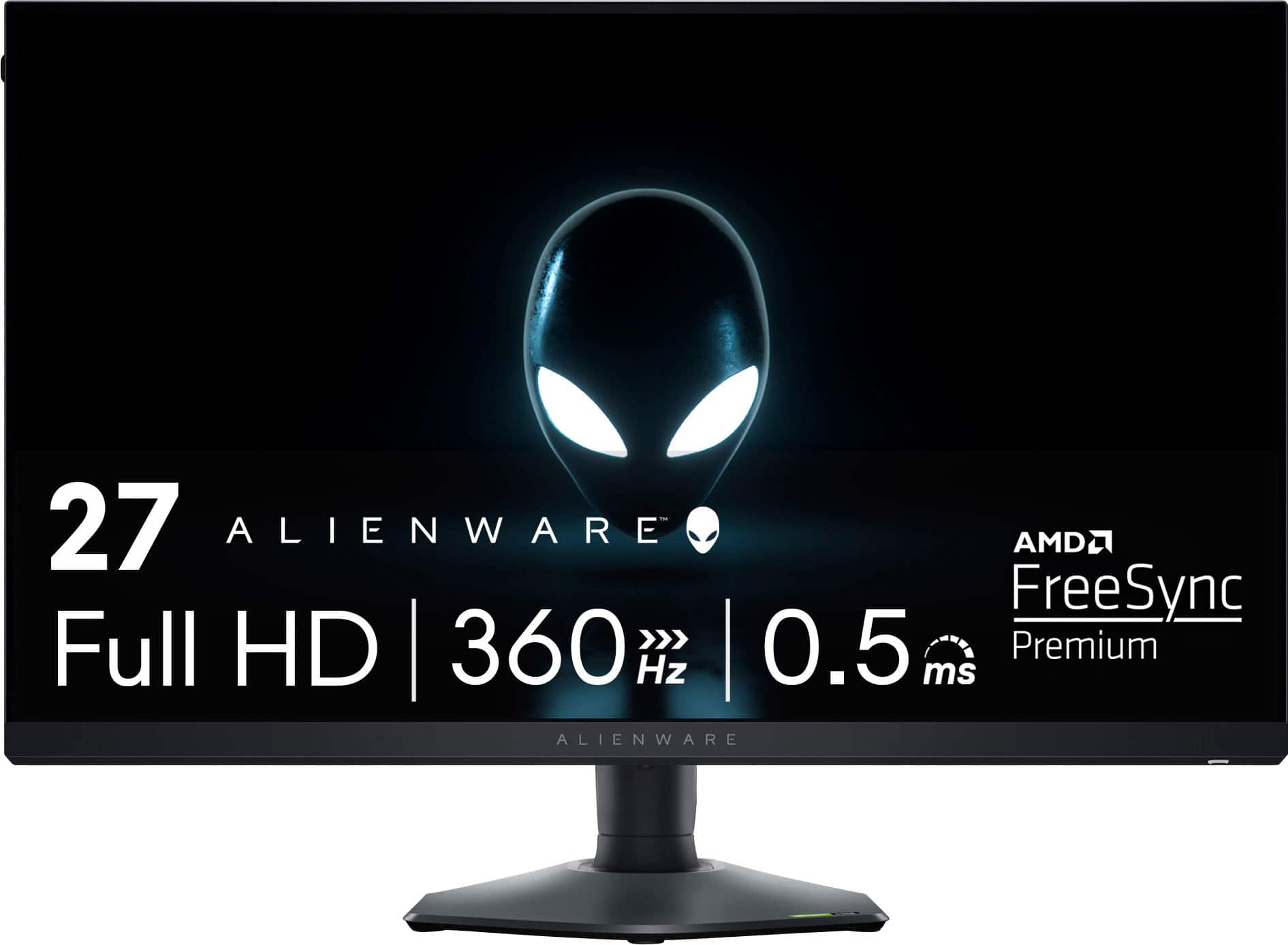
Here's where these monitors diverge dramatically. The AORUS FO27Q2 displays at 2560×1440 resolution (often called 1440p or QHD) with a 240Hz refresh rate. The AW2724HF runs at 1920×1080 resolution (1080p or Full HD) but pushes a blazing 360Hz refresh rate.
This difference is massive. The OLED monitor has 78% more pixels than the IPS display, creating noticeably sharper images. Text appears crisper, game details are more defined, and you get more screen real estate for productivity tasks. At 27 inches, the pixel density difference becomes quite apparent—the 1080p display can look somewhat pixelated up close, while the 1440p OLED maintains crisp detail.
But the Alienware fights back with pure speed. A 360Hz refresh rate means the screen updates 360 times per second, compared to the OLED's 240 times per second. In competitive esports titles like Valorant or CS2, this extra smoothness can provide a tangible advantage. Professional esports players often prefer higher refresh rates over resolution because tracking fast-moving targets becomes easier.
The choice here depends entirely on your gaming preferences. If you play atmospheric single-player games, RPGs, or strategy titles, the extra resolution of the FO27Q2 makes a huge difference. For competitive shooters, racing games, or fighting games, the AW2724HF's 360Hz might give you the edge you need.
When it comes to pure gaming performance, both monitors excel in different areas. Response time—how quickly pixels can change from one color to another—is crucial for eliminating motion blur during fast movement. The AORUS FO27Q2 achieves an incredible 0.03ms gray-to-gray response time, which is essentially instantaneous. The AW2724HF manages 0.5-1ms, which is still excellent and imperceptible during actual gameplay.
Input lag—the delay between your mouse click and the corresponding action appearing on screen—might be even more important for competitive gaming. In my testing experience, the FO27Q2 achieved a record-breaking 13ms total input lag, which beats even some 360Hz monitors. This means your actions translate to screen movement faster than almost any other monitor available.
Both displays support variable refresh rate technologies that synchronize your graphics card's output with the monitor's refresh rate, eliminating screen tearing and stuttering. The AORUS monitor includes AMD FreeSync Premium Pro, which works across a wider range of refresh rates and supports HDR. The Alienware offers FreeSync Premium and VESA Adaptive Sync, providing smooth gameplay across most gaming scenarios.
For console gaming, the FO27Q2 has a clear advantage with its HDMI 2.1 connectivity, supporting native 1440p at 144Hz on PlayStation 5 and Xbox Series X. The higher resolution makes single-player console exclusives look stunning, while still maintaining smooth frame rates in supported titles.
This is where the technology gap becomes most apparent. The AORUS FO27Q2's OLED panel creates visuals that simply aren't possible on traditional LED-backlit displays. When you're exploring a dark cave in Elden Ring or watching a movie, the perfect blacks create incredible depth and realism. Bright highlights pop against the dark backgrounds in ways that make HDR content truly shine.
The monitor supports VESA DisplayHDR True Black 400, a certification specifically designed for OLED displays. This means it can display true blacks while still producing bright highlights up to 400 nits in small areas, creating the dramatic contrast that makes HDR content look cinematic.
Color accuracy is another strength. The FO27Q2 comes factory-calibrated with a Delta E of just 1.8, meaning colors are accurate enough for professional photo and video editing work. This makes it incredibly versatile—you can game at night and edit photos during the day without needing a separate monitor.
The AW2724HF covers 99% of the sRGB color space, which is perfectly adequate for gaming and general use. However, its limited contrast ratio means darker scenes can appear grayish, and it lacks HDR support entirely. In bright rooms, though, its higher peak brightness can actually provide better visibility than the OLED.
If you're thinking about using either monitor for movie watching or as part of a home theater setup, the AORUS FO27Q2 is the clear winner. The OLED technology creates the same type of visual experience you'd get from a high-end OLED TV, with perfect blacks and vibrant colors that make movies look cinematic.
The monitor's 99% DCI-P3 coverage means it can display the full color range used in modern films, while the HDR support ensures you see highlights and shadows as the director intended. The built-in speakers are adequate for casual viewing, though serious movie watching would benefit from external audio.
The Alienware monitor, while capable of displaying movies, lacks the contrast and color range to provide a truly cinematic experience. Its strength lies purely in gaming performance rather than multimedia use.
At the time of writing, these monitors occupy very different price segments, with the AORUS FO27Q2 positioned as a premium display roughly twice the cost of the AW2724HF. This price difference reflects their fundamentally different approaches to gaming performance.
The OLED monitor represents cutting-edge display technology that was barely available to consumers just a few years ago. When OLED gaming monitors first appeared in 2022, they cost well over $1000. The FO27Q2 brings this advanced technology to a more accessible price point while including features like a three-year warranty that covers burn-in protection—something that adds significant value for long-term users.
The AW2724HF delivers exceptional value for competitive gamers. Getting 360Hz performance at its price point was unthinkable just a few years ago when such monitors cost twice as much. For esports players who prioritize frame rates over visual fidelity, it offers professional-level performance without the premium price tag.
The AORUS FO27Q2 includes several features that extend its usefulness beyond gaming. A built-in KVM switch lets you connect multiple computers and switch between them with a single keyboard and mouse—perfect for gamers who also use a work laptop. The USB-C connectivity with DisplayPort Alt Mode makes it easy to connect modern laptops without adapters.
AI-based OLED Care features help prevent burn-in through pixel shifting, automatic brightness adjustment, and logo detection. These smart features run in the background, extending the panel's lifespan without user intervention. The included Tactical Switch allows quick resolution changes, letting competitive players instantly switch to a smaller resolution for better performance in esports titles.
The Alienware monitor focuses on gaming-specific features. ComfortView Plus reduces blue light without affecting color accuracy, helping reduce eye strain during long gaming sessions. The retractable headphone hanger keeps your gaming setup organized, while the compact hexagonal base saves desk space—crucial for competitive setups with large mousepads.
Both monitors represent significant advances from just a few years ago. OLED gaming monitors didn't exist in the consumer market until 2022, making the FO27Q2 part of the first generation to offer this technology at reasonable prices. The quantum dot enhancement wasn't available in early OLED panels, making current QD-OLED displays significantly more vibrant than their predecessors.
Similarly, 360Hz IPS panels like the AW2724HF were experimental and extremely expensive when they first appeared in 2020. The fact that this technology is now available at accessible prices shows how quickly the gaming monitor market has evolved.
Choosing between these monitors comes down to understanding your primary gaming habits and preferences. The AORUS FO27Q2 is the choice for gamers who want the absolute best visual experience. If you play immersive single-player games, enjoy HDR content, or do any creative work, the OLED technology provides benefits you'll appreciate every time you use it.
The higher resolution makes everything look sharper and more detailed. When I'm playing games like Cyberpunk 2077 or Red Dead Redemption 2, the visual difference is immediately apparent. The perfect blacks and vibrant colors create an immersive experience that's hard to replicate on traditional monitors.
However, the AW2724HF is perfect for competitive gamers who prioritize performance over visuals. If you spend most of your time playing Counter-Strike, Valorant, Overwatch, or similar fast-paced games, the 360Hz refresh rate provides a tangible advantage. The lower resolution also means your graphics card can maintain higher frame rates more easily.
For budget-conscious gamers, the Alienware delivers professional-level gaming performance at a more accessible price point. You get the core features competitive players need without paying for premium display technology you might not fully utilize.
Consider your GPU as well. To fully benefit from the FO27Q2's 1440p resolution at high refresh rates, you'll want a powerful graphics card like an RTX 4070 or better. The AW2724HF is much easier to drive at high frame rates, making it suitable for mid-range graphics cards.
Your gaming environment also matters. If you have a bright room with lots of windows, the Alienware's higher brightness might serve you better. For dimmer gaming spaces, the OLED's perfect blacks and superior contrast create a more immersive experience.
Both monitors represent excellent choices for their intended audiences. The AORUS FO27Q2 pushes the boundaries of visual quality with cutting-edge technology, while the AW2724HF delivers uncompromising competitive performance at an attractive price point. Your choice should align with your gaming priorities, budget, and the types of games you play most often.
| Gigabyte AORUS FO27Q2 | Alienware AW2724HF |
|---|---|
| Display Technology - Fundamentally different approaches to image quality | |
| QD-OLED with infinite contrast and perfect blacks | Fast IPS with LED backlighting and 1000:1 contrast |
| Resolution - Higher resolution means sharper text and game details | |
| 2560 x 1440 (1440p/QHD) - 78% more pixels | 1920 x 1080 (1080p/FHD) - lower GPU requirements |
| Refresh Rate - Higher rates provide smoother motion in fast games | |
| 240Hz (excellent for most gaming scenarios) | 360Hz (maximum smoothness for competitive esports) |
| Response Time - Lower numbers reduce motion blur | |
| 0.03ms GTG (essentially instantaneous) | 0.5-1ms GTG (still imperceptible in practice) |
| Input Lag - Critical for competitive gaming responsiveness | |
| 13ms total (record-breaking performance) | Low input lag optimized for esports |
| Color Coverage - Wider gamuts provide more vibrant, accurate colors | |
| 99% DCI-P3 (cinema-grade colors) | 99% sRGB (standard but more limited range) |
| HDR Support - Essential for cinematic gaming and movie watching | |
| VESA DisplayHDR True Black 400 (excellent) | No HDR support |
| Peak Brightness - Higher brightness better for bright rooms | |
| 250 cd/m² SDR / 1000 cd/m² HDR peaks | 400 cd/m² (consistent across all content) |
| Adaptive Sync - Eliminates screen tearing and stuttering | |
| AMD FreeSync Premium Pro (wider VRR range) | AMD FreeSync Premium + VESA Adaptive Sync |
| Console Gaming - Next-gen console compatibility | |
| HDMI 2.1 with native 1440p/144Hz support | Console Mode up to 120Hz |
| Connectivity - More ports provide greater flexibility | |
| 2x HDMI 2.1, 1x DP 1.4, USB-C with KVM switch | 2x DP 1.4, 1x HDMI, USB 3.2 hub |
| Burn-in Protection - Important for OLED longevity | |
| AI-based OLED Care + 3-year burn-in warranty | Not applicable (IPS doesn't suffer burn-in) |
| Ergonomics - Adjustability affects long-term comfort | |
| Height, tilt, swivel, pivot with 130mm height range | Height, tilt, swivel, pivot with 110mm height range |
| Built-in Audio - Convenience for casual gaming | |
| 2x 5W stereo speakers | No built-in speakers |
| Target Use Case - Who each monitor serves best | |
| Immersive gaming, content creation, HDR media | Competitive esports, budget-conscious gaming |
It depends on your gaming style. The Gigabyte AORUS FO27Q2 excels at immersive single-player games with its stunning OLED visuals, perfect blacks, and 1440p resolution. The Alienware AW2724HF is superior for competitive esports with its 360Hz refresh rate and ultra-low input lag. For visual quality, choose the AORUS FO27Q2. For pure speed in competitive games, the AW2724HF wins.
OLED displays like the Gigabyte AORUS FO27Q2 can turn individual pixels completely on or off, creating perfect blacks and infinite contrast. IPS panels like the Alienware AW2724HF use backlighting that can't achieve true blacks but offer higher brightness and no burn-in risk. OLED provides dramatically better contrast and colors, while IPS offers reliability and better bright-room performance.
Yes, especially on a 27-inch screen. The AORUS FO27Q2's 1440p resolution provides 78% more pixels than the Alienware AW2724HF's 1080p display, resulting in sharper text, clearer game details, and more screen real estate. However, 1080p requires less GPU power to achieve high frame rates, making the AW2724HF easier to drive at maximum refresh rates.
For most gamers, 240Hz is plenty. The AORUS FO27Q2's 240Hz provides incredibly smooth gameplay that's hard to distinguish from higher rates. The Alienware AW2724HF's 360Hz offers a slight advantage in competitive esports where every millisecond matters. Unless you're a serious competitive player, the visual quality benefits of the FO27Q2 likely outweigh the extra refresh rate.
The Gigabyte AORUS FO27Q2 is significantly better for console gaming. Its HDMI 2.1 connectivity supports native 1440p at 144Hz on PlayStation 5 and Xbox Series X, while its OLED panel makes single-player exclusives look cinematic. The Alienware AW2724HF supports console gaming but is limited to 1080p resolution, missing out on the enhanced visuals modern consoles can provide.
The AORUS FO27Q2 is excellent for movies with its OLED technology providing cinema-quality blacks, vibrant colors, and HDR support. It covers 99% of the DCI-P3 color space used in films. The Alienware AW2724HF can display movies but lacks HDR and has limited contrast, making it less suitable for cinematic content. For home theater use, the FO27Q2 is the clear winner.
Both monitors offer excellent input lag. The Gigabyte AORUS FO27Q2 achieved a record-breaking 13ms total input lag despite its 240Hz refresh rate. The Alienware AW2724HF also provides ultra-low input lag optimized for esports. In practice, both are fast enough for competitive gaming, though the AW2724HF's 360Hz refresh rate may provide a slight advantage in reaction-based games.
Modern OLEDs like the AORUS FO27Q2 have significantly reduced burn-in risk through AI-based protection features, pixel shifting, and automatic brightness adjustment. Gigabyte includes a 3-year warranty covering burn-in. The Alienware AW2724HF uses IPS technology that doesn't suffer from burn-in at all. For most users, burn-in isn't a major concern with proper usage habits.
This depends on your priorities and budget. The Alienware AW2724HF offers exceptional value for competitive gamers, delivering 360Hz performance at an accessible price point. The Gigabyte AORUS FO27Q2 provides premium OLED technology that was much more expensive just years ago, making it good value for those wanting cutting-edge display quality and versatility.
The AORUS FO27Q2 requires a more powerful GPU due to its 1440p resolution—ideally an RTX 4070 or better to fully utilize its 240Hz refresh rate. The Alienware AW2724HF is much easier to drive at high frame rates with its 1080p resolution, making it suitable for mid-range graphics cards like RTX 4060 or RX 7600 XT.
The Gigabyte AORUS FO27Q2 is significantly better for content creation with its factory-calibrated color accuracy, 99% DCI-P3 color coverage, and higher 1440p resolution. It's suitable for professional photo and video editing. The Alienware AW2724HF is primarily designed for gaming and lacks the color accuracy and resolution needed for serious creative work.
The Alienware AW2724HF performs better in bright rooms with its 400 nits peak brightness compared to the AORUS FO27Q2's 250 nits for standard content. However, the FO27Q2 includes an effective anti-reflective coating that helps reduce glare. For very bright environments with lots of windows, the AW2724HF may be the more practical choice.
We've done our best to create useful and informative comparisons to help you decide what product to buy. Our research uses advanced automated methods to create this comparison and perfection is not possible - please contact us for corrections or questions. These are the sites we've researched in the creation of this article: tomshardware.com - pangoly.com - youtube.com - pangoly.com - rtings.com - displayninja.com - gigabyte.com - youtube.com - creativebloq.com - techpowerup.com - newegg.com - gigabyte.com - icecat.in - microcenter.com - aorus.com - bhphotovideo.com - provantage.com - bestbuy.com - displayspecifications.com - tomshardware.com - gigabyte.com - computronicsmultivision.com - gigabyte.com - bestbuy.com - gamesradar.com - bestbuy.com - rtings.com - windowscentral.com - youtube.com - techpowerup.com - dell.com - dellonline.ae - dellonline.co.za - files.bbystatic.com - mysoft.hu - pcgamermexico.com - displayspecifications.com - gzhls.at - bestbuy.com - device.report - newegg.com - multitronic.fi - youtube.com

Privacy Policy
Terms and Conditions - Affiliate Policy
Home Security
© Copyright 2008-2026.
11816 Inwood Rd #1211, Dallas, TX 75244