







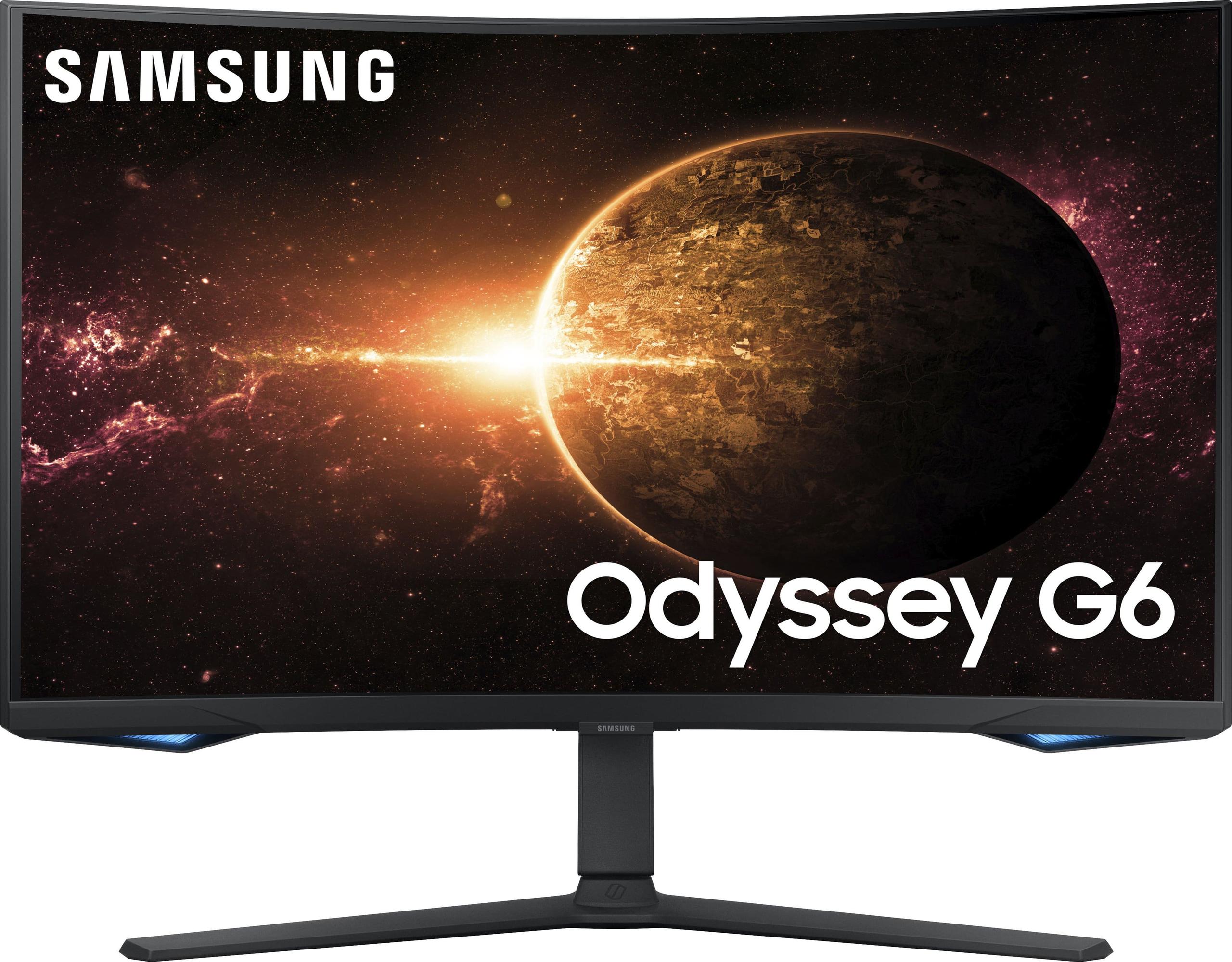
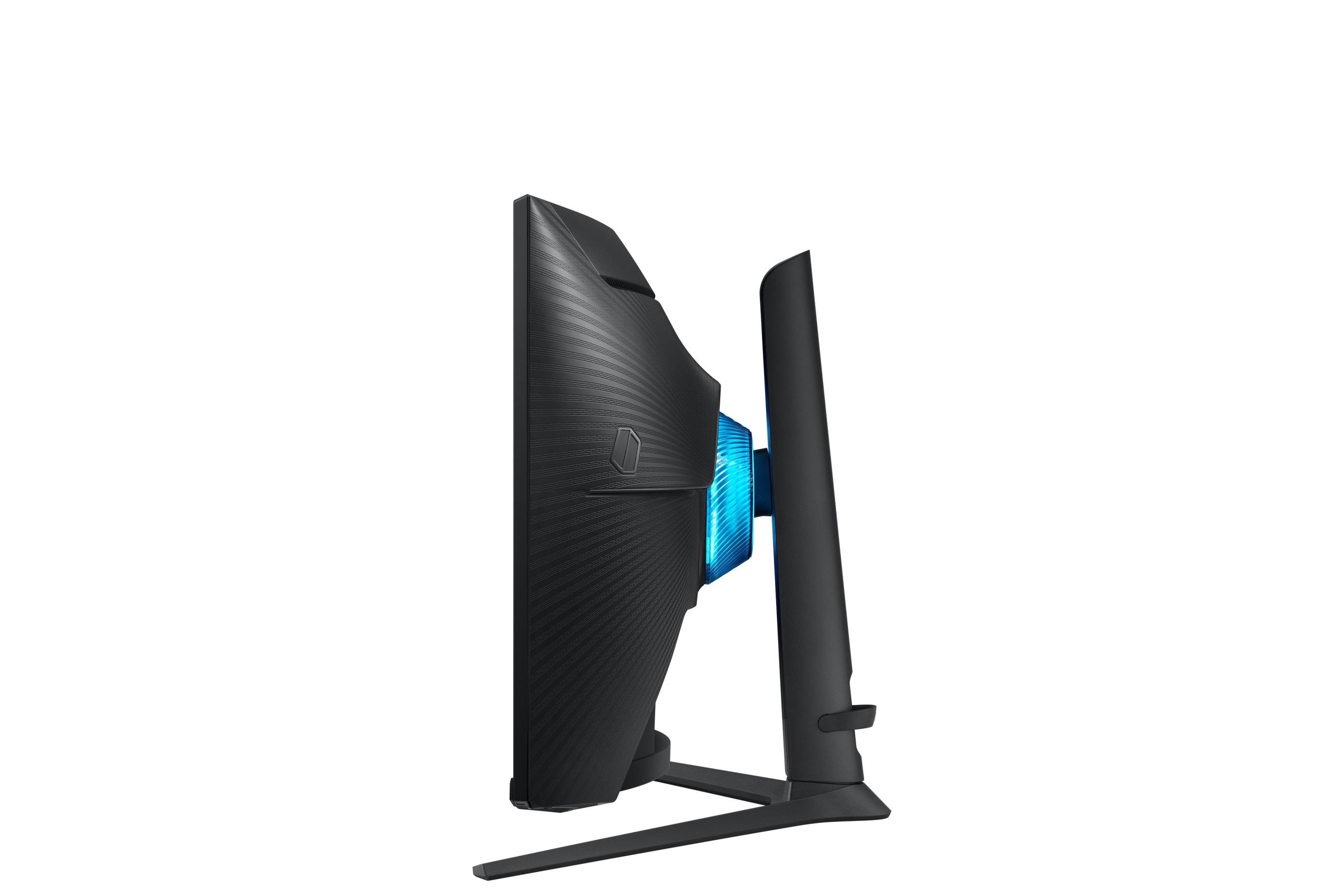
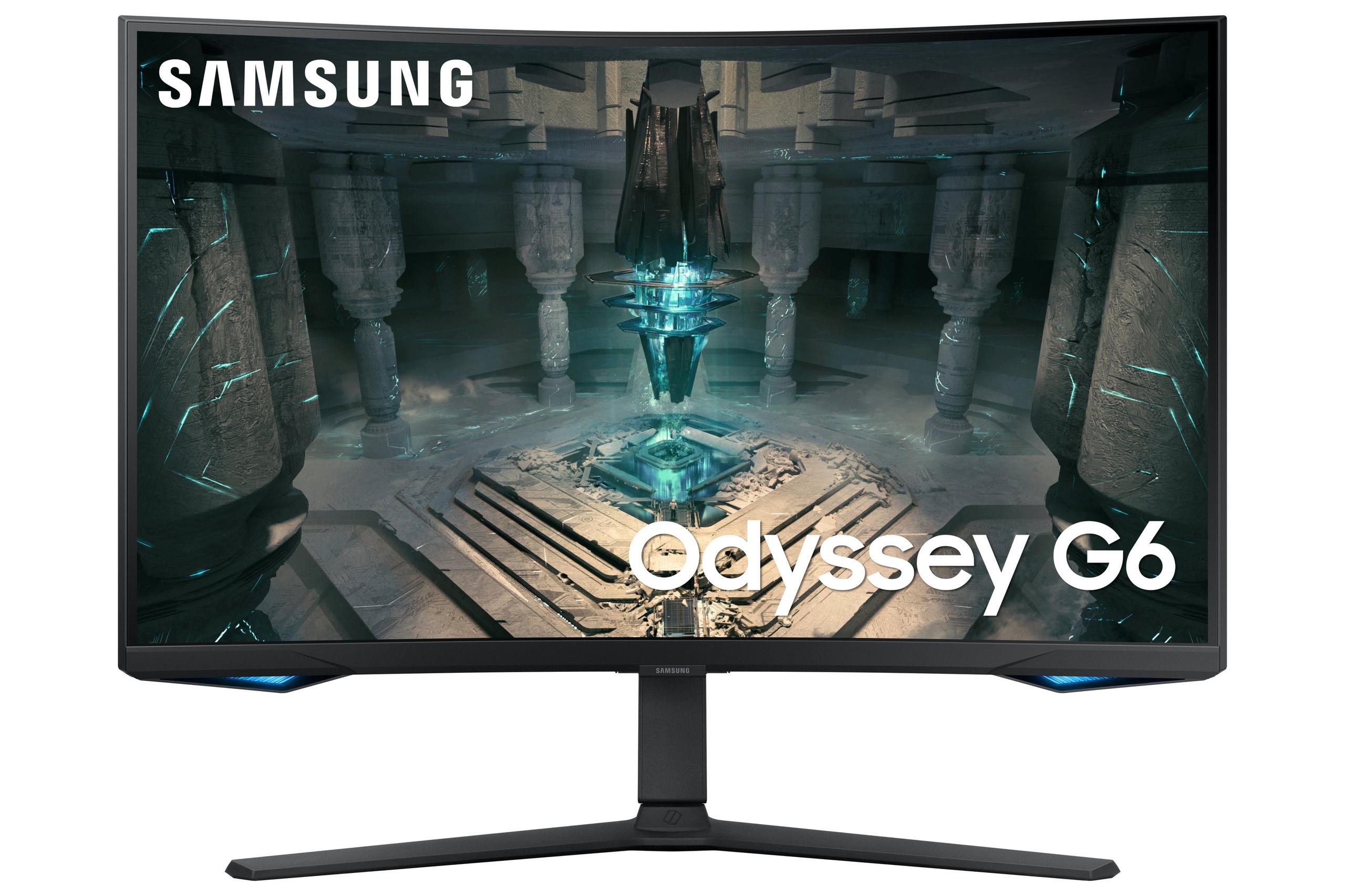
When shopping for a gaming monitor in 2024, you'll quickly discover that display technology has become incredibly sophisticated. Two monitors that perfectly illustrate this evolution are the Gigabyte AORUS FO27Q2 and the Samsung Odyssey G65B. Both are 27-inch gaming displays targeting the same audience, yet they represent fundamentally different approaches to delivering great visuals. Understanding these differences will help you make the right choice for your gaming setup.
Before diving into specifics, let's talk about what makes these monitors tick. The AORUS FO27Q2 uses QD-OLED technology—think of it as the latest evolution in display tech that combines the best aspects of two different approaches. OLED (Organic Light-Emitting Diode) means each pixel produces its own light and can turn completely off for perfect blacks, while QD (Quantum Dot) adds a layer that makes colors more vibrant and accurate.
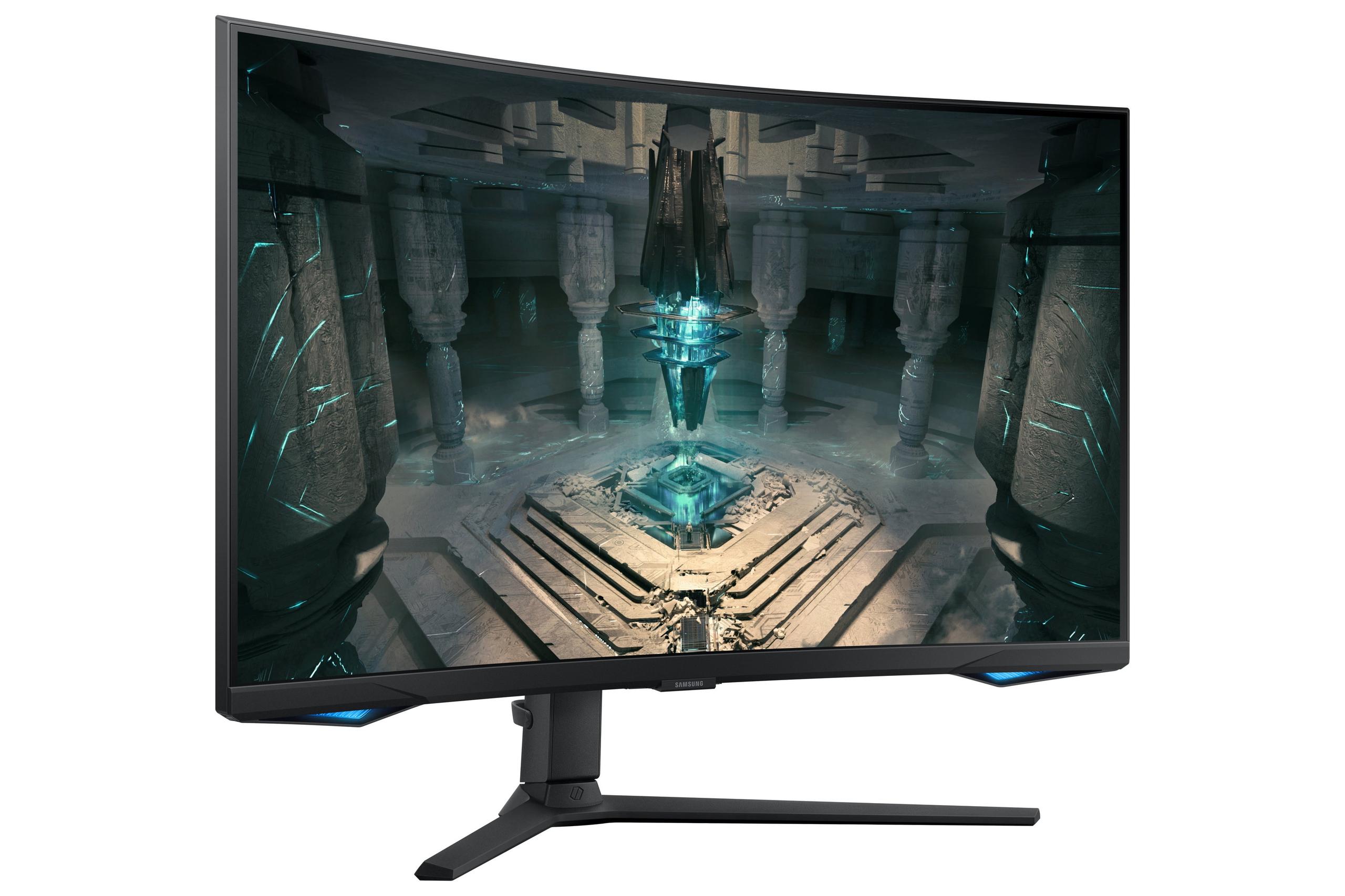
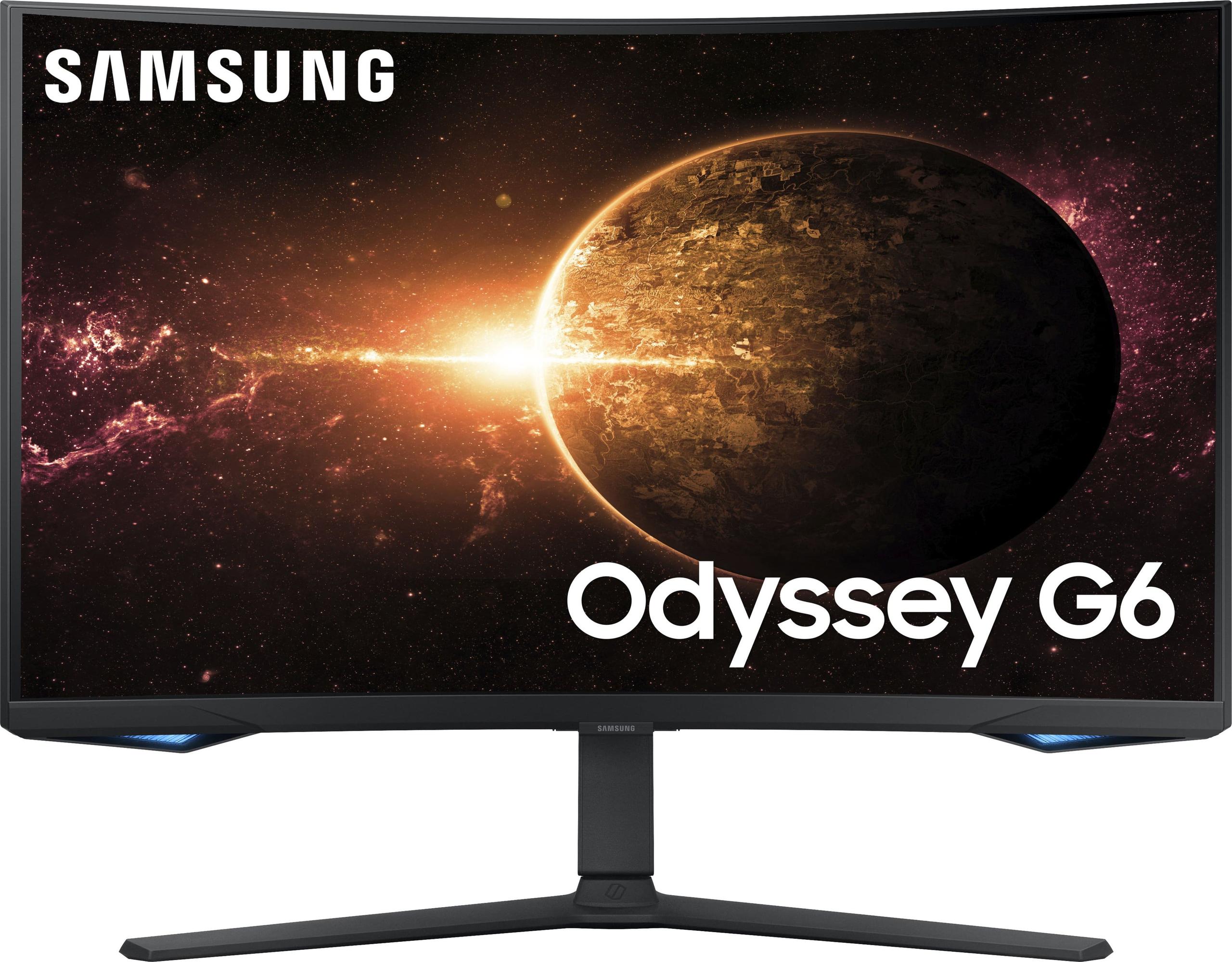
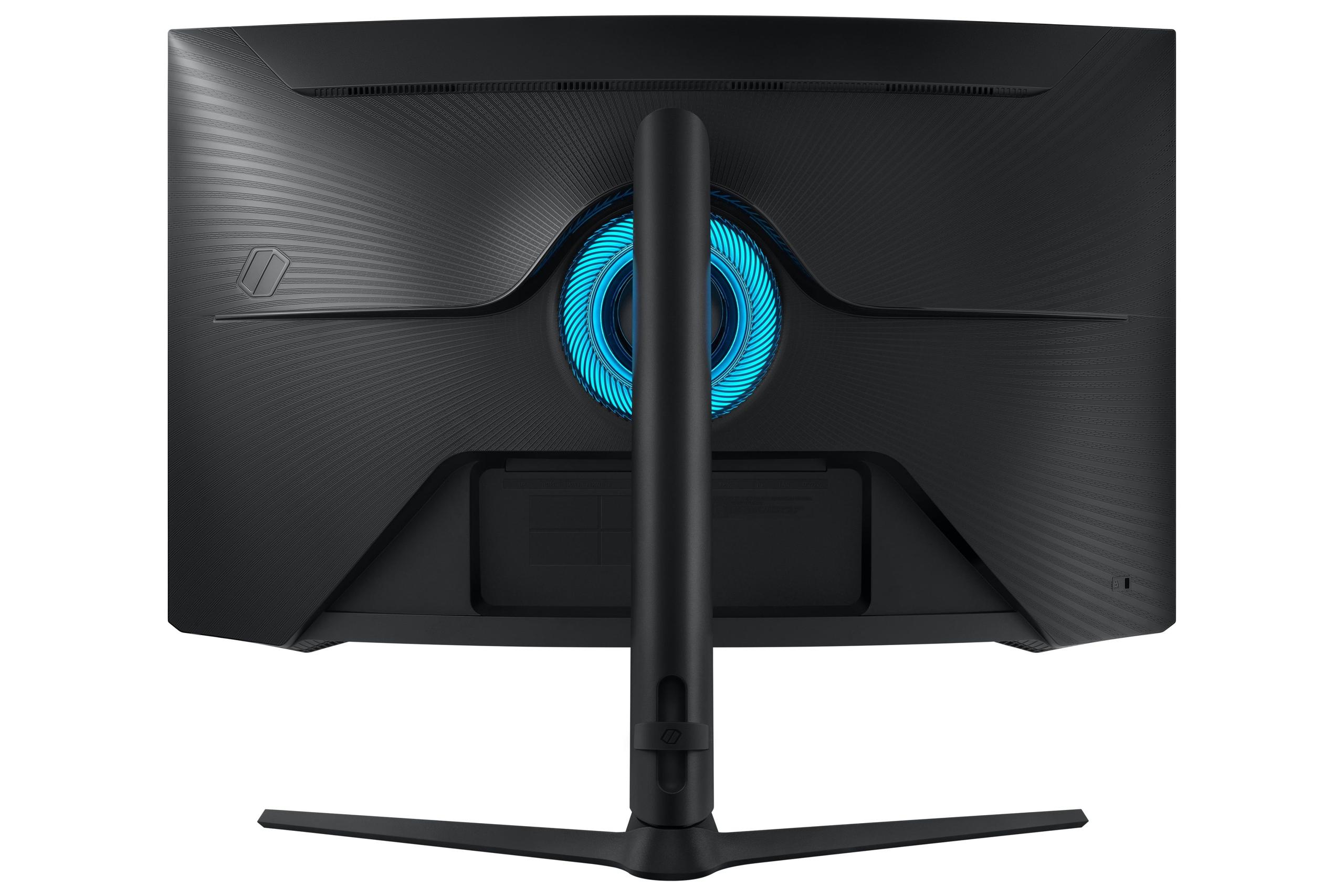
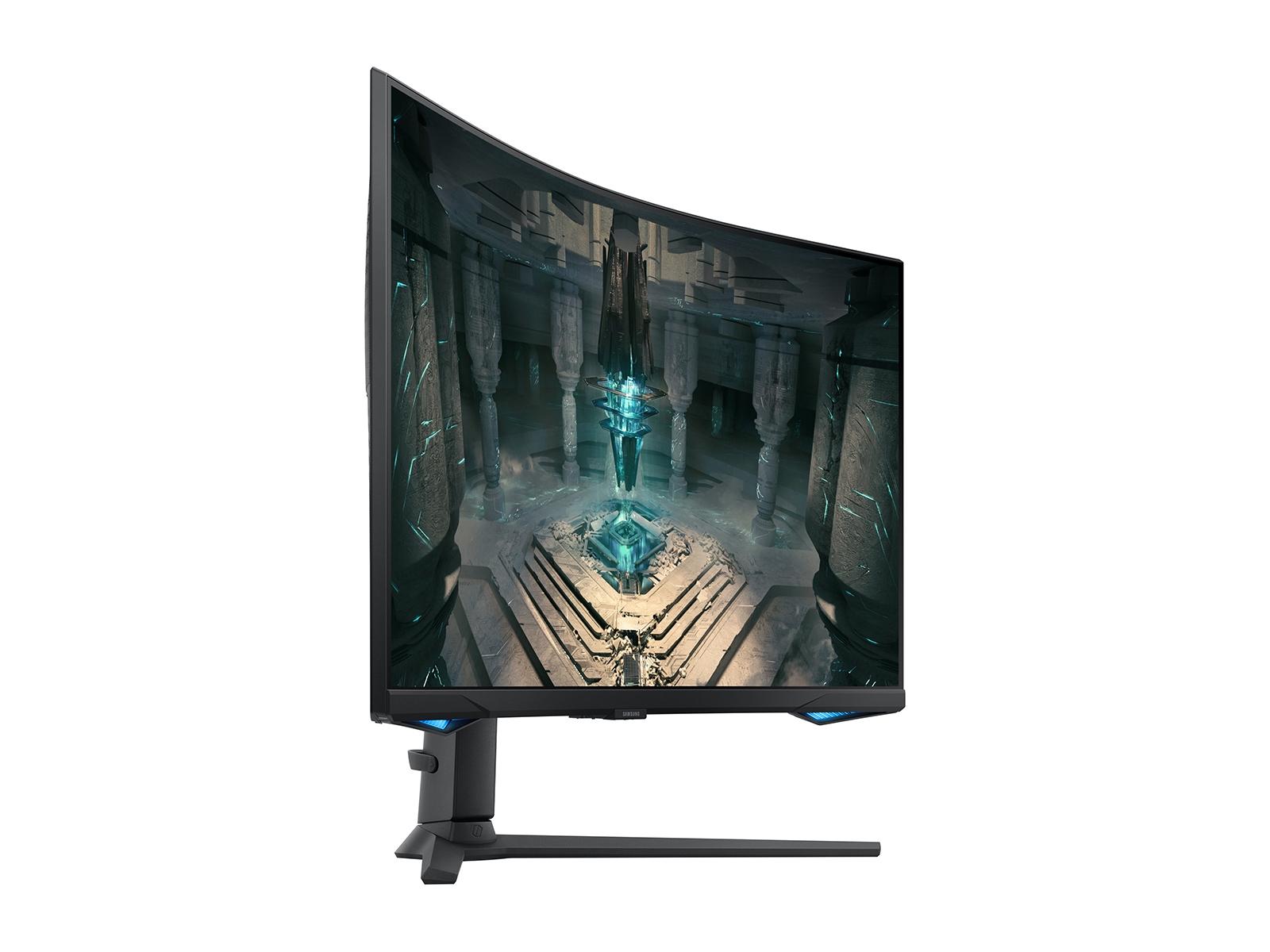
The Samsung Odyssey G65B, on the other hand, uses VA (Vertical Alignment) LCD technology with LED backlighting. This is more traditional but highly refined. VA panels are known for better contrast than other LCD types, and when combined with a curved design, they create an immersive gaming experience that wraps around your peripheral vision.
At the time of writing, both monitors typically sell for similar prices, making this comparison particularly interesting. You're essentially choosing between cutting-edge display technology and a more traditional but reliable approach with smart features.
Having spent considerable time with OLED displays, I can tell you that the difference in contrast is immediately noticeable. The AORUS FO27Q2 delivers what's called "infinite contrast"—when a pixel needs to be black, it simply turns off. There's no backlight bleeding through, no gray-ish blacks that you might see on LCD monitors. This creates an almost three-dimensional depth to images that's particularly striking in dark game scenes.
The QD-OLED panel covers 99% of the DCI-P3 color space, which is the standard used in movie production. This means colors appear more lifelike and saturated without looking artificial. When you're exploring the vibrant worlds of games like Cyberpunk 2077 or Marvel's Spider-Man, these colors really make the experience pop.
But here's what really sets the AORUS FO27Q2 apart for competitive gamers: its 0.03ms response time. Response time measures how quickly a pixel can change from one color to another, and faster is always better for motion clarity. At 0.03ms, this monitor is essentially instantaneous, eliminating the motion blur that can affect your ability to track enemies in fast-paced shooters.
The monitor also includes AI-based OLED Care features. These automatically manage potential burn-in issues—permanent image retention that can occur when the same image stays on screen for extended periods. The system shifts pixels slightly, dims static elements, and runs cleaning cycles. Gigabyte is so confident in these protections that they offer a three-year warranty covering burn-in, which is rare in the OLED world.
The Samsung Odyssey G65B takes a different approach that has its own compelling advantages. The biggest one? Brightness. This monitor outputs 350 nits consistently, compared to around 250 nits from the AORUS FO27Q2. If your gaming setup is in a bright room with windows, this extra brightness makes a significant difference in visibility and color vibrancy.
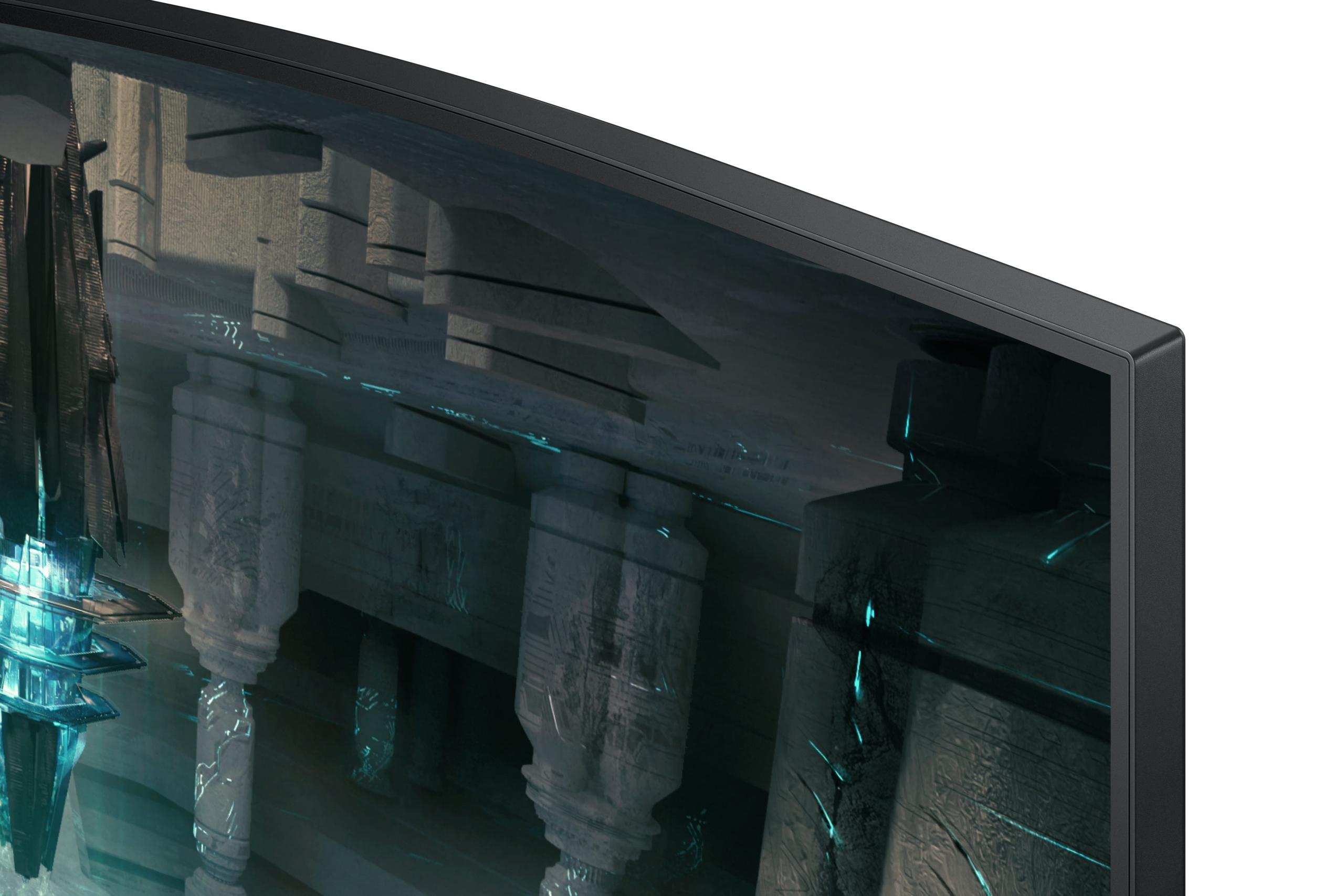
The 1000R curvature matches the natural curve of human vision, creating an immersive feeling that flat monitors can't replicate. When you're playing immersive single-player games or racing simulators, this curve helps fill your peripheral vision and can make you feel more connected to the action. I've found curved monitors particularly effective for strategy games where you need to monitor multiple areas of the screen simultaneously.
VA panels like the one in the Samsung G65B offer a native contrast ratio of 2500:1. While this can't compete with OLED's infinite contrast, it's still excellent for LCD technology and provides much better blacks than typical IPS monitors. The panel also supports DisplayHDR 600, which means it can display a wider range of brightness levels for more realistic lighting in supported games.
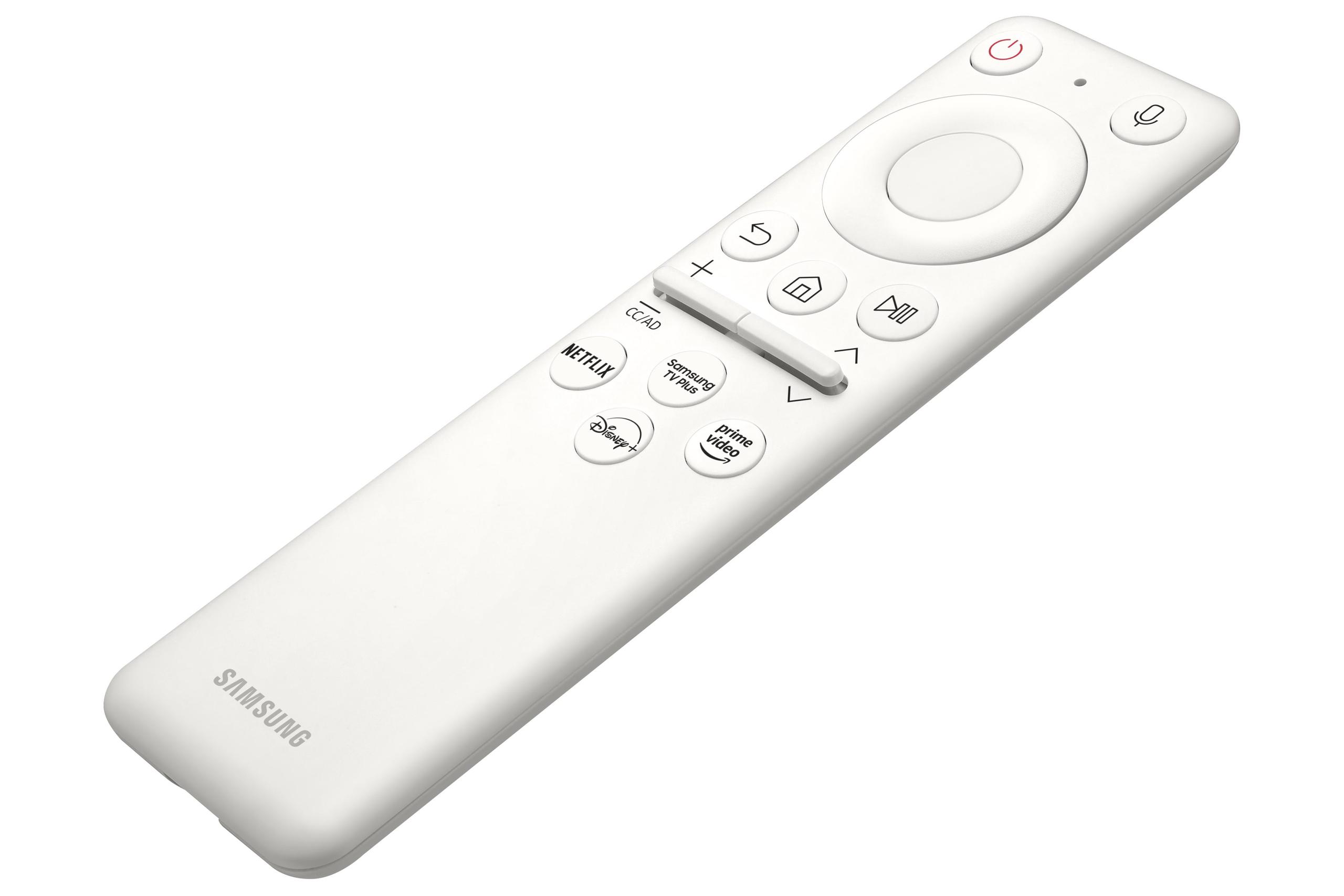
One unique advantage of the Samsung G65B is its smart platform integration. Built on Samsung's Tizen OS, it can run streaming apps like Netflix and Disney+ directly without connecting a PC. The Gaming Hub feature lets you access cloud gaming services, effectively turning your monitor into a smart TV for entertainment when you're not gaming.
Both monitors support 240Hz refresh rates, meaning they can display up to 240 frames per second for incredibly smooth motion. However, the way they achieve motion clarity differs significantly. The AORUS FO27Q2 combines its 240Hz refresh rate with that remarkable 0.03ms response time to create motion clarity that's among the best available. There's virtually no ghosting or trailing behind fast-moving objects.
The Samsung G65B achieves a respectable 1ms response time, which is excellent for VA technology. While not quite as fast as the OLED, it's still quick enough for competitive gaming. The curved design actually helps with competitive play by keeping the edges of the screen closer to your line of sight, potentially giving you a slight advantage in spotting enemies.
HDR (High Dynamic Range) support varies between these monitors in interesting ways. The AORUS FO27Q2 supports VESA DisplayHDR True Black 400, which focuses on perfect blacks rather than extreme brightness. This creates dramatic contrast in dark scenes—imagine exploring a cave in Skyrim where the shadows are truly black while torch flames appear brilliantly bright.
The Samsung G65B supports DisplayHDR 600, emphasizing brighter highlights. While it can't achieve perfect blacks like OLED, it can make bright elements like explosions or sunlight more impactful. For HDR content, both approaches have merit depending on the type of games you play most often.
If you do any content creation alongside gaming, the AORUS FO27Q2 has a clear advantage. It comes factory calibrated with a color calibration report, achieving professional-level accuracy right out of the box. The wide color gamut and perfect blacks make it suitable for photo editing and video work.
The Samsung G65B offers good color reproduction for gaming but isn't specifically calibrated for professional work. However, its higher brightness can be beneficial for content consumption in well-lit rooms.
The AORUS FO27Q2 excels in connectivity options. It includes USB-C with DisplayPort Alt Mode, letting you connect and charge a laptop with a single cable. The built-in KVM switch allows you to control multiple devices with one keyboard and mouse—incredibly useful if you switch between a gaming PC and work laptop.
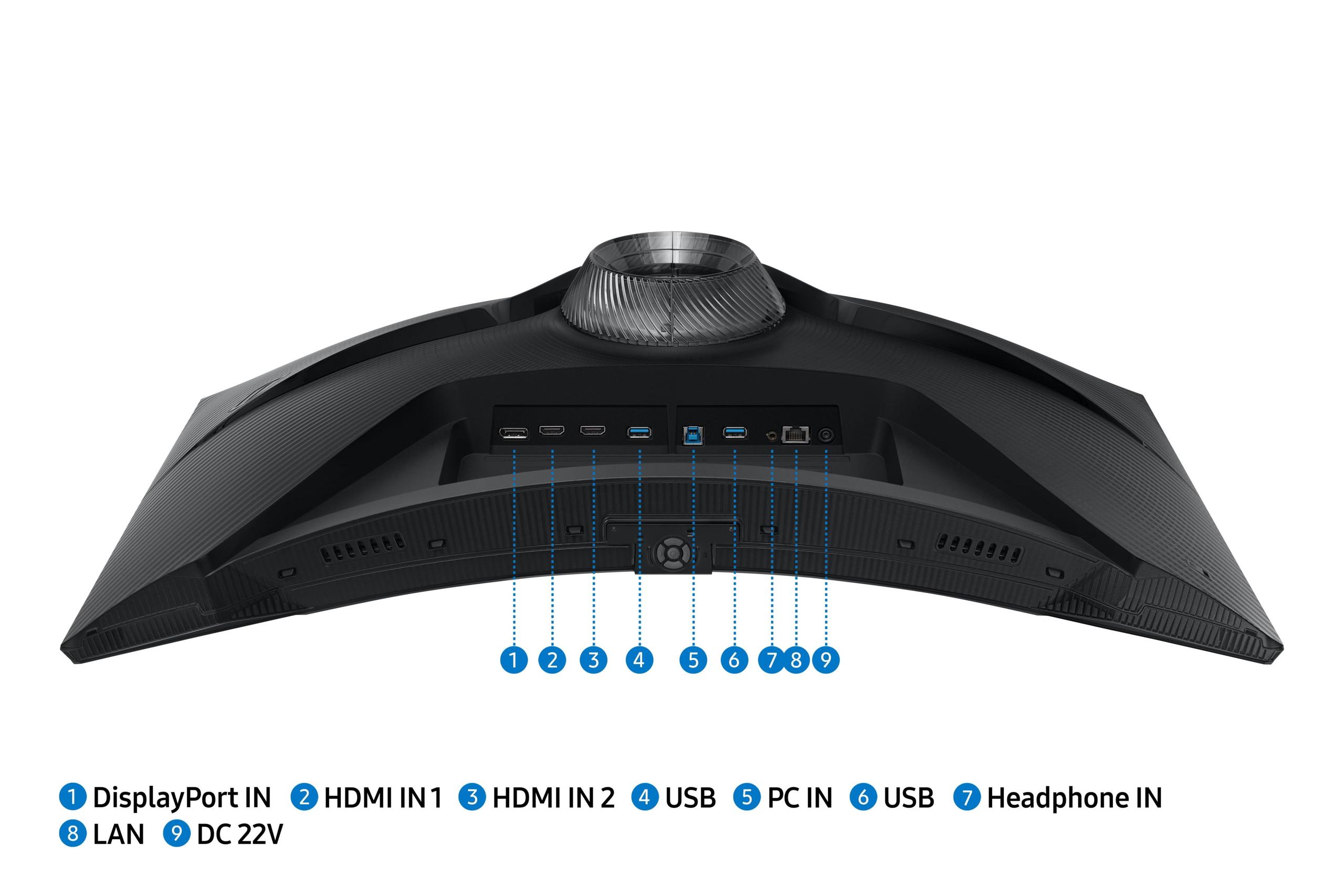
The Samsung G65B focuses more on entertainment connectivity. While it has standard HDMI and DisplayPort connections, its strength lies in wireless connectivity and smart features. You can stream content directly, mirror your phone screen, or access cloud gaming without additional hardware.
For home theater use, both monitors present interesting options. The Samsung G65B has built-in speakers and can function as a smart TV, making it suitable for casual movie watching and streaming. The curved design creates a more cinematic feel for solo viewing.
The AORUS FO27Q2 offers superior image quality for movies, particularly those with HDR content. The perfect blacks create a true theater-like experience for dark scenes. However, you'll want external speakers and might need to adjust brightness settings for comfortable viewing in dark rooms.
Choose the AORUS FO27Q2 if you:
The Samsung G65B makes more sense if you:
The AORUS FO27Q2 launched in 2024 as QD-OLED technology became more affordable. Just a few years ago, this display tech was only available in premium TVs costing thousands of dollars. The democratization of QD-OLED has been one of the biggest display technology stories of recent years.
The Samsung G65B represents the refinement of VA LCD technology that's been evolving for over a decade. While not as cutting-edge, it benefits from years of optimization and the addition of smart features that weren't available in gaming monitors just a few years ago.
At similar price points (at the time of writing), you're choosing between two excellent but different philosophies. The AORUS FO27Q2 offers a glimpse into the future of display technology with unmatched contrast and color. It's the choice for enthusiasts who want the absolute best image quality and competitive gaming performance.
The Samsung G65B provides a more well-rounded package with practical benefits like higher brightness, smart features, and the reliability of mature LCD technology. It's ideal for users who want excellent gaming performance without the considerations that come with cutting-edge OLED technology.
Both monitors will serve you well, but understanding these fundamental differences ensures you'll choose the one that best matches your gaming environment, preferences, and priorities. The future of gaming monitors is bright—quite literally in the case of the Samsung, and figuratively perfect in the case of the OLED Gigabyte.
| Gigabyte AORUS FO27Q2 | Samsung Odyssey G65B |
|---|---|
| Display Technology - Determines image quality, contrast, and viewing experience | |
| QD-OLED with infinite contrast and perfect blacks | VA LCD with 2500:1 contrast and 1000R curve |
| Response Time - Critical for competitive gaming and motion clarity | |
| 0.03ms GTG (industry-leading, eliminates motion blur) | 1ms GTG (excellent for LCD, suitable for most gaming) |
| Peak Brightness - Affects usability in bright rooms | |
| 250 nits typical (best for dark/controlled lighting) | 350 nits sustained (better for bright room gaming) |
| Color Accuracy - Important for content creation and visual fidelity | |
| 99% DCI-P3, factory calibrated with test report | 95% DCI-P3, good for gaming but not professionally calibrated |
| HDR Support - Enhances contrast and color in supported content | |
| DisplayHDR True Black 400 (perfect blacks, moderate brightness) | DisplayHDR 600 (higher peak brightness, limited contrast) |
| Screen Shape - Affects immersion and desk space requirements | |
| Flat panel with standard viewing angles | 1000R curved design for immersive wraparound experience |
| Connectivity - Determines device compatibility and workflow flexibility | |
| USB-C with power delivery, KVM switch, extensive USB hub | Standard HDMI/DP, built-in Wi-Fi and smart platform |
| Smart Features - Adds entertainment value beyond PC gaming | |
| Basic monitor functionality, focus on gaming performance | Tizen OS, Gaming Hub, streaming apps, voice control |
| Burn-in Risk - Long-term reliability consideration | |
| Potential OLED burn-in (3-year warranty coverage included) | No burn-in risk with LCD technology |
| Ergonomics - Affects comfort during long gaming sessions | |
| Height, tilt, swivel, and pivot adjustments | Height, tilt, and swivel adjustments |
| Best Use Cases - Who should choose each monitor | |
| Competitive gaming, content creation, dark room setups | Bright rooms, casual streaming, immersive single-player games |
The Gigabyte AORUS FO27Q2 excels in competitive gaming with its industry-leading 0.03ms response time and near-instantaneous pixel switching. This eliminates motion blur and ghosting that can affect tracking fast-moving targets. While the Samsung Odyssey G65B offers a solid 1ms response time, the OLED technology in the AORUS FO27Q2 provides a measurable advantage for serious competitive players.
QD-OLED in the Gigabyte AORUS FO27Q2 produces perfect blacks by turning pixels completely off, creating infinite contrast and more vibrant colors. VA LCD in the Samsung Odyssey G65B uses a backlight that can't achieve true blacks but provides higher sustained brightness and no risk of burn-in. The choice depends on whether you prioritize contrast or brightness.
The Samsung Odyssey G65B performs better in bright environments with its 350 nits of sustained brightness compared to the AORUS FO27Q2's 250 nits. If your gaming setup has windows or bright overhead lighting, the Samsung monitor will maintain better visibility and color vibrancy throughout the day.
Yes, both the AORUS FO27Q2 and Samsung Odyssey G65B support 240Hz refresh rates at 1440p resolution. However, the Gigabyte monitor combines this with faster pixel response times for superior motion clarity, while the Samsung model pairs it with a curved design for immersive gaming experiences.
The Samsung Odyssey G65B wins for smart features with its built-in Tizen OS, Gaming Hub for cloud gaming, streaming apps like Netflix, and voice control support. The AORUS FO27Q2 focuses purely on display performance and connectivity, offering KVM switching and USB-C with power delivery instead of entertainment features.
Only the Gigabyte AORUS FO27Q2 has potential burn-in risk due to its OLED technology, though it includes AI-based protection features and a 3-year warranty covering burn-in. The Samsung Odyssey G65B uses LCD technology with no burn-in risk, making it worry-free for displaying static content like desktop applications or game HUDs.
The AORUS FO27Q2 excels for content creation with factory color calibration, 99% DCI-P3 coverage, and perfect blacks that reveal shadow details. It includes a color calibration test report for professional accuracy. The Samsung G65B offers good colors for general use but isn't specifically calibrated for professional photo or video work.
The Samsung Odyssey G65B features a 1000R curve that wraps around your peripheral vision, creating more immersive gaming experiences and helping with competitive play by keeping screen edges closer. The AORUS FO27Q2 uses a traditional flat design that's better for multi-monitor setups and professional work requiring accurate geometry.
The Gigabyte AORUS FO27Q2 offers superior connectivity with USB-C power delivery, KVM switching between multiple devices, and a comprehensive USB hub. The Samsung Odyssey G65B provides standard HDMI and DisplayPort connections plus wireless features like Wi-Fi and Bluetooth for its smart platform functionality.
The AORUS FO27Q2 supports DisplayHDR True Black 400, emphasizing perfect blacks and dramatic contrast in dark scenes. The Samsung G65B features DisplayHDR 600 with higher peak brightness for more impactful bright highlights. Both approaches enhance gaming visuals but excel in different content types.
The Samsung Odyssey G65B typically offers longer lifespan due to mature LCD technology with no degradation over time. The AORUS FO27Q2 uses newer OLED technology that may experience gradual brightness reduction over many years, though Gigabyte's 3-year burn-in warranty provides protection during the most critical period.
Choose the AORUS FO27Q2 if you game in darker rooms, prioritize image quality, and want the fastest response times for competitive play. Select the Samsung Odyssey G65B if you have a bright gaming space, prefer curved displays, want smart features for entertainment, or need worry-free reliability without burn-in concerns.
We've done our best to create useful and informative comparisons to help you decide what product to buy. Our research uses advanced automated methods to create this comparison and perfection is not possible - please contact us for corrections or questions. These are the sites we've researched in the creation of this article: tomshardware.com - pangoly.com - youtube.com - pangoly.com - rtings.com - displayninja.com - gigabyte.com - youtube.com - creativebloq.com - techpowerup.com - newegg.com - gigabyte.com - icecat.in - microcenter.com - aorus.com - bhphotovideo.com - provantage.com - bestbuy.com - displayspecifications.com - tomshardware.com - gigabyte.com - computronicsmultivision.com - gigabyte.com - bestbuy.com - versus.com - uk.shi.com - youtube.com - youtube.com - displayspecifications.com - rtings.com - versus.com - samsung.com - rtings.com - businessdirect.bt.com - productchart.com - samsung.com - displayspecifications.com - gradeatechnology.co.uk - samsung.com - bestbuy.com - samsung.com - samsung.com

Privacy Policy
Terms and Conditions - Affiliate Policy
Home Security
© Copyright 2008-2026.
11816 Inwood Rd #1211, Dallas, TX 75244