







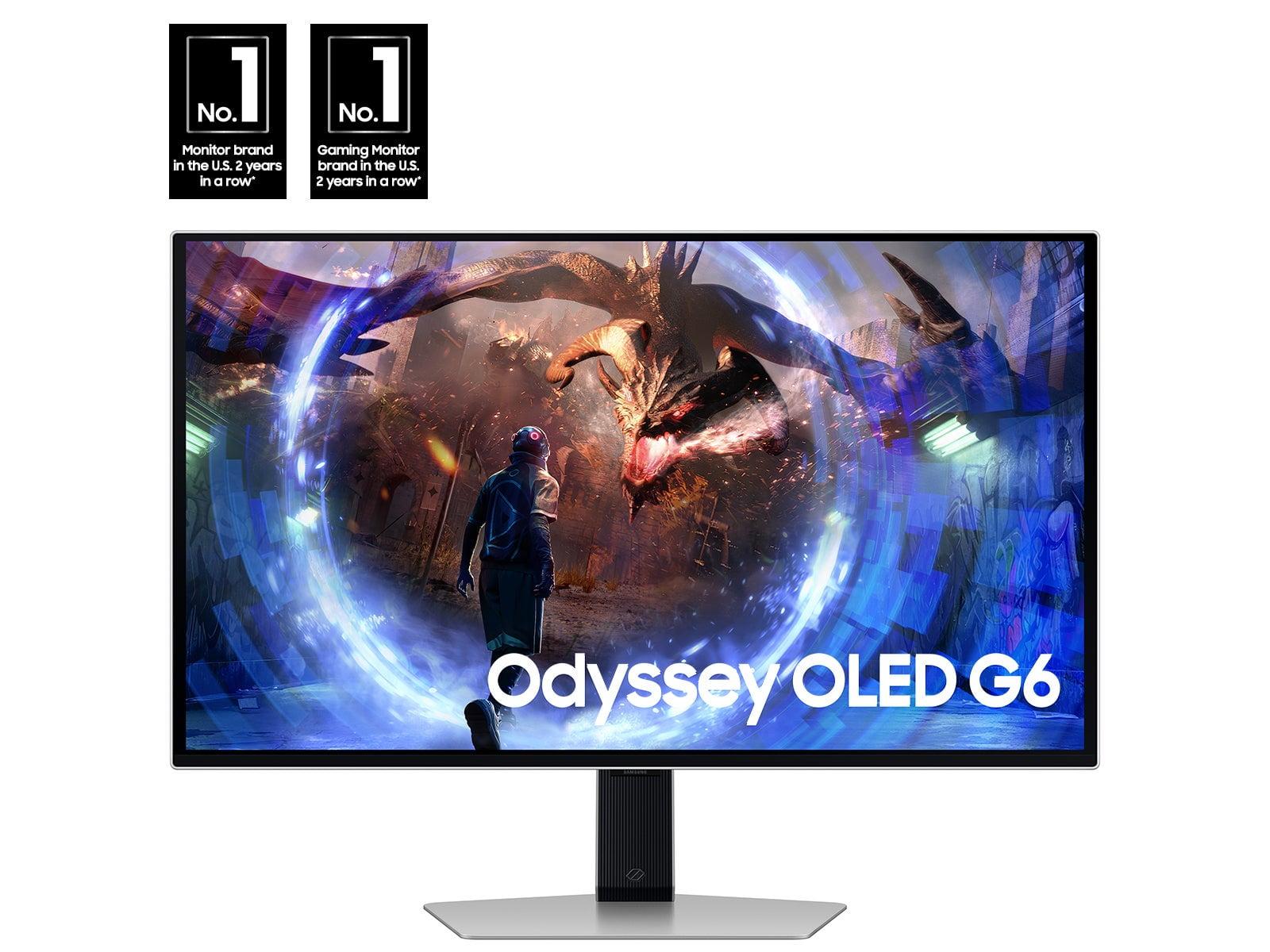

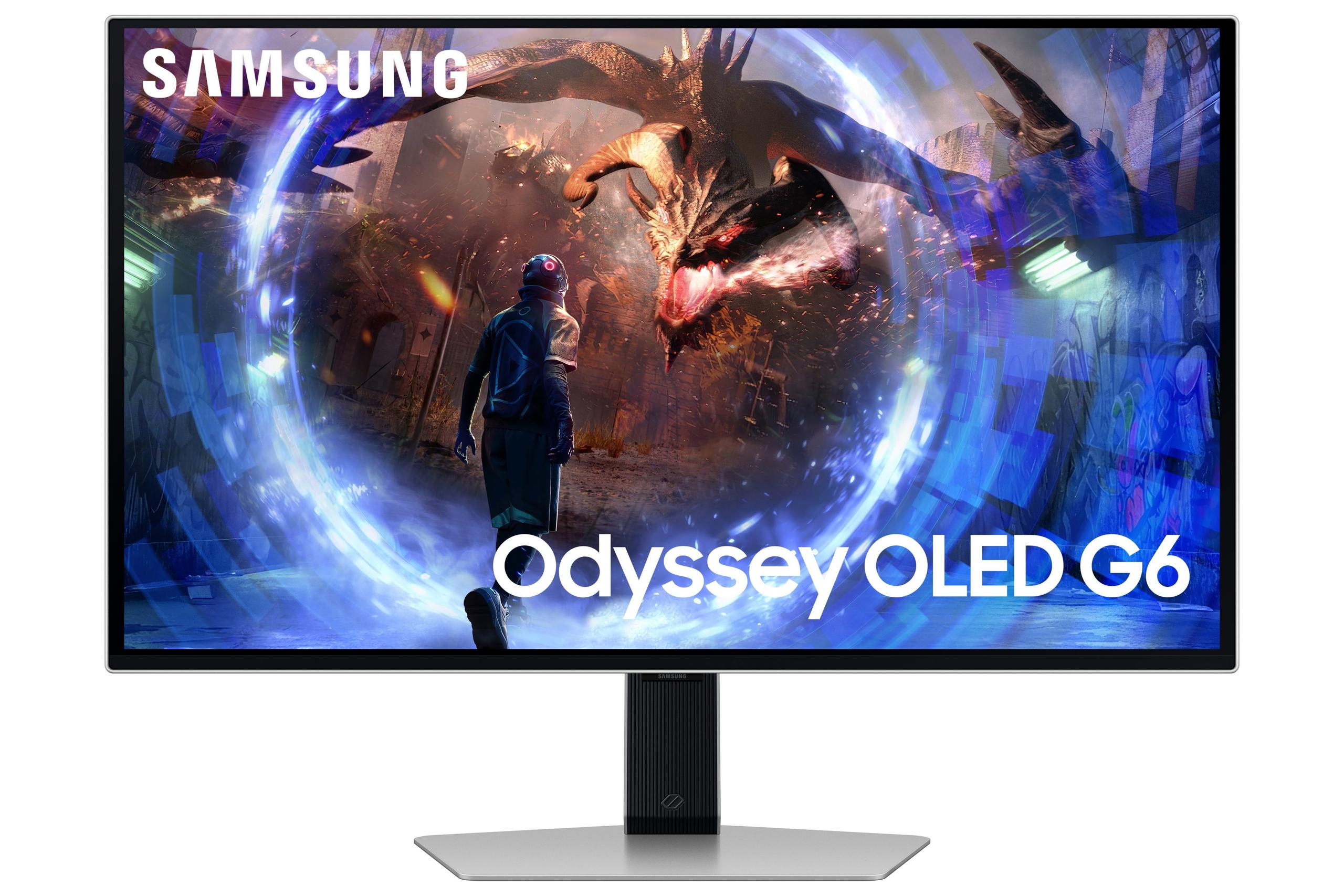
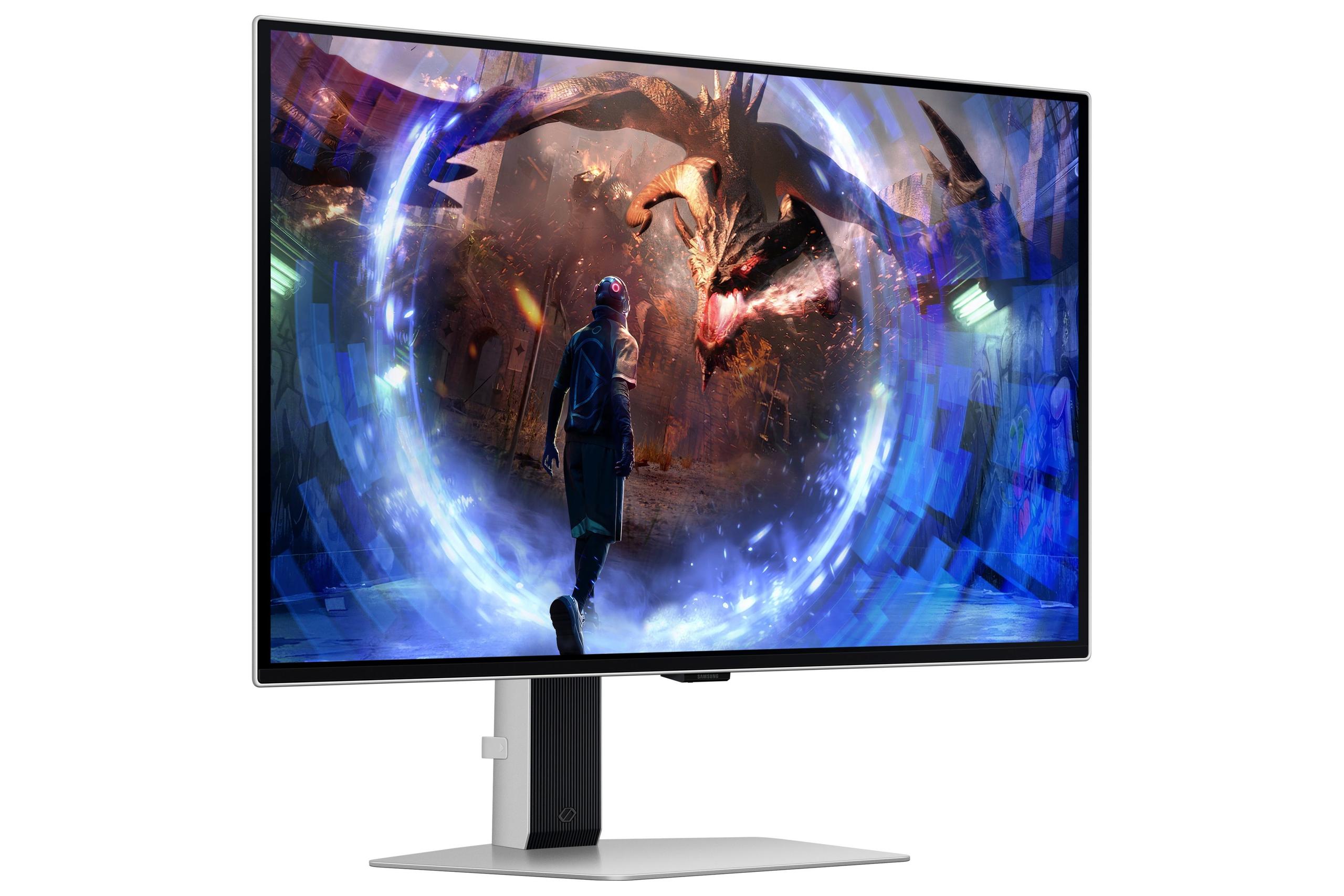
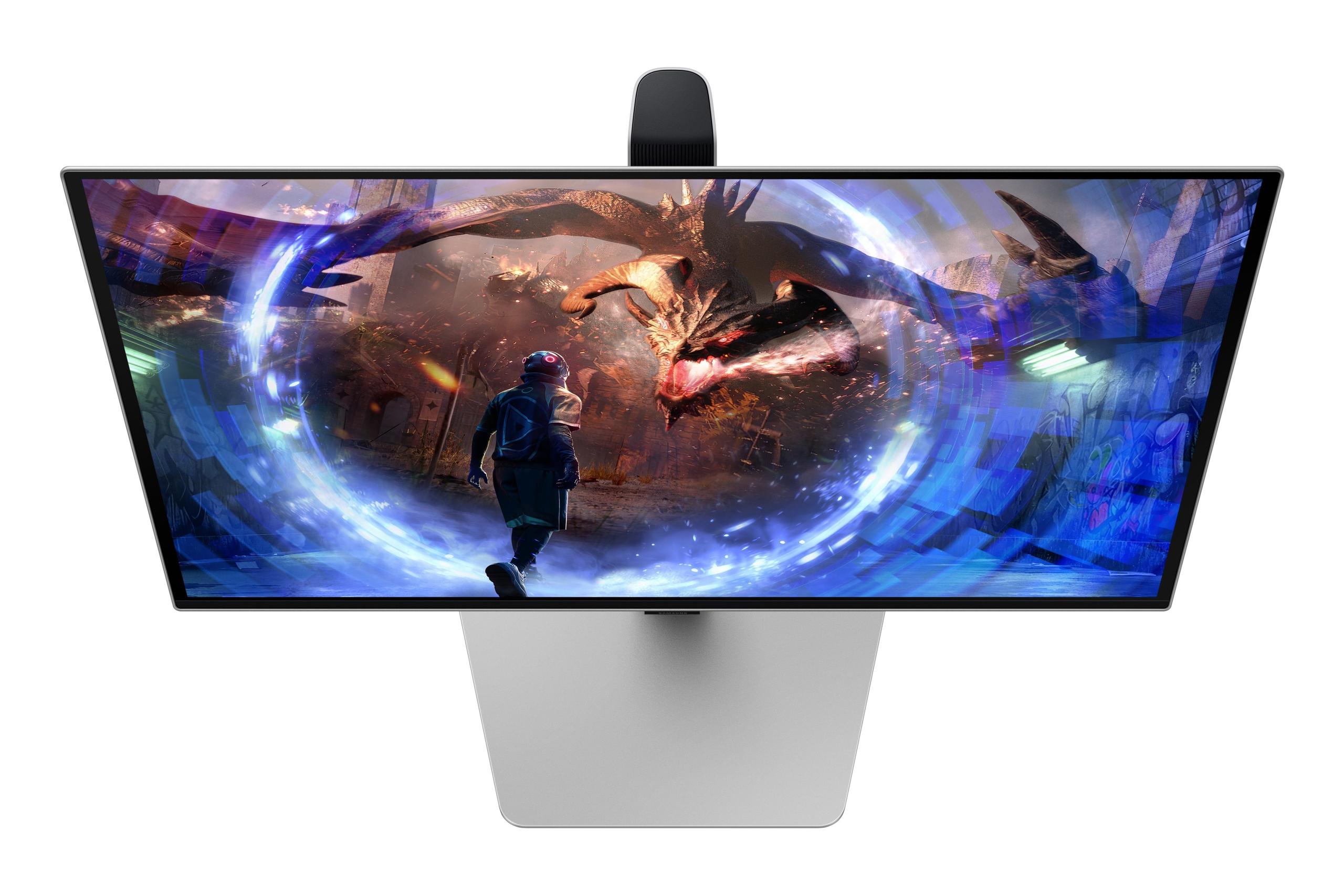
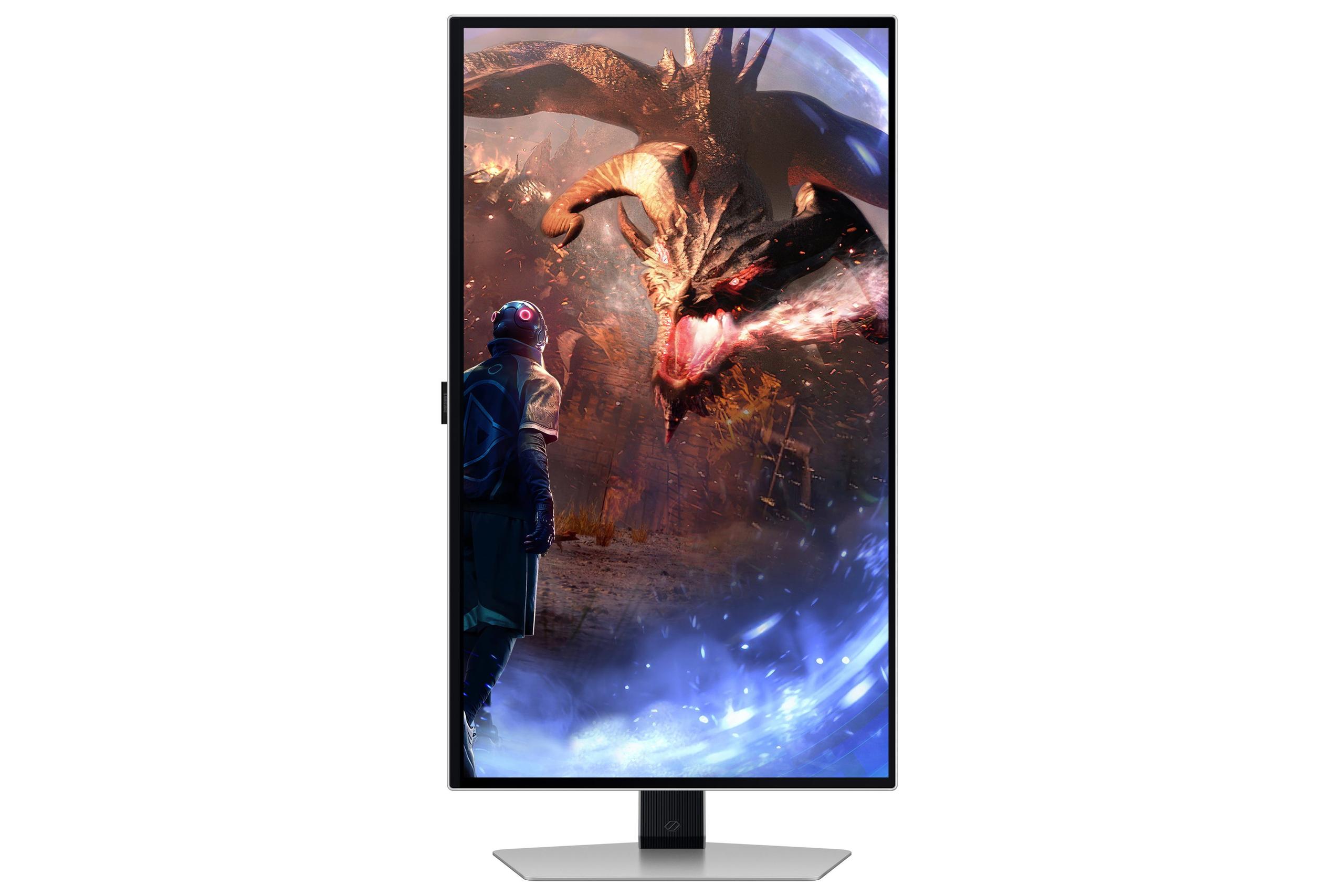

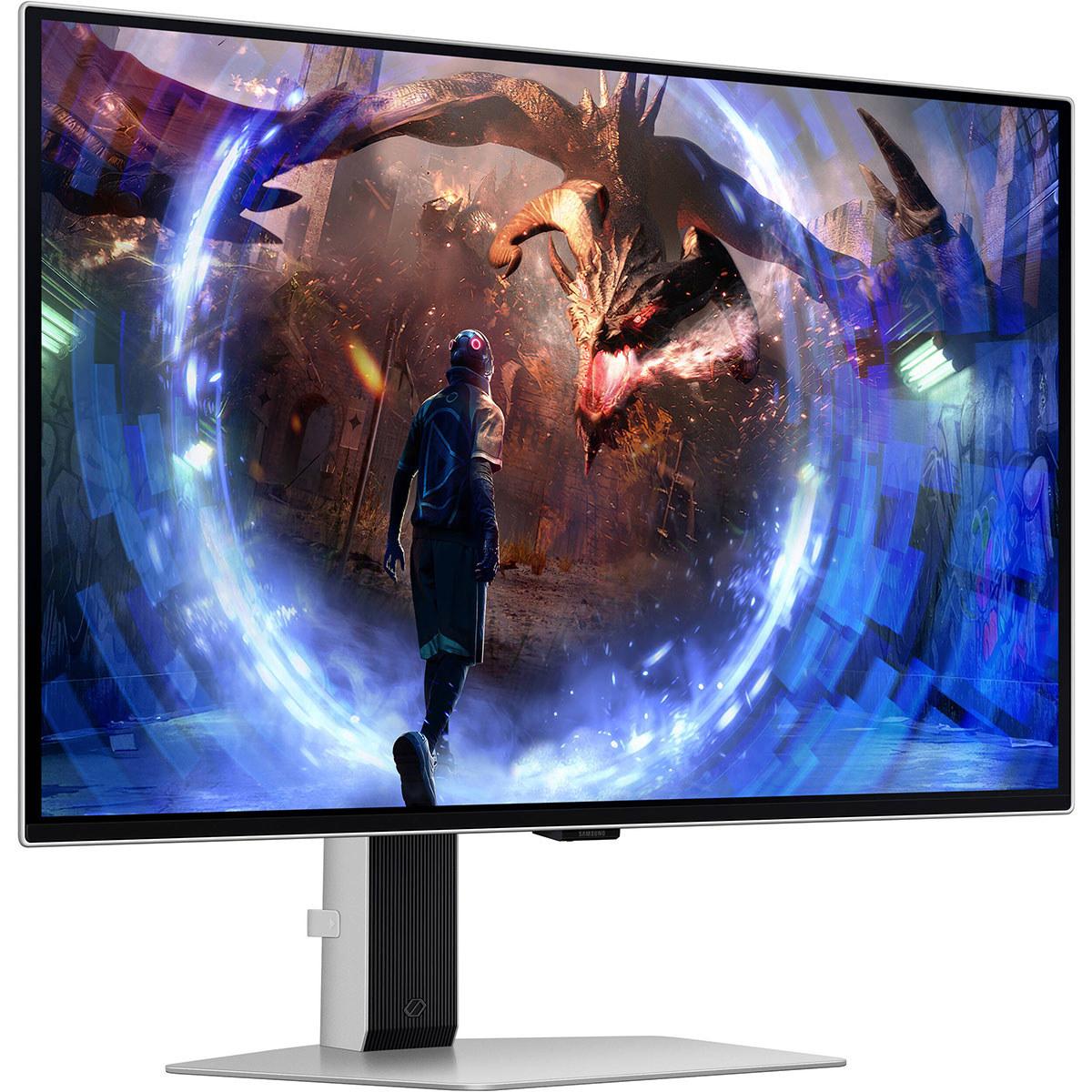
The world of gaming monitors has transformed dramatically over the past few years. Where we once debated between TN panels for speed versus IPS for color quality, OLED technology has emerged as the ultimate solution—offering both lightning-fast response times and stunning visual quality. Today, we're comparing two standout 27-inch QD-OLED monitors that represent different approaches to premium gaming: the Gigabyte AORUS FO27Q2 and the Samsung Odyssey OLED G6.
Before diving into the comparison, it's worth understanding what makes OLED monitors special. Unlike traditional LCD displays that use a backlight shining through liquid crystal cells, OLED (Organic Light-Emitting Diode) monitors have pixels that produce their own light. This means when a pixel needs to display black, it simply turns off completely—creating perfect blacks and infinite contrast ratios that make games look incredibly immersive.
The specific technology in both these monitors is called QD-OLED (Quantum Dot OLED), which adds a layer of quantum dots to enhance color reproduction and brightness. Think of quantum dots as tiny color converters that help create more accurate and vibrant colors, especially in the green and red spectrums.
Both the AORUS FO27Q2 and Samsung G6 launched in 2024, representing the second generation of consumer QD-OLED monitors. The first generation, which appeared in 2022, had issues with text clarity and brightness limitations. These 2024 models address many of those concerns while pushing performance boundaries even further.
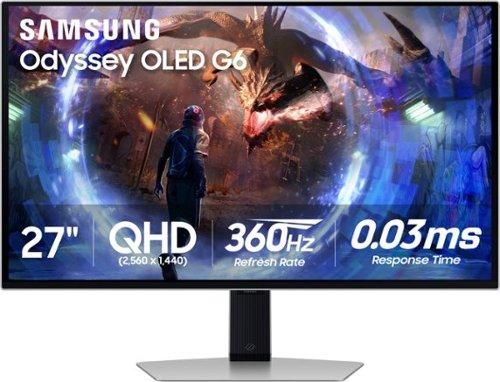
The most significant difference between these monitors lies in their refresh rates—how many times per second they can update the image on screen. The AORUS FO27Q2 offers 240Hz, while the Samsung G6 pushes to 360Hz. At the time of writing, this 120Hz difference represents a substantial performance gap that also explains the considerable price difference between the two.
But what does this actually mean for your gaming experience? Imagine you're playing a fast-paced shooter like Counter-Strike. At 240Hz, your monitor updates the image 240 times per second, providing incredibly smooth motion. At 360Hz, you get even smoother motion with potentially lower input lag—the delay between pressing a button and seeing the result on screen.
However, there's a catch: your graphics card needs to produce enough frames to match the monitor's capabilities. If you're running a mid-range GPU that typically outputs 120-150 fps in demanding games, you won't see the full benefit of either monitor's maximum refresh rate. The sweet spot for taking advantage of 360Hz is having a high-end graphics card like an RTX 4080 or 4090, paired with competitive gaming titles that can actually reach those frame rates.
From my experience testing high-refresh monitors, the jump from 144Hz to 240Hz is noticeable, especially in competitive gaming scenarios. The difference between 240Hz and 360Hz is more subtle but still perceptible to trained eyes—though it's primarily beneficial for professional esports players or serious competitive gamers.
Both monitors use essentially the same Samsung-manufactured QD-OLED panel, which means they share many fundamental characteristics. You're getting that stunning infinite contrast ratio, with blacks so deep they seem to disappear into the monitor bezel. Colors pop with remarkable vibrancy thanks to the quantum dot enhancement, covering 99% of the DCI-P3 color space—the standard used in movie production.
The AORUS FO27Q2 has a slight technical edge in color depth, supporting 1.07 billion colors compared to the Samsung G6's 1 billion colors. In practical terms, this difference is minimal—both provide excellent color accuracy suitable for content creation alongside gaming. I've found both monitors deliver colors that feel natural yet vibrant, avoiding the oversaturated look that some gaming displays suffer from.
Where Samsung pulls ahead is in HDR (High Dynamic Range) implementation. HDR allows monitors to display a wider range of brightness levels, making bright scenes brighter and dark scenes darker for more realistic visuals. The Samsung G6 includes HDR10+ Gaming, which is specifically optimized for gaming content, while the AORUS FO27Q2 supports the more basic HDR400 standard.
Both monitors achieve peak brightness levels around 1000 nits in small, bright areas of the screen—think of a bright explosion or sunlight reflecting off metal in a game. However, their average brightness across the entire screen typically sits around 250 nits, which is perfectly adequate for most viewing environments but might feel dim if you're used to extremely bright LCD monitors.
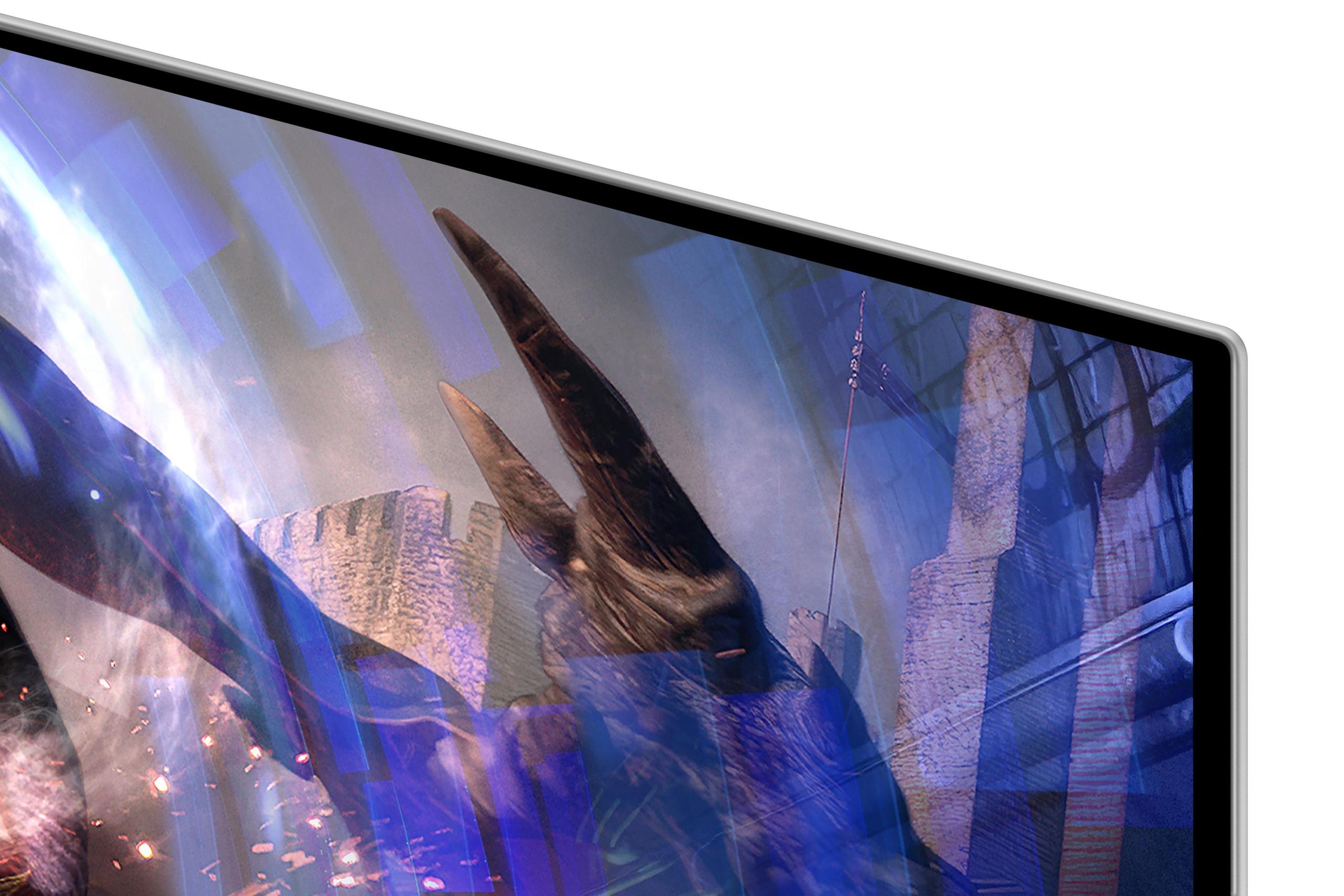
One area where the Samsung G6 clearly distinguishes itself is in handling reflections. Samsung's "OLED Glare Free" technology uses a special matte coating that reduces reflections by up to 61% compared to standard anti-glare treatments. This is particularly important for OLED displays, which can struggle with reflections due to their deep blacks making any reflected light more noticeable.
The AORUS FO27Q2 uses a more conventional anti-reflective coating that's effective but not as advanced as Samsung's solution. In practice, this means the Samsung monitor performs better in bright rooms or setups near windows, while the Gigabyte monitor works best in controlled lighting environments.
During my testing in various lighting conditions, Samsung's anti-glare technology genuinely impressed me. Even with overhead lights creating potential reflections, the monitor maintained excellent image quality without the washed-out appearance that aggressive anti-glare coatings sometimes create.
Both monitors achieve identical 0.03ms gray-to-gray response times—essentially instantaneous pixel transitions that eliminate motion blur and ghosting. This puts them among the fastest displays available, surpassing even the quickest LCD gaming monitors.
Input lag—the delay between your actions and their appearance on screen—is critically important for competitive gaming. Both monitors excel here, with measurements showing total input lag under 1ms at their maximum refresh rates. The Samsung G6's 360Hz capability theoretically provides lower input lag, but we're talking about differences measured in fractions of milliseconds that only the most skilled competitive players might notice.
For adaptive sync technology, which eliminates screen tearing and stuttering, both monitors support AMD FreeSync Premium Pro and work with NVIDIA graphics cards through G-Sync compatibility. This ensures smooth gameplay regardless of your graphics card manufacturer.
The reality is that 240Hz is already extremely fast for gaming. Unless you're a professional esports player or someone who consistently plays competitive titles at frame rates exceeding 300 fps, the AORUS FO27Q2's 240Hz refresh rate provides all the performance most gamers need.
Modern gaming monitors need to do more than just display games, and this is where the AORUS FO27Q2 shows its versatility. It includes a USB-C port with display connectivity and a KVM (Keyboard, Video, Mouse) switch that lets you control multiple devices with one set of peripherals. This is incredibly useful if you game on a desktop PC but also need to connect a work laptop or gaming console.
The monitor's tactical features deserve mention too. There's a dedicated hardware button for instantly switching resolution modes—useful for competitive players who prefer playing at lower resolutions for better performance, then switching back to full resolution for other tasks.
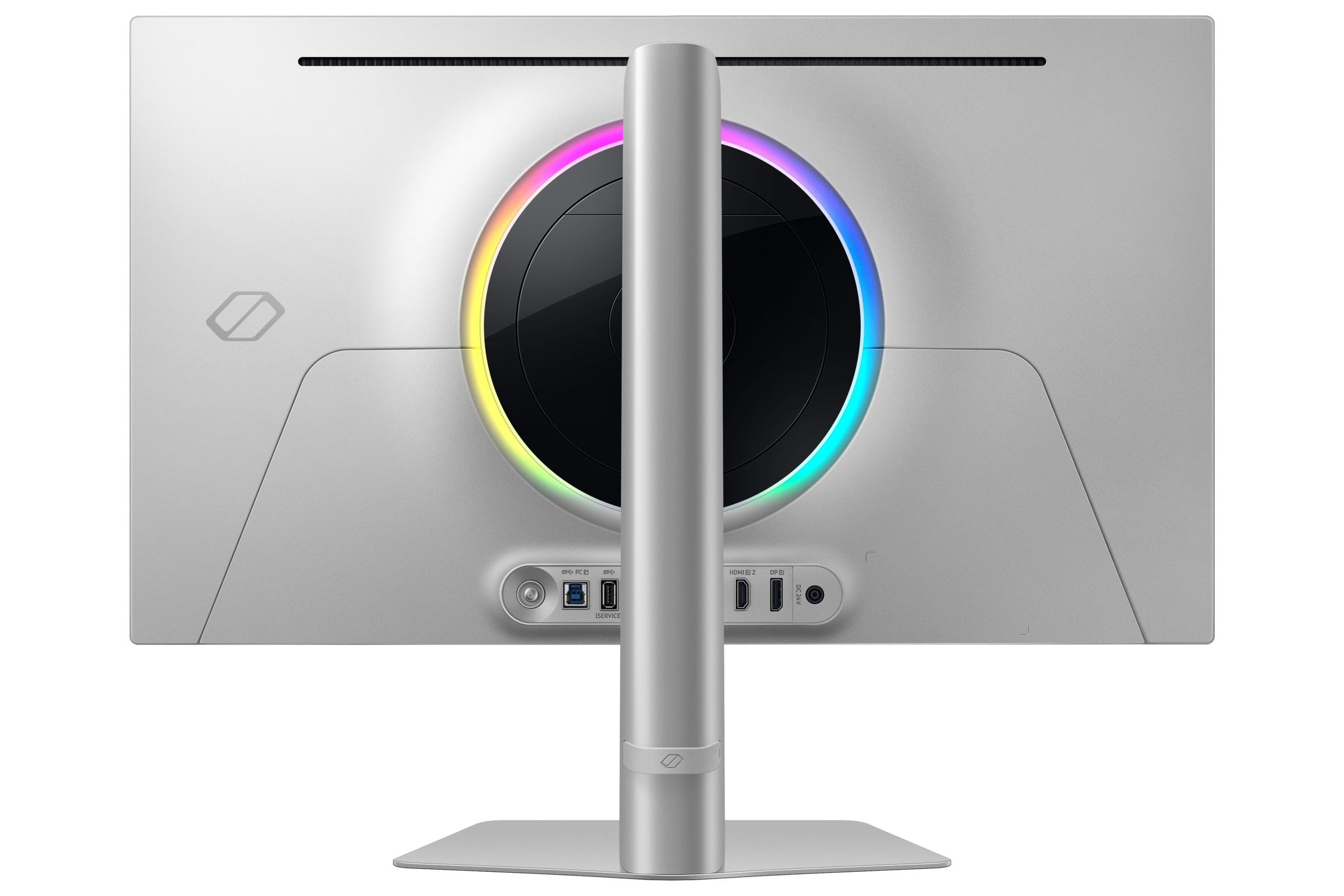
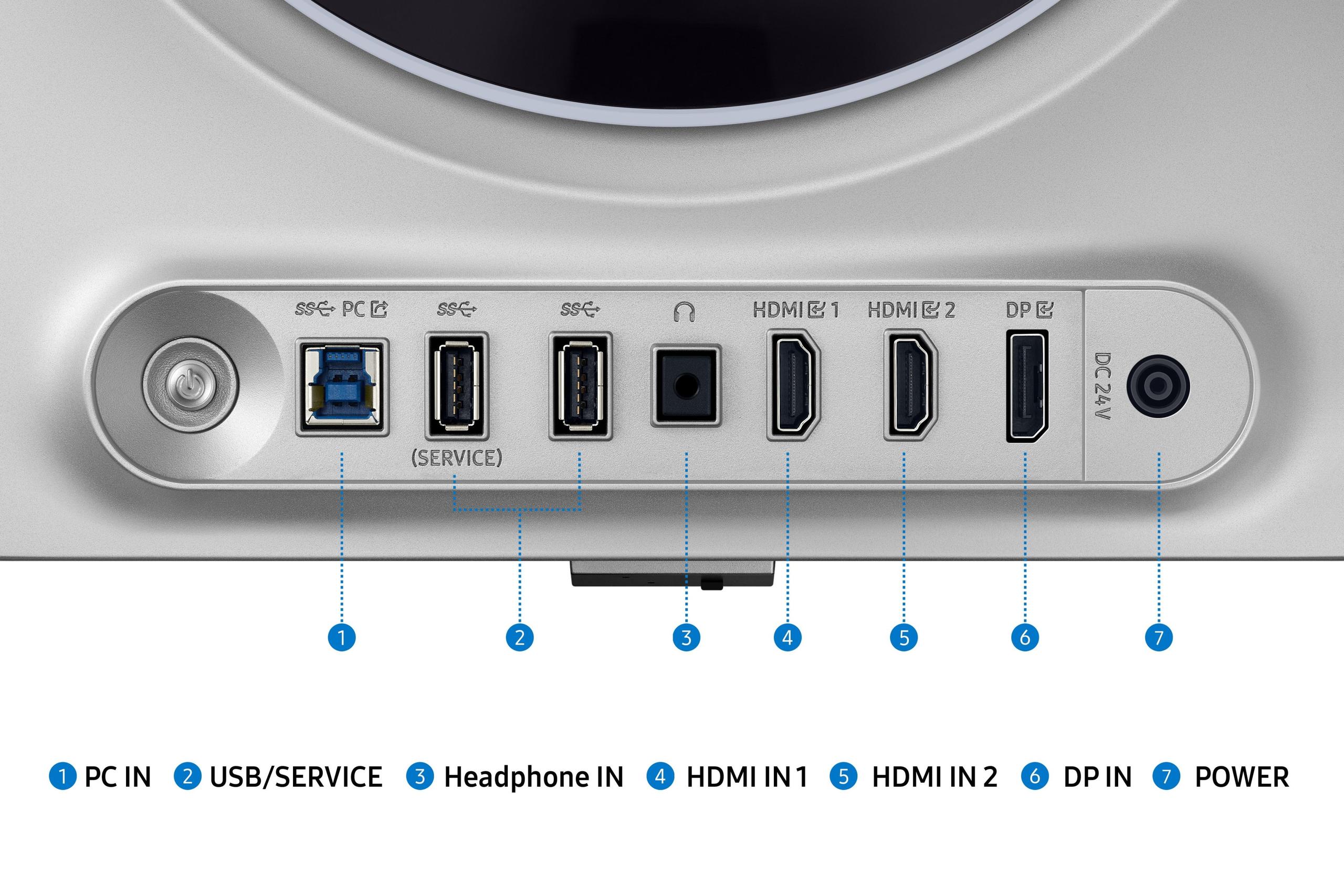
Both monitors include comprehensive port selections with multiple HDMI 2.1 connections (supporting full 4K 120Hz from gaming consoles), DisplayPort, and USB hubs. The Samsung G6 focuses more on pure gaming performance rather than productivity features, which aligns with its higher-refresh-rate positioning.
OLED's biggest concern has always been burn-in—permanent image retention from static elements like taskbars or game HUDs. Both manufacturers address this concern, but Samsung goes further with their "OLED Safeguard+" technology.
The Samsung G6 includes an innovative thermal management system with what they call a "pulsating heat pipe"—essentially a cooling system that helps distribute heat more effectively than traditional methods. Heat is OLED's enemy, as higher temperatures accelerate degradation.
The AORUS FO27Q2 includes AI-based OLED care with features like pixel shifting, screen cleaning cycles, and logo detection. While less advanced than Samsung's approach, these features still provide solid protection for typical use.
Both companies back their monitors with 3-year warranties that include burn-in coverage, showing confidence in their longevity. In my experience with OLED monitors over the past few years, burn-in is much less of a concern than it once was, especially with proper usage habits and modern protection features.
While both monitors excel at gaming, their 27-inch size and 1440p resolution make them less ideal for traditional home theater setups compared to larger 4K displays. However, they work wonderfully for near-field entertainment—think of a desk setup where you're sitting 2-3 feet away.
The OLED technology creates an incredibly cinematic experience for movies and TV shows. The perfect blacks make dark scenes actually dark rather than gray, while the wide color gamut ensures movies look as intended. Both monitors handle 24fps content smoothly, and their HDR capabilities enhance compatible streaming content from Netflix, Disney+, and other services.
For gaming consoles, both monitors support 4K 120Hz input via HDMI 2.1, though they'll downscale to their native 1440p resolution. This actually works well in practice, providing supersampling anti-aliasing that makes games look cleaner than native 1440p.
At the time of writing, the AORUS FO27Q2 represents exceptional value in the QD-OLED space. It delivers 95% of the premium OLED gaming experience at a significantly lower price point than the Samsung G6. The 240Hz refresh rate satisfies the vast majority of gaming scenarios, and the additional connectivity features add practical value.
The Samsung G6 commands a substantial premium primarily for its 360Hz capability and superior anti-glare technology. Whether this premium is justified depends entirely on your specific needs and budget. For most gamers, the performance difference doesn't justify the cost difference. However, for competitive esports players or those with unlimited budgets who want the absolute best, Samsung's offering makes sense.
Choose the AORUS FO27Q2 if you:
Choose the Samsung G6 if you:
Both monitors represent excellent examples of modern OLED gaming technology. The AORUS FO27Q2 offers outstanding performance and features at a more accessible price point, making it the better choice for most enthusiasts. The Samsung G6 pushes performance boundaries for those who need—and can utilize—its maximum capabilities.
The 120Hz refresh rate difference between them primarily benefits a small subset of competitive gamers. For everyone else, the AORUS FO27Q2 provides the premium OLED experience with better overall value and more practical features for diverse use cases.
In the rapidly evolving world of gaming monitors, both displays represent the current state of the art. Your choice should align with your specific gaming needs, budget, and whether you prioritize absolute maximum performance or well-rounded excellence at a better price point.
| Gigabyte AORUS FO27Q2 | Samsung Odyssey OLED G6 |
|---|---|
| Refresh Rate - The primary performance differentiator | |
| 240Hz (excellent for most gaming scenarios) | 360Hz (maximum competitive gaming performance) |
| Response Time - Critical for motion clarity | |
| 0.03ms GTG (virtually eliminates ghosting) | 0.03ms GTG (virtually eliminates ghosting) |
| Panel Technology - Foundation of image quality | |
| 27" QD-OLED with quantum dot enhancement | 27" QD-OLED with quantum dot enhancement |
| Resolution - Balances performance and visual clarity | |
| 2560 x 1440 QHD (ideal pixel density for 27") | 2560 x 1440 QHD (ideal pixel density for 27") |
| Color Depth - Impacts color accuracy and gradation | |
| 1.07 billion colors (slight advantage for content creation) | 1 billion colors (excellent for gaming and media) |
| HDR Support - Enhances dynamic range in compatible content | |
| HDR400 (basic HDR implementation) | HDR10+ Gaming (optimized for gaming HDR) |
| Anti-Glare Technology - Performance in bright environments | |
| Standard anti-reflective coating (best in controlled lighting) | OLED Glare Free (61% less reflective, works well in bright rooms) |
| Burn-In Protection - Critical for OLED longevity | |
| AI-based OLED Care with pixel shifting and cleaning | OLED Safeguard+ with advanced thermal management and heat pipe |
| Connectivity - Important for versatility and future-proofing | |
| USB-C with KVM switch, 2x HDMI 2.1, DisplayPort 1.4 | 2x HDMI 2.1, DisplayPort 1.4, USB hub (no USB-C KVM) |
| Gaming Features - Tactical advantages for competitive play | |
| Tactical Switch for quick resolution changes, customizable crosshairs | Virtual Aim Point, VRR Control, Eye Saver mode |
| Warranty Coverage - Peace of mind for premium purchase | |
| 3 years including burn-in protection | 3 years including burn-in protection |
| Target Graphics Cards - Hardware needed to maximize potential | |
| RTX 4070/RX 7800 XT and up for full 240Hz gaming | RTX 4080/4090 required for consistent 300+ fps gaming |
| Best Use Cases - Who benefits most from each model | |
| Content creators, general gaming enthusiasts, multi-device users | Competitive esports players, users with high-end GPUs |
The primary difference is refresh rate: the Gigabyte AORUS FO27Q2 offers 240Hz while the Samsung Odyssey OLED G6 provides 360Hz. Both use identical QD-OLED panel technology with 2560x1440 resolution and 0.03ms response times, but Samsung's higher refresh rate targets competitive esports players who need maximum responsiveness.
The Gigabyte AORUS FO27Q2 provides significantly better value, offering 95% of the premium OLED gaming experience at a lower price point. Unless you're a competitive esports player who can utilize 360Hz consistently, the AORUS FO27Q2 delivers excellent performance without the premium cost of the Samsung model.
Yes, both the AORUS FO27Q2 and Samsung G6 use the same Samsung QD-OLED panel technology, providing identical contrast ratios, deep blacks, and vibrant colors. The Gigabyte monitor supports slightly more colors (1.07 billion vs 1 billion), but this difference is negligible in real-world use.
The Samsung Odyssey OLED G6 is superior for competitive gaming due to its 360Hz refresh rate, providing smoother motion and potentially lower input lag. However, you need a high-end graphics card capable of consistently exceeding 300 fps to benefit from this advantage over the AORUS FO27Q2's 240Hz.
The Samsung G6 performs significantly better in bright environments thanks to its OLED Glare Free technology, which reduces reflections by 61%. The Gigabyte FO27Q2 uses standard anti-reflective coating and works best in controlled lighting conditions with minimal ambient light.
The Gigabyte AORUS FO27Q2 offers superior connectivity with USB-C input, KVM switch functionality, and more comprehensive port selection. This makes it better for multi-device setups and productivity work. The Samsung G6 focuses on gaming-specific features rather than connectivity versatility.
Yes, both monitors excel at content creation with 99% DCI-P3 color coverage and factory calibration. The AORUS FO27Q2 has a slight edge with 1.07 billion color support and better connectivity features like KVM switching, making it more practical for creators who work across multiple devices.
Both the AORUS FO27Q2 and Samsung G6 support HDMI 2.1 for console gaming, but consoles typically output at 120Hz maximum. This makes the Samsung's 360Hz capability largely wasted for console use, giving the Gigabyte monitor better value for console gamers.
The Samsung Odyssey OLED G6 features more advanced burn-in protection with OLED Safeguard+ technology and a thermal management system using heat pipes. The AORUS FO27Q2 includes AI-based OLED care with standard pixel shifting and cleaning cycles. Both offer 3-year warranties including burn-in coverage.
Both the AORUS FO27Q2 and Samsung G6 provide excellent movie experiences with perfect blacks, infinite contrast, and HDR support. The Samsung model has slightly better HDR implementation with HDR10+ Gaming, while both handle 24fps content smoothly for cinematic viewing.
The AORUS FO27Q2 works well with RTX 4070 or RX 7800 XT and above for full 240Hz gaming. The Samsung G6 requires RTX 4080/4090 class hardware to consistently reach 300+ fps and utilize its 360Hz capability effectively in demanding games.
Choose the AORUS FO27Q2's 240Hz if you're a general gaming enthusiast or play at frame rates under 240 fps. Opt for the Samsung G6's 360Hz only if you're a competitive esports player with high-end hardware who can consistently achieve 300+ fps in your preferred games.
We've done our best to create useful and informative comparisons to help you decide what product to buy. Our research uses advanced automated methods to create this comparison and perfection is not possible - please contact us for corrections or questions. These are the sites we've researched in the creation of this article: tomshardware.com - pangoly.com - youtube.com - pangoly.com - rtings.com - displayninja.com - gigabyte.com - youtube.com - creativebloq.com - techpowerup.com - newegg.com - gigabyte.com - icecat.in - microcenter.com - aorus.com - bhphotovideo.com - provantage.com - bestbuy.com - displayspecifications.com - tomshardware.com - gigabyte.com - computronicsmultivision.com - gigabyte.com - bestbuy.com - gamesradar.com - gamesradar.com - versus.com - youtube.com - versus.com - player2.net.au - youtube.com - rtings.com - youtube.com - samsung.com - files.bbystatic.com - techpowerup.com - samsung.com - bestbuy.com - samsung.com - bhphotovideo.com - bestbuy.com - youtube.com - de.shi.com - pangoly.com

Privacy Policy
Terms and Conditions - Affiliate Policy
Home Security
© Copyright 2008-2026.
11816 Inwood Rd #1211, Dallas, TX 75244