














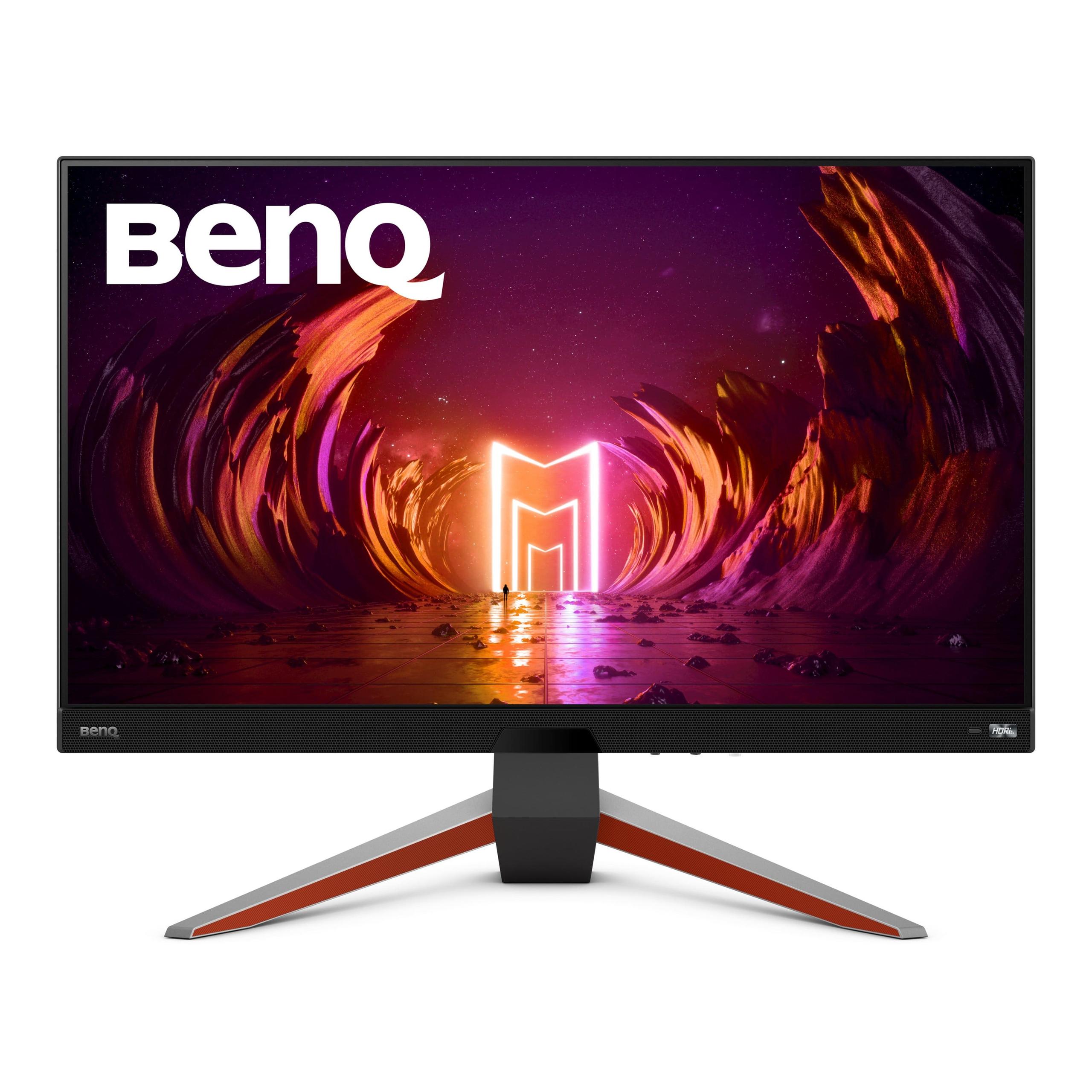
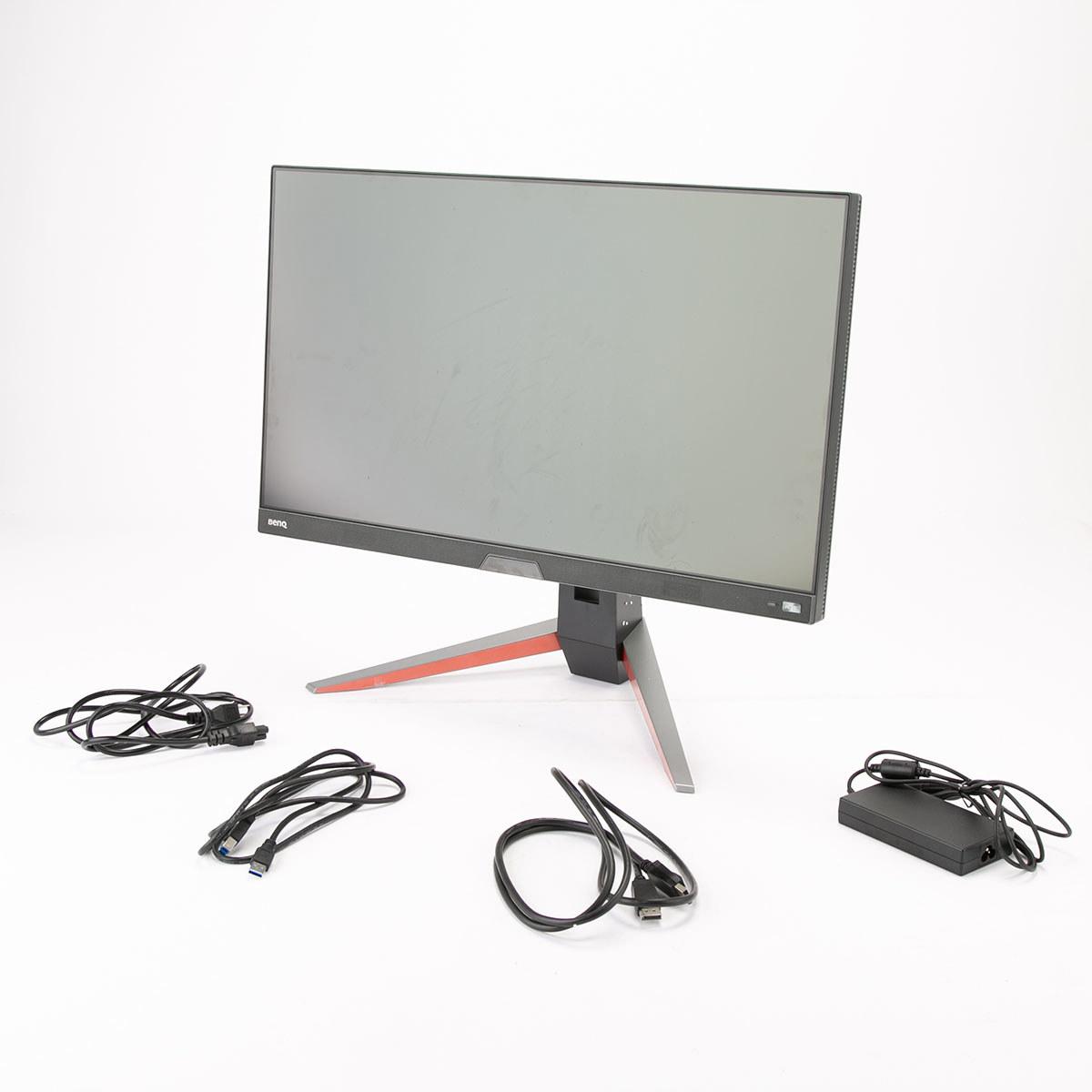
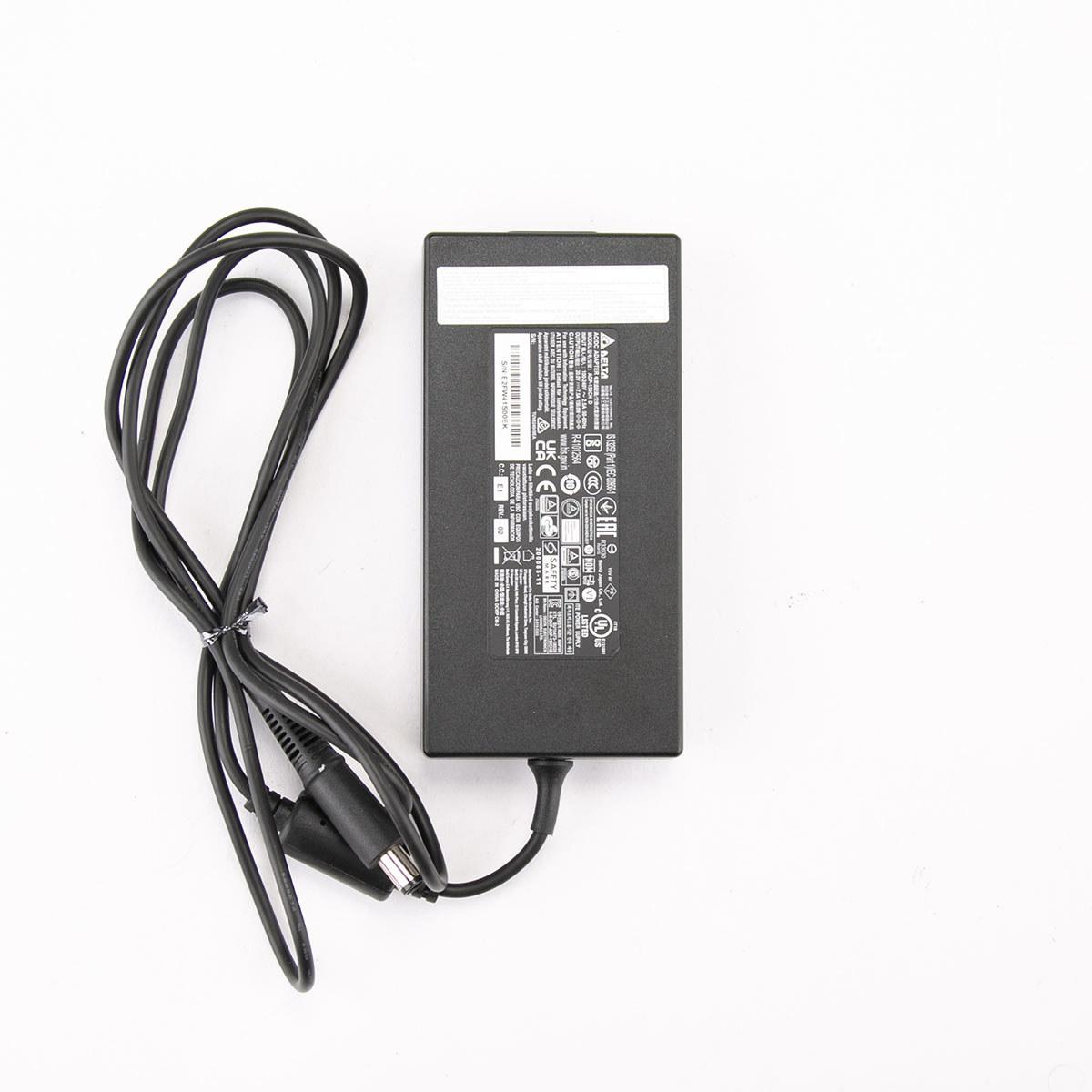
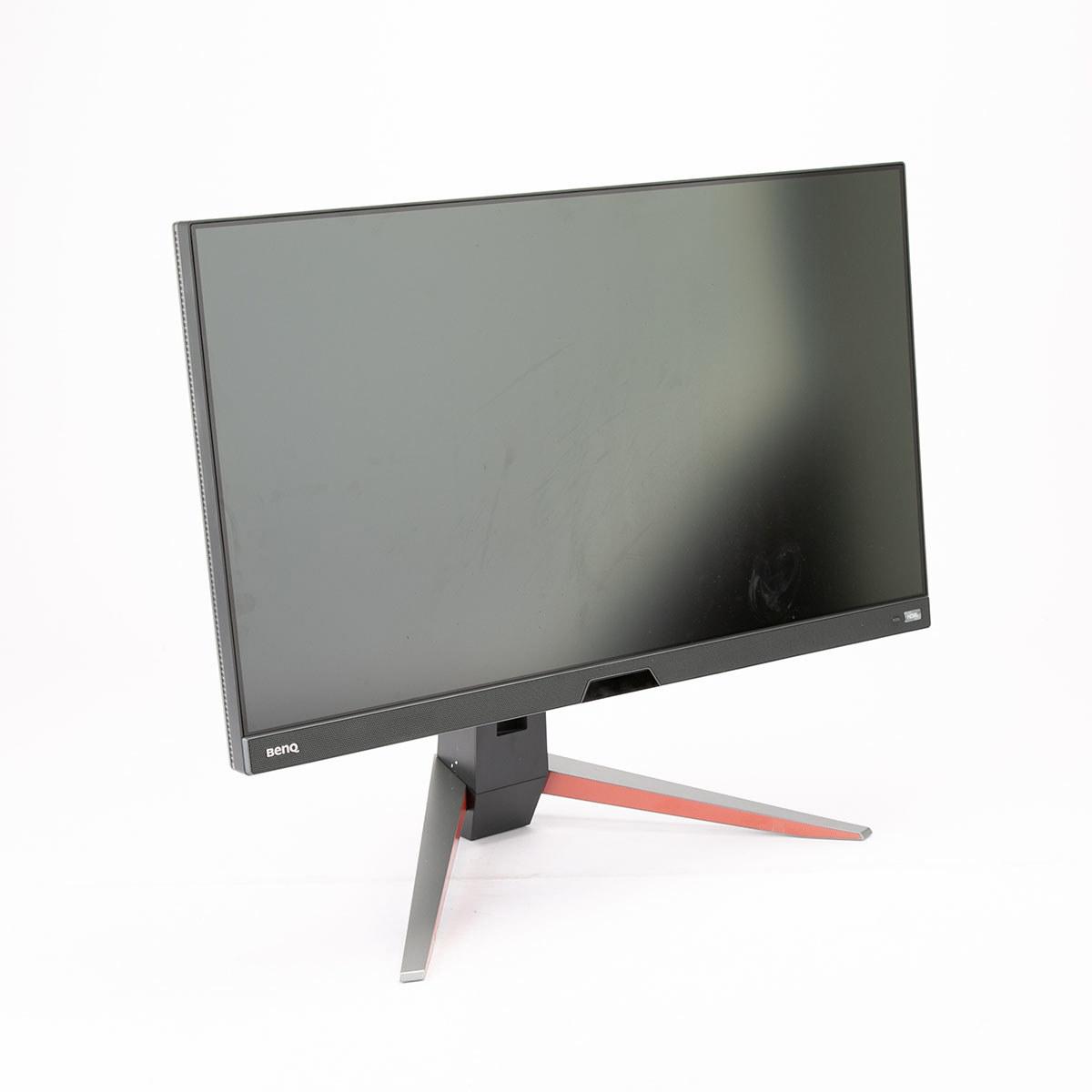
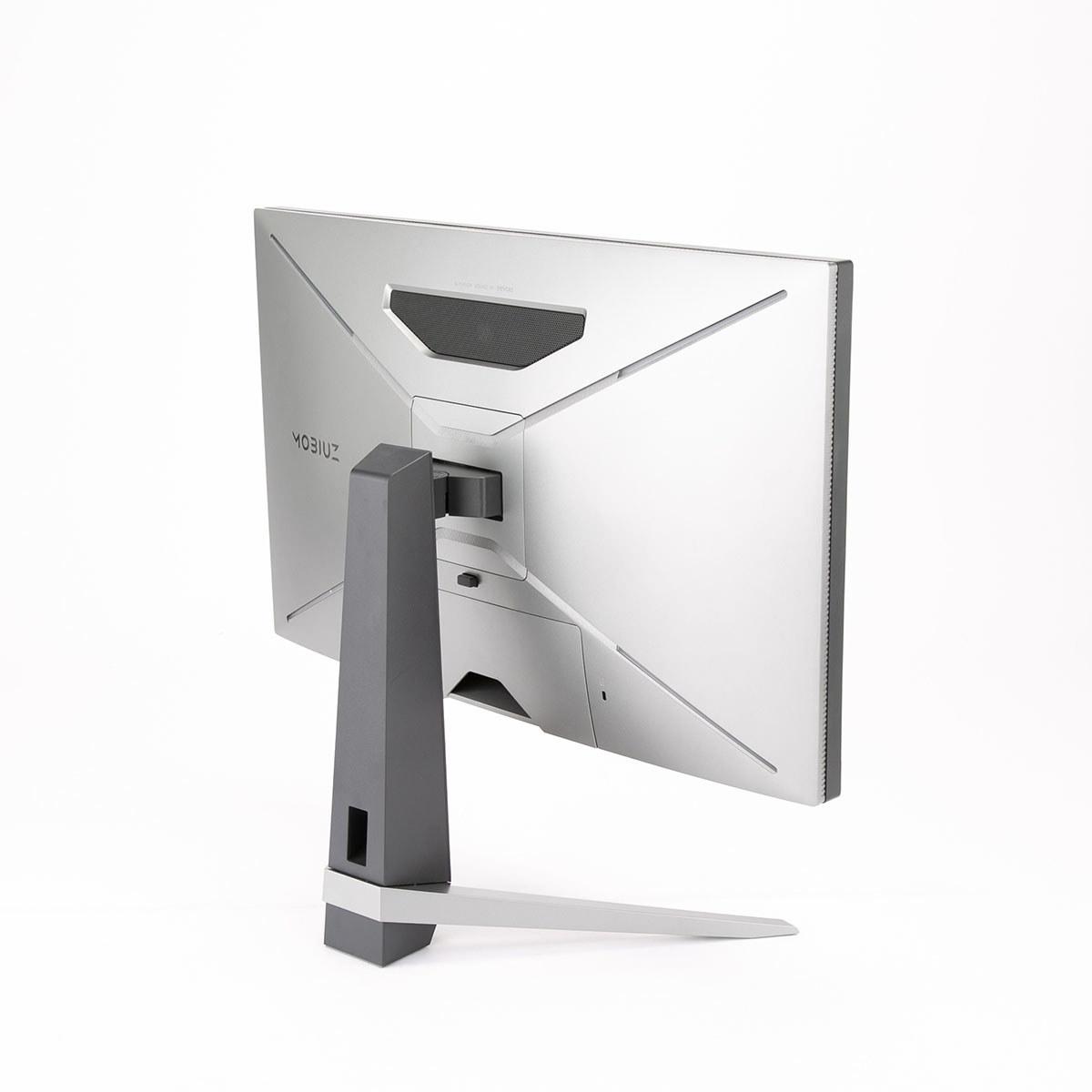
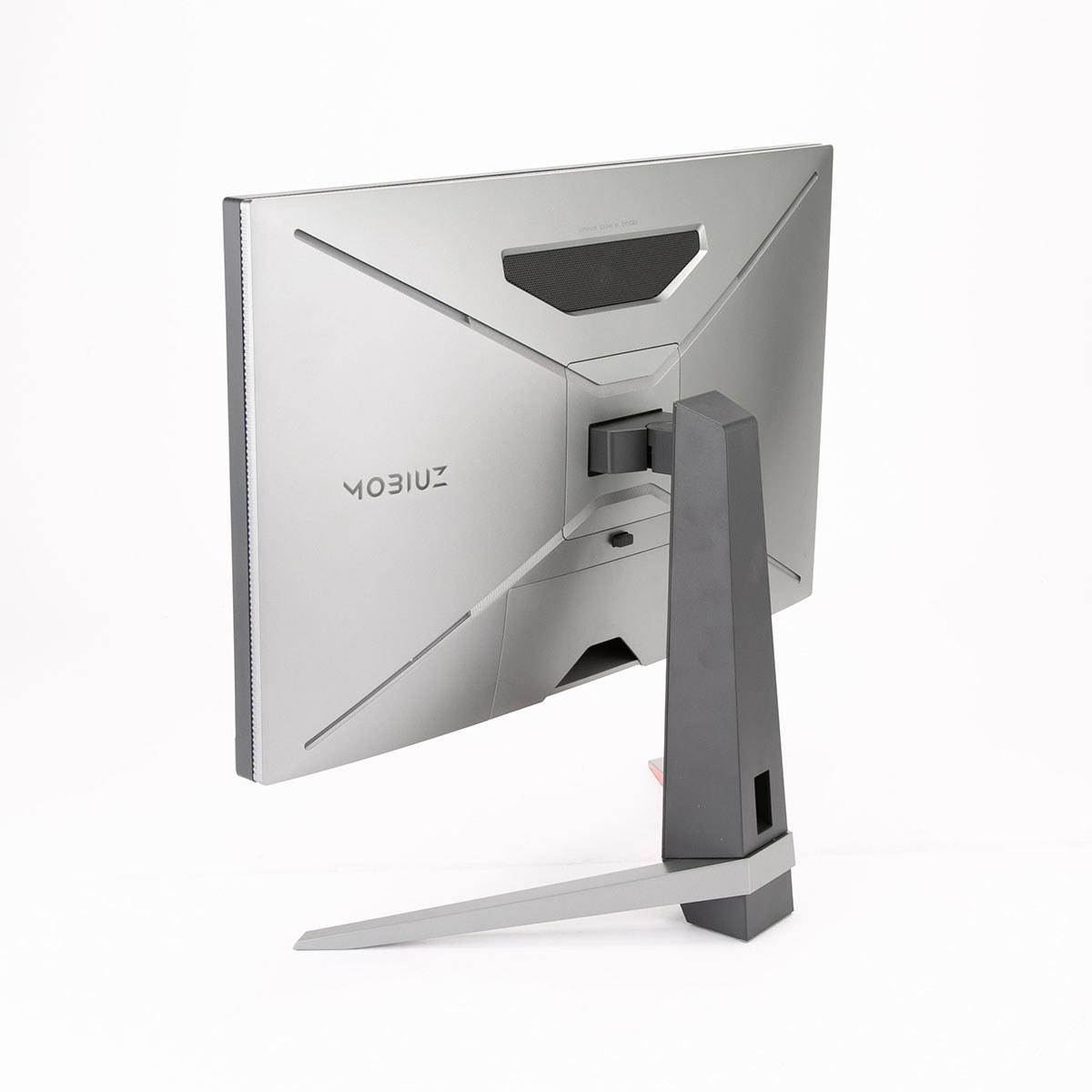
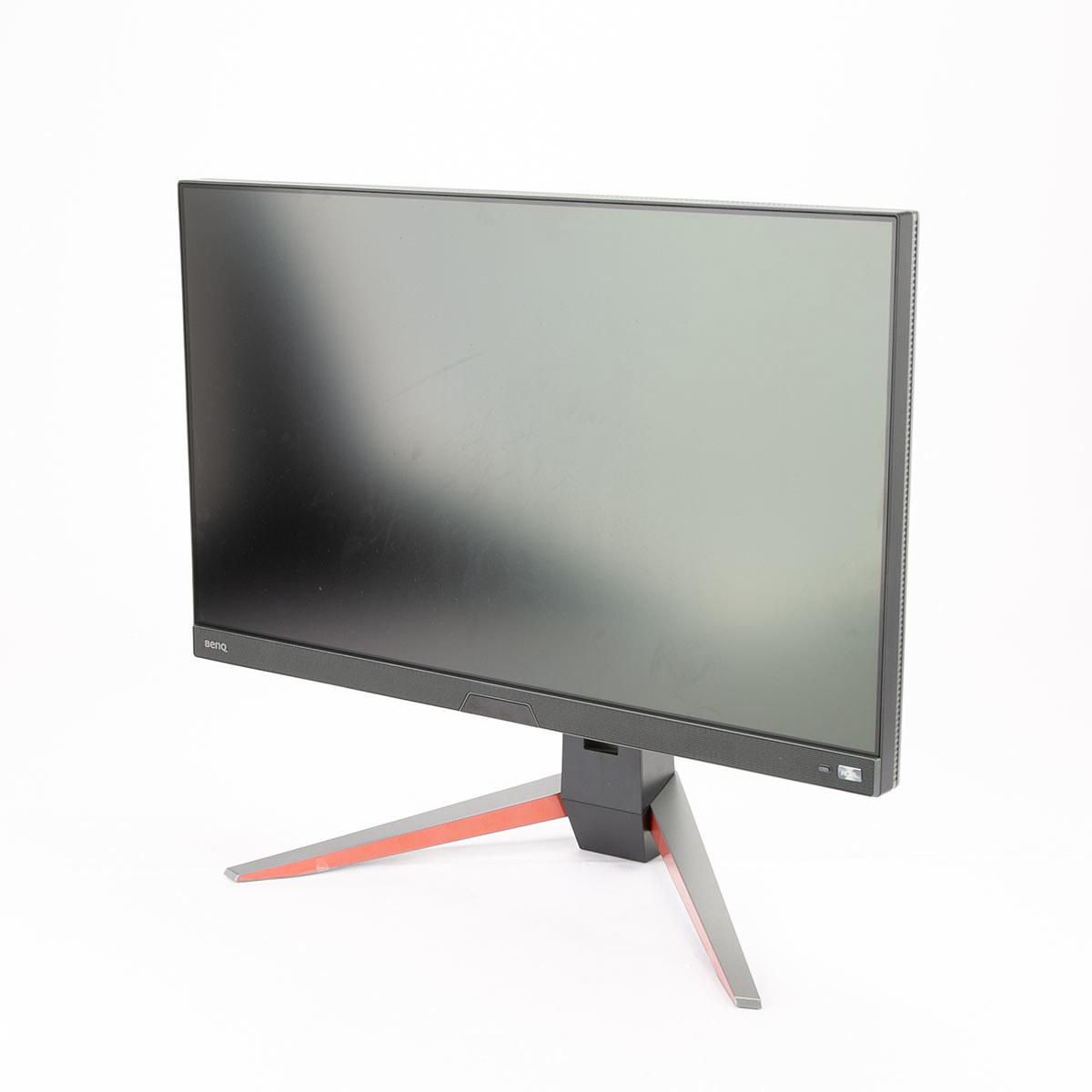
Finding the perfect gaming monitor can feel overwhelming, especially in the crowded 27-inch QHD space where dozens of options compete for your attention. Today we're comparing two monitors that represent very different value propositions: the budget-friendly Alienware 27 QHD 180Hz Gaming Monitor and the premium BenQ MOBIUZ EX270QM 27" QHD 240Hz IPS Gaming Monitor. At the time of writing, these monitors sit about $240 apart in price—a gap that raises an important question: what exactly do you get for that extra money?
The 27-inch QHD (2560x1440) gaming monitor category has become the sweet spot for PC gaming in 2024. These displays offer 78% more pixels than 1080p monitors, delivering noticeably sharper text and game visuals without the massive performance hit of 4K gaming. At 27 inches, QHD provides an ideal pixel density of around 109 pixels per inch—crisp enough for productivity work but not so dense that you need display scaling.
Both the Alienware and BenQ launched in the 2022-2023 timeframe, representing the current generation of high-refresh QHD displays. Since their release, we've seen the gaming monitor market push even higher refresh rates (some now reach 360Hz or 480Hz), but the 180Hz-240Hz range these monitors occupy remains the practical ceiling for most gamers and their graphics cards.
When shopping in this category, the key specifications that actually matter are refresh rate (how many times per second the screen updates), response time (how quickly pixels change colors), HDR capability (dynamic range for better contrast), and connectivity options. Marketing specs like "1ms response time" often don't tell the full story—real-world performance depends on implementation details that only become clear through testing and user experience.
The most obvious difference between these monitors is refresh rate: 240Hz versus 180Hz. In practical terms, this means the BenQ can display 240 unique frames per second while the Alienware maxes out at 180. That's a 33% increase in potential smoothness, but whether you'll actually notice depends on your graphics card and the games you play.
For competitive esports titles like Counter-Strike 2, Valorant, or Overwatch 2, high-end graphics cards can easily push 240+ fps at 1440p with optimized settings. Here, the BenQ's extra 60Hz provides a genuine competitive advantage—more frequent screen updates mean lower input lag and smoother motion tracking when flick-shotting enemies. Professional esports players often claim they can feel the difference between 180Hz and 240Hz, though casual players might not notice.
However, for demanding single-player games like Cyberpunk 2077 or Call of Duty, even powerful graphics cards struggle to maintain 180fps at QHD resolution with high settings. In these scenarios, the Alienware's 180Hz ceiling becomes academic—you're more likely GPU-limited at 100-140fps anyway.
Both monitors support variable refresh rate technology (VRR) through AMD FreeSync and NVIDIA G-Sync compatibility. This synchronizes the monitor's refresh rate with your graphics card's frame output, eliminating screen tearing and stuttering. The BenQ adds FreeSync Premium Pro certification, which specifically optimizes low-latency HDR gaming—a nice bonus if you have a compatible AMD graphics card.
Both monitors claim 1ms response times, but this specification requires context. Response time measures how quickly pixels transition from one color to another, typically gray-to-gray. Lower numbers mean less motion blur and ghosting in fast-moving scenes.
The Alienware actually offers three response time modes: 4ms (Fast), 2ms (Super Fast), and 1ms (Extreme). The 4ms mode provides the cleanest image quality with minimal overshoot artifacts, while the 1ms mode prioritizes speed but may introduce some visual compromises. This flexibility lets you tune performance based on your game type and personal preferences.
The BenQ maintains consistent 1ms performance across its settings with minimal artifacts. Based on expert testing, it achieves an exceptionally low 0.7ms input lag—the delay between your mouse click and the pixel change on screen. For competitive gaming, this puts it among the fastest monitors available.
In practice, both monitors handle motion extremely well for IPS panels, with minimal ghosting or smearing during fast camera movements. The difference in real-world gaming is subtle unless you're specifically looking for it or playing at the highest competitive levels.
Here's where the monitors diverge significantly: HDR performance. The Alienware meets VESA DisplayHDR 400 certification, while the BenQ achieves DisplayHDR 600. These numbers represent peak brightness in nits (a measure of luminance), but the difference is more dramatic than the specs suggest.
DisplayHDR 400 provides basic HDR functionality—better than standard dynamic range but not particularly impressive. DisplayHDR 600 delivers genuinely noticeable improvements in highlight brightness and shadow detail. Games like Destiny 2, Forza Horizon 5, and Cyberpunk 2077 show dramatic improvements on the BenQ, with brighter explosions, more realistic sunlight, and deeper shadows that don't crush detail.
The BenQ also includes proprietary HDRi technology, which uses a front-facing ambient light sensor to automatically adjust HDR tone mapping based on your room's lighting conditions. This sounds gimmicky but actually works well, preventing HDR content from appearing washed out in bright rooms or overly dark in dim environments.
For home theater use, the BenQ's superior HDR makes it significantly better for movie watching. HDR movies on Netflix, Disney+, or 4K Blu-rays show more realistic contrast and color depth. The Alienware handles standard dynamic range content beautifully but can't match the cinematic experience when HDR content is involved.
Both monitors use IPS panel technology, known for wide viewing angles and accurate colors compared to faster TN panels or higher-contrast VA panels. However, their color performance differs in important ways.
The Alienware covers 95% of the DCI-P3 color space—a wide color gamut that exceeds standard sRGB coverage. This provides more vibrant colors in games and movies that support wide color gamuts. The color accuracy is good enough for casual photo editing and content creation.
The BenQ pushes color performance further with 98% DCI-P3 coverage and includes a dedicated sRGB mode with professional-grade accuracy. Testing shows it achieves an average Delta E of 1.22—professional monitor territory where color differences are essentially invisible to the human eye. This makes it genuinely suitable for color-critical work like photo editing, graphic design, or video color grading.
If you occasionally do creative work alongside gaming, the BenQ's color accuracy provides real value. The Alienware offers perfectly acceptable colors for gaming and general use but lacks the precision for professional applications.
Modern gaming monitors need to handle both PC gaming and console connectivity, which makes port selection crucial. The Alienware includes two HDMI 2.1 ports and one DisplayPort 1.4, while the BenQ offers dual HDMI 2.1 ports plus DisplayPort 1.4.
HDMI 2.1 enables full 1440p gaming at high refresh rates on PlayStation 5 and Xbox Series X consoles. The BenQ's dual HDMI 2.1 setup provides significant flexibility—you could connect both next-gen consoles simultaneously, or use one for your gaming PC's graphics card while reserving DisplayPort for maximum 240Hz performance.
For PC gaming, DisplayPort 1.4 remains the preferred connection for maximum performance. Both monitors achieve their peak refresh rates over DisplayPort, though HDMI 2.1 can handle 1440p at 144Hz with full variable refresh rate support.
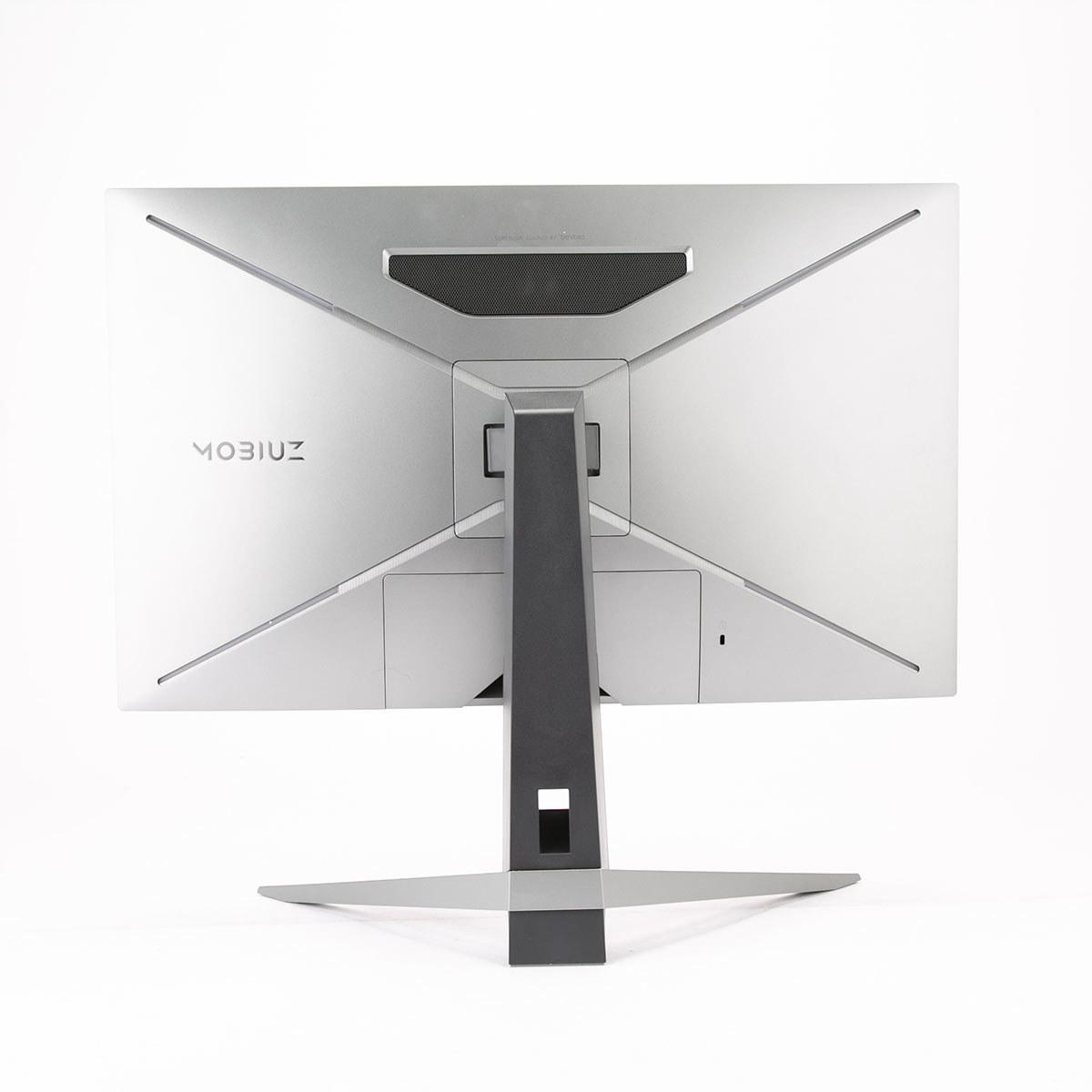
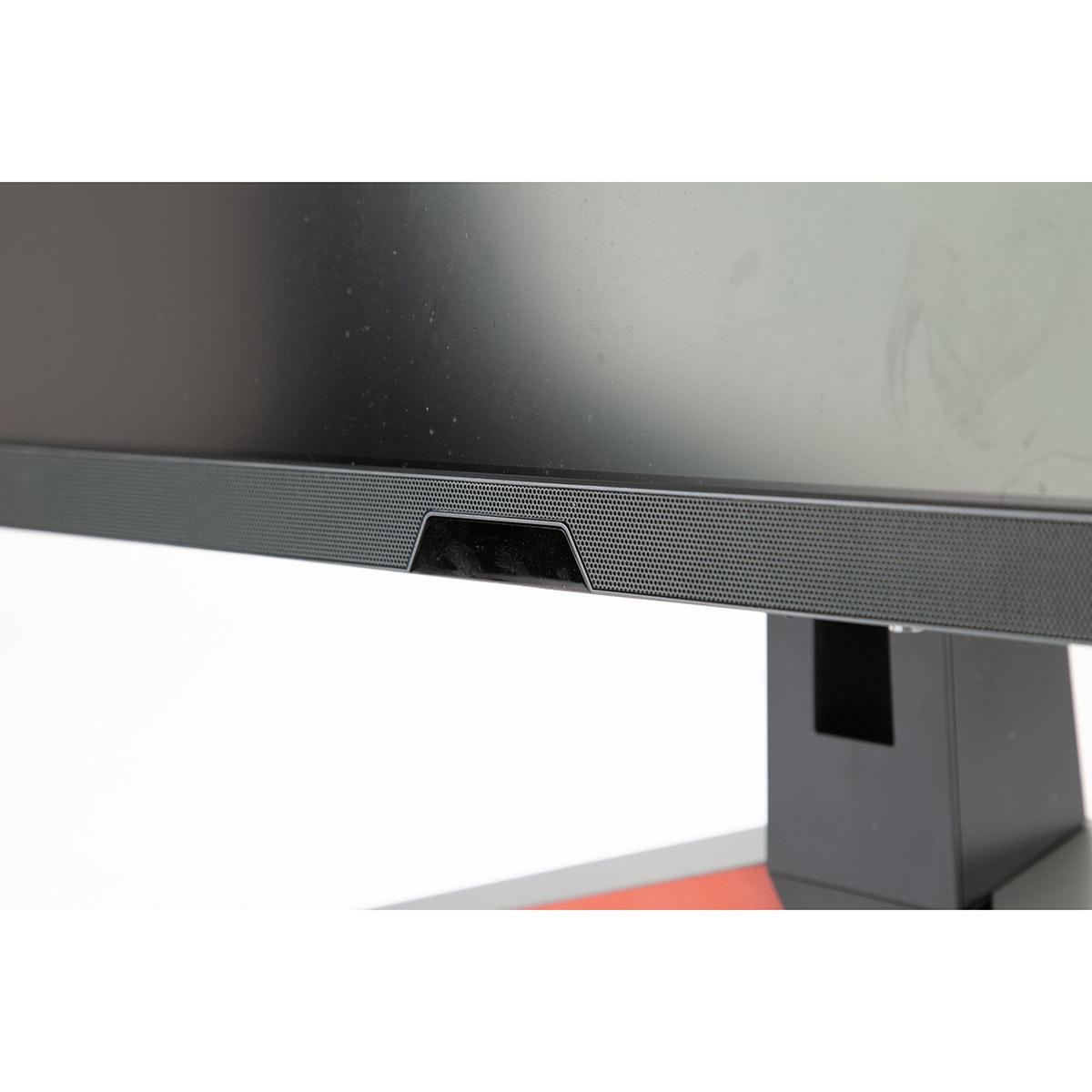
One surprising difference is audio handling. The Alienware includes no built-in speakers, while the BenQ features a 2.1 channel system with two 2W speakers and a 5W subwoofer, tuned by BenQ's treVolo audio division.
Most gaming monitors have terrible built-in speakers, but the BenQ's audio system actually provides decent sound quality—certainly better than typical monitor speakers and adequate for casual gaming or video watching. It won't replace a proper speaker system or good headphones, but eliminates the need for external audio if desk space is limited.
The Alienware's lack of speakers frustrated some users who expected basic audio without requiring external solutions. If you already use gaming headphones or external speakers, this isn't an issue, but it's worth considering for setup flexibility.
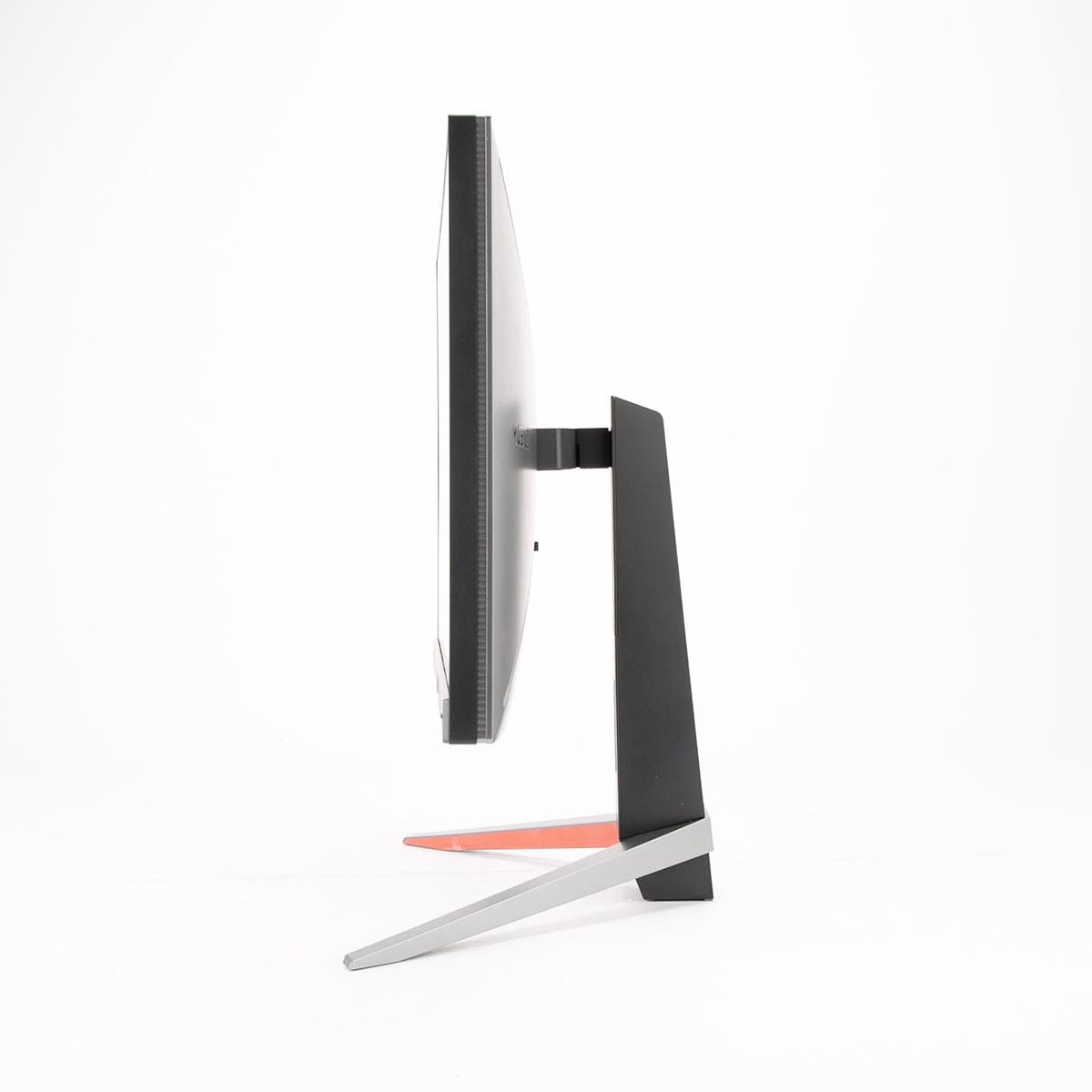
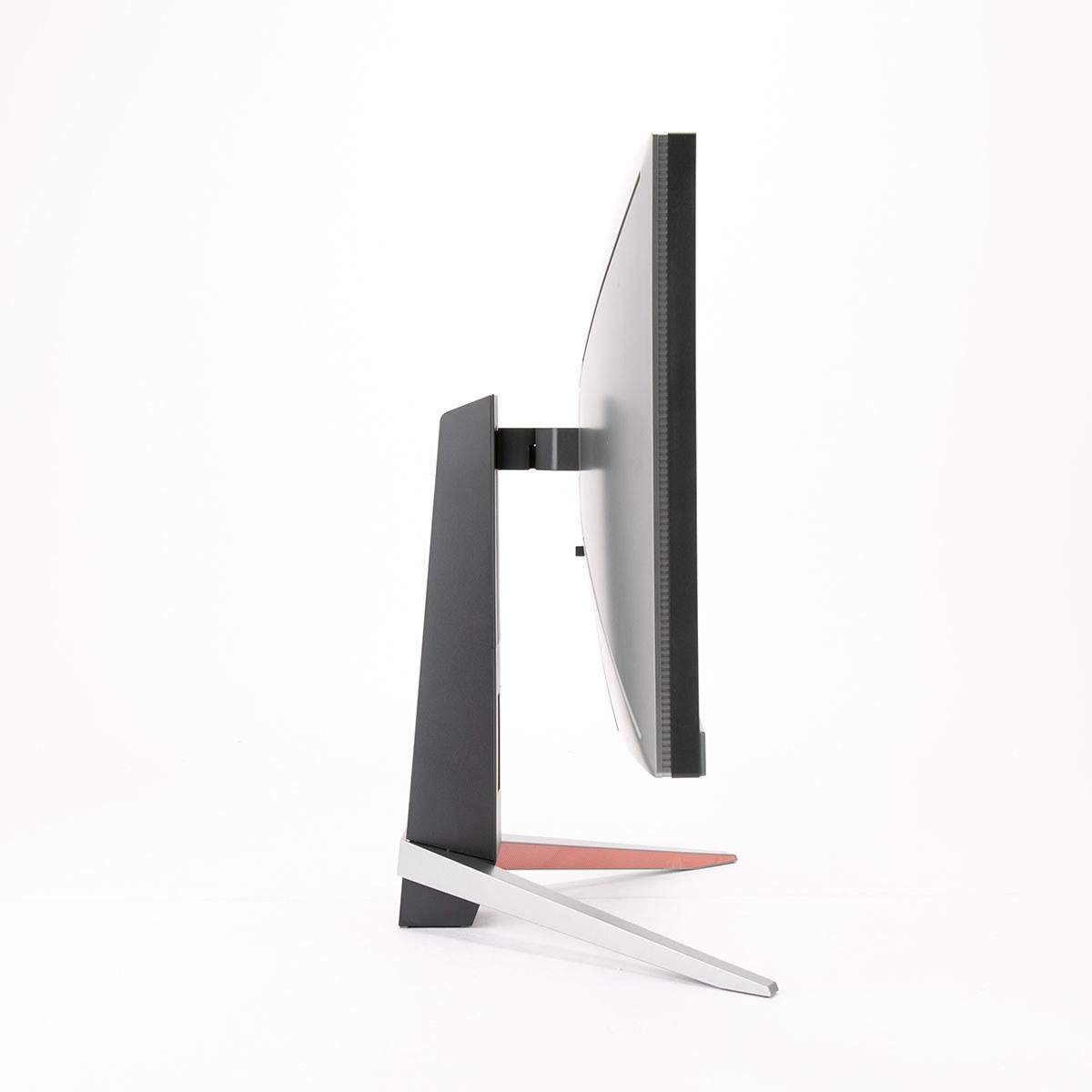
Both monitors offer solid build quality with fully adjustable stands supporting height, tilt, and swivel adjustments. The Alienware includes pivot capability for portrait orientation, while the BenQ focuses on gaming-oriented positioning.
The Alienware weighs noticeably less and has Alienware's distinctive aesthetic with subtle RGB accent lighting. The BenQ features more subdued styling with customizable rear RGB lighting that some users found underwhelming compared to more dramatic ambient lighting systems.
Both support VESA 100x100mm mounting for monitor arms or wall mounting, important for ergonomic setups or multi-monitor configurations.
For competitive esports, the BenQ provides measurable advantages beyond just higher refresh rates. The 0.7ms input lag puts it among the fastest monitors tested, while the 240Hz refresh rate ensures maximum responsiveness in fast-paced shooters.
The difference becomes noticeable in games like Valorant or Counter-Strike 2 where precise aim tracking matters. The extra screen updates help with following enemy movement during quick peek angles or spray transfers. However, this advantage only matters if your graphics card can consistently deliver 200+ fps.
For casual competitive gaming, the Alienware's 180Hz performance feels excellent and provides most of the benefits of high refresh rate gaming without the premium cost.
In story-driven games, visual quality often matters more than raw refresh rate performance. Here, the BenQ's HDR 600 capability provides a more significant upgrade than the extra 60Hz refresh rate.
Games like Red Dead Redemption 2, The Witcher 3, or Forza Horizon showcase dramatic HDR improvements with more realistic lighting, deeper shadows, and brighter highlights. The Alienware handles these games beautifully at high refresh rates but can't match the visual impact when HDR content is involved.
For home theater use, the BenQ works better as an all-in-one entertainment display. The superior HDR performance, built-in audio, and excellent color accuracy make it more versatile for movie watching alongside gaming.
At the time of writing, the price gap between these monitors represents a significant decision point. The Alienware offers exceptional value as a high-performance gaming monitor with solid specs at a reasonable price. It delivers 80% of the BenQ's gaming performance for roughly 60% of the cost.
The BenQ justifies its premium through several meaningful upgrades: 33% higher refresh rate, significantly better HDR performance, professional color accuracy, dual HDMI 2.1 connectivity, built-in audio, and lower input lag. For users who value these features, the extra cost provides genuine benefits rather than just marketing fluff.
However, the value equation depends heavily on your specific needs. If you primarily play single-player games on a mid-range graphics card, the Alienware's 180Hz ceiling might never become a limitation. Conversely, if you're a competitive esports player or content creator, the BenQ's advantages justify the premium.
Choose the Alienware 27 QHD 180Hz Gaming Monitor if you want excellent gaming performance without paying premium prices. It's perfect for gamers who prioritize value, play primarily on PC, and don't need the absolute highest refresh rates. The 180Hz performance handles the vast majority of gaming scenarios beautifully, and the money saved could go toward a better graphics card.
Choose the BenQ MOBIUZ EX270QM if maximum performance justifies the cost premium. It's ideal for competitive gamers who can utilize 240Hz, console gamers needing flexible HDMI 2.1 connectivity, or users who want a single monitor for both gaming and content creation. The superior HDR also makes it better for entertainment and home theater applications.
Both monitors represent solid choices in their respective price brackets. The Alienware offers outstanding value and performance that satisfies most gaming needs. The BenQ provides genuine premium features that matter for specific use cases. Your choice should align with whether those premium features—higher refresh rate, better HDR, professional color accuracy, and enhanced connectivity—justify the significant price difference for your particular gaming setup and requirements.
| Alienware 27 QHD 180Hz Gaming Monitor | BenQ MOBIUZ EX270QM 27" QHD 240Hz IPS Gaming Monitor |
|---|---|
| Refresh Rate - Higher rates provide smoother motion and competitive advantages | |
| 180Hz (excellent for most gaming scenarios) | 240Hz (33% smoother, ideal for competitive esports) |
| Response Time - Lower numbers reduce motion blur in fast games | |
| 1-4ms (adjustable modes: Fast/Super Fast/Extreme) | 1ms GTG consistently across all settings |
| HDR Performance - Determines how realistic bright and dark scenes look | |
| DisplayHDR 400 (basic HDR, limited impact) | DisplayHDR 600 (dramatic HDR improvement, 600 nits peak) |
| Color Accuracy - Important for content creation and visual quality | |
| 95% DCI-P3 (good for gaming, adequate for creative work) | 98% DCI-P3 with professional Delta E 1.22 (excellent for photo/video editing) |
| Input Lag - Critical for competitive gaming responsiveness | |
| Low input lag (specific measurement not available) | 0.7ms (among the fastest gaming monitors tested) |
| Connectivity - Affects compatibility with consoles and multiple devices | |
| 2x HDMI 2.1, 1x DisplayPort 1.4, USB hub | 2x HDMI 2.1, 1x DisplayPort 1.4, USB hub (better console flexibility) |
| Audio System - Built-in speakers eliminate need for external audio | |
| No built-in speakers (requires external audio solution) | 2.1 channel system with 5W subwoofer (decent quality, saves desk space) |
| Special Features - Unique technologies that enhance the experience | |
| G-SYNC Compatible, multiple response modes, premium build | HDRi ambient optimization, FreeSync Premium Pro, Light Tuner gaming modes |
| Ergonomics - Stand adjustability and mounting options | |
| Height/tilt/swivel/pivot, VESA 100x100, lighter weight | Height/tilt/swivel, VESA 100x100, RGB accent lighting |
| Best Use Cases - Who should choose each monitor | |
| Budget-conscious gamers, PC-focused gaming, excellent value proposition | Competitive esports players, console gamers, content creators, premium features justify higher cost |
The BenQ MOBIUZ EX270QM offers a 240Hz refresh rate, while the Alienware 27 QHD 180Hz Gaming Monitor provides 180Hz. The BenQ's higher refresh rate delivers 33% smoother motion, which is particularly beneficial for competitive gaming and fast-paced action sequences.
The BenQ MOBIUZ EX270QM features DisplayHDR 600 certification with 600 nits peak brightness, providing significantly better HDR performance than the Alienware 27 QHD 180Hz Gaming Monitor, which offers DisplayHDR 400. The BenQ delivers more realistic contrast, brighter highlights, and deeper shadows in HDR content.
The BenQ MOBIUZ EX270QM is superior for competitive gaming due to its 240Hz refresh rate, exceptionally low 0.7ms input lag, and consistent 1ms response time. While the Alienware monitor performs excellently at 180Hz, the BenQ provides a measurable advantage in fast-paced esports titles.
Yes, both monitors support gaming consoles through HDMI 2.1 connectivity. However, the BenQ MOBIUZ EX270QM offers dual HDMI 2.1 ports compared to the Alienware's single HDMI 2.1 port, providing better flexibility for connecting multiple consoles simultaneously.
The BenQ MOBIUZ EX270QM excels in color accuracy with 98% DCI-P3 coverage and professional-grade Delta E of 1.22, making it suitable for serious photo and video editing work. The Alienware monitor offers good color performance with 95% DCI-P3 but lacks the precision required for professional color-critical tasks.
The BenQ MOBIUZ EX270QM includes a 2.1 channel speaker system with two 2W speakers and a 5W subwoofer, providing decent audio quality. The Alienware 27 QHD 180Hz Gaming Monitor has no built-in speakers, requiring external audio solutions like headphones or desktop speakers.
The Alienware 27 QHD 180Hz Gaming Monitor provides exceptional value, delivering strong gaming performance at a significantly lower cost. The BenQ monitor costs considerably more but justifies the premium with 240Hz refresh rate, superior HDR, professional color accuracy, and additional features like built-in audio.
Both monitors claim 1ms response times, but the Alienware monitor offers adjustable response modes (1ms, 2ms, 4ms) allowing you to balance speed with image quality. The BenQ MOBIUZ EX270QM maintains consistent 1ms performance with minimal artifacts and achieves lower overall input lag for competitive gaming.
The BenQ MOBIUZ EX270QM is superior for entertainment content due to its DisplayHDR 600 performance, built-in 2.1 audio system, and HDRi technology that optimizes content based on ambient lighting. The Alienware monitor handles standard content well but lacks the HDR impact and integrated audio for a complete entertainment experience.
Both monitors offer similar connectivity with HDMI 2.1 and DisplayPort 1.4 support. The key difference is that the BenQ MOBIUZ EX270QM provides dual HDMI 2.1 ports versus the Alienware's single HDMI 2.1 port, making the BenQ more versatile for users connecting multiple high-refresh devices like gaming consoles and PCs simultaneously.
Both monitors offer solid build quality with adjustable stands supporting height, tilt, and swivel adjustments. The Alienware 27 QHD 180Hz Gaming Monitor features Alienware's premium aesthetic and includes pivot capability, while the BenQ monitor focuses on gaming-oriented ergonomics with customizable RGB lighting and a slightly heavier, more robust construction.
Choose the Alienware's 180Hz if you have a mid-range graphics card or play primarily single-player games, as it provides excellent performance at better value. Opt for the BenQ's 240Hz if you play competitive esports titles with a high-end GPU that can consistently deliver 200+ fps, where the extra refresh rate provides a genuine competitive advantage.
We've done our best to create useful and informative comparisons to help you decide what product to buy. Our research uses advanced automated methods to create this comparison and perfection is not possible - please contact us for corrections or questions. These are the sites we've researched in the creation of this article: bestbuy.com - bestbuy.com - youtube.com - dell.com - tweaktown.com - dell.com - rtings.com - manuals.plus - tomshardware.com - displayspecifications.com - youtube.com - youtube.com - displayspecifications.com - dell.com - dellstore.com - ebay.com - bgeek.eu - youtube.com - tomshardware.com - youtube.com - t3.com - versus.com - pcgamer.com - versus.com - gamesradar.com - pangoly.com - benq.eu - techaeris.com - shi.com - benq.com - bestbuy.com - benq.com - displayspecifications.com - benq.com - benq.eu - bhphotovideo.com - benq.com

Privacy Policy
Terms and Conditions - Affiliate Policy
Home Security
© Copyright 2008-2026.
11816 Inwood Rd #1211, Dallas, TX 75244