














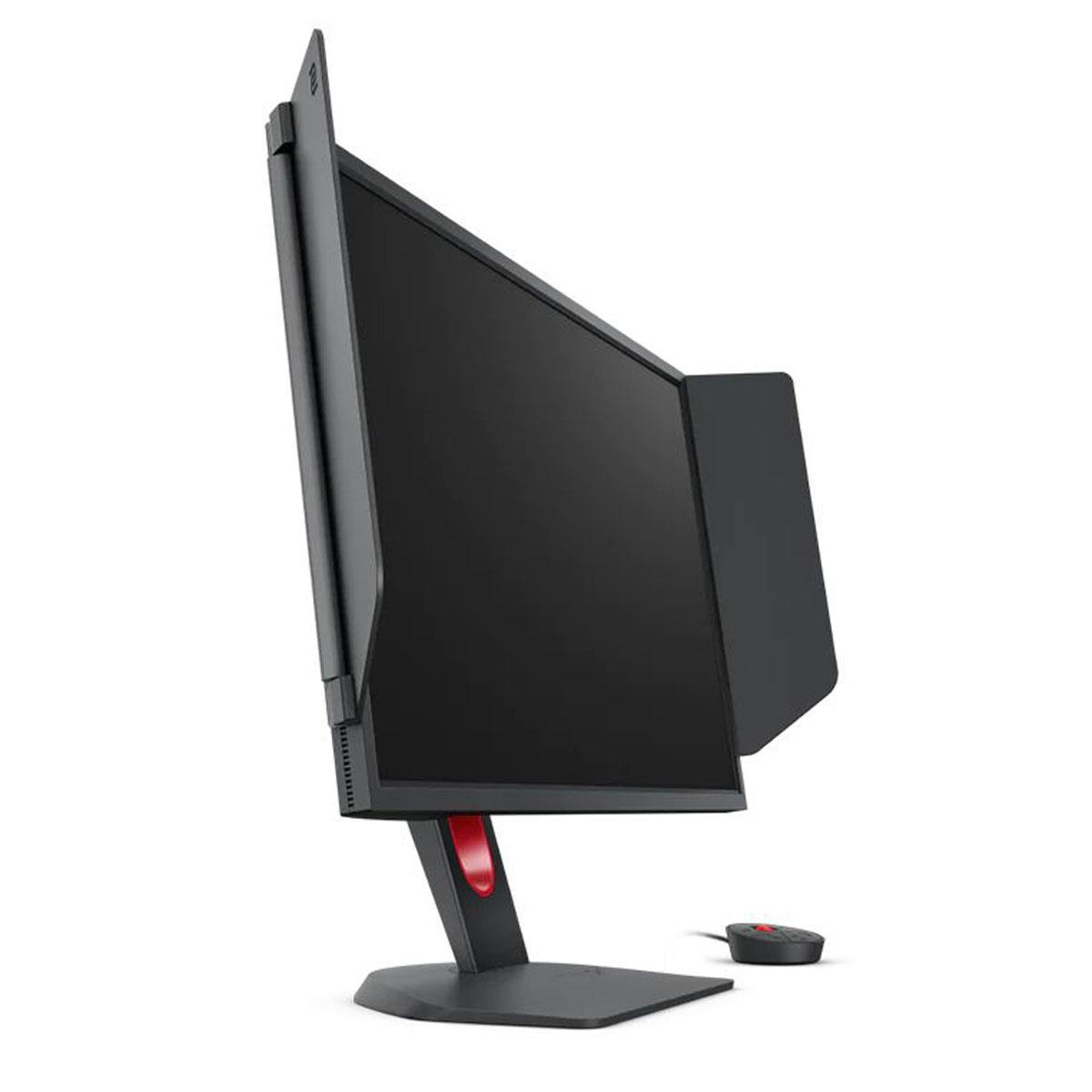
Choosing the right gaming monitor can make or break your gaming experience, but with so many options on the market, it's easy to get overwhelmed by technical specifications and marketing buzzwords. Today, we're diving deep into two monitors that represent fundamentally different approaches to gaming: the Alienware 27 QHD 180Hz Gaming Monitor and the BenQ Zowie XL2746K 27" 240Hz Esports Gaming Monitor.
These aren't just two random monitors—they perfectly illustrate the key decision every serious gamer faces: Do you prioritize crystal-clear visuals and versatility, or do you chase every possible competitive advantage through specialized esports features? Let's break down everything you need to know to make the right choice for your setup.
Before we jump into the specifics, it's important to understand what makes a gaming monitor different from a regular display. Gaming monitors are designed around three core principles: speed, responsiveness, and specialized features that give players an edge.
The most critical specifications are refresh rate (how many times per second the screen updates), response time (how quickly pixels can change colors), and input lag (the delay between your mouse click and the action appearing on screen). These measurements are typically given in hertz (Hz) for refresh rate and milliseconds (ms) for the timing specifications.
Panel technology also plays a huge role. TN panels (Twisted Nematic) are the fastest but have poor viewing angles and color accuracy. IPS panels (In-Plane Switching) offer beautiful colors and wide viewing angles but traditionally have been slower. VA panels (Vertical Alignment) sit somewhere in between. However, modern "Fast IPS" technology has largely closed the speed gap, making IPS panels competitive for gaming while maintaining their visual advantages.
The Alienware AW2725DM, released in 2024, represents the modern mainstream gaming approach. It features a 27-inch Fast IPS panel running at 2560 x 1440 resolution (commonly called 1440p or QHD) with a 180Hz refresh rate. This monitor is all about balance—offering sharp visuals for immersive single-player games while still delivering the smooth performance competitive gamers demand.
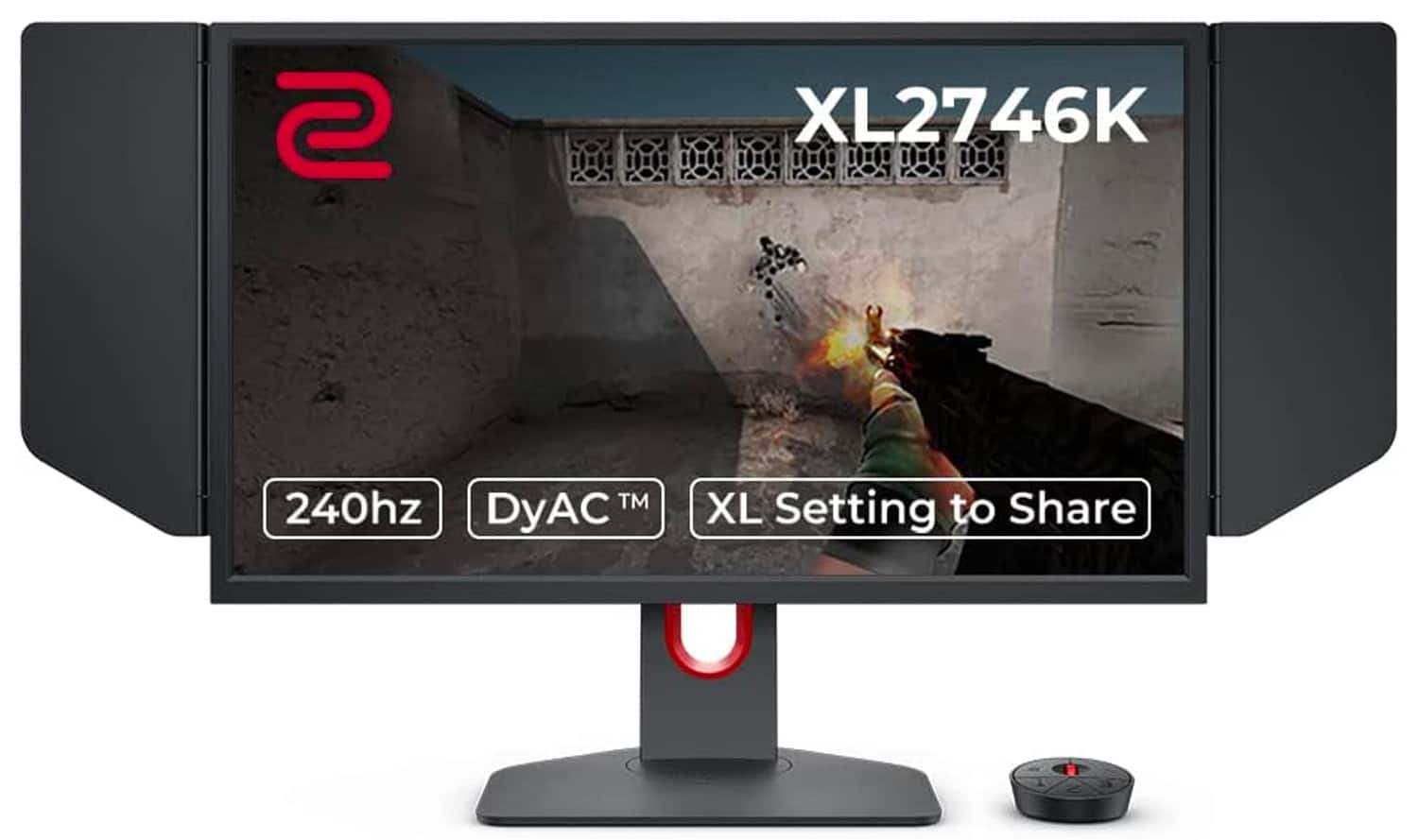
On the opposite end, the BenQ Zowie XL2746K, launched in 2022, is laser-focused on esports performance. It uses a 27-inch TN panel at 1920 x 1080 resolution (1080p) but pushes the refresh rate to 240Hz. More importantly, it's packed with specialized features developed specifically for professional esports players who need every possible advantage.
These release dates are significant because they show how gaming monitor technology has evolved. When the BenQ XL2746K launched, 240Hz was still considered cutting-edge, and the focus was purely on speed over visual quality. The Alienware monitor, being newer, benefits from advances in Fast IPS technology that allow higher resolutions and better colors without sacrificing too much speed.
The most immediately noticeable difference between these monitors is resolution. The Alienware AW2725DM displays 1440p, which means it has 78% more pixels than the BenQ XL2746K's 1080p panel. This translates to significantly sharper text, more detailed game environments, and cleaner image quality overall.
On a 27-inch screen, 1080p results in a pixel density of about 82 pixels per inch (PPI), while 1440p delivers 109 PPI. This difference is noticeable when you're sitting at typical desktop distances—text appears more crisp, and fine details in games are much clearer on the Alienware monitor.
The panel technology difference is equally important. The Alienware's Fast IPS panel covers up to 99% of the sRGB color space, meaning colors appear vibrant and accurate. It also supports HDR400, which enhances contrast and brightness in compatible games and movies. The viewing angles are excellent at 178 degrees both horizontally and vertically, so the image remains consistent even if you're not sitting directly in front of the screen.
In contrast, the BenQ's TN panel prioritizes speed over visual fidelity. Colors appear more washed out, and the viewing angles are limited—if you move to the side or adjust your position, you'll notice color shifts and contrast changes. The trade-off is that TN panels can change colors faster, reducing ghosting and motion blur.
For home theater use, the Alienware monitor is the clear winner. Its higher resolution, better colors, and HDR support make movies and streaming content look significantly better. The BenQ XL2746K isn't designed for media consumption—it's a pure gaming tool.
This is where things get interesting, and where the BenQ XL2746K starts to show its specialized nature. While the Alienware monitor offers a very respectable 180Hz refresh rate, the BenQ pushes to 240Hz. That extra 60Hz might not sound like much, but it represents a 33% improvement in motion smoothness.
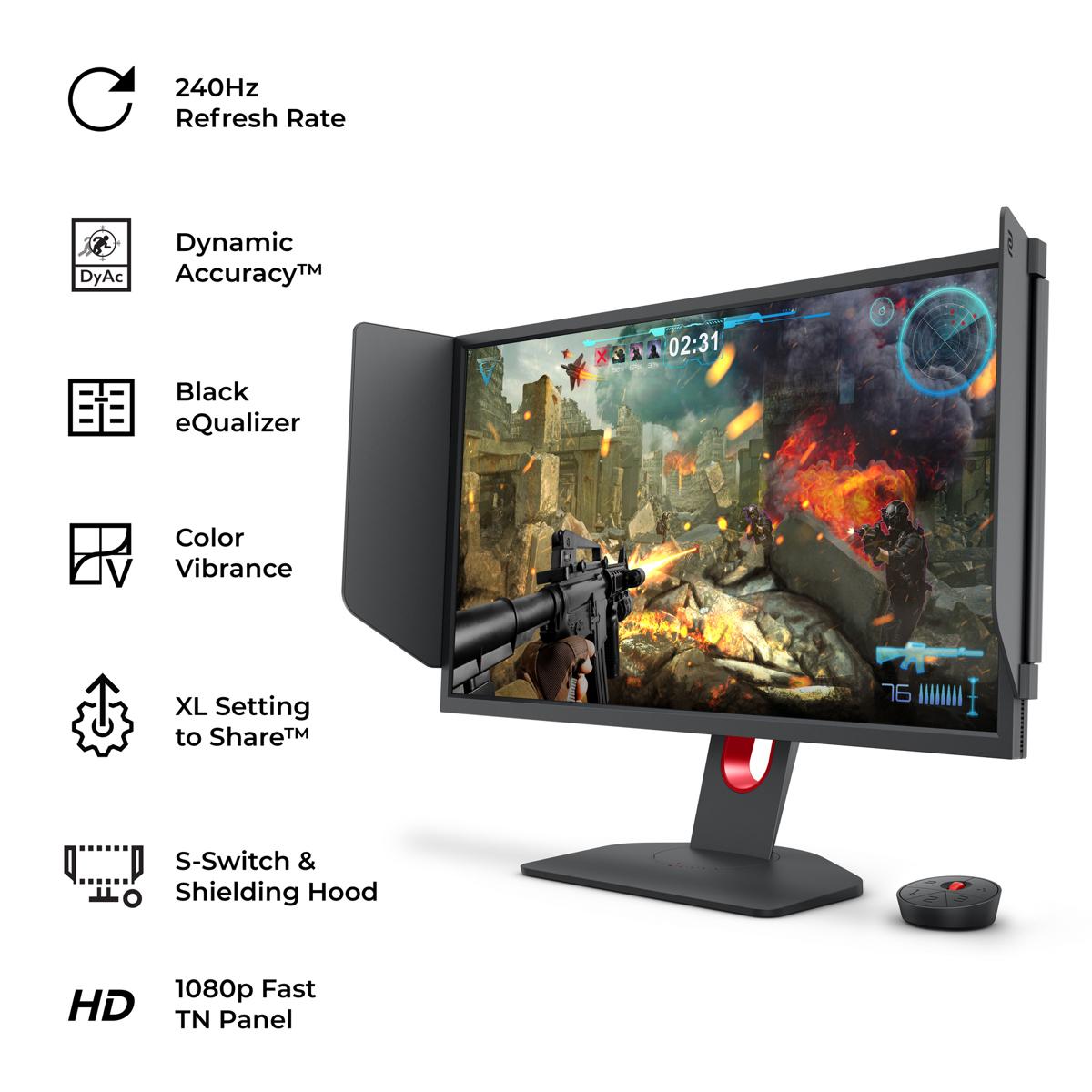
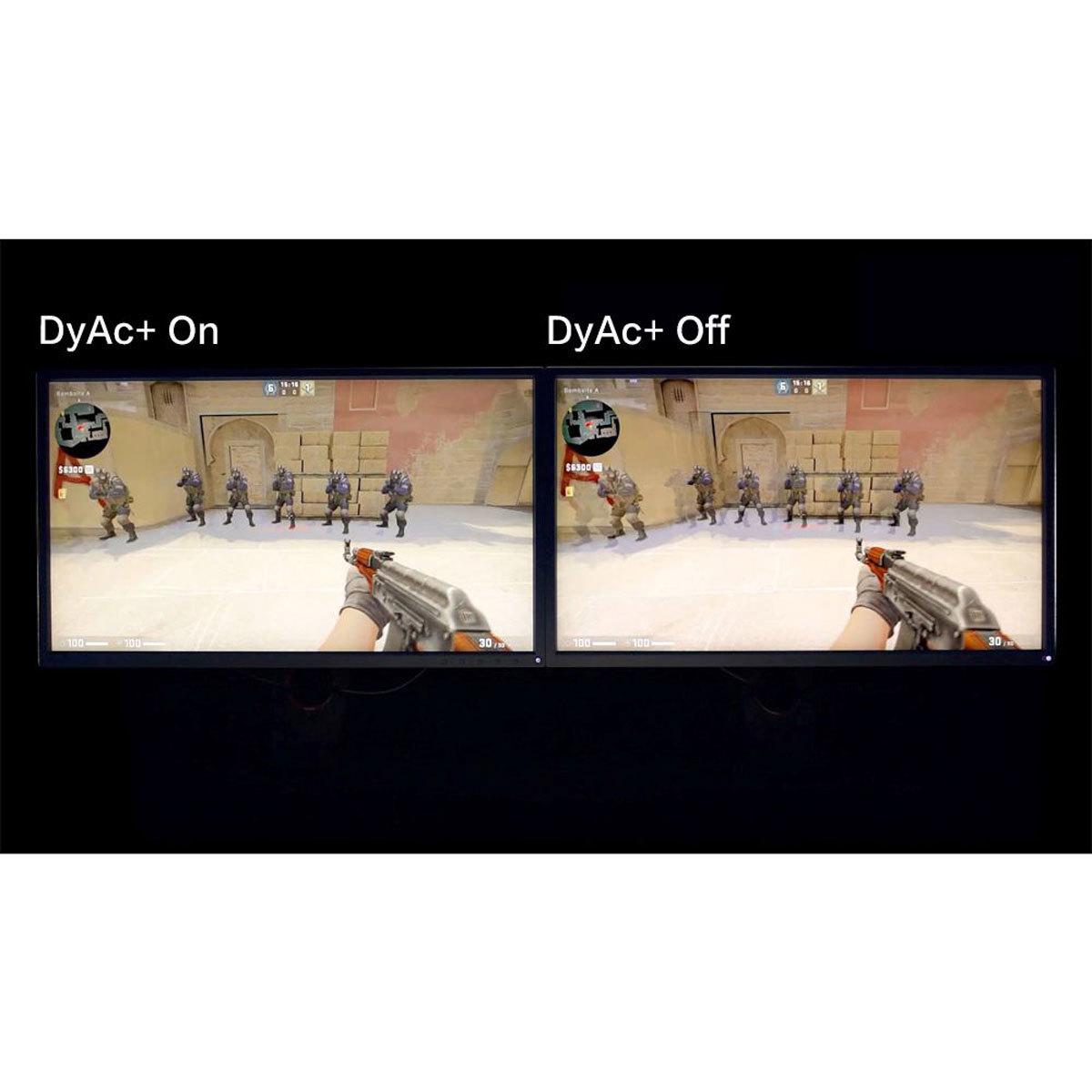
More importantly, the BenQ XL2746K features DyAc+ technology, which is BenQ's proprietary motion blur reduction system. This works by strobing the backlight in sync with the refresh rate, effectively eliminating motion blur during fast movements. When you're spraying in CS:GO or tracking targets in Valorant, DyAc+ makes moving objects appear much clearer and more defined.
The Alienware monitor offers multiple response time modes: 4ms for best image quality, 2ms for balanced performance, and 1ms for maximum speed. These modes use overdrive technology, which applies extra voltage to pixels to make them change faster. However, aggressive overdrive can create inverse ghosting (where you see faint trailing images), so having multiple options lets you find the right balance.
Based on our research into user experiences and expert reviews, the motion clarity difference is most noticeable in fast-paced competitive games. The BenQ XL2746K provides an almost CRT-like clarity during rapid movements that many professional players swear by. However, the Alienware AW2725DM is still excellent for motion performance and more than adequate for the vast majority of gamers.
Input lag is another crucial factor. While neither manufacturer publishes exact input lag figures, TN panels like the one in the BenQ monitor typically have slightly lower input lag than IPS panels. Combined with the higher refresh rate, this gives competitive players every possible advantage in reaction-time-critical situations.
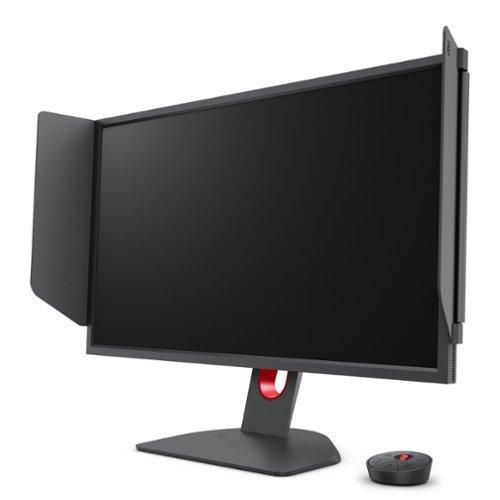
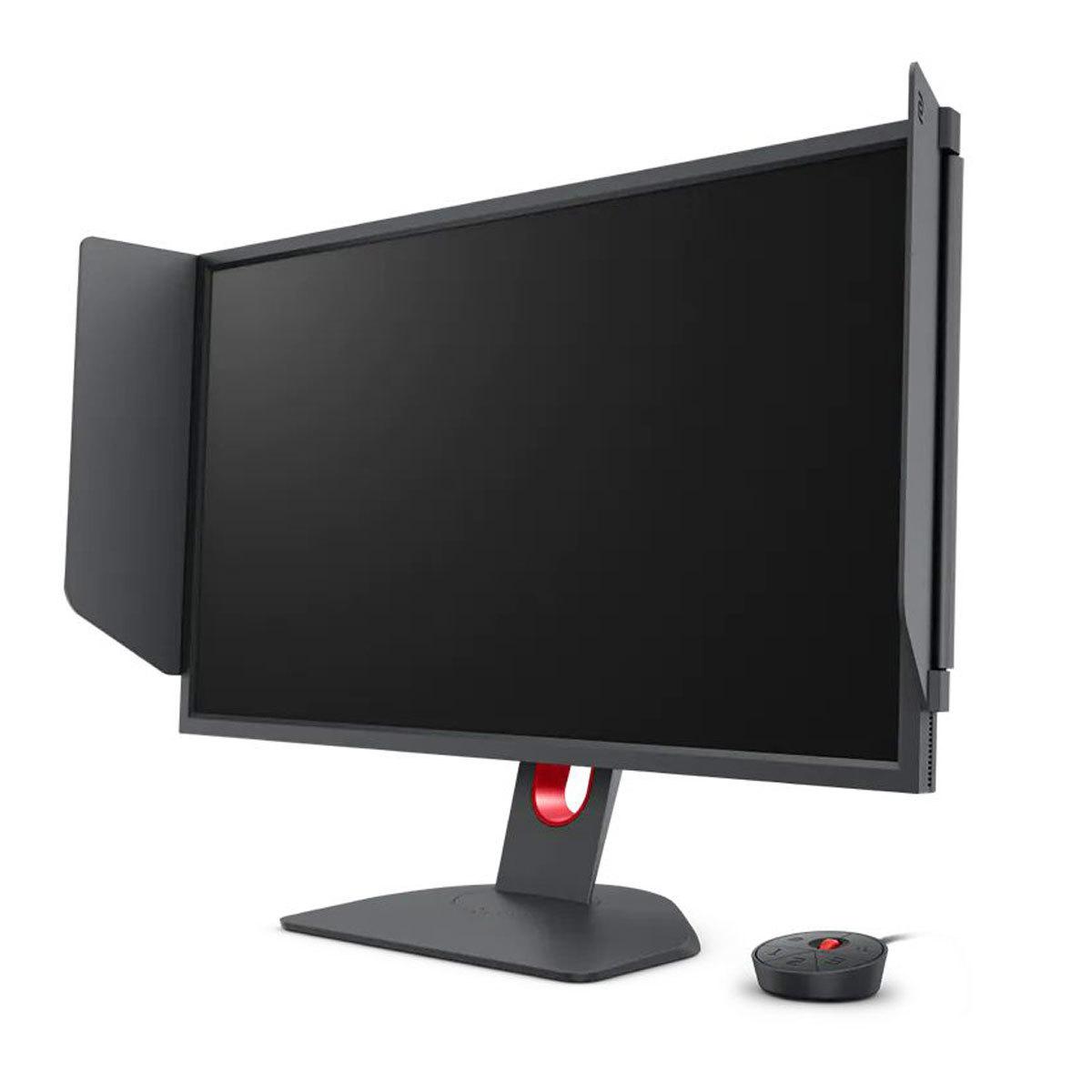
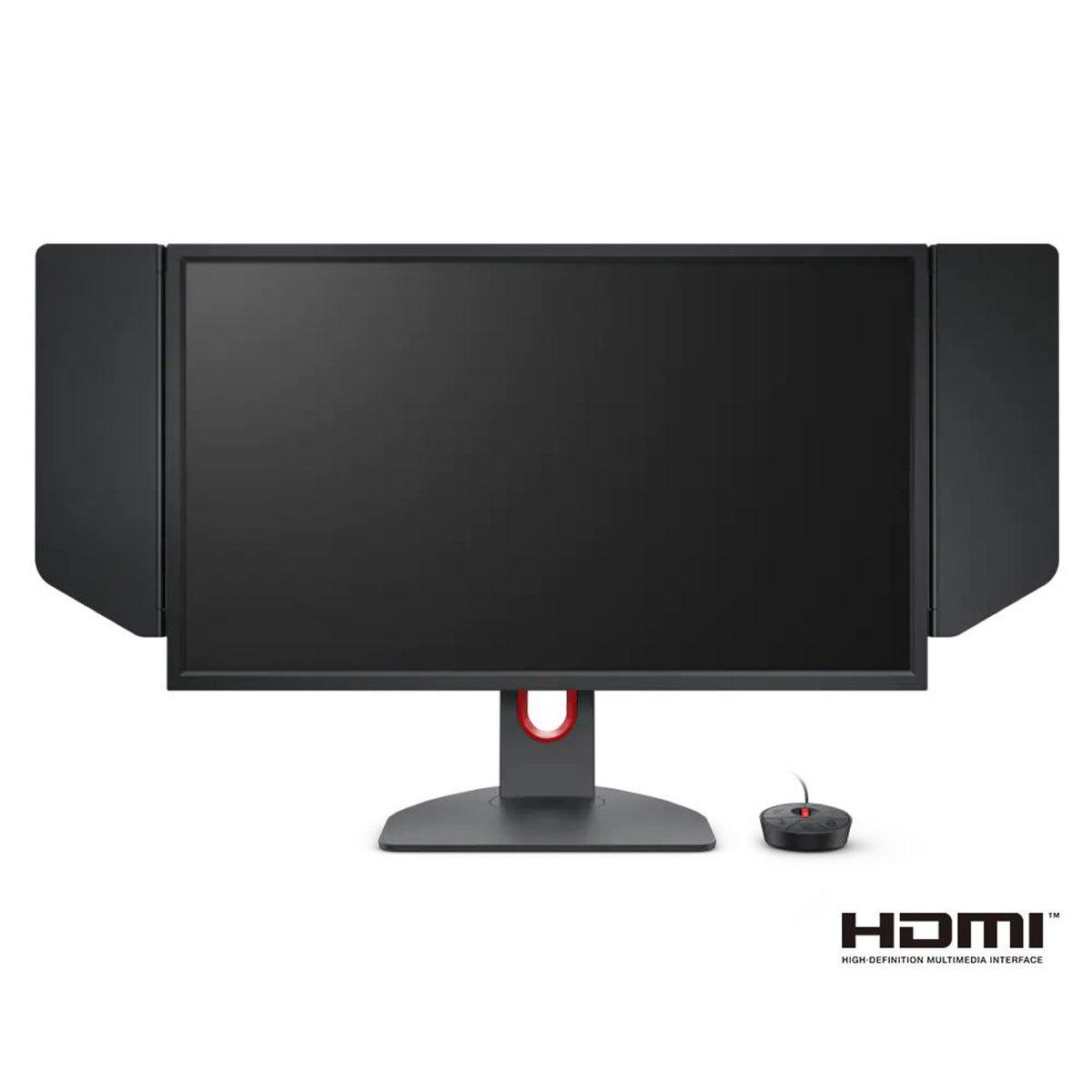
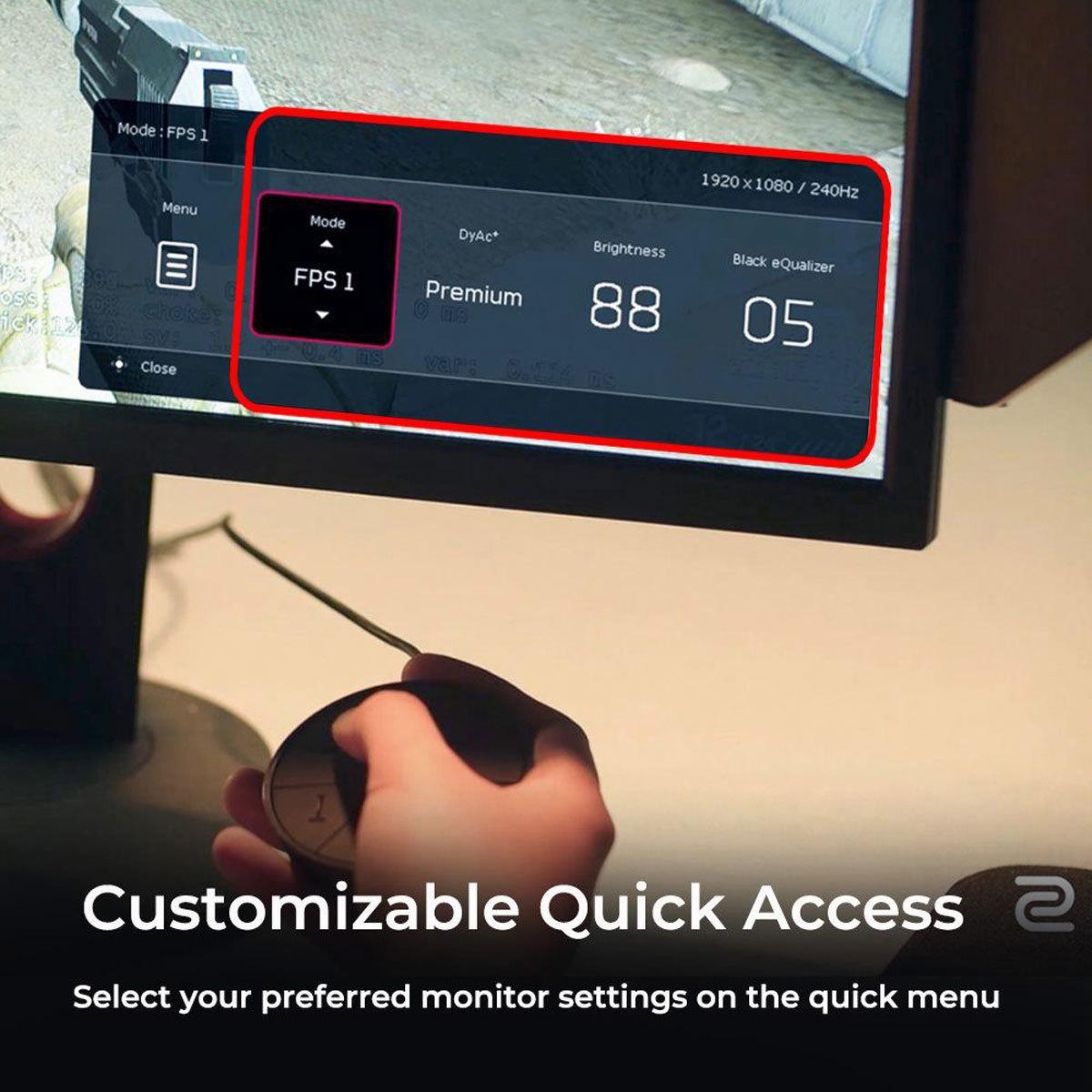
This is where the BenQ XL2746K really shines and justifies its esports focus. The S Switch is a dedicated wireless controller that lets you quickly switch between three custom profiles and adjust settings without navigating through on-screen menus. This is incredibly useful when switching between different games or lighting conditions.
The XL Setting to Share feature is unique to BenQ's esports monitors. You can export your exact monitor settings to a file and share it with teammates, or download settings from professional players. This ensures everyone on a team has identical visual setups, which can be crucial for competitive consistency.
Black eQualizer is perhaps the most controversial feature—it brightens dark areas of the image without affecting the bright areas, making it easier to spot enemies hiding in shadows. While some consider this unfair, it's legal in most tournaments and widely used by professionals. The Alienware monitor doesn't have an equivalent feature, relying instead on traditional brightness and contrast adjustments.
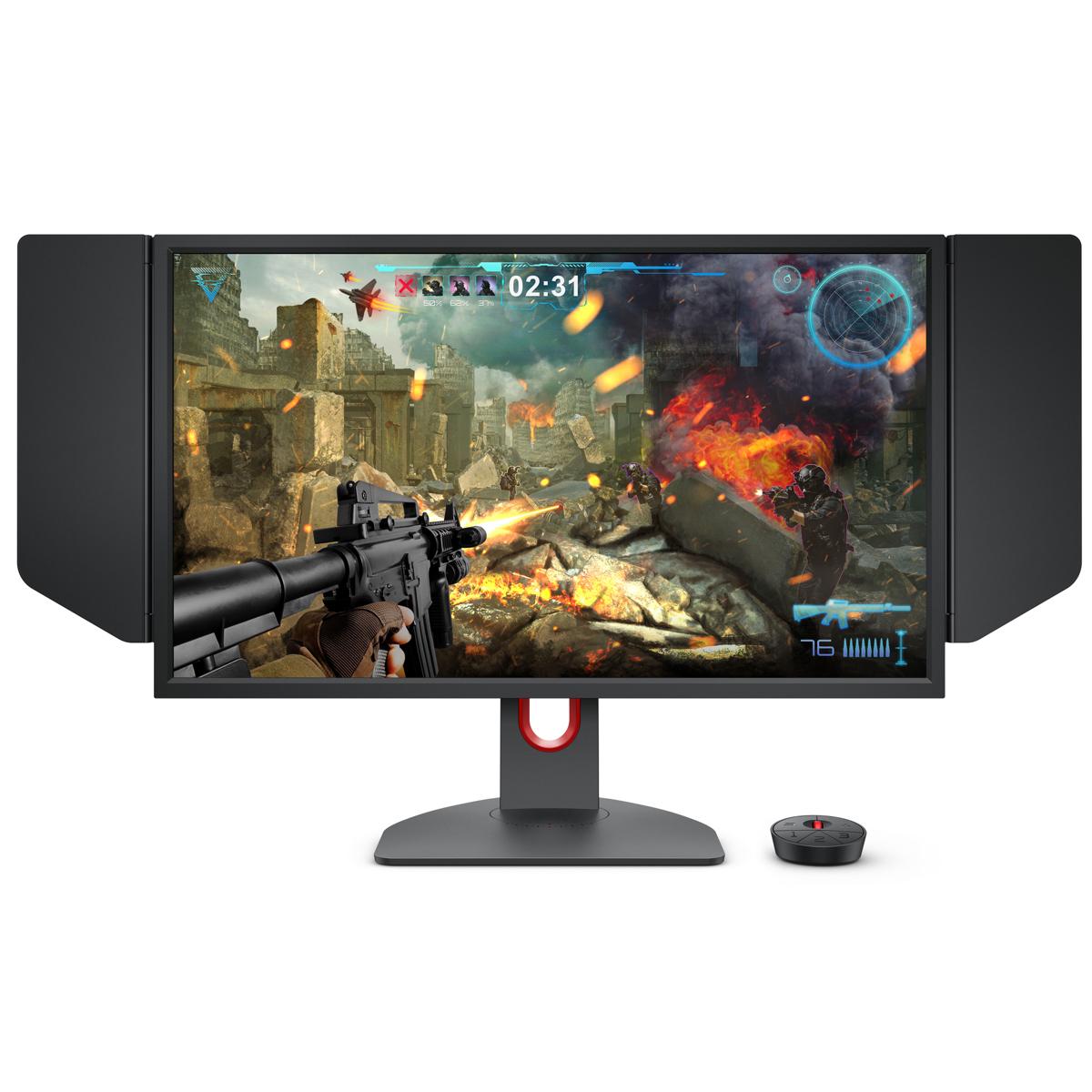
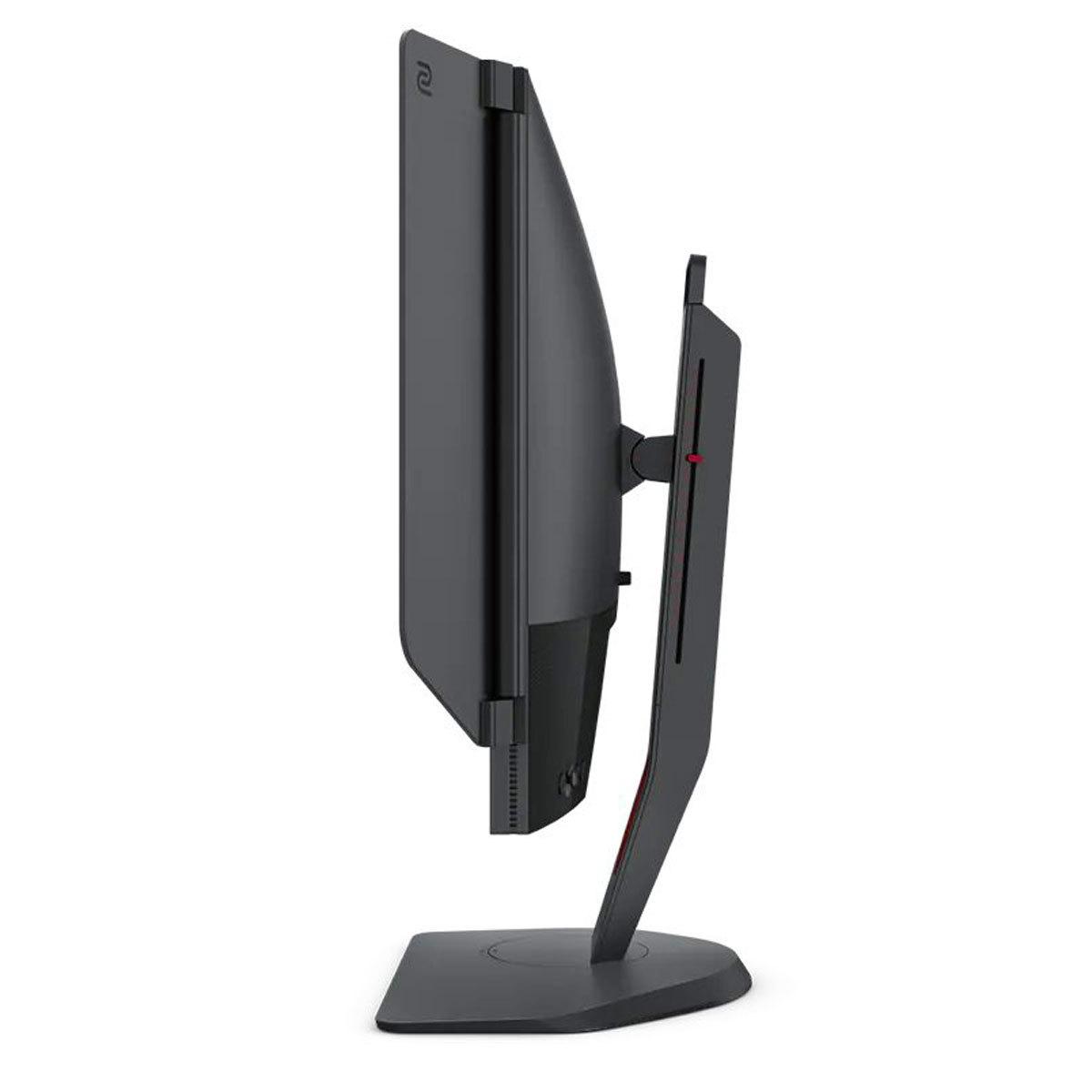
The BenQ XL2746K also includes a detachable Shielding Hood—physical side panels that block peripheral distractions and reduce glare. This might look odd in a home setup, but it's standard equipment at professional tournaments.
The Alienware AW2725DM takes a more conventional approach to gaming features. It supports both NVIDIA G-SYNC Compatible and AMD FreeSync Premium Pro, ensuring smooth gameplay regardless of your graphics card. The adaptive sync technology eliminates screen tearing and stuttering by synchronizing the monitor's refresh rate with your GPU's frame output.
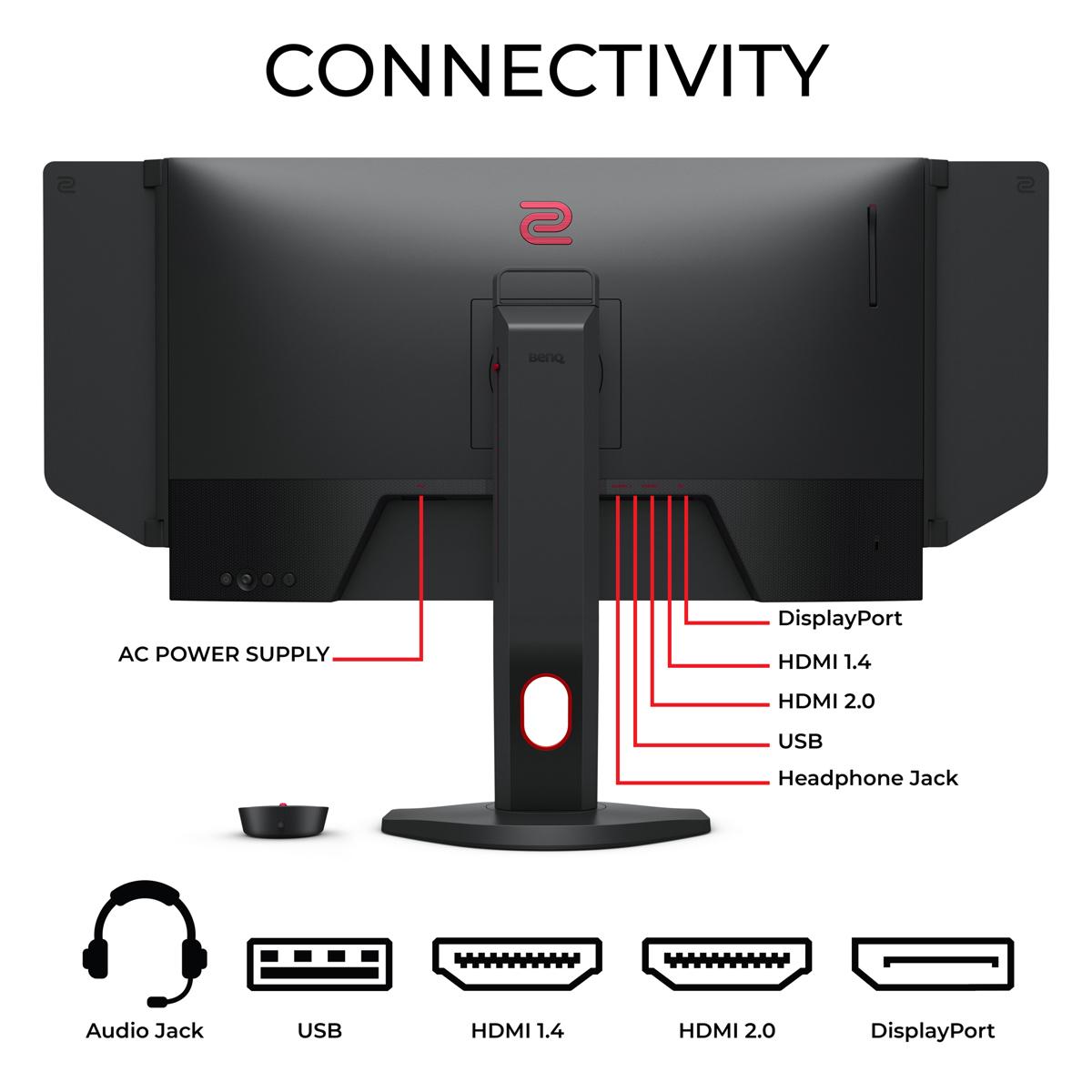
For connectivity, the Alienware monitor offers more modern options with HDMI 2.1 ports that support next-generation console gaming at high refresh rates. The BenQ XL2746K focuses on PC gaming with multiple HDMI 2.0 ports and DisplayPort connectivity.
At the time of writing, both monitors command premium pricing but for different reasons. The Alienware AW2725DM typically costs less while offering higher resolution and more versatile features. This makes it an excellent value for mainstream gaming, especially considering you're getting both competitive performance and beautiful visuals for content consumption.
The BenQ XL2746K usually carries a price premium that reflects its specialized nature and professional esports heritage. You're paying for very specific performance advantages and features that most casual gamers won't fully utilize. However, for serious competitive players, these features can be worth the investment.
Consider the total cost of ownership as well. The Alienware's 1440p resolution requires more GPU power to maintain high frame rates, which might influence your graphics card choice. The BenQ's 1080p resolution is less demanding, potentially allowing you to use a less expensive GPU while still maximizing the monitor's 240Hz capability.
The BenQ Zowie XL2746K is purpose-built for a specific audience: serious competitive gamers who play primarily FPS titles like CS:GO, Valorant, Overwatch, or Apex Legends at a high level. If you're climbing ranked ladders, participating in tournaments, or aspiring to professional play, the specialized features and maximum motion clarity can provide tangible advantages.
You should also have the hardware to back it up. To truly benefit from 240Hz, you need a powerful graphics card that can consistently deliver 240+ frames per second in your main games. There's no point in paying for 240Hz if your system can only manage 120 FPS.
The Alienware AW2725DM serves a broader audience of enthusiast gamers who want a single monitor that excels across multiple use cases. It's perfect for players who enjoy both competitive multiplayer games and immersive single-player experiences. The higher resolution makes productivity work more pleasant, and the superior colors and HDR support enhance media consumption.
This monitor also makes more sense if you game on consoles in addition to PC, as the HDMI 2.1 connectivity properly supports next-generation console features.
After extensive research into user experiences and expert opinions, here's how to choose:
Pick the BenQ Zowie XL2746K if competitive gaming is your primary focus, you have the hardware to drive 240+ FPS consistently, and you value specialized esports features over visual quality. The motion clarity advantages are real and can improve your competitive performance.
Choose the Alienware AW2725DM if you want the best balance of competitive performance and visual excellence. It's the smarter choice for most gamers, offering 90% of the competitive benefits with significantly better versatility and image quality.
The gaming monitor landscape has evolved significantly since these products launched. The Alienware monitor represents the current sweet spot where Fast IPS technology delivers both speed and beauty, while the BenQ XL2746K shows how far manufacturers will go to optimize for pure competitive performance.
Personally, I lean toward the Alienware approach for most users. The visual quality improvement from 1440p is immediately noticeable and beneficial across all computer use, while 180Hz is still incredibly smooth for gaming. Unless you're truly serious about competitive esports, the specialized features of the BenQ monitor may not justify the trade-offs in visual quality and versatility.
Ultimately, both monitors excel at what they're designed to do. Your choice should align with your gaming priorities and how you plan to use your setup beyond just competitive gaming.
| Alienware 27 QHD 180Hz Gaming Monitor | BenQ Zowie XL2746K 27" 240Hz Esports Gaming Monitor |
|---|---|
| Resolution - Higher resolution provides sharper image quality and more screen real estate | |
| 2560 x 1440 (QHD) - 78% more pixels than 1080p for crisp details | 1920 x 1080 (Full HD) - Lower resolution optimized for high frame rates |
| Panel Technology - Affects color accuracy, viewing angles, and response time | |
| Fast IPS - Superior colors, wide viewing angles, excellent for versatile use | TN - Fastest response times but limited colors and viewing angles |
| Refresh Rate - Higher rates provide smoother motion in fast-paced games | |
| 180Hz - Very smooth gaming, excellent for most competitive players | 240Hz - Ultimate smoothness, maximum advantage for esports professionals |
| Response Time - Lower times reduce ghosting and motion blur | |
| 1ms/2ms/4ms selectable overdrive modes for customizable performance | Optimized liquid crystal with fastest possible TN response (unspecified) |
| Motion Blur Reduction - Critical for tracking fast-moving targets | |
| Standard overdrive technology with multiple settings | DyAc+ proprietary strobing technology for superior motion clarity |
| Color Coverage - Important for visual quality and content creation | |
| 99% sRGB, 95% DCI-P3 - Excellent color accuracy and vibrancy | Standard sRGB coverage - Basic color reproduction focused on gaming |
| HDR Support - Enhances contrast and brightness in compatible content | |
| VESA DisplayHDR 400 certified for improved dynamic range | No HDR support - Pure gaming focus |
| Adaptive Sync - Eliminates screen tearing and stuttering | |
| G-SYNC Compatible, FreeSync Premium Pro, VESA AdaptiveSync | Variable Refresh Rate support (when DyAc+ is off) |
| Specialized Gaming Features - Tools designed specifically for competitive advantage | |
| Standard gaming modes and settings via OSD menu | S Switch controller, Black eQualizer, XL Setting to Share, Shielding Hood |
| Connectivity - Modern ports for PC and console gaming | |
| 2x HDMI 2.1, 1x DisplayPort 1.4, USB hub with charging | 3x HDMI 2.0, 1x DisplayPort 1.2, headphone jack |
| Ergonomics - Physical adjustability for comfort during long sessions | |
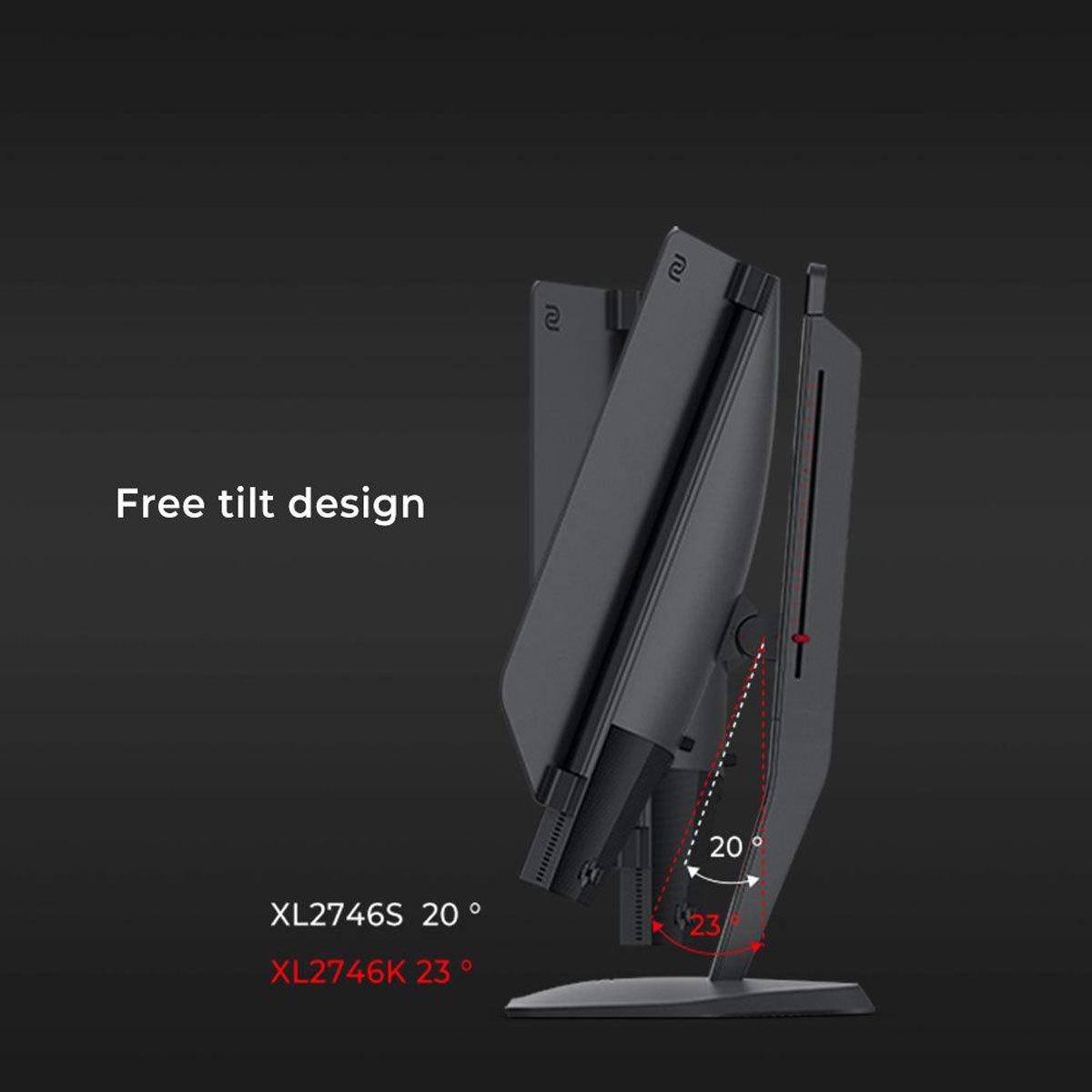
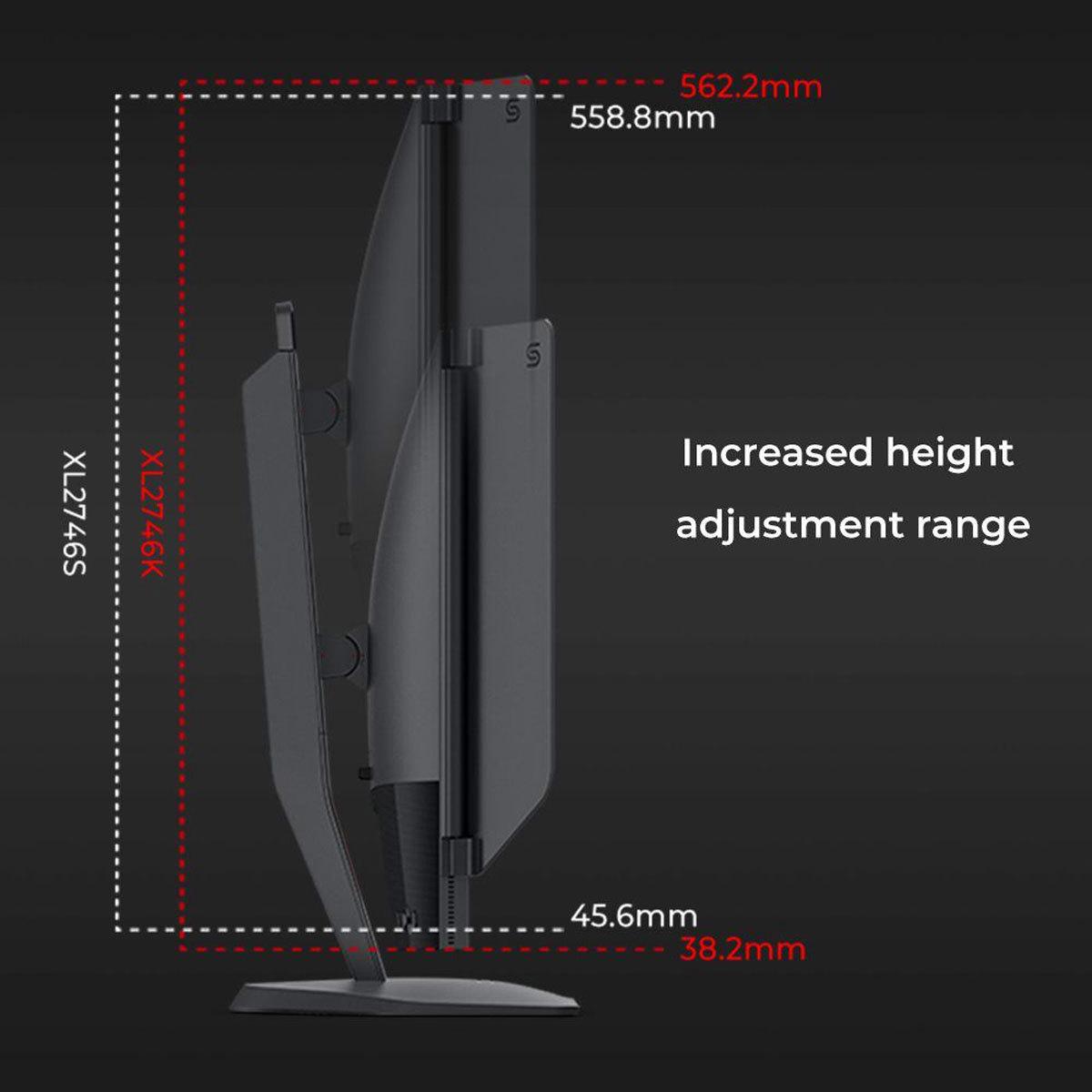
| Full height, tilt, swivel, pivot adjustment with premium stand | Full height, tilt, swivel, pivot adjustment with space-saving base |
| Target Use Case - Who benefits most from each monitor's strengths | |
| Multi-genre gamers, content creators, console users seeking balance | Competitive FPS players and esports professionals prioritizing performance |
| GPU Requirements - Hardware needed to maximize the monitor's potential | |
| Mid-to-high-end GPU for 1440p gaming at high frame rates | High-end GPU to consistently achieve 240+ FPS at 1080p |
The BenQ Zowie XL2746K is specifically designed for competitive gaming with its 240Hz refresh rate, DyAc+ motion blur reduction technology, and specialized esports features like Black eQualizer and S Switch controller. However, the Alienware 27 QHD 180Hz Gaming Monitor still offers excellent competitive performance at 180Hz while providing better visual quality for versatile gaming.
The Alienware 27 QHD 180Hz Gaming Monitor offers significantly better image quality with its 1440p resolution (78% more pixels), Fast IPS panel with superior colors and viewing angles, and HDR400 support. The BenQ Zowie XL2746K uses a 1080p TN panel that prioritizes speed over visual fidelity, resulting in more basic colors and limited viewing angles.
The Alienware 27 QHD 180Hz Gaming Monitor is much better for home theater use thanks to its higher 1440p resolution, superior color accuracy, HDR support, and excellent viewing angles. The BenQ Zowie XL2746K isn't designed for media consumption and will provide a less enjoyable viewing experience for movies and shows.
Both monitors require capable graphics cards, but for different reasons. The Alienware 27 QHD 180Hz Gaming Monitor needs a mid-to-high-end GPU to drive 1440p resolution at high frame rates. The BenQ Zowie XL2746K requires a high-end GPU to consistently achieve 240+ FPS at 1080p to maximize its 240Hz refresh rate.
The Alienware 27 QHD 180Hz Gaming Monitor typically offers better overall value by providing excellent gaming performance plus versatility for productivity and media consumption. The BenQ Zowie XL2746K commands a premium for its specialized esports features that most casual gamers won't fully utilize.
The Alienware 27 QHD 180Hz Gaming Monitor is better for console gaming with its HDMI 2.1 ports supporting next-gen consoles at high refresh rates. The BenQ Zowie XL2746K supports consoles at 120Hz through HDMI 2.0 but is primarily designed for PC gaming.
The BenQ Zowie XL2746K includes specialized esports features like DyAc+ motion blur reduction, S Switch controller for quick settings changes, Black eQualizer for better shadow visibility, and XL Setting to Share for pro player configurations. The Alienware 27 QHD 180Hz Gaming Monitor focuses on standard gaming features with G-SYNC Compatible and FreeSync support.
The Alienware 27 QHD 180Hz Gaming Monitor is significantly better for productivity work due to its higher 1440p resolution providing more screen real estate, superior color accuracy for content creation, and better viewing angles. The BenQ Zowie XL2746K is optimized purely for gaming performance.
The BenQ Zowie XL2746K offers 240Hz versus the Alienware's 180Hz, providing 33% smoother motion. This difference is most noticeable in fast-paced competitive games, but 180Hz is still excellent for the majority of gamers and provides smooth gameplay across all genres.
Both monitors offer solid build quality with fully adjustable stands. The Alienware 27 QHD 180Hz Gaming Monitor features premium materials and Alienware's distinctive gaming aesthetic. The BenQ Zowie XL2746K has a more utilitarian esports-focused design with practical features like the detachable shielding hood.
The Alienware 27 QHD 180Hz Gaming Monitor offers more modern connectivity with HDMI 2.1 ports and a USB hub with charging capability. The BenQ Zowie XL2746K provides multiple HDMI 2.0 ports and DisplayPort but focuses on PC gaming connectivity rather than versatile device support.
For most first-time gaming monitor buyers, the Alienware 27 QHD 180Hz Gaming Monitor is the better choice because it provides excellent gaming performance while being versatile enough for all computer uses. Choose the BenQ Zowie XL2746K only if you're specifically focused on competitive esports and willing to sacrifice visual quality for specialized gaming features.
We've done our best to create useful and informative comparisons to help you decide what product to buy. Our research uses advanced automated methods to create this comparison and perfection is not possible - please contact us for corrections or questions. These are the sites we've researched in the creation of this article: bestbuy.com - bestbuy.com - youtube.com - dell.com - tweaktown.com - dell.com - rtings.com - manuals.plus - tomshardware.com - displayspecifications.com - youtube.com - youtube.com - displayspecifications.com - dell.com - dellstore.com - ebay.com - rtings.com - youtube.com - bestbuy.com - versus.com - youtube.com - versus.com - forums.blurbusters.com - pcmonitors.info - youtube.com - bhphotovideo.com - zowie.benq.com - bhphotovideo.com - device.report - newegg.com - bestbuy.com - displayspecifications.com - provantage.com - zowie.benq.com - smallonlineshop.com.sg - camcor.com

Privacy Policy
Terms and Conditions - Affiliate Policy
Home Security
© Copyright 2008-2026.
11816 Inwood Rd #1211, Dallas, TX 75244