














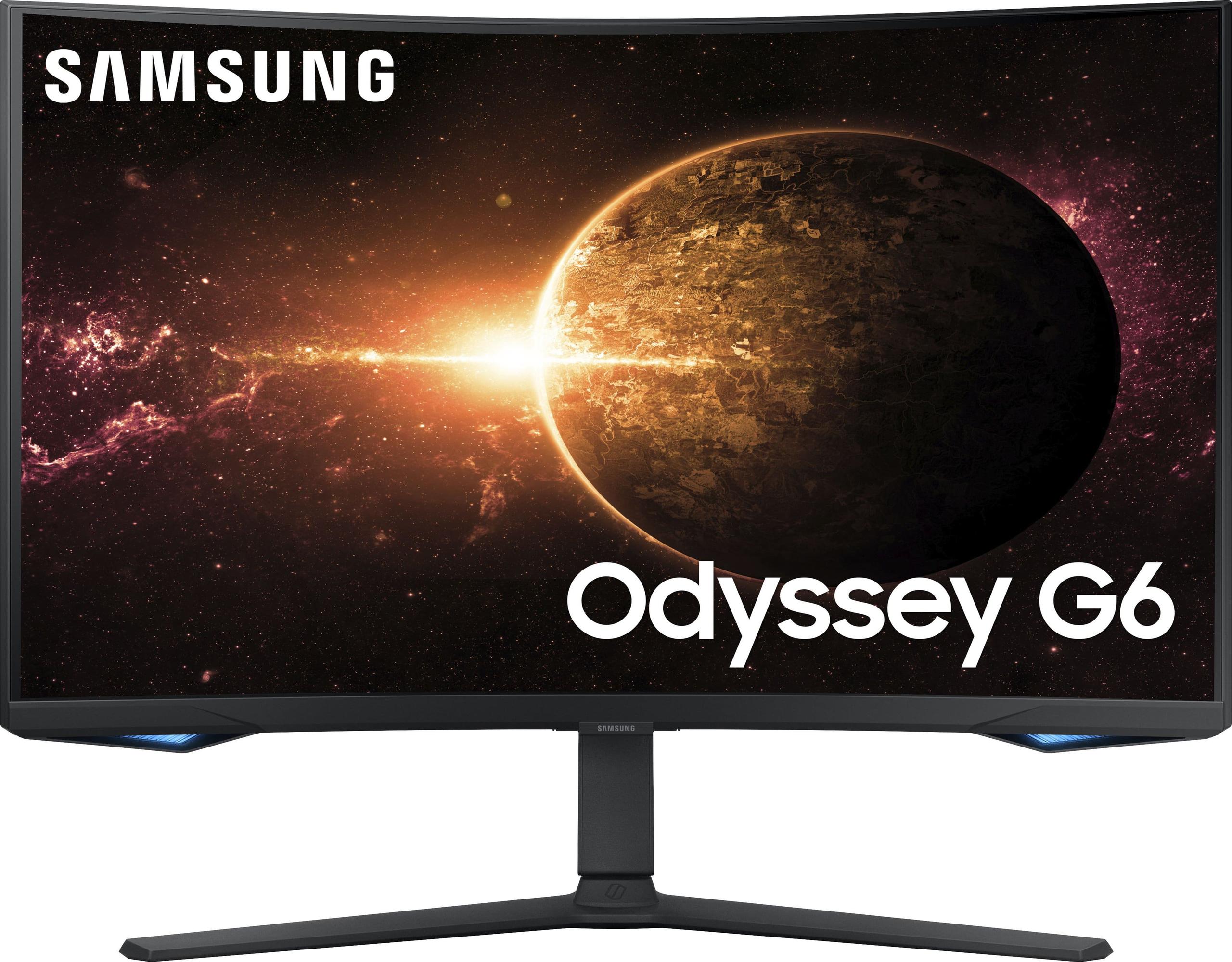
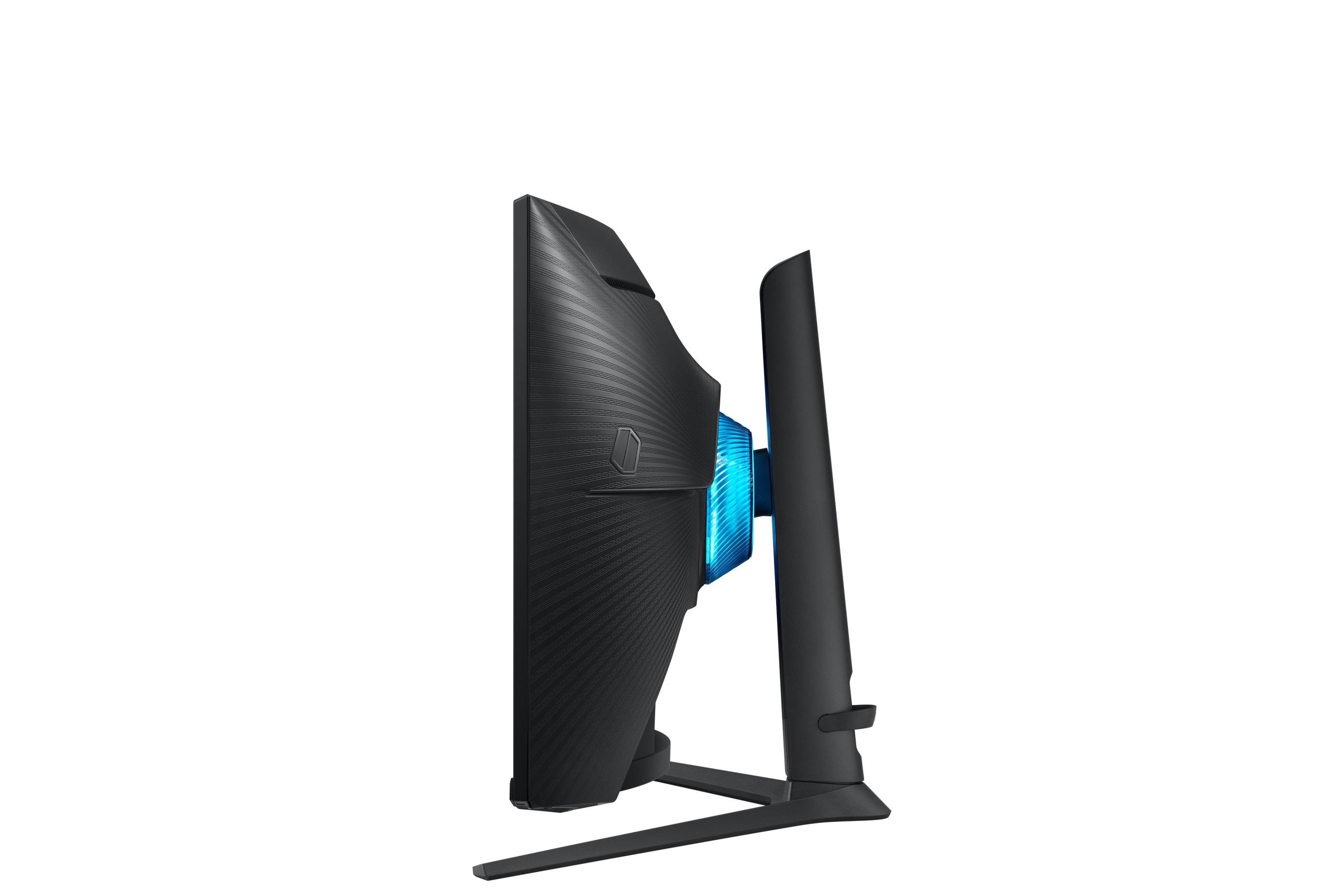
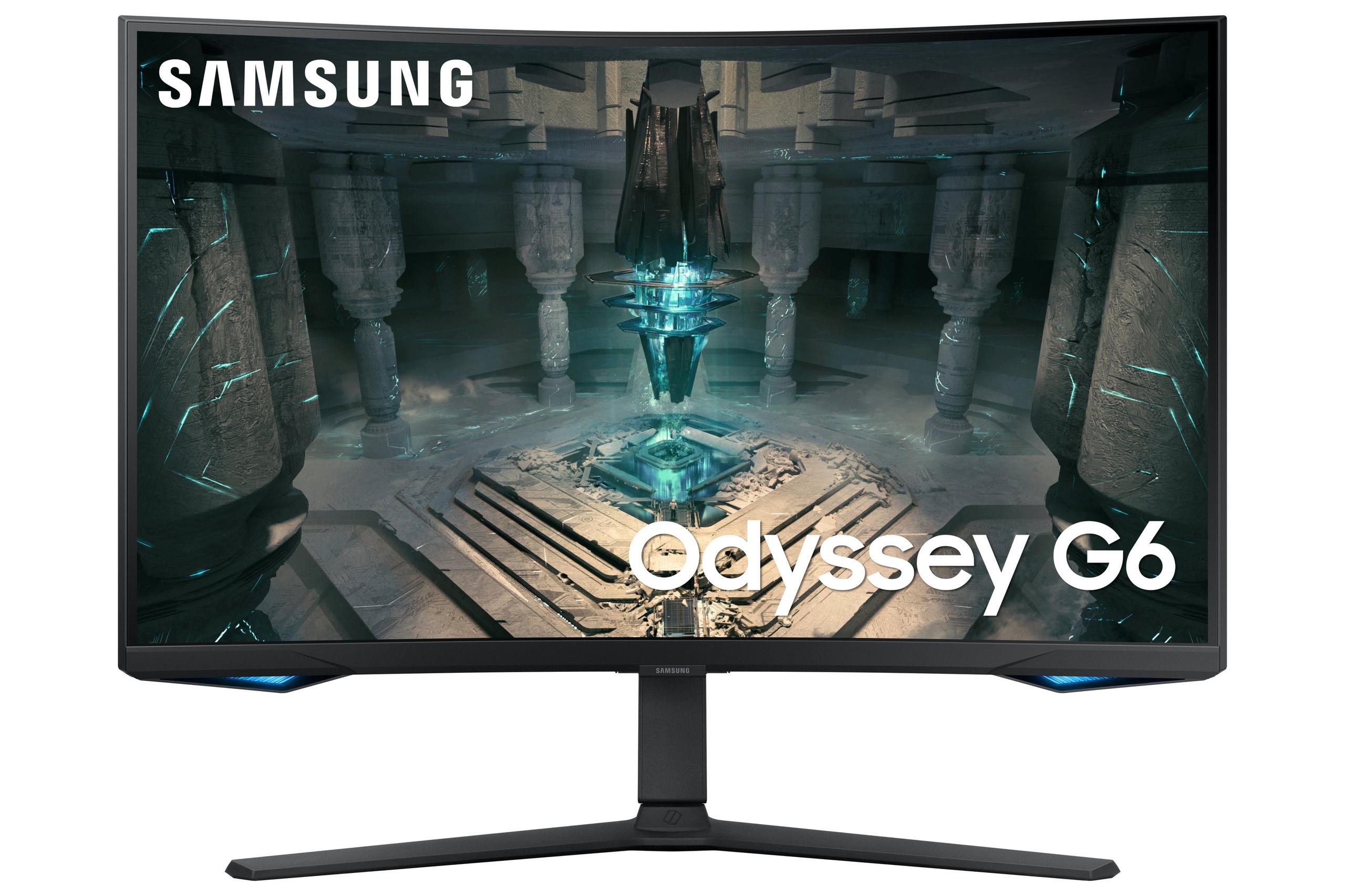
Choosing the right gaming monitor can make or break your gaming setup. After diving deep into specifications, user reviews, and expert opinions, I'm comparing two compelling 27-inch QHD gaming monitors that represent very different philosophies: the Alienware 27 QHD 180Hz Gaming Monitor and the Samsung Odyssey G65B 27" QHD 240Hz Curved Gaming Monitor.
Both monitors launched in 2023, arriving during a golden age for gaming displays when manufacturers finally cracked the code on delivering high refresh rates at reasonable prices. Since then, we've seen even more competitive options emerge, but these two remain standouts in their respective categories.
Before we dive into specifics, let's establish what separates a gaming monitor from your average display. Gaming monitors prioritize three critical factors: refresh rate (how many times per second the screen updates), response time (how quickly pixels change color), and input lag (the delay between your action and seeing it on screen).
Think of refresh rate like the frame rate in movies—higher numbers create smoother motion. Most standard monitors refresh at 60Hz, meaning they update 60 times per second. Gaming monitors push this to 120Hz, 180Hz, 240Hz, or even higher. Response time, measured in milliseconds, determines how quickly pixels can change from one color to another. Lower numbers mean less ghosting and blur during fast motion.
The panel technology also matters enormously. IPS (In-Plane Switching) panels excel at color accuracy and viewing angles—you can look at them from the side without colors shifting weirdly. VA (Vertical Alignment) panels sacrifice some viewing angle performance for dramatically better contrast ratios, meaning deeper blacks and more vibrant colors when viewed straight-on.
The Alienware 27 QHD 180Hz Gaming Monitor represents the "balanced excellence" approach. It uses a Fast IPS panel in a traditional flat design, prioritizing color accuracy, versatility, and value. At the time of writing, it typically costs significantly less than premium competitors while delivering professional-grade performance.
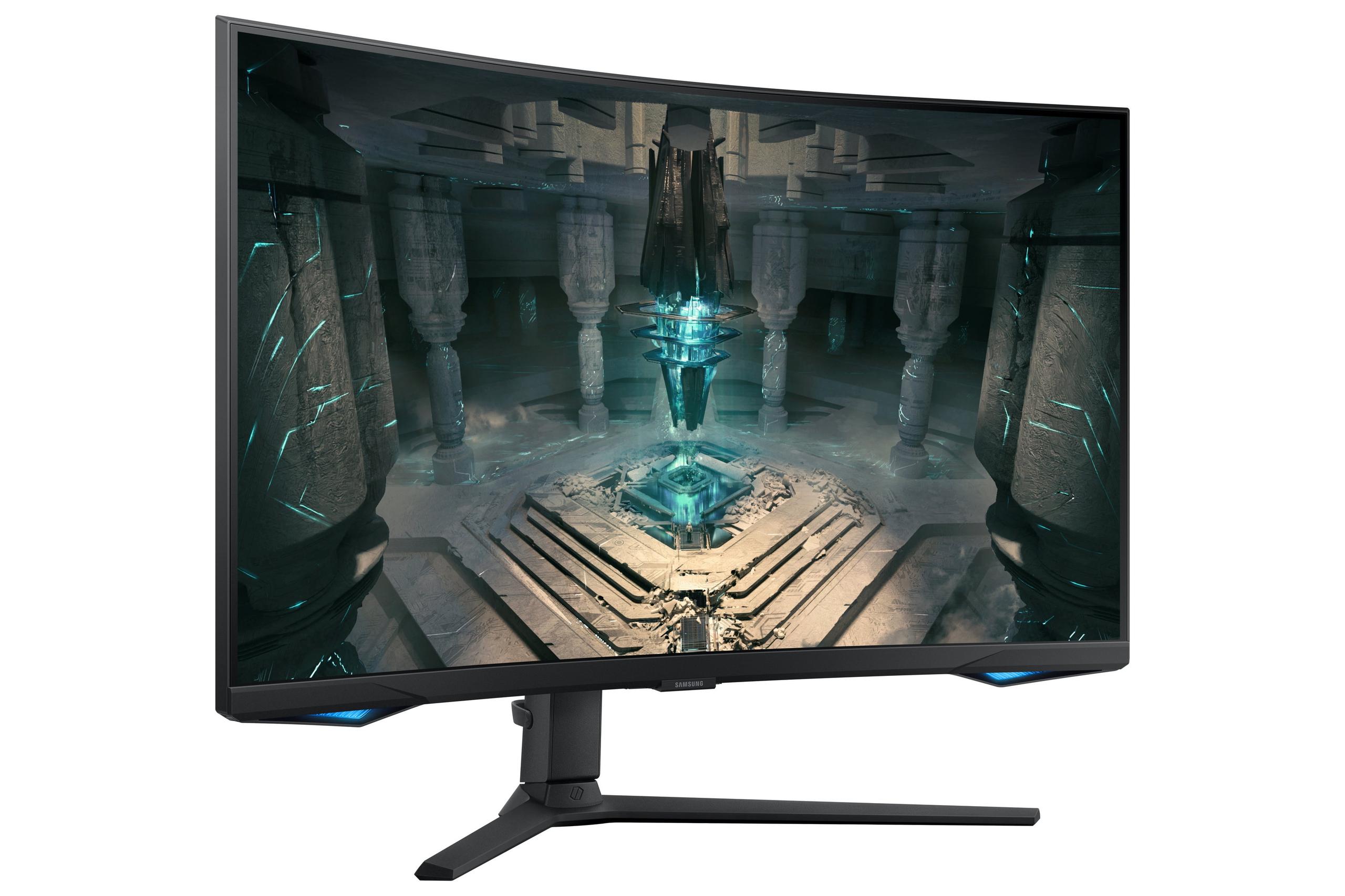
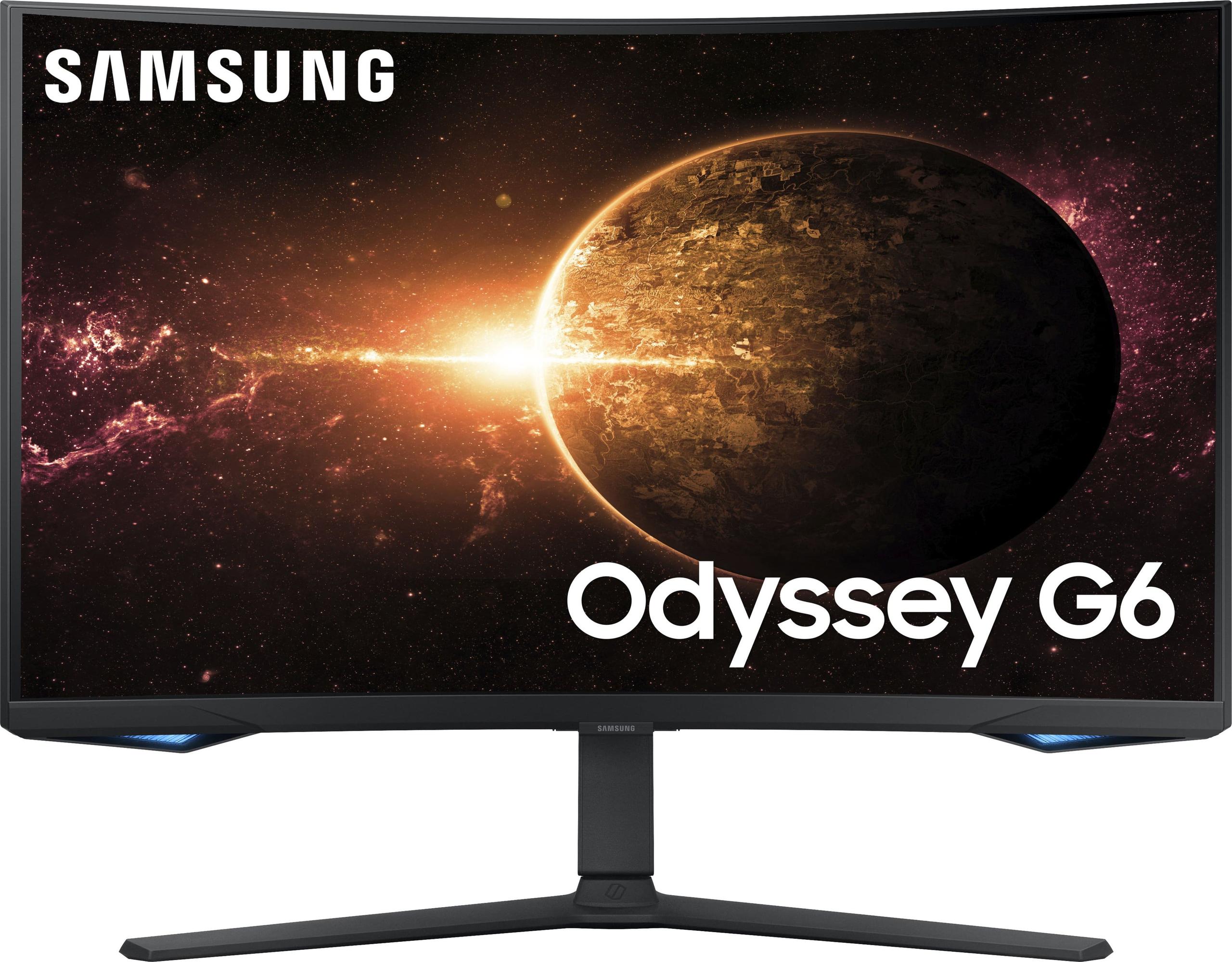
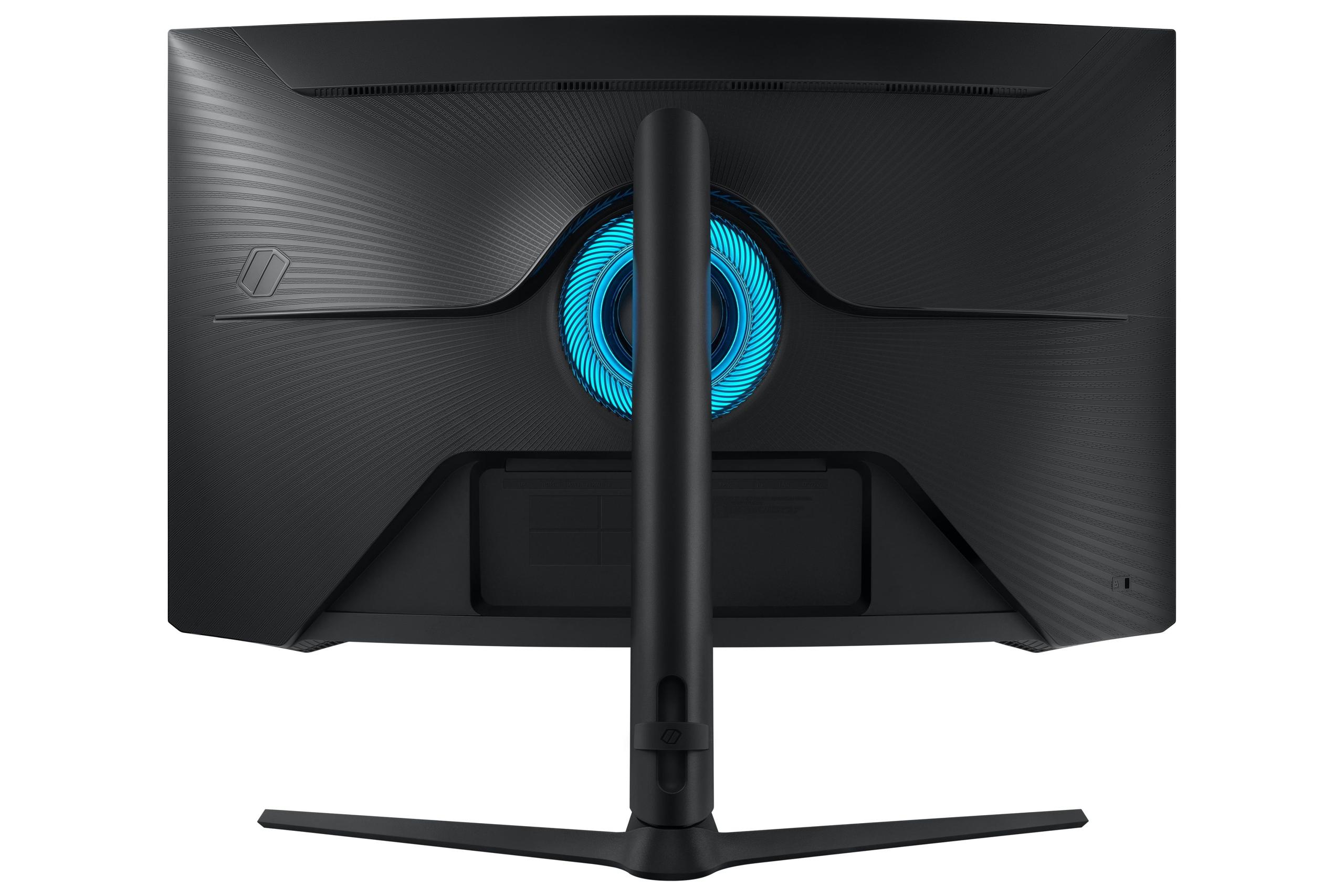
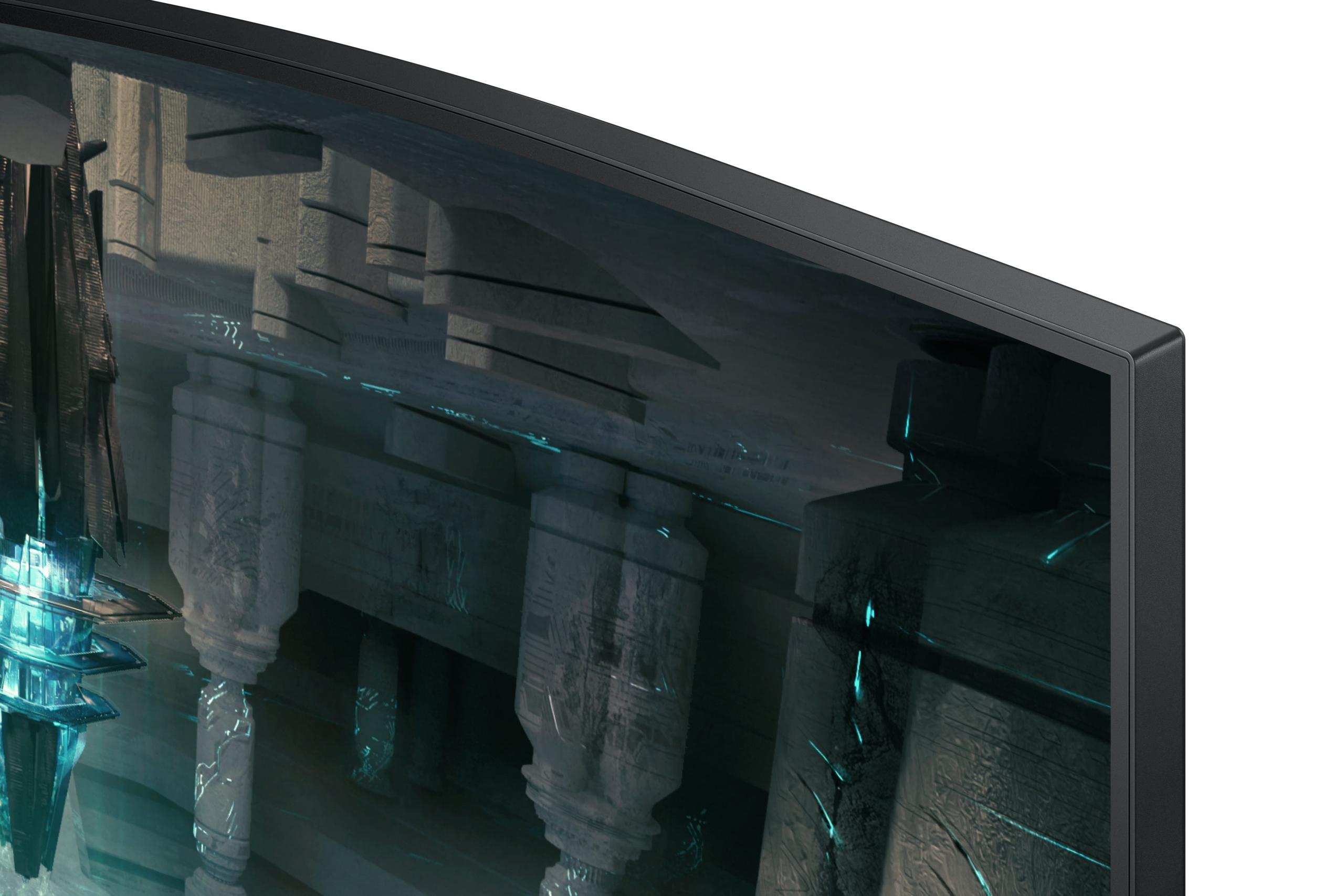
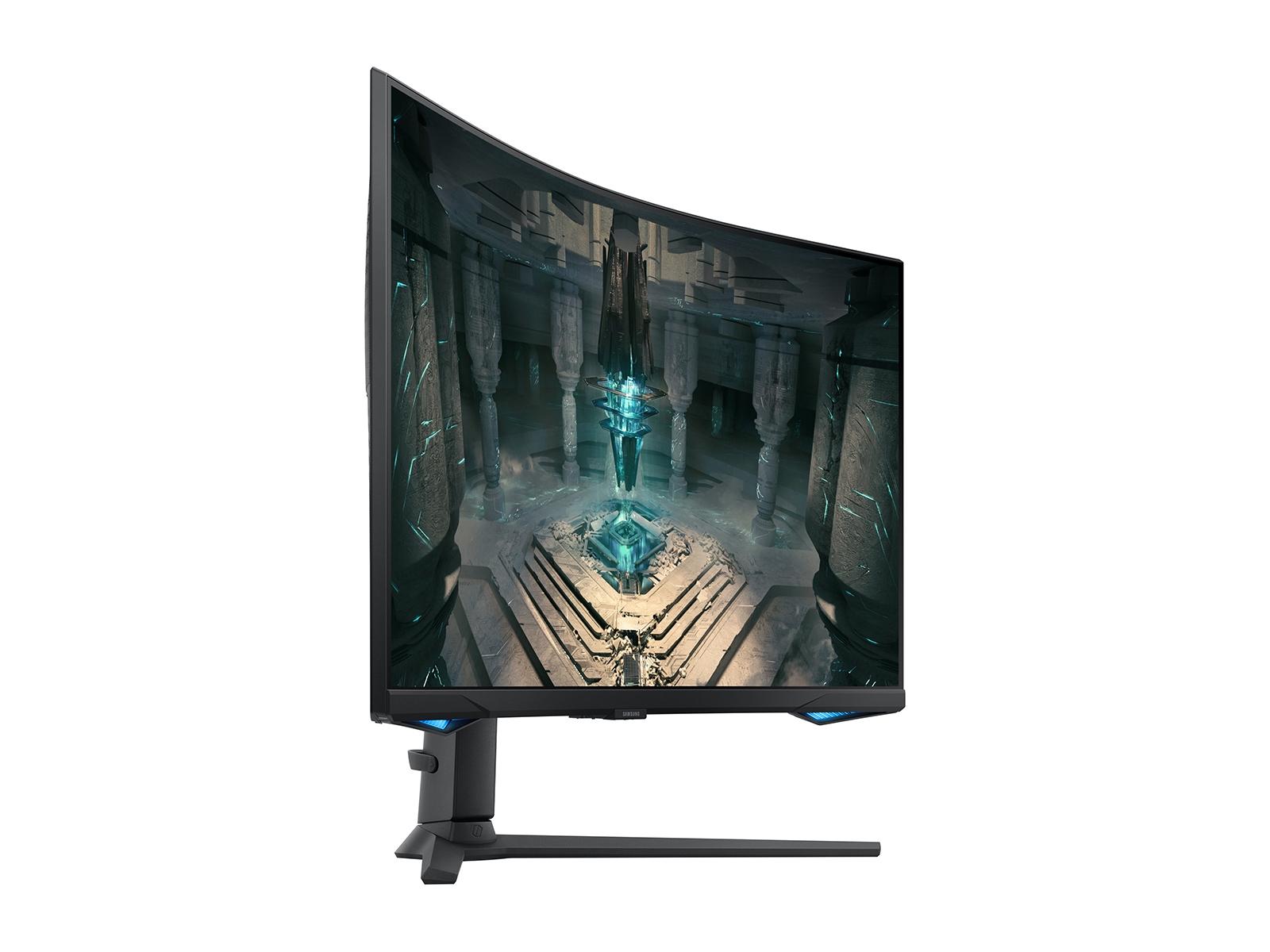
The Samsung Odyssey G65B takes the "no compromise gaming" route. This curved VA panel monitor pushes refresh rates to 240Hz and wraps around your field of vision with an aggressive 1000R curve—meaning if you extended the curve into a full circle, it would have a 1000mm radius. This creates an incredibly immersive gaming experience, though at a premium price point.
Here's where these monitors diverge most dramatically. The Samsung Odyssey G65B delivers 240Hz refresh rates compared to the Alienware's 180Hz. In practical terms, this means the Samsung can display 240 unique frames per second while the Alienware maxes out at 180.
This 60Hz difference sounds significant, but reality is more nuanced. First, you need a graphics card capable of pushing games at 200+ frames per second to benefit from 240Hz. Most mid-range GPUs struggle to maintain even 180fps in demanding modern games at 1440p resolution. Second, the perceptual difference between 180Hz and 240Hz is much smaller than the jump from 60Hz to 144Hz or even 144Hz to 180Hz.
That said, for competitive esports players running games like Counter-Strike, Valorant, or Apex Legends at reduced settings to maximize frame rates, every additional frame can provide a competitive edge. The Samsung wins this battle decisively, but most gamers won't notice the difference in real-world usage.
Both monitors support variable refresh rate technologies like AMD FreeSync and NVIDIA G-SYNC Compatible, which synchronize the monitor's refresh rate with your graphics card's output. This eliminates screen tearing (horizontal lines that appear when frame rates don't match refresh rates) and provides smooth gameplay even when frame rates fluctuate.
Both monitors claim 1ms gray-to-gray response times, but the Alienware provides more granular control. It offers three overdrive settings: 4ms (Fast) for optimal image quality, 2ms (Super Fast) for balanced performance, and 1ms (Extreme) for maximum speed with minimal ghosting artifacts.
This flexibility matters because aggressive overdrive settings can introduce inverse ghosting—dark trails following moving objects. The Alienware's multiple options let you fine-tune performance based on the game you're playing and your sensitivity to different types of artifacts.
The Samsung focuses on delivering its 1ms specification consistently, which works well for most users but offers less customization for enthusiasts who want to optimize every aspect of their display.
This represents the most fundamental difference between these monitors. The Alienware's Fast IPS panel excels at color accuracy, covering 99% of the sRGB color space and 95% of the DCI-P3 cinema standard. Colors remain consistent whether you're sitting directly in front of the monitor or viewing from an angle, making it excellent for content creation, productivity work, and sharing your screen with others.
The Samsung's VA panel tells a different story. Its 2,500:1 contrast ratio absolutely demolishes the Alienware's 1,000:1 specification. In practical terms, this means blacks appear truly black rather than dark gray, and bright highlights pop with more intensity. HDR (High Dynamic Range) content looks significantly more dramatic on the VA panel, with greater perceived depth and realism.
However, VA panels have viewing angle limitations. Sit too far off-center, and colors shift noticeably. For solo gaming, this isn't an issue, but it matters if you frequently have people watching over your shoulder or use your monitor for group activities.
The Alienware achieves 400 nits of brightness and supports VESA DisplayHDR 400, while the Samsung delivers 350 nits but qualifies for the higher DisplayHDR 600 certification. This seems contradictory until you understand that HDR certification depends on more than just peak brightness—factors like contrast ratio and color gamut also matter.
In well-lit rooms, the Alienware's higher brightness provides better visibility and reduces glare issues. The Samsung performs better in darker environments where its superior contrast ratio creates more impactful HDR experiences, especially in games that support HDR10.
Neither monitor offers the mini-LED backlighting or OLED technology found in premium displays, so HDR performance, while decent, won't match high-end televisions or professional monitors costing several times more.
The Alienware sticks with a traditional flat design that maximizes versatility. It's easier to position on most desks, works better in multi-monitor setups, and doesn't force a specific seating position. The three-side borderless design minimizes distractions and provides a clean, professional appearance suitable for both gaming and work environments.
The Samsung's 1000R curve creates a more immersive experience by wrapping the edges of the display toward your peripheral vision. This works particularly well for racing games, flight simulators, and atmospheric single-player experiences where immersion matters more than precision. The curve also reduces eye movement since the entire screen maintains a more consistent distance from your eyes.
However, curved monitors can feel awkward for productivity tasks like spreadsheet work or code editing, where straight lines should appear straight. The curve also makes wall mounting more challenging and limits your seating position flexibility.
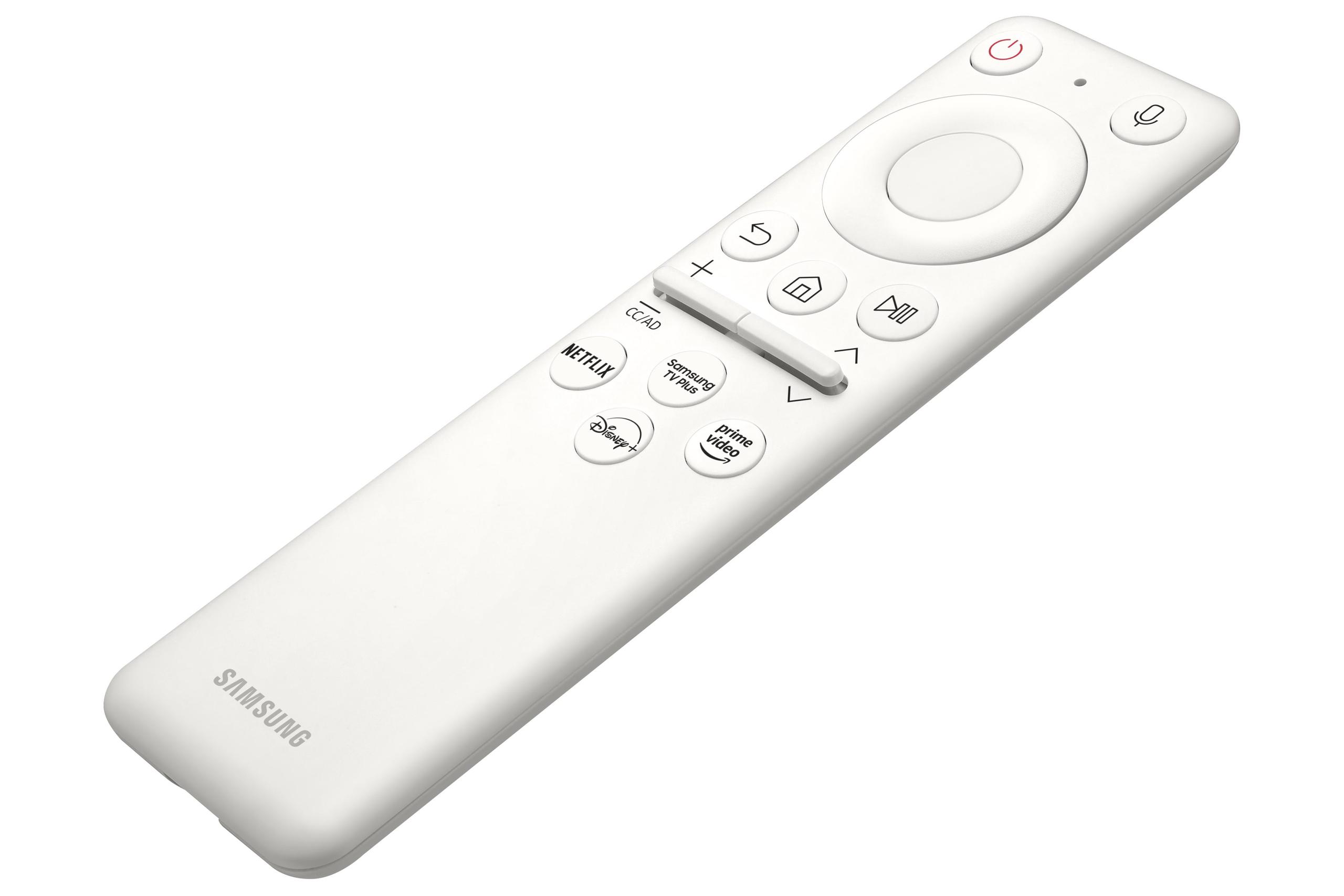
The Samsung Odyssey G65B goes far beyond basic display functionality. It includes Samsung's Tizen operating system, built-in Wi-Fi and Bluetooth, and the Gaming Hub platform that lets you stream games directly without a PC. You can access Xbox Game Pass Ultimate, NVIDIA GeForce Now, and other cloud gaming services directly from the monitor.
This smart functionality transforms the monitor into a standalone entertainment device. You can watch Netflix, browse the web, or even run productivity apps like Microsoft 365 without connecting a computer. The built-in speakers handle basic audio needs, though dedicated speakers or headphones provide much better sound quality.
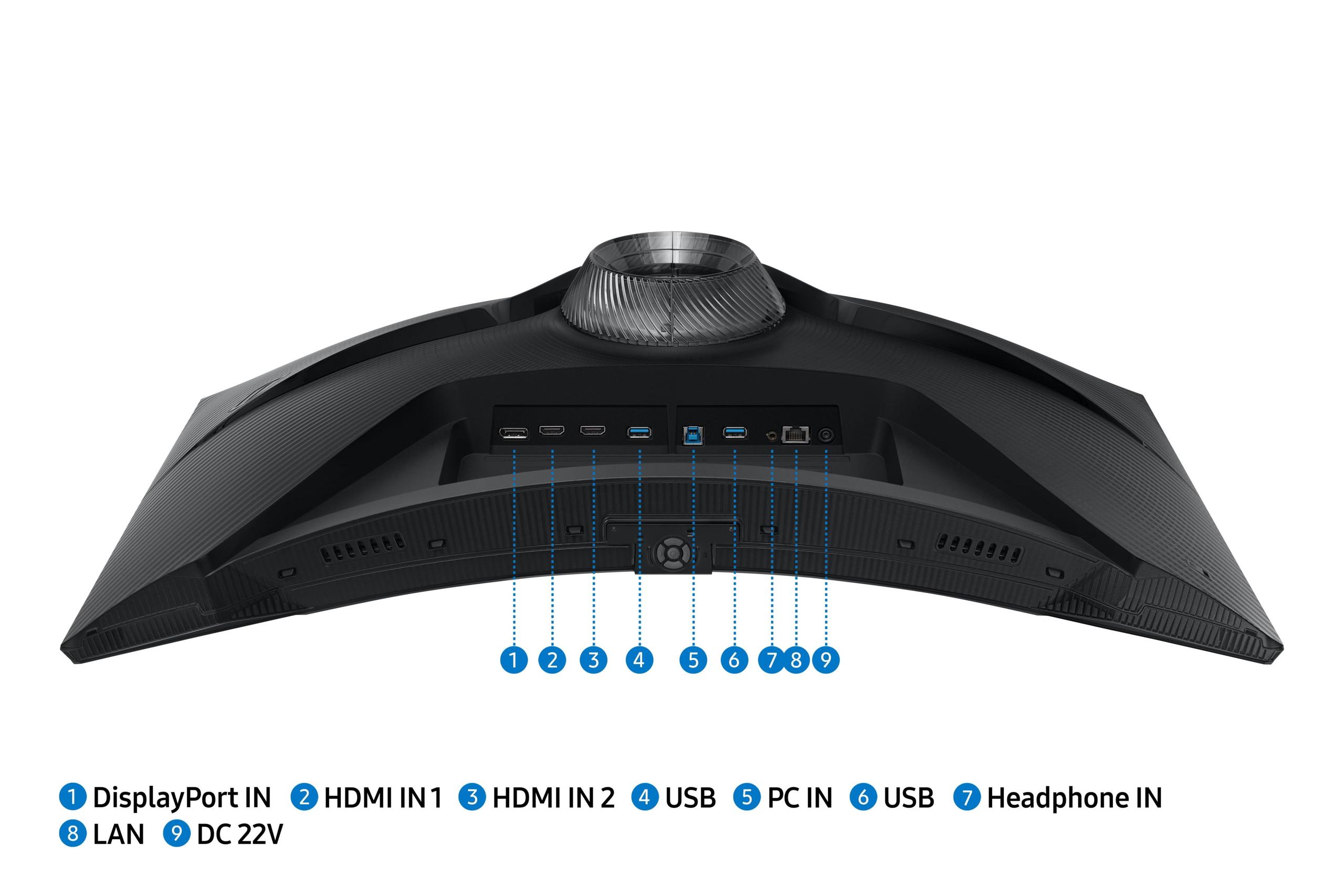
The Alienware takes a more focused approach, concentrating resources on display performance rather than smart features. It includes essential connectivity—two HDMI 2.1 ports and one DisplayPort 1.4—plus USB 3.2 hub functionality for connecting peripherals. No built-in speakers keep costs down and eliminate potential audio interference.
For pure gaming performance, the Alienware's approach makes sense. For users who want an all-in-one entertainment solution or frequently game on consoles, the Samsung's smart features add genuine value.
If you're considering either monitor for console gaming or as part of a home theater setup, both support HDMI 2.1 with variable refresh rate for PlayStation 5 and Xbox Series X compatibility. However, their different strengths become apparent in this usage scenario.
The Samsung's curved design and superior contrast ratio create a more cinematic experience for single-player games and movie watching. The smart platform eliminates the need for separate streaming devices, and the built-in speakers provide acceptable audio for casual viewing.
The Alienware offers better versatility if you plan to use the same display for gaming, work, and entertainment. Its flat design works better when wall-mounted, and the superior color accuracy benefits movie watching and content creation.
Neither monitor quite replaces a dedicated television for home theater use—both lack the size, advanced HDR implementation, and optimized movie-watching features of modern TVs. But for gaming-focused setups where space is limited, both serve admirably.
Based on extensive research of user reviews and expert testing, both monitors deliver on their core promises. Alienware users consistently praise the color quality, smooth 180Hz performance, and excellent build quality. The main complaints focus on the lack of built-in speakers and occasional backlight bleed—a common issue with IPS panels where light leaks around the edges.
Samsung Odyssey G65B users love the immersive curved experience and ultra-smooth 240Hz gameplay, particularly in competitive titles. The higher contrast ratio receives frequent praise for making games look more vibrant and realistic. Criticisms center on viewing angle limitations and occasional firmware bugs with the smart features.
Both monitors exhibit excellent motion clarity and minimal input lag, making them suitable for competitive gaming. The response time performance is essentially identical in real-world usage—any differences require specialized equipment to detect.
At the time of writing, the Alienware typically costs significantly less than the Samsung—often 30-40% less. This creates a compelling value proposition for the Alienware, delivering 90% of the performance at 60-70% of the cost.
The price difference could fund a graphics card upgrade that would provide more noticeable gaming improvements than the jump from 180Hz to 240Hz. For most users, the Alienware represents better overall system value.
However, if you have a high-end graphics card capable of consistently pushing 200+ fps and prioritize maximum refresh rate above all else, the Samsung's premium becomes more justifiable. The smart features also add value for users who want an all-in-one solution.
Choose the Alienware 27 QHD 180Hz Gaming Monitor if you want excellent gaming performance with broader versatility. It's perfect for users who game and work on the same monitor, prefer flat displays, or want to maximize value. The superior color accuracy benefits content creators, while the 180Hz refresh rate handles all but the most demanding competitive scenarios.
The Samsung Odyssey G65B makes sense for dedicated gaming setups where immersion matters more than versatility. If you have a powerful graphics card, play primarily single-player or competitive games, and value the curved gaming experience, the premium becomes worthwhile. The smart features also benefit console gamers and users who want simplified connectivity.
For most readers, I'd recommend the Alienware. It delivers exceptional gaming performance at a more accessible price point while maintaining flexibility for other uses. The Samsung serves a more specialized audience willing to pay premium prices for maximum refresh rates and curved immersion.
Both monitors represent significant upgrades over older 1080p displays and demonstrate how far gaming monitor technology has advanced since 2020. Whichever you choose, you're getting a display that will enhance your gaming experience for years to come.
| Alienware 27 QHD 180Hz Gaming Monitor | Samsung Odyssey G65B 27" QHD 240Hz Curved Gaming Monitor |
|---|---|
| Refresh Rate - Higher numbers mean smoother motion in fast games | |
| 180Hz (excellent for most gaming scenarios) | 240Hz (maximum smoothness for competitive esports) |
| Panel Type - Determines color accuracy vs contrast performance | |
| Fast IPS (superior color accuracy and viewing angles) | VA Curved (deeper blacks and more immersive gaming) |
| Display Curvature - Affects immersion and desk compatibility | |
| Flat (versatile for gaming, work, and multi-monitor setups) | 1000R Curved (wraps around field of vision for immersion) |
| Response Time Options - Controls motion blur vs image quality balance | |
| Multiple settings: 1ms/2ms/4ms (customizable performance) | 1ms fixed (consistent fast response) |
| Contrast Ratio - Higher numbers mean deeper blacks and more vibrant colors | |
| 1000:1 (typical for IPS, good for bright rooms) | 2500:1 (excellent blacks, dramatic HDR in dark rooms) |
| Peak Brightness - Determines visibility in bright environments | |
| 400 nits (better for well-lit rooms and productivity) | 350 nits (adequate for gaming in controlled lighting) |
| Color Accuracy - Important for content creation and professional work | |
| 99% sRGB, 95% DCI-P3 (excellent for mixed gaming/work use) | 95% DCI-P3 (good for gaming, less precise for professional work) |
| HDR Certification - Indicates dynamic range performance quality | |
| DisplayHDR 400 (basic HDR with decent brightness) | DisplayHDR 600 (better HDR thanks to higher contrast) |
| Smart Features - Built-in apps and wireless connectivity | |
| None (focused on display performance and value) | Full smart platform with Gaming Hub, Wi-Fi, Bluetooth |
| Connectivity Options - Determines device compatibility and future-proofing | |
| 2x HDMI 2.1, 1x DisplayPort 1.4, USB hub | 2x HDMI 2.1, 1x DisplayPort 1.4, wireless connectivity |
| Audio Solution - Built-in sound capability | |
| No speakers (keeps cost down, requires external audio) | Built-in speakers (convenient but basic quality) |
| Ergonomics - Adjustability for comfortable viewing | |
| Height, tilt, swivel, pivot (full adjustability on flat design) | Height, tilt, swivel, pivot (full adjustability on curved design) |
| Value Proposition - Performance delivered per dollar spent | |
| Excellent gaming performance at accessible pricing | Premium features and maximum refresh rate at higher cost |
The Samsung Odyssey G65B 27" QHD 240Hz Curved Gaming Monitor has a clear advantage for competitive gaming with its 240Hz refresh rate versus the Alienware 27 QHD 180Hz Gaming Monitor's 180Hz. The extra 60Hz provides smoother motion in fast-paced esports titles like Counter-Strike and Valorant. However, you need a high-end graphics card capable of 200+ fps to fully utilize the Samsung's higher refresh rate.
The Samsung Odyssey G65B features a 1000R curve that wraps around your field of vision, creating more immersive gaming experiences, especially in racing games and single-player adventures. The Alienware monitor uses a traditional flat design that's more versatile for productivity work, multi-monitor setups, and shared viewing. Curved monitors like the Samsung work best when you're sitting directly in front of them.
Both excel in different ways. The Alienware 27 QHD 180Hz Gaming Monitor offers superior color accuracy with its IPS panel, covering 99% sRGB for precise colors. The Samsung Odyssey G65B delivers deeper blacks and more vibrant colors thanks to its 2500:1 contrast ratio versus the Alienware's 1000:1 ratio. For color-critical work, choose the Alienware; for dramatic gaming visuals, the Samsung wins.
Yes, both monitors benefit from mid to high-end graphics cards. The Alienware 27 QHD 180Hz Gaming Monitor requires a GPU capable of 120+ fps at 1440p for smooth gameplay. The Samsung Odyssey G65B ideally needs even more power—200+ fps—to fully utilize its 240Hz capability. Cards like the RTX 4070 or better work well with both displays.
The Alienware 27 QHD 180Hz Gaming Monitor is significantly better for mixed gaming and productivity use. Its flat IPS panel provides consistent colors from any viewing angle, making it ideal for spreadsheet work, coding, and content creation. The Samsung's curved VA panel can make straight lines appear bent, which interferes with professional work requiring precision.
The Samsung Odyssey G65B 27" QHD 240Hz Curved Gaming Monitor includes extensive smart features like built-in Wi-Fi, Bluetooth, Gaming Hub for cloud gaming, and apps like Netflix. You can stream games or watch content without connecting a PC. The Alienware 27 QHD 180Hz Gaming Monitor focuses purely on display performance with no smart features, keeping costs lower and eliminating potential software issues.
Both monitors work excellently with PlayStation 5 and Xbox Series X thanks to HDMI 2.1 support and variable refresh rate compatibility. The Samsung Odyssey G65B has a slight edge with its smart features allowing direct access to streaming services and its immersive curved design. However, the Alienware offers better versatility if you also use your monitor for PC gaming or work.
Both monitors offer 1ms gray-to-gray response times, but the Alienware 27 QHD 180Hz Gaming Monitor provides more control with three overdrive settings (1ms, 2ms, 4ms) to balance speed versus image quality. The Samsung Odyssey G65B delivers consistent 1ms performance but with less customization. In real-world gaming, both eliminate motion blur effectively.
The Alienware 27 QHD 180Hz Gaming Monitor typically offers superior value, delivering excellent gaming performance at a lower price point. The cost savings could fund graphics card upgrades that provide more noticeable gaming improvements than the jump from 180Hz to 240Hz. The Samsung justifies its premium pricing with maximum refresh rates and smart features for dedicated gaming setups.
Yes, significant differences exist. The Alienware 27 QHD 180Hz Gaming Monitor's IPS panel maintains consistent colors and brightness when viewed from the side, making it better for group viewing or flexible seating positions. The Samsung Odyssey G65B's VA panel shows color shifting and brightness changes when viewed off-center, though this isn't an issue when sitting directly in front of the curved display.
The Samsung Odyssey G65B 27" QHD 240Hz Curved Gaming Monitor provides superior HDR performance despite lower peak brightness, thanks to its much higher 2500:1 contrast ratio and DisplayHDR 600 certification. HDR games and movies show more dramatic highlights and deeper shadows. The Alienware offers basic HDR 400 support that's adequate but less impactful than the Samsung's implementation.
The Alienware 27 QHD 180Hz Gaming Monitor is significantly better for content creation with its superior color accuracy, flat design for precise editing work, and excellent viewing angles for collaboration. The Samsung Odyssey G65B works for gaming content creation but its curved design and color shifting make it less suitable for professional video editing or graphic design work requiring color precision.
We've done our best to create useful and informative comparisons to help you decide what product to buy. Our research uses advanced automated methods to create this comparison and perfection is not possible - please contact us for corrections or questions. These are the sites we've researched in the creation of this article: bestbuy.com - bestbuy.com - youtube.com - dell.com - tweaktown.com - dell.com - rtings.com - manuals.plus - tomshardware.com - displayspecifications.com - youtube.com - youtube.com - displayspecifications.com - dell.com - dellstore.com - ebay.com - bestbuy.com - versus.com - uk.shi.com - youtube.com - youtube.com - displayspecifications.com - rtings.com - versus.com - samsung.com - rtings.com - businessdirect.bt.com - productchart.com - samsung.com - displayspecifications.com - gradeatechnology.co.uk - samsung.com - bestbuy.com - samsung.com - samsung.com

Privacy Policy
Terms and Conditions - Affiliate Policy
Home Security
© Copyright 2008-2026.
11816 Inwood Rd #1211, Dallas, TX 75244