















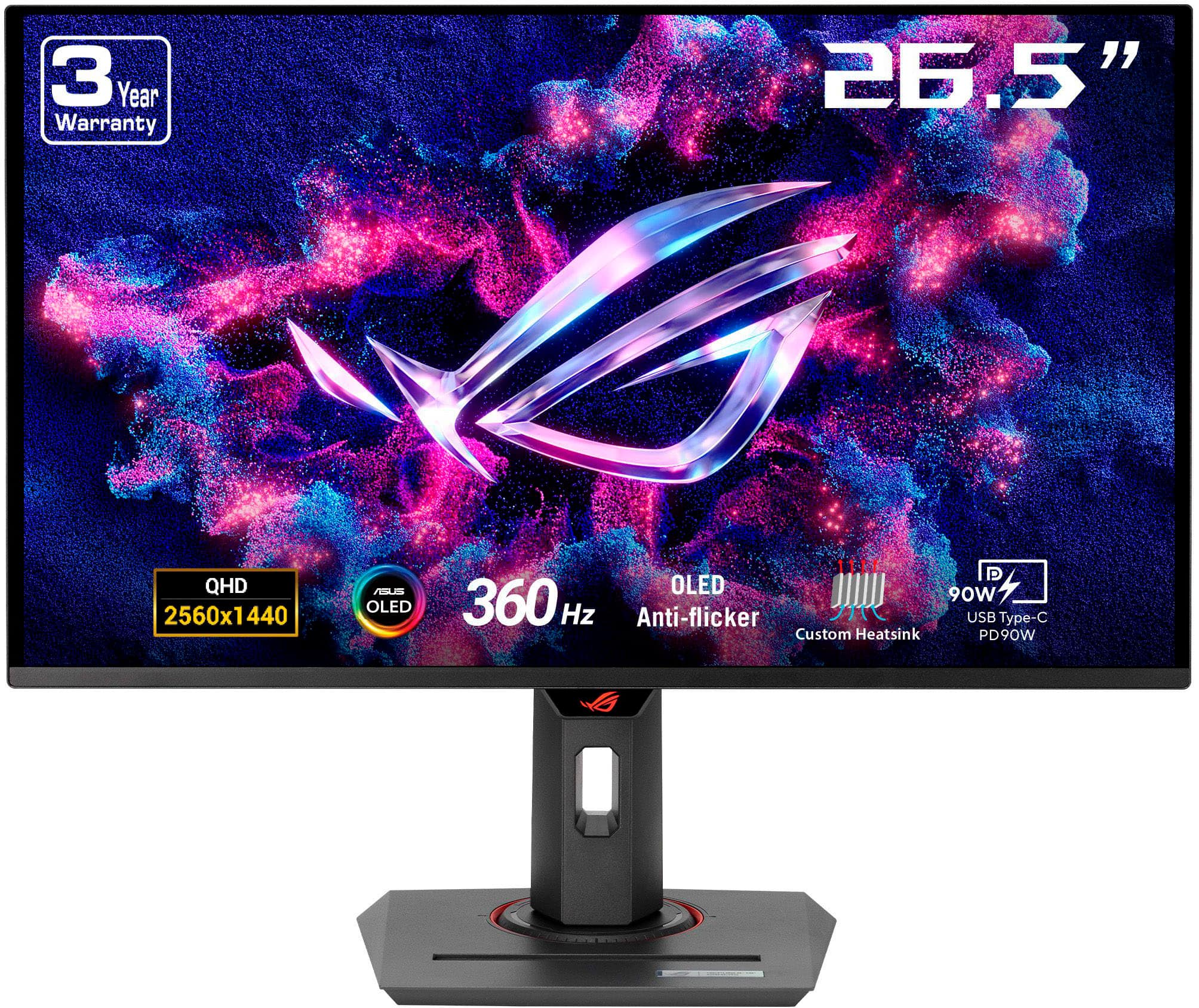
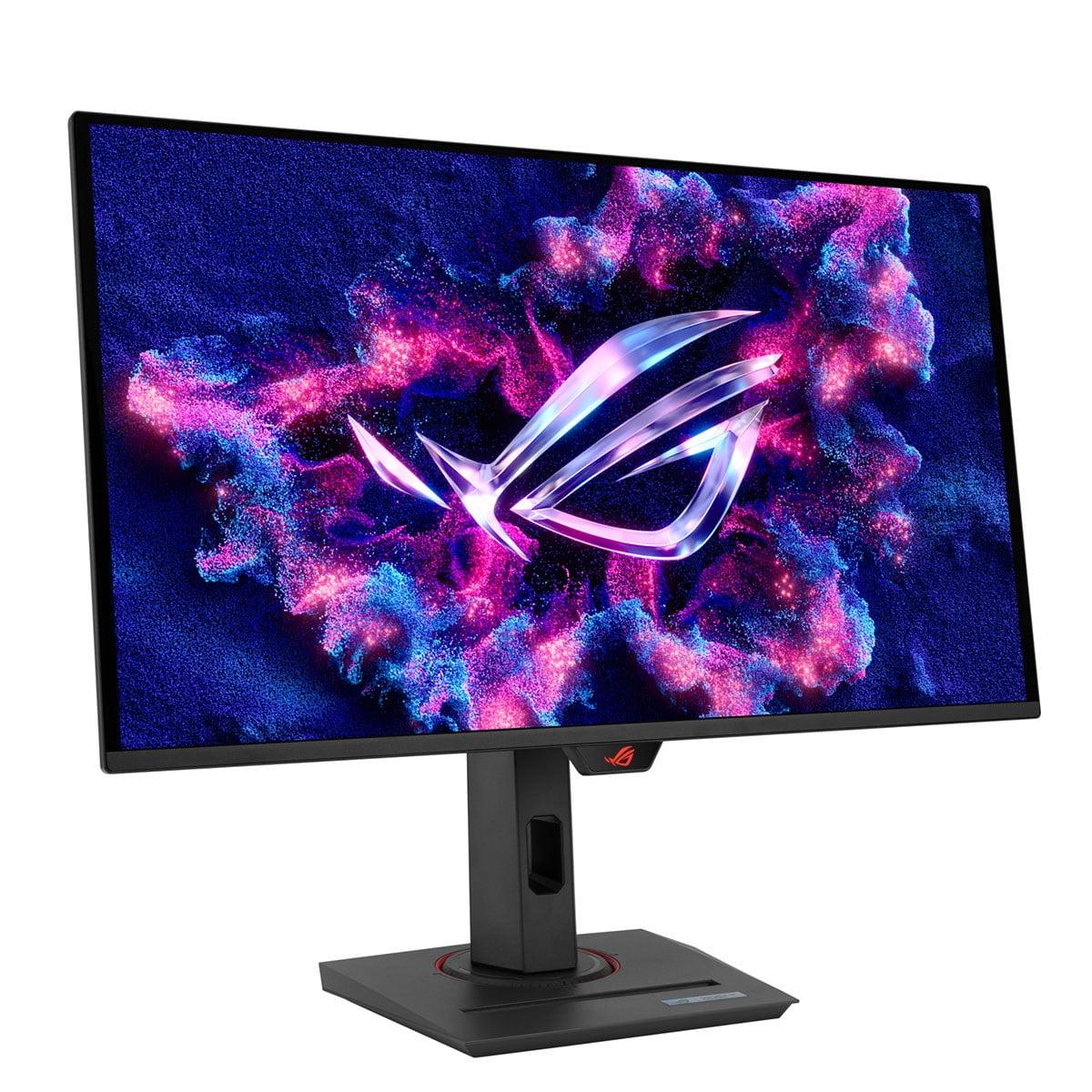
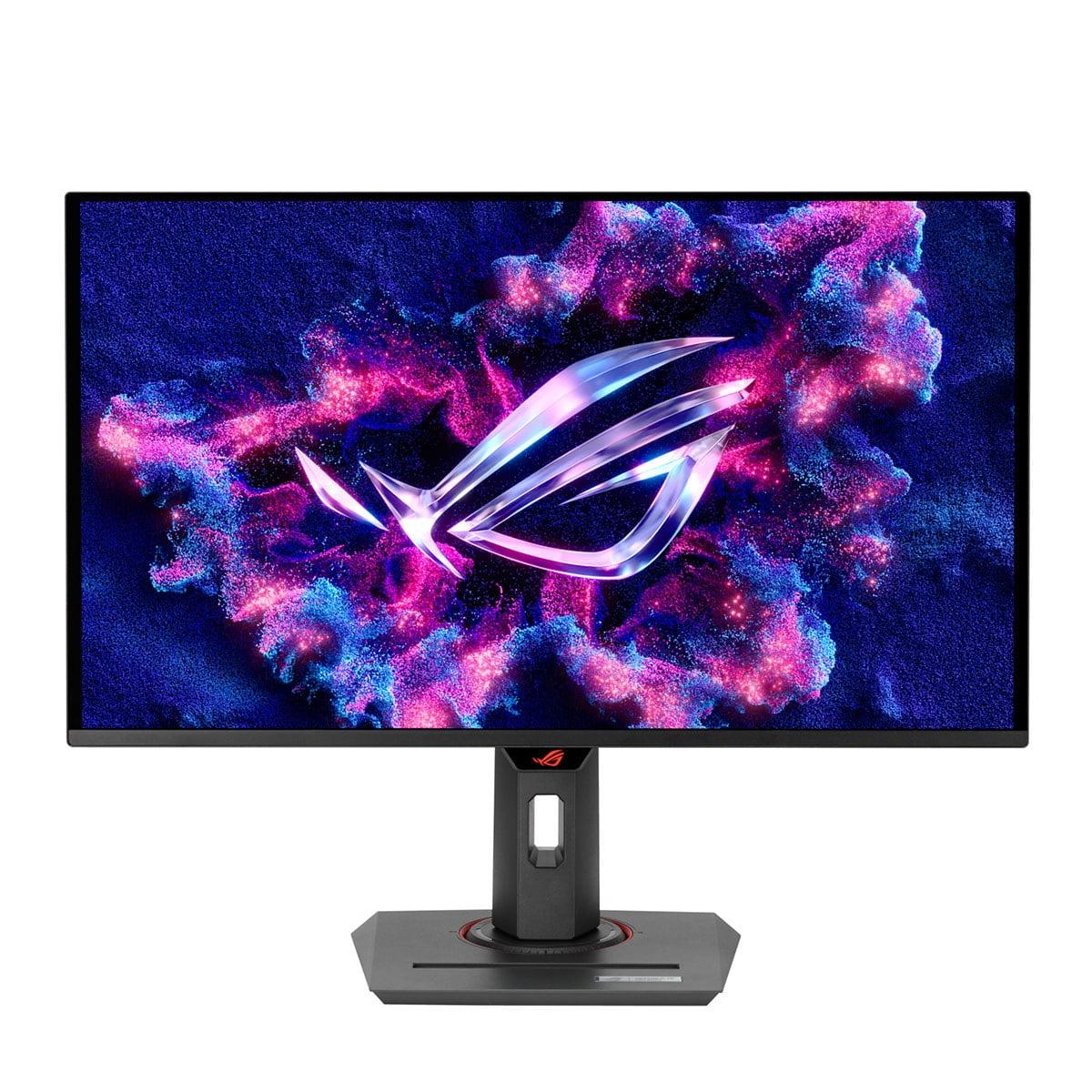
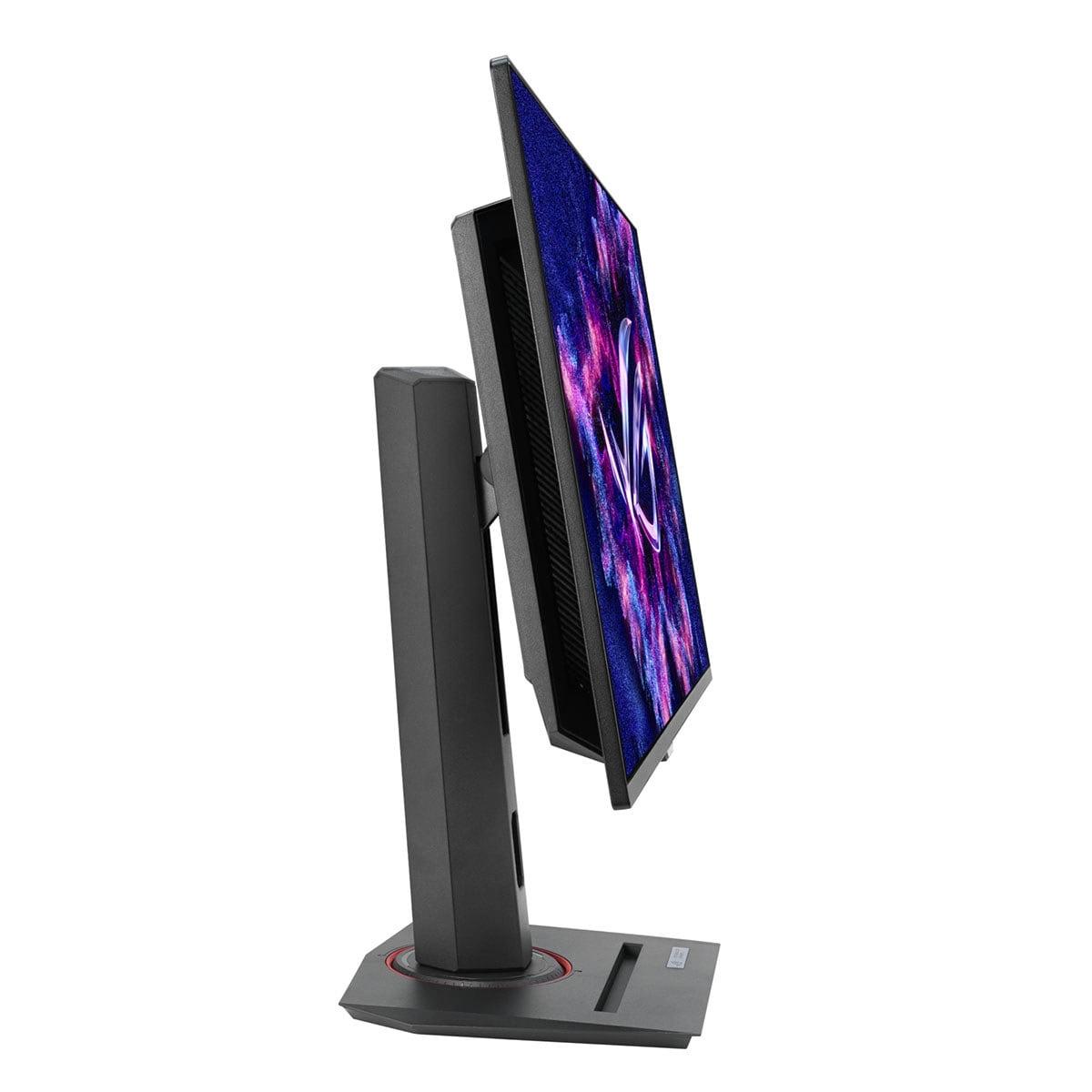
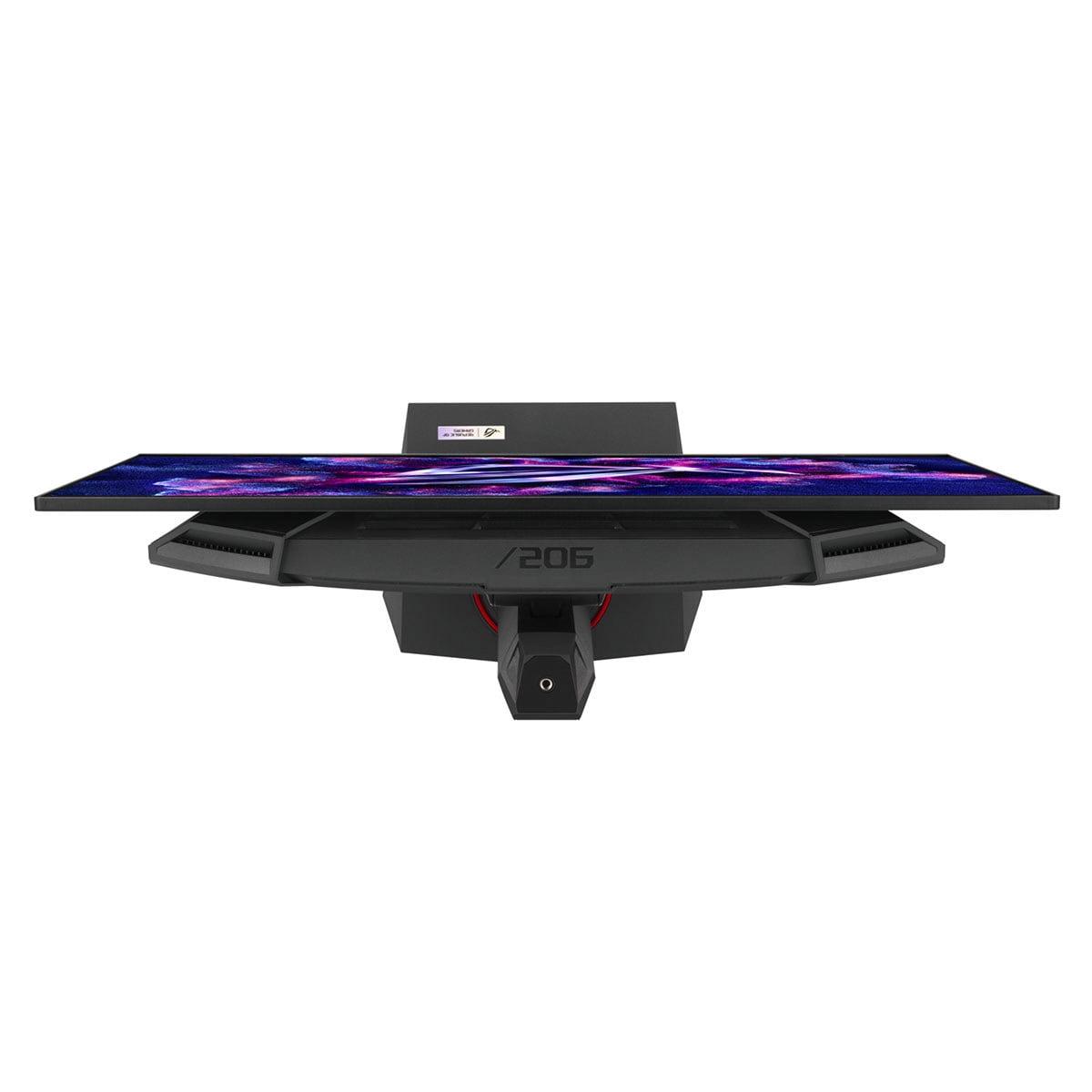
When you're shopping for a gaming monitor, the choices can feel overwhelming. Do you go for solid performance at a reasonable price, or do you invest in cutting-edge technology that pushes every boundary? That's exactly the choice you're facing with these two 27-inch gaming monitors: the Alienware 27 QHD 180Hz Gaming Monitor and the ASUS ROG Strix OLED XG27ACDNG.
At the time of writing, these monitors represent vastly different price points—the Alienware sits in budget-friendly territory while the ASUS OLED commands a premium that's roughly four times higher. But here's the thing: they're both targeting the same sweet spot that most serious gamers want—27 inches with QHD resolution (that's 2560x1440 pixels, which gives you much sharper detail than 1080p without the GPU-crushing demands of 4K).
Before diving into the specifics, let's talk about what actually makes a gaming monitor good. The most important factors are refresh rate (how many times per second the screen updates), response time (how quickly pixels can change colors), and panel technology (the underlying display tech that affects everything from color quality to contrast).
Refresh rate is measured in Hertz (Hz). Your typical office monitor runs at 60Hz, meaning it refreshes 60 times per second. Gaming monitors push this much higher—the Alienware hits 180Hz while the ASUS reaches an impressive 360Hz. Higher refresh rates make motion look smoother and can give you a competitive edge in fast-paced games.
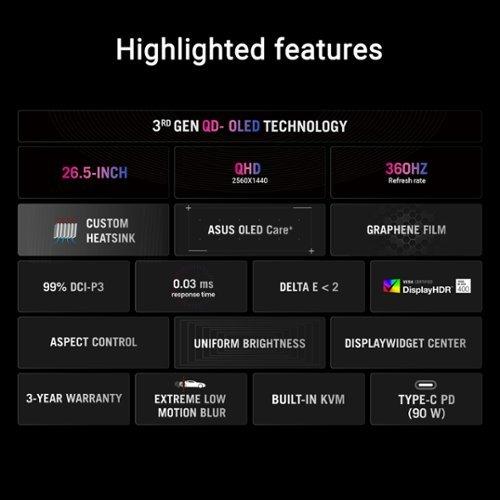
Response time, measured in milliseconds (ms), tells you how quickly a pixel can change from one color to another. Lower numbers mean less ghosting—those annoying trails you sometimes see behind moving objects. The Alienware achieves 1ms in its fastest setting, while the ASUS OLED hits an almost instantaneous 0.03ms.
This is where things get really interesting. The Alienware 27 QHD 180Hz Gaming Monitor uses what's called a Fast IPS panel. IPS stands for In-Plane Switching, and it's a mature technology that's been refined over many years. IPS panels are known for consistent colors, wide viewing angles (meaning the picture looks good even when you're not sitting directly in front), and reliability. The "Fast" part means ASUS has optimized it for quicker response times than traditional IPS panels.
The ASUS ROG Strix OLED, on the other hand, uses Quantum Dot OLED technology—and this is where we need to talk about what makes OLED special. OLED stands for Organic Light-Emitting Diode, and unlike traditional LCD panels that need a backlight, each pixel in an OLED display creates its own light. This means when a pixel needs to show black, it simply turns off completely, creating perfect blacks and infinite contrast.
The Quantum Dot part adds another layer of sophistication. Quantum dots are tiny nanocrystals that can produce very pure colors when hit with light. Combined with OLED, this creates incredibly vibrant and accurate colors that cover 99% of the DCI-P3 color space (the standard used in digital cinema) and an impressive 135% of the sRGB space that most content uses.
When you're gaming, especially in competitive titles, every millisecond matters. The Alienware delivers solid performance with its 180Hz refresh rate. To put this in perspective, if you're coming from a standard 60Hz monitor, this represents a massive jump in smoothness. Fast-moving objects will appear much clearer, and in competitive games like first-person shooters, you'll have more visual information to work with.
The ASUS OLED takes this to another level entirely with 360Hz. At this refresh rate, motion blur becomes virtually nonexistent. Based on professional reviews and testing, the difference between 180Hz and 360Hz is most noticeable in competitive gaming scenarios—particularly in games like Counter-Strike, Valorant, or Apex Legends where tracking fast-moving targets is crucial.
But refresh rate is only part of the story. The ASUS also benefits from OLED's near-instantaneous pixel response. When a pixel needs to change color, it happens almost immediately, eliminating the ghosting that can still appear on even fast IPS panels. The Alienware, while good, offers selectable response times—1ms for maximum speed (though with some image quality trade-offs), 2ms for balanced performance, or 4ms for the best image quality.
Here's where the technology difference becomes most apparent. The Alienware's IPS panel delivers what you'd expect from a quality gaming monitor—vibrant colors, good brightness, and consistent performance. It covers 95% of the DCI-P3 color space and supports HDR400, which provides some improvement in dynamic range but isn't dramatically different from standard content.
The ASUS OLED operates in a different league entirely. Those perfect blacks create a contrast ratio that's technically infinite—there's simply no comparison. When you're playing a game with dark scenes, like a horror game or a space sim, the difference is immediately obvious. Stars actually twinkle against the void of space, and shadows in dark corners are truly dark, not the slightly gray color you get with backlit LCD panels.
The OLED's color accuracy is also factory-calibrated to achieve Delta E values under 2, which is professional monitor territory. For context, Delta E measures color accuracy—lower numbers mean colors look more like they're supposed to. Most users can't detect differences below Delta E 3, so this monitor is accurate enough for serious photo or video work.
Both monitors support HDR (High Dynamic Range), but they approach it very differently. The Alienware meets the HDR400 standard, which means it can hit 400 nits of brightness and display a wider range of colors than standard monitors. It's a step up from regular gaming, but it's not going to blow you away.
The ASUS OLED supports HDR400 True Black, which is a more demanding standard. The "True Black" part matters—because OLED pixels can turn completely off, you get genuine darkness alongside bright highlights. Peak brightness can exceed 1000 nits in small areas, creating those spectacular highlights that make HDR content pop. However, large bright areas will be dimmer, which is a characteristic of current OLED technology.
Both monitors handle the basics well, but the ASUS includes several premium features. Both support adaptive sync technologies—AMD FreeSync and NVIDIA G-Sync Compatible—which synchronize your graphics card's output with the monitor's refresh rate to eliminate screen tearing.
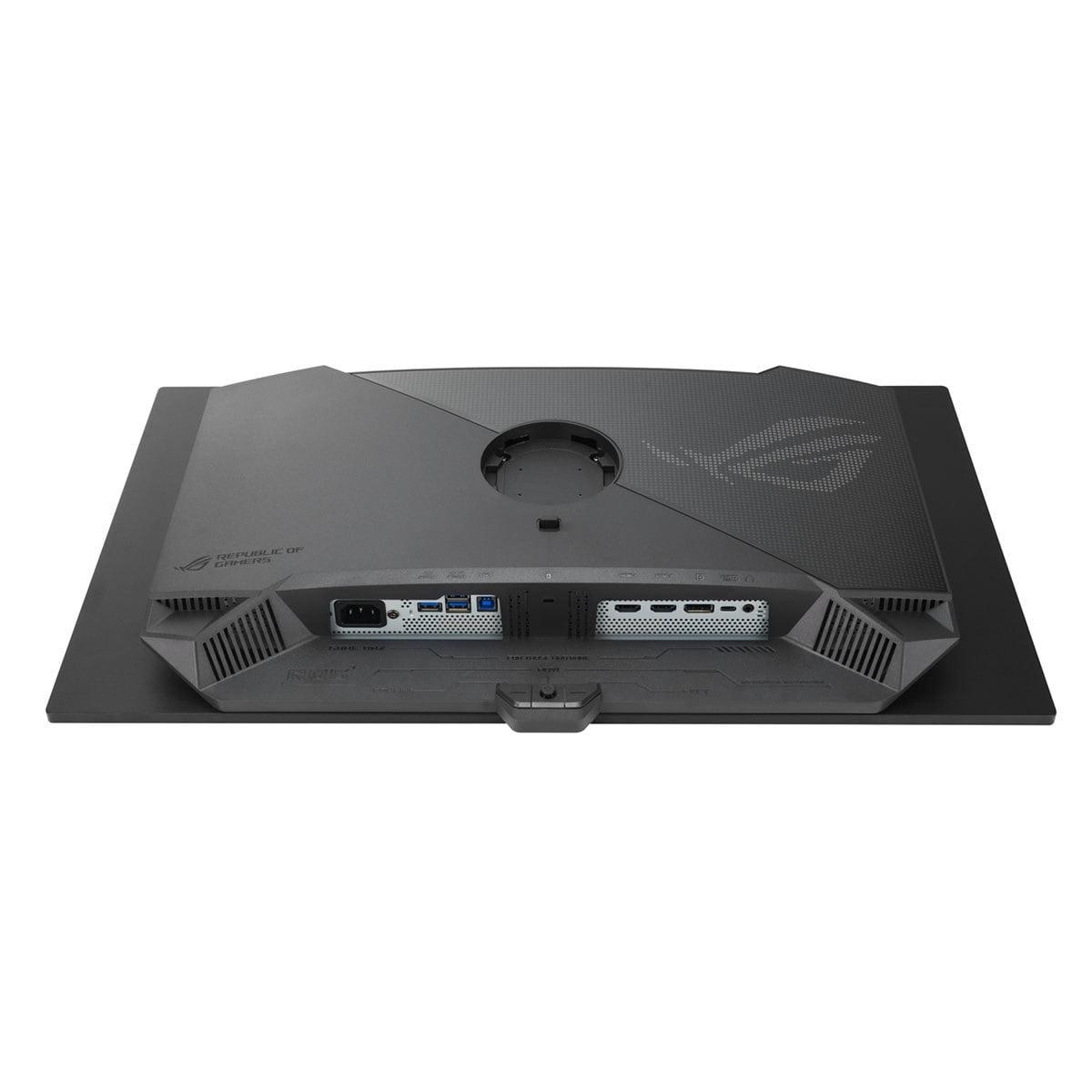
The ASUS goes further with features like a built-in KVM switch (which lets you control multiple computers with one keyboard and mouse), USB-C connectivity with 90W power delivery (great for laptops), and comprehensive USB hubs. The Alienware keeps things simpler with standard gaming connectivity—DisplayPort, HDMI, and basic USB ports.
One notable omission on both: neither includes built-in speakers. You'll need separate audio solutions, which most serious gamers prefer anyway.
We need to address the potential downsides of OLED technology. Burn-in is when static images displayed for long periods leave permanent marks on the screen. Think Windows taskbars, game UI elements, or desktop icons. The ASUS includes OLED Care+ features to help prevent this—pixel refresh cycles, screen savers, and algorithms that shift static elements slightly.
Modern OLEDs are much more resistant to burn-in than earlier generations, and ASUS includes a three-year warranty that covers burn-in. Still, if you frequently use productivity applications with static elements, or if you're prone to leaving the same game paused for hours, this is worth considering.
The Alienware IPS panel doesn't have burn-in concerns and will likely maintain its image quality consistently for many years of use.
The Alienware AW2725DM launched in 2024 as part of Dell's effort to provide high-performance gaming at accessible prices. The 180Hz refresh rate was carefully chosen—high enough to provide excellent gaming performance while remaining achievable for mid-range graphics cards.
The ASUS ROG Strix OLED XG27ACDNG represents 2024-2025's cutting-edge OLED gaming technology. It's among the first monitors to combine 360Hz refresh rates with QD-OLED panels, and the technology has improved significantly since early OLED gaming monitors. The third-generation QD-OLED panels used here offer better brightness, improved efficiency, and enhanced durability compared to earlier versions.
While both are primarily gaming monitors, they can serve double duty for entertainment. The ASUS OLED excels here thanks to perfect blacks and excellent HDR performance. Movie nights become more immersive, with the kind of contrast you'd expect from a premium TV. The color accuracy also means movies look as the creators intended.
The Alienware is perfectly adequate for entertainment use, though you won't get the same dramatic contrast. The IPS panel's consistent brightness and good viewing angles make it comfortable for group viewing.
At the time of writing, the Alienware represents exceptional value in the gaming monitor space. You're getting QHD resolution, 180Hz refresh rate, good color accuracy, and reliable IPS technology at a price that doesn't require selling vital organs. For most gamers, this provides 90% of the performance benefit at roughly 25% of the premium cost.
The ASUS OLED commands a significant premium, but it's delivering genuinely cutting-edge technology. The 360Hz refresh rate, perfect contrast, professional-grade color accuracy, and advanced features justify the higher price for users who can take advantage of them.
Your graphics card choice significantly impacts which monitor makes sense. To properly utilize the Alienware's 180Hz at QHD resolution, you'll want at least an RTX 4060 Ti or RX 7700 XT for high settings in modern games, though older or less demanding titles will run fine on lower-tier cards.
The ASUS's 360Hz capability really demands high-end hardware. To consistently hit 360fps at 1440p, you're looking at RTX 4080 or better territory, and only in competitive games with settings optimized for performance. For single-player games, even top-tier GPUs might average 120-180fps, making the extra refresh rate less meaningful.
Choose the Alienware 27 QHD 180Hz Gaming Monitor if you want excellent gaming performance without breaking the bank. It's perfect for gamers who play a mix of titles—from competitive shooters to sprawling RPGs—and need a monitor that excels at gaming while handling productivity tasks well. The IPS panel's durability and lack of burn-in concerns make it ideal for mixed-use scenarios.
The ASUS ROG Strix OLED is for enthusiasts who want the absolute best. If you're heavily into competitive gaming, can afford premium hardware, and want a monitor that doubles as a professional-grade display for content creation, the investment makes sense. The visual quality improvement is genuinely dramatic, especially for HDR content and dark game scenes.
Both monitors excel in their respective categories, but they serve different audiences. The Alienware offers outstanding value and solid performance that will satisfy most gamers. The ASUS OLED represents the current pinnacle of gaming monitor technology, justified only when maximum performance and visual quality are essential rather than nice-to-have features.
For most readers, the Alienware provides the better balance of performance, features, and value. But if you're building a no-compromise gaming setup, have the GPU horsepower to take advantage of 360Hz, and can justify the premium for perfect image quality, the ASUS OLED delivers an experience that's genuinely transformative.
The choice ultimately comes down to your priorities: exceptional value with great performance, or premium investment in cutting-edge technology. Both represent solid decisions for their intended audiences.
| Alienware 27 QHD 180Hz Gaming Monitor | ASUS ROG Strix OLED XG27ACDNG |
|---|---|
| Panel Technology - Determines contrast, color accuracy, and longevity | |
| Fast IPS (reliable, no burn-in risk, good for mixed use) | Quantum Dot OLED (perfect blacks, infinite contrast, potential burn-in) |
| Refresh Rate - Higher rates provide smoother motion and competitive advantage | |
| 180Hz (excellent for most gaming, easier on GPU) | 360Hz (ultimate smoothness, requires high-end GPU to utilize) |
| Response Time - Lower means less ghosting in fast motion | |
| 1ms-4ms selectable (1ms fastest, 4ms best image quality) | 0.03ms (virtually instantaneous, eliminates all ghosting) |
| Contrast Ratio - Affects depth and realism in dark scenes | |
| 1000:1 typical IPS contrast | Infinite contrast (perfect blacks when pixels turn off) |
| Color Gamut - Wider coverage means more vibrant, accurate colors | |
| 95% DCI-P3, 99% sRGB (good for gaming and basic content work) | 99% DCI-P3, 135% sRGB (professional-grade accuracy) |
| HDR Performance - Enhanced brightness and contrast for compatible content | |
| HDR400 standard (modest improvement over SDR) | HDR400 True Black with 1000+ nits peak (dramatic HDR impact) |
| Connectivity - Determines device compatibility and feature access | |
| 2x HDMI 2.1, 1x DisplayPort 1.4, basic USB hub | 2x HDMI 2.1, 1x DisplayPort 1.4, USB-C with 90W power delivery, KVM switch |
| Burn-in Risk - Important for longevity with static UI elements | |
| None (IPS panels don't suffer from burn-in) | Possible with static images (mitigated by OLED Care+ features and 3-year warranty) |
| Text Clarity - Important for productivity and desktop use | |
| Excellent (IPS provides sharp text rendering) | Good with slight color fringing (common OLED characteristic) |
| Value Proposition - Performance per dollar spent | |
| Exceptional value for mainstream gaming | Premium investment for enthusiasts and professionals |
| Best For - Target user and use cases | |
| Budget-conscious gamers, mixed gaming/productivity, reliable daily driver | Competitive esports, content creation, premium gaming setups, HDR enthusiasts |
The ASUS ROG Strix OLED XG27ACDNG is superior for competitive gaming due to its 360Hz refresh rate and 0.03ms response time, providing the ultimate in motion clarity and responsiveness. The Alienware 27 QHD 180Hz Gaming Monitor still offers excellent competitive performance at 180Hz, but the ASUS OLED gives you the maximum advantage in fast-paced esports titles.
The primary difference is panel technology and refresh rate. The Alienware 27 QHD 180Hz Gaming Monitor uses a Fast IPS panel with 180Hz refresh rate, while the ASUS ROG Strix OLED XG27ACDNG features Quantum Dot OLED technology with 360Hz. This means the ASUS offers perfect blacks, infinite contrast, and twice the refresh rate, but at a significantly higher cost.
The Alienware 27 QHD 180Hz Gaming Monitor provides exceptional value, delivering excellent gaming performance at a budget-friendly price point. The ASUS OLED costs roughly four times more but offers cutting-edge technology that's only worth the premium if you're a serious competitive gamer or need professional-grade color accuracy.
Yes, both monitors excel for casual gaming. The Alienware is particularly well-suited for casual gamers who want smooth performance without overspending. The ASUS ROG Strix OLED provides an incredibly immersive experience for single-player games with its perfect contrast and vibrant colors, though it may be overkill for casual use.
The ASUS ROG Strix OLED XG27ACDNG is significantly better for entertainment content thanks to its perfect blacks, infinite contrast ratio, and superior HDR performance. Movies look more cinematic with deeper shadows and brighter highlights. The Alienware is adequate for entertainment but can't match the visual impact of OLED technology.
The Alienware 27 QHD 180Hz Gaming Monitor is better for mixed productivity use due to its IPS panel's excellent text clarity and no burn-in risk with static UI elements. The ASUS OLED offers professional-grade color accuracy for creative work but may develop burn-in with permanent desktop elements like taskbars and icons.
For the Alienware at 180Hz, you'll want at least an RTX 4060 Ti or RX 7700 XT for high settings in modern games. The ASUS ROG Strix OLED requires much more powerful hardware—ideally RTX 4080 or better—to take full advantage of its 360Hz capability in competitive games.
The ASUS ROG Strix OLED XG27ACDNG has superior color accuracy with factory calibration achieving Delta E < 2 and covering 99% DCI-P3. The Alienware 27 QHD 180Hz Gaming Monitor offers good color reproduction with 95% DCI-P3 coverage, which is excellent for gaming but not quite professional-grade like the ASUS.
Both monitors support HDR, but with different capabilities. The Alienware meets HDR400 standard for modest improvements over standard content. The ASUS OLED supports HDR400 True Black with peak brightness exceeding 1000 nits, delivering much more dramatic HDR effects with perfect blacks and bright highlights.
The Alienware 27 QHD 180Hz Gaming Monitor will likely maintain consistent performance longer since IPS panels don't suffer from burn-in and have proven longevity. The ASUS ROG Strix OLED includes OLED Care+ protection and a 3-year burn-in warranty, but OLED panels can potentially develop image retention over time with static content.
Beginners should typically choose the Alienware 27 QHD 180Hz Gaming Monitor for its excellent balance of performance, reliability, and affordability. The ASUS ROG Strix OLED XG27ACDNG is better suited for experienced gamers who understand OLED technology's benefits and limitations and can justify the premium investment.
We've done our best to create useful and informative comparisons to help you decide what product to buy. Our research uses advanced automated methods to create this comparison and perfection is not possible - please contact us for corrections or questions. These are the sites we've researched in the creation of this article: bestbuy.com - bestbuy.com - youtube.com - dell.com - tweaktown.com - dell.com - rtings.com - manuals.plus - tomshardware.com - displayspecifications.com - youtube.com - youtube.com - displayspecifications.com - dell.com - dellstore.com - ebay.com - tomshardware.com - versus.com - pcguide.com - rog.asus.com - rtings.com - youtube.com - youtube.com - versus.com - displayninja.com - youtube.com - rog.asus.com - cdw.com - shi.com - colamco.com - rog.asus.com - microcenter.com - bestbuy.com - rtings.com - displayspecifications.com - compsource.com - rog.asus.com

Privacy Policy
Terms and Conditions - Affiliate Policy
Home Security
© Copyright 2008-2026.
11816 Inwood Rd #1211, Dallas, TX 75244